Download to read offline

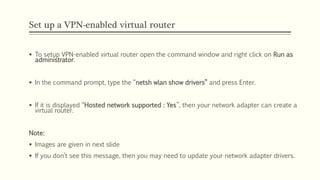
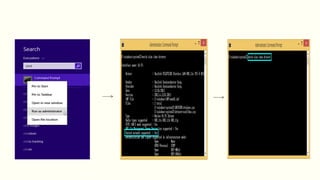
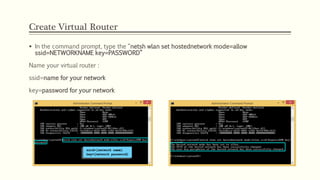
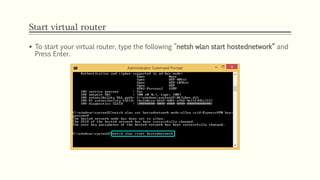
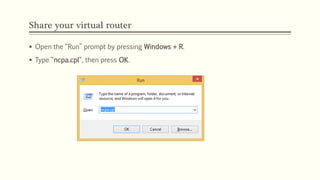
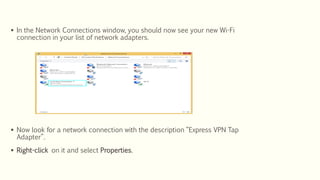
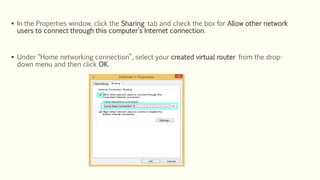


This document provides instructions for setting up a virtual router on a Windows PC to share an ExpressVPN connection. It involves using the command prompt to enable hosting, create a virtual router with an SSID and password, start the hosted network, share the connection, and then connecting to ExpressVPN which will route all traffic through the VPN. Once set up, any WiFi devices can connect to the virtual router to securely access the internet through the VPN connection.


