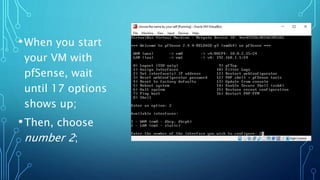
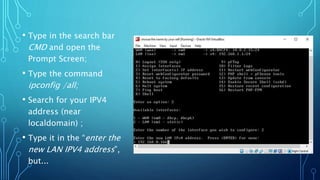
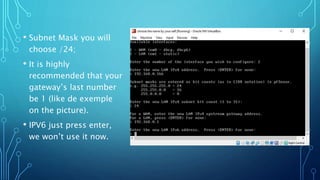
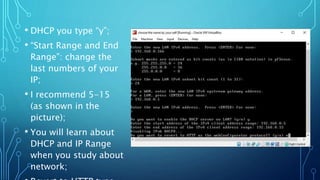
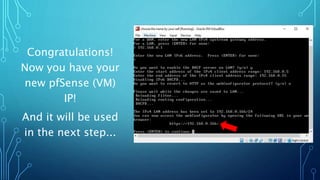
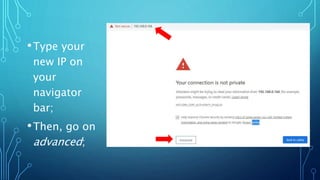
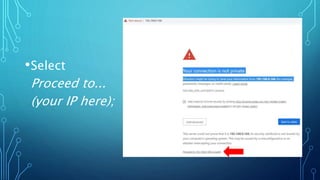
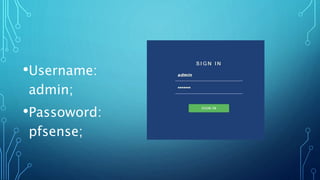
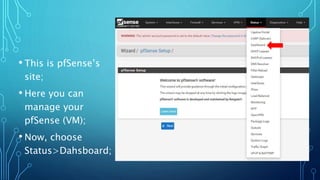
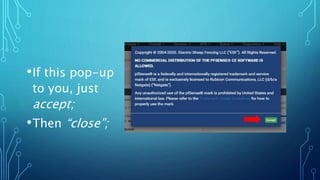
This document provides instructions for configuring a pfSense virtual machine (VM) by assigning it an IP address, subnet mask, gateway, and DHCP range. It explains that when starting the pfSense VM, you should select the second option to open the command prompt. From there, you can find the existing IP address and use that as a basis for assigning the pfSense VM a new IP address with different last numbers. The instructions also outline configuring the subnet mask, gateway, DHCP range, username, and accessing the pfSense dashboard.