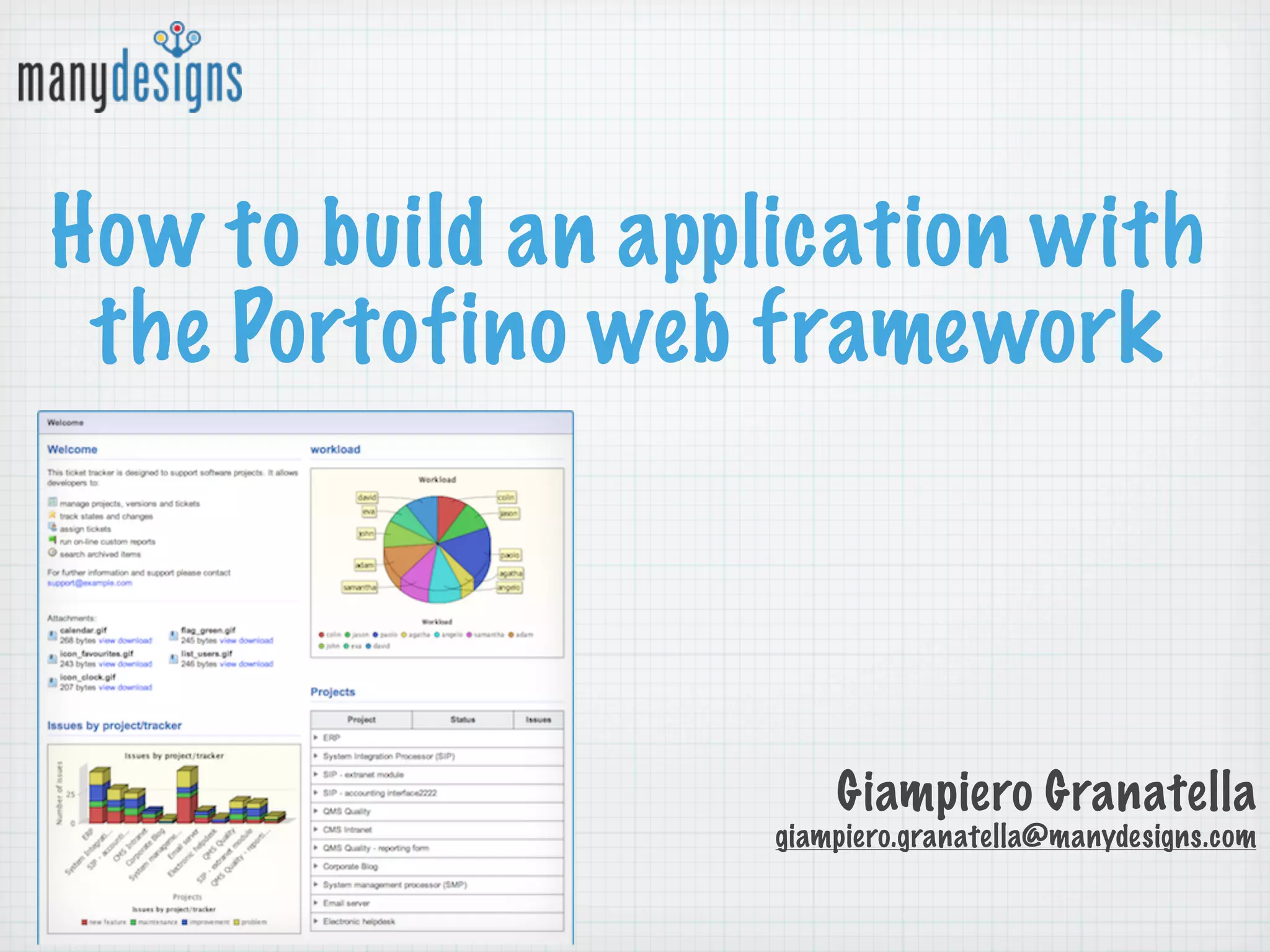
How to build an application with
 the Portofino web framework


                        Giampiero Granatella
                    giampiero.granatella@manydesigns.com
Portofino in a glance
creation of a web application starting from existing databases
powerful, multi-level CRUD pages
CMS features (menu, wysiwyg html editor, portlet)
page customization using Groovy, which allows on-the-fly changes
native support for incremental management of the database schema
using Liquibase
use of well-known and well-tested technologies such as Hibernate,
Stripes, EhCache, Quartz, etc.
native permission handling with Apache Shiro and user management
that can be easily integrated with any SQL, LDAP/Active Directory,
OpenID, ...
and much more!
Who is using Portofino
1,001 Downloads in 2013 (as of 28/2/2013) from
84 countries around the world
Used in
 Public Administration: Regione Emilia Romagna,
 Regione Liguria, Datasiel, Prefettura di Savona
 IIT, Università degli studi di Genova
 Companies: Selex-Elsag, QSA, Celeweb, NIS,
 Nacon, Softeco, Iso Sistemi
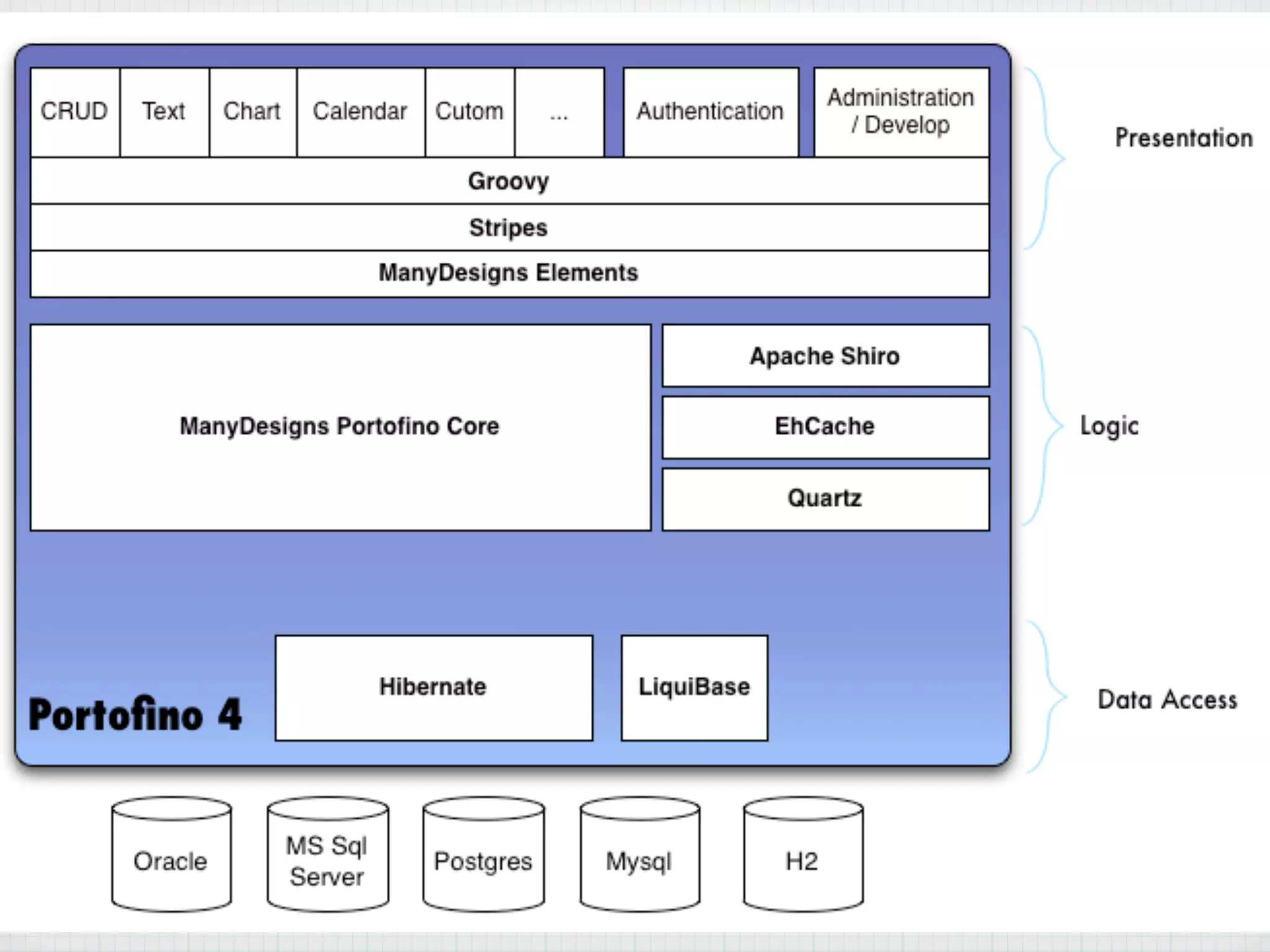
Architecture
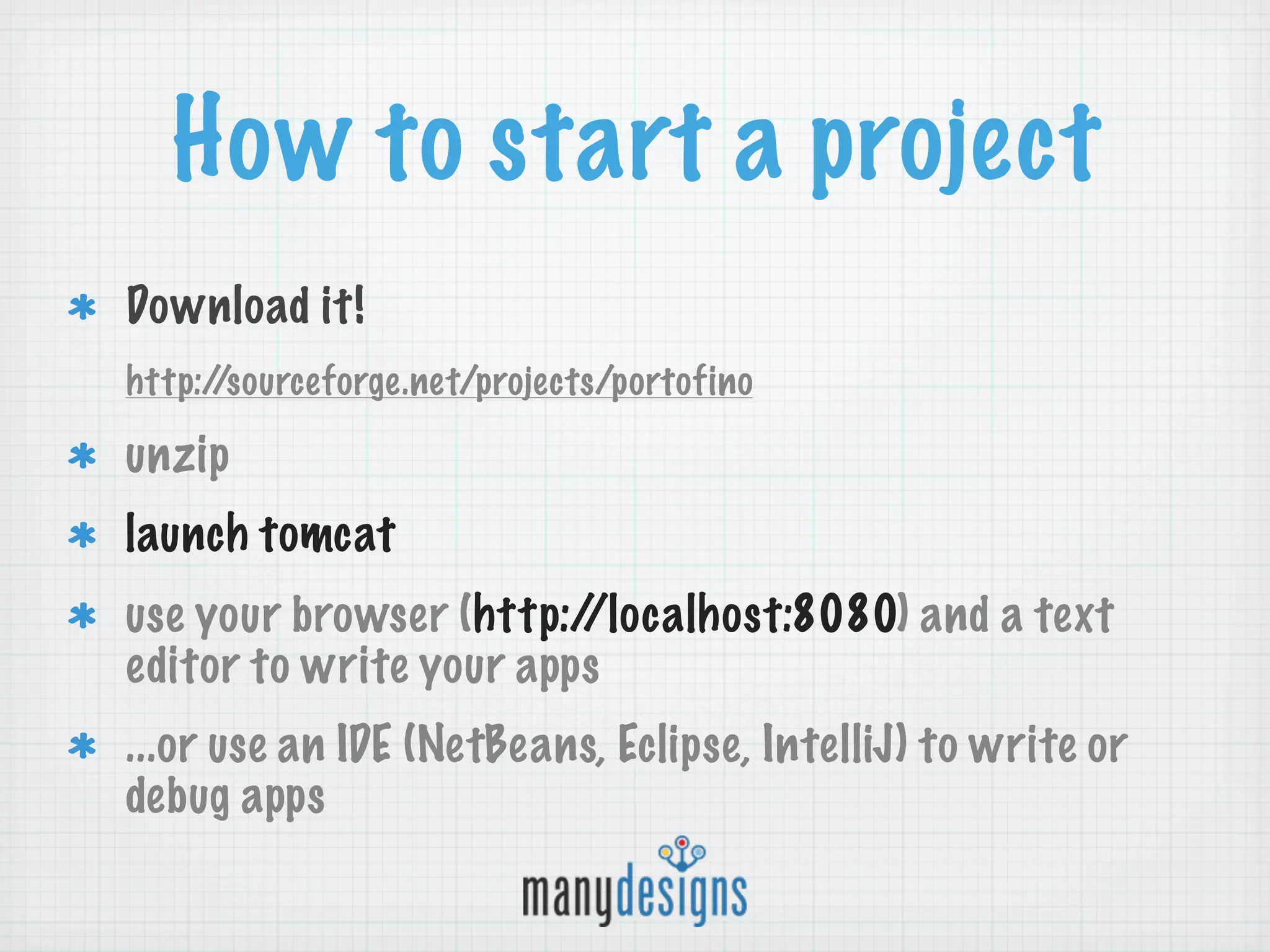
How to start a project
Download it!
http://sourceforge.net/projects/portofino

unzip
launch tomcat
use your browser (http://localhost:8080) and a text
editor to write your apps
...or use an IDE (NetBeans, Eclipse, IntelliJ) to write or
debug apps
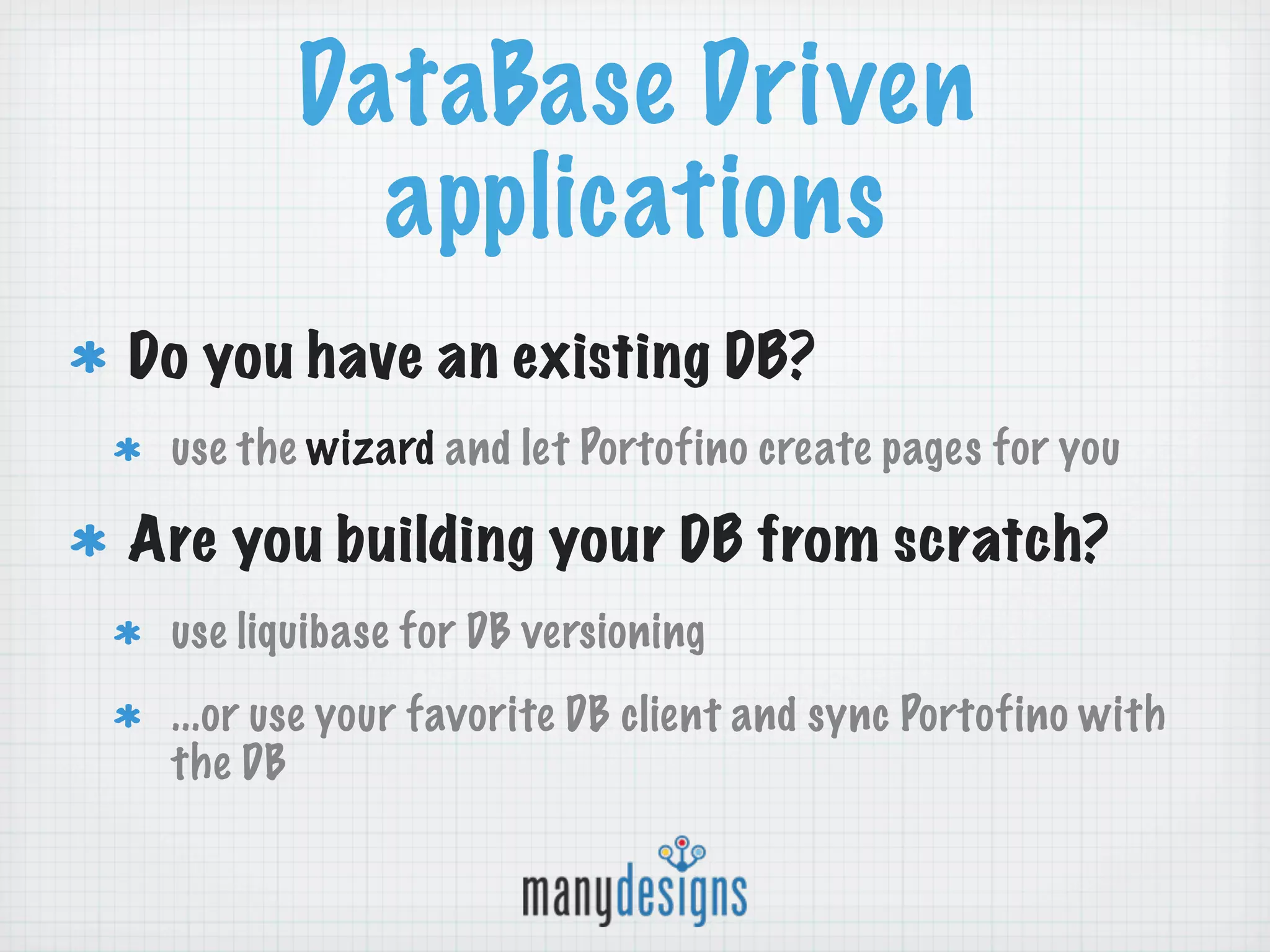
DataBase Driven
          applications
Do you have an existing DB?
 use the wizard and let Portofino create pages for you

Are you building your DB from scratch?
 use liquibase for DB versioning
 ...or use your favorite DB client and sync Portofino with
 the DB
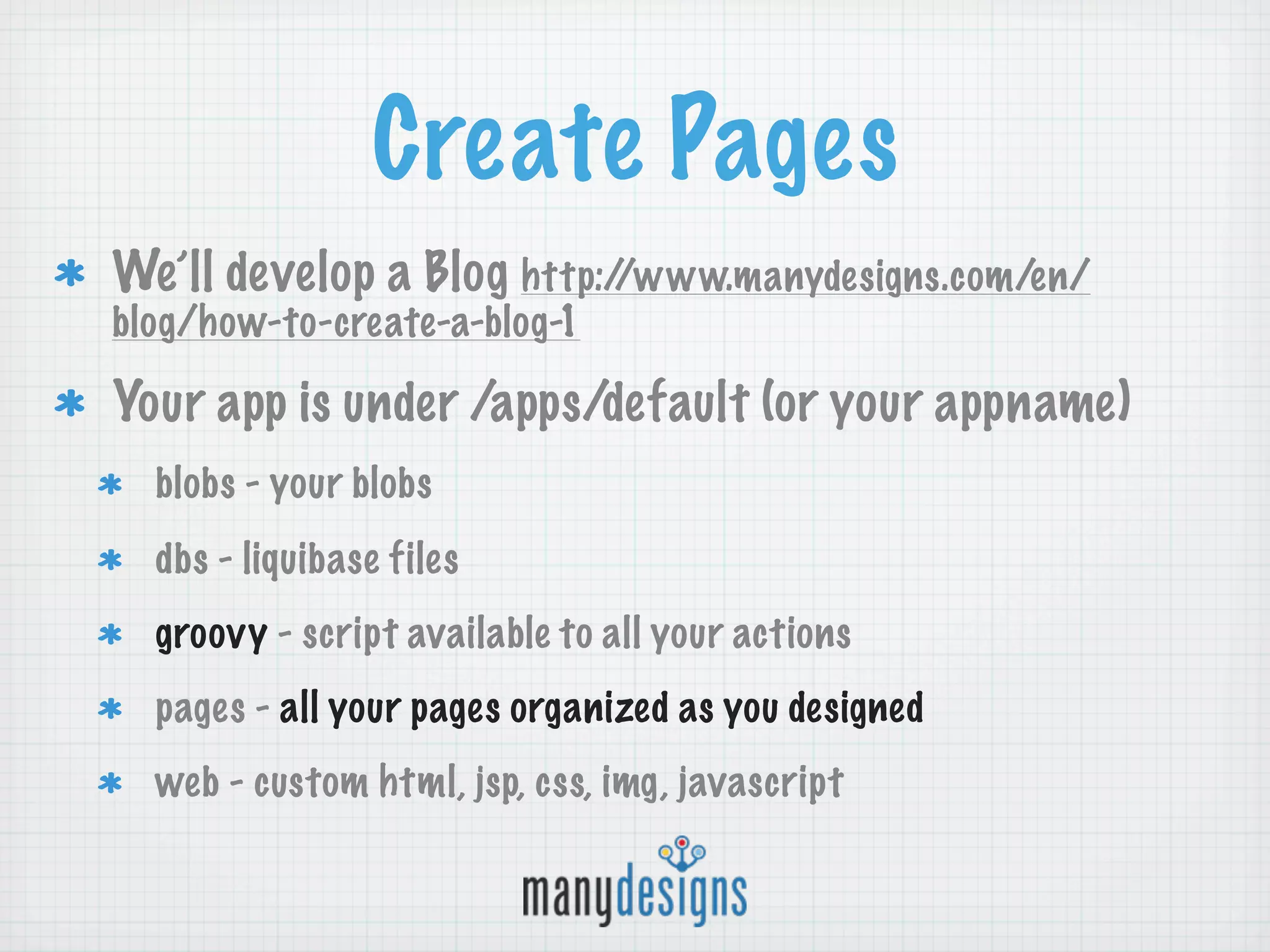
Create Pages
We’ll develop a Blog http://www.manydesigns.com/en/
blog/how-to-create-a-blog-1

Your app is under /apps/default (or your appname)
  blobs - your blobs
  dbs - liquibase files
  groovy - script available to all your actions
  pages - all your pages organized as you designed
  web - custom html, jsp, css, img, javascript
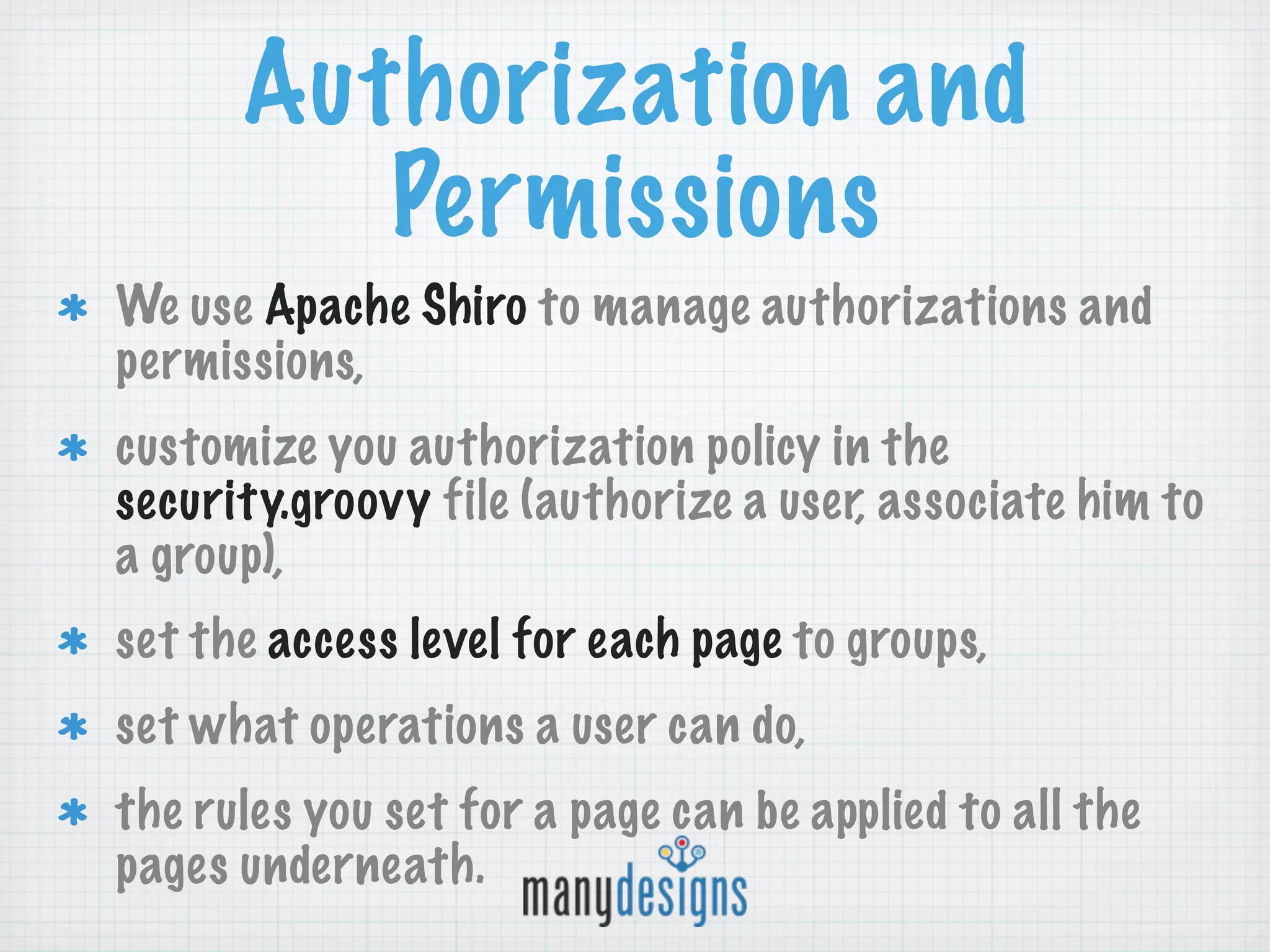
Authorization and
         Permissions
We use Apache Shiro to manage authorizations and
permissions,
customize you authorization policy in the
security.groovy file (authorize a user, associate him to
a group),
set the access level for each page to groups,
set what operations a user can do,
the rules you set for a page can be applied to all the
pages underneath.
Notes on
         customizations
Each page has an associated groovy script,
Portofino gives some hooks (e.g. to customize
validation, to redirect to different pages, ...)
 Write your code in app/groovy and you can use
it in all your actions
Community
Ask questions and join the discussion:
 http://groups.google.com/group/manydesigns-
 portofino
Regional groups:
 http://groups.google.com/group/manydesigns-
 portofino-italian
Questions ?

How to build a Portofino application

  • 1.
    How to buildan application with the Portofino web framework Giampiero Granatella giampiero.granatella@manydesigns.com
  • 2.
    Portofino in aglance creation of a web application starting from existing databases powerful, multi-level CRUD pages CMS features (menu, wysiwyg html editor, portlet) page customization using Groovy, which allows on-the-fly changes native support for incremental management of the database schema using Liquibase use of well-known and well-tested technologies such as Hibernate, Stripes, EhCache, Quartz, etc. native permission handling with Apache Shiro and user management that can be easily integrated with any SQL, LDAP/Active Directory, OpenID, ... and much more!
  • 3.
    Who is usingPortofino 1,001 Downloads in 2013 (as of 28/2/2013) from 84 countries around the world Used in Public Administration: Regione Emilia Romagna, Regione Liguria, Datasiel, Prefettura di Savona IIT, Università degli studi di Genova Companies: Selex-Elsag, QSA, Celeweb, NIS, Nacon, Softeco, Iso Sistemi
  • 4.
  • 5.
    How to starta project Download it! http://sourceforge.net/projects/portofino unzip launch tomcat use your browser (http://localhost:8080) and a text editor to write your apps ...or use an IDE (NetBeans, Eclipse, IntelliJ) to write or debug apps
  • 6.
    DataBase Driven applications Do you have an existing DB? use the wizard and let Portofino create pages for you Are you building your DB from scratch? use liquibase for DB versioning ...or use your favorite DB client and sync Portofino with the DB
  • 7.
    Create Pages We’ll developa Blog http://www.manydesigns.com/en/ blog/how-to-create-a-blog-1 Your app is under /apps/default (or your appname) blobs - your blobs dbs - liquibase files groovy - script available to all your actions pages - all your pages organized as you designed web - custom html, jsp, css, img, javascript
  • 8.
    Authorization and Permissions We use Apache Shiro to manage authorizations and permissions, customize you authorization policy in the security.groovy file (authorize a user, associate him to a group), set the access level for each page to groups, set what operations a user can do, the rules you set for a page can be applied to all the pages underneath.
  • 9.
    Notes on customizations Each page has an associated groovy script, Portofino gives some hooks (e.g. to customize validation, to redirect to different pages, ...) Write your code in app/groovy and you can use it in all your actions
  • 10.
    Community Ask questions andjoin the discussion: http://groups.google.com/group/manydesigns- portofino Regional groups: http://groups.google.com/group/manydesigns- portofino-italian
  • 11.