






High-Load Storage of Users’ Actions with ScyllaDB and HDDs

Editor's Notes

  • #4 Let’s talk numbers Does not include bots, only real users
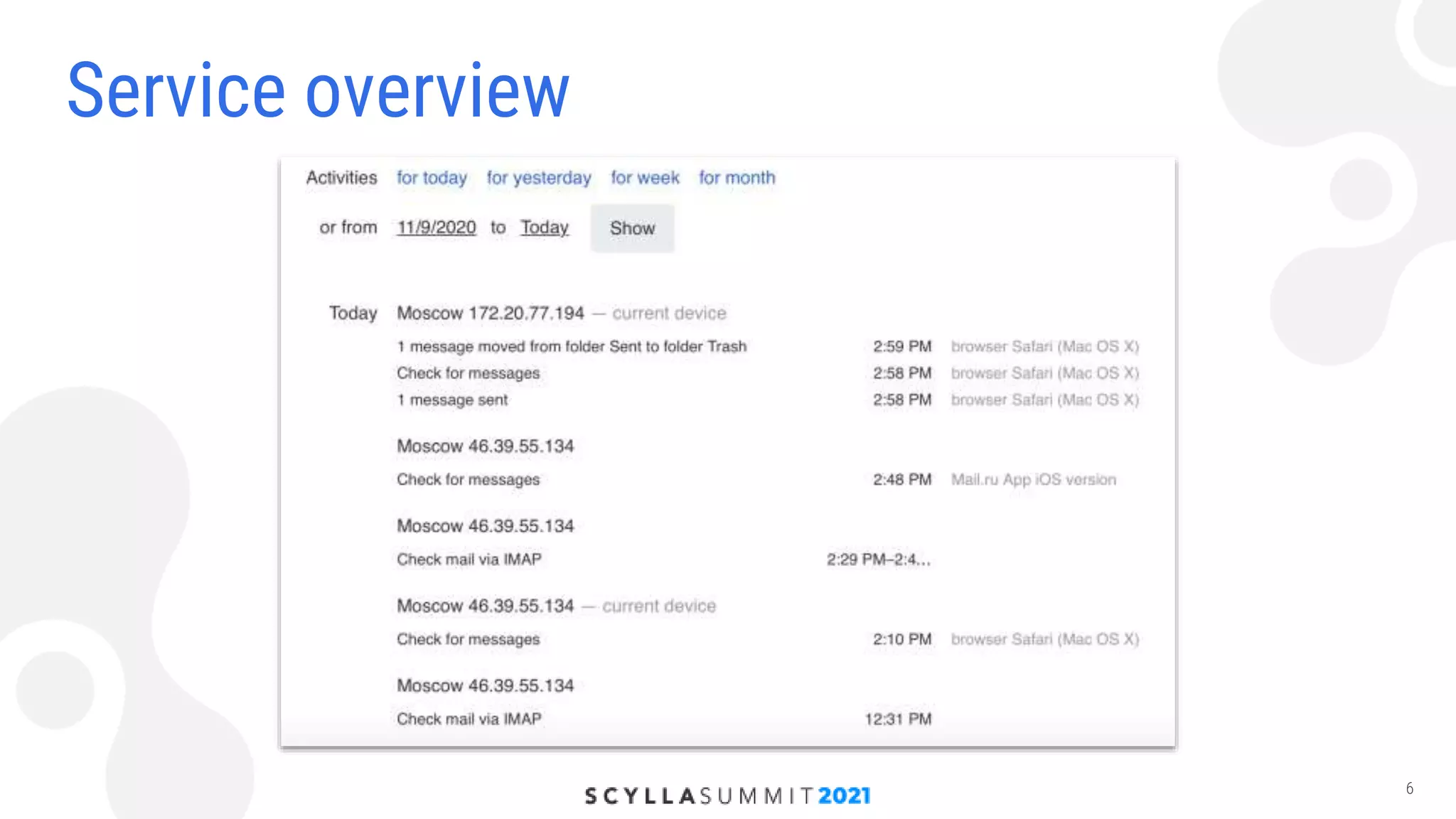
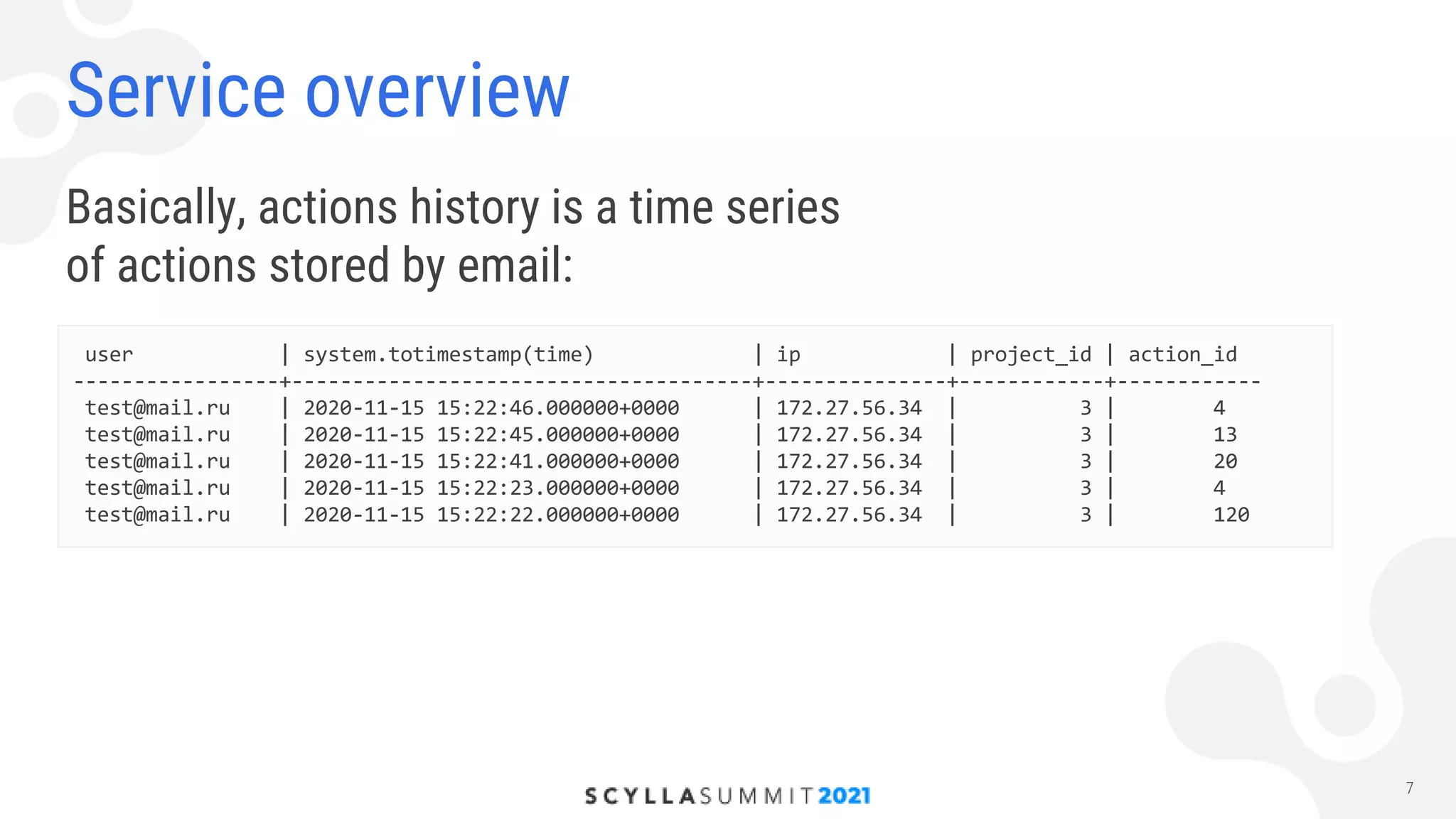
  • #7 We store every action User may want to see what happened in his mailbox Another examples: investigating possible attacks, sorting out user complaints
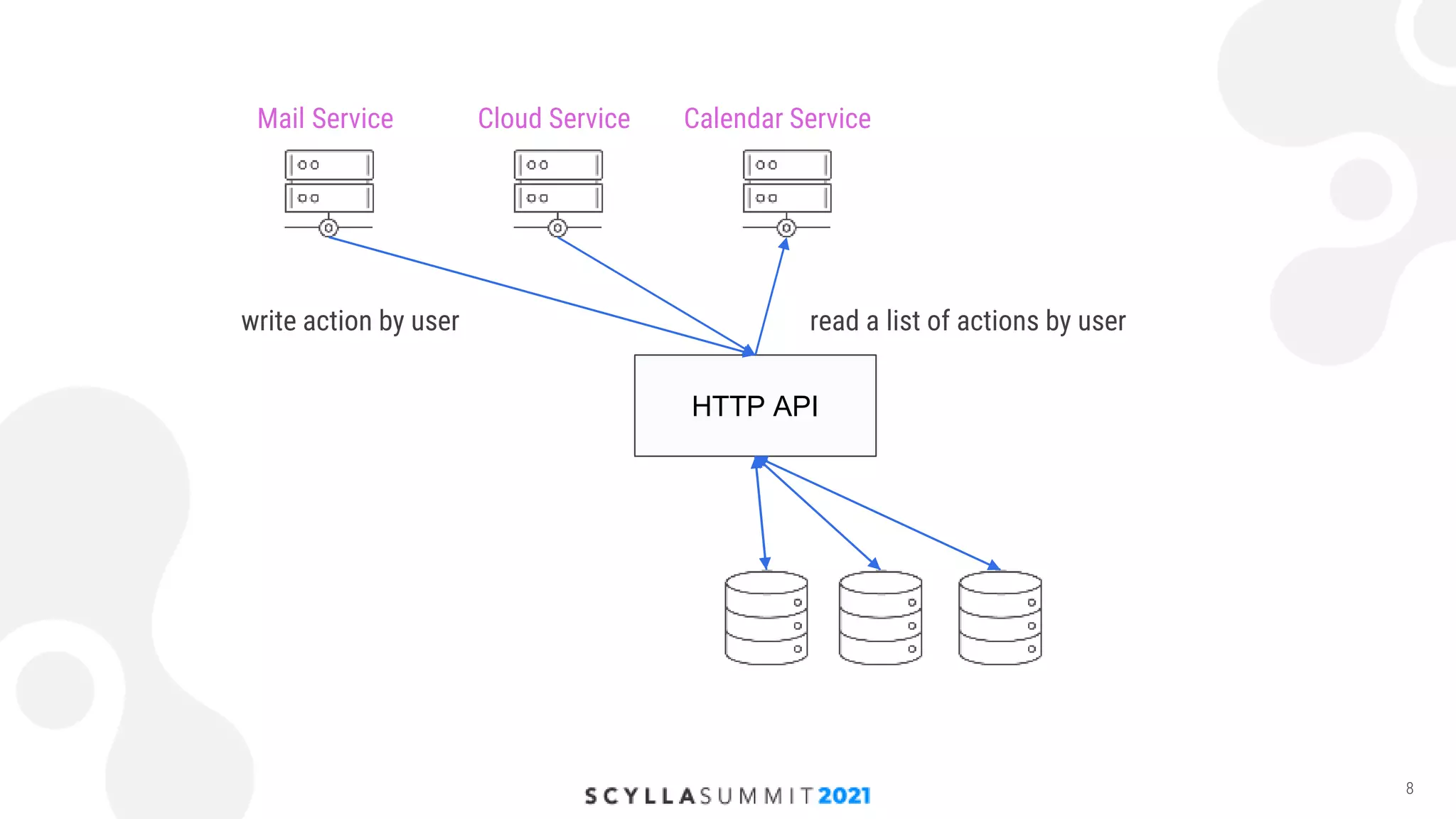
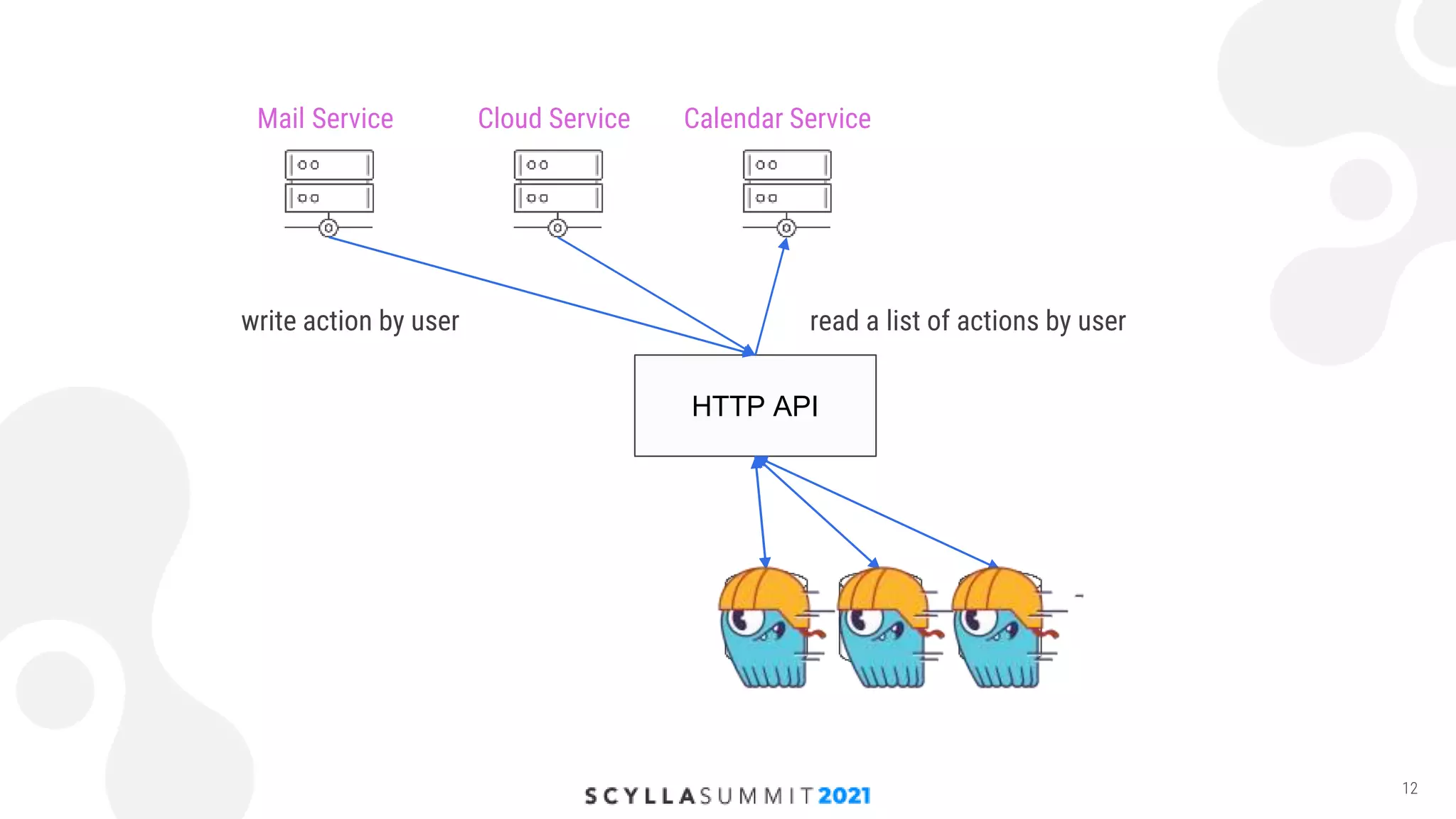
  • #9 The thing that we wanted to replace in this scheme was the storage
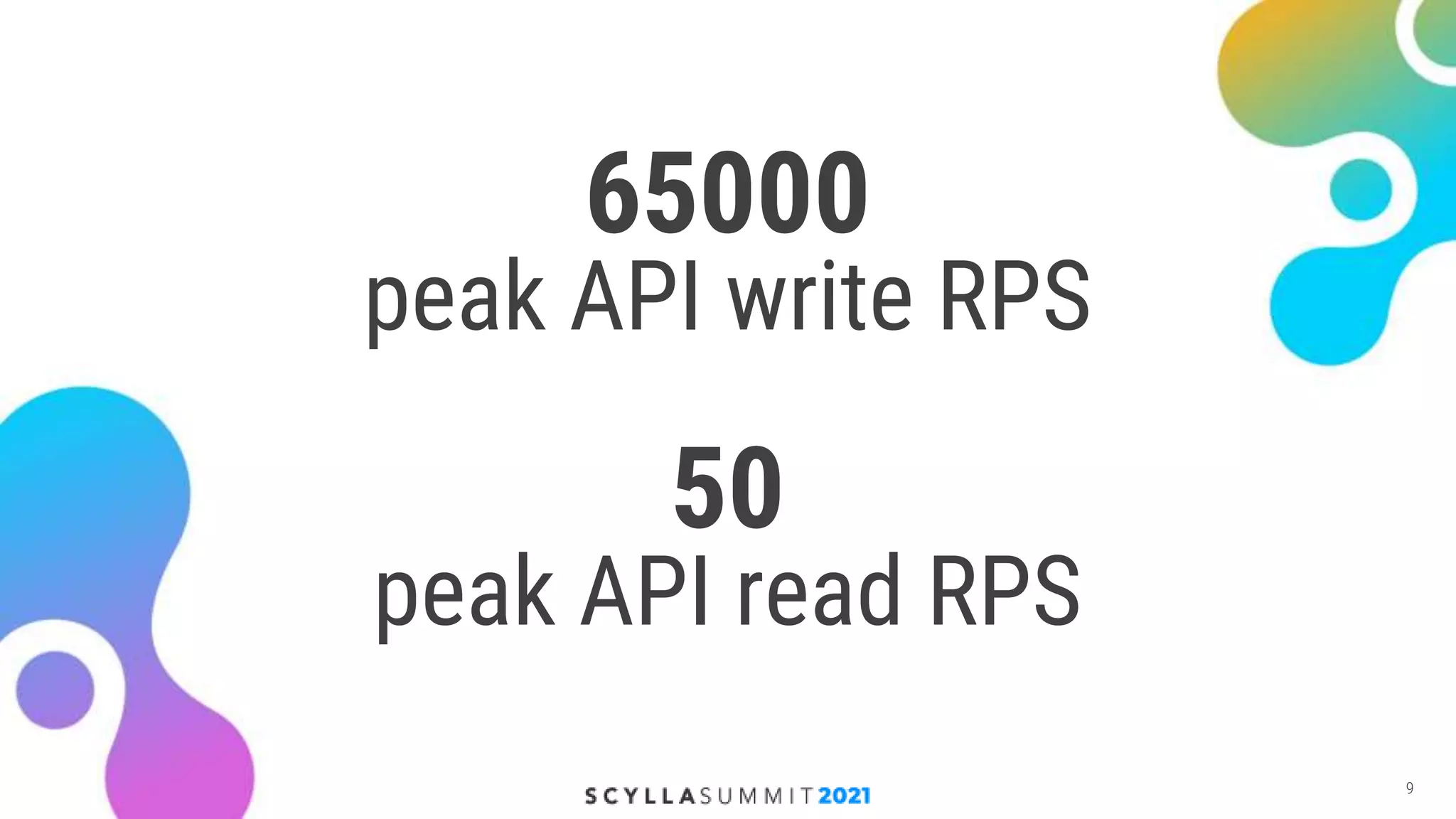
  • #10 Writes prevail 1000 times
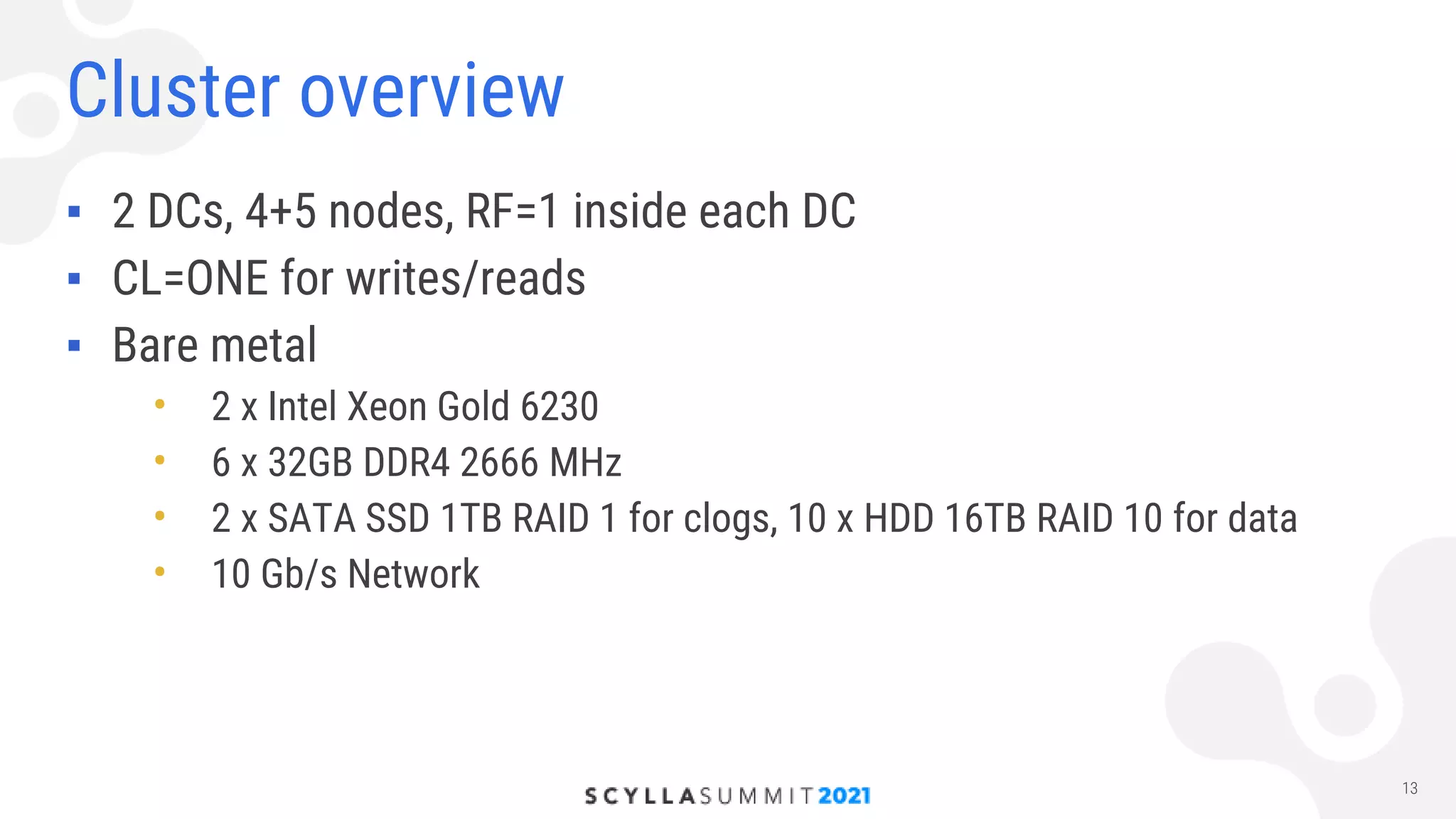
  • #13 The thing that we wanted to replace in this scheme was the storage
  • #14 Tell why we have different amount of nodes in different dcs Think what to answer to questions about CL=ONE We want to be available when a DC goes down, it’s ok for us to serve inconsistent read requests
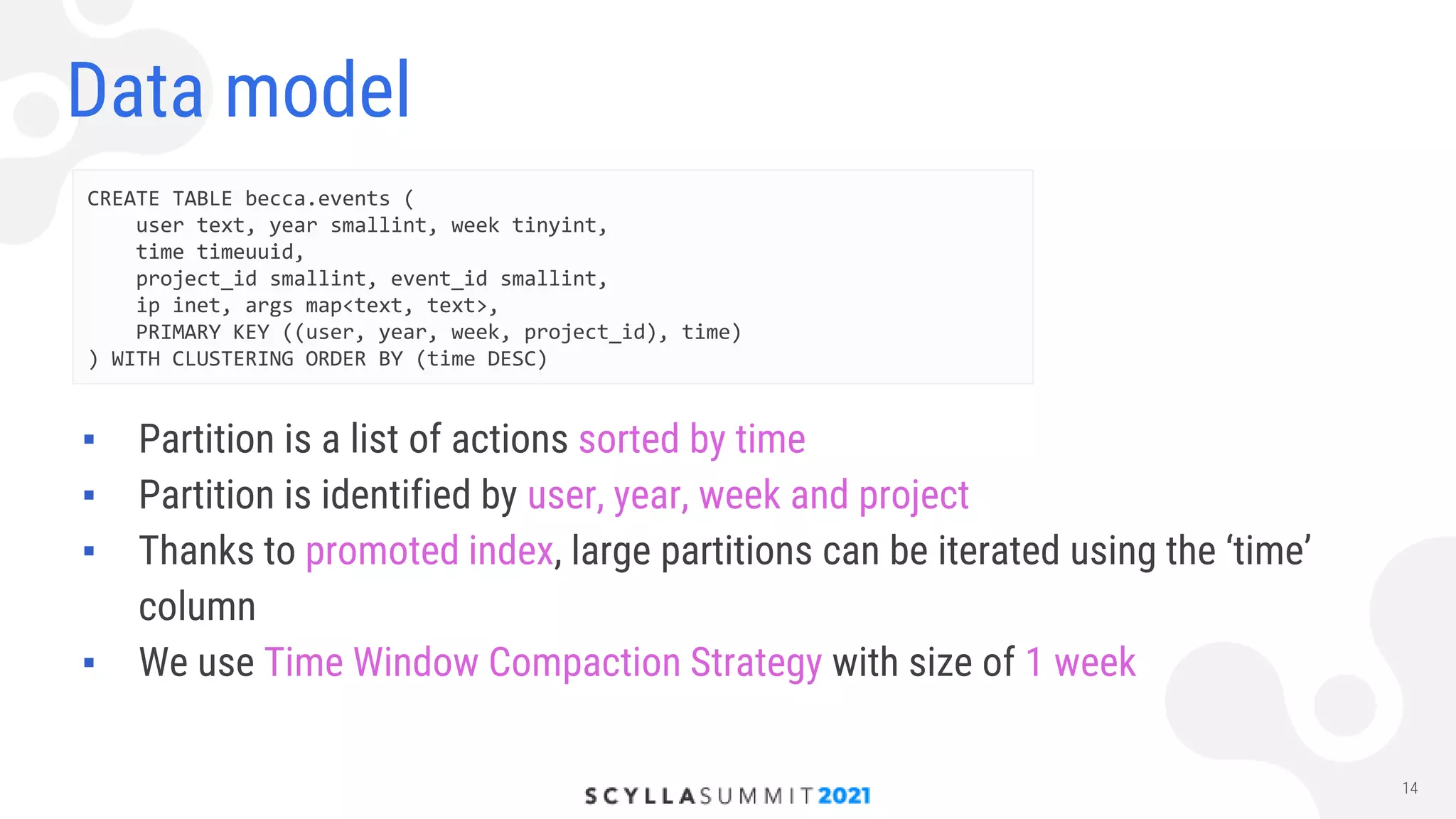
  • #15 All user data is split by weeks and projects
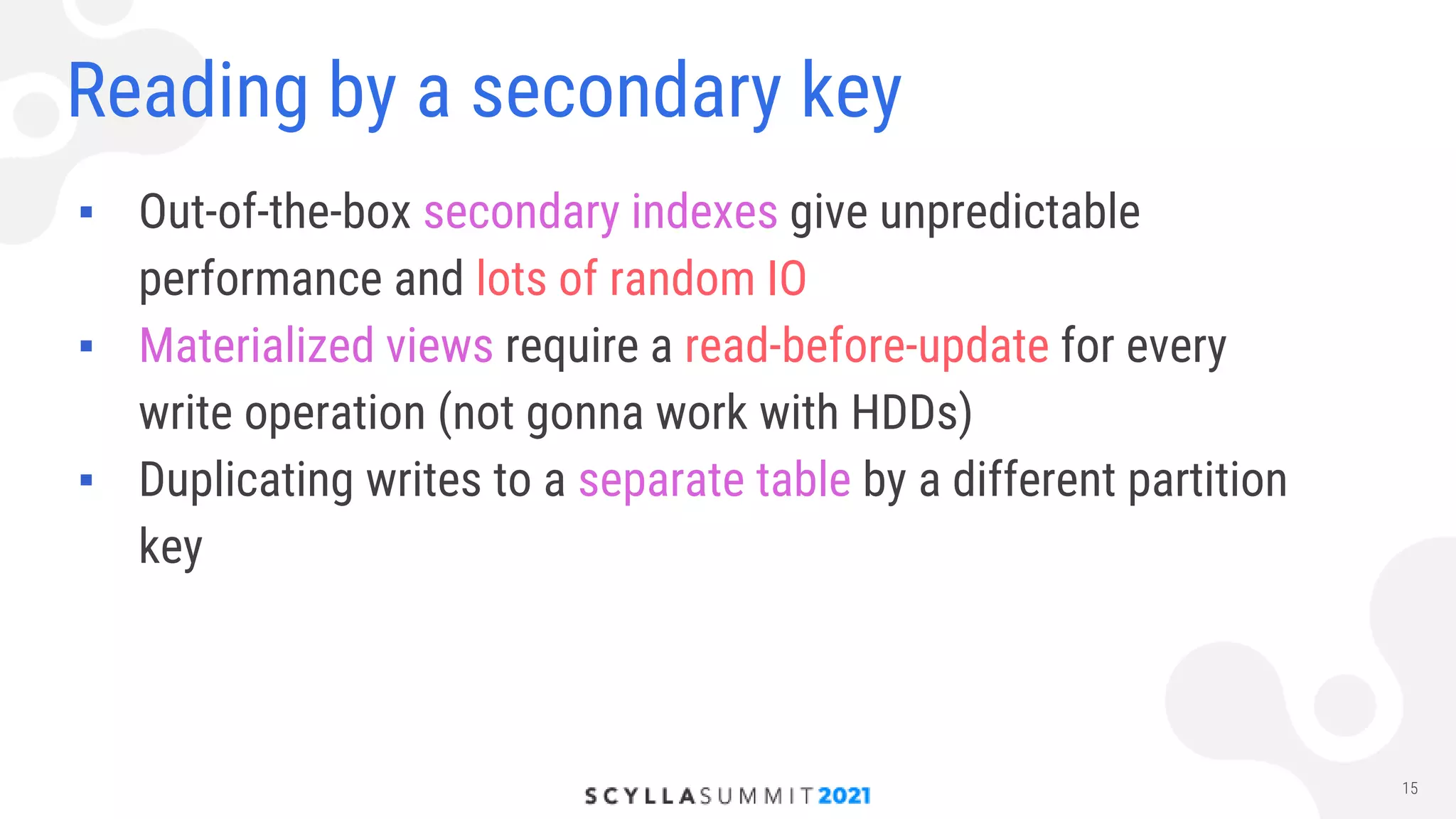
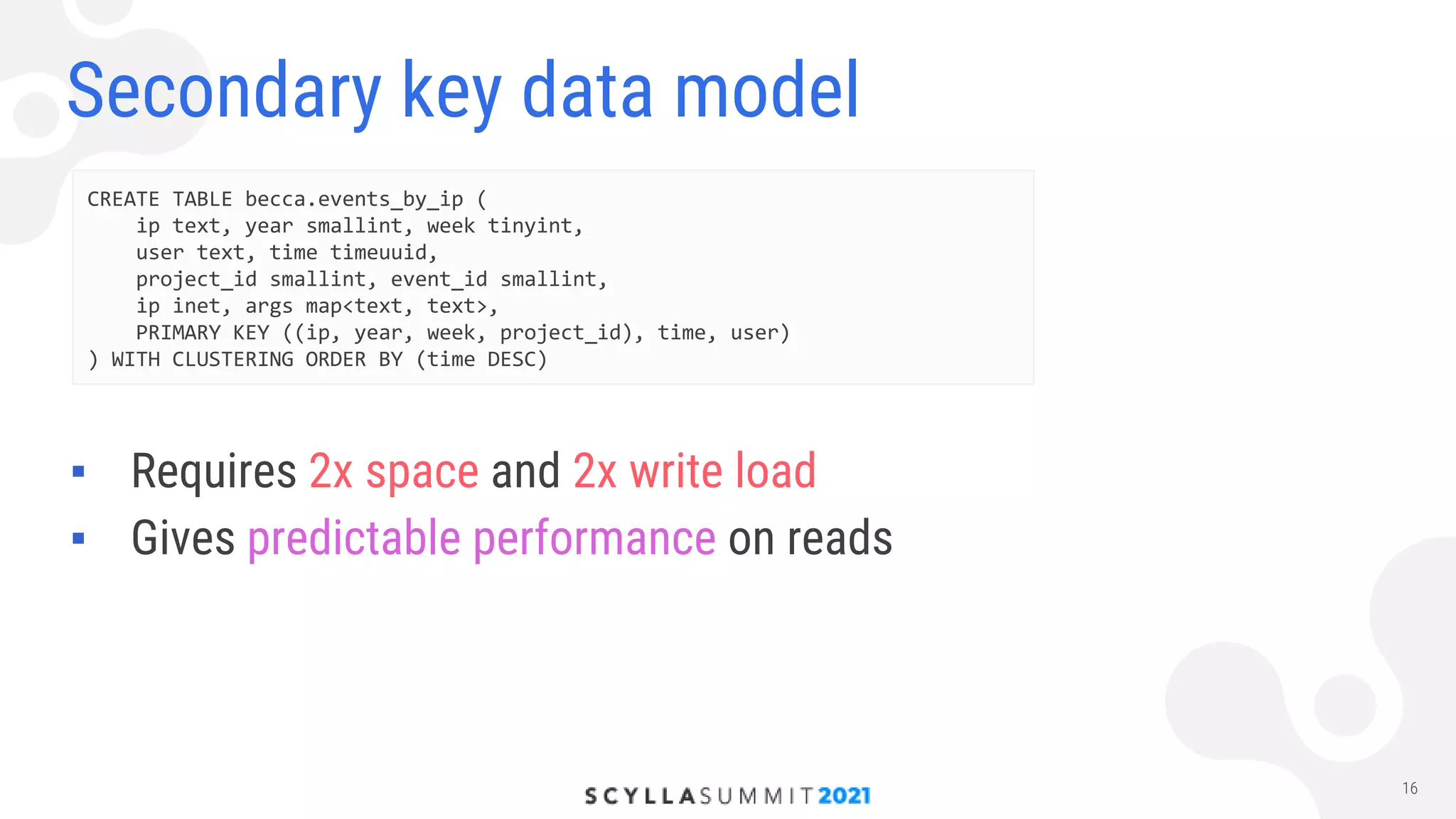
  • #16 Ambiguous number of network requests to other nodes Can’t trasform all those writes to reads We create another table and duplicate all writes there from the app
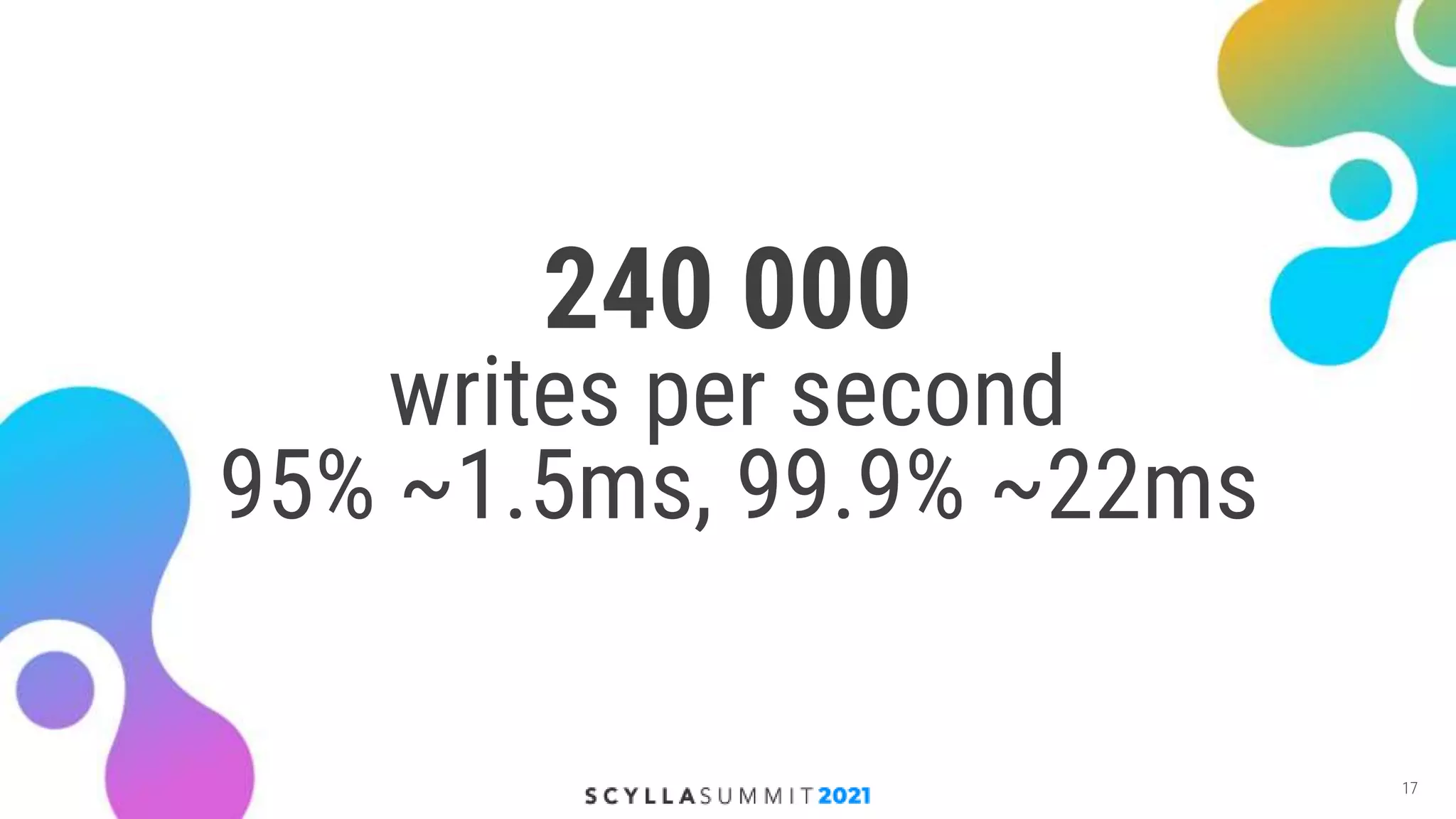
  • #17 All user data is split by weeks and projects
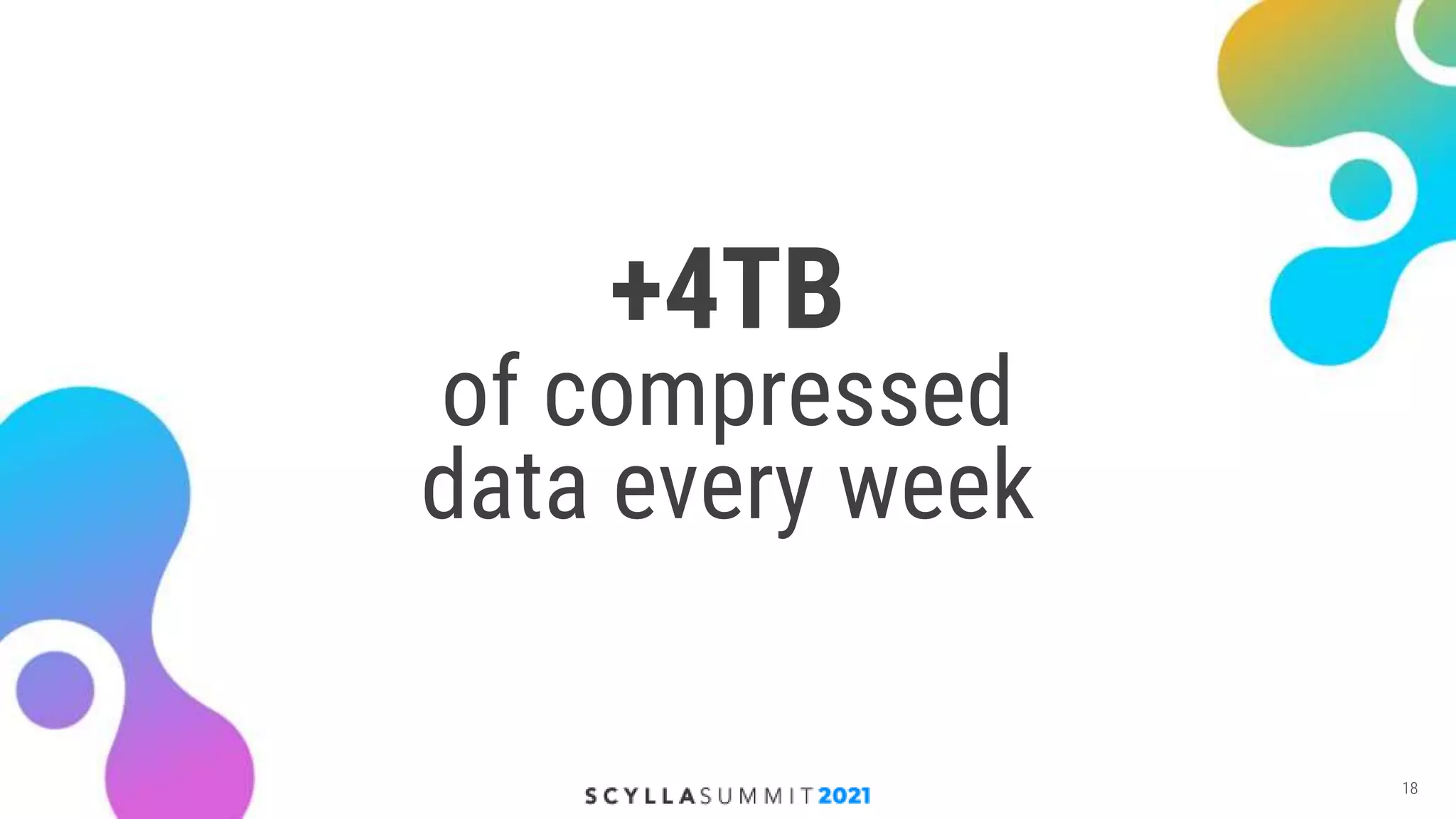
  • #18 Latencies are measured from client RPS == API rps + RF + secondary index
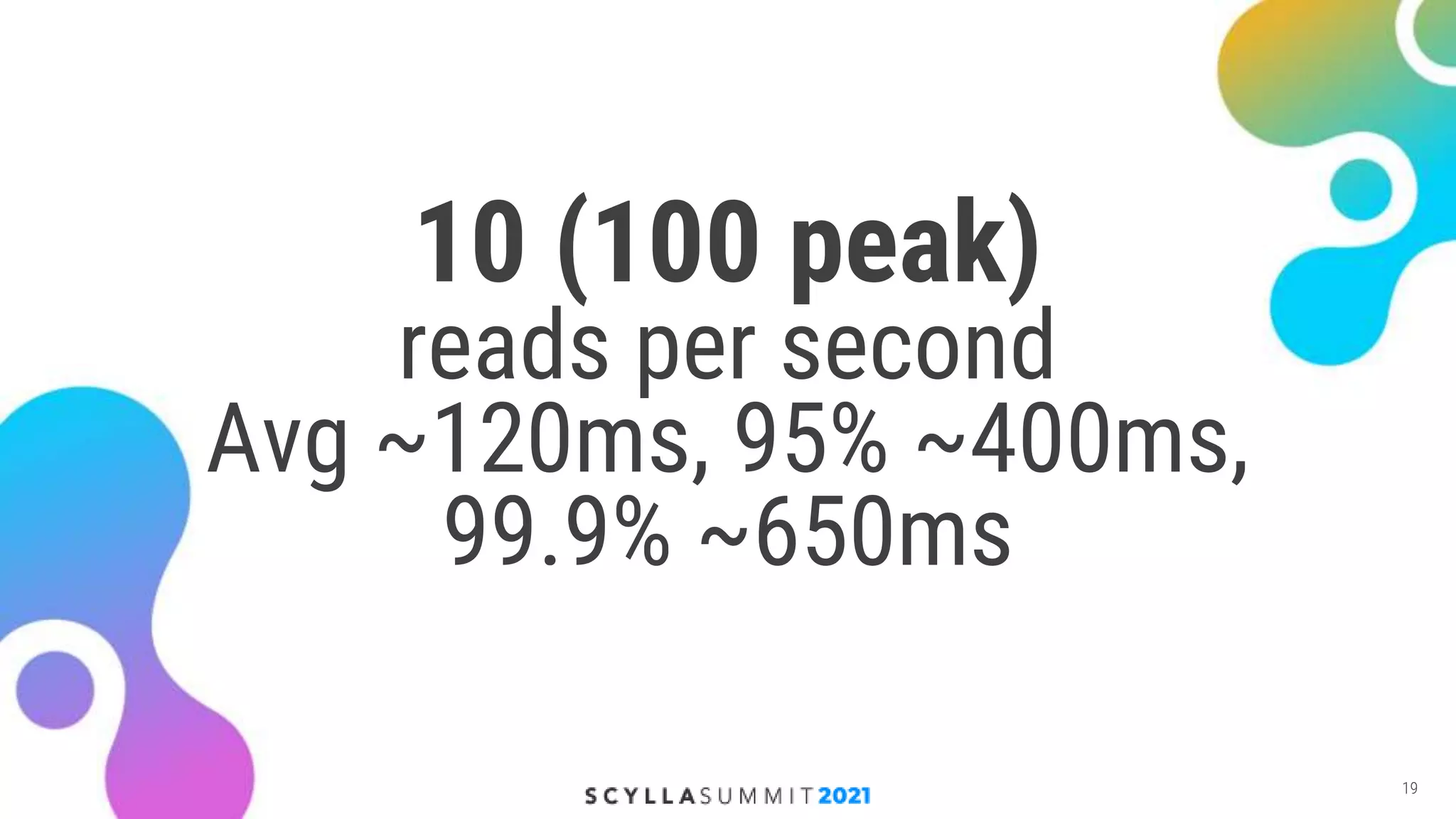
  • #19 Remind that we are talking about HDDs
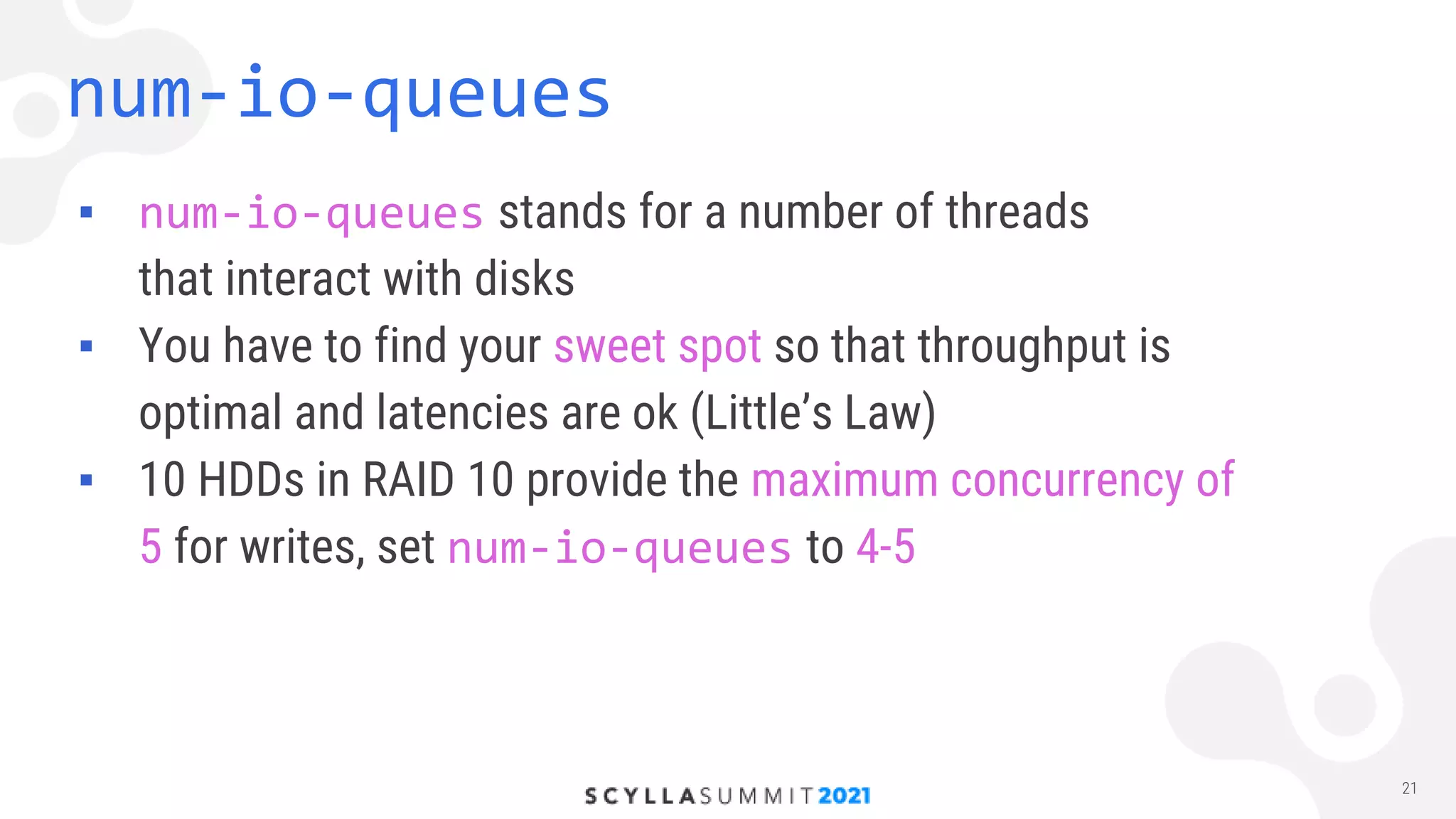
  • #21 They do not recommend hdds It is reasonable
  • #22 In ssd setups it will be probably set to some large value like number of shards The most accurate way is to run benchmarks with different values for num-io-queue
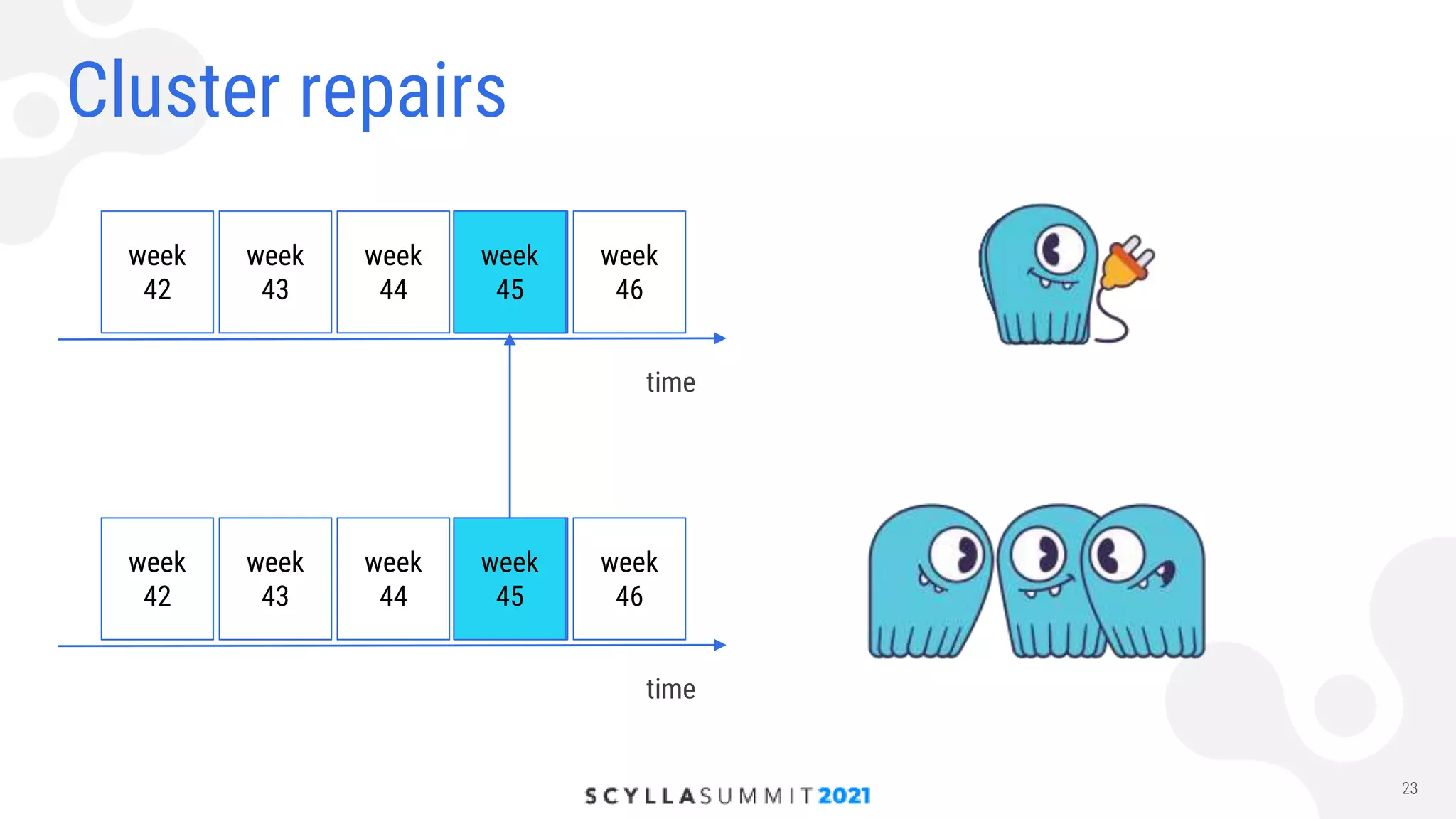
  • #24 Lets say one node failed and we know the exact moment of time when it happened Normally nodetool repair would run full scan but we now the exact moment when problem happened We need to go to nodes from a different DC, transfer data to the affected node and run nodetool repair
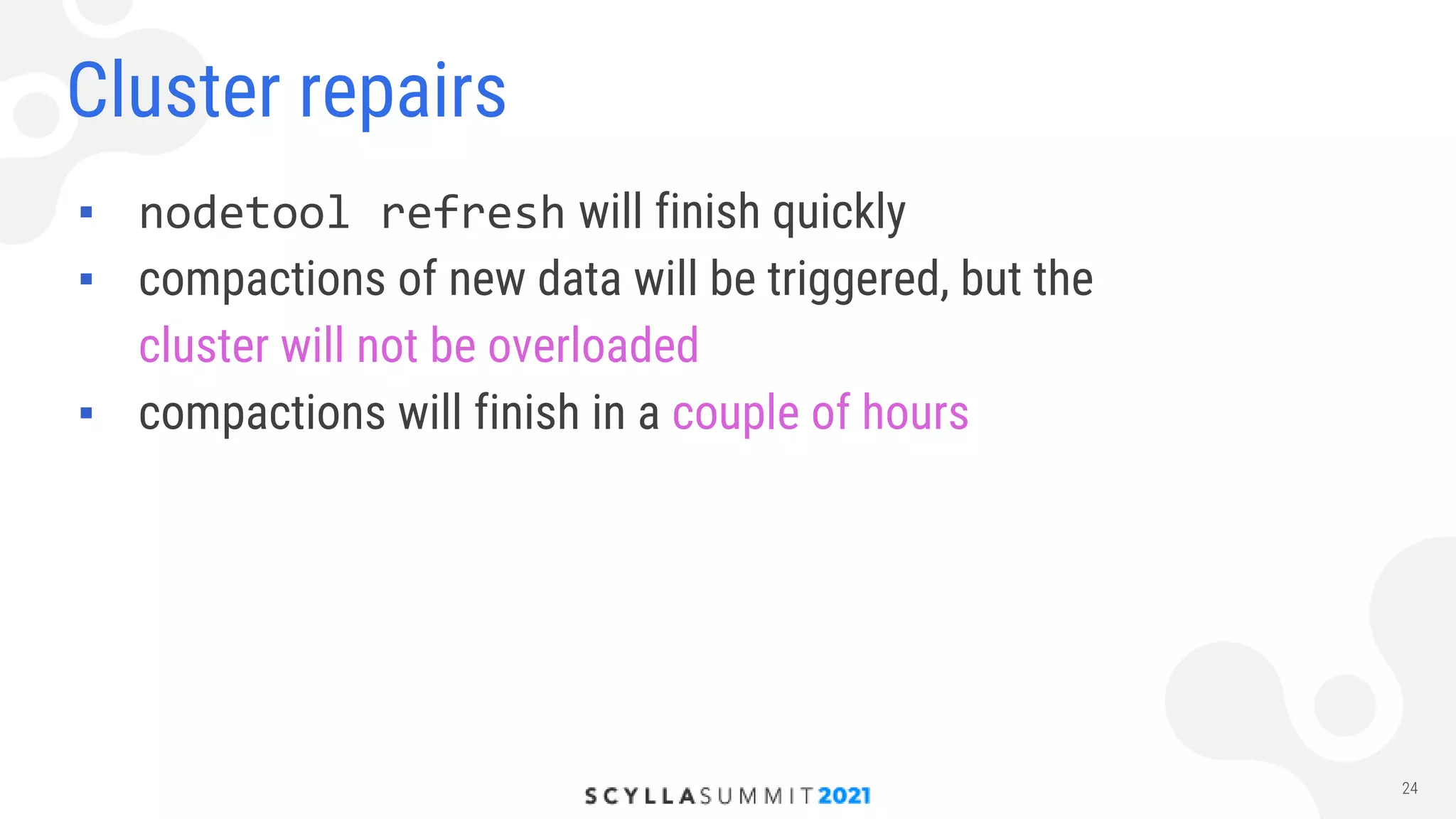
  • #25 Refresh will finish soon, then go compactions that do not overload cluster and in our case finished in 6 hours
  • #26 Latencies stay in a reasonable range Resharding is slow but faster than repair and does not overaload cluster
  • #27 Dedicated a whole section for problems with HDDs, what for