Download as PDF, PPTX





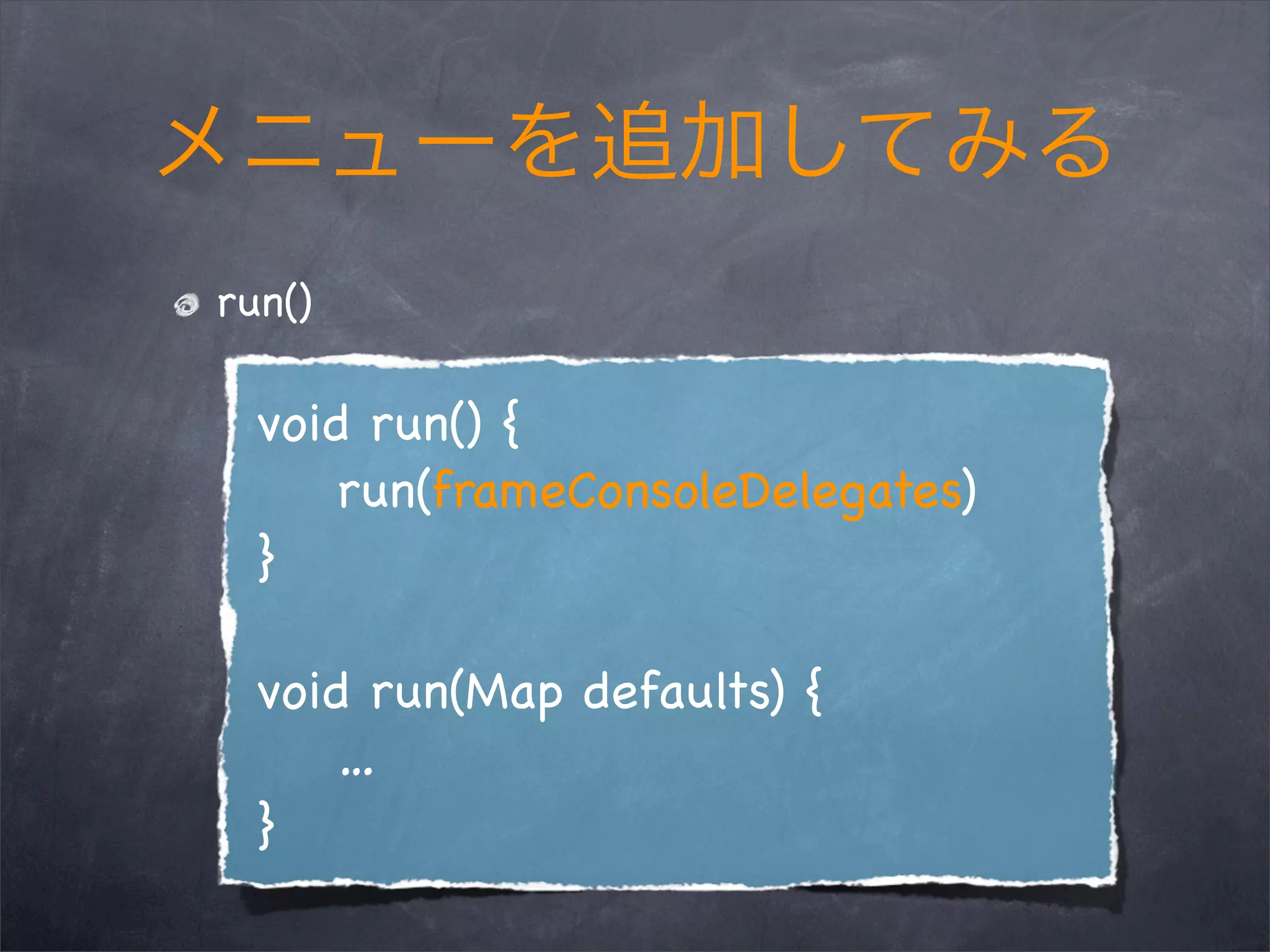
![frameConsoleDelegates
static def frameConsoleDelegates = [
rootContainerDelegate: {
…
}
menuBarDelegate: {arg->
current.JMenuBar = build(arg)
}
];](https://image.slidesharecdn.com/groovyconsole-110617101416-phpapp02/75/GroovyConsole-17-2048.jpg)
![new Console().run(
Console.frameConsoleDelegates <<
[menuBarDelegate: {arg->
current.JMenuBar = build(arg)
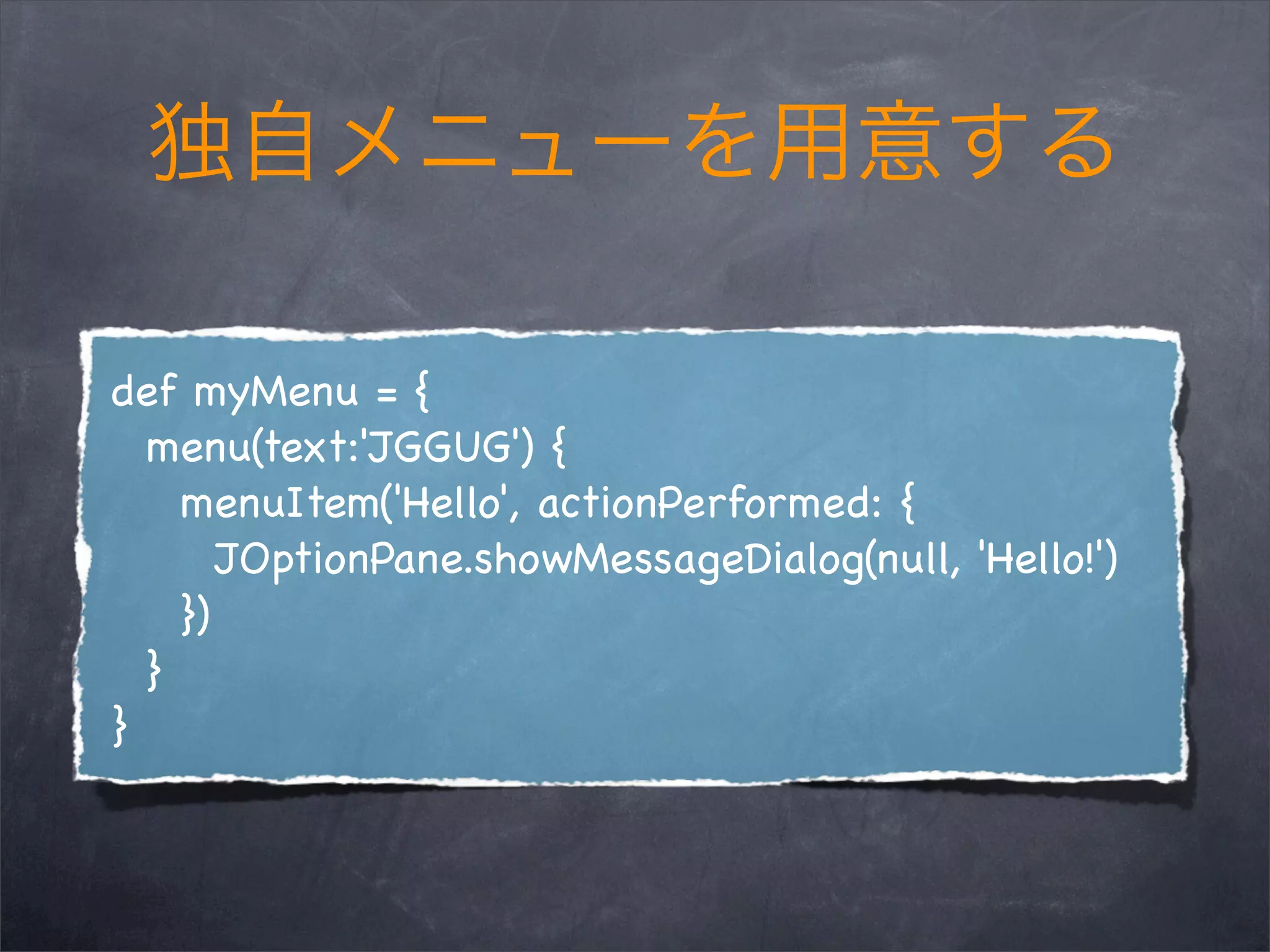
current.JMenuBar.add(build(myMenu))
}]
)](https://image.slidesharecdn.com/groovyconsole-110617101416-phpapp02/75/GroovyConsole-19-2048.jpg)



![Groovy
GROOVY_SOURCE_EXTENSIONS =
['*.groovy', '*.gvy', '*.gy', '*.gsh']](https://image.slidesharecdn.com/groovyconsole-110617101416-phpapp02/75/GroovyConsole-25-2048.jpg)

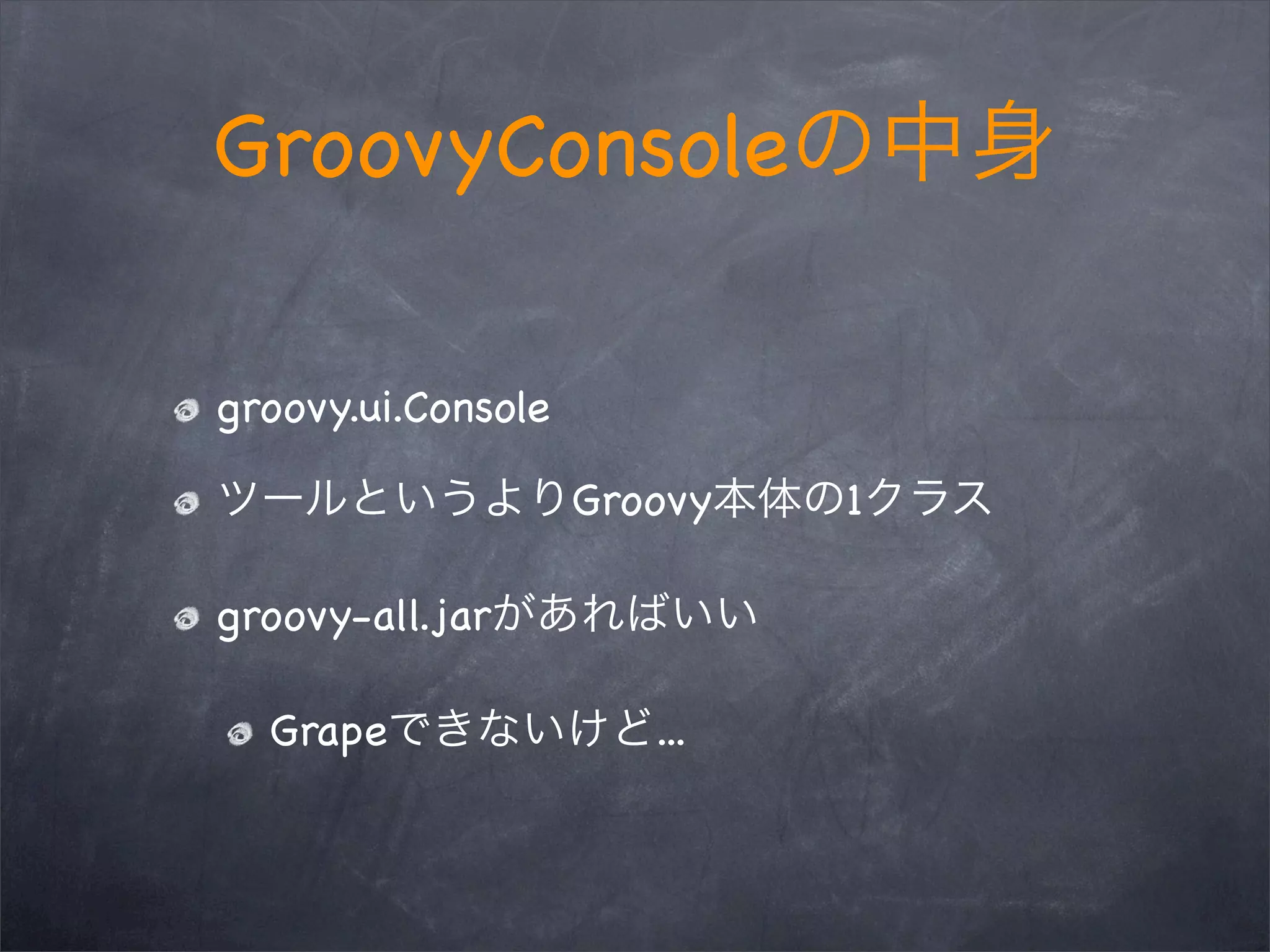
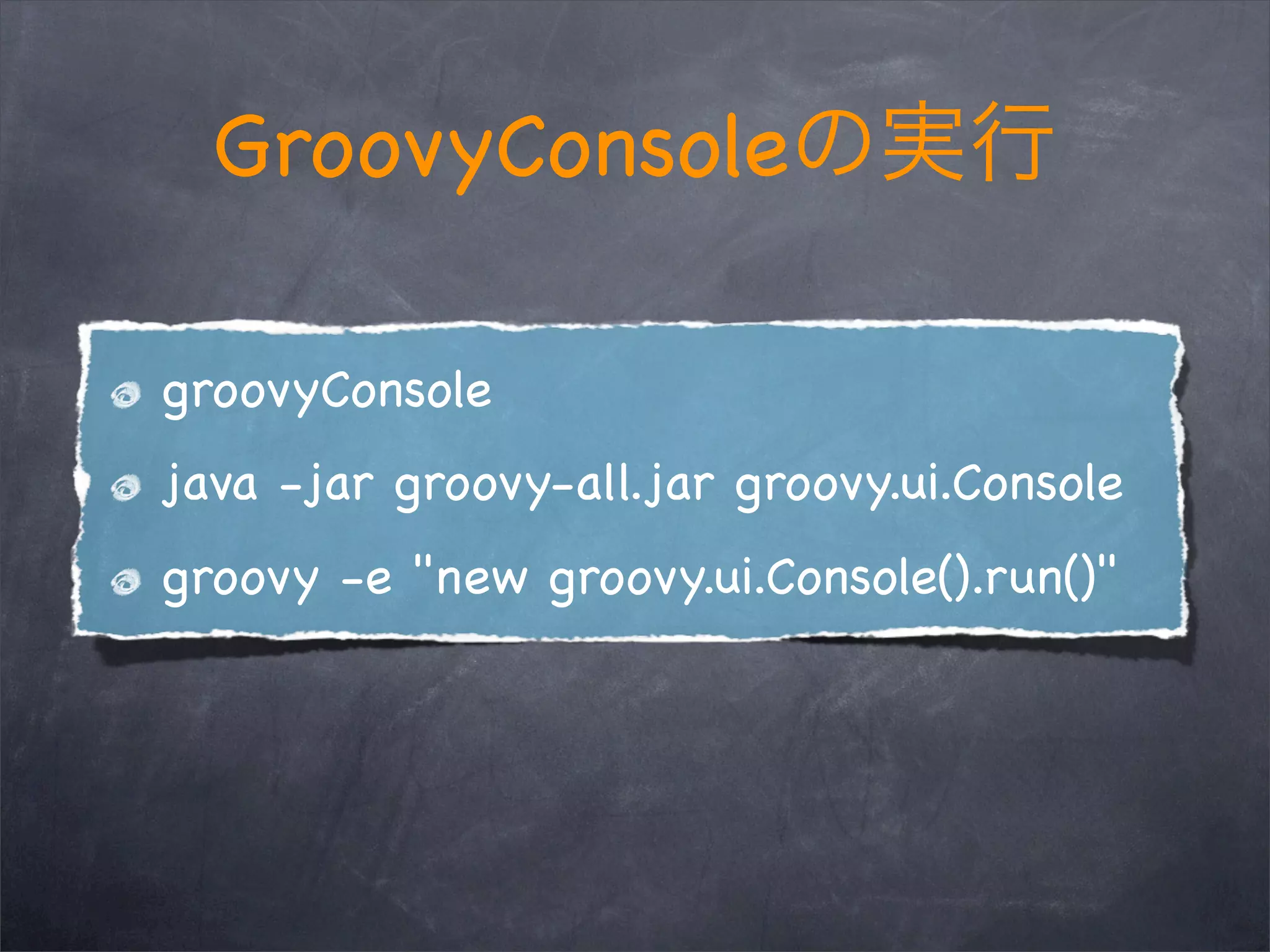
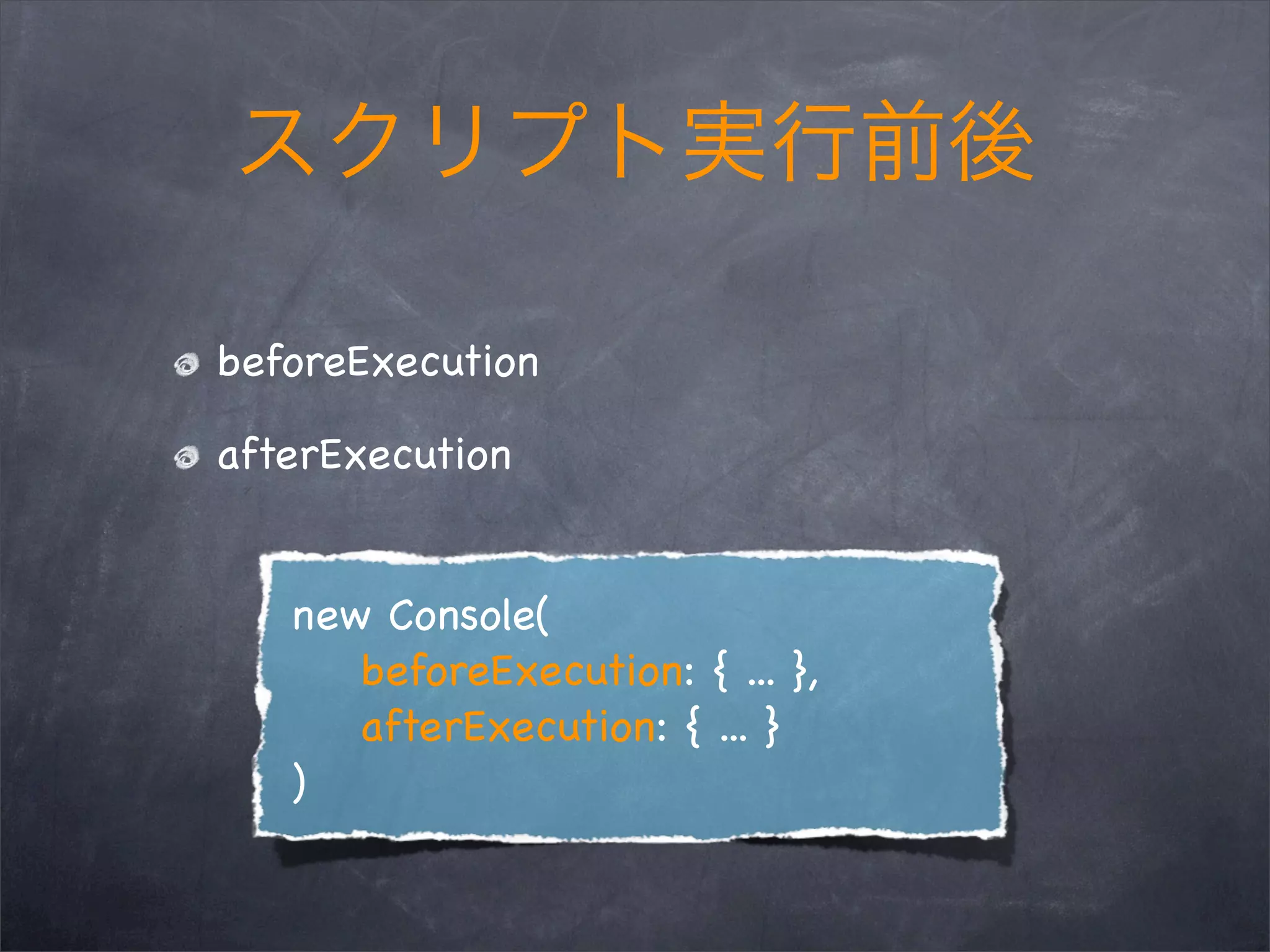
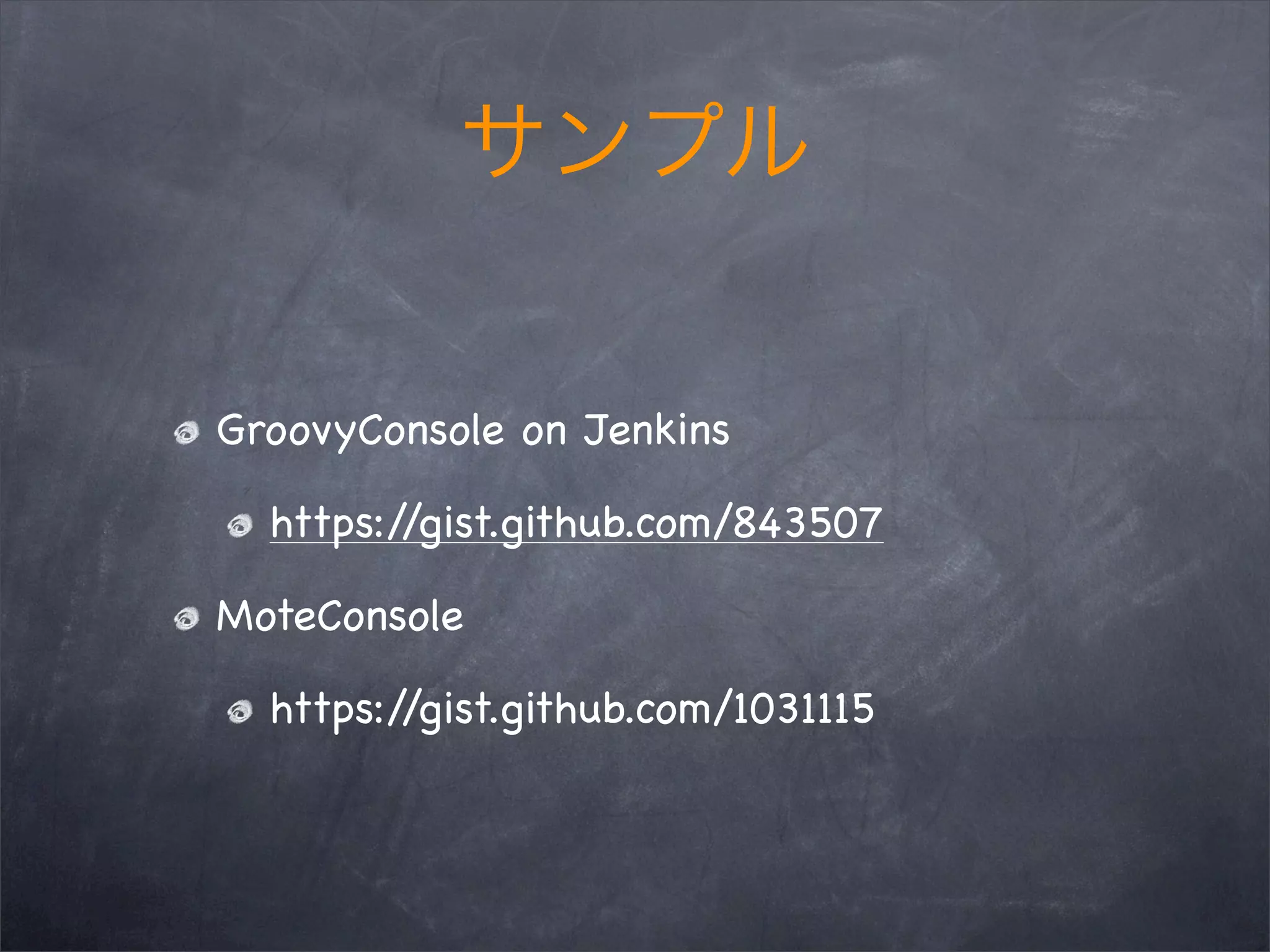
The document discusses using GroovyConsole to run Groovy scripts and provides an interactive shell for Groovy. GroovyConsole allows adding custom menus and running code before and after script execution. It can be run from the command line with Java or by calling methods on the GroovyConsole class. The document also provides examples of running GroovyConsole on Jenkins and using MoteConsole as alternatives.


