&Graphics Performance
&Chet Haase Romain Guy
Architecture
Reordering & merging
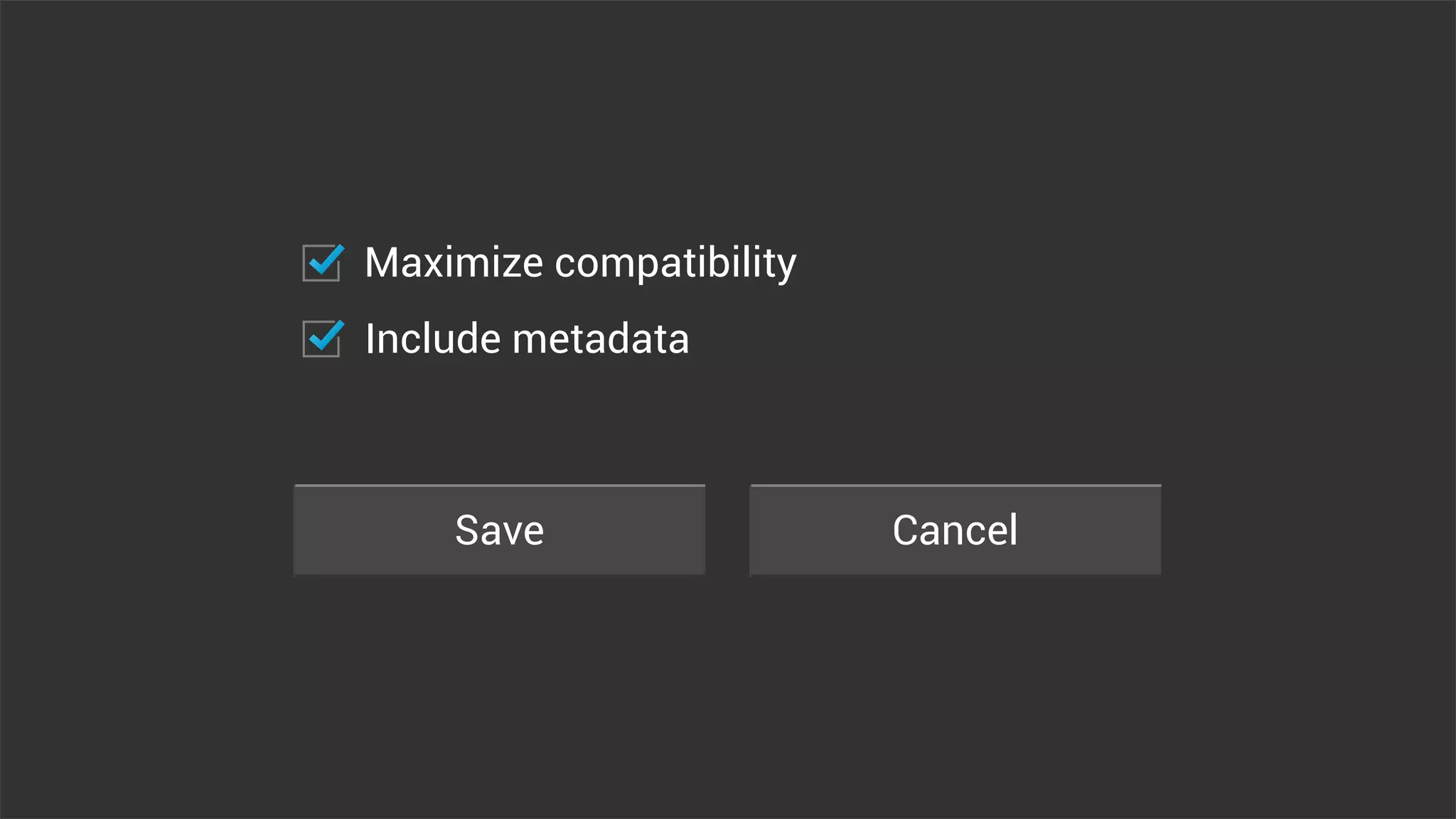
Save Cancel
Maximize compatibility
Include metadata
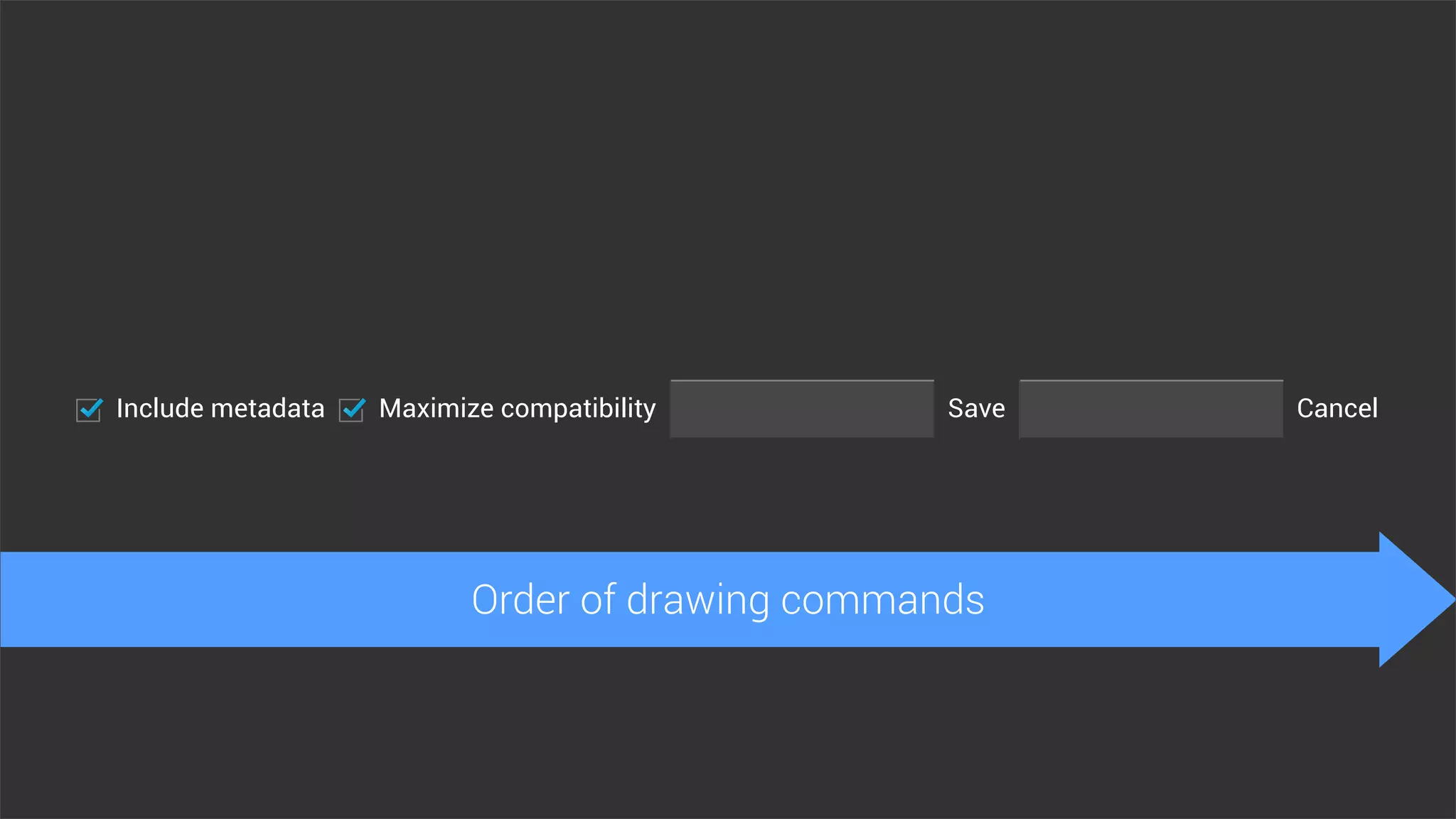
Include metadata Maximize compatibility CancelSave
Order of drawing commands
Include metadata Maximize compatibility CancelSave
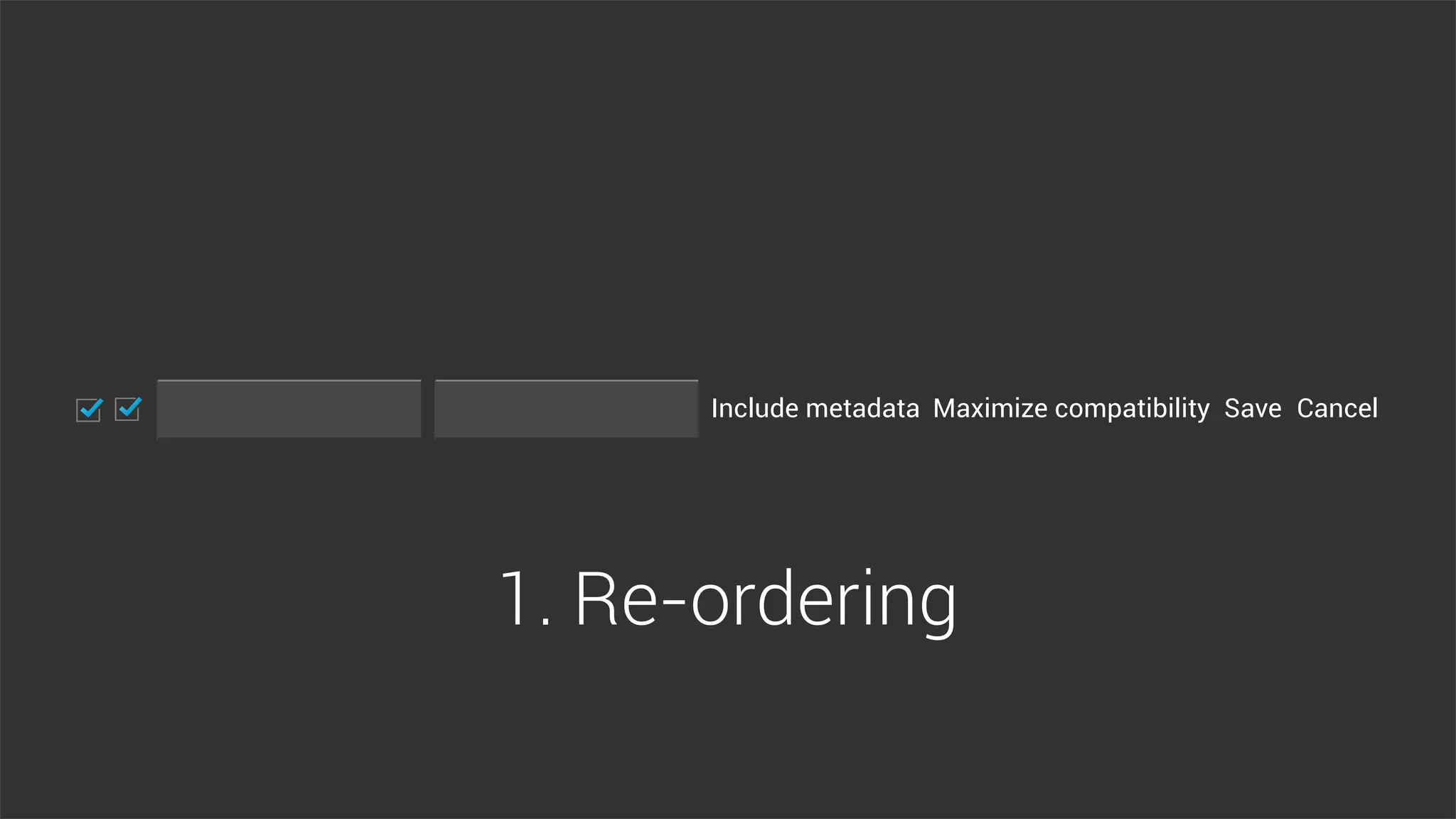
1. Re-ordering
Include metadata
Maximize compatibility
Cancel
Save
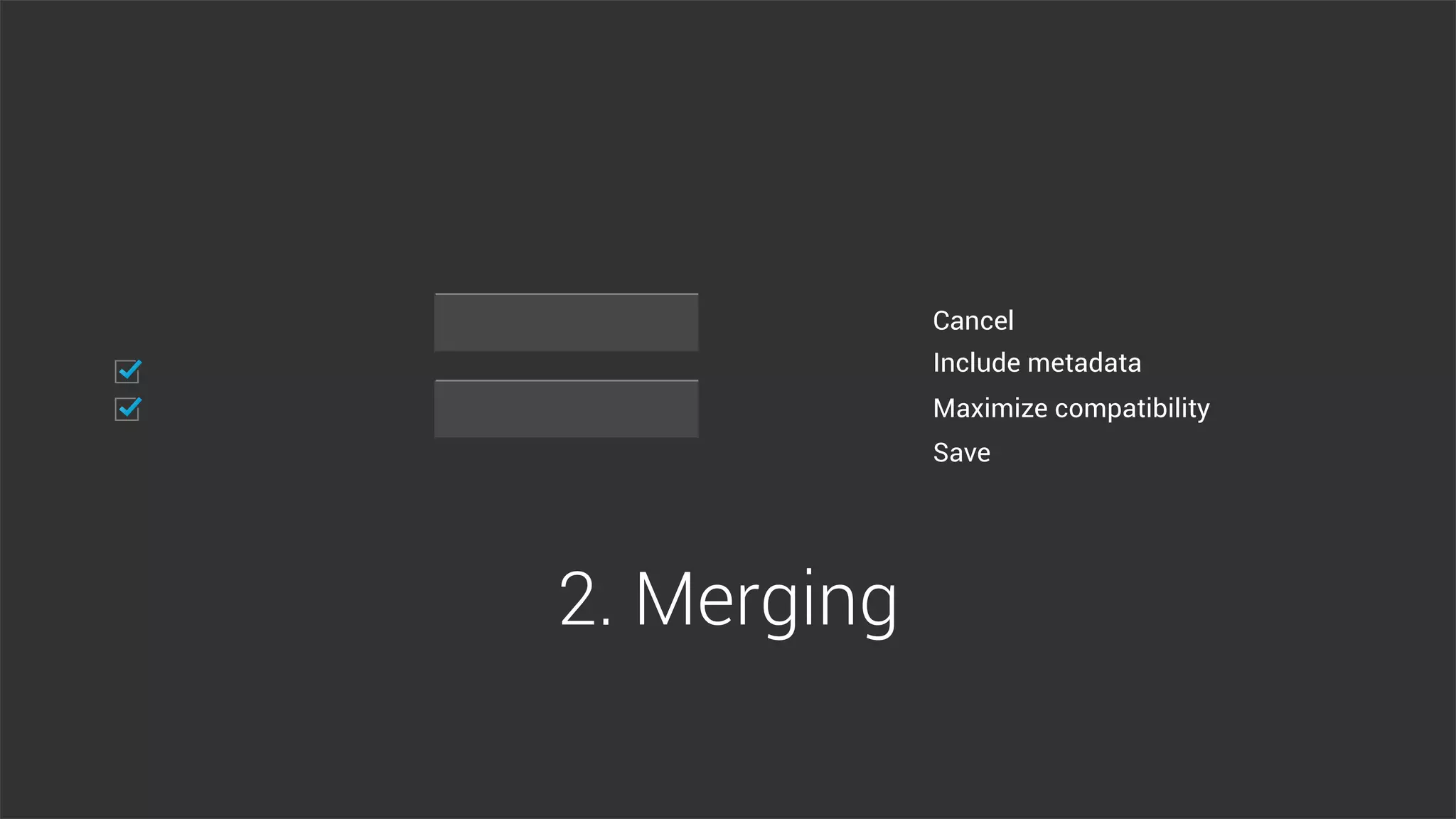
2. Merging
Multi-threading
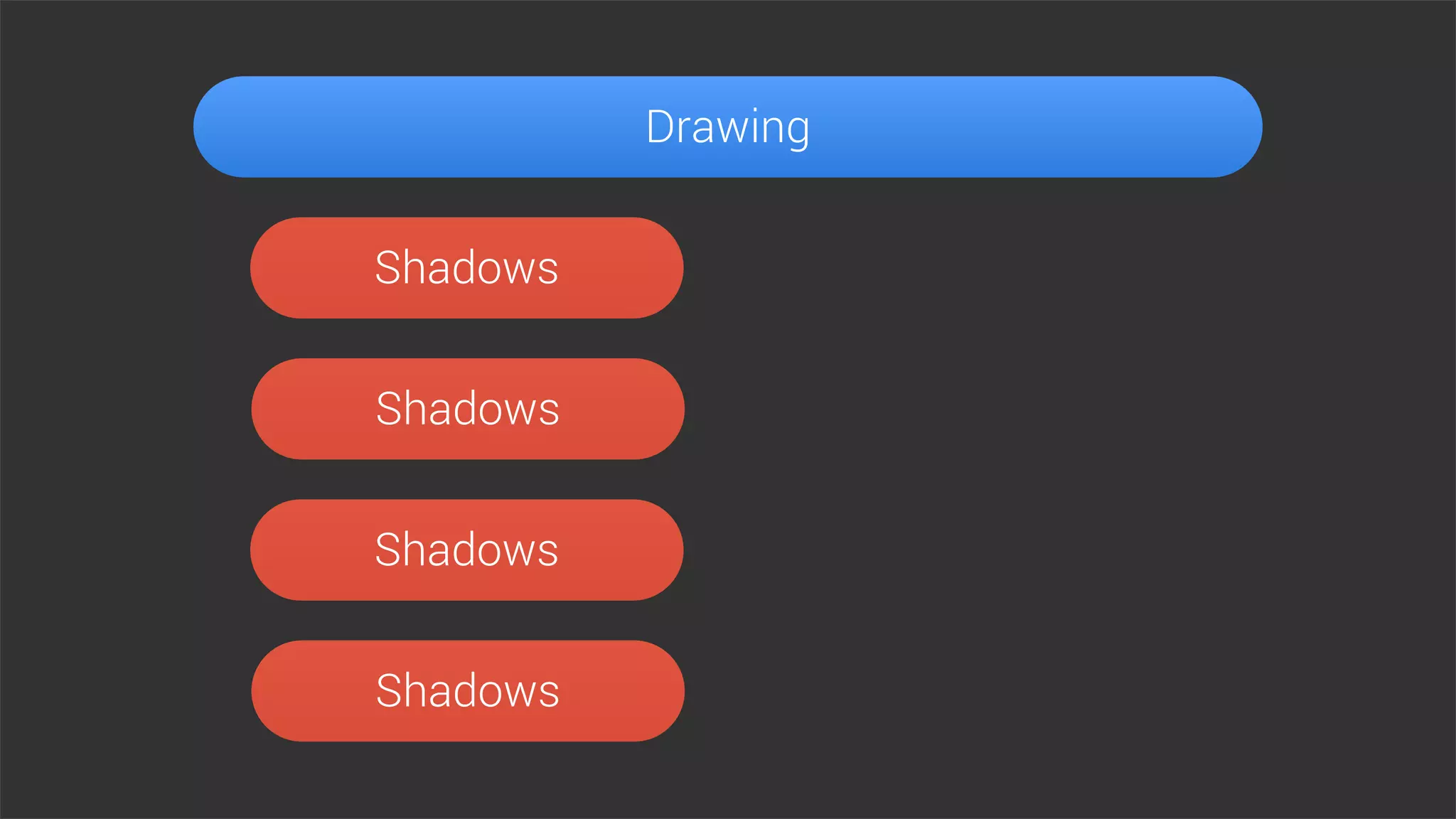
Drawing
Drawing
Shadows
Shadows
Shadows
Shadows
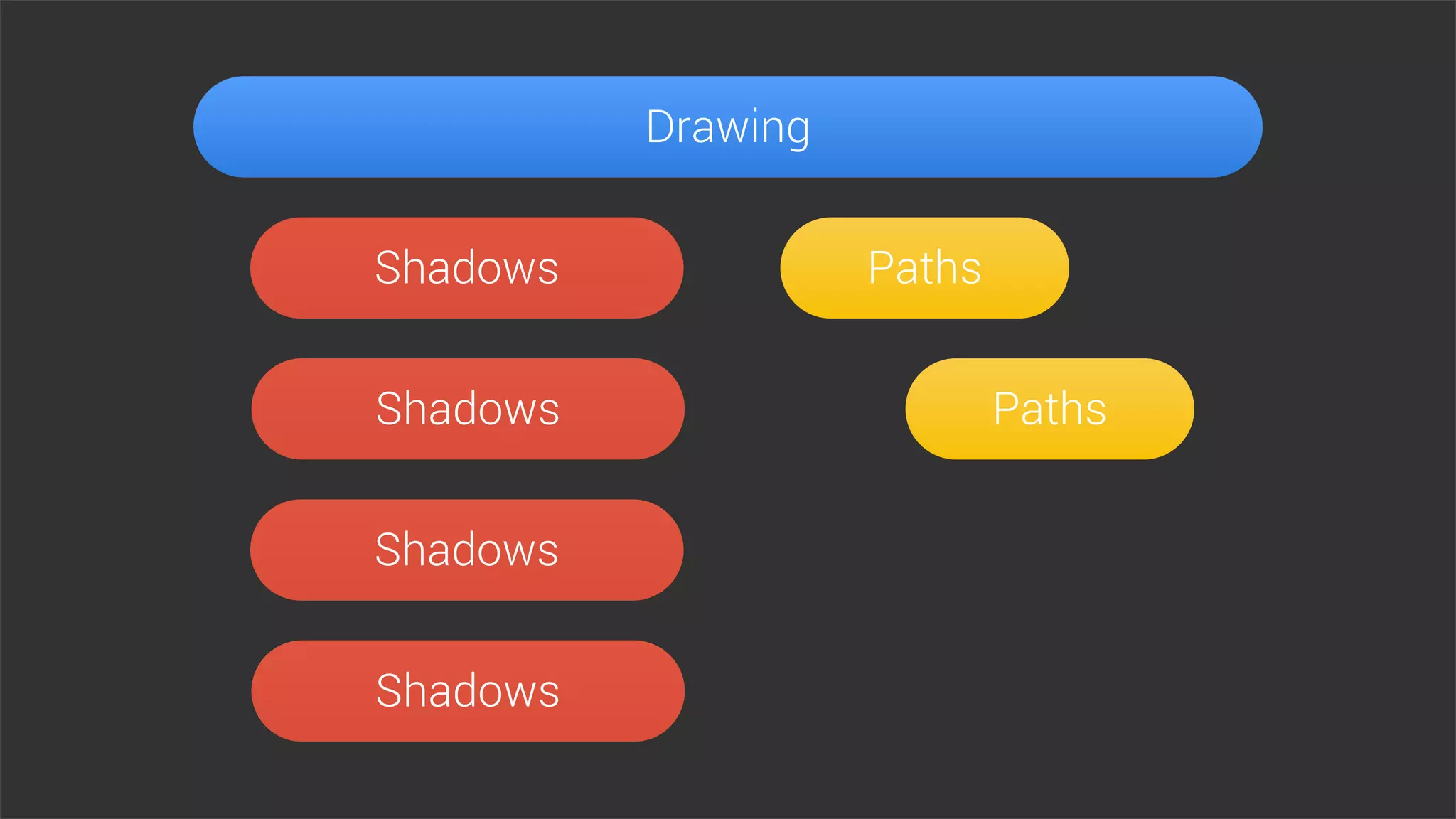
Drawing
Paths
Paths
Shadows
Shadows
Shadows
Shadows
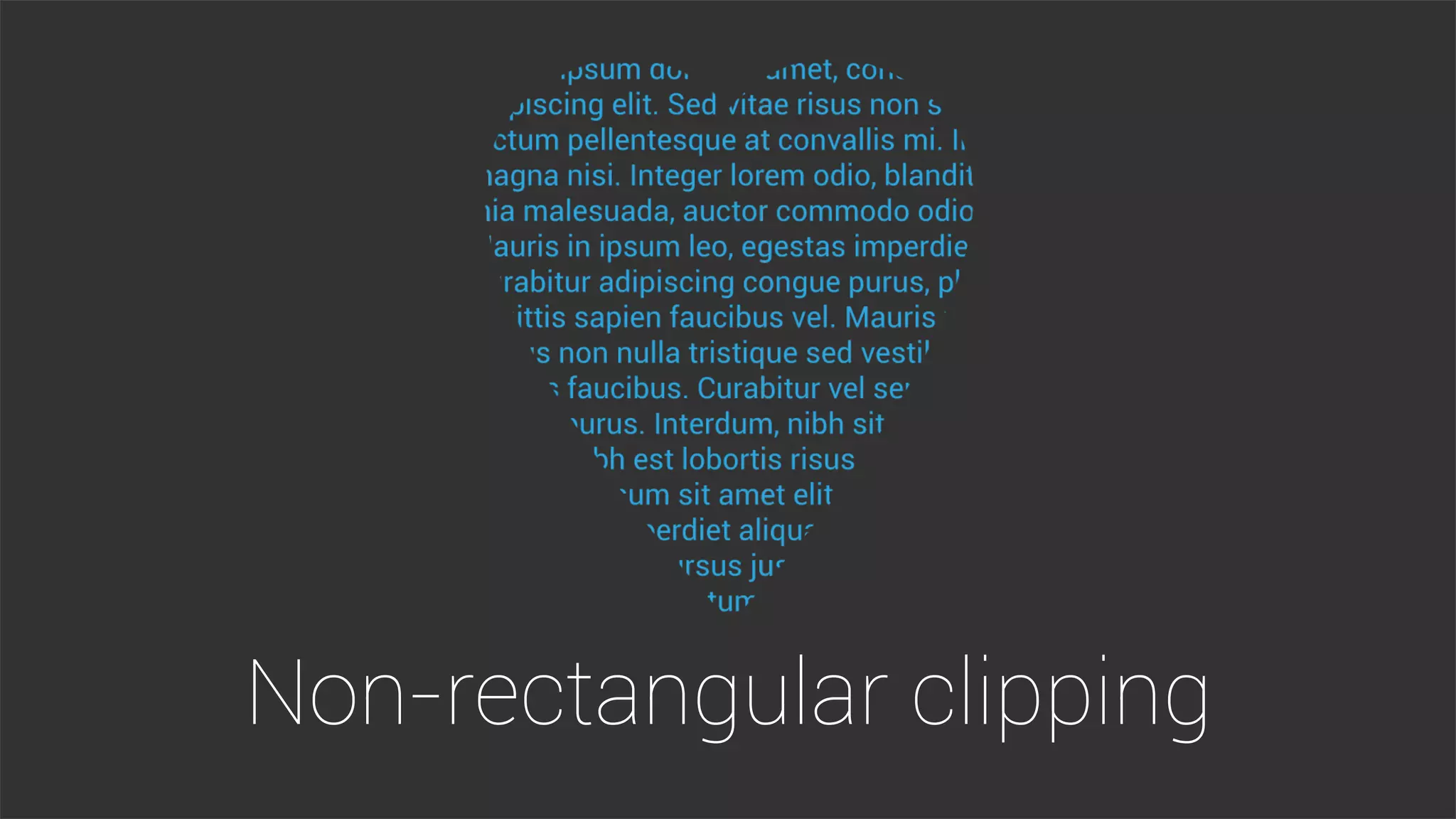
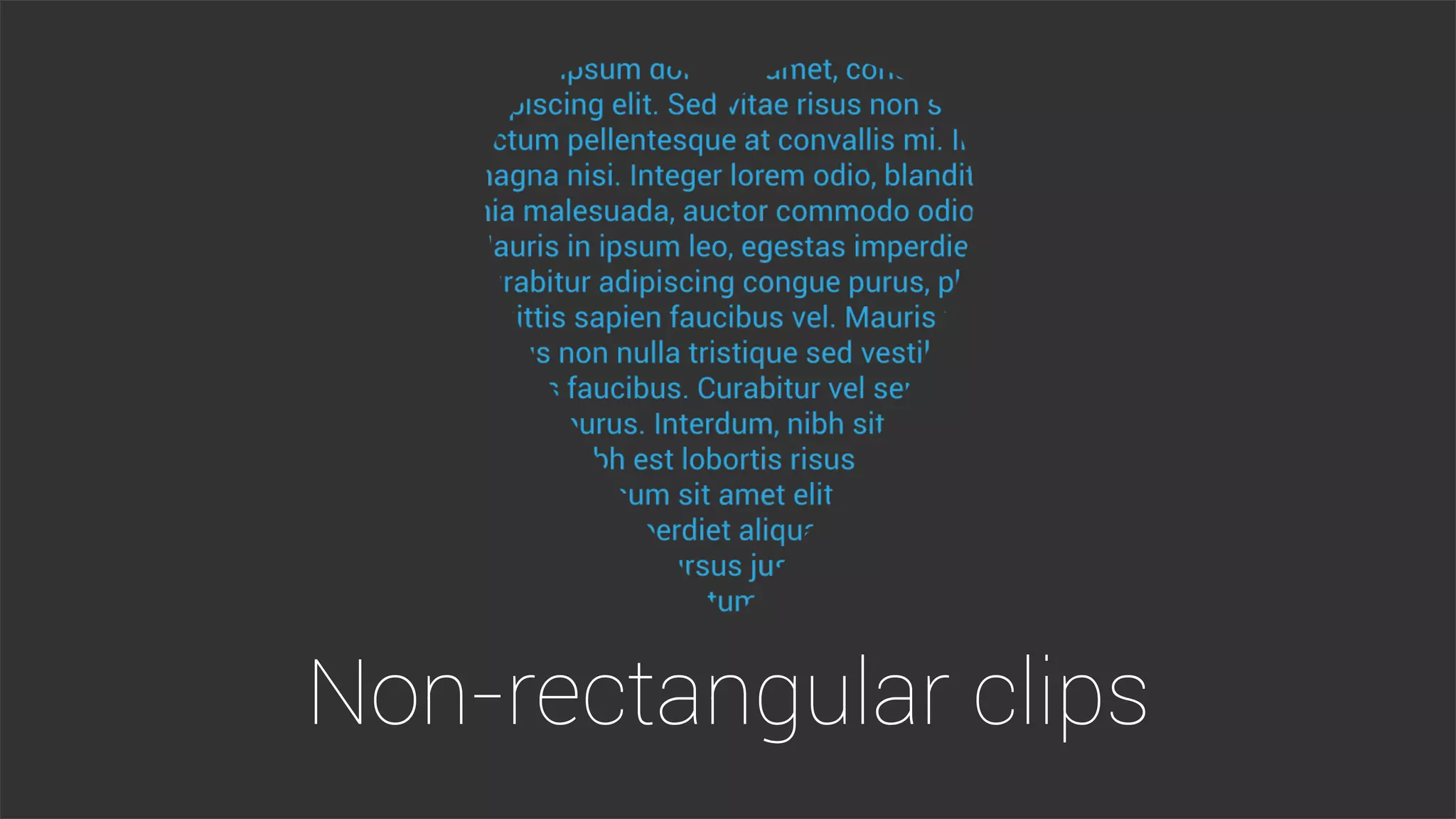
Non-rectangular clipping
@Override
protected void onDraw(Canvas canvas) {
// Clip with a shape
Path clip = getPath();
canvas.clipPath(clip);
// Draw the content
for (int i = 0; i < mLines,length; i++) {
TextLine line = mLines[i];
canvas.drawText(line.text,
line.x, line.y, mPaint);
}
}
Developer Tools
2
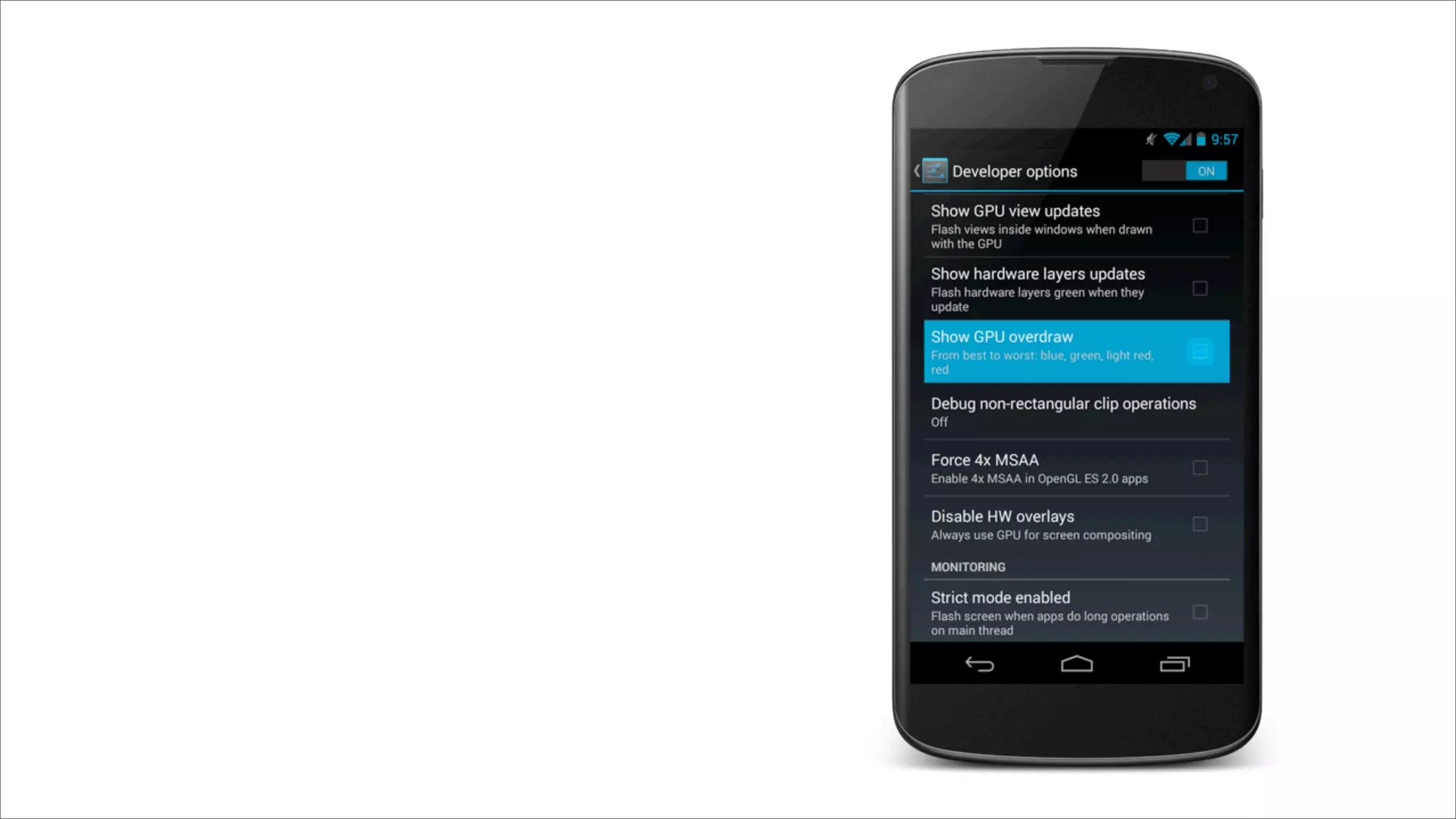
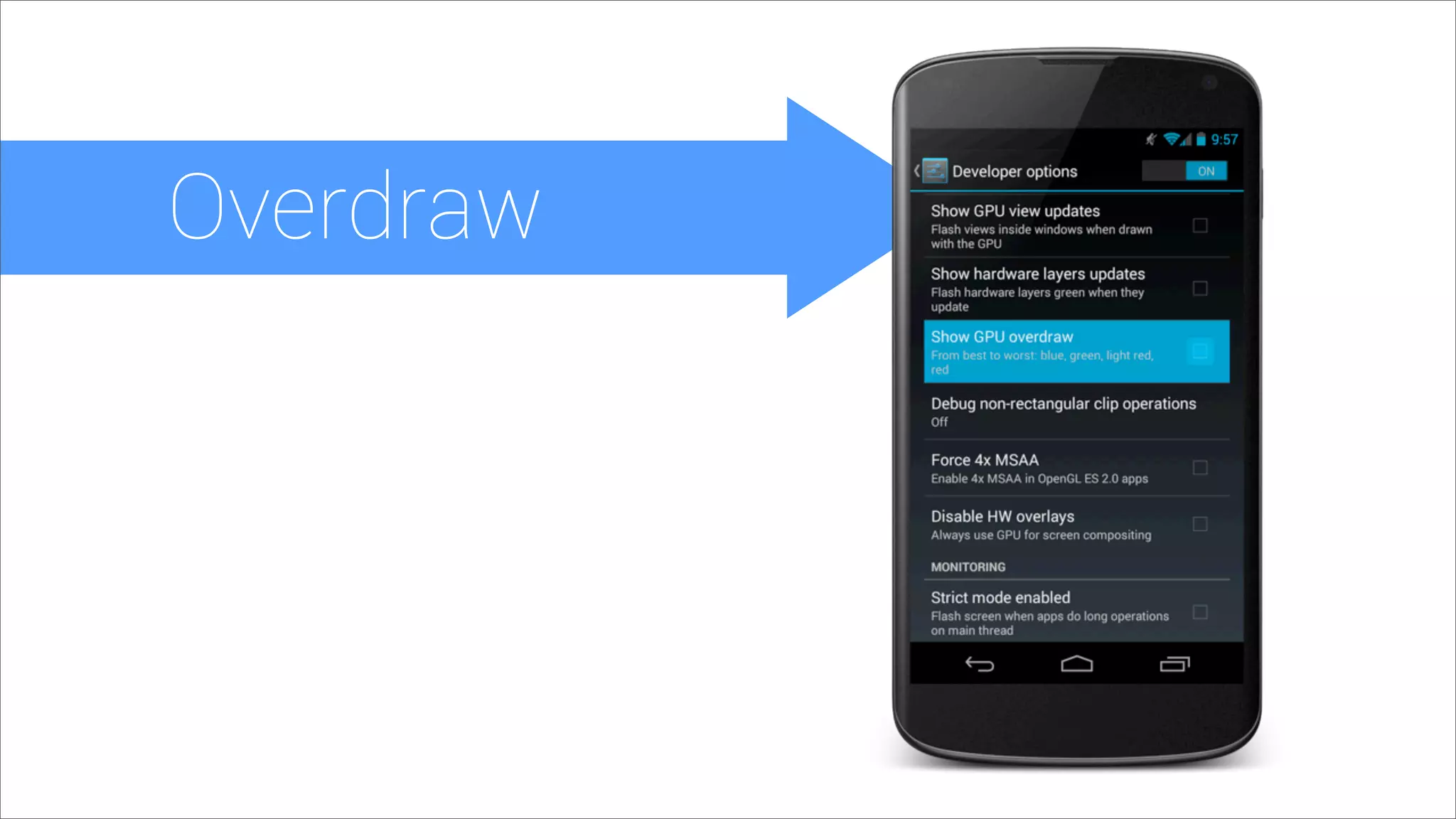
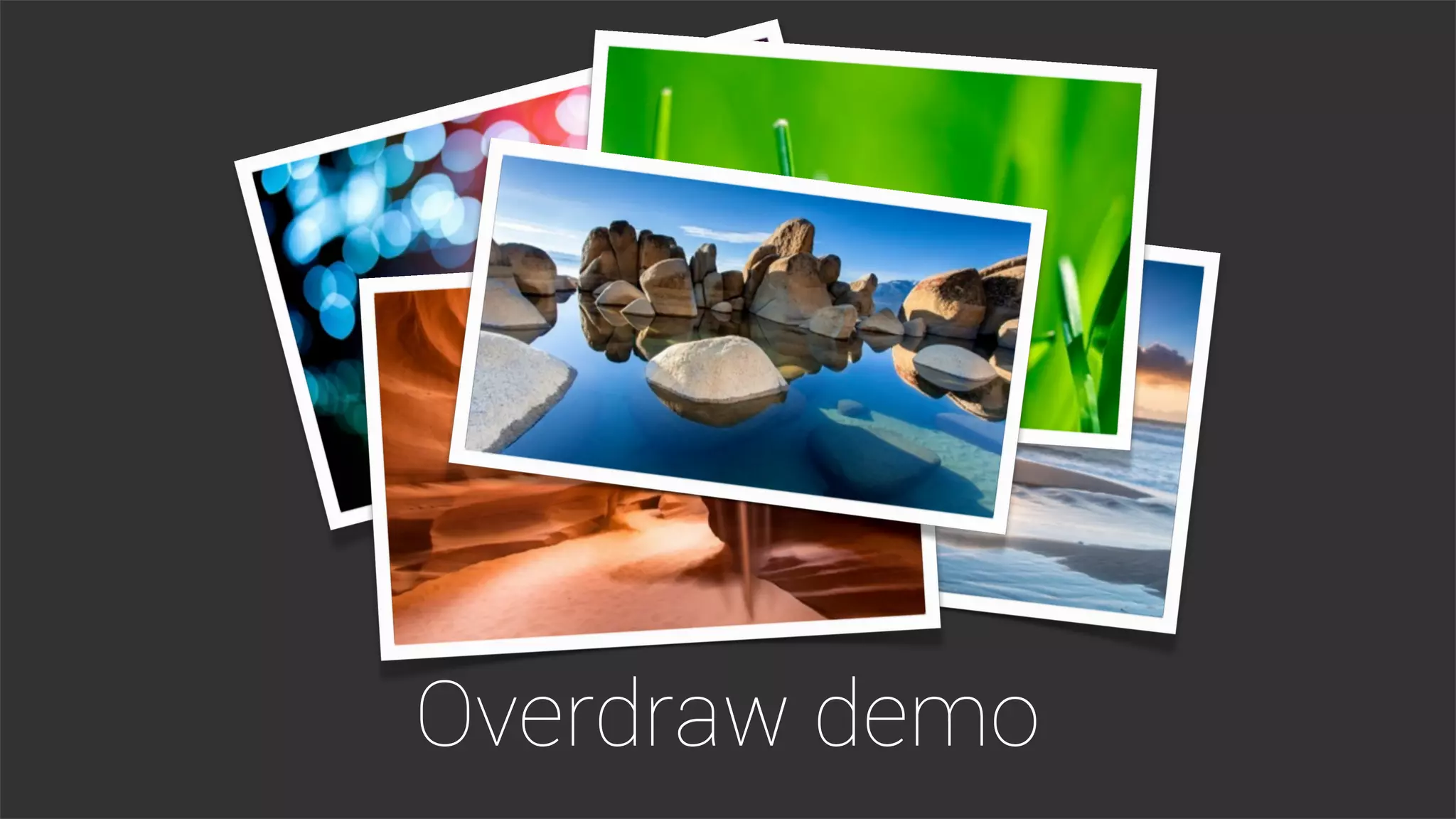
Overdraw
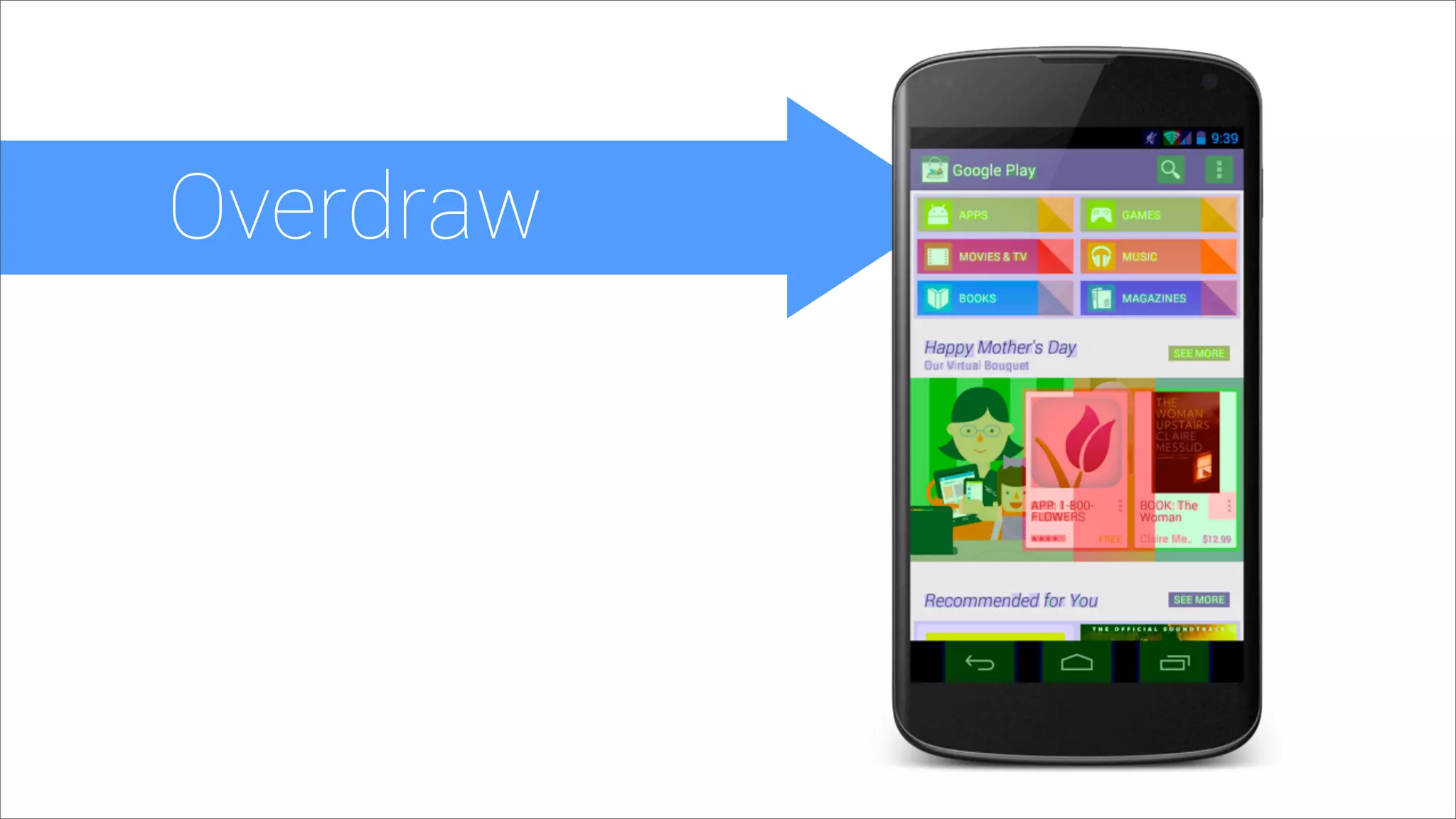
Overdraw
Overdraw
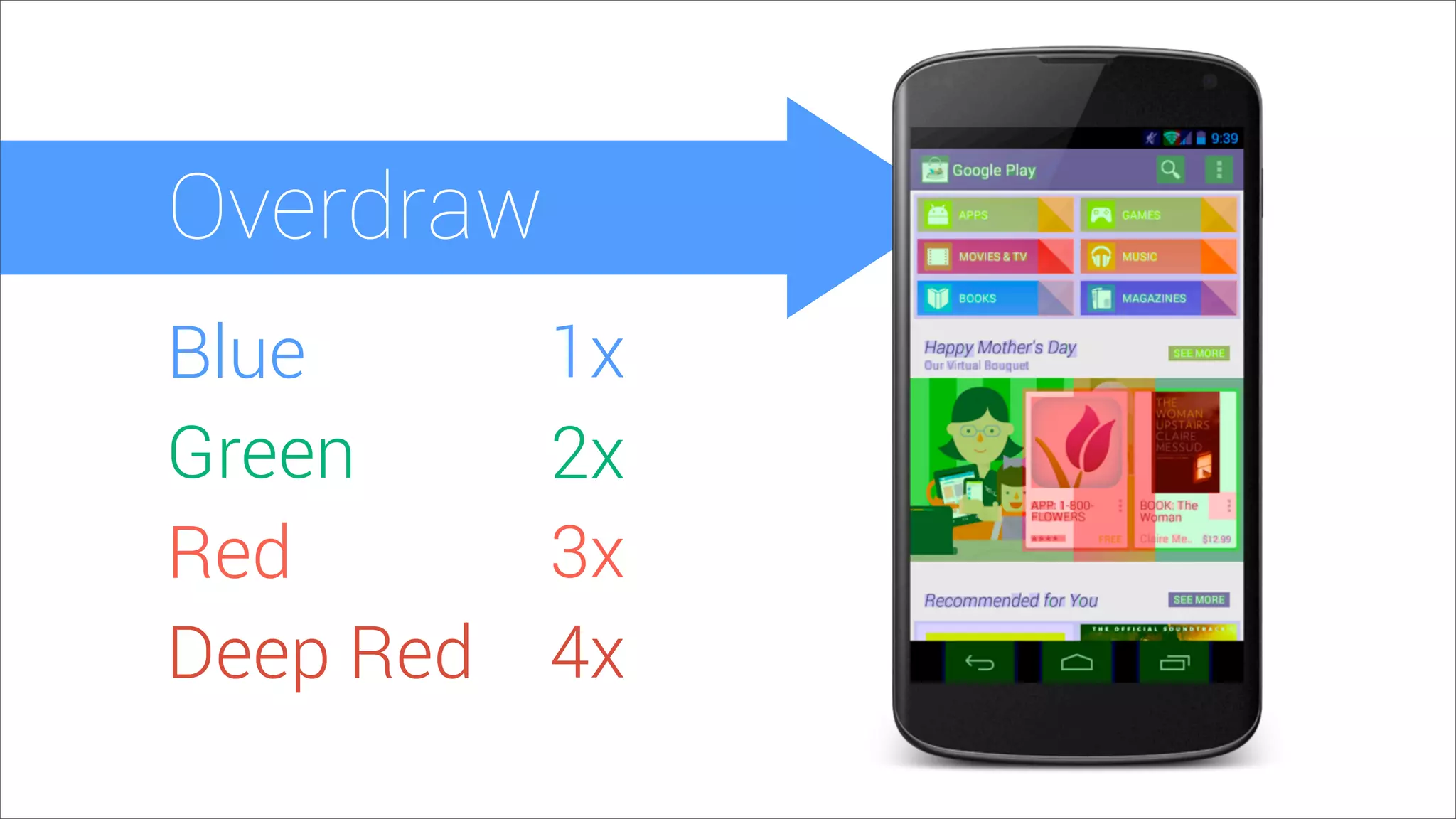
Overdraw
Blue
Green
Red
Deep Red
1x
2x
3x
4x
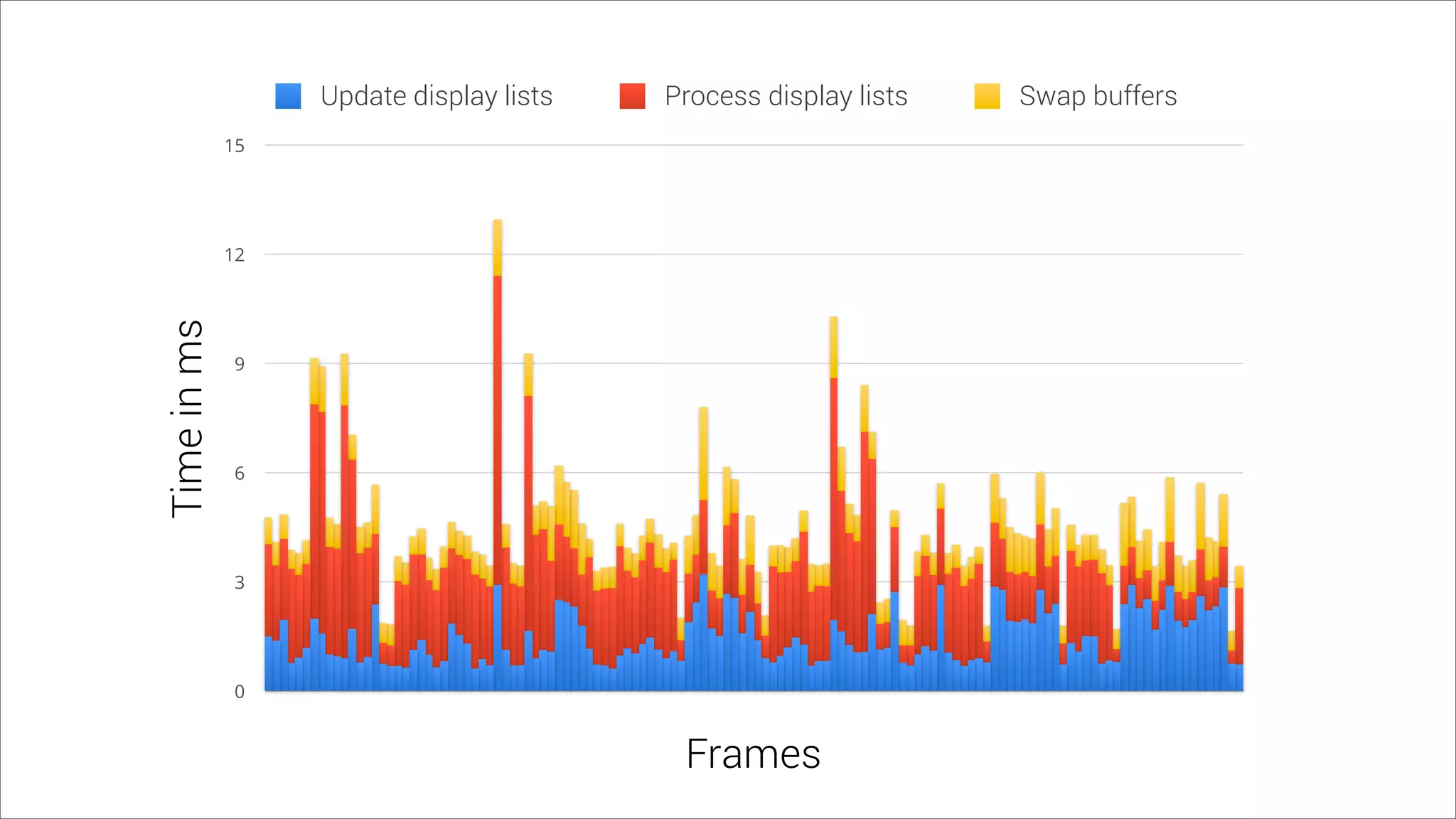
0
3
6
9
12
15
Timeinms
Frames
Update display lists Process display lists Swap buffers
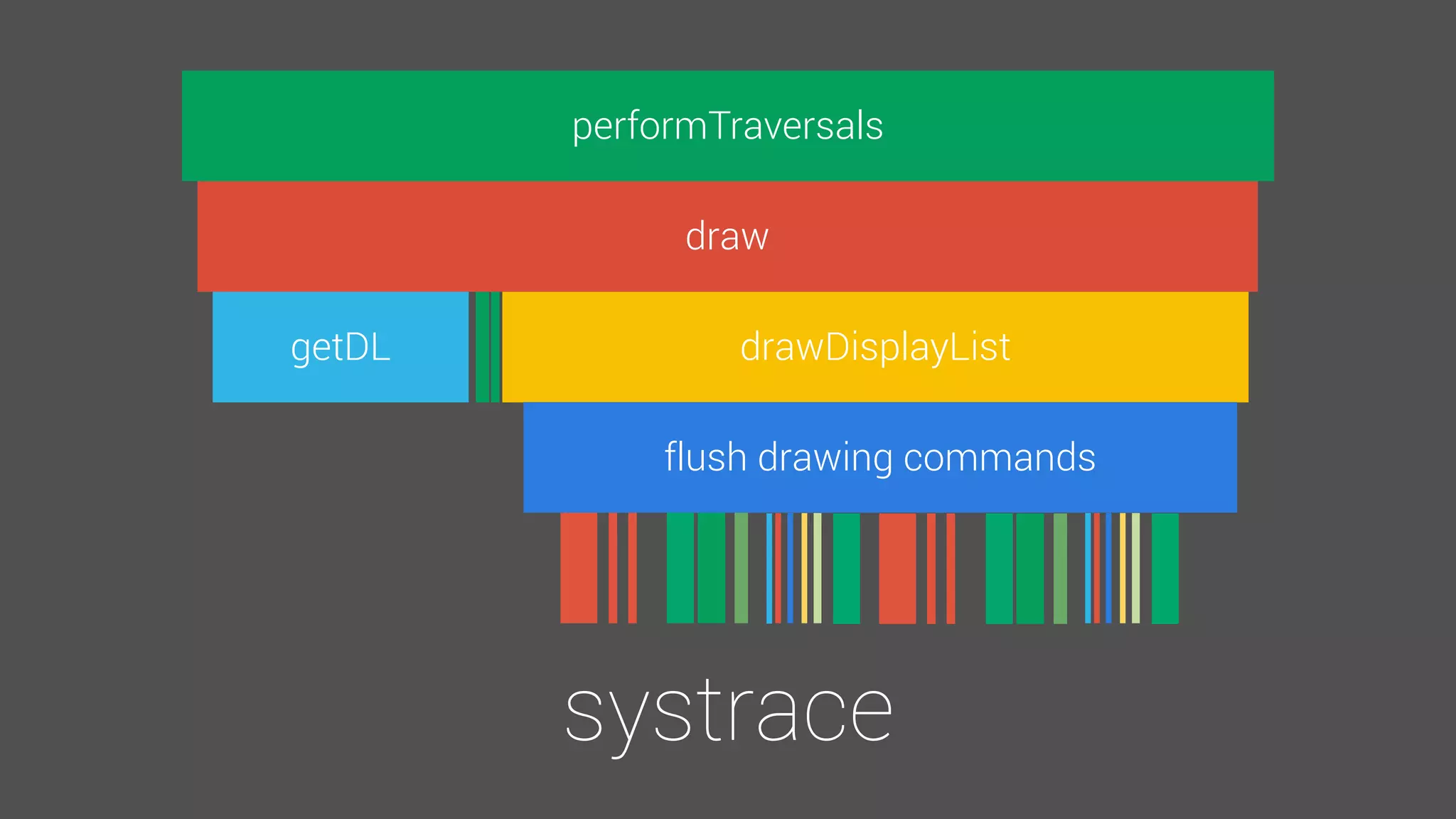
performTraversals
draw
getDL drawDisplayList
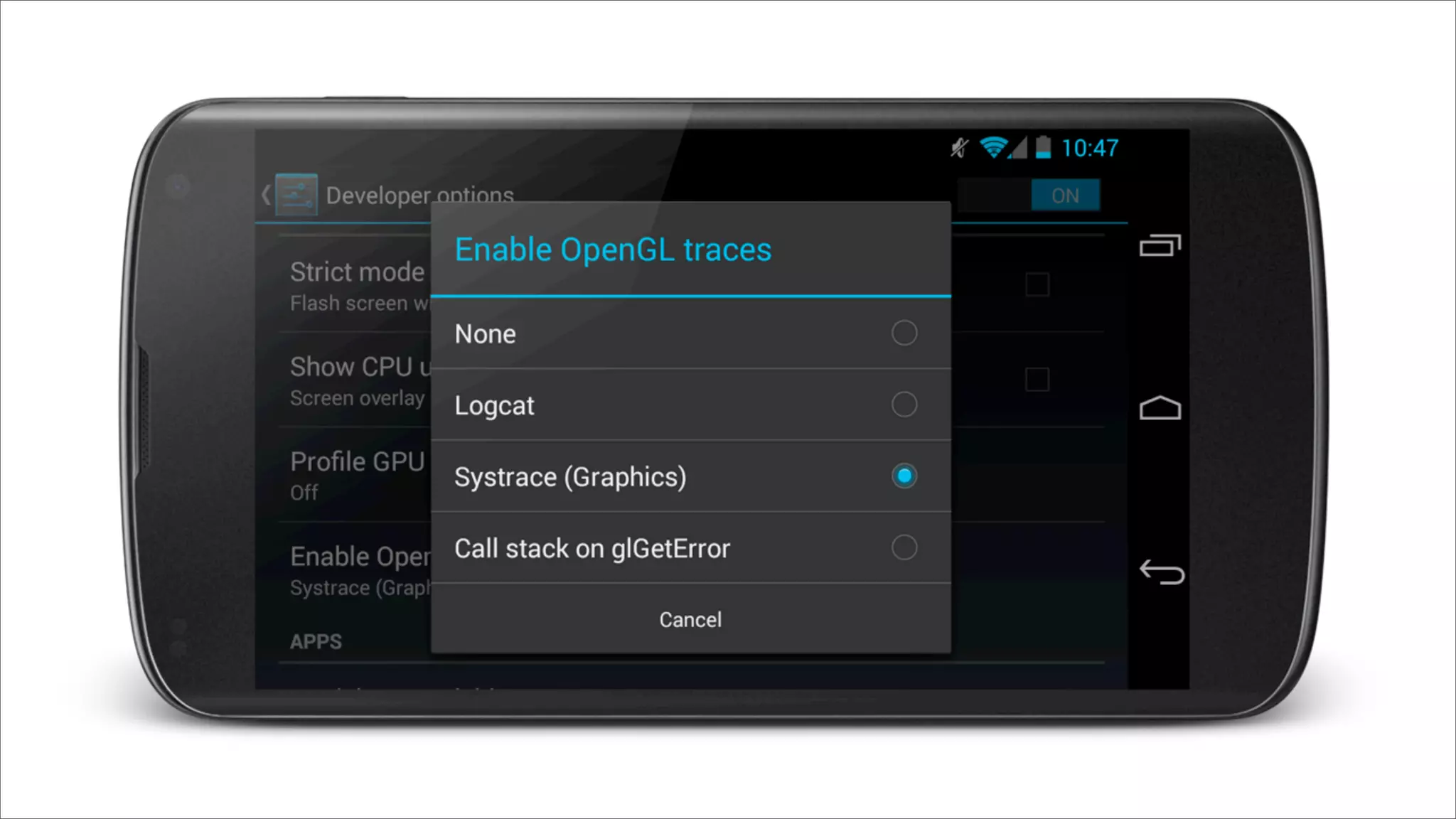
systrace
flush drawing commands
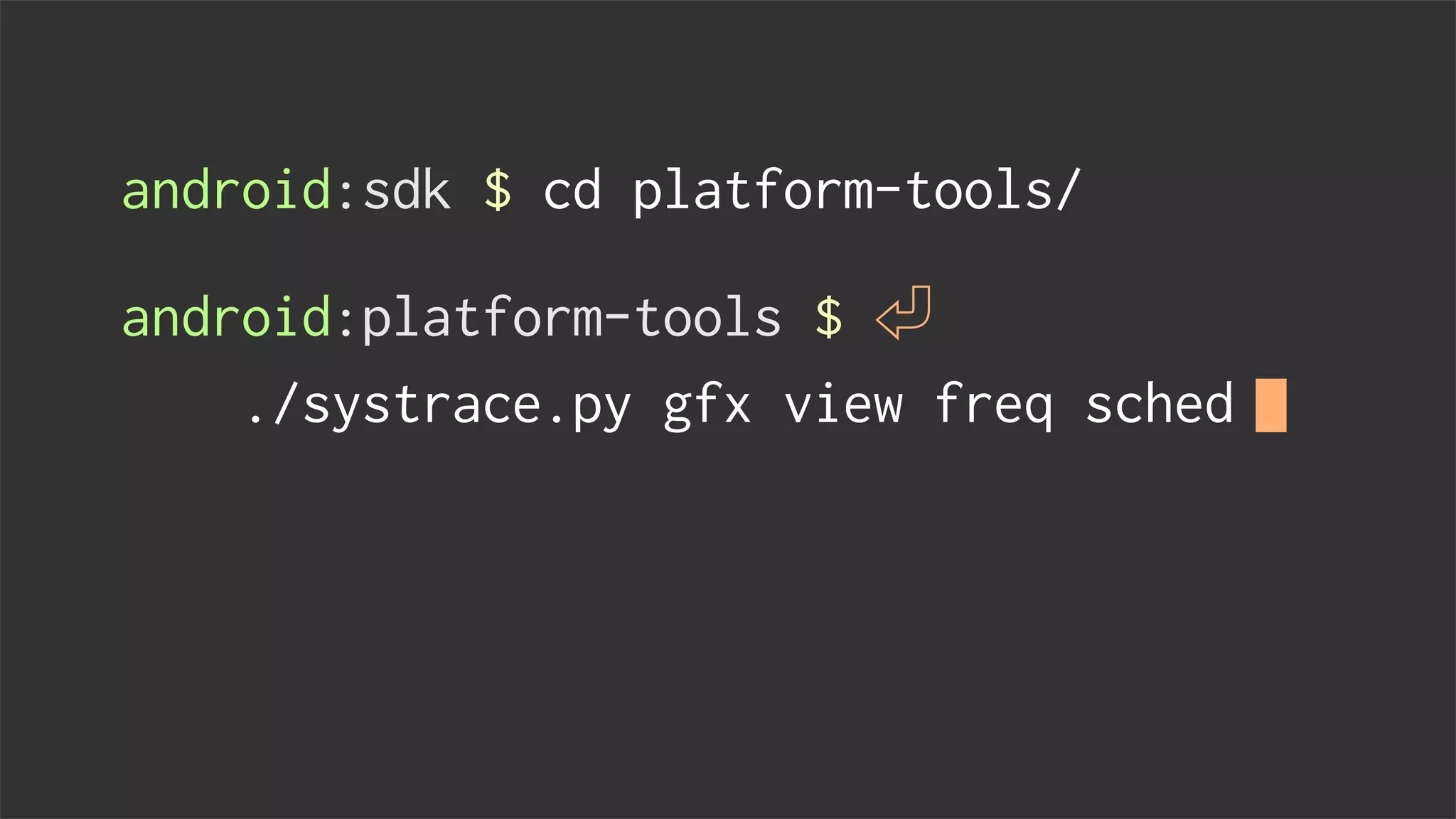
android:sdk $ cd platform-tools/
android:platform-tools $
./systrace.py gfx view freq sched
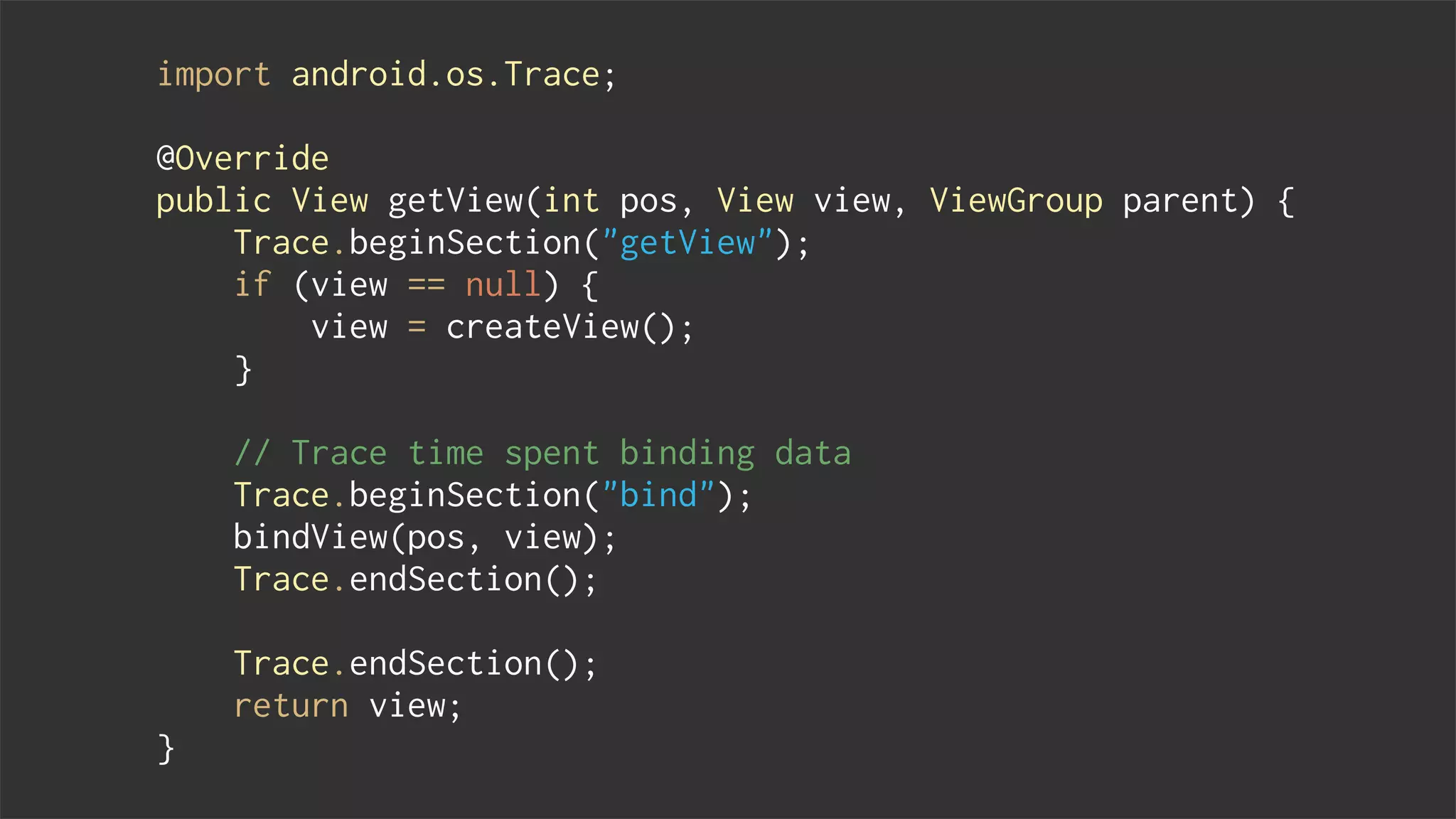
import android.os.Trace;
@Override
public View getView(int pos, View view, ViewGroup parent) {
Trace.beginSection("getView");
if (view == null) {
view = createView();
}
// Trace time spent binding data
Trace.beginSection("bind");
bindView(pos, view);
Trace.endSection();
Trace.endSection();
return view;
}
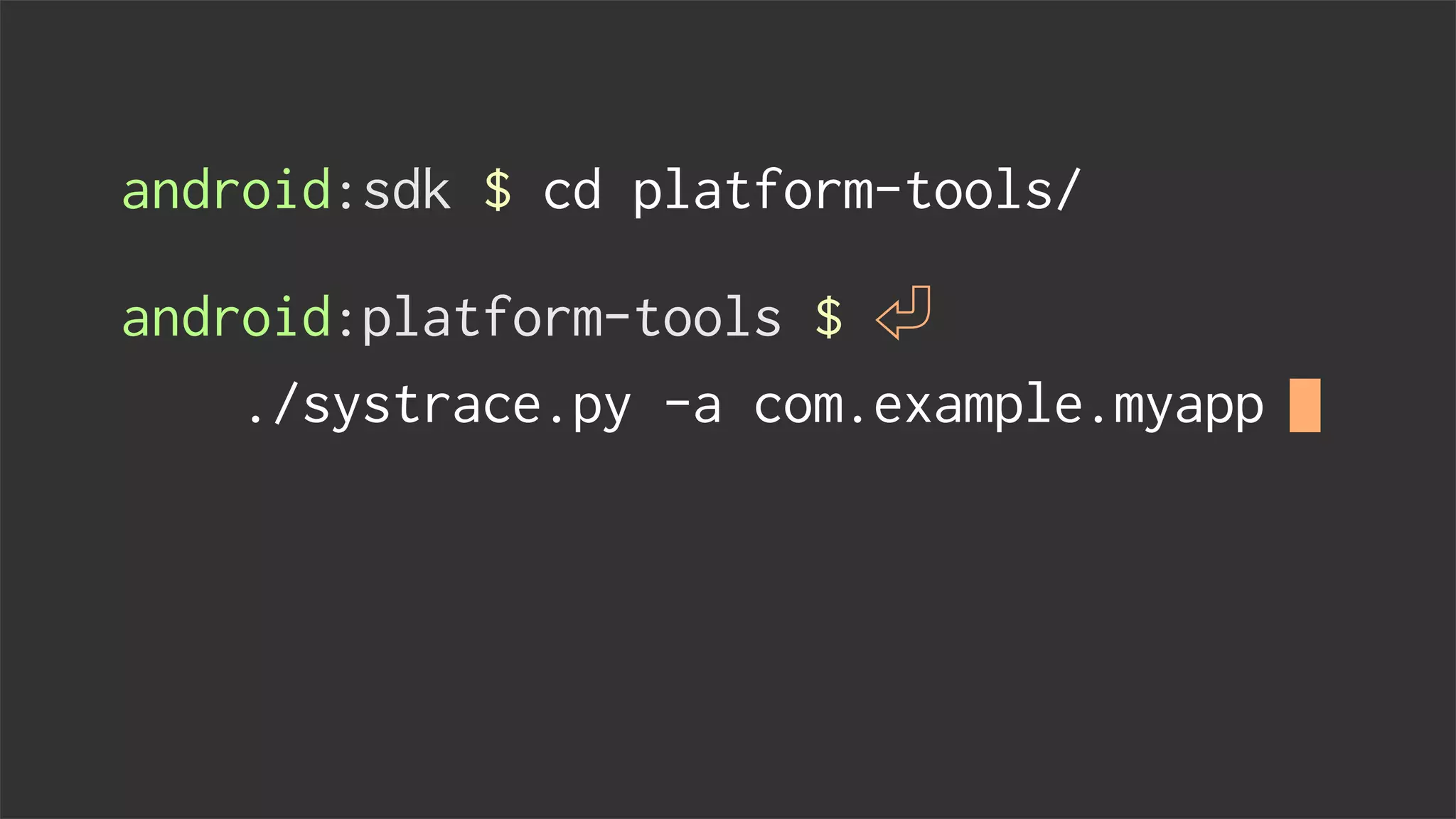
android:sdk $ cd platform-tools/
android:platform-tools $
./systrace.py -a com.example.myapp
Tips & Tricks
3
Overdraw demo
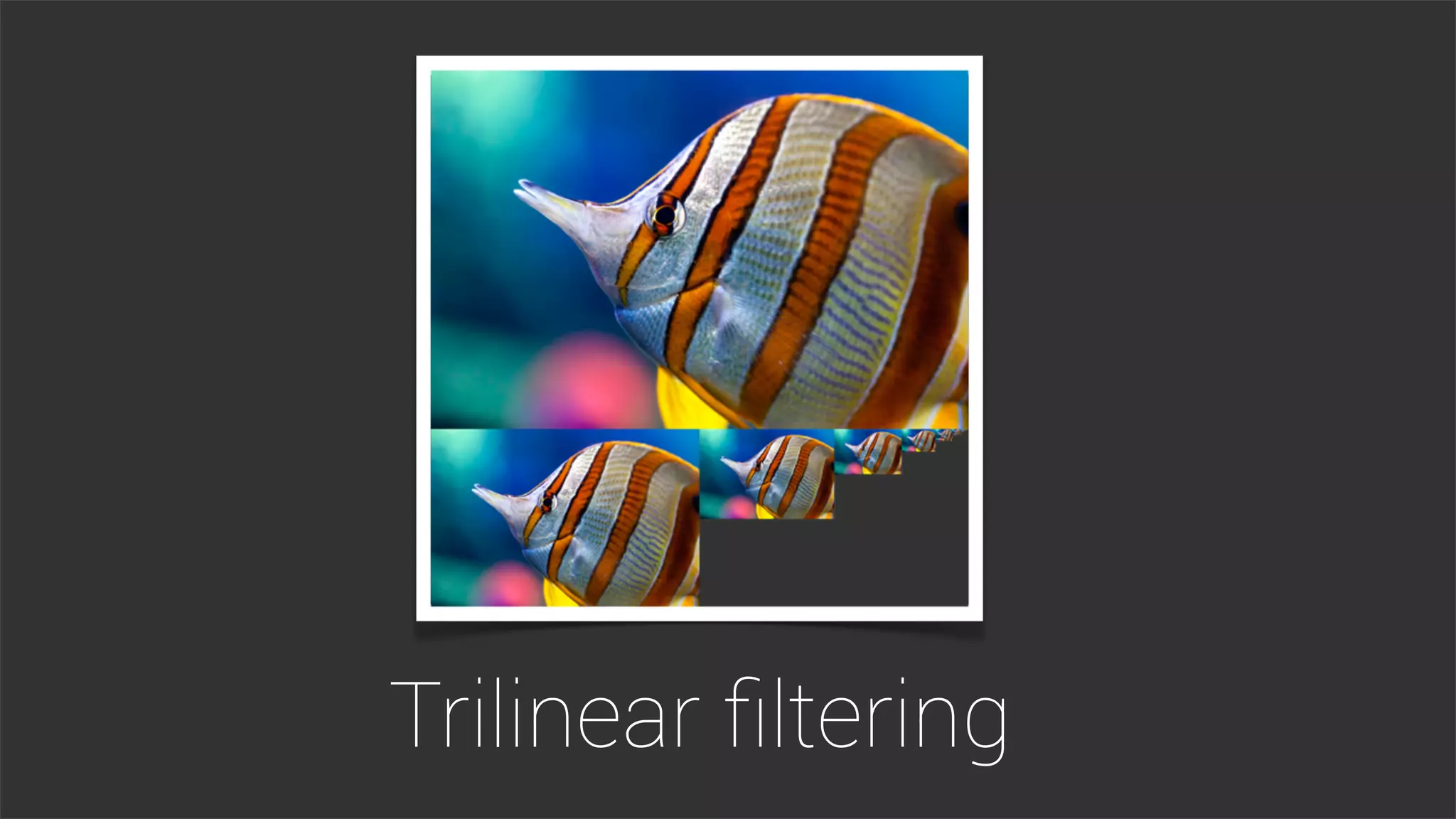
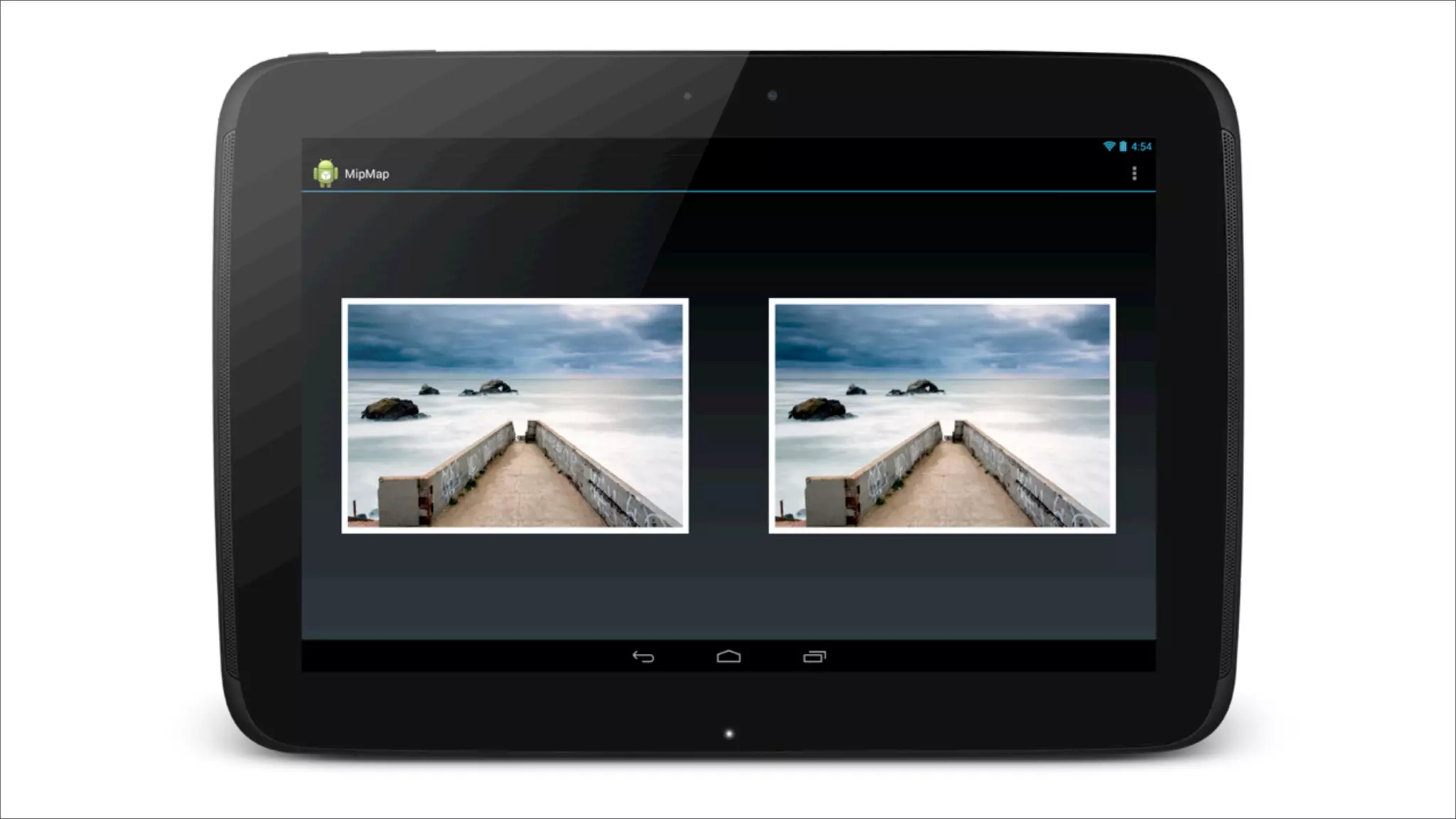
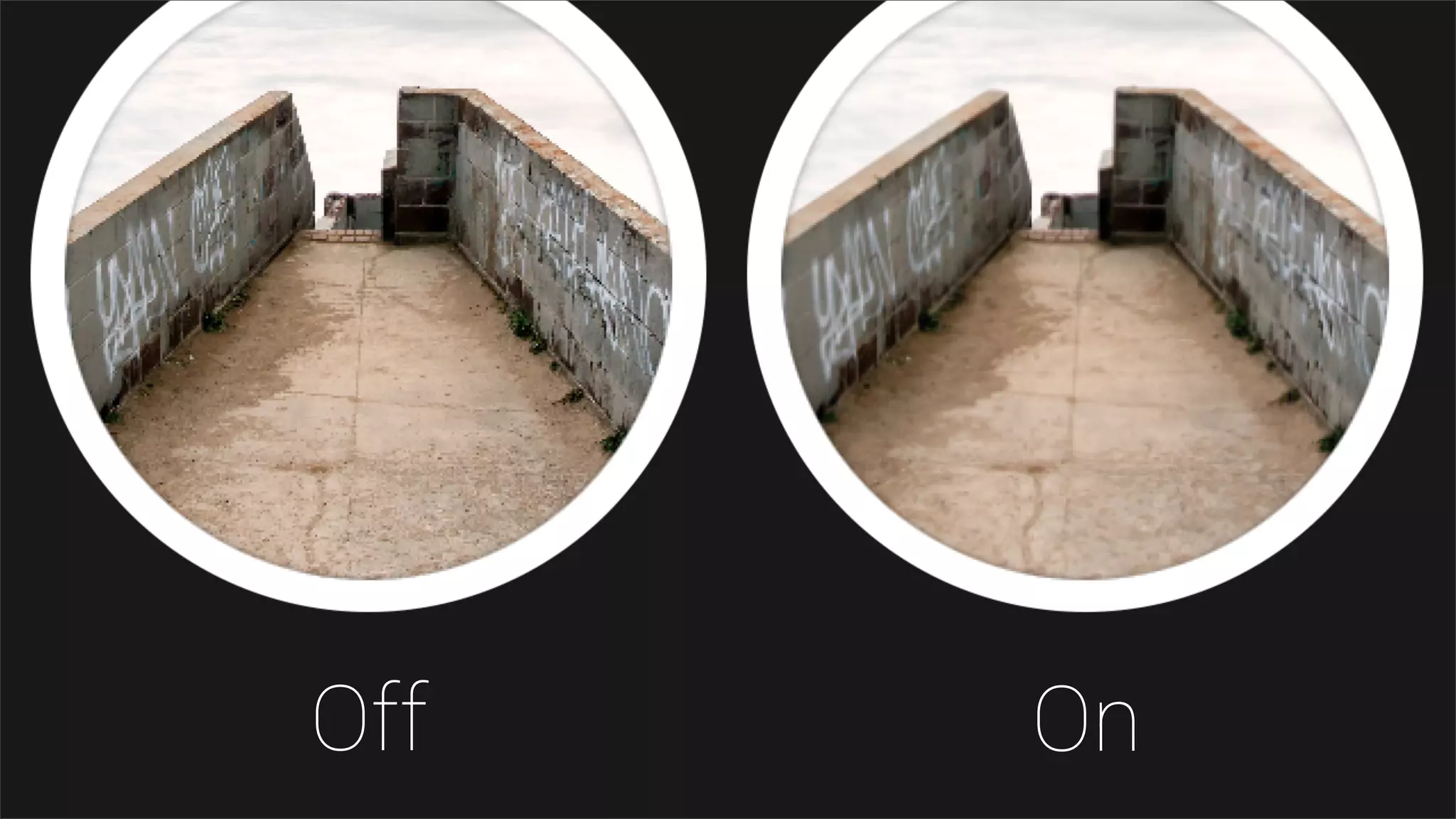
Trilinear filtering
Off On
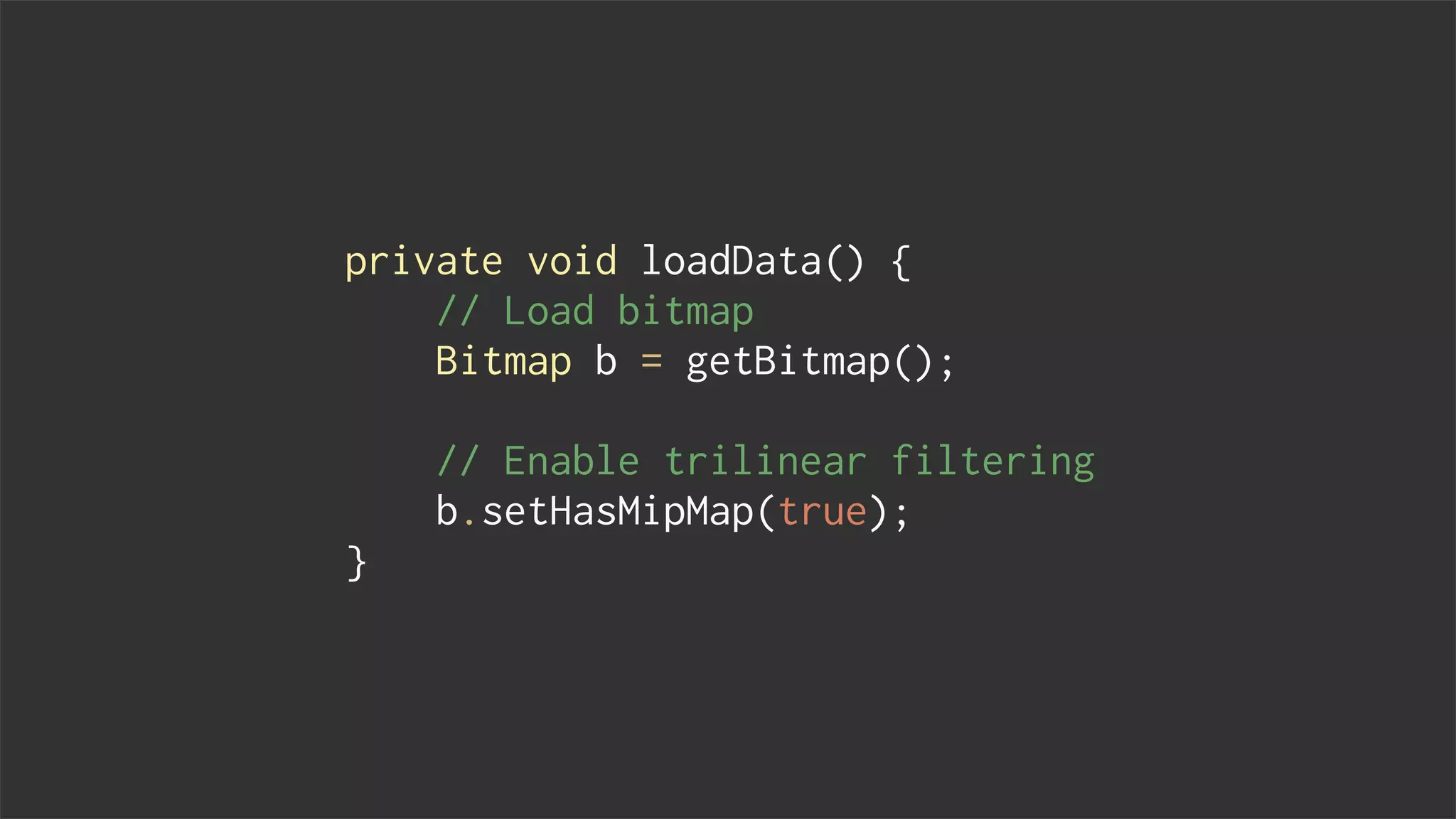
private void loadData() {
// Load bitmap
Bitmap b = getBitmap();
// Enable trilinear filtering
b.setHasMipMap(true);
}
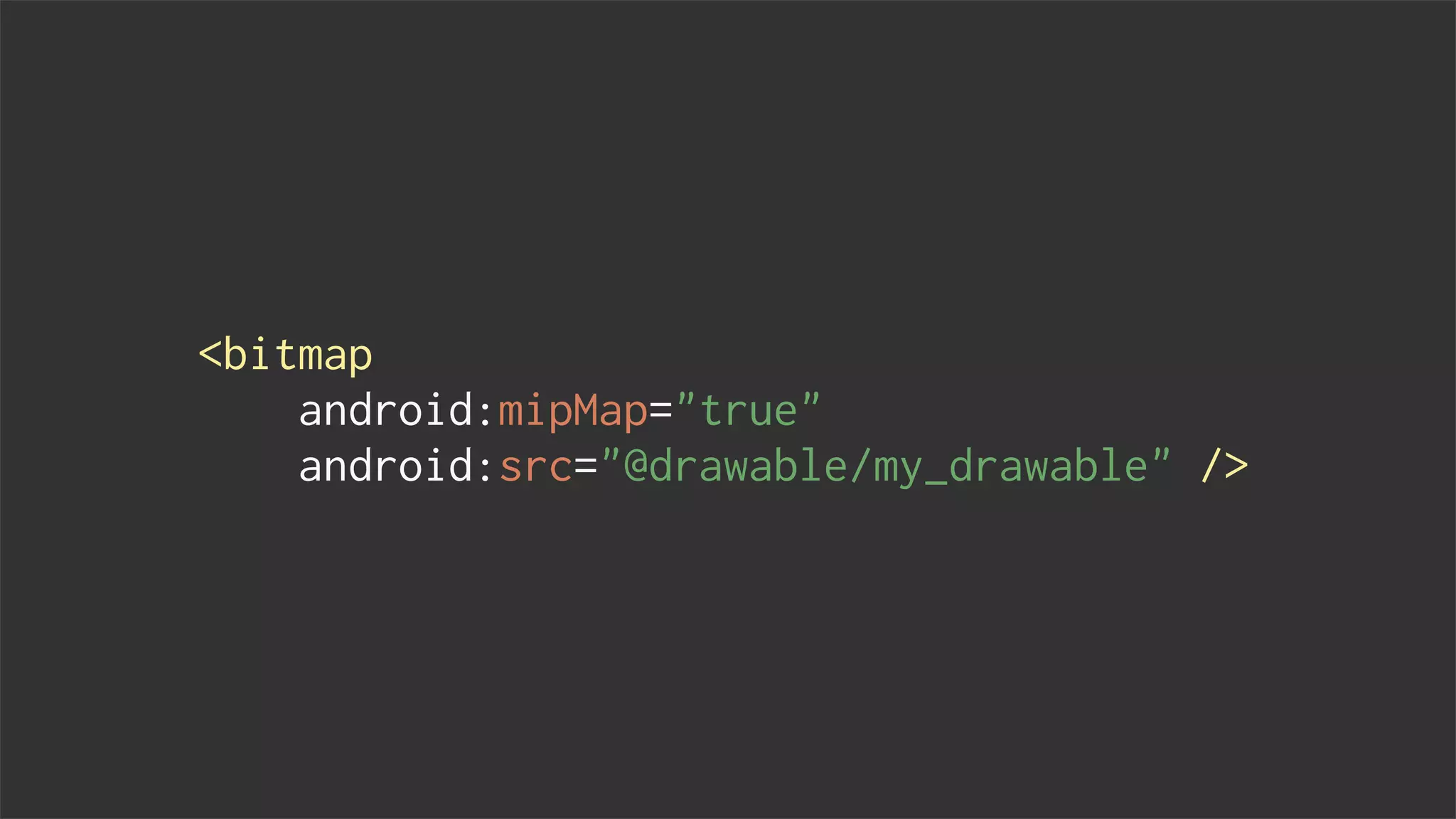
<bitmap
android:mipMap="true"
android:src="@drawable/my_drawable" />
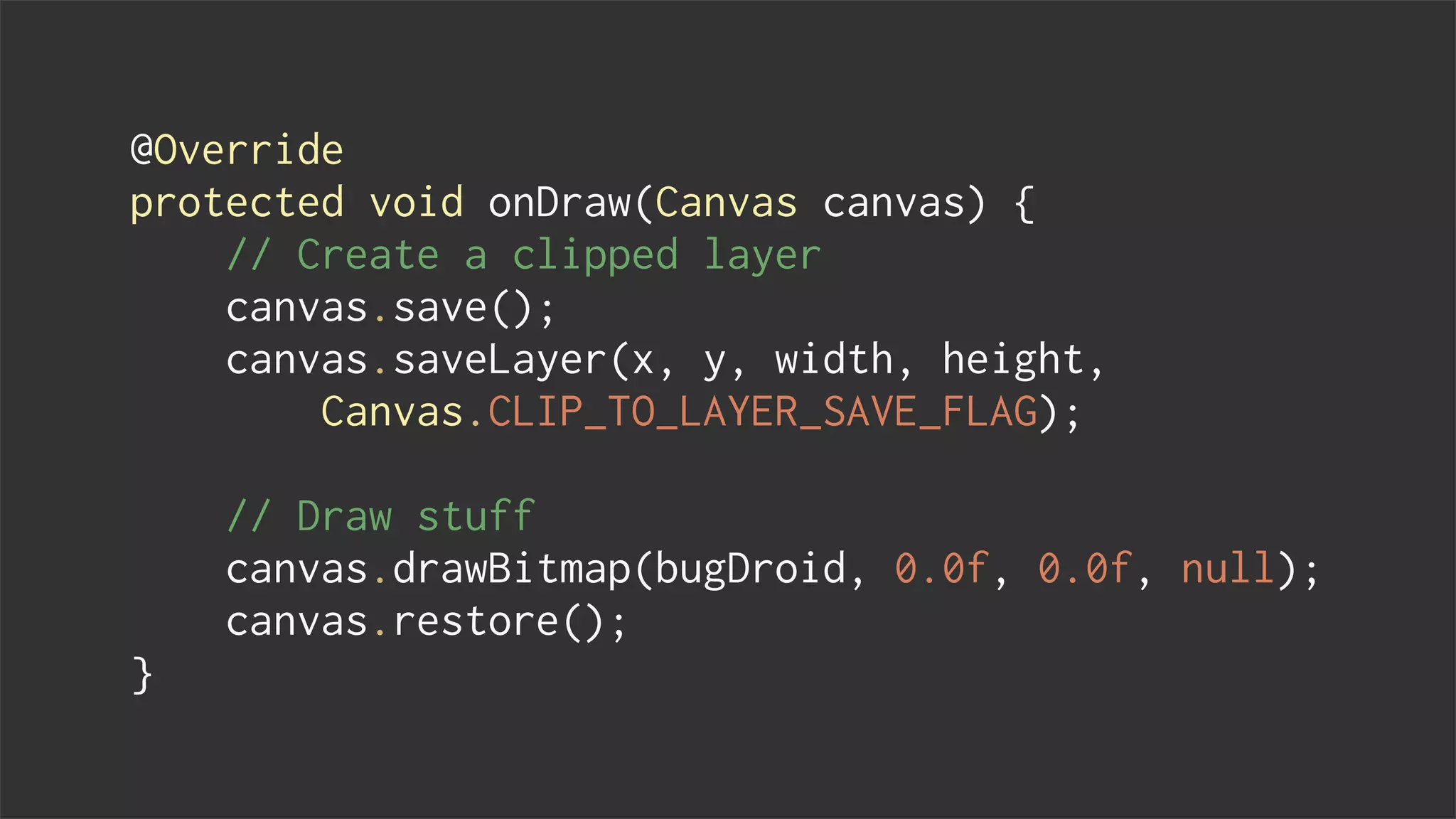
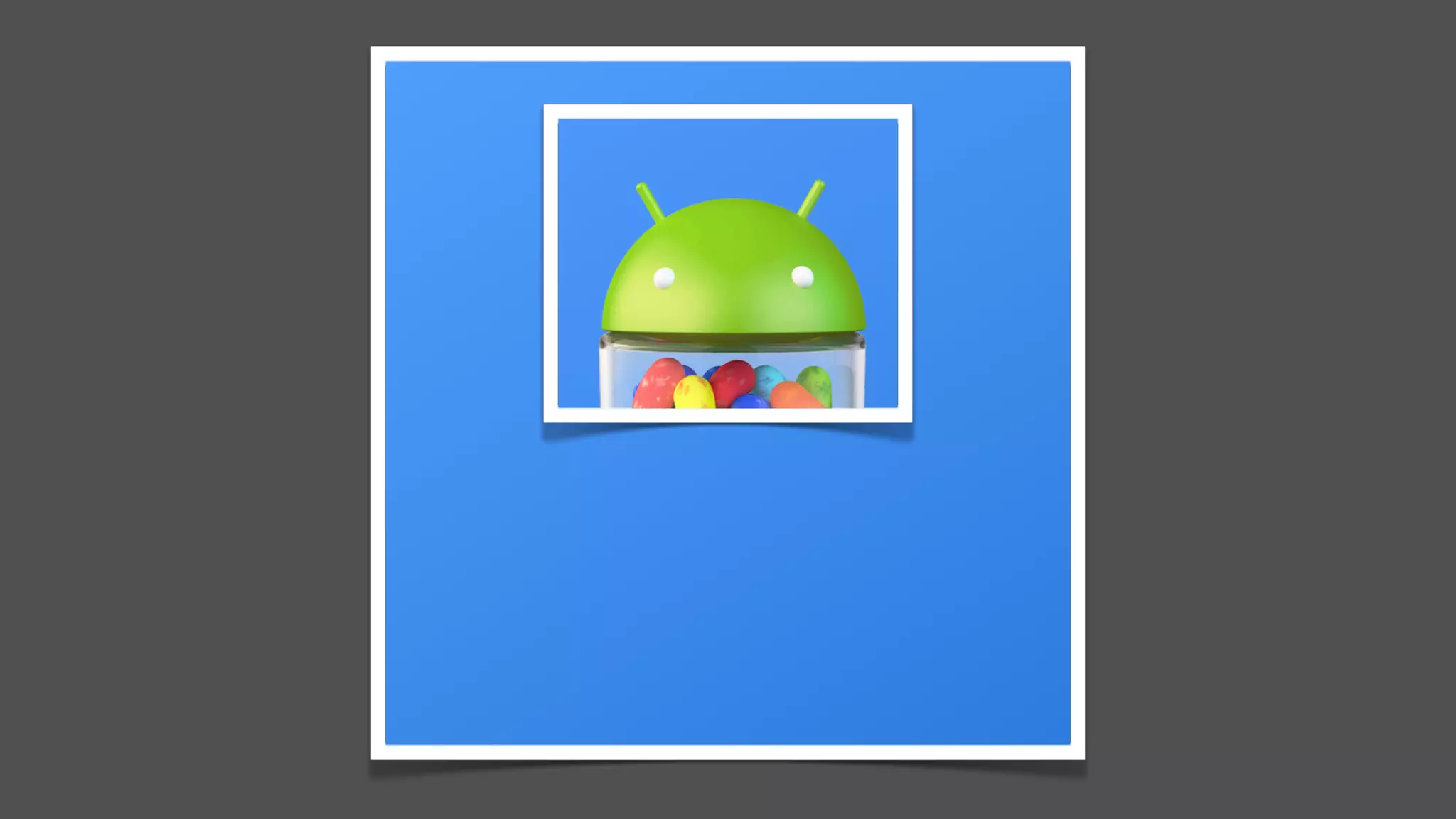
Canvas layers
@Override
protected void onDraw(Canvas canvas) {
// Create a clipped layer
canvas.save();
canvas.saveLayer(x, y, width, height,
Canvas.CLIP_TO_LAYER_SAVE_FLAG);
// Draw stuff
canvas.drawBitmap(bugDroid, 0.0f, 0.0f, null);
canvas.restore();
}
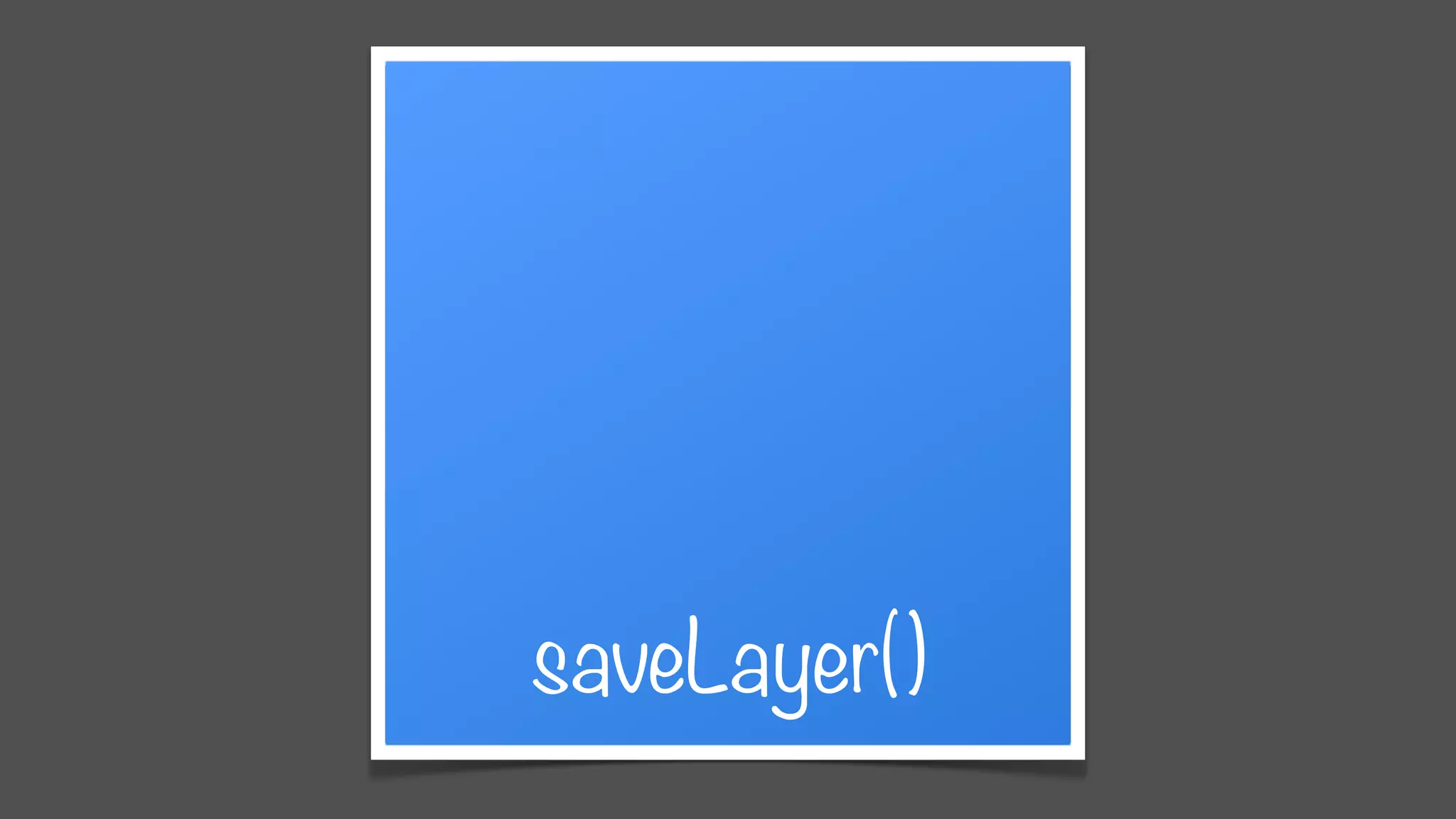
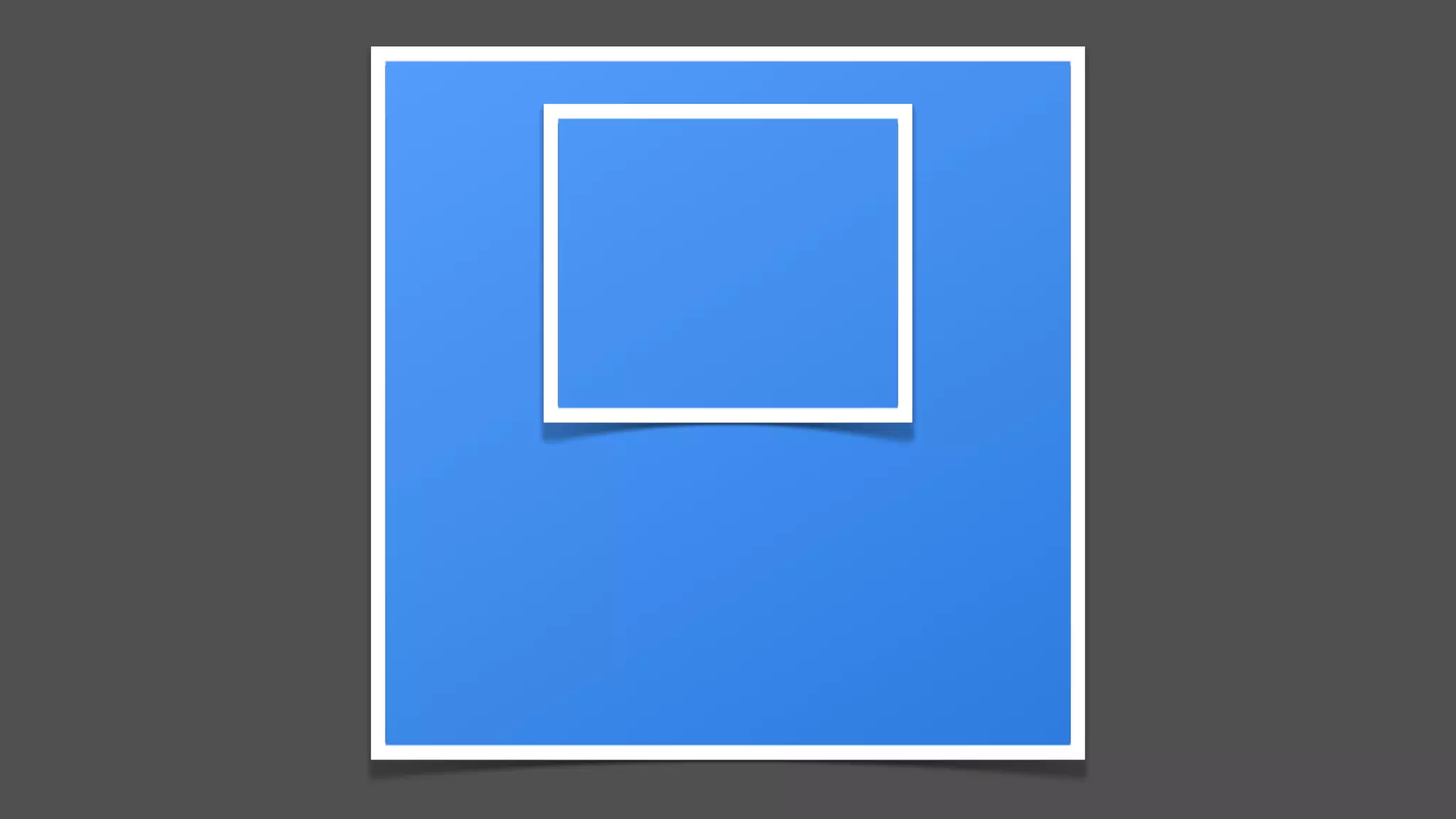
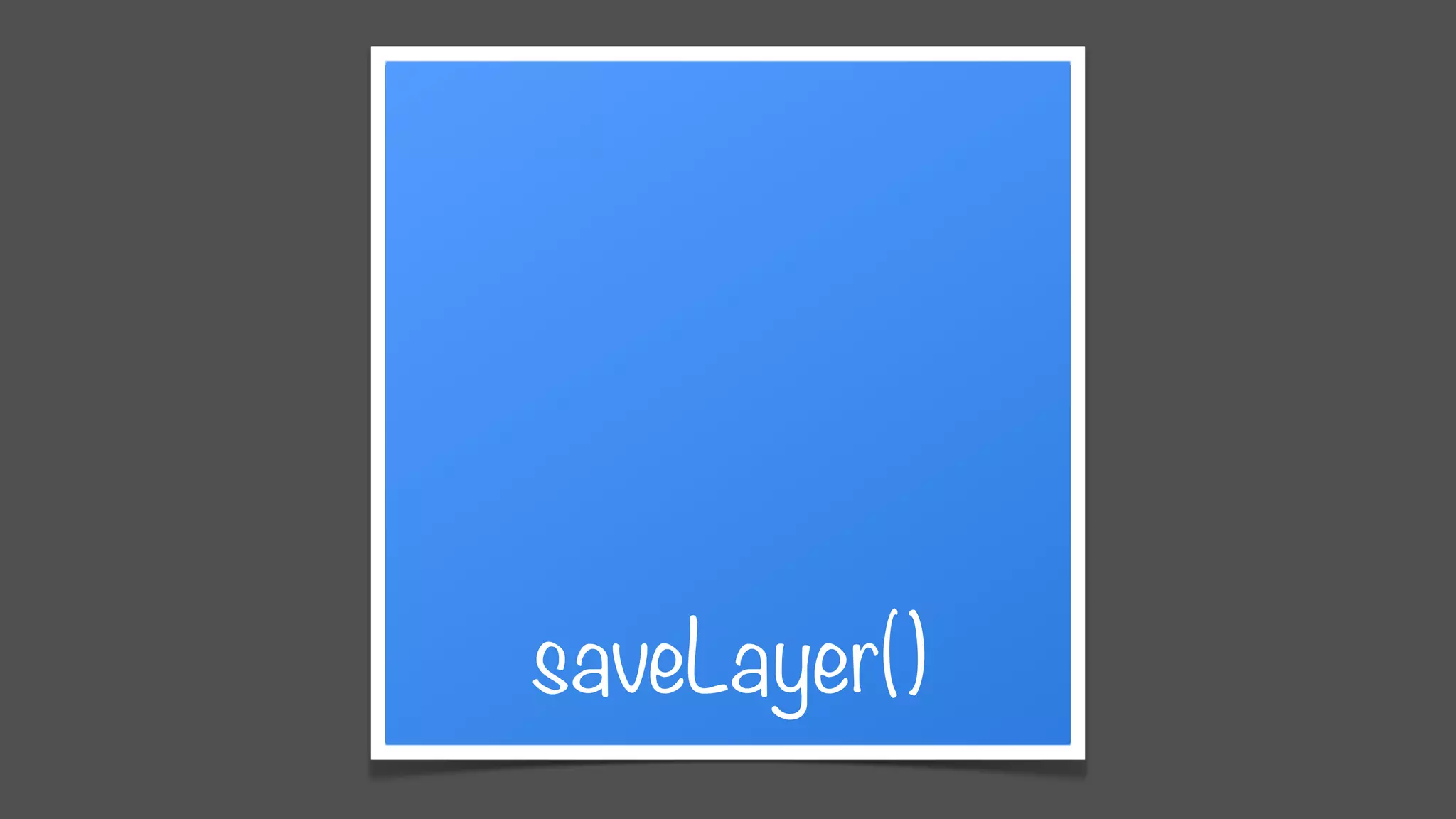
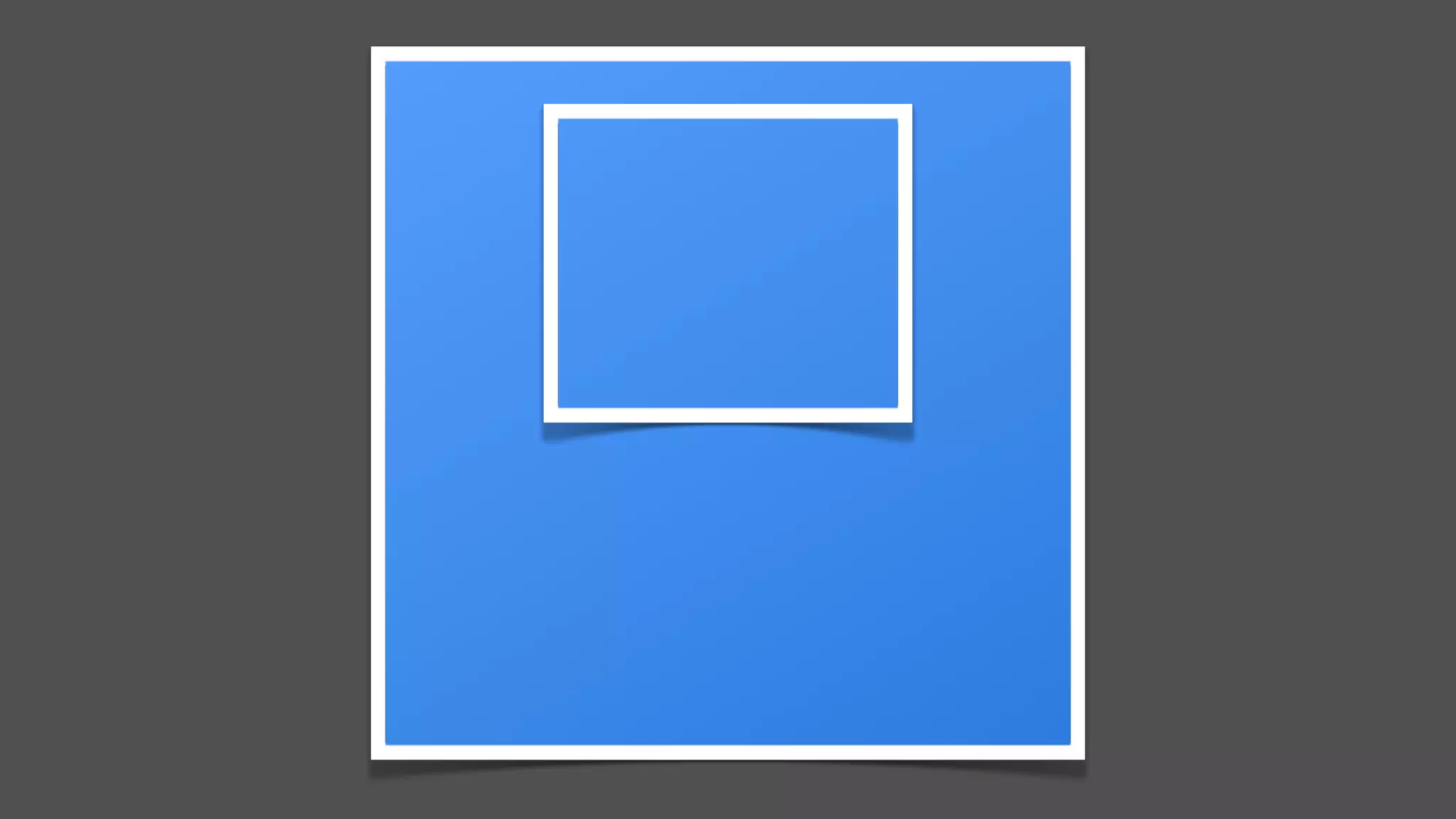
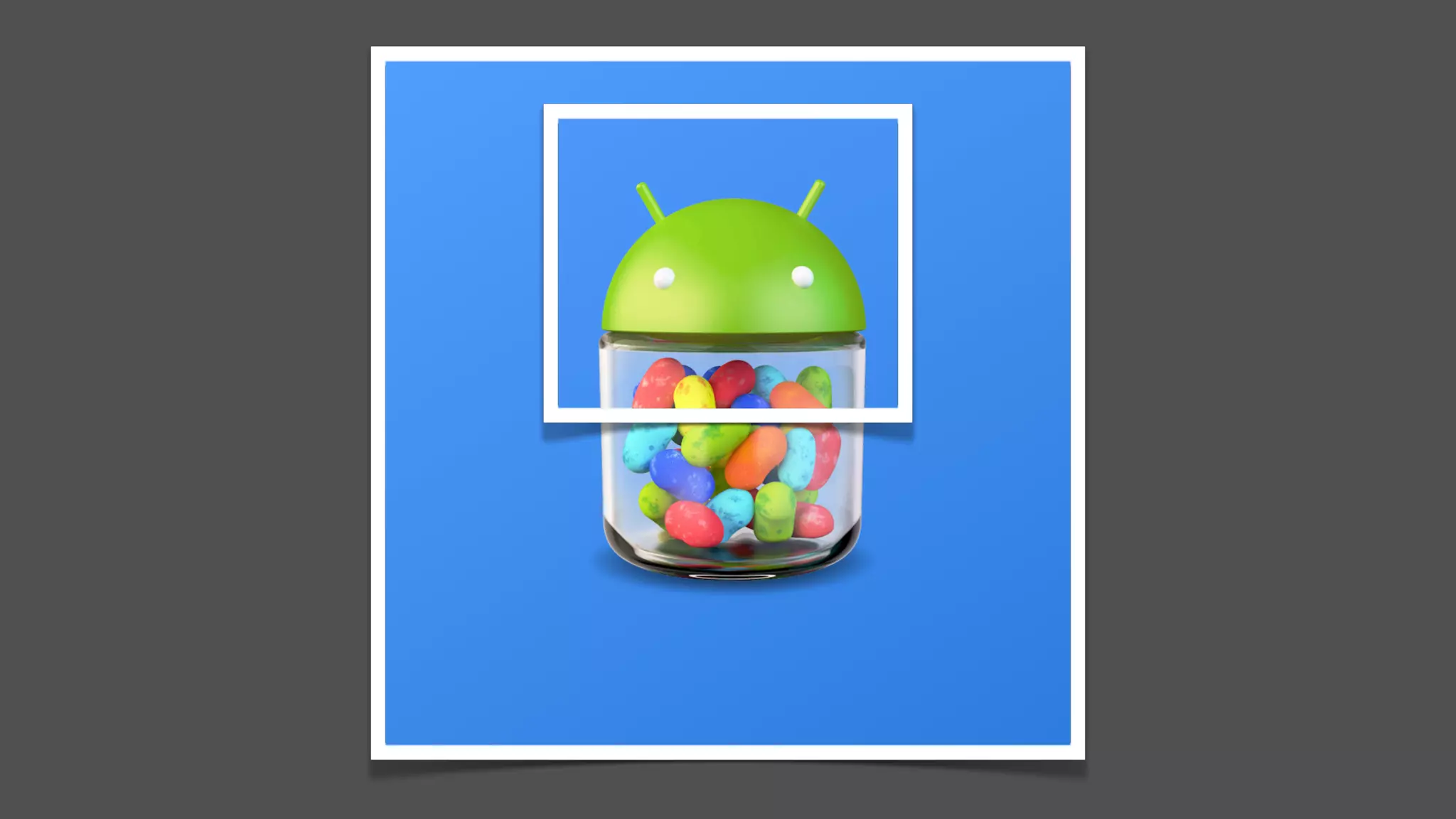
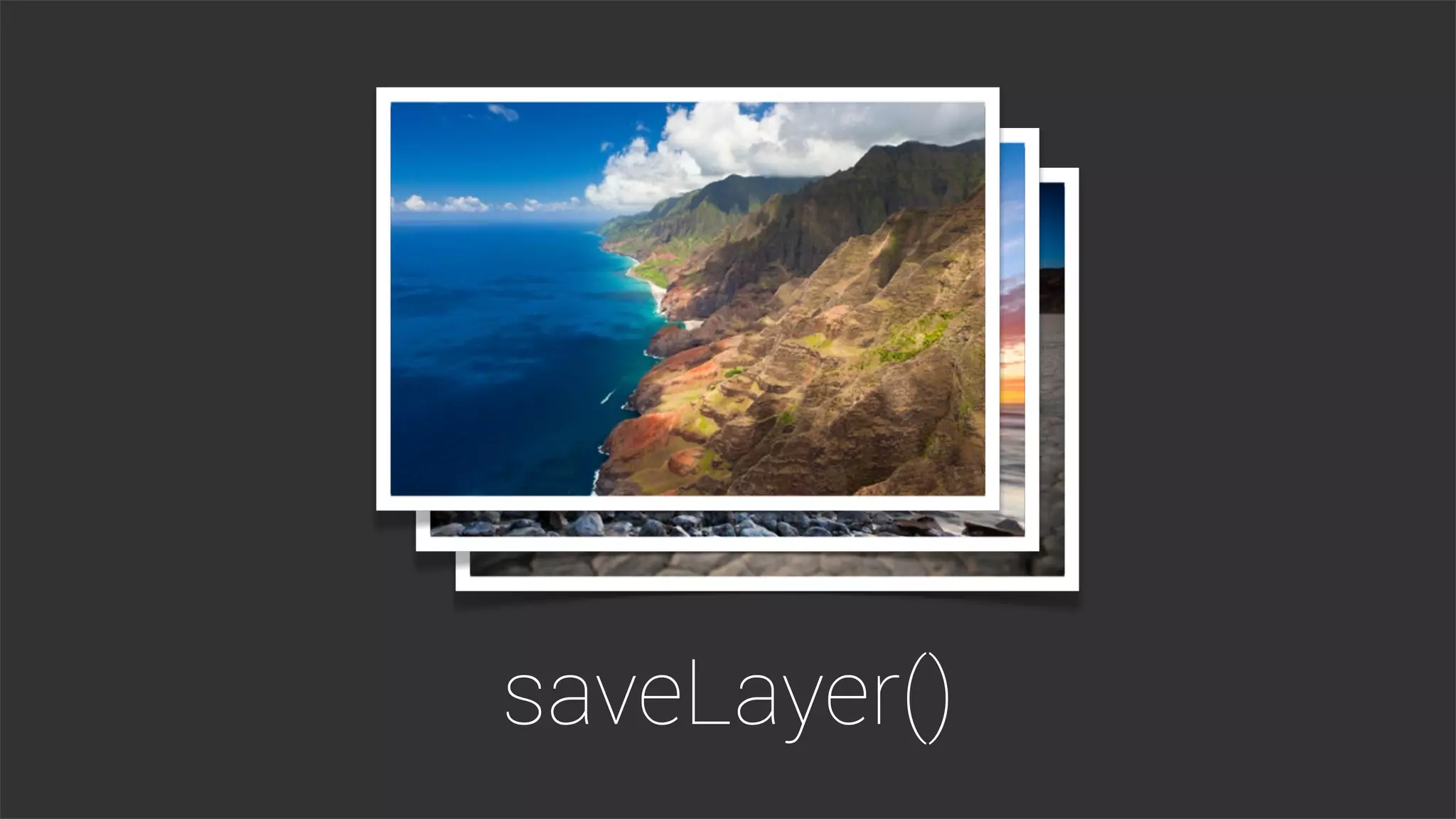
saveLayer()
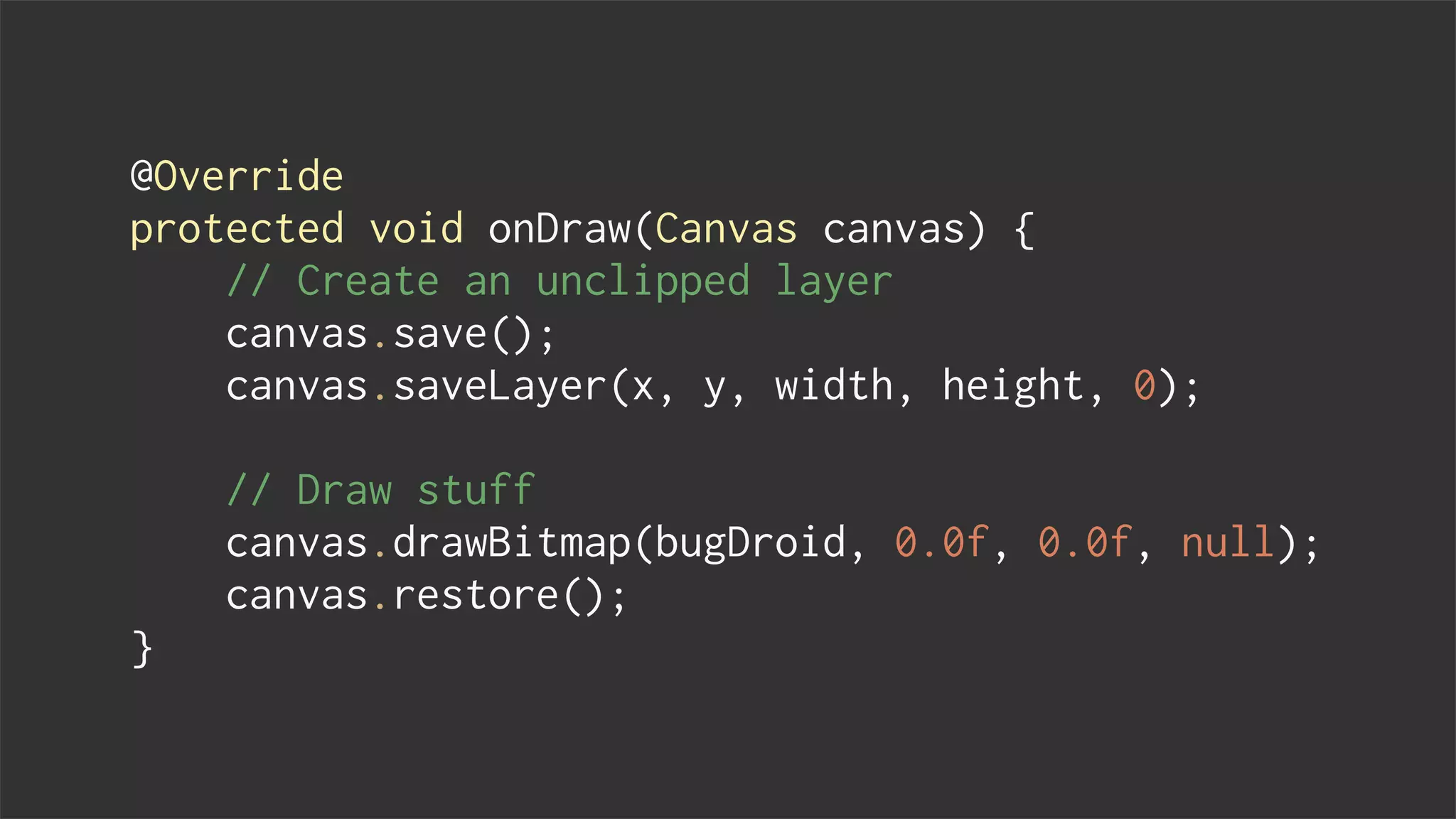
@Override
protected void onDraw(Canvas canvas) {
// Create an unclipped layer
canvas.save();
canvas.saveLayer(x, y, width, height, 0);
// Draw stuff
canvas.drawBitmap(bugDroid, 0.0f, 0.0f, null);
canvas.restore();
}
saveLayer()
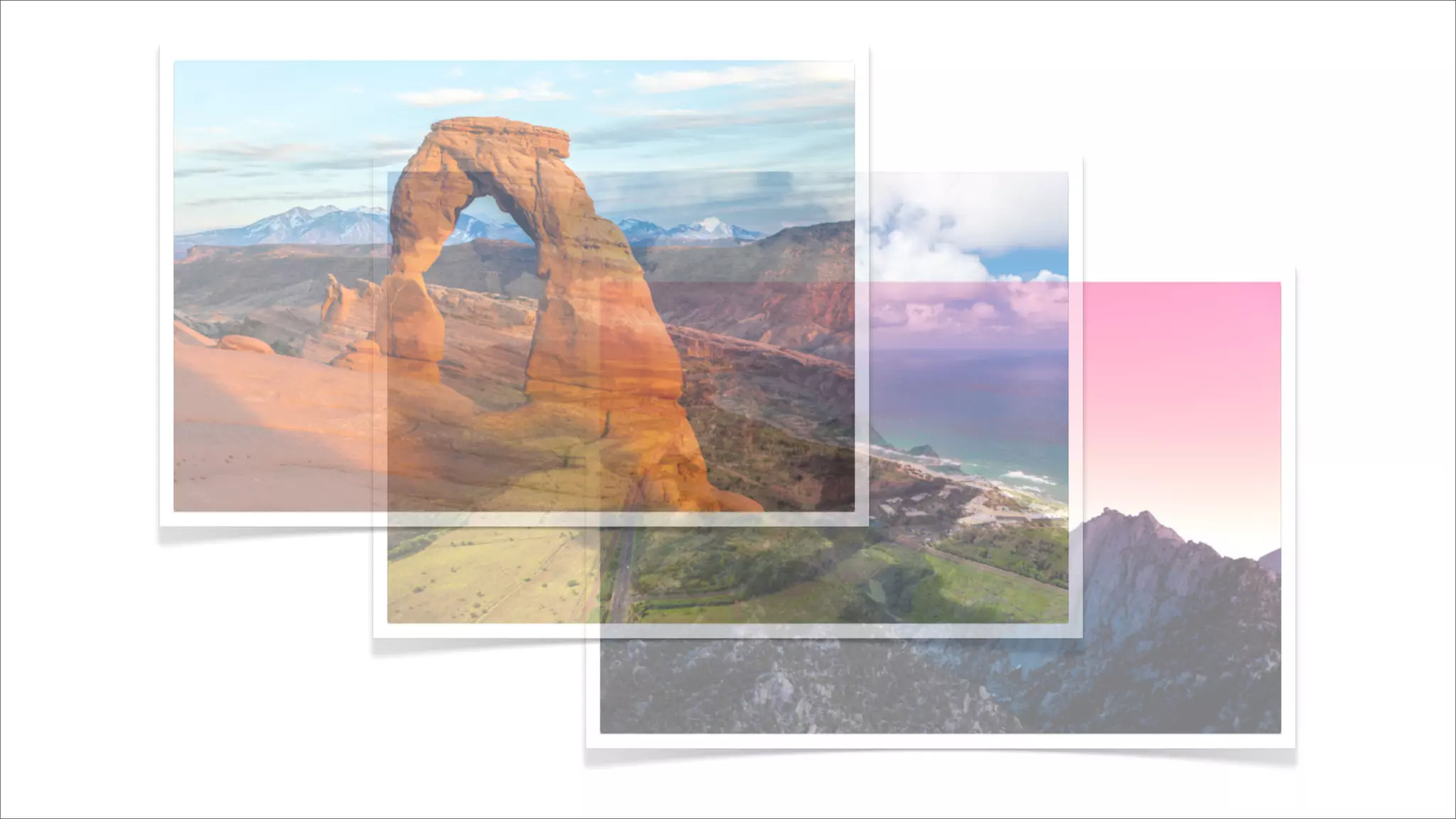
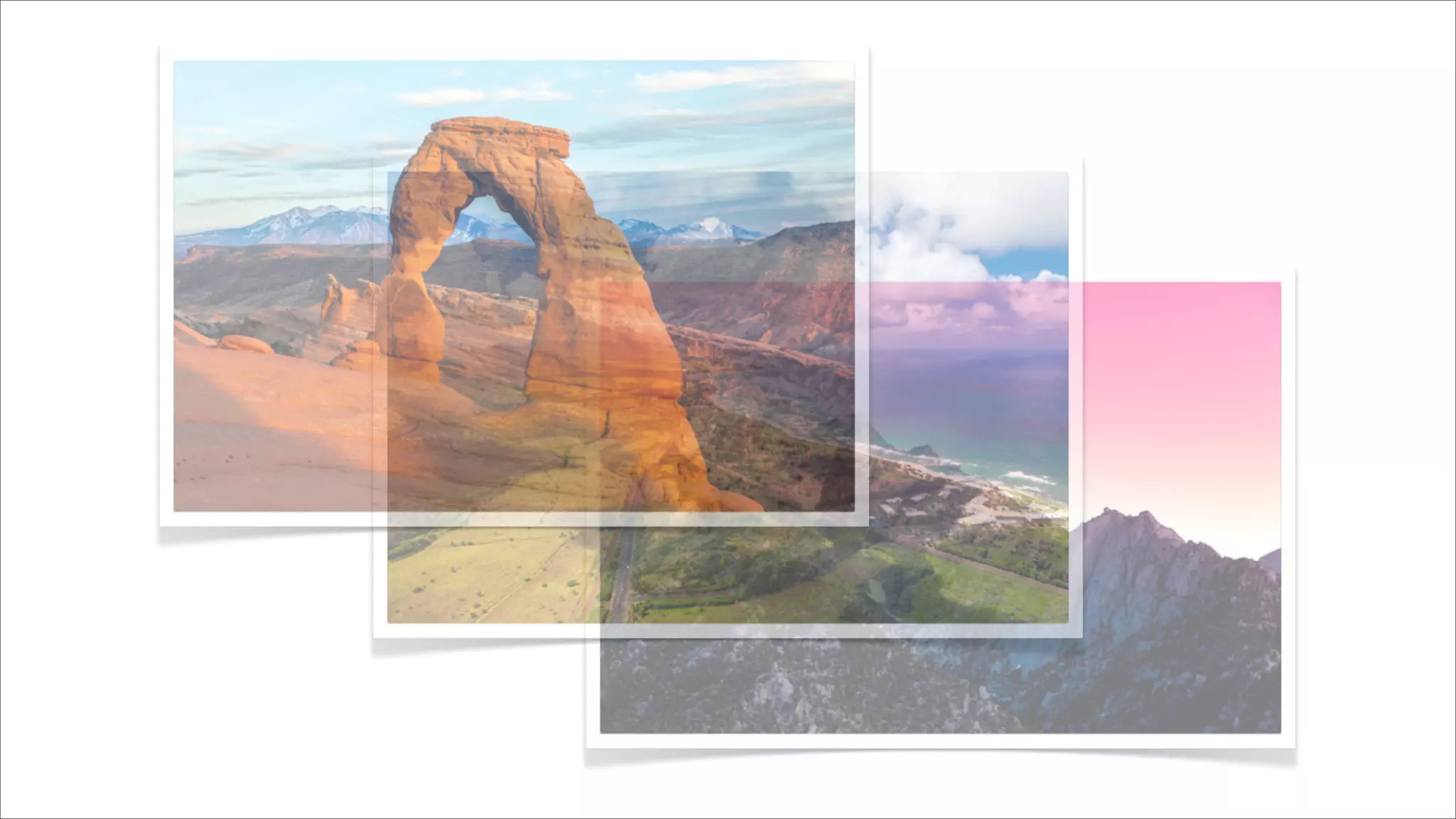
Using alpha with care
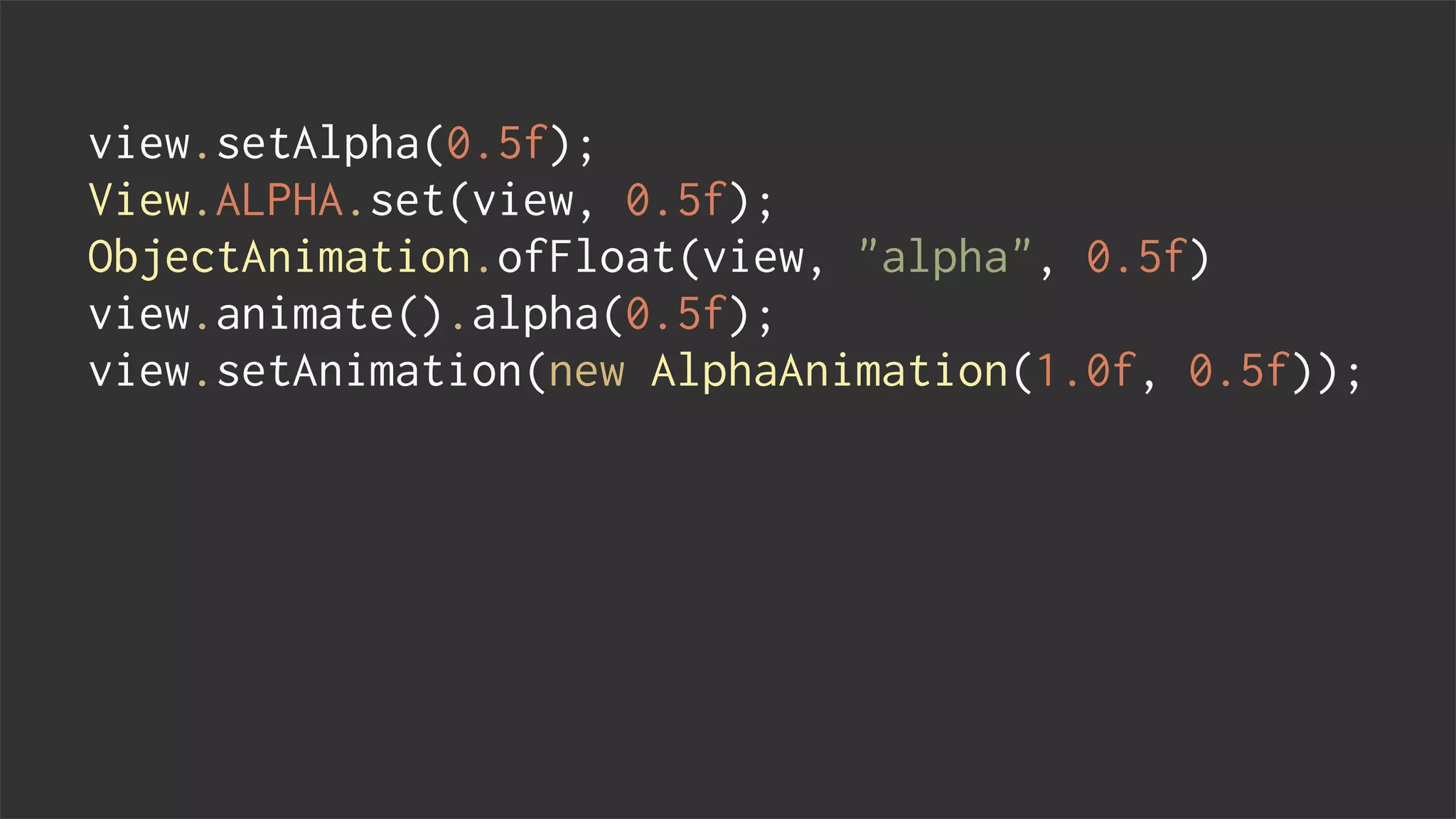
view.setAlpha(0.5f);
View.ALPHA.set(view, 0.5f);
ObjectAnimation.ofFloat(view, "alpha", 0.5f)
view.animate().alpha(0.5f);
view.setAnimation(new AlphaAnimation(1.0f, 0.5f));
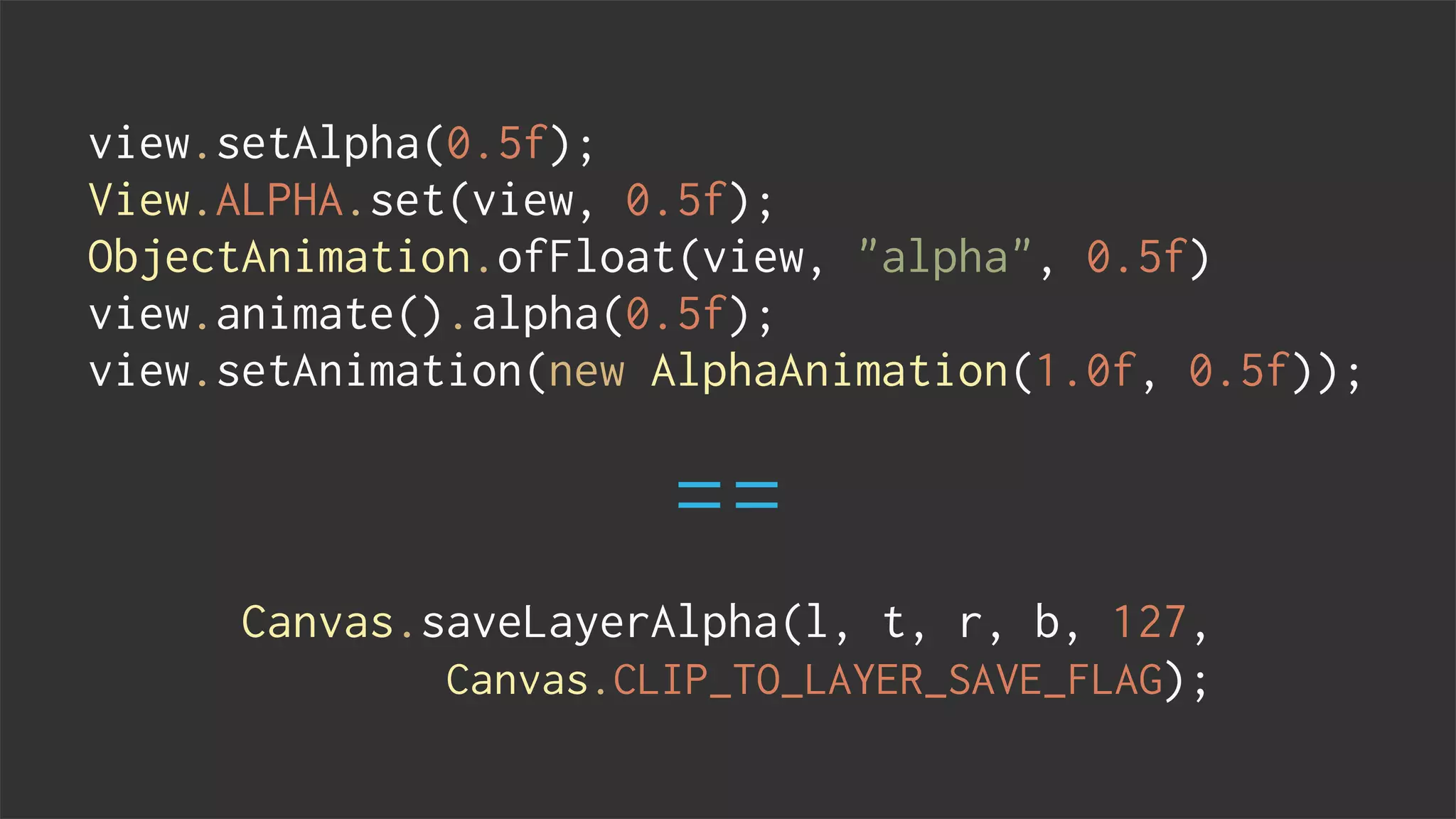
view.setAlpha(0.5f);
View.ALPHA.set(view, 0.5f);
ObjectAnimation.ofFloat(view, "alpha", 0.5f)
view.animate().alpha(0.5f);
view.setAnimation(new AlphaAnimation(1.0f, 0.5f));
Canvas.saveLayerAlpha(l, t, r, b, 127,
Canvas.CLIP_TO_LAYER_SAVE_FLAG);
==
lternatives
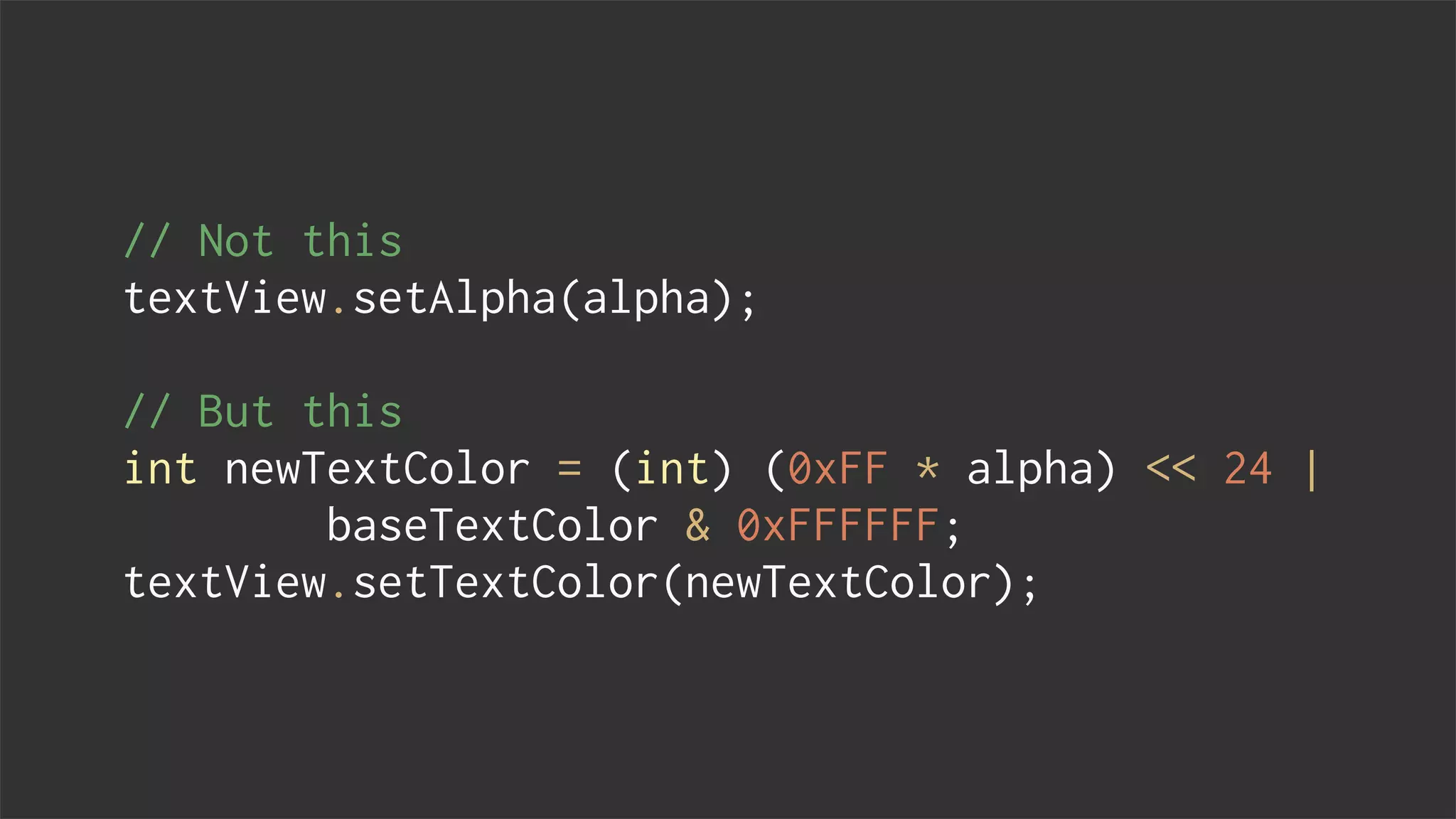
// Not this
textView.setAlpha(alpha);
// But this
int newTextColor = (int) (0xFF * alpha) << 24 |
baseTextColor & 0xFFFFFF;
textView.setTextColor(newTextColor);
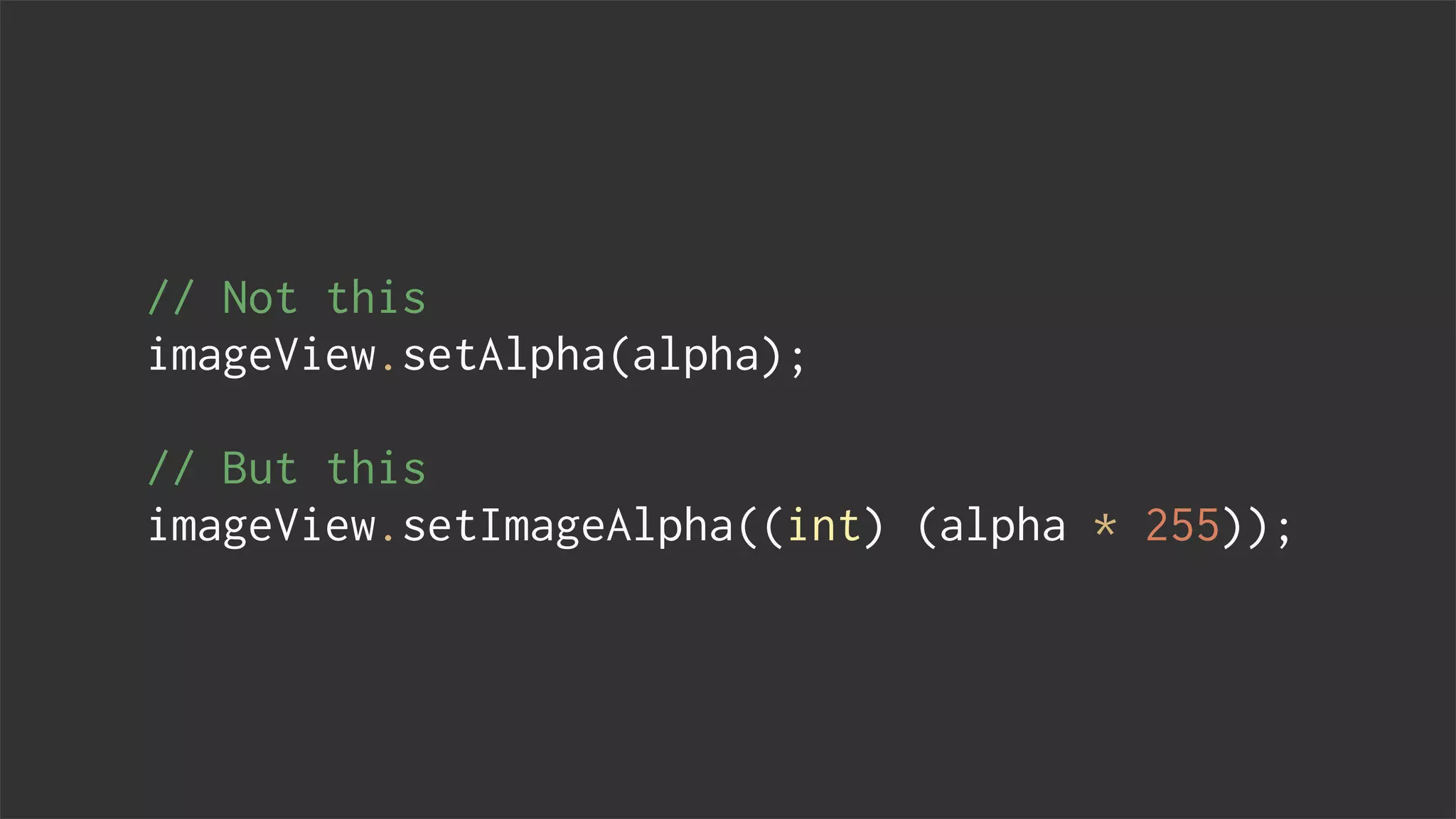
// Not this
imageView.setAlpha(alpha);
// But this
imageView.setImageAlpha((int) (alpha * 255));
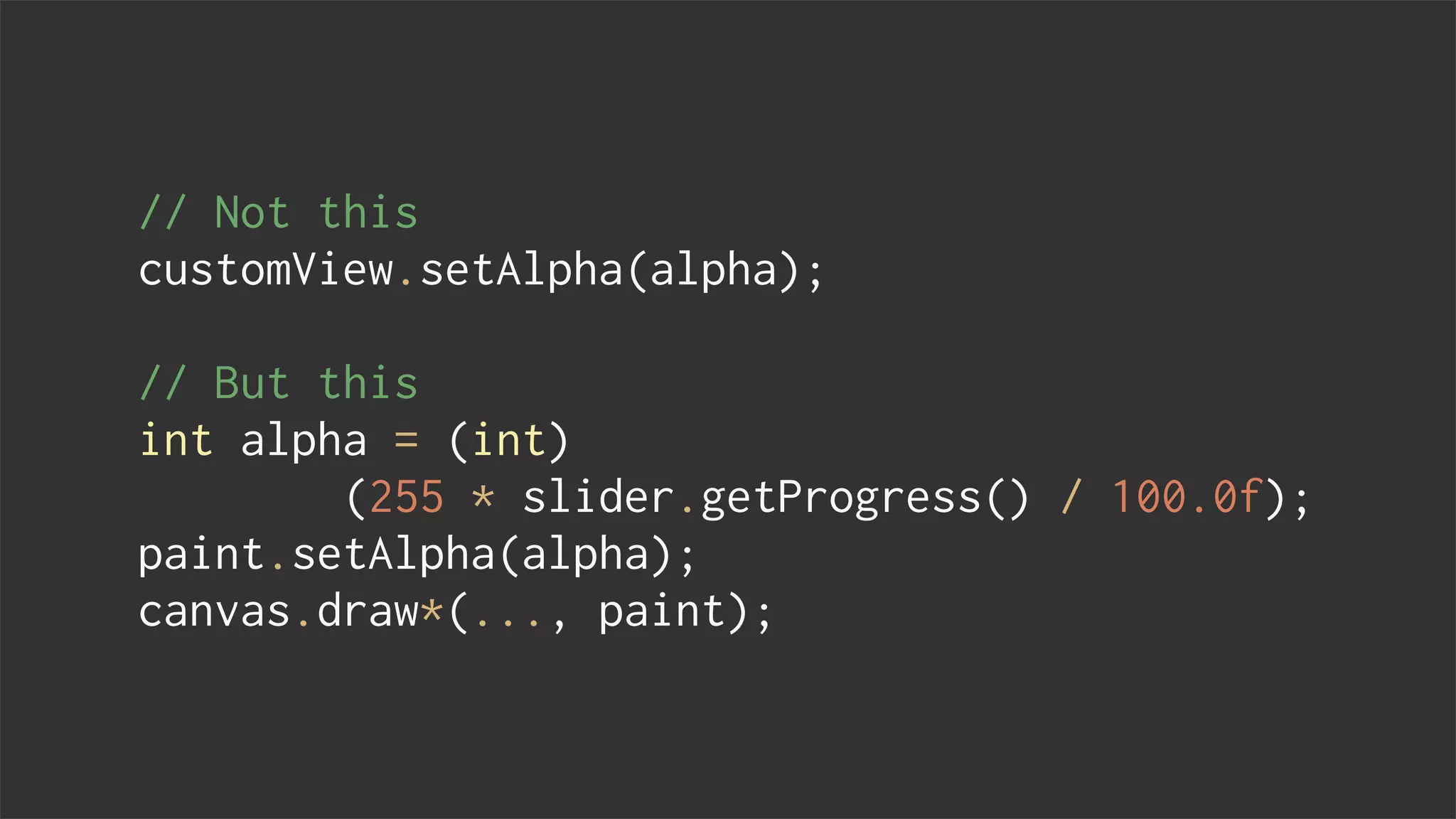
// Not this
customView.setAlpha(alpha);
// But this
int alpha = (int)
(255 * slider.getProgress() / 100.0f);
paint.setAlpha(alpha);
canvas.draw*(..., paint);
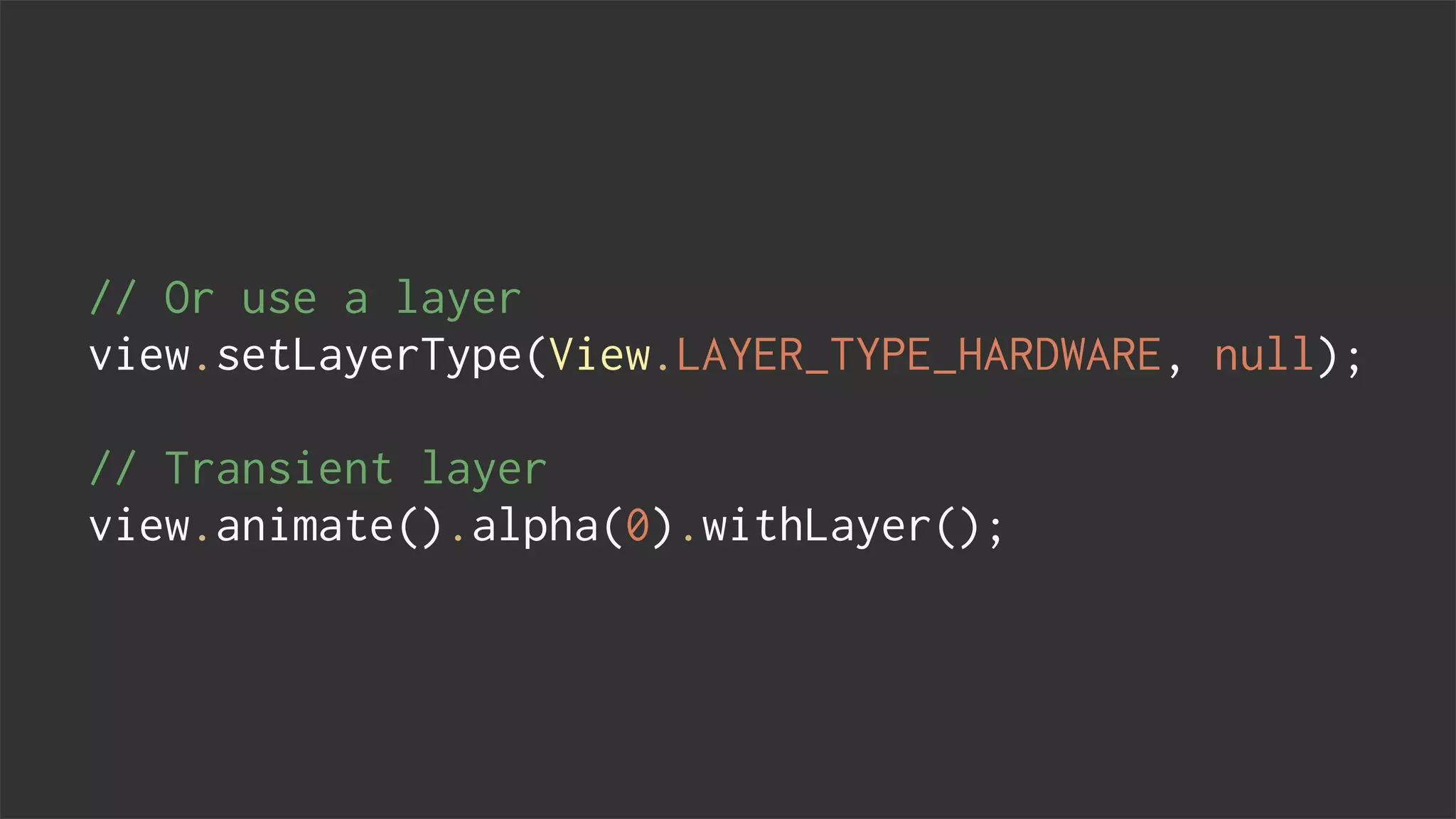
// Or use a layer
view.setLayerType(View.LAYER_TYPE_HARDWARE, null);
// Transient layer
view.animate().alpha(0).withLayer();
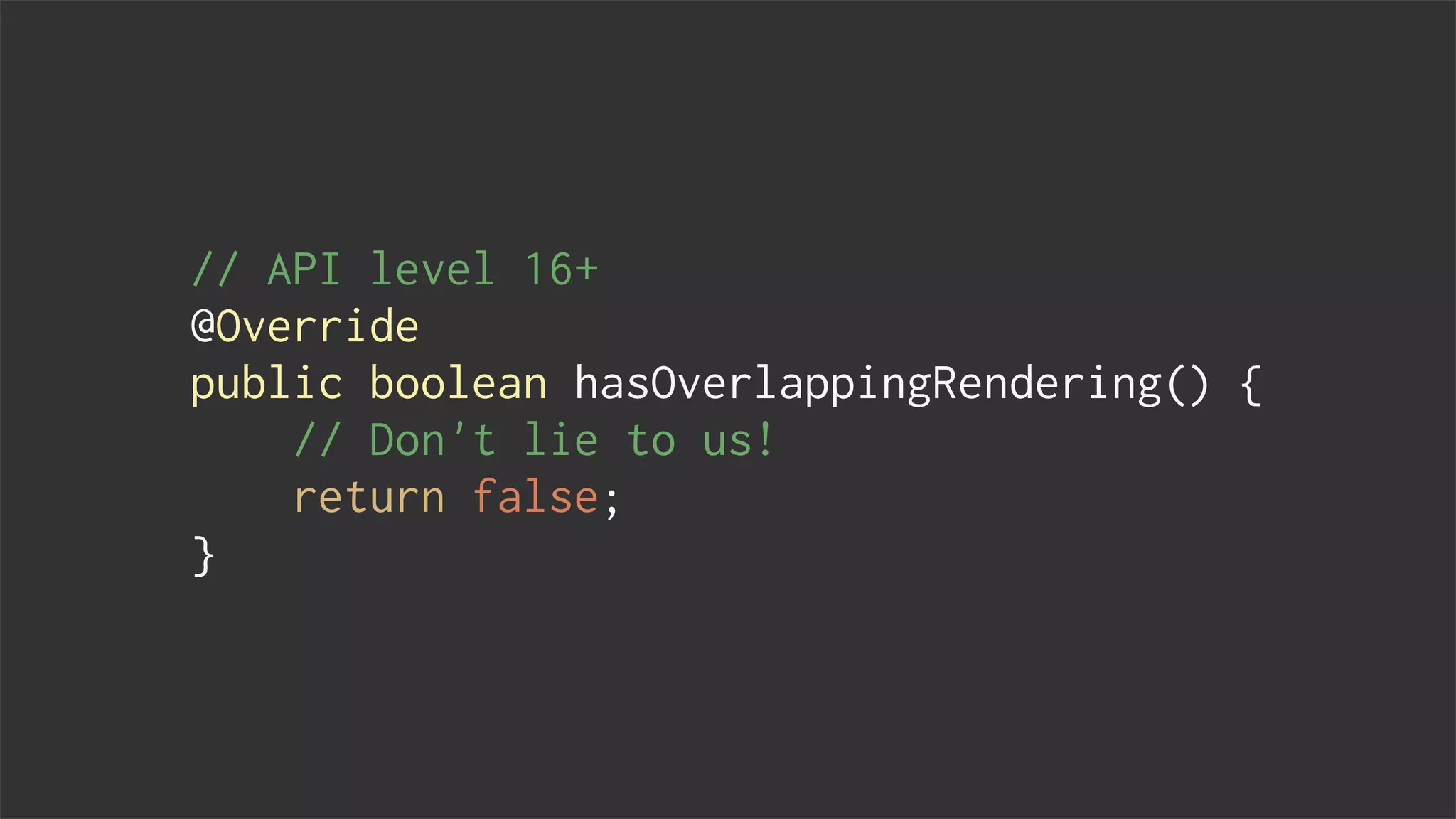
// API level 16+
@Override
public boolean hasOverlappingRendering() {
// Don't lie to us!
return false;
}
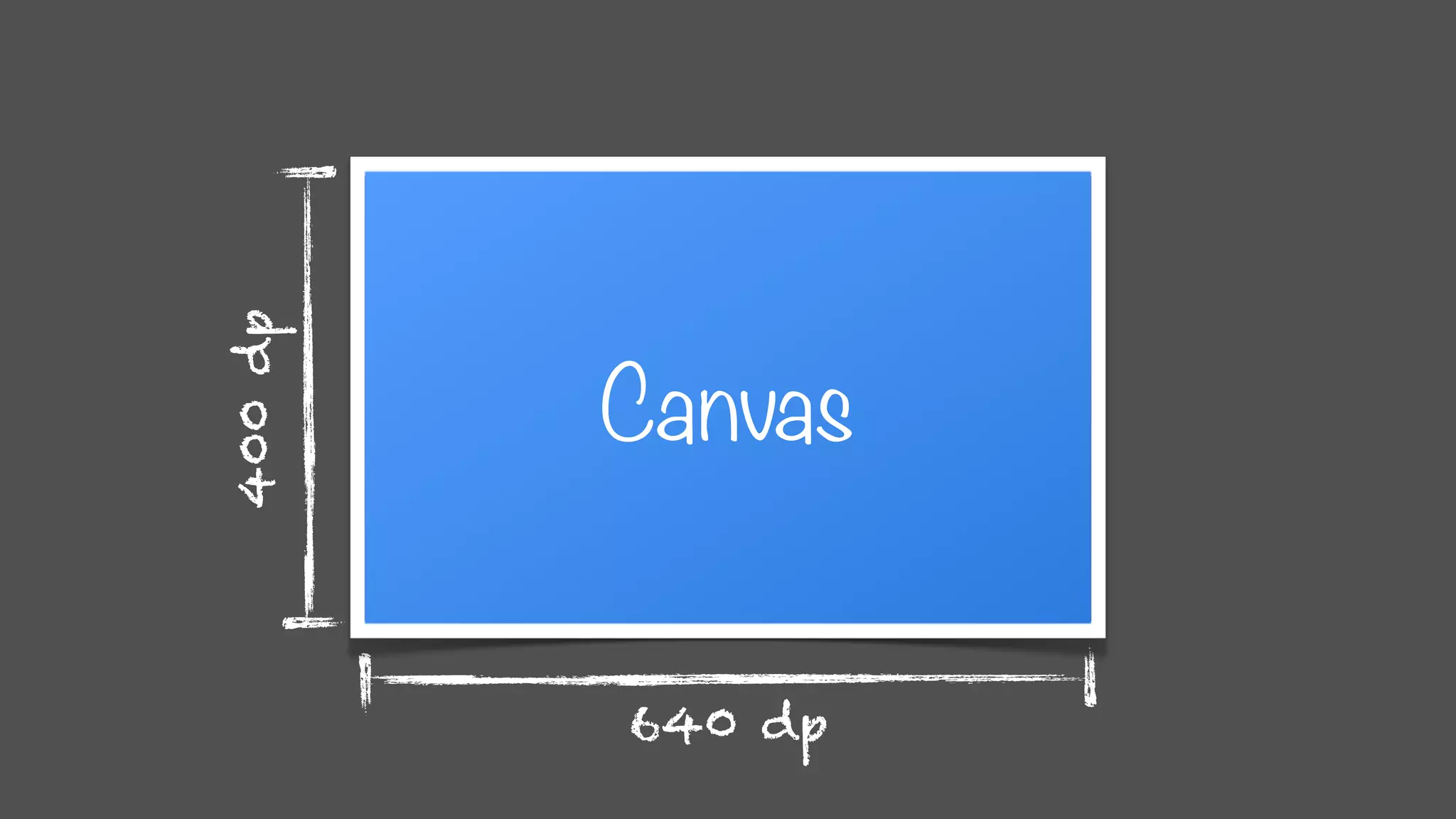
640 dp
400dp
Canvas
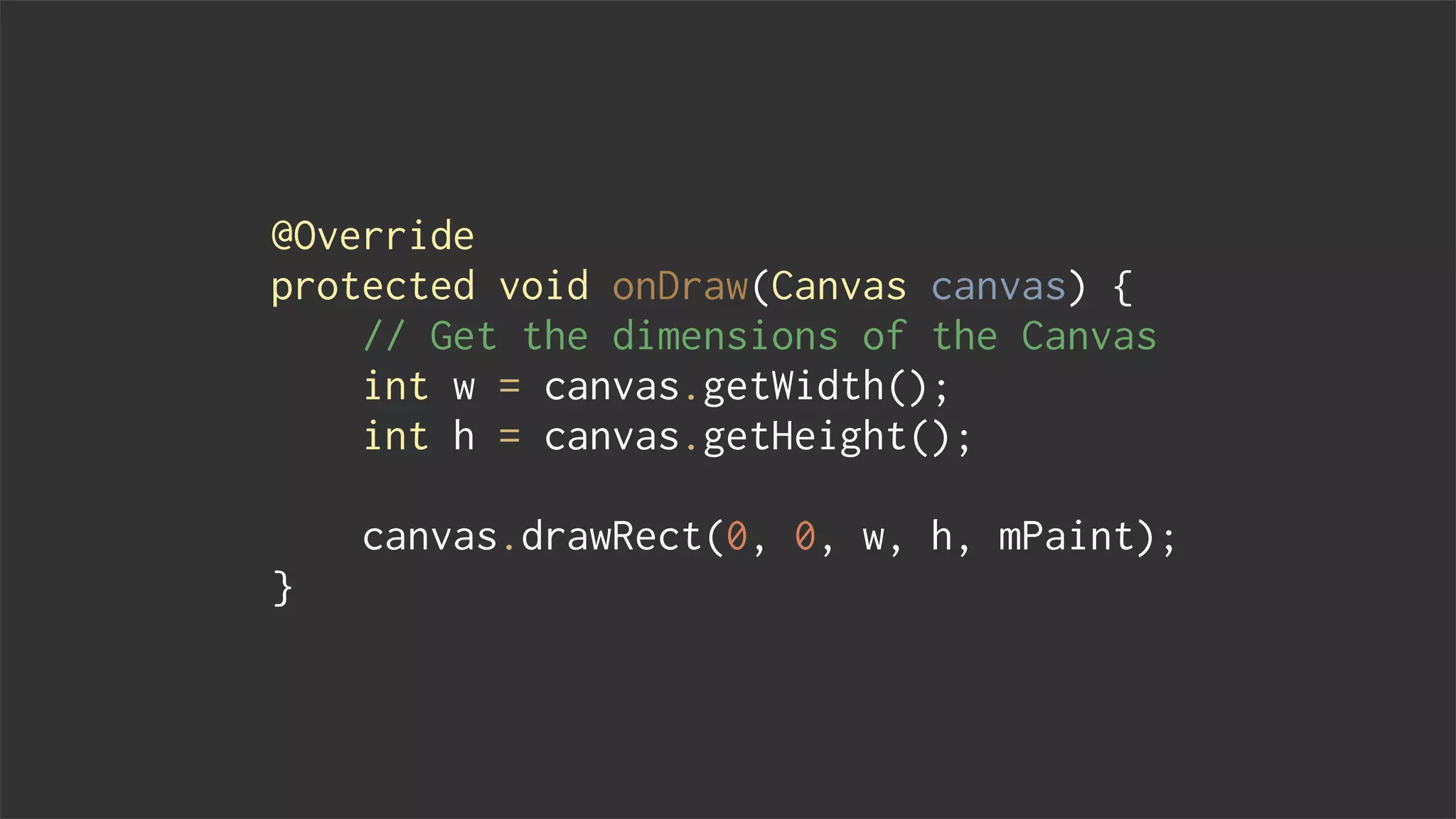
@Override
protected void onDraw(Canvas canvas) {
// Get the dimensions of the Canvas
int w = canvas.getWidth();
int h = canvas.getHeight();
canvas.drawRect(0, 0, w, h, mPaint);
}
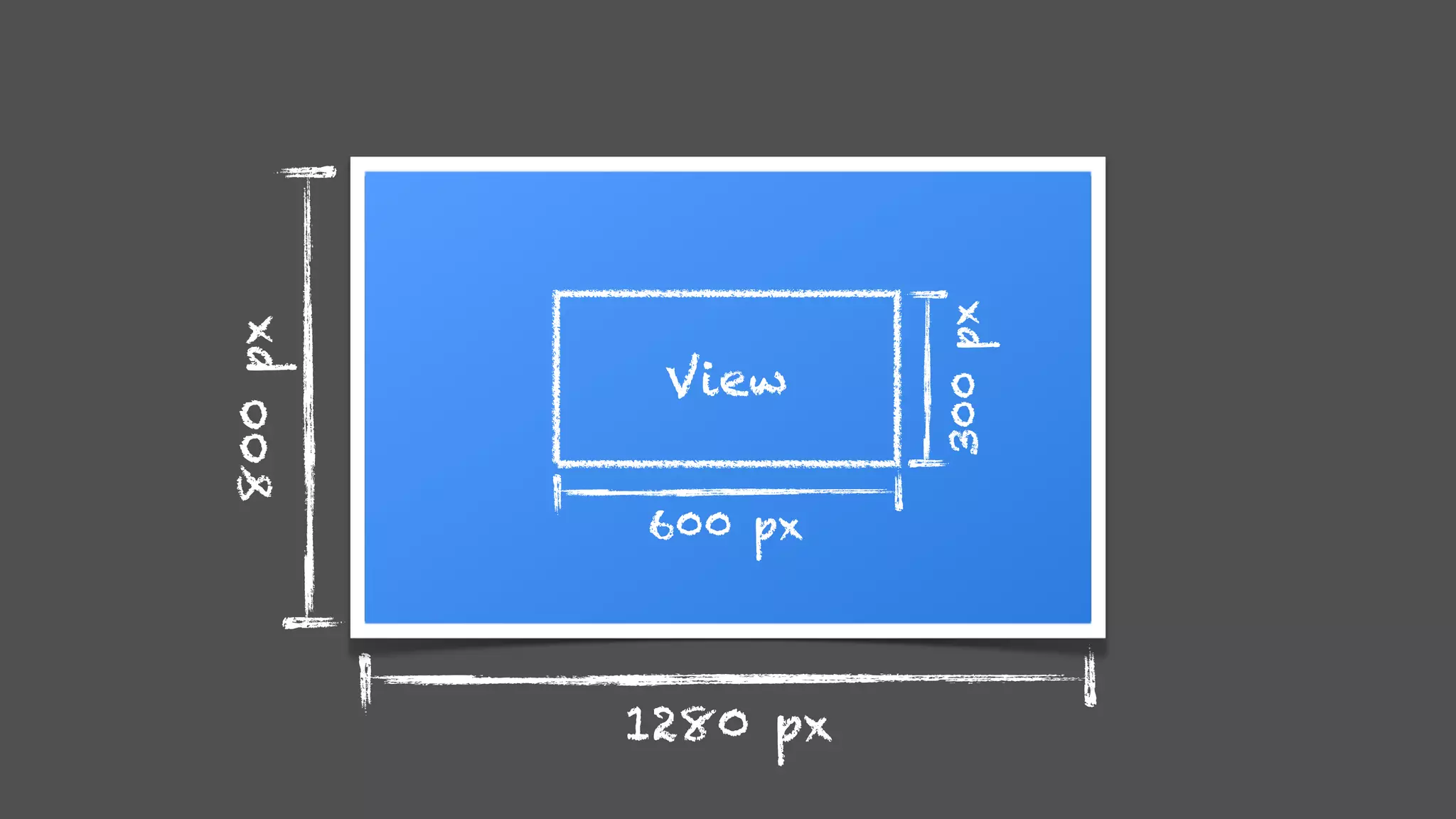
1280 px
800px
View
300px
600 px
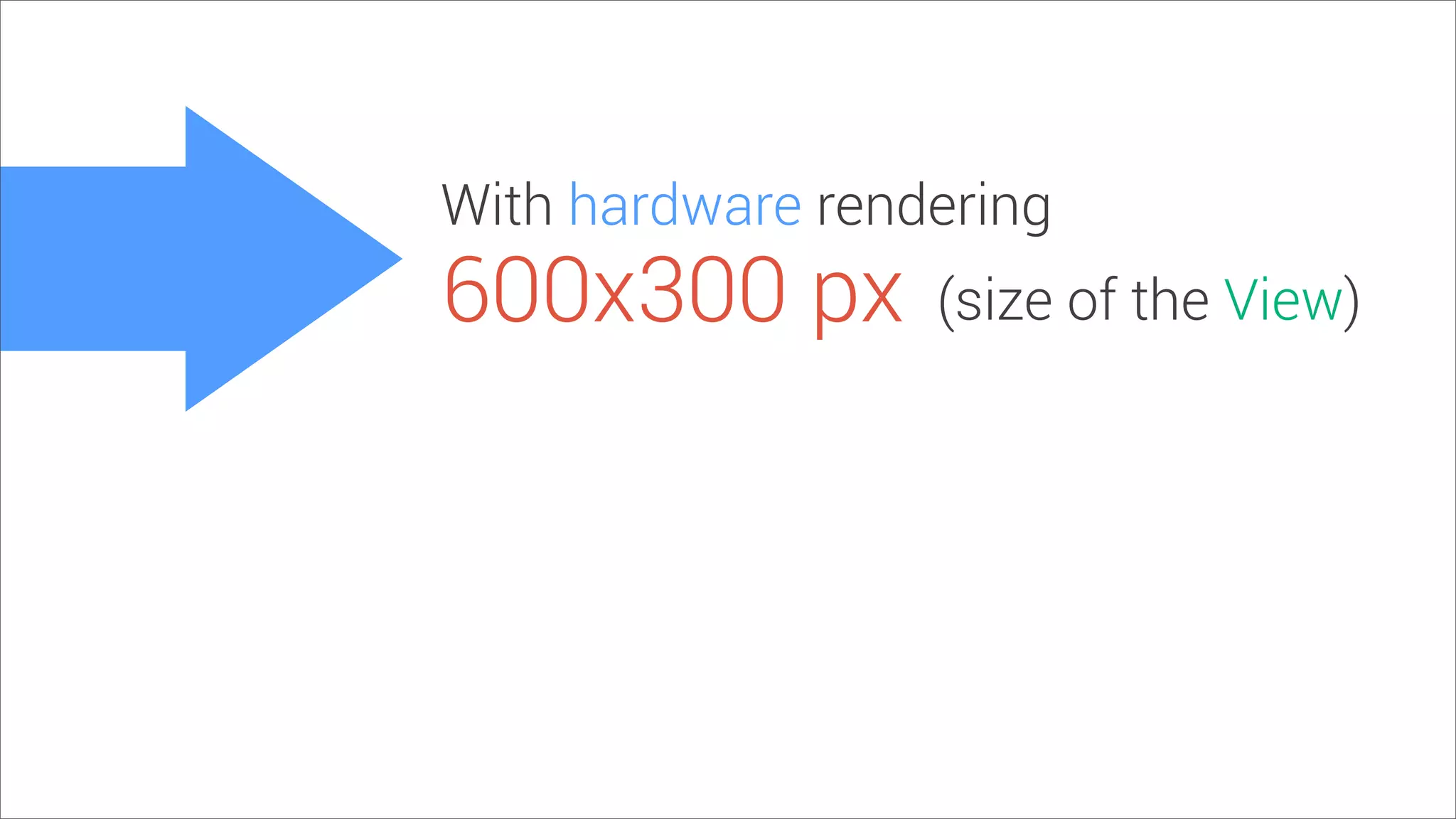
With hardware rendering
600x300 px (size of the View)
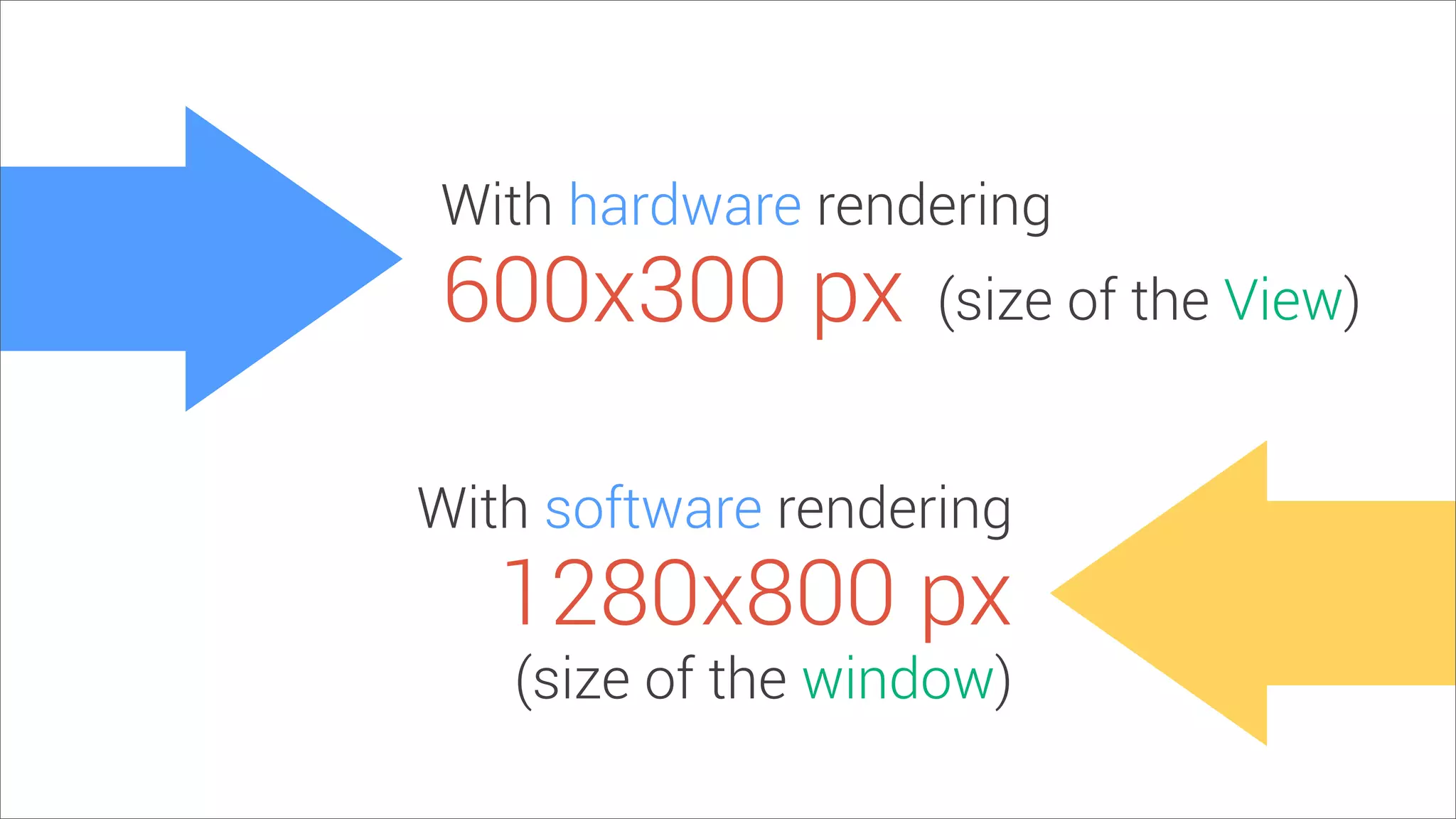
With hardware rendering
With software rendering
600x300 px
1280x800 px
(size of the View)
(size of the window)
✂
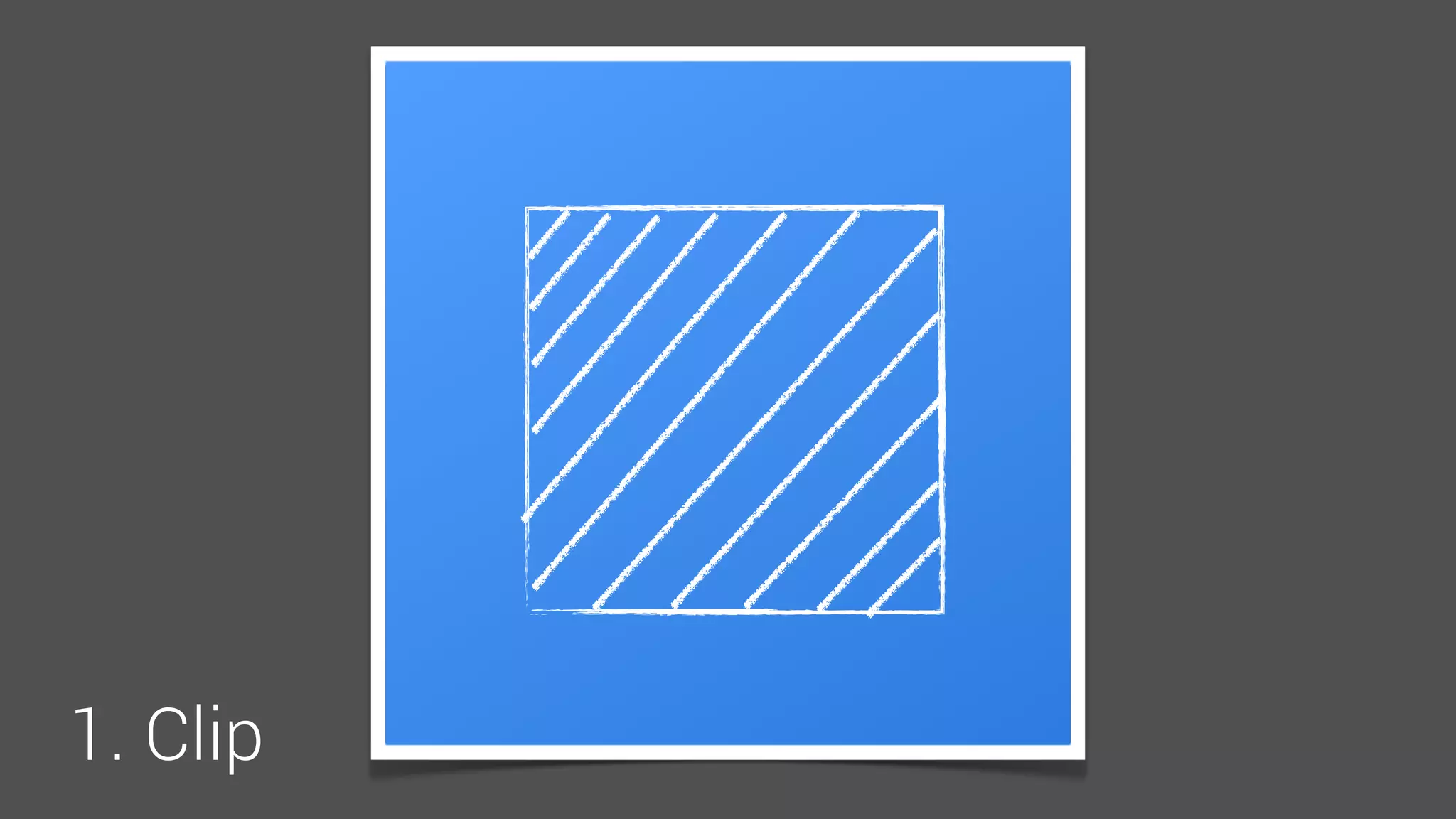
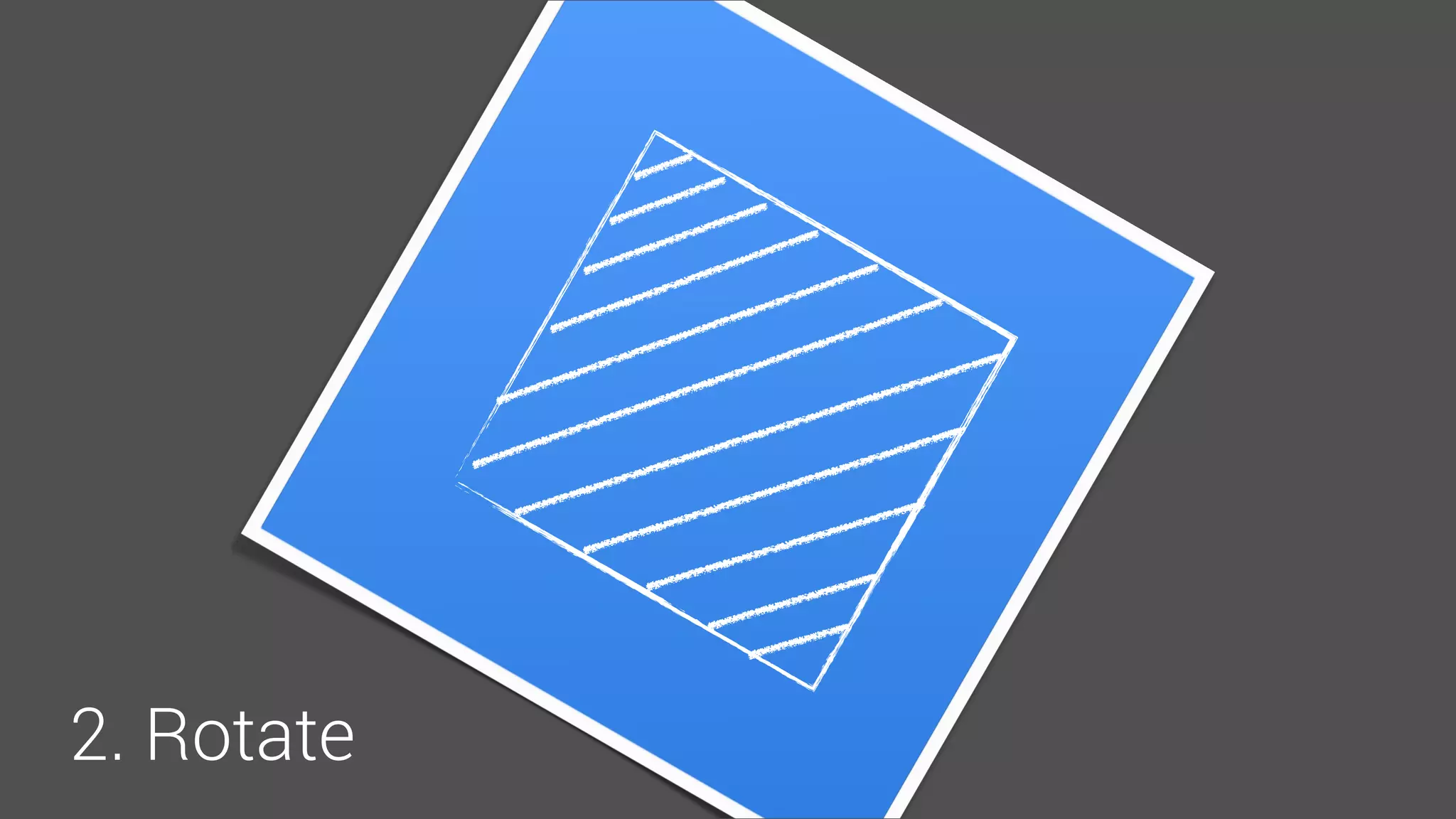
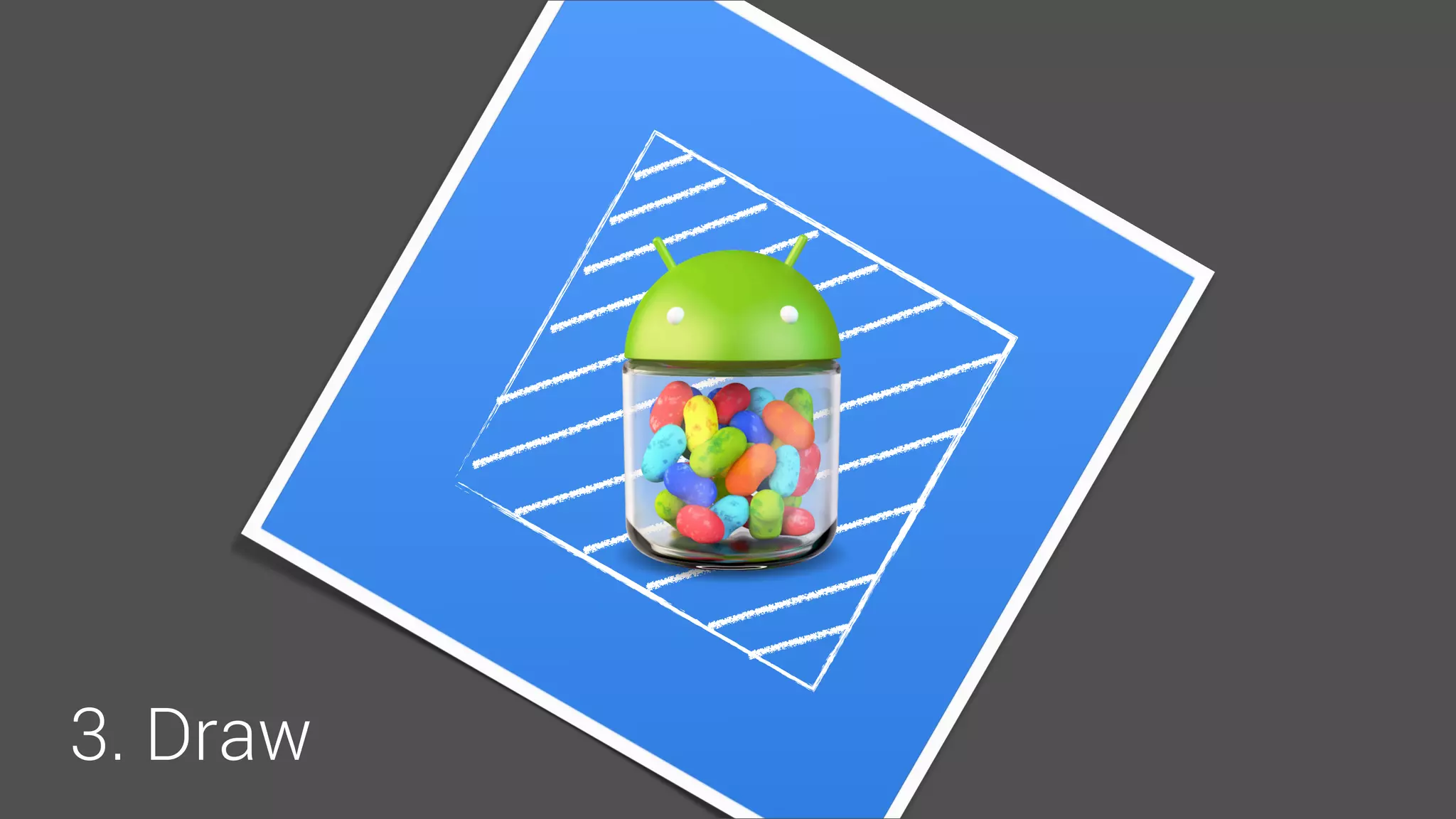
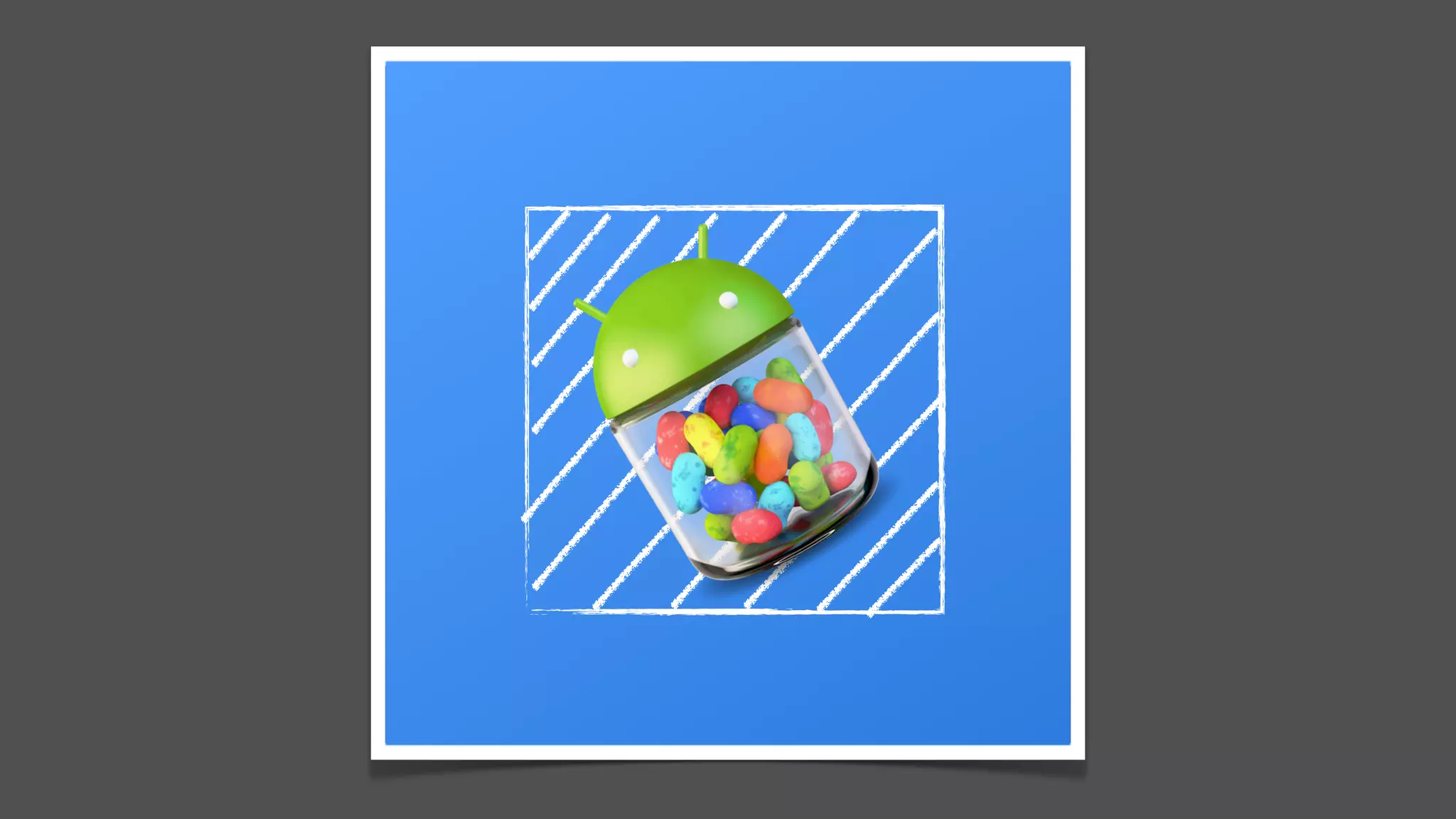
Clipping
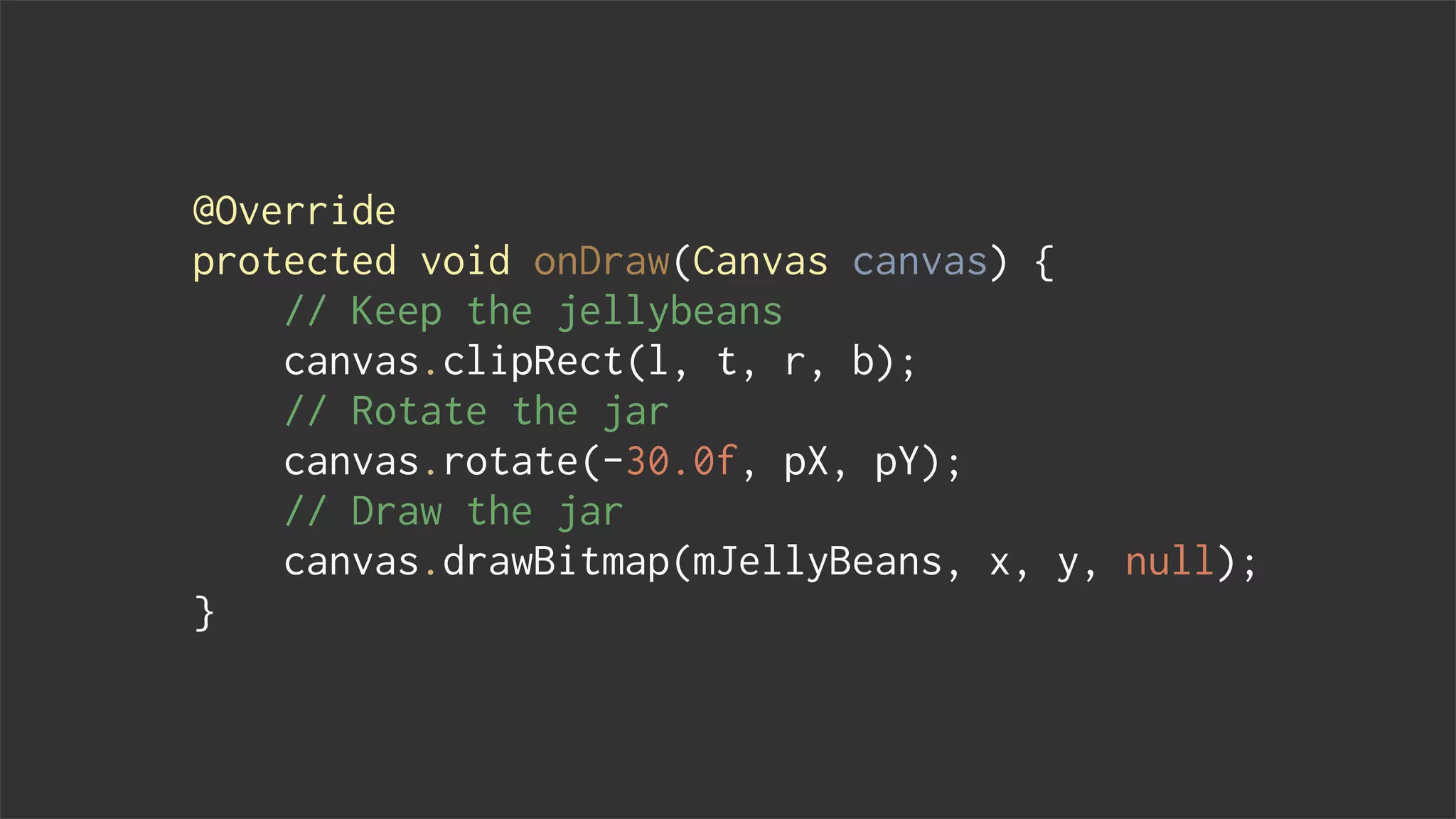
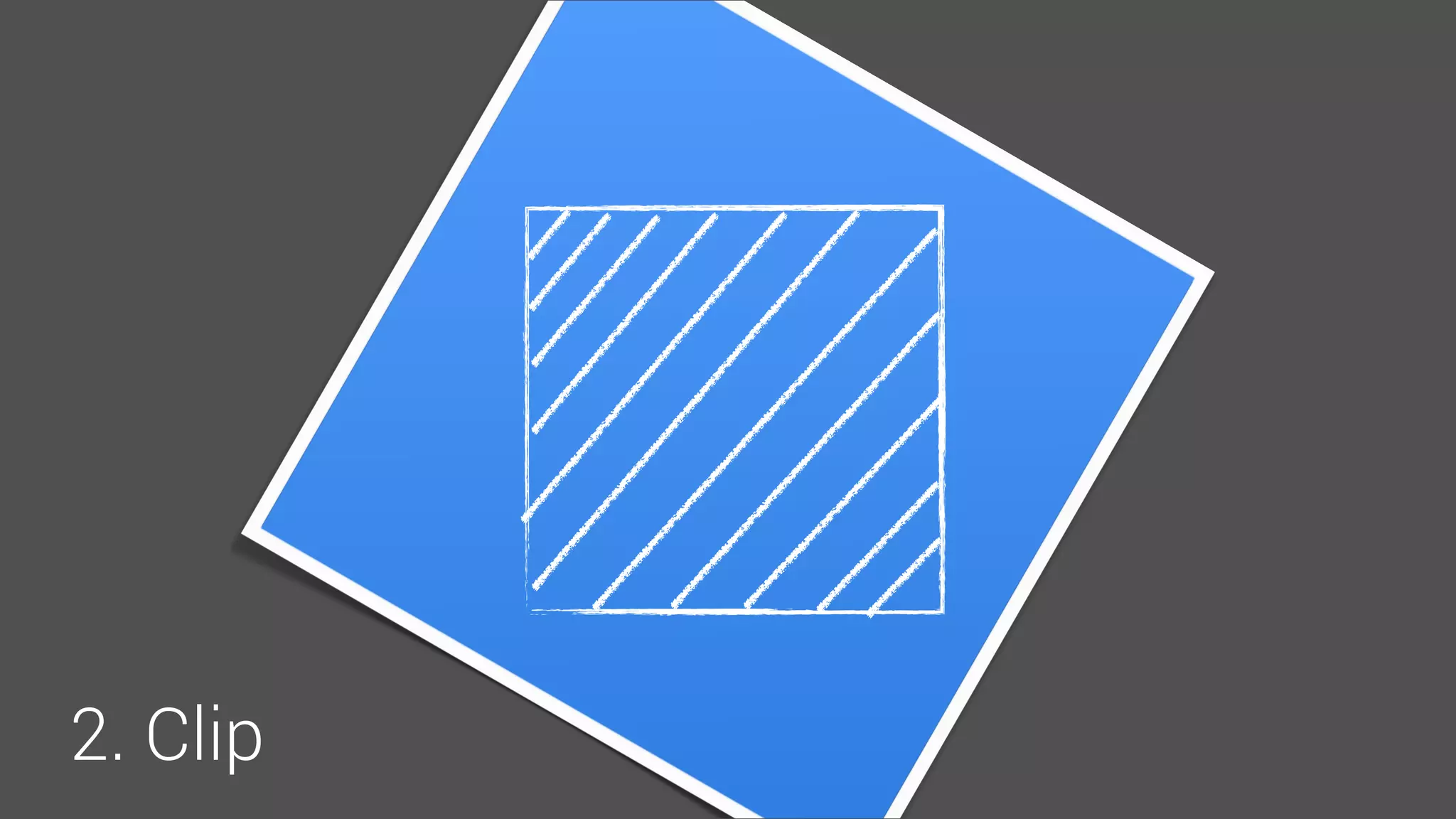
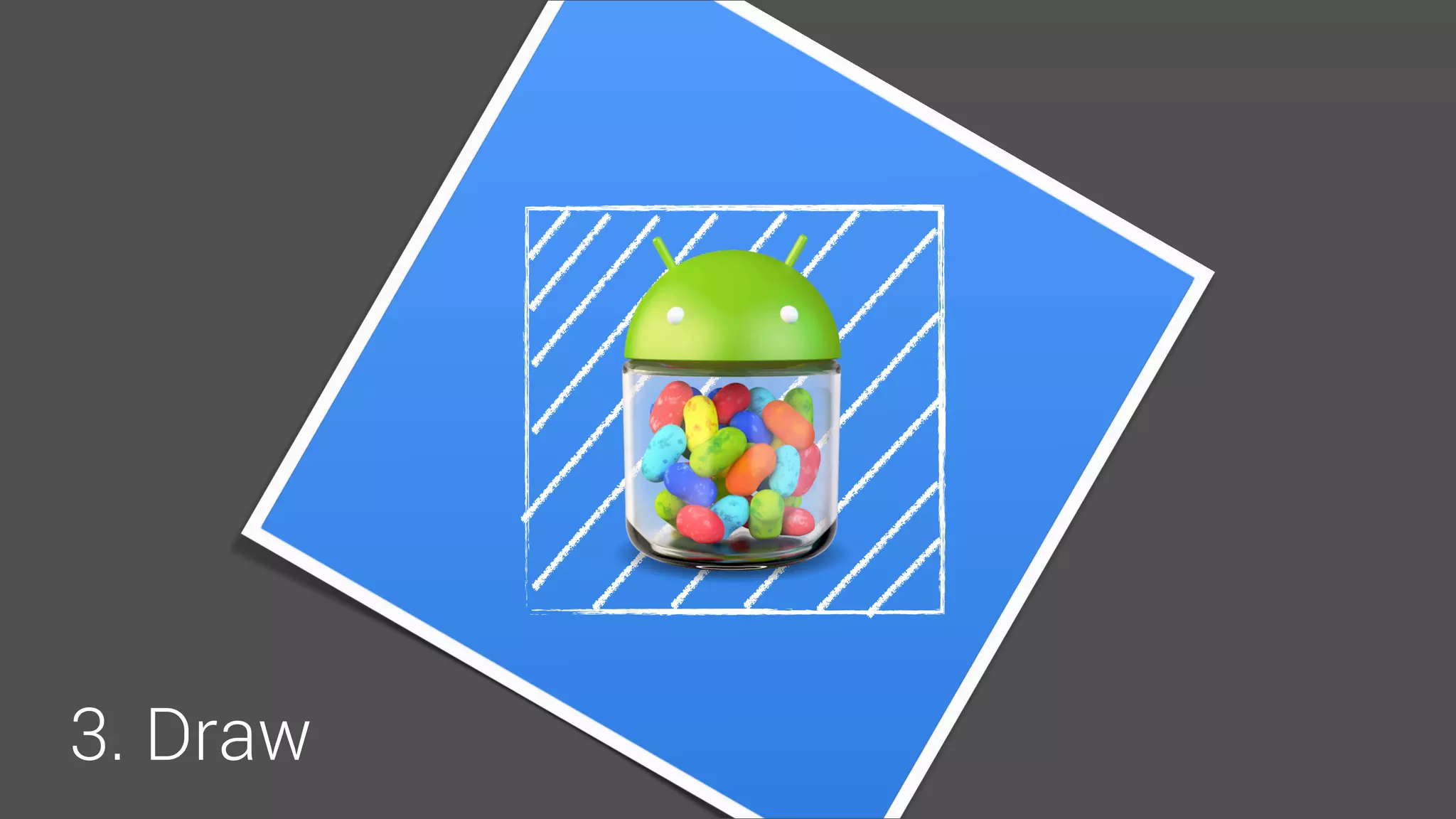
@Override
protected void onDraw(Canvas canvas) {
// Keep the jellybeans
canvas.clipRect(l, t, r, b);
// Rotate the jar
canvas.rotate(-30.0f, pX, pY);
// Draw the jar
canvas.drawBitmap(mJellyBeans, x, y, null);
}
1. Clip
2. Rotate
3. Draw
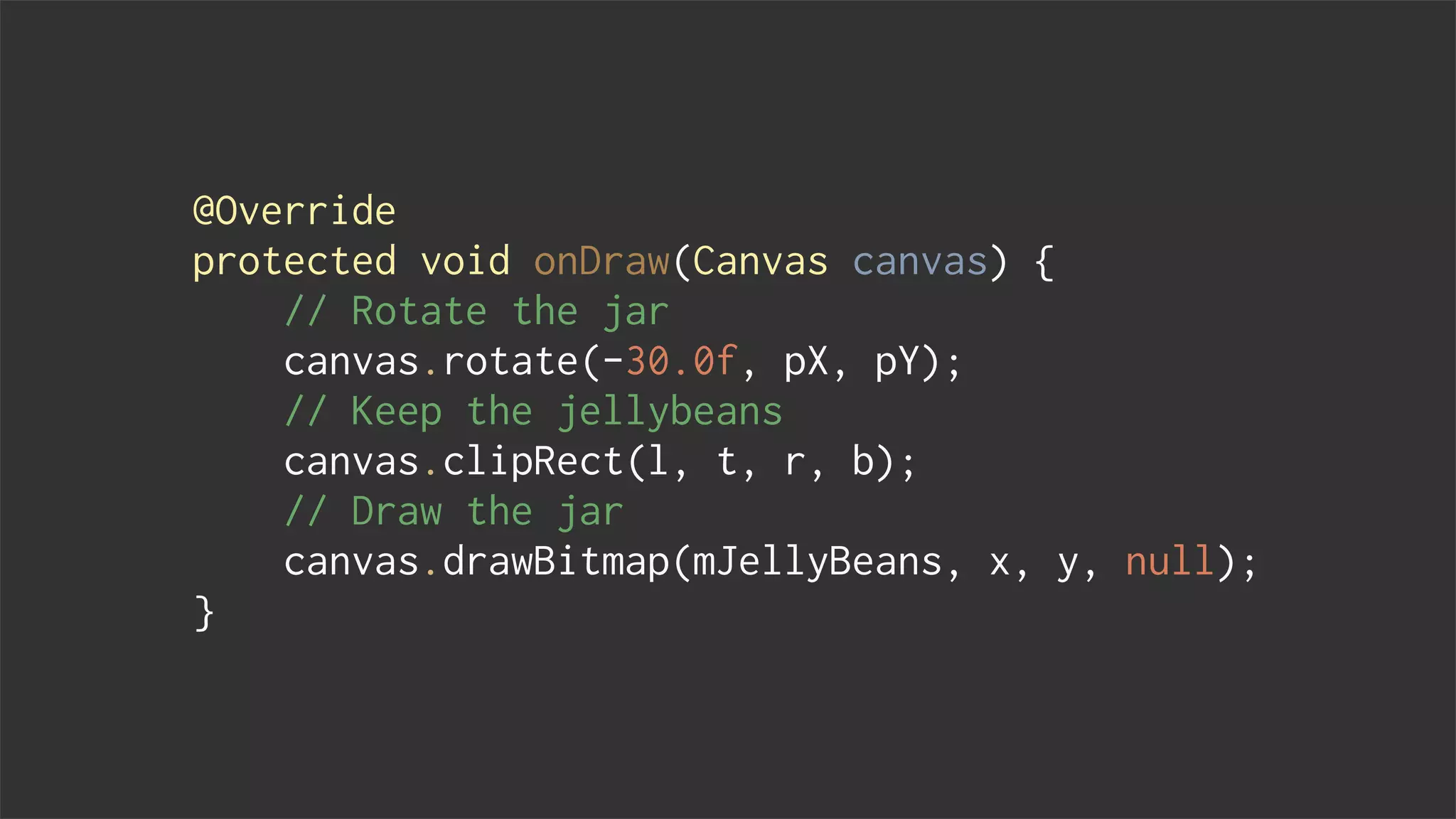
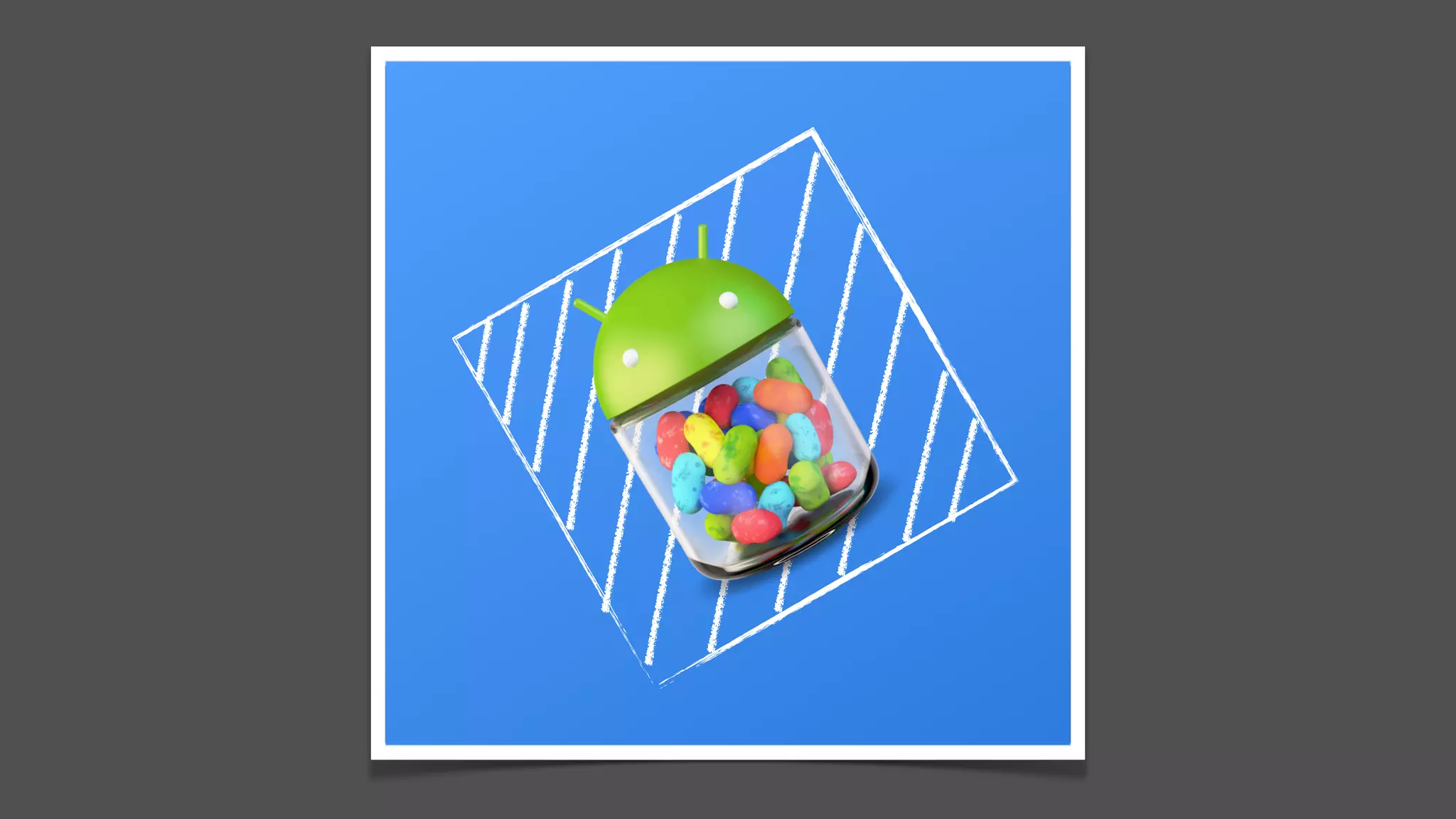
@Override
protected void onDraw(Canvas canvas) {
// Rotate the jar
canvas.rotate(-30.0f, pX, pY);
// Keep the jellybeans
canvas.clipRect(l, t, r, b);
// Draw the jar
canvas.drawBitmap(mJellyBeans, x, y, null);
}
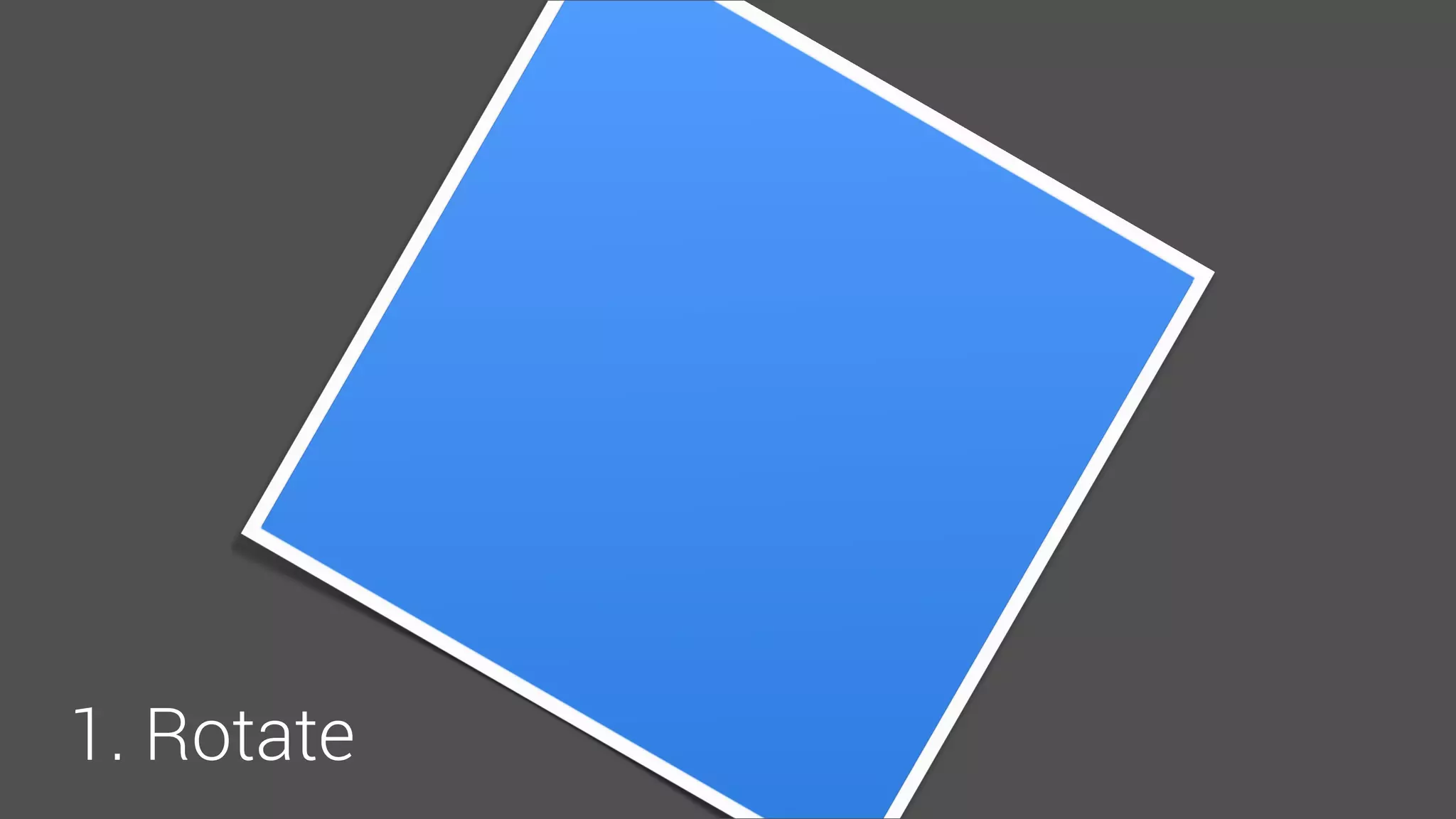
1. Rotate
2. Clip
3. Draw
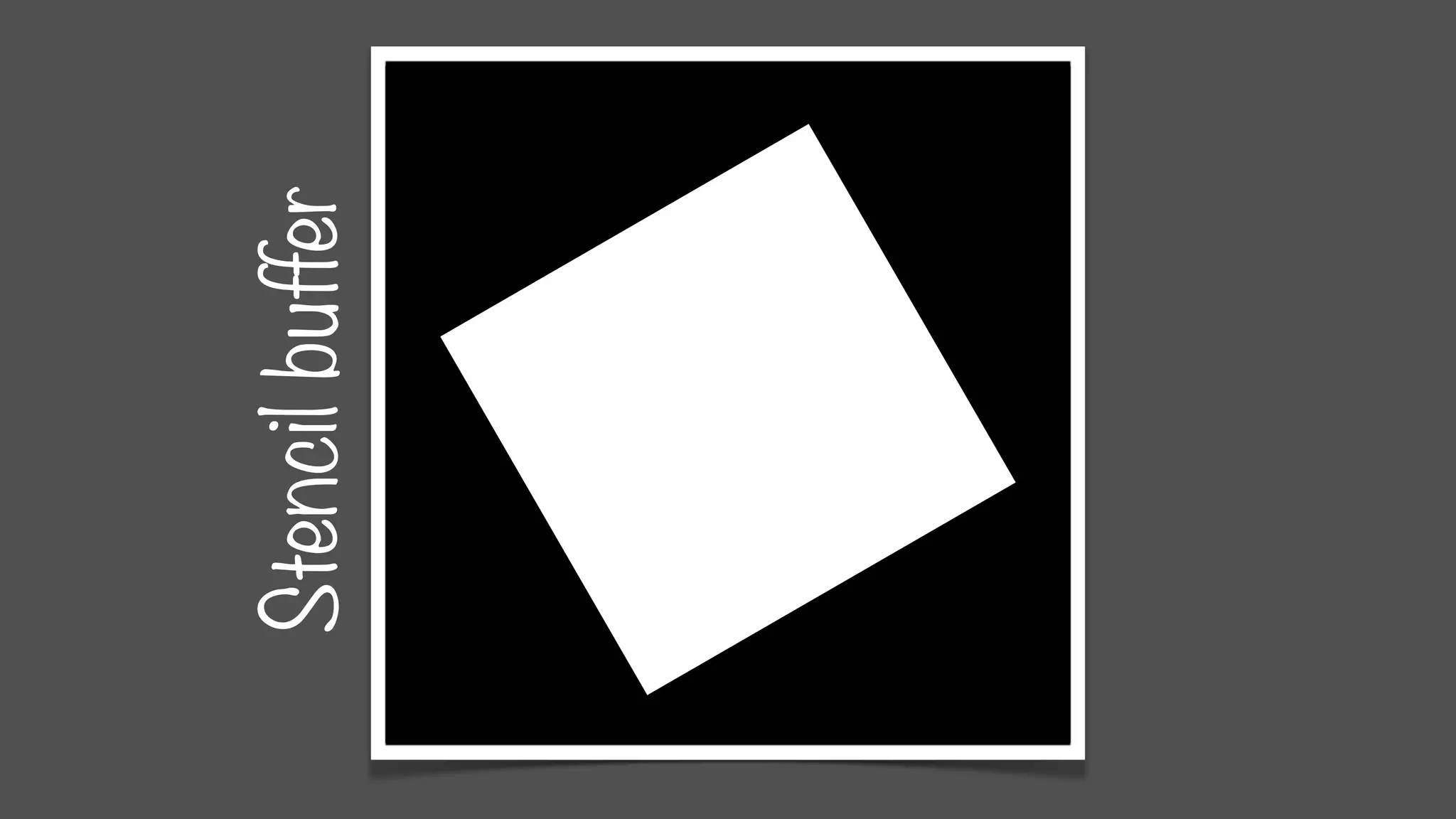
Stencilbuffer
Stencilbuffer
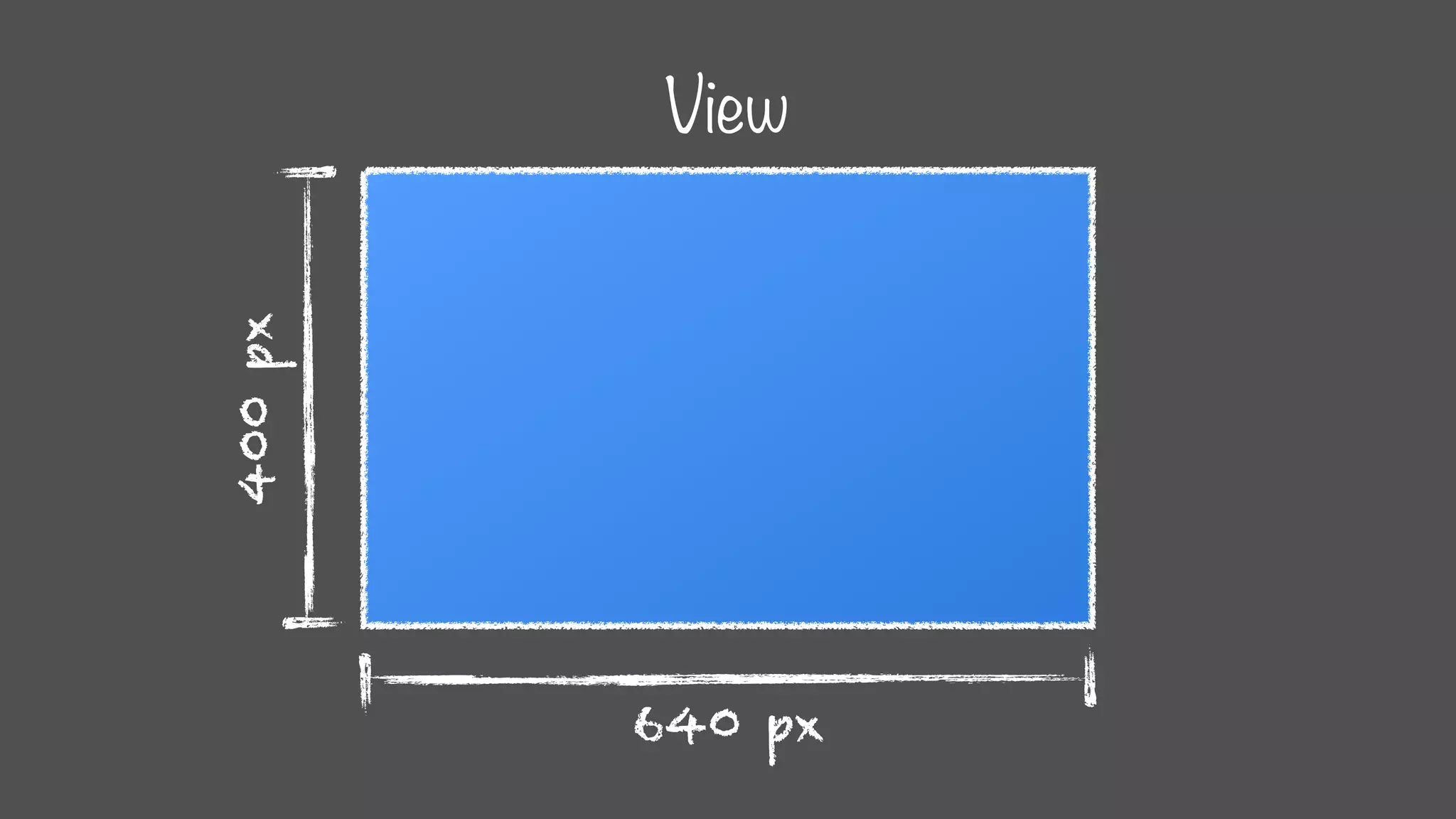
640 px
400px
View
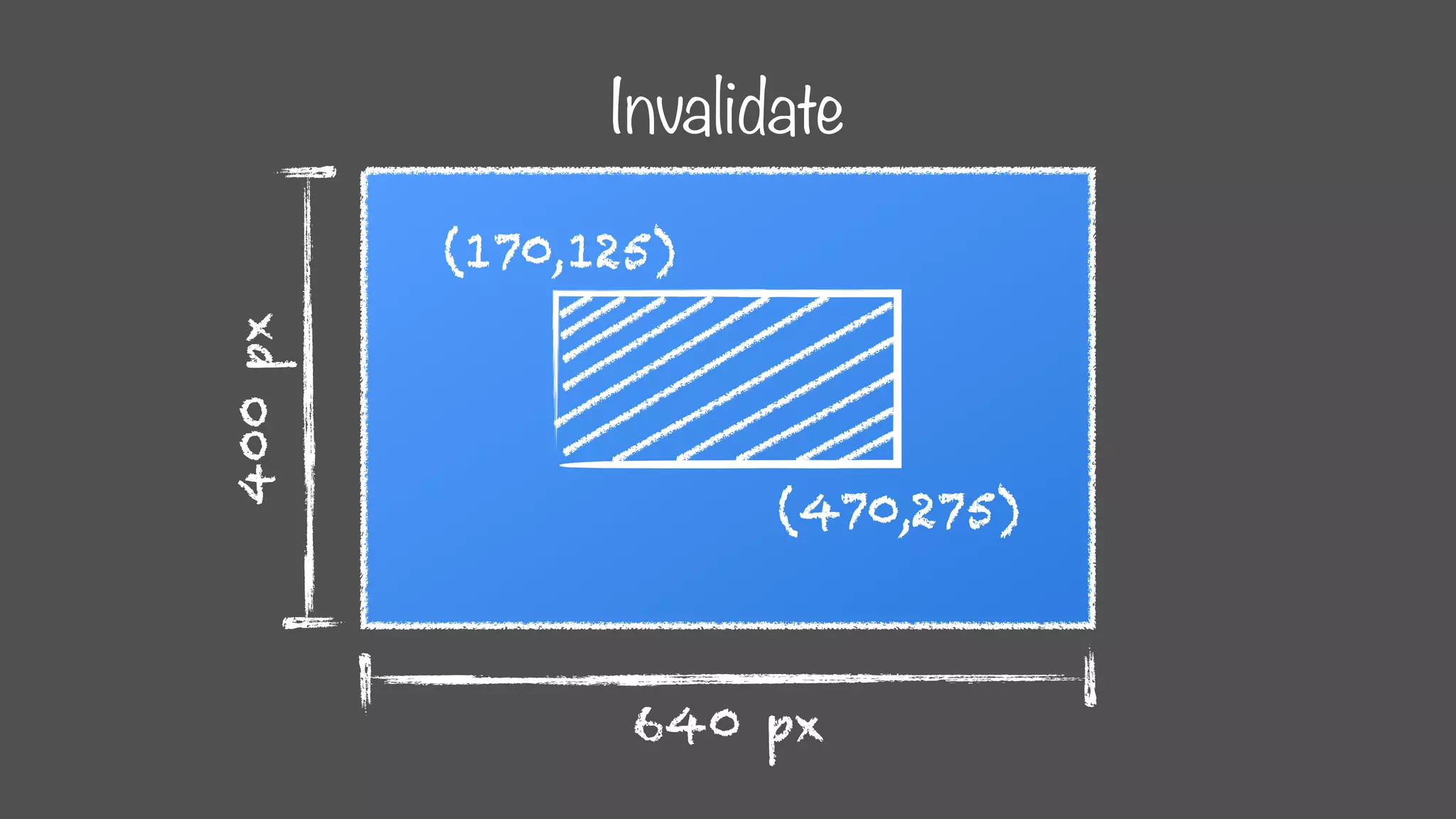
Invalidate
640 px
400px (170,125)
(470,275)
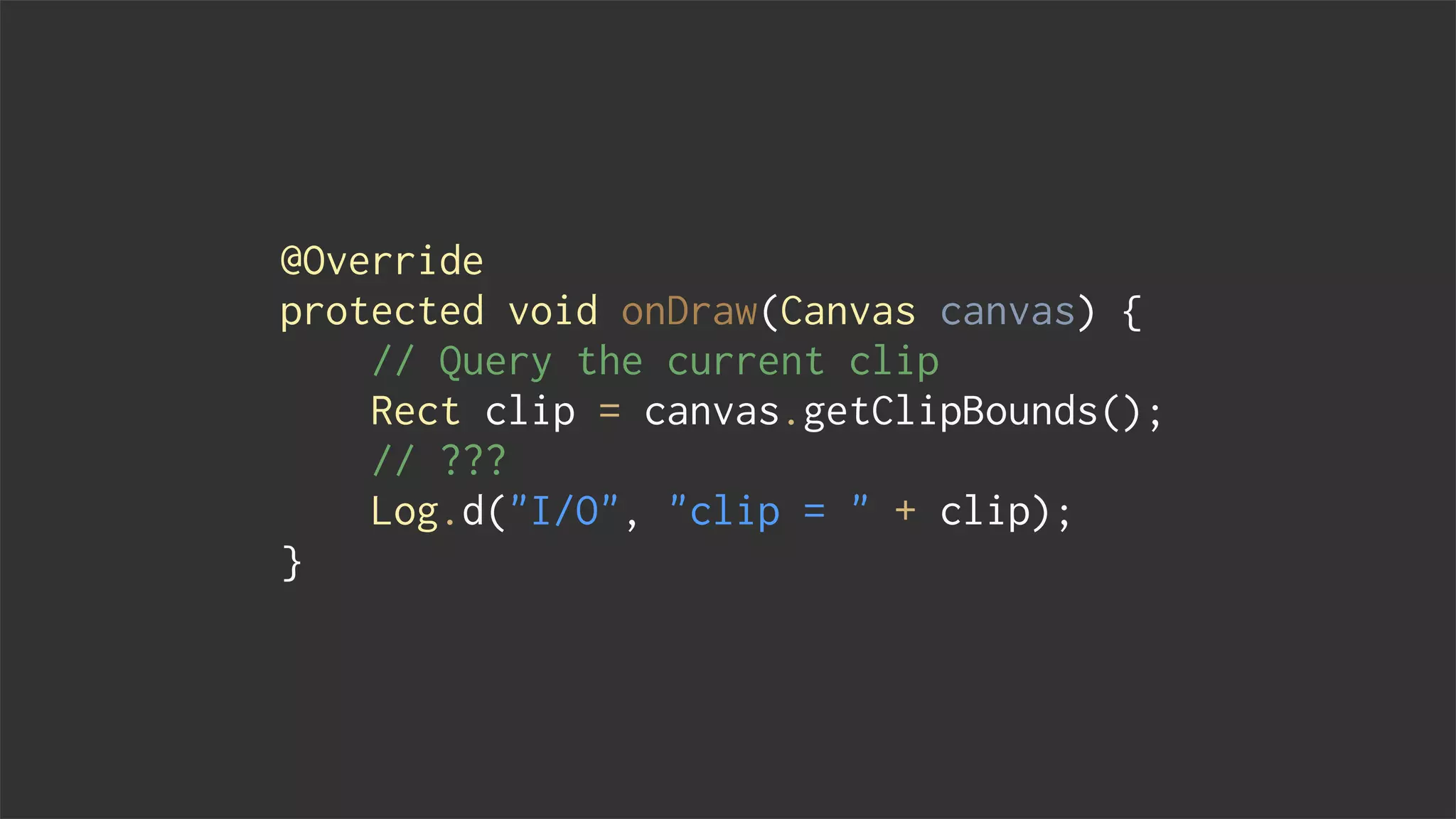
@Override
protected void onDraw(Canvas canvas) {
// Query the current clip
Rect clip = canvas.getClipBounds();
// ???
Log.d("I/O", "clip = " + clip);
}
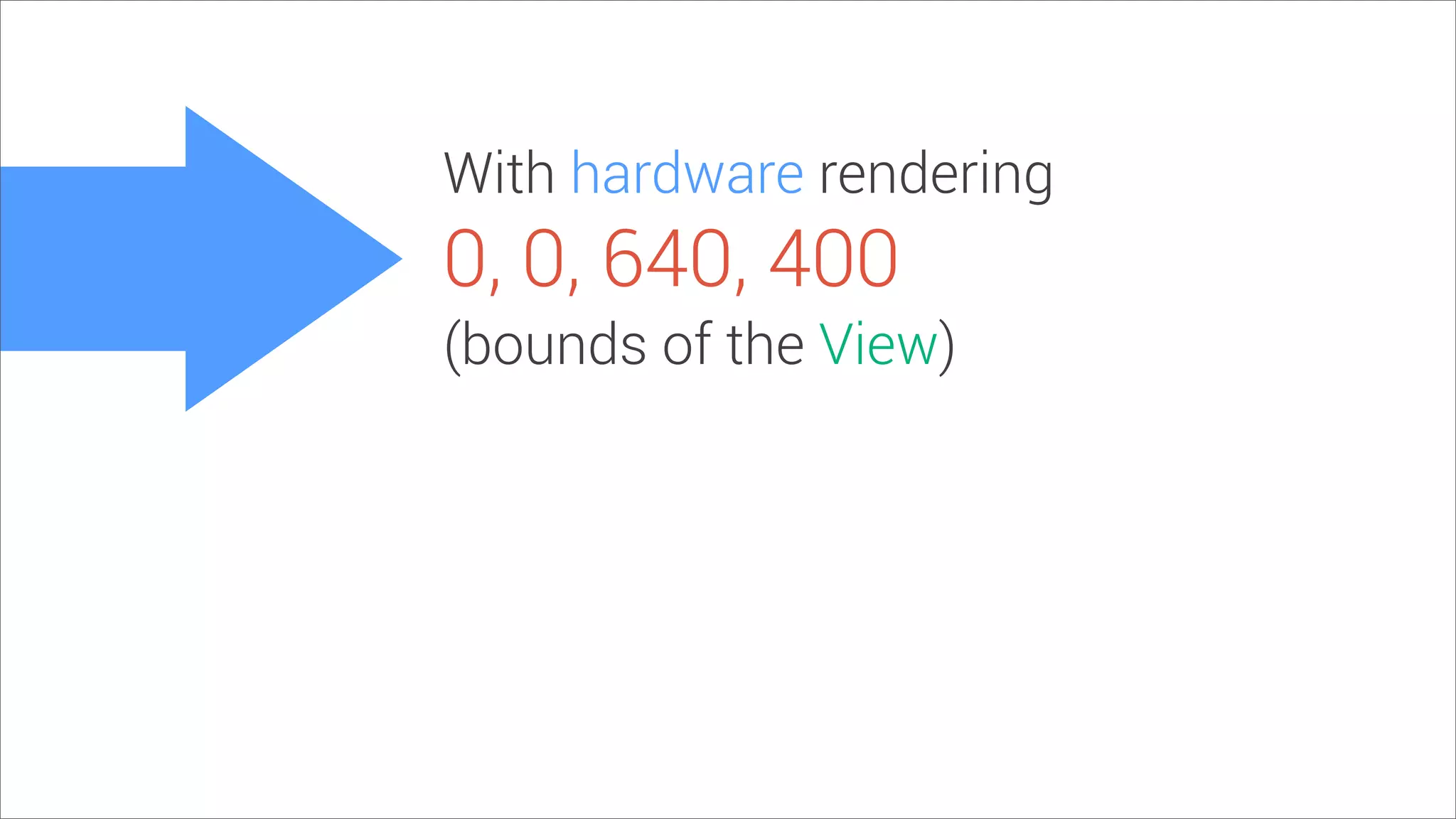
With hardware rendering
0, 0, 640, 400
(bounds of the View)
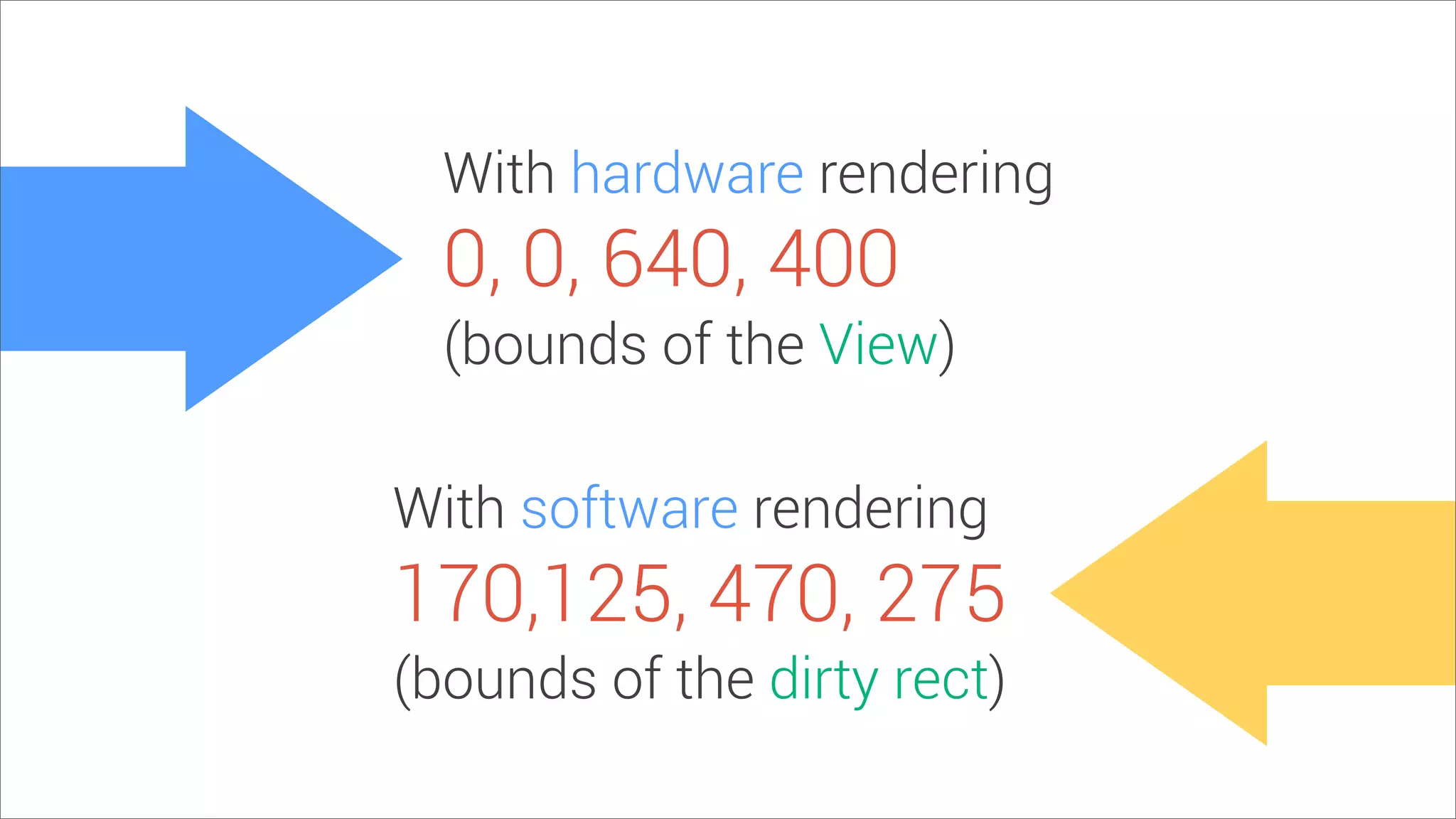
With hardware rendering
With software rendering
0, 0, 640, 400
170,125, 470, 275
(bounds of the View)
(bounds of the dirty rect)
Reordering barriers
Non-rectangular clips
saveLayer()
More info
Parleys.com
For Butter or Worse
Google I/O 2012
Various Android GUI & performance talks
Accelerated Android Rendering
Google I/O 2011
More info
Romain’s Tips & Tricks
www.curious-creature.org
Chet’s Tips & Tricks
goo.gl/y9JZr
Android Performance Case Study
graphics-geek.blogspot.com
Q&A
google.com/+ChetHaase
google.com/+RomainGuy
@chethaase
@romainguy
Developers

Google I/O 2013 - Android Graphics Performance