And BeyondHow to Find What You’re Looking for on the InternetA presentation atThe Wadhams Free Libraryby Sara Kelley-MudieJune 15, 2011
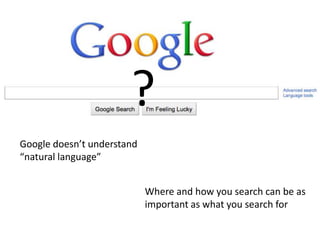
?Google doesn’t understand “natural language”Where and how you search can be as important as what you search for
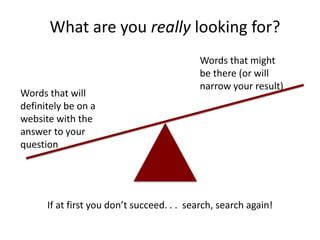
What are you really looking for?Words that might be there (or will narrow your result)Words that will definitely be on a website with the answer to your questionIf at first you don’t succeed. . .  search, search again!
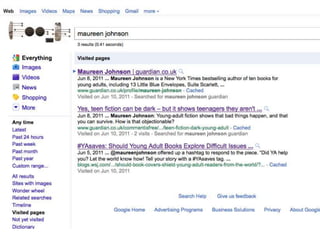
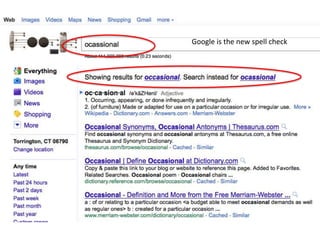
Google is the new spell check
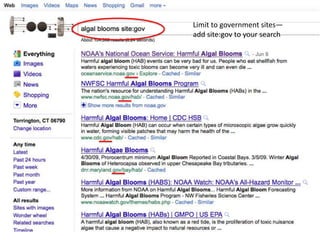
Limit to government sites—add site:gov to your search
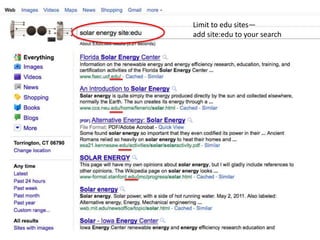
Limit to edu sites—add site:edu to your search
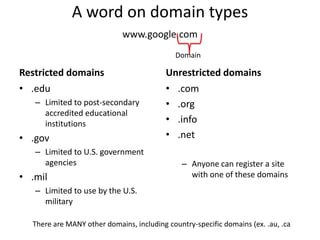
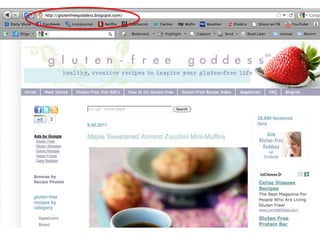
A word on domain typeswww.google.comDomainRestricted domainsUnrestricted domains.eduLimited to post-secondary accredited educational institutions.govLimited to U.S. government agencies.milLimited to use by the U.S. military.com.org.info.netAnyone can register a site with one of these domainsThere are MANY other domains, including country-specific domains (ex. .au, .ca
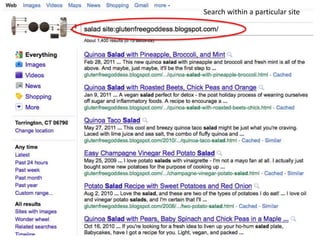
Search within a particular site
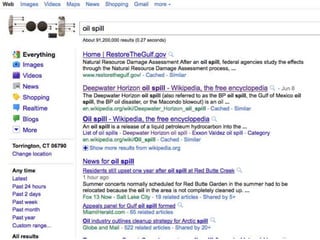
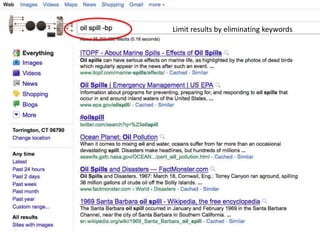
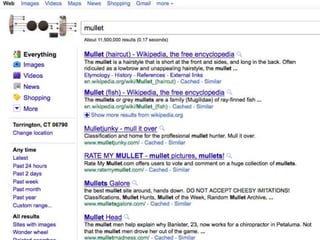
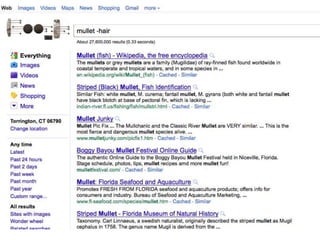
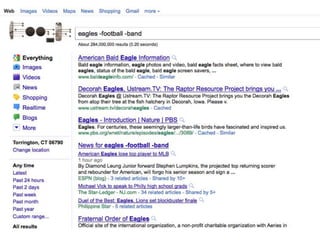
Limit results by eliminating keywords
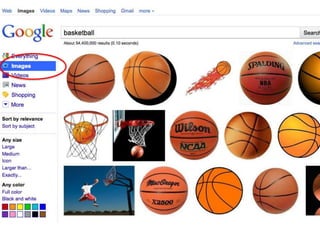
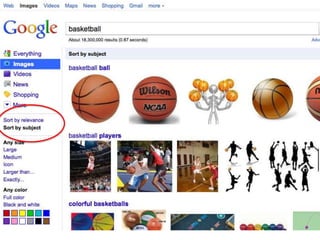
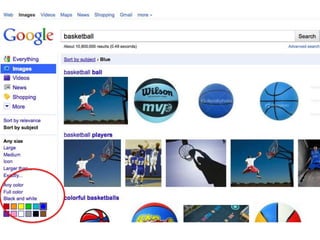
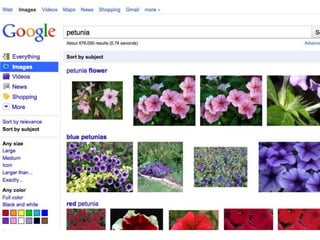
Picture PerfectImage: 'Across the Chinese Countryside' http://www.flickr.com/photos/95572727@N00/1341027869
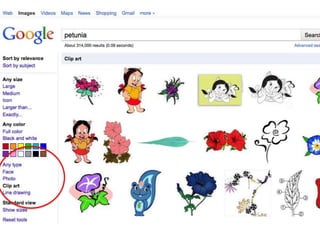
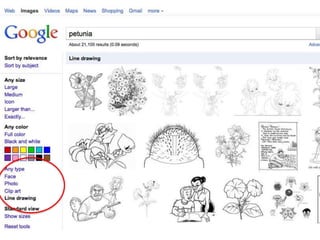
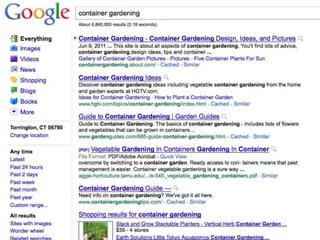
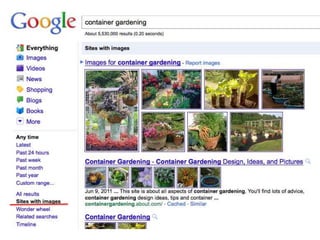
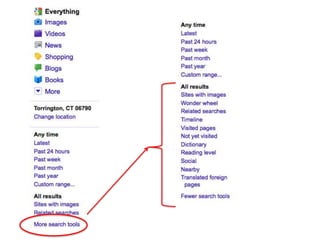
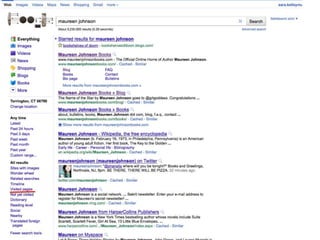
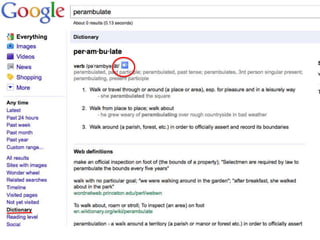
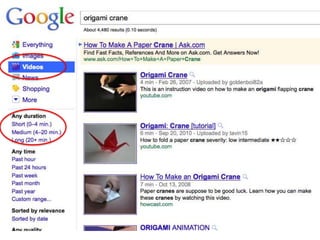
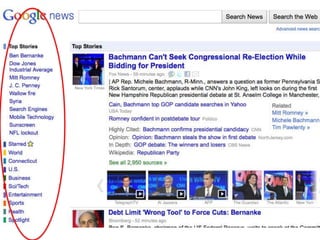
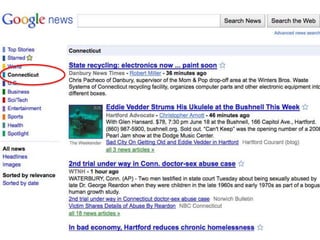
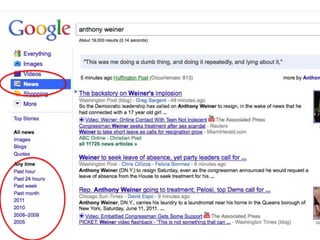
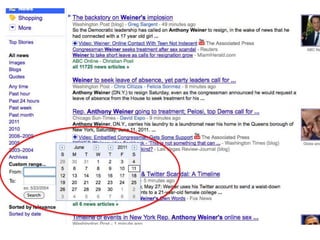
The power of the sidebar
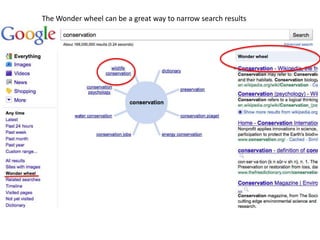
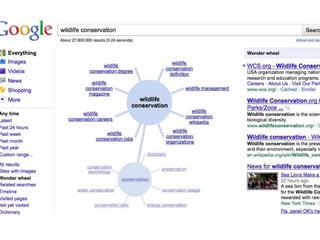
The Wonder wheel can be a great way to narrow search results
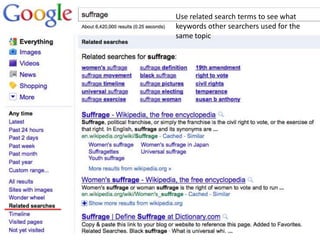
Use related search terms to see what keywords other searchers used for the same topic
Image: 'The droids we're googling for' http://www.flickr.com/photos/49462908@N00/3951143570
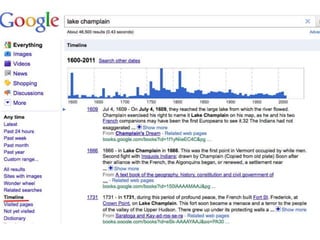
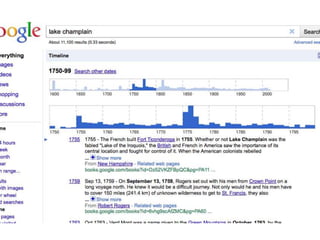
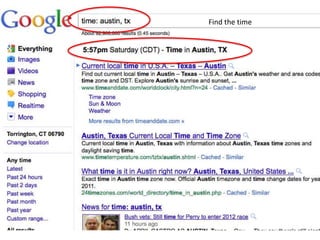
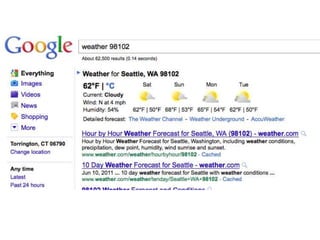
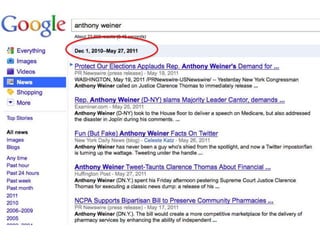
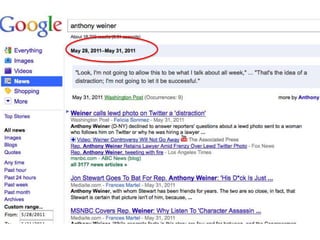
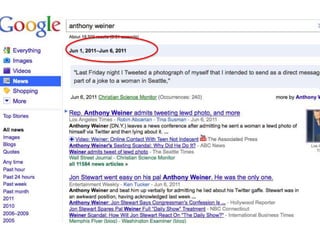
Find the time
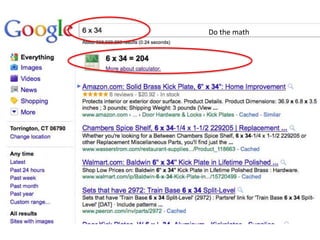
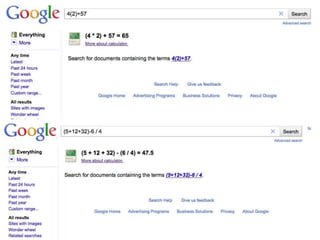
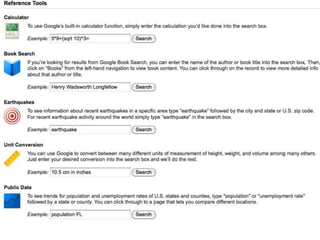
Do the math
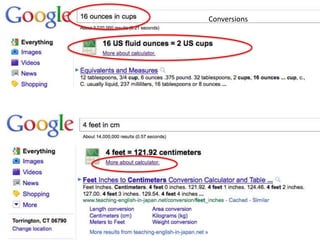
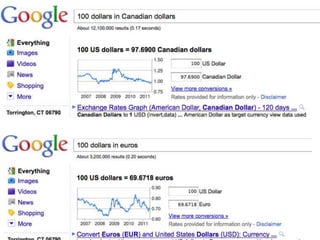
Conversions
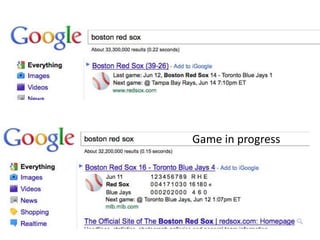
Game in progress
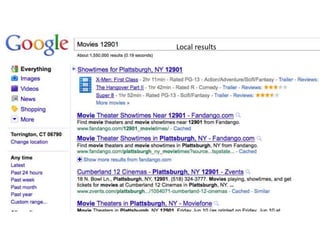
Local results
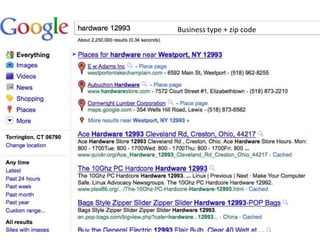
Business type + zip code
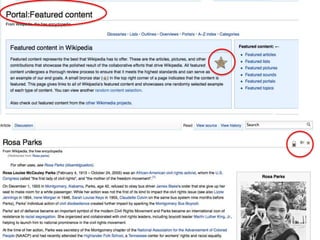
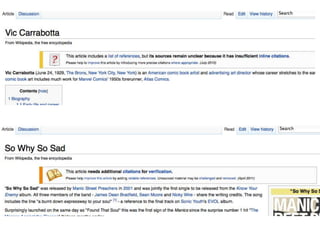
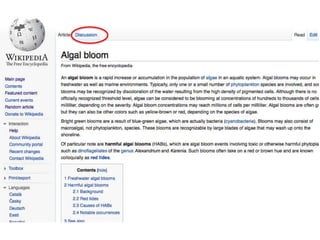
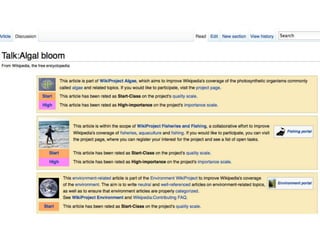
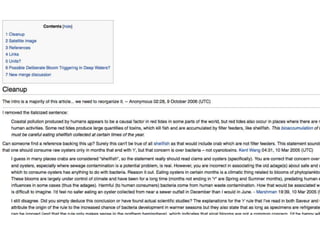
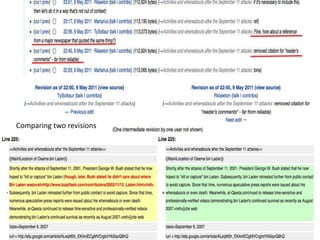
Wikipedia 101
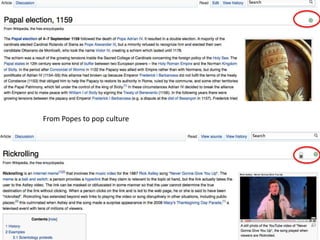
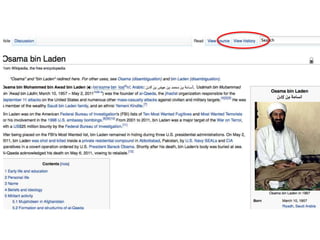
From Popes to pop culture
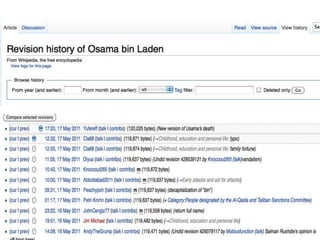
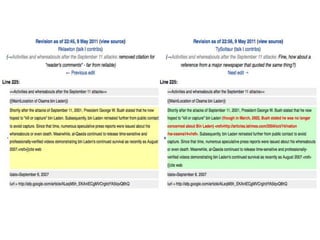
Comparing two revisions
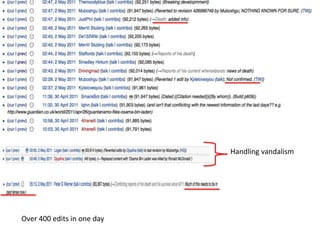
Handling vandalismOver 400 edits in one day
All resources (including this slideshow) available at:http://bit.ly/googleandbeyond 

Google and beyond

Editor's Notes