Azure Functions 開発デプロイ
環境を GitHub Codespaces で
爆速に整える
第34回 Tokyo Jazug Night (Online)
Self introduction
自己紹介
大平かづみ / Kazumi OHIRA
• Microsoft MVP for Azure
• Infrastructure as Code や
GitHub Actions による自動化が得意
• Code Polaris
• Hack Everything.
• Cogbot
• @dz_
• @dzeyelid
• YouTube 📺📺
GitHub Codespacesの推しポイント
要は GitHub がホストする Visual Studio
Code 環境
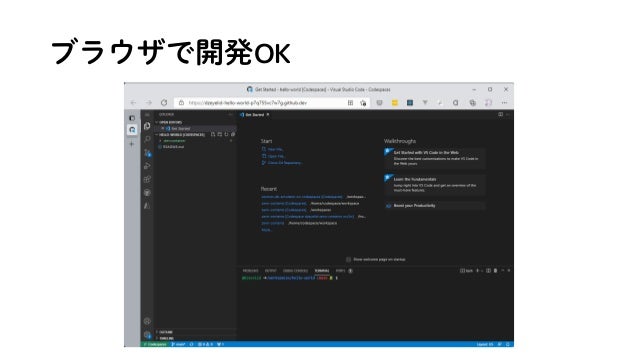
ブラウザで開発OK
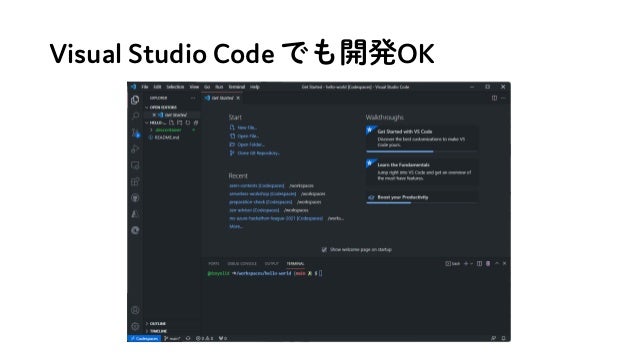
Visual Studio Code でも開発OK
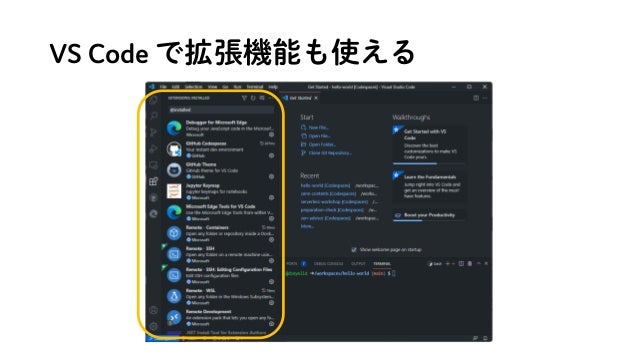
VS Code で拡張機能も使える
ポートフォワーディングが秀逸
ポートフォワーディングが秀逸
• localhost でアクセスできる
ポートフォワーディングが秀逸
• localhost でアクセスできる
• パブリック or 組織内に公開できるURLが発行できる
ポートフォワーディングが秀逸
• localhost でアクセスできる
• パブリック or 組織内に公開できるURLが発行できる
発行されるURLが https なので、https しか
受け付けない Callback に設定できたりして便利!🙌🙌
github.dev, vscode.dev との違い
ターミナルが使える!
お察しの通り、Win でも Mac でも開発OK
M1 Mac もアーキテクチャ関係なく
利用できるの本当に便利!👍👍
Azure Functions の開発・デプロイ
Node.js の場合
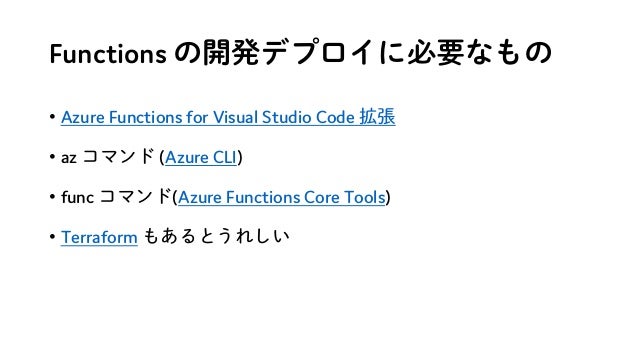
Functions の開発デプロイに必要なもの
• Azure Functions for Visual Studio Code 拡張
• az コマンド (Azure CLI)
• func コマンド(Azure Functions Core Tools)
• Terraform もあるとうれしい
GitHub Codespaces =
Dev container 環境に組み込む
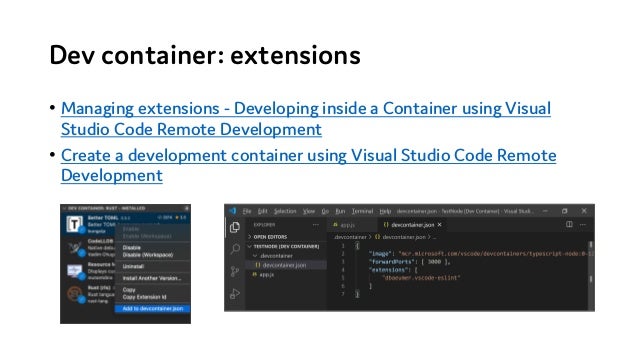
Dev container: extensions
• Managing extensions - Developing inside a Container using Visual
Studio Code Remote Development
• Create a development container using Visual Studio Code Remote
Development
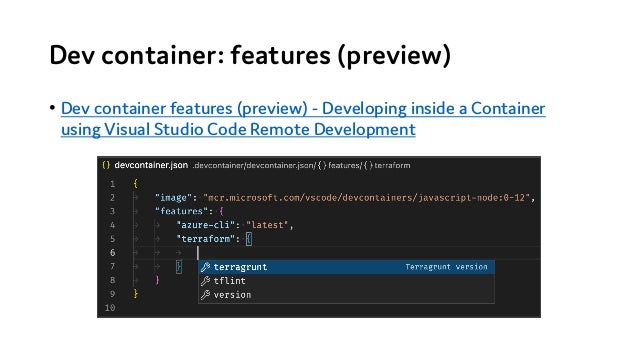
Dev container: features (preview)
• Dev container features (preview) - Developing inside a Container
using Visual Studio Code Remote Development

実演!
実演カンペ
• 素の GitHub Codespaces 環境をお見せする
• 実は az コマンドは Codespaces のデフォルトのイメージで使える
• カスタマイズした devcontainer.json と Dockerfile をお見せする
• イメージ: Node.js & TypeScript
• Node バージョン: 16, Debian バージョン: buster
• Extensions, featrues
• カスタマイズが載った環境をお見せする
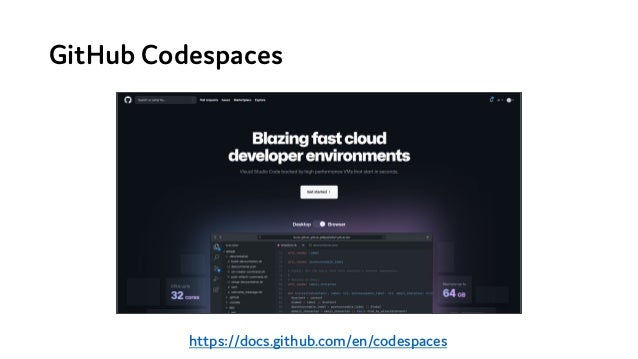
GitHub Codespaces
https://docs.github.com/en/codespaces
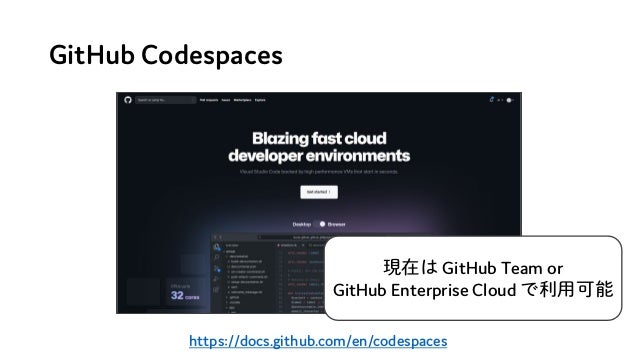
GitHub Codespaces
https://docs.github.com/en/codespaces
現在は GitHub Team or
GitHub Enterprise Cloud で利用可能
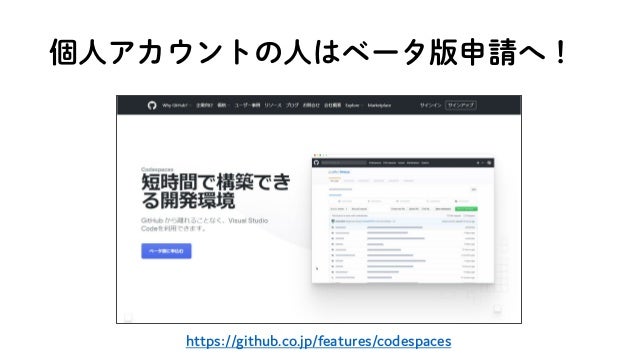
個人アカウントの人はベータ版申請へ!
https://github.co.jp/features/codespaces

Azure Functions 開発デプロイ環境を GitHub Codespaces で爆速に整える