Download to read offline









![Linux & OS X
$ mkdir ~/.ssh || cd ~/.ssh
$ ssh-keygen [-b x1024] [-C “Some comment”]
[-f file_name]](https://image.slidesharecdn.com/git-installation-150824123700-lva1-app6892/75/Git-installation-27-2048.jpg)

![Windows
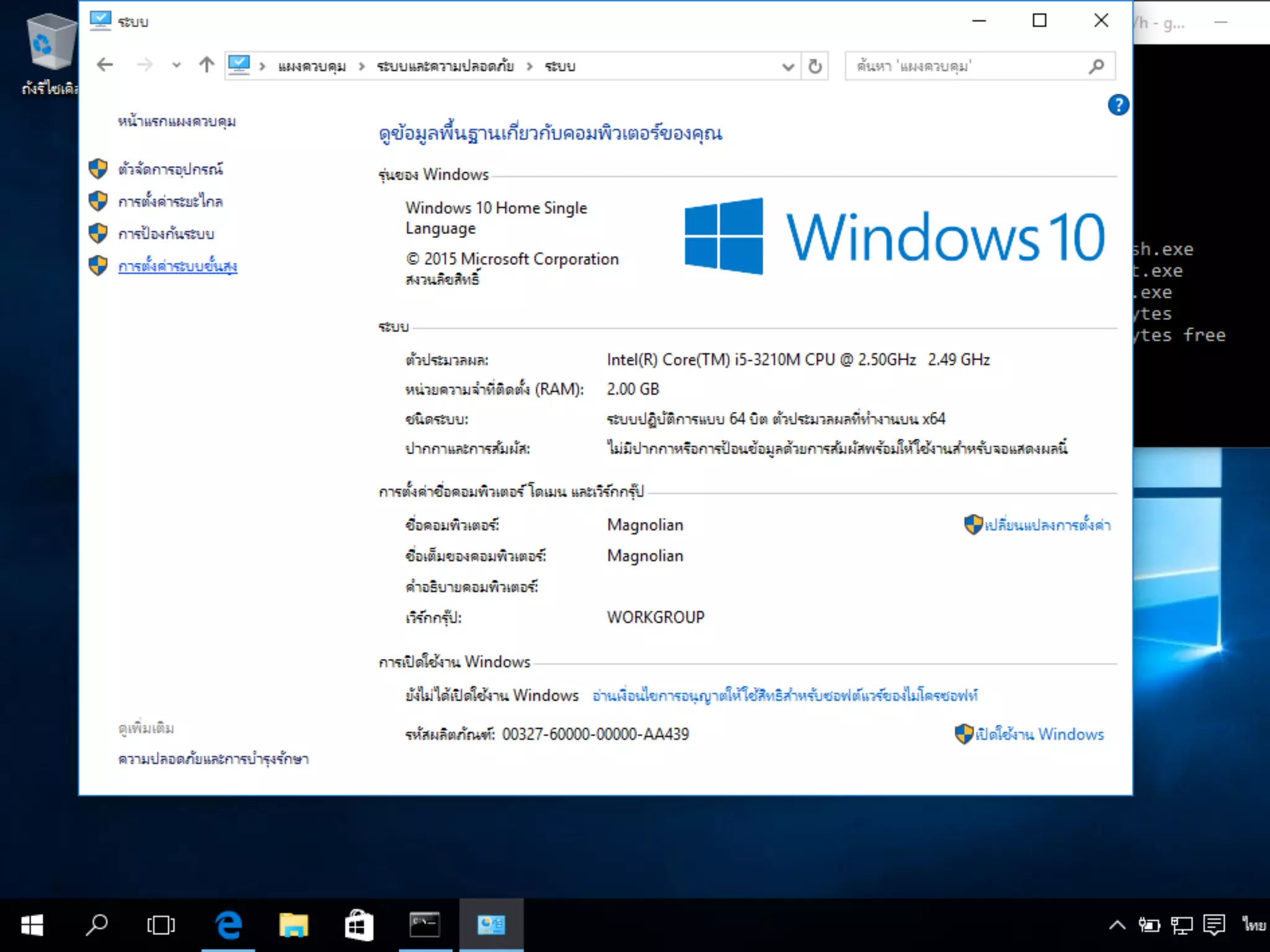
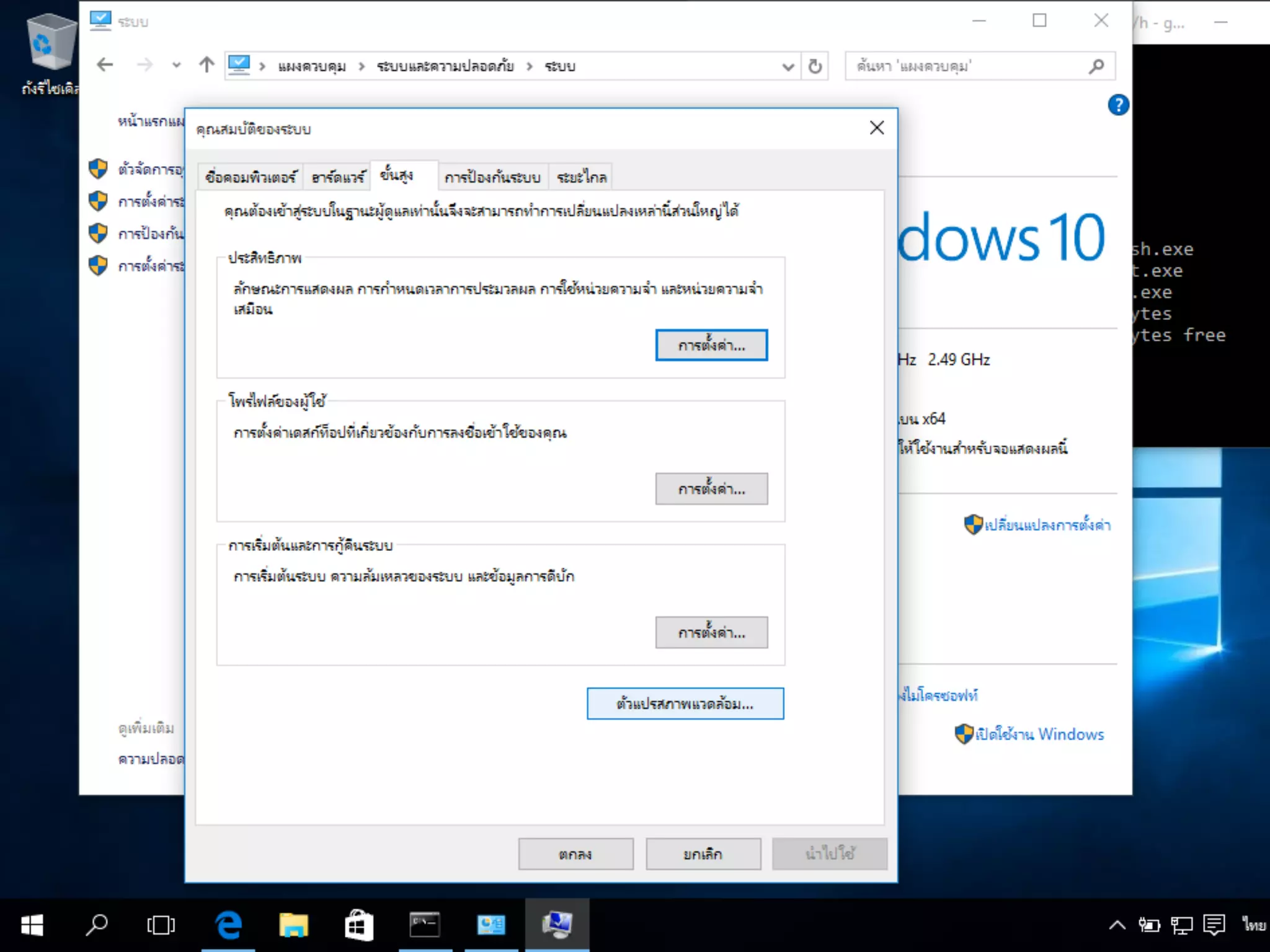
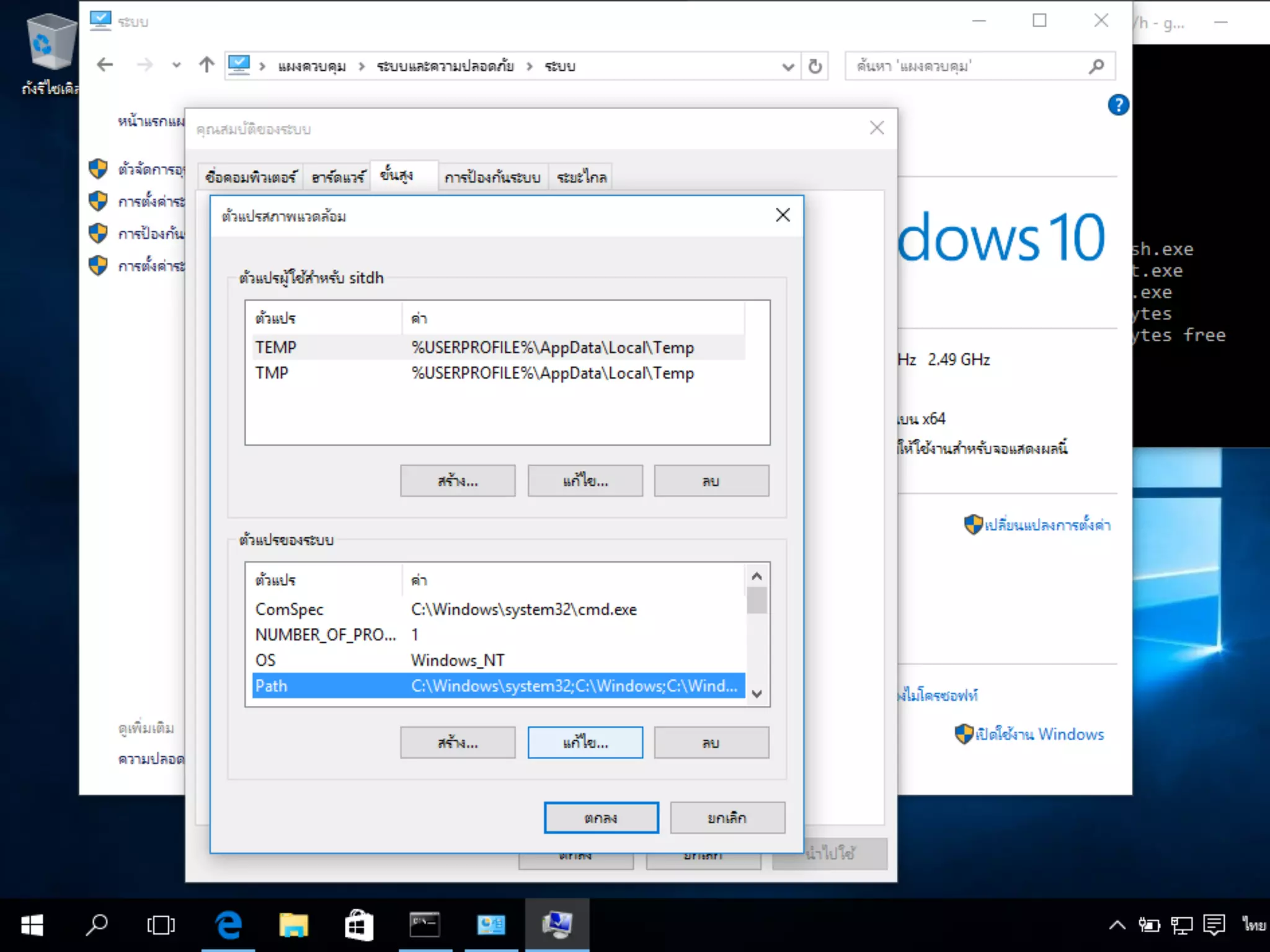
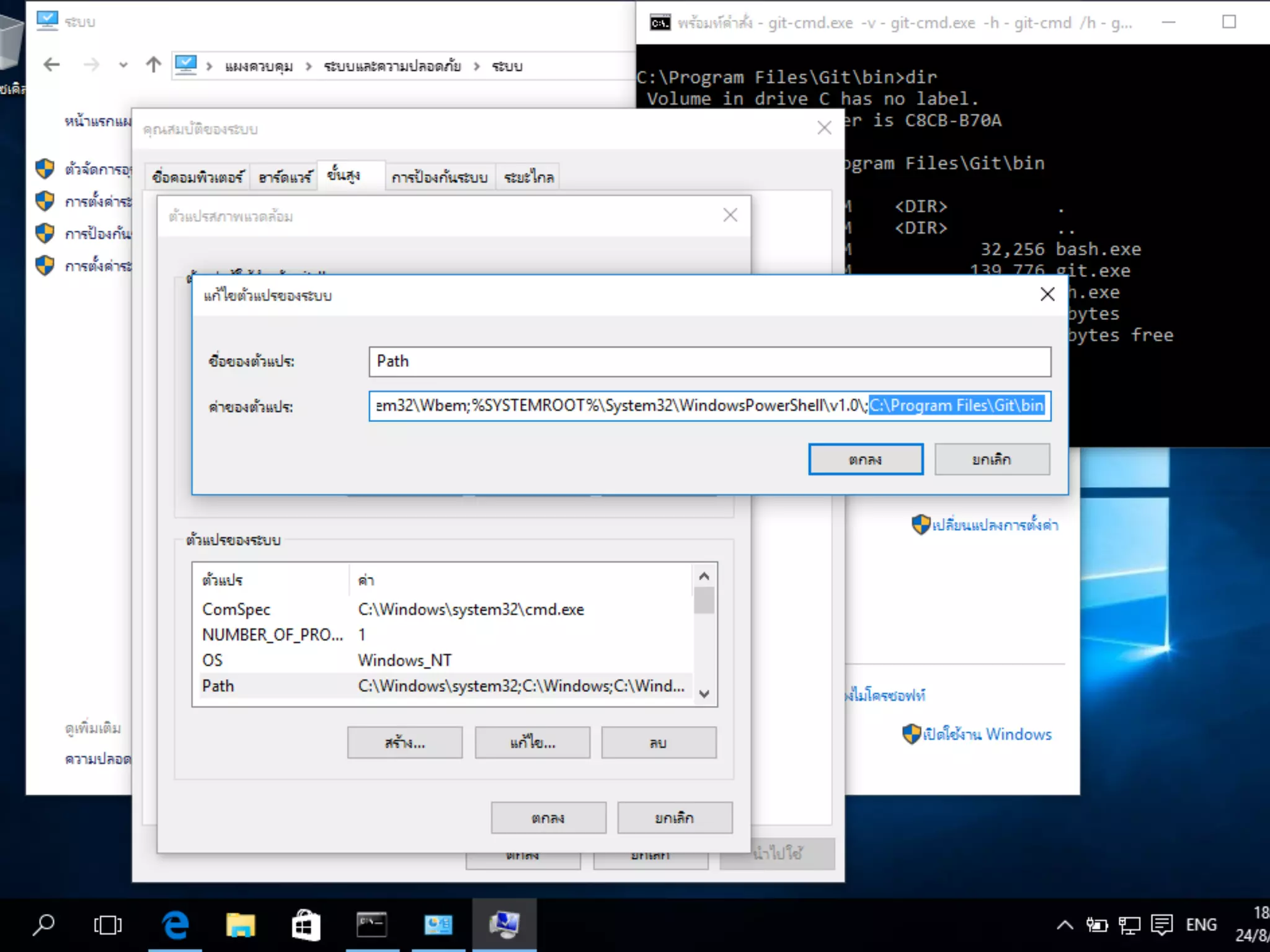
เปิดหน้าหน้า Command prompt ใหม่อีกครั้ง
$ cd %HOME%
$ mkdir .ssh && cd .ssh
$ ssh-keygen [-b x1024] [-C “Some comment”]
[-f file_name]](https://image.slidesharecdn.com/git-installation-150824123700-lva1-app6892/75/Git-installation-29-2048.jpg)


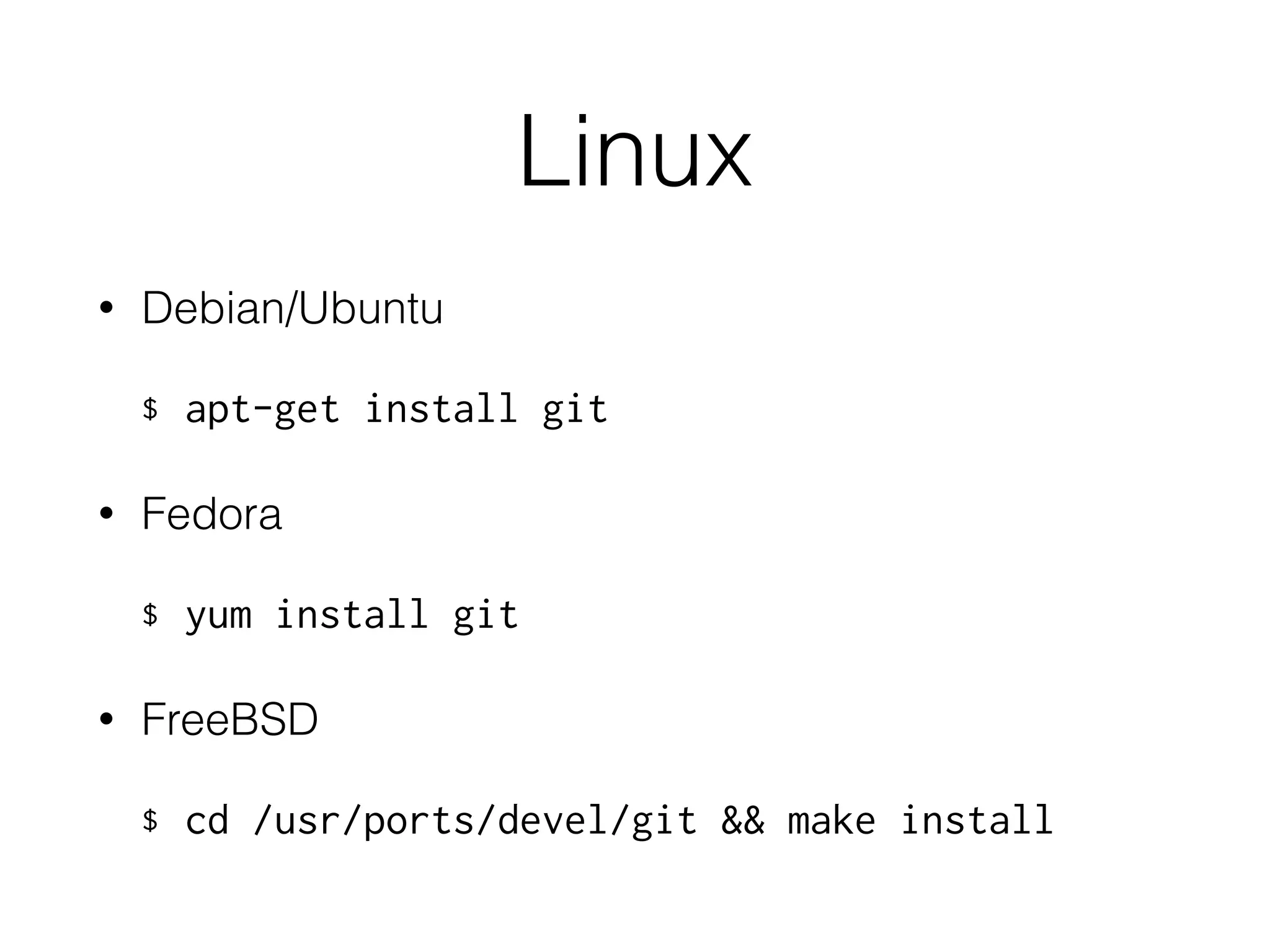
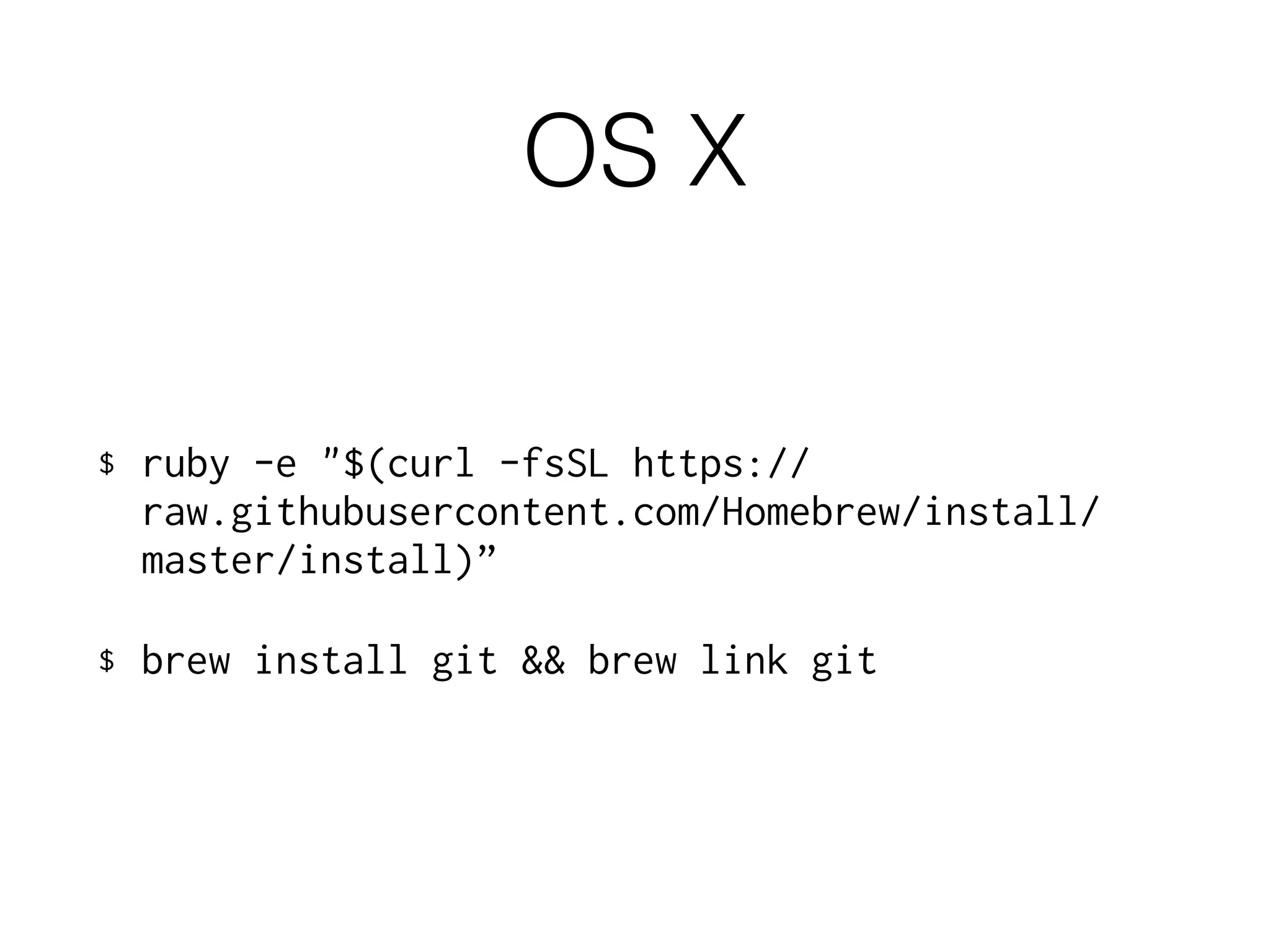
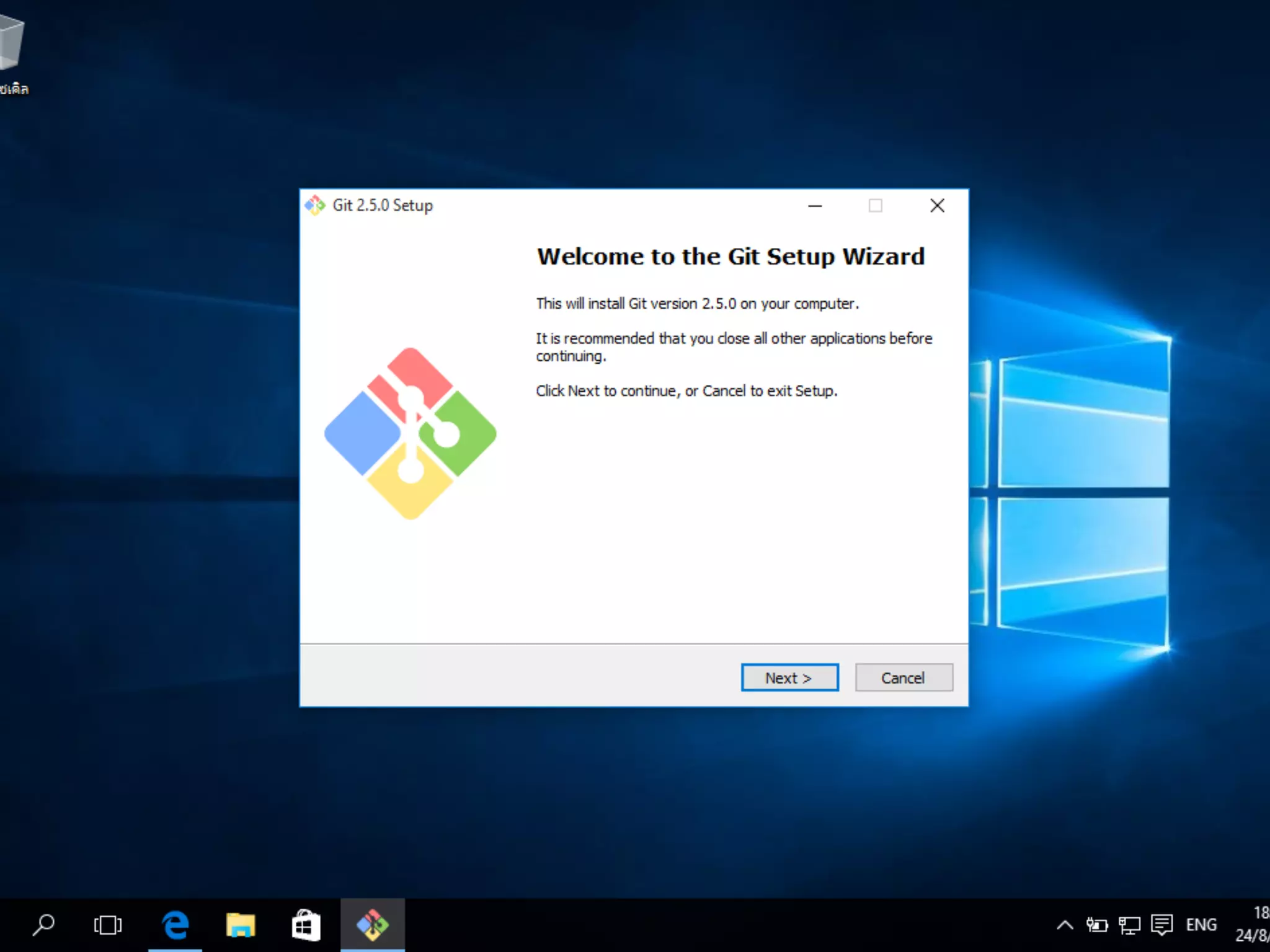
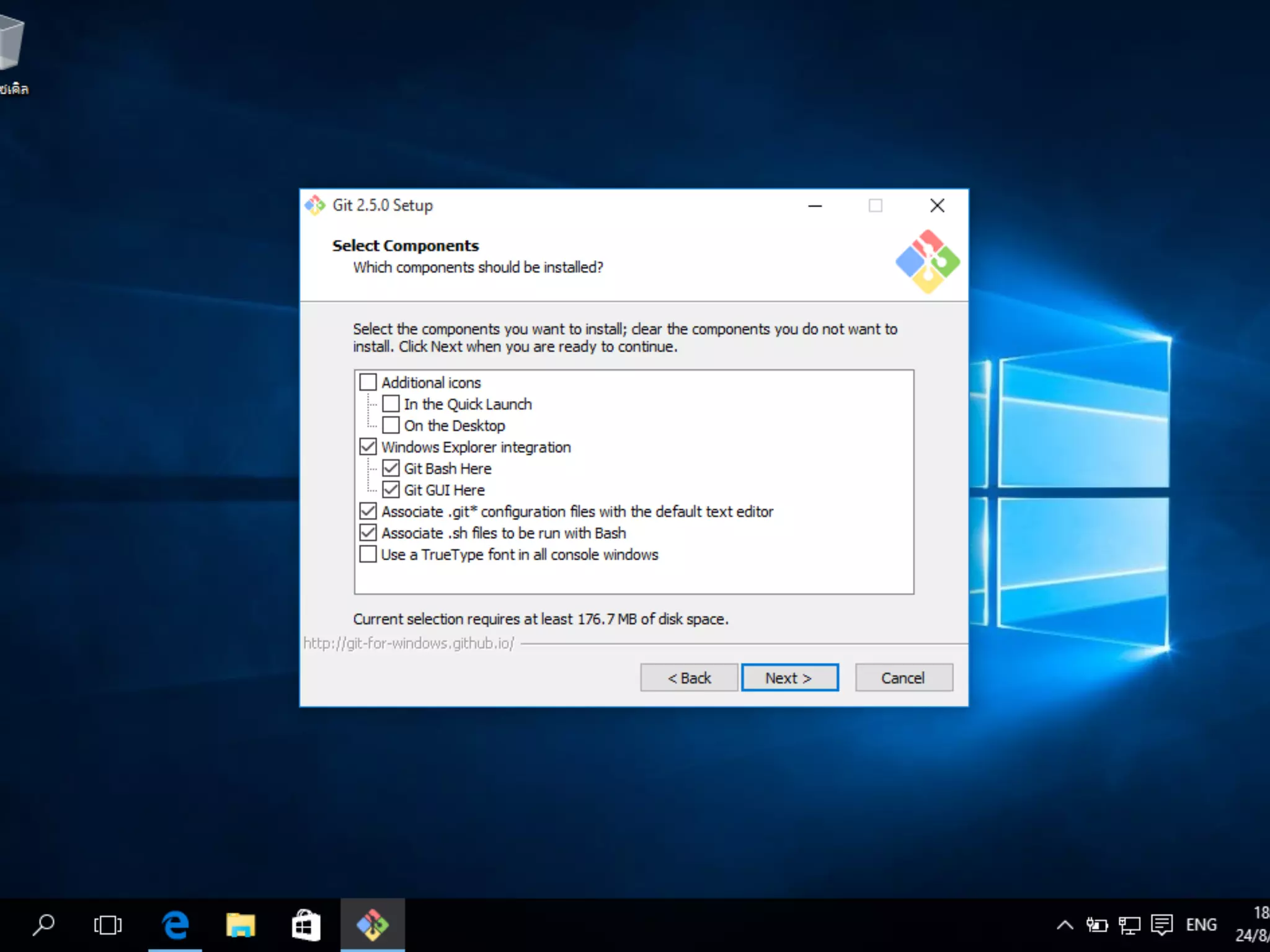
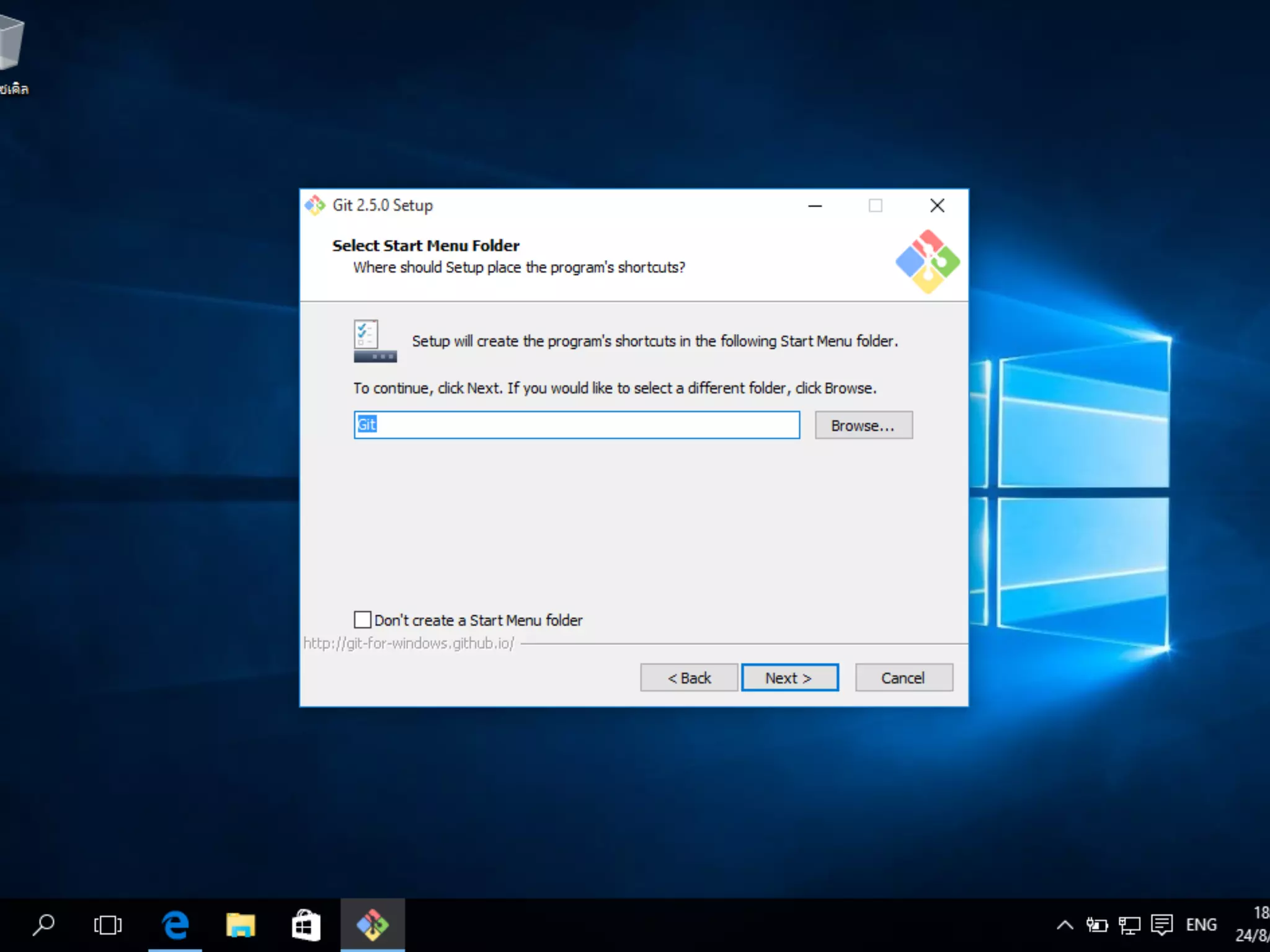
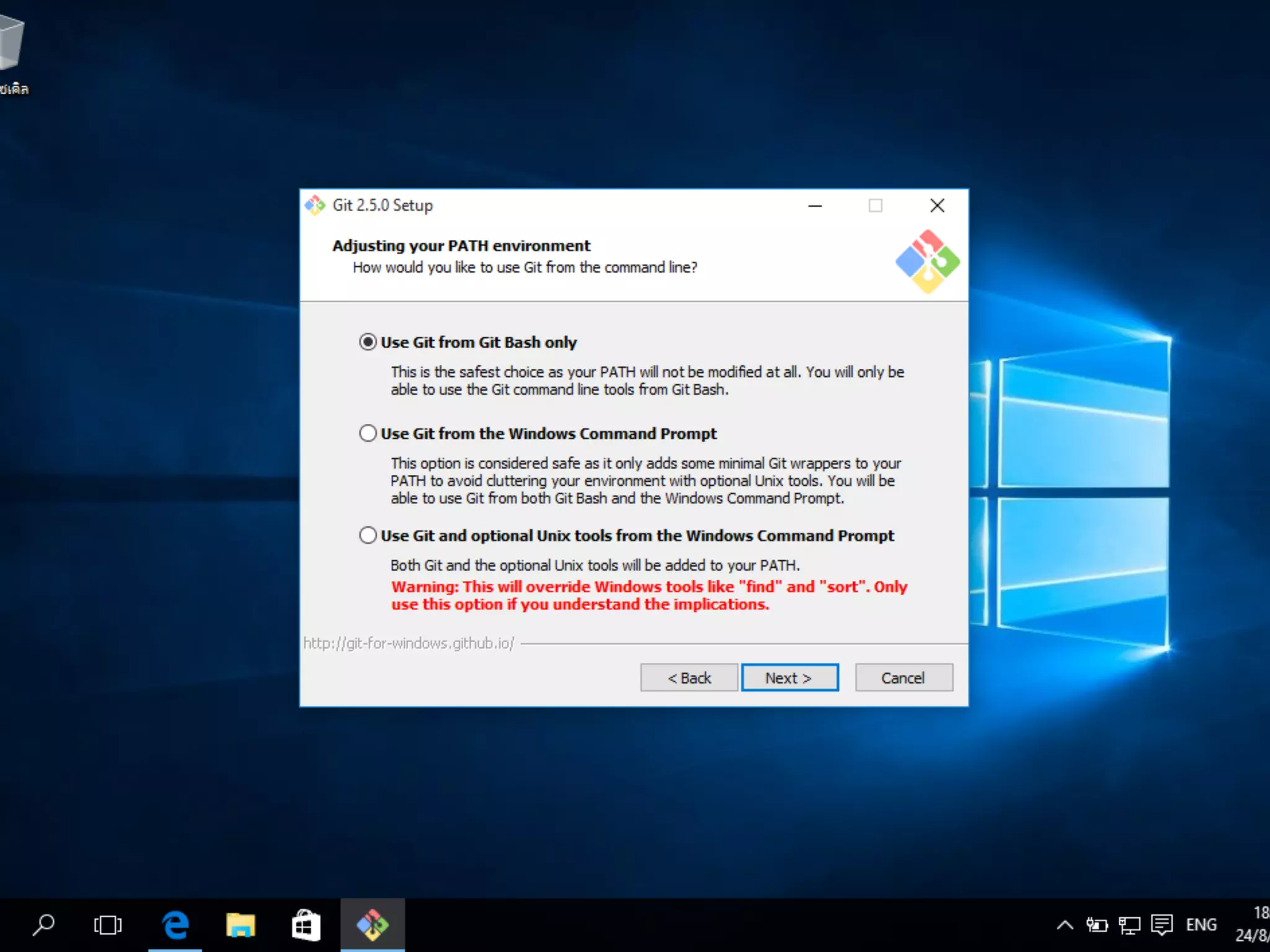
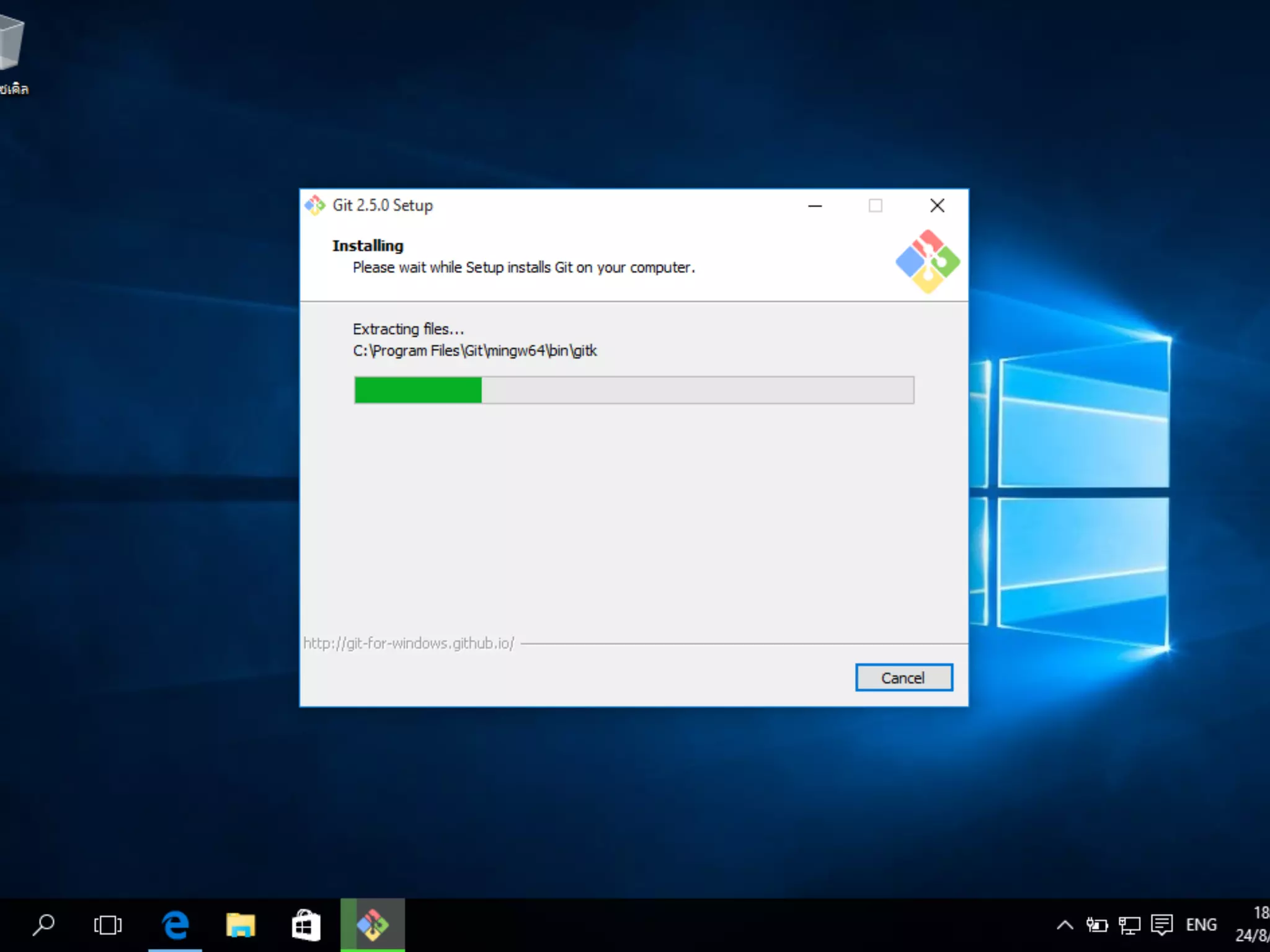
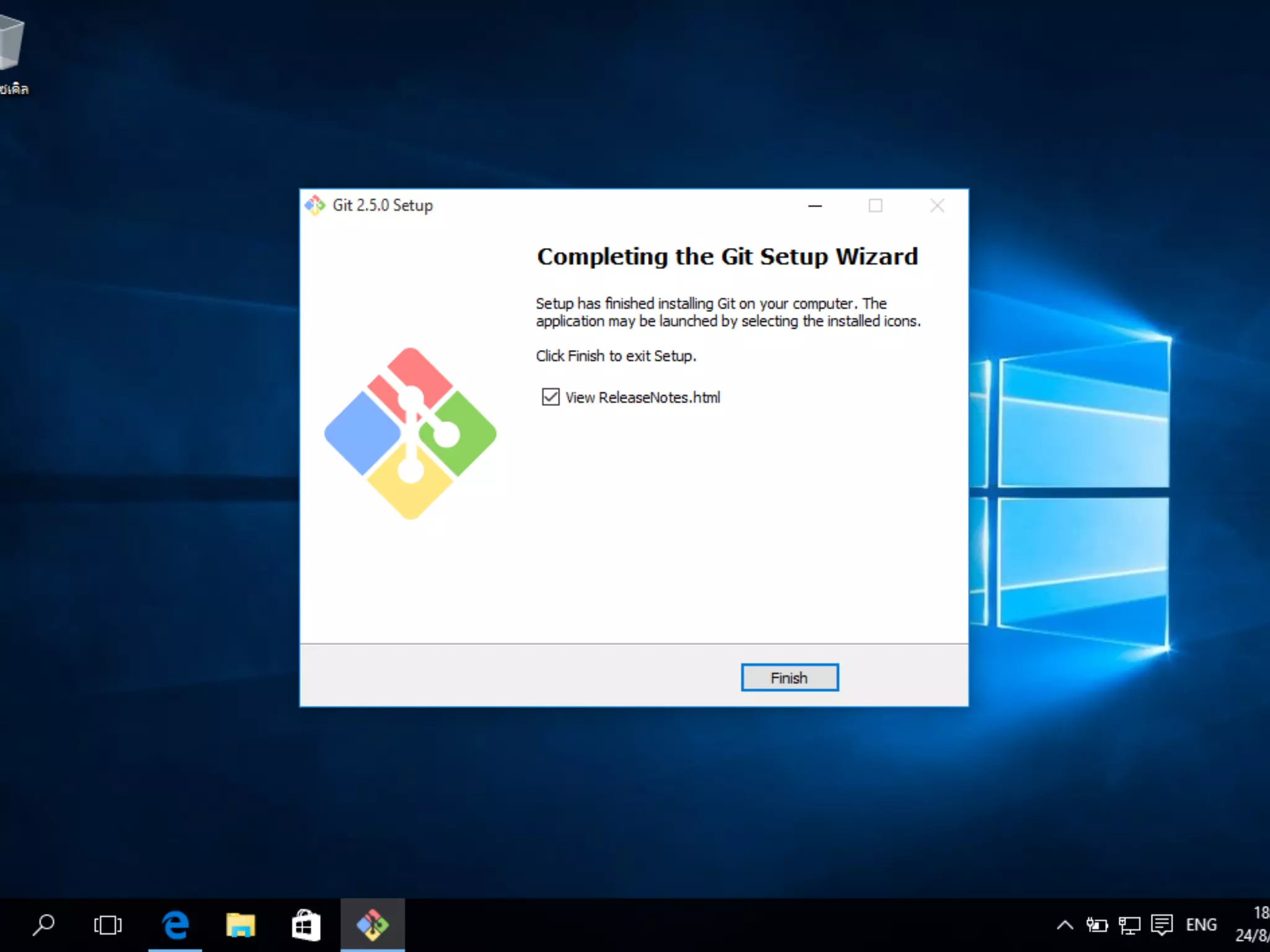
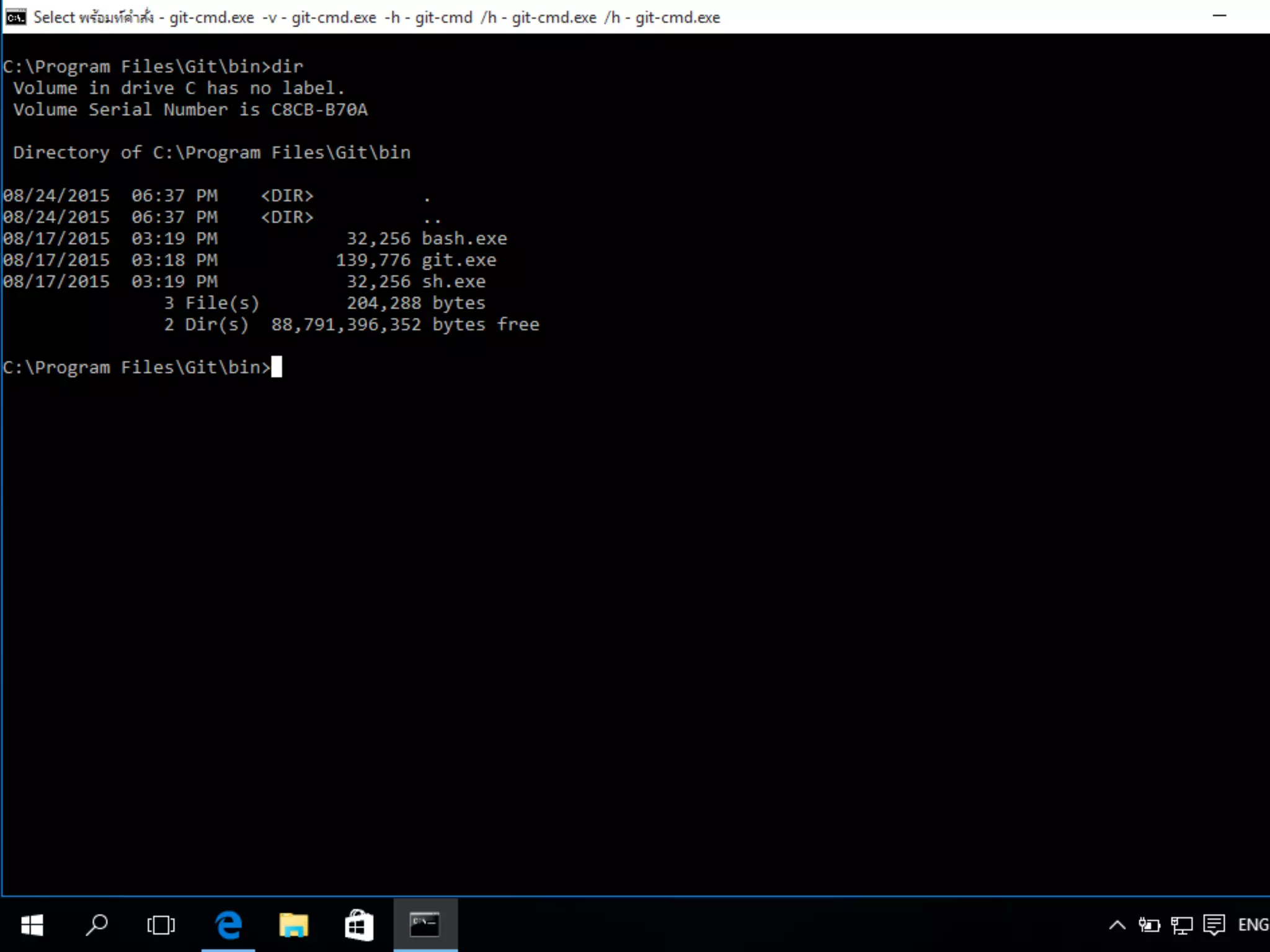
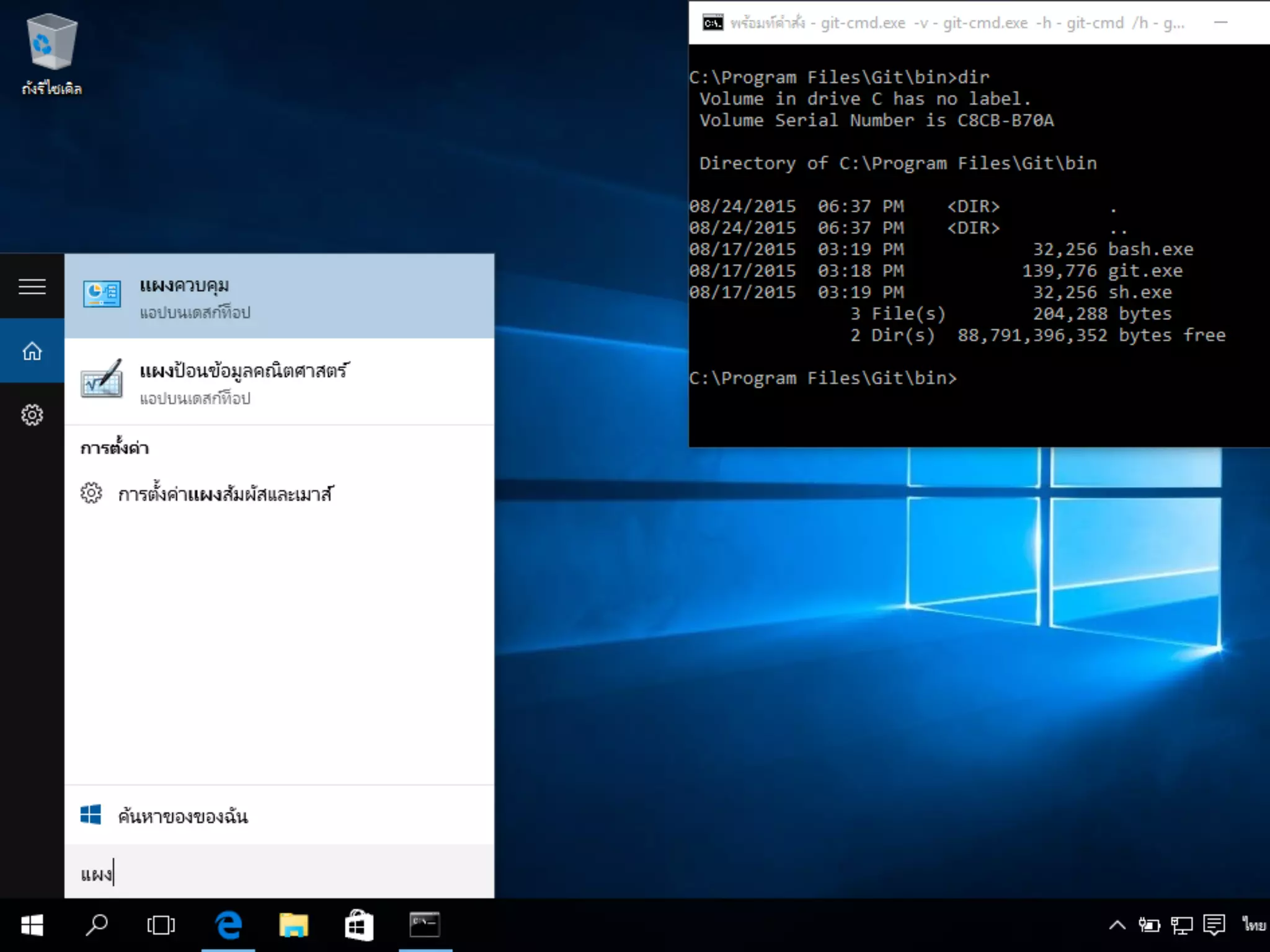
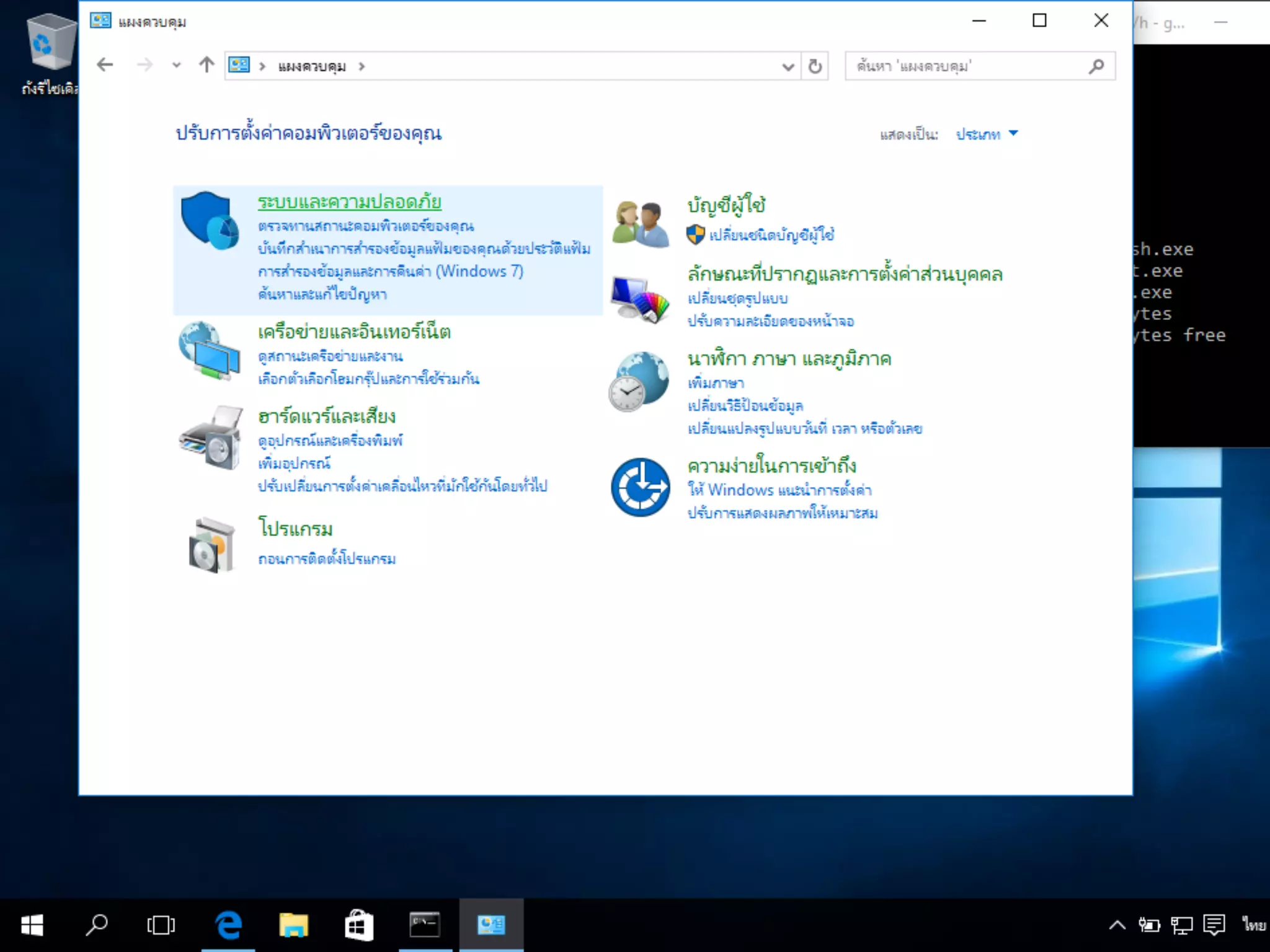
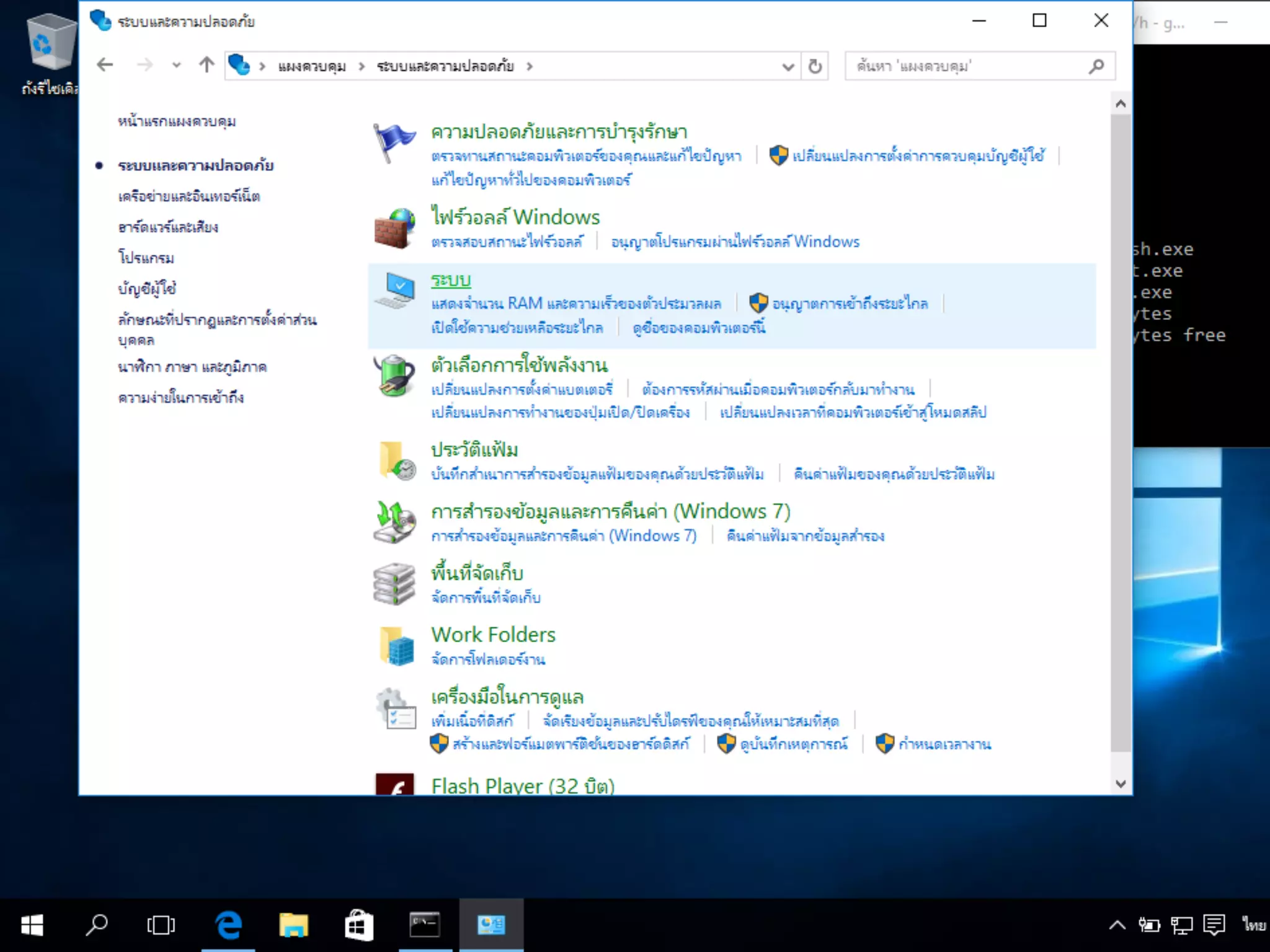
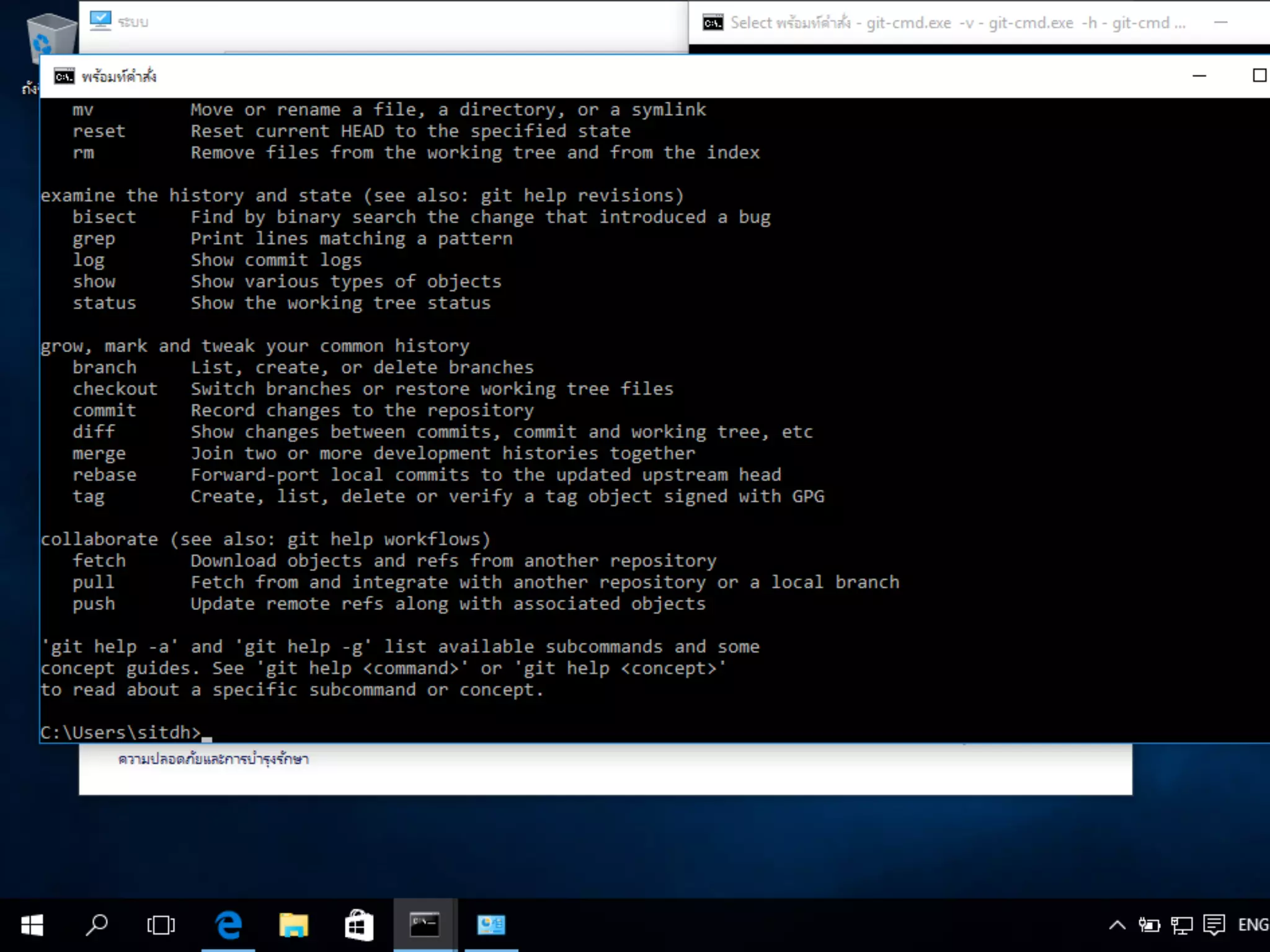
This document provides instructions for installing and configuring authentication for Git. It outlines how to install Git on Linux, OS X, and Windows operating systems. It also describes how to generate SSH keys for authentication on Linux, OS X, and Windows. Finally, it explains how to set up the SSH configuration file and test the key connection.


