### Disable the NTP Service:
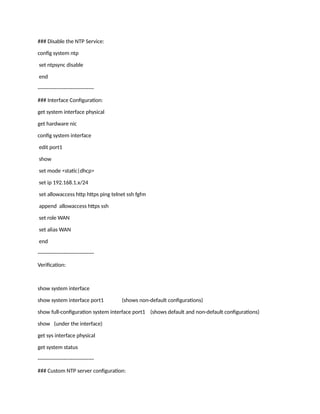
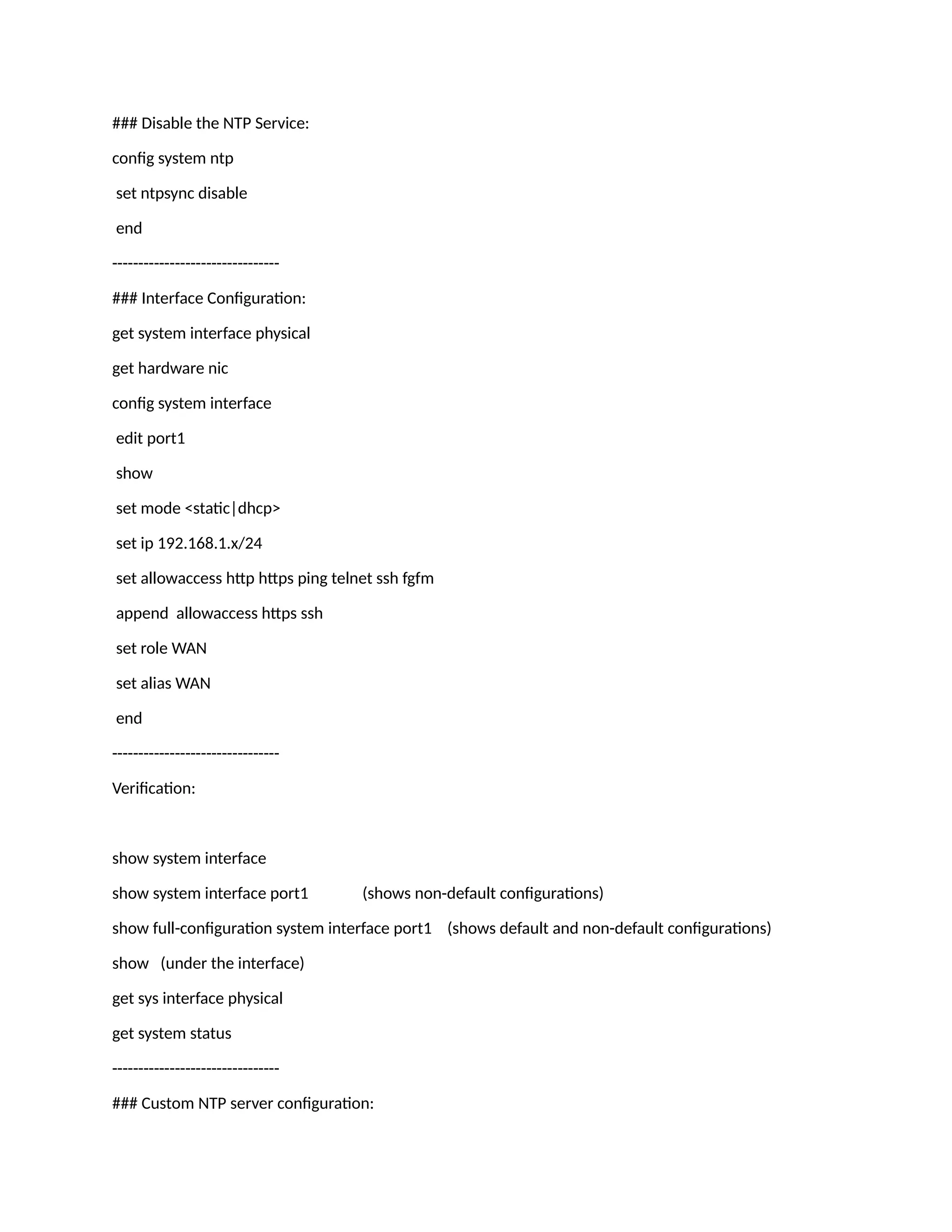
config system ntp
set ntpsync disable
end
--------------------------------
### Interface Configuration:
get system interface physical
get hardware nic
config system interface
edit port1
show
set mode <static|dhcp>
set ip 192.168.1.x/24
set allowaccess http https ping telnet ssh fgfm
append allowaccess https ssh
set role WAN
set alias WAN
end
--------------------------------
Verification:
show system interface
show system interface port1 (shows non-default configurations)
show full-configuration system interface port1 (shows default and non-default configurations)
show (under the interface)
get sys interface physical
get system status
--------------------------------
### Custom NTP server configuration:
config system ntp
set ntpsync enable
set type custom -----> Change type first
set syncinterval 1
config ntpserver
edit 1
set server "1.1.1.1" -----> NTP server IP
set ntpv3 disable
next
end
set source-ip 0.0.0.0
set server-mode disable
end
--------------------------------
### Ping and trace:
execute ping
execute traceroute
--------------------------------
### Show All Configuration:
show
show full-configuration
--------------------------------
### Hostname Configuration:
config system global
set hostname FG-FW (Max length 35 char)
--------------------------------
### Set Idle Timeout:
config system global
set admintimeout <value in minutes>
--------------------------------
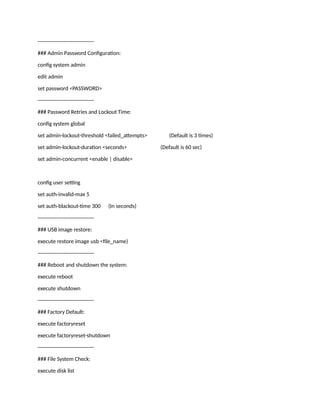
### Admin Password Configuration:
config system admin
edit admin
set password <PASSWORD>
--------------------------------
### Password Retries and Lockout Time:
config system global
set admin-lockout-threshold <failed_attempts> (Default is 3 times)
set admin-lockout-duration <seconds> (Default is 60 sec)
set admin-concurrent <enable | disable>
config user setting
set auth-invalid-max 5
set auth-blackout-time 300 (In seconds)
--------------------------------
### USB image restore:
execute restore image usb <file_name)
--------------------------------
### Reboot and shutdown the system:
execute reboot
execute shutdown
--------------------------------
### Factory Default:
execute factoryreset
execute factoryreset-shutdown
--------------------------------
### File System Check:
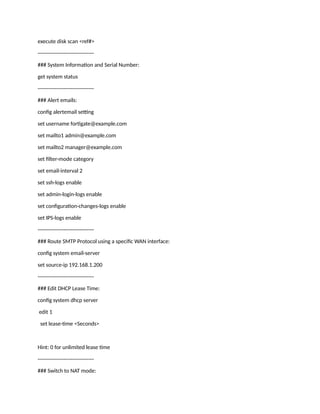
execute disk list
execute disk scan <ref#>
--------------------------------
### System Information and Serial Number:
get system status
--------------------------------
### Alert emails:
config alertemail setting
set username fortigate@example.com
set mailto1 admin@example.com
set mailto2 manager@example.com
set filter-mode category
set email-interval 2
set ssh-logs enable
set admin-login-logs enable
set configuration-changes-logs enable
set IPS-logs enable
--------------------------------
### Route SMTP Protocol using a specific WAN interface:
config system email-server
set source-ip 192.168.1.200
--------------------------------
### Edit DHCP Lease Time:
config system dhcp server
edit 1
set lease-time <Seconds>
Hint: 0 for unlimited lease time
--------------------------------
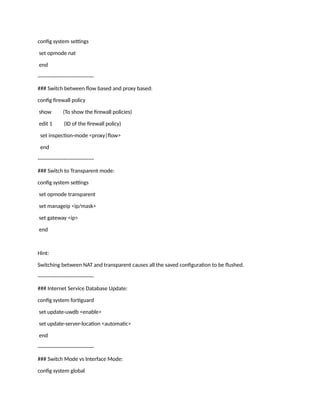
### Switch to NAT mode:
config system settings
set opmode nat
end
--------------------------------
### Switch between flow based and proxy based:
config firewall policy
show (To show the firewall policies)
edit 1 (ID of the firewall policy)
set inspection-mode <proxy|flow>
end
--------------------------------
### Switch to Transparent mode:
config system settings
set opmode transparent
set manageip <ip/mask>
set gateway <ip>
end
Hint:
Switching between NAT and transparent causes all the saved configuration to be flushed.
--------------------------------
### Internet Service Database Update:
config system fortiguard
set update-uwdb <enable>
set update-server-location <automatic>
end
--------------------------------
### Switch Mode vs Interface Mode:
config system global
set internal-switch-mode <switch|interface>
Hint: If any port is participating in any configuration, a return code 23 will be displayed.
--------------------------------
### NAT:
get system session list
diagnose sys session clear (To clear the sessions)
diagnose firewall ippool list
diagnose firewall ippool stats
config system settings
set central-nat <enable|disable>
--------------------------------
### View currently logged-in users:
diagnose debug authd fsso list
--------------------------------
### Show the status of communication between the Fortogate and the collector agent:
diagnose debug enable
diagnose debug authd fsso server-status
--------------------------------
### Routing table:
get router info routing-table <all|connected|static|...>
get router info routing-table details 10.0.0.1
config router static
edit 1
set gateway 192.168.1.1
set device port1
end
--------------------------------
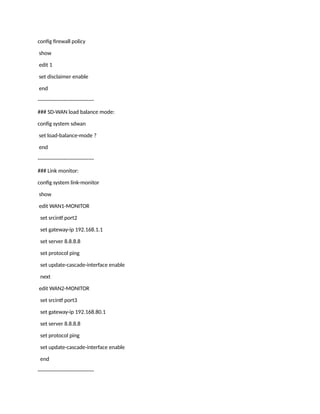
### Set disclaimer for captive portal:
config firewall policy
show
edit 1
set disclaimer enable
end
--------------------------------
### SD-WAN load balance mode:
config system sdwan
set load-balance-mode ?
end
--------------------------------
### Link monitor:
config system link-monitor
show
edit WAN1-MONITOR
set srcintf port2
set gateway-ip 192.168.1.1
set server 8.8.8.8
set protocol ping
set update-cascade-interface enable
next
edit WAN2-MONITOR
set srcintf port3
set gateway-ip 192.168.80.1
set server 8.8.8.8
set protocol ping
set update-cascade-interface enable
end
--------------------------------
### VDOM:
get system status
config system global
set vdom-mode <no-vdom | split-vdom | multi-vdom>
end
config vdom
edit <VDOMname>
config system settings
set opmode <nat | transparent>
set manageip x.x.x.x/xx (In case of transparent mode)
end
config system global
set edit-vdom-prompt <enable | disable>
end
config vdom
delete <VDOMname>
end
--------------------------------
# High Availability:
diagnose sys ha reset-uptime
diagnose sys ha dump-by vcluster
config system ha
set group-name <HA Name>
set mode <standalone | a-a | a-p >
set password <passwd>
set hbdev <interface-name> <priority>
set session-pickup enable
set override enable
set priority <0-255>
end

fortigate-cli-most used configuration.docx

  • 1.
    ### Disable theNTP Service: config system ntp set ntpsync disable end -------------------------------- ### Interface Configuration: get system interface physical get hardware nic config system interface edit port1 show set mode <static|dhcp> set ip 192.168.1.x/24 set allowaccess http https ping telnet ssh fgfm append allowaccess https ssh set role WAN set alias WAN end -------------------------------- Verification: show system interface show system interface port1 (shows non-default configurations) show full-configuration system interface port1 (shows default and non-default configurations) show (under the interface) get sys interface physical get system status -------------------------------- ### Custom NTP server configuration:
  • 2.
    config system ntp setntpsync enable set type custom -----> Change type first set syncinterval 1 config ntpserver edit 1 set server "1.1.1.1" -----> NTP server IP set ntpv3 disable next end set source-ip 0.0.0.0 set server-mode disable end -------------------------------- ### Ping and trace: execute ping execute traceroute -------------------------------- ### Show All Configuration: show show full-configuration -------------------------------- ### Hostname Configuration: config system global set hostname FG-FW (Max length 35 char) -------------------------------- ### Set Idle Timeout: config system global set admintimeout <value in minutes>
  • 3.
    -------------------------------- ### Admin PasswordConfiguration: config system admin edit admin set password <PASSWORD> -------------------------------- ### Password Retries and Lockout Time: config system global set admin-lockout-threshold <failed_attempts> (Default is 3 times) set admin-lockout-duration <seconds> (Default is 60 sec) set admin-concurrent <enable | disable> config user setting set auth-invalid-max 5 set auth-blackout-time 300 (In seconds) -------------------------------- ### USB image restore: execute restore image usb <file_name) -------------------------------- ### Reboot and shutdown the system: execute reboot execute shutdown -------------------------------- ### Factory Default: execute factoryreset execute factoryreset-shutdown -------------------------------- ### File System Check: execute disk list
  • 4.
    execute disk scan<ref#> -------------------------------- ### System Information and Serial Number: get system status -------------------------------- ### Alert emails: config alertemail setting set username fortigate@example.com set mailto1 admin@example.com set mailto2 manager@example.com set filter-mode category set email-interval 2 set ssh-logs enable set admin-login-logs enable set configuration-changes-logs enable set IPS-logs enable -------------------------------- ### Route SMTP Protocol using a specific WAN interface: config system email-server set source-ip 192.168.1.200 -------------------------------- ### Edit DHCP Lease Time: config system dhcp server edit 1 set lease-time <Seconds> Hint: 0 for unlimited lease time -------------------------------- ### Switch to NAT mode:
  • 5.
    config system settings setopmode nat end -------------------------------- ### Switch between flow based and proxy based: config firewall policy show (To show the firewall policies) edit 1 (ID of the firewall policy) set inspection-mode <proxy|flow> end -------------------------------- ### Switch to Transparent mode: config system settings set opmode transparent set manageip <ip/mask> set gateway <ip> end Hint: Switching between NAT and transparent causes all the saved configuration to be flushed. -------------------------------- ### Internet Service Database Update: config system fortiguard set update-uwdb <enable> set update-server-location <automatic> end -------------------------------- ### Switch Mode vs Interface Mode: config system global
  • 6.
    set internal-switch-mode <switch|interface> Hint:If any port is participating in any configuration, a return code 23 will be displayed. -------------------------------- ### NAT: get system session list diagnose sys session clear (To clear the sessions) diagnose firewall ippool list diagnose firewall ippool stats config system settings set central-nat <enable|disable> -------------------------------- ### View currently logged-in users: diagnose debug authd fsso list -------------------------------- ### Show the status of communication between the Fortogate and the collector agent: diagnose debug enable diagnose debug authd fsso server-status -------------------------------- ### Routing table: get router info routing-table <all|connected|static|...> get router info routing-table details 10.0.0.1 config router static edit 1 set gateway 192.168.1.1 set device port1 end -------------------------------- ### Set disclaimer for captive portal:
  • 7.
    config firewall policy show edit1 set disclaimer enable end -------------------------------- ### SD-WAN load balance mode: config system sdwan set load-balance-mode ? end -------------------------------- ### Link monitor: config system link-monitor show edit WAN1-MONITOR set srcintf port2 set gateway-ip 192.168.1.1 set server 8.8.8.8 set protocol ping set update-cascade-interface enable next edit WAN2-MONITOR set srcintf port3 set gateway-ip 192.168.80.1 set server 8.8.8.8 set protocol ping set update-cascade-interface enable end --------------------------------
  • 8.
    ### VDOM: get systemstatus config system global set vdom-mode <no-vdom | split-vdom | multi-vdom> end config vdom edit <VDOMname> config system settings set opmode <nat | transparent> set manageip x.x.x.x/xx (In case of transparent mode) end config system global set edit-vdom-prompt <enable | disable> end config vdom delete <VDOMname> end -------------------------------- # High Availability: diagnose sys ha reset-uptime diagnose sys ha dump-by vcluster config system ha set group-name <HA Name> set mode <standalone | a-a | a-p > set password <passwd> set hbdev <interface-name> <priority> set session-pickup enable set override enable
  • 9.