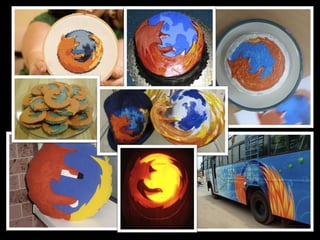
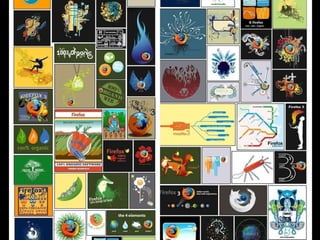
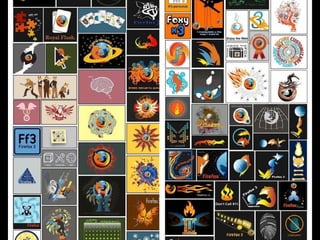
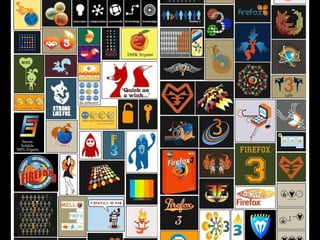
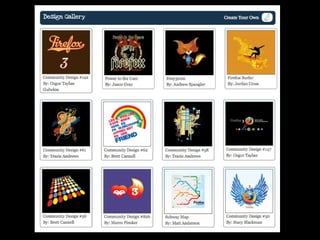
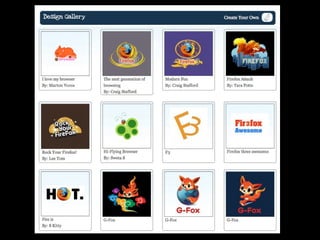
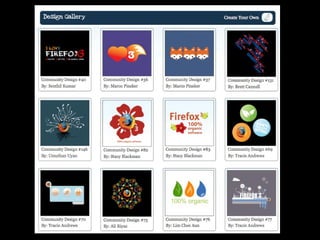
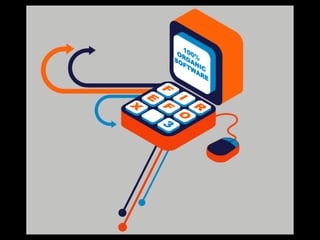
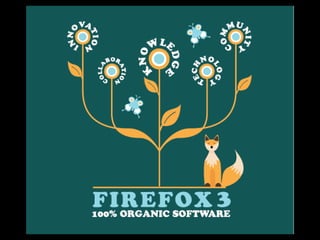
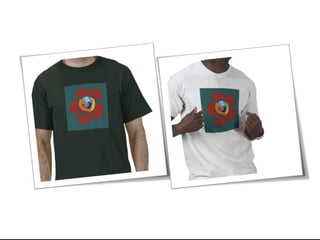
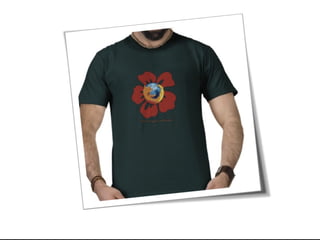
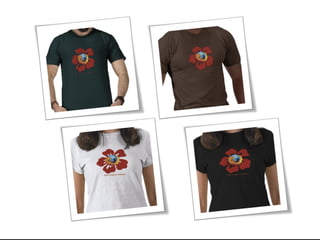
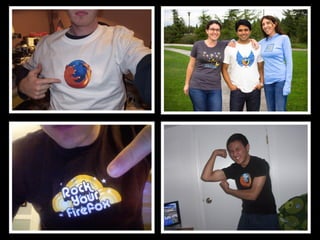
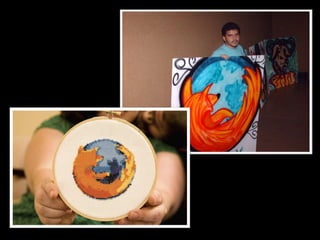
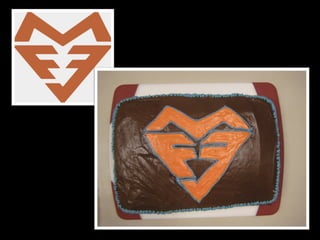
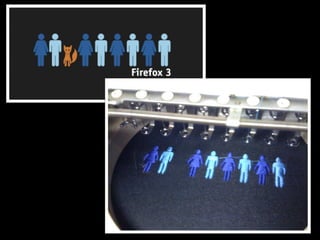
Submit New T-shirt Designs for Firefox 3.5!


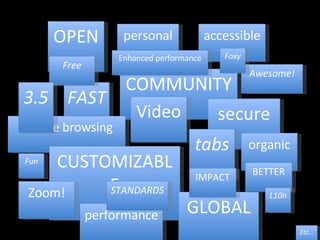
OPEN COMMUNITY FAST Video secure Private browsing tabs CUSTOMIZABLE GLOBAL performance Zoom! personal organic Awesome! Free accessible Etc… IMPACT STANDARDS 3.5 BETTER Fun Foxy L10n Enhanced performance
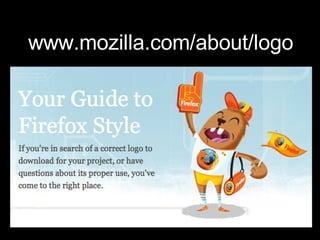
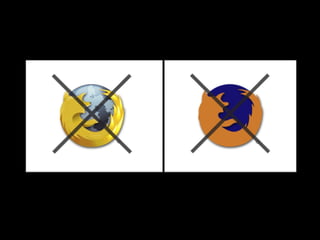
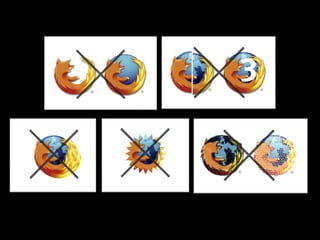
www.mozilla.com/about/logo


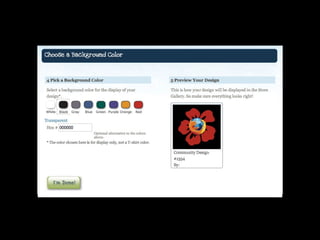
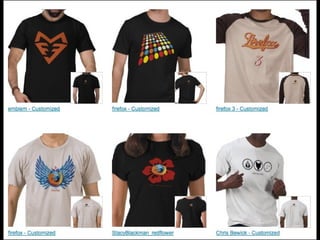
What you see is what you get!


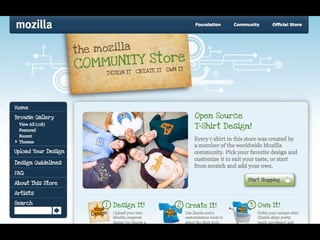
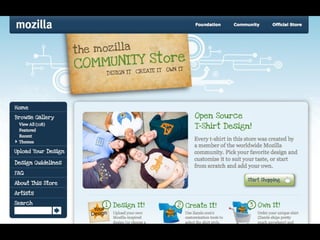
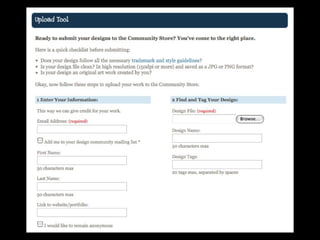
http://communitystore.mozilla.org/ SUBMIT YOUR FIREFOX 3.5 DESIGNS  TO THE COMMUNITY STORE


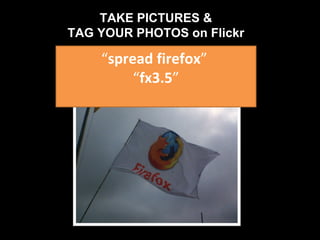
“ spread firefox ”  “ fx3.5 ” TAKE PICTURES & TAG YOUR PHOTOS on Flickr
www.intothefuzz.com www.musingT.com MozCreative https://mail.mozilla.org/listinfo/design BLOGS: TWEETS:  DESIGN LIST:  Follow us along…!
Now…..lets talk Affiliates !!
SpreadFirefox.com: Affiliates
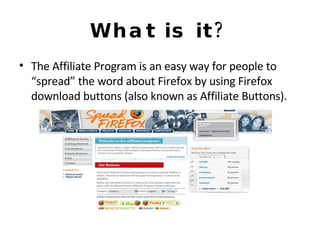
What is it? The Affiliate Program is an easy way for people to “spread” the word about Firefox by using Firefox download buttons (also known as Affiliate Buttons).
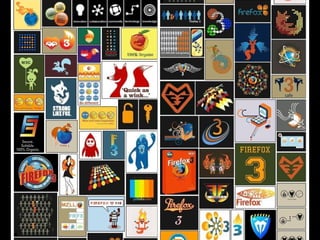
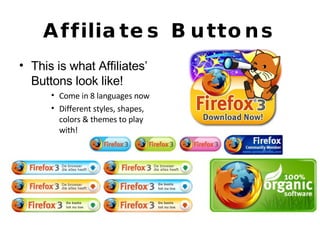
Affiliates Buttons This is what Affiliates’ Buttons look like! Come in 8 languages now Different styles, shapes, colors & themes to play with!
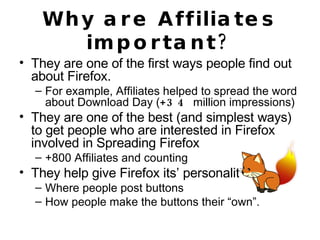
Why are Affiliates important? They are one of the first ways people find out about Firefox. For example, Affiliates helped to spread the word about Download Day ( +34  million impressions) They are one of the best (and simplest ways) to get people who are interested in Firefox involved in Spreading Firefox  +800 Affiliates and counting They help give Firefox its’ personality Where people post buttons How people make the buttons their “own”.
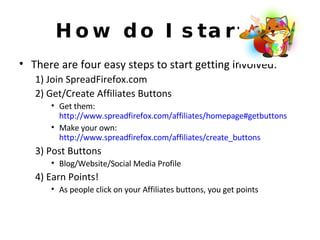
How do I start? There are four easy steps to start getting involved: 1) Join SpreadFirefox.com 2) Get/Create Affiliates Buttons Get them:  http://www.spreadfirefox.com/affiliates/homepage#getbuttons Make your own:  http://www.spreadfirefox.com/affiliates/create_buttons 3) Post Buttons Blog/Website/Social Media Profile 4) Earn Points! As people click on your Affiliates buttons, you get points
So, what do I do, again? Here are a few things to keep in mind if you want to make sure your point totals are accurate: 1) Make sure you’re signed on if you are downloading buttons from SFx.com. 2) After downloading the button, you need to make a few changes to the code by hand Button label Make sure your id number is correct (its your SFx id number) url where button is hosted
For example…. For example, edit everything in red: <a href=&quot;http://www.mozilla.com/firefox?from=sfx&uid=[ MY USER ID  HERE] &t=[ MY BUTTON LABEL, it can be whatever i want ]&quot;><img border=&quot;0&quot;  alt=&quot;Spreadfirefox Affiliate Button&quot; src=&quot;[ this is the url where my button is hosted, like  http://www.lauramesa.com/spreadfirefoxsfximage1.png] &quot; /></a>
Umm, then what? 3) If you are creating a new button, you should use Illustrator, Photoshop or another graphic design tool to modify the file.  You can also create your own from scratch.  You must still edit the source code in order to ensure you get credits for download Button label Id number (SFx id) url where button is hosted
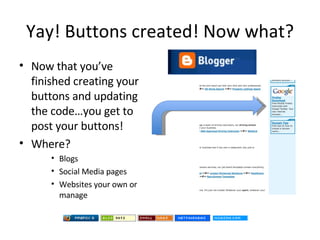
Yay! Buttons created! Now what? Now that you’ve finished creating your buttons and updating the code…you get to post your buttons! Where? Blogs Social Media pages Websites your own or manage
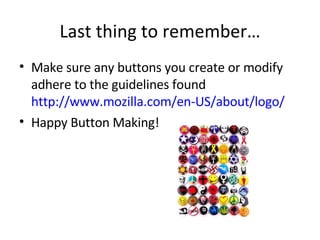
Last thing to remember… Make sure any buttons you create or modify adhere to the guidelines found  http://www.mozilla.com/en-US/about/logo/ Happy Button Making!
Resources Events Calendar:  http://www.spreadfirefox.com/event Materials:  http://spreadfirefox.com/resources Mozilla Brochure:  http://mozilla.org/about/brochure/ Community Marketing Guide https://contribute.mozilla.org/Marketing/Events https://contribute.mozilla.org/Marketing/Public _ Speaking Collaboration via bi-weekly meetings, mail list & Spread Firefox news
Tracking the Success  • Write up a post on SFx (www.spreadfirefox/ cmt)  • Take photos & video:  ‣  #Fx3.5 (Twitter & more)  ‣ “ spread firefox”, “fx3.5” (flickr)  • Write up a summary on your blog • Gather testimonials
How can we help? •  Help formulate ideas  • Help upload art/buttons •  Review art work for feedback •  Connect you with local community members •  Find us on Mozilla IRC #marketing
New Friends! Show off your skills! Gain experience! Have FUN! So much MORE! What’s in it for you?!
Get in Touch • Find us on Mozilla IRC #marketing  • Drop us a line at  [email_address]   or   [email_address] • Join marketing@lists.mozilla.org  • Join our bi-weekly calls marketing calls
 

Firefox 3.5 Launch: Creative Workshop

  • 1.
  • 2.
  • 3.
  • 4.
  • 5.
  • 6.
  • 7.
  • 8.
  • 9.
  • 10.
  • 11.
  • 12.
  • 13.
    Submit New T-shirtDesigns for Firefox 3.5!
  • 14.
  • 15.
  • 16.
  • 17.
  • 18.
    OPEN COMMUNITY FASTVideo secure Private browsing tabs CUSTOMIZABLE GLOBAL performance Zoom! personal organic Awesome! Free accessible Etc… IMPACT STANDARDS 3.5 BETTER Fun Foxy L10n Enhanced performance
  • 19.
  • 20.
  • 21.
  • 22.
  • 23.
    What you seeis what you get!
  • 24.
  • 25.
  • 26.
  • 27.
  • 28.
  • 29.
  • 30.
  • 31.
  • 32.
  • 33.
    http://communitystore.mozilla.org/ SUBMIT YOURFIREFOX 3.5 DESIGNS TO THE COMMUNITY STORE
  • 34.
  • 35.
  • 36.
  • 37.
  • 38.
    “ spread firefox” “ fx3.5 ” TAKE PICTURES & TAG YOUR PHOTOS on Flickr
  • 39.
    www.intothefuzz.com www.musingT.com MozCreativehttps://mail.mozilla.org/listinfo/design BLOGS: TWEETS: DESIGN LIST: Follow us along…!
  • 40.
  • 41.
  • 42.
    What is it?The Affiliate Program is an easy way for people to “spread” the word about Firefox by using Firefox download buttons (also known as Affiliate Buttons).
  • 43.
    Affiliates Buttons Thisis what Affiliates’ Buttons look like! Come in 8 languages now Different styles, shapes, colors & themes to play with!
  • 44.
    Why are Affiliatesimportant? They are one of the first ways people find out about Firefox. For example, Affiliates helped to spread the word about Download Day ( +34 million impressions) They are one of the best (and simplest ways) to get people who are interested in Firefox involved in Spreading Firefox +800 Affiliates and counting They help give Firefox its’ personality Where people post buttons How people make the buttons their “own”.
  • 45.
    How do Istart? There are four easy steps to start getting involved: 1) Join SpreadFirefox.com 2) Get/Create Affiliates Buttons Get them: http://www.spreadfirefox.com/affiliates/homepage#getbuttons Make your own: http://www.spreadfirefox.com/affiliates/create_buttons 3) Post Buttons Blog/Website/Social Media Profile 4) Earn Points! As people click on your Affiliates buttons, you get points
  • 46.
    So, what doI do, again? Here are a few things to keep in mind if you want to make sure your point totals are accurate: 1) Make sure you’re signed on if you are downloading buttons from SFx.com. 2) After downloading the button, you need to make a few changes to the code by hand Button label Make sure your id number is correct (its your SFx id number) url where button is hosted
  • 47.
    For example…. Forexample, edit everything in red: <a href=&quot;http://www.mozilla.com/firefox?from=sfx&uid=[ MY USER ID HERE] &t=[ MY BUTTON LABEL, it can be whatever i want ]&quot;><img border=&quot;0&quot; alt=&quot;Spreadfirefox Affiliate Button&quot; src=&quot;[ this is the url where my button is hosted, like http://www.lauramesa.com/spreadfirefoxsfximage1.png] &quot; /></a>
  • 48.
    Umm, then what?3) If you are creating a new button, you should use Illustrator, Photoshop or another graphic design tool to modify the file. You can also create your own from scratch. You must still edit the source code in order to ensure you get credits for download Button label Id number (SFx id) url where button is hosted
  • 49.
    Yay! Buttons created!Now what? Now that you’ve finished creating your buttons and updating the code…you get to post your buttons! Where? Blogs Social Media pages Websites your own or manage
  • 50.
    Last thing toremember… Make sure any buttons you create or modify adhere to the guidelines found http://www.mozilla.com/en-US/about/logo/ Happy Button Making!
  • 51.
    Resources Events Calendar: http://www.spreadfirefox.com/event Materials: http://spreadfirefox.com/resources Mozilla Brochure: http://mozilla.org/about/brochure/ Community Marketing Guide https://contribute.mozilla.org/Marketing/Events https://contribute.mozilla.org/Marketing/Public _ Speaking Collaboration via bi-weekly meetings, mail list & Spread Firefox news
  • 52.
    Tracking the Success • Write up a post on SFx (www.spreadfirefox/ cmt) • Take photos & video: ‣ #Fx3.5 (Twitter & more) ‣ “ spread firefox”, “fx3.5” (flickr) • Write up a summary on your blog • Gather testimonials
  • 53.
    How can wehelp? • Help formulate ideas • Help upload art/buttons • Review art work for feedback • Connect you with local community members • Find us on Mozilla IRC #marketing
  • 54.
    New Friends! Showoff your skills! Gain experience! Have FUN! So much MORE! What’s in it for you?!
  • 55.
    Get in Touch• Find us on Mozilla IRC #marketing • Drop us a line at [email_address] or [email_address] • Join marketing@lists.mozilla.org • Join our bi-weekly calls marketing calls
  • 56.