9/16/2013
1
Exploring PL/SQL New Features and
Best Practices for Better Performance
Ami Aharonovich
Oracle ACE & OCP
Ami@DBAces.co.il
Who am I
• Oracle ACE
• Oracle Certified Professional DBA (OCP)
• Founder and CEO, DBAces
• Oracle DBA consultant and instructor, specializes in Oracle
database core technologies
• Specializes in training Oracle courses around the world
• Frequent speaker at the Oracle Open World convention
• President, Israel Oracle User Group
9/16/2013
2
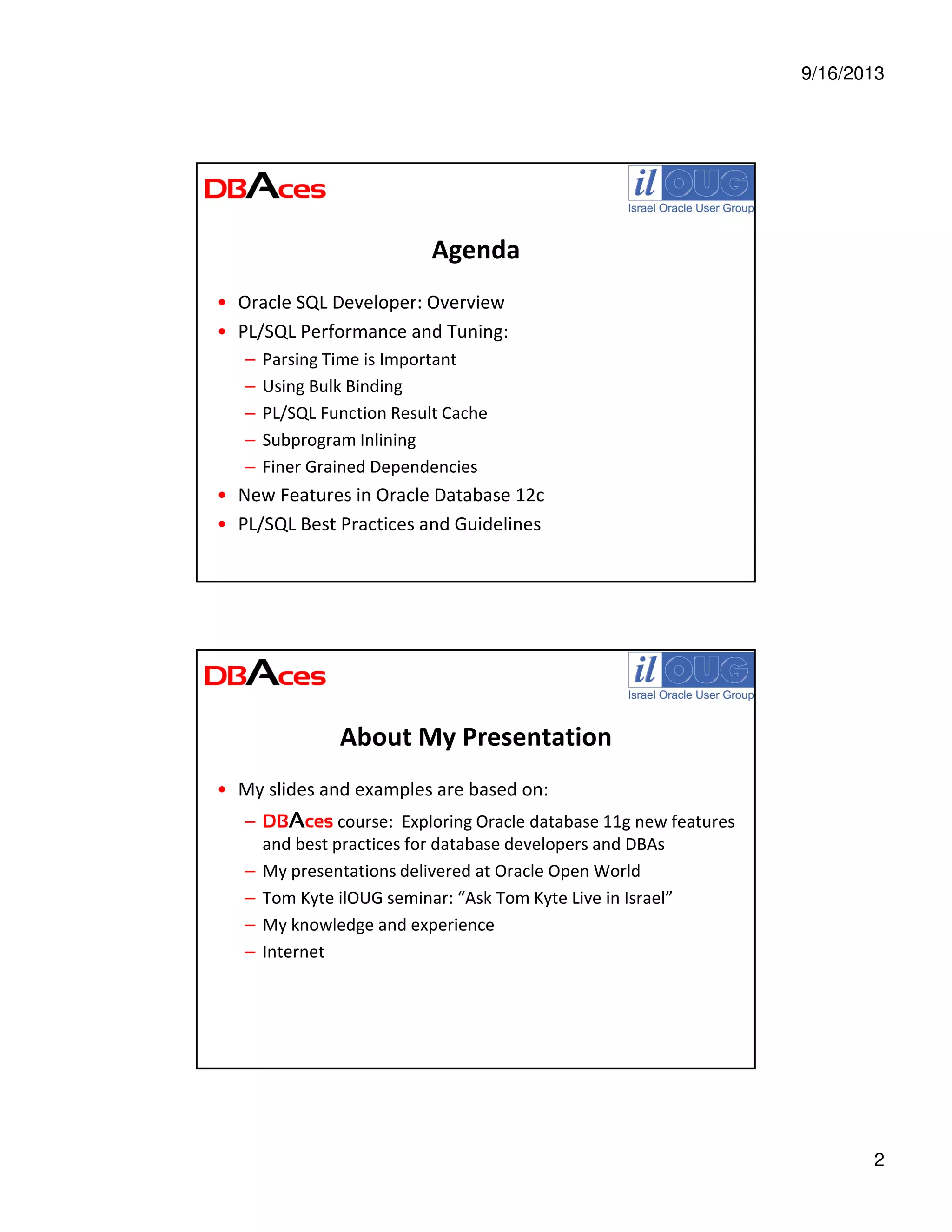
Agenda
• Oracle SQL Developer: Overview
• PL/SQL Performance and Tuning:
– Parsing Time is Important
– Using Bulk Binding
– PL/SQL Function Result Cache
– Subprogram Inlining
– Finer Grained Dependencies
• New Features in Oracle Database 12c
• PL/SQL Best Practices and Guidelines
About My Presentation
• My slides and examples are based on:
– DBAces course: Exploring Oracle database 11g new features
and best practices for database developers and DBAs
– My presentations delivered at Oracle Open World
– Tom Kyte ilOUG seminar: “Ask Tom Kyte Live in Israel”
– My knowledge and experience
– Internet
9/16/2013
3
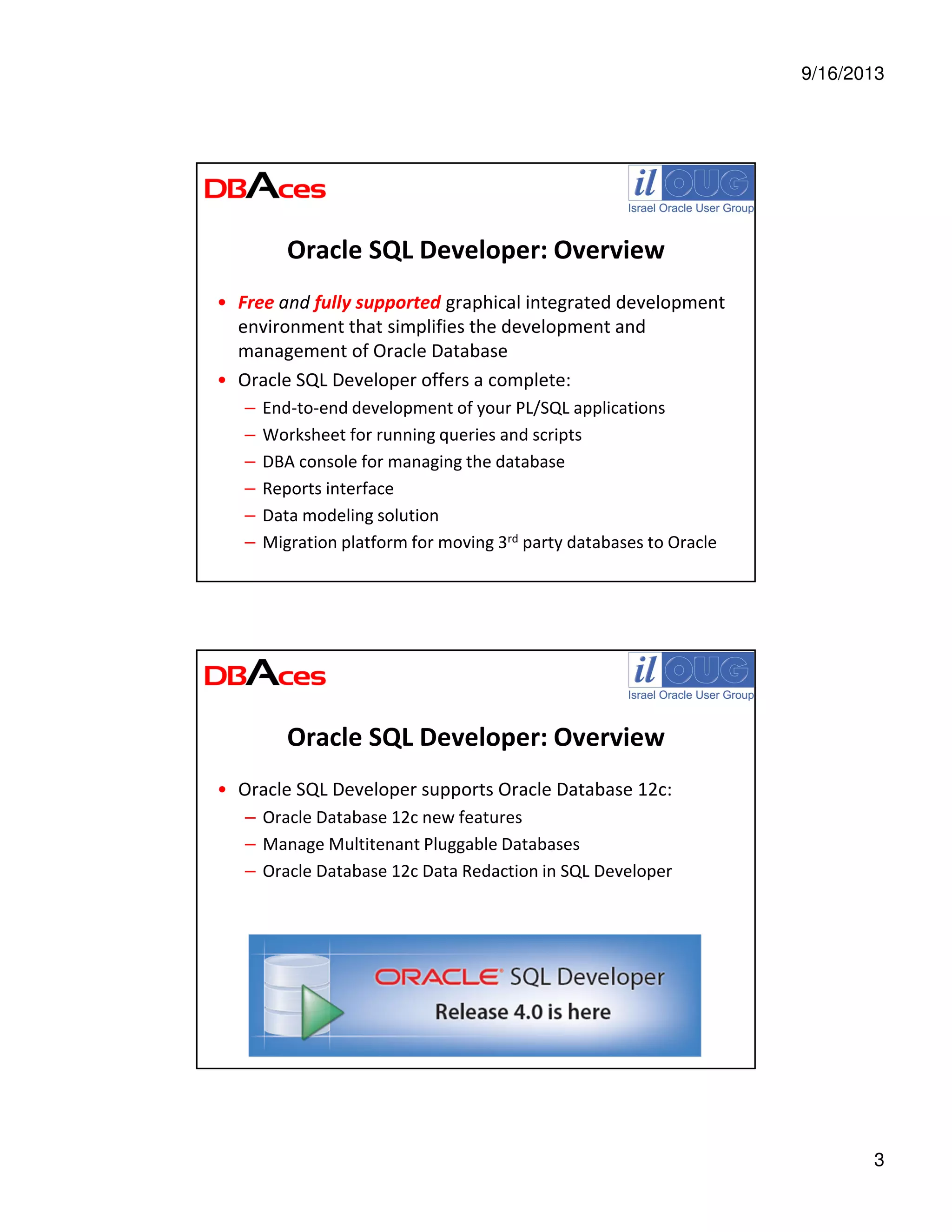
Oracle SQL Developer: Overview
• Free and fully supported graphical integrated development
environment that simplifies the development and
management of Oracle Database
• Oracle SQL Developer offers a complete:
– End-to-end development of your PL/SQL applications
– Worksheet for running queries and scripts
– DBA console for managing the database
– Reports interface
– Data modeling solution
– Migration platform for moving 3rd party databases to Oracle
Oracle SQL Developer: Overview
• Oracle SQL Developer supports Oracle Database 12c:
– Oracle Database 12c new features
– Manage Multitenant Pluggable Databases
– Oracle Database 12c Data Redaction in SQL Developer
9/16/2013
4
More Info on Oracle SQL Developer
• Prebuilt virtual machine with Database 11.2 & SQL Developer
http://www.oracle.com/technetwork/database/enterprise-edition/databaseappdev-vm-161299.html
• Oracle SQL Developer on OTN
www.oracle.com/technetwork/developer-tools/sql-developer/overview/index.html
• Oracle SQL Developer Documentation
http://docs.oracle.com/cd/E35137_01/index.htm
• Oracle SQL Developer Exchange
http://htmldb.oracle.com/pls/otn/f?p=42626:16:695907153071056::NO:::
• Oracle SQL Developer Forum
http://forums.oracle.com/forums/forum.jspa?forumID=260
• Oracle By Example (OBE), Demos and Tutorials at the Oracle
Learning Library
www.oracle.com/technetwork/developer-tools/sql-developer/obe-082749.html
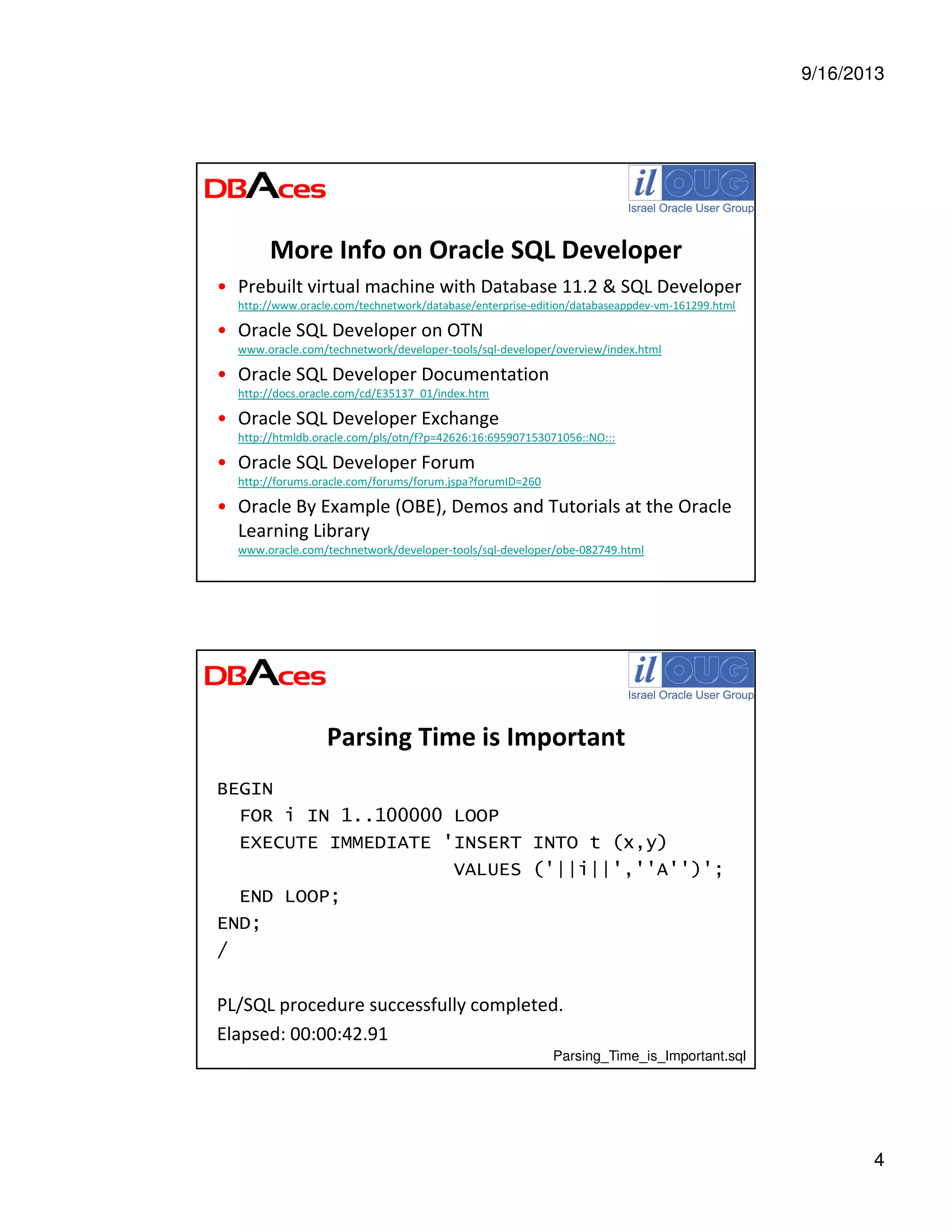
Parsing Time is Important
BEGIN
FOR i IN 1..100000 LOOP
EXECUTE IMMEDIATE 'INSERT INTO t (x,y)
VALUES ('||i||',''A'')';
END LOOP;
END;
/
PL/SQL procedure successfully completed.
Elapsed: 00:00:42.91
Parsing_Time_is_Important.sql
9/16/2013
5
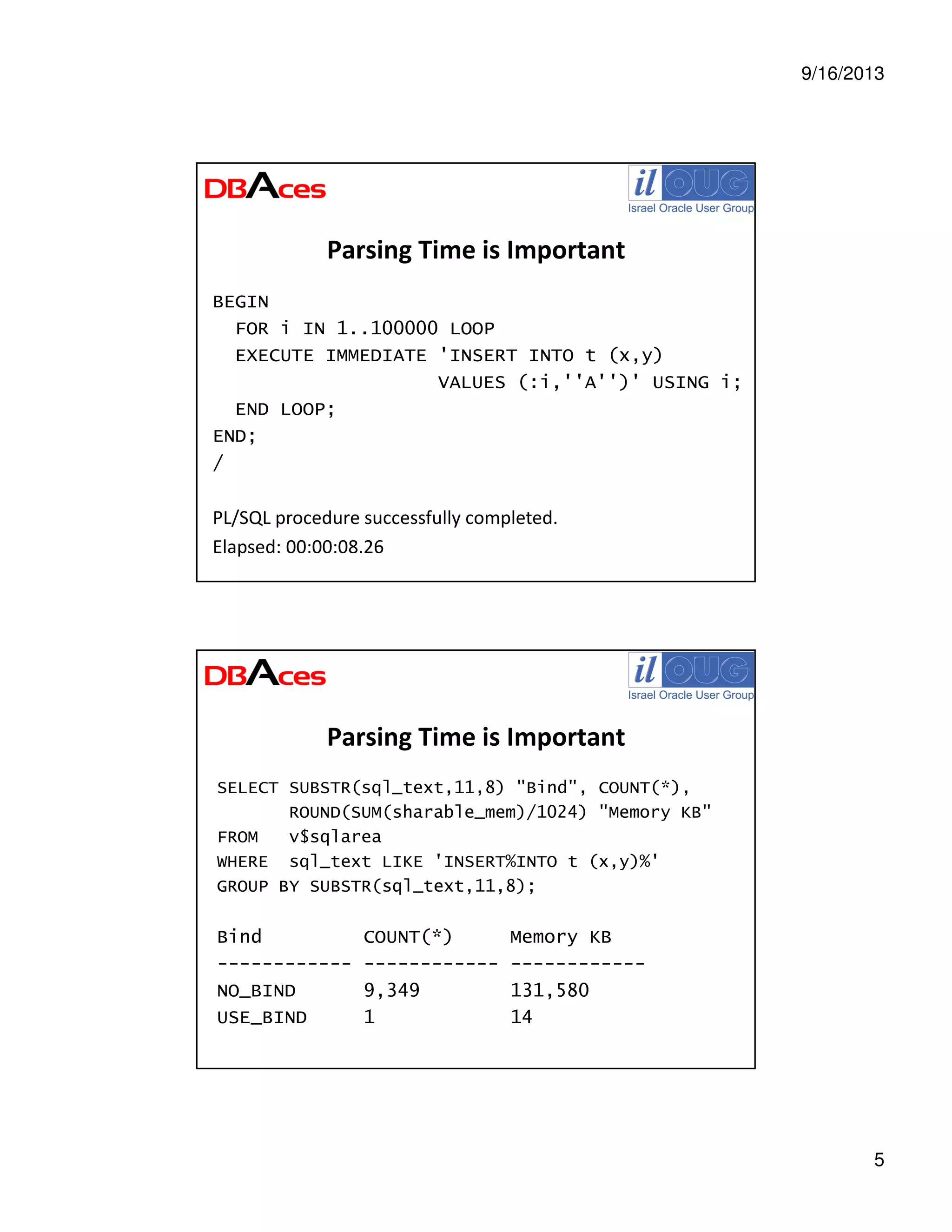
Parsing Time is Important
BEGIN
FOR i IN 1..100000 LOOP
EXECUTE IMMEDIATE 'INSERT INTO t (x,y)
VALUES (:i,''A'')' USING i;
END LOOP;
END;
/
PL/SQL procedure successfully completed.
Elapsed: 00:00:08.26
Parsing Time is Important
SELECT SUBSTR(sql_text,11,8) "Bind", COUNT(*),
ROUND(SUM(sharable_mem)/1024) "Memory KB"
FROM v$sqlarea
WHERE sql_text LIKE 'INSERT%INTO t (x,y)%'
GROUP BY SUBSTR(sql_text,11,8);
Bind COUNT(*) Memory KB
------------ ------------ ------------
NO_BIND 9,349 131,580
USE_BIND 1 14
9/16/2013
6
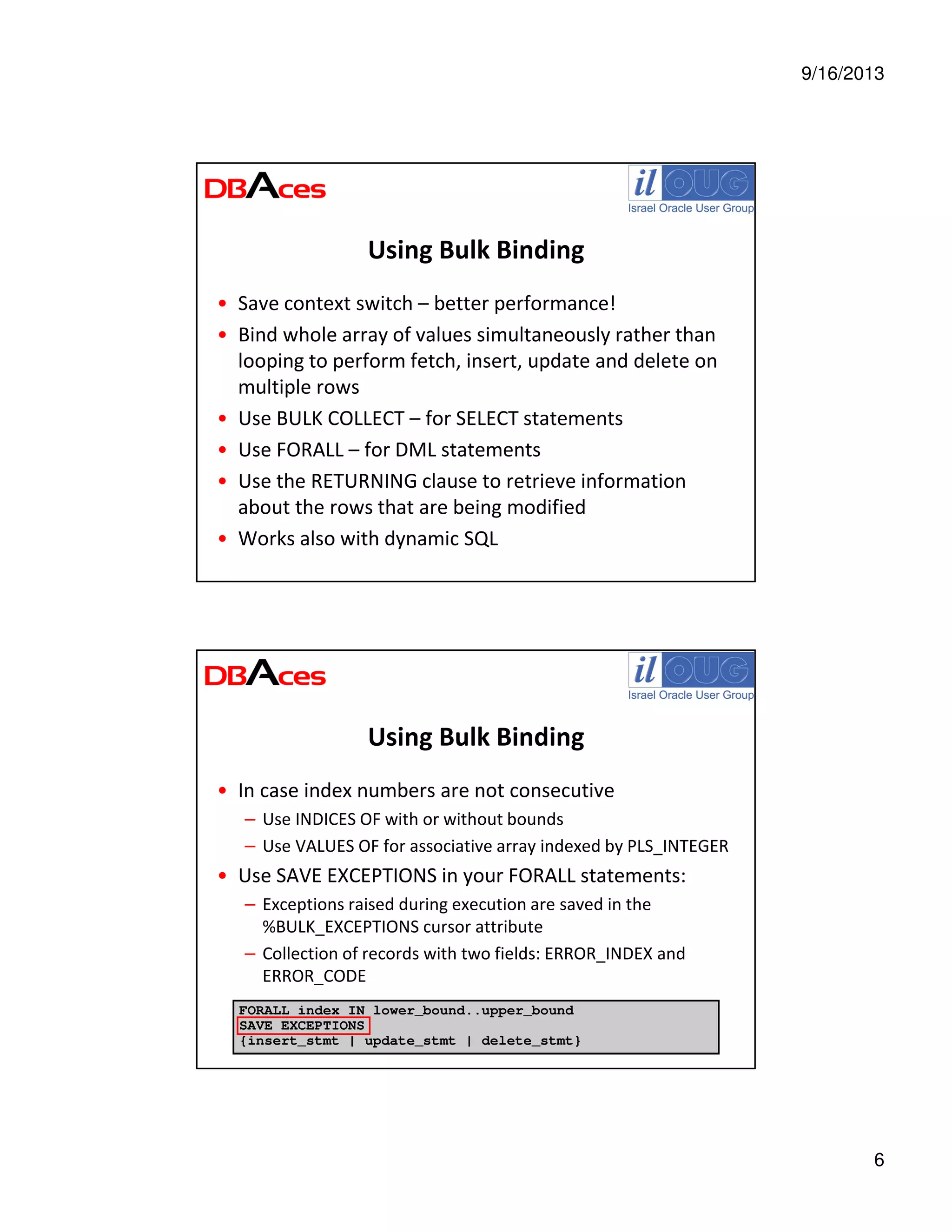
Using Bulk Binding
• Save context switch – better performance!
• Bind whole array of values simultaneously rather than
looping to perform fetch, insert, update and delete on
multiple rows
• Use BULK COLLECT – for SELECT statements
• Use FORALL – for DML statements
• Use the RETURNING clause to retrieve information
about the rows that are being modified
• Works also with dynamic SQL
Using Bulk Binding
• In case index numbers are not consecutive
– Use INDICES OF with or without bounds
– Use VALUES OF for associative array indexed by PLS_INTEGER
• Use SAVE EXCEPTIONS in your FORALL statements:
– Exceptions raised during execution are saved in the
%BULK_EXCEPTIONS cursor attribute
– Collection of records with two fields: ERROR_INDEX and
ERROR_CODE
FORALL index IN lower_bound..upper_bound
SAVE EXCEPTIONS
{insert_stmt | update_stmt | delete_stmt}
9/16/2013
7
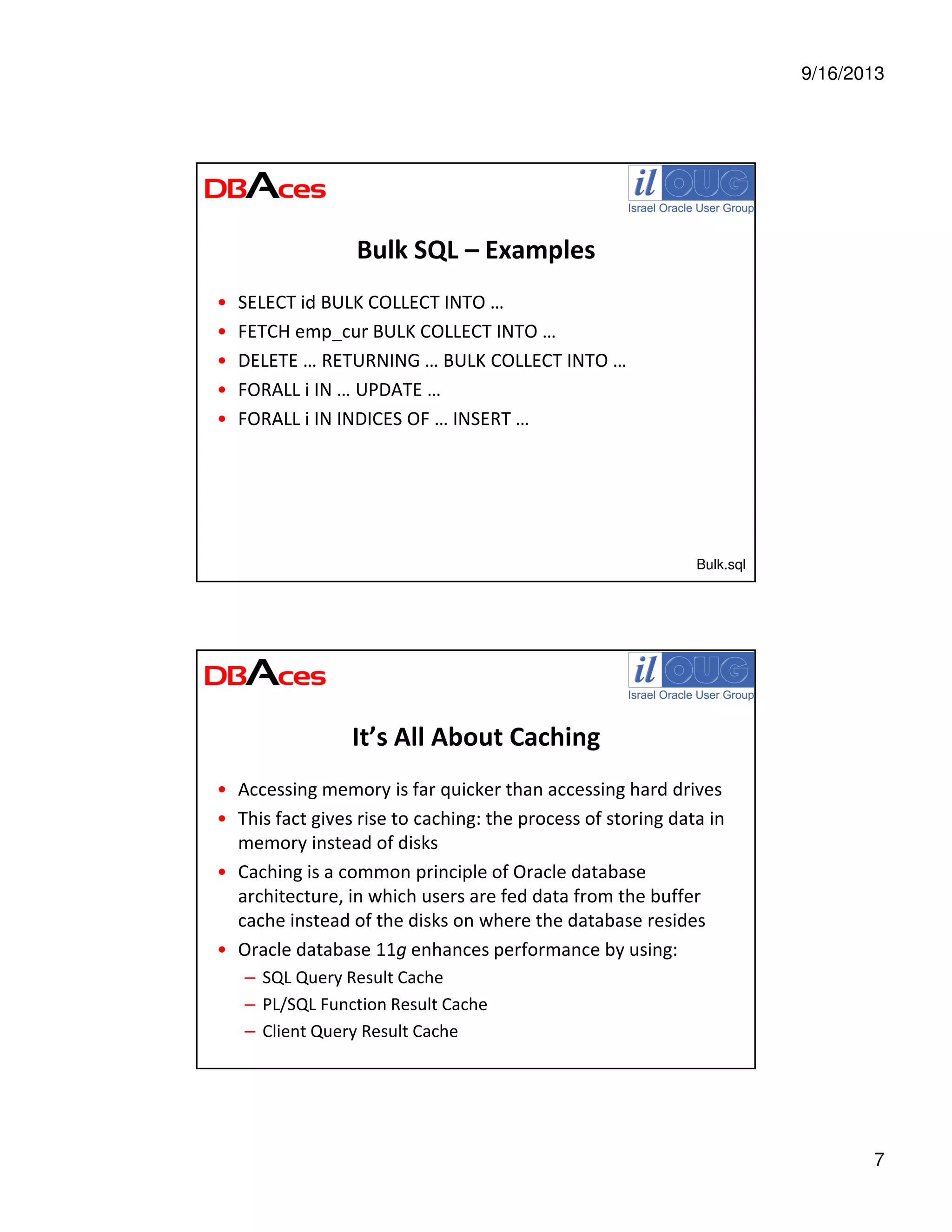
Bulk SQL – Examples
• SELECT id BULK COLLECT INTO …
• FETCH emp_cur BULK COLLECT INTO …
• DELETE … RETURNING … BULK COLLECT INTO …
• FORALL i IN … UPDATE …
• FORALL i IN INDICES OF … INSERT …
Bulk.sql
It’s All About Caching
• Accessing memory is far quicker than accessing hard drives
• This fact gives rise to caching: the process of storing data in
memory instead of disks
• Caching is a common principle of Oracle database
architecture, in which users are fed data from the buffer
cache instead of the disks on where the database resides
• Oracle database 11g enhances performance by using:
– SQL Query Result Cache
– PL/SQL Function Result Cache
– Client Query Result Cache
9/16/2013
8
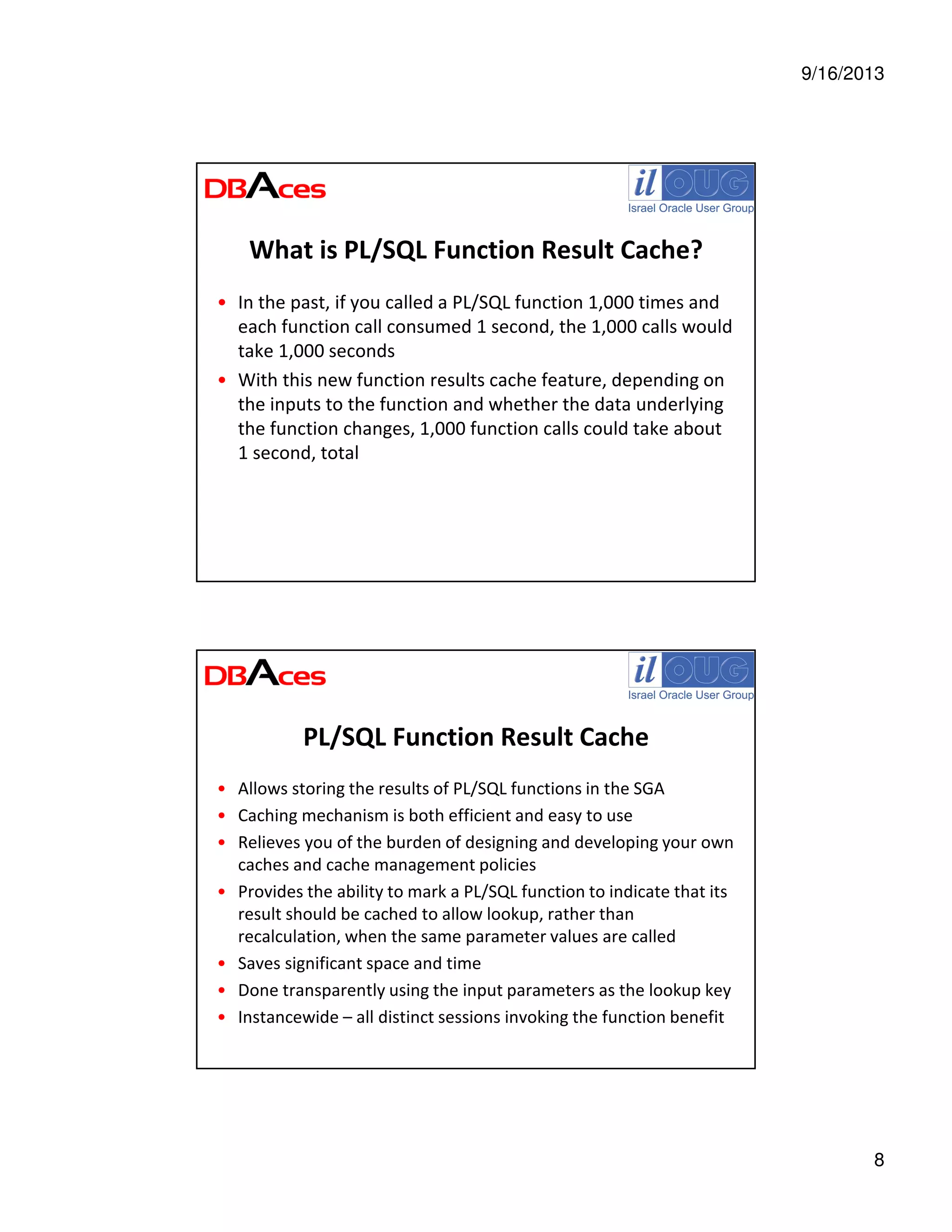
What is PL/SQL Function Result Cache?
• In the past, if you called a PL/SQL function 1,000 times and
each function call consumed 1 second, the 1,000 calls would
take 1,000 seconds
• With this new function results cache feature, depending on
the inputs to the function and whether the data underlying
the function changes, 1,000 function calls could take about
1 second, total
PL/SQL Function Result Cache
• Allows storing the results of PL/SQL functions in the SGA
• Caching mechanism is both efficient and easy to use
• Relieves you of the burden of designing and developing your own
caches and cache management policies
• Provides the ability to mark a PL/SQL function to indicate that its
result should be cached to allow lookup, rather than
recalculation, when the same parameter values are called
• Saves significant space and time
• Done transparently using the input parameters as the lookup key
• Instancewide – all distinct sessions invoking the function benefit
9/16/2013
9
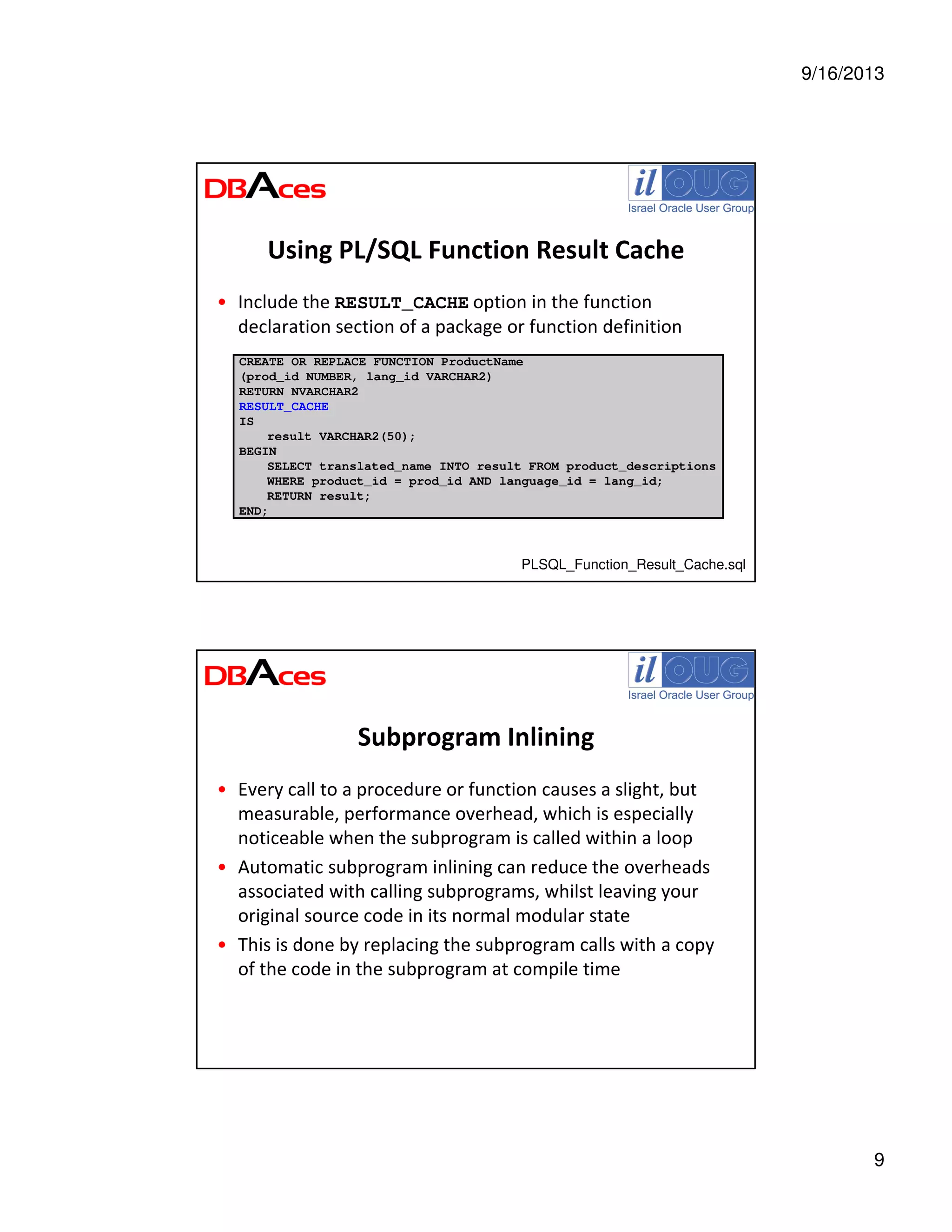
Using PL/SQL Function Result Cache
• Include the RESULT_CACHE option in the function
declaration section of a package or function definition
CREATE OR REPLACE FUNCTION ProductName
(prod_id NUMBER, lang_id VARCHAR2)
RETURN NVARCHAR2
RESULT_CACHE
IS
result VARCHAR2(50);
BEGIN
SELECT translated_name INTO result FROM product_descriptions
WHERE product_id = prod_id AND language_id = lang_id;
RETURN result;
END;
PLSQL_Function_Result_Cache.sql
Subprogram Inlining
• Every call to a procedure or function causes a slight, but
measurable, performance overhead, which is especially
noticeable when the subprogram is called within a loop
• Automatic subprogram inlining can reduce the overheads
associated with calling subprograms, whilst leaving your
original source code in its normal modular state
• This is done by replacing the subprogram calls with a copy
of the code in the subprogram at compile time
9/16/2013
10
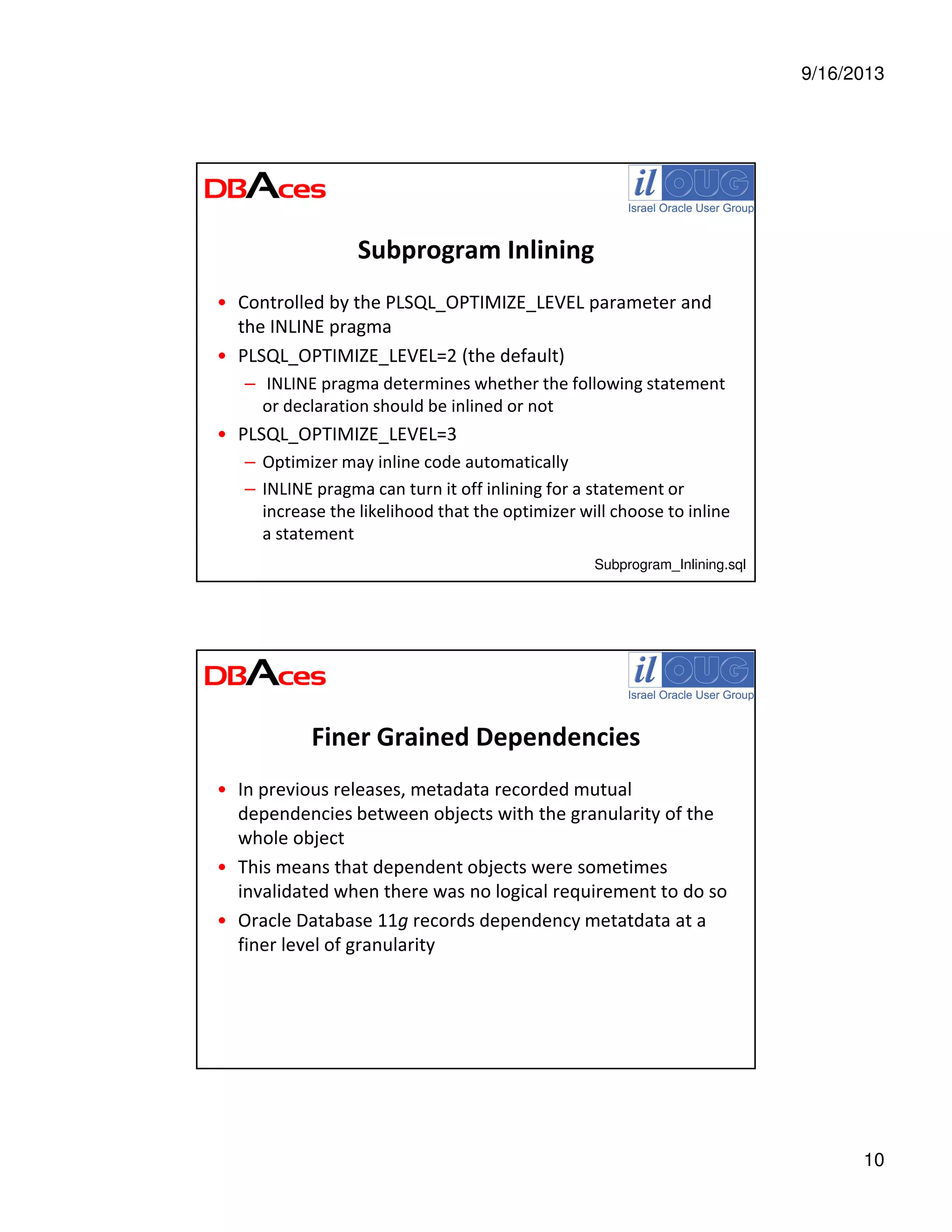
Subprogram Inlining
• Controlled by the PLSQL_OPTIMIZE_LEVEL parameter and
the INLINE pragma
• PLSQL_OPTIMIZE_LEVEL=2 (the default)
– INLINE pragma determines whether the following statement
or declaration should be inlined or not
• PLSQL_OPTIMIZE_LEVEL=3
– Optimizer may inline code automatically
– INLINE pragma can turn it off inlining for a statement or
increase the likelihood that the optimizer will choose to inline
a statement
Subprogram_Inlining.sql
Finer Grained Dependencies
• In previous releases, metadata recorded mutual
dependencies between objects with the granularity of the
whole object
• This means that dependent objects were sometimes
invalidated when there was no logical requirement to do so
• Oracle Database 11g records dependency metatdata at a
finer level of granularity
9/16/2013
11
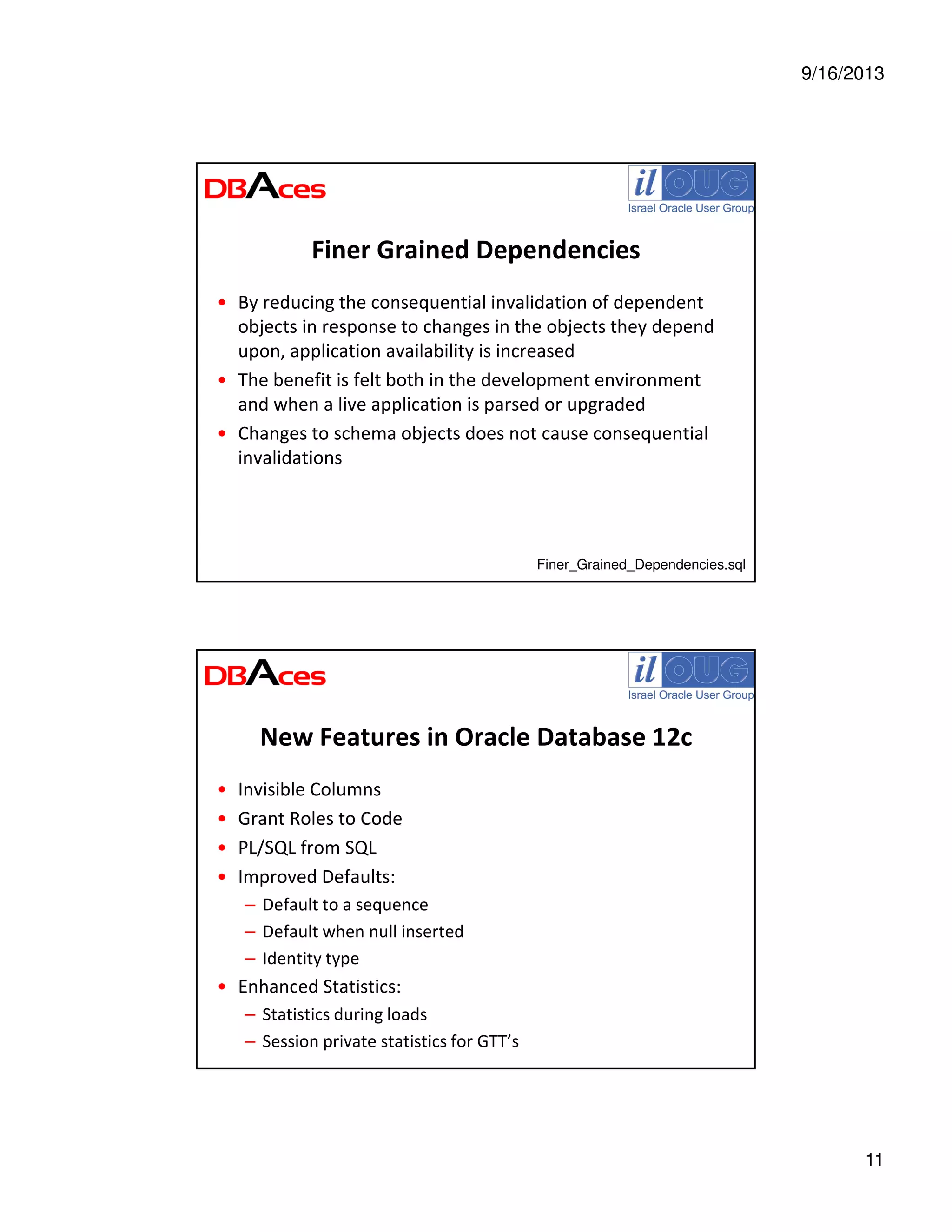
Finer Grained Dependencies
• By reducing the consequential invalidation of dependent
objects in response to changes in the objects they depend
upon, application availability is increased
• The benefit is felt both in the development environment
and when a live application is parsed or upgraded
• Changes to schema objects does not cause consequential
invalidations
Finer_Grained_Dependencies.sql
New Features in Oracle Database 12c
• Invisible Columns
• Grant Roles to Code
• PL/SQL from SQL
• Improved Defaults:
– Default to a sequence
– Default when null inserted
– Identity type
• Enhanced Statistics:
– Statistics during loads
– Session private statistics for GTT’s
9/16/2013
12
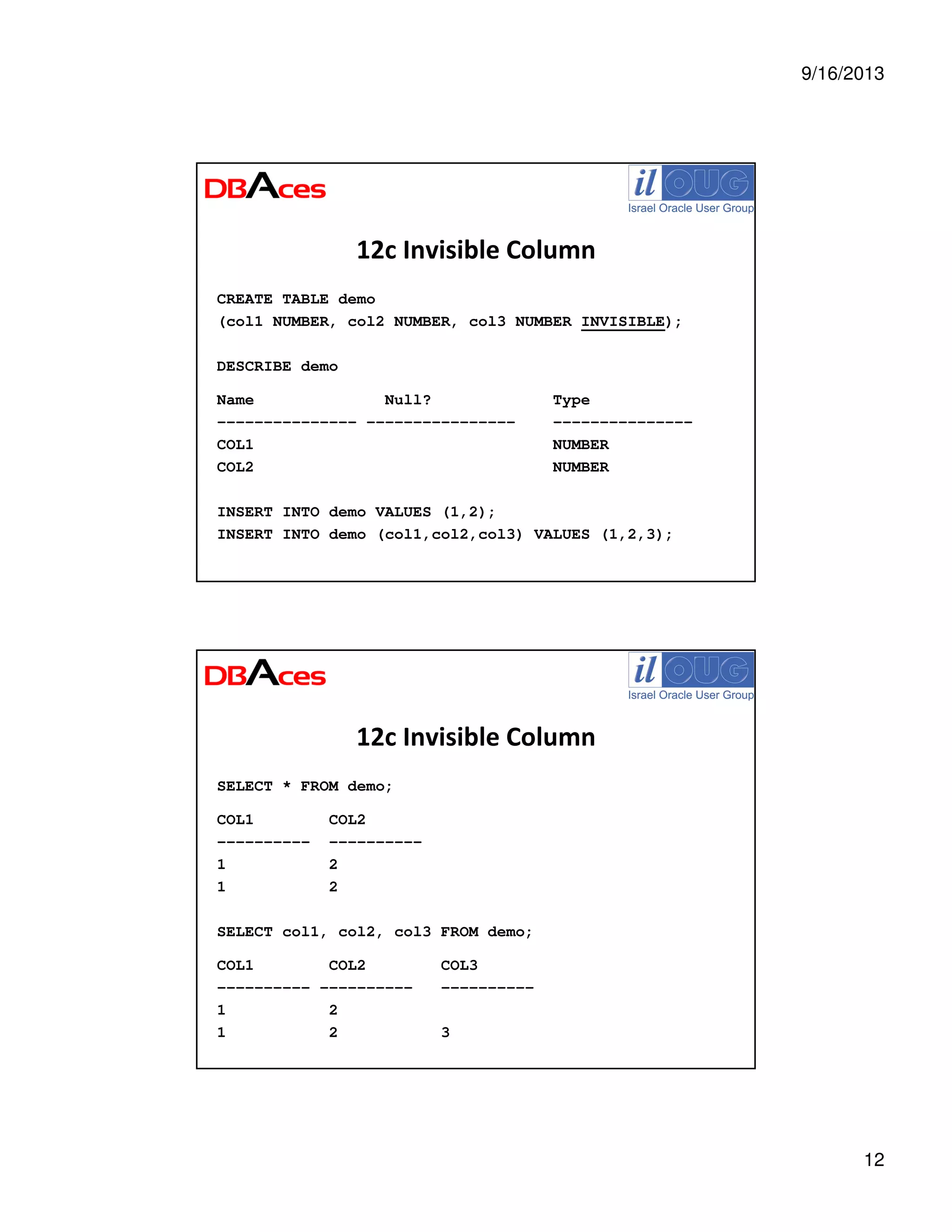
12c Invisible Column
CREATE TABLE demo
(col1 NUMBER, col2 NUMBER, col3 NUMBER INVISIBLE);
DESCRIBE demo
Name Null? Type
--------------- ---------------- ---------------
COL1 NUMBER
COL2 NUMBER
INSERT INTO demo VALUES (1,2);
INSERT INTO demo (col1,col2,col3) VALUES (1,2,3);
12c Invisible Column
SELECT * FROM demo;
COL1 COL2
---------- ----------
1 2
1 2
SELECT col1, col2, col3 FROM demo;
COL1 COL2 COL3
---------- ---------- ----------
1 2
1 2 3
9/16/2013
13
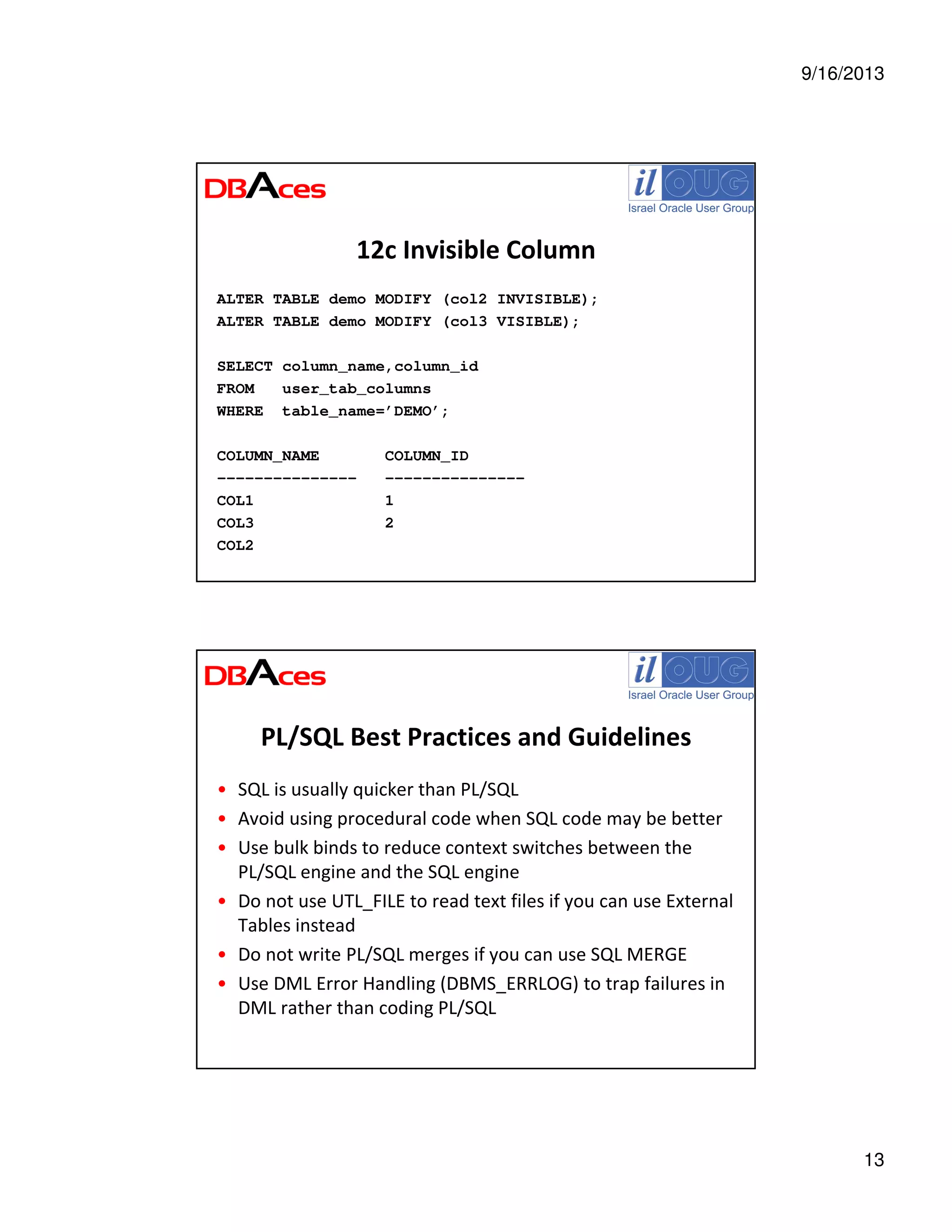
12c Invisible Column
ALTER TABLE demo MODIFY (col2 INVISIBLE);
ALTER TABLE demo MODIFY (col3 VISIBLE);
SELECT column_name,column_id
FROM user_tab_columns
WHERE table_name=’DEMO’;
COLUMN_NAME COLUMN_ID
--------------- ---------------
COL1 1
COL3 2
COL2
PL/SQL Best Practices and Guidelines
• SQL is usually quicker than PL/SQL
• Avoid using procedural code when SQL code may be better
• Use bulk binds to reduce context switches between the
PL/SQL engine and the SQL engine
• Do not use UTL_FILE to read text files if you can use External
Tables instead
• Do not write PL/SQL merges if you can use SQL MERGE
• Use DML Error Handling (DBMS_ERRLOG) to trap failures in
DML rather than coding PL/SQL
9/16/2013
14
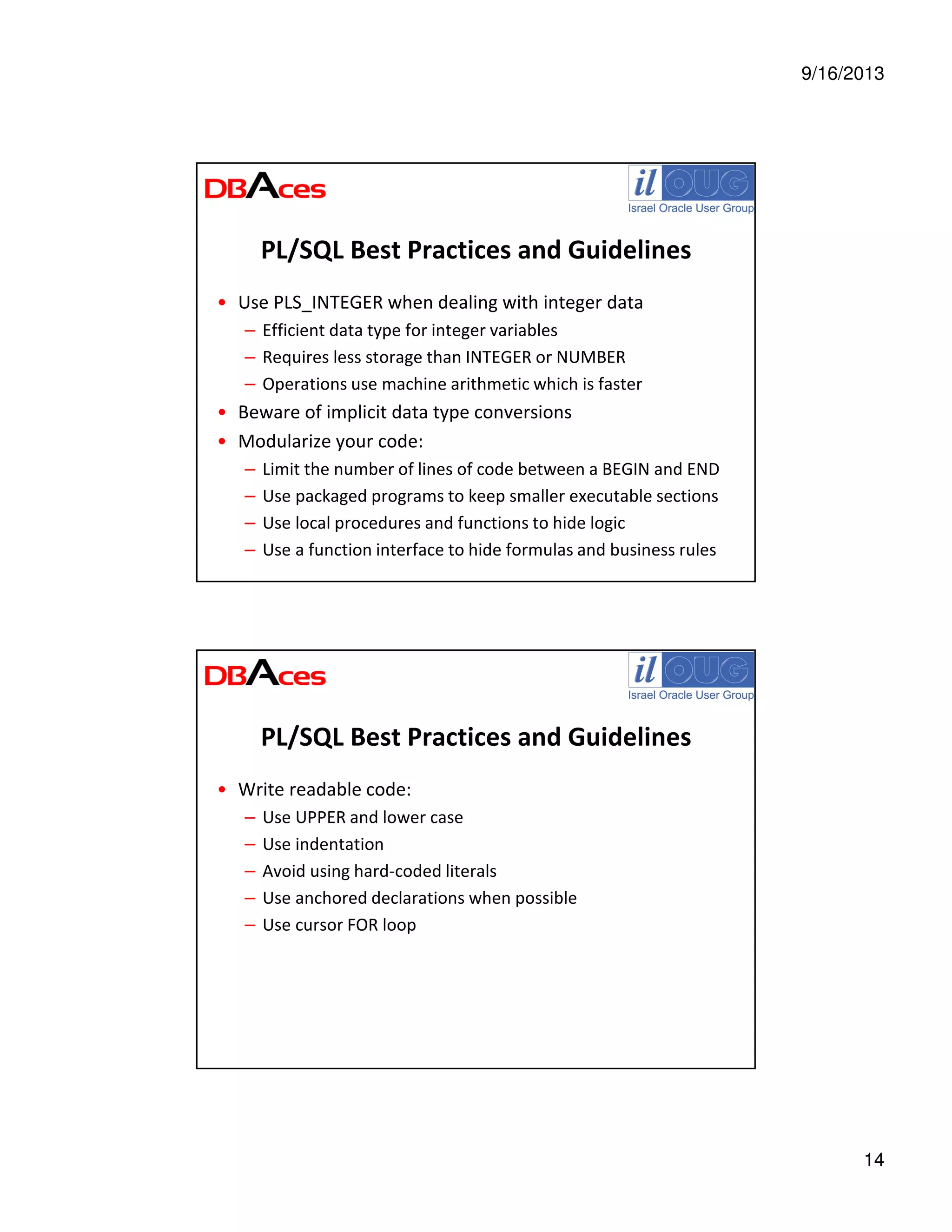
PL/SQL Best Practices and Guidelines
• Use PLS_INTEGER when dealing with integer data
– Efficient data type for integer variables
– Requires less storage than INTEGER or NUMBER
– Operations use machine arithmetic which is faster
• Beware of implicit data type conversions
• Modularize your code:
– Limit the number of lines of code between a BEGIN and END
– Use packaged programs to keep smaller executable sections
– Use local procedures and functions to hide logic
– Use a function interface to hide formulas and business rules
PL/SQL Best Practices and Guidelines
• Write readable code:
– Use UPPER and lower case
– Use indentation
– Avoid using hard-coded literals
– Use anchored declarations when possible
– Use cursor FOR loop
9/16/2013
15
Some Stuff to Read on the Web
• Oracle Database New Features Guide 11g Release 2 (11.2)
http://download.oracle.com/docs/cd/E11882_01/server.112/e17128/toc.htm
• Oracle Database PL/SQL Language Reference 12c Release 1 (12.1)
http://docs.oracle.com/cd/E16655_01/appdev.121/e17622/release_changes.htm
• PL/SQL Performance
http://www.oracle.com/technetwork/articles/sql/11g-plsql-091775.html
• Efficient PL/SQL Coding
http://www.oracle.com/technetwork/articles/sql/11g-efficient-coding-093640.html
• Oracle 12c Articles
http://www.oracle-base.com/articles/12c/articles-12c.php
Exploring PL/SQL New Features and
Best Practices for Better Performance
Ami Aharonovich
Oracle ACE & OCP
Ami@DBAces.co.il
Thank You !

Exploring plsql new features best practices september 2013

  • 1.
    9/16/2013 1 Exploring PL/SQL NewFeatures and Best Practices for Better Performance Ami Aharonovich Oracle ACE & OCP Ami@DBAces.co.il Who am I • Oracle ACE • Oracle Certified Professional DBA (OCP) • Founder and CEO, DBAces • Oracle DBA consultant and instructor, specializes in Oracle database core technologies • Specializes in training Oracle courses around the world • Frequent speaker at the Oracle Open World convention • President, Israel Oracle User Group
  • 2.
    9/16/2013 2 Agenda • Oracle SQLDeveloper: Overview • PL/SQL Performance and Tuning: – Parsing Time is Important – Using Bulk Binding – PL/SQL Function Result Cache – Subprogram Inlining – Finer Grained Dependencies • New Features in Oracle Database 12c • PL/SQL Best Practices and Guidelines About My Presentation • My slides and examples are based on: – DBAces course: Exploring Oracle database 11g new features and best practices for database developers and DBAs – My presentations delivered at Oracle Open World – Tom Kyte ilOUG seminar: “Ask Tom Kyte Live in Israel” – My knowledge and experience – Internet
  • 3.
    9/16/2013 3 Oracle SQL Developer:Overview • Free and fully supported graphical integrated development environment that simplifies the development and management of Oracle Database • Oracle SQL Developer offers a complete: – End-to-end development of your PL/SQL applications – Worksheet for running queries and scripts – DBA console for managing the database – Reports interface – Data modeling solution – Migration platform for moving 3rd party databases to Oracle Oracle SQL Developer: Overview • Oracle SQL Developer supports Oracle Database 12c: – Oracle Database 12c new features – Manage Multitenant Pluggable Databases – Oracle Database 12c Data Redaction in SQL Developer
  • 4.
    9/16/2013 4 More Info onOracle SQL Developer • Prebuilt virtual machine with Database 11.2 & SQL Developer http://www.oracle.com/technetwork/database/enterprise-edition/databaseappdev-vm-161299.html • Oracle SQL Developer on OTN www.oracle.com/technetwork/developer-tools/sql-developer/overview/index.html • Oracle SQL Developer Documentation http://docs.oracle.com/cd/E35137_01/index.htm • Oracle SQL Developer Exchange http://htmldb.oracle.com/pls/otn/f?p=42626:16:695907153071056::NO::: • Oracle SQL Developer Forum http://forums.oracle.com/forums/forum.jspa?forumID=260 • Oracle By Example (OBE), Demos and Tutorials at the Oracle Learning Library www.oracle.com/technetwork/developer-tools/sql-developer/obe-082749.html Parsing Time is Important BEGIN FOR i IN 1..100000 LOOP EXECUTE IMMEDIATE 'INSERT INTO t (x,y) VALUES ('||i||',''A'')'; END LOOP; END; / PL/SQL procedure successfully completed. Elapsed: 00:00:42.91 Parsing_Time_is_Important.sql
  • 5.
    9/16/2013 5 Parsing Time isImportant BEGIN FOR i IN 1..100000 LOOP EXECUTE IMMEDIATE 'INSERT INTO t (x,y) VALUES (:i,''A'')' USING i; END LOOP; END; / PL/SQL procedure successfully completed. Elapsed: 00:00:08.26 Parsing Time is Important SELECT SUBSTR(sql_text,11,8) "Bind", COUNT(*), ROUND(SUM(sharable_mem)/1024) "Memory KB" FROM v$sqlarea WHERE sql_text LIKE 'INSERT%INTO t (x,y)%' GROUP BY SUBSTR(sql_text,11,8); Bind COUNT(*) Memory KB ------------ ------------ ------------ NO_BIND 9,349 131,580 USE_BIND 1 14
  • 6.
    9/16/2013 6 Using Bulk Binding •Save context switch – better performance! • Bind whole array of values simultaneously rather than looping to perform fetch, insert, update and delete on multiple rows • Use BULK COLLECT – for SELECT statements • Use FORALL – for DML statements • Use the RETURNING clause to retrieve information about the rows that are being modified • Works also with dynamic SQL Using Bulk Binding • In case index numbers are not consecutive – Use INDICES OF with or without bounds – Use VALUES OF for associative array indexed by PLS_INTEGER • Use SAVE EXCEPTIONS in your FORALL statements: – Exceptions raised during execution are saved in the %BULK_EXCEPTIONS cursor attribute – Collection of records with two fields: ERROR_INDEX and ERROR_CODE FORALL index IN lower_bound..upper_bound SAVE EXCEPTIONS {insert_stmt | update_stmt | delete_stmt}
  • 7.
    9/16/2013 7 Bulk SQL –Examples • SELECT id BULK COLLECT INTO … • FETCH emp_cur BULK COLLECT INTO … • DELETE … RETURNING … BULK COLLECT INTO … • FORALL i IN … UPDATE … • FORALL i IN INDICES OF … INSERT … Bulk.sql It’s All About Caching • Accessing memory is far quicker than accessing hard drives • This fact gives rise to caching: the process of storing data in memory instead of disks • Caching is a common principle of Oracle database architecture, in which users are fed data from the buffer cache instead of the disks on where the database resides • Oracle database 11g enhances performance by using: – SQL Query Result Cache – PL/SQL Function Result Cache – Client Query Result Cache
  • 8.
    9/16/2013 8 What is PL/SQLFunction Result Cache? • In the past, if you called a PL/SQL function 1,000 times and each function call consumed 1 second, the 1,000 calls would take 1,000 seconds • With this new function results cache feature, depending on the inputs to the function and whether the data underlying the function changes, 1,000 function calls could take about 1 second, total PL/SQL Function Result Cache • Allows storing the results of PL/SQL functions in the SGA • Caching mechanism is both efficient and easy to use • Relieves you of the burden of designing and developing your own caches and cache management policies • Provides the ability to mark a PL/SQL function to indicate that its result should be cached to allow lookup, rather than recalculation, when the same parameter values are called • Saves significant space and time • Done transparently using the input parameters as the lookup key • Instancewide – all distinct sessions invoking the function benefit
  • 9.
    9/16/2013 9 Using PL/SQL FunctionResult Cache • Include the RESULT_CACHE option in the function declaration section of a package or function definition CREATE OR REPLACE FUNCTION ProductName (prod_id NUMBER, lang_id VARCHAR2) RETURN NVARCHAR2 RESULT_CACHE IS result VARCHAR2(50); BEGIN SELECT translated_name INTO result FROM product_descriptions WHERE product_id = prod_id AND language_id = lang_id; RETURN result; END; PLSQL_Function_Result_Cache.sql Subprogram Inlining • Every call to a procedure or function causes a slight, but measurable, performance overhead, which is especially noticeable when the subprogram is called within a loop • Automatic subprogram inlining can reduce the overheads associated with calling subprograms, whilst leaving your original source code in its normal modular state • This is done by replacing the subprogram calls with a copy of the code in the subprogram at compile time
  • 10.
    9/16/2013 10 Subprogram Inlining • Controlledby the PLSQL_OPTIMIZE_LEVEL parameter and the INLINE pragma • PLSQL_OPTIMIZE_LEVEL=2 (the default) – INLINE pragma determines whether the following statement or declaration should be inlined or not • PLSQL_OPTIMIZE_LEVEL=3 – Optimizer may inline code automatically – INLINE pragma can turn it off inlining for a statement or increase the likelihood that the optimizer will choose to inline a statement Subprogram_Inlining.sql Finer Grained Dependencies • In previous releases, metadata recorded mutual dependencies between objects with the granularity of the whole object • This means that dependent objects were sometimes invalidated when there was no logical requirement to do so • Oracle Database 11g records dependency metatdata at a finer level of granularity
  • 11.
    9/16/2013 11 Finer Grained Dependencies •By reducing the consequential invalidation of dependent objects in response to changes in the objects they depend upon, application availability is increased • The benefit is felt both in the development environment and when a live application is parsed or upgraded • Changes to schema objects does not cause consequential invalidations Finer_Grained_Dependencies.sql New Features in Oracle Database 12c • Invisible Columns • Grant Roles to Code • PL/SQL from SQL • Improved Defaults: – Default to a sequence – Default when null inserted – Identity type • Enhanced Statistics: – Statistics during loads – Session private statistics for GTT’s
  • 12.
    9/16/2013 12 12c Invisible Column CREATETABLE demo (col1 NUMBER, col2 NUMBER, col3 NUMBER INVISIBLE); DESCRIBE demo Name Null? Type --------------- ---------------- --------------- COL1 NUMBER COL2 NUMBER INSERT INTO demo VALUES (1,2); INSERT INTO demo (col1,col2,col3) VALUES (1,2,3); 12c Invisible Column SELECT * FROM demo; COL1 COL2 ---------- ---------- 1 2 1 2 SELECT col1, col2, col3 FROM demo; COL1 COL2 COL3 ---------- ---------- ---------- 1 2 1 2 3
  • 13.
    9/16/2013 13 12c Invisible Column ALTERTABLE demo MODIFY (col2 INVISIBLE); ALTER TABLE demo MODIFY (col3 VISIBLE); SELECT column_name,column_id FROM user_tab_columns WHERE table_name=’DEMO’; COLUMN_NAME COLUMN_ID --------------- --------------- COL1 1 COL3 2 COL2 PL/SQL Best Practices and Guidelines • SQL is usually quicker than PL/SQL • Avoid using procedural code when SQL code may be better • Use bulk binds to reduce context switches between the PL/SQL engine and the SQL engine • Do not use UTL_FILE to read text files if you can use External Tables instead • Do not write PL/SQL merges if you can use SQL MERGE • Use DML Error Handling (DBMS_ERRLOG) to trap failures in DML rather than coding PL/SQL
  • 14.
    9/16/2013 14 PL/SQL Best Practicesand Guidelines • Use PLS_INTEGER when dealing with integer data – Efficient data type for integer variables – Requires less storage than INTEGER or NUMBER – Operations use machine arithmetic which is faster • Beware of implicit data type conversions • Modularize your code: – Limit the number of lines of code between a BEGIN and END – Use packaged programs to keep smaller executable sections – Use local procedures and functions to hide logic – Use a function interface to hide formulas and business rules PL/SQL Best Practices and Guidelines • Write readable code: – Use UPPER and lower case – Use indentation – Avoid using hard-coded literals – Use anchored declarations when possible – Use cursor FOR loop
  • 15.
    9/16/2013 15 Some Stuff toRead on the Web • Oracle Database New Features Guide 11g Release 2 (11.2) http://download.oracle.com/docs/cd/E11882_01/server.112/e17128/toc.htm • Oracle Database PL/SQL Language Reference 12c Release 1 (12.1) http://docs.oracle.com/cd/E16655_01/appdev.121/e17622/release_changes.htm • PL/SQL Performance http://www.oracle.com/technetwork/articles/sql/11g-plsql-091775.html • Efficient PL/SQL Coding http://www.oracle.com/technetwork/articles/sql/11g-efficient-coding-093640.html • Oracle 12c Articles http://www.oracle-base.com/articles/12c/articles-12c.php Exploring PL/SQL New Features and Best Practices for Better Performance Ami Aharonovich Oracle ACE & OCP Ami@DBAces.co.il Thank You !