ERP Implementation
Methodology
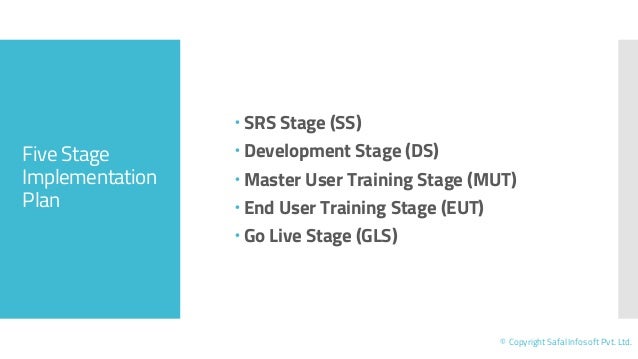
Five Stage
Implementation
Plan
 SRS Stage (SS)
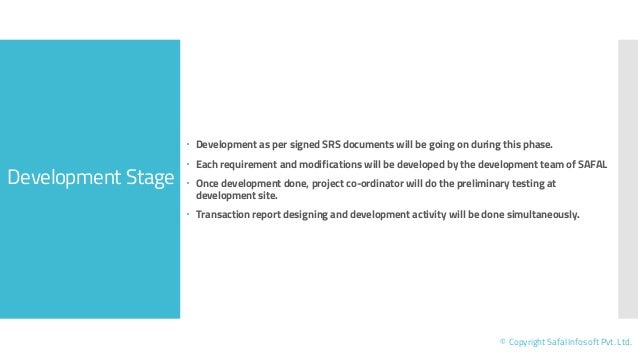
 Development Stage (DS)
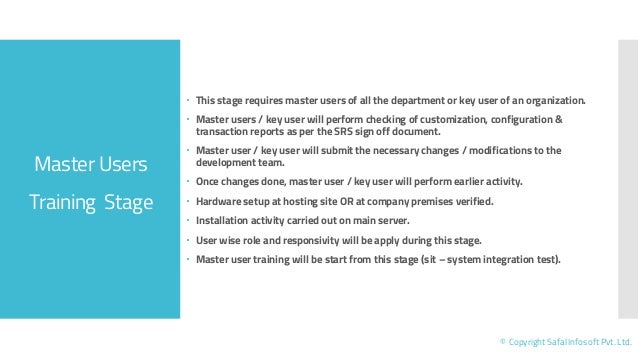
 Master User Training Stage (MUT)
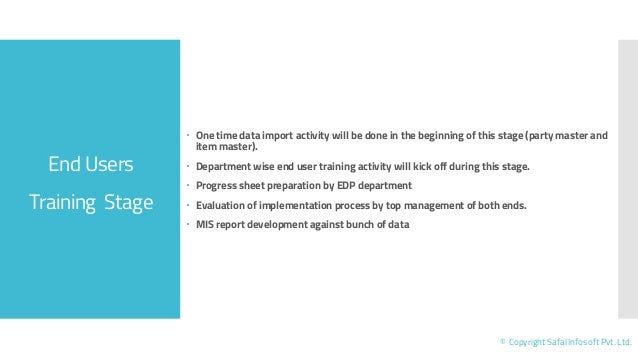
 End User Training Stage (EUT)
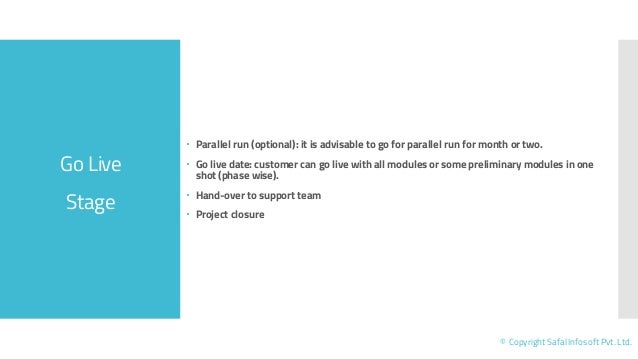
 Go Live Stage (GLS)
© Copyright Safal Infosoft Pvt. Ltd.
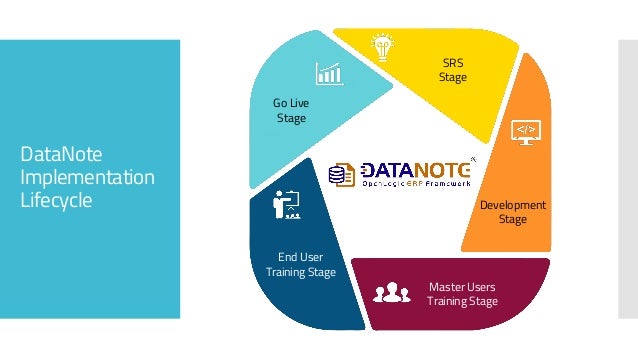
DataNote
Implementation
Lifecycle
SRS Stage
Development
SRS Stage
SRS
Stage
Development
Stage
Master Users
Training Stage
End User
Training Stage
Go Live
Stage
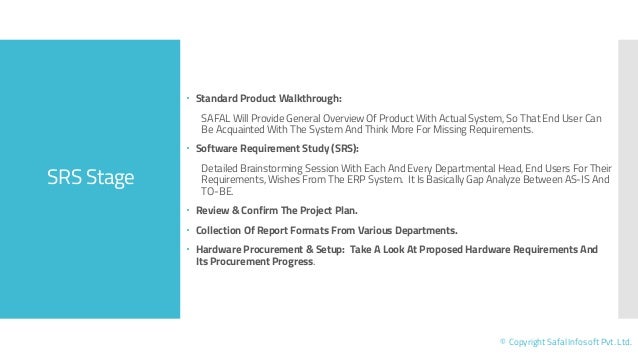
SRS Stage
© Copyright Safal Infosoft Pvt. Ltd.
 Standard Product Walkthrough:
SAFAL Will Provide General Overview Of Product With Actual System, So That End User Can
Be Acquainted With The System And Think More For Missing Requirements.
 Software Requirement Study (SRS):
Detailed Brainstorming Session With Each And Every Departmental Head, End Users For Their
Requirements, Wishes From The ERP System. It Is Basically Gap Analyze Between AS-IS And
TO-BE.
 Review & Confirm The Project Plan.
 Collection Of Report Formats From Various Departments.
 Hardware Procurement & Setup: Take A Look At Proposed Hardware Requirements And
Its Procurement Progress.
Development Stage
© Copyright Safal Infosoft Pvt. Ltd.
 Development as per signed SRS documents will be going on during this phase.
 Each requirement and modifications will be developed by the development team of SAFAL
 Once development done, project co-ordinator will do the preliminary testing at
development site.
 Transaction report designing and development activity will be done simultaneously.
Master Users
Training Stage
© Copyright Safal Infosoft Pvt. Ltd.
 This stage requires master users of all the department or key user of an organization.
 Master users / key user will perform checking of customization, configuration &
transaction reports as per the SRS sign off document.
 Master user / key user will submit the necessary changes / modifications to the
development team.
 Once changes done, master user / key user will perform earlier activity.
 Hardware setup at hosting site OR at company premises verified.
 Installation activity carried out on main server.
 User wise role and responsivity will be apply during this stage.
 Master user training will be start from this stage (sit – system integration test).
End Users
Training Stage
© Copyright Safal Infosoft Pvt. Ltd.
 One time data import activity will be done in the beginning of this stage (party master and
item master).
 Department wise end user training activity will kick off during this stage.
 Progress sheet preparation by EDP department
 Evaluation of implementation process by top management of both ends.
 MIS report development against bunch of data
Go Live
Stage
© Copyright Safal Infosoft Pvt. Ltd.
 Parallel run (optional): it is advisable to go for parallel run for month or two.
 Go live date: customer can go live with all modules or some preliminary modules in one
shot (phase wise).
 Hand-over to support team
 Project closure
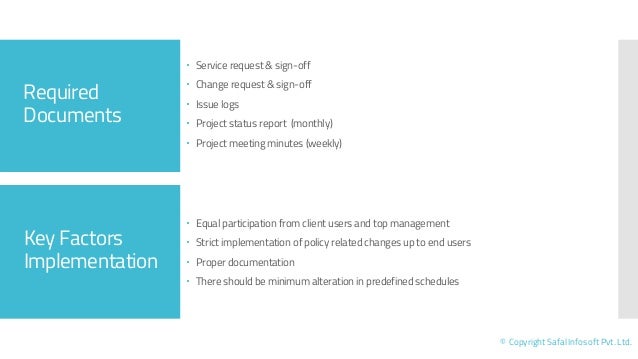
 Service request & sign-off
 Change request & sign-off
 Issue logs
 Project status report (monthly)
 Project meeting minutes (weekly)
Key Factors
Implementation
 Equal participation from client users and top management
 Strict implementation of policy related changes up to end users
 Proper documentation
 There should be minimum alteration in predefined schedules
Required
Documents
© Copyright Safal Infosoft Pvt. Ltd.
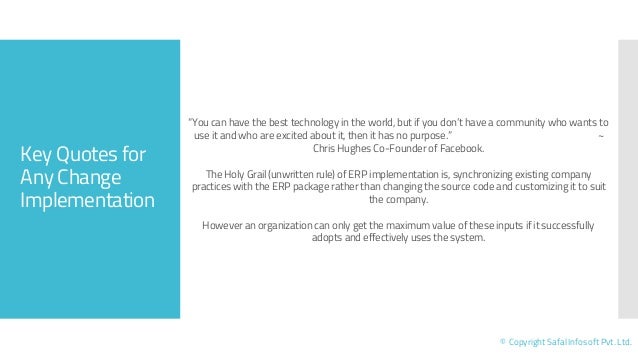
Key Quotes for
Any Change
Implementation
© Copyright Safal Infosoft Pvt. Ltd.
“You can have the best technology in the world, but if you don’t have a community who wants to
use it and who are excited about it, then it has no purpose.” ~
Chris Hughes Co-Founder of Facebook.
The Holy Grail (unwritten rule) of ERP implementation is, synchronizing existing company
practices with the ERP package rather than changing the source code and customizing it to suit
the company.
However an organization can only get the maximum value of these inputs if it successfully
adopts and effectively uses the system.
© DataNote, OpenLogic & SAFAL is a registered trademark of Safal Infosoft Pvt. Ltd. All other product names are trademark of the respective manufacturers. This document is intended for information purpose only. Content are
subject to change without notice and not warranted to be error-free. 01.21
www.datanote.in, www.safalerp.com
Toll Free Number: 1800 270 0405 (India)

ERP Software Implementation Methodology

  • 1.
  • 2.
    Five Stage Implementation Plan  SRSStage (SS)  Development Stage (DS)  Master User Training Stage (MUT)  End User Training Stage (EUT)  Go Live Stage (GLS) © Copyright Safal Infosoft Pvt. Ltd.
  • 3.
  • 4.
    SRS Stage © CopyrightSafal Infosoft Pvt. Ltd.  Standard Product Walkthrough: SAFAL Will Provide General Overview Of Product With Actual System, So That End User Can Be Acquainted With The System And Think More For Missing Requirements.  Software Requirement Study (SRS): Detailed Brainstorming Session With Each And Every Departmental Head, End Users For Their Requirements, Wishes From The ERP System. It Is Basically Gap Analyze Between AS-IS And TO-BE.  Review & Confirm The Project Plan.  Collection Of Report Formats From Various Departments.  Hardware Procurement & Setup: Take A Look At Proposed Hardware Requirements And Its Procurement Progress.
  • 5.
    Development Stage © CopyrightSafal Infosoft Pvt. Ltd.  Development as per signed SRS documents will be going on during this phase.  Each requirement and modifications will be developed by the development team of SAFAL  Once development done, project co-ordinator will do the preliminary testing at development site.  Transaction report designing and development activity will be done simultaneously.
  • 6.
    Master Users Training Stage ©Copyright Safal Infosoft Pvt. Ltd.  This stage requires master users of all the department or key user of an organization.  Master users / key user will perform checking of customization, configuration & transaction reports as per the SRS sign off document.  Master user / key user will submit the necessary changes / modifications to the development team.  Once changes done, master user / key user will perform earlier activity.  Hardware setup at hosting site OR at company premises verified.  Installation activity carried out on main server.  User wise role and responsivity will be apply during this stage.  Master user training will be start from this stage (sit – system integration test).
  • 7.
    End Users Training Stage ©Copyright Safal Infosoft Pvt. Ltd.  One time data import activity will be done in the beginning of this stage (party master and item master).  Department wise end user training activity will kick off during this stage.  Progress sheet preparation by EDP department  Evaluation of implementation process by top management of both ends.  MIS report development against bunch of data
  • 8.
    Go Live Stage © CopyrightSafal Infosoft Pvt. Ltd.  Parallel run (optional): it is advisable to go for parallel run for month or two.  Go live date: customer can go live with all modules or some preliminary modules in one shot (phase wise).  Hand-over to support team  Project closure
  • 9.
     Service request& sign-off  Change request & sign-off  Issue logs  Project status report (monthly)  Project meeting minutes (weekly) Key Factors Implementation  Equal participation from client users and top management  Strict implementation of policy related changes up to end users  Proper documentation  There should be minimum alteration in predefined schedules Required Documents © Copyright Safal Infosoft Pvt. Ltd.
  • 10.
    Key Quotes for AnyChange Implementation © Copyright Safal Infosoft Pvt. Ltd. “You can have the best technology in the world, but if you don’t have a community who wants to use it and who are excited about it, then it has no purpose.” ~ Chris Hughes Co-Founder of Facebook. The Holy Grail (unwritten rule) of ERP implementation is, synchronizing existing company practices with the ERP package rather than changing the source code and customizing it to suit the company. However an organization can only get the maximum value of these inputs if it successfully adopts and effectively uses the system.
  • 11.
    © DataNote, OpenLogic& SAFAL is a registered trademark of Safal Infosoft Pvt. Ltd. All other product names are trademark of the respective manufacturers. This document is intended for information purpose only. Content are subject to change without notice and not warranted to be error-free. 01.21 www.datanote.in, www.safalerp.com Toll Free Number: 1800 270 0405 (India)