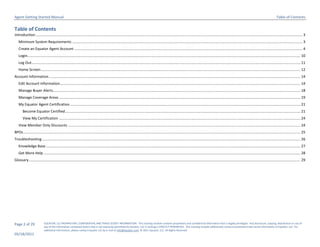
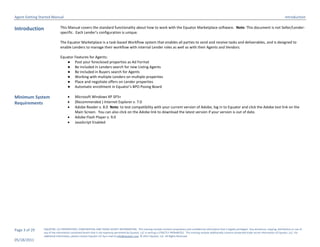
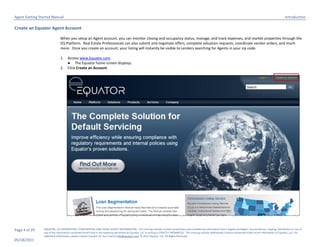
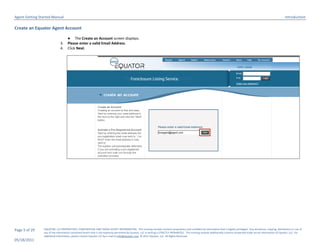
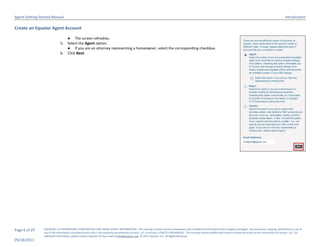
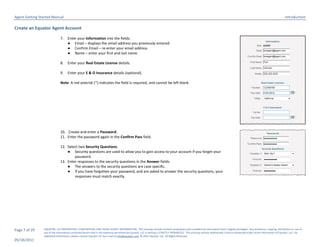
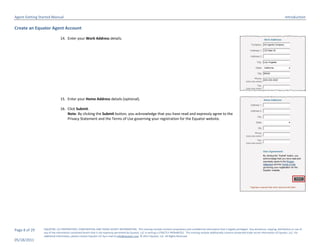
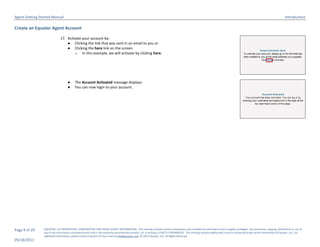
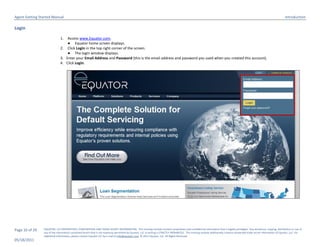
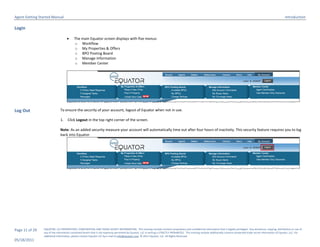
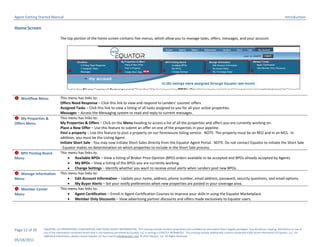
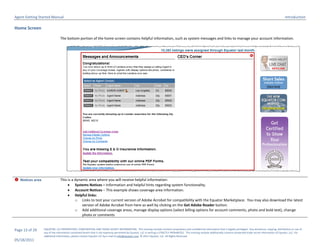
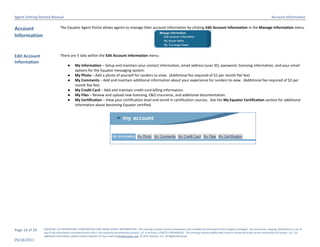
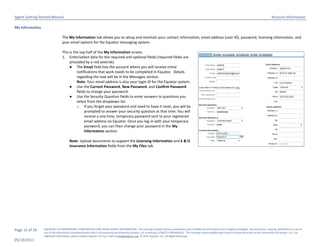
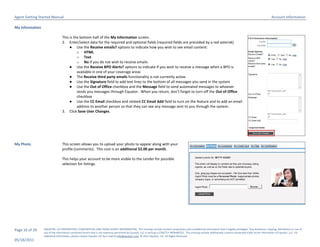
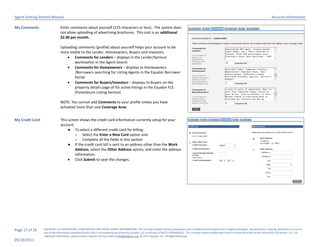
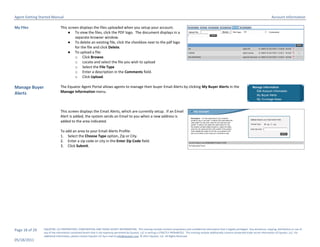
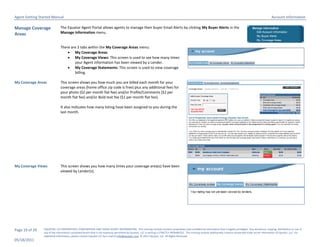
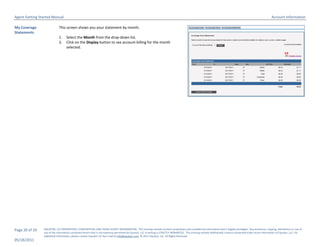
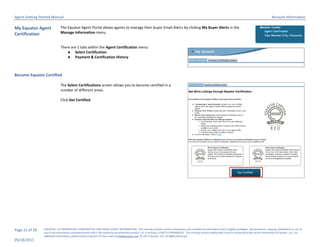
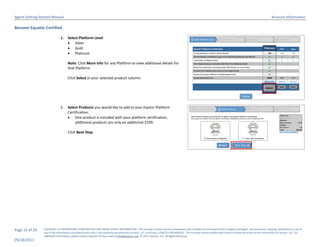
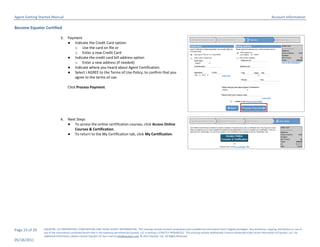
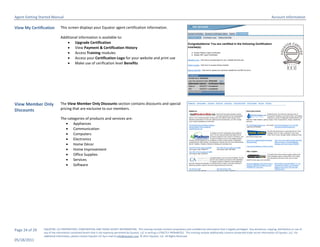
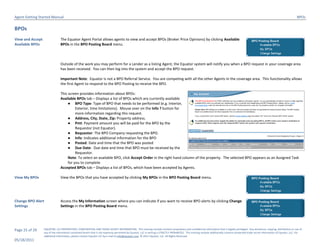
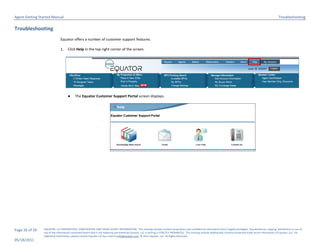
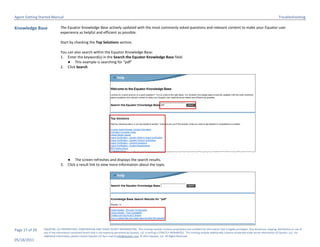
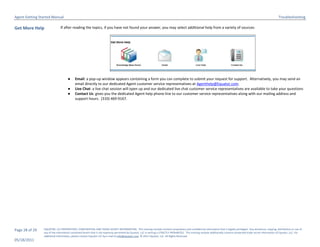
This document provides instructions for agents to get started using the Equator Agent Portal, including how to create an account, log in, navigate the home screen, and manage account information. It covers the minimum system requirements, creating an agent profile, logging in and out of the portal, and describes the main sections of the home screen for accessing listings, alerts, and certification information.