Eight Steps to a Powerful
Presentation
D. Raquel McAdams
Colorado State University-Global Campus
ORG 536: Contemporary Business Writing and Communication
Brian Neff
April 13, 2014
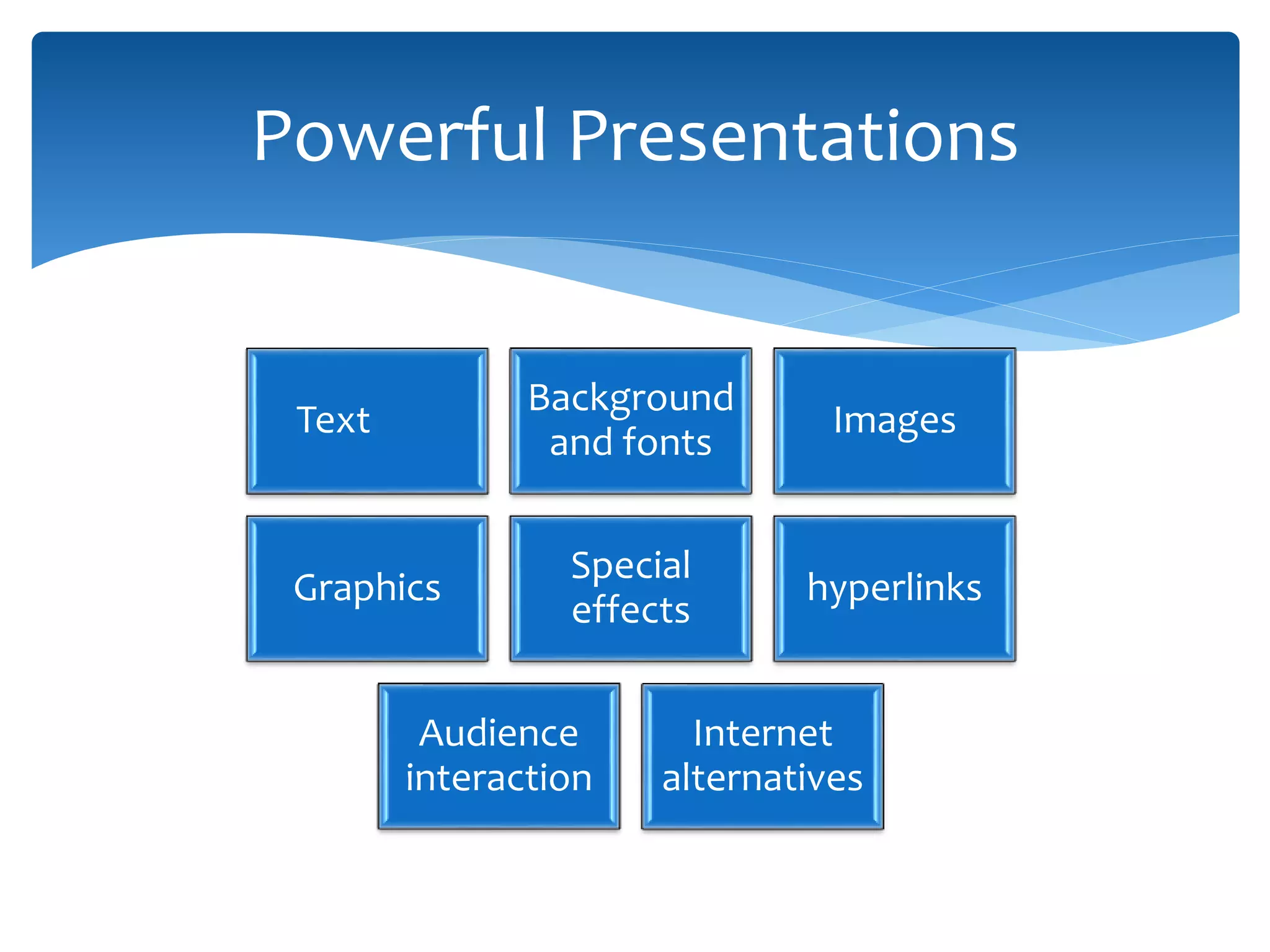
Text
Background
and fonts
Images
Graphics
Special
effects
hyperlinks
Audience
interaction
Internet
alternatives
Powerful Presentations
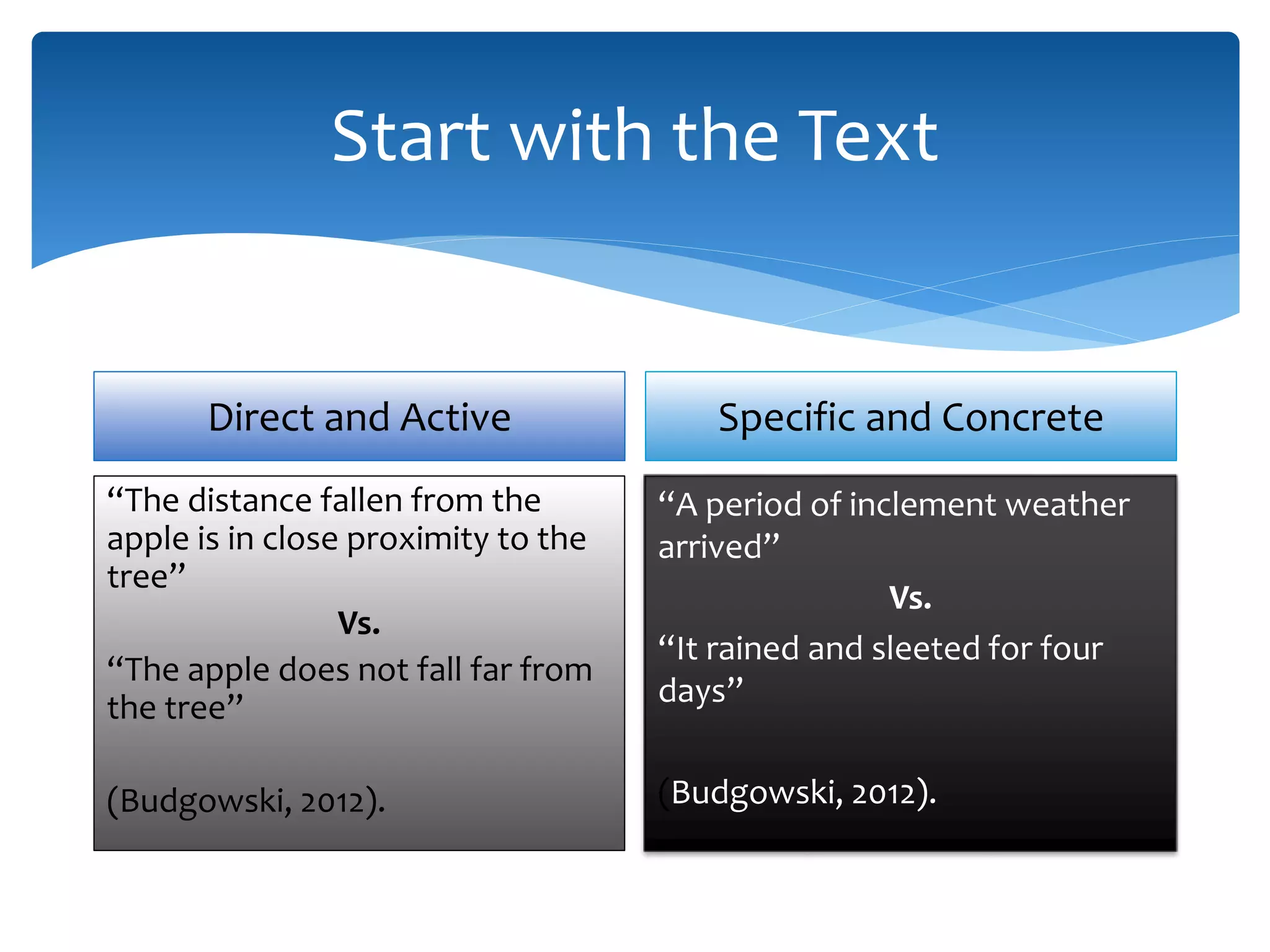
Start with the Text
Direct and Active
“The distance fallen from the
apple is in close proximity to the
tree”
Vs.
“The apple does not fall far from
the tree”
(Budgowski, 2012).
Specific and Concrete
“A period of inclement weather
arrived”
Vs.
“It rained and sleeted for four
days”
(Budgowski, 2012).
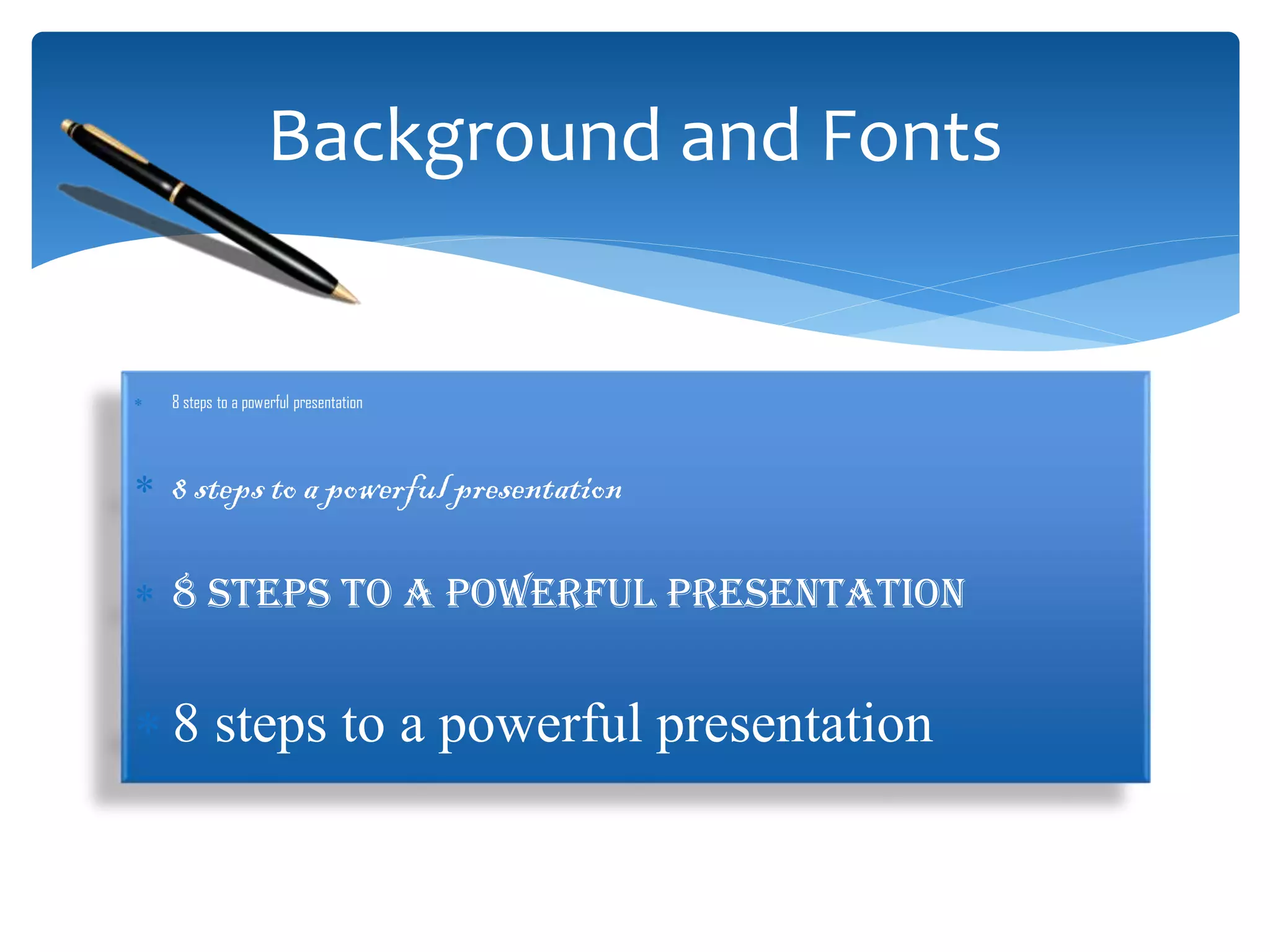
Background and Fonts
 8 steps to a powerful presentation
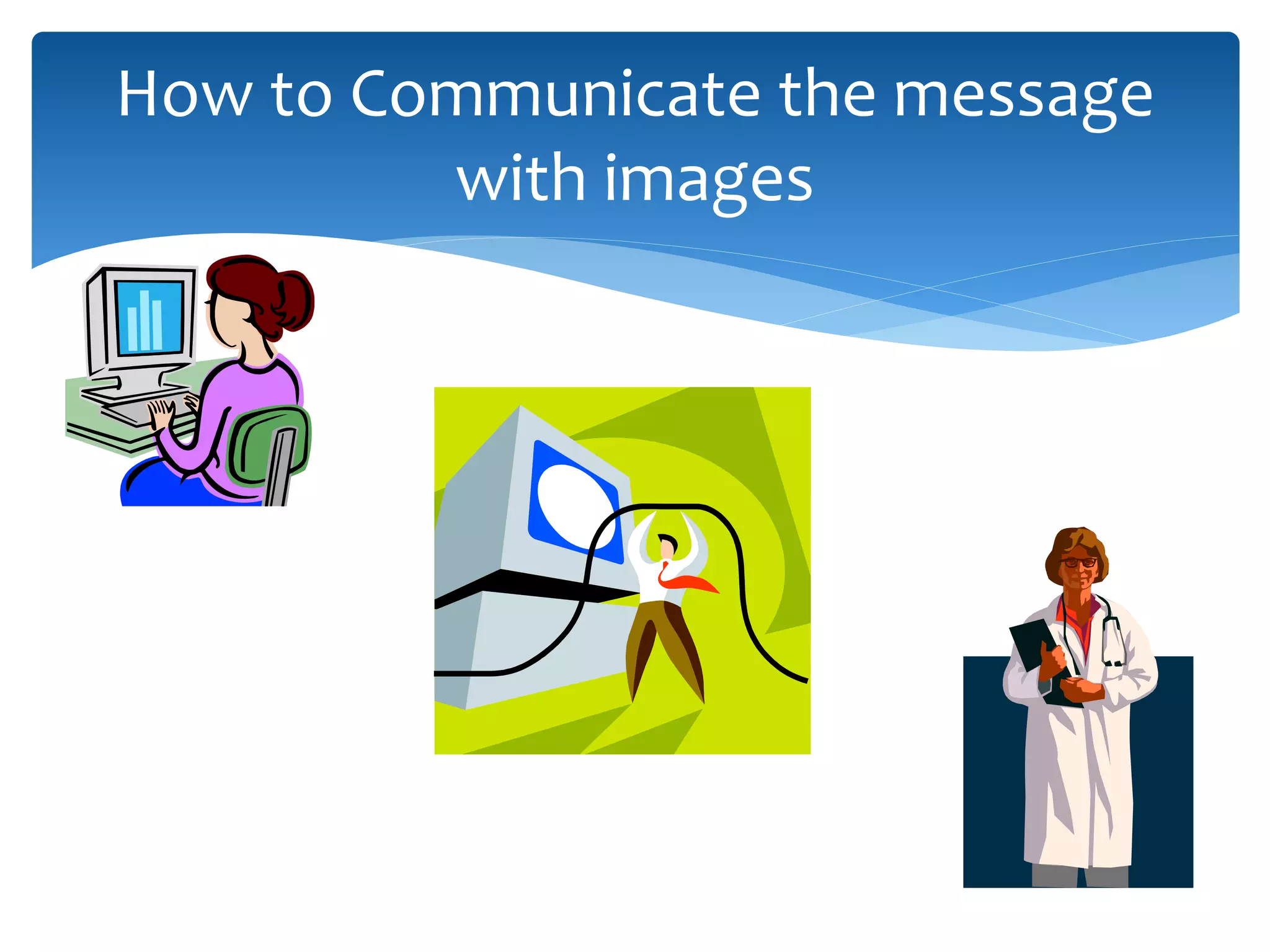
How to Communicate the message
with images
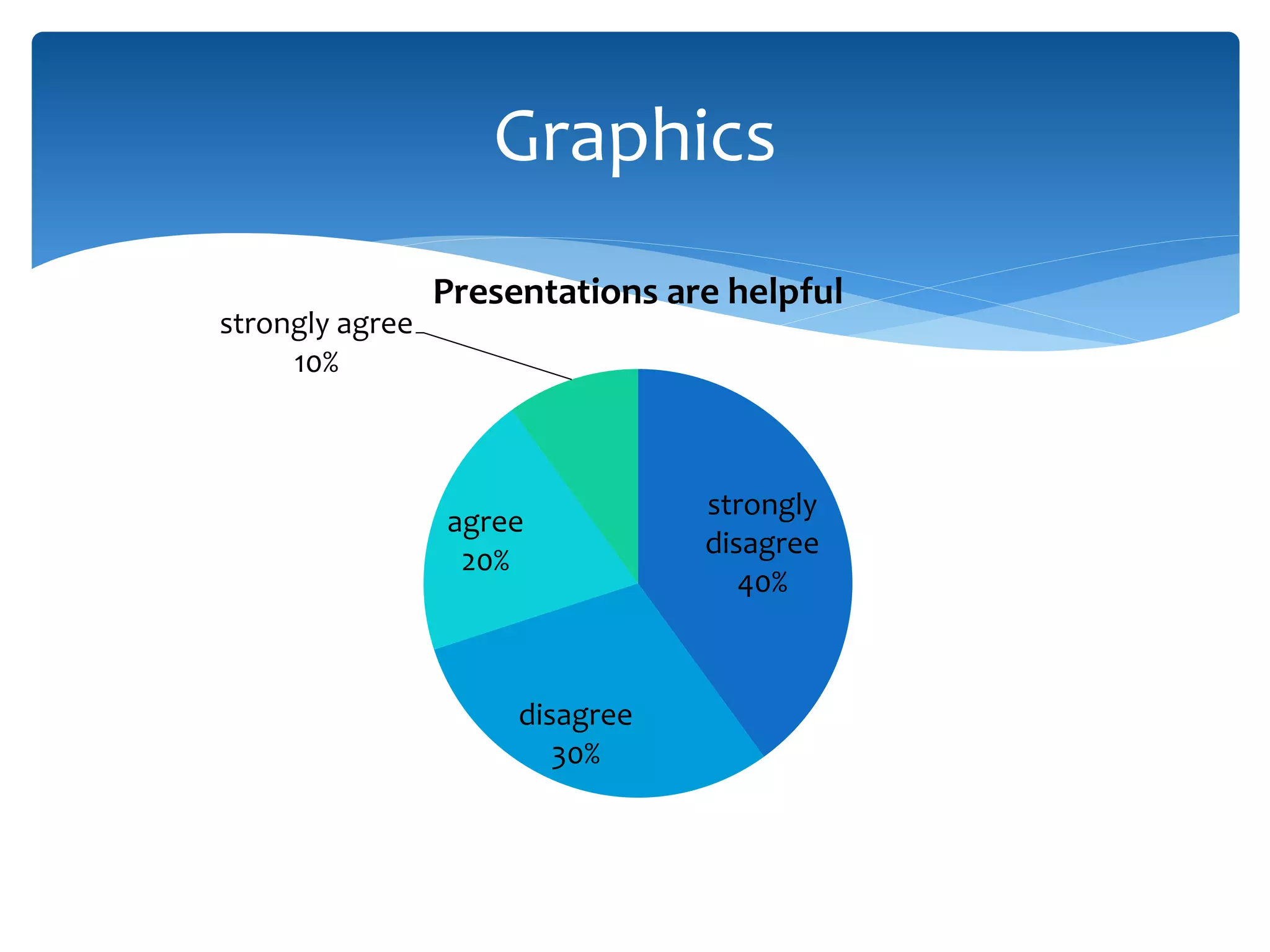
strongly
disagree
40%
disagree
30%
agree
20%
strongly agree
10%
Presentations are helpful
Graphics
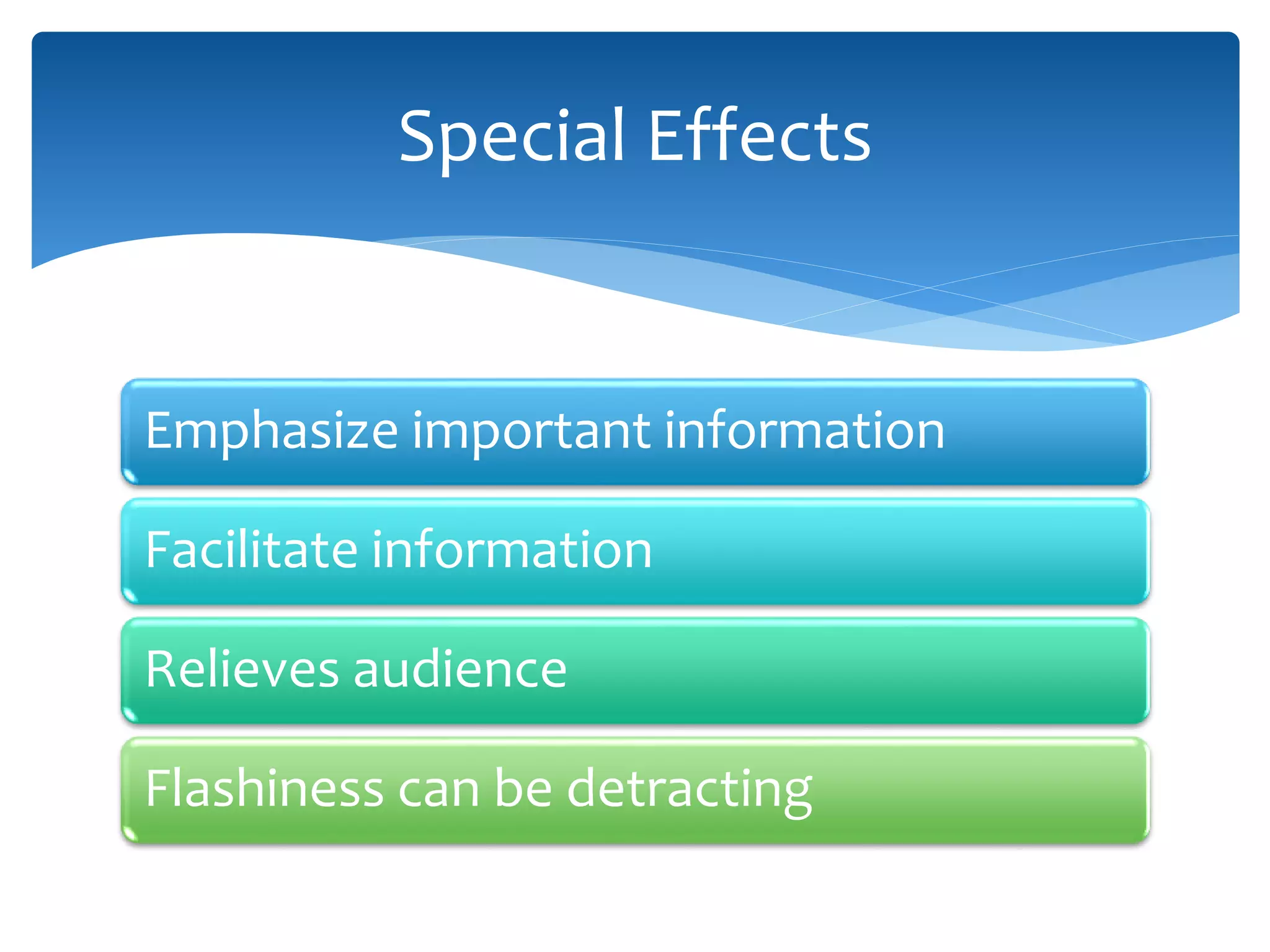
Emphasize important information
Facilitate information
Relieves audience
Flashiness can be detracting
Special Effects
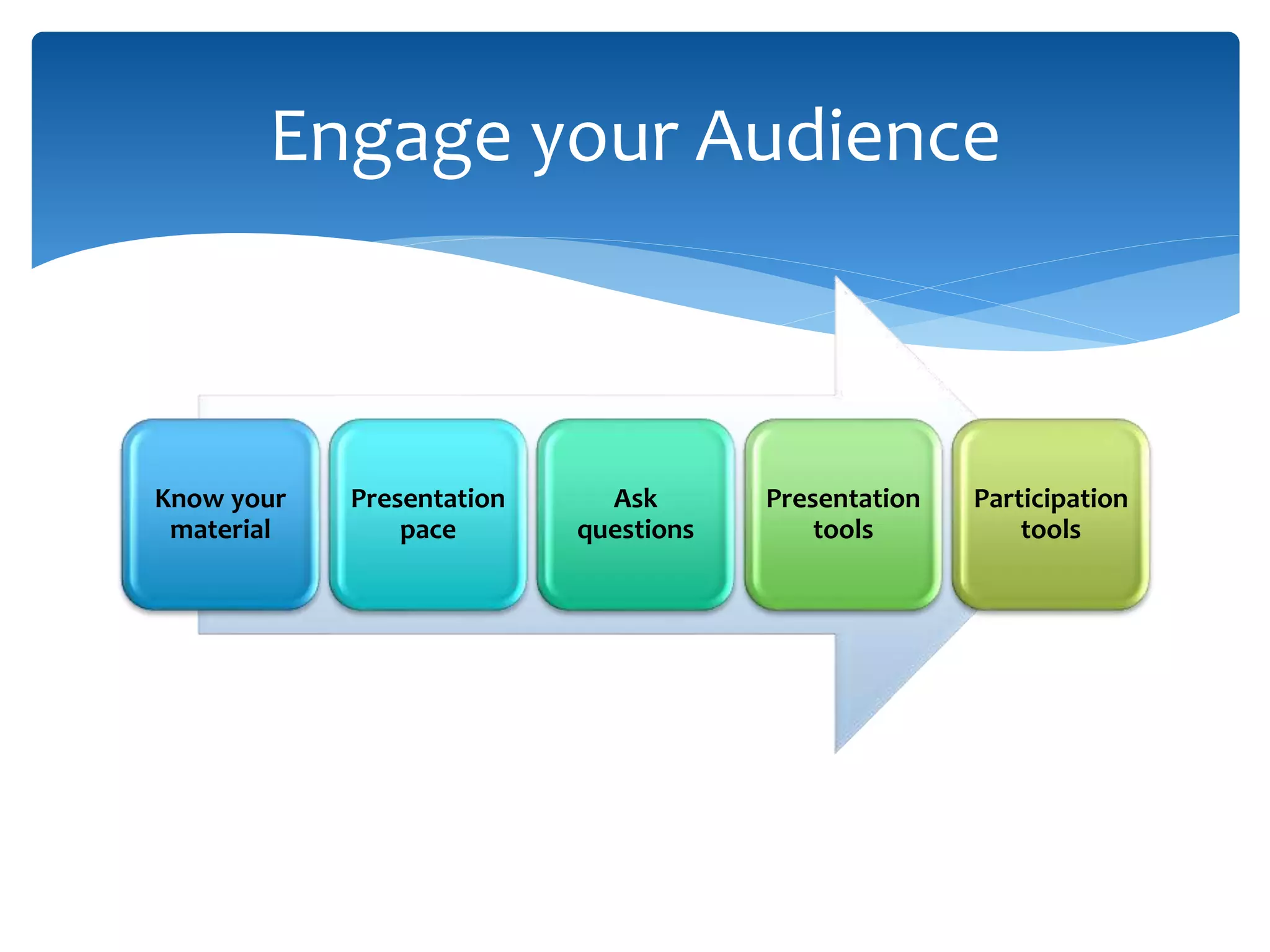
Know your
material
Presentation
pace
Ask
questions
Presentation
tools
Participation
tools
Engage your Audience
 http://csuglobal.edu/about-us/
 http://www.slideshare.net/?ss
 Powerful Presentations
Hyperlinks and Internet Capabilities
 Budgowski, B. (2012). Six Proven Strategies for Clear,
Concise, and Compelling Writing. Retrieved from
incredible messages:
http://www.incrediblemessages.com/strategies-clear-
concise-and-compelling-writing/
 Guffey, M., & Loewy, D. (2011). Business
Communication: Process and Product (7th ed.).
Independence, KY: Cengage Learning.
References

Eight steps to a powerful presentation