Download to read offline
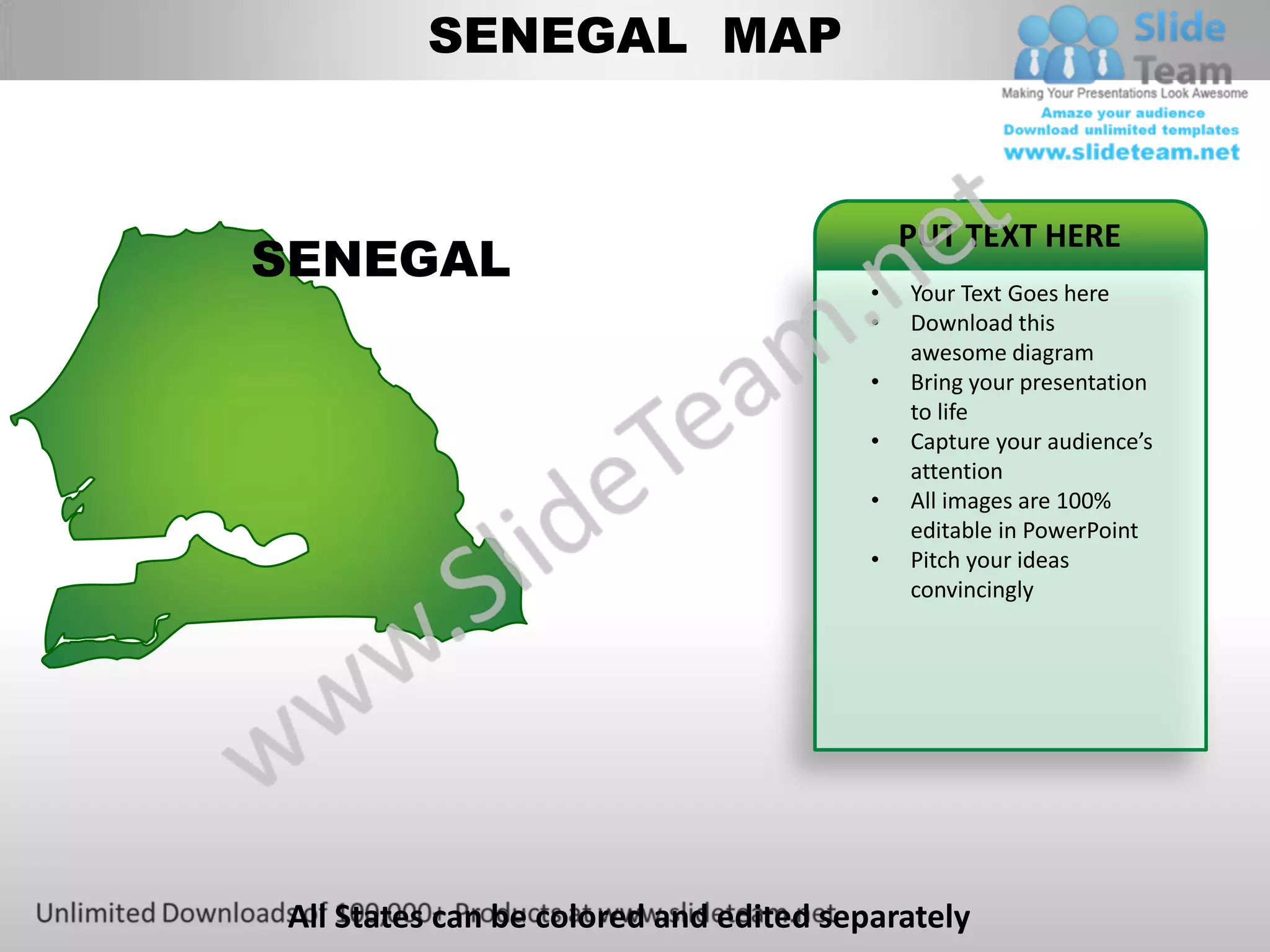
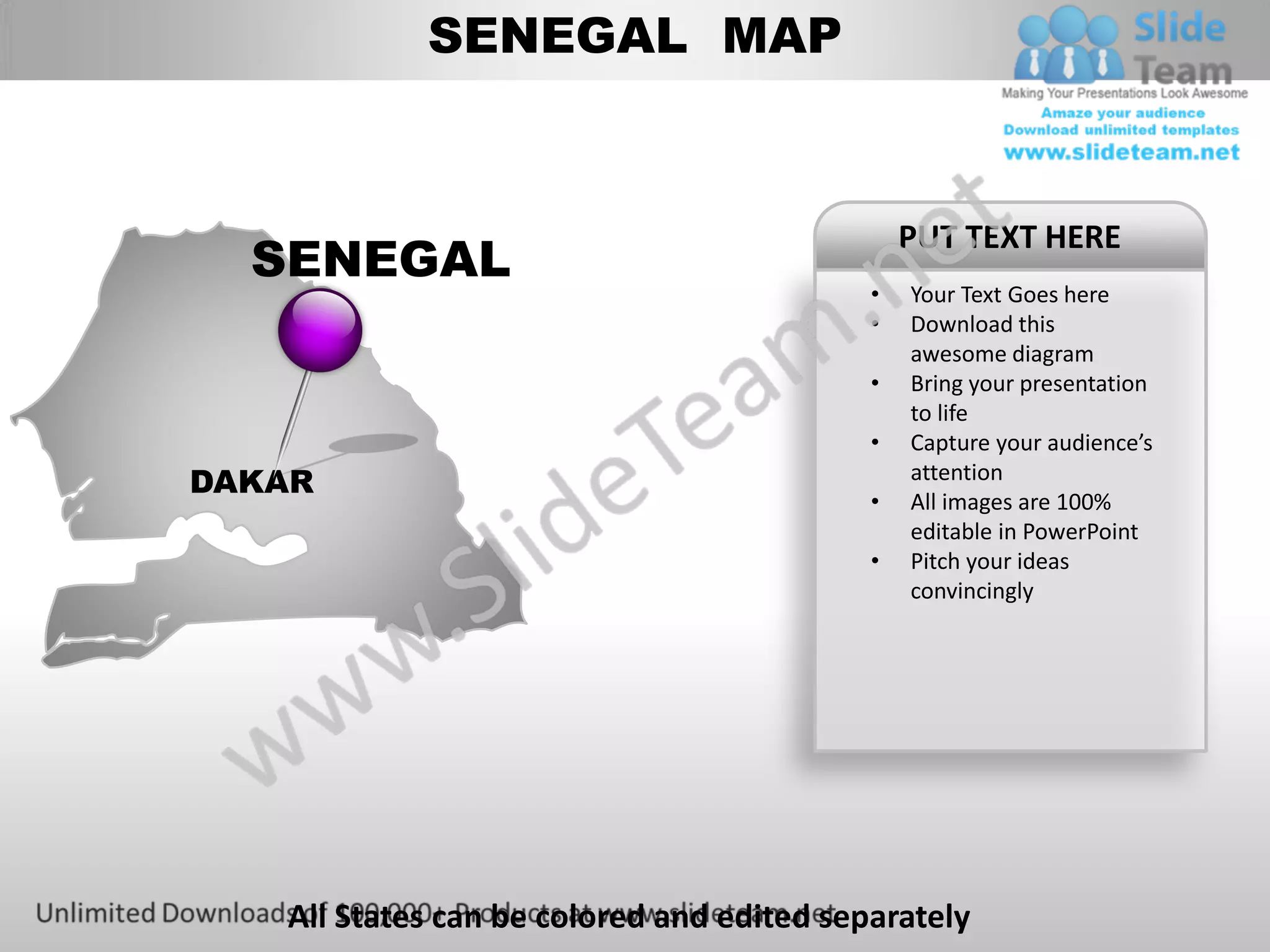
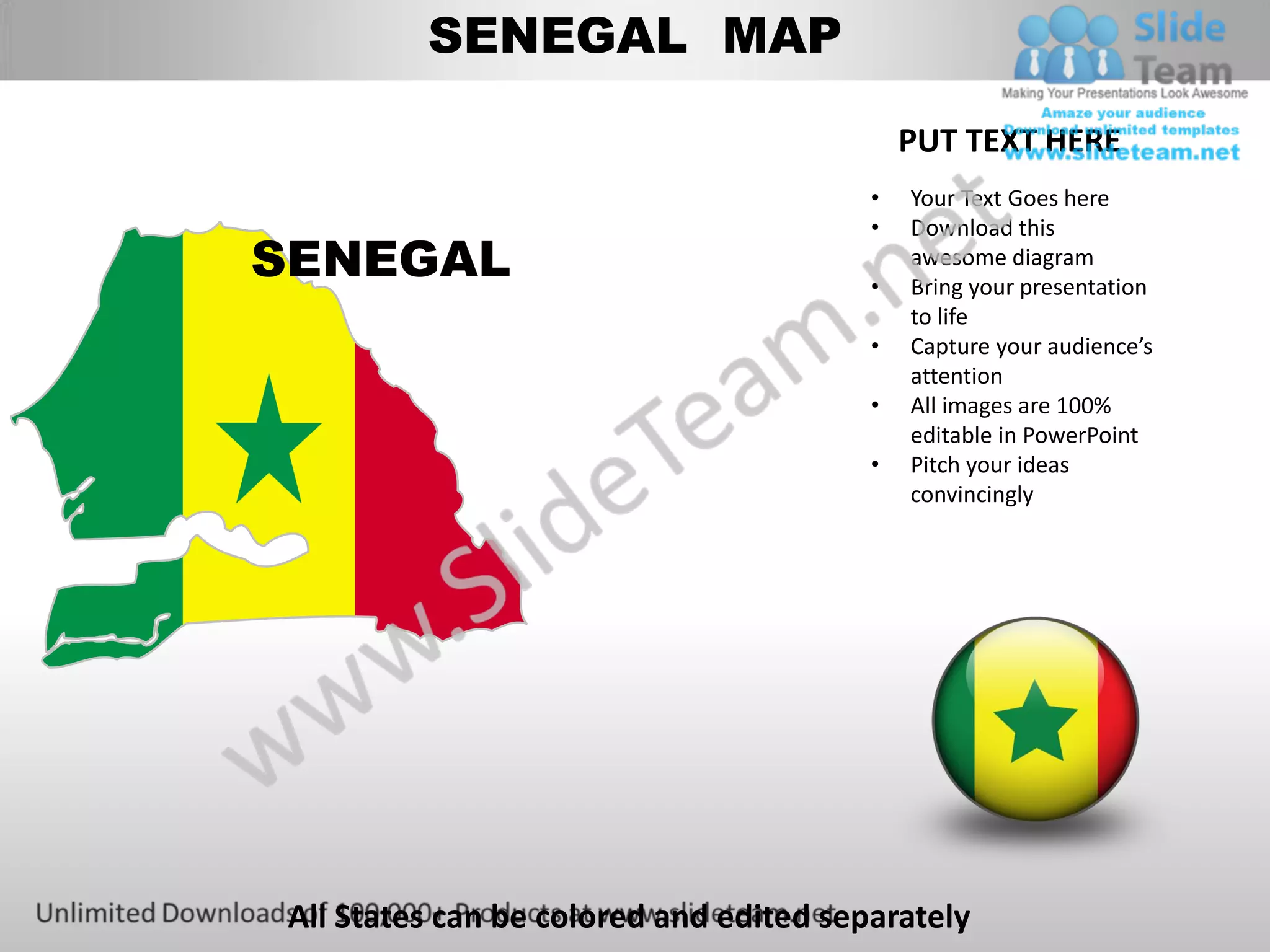
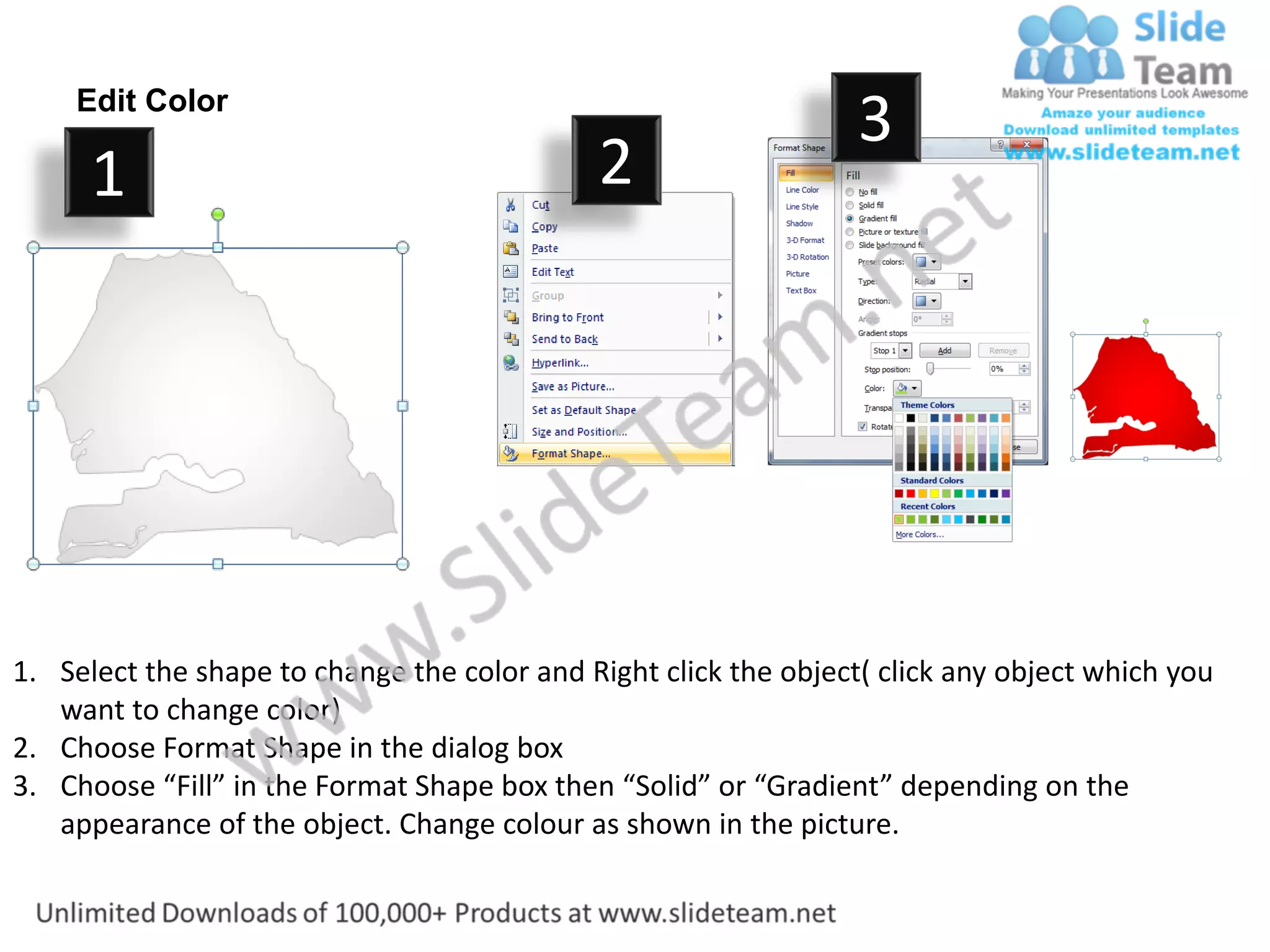
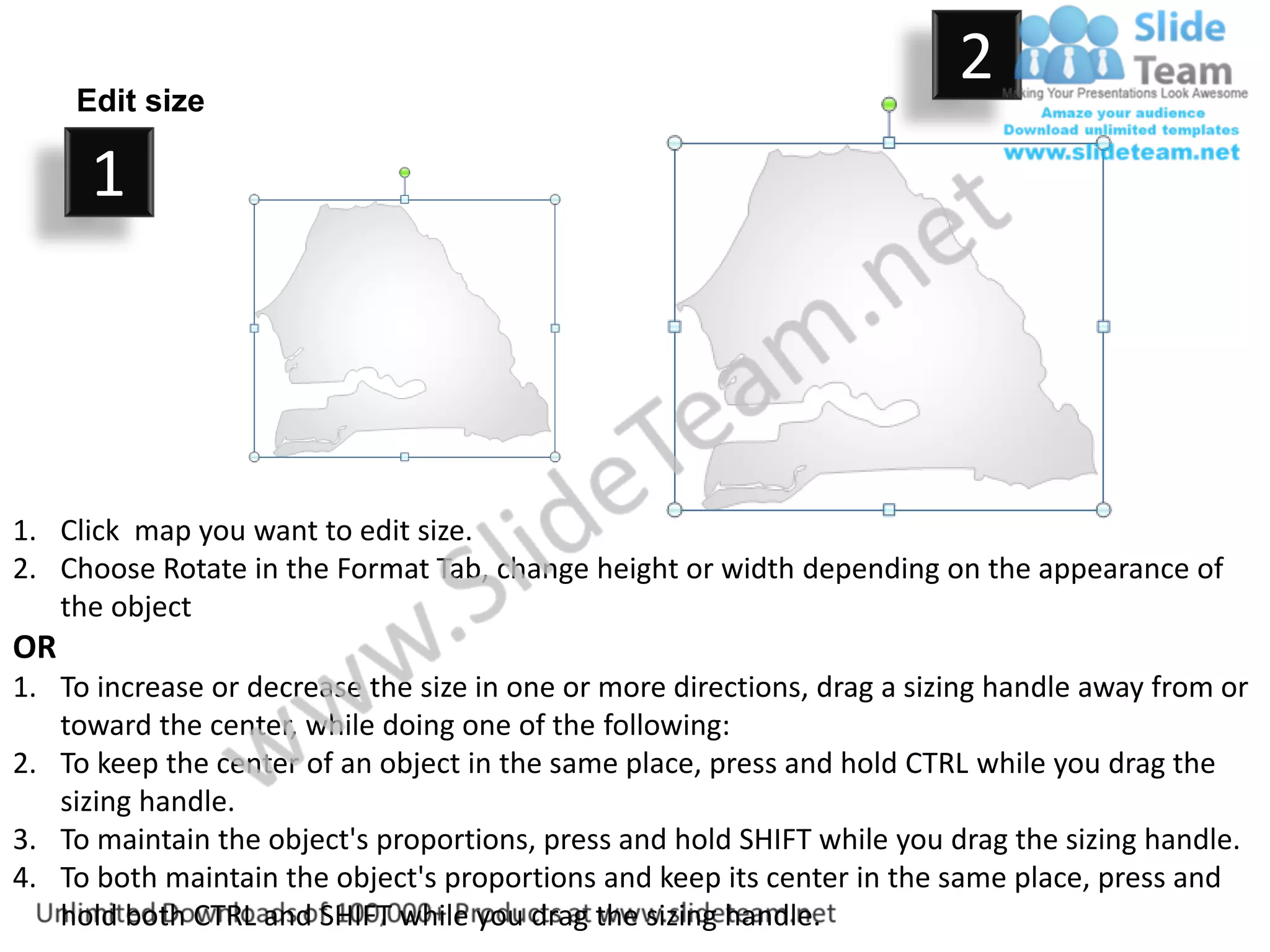
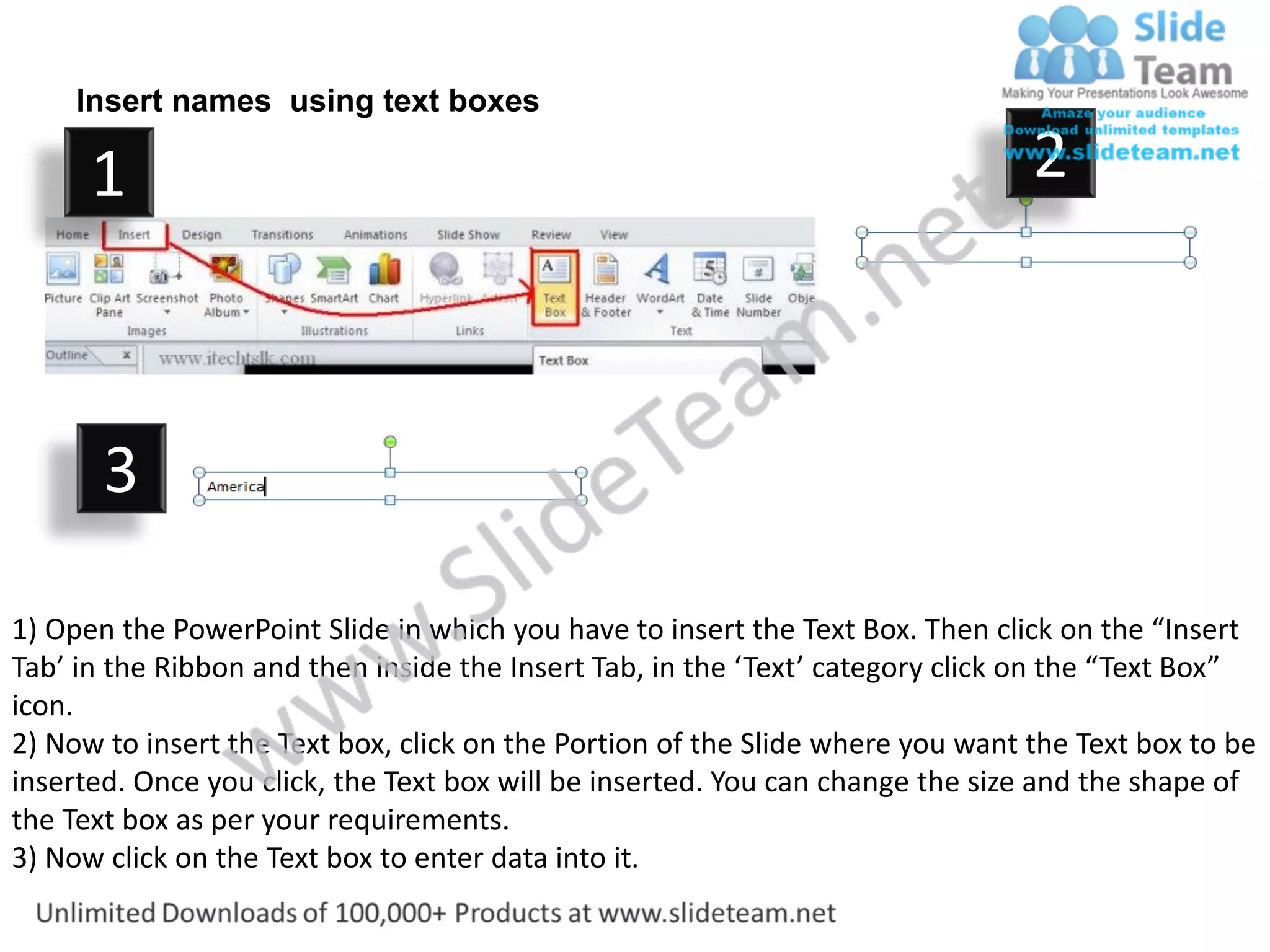

The document provides instructions for editing a Senegal map PowerPoint template. It includes steps to: 1. Change the color of individual states on the map by right-clicking the shape and selecting format options. 2. Resize the entire map or individual states by dragging sizing handles while holding shift to maintain proportions. 3. Insert text boxes onto the map to add labels or names by selecting the text box tool and clicking on the map.


