Download as PDF, PPTX
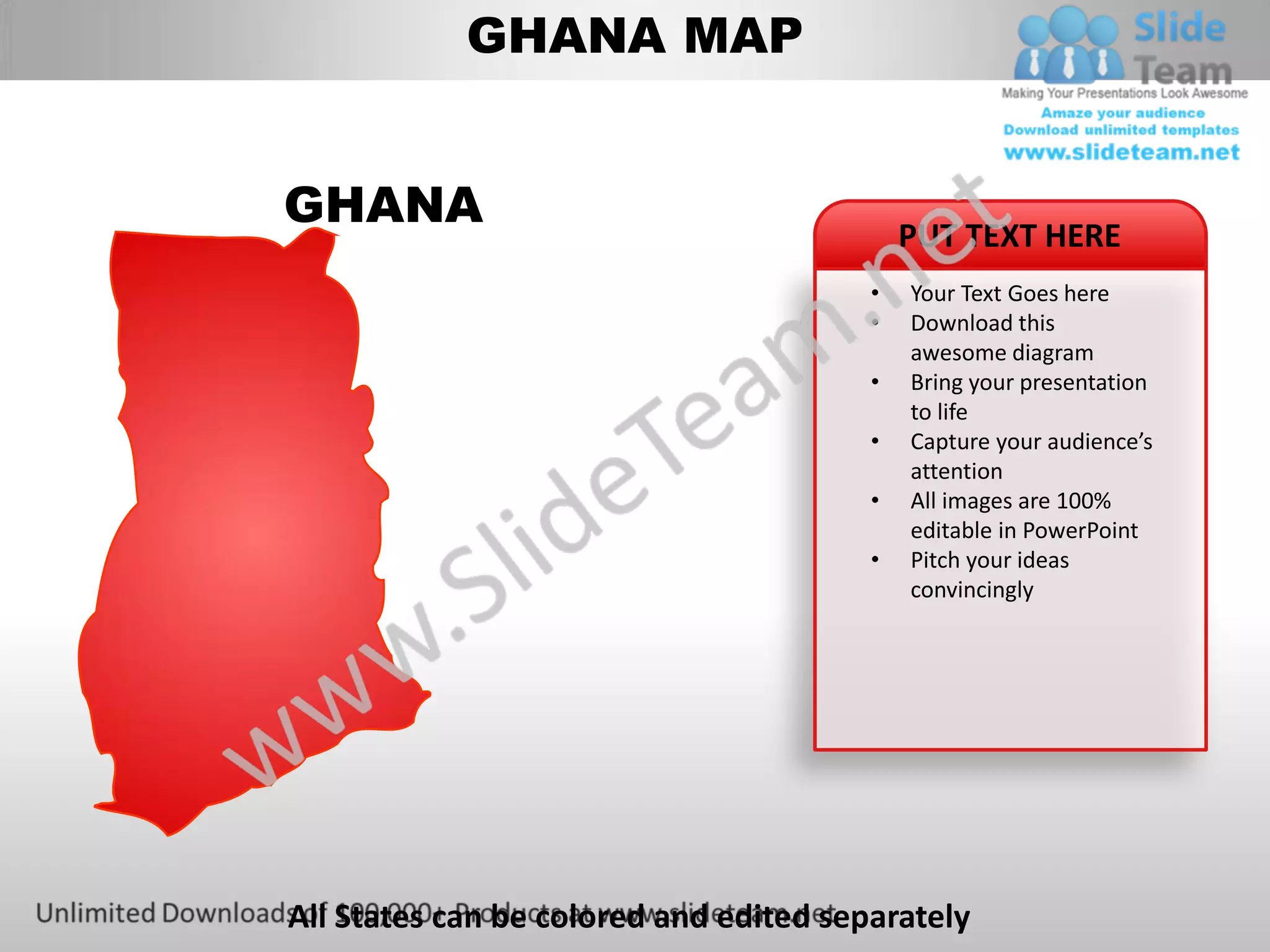
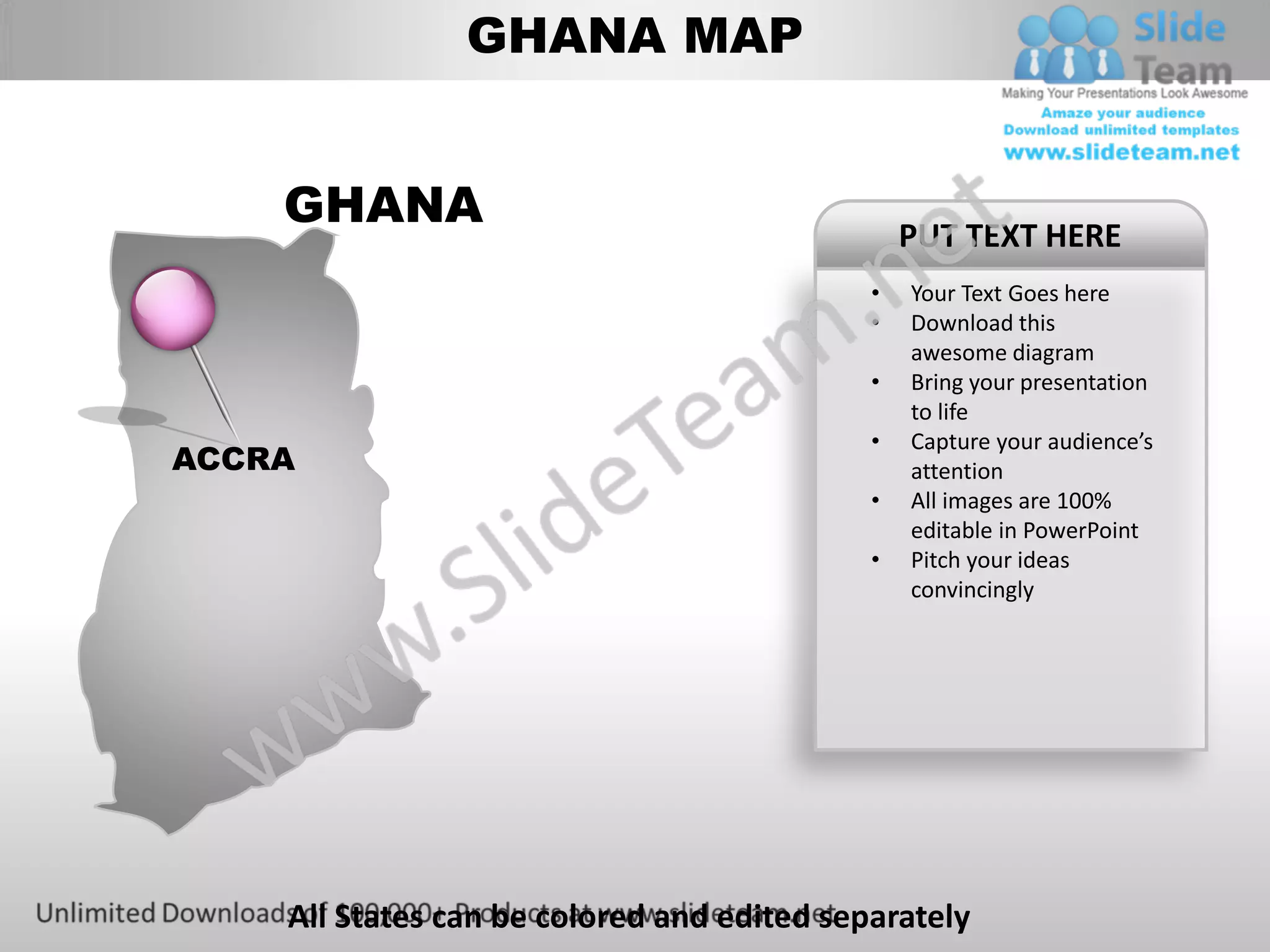
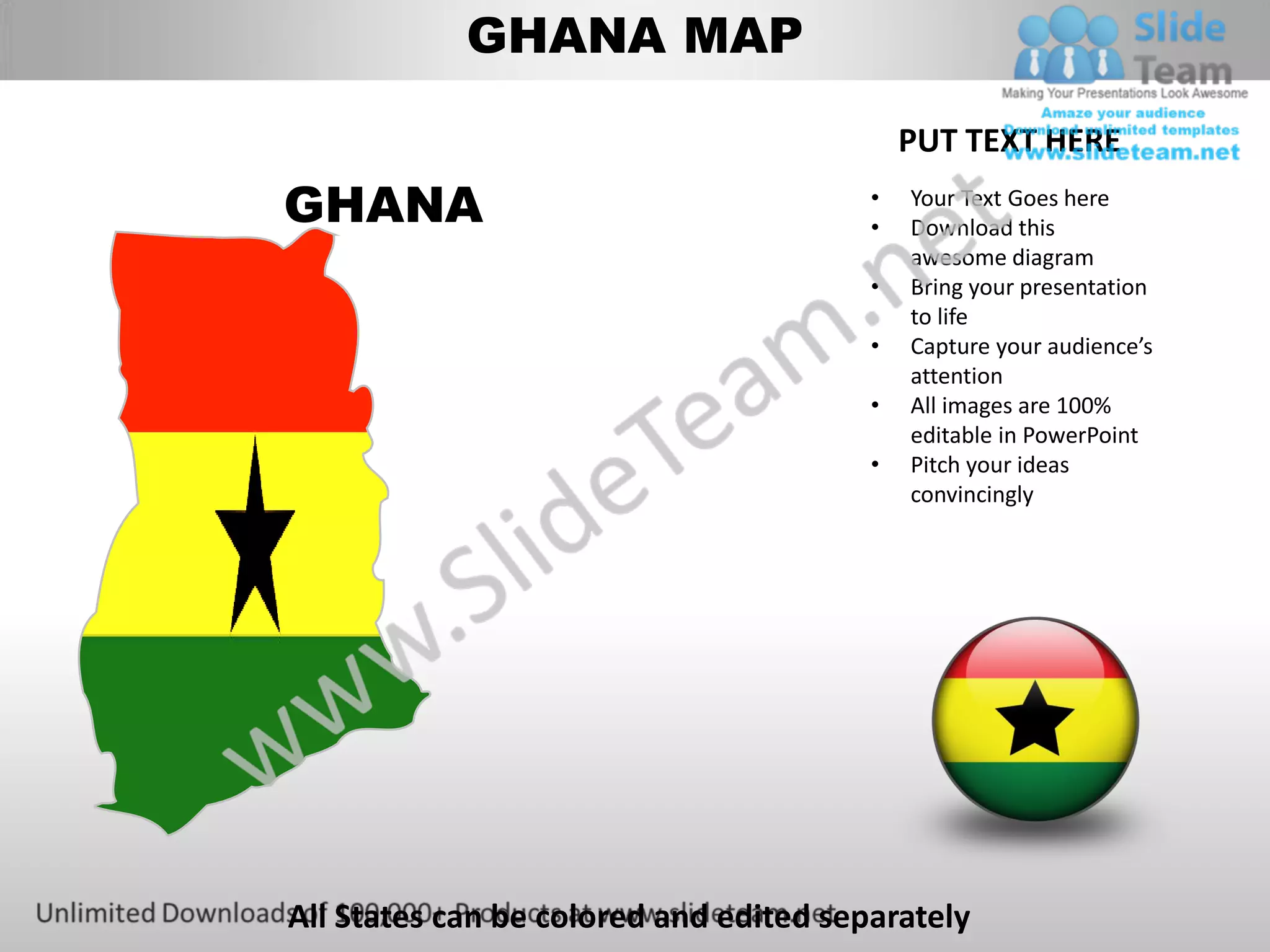
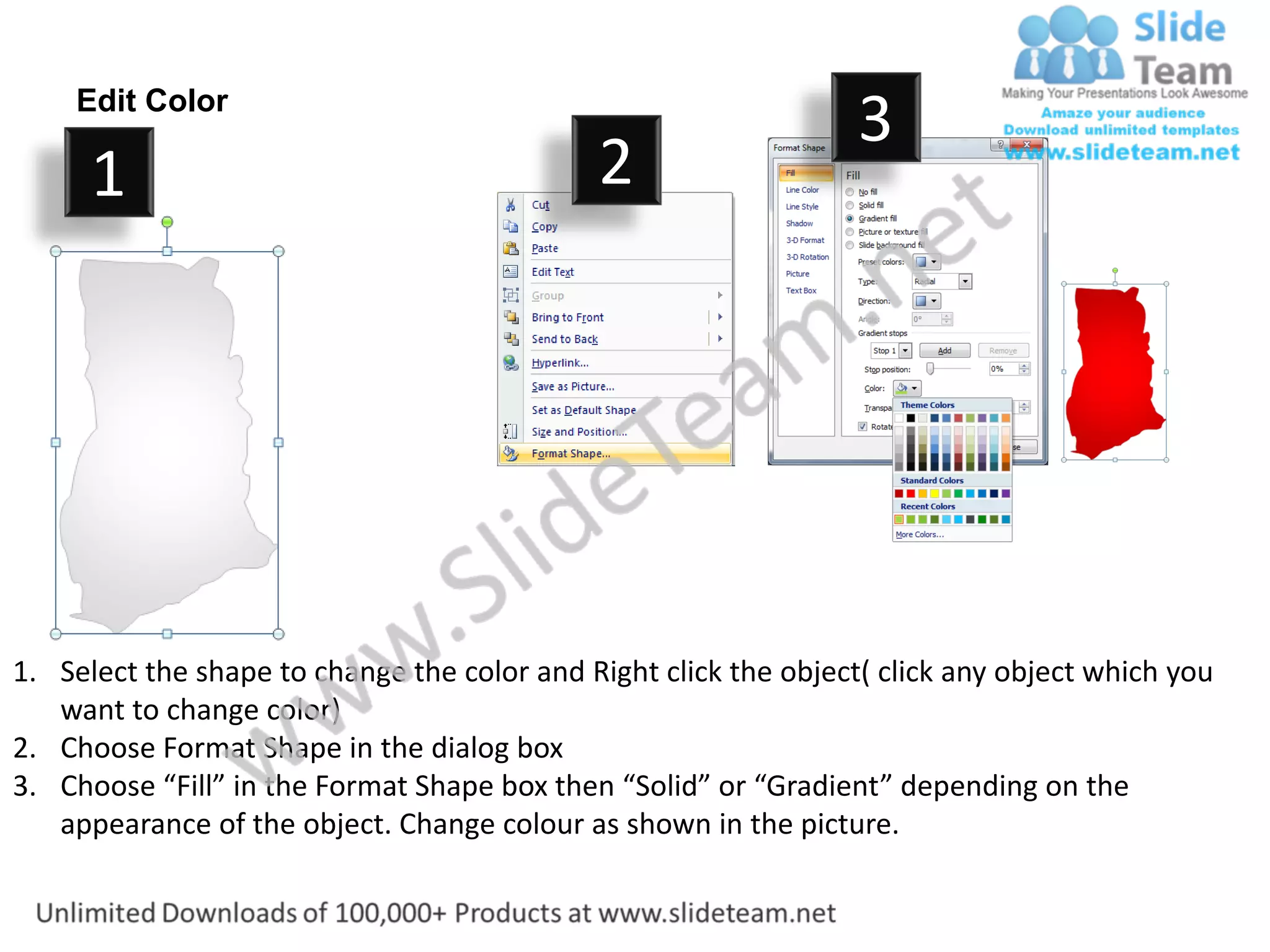
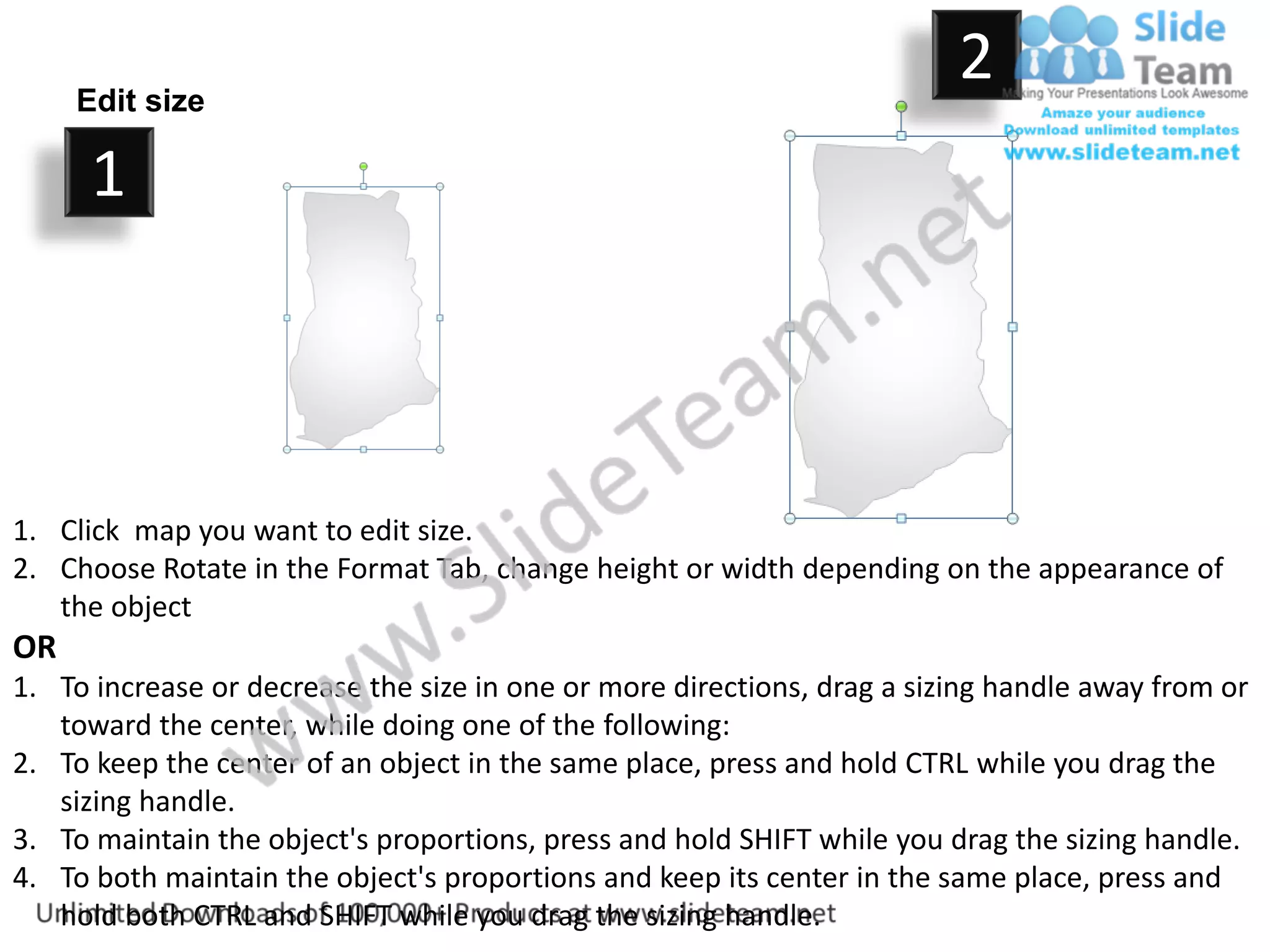
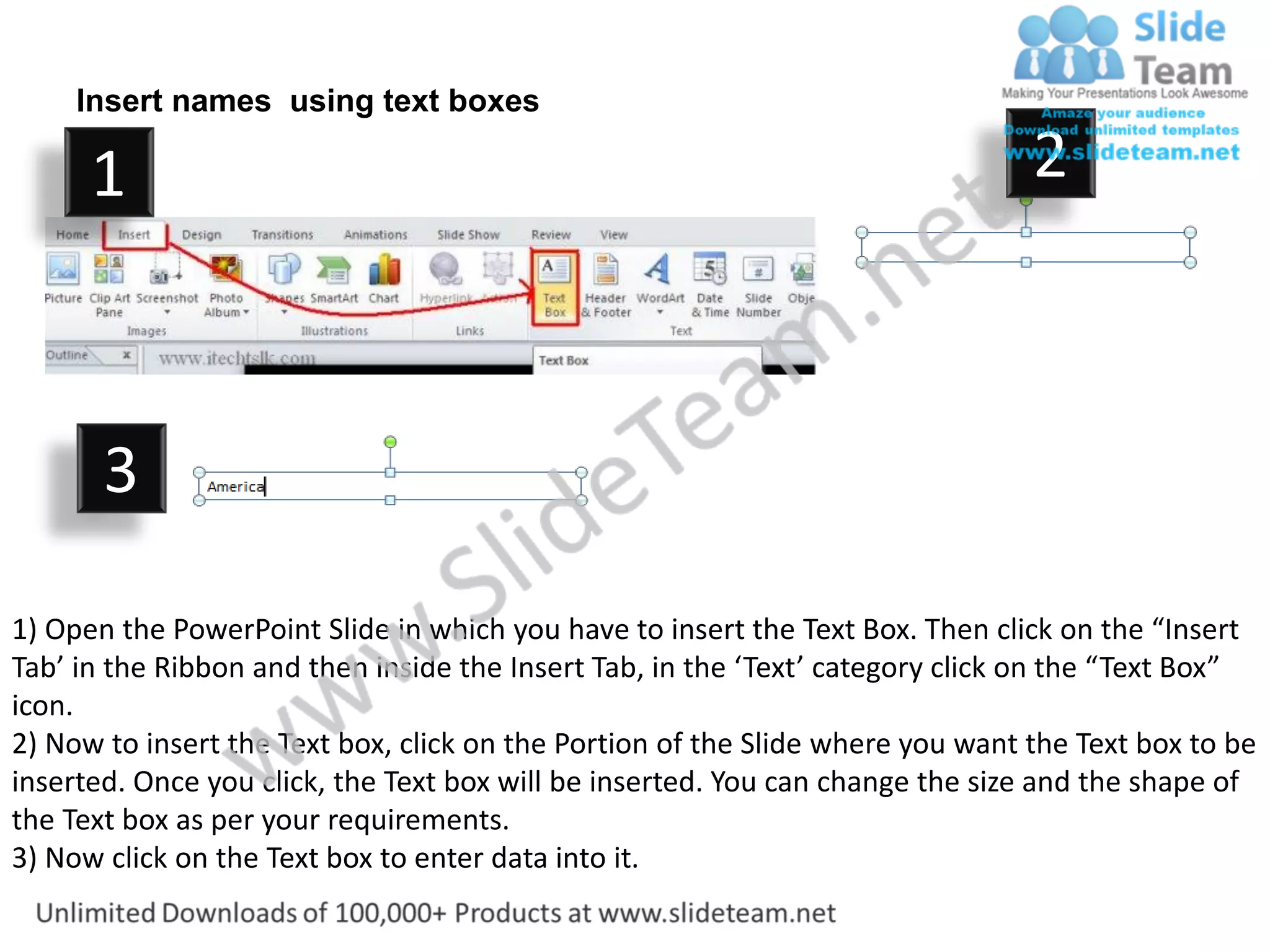

This document provides instructions for editing a Ghana map PowerPoint diagram. It describes how to: - Change the color of individual states by right-clicking the shape and selecting format options. - Resize the entire map by using the format tab to adjust height and width, or by dragging sizing handles while holding shift or ctrl to maintain proportions or center. - Add text labels to the map by inserting text boxes and typing names directly onto the diagram.


