Download as PDF, PPTX
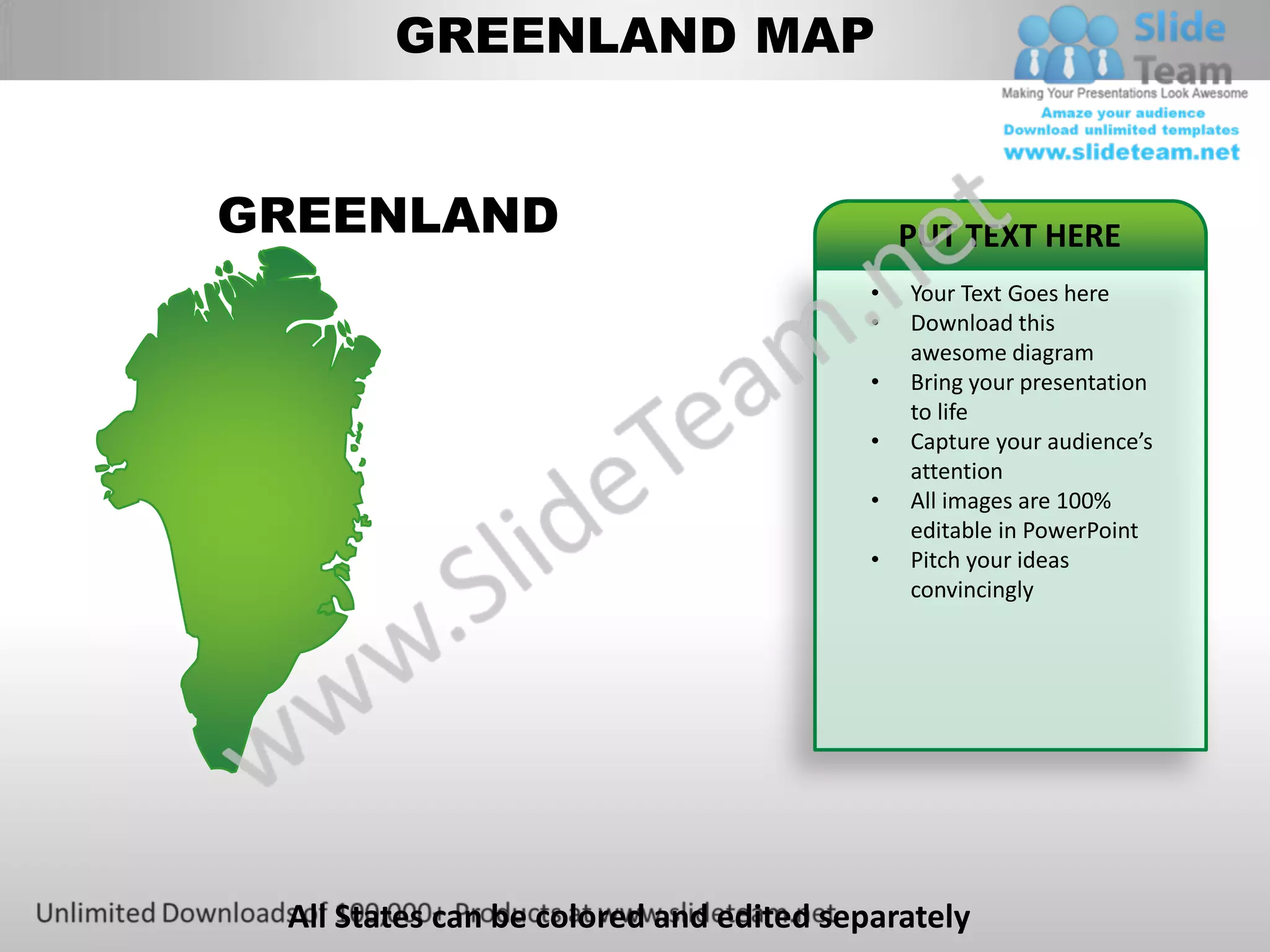
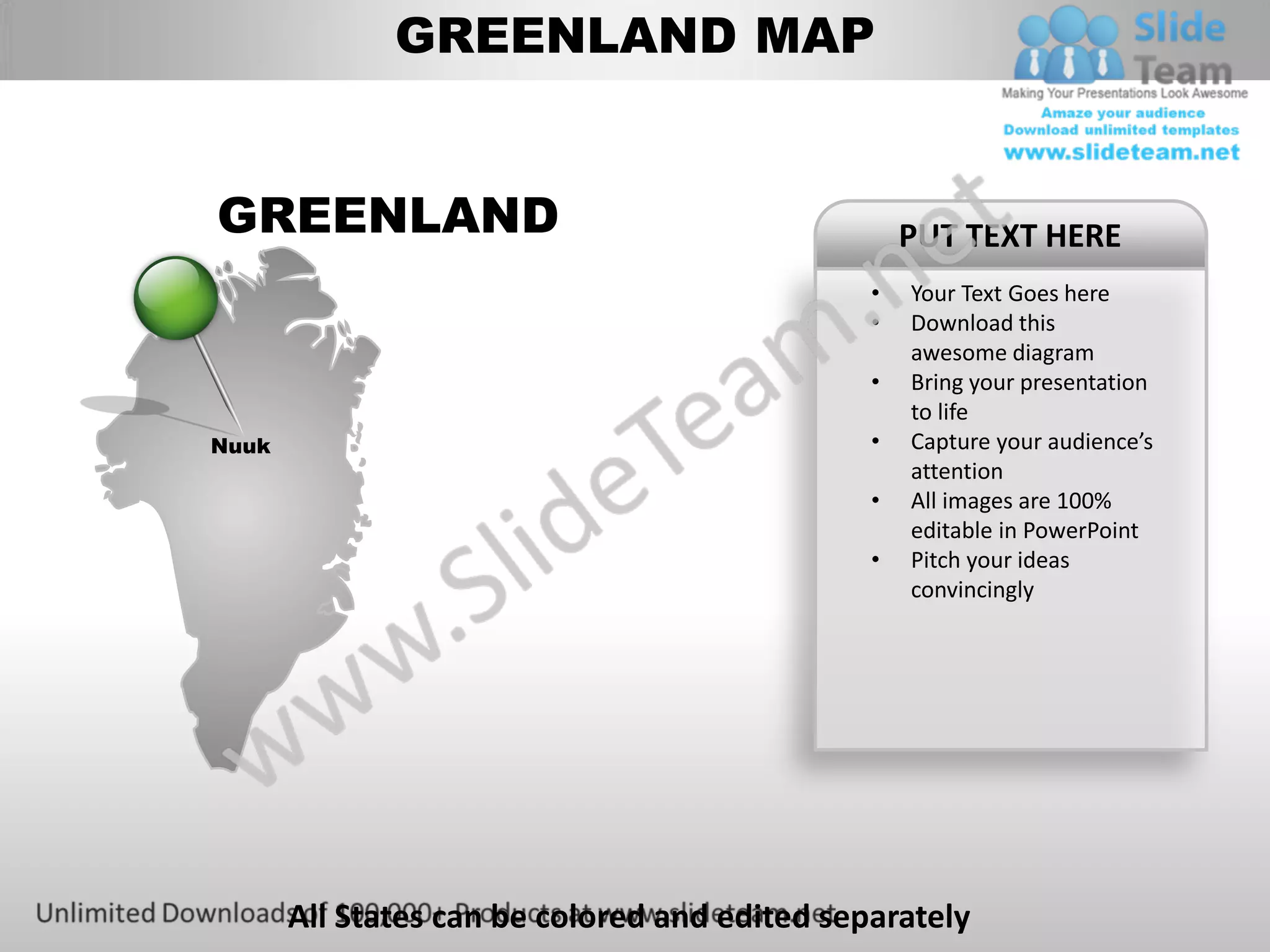
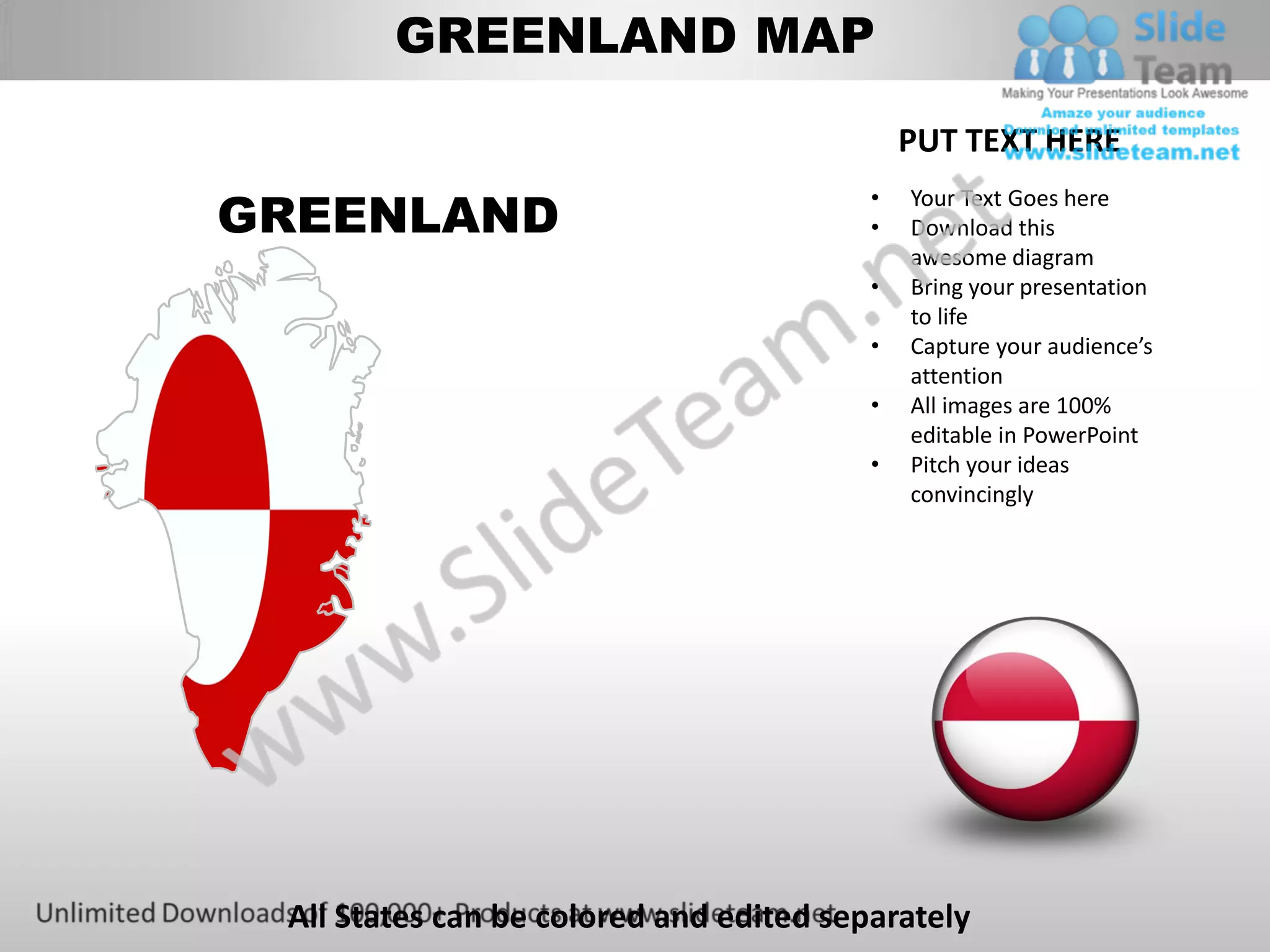
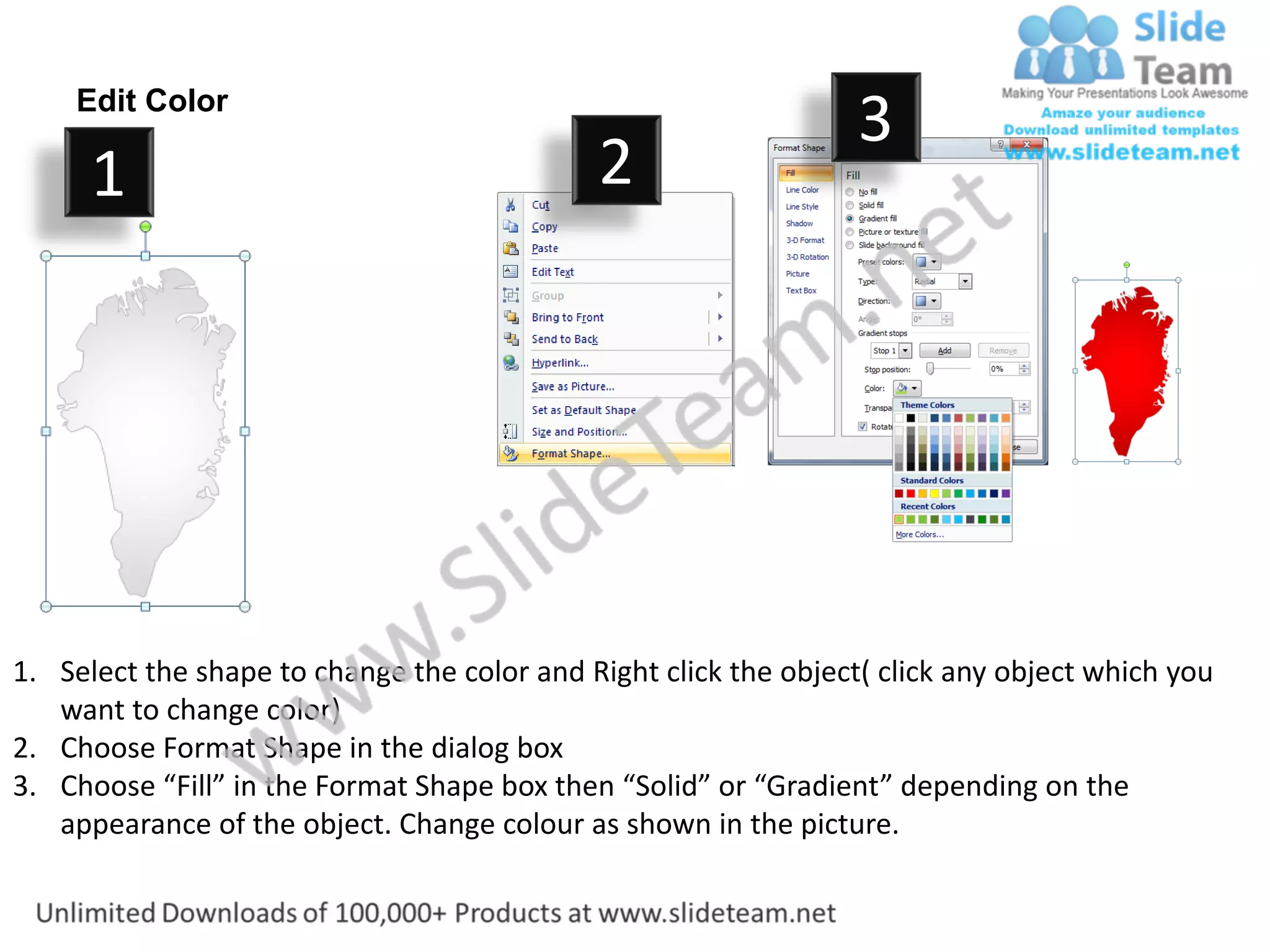
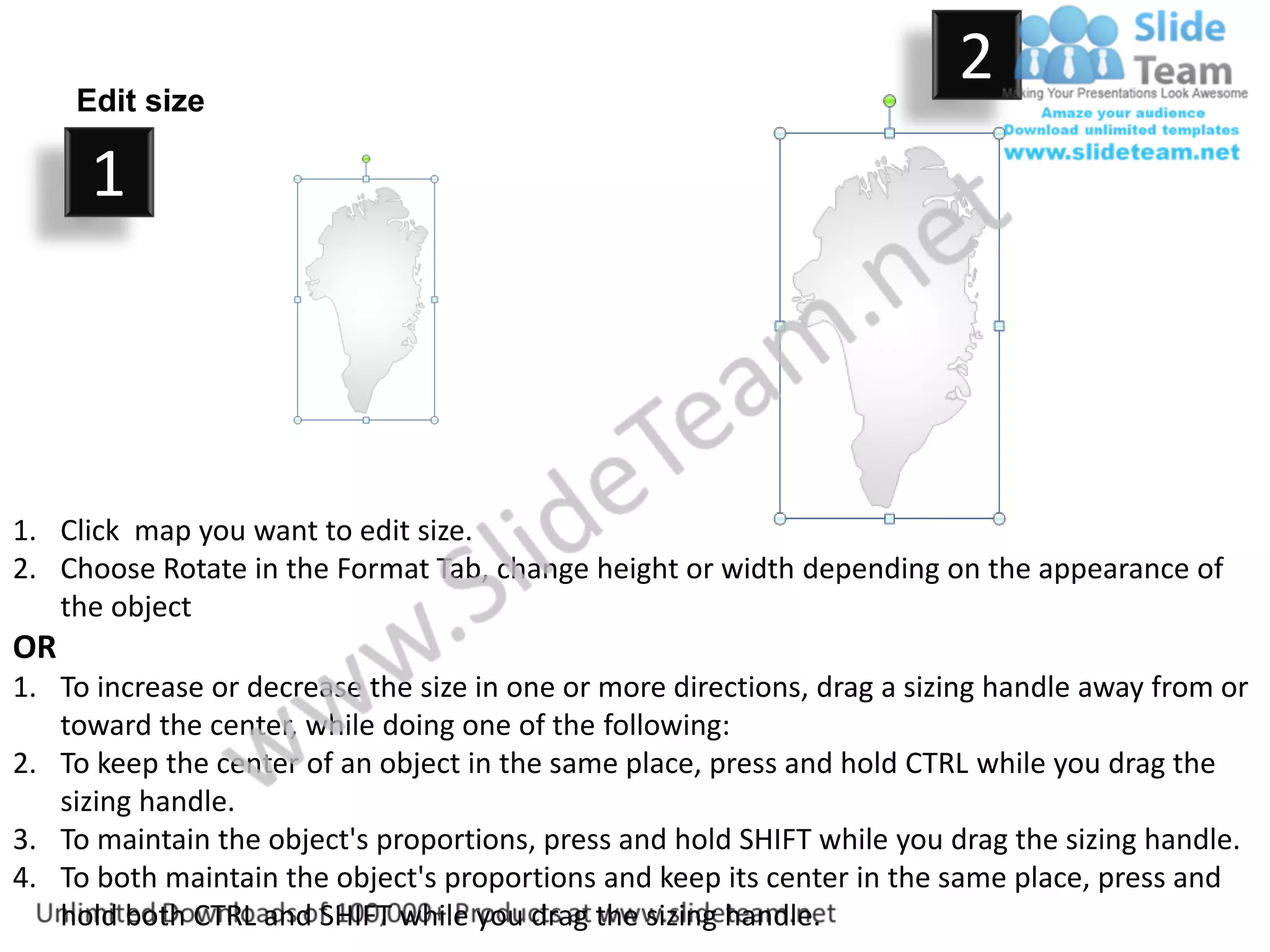
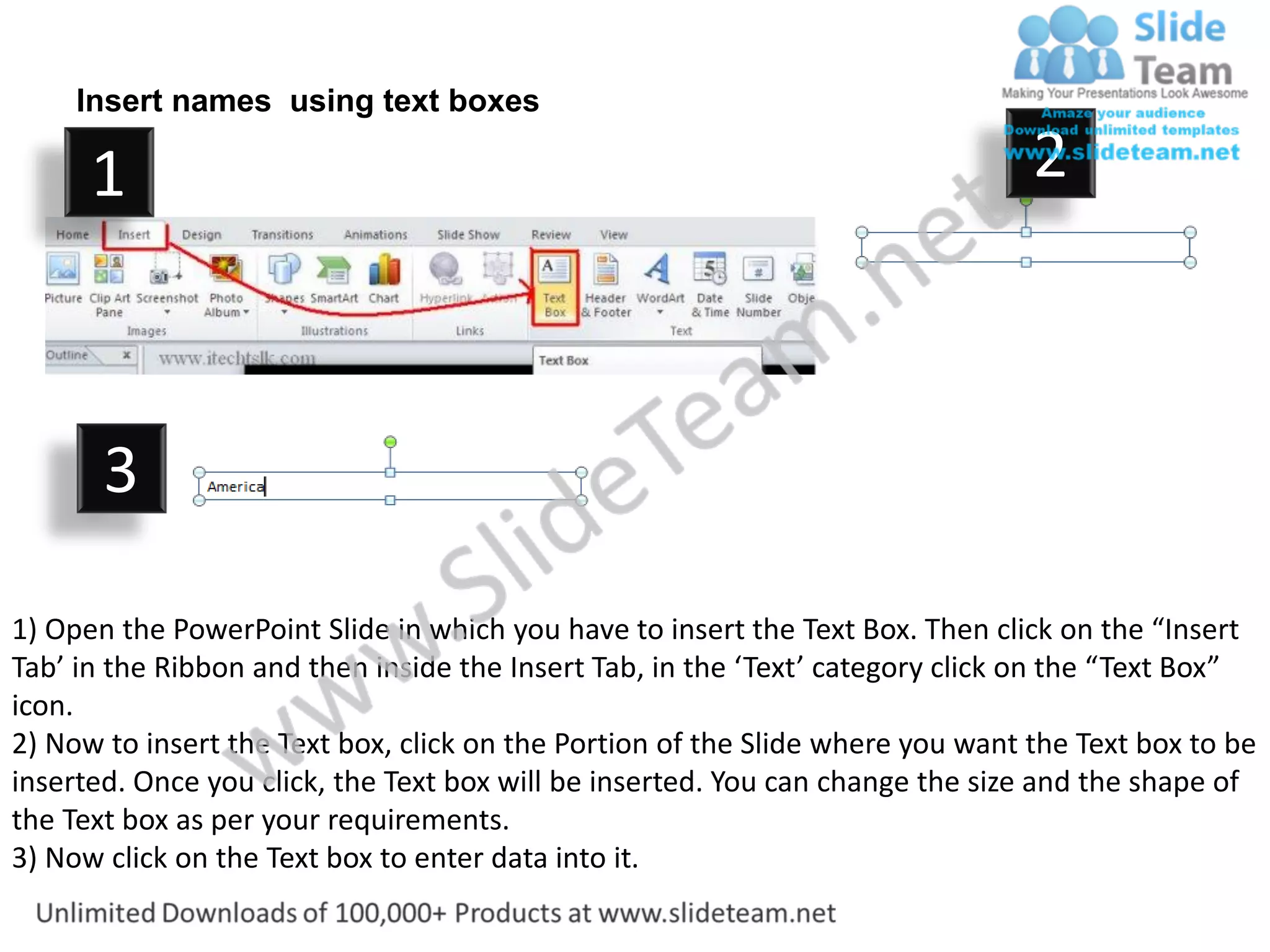

This document provides instructions for editing a map of Greenland in PowerPoint. It includes directions for: 1. Changing the color of shapes on the map by right clicking the object and selecting format shape. 2. Editing the size of objects by dragging sizing handles while holding shift to maintain proportions or ctrl to keep the center in place. 3. Inserting text boxes on the map by selecting the text box tool and clicking where you want the box to appear, then entering text.


