









Using Digital Tools to
  Extend Learning

         Whitney Hoffman

 Author, Differentiated Instruction
           Book of Lists
About Me
✦   Mom of 2 boys (17 & 14) with learning differences
✦   Producer of The LD Podcast
✦   Co-Authored The Differentiated Instruction Book of Lists with
    Jenifer Fox
✦   Professional Development Committee and Technology
    Committee For Kennett Consolidated School District, Kennett
    Square, PA
What We’ll Talk About
✦   Using Web-based tools in the classroom to
    enhance instruction
✦   Building a digital toolbox to help teachers
    and students solve challenges
✦   Share online tools and applications to
    enhance communication and learning
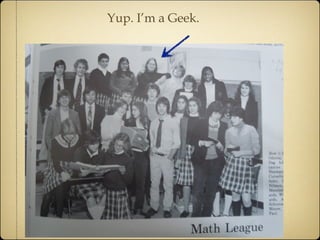
Yup. I’m a Geek.
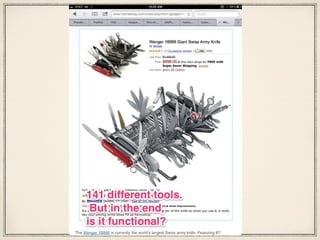
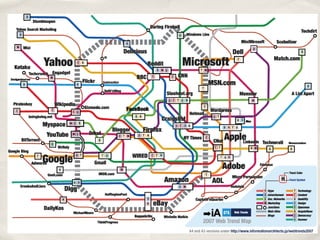
There are so many tools out there...


 You need to know what’s available
 You need to know what’s easy to use
 You need to understand the Project and the
 Expected Outcome to match the tool to the job
 NETS standards for Teachers, Students,
 Administrators and Coaches
Building Your Toolbox


What’s Out There?
What’s Good?
How Do I Manage It All?
Start with Management and Bookmarking
Social Bookmarking

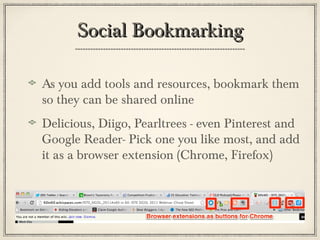
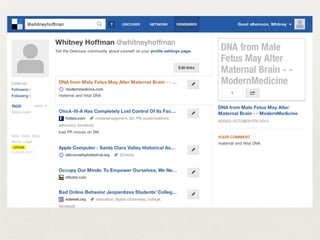
As you add tools and resources, bookmark them
so they can be shared online
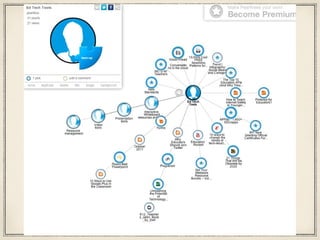
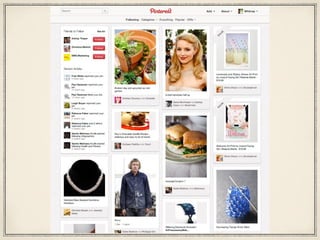
Delicious, Diigo, Pearltrees - even Pinterest and
Google Reader- Pick one you like most, and add
it as a browser extension (Chrome, Firefox)
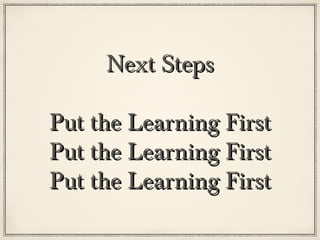
Next Steps

Put the Learning First
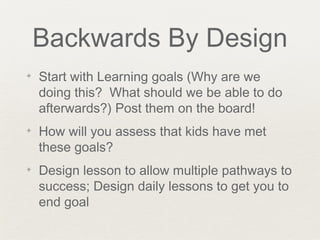
Backwards By Design
✦   Start with Learning goals (Why are we
    doing this? What should we be able to do
    afterwards?) Post them on the board!
✦   How will you assess that kids have met
    these goals?
✦   Design lesson to allow multiple pathways to
    success; Design daily lessons to get you to
    end goal
Does the tool...
✦   Allow students to demonstrate depth of mastery?
✦   Allow multiple modes of
    expression/multimedia/learning styles?
✦   Help or hurt accountability for teacher & student
    equally? (no lost homework if it’s saved in the
    cloud!)
✦   Can we “flip the classroom” to allow more productive
    class time?
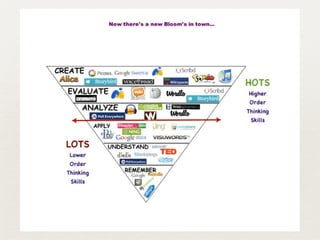
✦   Enhance creativity, critical thinking, collaboration, or
    communication? (21st Century Skills)
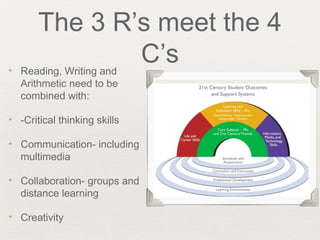
The 3 R’s meet the 4
✦
                C’s
    Reading, Writing and
    Arithmetic need to be
    combined with:

✦   -Critical thinking skills

✦   Communication- including
    multimedia

✦   Collaboration- groups and
    distance learning

✦   Creativity
Reflect the Outside World
My Favorite Tools
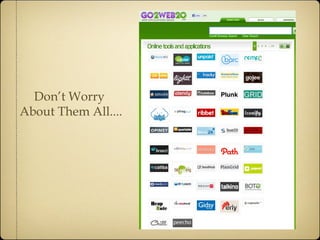
Don’t Worry
About Them All....
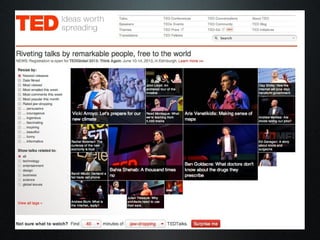
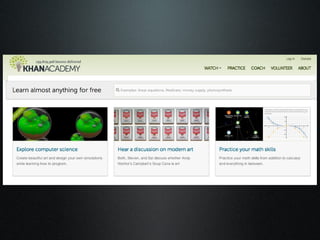
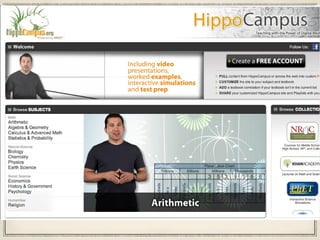
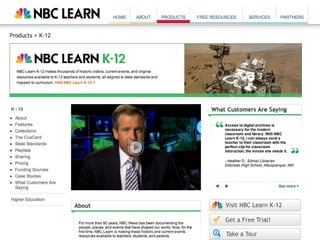
Great Lectures and
  Online Videos
  Online Videos
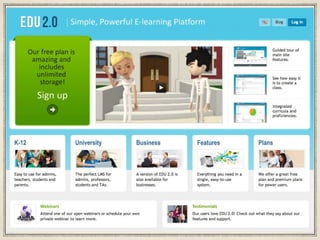
Creating Digital
Curriculum, Textbooks
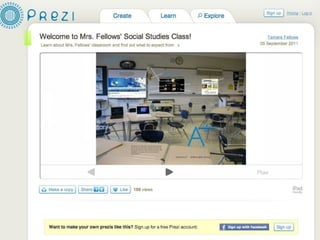
Presentation Tools
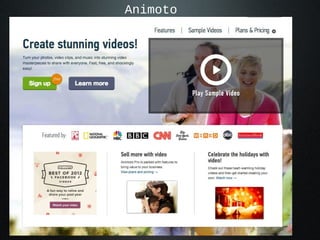
Animoto
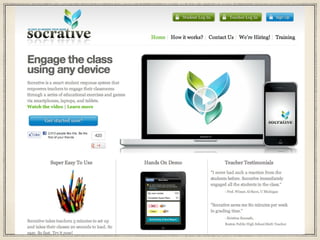
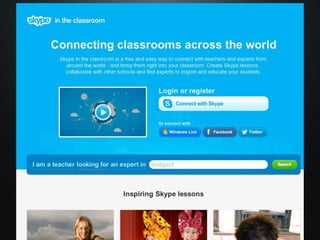
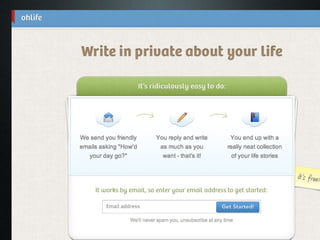
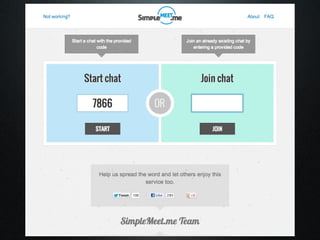
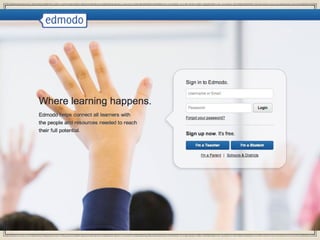
Communication Tools
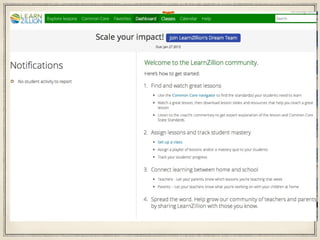
Classroom Management &
      School/Home
     Communication
     Communication
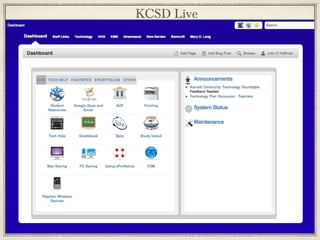
KCSD Live
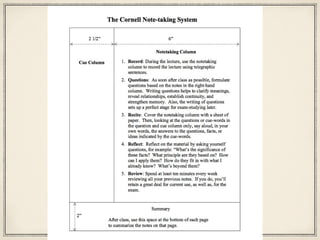
Study Aids/Skills
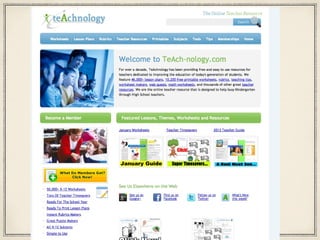
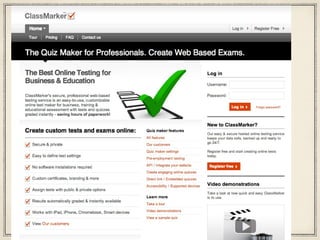
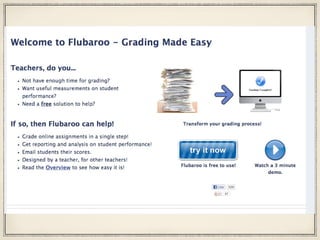
Creating Online Tests,
 Quizzes, Rubrics, &
 Digital Assessments
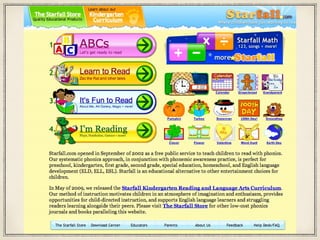
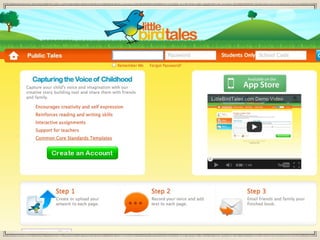
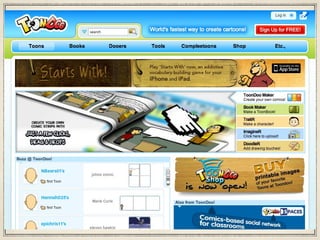
Reading/Literacy
Social Media/Sharing
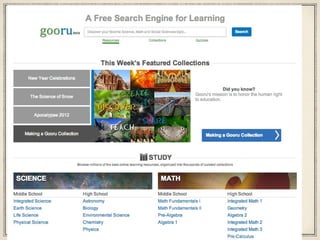
Great Resources
The End
Contact Info:
Whitney Hoffman
Hoffman Digital Media

LDpodcast@gmail.com
Hoffmandigitalmedia@gmail.com
Twitter: @whitneyhoffman, @ldpodcast
Facebook: Whitney Hoffman
Google Voice: (302) 482-4599
Mobile: (302) 562-6507

URL: www.whitneyhoffman.com
Ecu digital tools

Ecu digital tools

  • 1.
    Using Digital Toolsto Extend Learning Whitney Hoffman Author, Differentiated Instruction Book of Lists
  • 2.
    About Me ✦ Mom of 2 boys (17 & 14) with learning differences ✦ Producer of The LD Podcast ✦ Co-Authored The Differentiated Instruction Book of Lists with Jenifer Fox ✦ Professional Development Committee and Technology Committee For Kennett Consolidated School District, Kennett Square, PA
  • 3.
    What We’ll TalkAbout ✦ Using Web-based tools in the classroom to enhance instruction ✦ Building a digital toolbox to help teachers and students solve challenges ✦ Share online tools and applications to enhance communication and learning
  • 4.
  • 5.
    There are somany tools out there... You need to know what’s available You need to know what’s easy to use You need to understand the Project and the Expected Outcome to match the tool to the job NETS standards for Teachers, Students, Administrators and Coaches
  • 8.
    Building Your Toolbox What’sOut There? What’s Good? How Do I Manage It All? Start with Management and Bookmarking
  • 9.
    Social Bookmarking As youadd tools and resources, bookmark them so they can be shared online Delicious, Diigo, Pearltrees - even Pinterest and Google Reader- Pick one you like most, and add it as a browser extension (Chrome, Firefox)
  • 15.
    Next Steps Put theLearning First Put the Learning First Put the Learning First
  • 16.
    Backwards By Design ✦ Start with Learning goals (Why are we doing this? What should we be able to do afterwards?) Post them on the board! ✦ How will you assess that kids have met these goals? ✦ Design lesson to allow multiple pathways to success; Design daily lessons to get you to end goal
  • 17.
    Does the tool... ✦ Allow students to demonstrate depth of mastery? ✦ Allow multiple modes of expression/multimedia/learning styles? ✦ Help or hurt accountability for teacher & student equally? (no lost homework if it’s saved in the cloud!) ✦ Can we “flip the classroom” to allow more productive class time? ✦ Enhance creativity, critical thinking, collaboration, or communication? (21st Century Skills)
  • 18.
    The 3 R’smeet the 4 ✦ C’s Reading, Writing and Arithmetic need to be combined with: ✦ -Critical thinking skills ✦ Communication- including multimedia ✦ Collaboration- groups and distance learning ✦ Creativity
  • 19.
  • 20.
  • 21.
  • 25.
    Great Lectures and Online Videos Online Videos
  • 26.
  • 34.
  • 36.
  • 44.
  • 50.
    Classroom Management & School/Home Communication Communication
  • 51.
  • 56.
  • 60.
    Creating Online Tests, Quizzes, Rubrics, & Digital Assessments
  • 65.
  • 76.
  • 82.
  • 120.
  • 121.
    Contact Info: Whitney Hoffman HoffmanDigital Media LDpodcast@gmail.com Hoffmandigitalmedia@gmail.com Twitter: @whitneyhoffman, @ldpodcast Facebook: Whitney Hoffman Google Voice: (302) 482-4599 Mobile: (302) 562-6507 URL: www.whitneyhoffman.com