Overview  Introduction Download themes Structure of theme files & folder Creating a new theme Structure of the .info file Structure of  .tpl.php Files Assign content to regions Theme settings
Introduction Change the appearance of an entire site.  It is also possible to "theme" only certain sections of a site, select types of content, or even individual pages. Change layouts, images or fonts Hide or display fields dependent on user role Dynamically respond to changes in the content or to user input Modify or replace text (for example the labels) and variables generated by modules
Themes Download Free contributed themes at drupal.org (http://drupal.org/project/themes).  See demos of some of them at Theme Garden (http://themegarden.org)
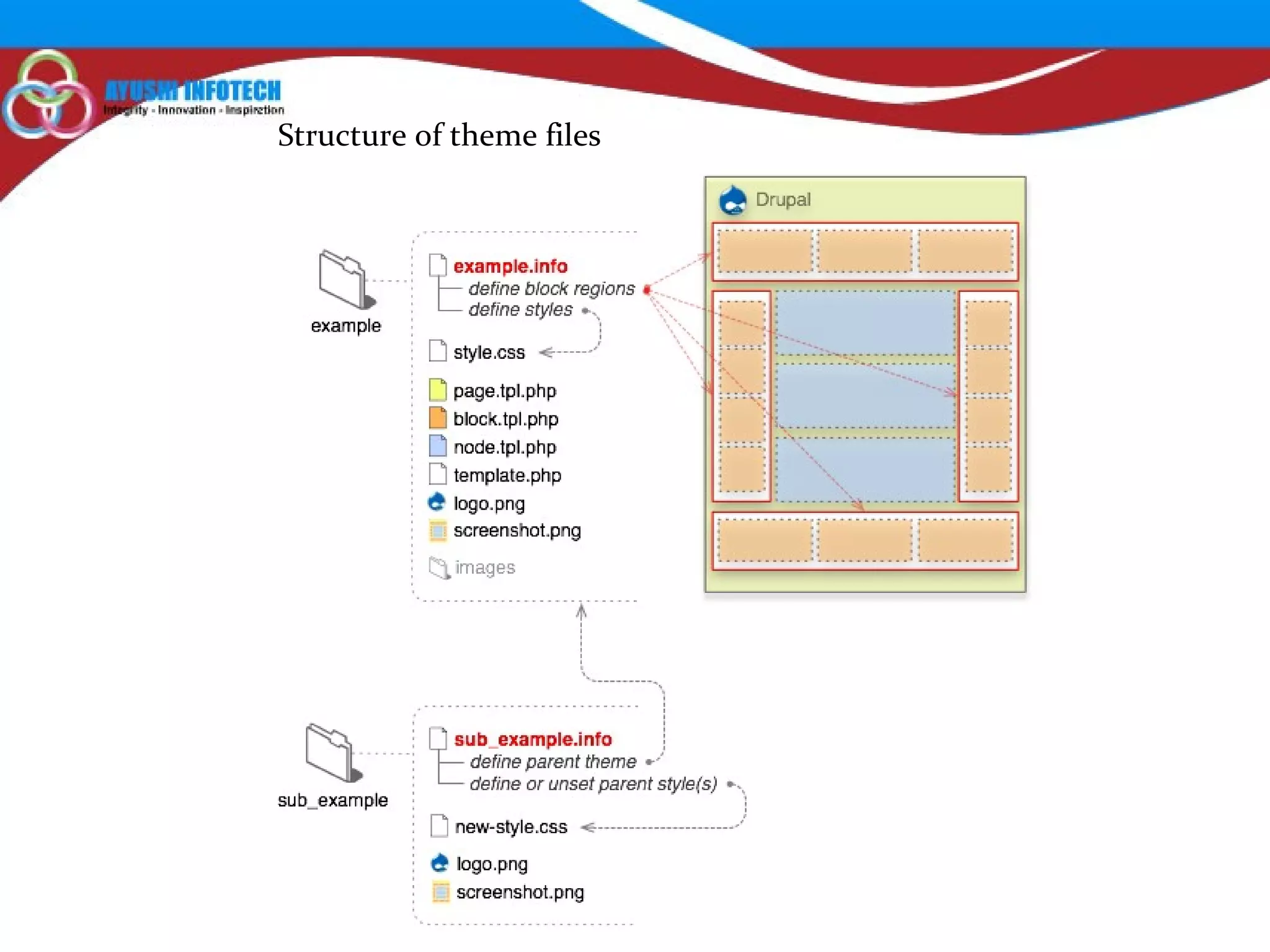
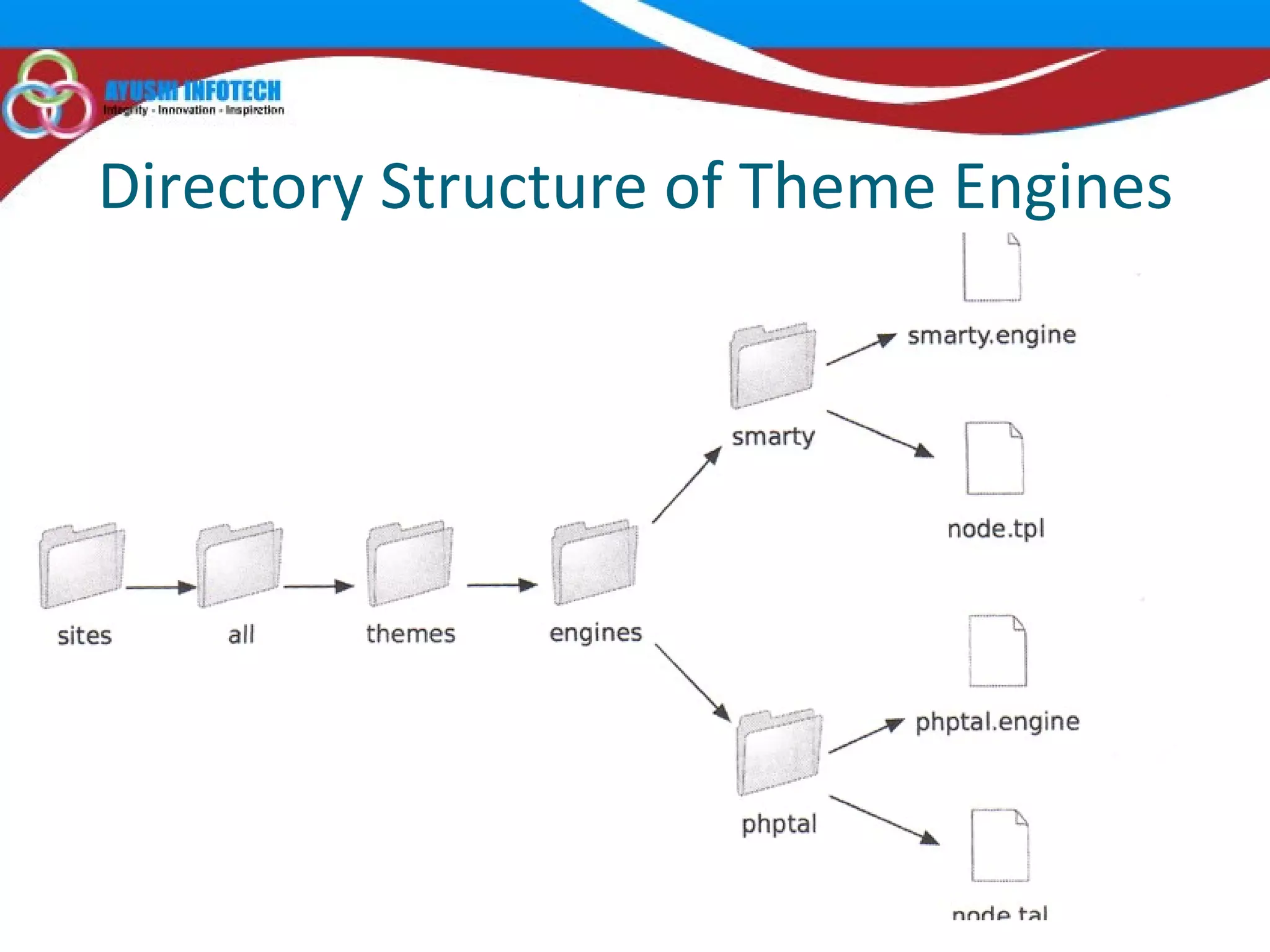
Structure of theme files
Directory Structure of Theme Engines
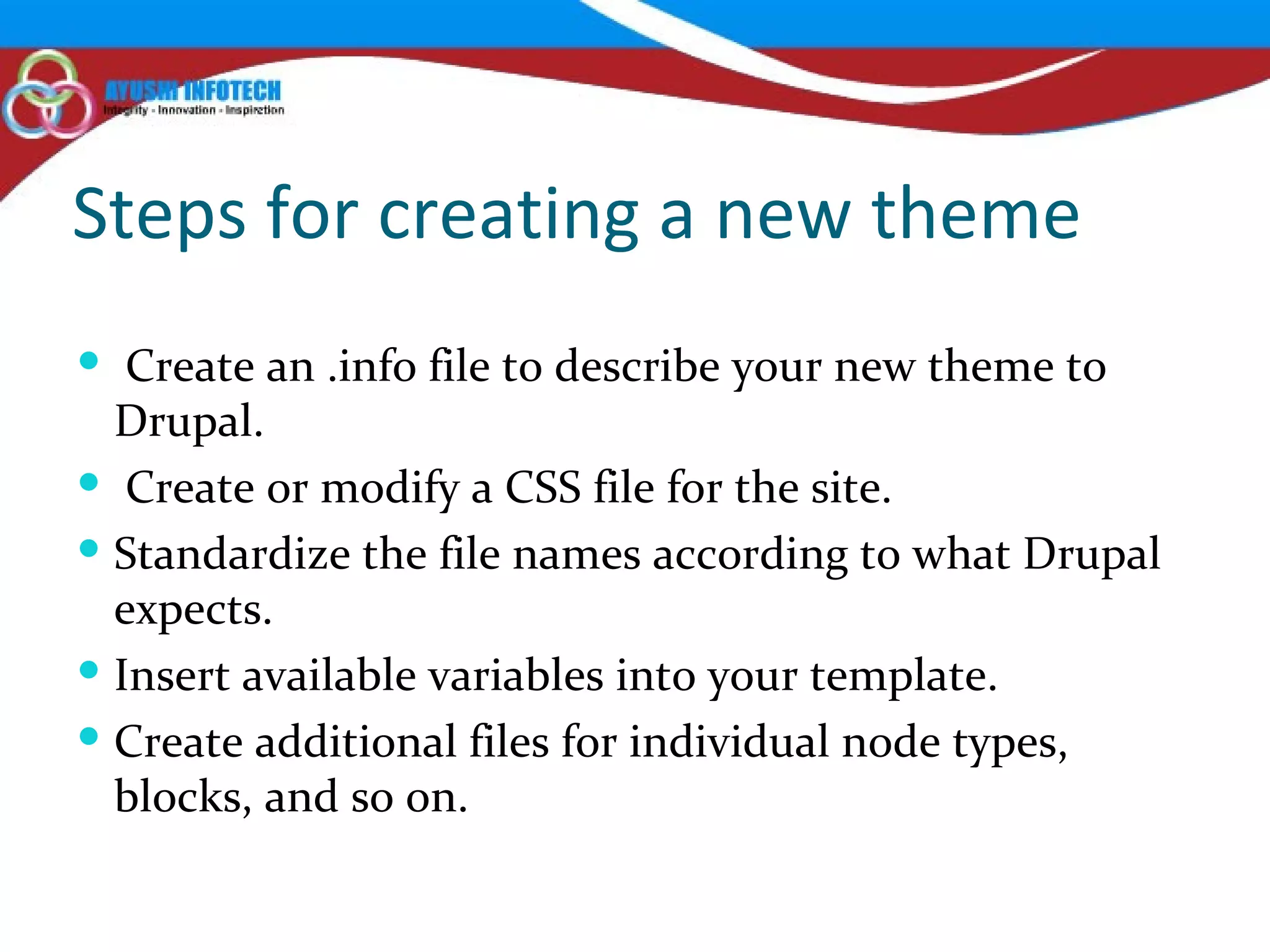
Steps for creating a new theme Create an .info file to describe your new theme to Drupal. Create or modify a CSS file for the site. Standardize the file names according to what Drupal expects. Insert available variables into your template. Create additional files for individual node types, blocks, and so on.
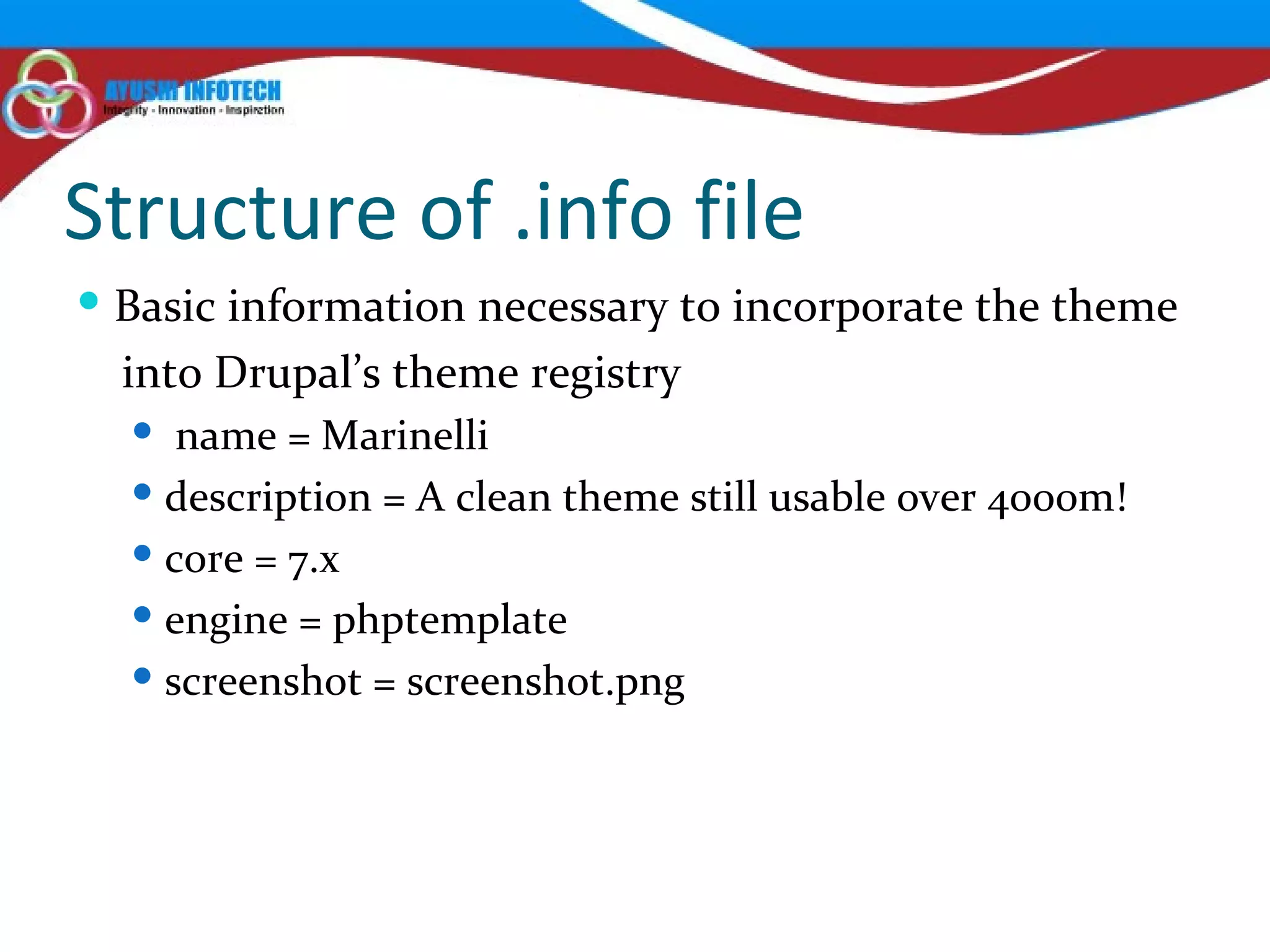
Structure of .info file Basic information necessary to incorporate the theme into Drupal’s theme registry  name = Marinelli description = A clean theme still usable over 4000m! core = 7.x engine = phptemplate screenshot = screenshot.png
Adding CSS Files to Your Theme stylesheets[all][] = css/common.css stylesheets[all][] = css/links.css stylesheets[all][] = css/typography.css stylesheets[all][] = css/forms.css stylesheets[all][] = css/drupal.css stylesheets[all][] = css/layout.css stylesheets[all][] = css/primary-links.css stylesheets[print][] = css/print/print.css
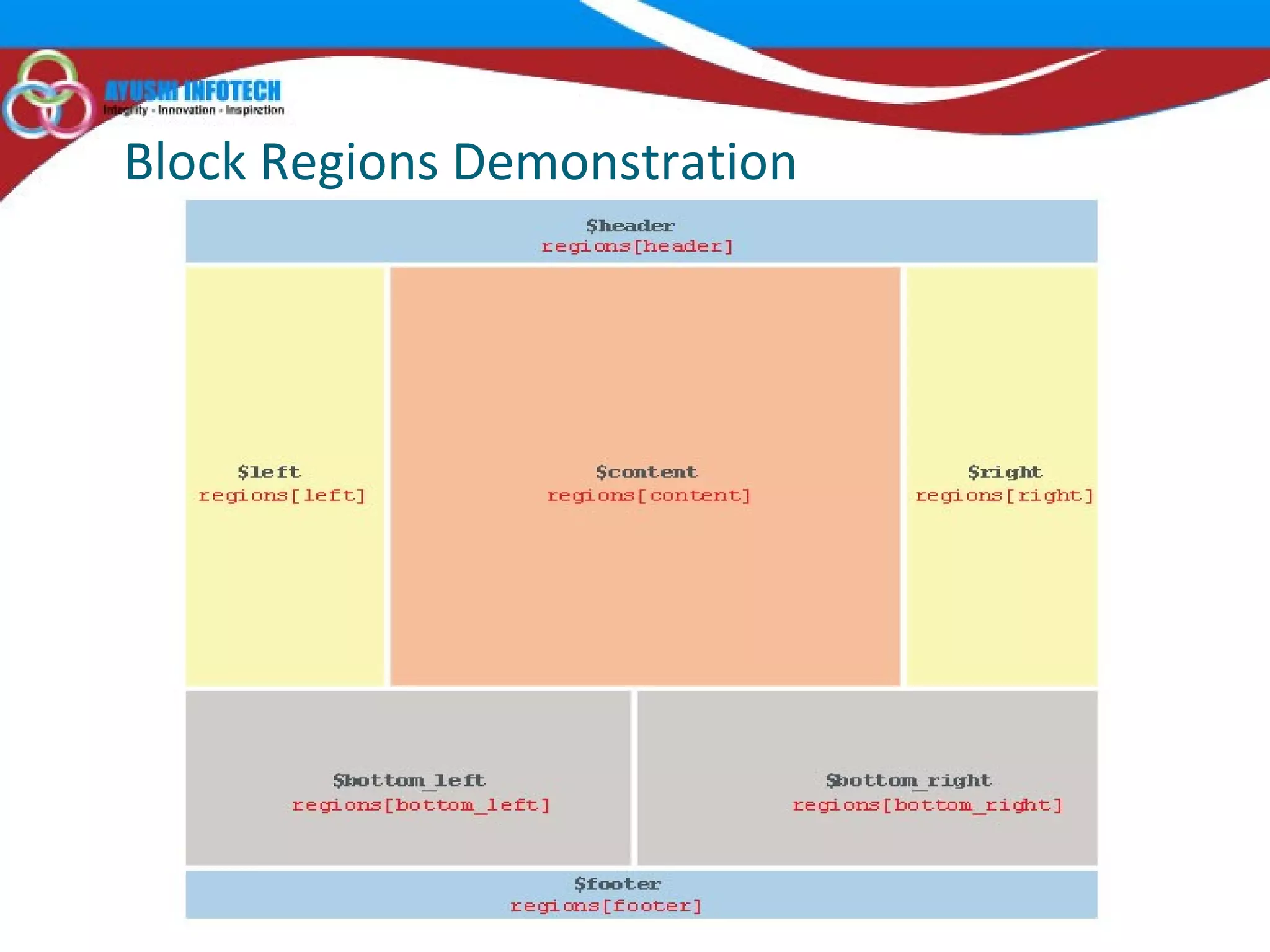
Adding Regions to Your Theme regions[header] = Header regions[left] = Left regions[right] = Right regions[content] = Middle content regions[bottom_left] = Bottom Left regions[bottom_right] = Bottom Right regions[footer] = Footer
Block Regions Demonstration
Adding JavaScript Files scripts[] = js/jcarousel.js
Adding Settings to Your Theme To do this, we’ll create a theme-settings.php file in our Grayscale theme directory and add the form elements necessary to collect the values for font family and font size. In the theme-settings.php file, we’ll use the hook_form_system_theme_settings_alter() function to add the fields for setting the font family and font size.  settings[bartext] = Slide Down settings[breadcrumb_title_length] = 50 settings[font_family] = 'ff-sss' settings[font_size] = 'fs-12‘
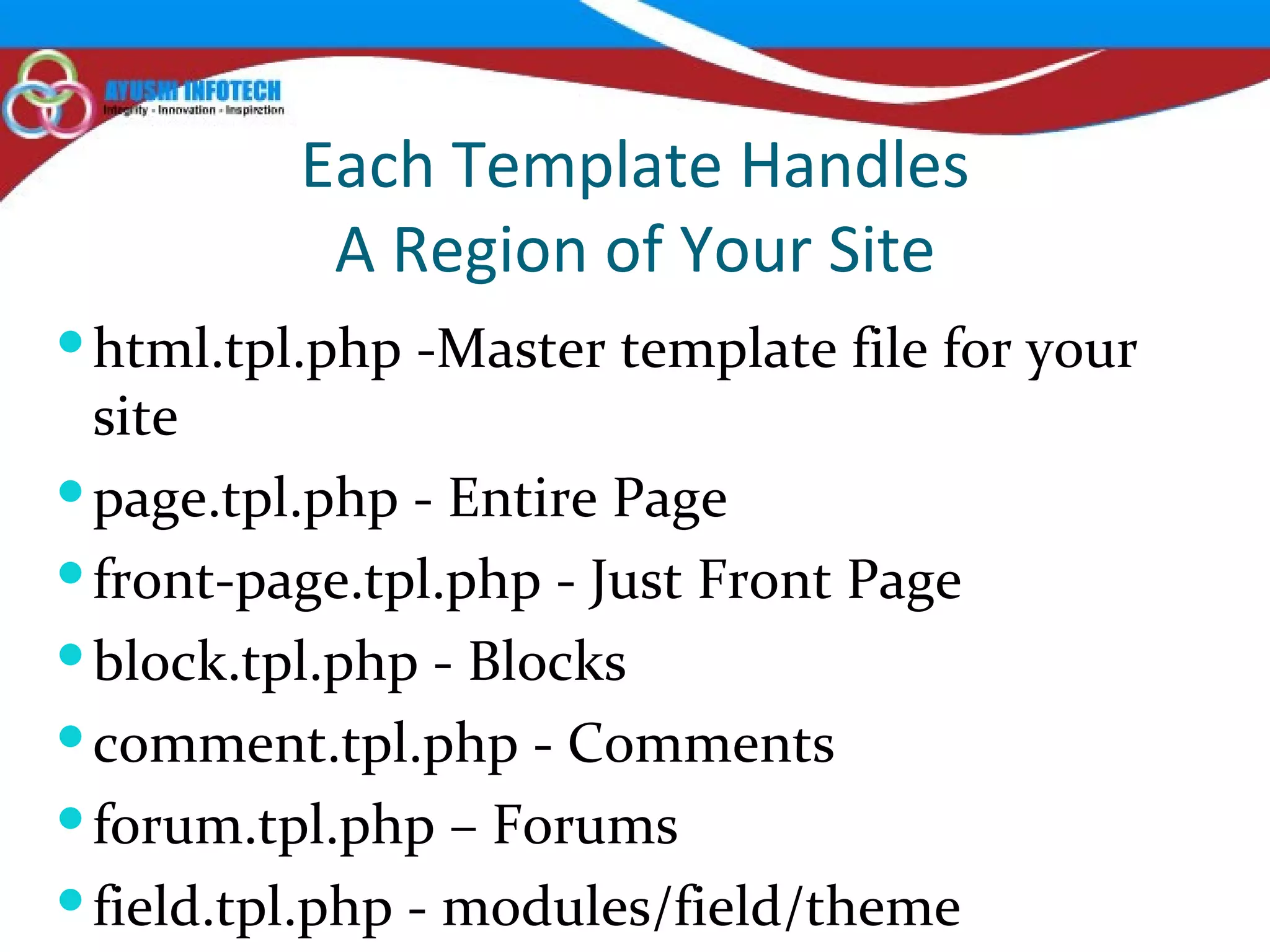
Each Template Handles A Region of Your Site html.tpl.php -Master template file for your site page.tpl.php - Entire Page front-page.tpl.php - Just Front Page block.tpl.php - Blocks comment.tpl.php - Comments forum.tpl.php – Forums field.tpl.php - modules/field/theme
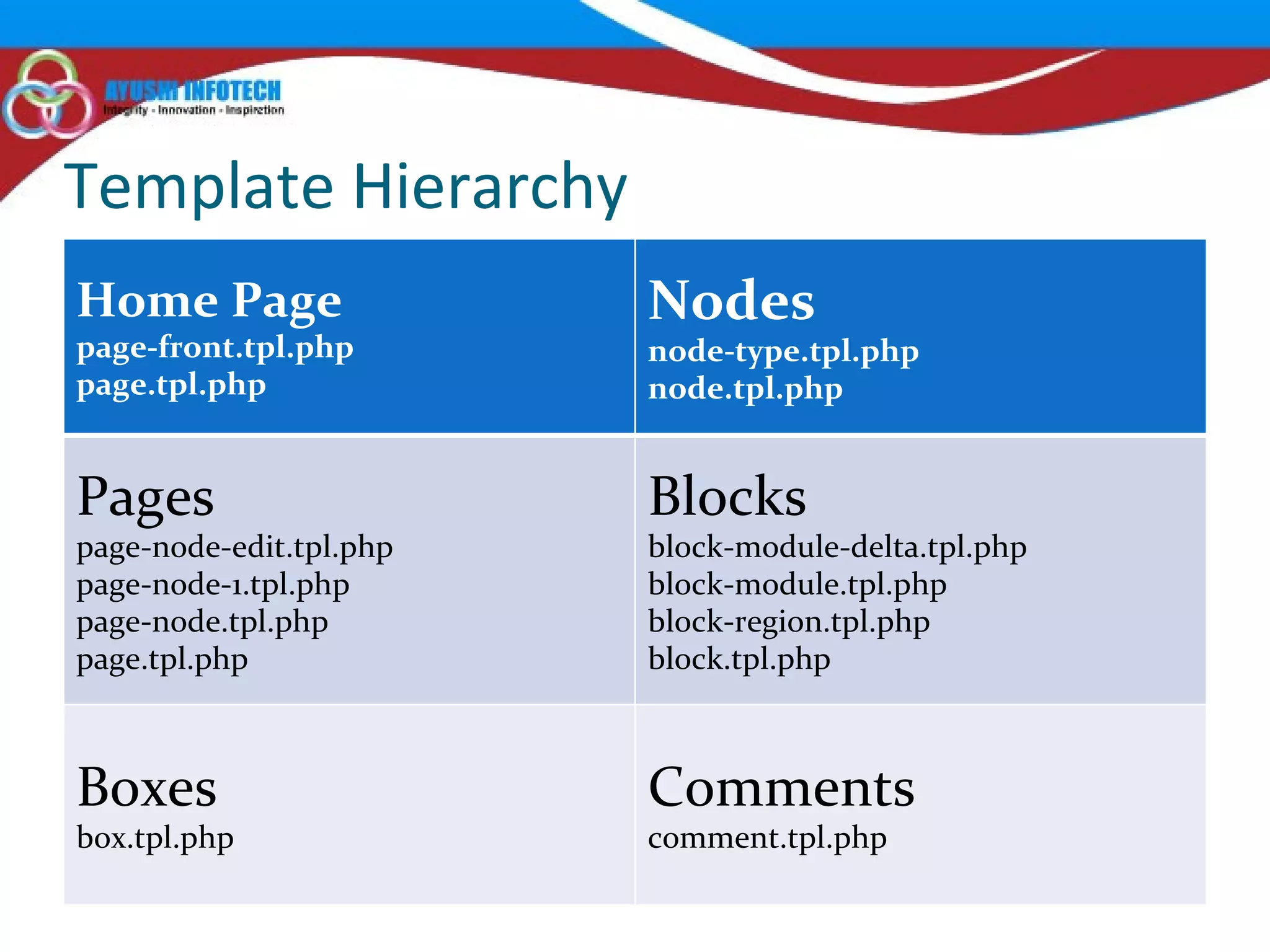
Template Hierarchy Home Page page-front.tpl.php page.tpl.php Nodes node-type.tpl.php node.tpl.php Pages page-node-edit.tpl.php page-node-1.tpl.php page-node.tpl.php page.tpl.php Blocks block-module-delta.tpl.php block-module.tpl.php block-region.tpl.php block.tpl.php Boxes box.tpl.php Comments comment.tpl.php
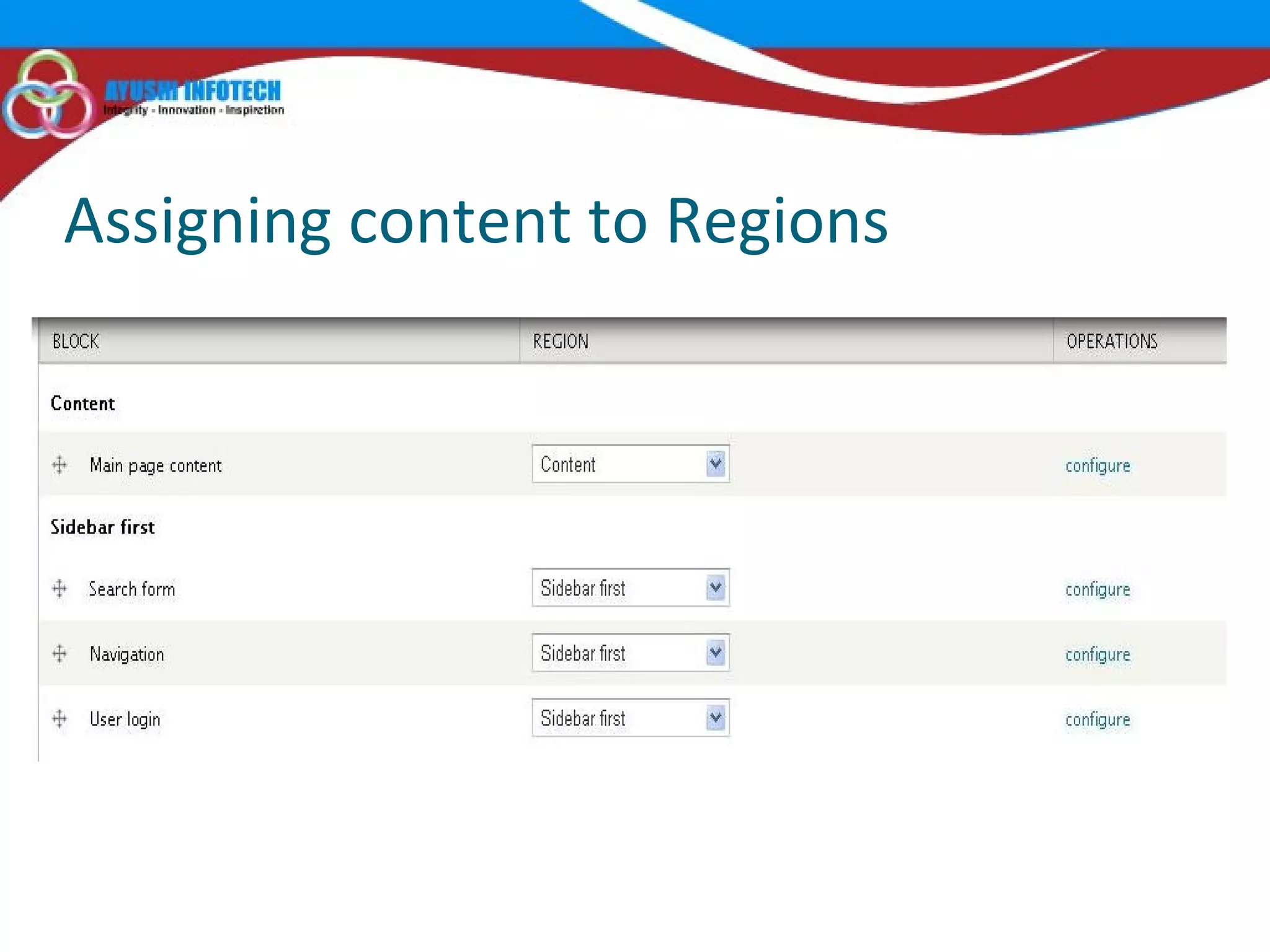
Assigning content to Regions
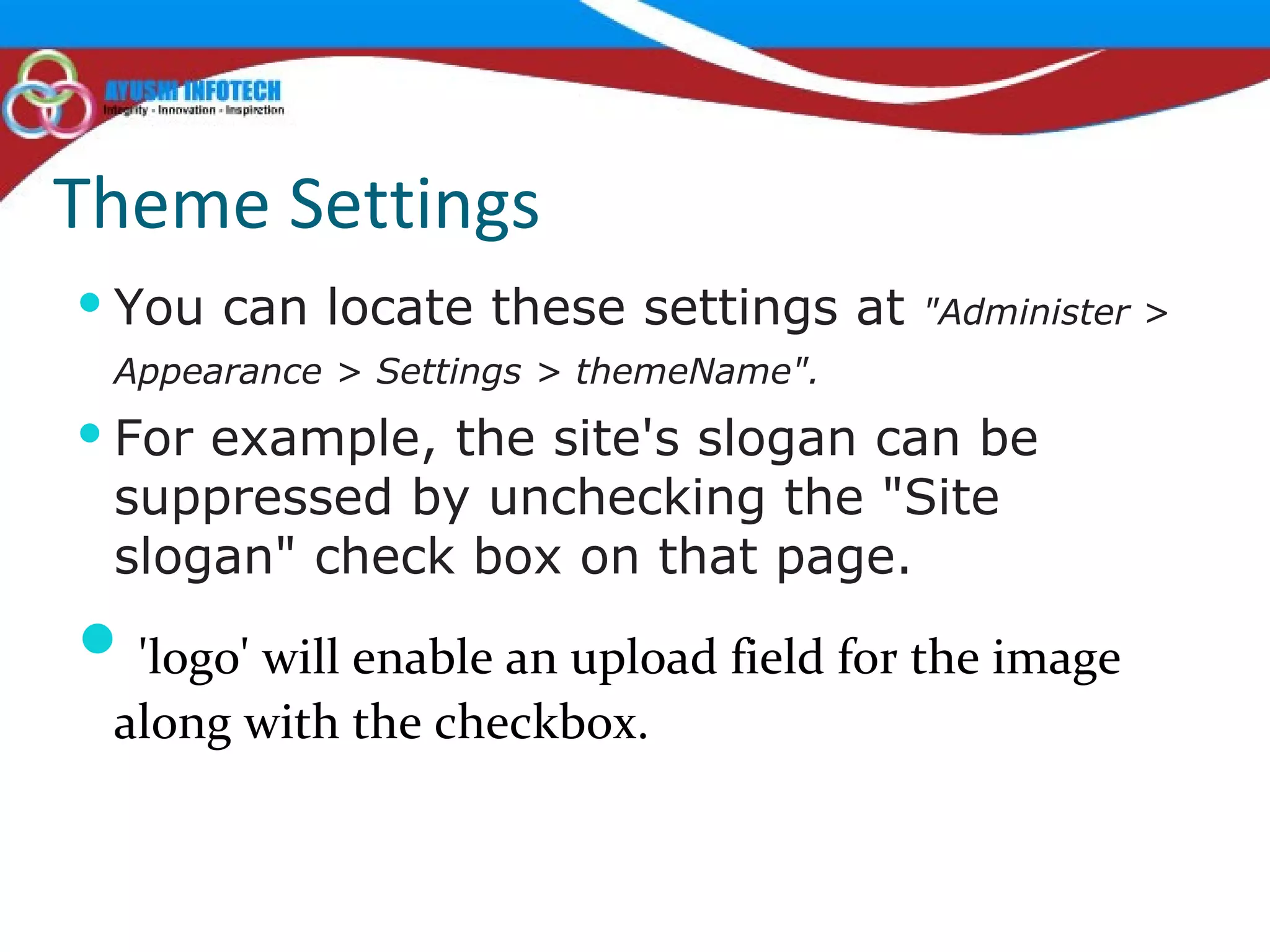
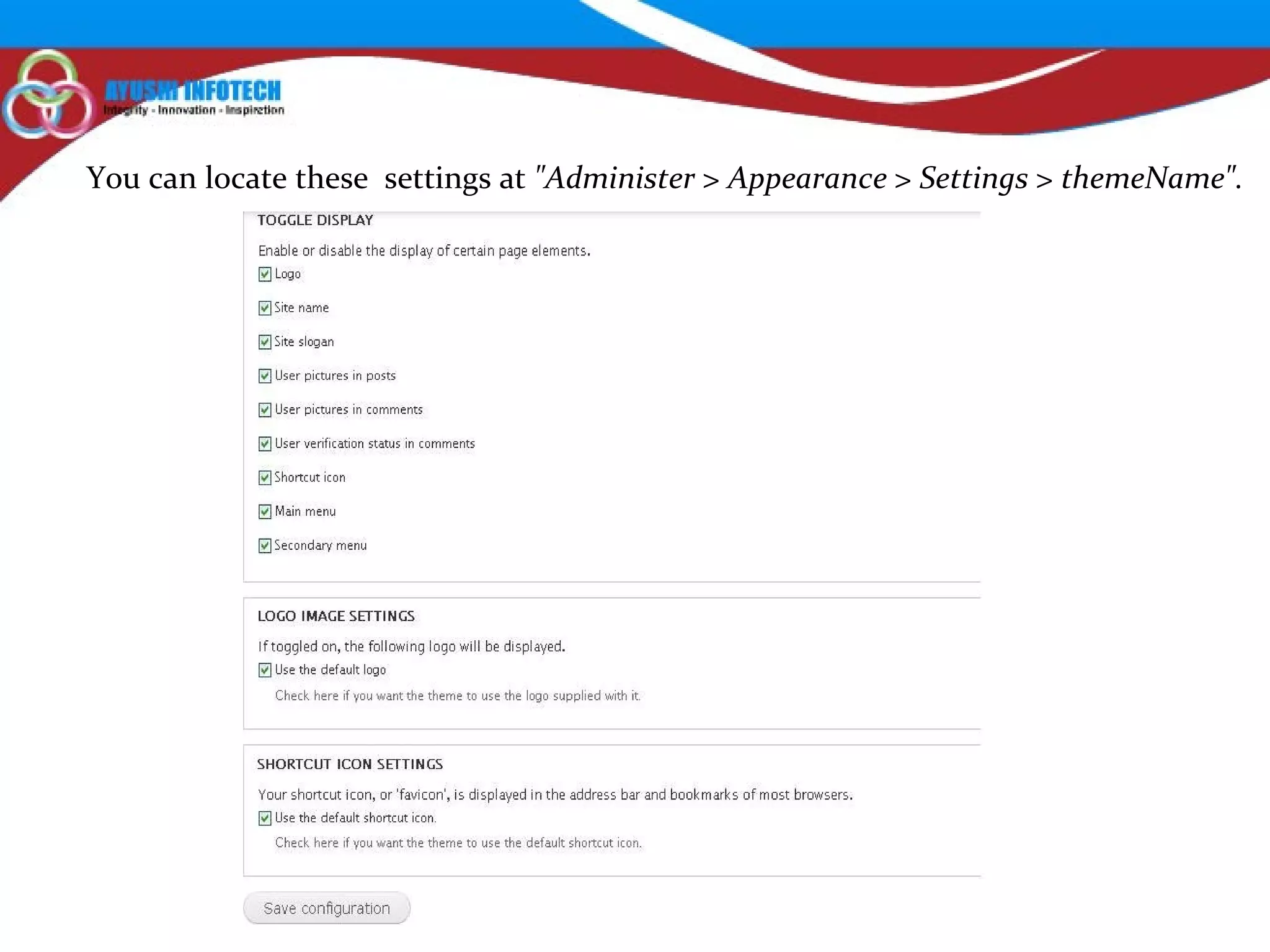
Theme Settings You can locate these settings at  "Administer > Appearance > Settings > themeName".   For example, the site's slogan can be suppressed by unchecking the "Site slogan" check box on that page. 'logo' will enable an upload field for the image along with the checkbox.
You can locate these  settings at  "Administer > Appearance > Settings > themeName".  
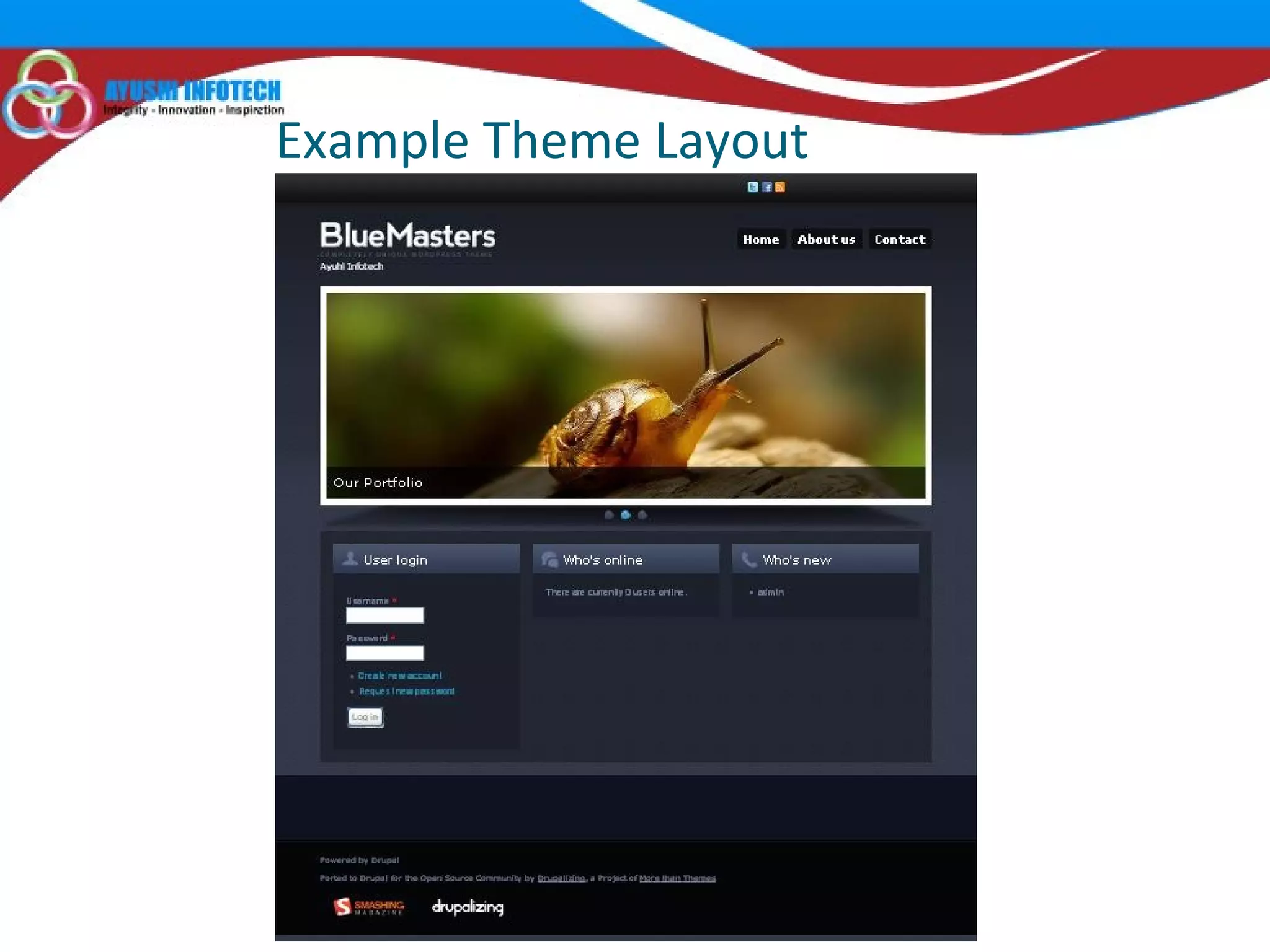
Example Theme Layout
 

Drupal 7 theme by ayushi infotech

  • 1.
  • 2.
    Overview IntroductionDownload themes Structure of theme files & folder Creating a new theme Structure of the .info file Structure of .tpl.php Files Assign content to regions Theme settings
  • 3.
    Introduction Change theappearance of an entire site. It is also possible to "theme" only certain sections of a site, select types of content, or even individual pages. Change layouts, images or fonts Hide or display fields dependent on user role Dynamically respond to changes in the content or to user input Modify or replace text (for example the labels) and variables generated by modules
  • 4.
    Themes Download Free contributedthemes at drupal.org (http://drupal.org/project/themes). See demos of some of them at Theme Garden (http://themegarden.org)
  • 5.
  • 6.
  • 7.
    Steps for creatinga new theme Create an .info file to describe your new theme to Drupal. Create or modify a CSS file for the site. Standardize the file names according to what Drupal expects. Insert available variables into your template. Create additional files for individual node types, blocks, and so on.
  • 8.
    Structure of .infofile Basic information necessary to incorporate the theme into Drupal’s theme registry name = Marinelli description = A clean theme still usable over 4000m! core = 7.x engine = phptemplate screenshot = screenshot.png
  • 9.
    Adding CSS Filesto Your Theme stylesheets[all][] = css/common.css stylesheets[all][] = css/links.css stylesheets[all][] = css/typography.css stylesheets[all][] = css/forms.css stylesheets[all][] = css/drupal.css stylesheets[all][] = css/layout.css stylesheets[all][] = css/primary-links.css stylesheets[print][] = css/print/print.css
  • 10.
    Adding Regions toYour Theme regions[header] = Header regions[left] = Left regions[right] = Right regions[content] = Middle content regions[bottom_left] = Bottom Left regions[bottom_right] = Bottom Right regions[footer] = Footer
  • 11.
  • 12.
    Adding JavaScript Filesscripts[] = js/jcarousel.js
  • 13.
    Adding Settings toYour Theme To do this, we’ll create a theme-settings.php file in our Grayscale theme directory and add the form elements necessary to collect the values for font family and font size. In the theme-settings.php file, we’ll use the hook_form_system_theme_settings_alter() function to add the fields for setting the font family and font size. settings[bartext] = Slide Down settings[breadcrumb_title_length] = 50 settings[font_family] = 'ff-sss' settings[font_size] = 'fs-12‘
  • 14.
    Each Template HandlesA Region of Your Site html.tpl.php -Master template file for your site page.tpl.php - Entire Page front-page.tpl.php - Just Front Page block.tpl.php - Blocks comment.tpl.php - Comments forum.tpl.php – Forums field.tpl.php - modules/field/theme
  • 15.
    Template Hierarchy HomePage page-front.tpl.php page.tpl.php Nodes node-type.tpl.php node.tpl.php Pages page-node-edit.tpl.php page-node-1.tpl.php page-node.tpl.php page.tpl.php Blocks block-module-delta.tpl.php block-module.tpl.php block-region.tpl.php block.tpl.php Boxes box.tpl.php Comments comment.tpl.php
  • 16.
  • 17.
    Theme Settings Youcan locate these settings at  "Administer > Appearance > Settings > themeName".   For example, the site's slogan can be suppressed by unchecking the "Site slogan" check box on that page. 'logo' will enable an upload field for the image along with the checkbox.
  • 18.
    You can locatethese settings at  "Administer > Appearance > Settings > themeName".  
  • 19.
  • 20.