DreamWeaver
  Terry Murray
   Dreamweaver is a favorite of multimedia
    designers, since it easily integrates with other
    Macromedia applications, like Flash and
    Shockwave.
   In Dreamweaver you can use regular HTML
    coding for easy website creation.
   In Dreamwearver you can create a new website
    or edit and exiting one.
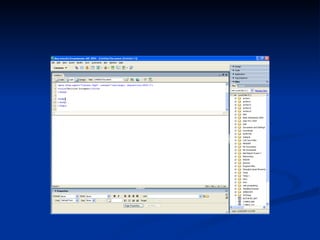
   You can also view the code in more than one
    view:

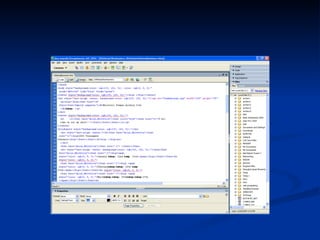
     You can create just plain code in HTML view
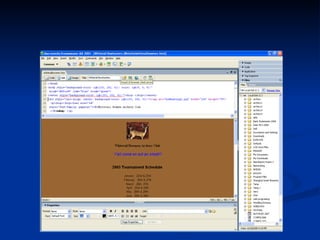
     You can view the code and the site it self in the
      other view.
   The designer can import data into Dreamweaver
    by the import tool.

   They can also import graphics into the site the
    same way.
   The help menu is easy to use for the first time
    user/designer.

   Click on the help menu and you can find
    different commands and what they are used for.

   You can insert graphics by just coping them into
    your code in the slit view screen.
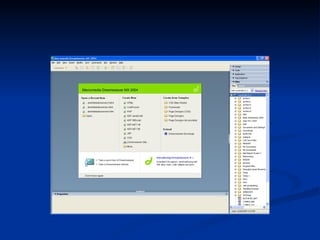
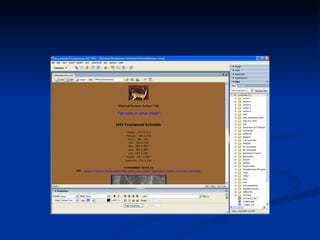
   The following slides are of a actual web site
    being created using Dreamweaver.
Dream weaver
Dream weaver
Dream weaver
Dream weaver
Dream weaver

Dream weaver

  • 1.
  • 2.
    Dreamweaver is a favorite of multimedia designers, since it easily integrates with other Macromedia applications, like Flash and Shockwave.  In Dreamweaver you can use regular HTML coding for easy website creation.
  • 3.
    In Dreamwearver you can create a new website or edit and exiting one.  You can also view the code in more than one view:  You can create just plain code in HTML view  You can view the code and the site it self in the other view.
  • 4.
    The designer can import data into Dreamweaver by the import tool.  They can also import graphics into the site the same way.
  • 5.
    The help menu is easy to use for the first time user/designer.  Click on the help menu and you can find different commands and what they are used for.  You can insert graphics by just coping them into your code in the slit view screen.
  • 6.
    The following slides are of a actual web site being created using Dreamweaver.