Drag and Drop Form Builder
https://www.phpformbuilder.pro/drag-n-drop-form-builder/index.php
Easy Premium
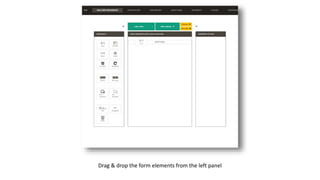
Drag & drop the form elements from the left panel
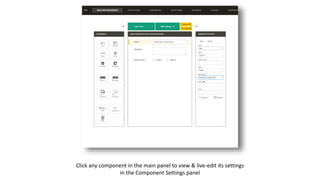
Click any component in the main panel to view & live-edit its settings
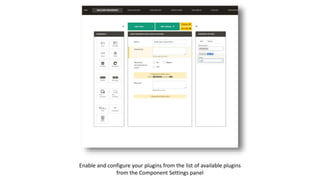
in the Component Settings panel
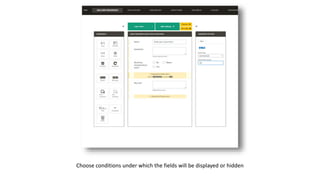
Choose conditions under which the fields will be displayed or hidden
Enable and configure your plugins from the list of available plugins
from the Component Settings panel
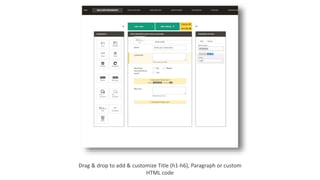
Drag & drop to add & customize Title (h1-h6), Paragraph or custom
HTML code
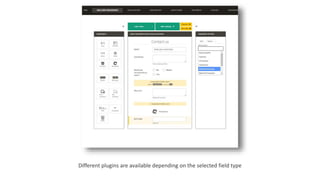
Different plugins are available depending on the selected field type
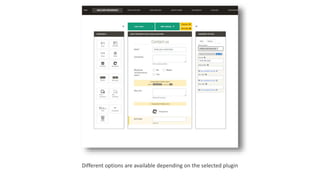
Different options are available depending on the selected plugin
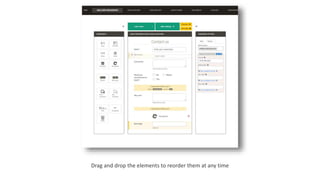
Drag and drop the elements to reorder them at any time
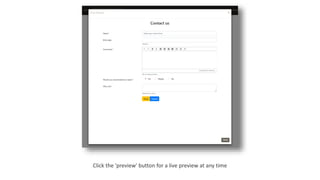
Click the 'preview' button for a live preview at any time
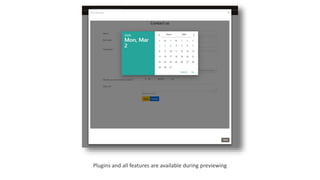
Plugins and all features are available during previewing
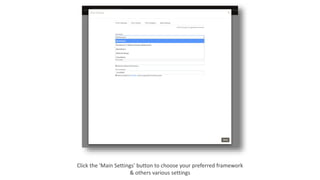
Click the 'Main Settings' button to choose your preferred framework
& others various settings
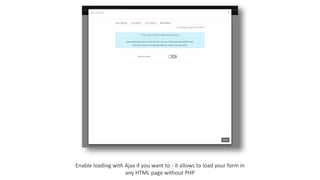
Enable loading with Ajax if you want to - it allows to load your form in
any HTML page without PHP
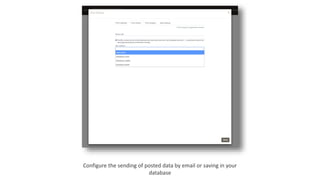
Configure the sending of posted data by email or saving in your
database
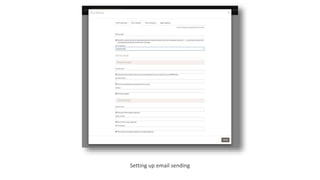
Setting up email sending
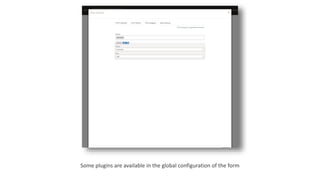
Some plugins are available in the global configuration of the form
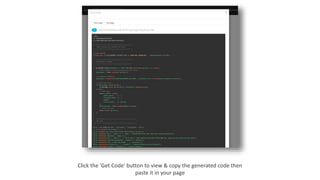
Click the 'Get Code' button to view & copy the generated code then
paste it in your page
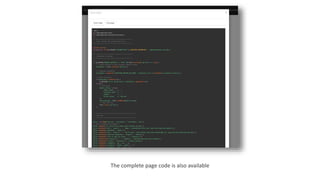
The complete page code is also available
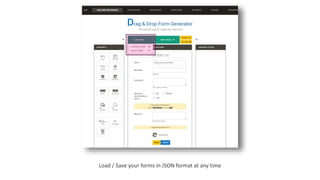
Load / Save your forms in JSON format at any time
https://www.phpformbuilder.pro/drag-n-drop-form-builder/index.php

Drag and drop Form Builder