Dive into Fluentd Plugin
Site:
repeatedly.github.com
Company:
Treasure Data Inc.
Love plugins:
input: tail

buffer: memory

output: mongo
developed by
The missing log collector
What's Fluentd?
Fluentd is a
buffer
router
collector
converter
aggregator
etc...
... but,
Fluentd doesn’t have such features as a built-in.
Instead,
Fluentd has flexible plugin architecture which
consists of Input, Filter, Output and Buffer.
We can customize Fluentd using plugins :)
Agenda: This slide
talk about
- an example of Fluentd plugins
- Fluentd and libraries
- how to develop a Fluentd plugin
don’t talk about
- the details of each plugin
- the experience of production
See also:

http://docs.fluentd.org/articles/plugin-development
Example
based on bit.ly/fluentd-with-mongo
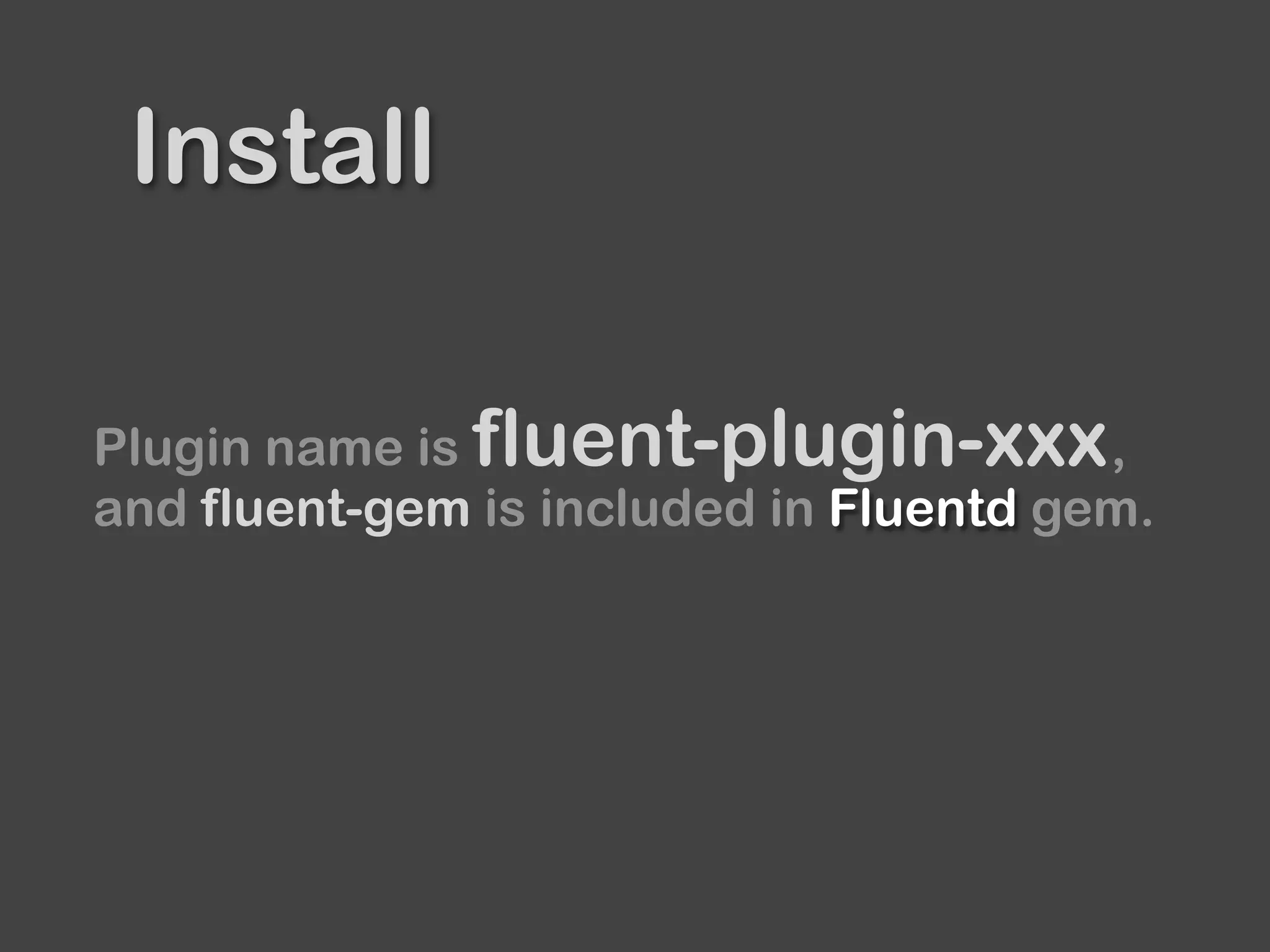
Install
Plugin name is ,
and fluent-gem is included in Fluentd gem.
fluent-plugin-xxx
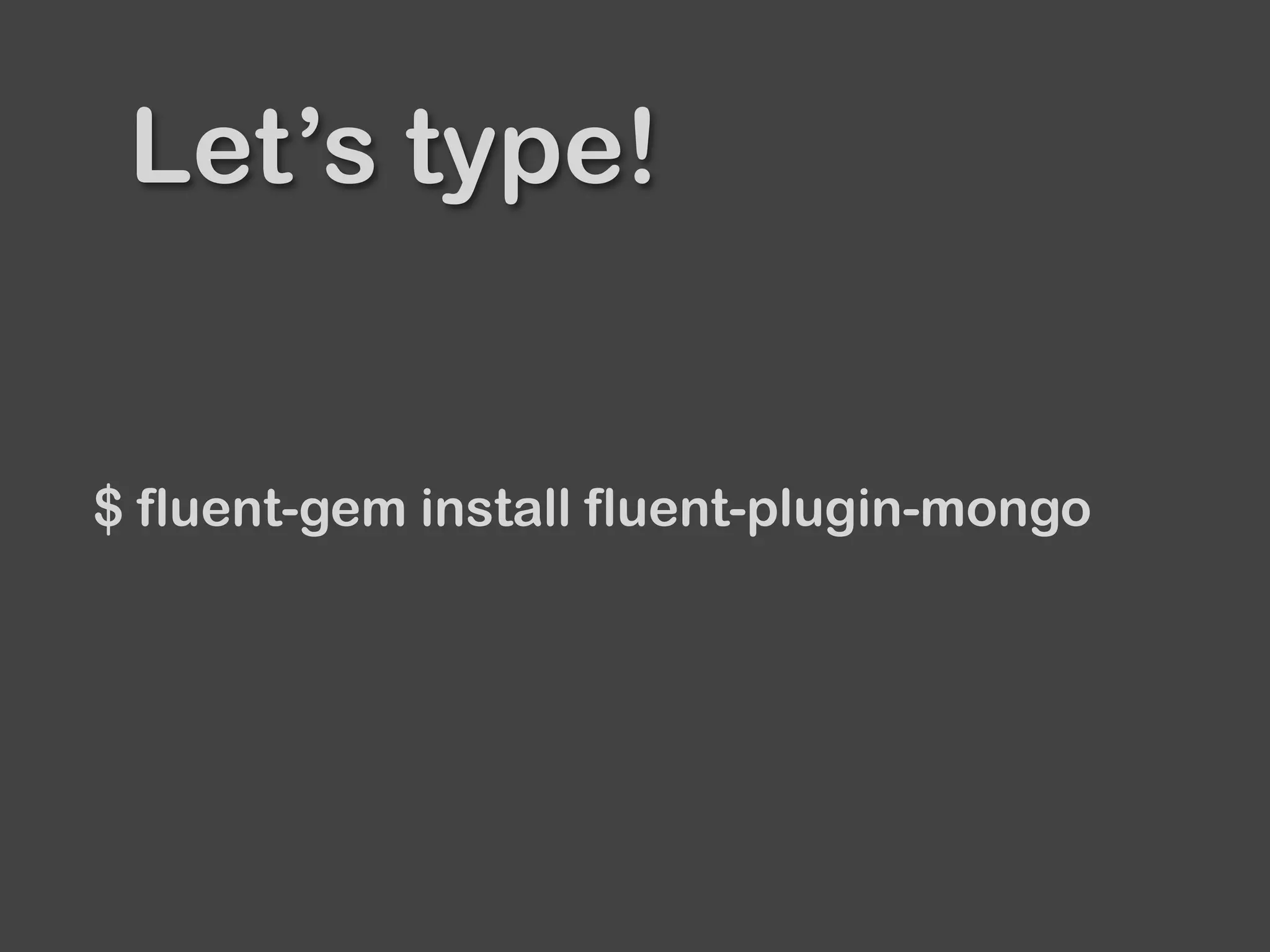
Let’s type!
$ fluent-gem install fluent-plugin-mongo
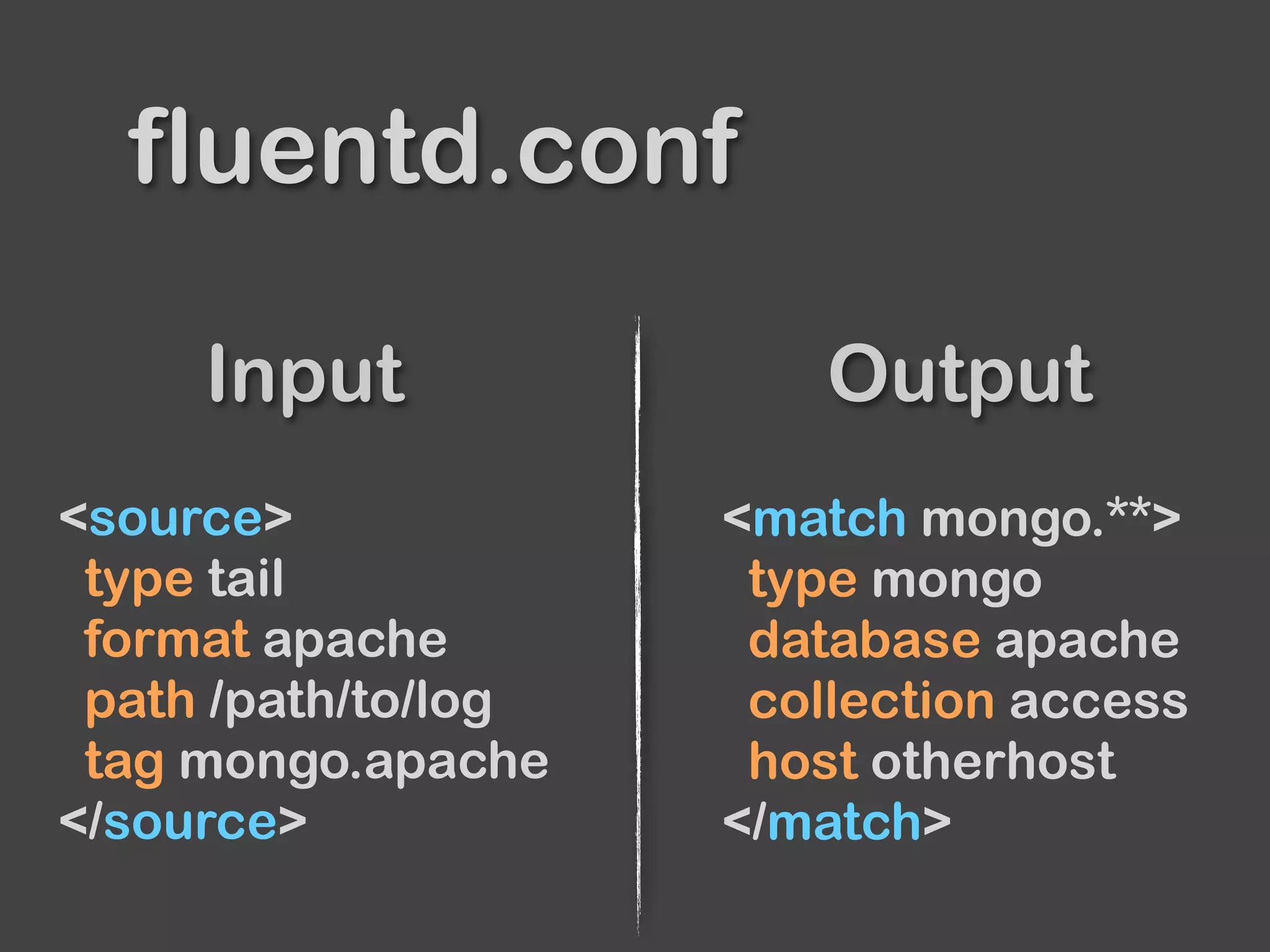
<source>
type tail
format apache
path /path/to/log
tag mongo.apache
</source>
<match mongo.**>
type mongo
database apache
collection access
host otherhost
</match>
Input Output
fluentd.conf
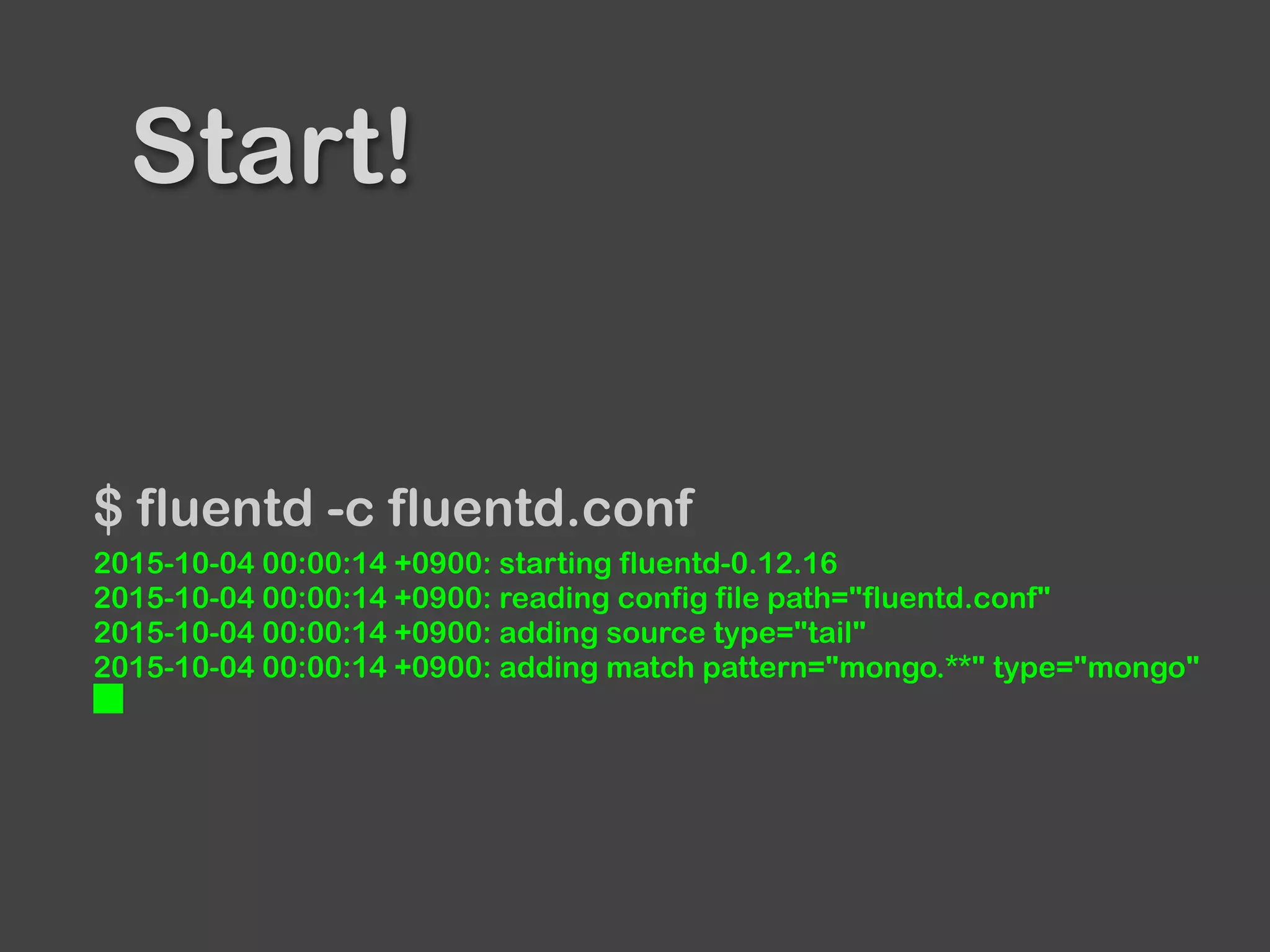
Start!
$ fluentd -c fluentd.conf
2015-10-04 00:00:14 +0900: starting fluentd-0.12.16
2015-10-04 00:00:14 +0900: reading config file path="fluentd.conf"
2015-10-04 00:00:14 +0900: adding source type="tail"
2015-10-04 00:00:14 +0900: adding match pattern="mongo.**" type="mongo"
█
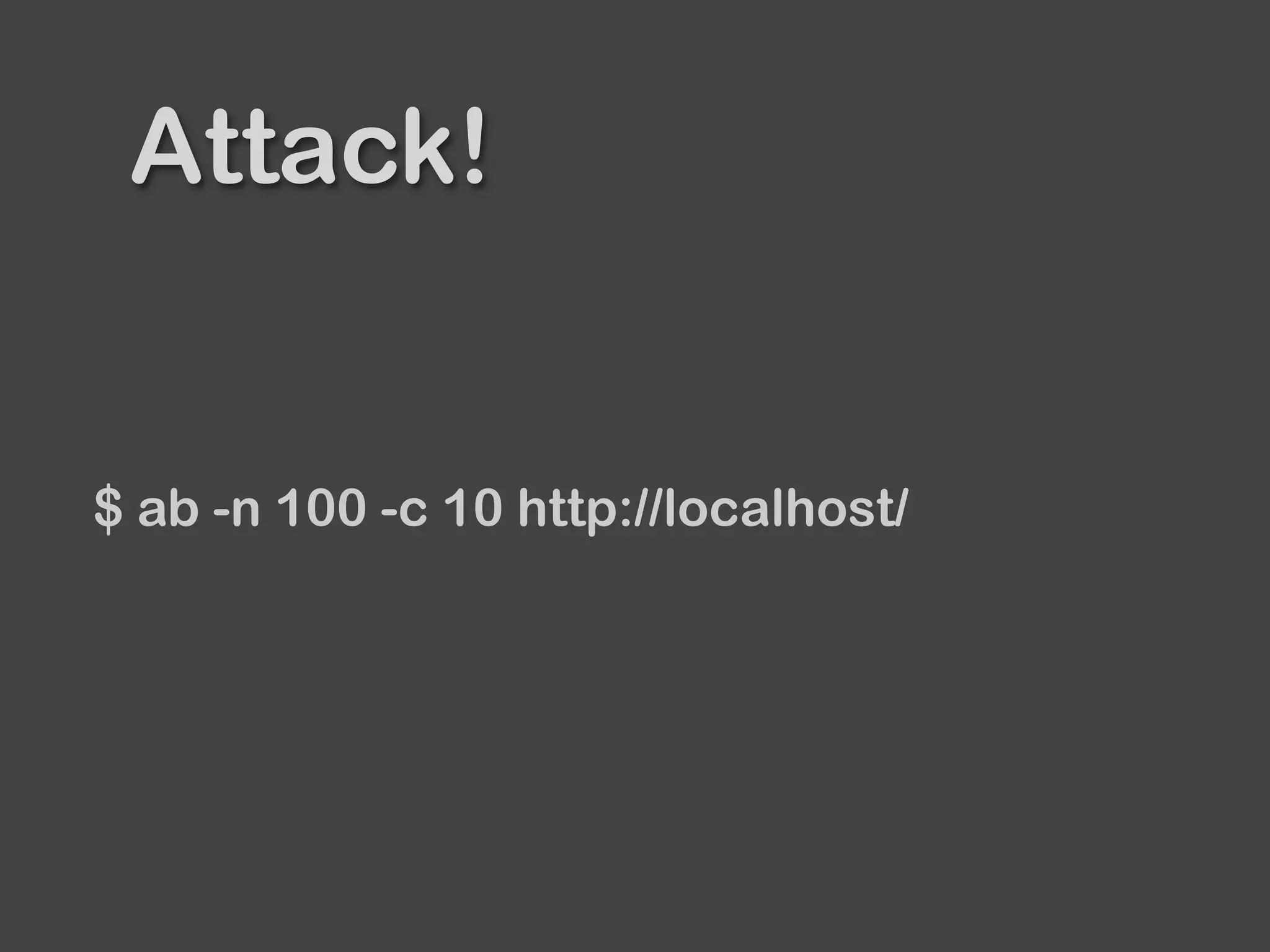
Attack!
$ ab -n 100 -c 10 http://localhost/
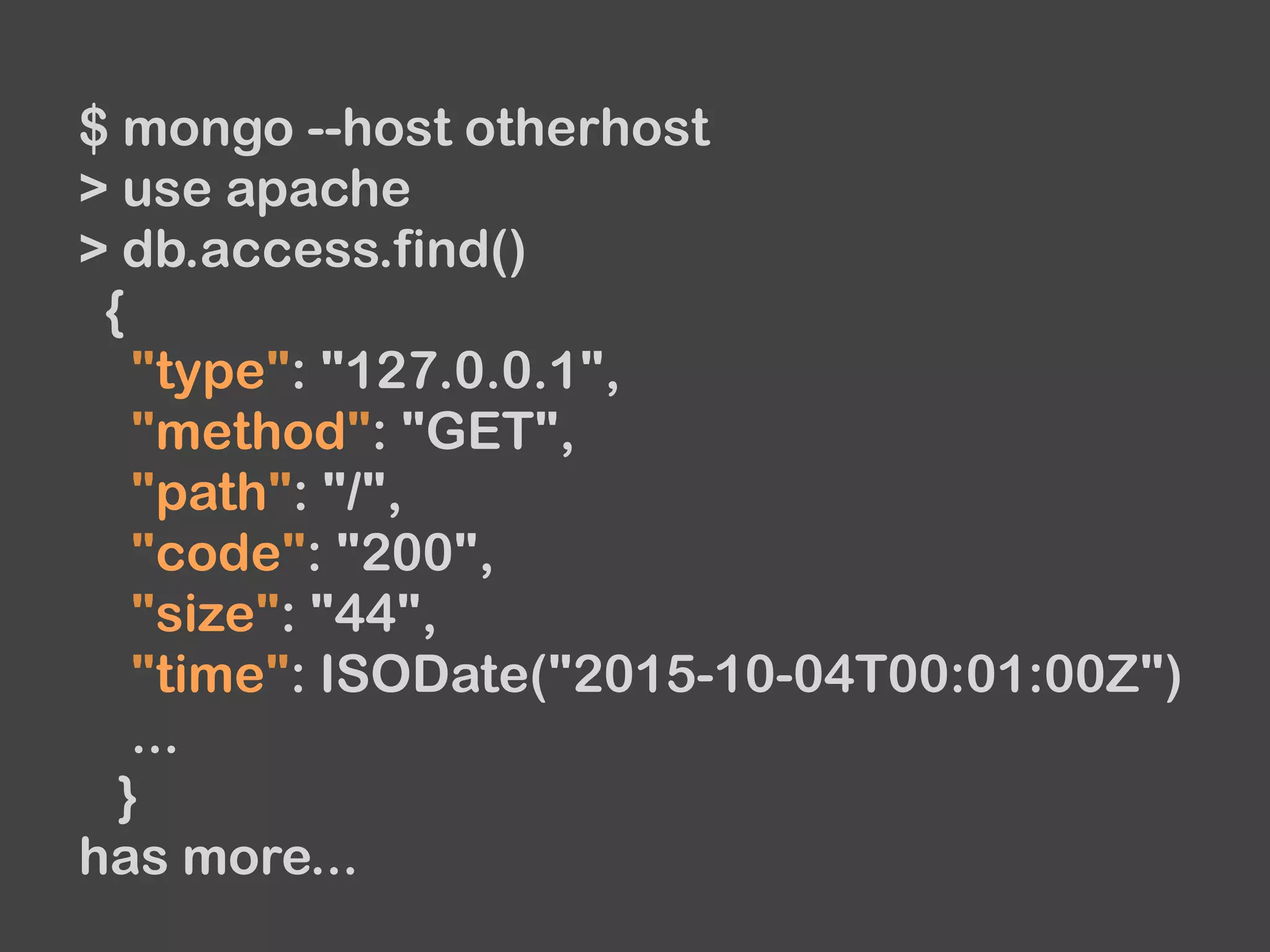
$ mongo --host otherhost
> use apache
> db.access.find()
{
"type": "127.0.0.1",
"method": "GET",
"path": "/",
"code": "200",
"size": "44",
"time": ISODate("2015-10-04T00:01:00Z")
...
}
has more...
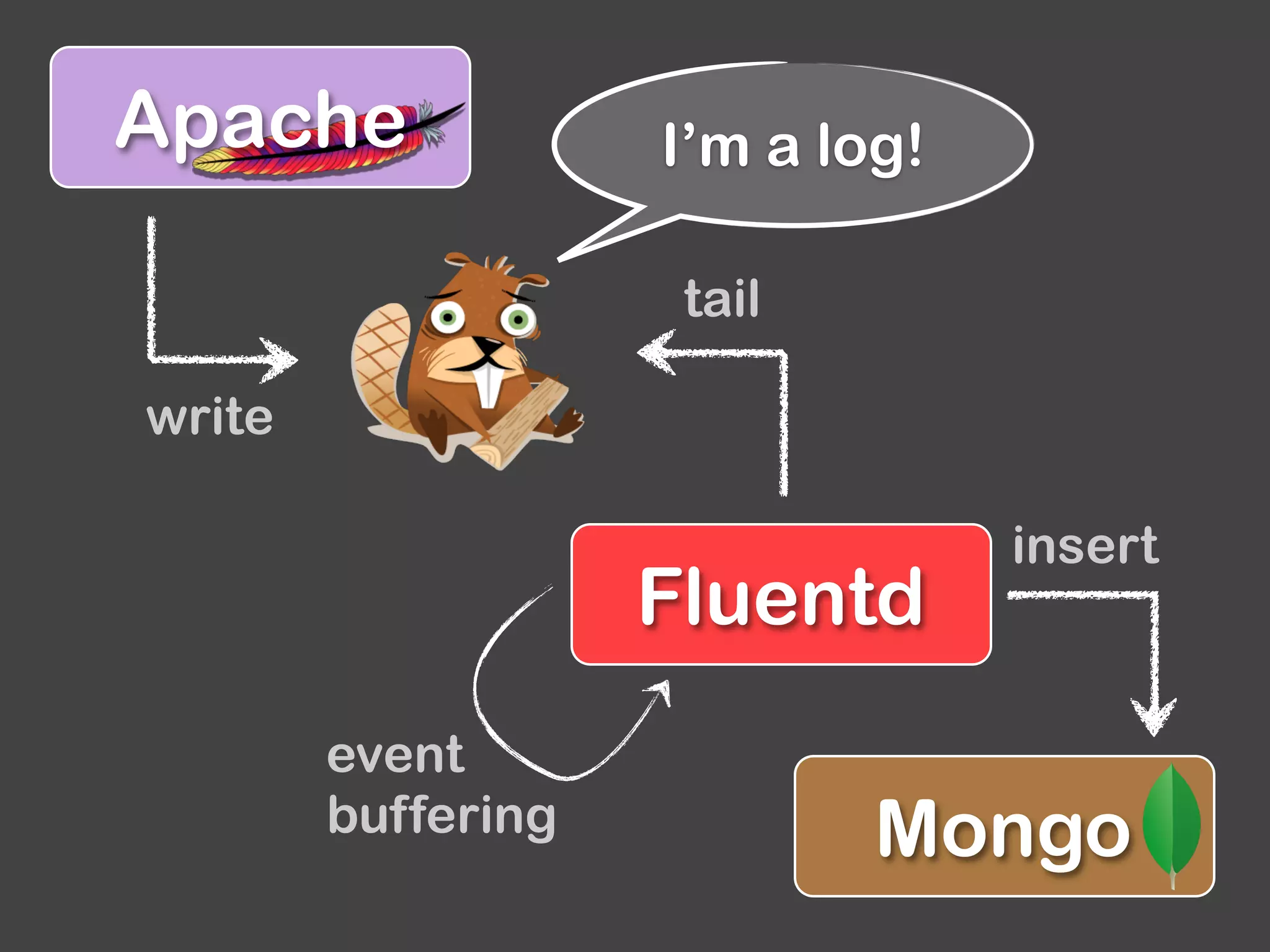
Mongo
Apache
Fluentd
write
tail
insert
I’m a log!
event
buffering
Warming up
Ruby
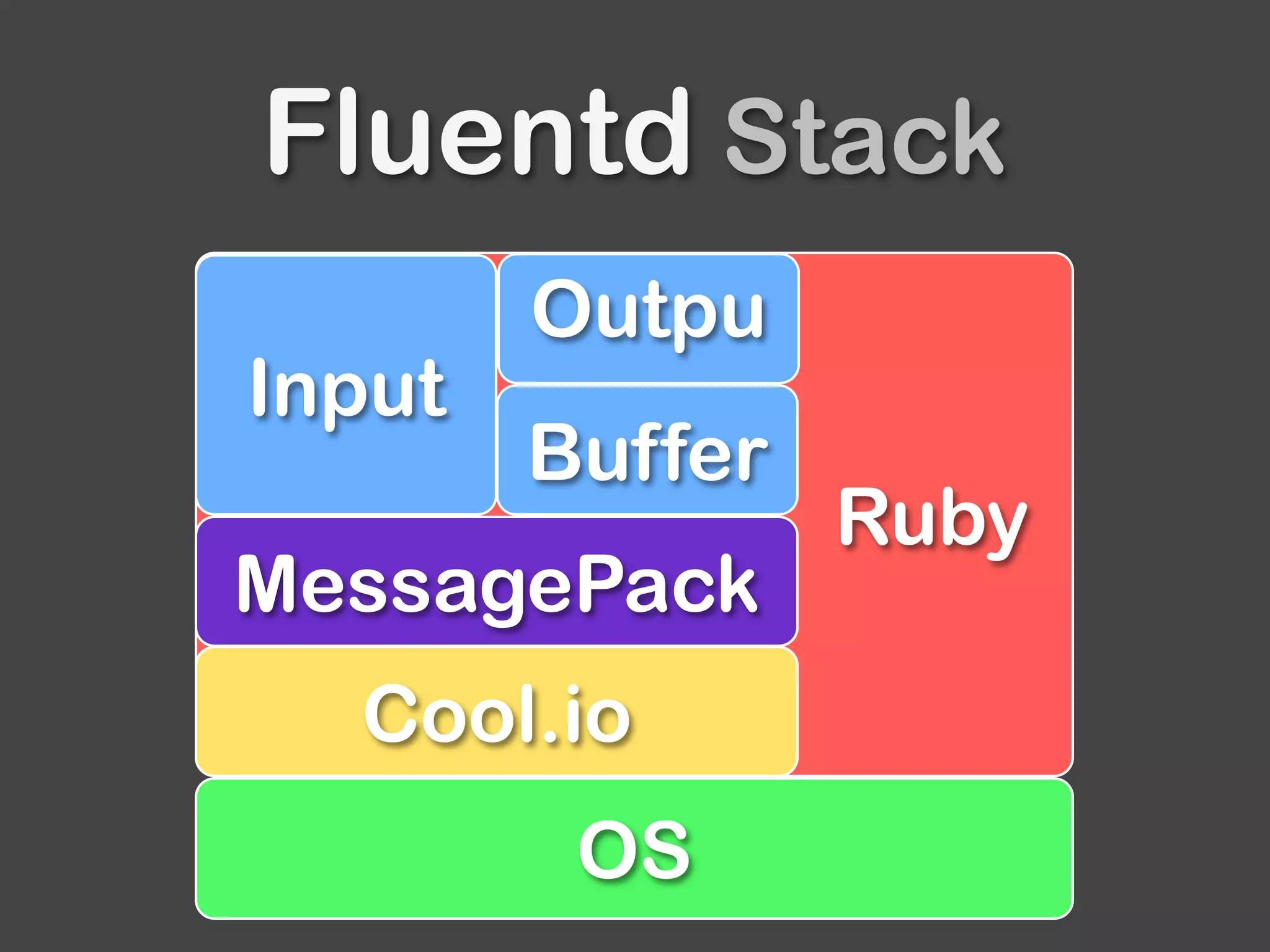
Fluentd Stack
OS
Cool.io
MessagePack
Buffer
Input
Outpu
Ruby
ruby-lang.org
Fluentd and plugins are written in Ruby.
Fluentd works on Ruby 1.9.3 or later
Note that
Fluentd v0.14 works on Ruby 2.1 or later.
We will remove 1.9 or 2.0 support.
MessagePack
msgpack.org
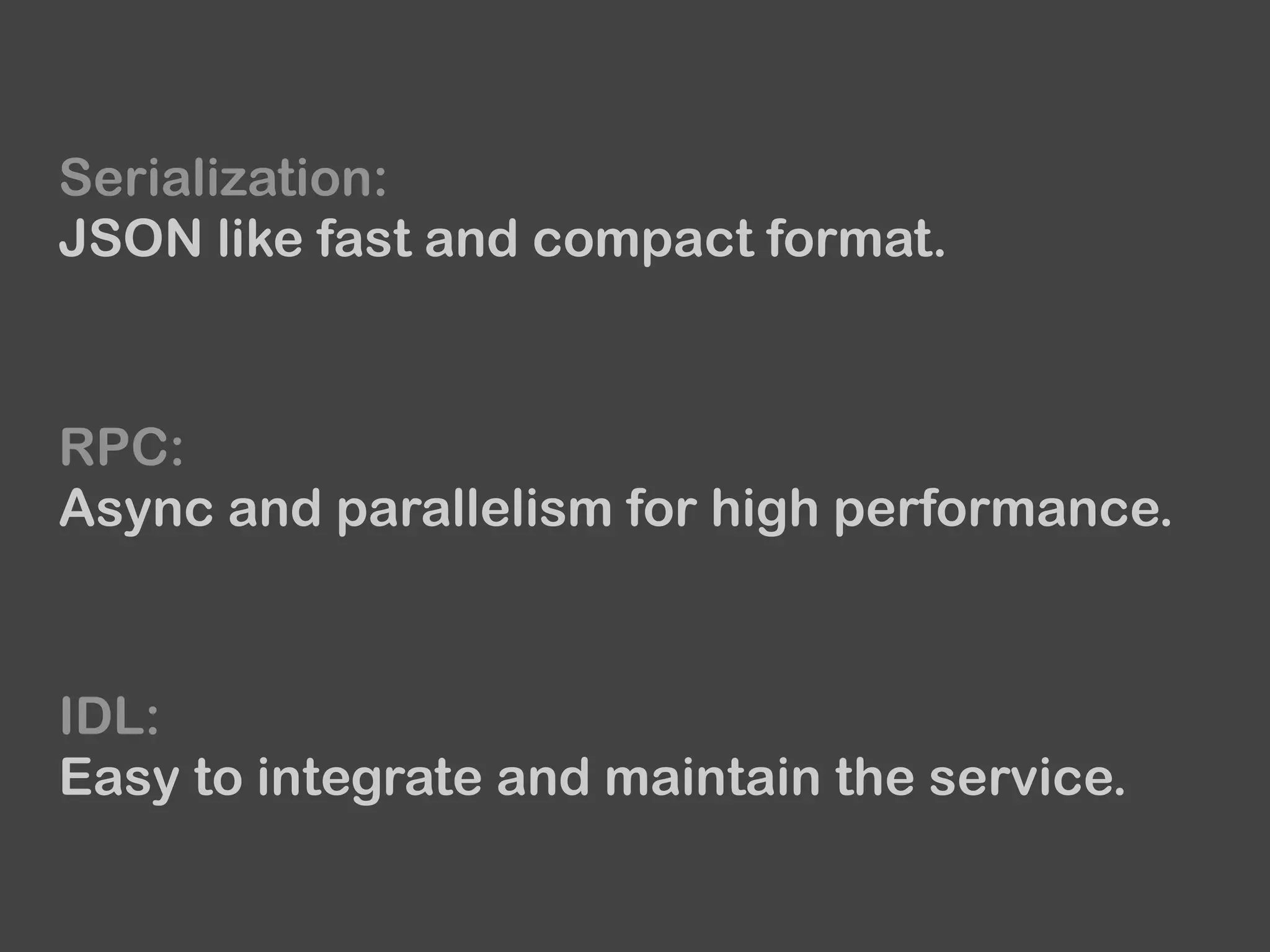
Serialization:
JSON like fast and compact format.
RPC:
Async and parallelism for high performance.
IDL:
Easy to integrate and maintain the service.
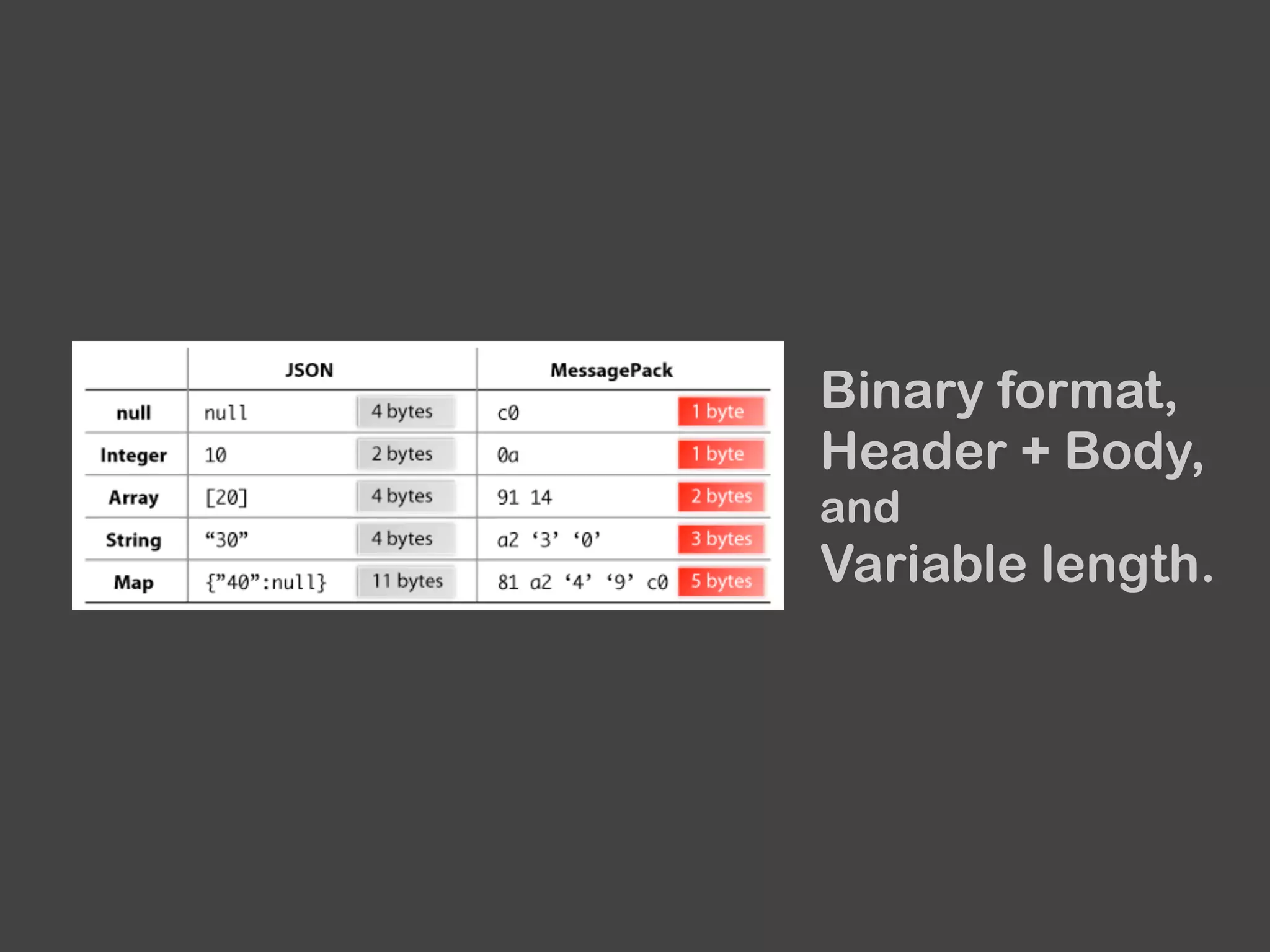
Binary format,
Header + Body,
and
Variable length.
Note that Ruby version can’t handle
a Time object natively.
So, we use an Integer object , second unit,
instead of a Time for now.
Since v0.14, Fluentd supports nano-second
unit with new EventTime object.

https://github.com/fluent/fluentd/pull/653
Source:
github.com/msgpack
Wiki:
wiki.msgpack.org/display/MSGPACK
Mailing List:
groups.google.com/group/msgpack
Cool.io
coolio.github.com
Event driven framework built on top of libev.
Cool.io has Loop and Watchers with
Transport wrappers.
Lots of input plugins use cool.io.
Configuration
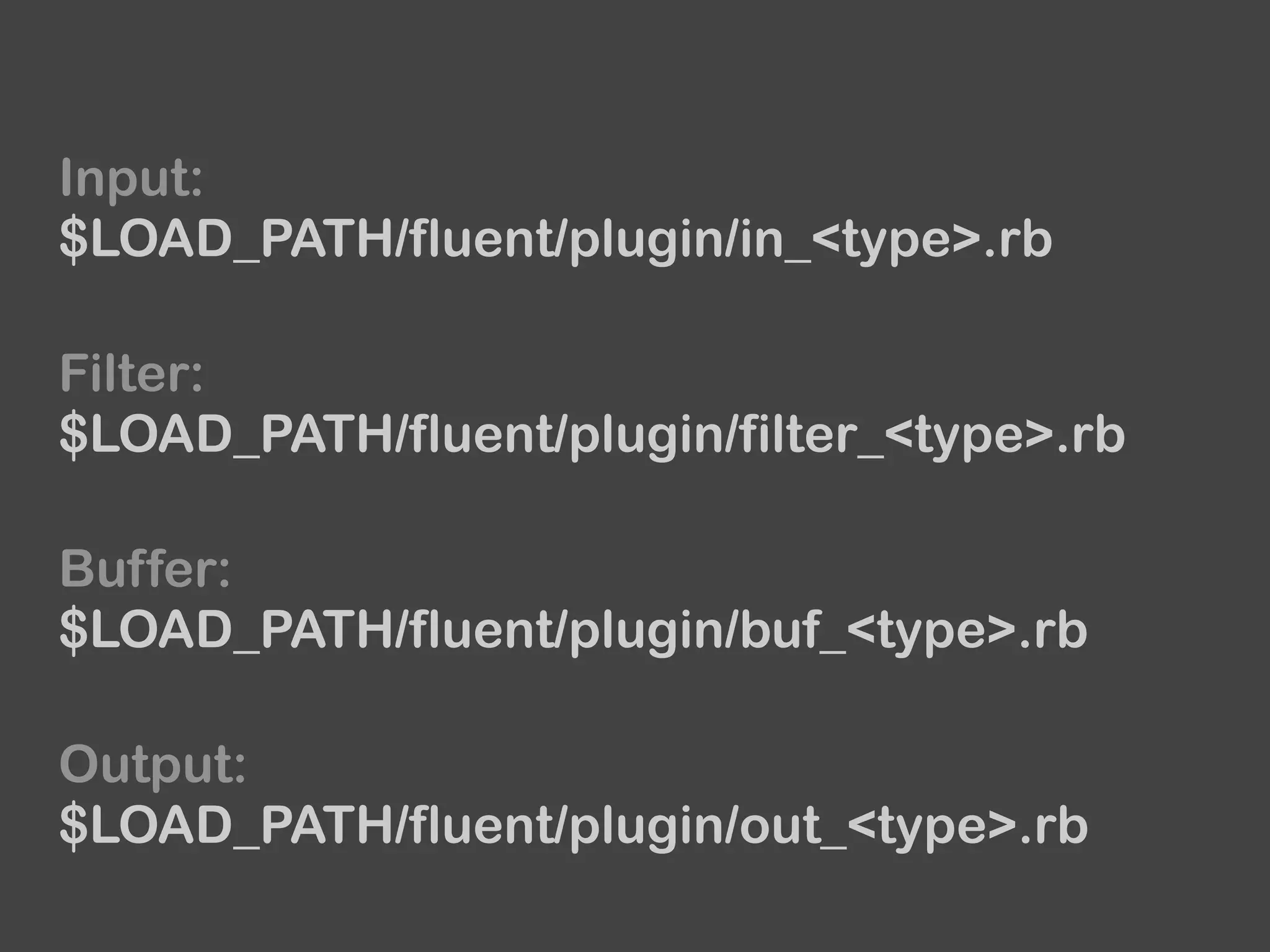
Fluentd loads plugins from $LOAD_PATH.
Input:
$LOAD_PATH/fluent/plugin/in_<type>.rb
Buffer:
$LOAD_PATH/fluent/plugin/buf_<type>.rb
Output:
$LOAD_PATH/fluent/plugin/out_<type>.rb
Filter:
$LOAD_PATH/fluent/plugin/filter_<type>.rb
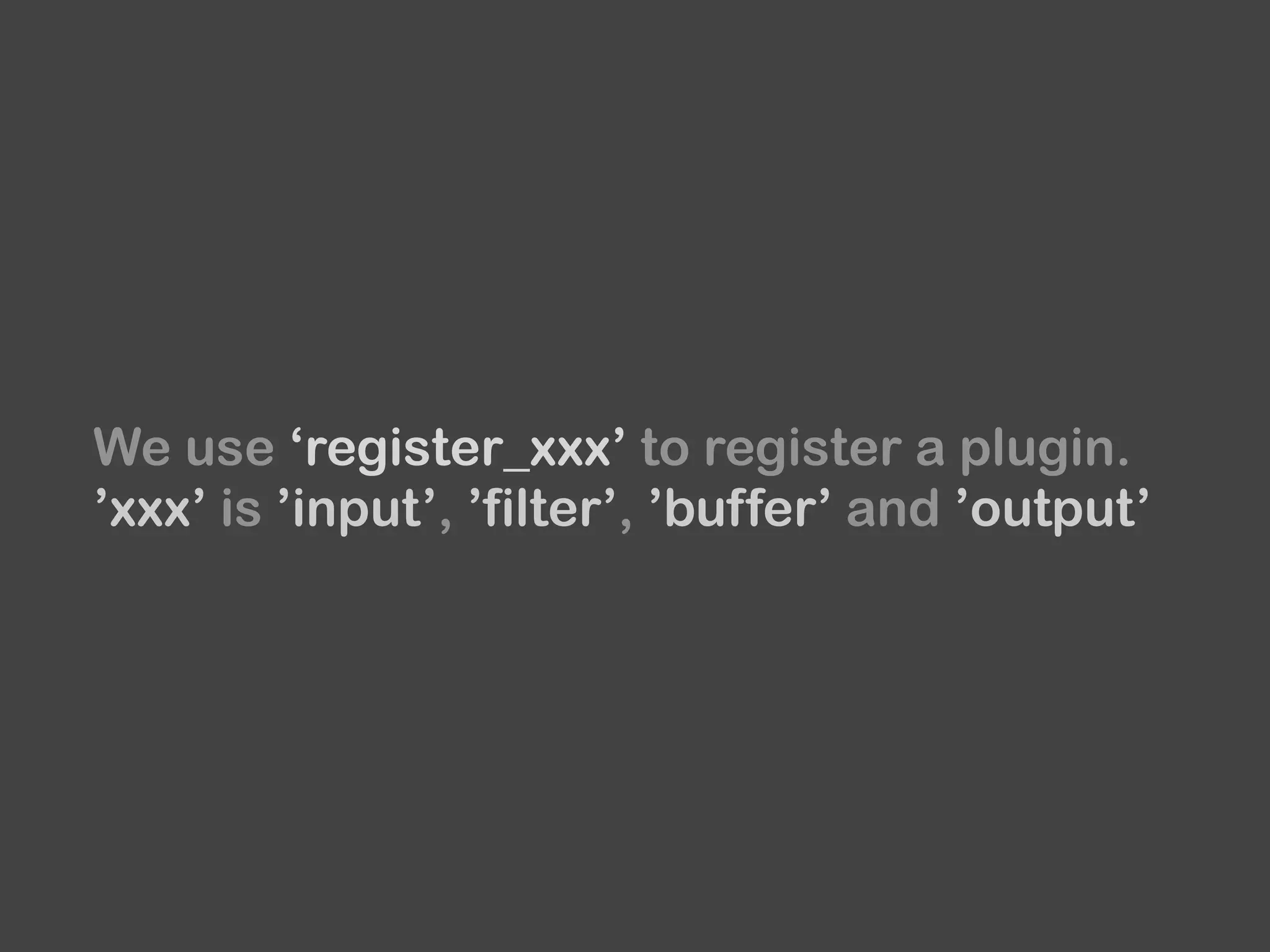
We use ‘register_xxx’ to register a plugin.
’xxx’ is ’input’, ’filter’, ’buffer’ and ’output’
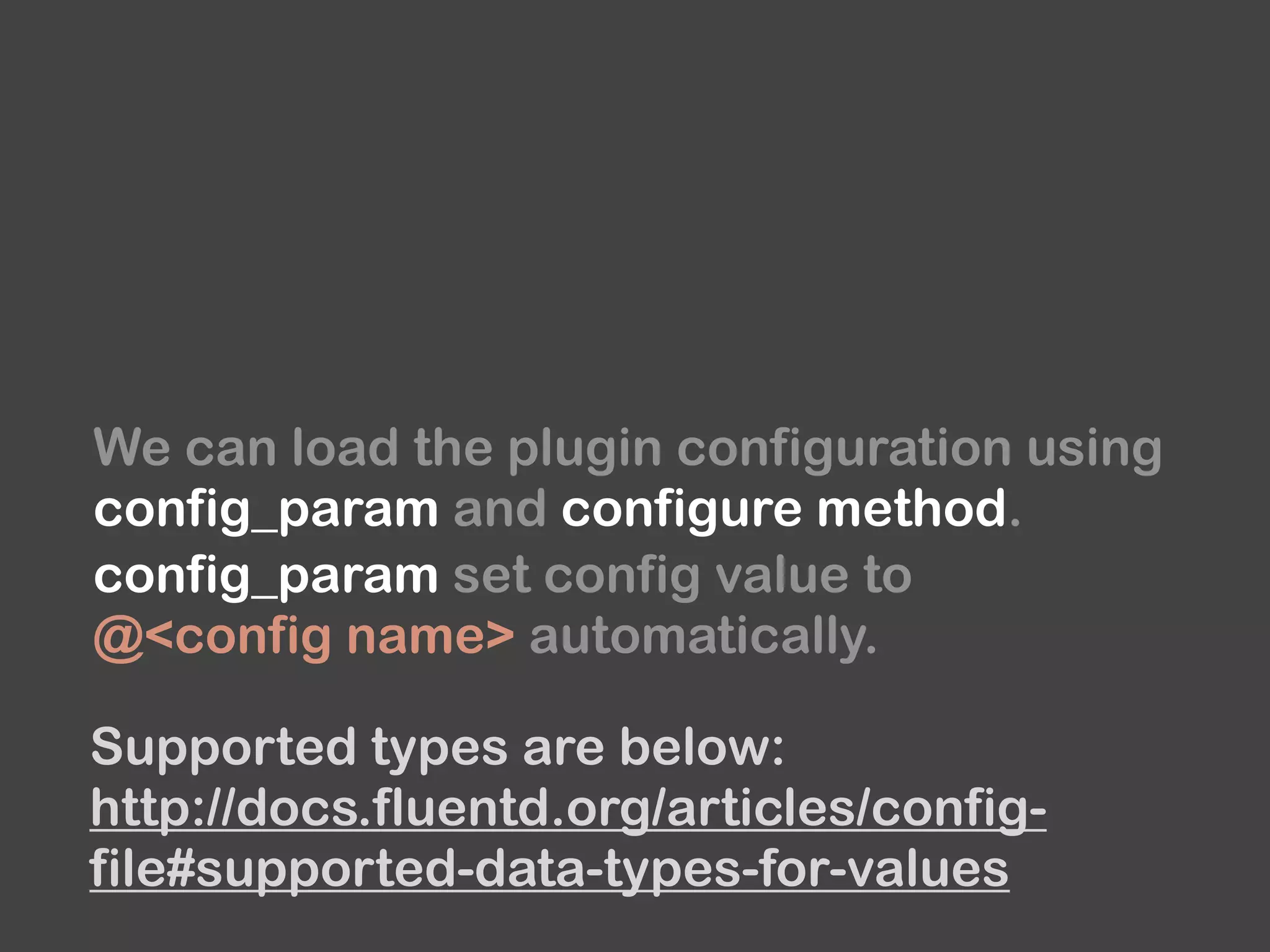
We can load the plugin configuration using

config_param and configure method.
config_param set config value to
@<config name> automatically.
Supported types are below:
http://docs.fluentd.org/articles/config-
file#supported-data-types-for-values
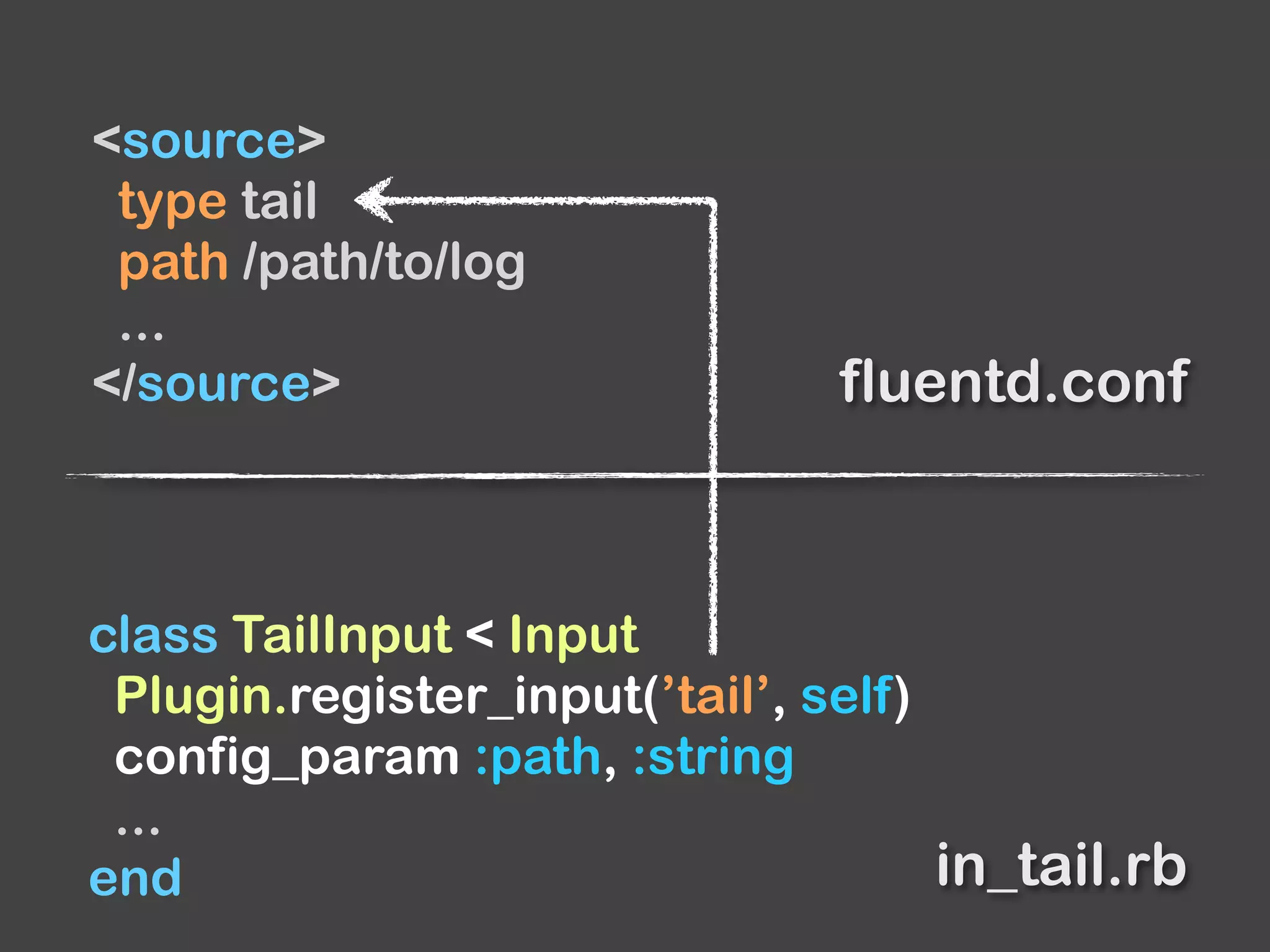
class TailInput < Input
Plugin.register_input(’tail’, self)
config_param :path, :string
...
end
<source>
type tail
path /path/to/log
...
</source> fluentd.conf
in_tail.rb
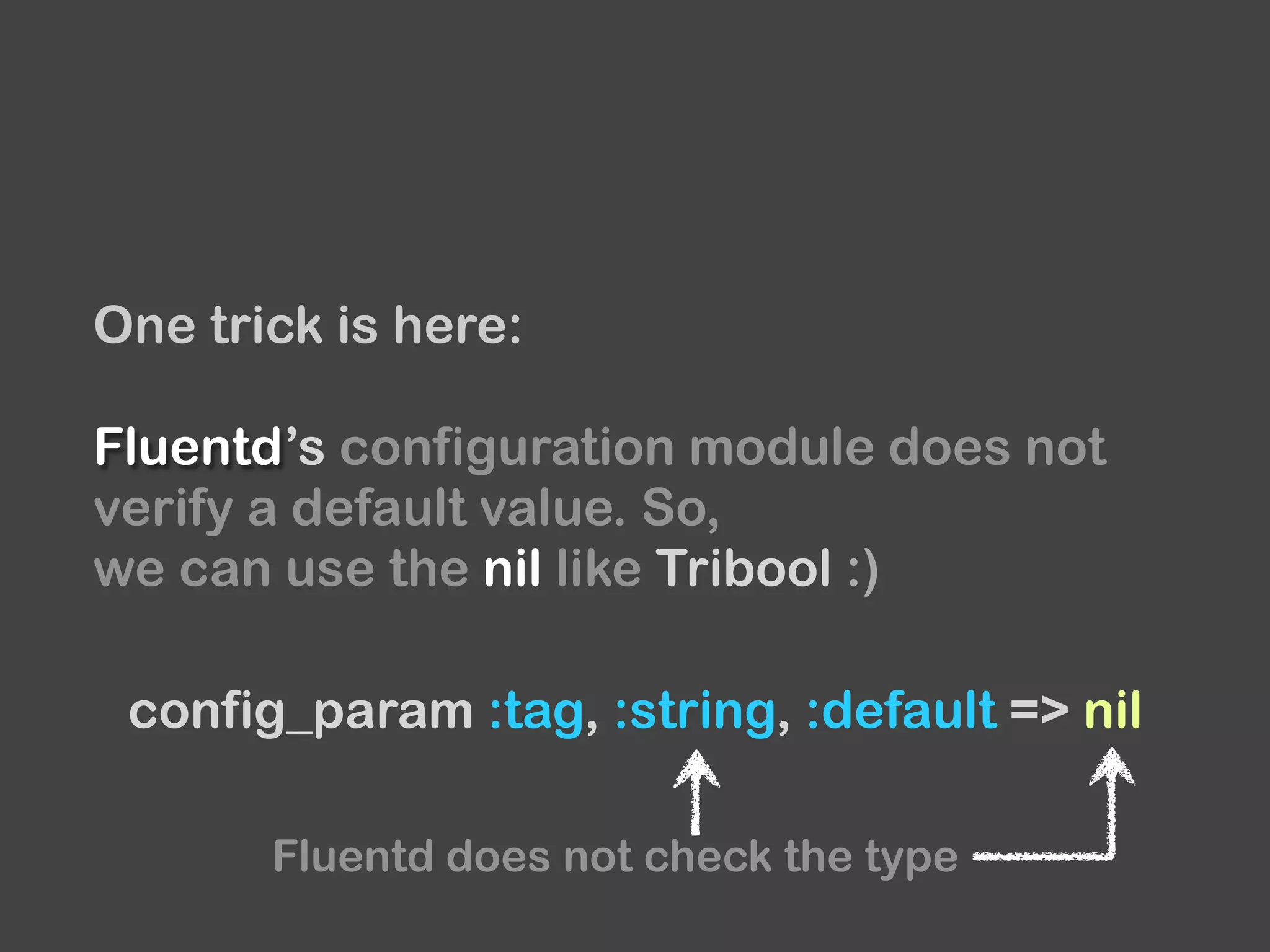
One trick is here:
Fluentd’s configuration module does not
verify a default value. So,
we can use the nil like Tribool :)
config_param :tag, :string, :default => nil
Fluentd does not check the type
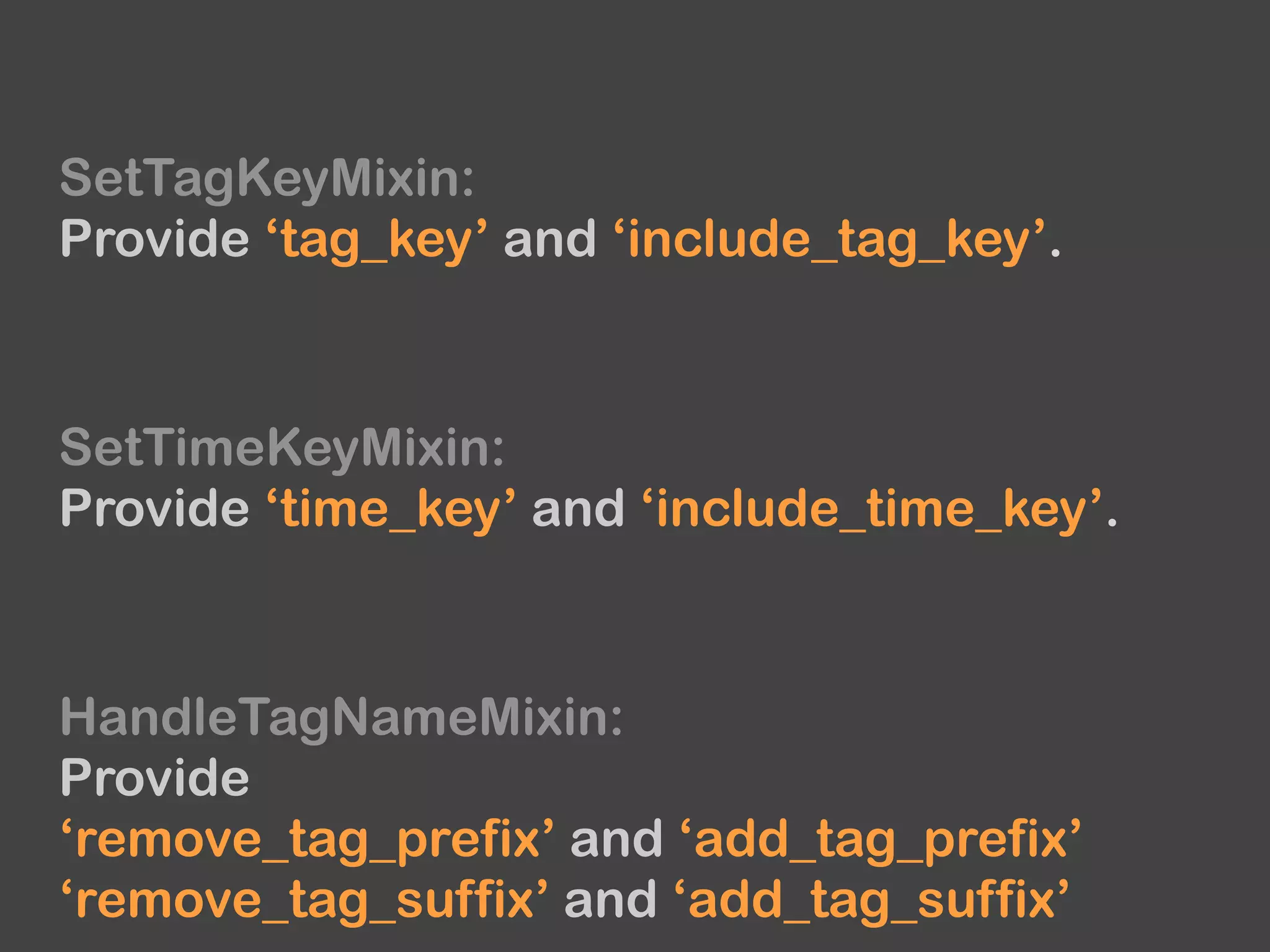
Fluentd provides some useful mixins for
input and output plugins.
SetTagKeyMixin:
Provide ‘tag_key’ and ‘include_tag_key’.
SetTimeKeyMixin:
Provide ‘time_key’ and ‘include_time_key’.
HandleTagNameMixin:
Provide
‘remove_tag_prefix’ and ‘add_tag_prefix’
‘remove_tag_suffix’ and ‘add_tag_suffix’
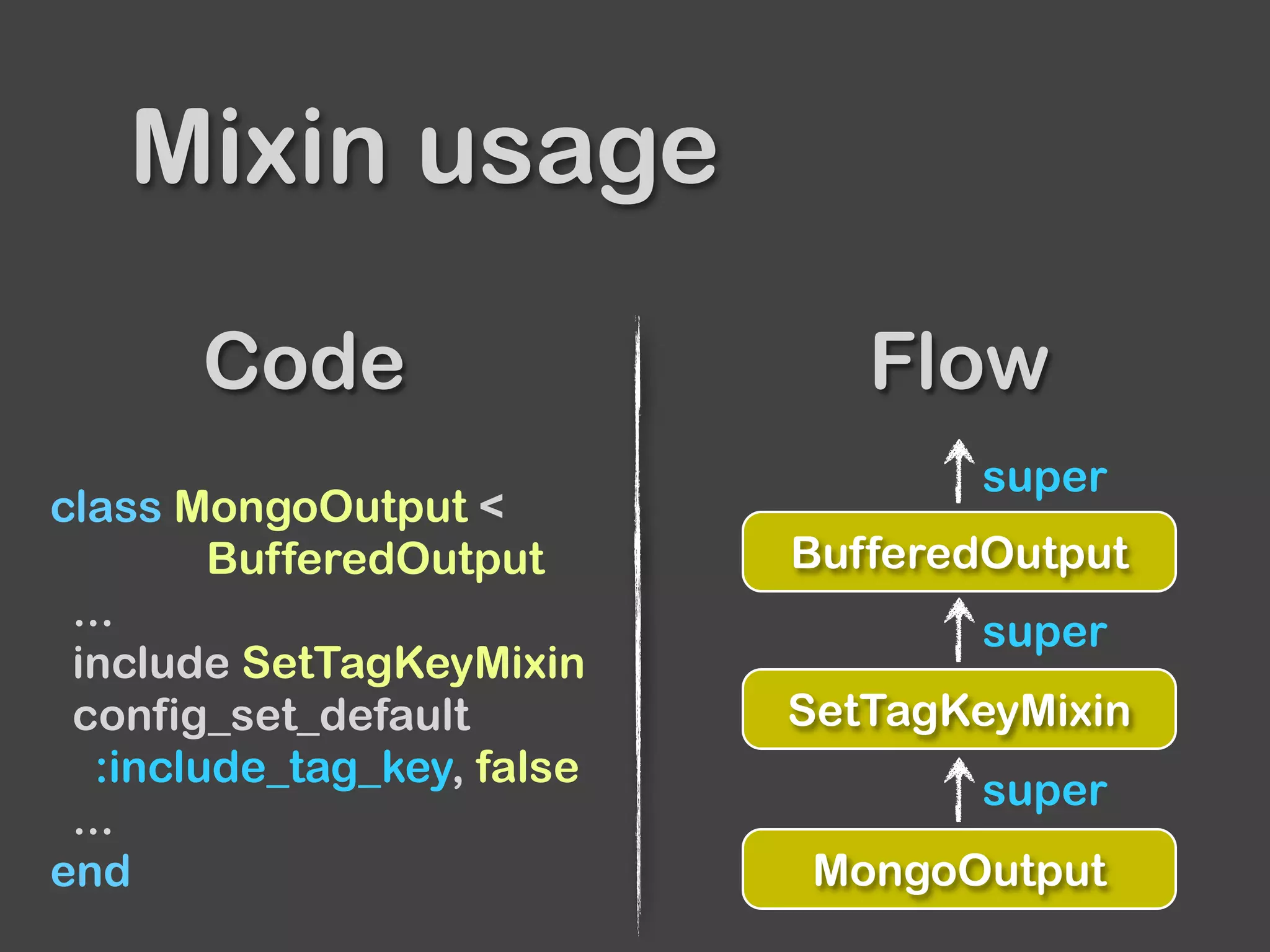
Code Flow
Mixin usage
class MongoOutput <
BufferedOutput
...
include SetTagKeyMixin
config_set_default
:include_tag_key, false
...
end MongoOutput
SetTagKeyMixin
BufferedOutput
super
super
super
Input
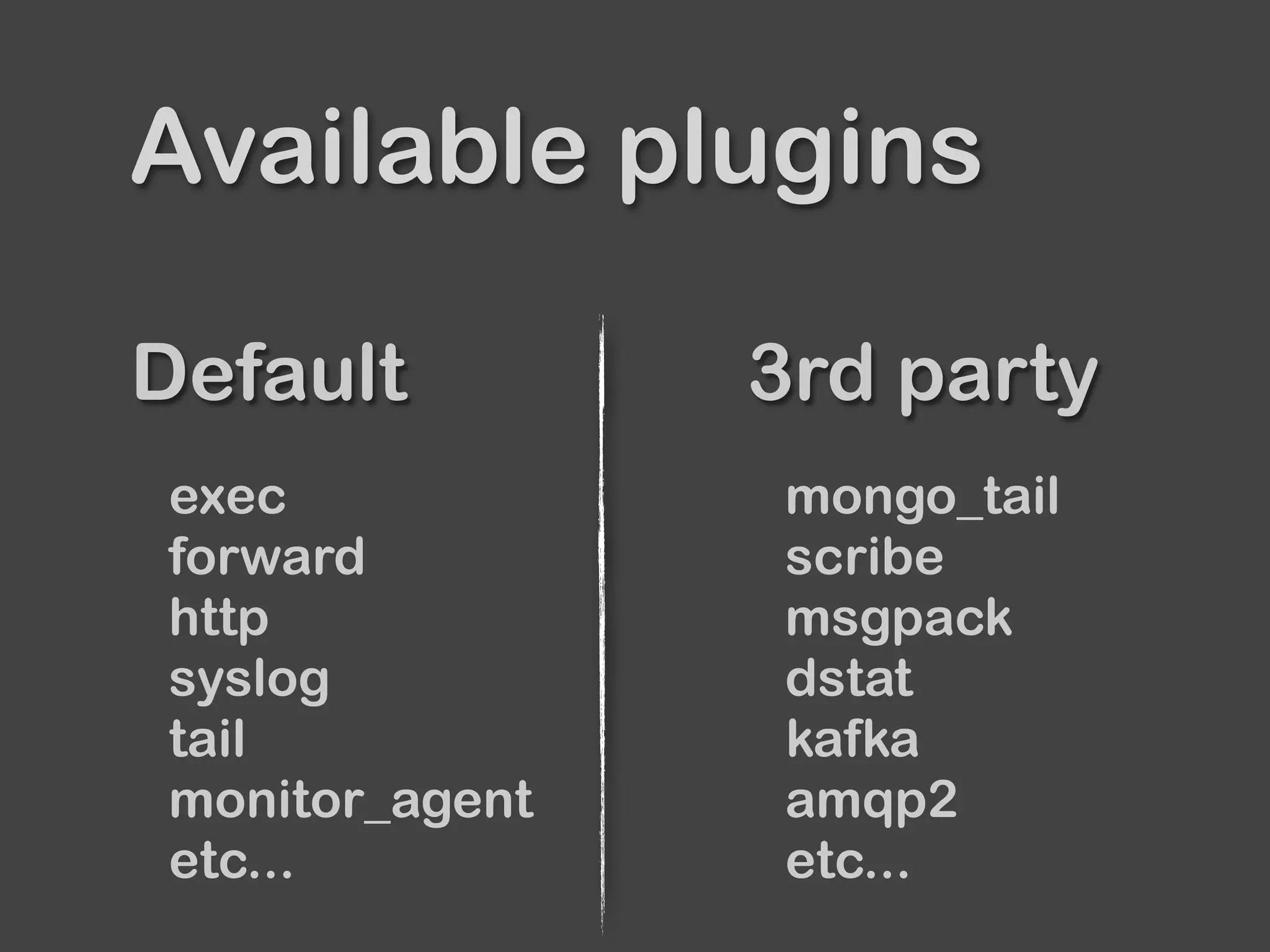
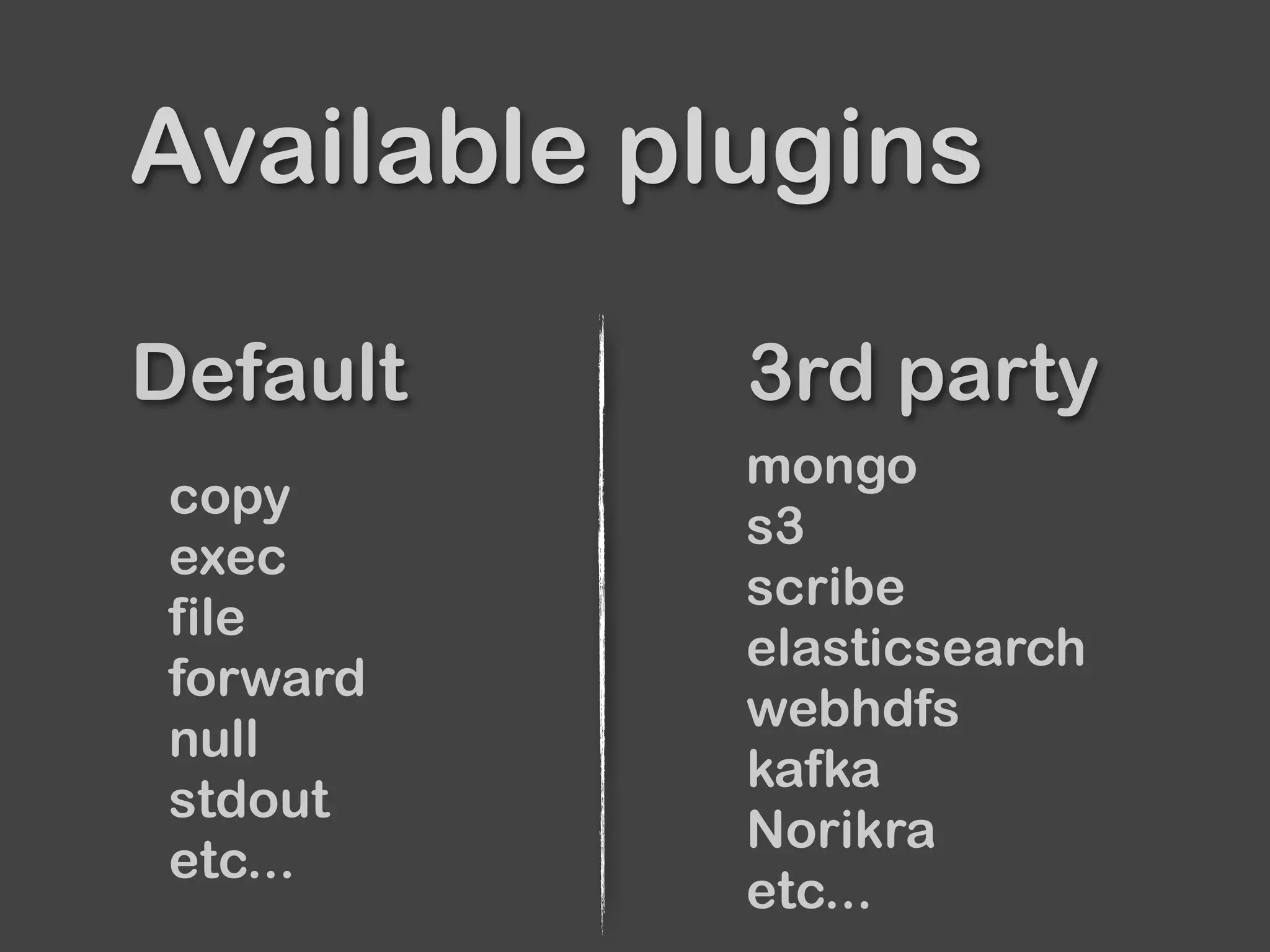
Default 3rd party
Available plugins
exec
forward
http
syslog
tail
monitor_agent
etc...
mongo_tail
scribe
msgpack
dstat
kafka
amqp2
etc...
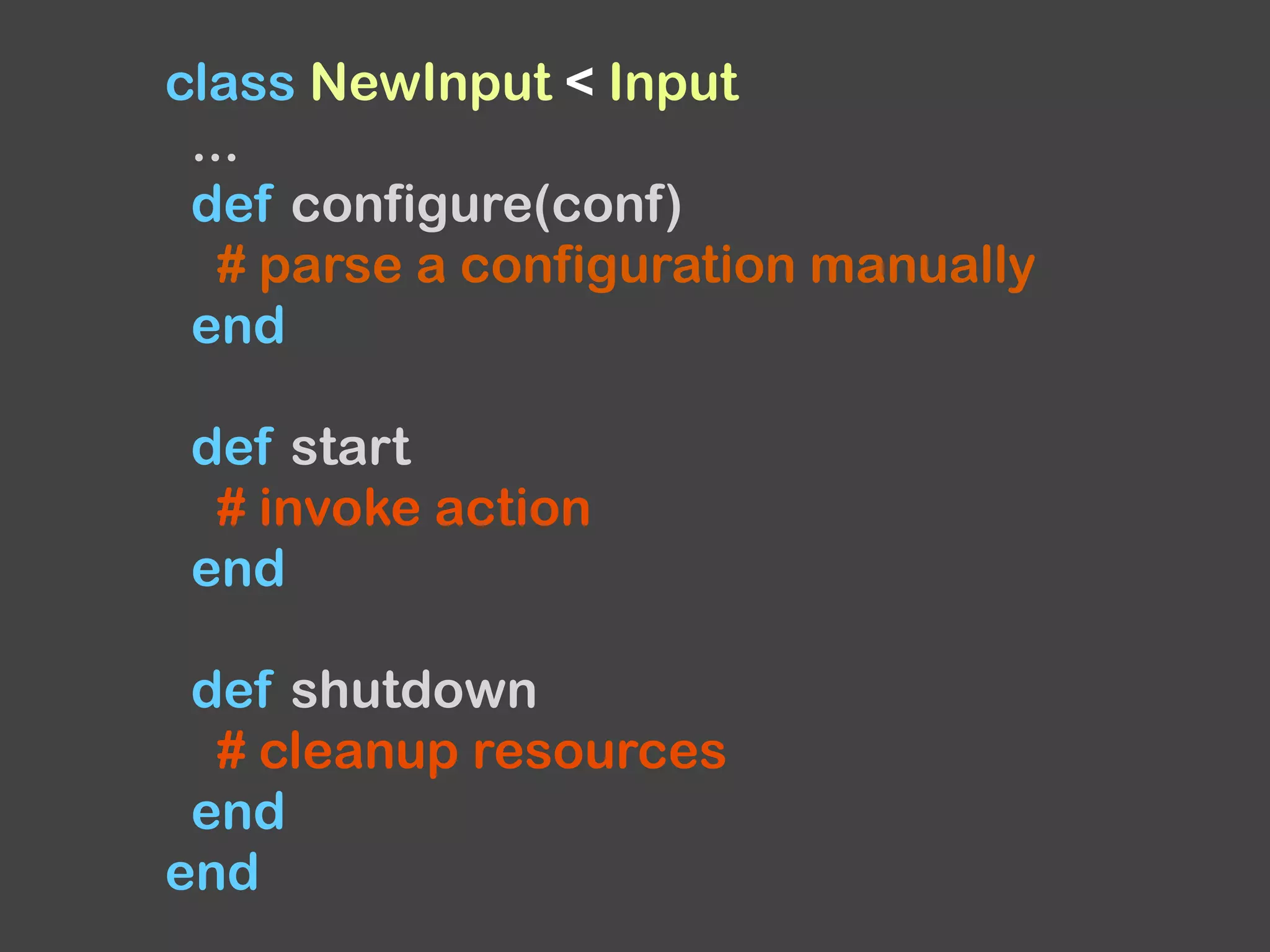
class NewInput < Input
...
def configure(conf)
# parse a configuration manually
end
def start
# invoke action
end
def shutdown
# cleanup resources
end
end
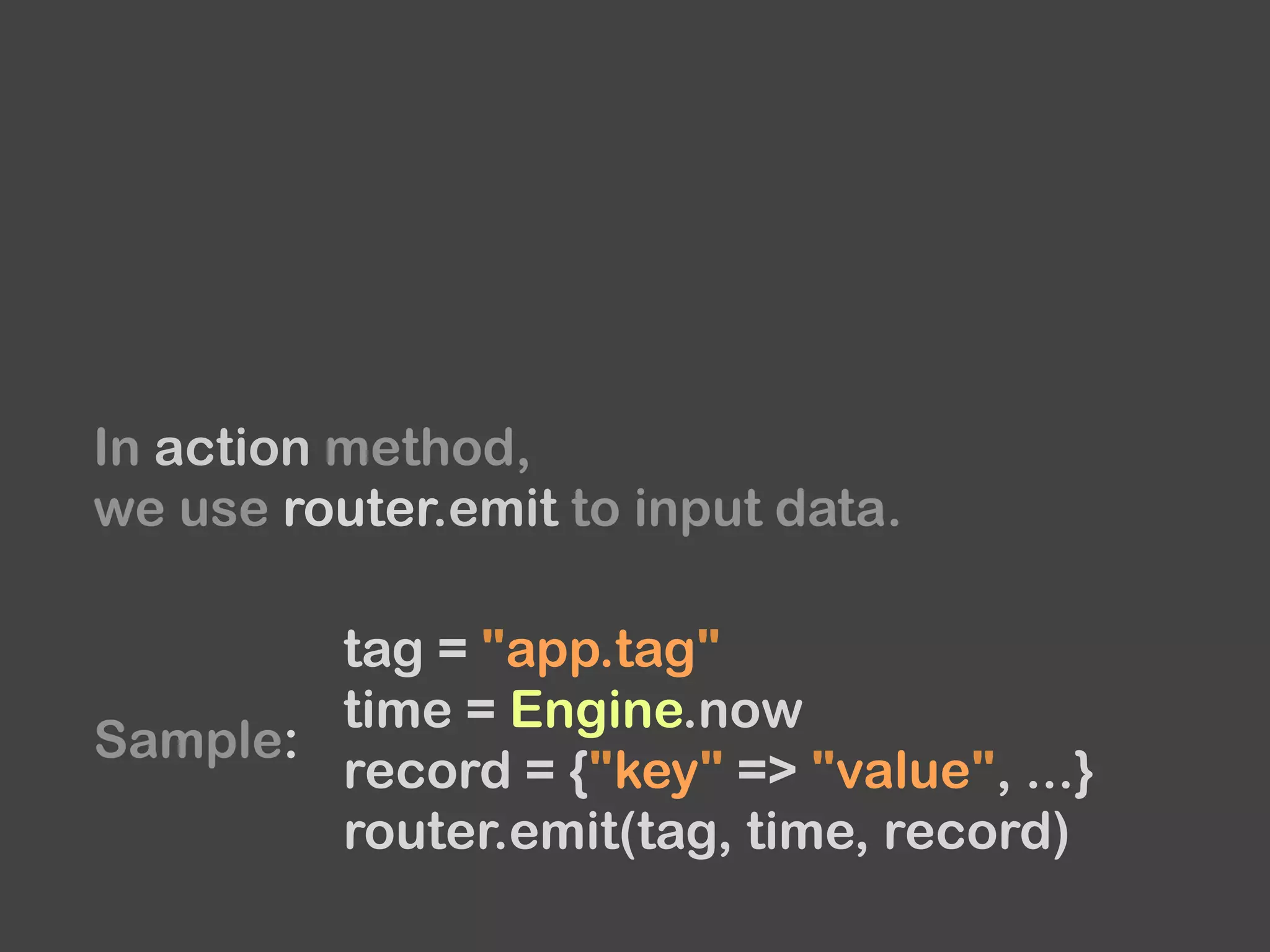
In action method,
we use router.emit to input data.
tag = "app.tag"
time = Engine.now
record = {"key" => "value", ...}
router.emit(tag, time, record)
Sample:
How to read an input in an efficient way?
We use a thread and an event loop.
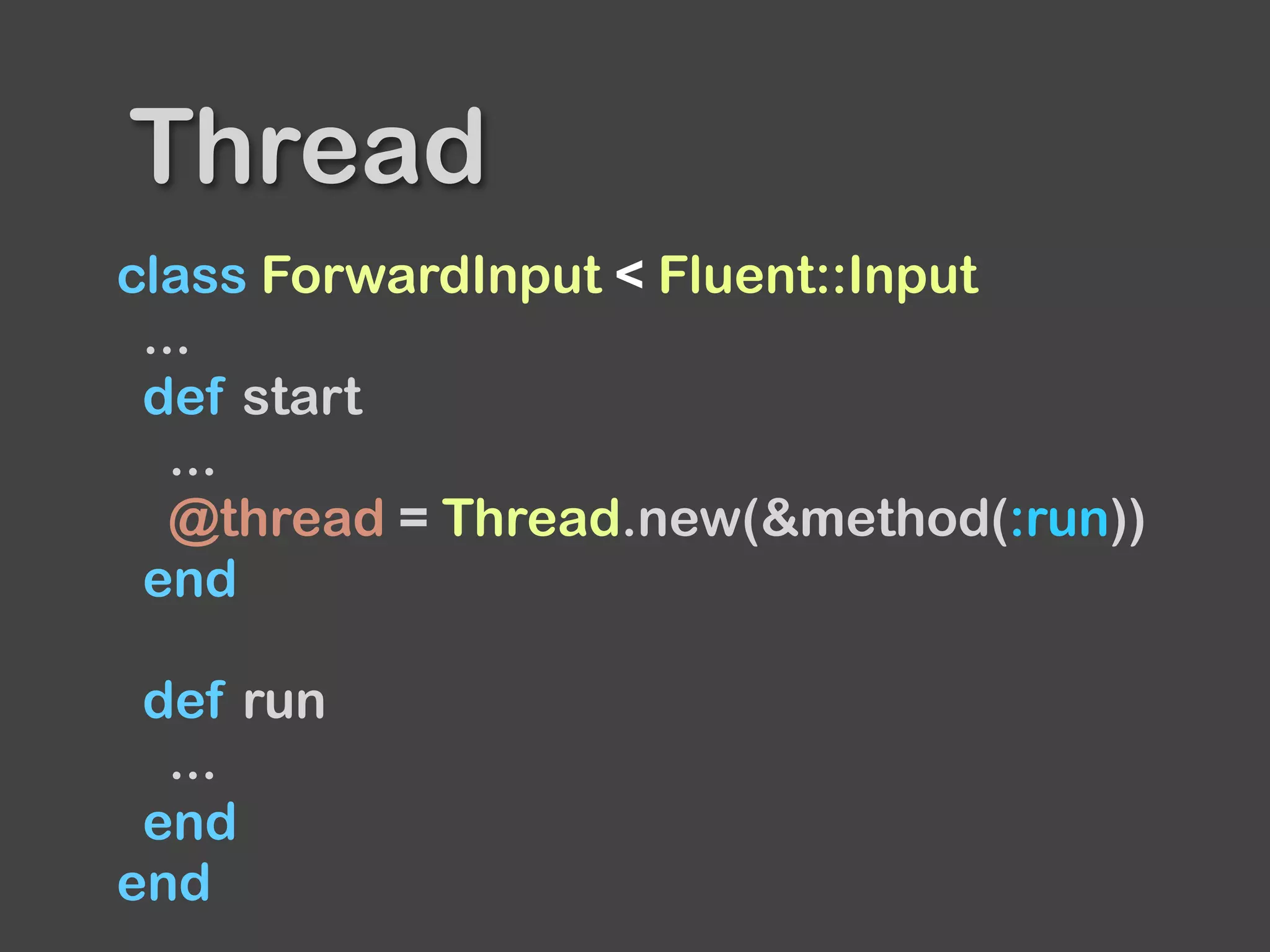
class ForwardInput < Fluent::Input
...
def start
...
@thread = Thread.new(&method(:run))
end
def run
...
end
end
Thread
class ForwardInput < Fluent::Input
...
def start
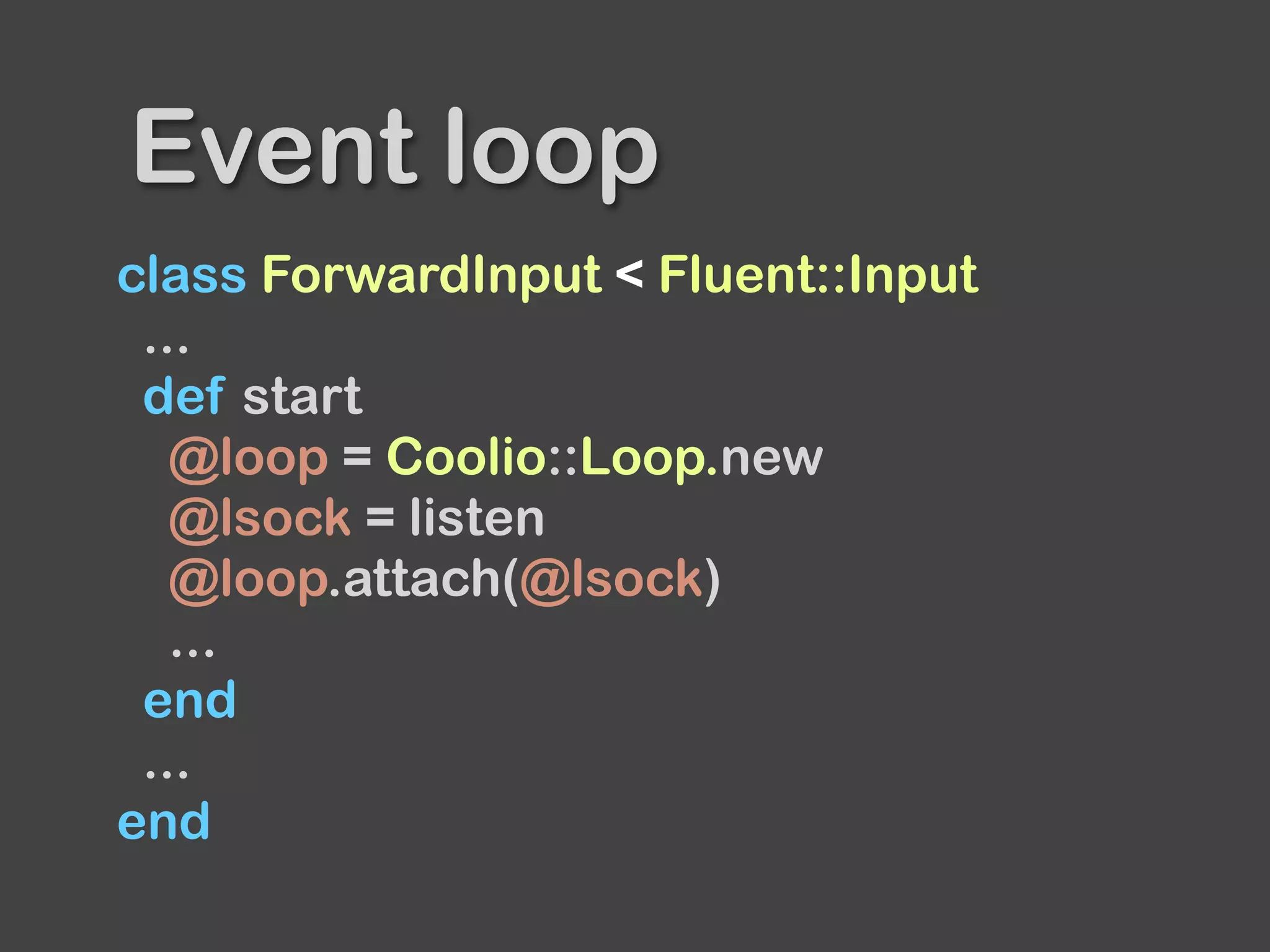
@loop = Coolio::Loop.new
@lsock = listen
@loop.attach(@lsock)
...
end
...
end
Event loop
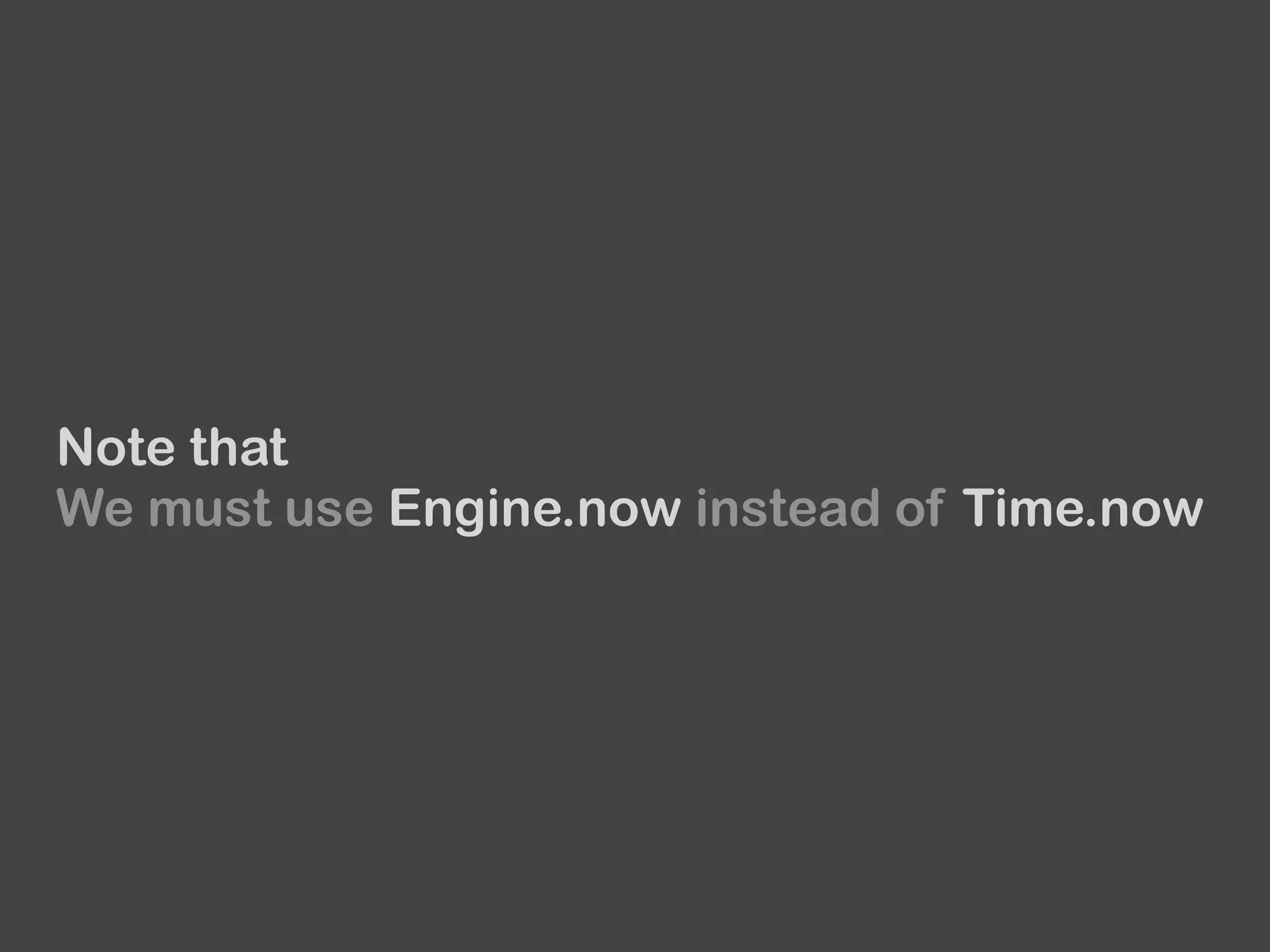
Note that
We must use Engine.now instead of Time.now
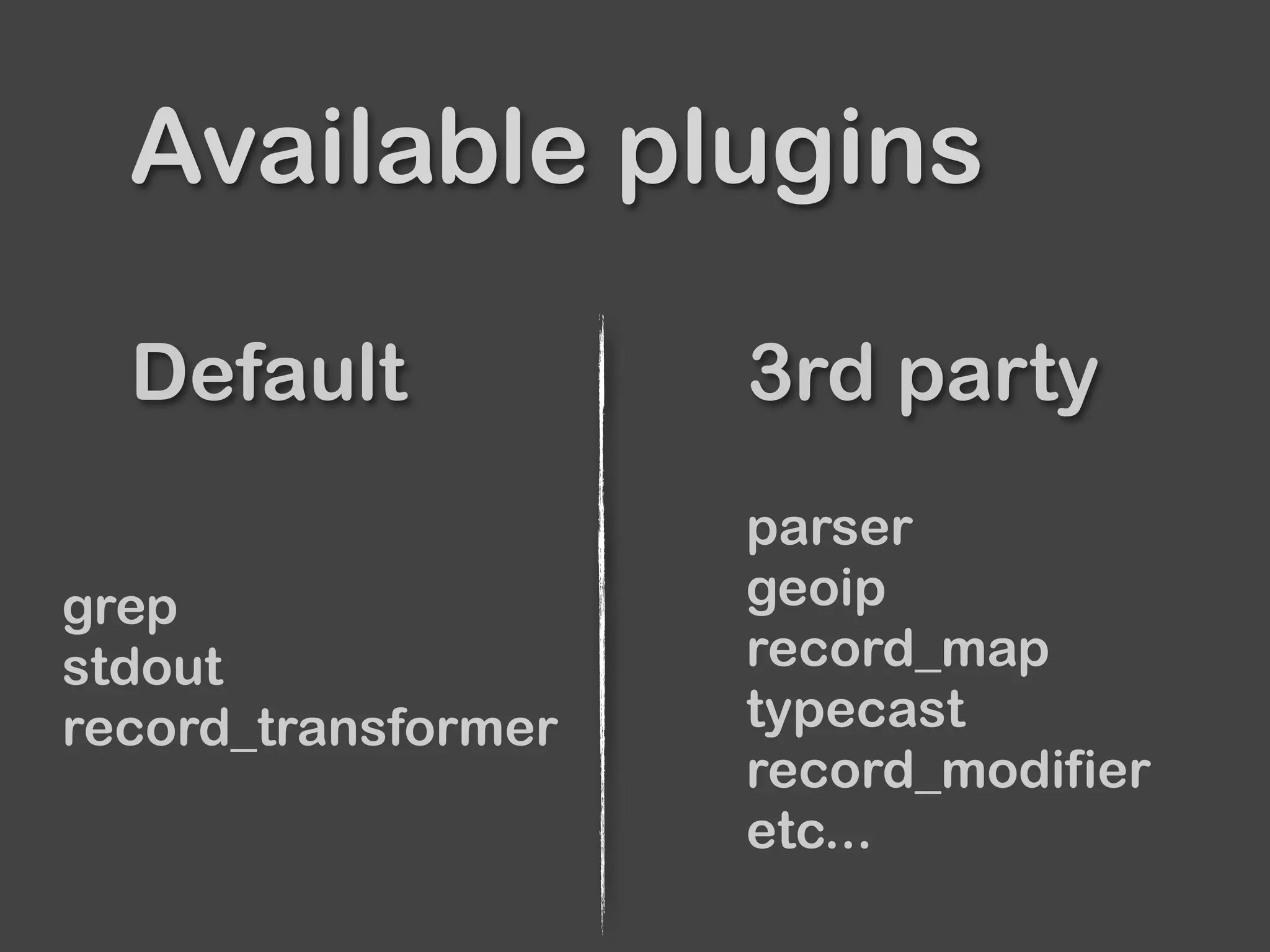
Filter
Default 3rd party
Available plugins
grep
stdout
record_transformer
parser
geoip
record_map
typecast
record_modifier
etc...
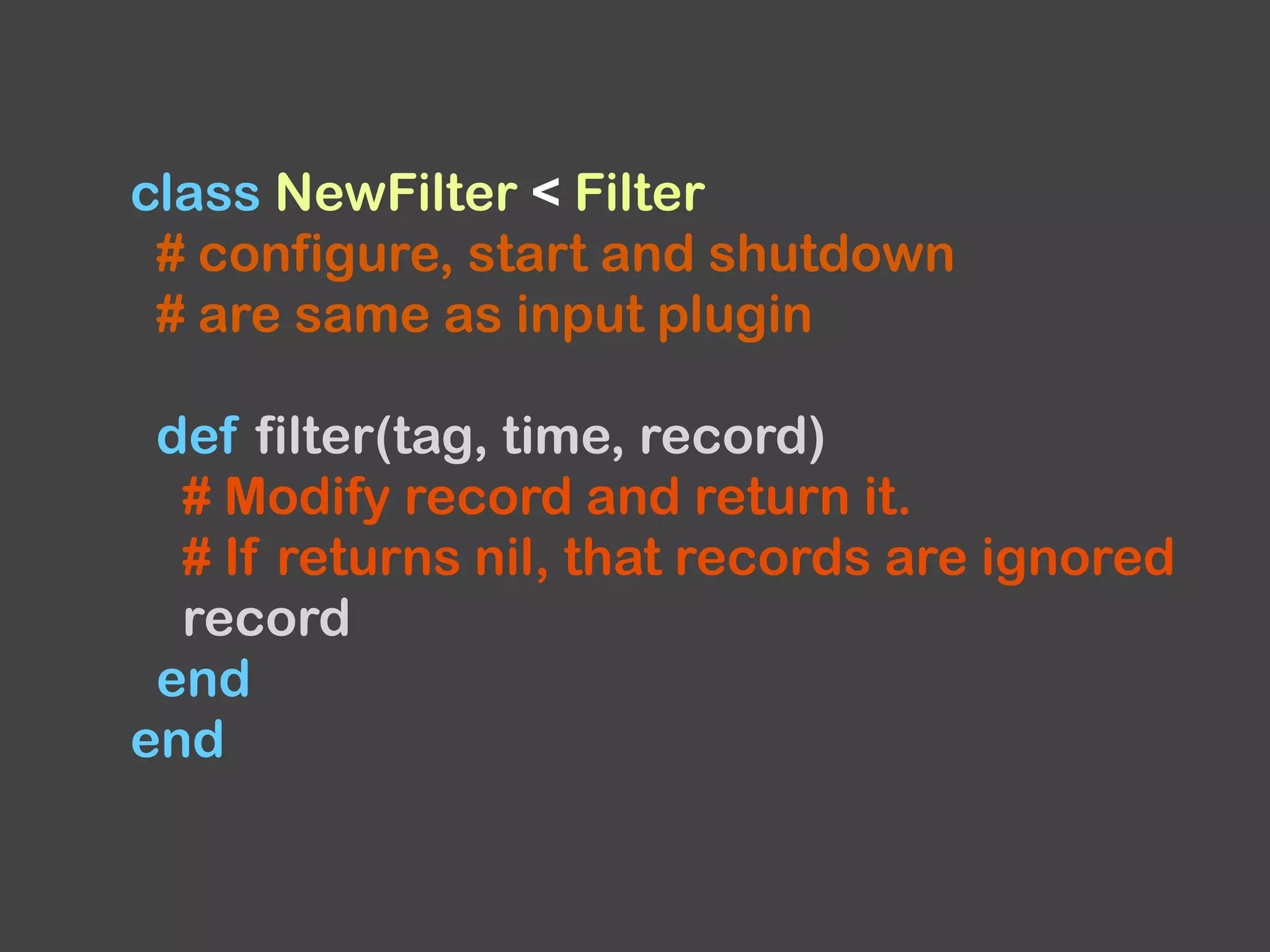
class NewFilter < Filter
# configure, start and shutdown
# are same as input plugin
def filter(tag, time, record)
# Modify record and return it.
# If returns nil, that records are ignored
record
end
end
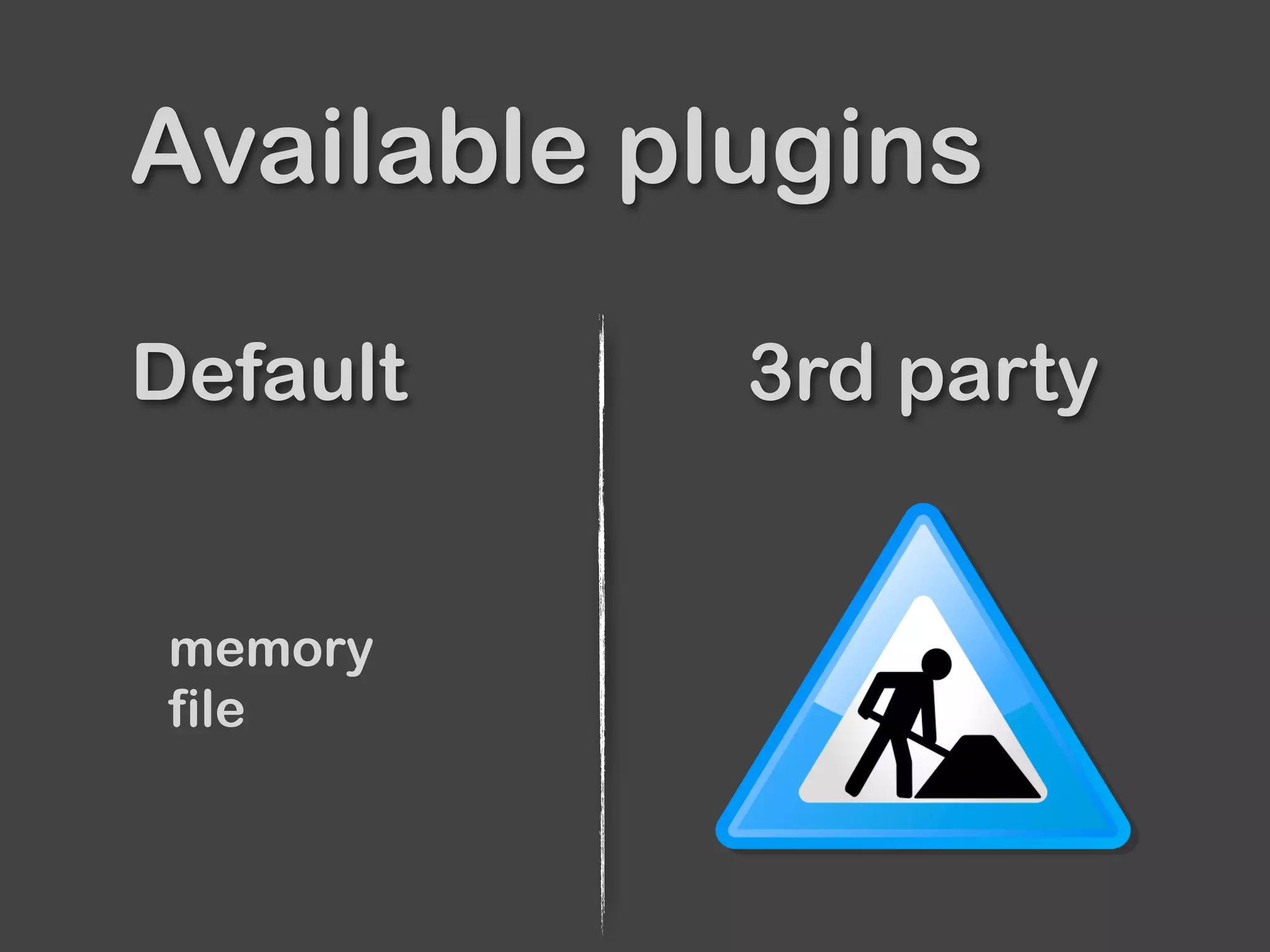
Buffer
Default 3rd party
Available plugins
memory
file
In most cases,
Memory and File are enough.
Memory type is default.
It’s fast but can’t resume data.
File type is persistent type.
It can resume data from file.

TimeSlicedOutput’s default is file.
Output
Default 3rd party
Available plugins
copy
exec
file
forward
null
stdout
etc...
mongo
s3
scribe
elasticsearch
webhdfs
kafka
Norikra
etc...
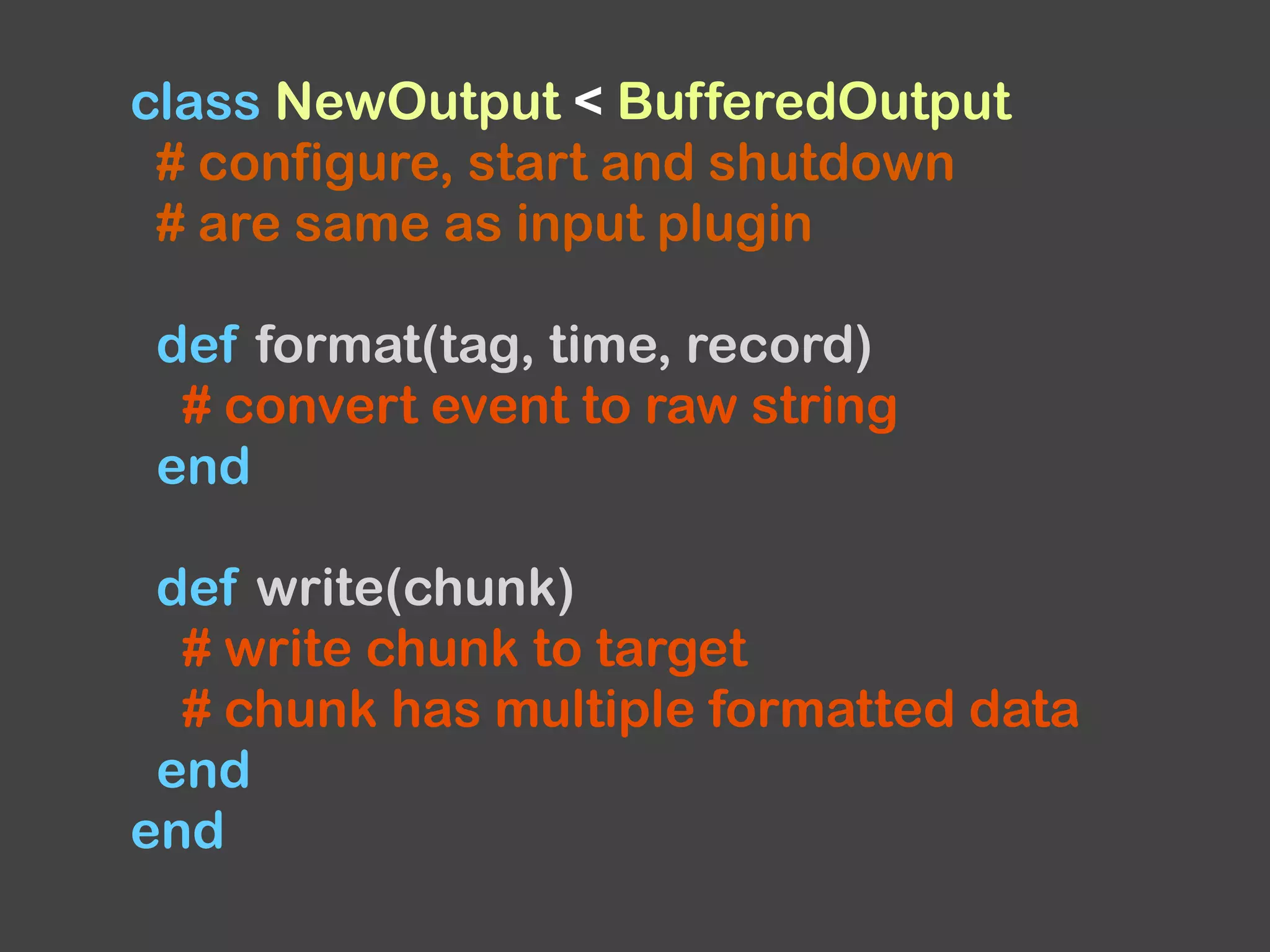
class NewOutput < BufferedOutput
# configure, start and shutdown
# are same as input plugin
def format(tag, time, record)
# convert event to raw string
end
def write(chunk)
# write chunk to target
# chunk has multiple formatted data
end
end
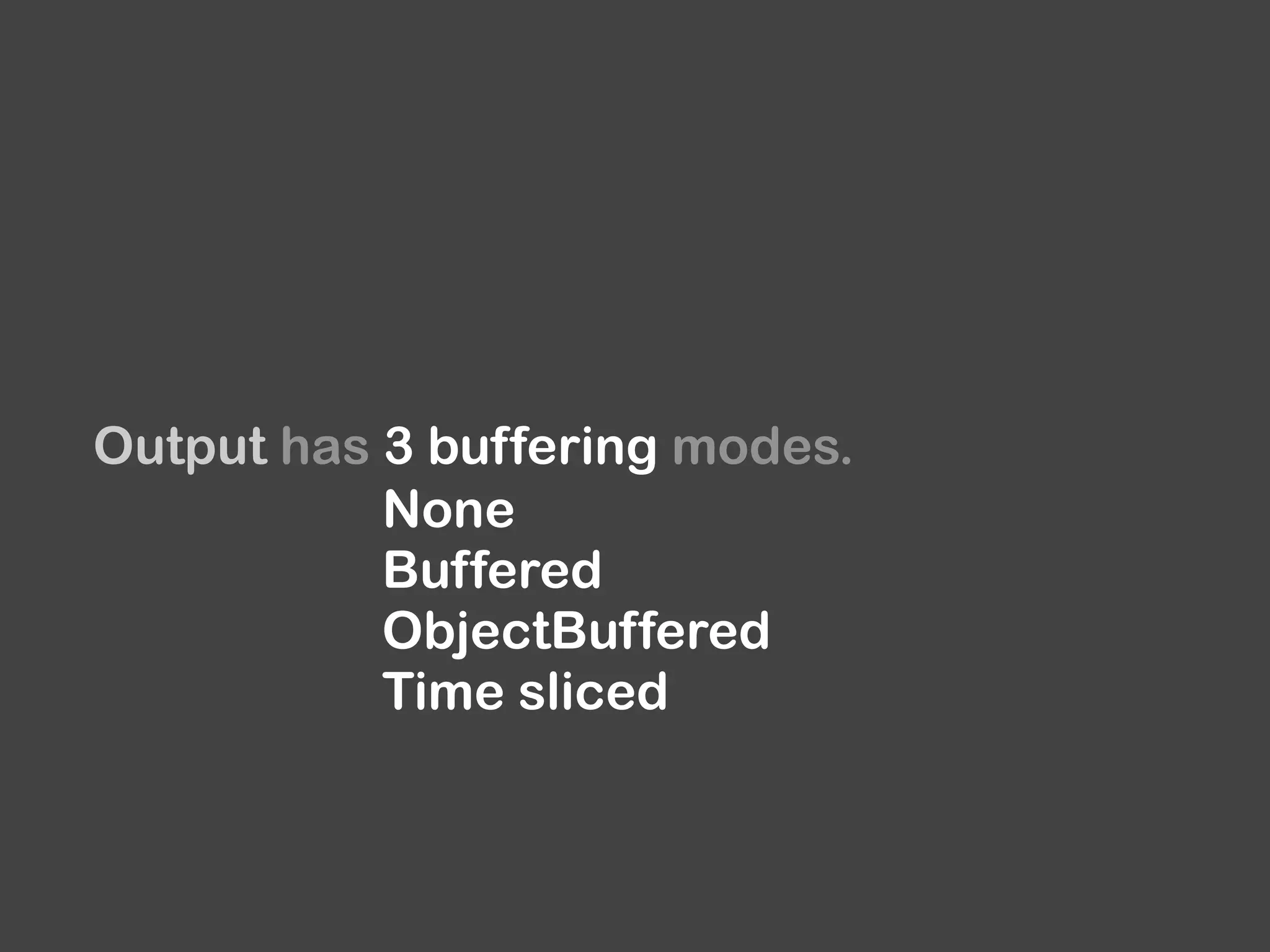
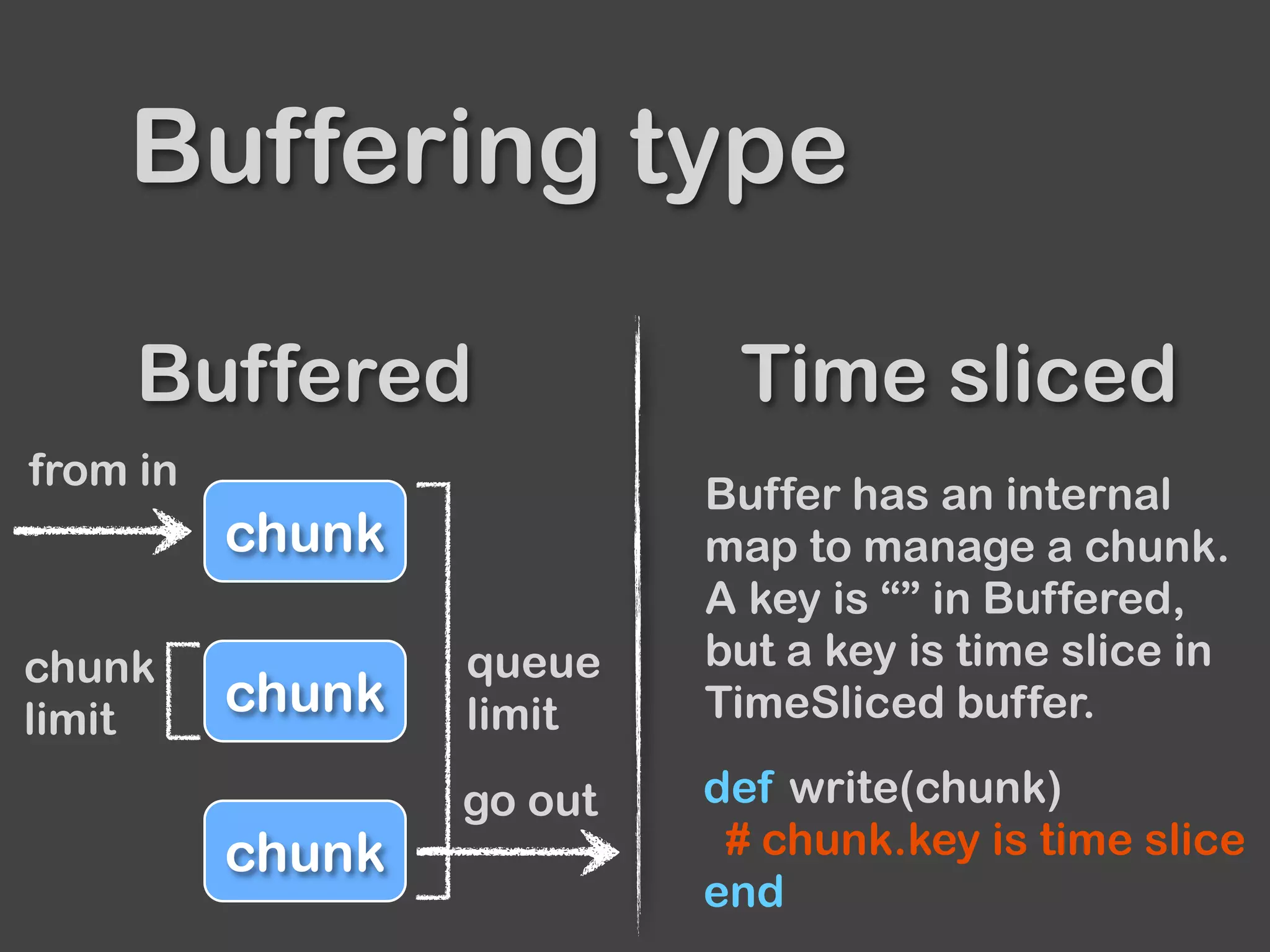
Output has 3 buffering modes.
None
Buffered
ObjectBuffered
Time sliced
Buffered Time sliced
Buffering type
chunk
go out
chunk
chunk
from in
chunk
limit
queue
limit
Buffer has an internal
map to manage a chunk.
A key is “” in Buffered,
but a key is time slice in
TimeSliced buffer.
def write(chunk)
# chunk.key is time slice
end
Test
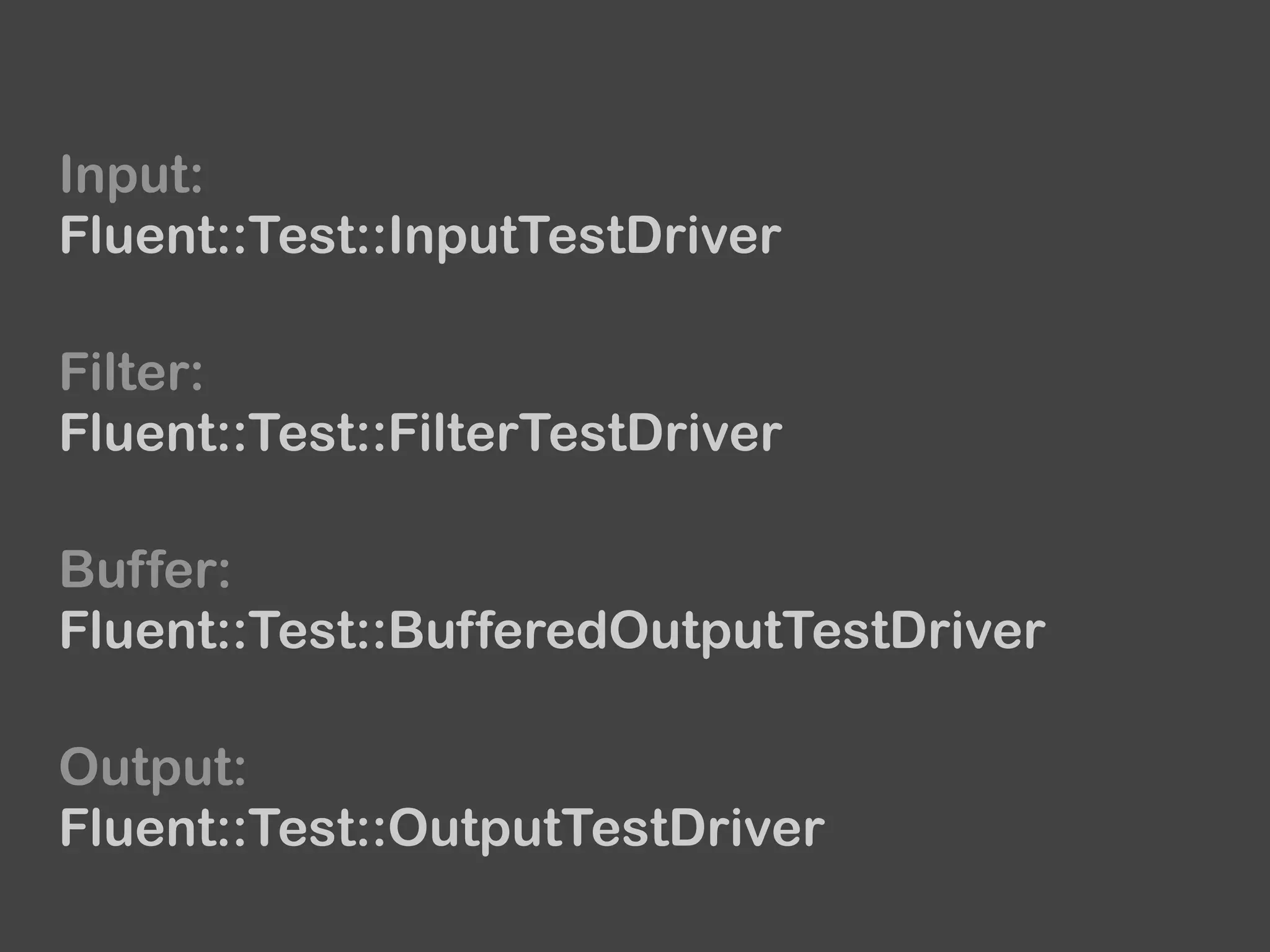
Input:
Fluent::Test::InputTestDriver
Buffer:
Fluent::Test::BufferedOutputTestDriver
Output:
Fluent::Test::OutputTestDriver
Filter:
Fluent::Test::FilterTestDriver
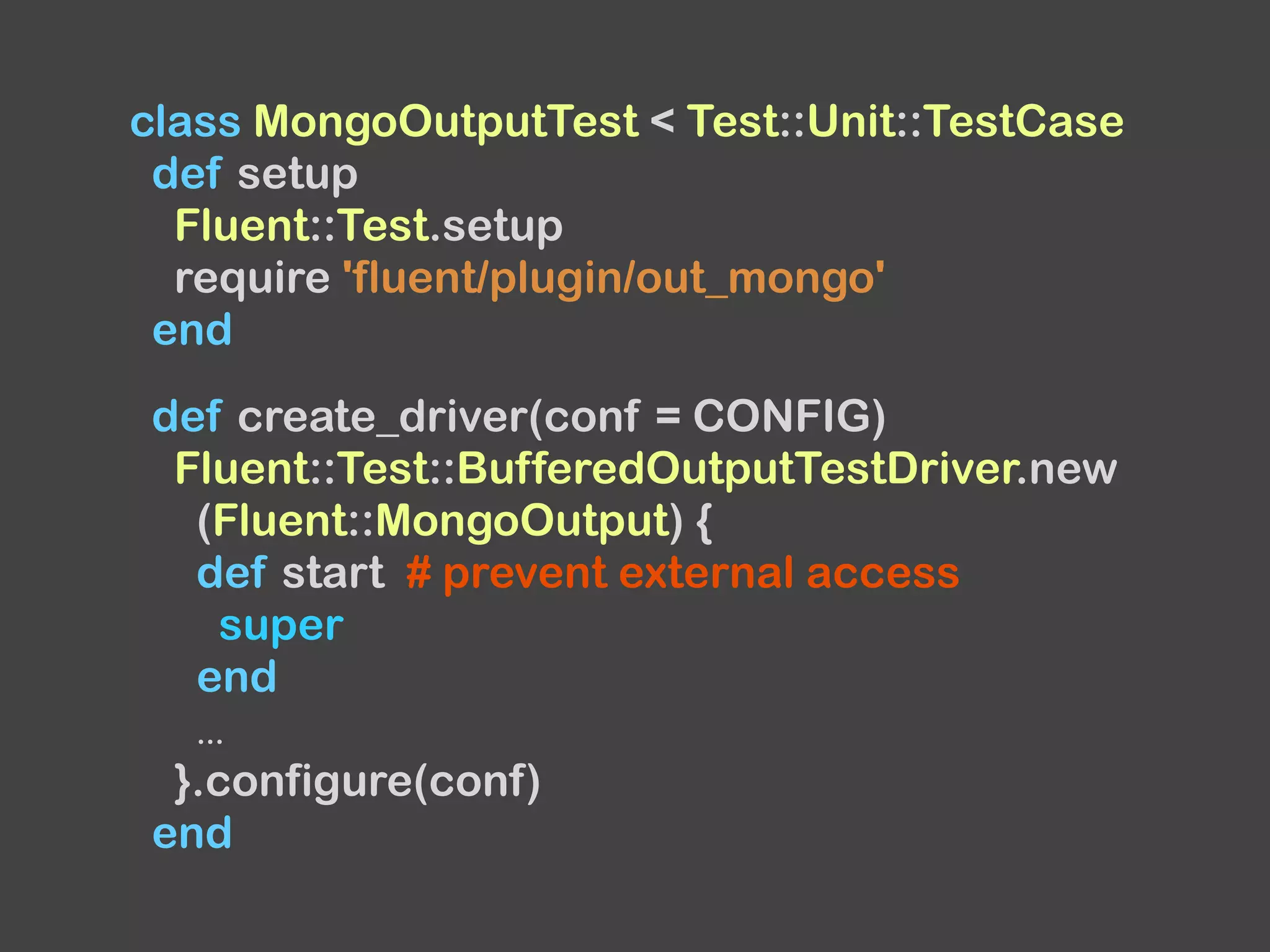
class MongoOutputTest < Test::Unit::TestCase
def setup
Fluent::Test.setup
require 'fluent/plugin/out_mongo'
end
def create_driver(conf = CONFIG)
Fluent::Test::BufferedOutputTestDriver.new
(Fluent::MongoOutput) {
def start # prevent external access
super
end
...
}.configure(conf)
end
...
def test_format
# test format using emit and expect_format
end
def test_write
d = create_driver
t = emit_documents(d)
# return a result of write method
collection_name, documents = d.run
assert_equal([{...}, {...}, ...], documents)
assert_equal('test', collection_name)
end
...
end
Release
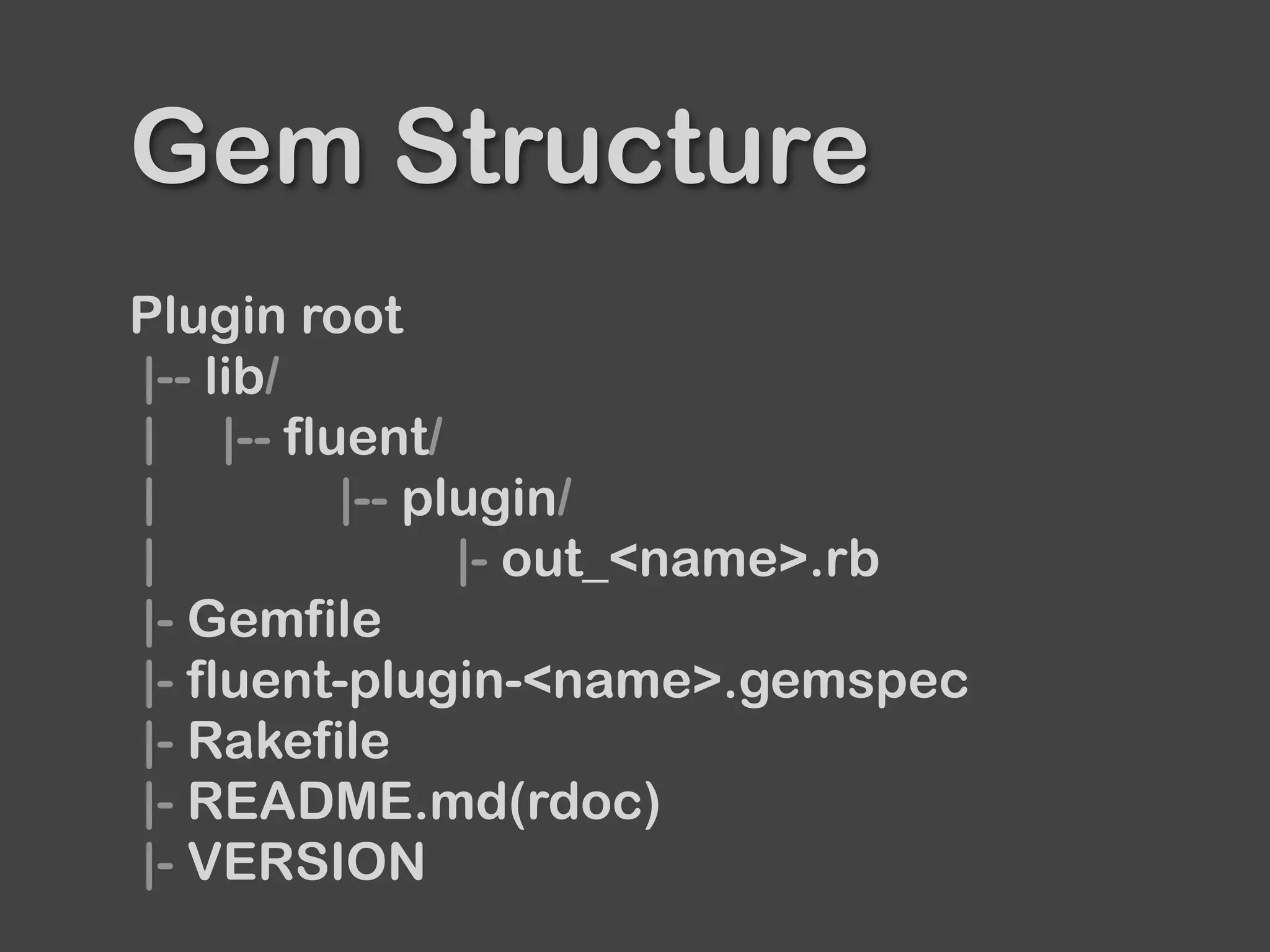
Gem Structure
Plugin root
|-- lib/
| |-- fluent/
| |-- plugin/
| |- out_<name>.rb
|- Gemfile
|- fluent-plugin-<name>.gemspec
|- Rakefile
|- README.md(rdoc)
|- VERSION
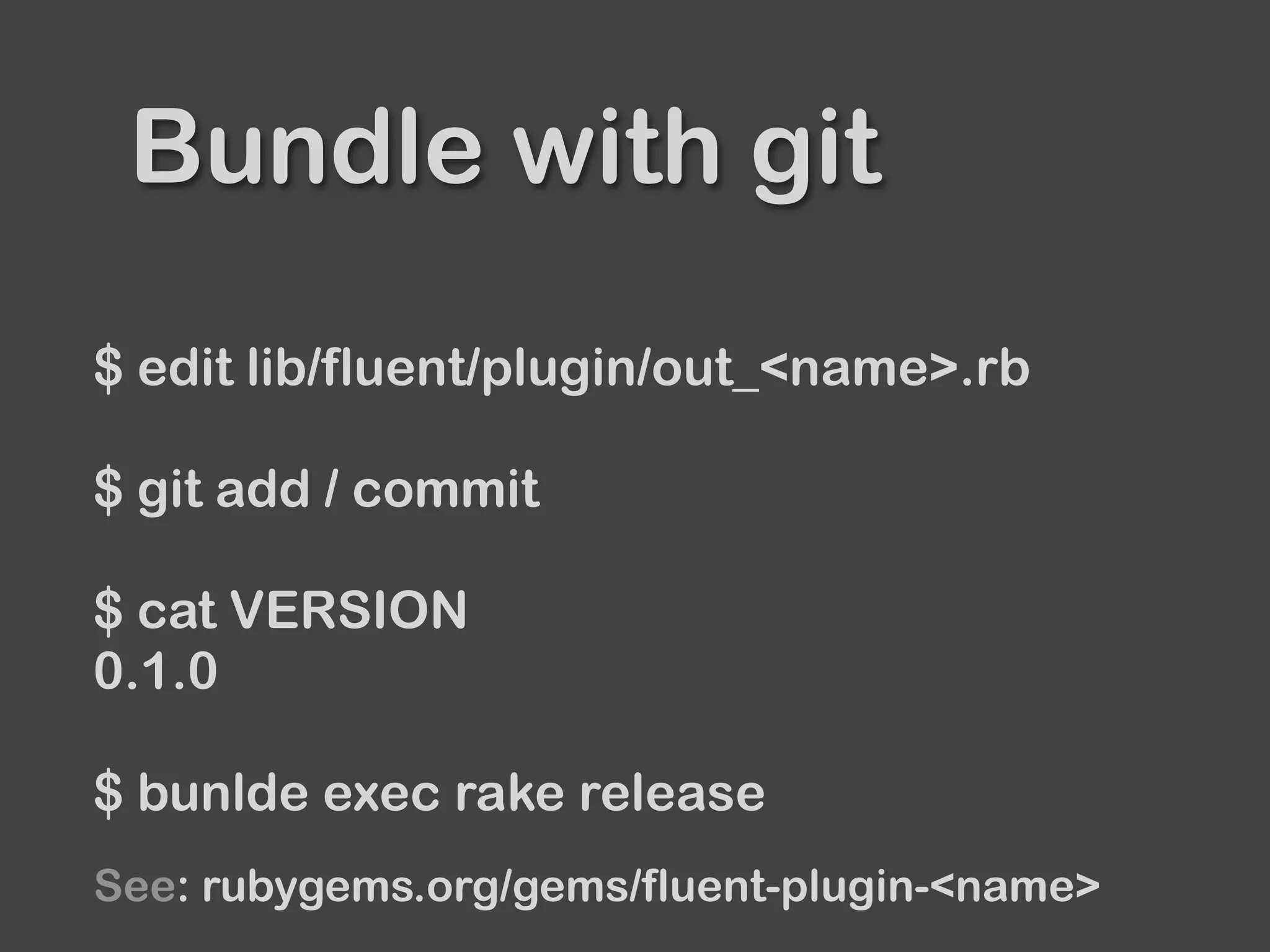
Bundle with git
$ edit lib/fluent/plugin/out_<name>.rb
$ git add / commit
$ cat VERSION
0.1.0
$ bunlde exec rake release
See: rubygems.org/gems/fluent-plugin-<name>
See released plugins
for more details about each file.

Dive into Fluentd plugin v0.12