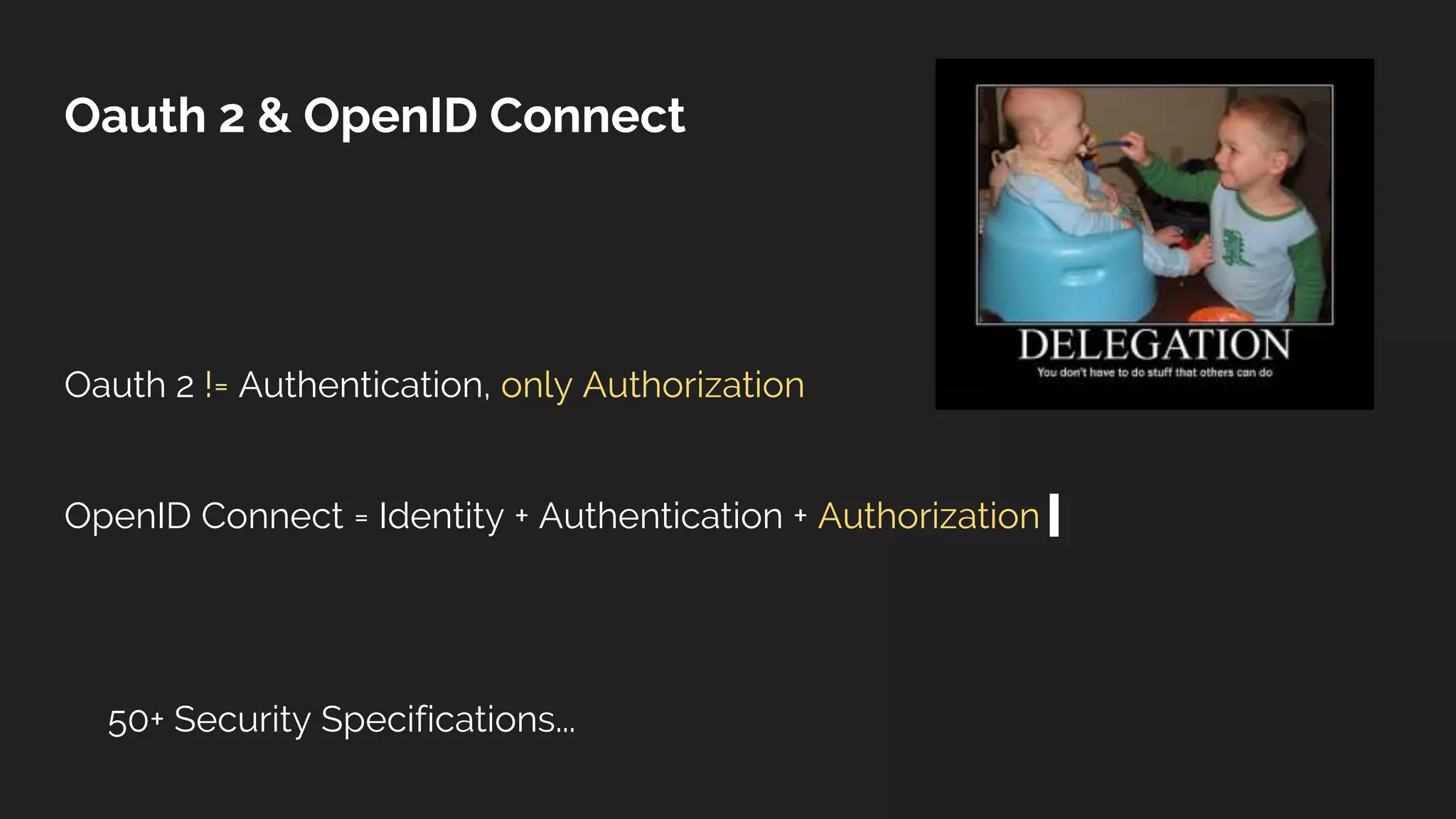
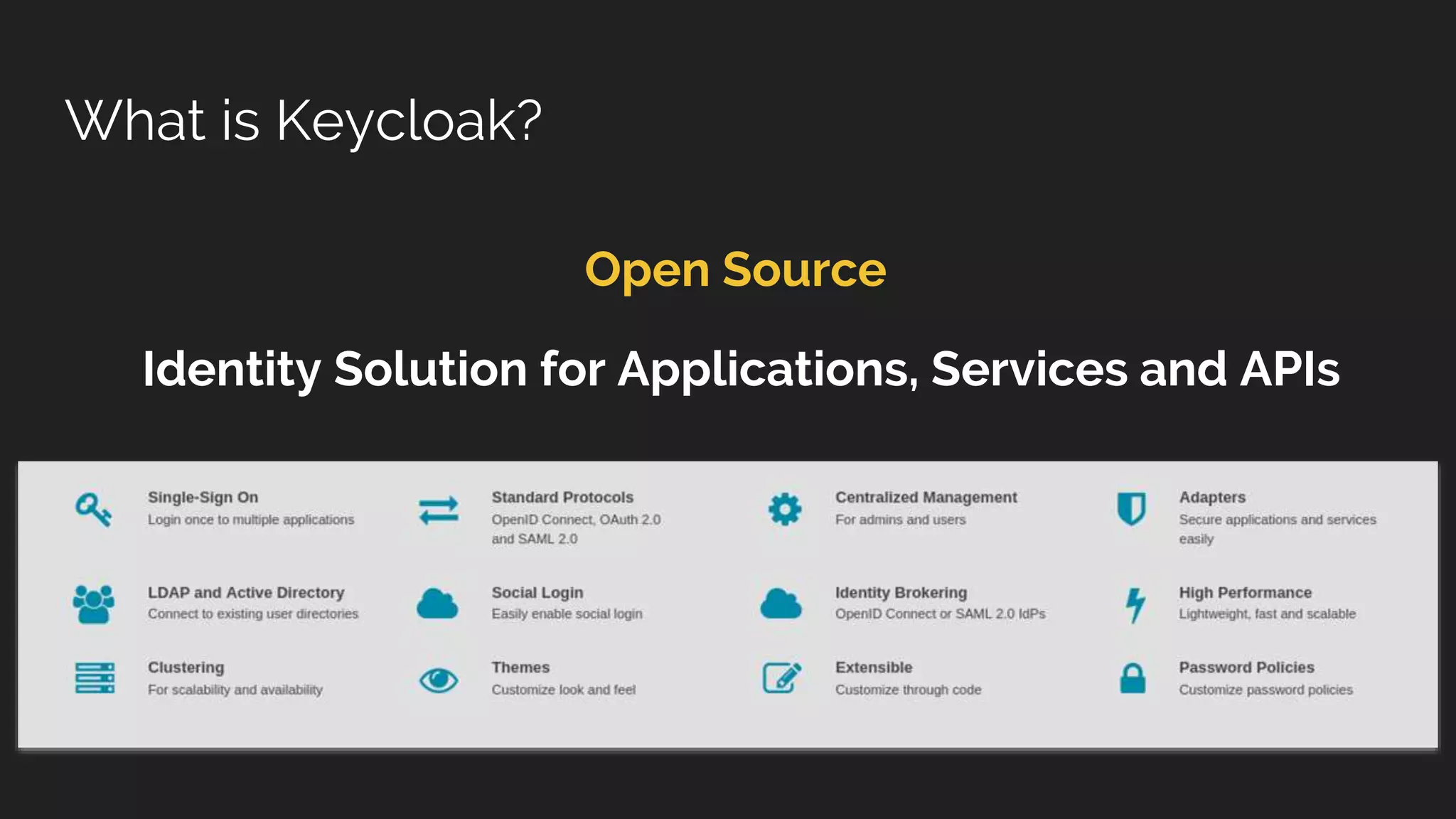
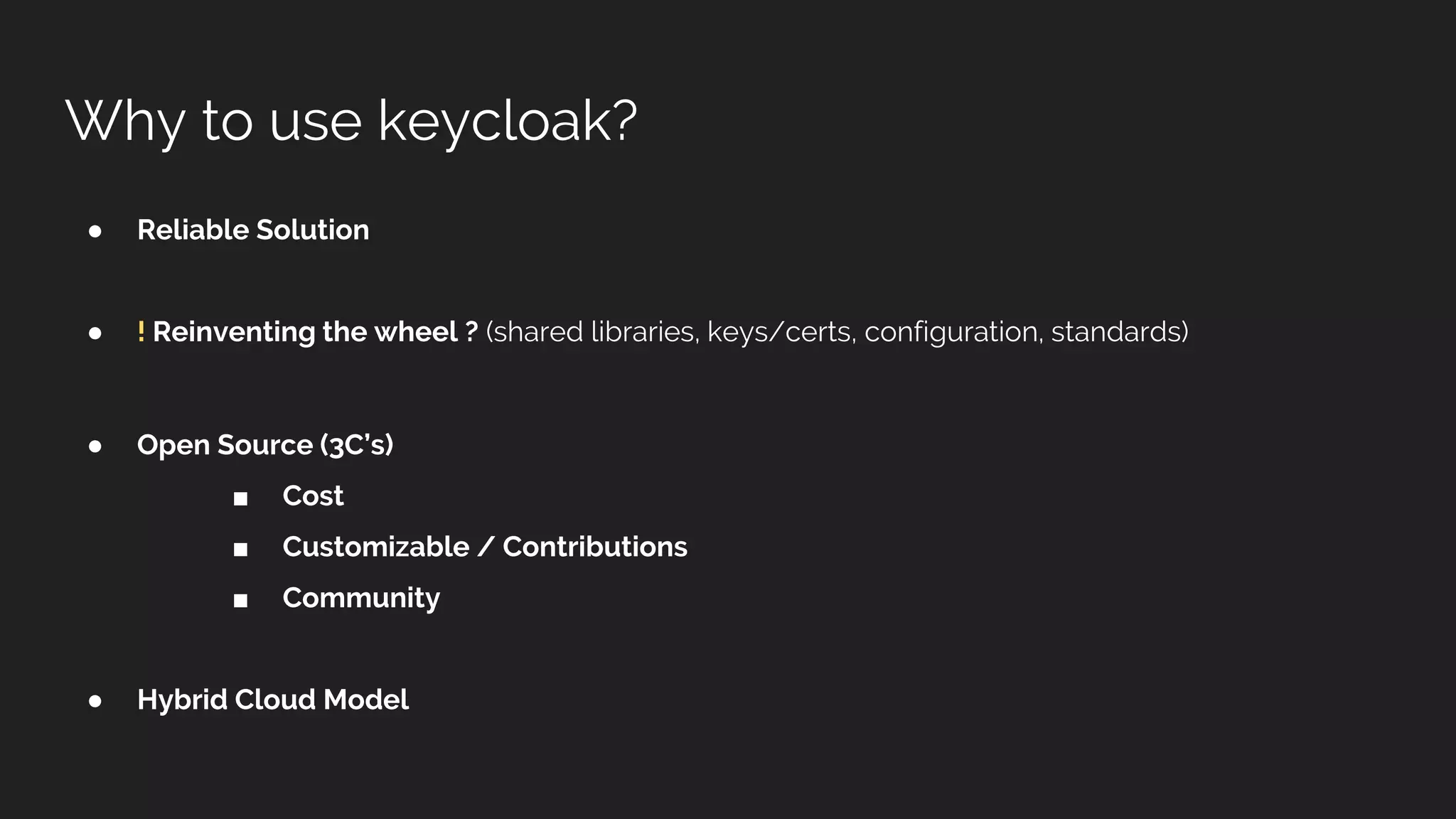
The document outlines the use of Keycloak, an open-source identity and access management solution that provides authentication and authorization through OAuth 2.0 and OpenID Connect. It highlights key concepts such as user identity, roles, and groups, as well as the importance of security measures like token validation and the proper setup of Keycloak in a stateless architecture. Additionally, it discusses potential scalability issues and compares Keycloak's capabilities with other solutions.
● Identification: aset of attributes related to an entity
■ (eg: user -> attribute [ name, email, mobile ] )
● Authentication: is the process of verifying an identity
■ (who they say they are)
● Authorization: is the process of verifying what someone is allowed to do
■ (permissions)
● Accounting: logs, user actions, traceability of actions
IAAA Security Factor
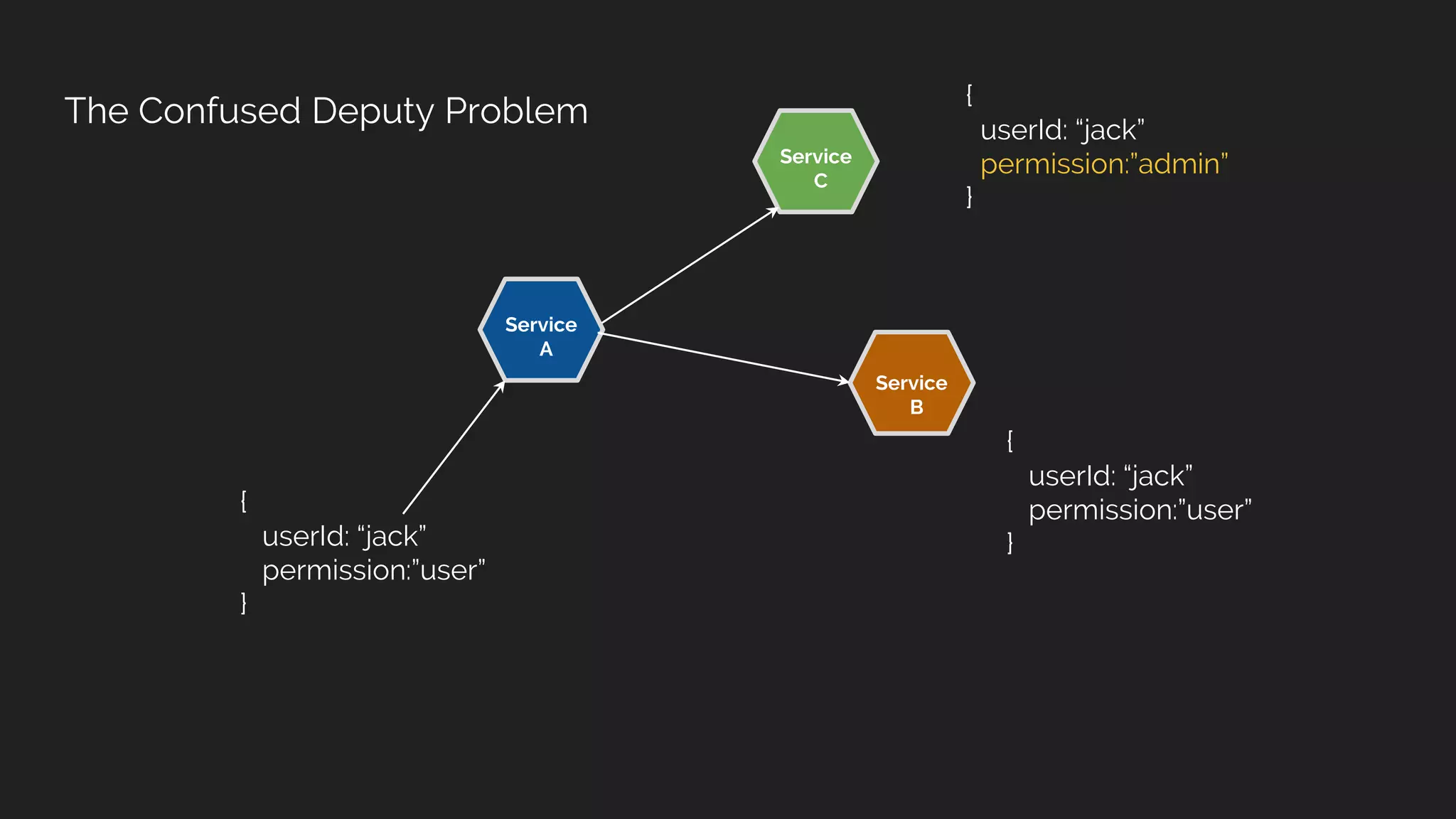
The Confused DeputyProblem
Service
B
Service
A
{
userId: “jack”
permission:”user”
}
Service
C
{
userId: “jack”
permission:”user”
}
{
userId: “jack”
permission:”admin”
}
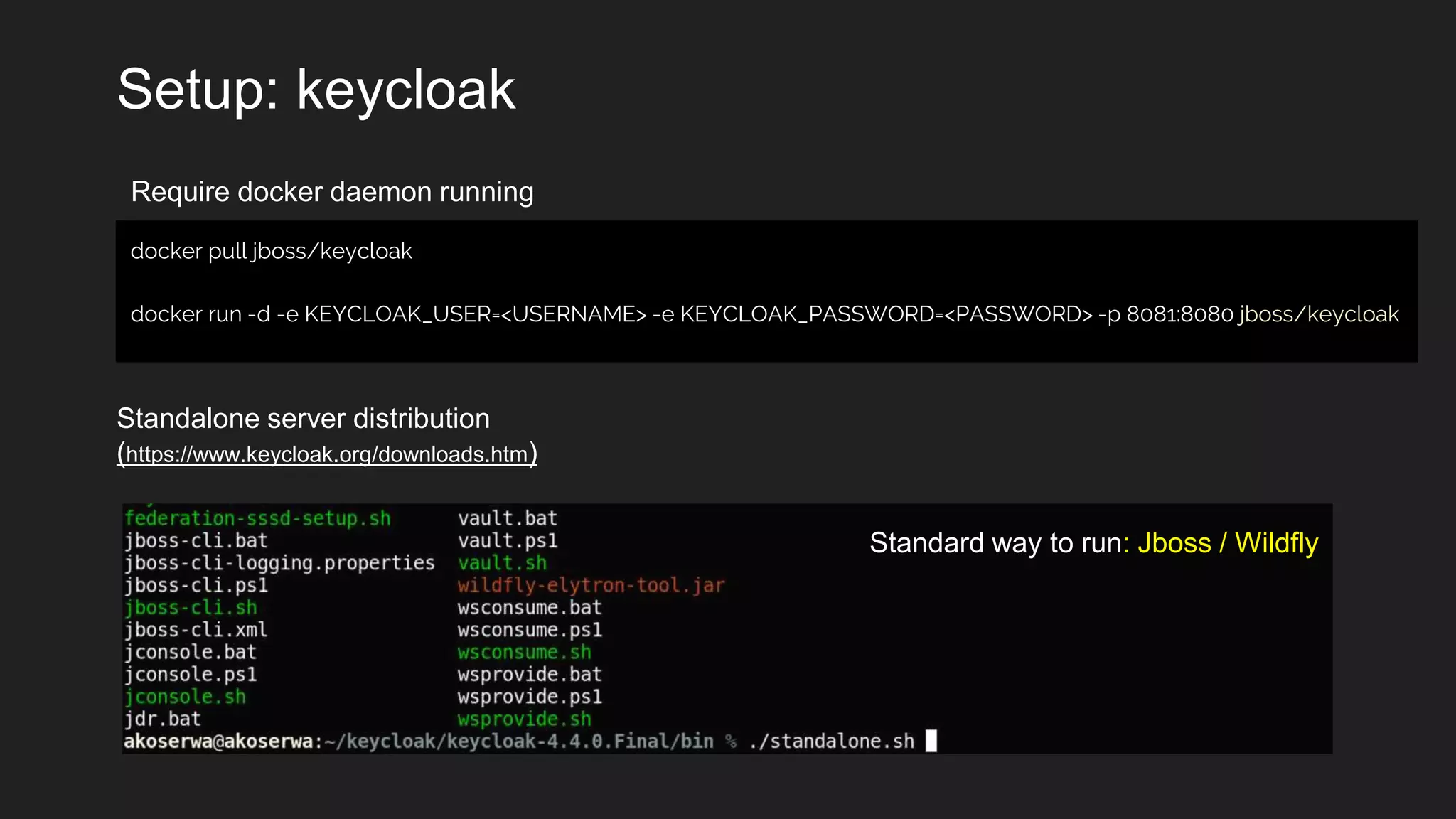
Setup: keycloak
docker pulljboss/keycloak
docker run -d -e KEYCLOAK_USER=<USERNAME> -e KEYCLOAK_PASSWORD=<PASSWORD> -p 8081:8080 jboss/keycloak
Require docker daemon running
Standalone server distribution
(https://www.keycloak.org/downloads.htm)
Standard way to run: Jboss / Wildfly
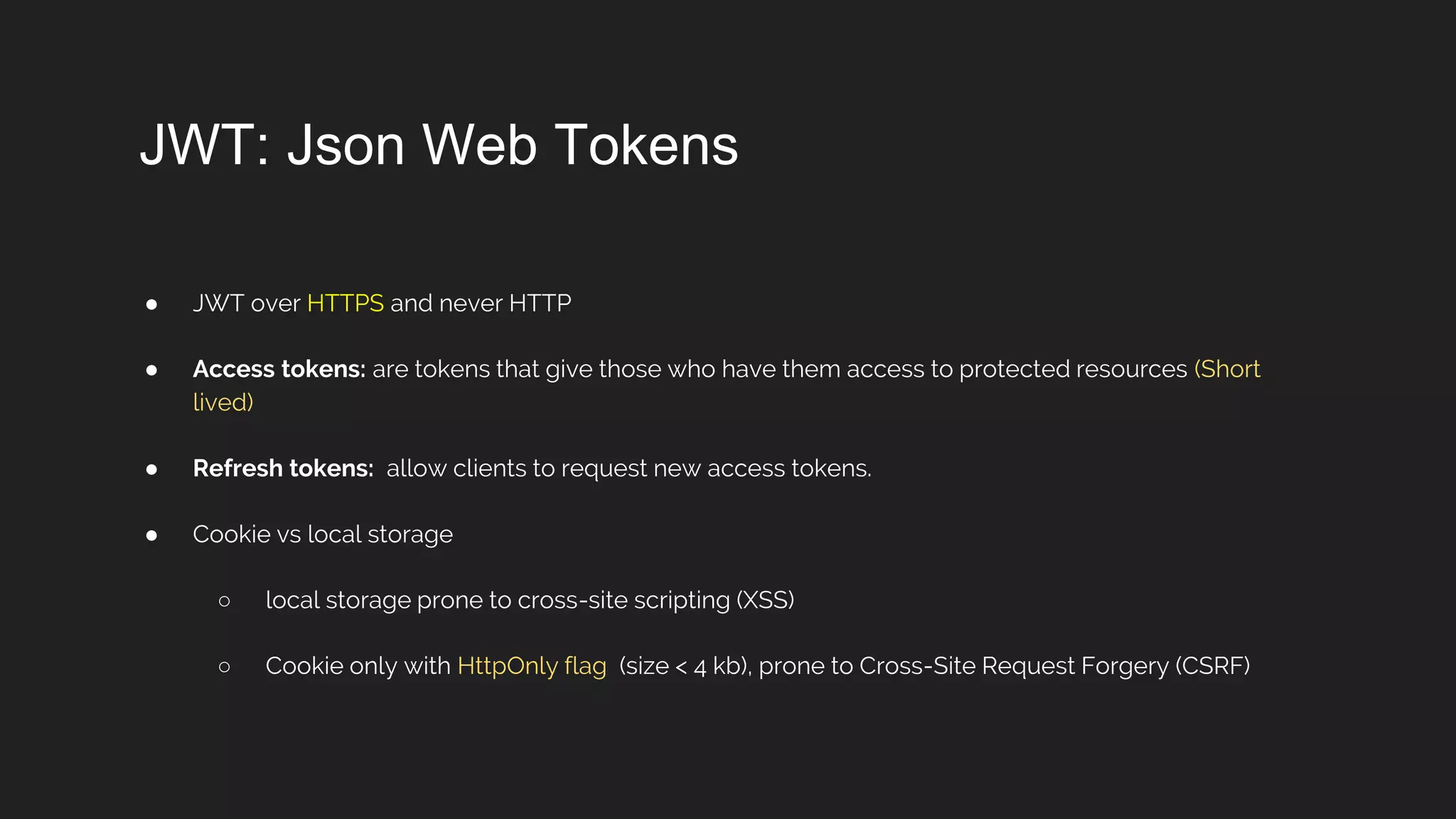
JWT: Json WebTokens
● JWT over HTTPS and never HTTP
● Access tokens: are tokens that give those who have them access to protected resources (Short
lived)
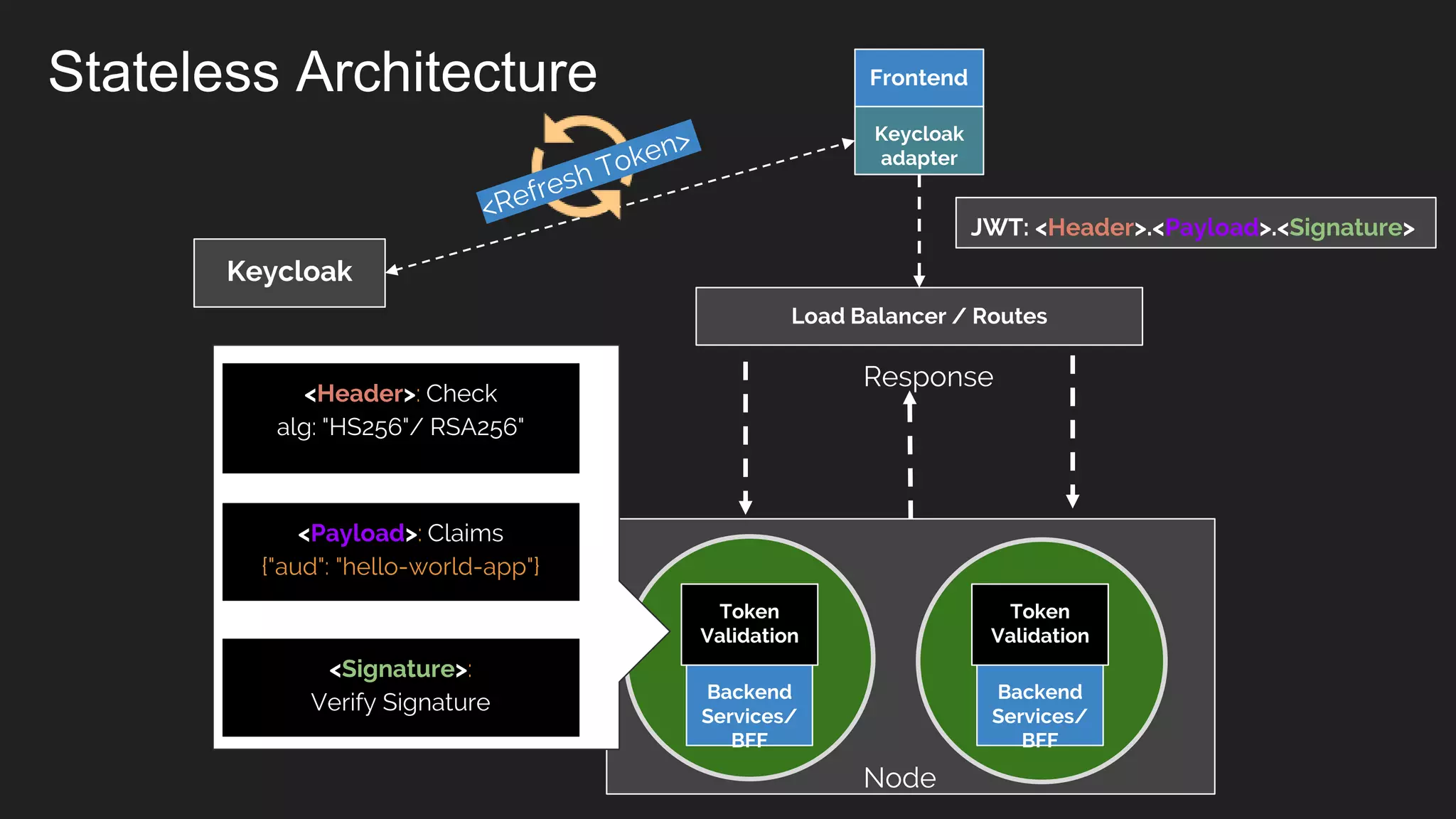
● Refresh tokens: allow clients to request new access tokens.
● Cookie vs local storage
○ local storage prone to cross-site scripting (XSS)
○ Cookie only with HttpOnly flag (size < 4 kb), prone to Cross-Site Request Forgery (CSRF)
18.
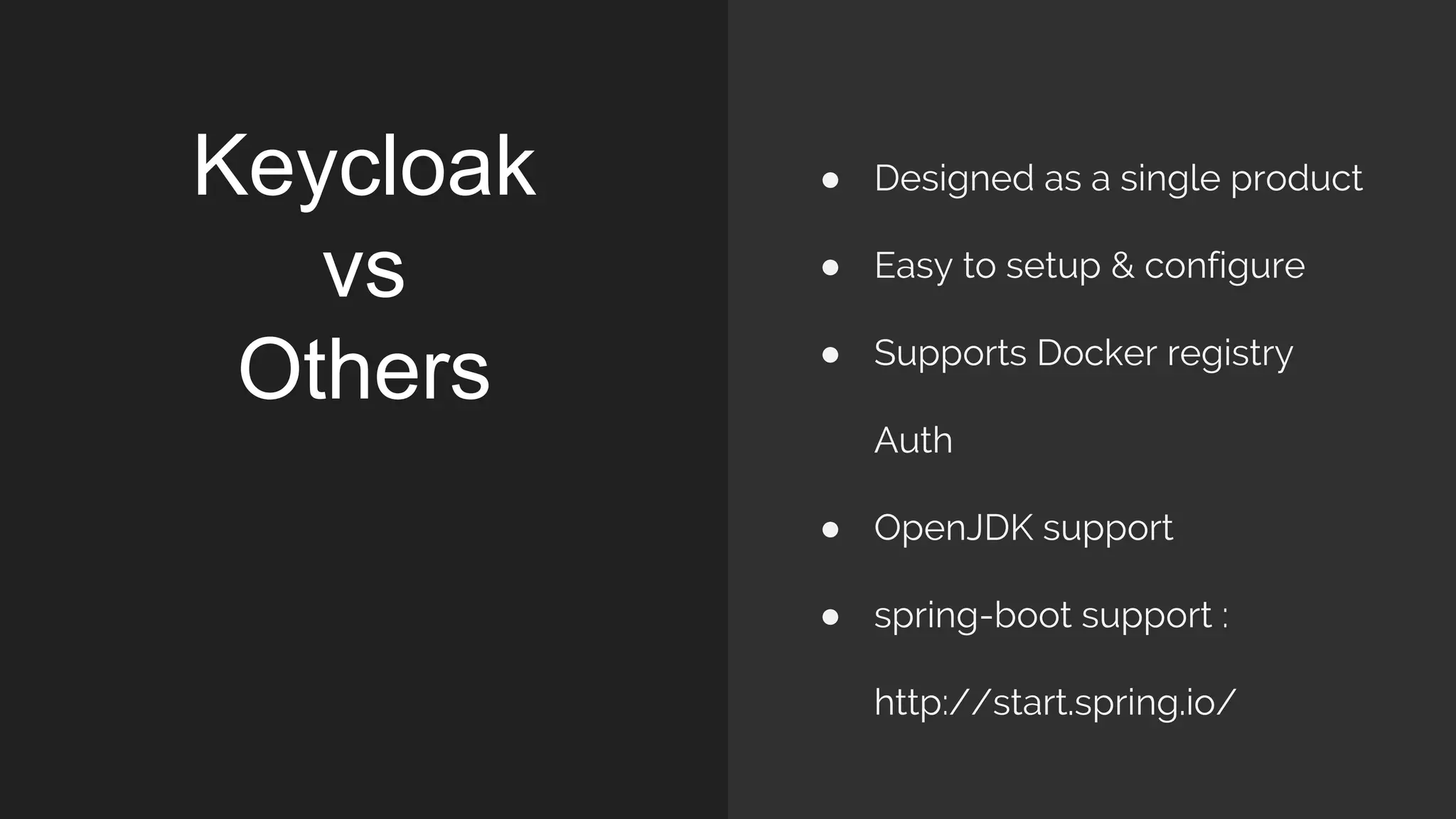
Keycloak
vs
Others
● Designed asa single product
● Easy to setup & configure
● Supports Docker registry
Auth
● OpenJDK support
● spring-boot support :
http://start.spring.io/
19.
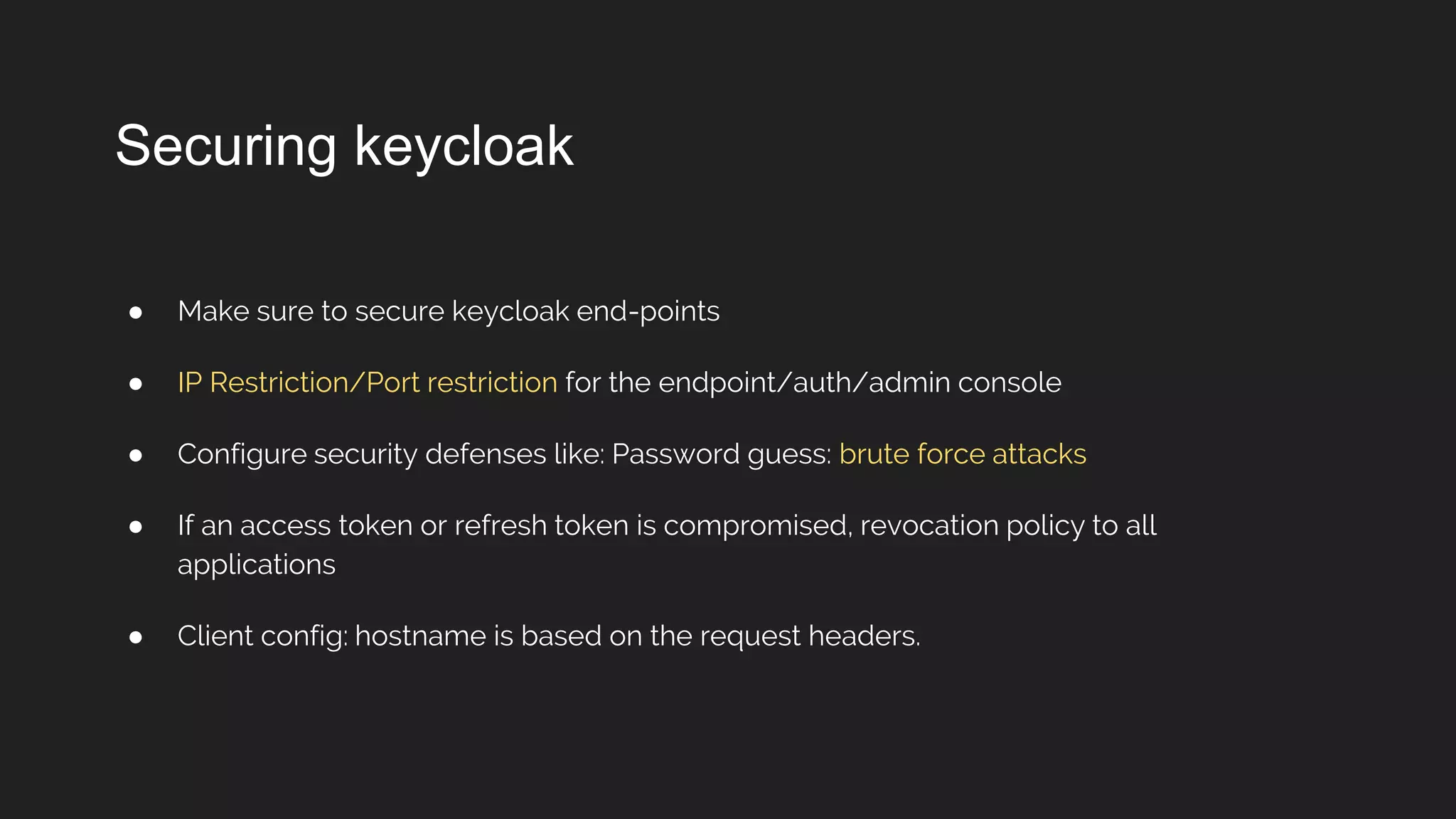
Securing keycloak
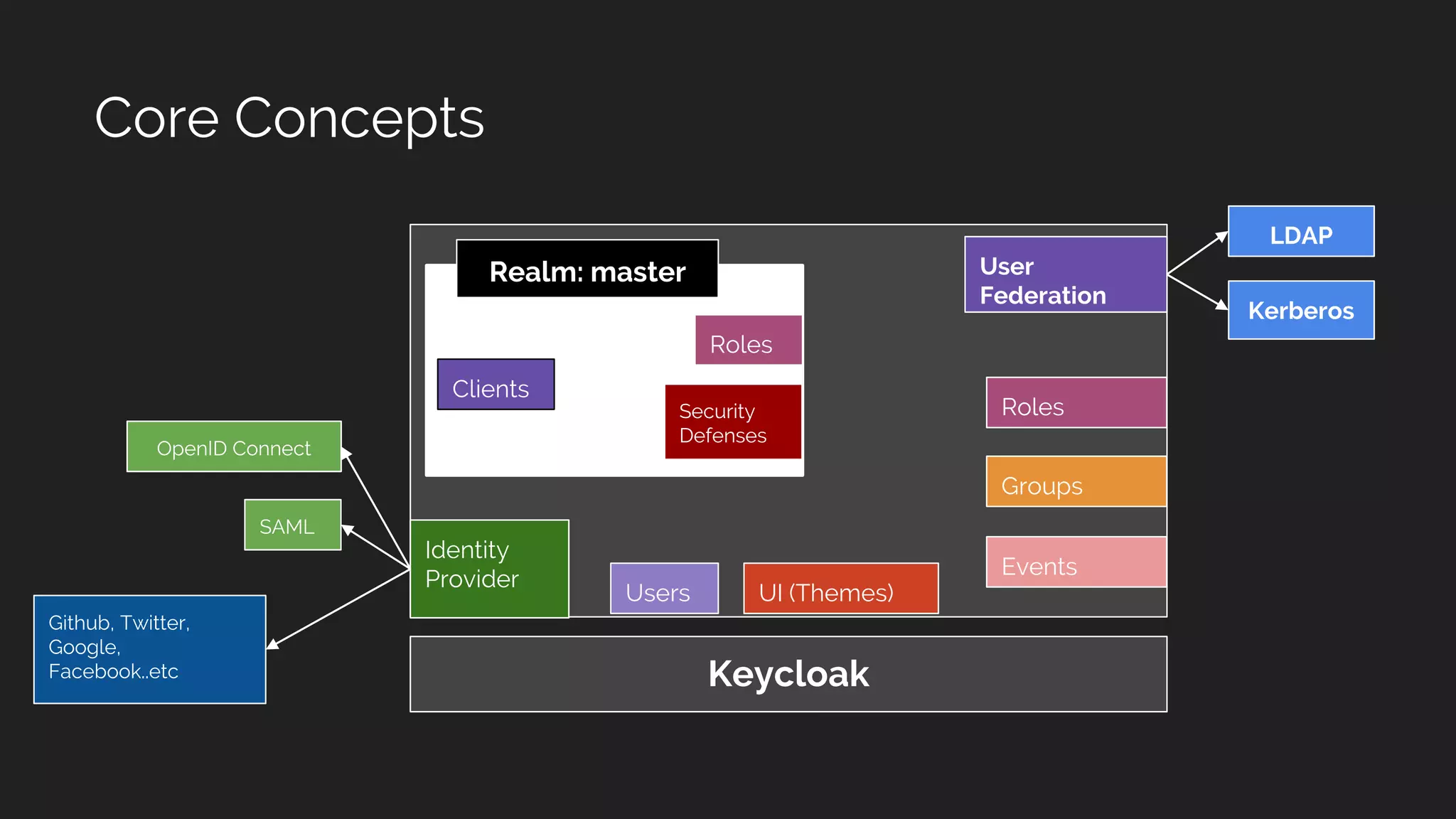
● Makesure to secure keycloak end-points
● IP Restriction/Port restriction for the endpoint/auth/admin console
● Configure security defenses like: Password guess: brute force attacks
● If an access token or refresh token is compromised, revocation policy to all
applications
● Client config: hostname is based on the request headers.
![● Identification: a set of attributes related to an entity
■ (eg: user -> attribute [ name, email, mobile ] )
● Authentication: is the process of verifying an identity
■ (who they say they are)
● Authorization: is the process of verifying what someone is allowed to do
■ (permissions)
● Accounting: logs, user actions, traceability of actions
IAAA Security Factor](https://image.slidesharecdn.com/buildingsecureapplicationswithkeycloakoidc2fjwt2-190110172505/75/Building-secure-applications-with-keycloak-2-2048.jpg)


![OpenID Connect - a simple[sic] single sign-on & identity layer on top of OAut...](https://cdn.slidesharecdn.com/ss_thumbnails/gluecon2014-oidc-140521065808-phpapp01-thumbnail.jpg?width=640&height=640&fit=bounds)


![Vibe Coding vs. Spec-Driven Development [Free Meetup]](https://cdn.slidesharecdn.com/ss_thumbnails/vibecodingvsspecdrivendevelopment-251209105622-43f455e7-thumbnail.jpg?width=640&height=640&fit=bounds)


