Student: Jordan Hites
Instructor: Prof. Paul Nutter
Design of 3D CAD solid models for
manufacture of mechanical parts and
products, with simulation and analysis of
assembly processes. Overview of digital
manufacturing systems, including
manufacturing simulation applications,
product lifecycle management, and use of
resource planning / database systems.
 Create sketches and 3D solid models of
  various manufactured objects using CATIA.
 Learn how to build models from reference
  elements and to create geometry features.
 Create 2D drawings from solid models.
 Understand the advantages of parametric
  and solid modeling and its characteristics.
   Gain an understanding of digital
    manufacturing applications and how they are
    being utilized by modern companies and
    businesses. These applications include 3D
    CAD, collaborative Product Lifecycle
    Management (PLM), manufacturing
    simulation, Virtual Reality (VR) modeling and
    animation, and 3D viewers for
    communication and production work
    instructions.
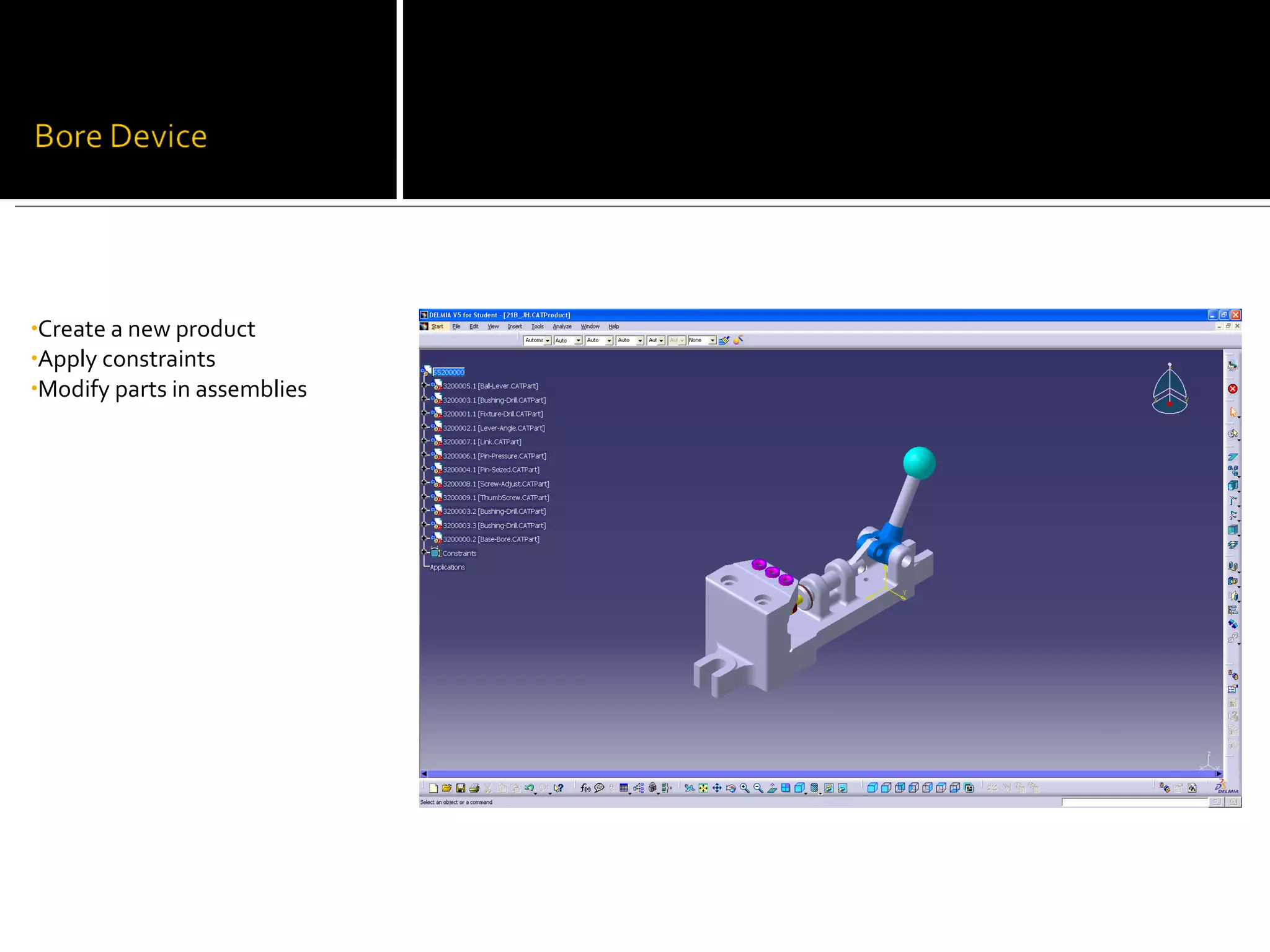
•Create a new product
•Apply constraints
•Modify parts in assemblies
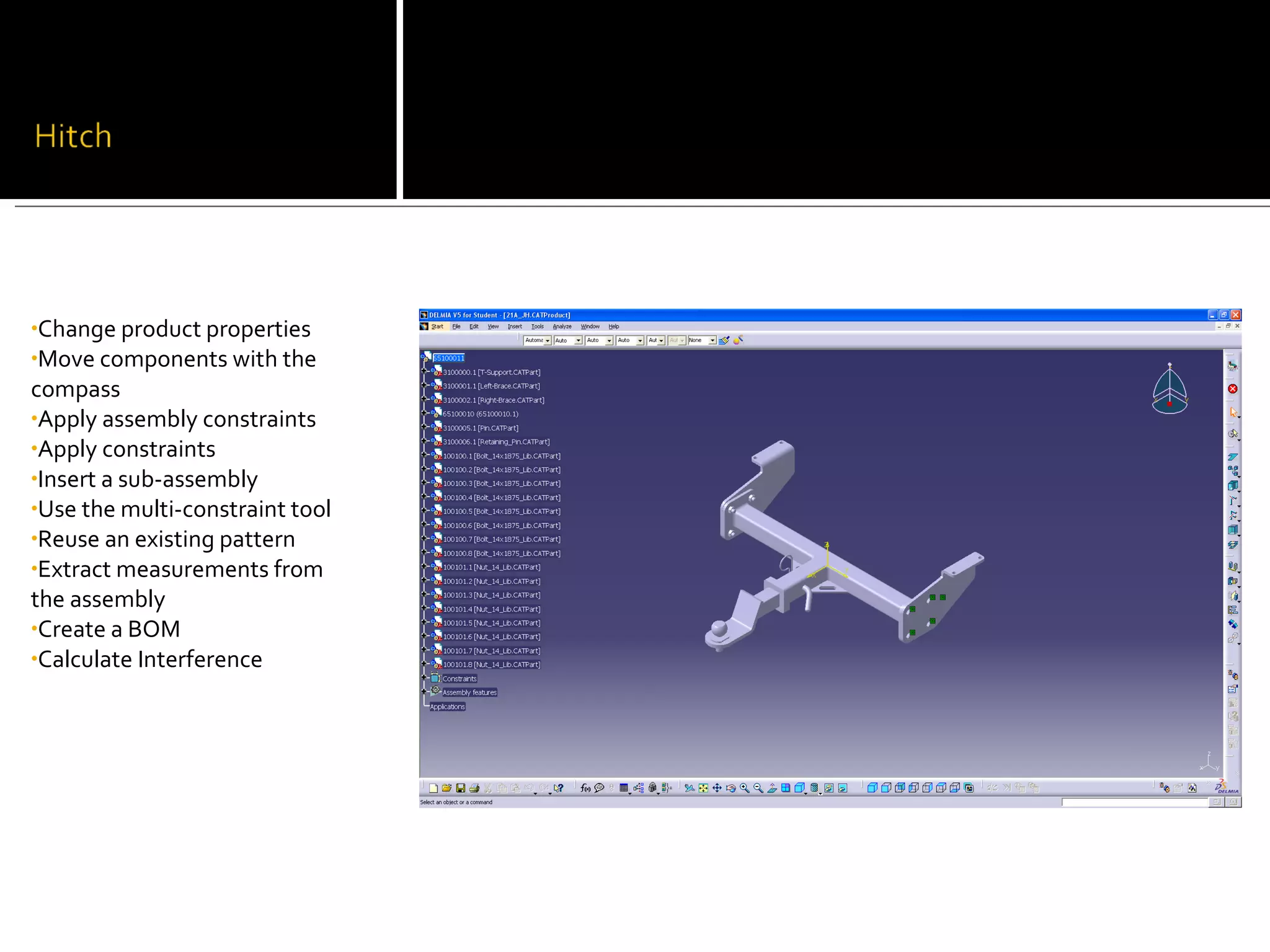
•Change product properties
•Move components with the
compass
•Apply assembly constraints
•Apply constraints
•Insert a sub-assembly
•Use the multi-constraint tool
•Reuse an existing pattern
•Extract measurements from
the assembly
•Create a BOM
•Calculate Interference
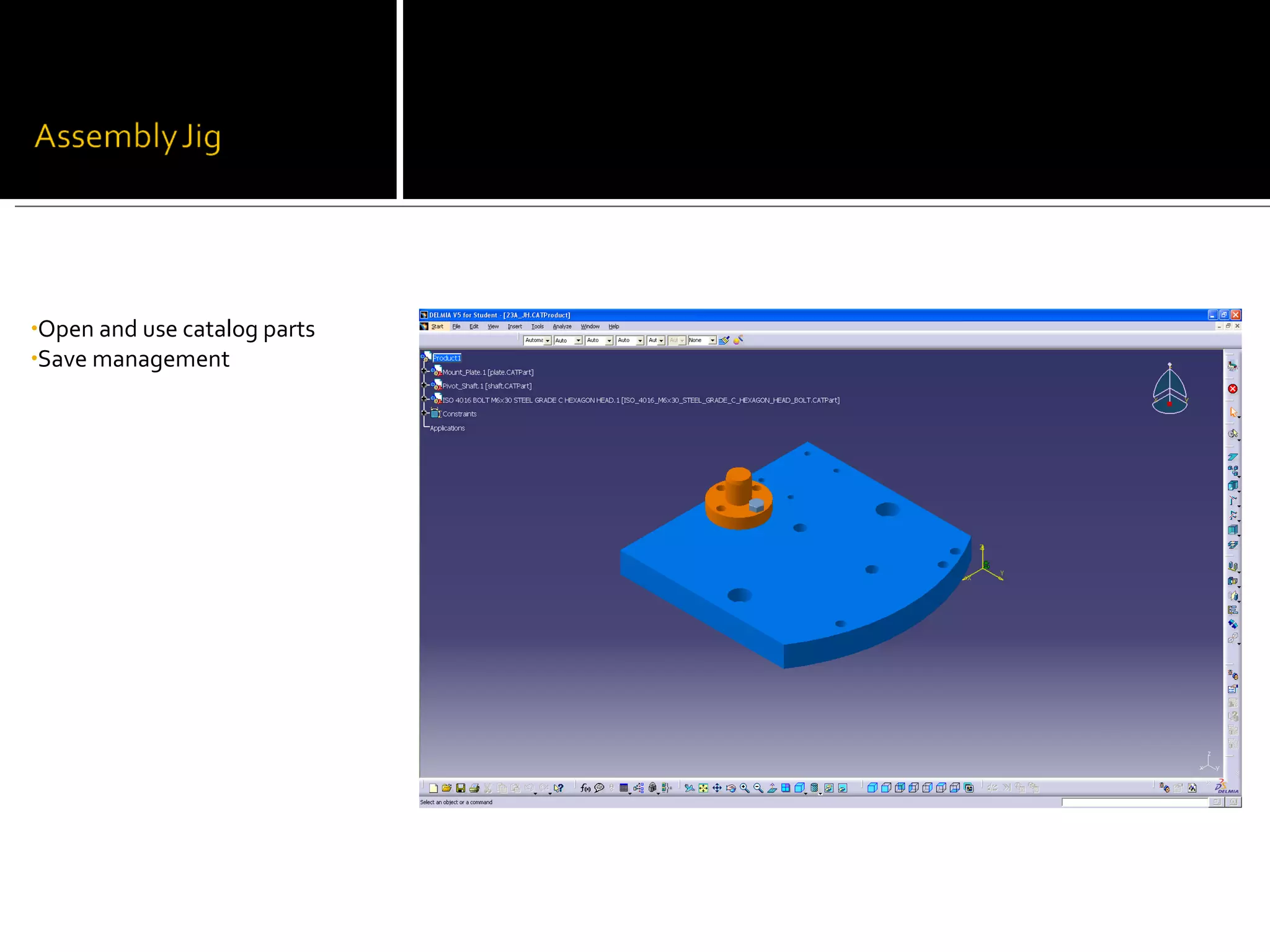
•Open and use catalog parts
•Save management
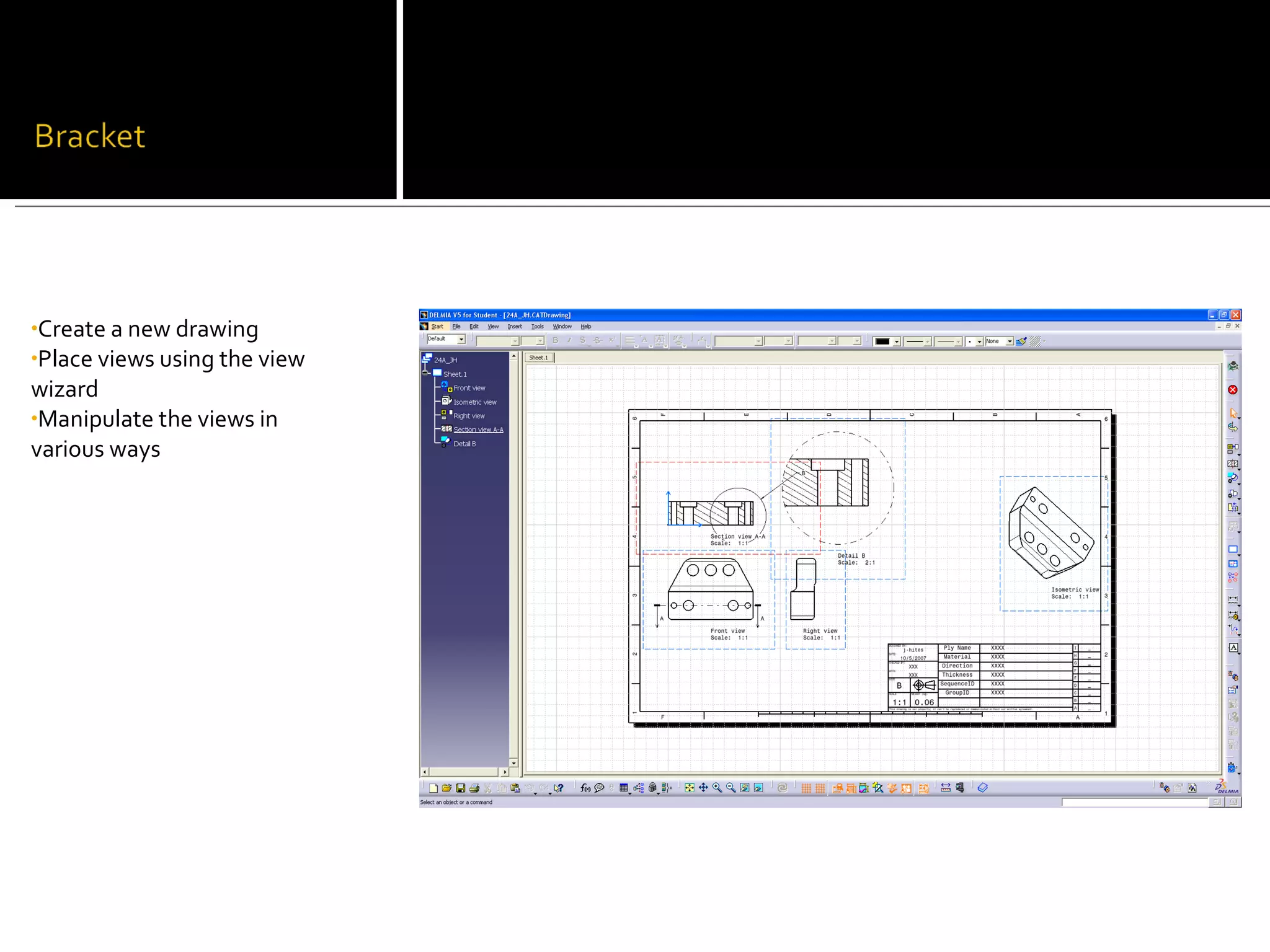
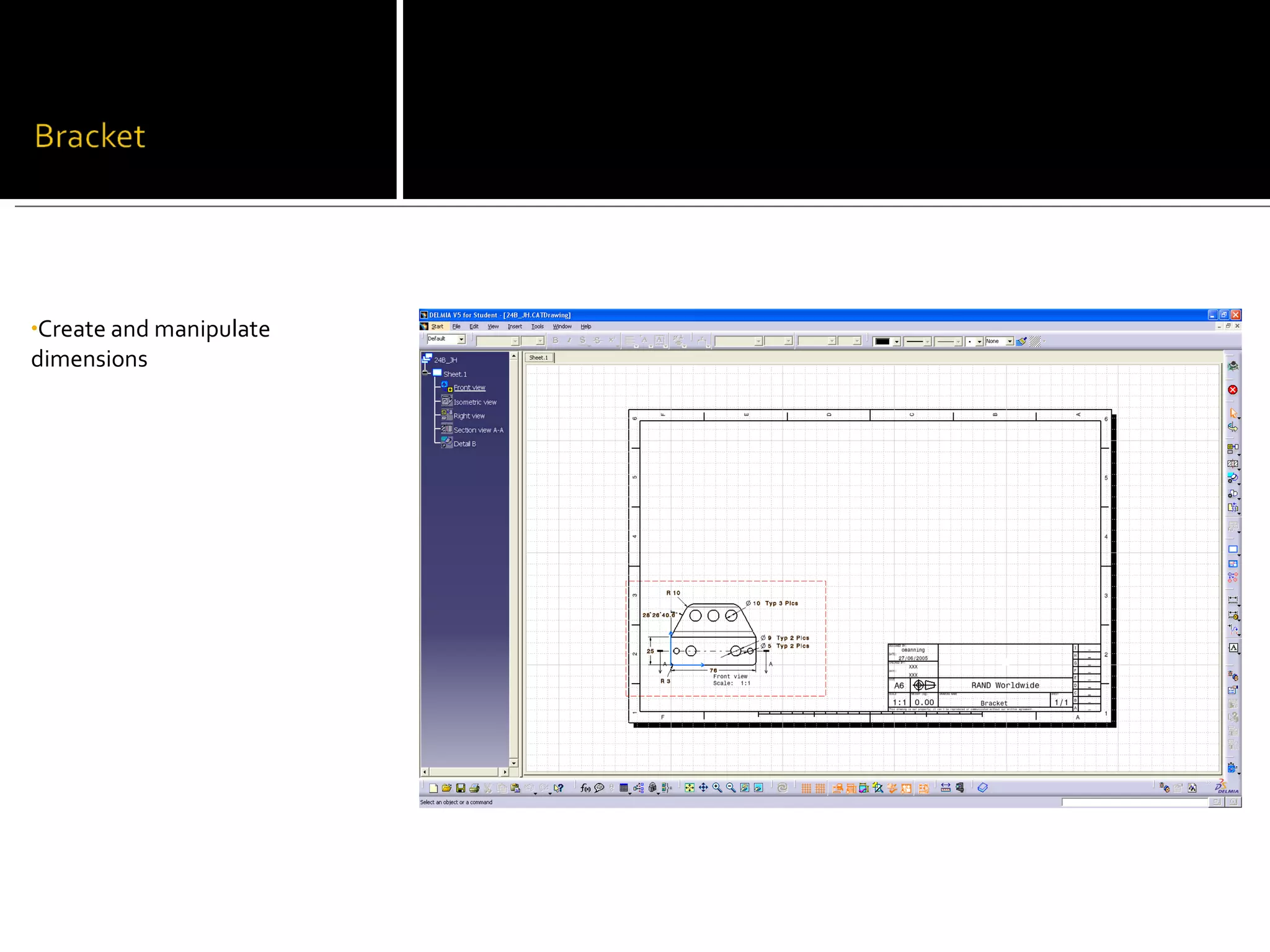
•Create a new drawing
•Place views using the view
wizard
•Manipulate the views in
various ways
•Create and manipulate
dimensions
   Strengths
     Work at own pace
     Can easily work outside of class
     Light-hearted environment
   Weaknesses
     None

Digital Manufacturing Design And Applications

  • 1.
  • 2.
    Design of 3DCAD solid models for manufacture of mechanical parts and products, with simulation and analysis of assembly processes. Overview of digital manufacturing systems, including manufacturing simulation applications, product lifecycle management, and use of resource planning / database systems.
  • 3.
     Create sketchesand 3D solid models of various manufactured objects using CATIA.  Learn how to build models from reference elements and to create geometry features.  Create 2D drawings from solid models.  Understand the advantages of parametric and solid modeling and its characteristics.
  • 4.
    Gain an understanding of digital manufacturing applications and how they are being utilized by modern companies and businesses. These applications include 3D CAD, collaborative Product Lifecycle Management (PLM), manufacturing simulation, Virtual Reality (VR) modeling and animation, and 3D viewers for communication and production work instructions.
  • 5.
    •Create a newproduct •Apply constraints •Modify parts in assemblies
  • 6.
    •Change product properties •Movecomponents with the compass •Apply assembly constraints •Apply constraints •Insert a sub-assembly •Use the multi-constraint tool •Reuse an existing pattern •Extract measurements from the assembly •Create a BOM •Calculate Interference
  • 7.
    •Open and usecatalog parts •Save management
  • 8.
    •Create a newdrawing •Place views using the view wizard •Manipulate the views in various ways
  • 9.
  • 12.
    Strengths  Work at own pace  Can easily work outside of class  Light-hearted environment  Weaknesses  None