Download to read offline

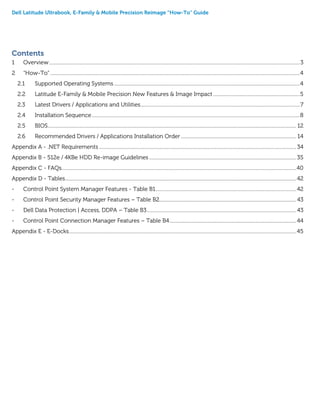
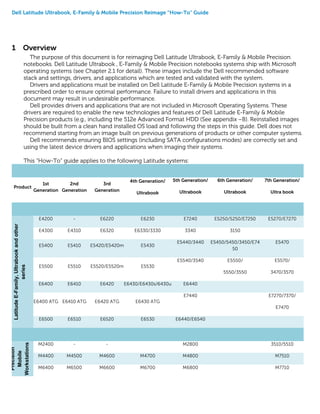
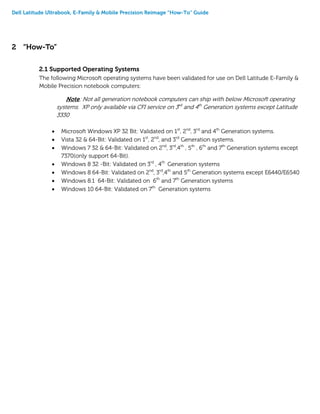
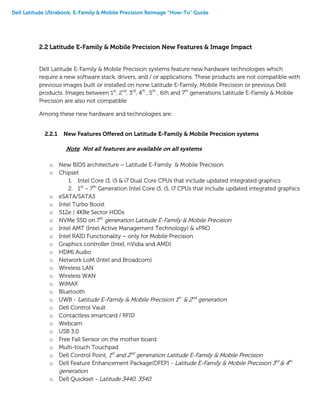
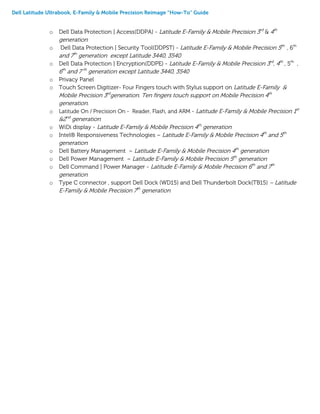
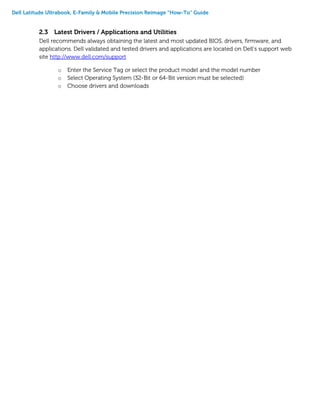
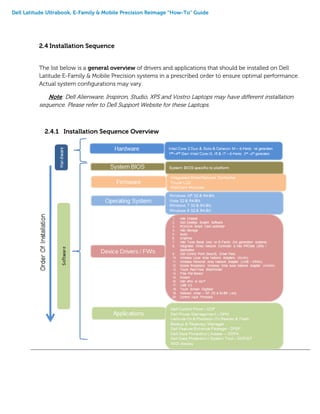
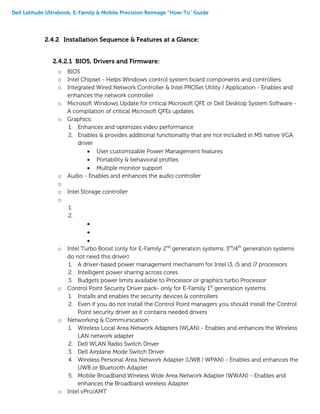
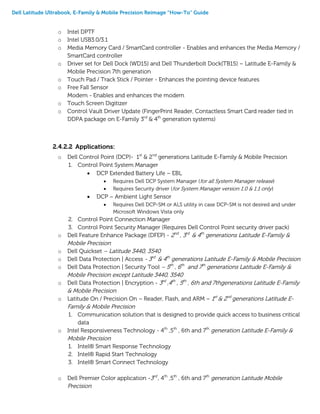

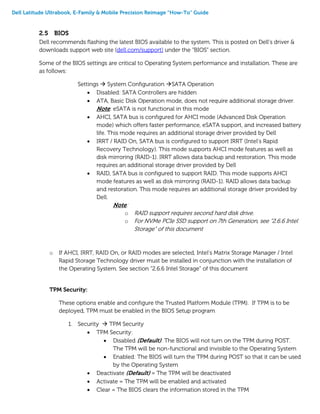
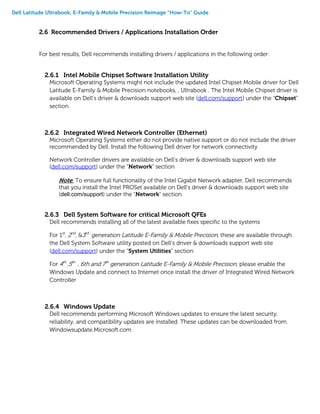
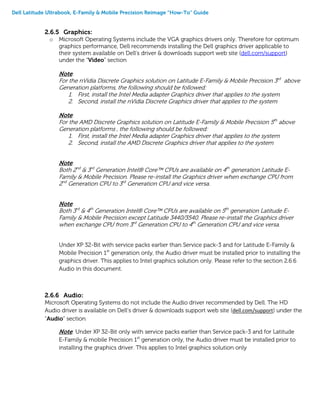
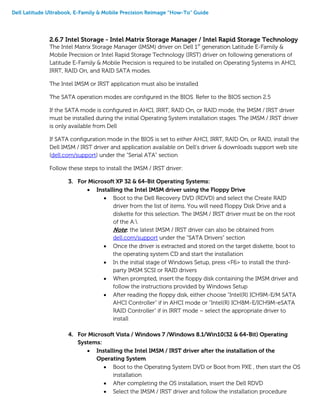
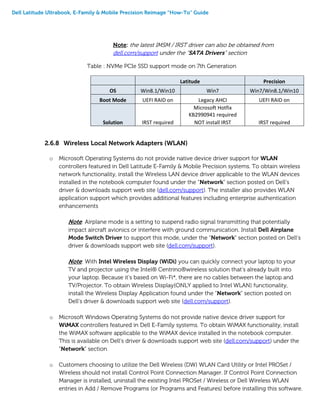
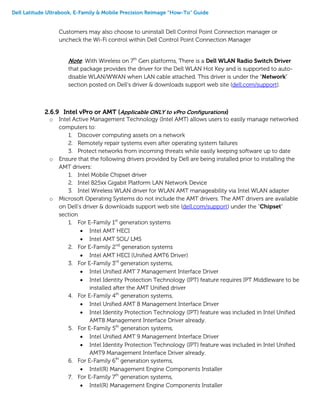
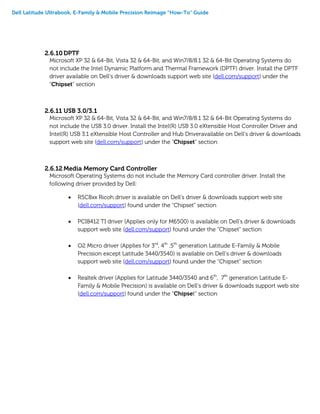
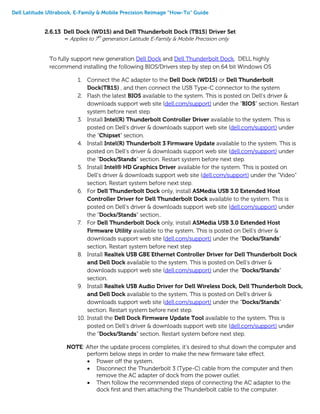
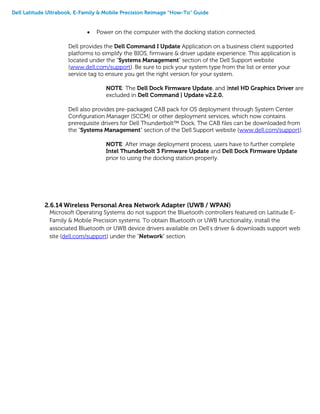
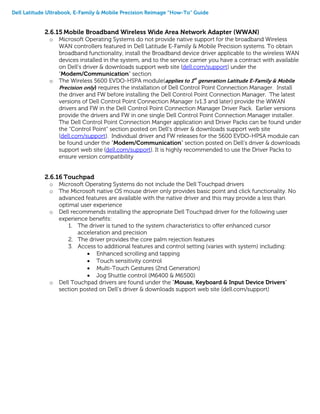
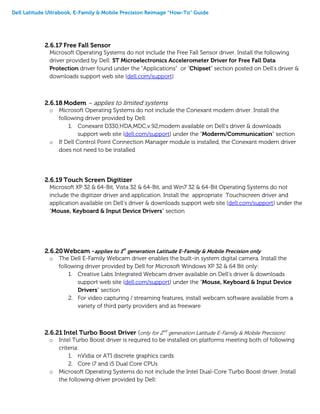
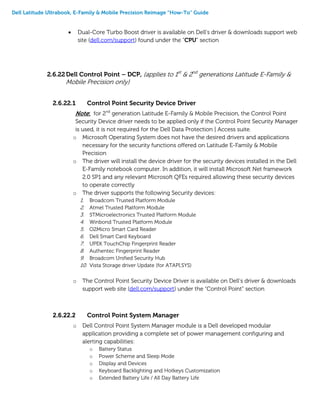
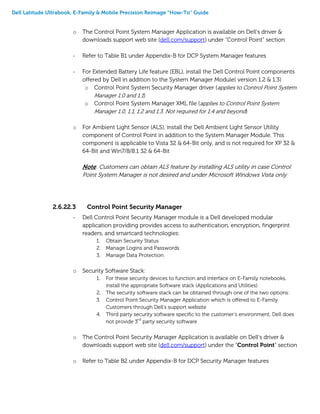
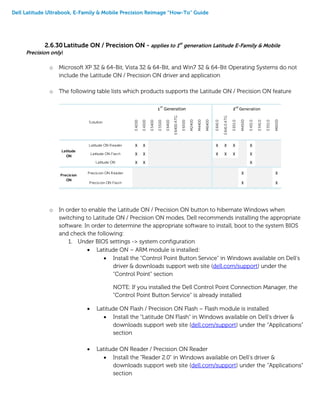
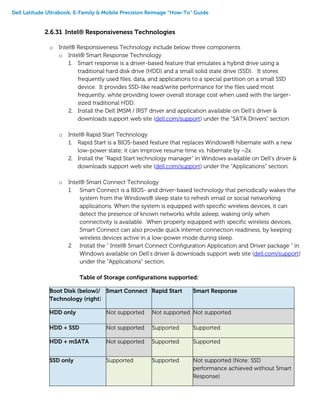
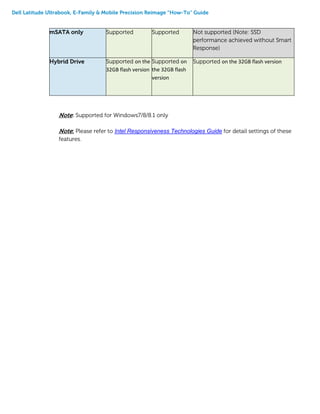

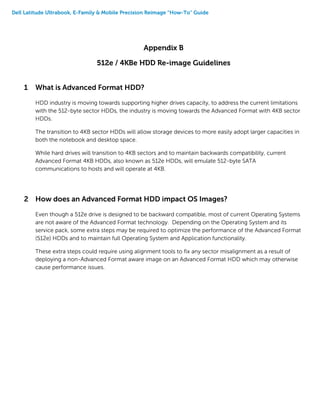
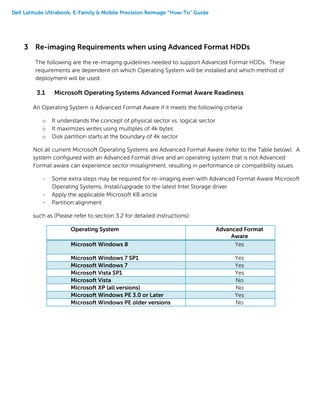
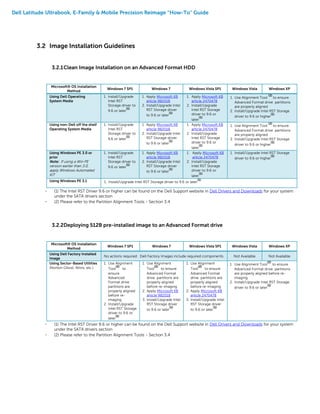
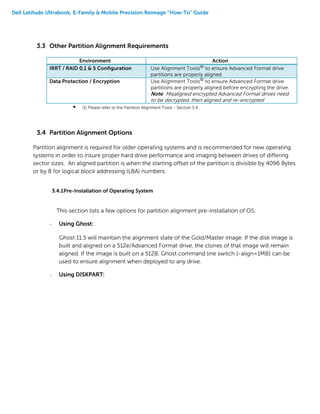
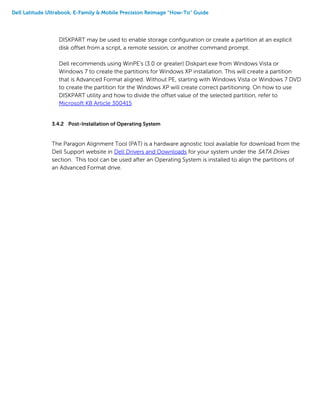
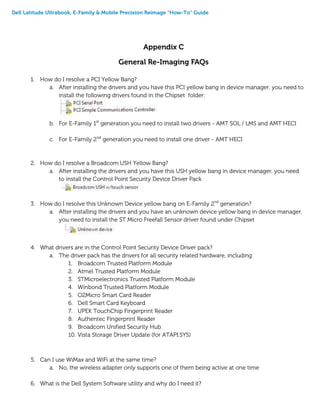
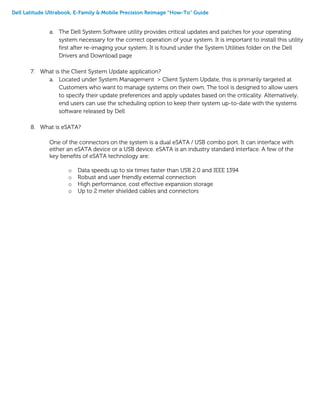
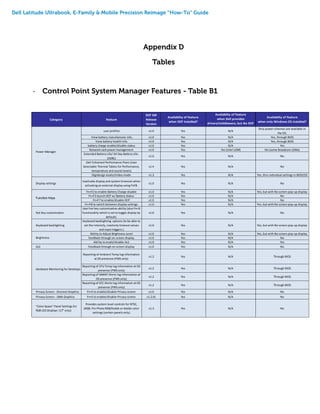
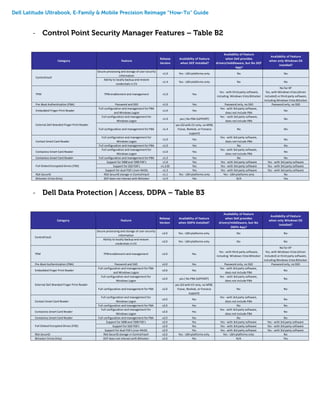
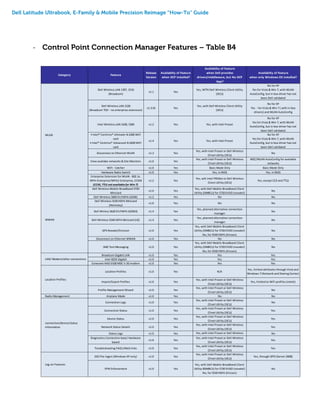
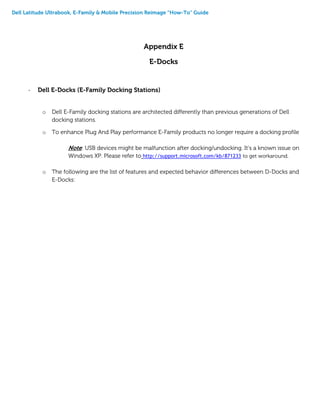
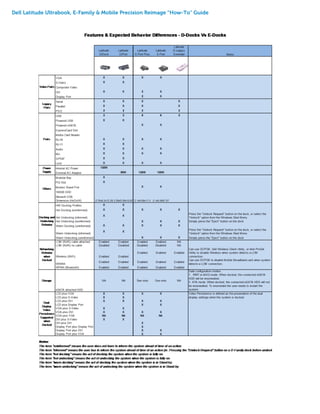


This document provides guidance on reimaging Dell Latitude Ultrabook, E-Family, and Mobile Precision notebook computers. It outlines the recommended driver and application installation sequence to ensure optimal performance. Key points include: - Supported operating systems and new hardware features between notebook generations. - Obtaining the latest drivers from Dell's support website and installing them in the prescribed order. - Important BIOS settings like SATA operation mode that need to match the installed storage drivers. - Installing core drivers, utilities, and applications like graphics, chipset, networking, Dell Control Point, and more in the correct sequence.


