Basic Databases Concepts


   By Odaly Fernandez
What is a database

   A database is any collection of information
    (data).
   This collection represents part of the real
    world.
   The data is organized in some manner so
    that the information contained within the
    database can be easily retrieved.
Examples of database

   Phone books
   Library
   School
   Search engines
Basic Database Concepts

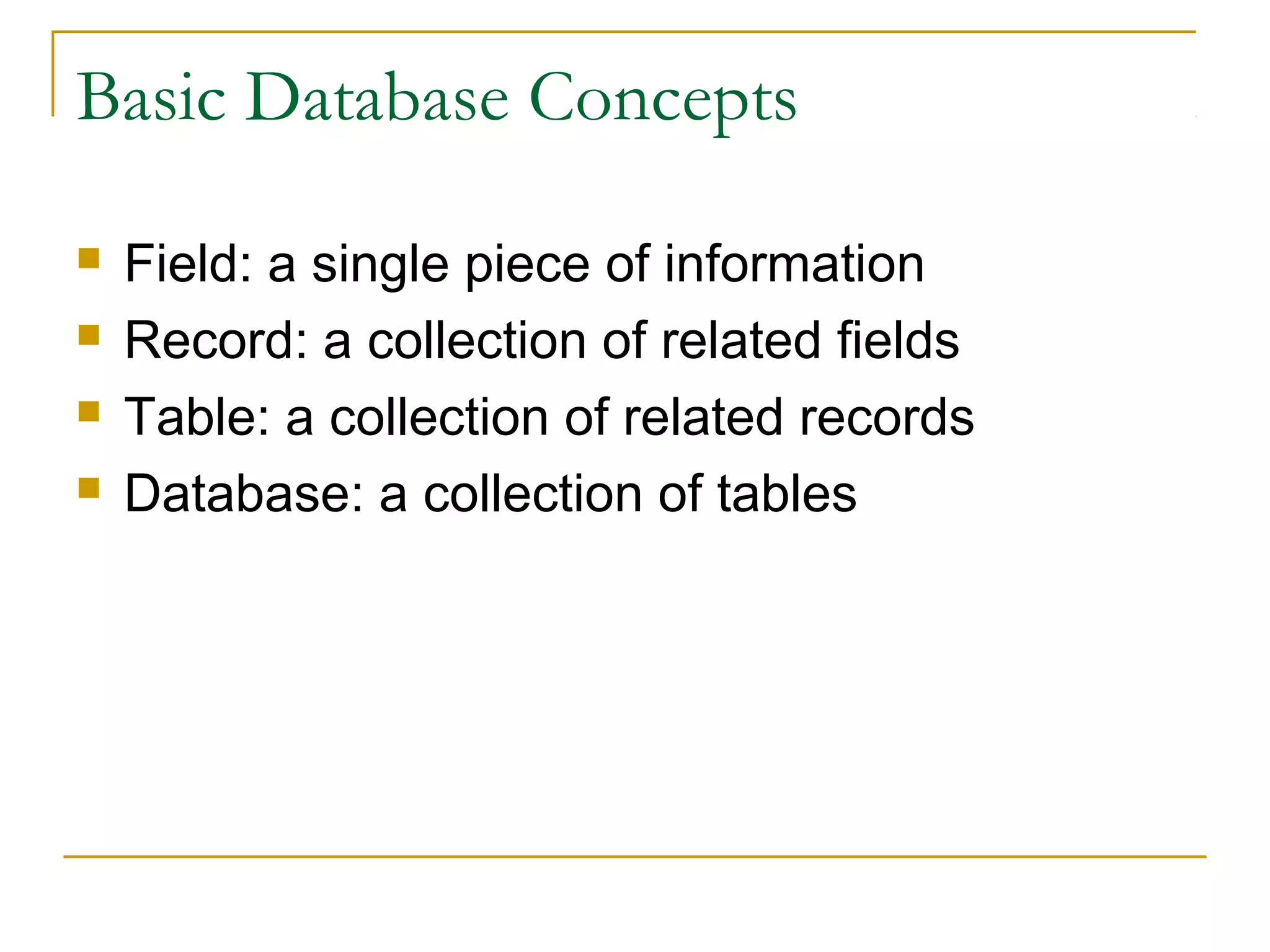
   Field: a single piece of information
   Record: a collection of related fields
   Table: a collection of related records
   Database: a collection of tables
Difference between a database and a
relational database
   The difference is in the way the tables are
    constructed.
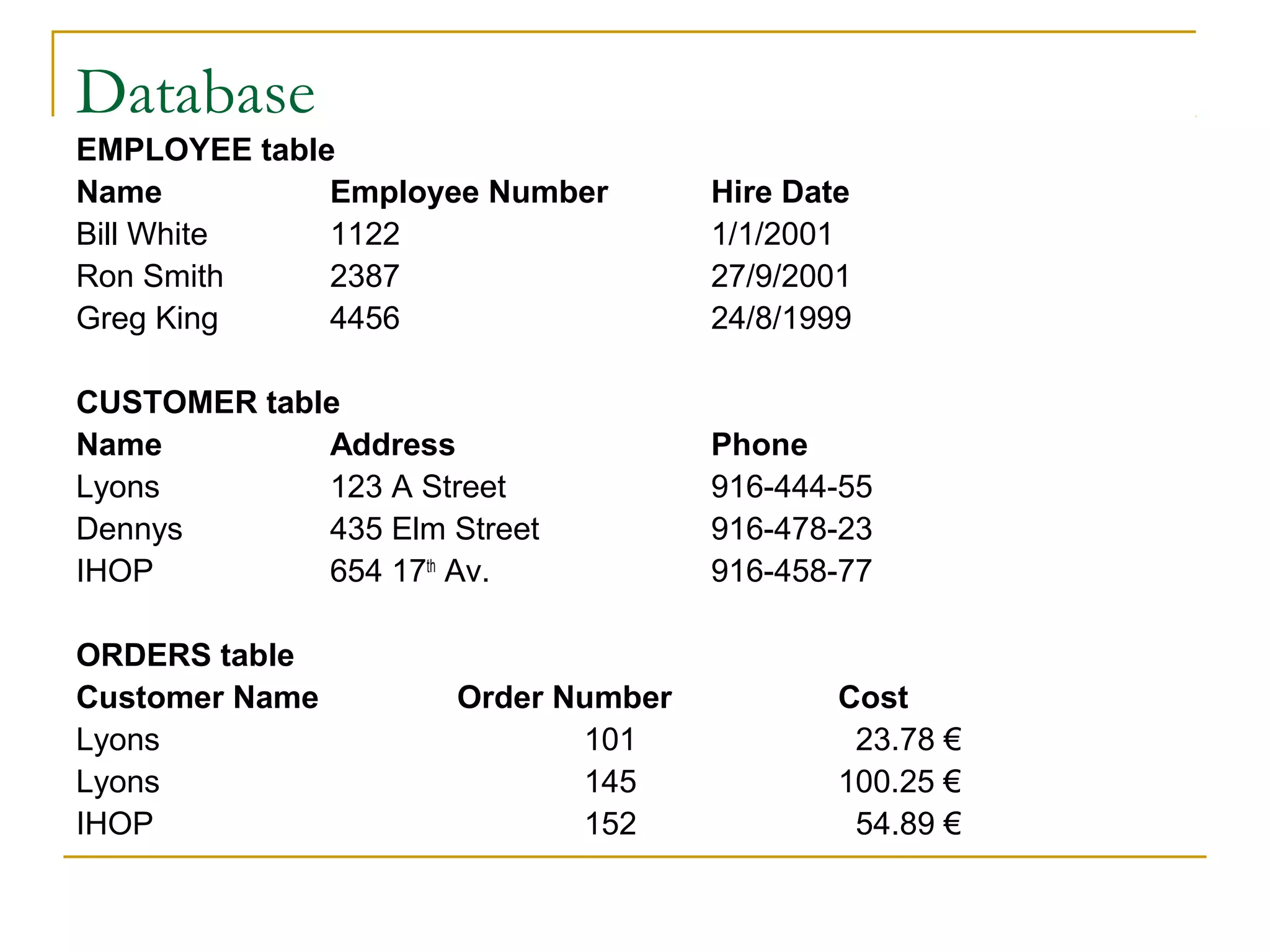
Database
EMPLOYEE table
Name          Employee Number        Hire Date
Bill White    1122                   1/1/2001
Ron Smith     2387                   27/9/2001
Greg King     4456                   24/8/1999

CUSTOMER table
Name         Address                 Phone
Lyons        123 A Street            916-444-55
Dennys       435 Elm Street          916-478-23
IHOP         654 17th Av.            916-458-77

ORDERS table
Customer Name         Order Number           Cost
Lyons                        101              23.78 €
Lyons                        145             100.25 €
IHOP                         152              54.89 €
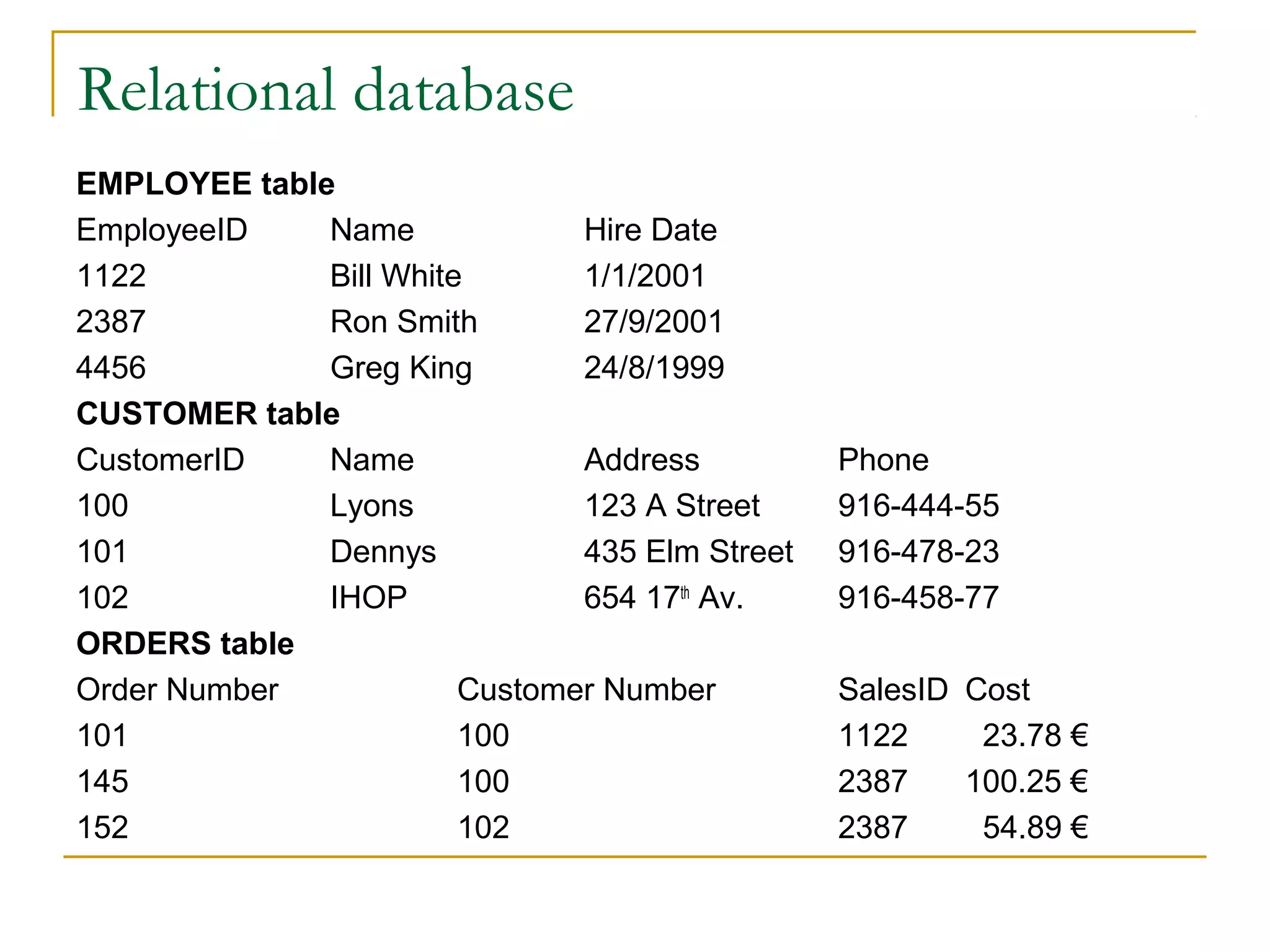
Relational database
EMPLOYEE table
EmployeeID    Name             Hire Date
1122          Bill White       1/1/2001
2387          Ron Smith        27/9/2001
4456          Greg King        24/8/1999
CUSTOMER table
CustomerID    Name             Address          Phone
100           Lyons            123 A Street     916-444-55
101           Dennys           435 Elm Street   916-478-23
102           IHOP             654 17th Av.     916-458-77
ORDERS table
Order Number            Customer Number         SalesID Cost
101                     100                     1122     23.78 €
145                     100                     2387    100.25 €
152                     102                     2387     54.89 €
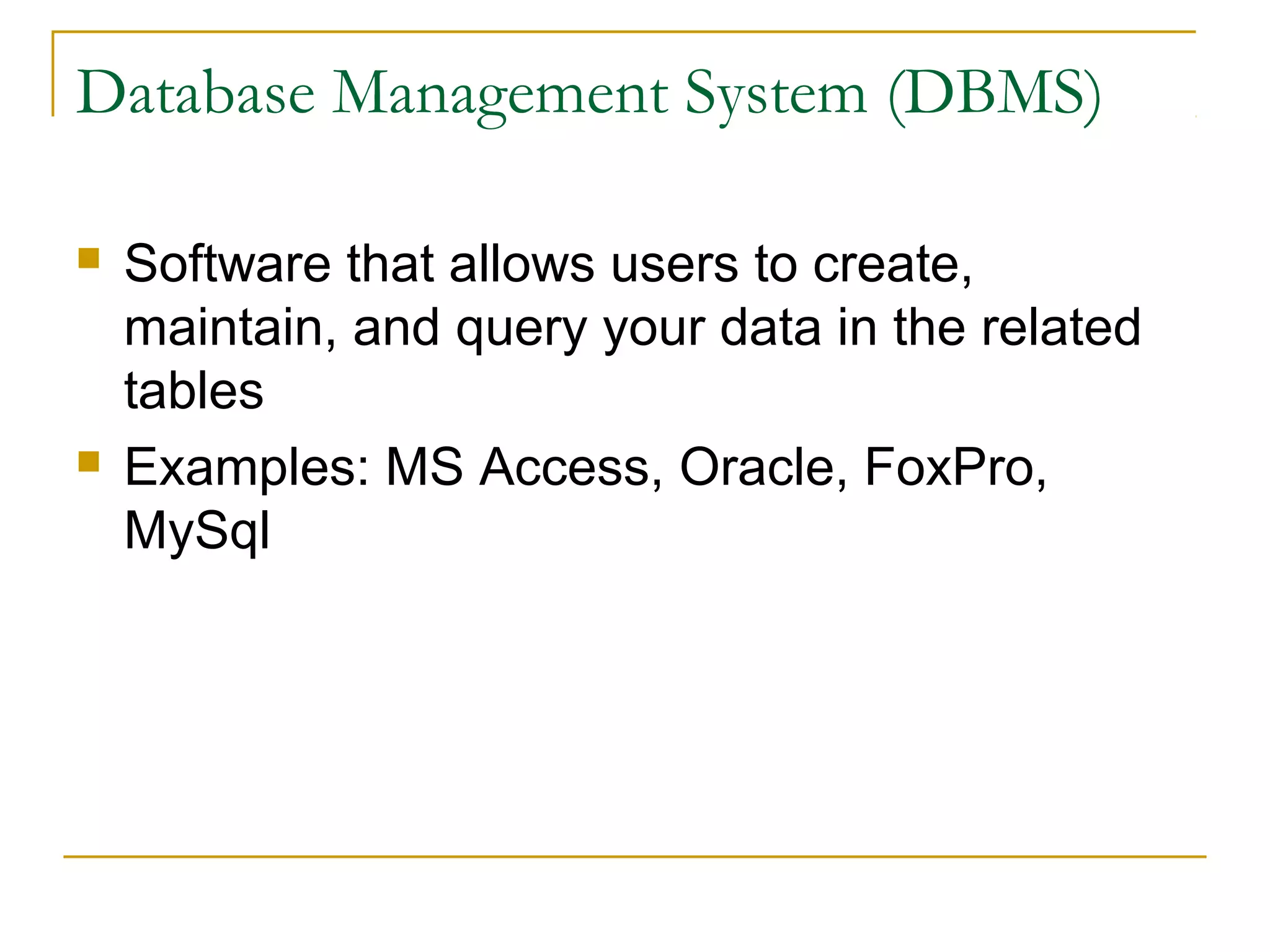
Database Management System (DBMS)

   Software that allows users to create,
    maintain, and query your data in the related
    tables
   Examples: MS Access, Oracle, FoxPro,
    MySql
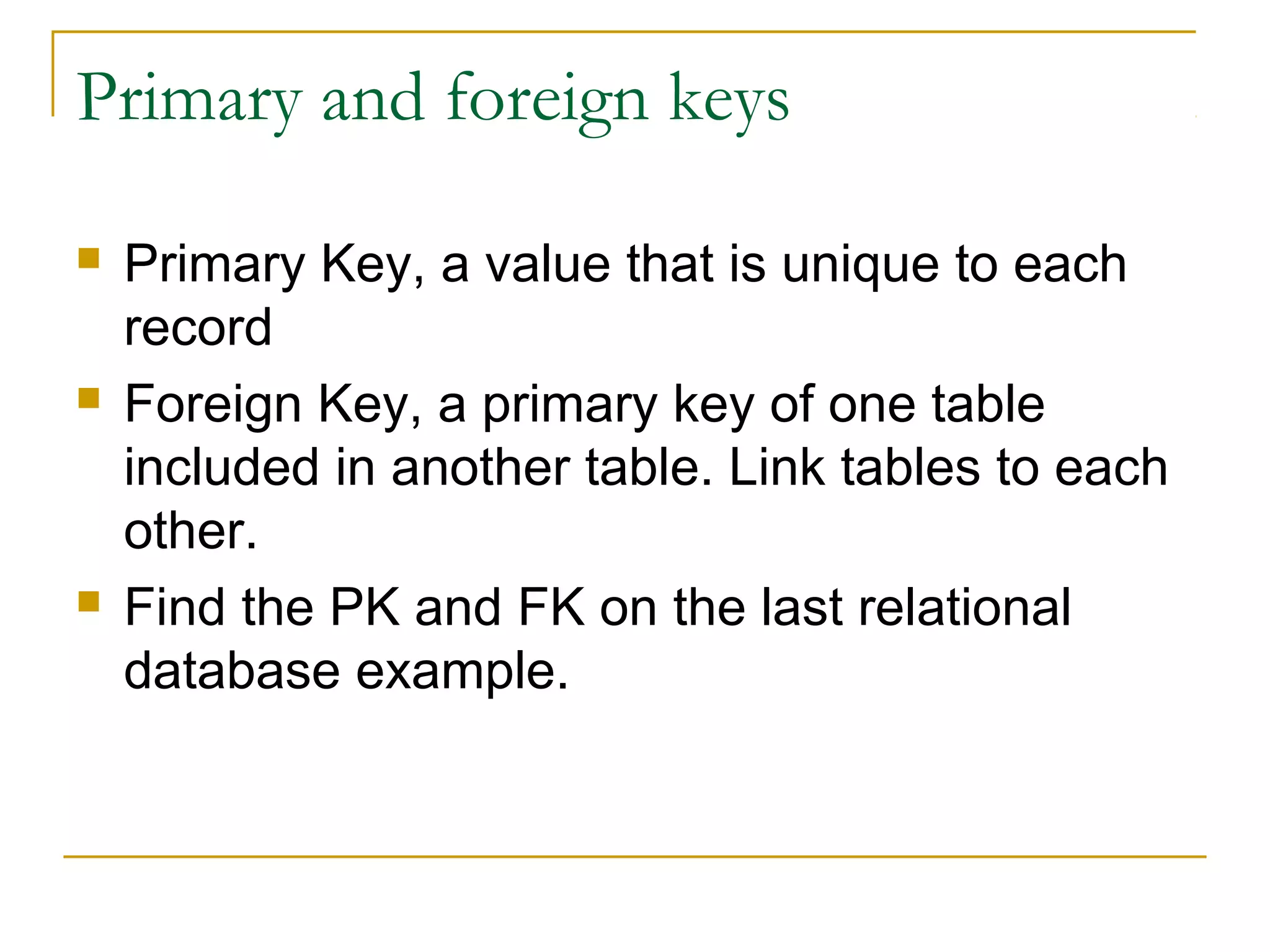
Primary and foreign keys

   Primary Key, a value that is unique to each
    record
   Foreign Key, a primary key of one table
    included in another table. Link tables to each
    other.
   Find the PK and FK on the last relational
    database example.
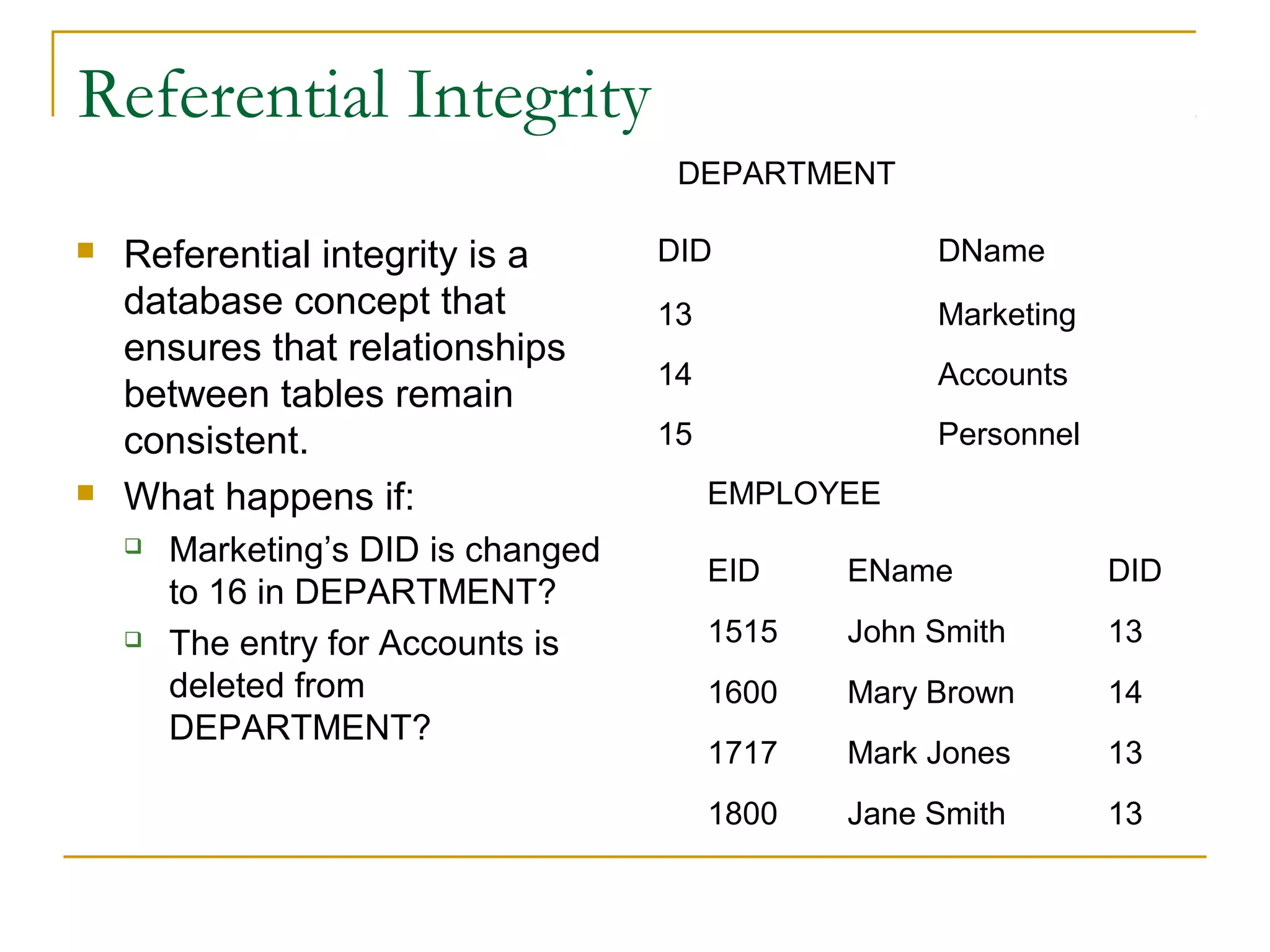
Referential Integrity
                                      DEPARTMENT

   Referential integrity is a       DID              DName
    database concept that            13               Marketing
    ensures that relationships
                                     14               Accounts
    between tables remain
    consistent.                      15               Personnel
   What happens if:                      EMPLOYEE
       Marketing’s DID is changed
                                          EID    EName            DID
        to 16 in DEPARTMENT?
       The entry for Accounts is         1515   John Smith       13
        deleted from                      1600   Mary Brown       14
        DEPARTMENT?
                                          1717   Mark Jones       13
                                          1800   Jane Smith       13
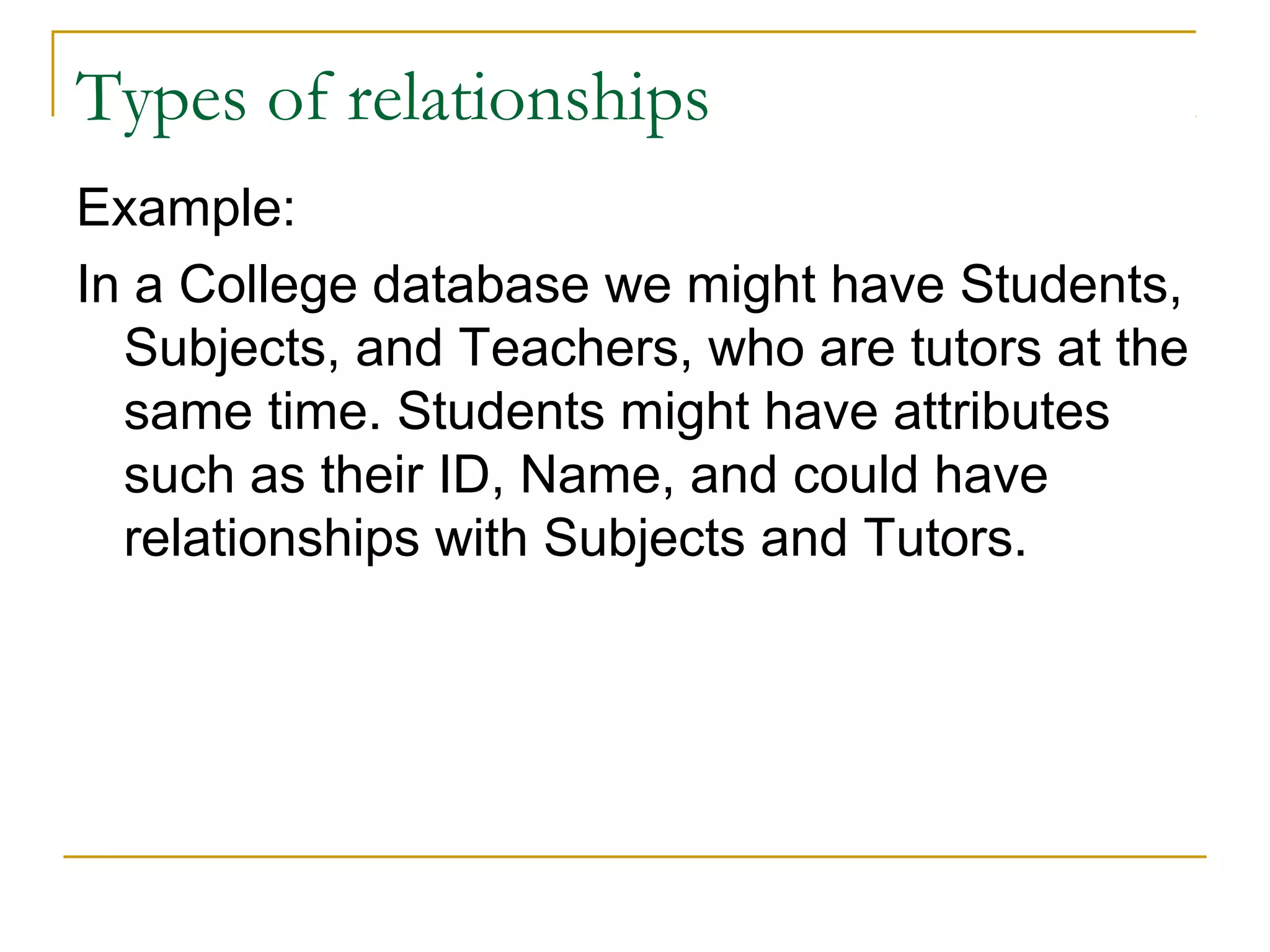
Types of relationships
Example:
In a College database we might have Students,
  Subjects, and Teachers, who are tutors at the
  same time. Students might have attributes
  such as their ID, Name, and could have
  relationships with Subjects and Tutors.
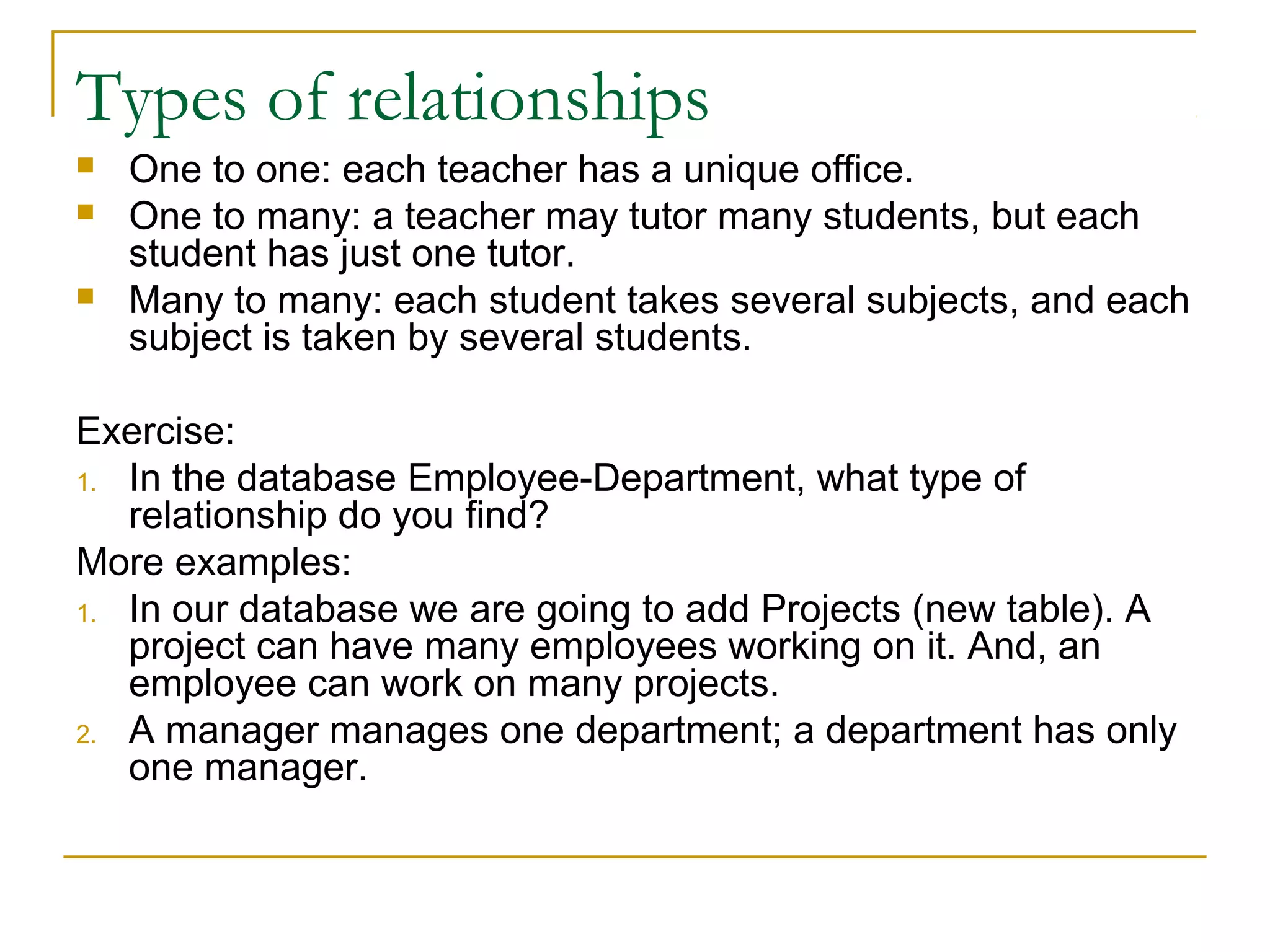
Types of relationships
   One to one: each teacher has a unique office.
   One to many: a teacher may tutor many students, but each
    student has just one tutor.
   Many to many: each student takes several subjects, and each
    subject is taken by several students.

Exercise:
1. In the database Employee-Department, what type of
   relationship do you find?
More examples:
1. In our database we are going to add Projects (new table). A
   project can have many employees working on it. And, an
   employee can work on many projects.
2. A manager manages one department; a department has only
   one manager.
Types of relationships

   In a database we store information about
    books, the authors, the category of the
    books, and the publishers.
   A book can have more than one author.
   A book can be of more than one category.
   A publisher publishes many books. A book is
    published only for one publisher.
   What types of relationships do we have here?
Designing a database structure

   As you are gathering information in the
    requirements phase, you should be thinking
    about these items:
   Identify all of the fields you are going to need
    and ways to organize the related fields into
    tables
   Determine or build a primary key for each
    table if needed
Designing a database structure
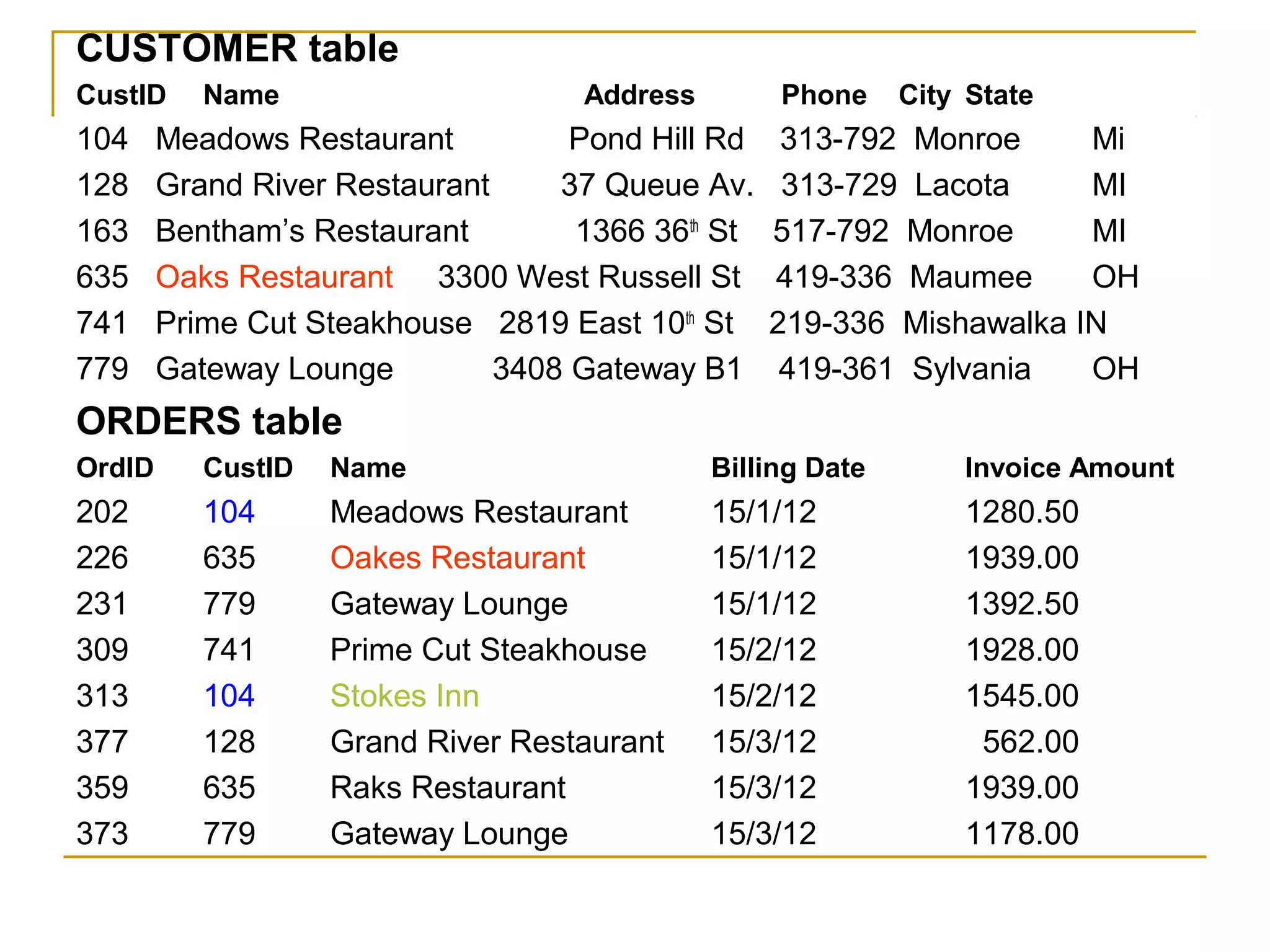
    Compare the two tables below. You will see situations that you
     want to avoid:
1)     Avoid data redundancy.
2)     If you can avoid data redundancy, you can avoid data
     mistakes. Look at the customer name for customer #635 in both
     tables. Two different spellings. Which one is correct?
3)     Notice that there are two different customers in the Orders
     table that have the same customer number (#104). If your billing
     system uses the customer number to drive it, who’s going to get
     the bill?
4)     Notice that some of the customers in the Orders table aren’t
     even listed in the Customer table. Will these customers ever get
     a bill?
CUSTOMER table
CustID     Name                     Address        Phone     City State
104     Meadows Restaurant          Pond Hill Rd    313-792 Monroe     Mi
128     Grand River Restaurant     37 Queue Av.     313-729 Lacota     MI
163     Bentham’s Restaurant        1366 36th St   517-792 Monroe      MI
635     Oaks Restaurant 3300 West Russell St       419-336 Maumee      OH
741     Prime Cut Steakhouse 2819 East 10th St     219-336 Mishawalka IN
779     Gateway Lounge         3408 Gateway B1      419-361 Sylvania   OH
ORDERS table
OrdID      CustID   Name                      Billing Date       Invoice Amount
202        104      Meadows Restaurant        15/1/12            1280.50
226        635      Oakes Restaurant          15/1/12            1939.00
231        779      Gateway Lounge            15/1/12            1392.50
309        741      Prime Cut Steakhouse      15/2/12            1928.00
313        104      Stokes Inn                15/2/12            1545.00
377        128      Grand River Restaurant    15/3/12             562.00
359        635      Raks Restaurant           15/3/12            1939.00
373        779      Gateway Lounge            15/3/12            1178.00
Designing a database structure

 A database is to be made to store information
 about a catalogue of CDs. Information to be
 stored about each CD includes their titles,
 prices, and genre. This catalogue will take
 into account only the “Rock”, “Pop”, and
 “Rap” genre. Each CD will also have an artist,
 and each artist may produce several CDs.
 Artists have names associated with them.
Designing a database structure

   Identify tables, fields, and relationships from
    the problem description.
   How do I find tables and fields?
   Tables and fields are often represented by
    nouns in the description, so possible tables
    from the CD problem description include
    database, catalogue, cd, title (of CD), price,
    genre, names. Some of these might not be
    needed, and there may be others
Designing a database structure

   How do I tell the difference between a
    table and a field?
   Field values are atomic, so fields can't have
    smaller parts or be groups of things.
   Fields can't participate in relationships.
   Fields have a single value (a string, a
    number, etc), whereas tables have complex
    values (groups of fields generally).
Designing a database structure

   How do I find potential relationships
    between tables?
   Relationships are often verbs or phrases that
    link two tables in the problem description. For
    example, if we have identified the tables CD
    and artist, then a relationship between them
    is described by the sentence "Each CD will
    also have an artist, and each artist may
    produce several CDs."
Designing a database structure
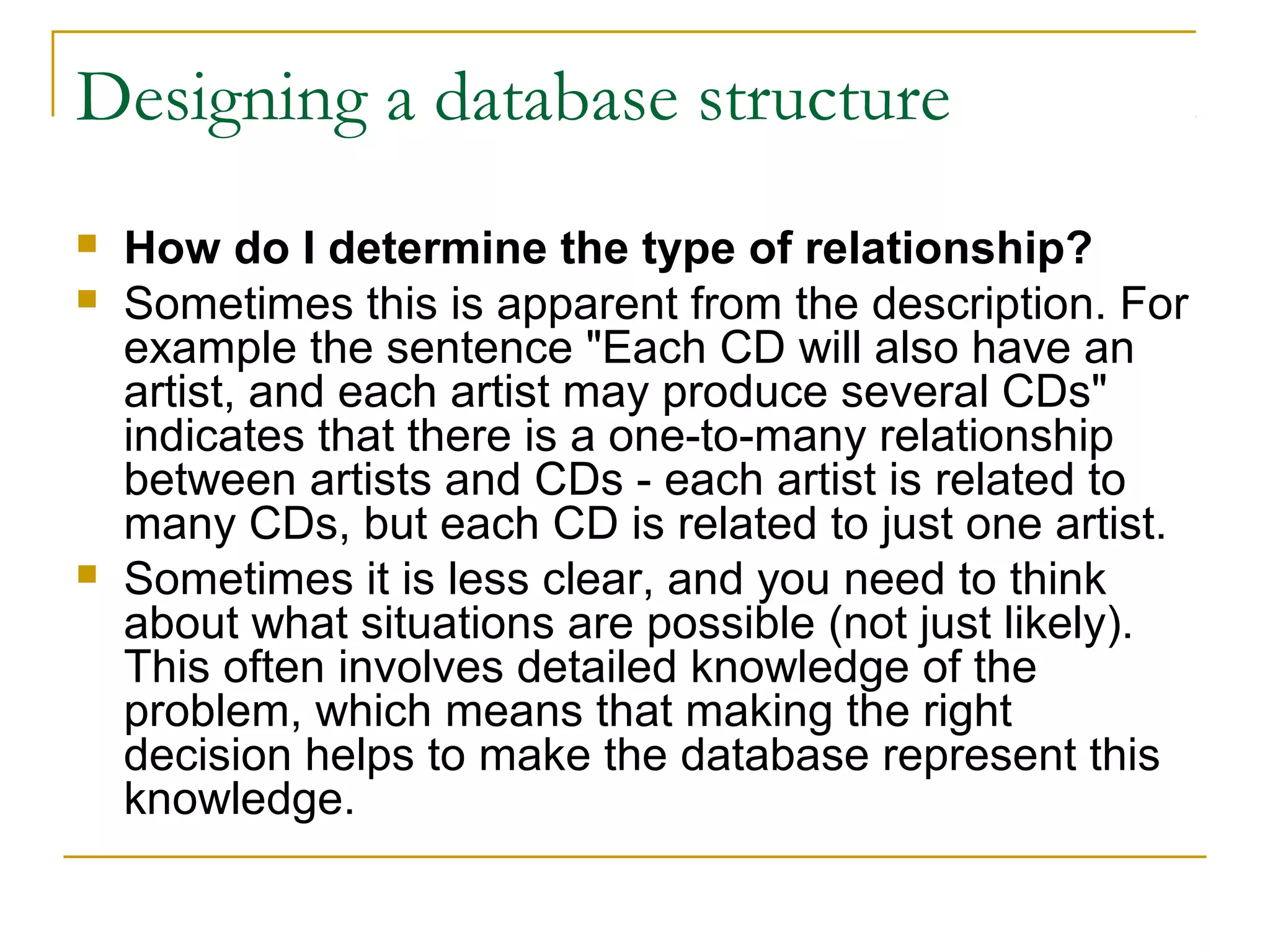
   How do I determine the type of relationship?
   Sometimes this is apparent from the description. For
    example the sentence "Each CD will also have an
    artist, and each artist may produce several CDs"
    indicates that there is a one-to-many relationship
    between artists and CDs - each artist is related to
    many CDs, but each CD is related to just one artist.
   Sometimes it is less clear, and you need to think
    about what situations are possible (not just likely).
    This often involves detailed knowledge of the
    problem, which means that making the right
    decision helps to make the database represent this
    knowledge.
Designing a database structure
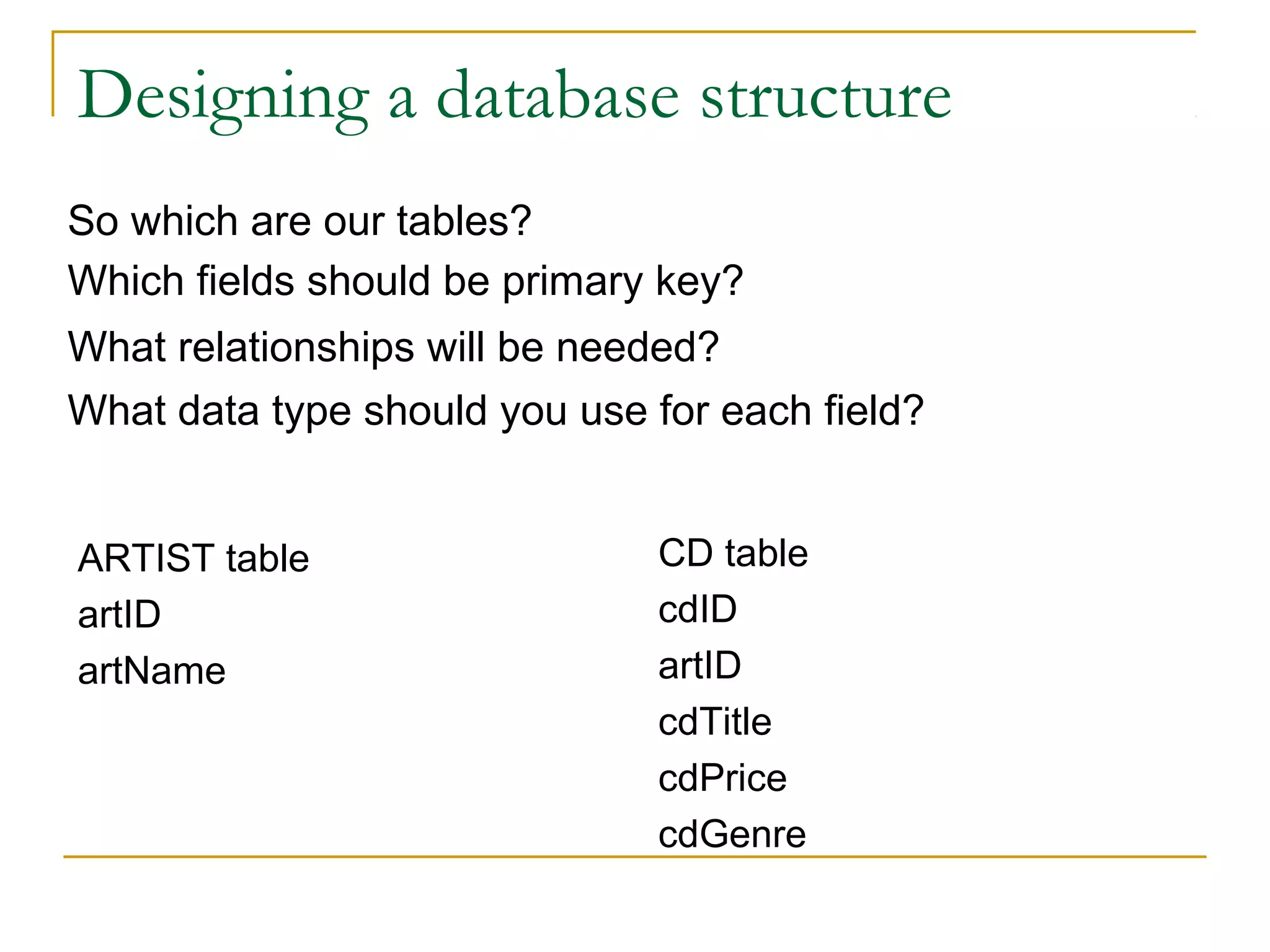
So which are our tables?
Which fields should be primary key?
What relationships will be needed?
What data type should you use for each field?


ARTIST table                  CD table
artID                         cdID
artName                       artID
                              cdTitle
                              cdPrice
                              cdGenre
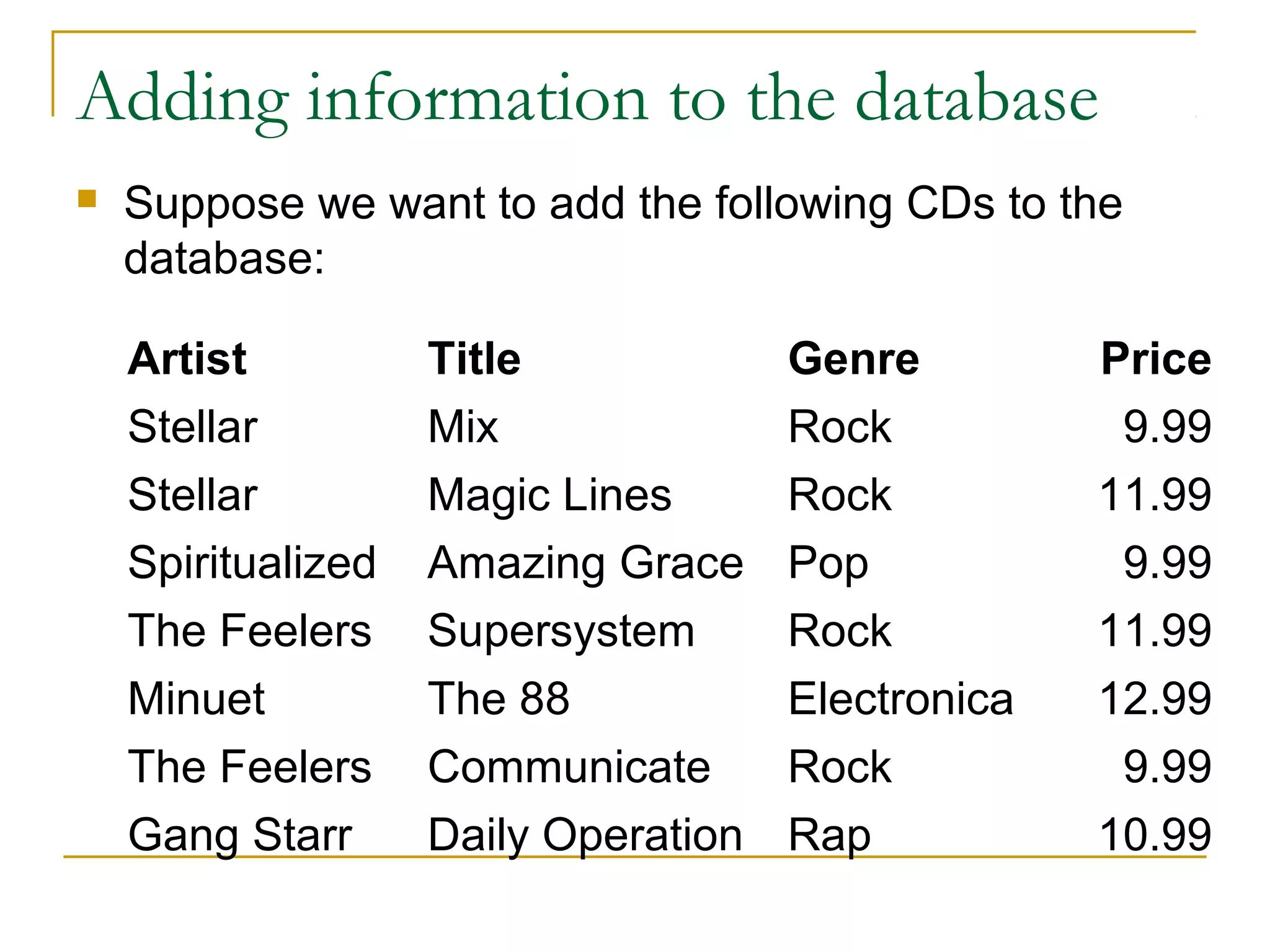
Adding information to the database
   Suppose we want to add the following CDs to the
    database:

    Artist          Title             Genre         Price
    Stellar         Mix               Rock           9.99
    Stellar         Magic Lines       Rock          11.99
    Spiritualized   Amazing Grace     Pop            9.99
    The Feelers     Supersystem       Rock          11.99
    Minuet          The 88            Electronica   12.99
    The Feelers     Communicate       Rock           9.99
    Gang Starr      Daily Operation   Rap           10.99
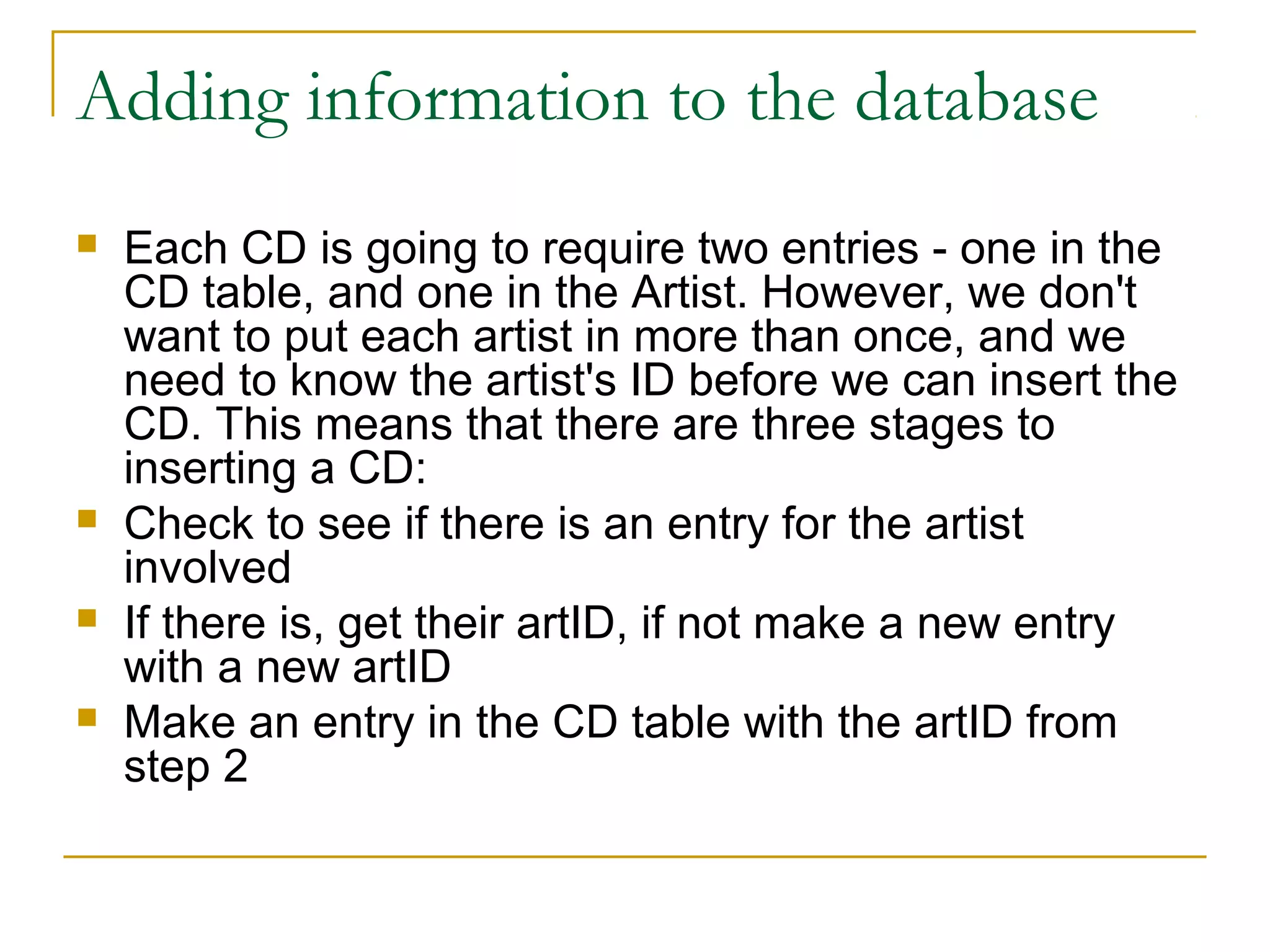
Adding information to the database
   Each CD is going to require two entries - one in the
    CD table, and one in the Artist. However, we don't
    want to put each artist in more than once, and we
    need to know the artist's ID before we can insert the
    CD. This means that there are three stages to
    inserting a CD:
   Check to see if there is an entry for the artist
    involved
   If there is, get their artID, if not make a new entry
    with a new artID
   Make an entry in the CD table with the artID from
    step 2
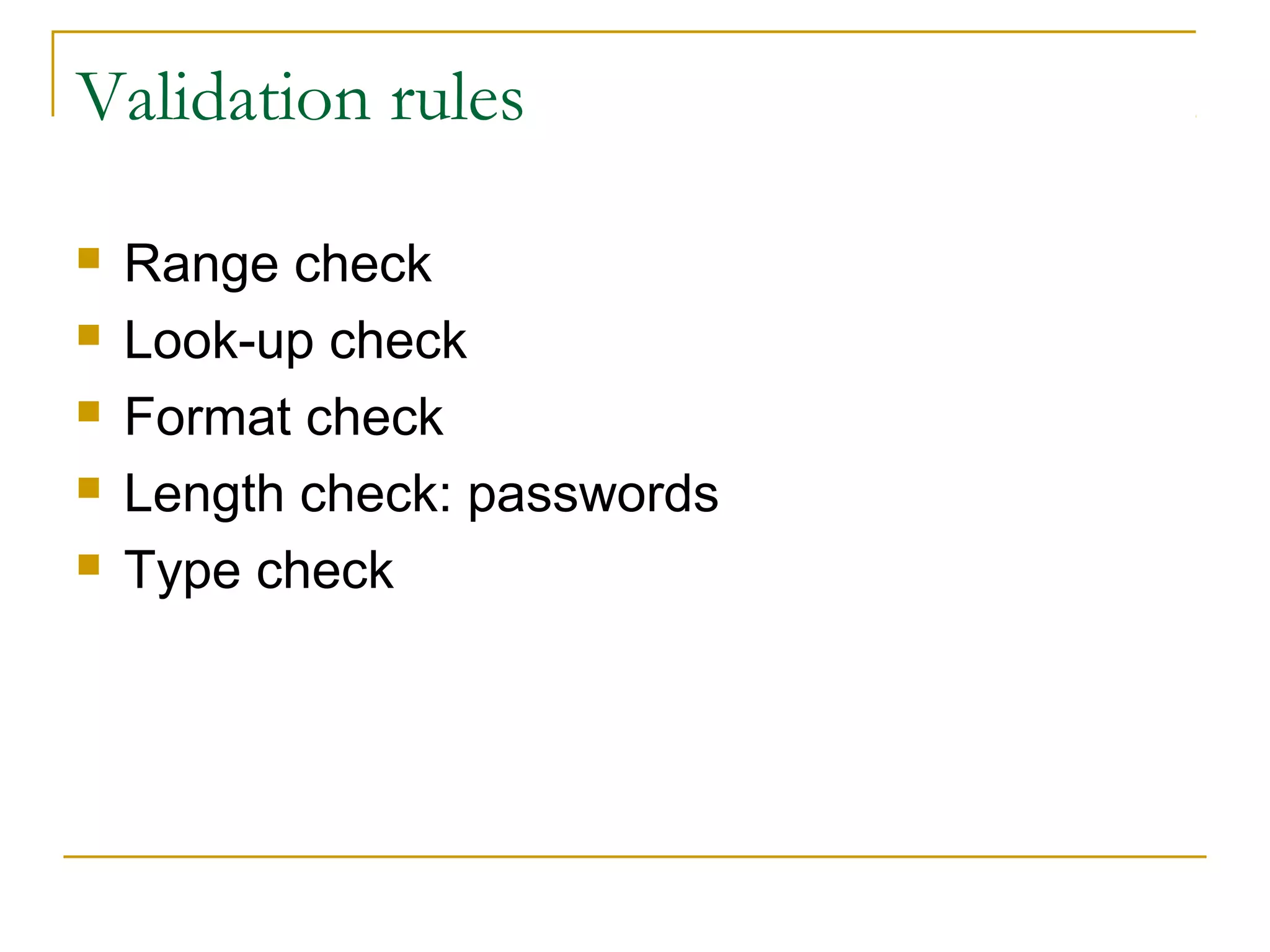
Validation rules

   Range check
   Look-up check
   Format check
   Length check: passwords
   Type check
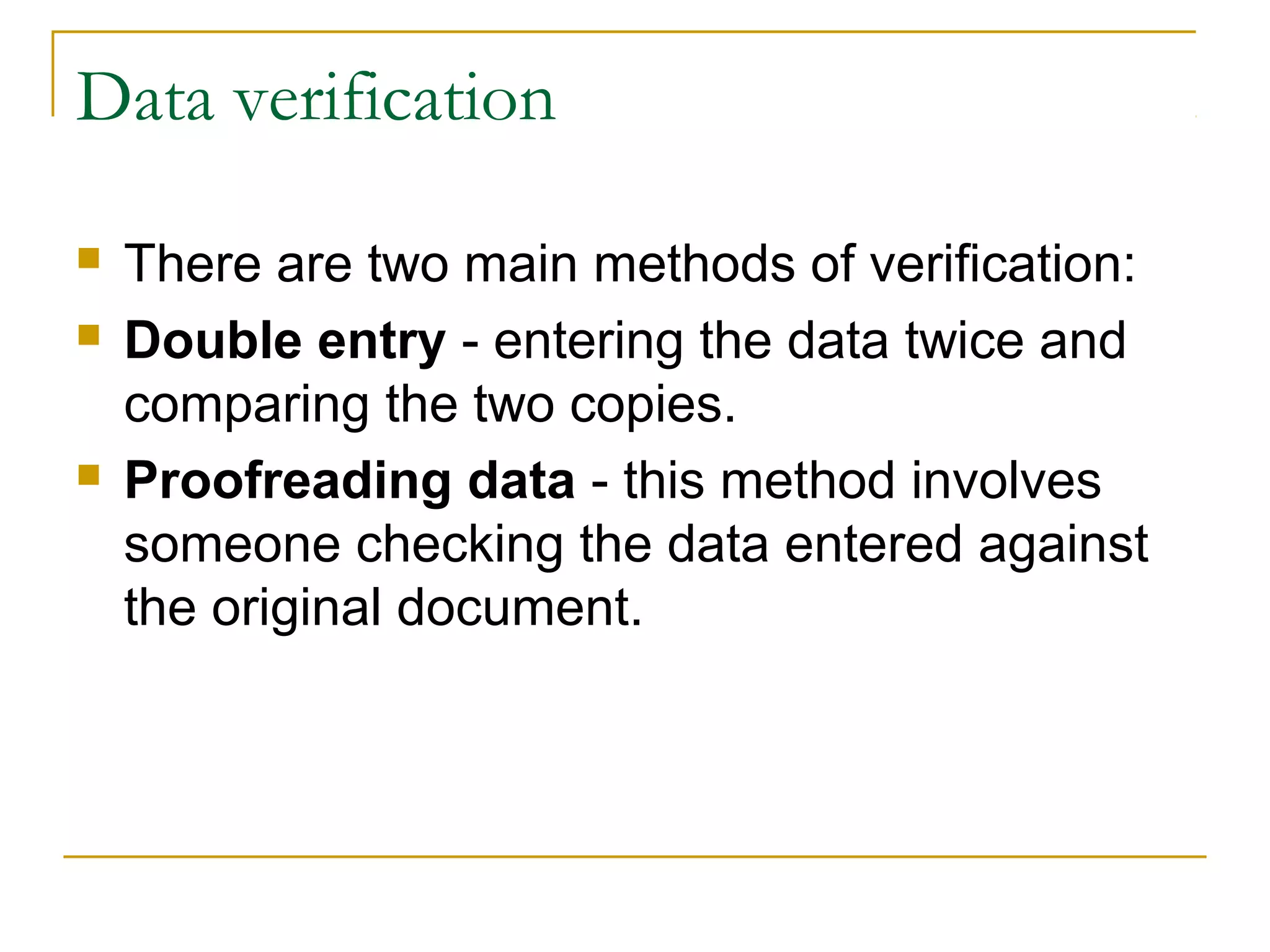
Data verification

   There are two main methods of verification:
   Double entry - entering the data twice and
    comparing the two copies.
   Proofreading data - this method involves
    someone checking the data entered against
    the original document.

Databases

  • 1.
    Basic Databases Concepts By Odaly Fernandez
  • 2.
    What is adatabase  A database is any collection of information (data).  This collection represents part of the real world.  The data is organized in some manner so that the information contained within the database can be easily retrieved.
  • 3.
    Examples of database  Phone books  Library  School  Search engines
  • 4.
    Basic Database Concepts  Field: a single piece of information  Record: a collection of related fields  Table: a collection of related records  Database: a collection of tables
  • 5.
    Difference between adatabase and a relational database  The difference is in the way the tables are constructed.
  • 6.
    Database EMPLOYEE table Name Employee Number Hire Date Bill White 1122 1/1/2001 Ron Smith 2387 27/9/2001 Greg King 4456 24/8/1999 CUSTOMER table Name Address Phone Lyons 123 A Street 916-444-55 Dennys 435 Elm Street 916-478-23 IHOP 654 17th Av. 916-458-77 ORDERS table Customer Name Order Number Cost Lyons 101 23.78 € Lyons 145 100.25 € IHOP 152 54.89 €
  • 7.
    Relational database EMPLOYEE table EmployeeID Name Hire Date 1122 Bill White 1/1/2001 2387 Ron Smith 27/9/2001 4456 Greg King 24/8/1999 CUSTOMER table CustomerID Name Address Phone 100 Lyons 123 A Street 916-444-55 101 Dennys 435 Elm Street 916-478-23 102 IHOP 654 17th Av. 916-458-77 ORDERS table Order Number Customer Number SalesID Cost 101 100 1122 23.78 € 145 100 2387 100.25 € 152 102 2387 54.89 €
  • 8.
    Database Management System(DBMS)  Software that allows users to create, maintain, and query your data in the related tables  Examples: MS Access, Oracle, FoxPro, MySql
  • 9.
    Primary and foreignkeys  Primary Key, a value that is unique to each record  Foreign Key, a primary key of one table included in another table. Link tables to each other.  Find the PK and FK on the last relational database example.
  • 10.
    Referential Integrity DEPARTMENT  Referential integrity is a DID DName database concept that 13 Marketing ensures that relationships 14 Accounts between tables remain consistent. 15 Personnel  What happens if: EMPLOYEE  Marketing’s DID is changed EID EName DID to 16 in DEPARTMENT?  The entry for Accounts is 1515 John Smith 13 deleted from 1600 Mary Brown 14 DEPARTMENT? 1717 Mark Jones 13 1800 Jane Smith 13
  • 11.
    Types of relationships Example: Ina College database we might have Students, Subjects, and Teachers, who are tutors at the same time. Students might have attributes such as their ID, Name, and could have relationships with Subjects and Tutors.
  • 12.
    Types of relationships  One to one: each teacher has a unique office.  One to many: a teacher may tutor many students, but each student has just one tutor.  Many to many: each student takes several subjects, and each subject is taken by several students. Exercise: 1. In the database Employee-Department, what type of relationship do you find? More examples: 1. In our database we are going to add Projects (new table). A project can have many employees working on it. And, an employee can work on many projects. 2. A manager manages one department; a department has only one manager.
  • 13.
    Types of relationships  In a database we store information about books, the authors, the category of the books, and the publishers.  A book can have more than one author.  A book can be of more than one category.  A publisher publishes many books. A book is published only for one publisher.  What types of relationships do we have here?
  • 14.
    Designing a databasestructure  As you are gathering information in the requirements phase, you should be thinking about these items:  Identify all of the fields you are going to need and ways to organize the related fields into tables  Determine or build a primary key for each table if needed
  • 15.
    Designing a databasestructure  Compare the two tables below. You will see situations that you want to avoid: 1) Avoid data redundancy. 2) If you can avoid data redundancy, you can avoid data mistakes. Look at the customer name for customer #635 in both tables. Two different spellings. Which one is correct? 3) Notice that there are two different customers in the Orders table that have the same customer number (#104). If your billing system uses the customer number to drive it, who’s going to get the bill? 4) Notice that some of the customers in the Orders table aren’t even listed in the Customer table. Will these customers ever get a bill?
  • 16.
    CUSTOMER table CustID Name Address Phone City State 104 Meadows Restaurant Pond Hill Rd 313-792 Monroe Mi 128 Grand River Restaurant 37 Queue Av. 313-729 Lacota MI 163 Bentham’s Restaurant 1366 36th St 517-792 Monroe MI 635 Oaks Restaurant 3300 West Russell St 419-336 Maumee OH 741 Prime Cut Steakhouse 2819 East 10th St 219-336 Mishawalka IN 779 Gateway Lounge 3408 Gateway B1 419-361 Sylvania OH ORDERS table OrdID CustID Name Billing Date Invoice Amount 202 104 Meadows Restaurant 15/1/12 1280.50 226 635 Oakes Restaurant 15/1/12 1939.00 231 779 Gateway Lounge 15/1/12 1392.50 309 741 Prime Cut Steakhouse 15/2/12 1928.00 313 104 Stokes Inn 15/2/12 1545.00 377 128 Grand River Restaurant 15/3/12 562.00 359 635 Raks Restaurant 15/3/12 1939.00 373 779 Gateway Lounge 15/3/12 1178.00
  • 17.
    Designing a databasestructure A database is to be made to store information about a catalogue of CDs. Information to be stored about each CD includes their titles, prices, and genre. This catalogue will take into account only the “Rock”, “Pop”, and “Rap” genre. Each CD will also have an artist, and each artist may produce several CDs. Artists have names associated with them.
  • 18.
    Designing a databasestructure  Identify tables, fields, and relationships from the problem description.  How do I find tables and fields?  Tables and fields are often represented by nouns in the description, so possible tables from the CD problem description include database, catalogue, cd, title (of CD), price, genre, names. Some of these might not be needed, and there may be others
  • 19.
    Designing a databasestructure  How do I tell the difference between a table and a field?  Field values are atomic, so fields can't have smaller parts or be groups of things.  Fields can't participate in relationships.  Fields have a single value (a string, a number, etc), whereas tables have complex values (groups of fields generally).
  • 20.
    Designing a databasestructure  How do I find potential relationships between tables?  Relationships are often verbs or phrases that link two tables in the problem description. For example, if we have identified the tables CD and artist, then a relationship between them is described by the sentence "Each CD will also have an artist, and each artist may produce several CDs."
  • 21.
    Designing a databasestructure  How do I determine the type of relationship?  Sometimes this is apparent from the description. For example the sentence "Each CD will also have an artist, and each artist may produce several CDs" indicates that there is a one-to-many relationship between artists and CDs - each artist is related to many CDs, but each CD is related to just one artist.  Sometimes it is less clear, and you need to think about what situations are possible (not just likely). This often involves detailed knowledge of the problem, which means that making the right decision helps to make the database represent this knowledge.
  • 22.
    Designing a databasestructure So which are our tables? Which fields should be primary key? What relationships will be needed? What data type should you use for each field? ARTIST table CD table artID cdID artName artID cdTitle cdPrice cdGenre
  • 23.
    Adding information tothe database  Suppose we want to add the following CDs to the database: Artist Title Genre Price Stellar Mix Rock 9.99 Stellar Magic Lines Rock 11.99 Spiritualized Amazing Grace Pop 9.99 The Feelers Supersystem Rock 11.99 Minuet The 88 Electronica 12.99 The Feelers Communicate Rock 9.99 Gang Starr Daily Operation Rap 10.99
  • 24.
    Adding information tothe database  Each CD is going to require two entries - one in the CD table, and one in the Artist. However, we don't want to put each artist in more than once, and we need to know the artist's ID before we can insert the CD. This means that there are three stages to inserting a CD:  Check to see if there is an entry for the artist involved  If there is, get their artID, if not make a new entry with a new artID  Make an entry in the CD table with the artID from step 2
  • 25.
    Validation rules  Range check  Look-up check  Format check  Length check: passwords  Type check
  • 26.
    Data verification  There are two main methods of verification:  Double entry - entering the data twice and comparing the two copies.  Proofreading data - this method involves someone checking the data entered against the original document.