Introduction
The databaseis now such an integral part of our day-to-day life that often
we are not aware we are using one.
Purchases from the supermarket
Purchases using your credit card
Booking a holiday at the travel agents
Using the local library
Using the Internet
Studying at university
4.
Traditional File-Based Systems
File-Based System is a collection of application programs that perform
services for the end-users such as the production of reports. Each program
defines and manages its own data.
File-based systems were an early attempt to computerize the manual filing
system.
The manual filing system works well while the number of items to be stored is
small.
5.
Traditional File-Based Systems
The file-based system was developed in response to the needs of industry
for more efficient data access.
However, rather than establish a centralized store for the organization’s
operational data, a decentralized approach was taken, where each
department, with the assistance of Data Processing (DP) staff, stored and
controlled its own data.
A file is simply a collection of records, which contains logically related data.
6.
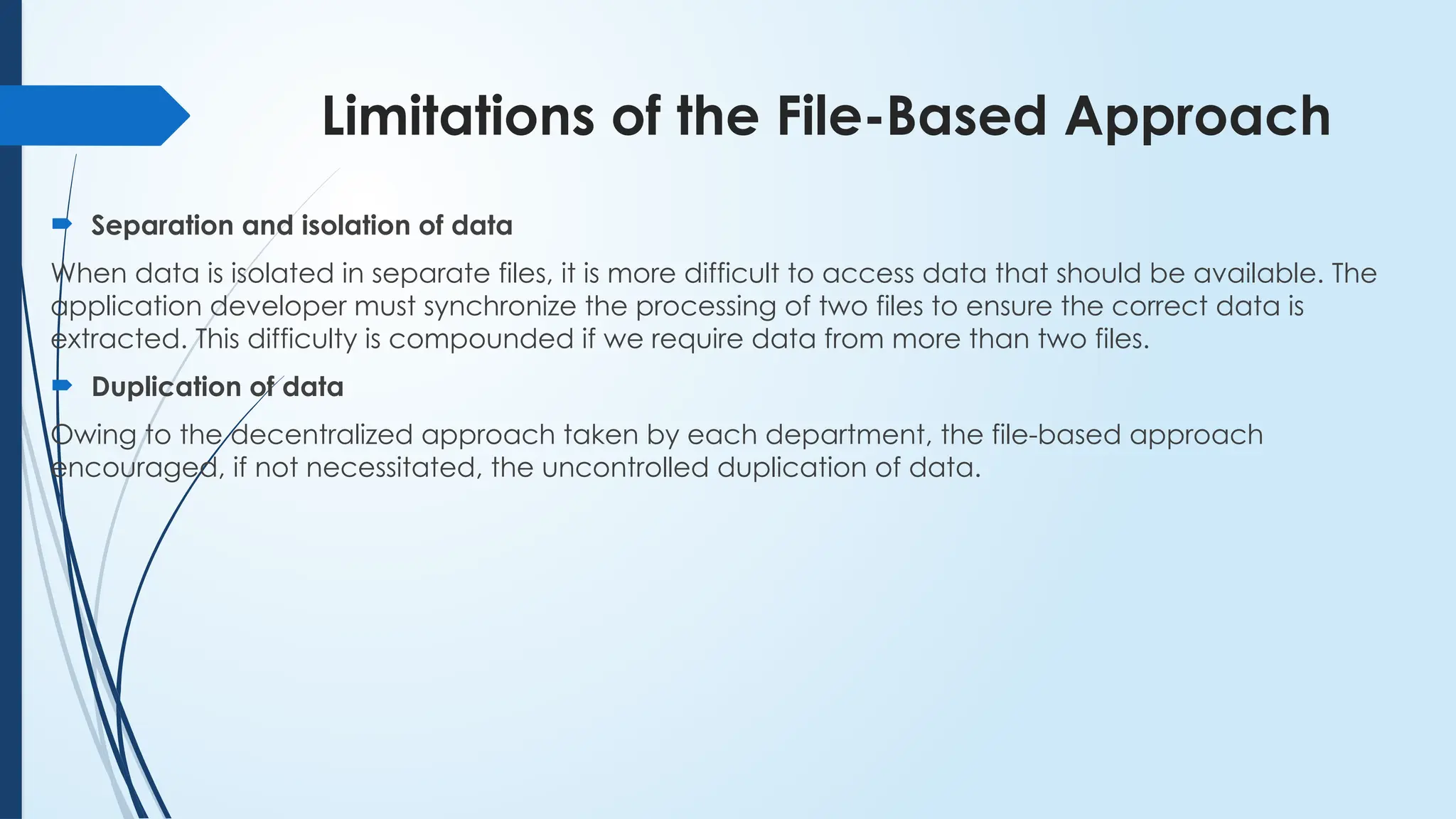
Limitations of theFile-Based Approach
Separation and isolation of data
When data is isolated in separate files, it is more difficult to access data that should be available. The
application developer must synchronize the processing of two files to ensure the correct data is
extracted. This difficulty is compounded if we require data from more than two files.
Duplication of data
Owing to the decentralized approach taken by each department, the file-based approach
encouraged, if not necessitated, the uncontrolled duplication of data.
7.
Limitations of theFile-Based Approach
Uncontrolled duplication of data is undesirable for several reasons,
including:
Duplication is wasteful. It costs time and money to enter the data more than
once.
It takes up additional storage space, again with associated costs. Often, the
duplication of data can be avoided by sharing data files.
Duplication can lead to loss of data integrity; in other words, the data is no
longer consistent.
8.
Limitations of theFile-Based Approach
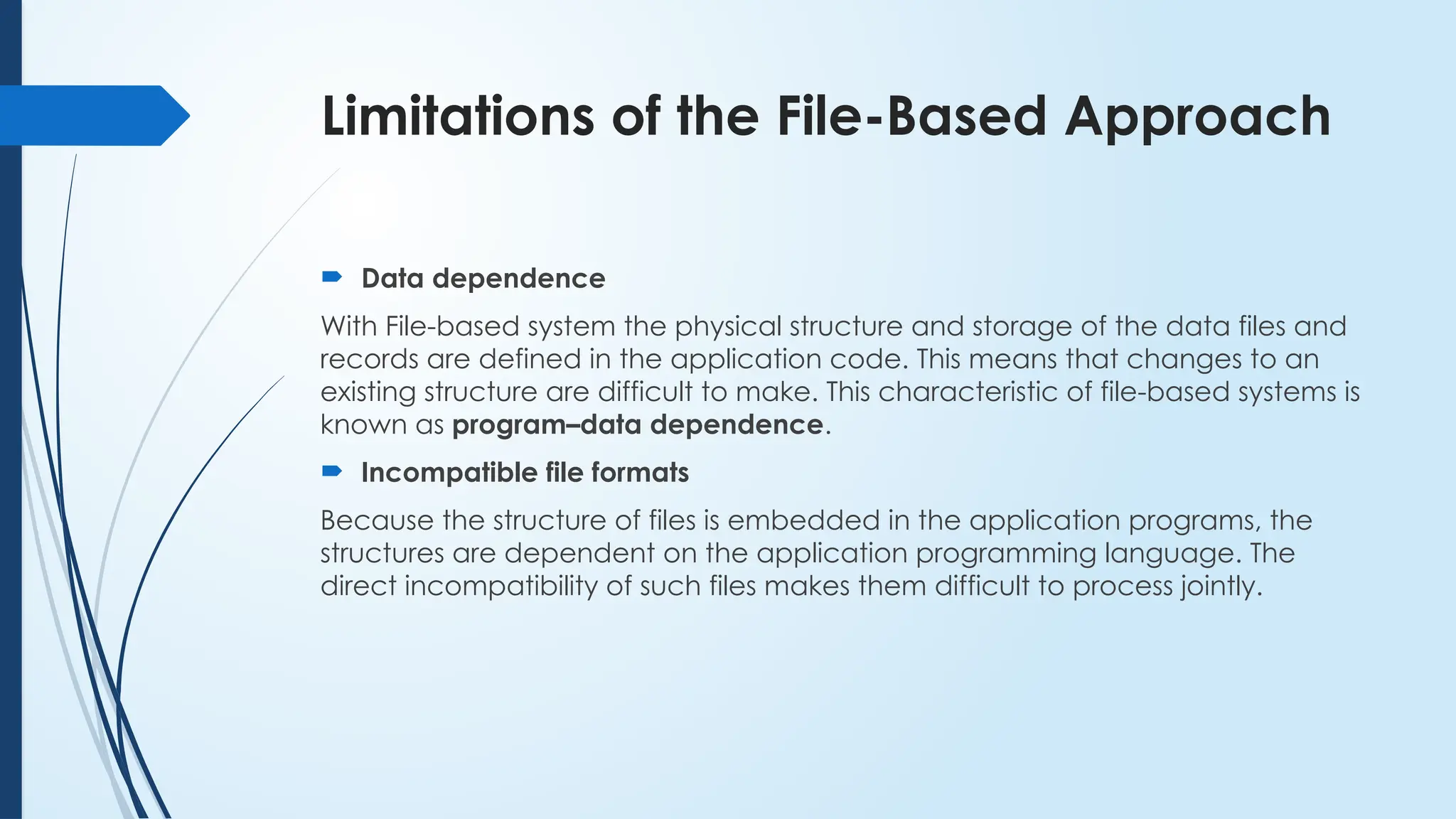
Data dependence
With File-based system the physical structure and storage of the data files and
records are defined in the application code. This means that changes to an
existing structure are difficult to make. This characteristic of file-based systems is
known as program–data dependence.
Incompatible file formats
Because the structure of files is embedded in the application programs, the
structures are dependent on the application programming language. The
direct incompatibility of such files makes them difficult to process jointly.
9.
Database Approach
Allthe above limitations of the file-based approach can be attributed to
two factors:
(1) the definition of the data is embedded in the
application programs, rather than being stored separately
and independently;
(2) there is no control over the access and
manipulation of data beyond that imposed by the
application programs.
10.
Database Approach
DatabaseA shared collection of logically related data, and a description
of this data, designed to meet the information needs of an organization.
The database is a single, possibly large repository of data that can be used
simultaneously by many departments and users.
Instead of disconnected files with redundant data, all data items are
integrated with a minimum amount of duplication.
The database is not owned by one department but is a shared corporate
resource.
11.
The Database
Database:A shared collection of logically related data, and a description
of this data, designed to meet the information needs of an organization.
The database is a single, possibly large repository of data that can be used
simultaneously by many departments and users.
Instead of disconnected files with redundant data, all data items are
integrated with a minimum amount of duplication.
The database is not owned by one department but is a shared corporate
resource.
12.
The Database
Thedatabase holds not only the organization’s operational data but also a
description of this data. For this reason, a database is also defined as a self-
describing collection of integrated records.
The description of the data is known as the system catalog (or data
dictionary or metadata – the ‘data about data’).
It is the self-describing nature of a database that provides program–data
independence.
One advantage of this approach, known as data abstraction, is that we
can change the internal definition of an object without affecting the users
of the object, provided the external definition remains the same.
13.
The Database
logicallyrelated………………………
In modern database, we have entities, attributes, and relationships.
An entity is a distinct object (a person, place, thing, concept, or event) in
the organization that is to be represented in the database.
An attribute is a property that describes some aspect of the object that we
wish to record, and a relationship is an association between entities.
14.
The Database ManagementSystem
(DBMS)
DBMS is a software system that enables users to define, create, maintain, and control access to the
database.
DBMS is the software that interacts with the users’ application programs and the database.
It provides the following facilities;
It allows users to define the database, usually through a Data Definition Language (DDL). The DDL allows users
to specify the data types and structures and the constraints on the data to be stored in the database.
15.
The Database ManagementSystem
(DBMS)
It allows users to insert, update, delete, and retrieve data from the database, usually through a Data
Manipulation Language (DML). Having a central repository for all data and data descriptions allows
the DML to provide a general inquiry facility to this data, called a query language. The provision of a
query language alleviates the problems with file-based systems where the user has to work with a
fixed set of queries or there is a proliferation of programs, giving major software management
problems. The most common query language is the Structured Query Language
It provides controlled access to the database, by providing a security system which prevent
unauthorized access; an integrity system, which maintains the consistency of stored data; a
concurrency control system, which allows shared access of the database; a recovery control system,
which restores the database to a previous consistent state following a hardware or software failure; a
user-accessible catalog, which contains descriptions of the data in the database.
16.
(Database) Application Programs
Application program is a computer program that interacts with the
database by issuing an appropriate request (typically an SQL statement) to
the DBMS.
Users interact with the database through a number of application programs
that are used to create and maintain the database and to generate
information.
These programs can be conventional batch applications or, more typically
nowadays, they will be online applications.
17.
(Database) Application Programs
Application program is a computer program that interacts with the
database by issuing an appropriate request (typically an SQL statement) to
the DBMS.
Users interact with the database through a number of application programs
that are used to create and maintain the database and to generate
information.
These programs can be conventional batch applications or, more typically
nowadays, they will be online applications.
18.
Components of theDBMS Environment
- Hardware
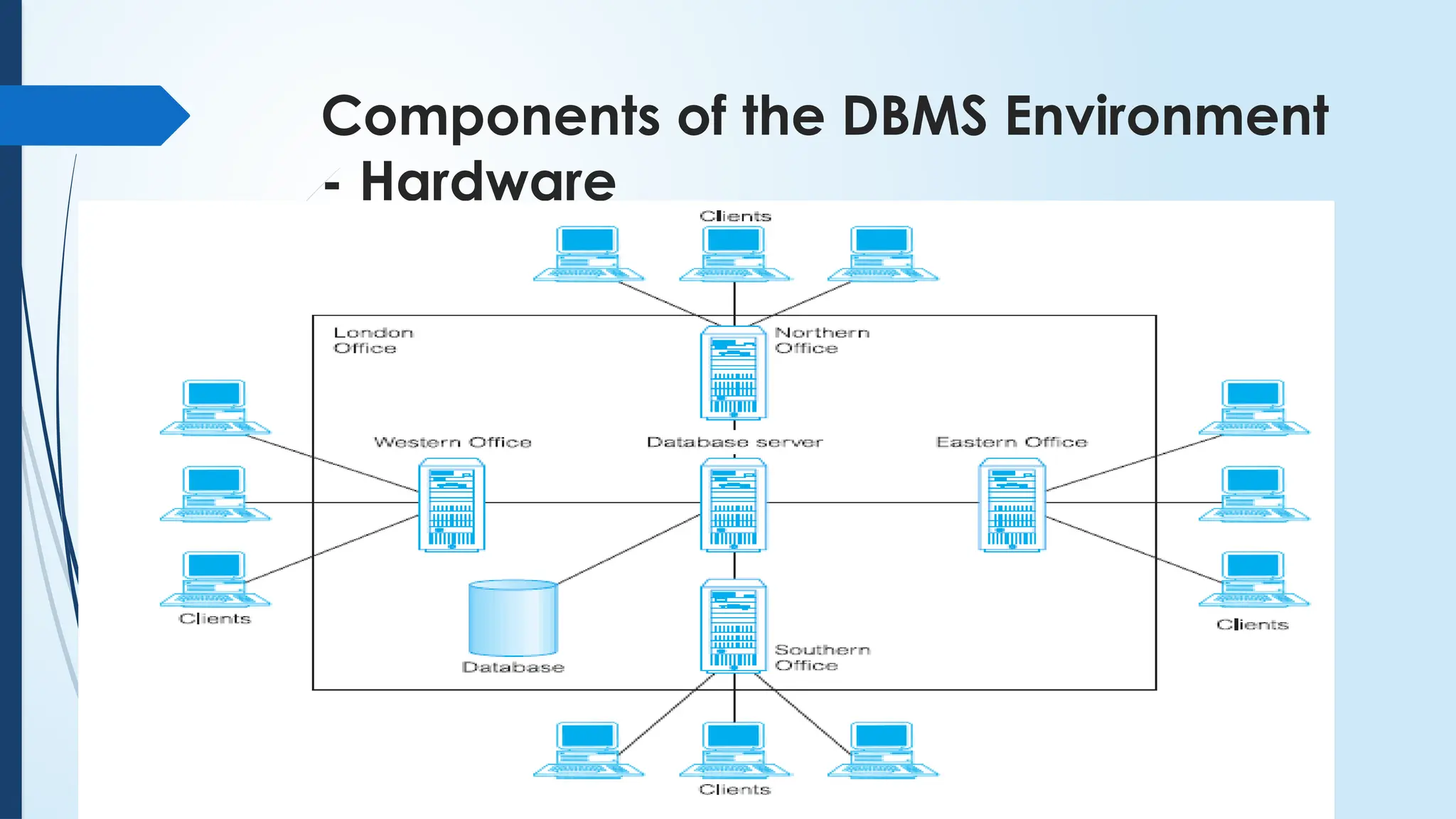
The DBMS and the applications require hardware to run.
The hardware can range from a single personal computer, to a single
mainframe, to a network of computers.
The particular hardware depends on the organization’s requirements and
the DBMS used.
Components of theDBMS Environment
- Software
The software component comprises the DBMS software itself and the
application programs, together with the operating system, including
network software if the DBMS is being used over a network.
Typically, application programs are written in a third-generation
programming language (3GL), such as ‘C’, C++, Java, Visual Basic, COBOL,
Fortran, Ada, or Pascal, or using a fourth-generation language (4GL), such
as SQL, embedded in a third generation language.
The use of fourth-generation tools can improve productivity significantly
and produce programs that are easier to maintain.
21.
Components of theDBMS Environment
- Data
The most important component of the DBMS environment is the data.
The data acts as a bridge between the machine components and the
human components.
The database contains both the operational data and the metadata, the
‘data about data’.
The structure of the database is called the schema.
22.
Components of theDBMS Environment
- Procedures
Procedures refer to the instructions and rules that govern the design and
use of the database.
The users of the system and the staff that manage the database require
documented procedures on how to use or run the system.
These may consist of instructions on how to:
log on to the DBMS;
use a particular DBMS facility or application program;
start and stop the DBMS;
make backup copies of the database;
handle hardware or software failures.
23.
Components of theDBMS Environment
- People
There are four distinct types of people that participate in the DBMS environment:
data and database administrators: Data Administrator is responsible for the management of the data
resource including database planning, development and maintenance of standards, policies and
procedures, and conceptual/logical database design. Database administrator is also responsible for the
physical realization of the database, including physical database design and implementation, security and
integrity control, maintenance of the operational system, and ensuring satisfactory performance of the
applications for users. The role of the DBA is more technically oriented than the role of the DA
database designers are concerned with identifying the data (that is, the entities and attributes), the
relationships between the data, and the constraints on the data that is to be stored in the database.
24.
Components of theDBMS Environment
- People
The application developer is responsible for the implementation of the application program the provides
required functionality for end-users.
The end-users are the ‘clients’ for the database, which has been designed and implemented, and is being
maintained to serve their information needs.
25.
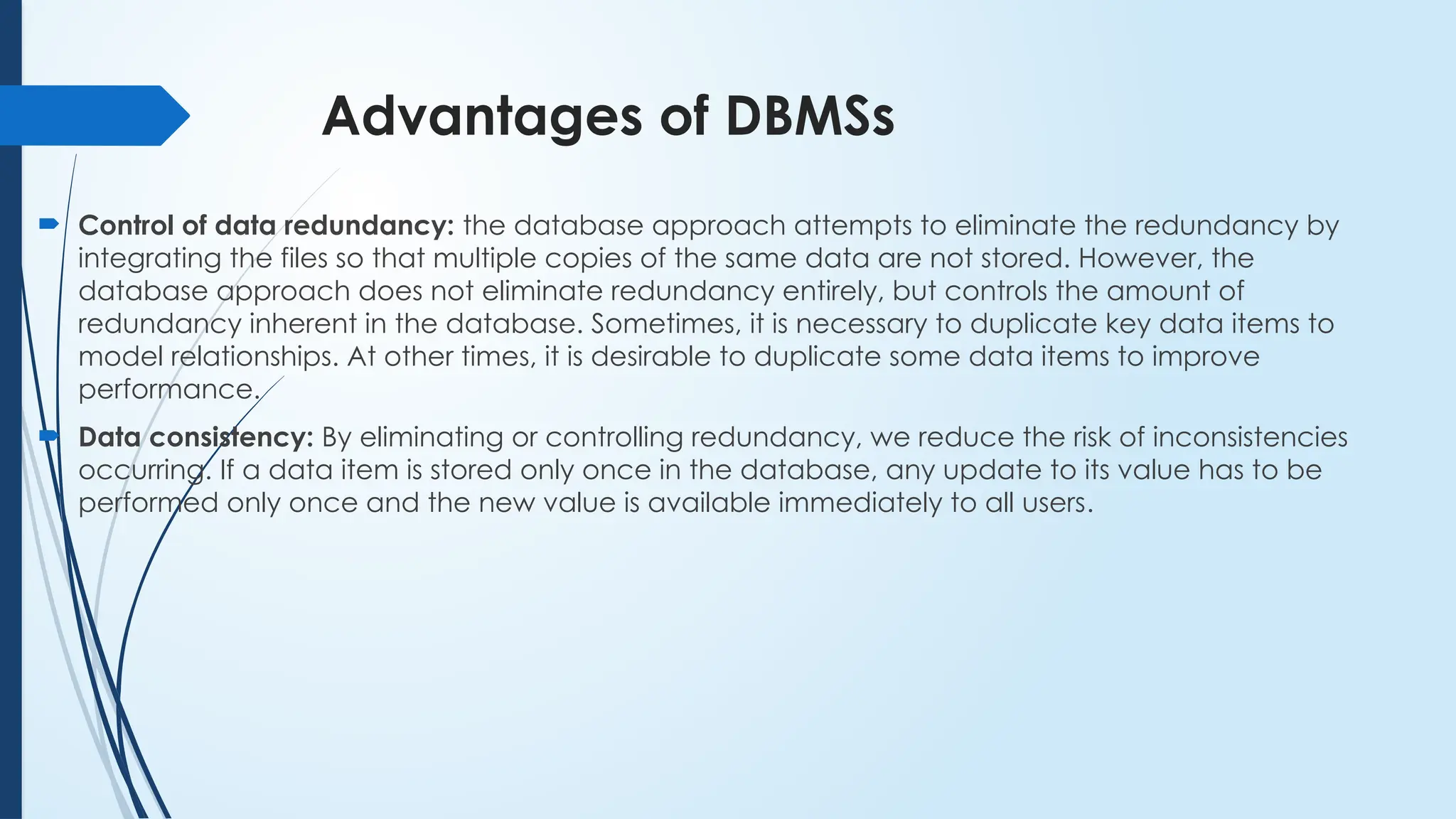
Advantages of DBMSs
Control of data redundancy: the database approach attempts to eliminate the redundancy by
integrating the files so that multiple copies of the same data are not stored. However, the
database approach does not eliminate redundancy entirely, but controls the amount of
redundancy inherent in the database. Sometimes, it is necessary to duplicate key data items to
model relationships. At other times, it is desirable to duplicate some data items to improve
performance.
Data consistency: By eliminating or controlling redundancy, we reduce the risk of inconsistencies
occurring. If a data item is stored only once in the database, any update to its value has to be
performed only once and the new value is available immediately to all users.
26.
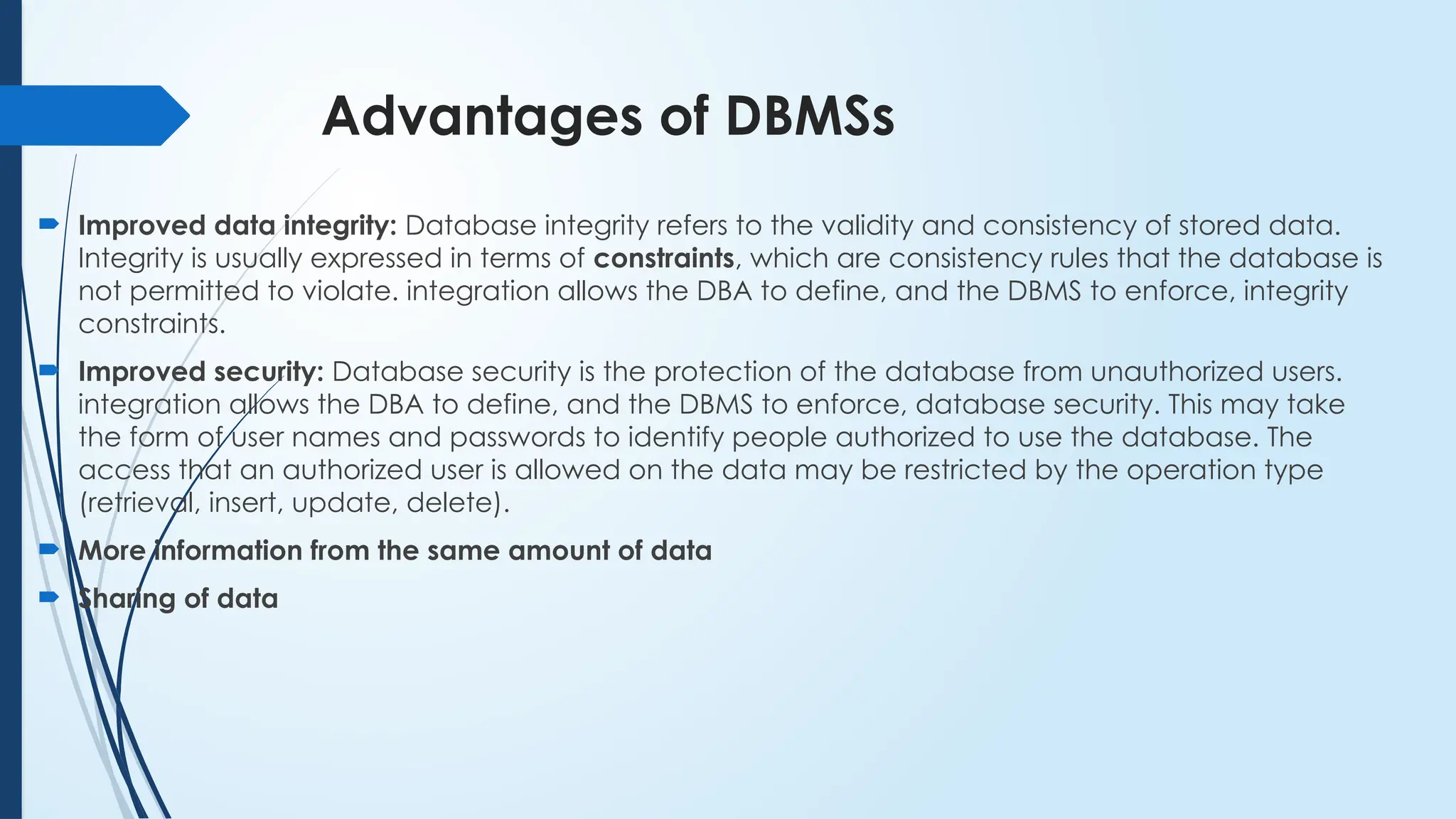
Advantages of DBMSs
Improved data integrity: Database integrity refers to the validity and consistency of stored data.
Integrity is usually expressed in terms of constraints, which are consistency rules that the database is
not permitted to violate. integration allows the DBA to define, and the DBMS to enforce, integrity
constraints.
Improved security: Database security is the protection of the database from unauthorized users.
integration allows the DBA to define, and the DBMS to enforce, database security. This may take
the form of user names and passwords to identify people authorized to use the database. The
access that an authorized user is allowed on the data may be restricted by the operation type
(retrieval, insert, update, delete).
More information from the same amount of data
Sharing of data
27.
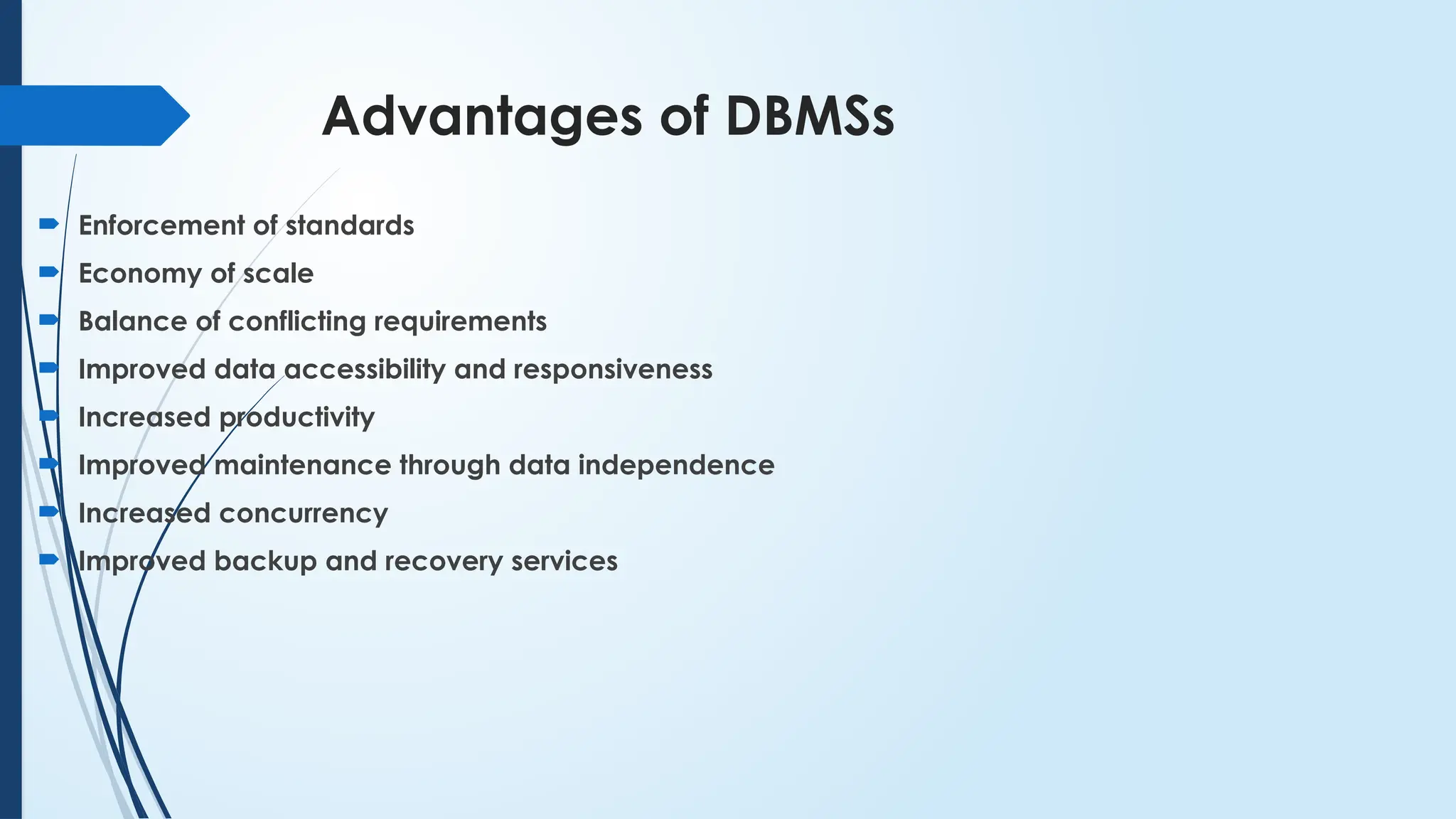
Advantages of DBMSs
Enforcement of standards
Economy of scale
Balance of conflicting requirements
Improved data accessibility and responsiveness
Increased productivity
Improved maintenance through data independence
Increased concurrency
Improved backup and recovery services
28.
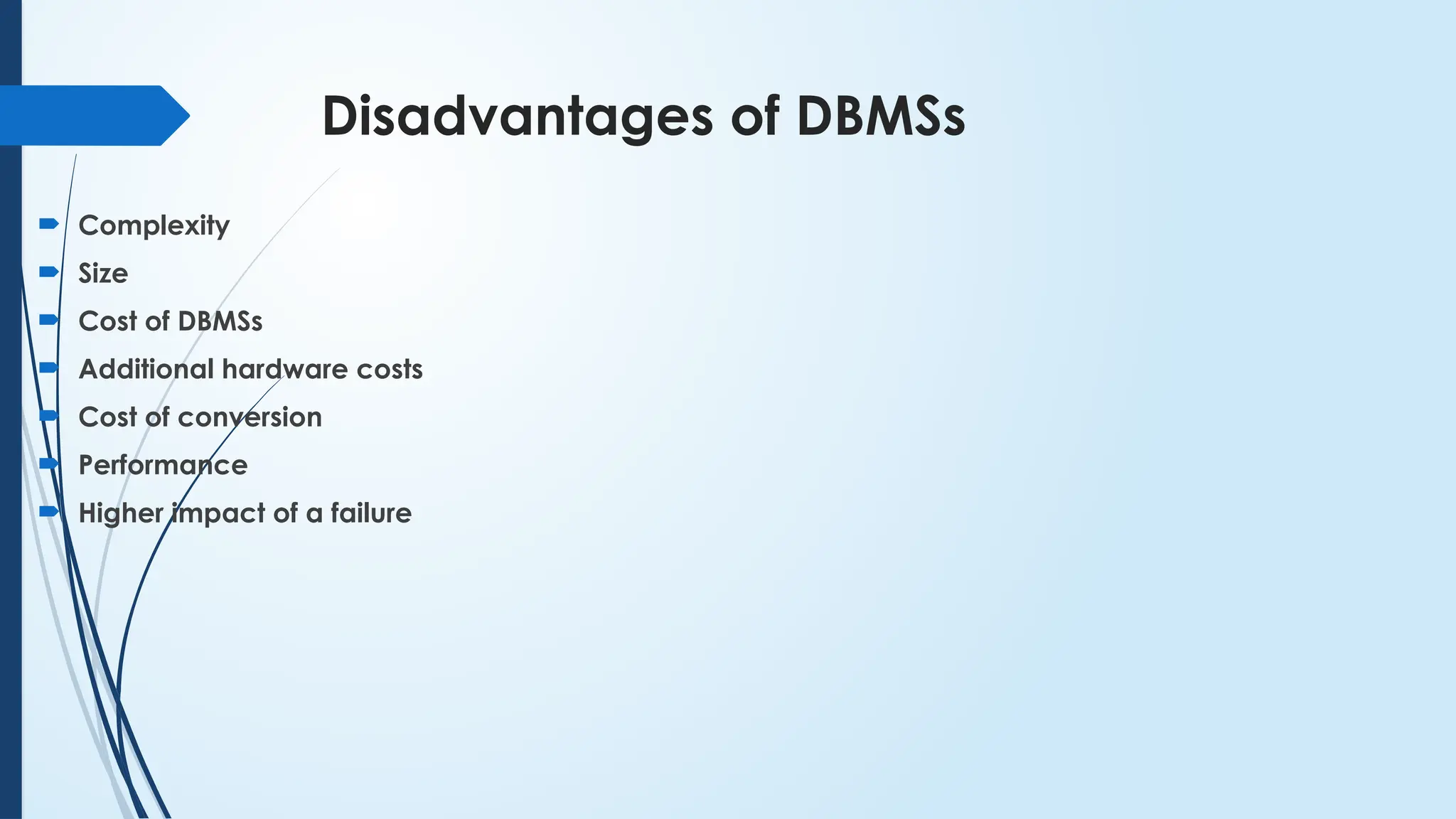
Disadvantages of DBMSs
Complexity
Size
Cost of DBMSs
Additional hardware costs
Cost of conversion
Performance
Higher impact of a failure
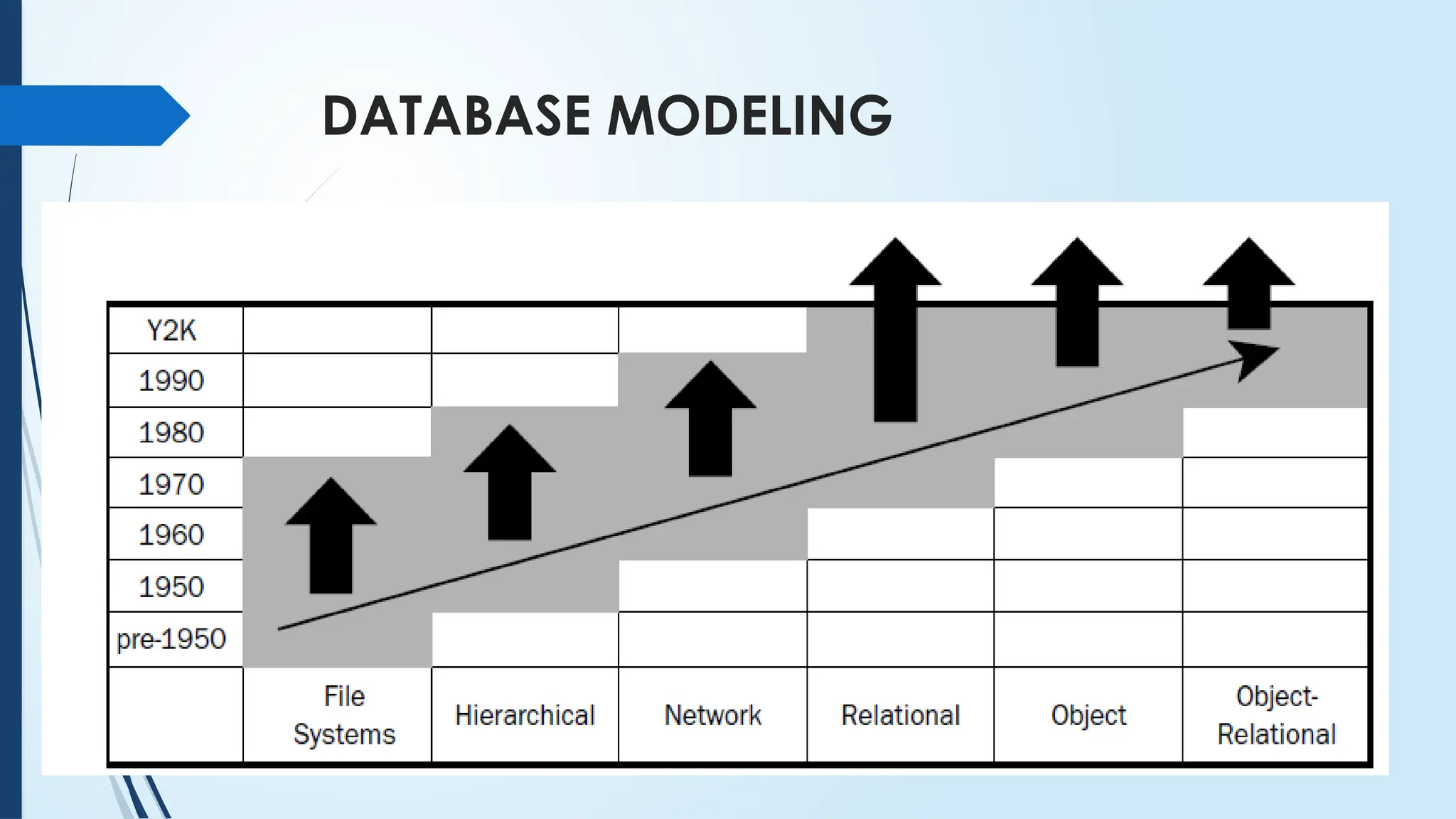
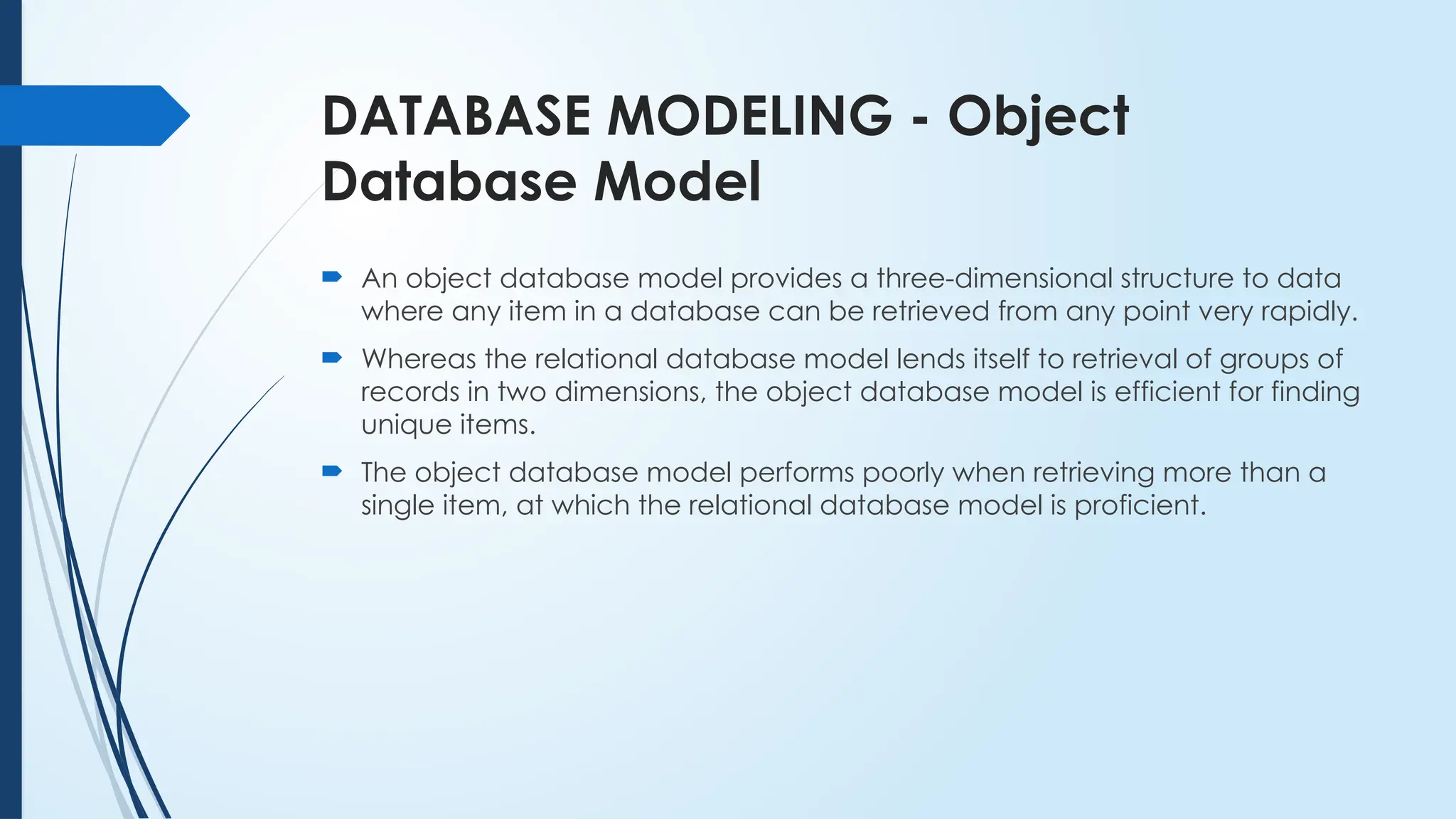
DATABASE MODELING -File Systems
Using a file system database model implies that no modeling techniques
are applied and that the database is stored in flat files in a file system,
utilizing the structure of the operating system alone.
The term “flat file” is a way of describing a simple text file, containing no
structure whatsoever—data is simply dumped in a file.
31.
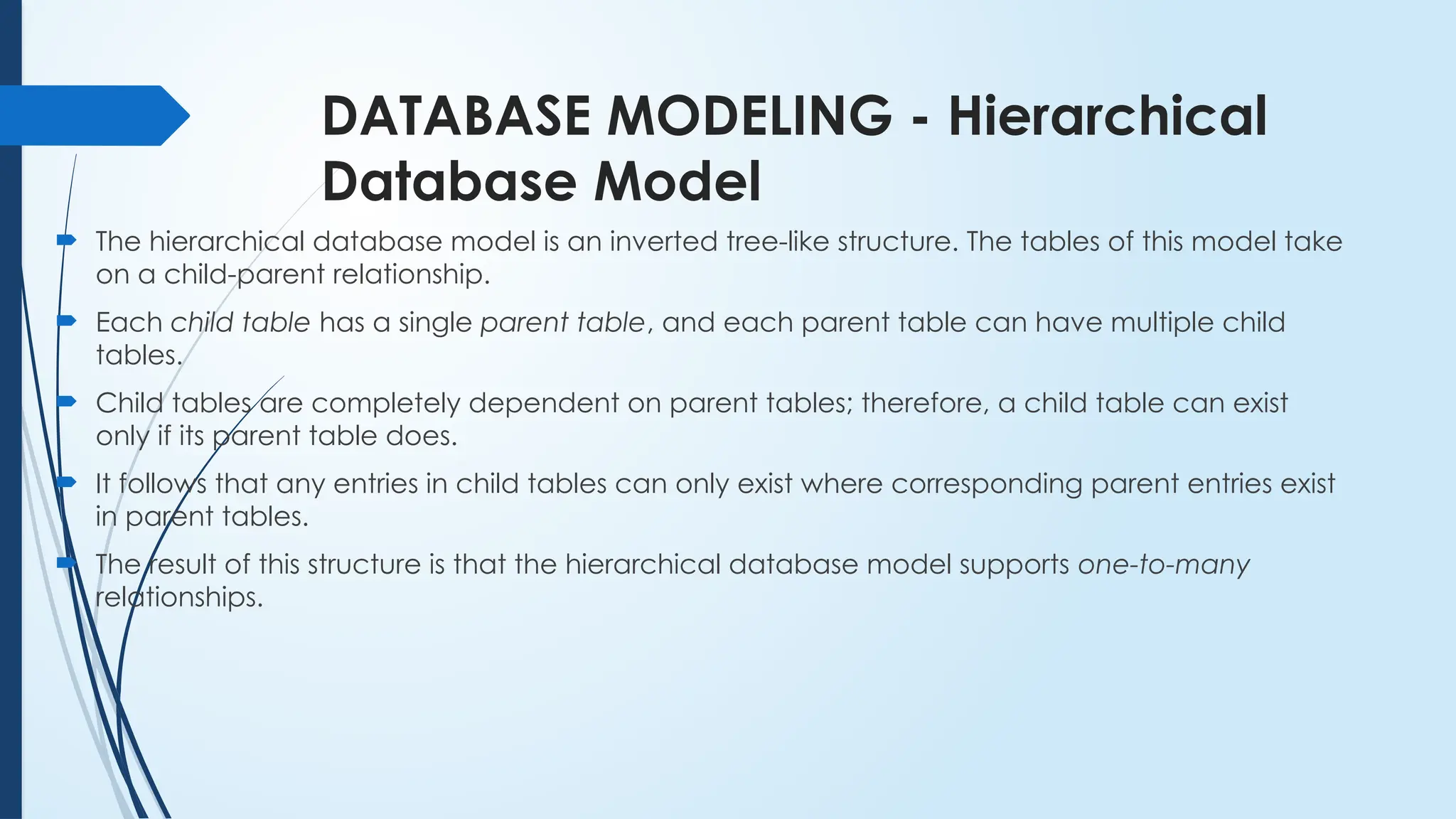
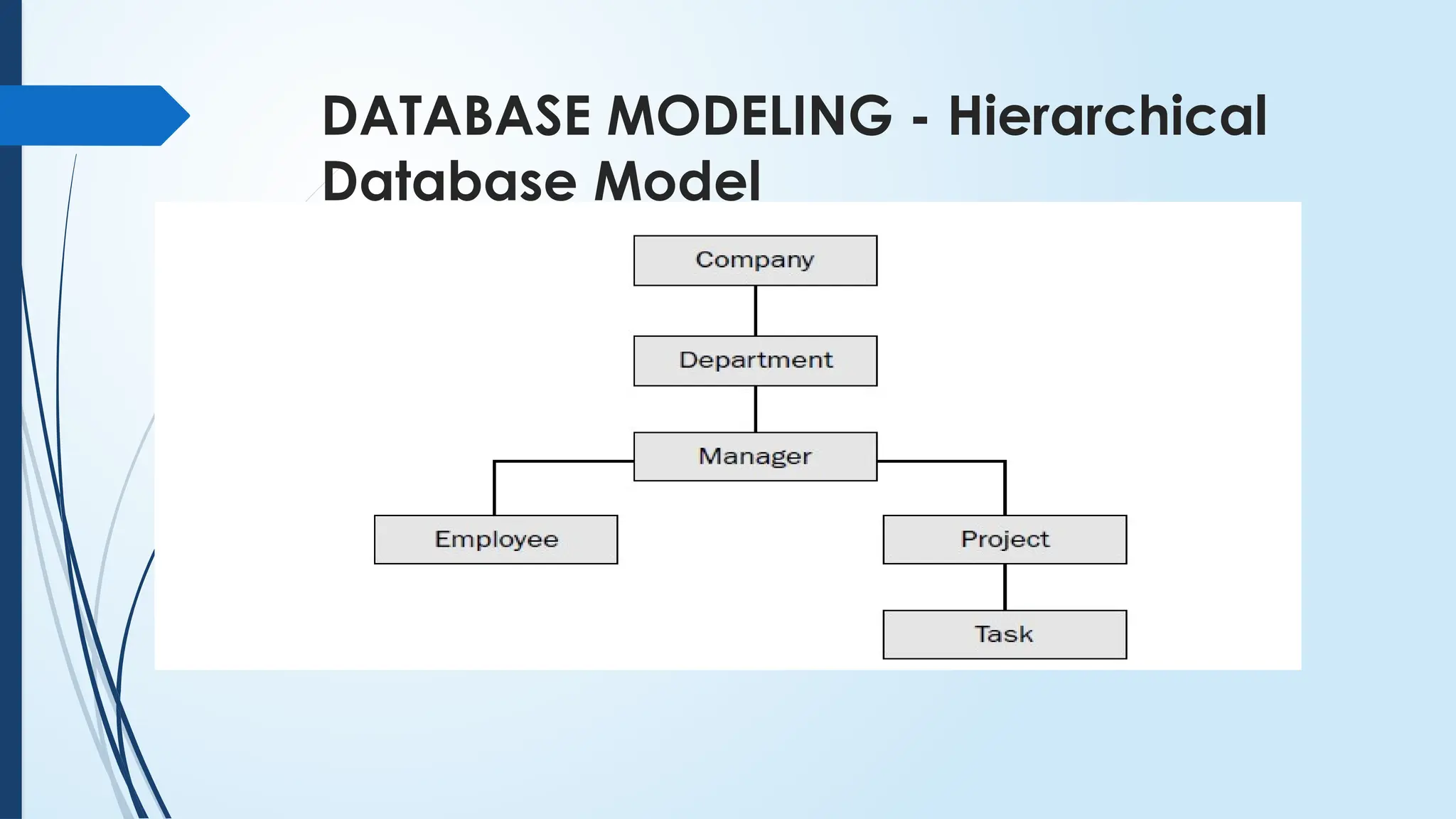
DATABASE MODELING -Hierarchical
Database Model
The hierarchical database model is an inverted tree-like structure. The tables of this model take
on a child-parent relationship.
Each child table has a single parent table, and each parent table can have multiple child
tables.
Child tables are completely dependent on parent tables; therefore, a child table can exist
only if its parent table does.
It follows that any entries in child tables can only exist where corresponding parent entries exist
in parent tables.
The result of this structure is that the hierarchical database model supports one-to-many
relationships.
DATABASE MODELING -Network
Database Model
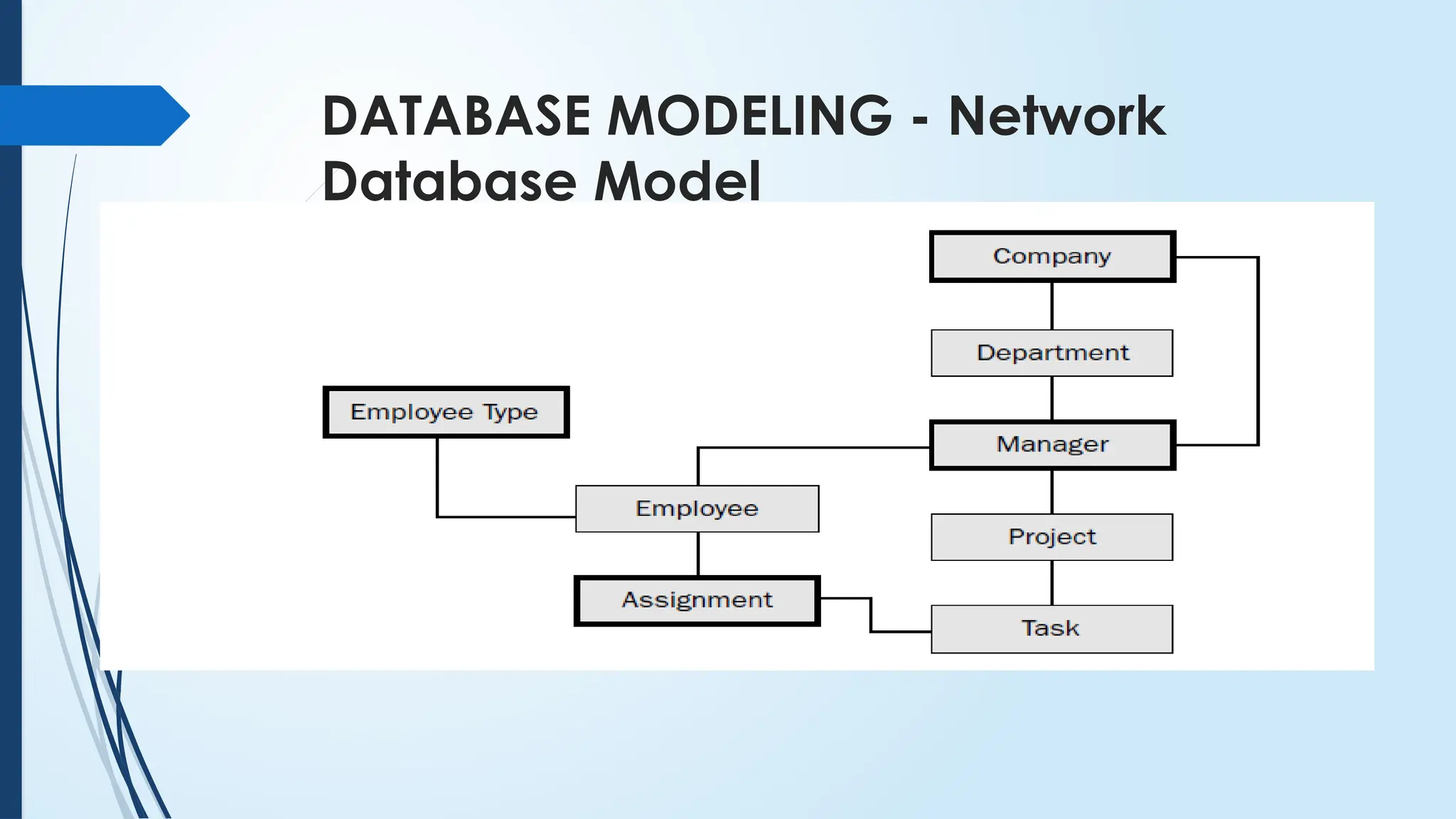
The network database model is essentially a refinement of the hierarchical
database model.
The network model allows child tables to have more than one parent, thus
creating a networked-like table structure.
Multiple parent tables for each child allows for many-to-many relationships,
in addition to one-to-many relationships.
DATABASE MODELING -Relational
Database Model
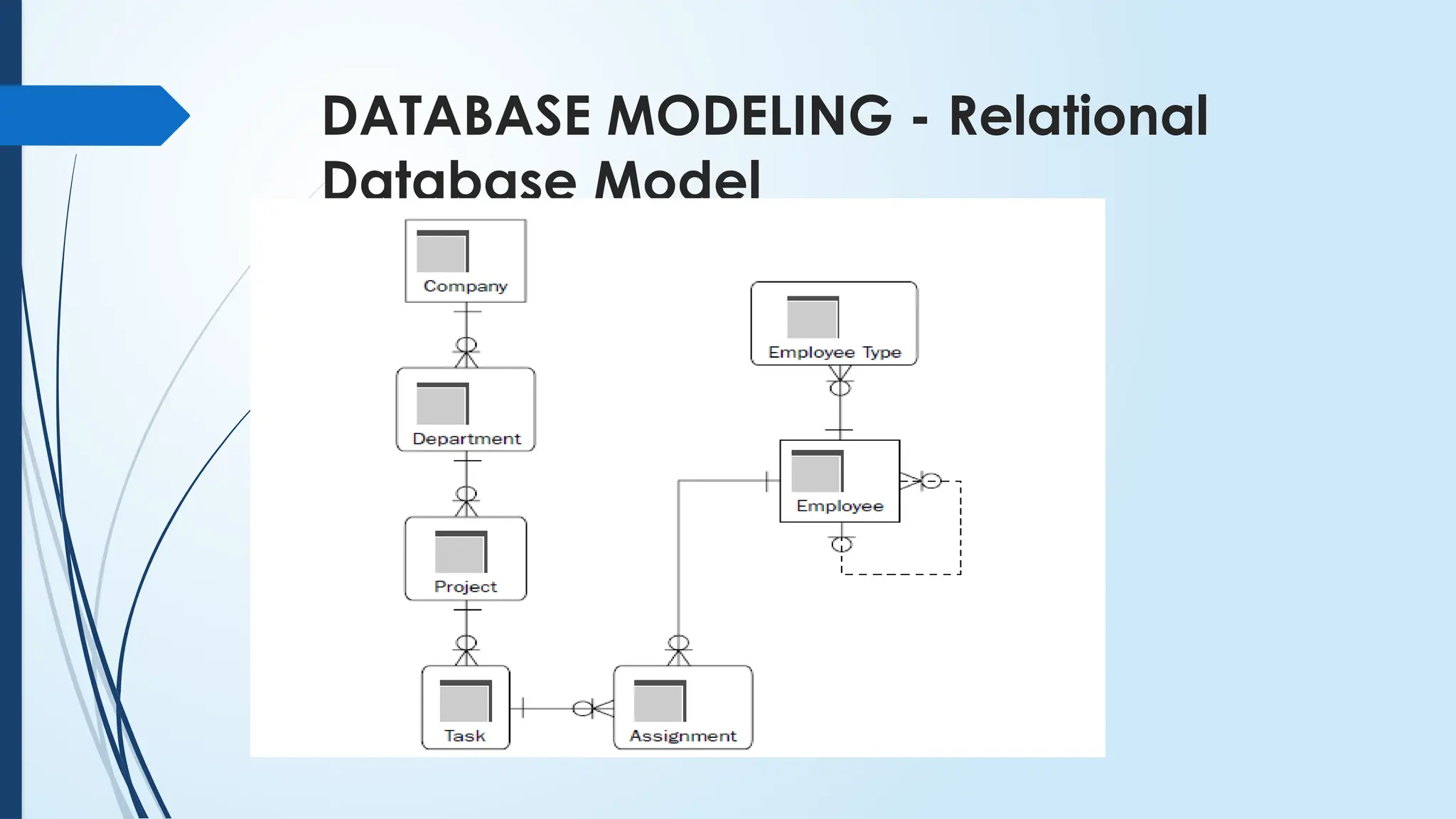
The relational database model improves on the restriction of a hierarchical
structure, not completely abandoning the hierarchy of data.
Any table can be accessed directly without having to access all parent
objects.
Another benefit of the relational database model is that any tables can be
linked together, regardless of their hierarchical position.
There should be a sensible link between the two tables, but you are not
restricted by a strict hierarchical structure; therefore, a table can be linked
to both any number of parent tables and any number of child tables.
DATABASE MODELING -Object
Database Model
An object database model provides a three-dimensional structure to data
where any item in a database can be retrieved from any point very rapidly.
Whereas the relational database model lends itself to retrieval of groups of
records in two dimensions, the object database model is efficient for finding
unique items.
The object database model performs poorly when retrieving more than a
single item, at which the relational database model is proficient.
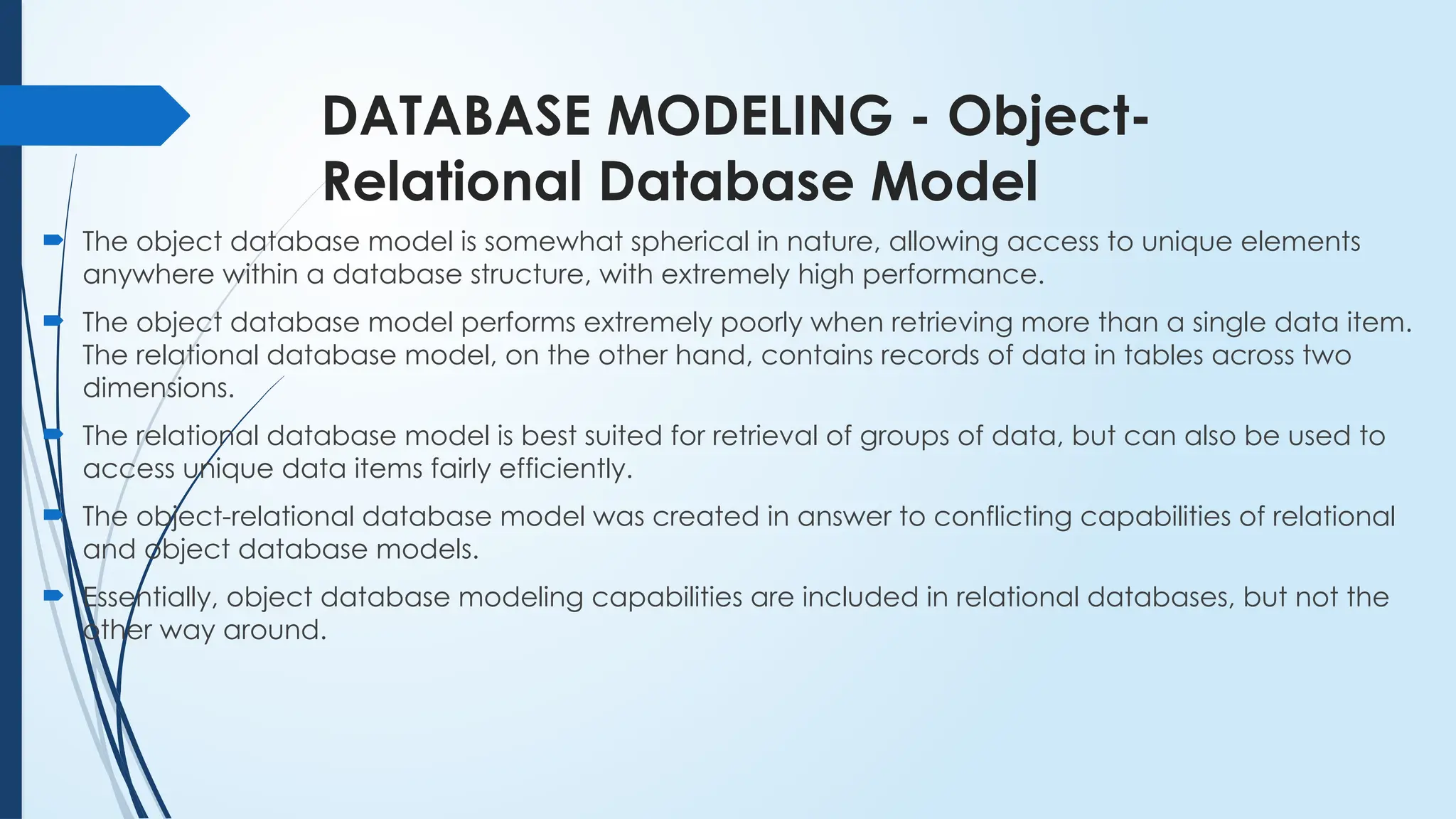
38.
DATABASE MODELING -Object-
Relational Database Model
The object database model is somewhat spherical in nature, allowing access to unique elements
anywhere within a database structure, with extremely high performance.
The object database model performs extremely poorly when retrieving more than a single data item.
The relational database model, on the other hand, contains records of data in tables across two
dimensions.
The relational database model is best suited for retrieval of groups of data, but can also be used to
access unique data items fairly efficiently.
The object-relational database model was created in answer to conflicting capabilities of relational
and object database models.
Essentially, object database modeling capabilities are included in relational databases, but not the
other way around.
39.
Types of Databases
Databases functionally fall into three general categories:
Transactional
Decision support system (DSS)
Hybrid
40.
Types of Databases- Transactional
A transactional database is a database based on small changes to the database (that is, small
transactions).
The database is transaction-driven. In other words, the primary function of the database is to add
new data, change existing data, delete existing data, all done in usually very small chunks, such as
individual records.
41.
Types of Databases- Decision support
system (DSS)
Decision support systems are commonly
known as DSS databases, they support
decisions, generally more management-level
and even executive-level decision-type of
objectives.



![[DSC Europe 25] Kaja Kandare - LLM as a judge.pptx](https://cdn.slidesharecdn.com/ss_thumbnails/arxyccaxsdsd1ba99wjw-7-251212104007-2b4e3f64-thumbnail.jpg?width=640&height=640&fit=bounds)


![[DSC Europe 25] Behzad Hosseini - AI Agents in the Wild: Deploying Models tha...](https://cdn.slidesharecdn.com/ss_thumbnails/3qtejajvsjqrzwfept2c-10-251212103250-7f2b1068-thumbnail.jpg?width=640&height=640&fit=bounds)

![[DSC Europe 25] Uros Pesic - The Reality of AI in Marketing.pdf](https://cdn.slidesharecdn.com/ss_thumbnails/rtkodnmtycovsllvzsyn-9-251215095918-b0c6bfe3-thumbnail.jpg?width=640&height=640&fit=bounds)
![[DSC Europe 25] Jon Dajci - Bridging TradFi and DeFi: Building the Future of ...](https://cdn.slidesharecdn.com/ss_thumbnails/fqmhfvlbqhkihjvqvhmu-7-251211083849-6af7e325-thumbnail.jpg?width=640&height=640&fit=bounds)


![[DSC Europe 25] Marko Krstic - Understanding the AI Threat Landscape - Risks,...](https://cdn.slidesharecdn.com/ss_thumbnails/tiyim1ins5jvbrvzpzla-2-251209104645-c69d3553-thumbnail.jpg?width=640&height=640&fit=bounds)
![[DSC Europe 25] Branko Urosevic -Rethinking Financial Talent: Integrating Cod...](https://cdn.slidesharecdn.com/ss_thumbnails/8jjrus8ttko6qj64f58f-3-251212103250-642c6374-thumbnail.jpg?width=640&height=640&fit=bounds)


![[DSC Europe 25] Hans Kleinsman - The Compliance Gearbox: How Tax Tech Mediate...](https://cdn.slidesharecdn.com/ss_thumbnails/dxdytie1toel0hr90bjs-2-251212103250-174fdbe7-thumbnail.jpg?width=640&height=640&fit=bounds)

![[DSC Europe 25] Miodrag Pesovic & Vladislav Radonjic - Federated Data Archite...](https://cdn.slidesharecdn.com/ss_thumbnails/gsbe3y5it5uhndi4e08e-1-251212103249-f1008e0c-thumbnail.jpg?width=640&height=640&fit=bounds)

![[DSC Europe 25] Jovan Bogicevic - Legacy to AI-Driven Defense: Transforming D...](https://cdn.slidesharecdn.com/ss_thumbnails/rsarluadt563hntyfc8q-3-251211083849-3e7bc4c0-thumbnail.jpg?width=640&height=640&fit=bounds)