Download to read offline
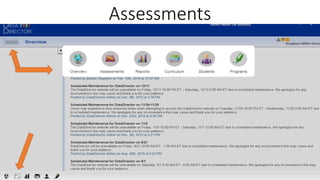
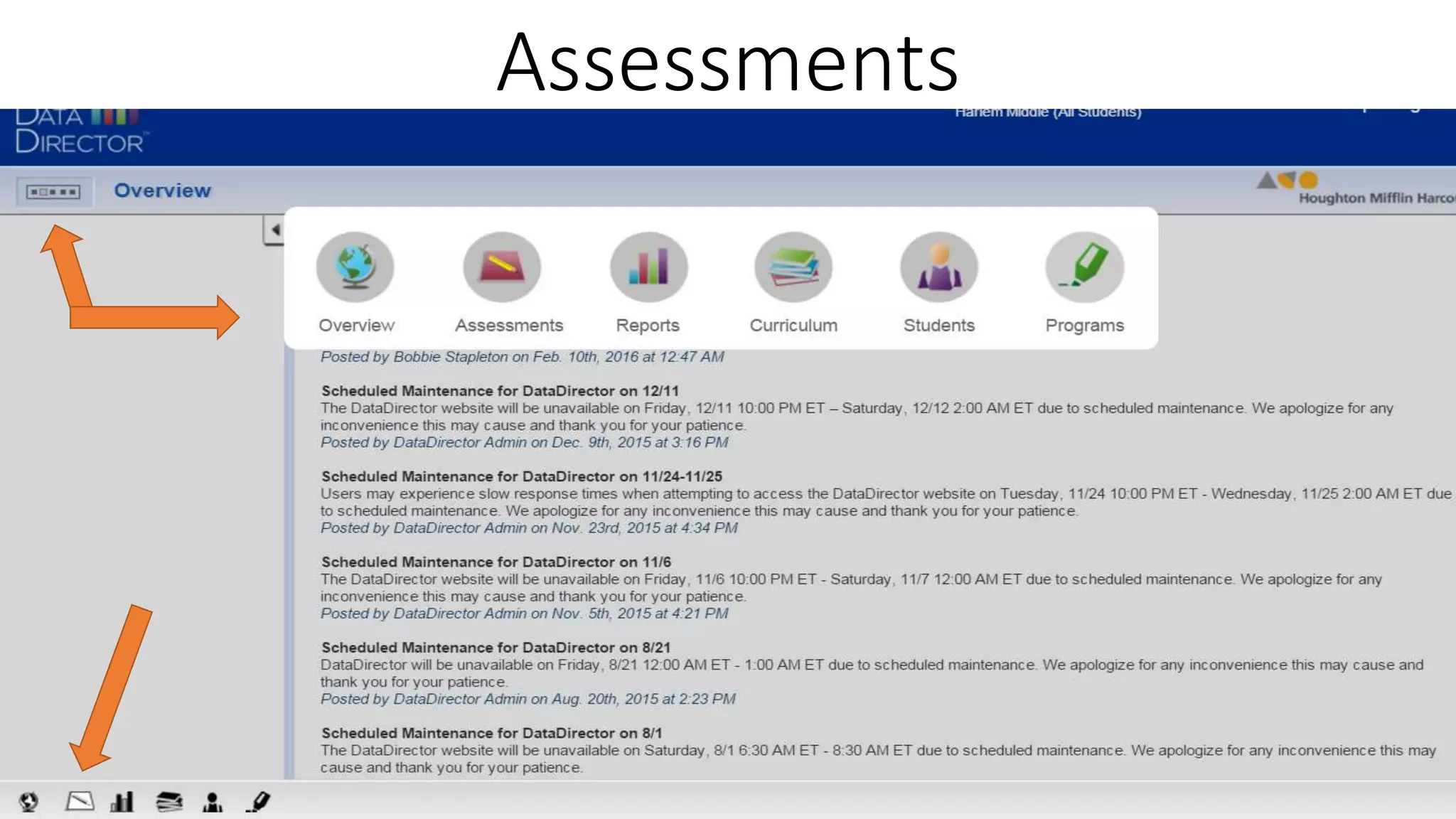
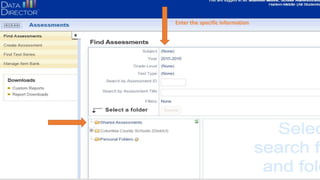
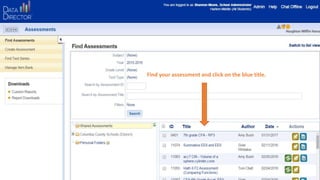
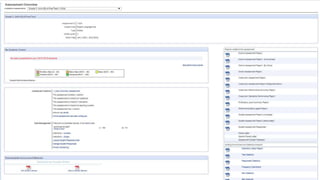
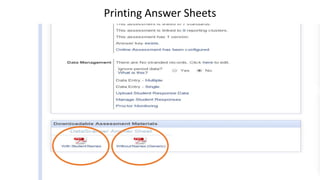
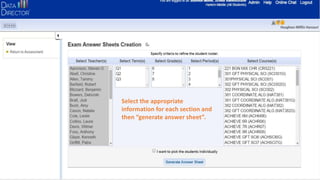
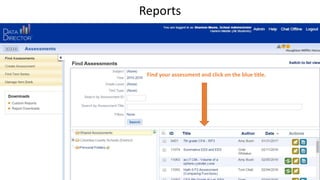
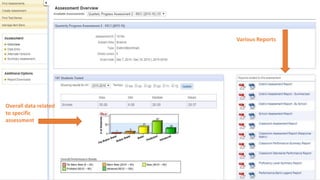
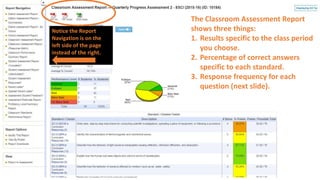
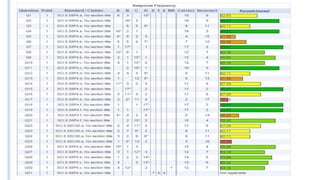
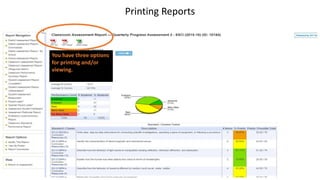

This document provides instructions for finding and accessing assessments, answer sheets, and reports within an online system. It explains how to select the appropriate assessment, generate an answer sheet for printing, and access assessment reports which show results by class period, standard, and question response frequencies. Navigation for reports is located on the left side of the page. Printing and viewing options for reports are also described.


