Download as PDF, PPTX



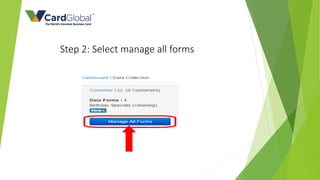
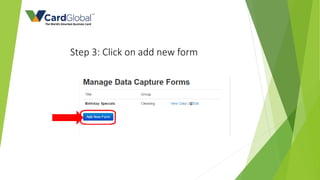
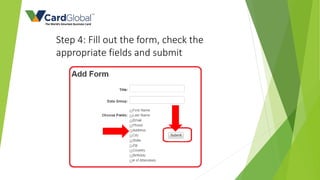
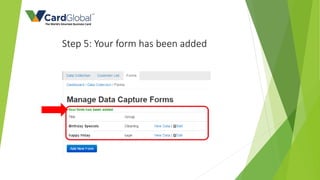
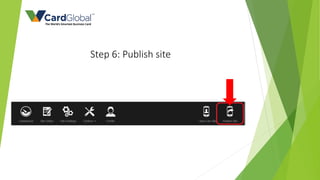

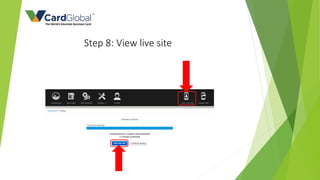
There are 8 steps to adding a customer data collection form to a website using vCard: 1) select customer data collection from the toolbox, 2) select manage all forms, 3) click add new form, 4) fill out the form and check the appropriate fields, 5) the form will be added, 6) publish the site, 7) publish all pages, and 8) view the live site with the new customer data collection form.


