CSS SELECTORS
By:
Khursheed Ahmad
CSS SELECTORS
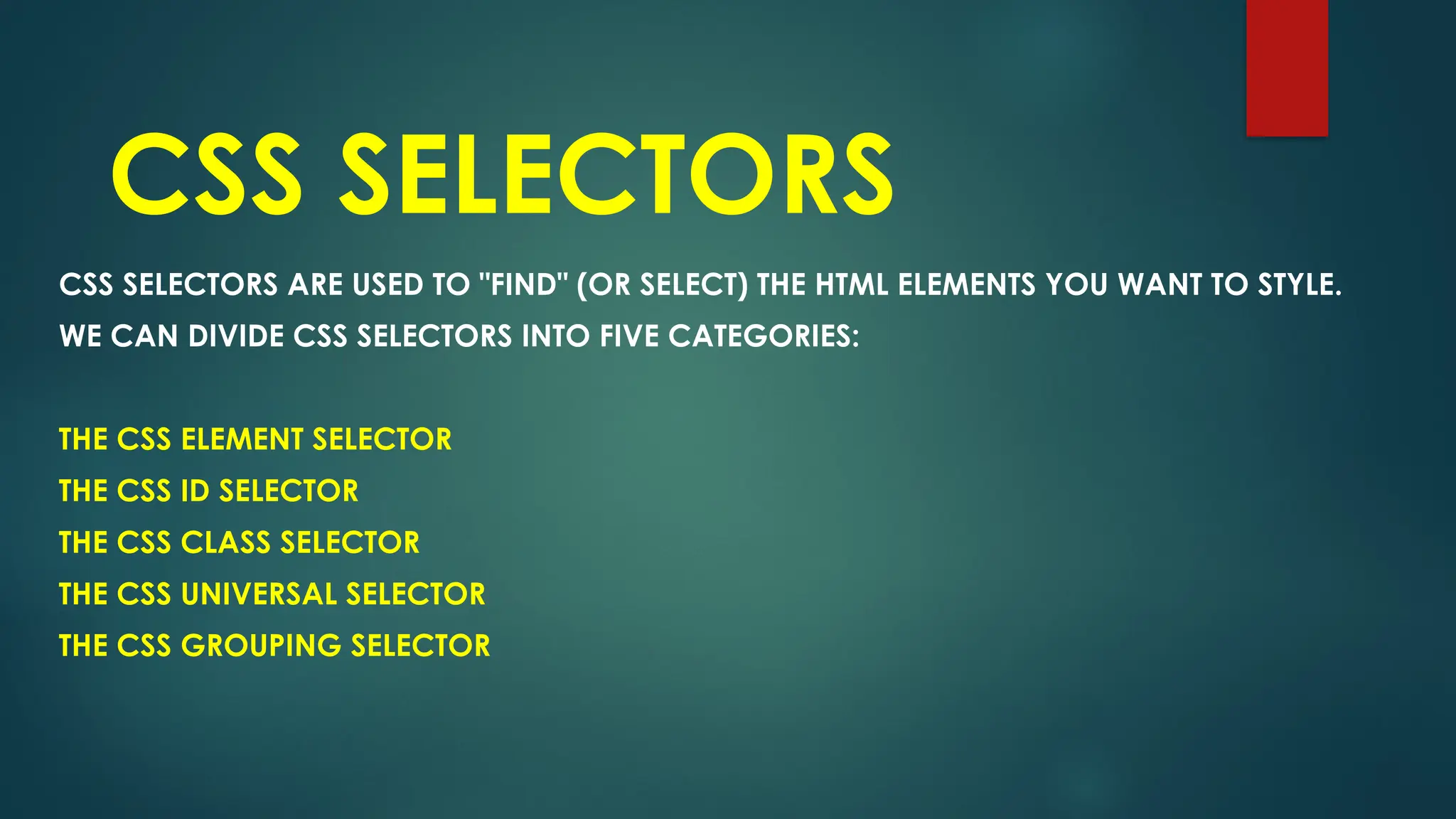
CSS SELECTORS ARE USED TO "FIND" (OR SELECT) THE HTML ELEMENTS YOU WANT TO STYLE.
WE CAN DIVIDE CSS SELECTORS INTO FIVE CATEGORIES:
THE CSS ELEMENT SELECTOR
THE CSS ID SELECTOR
THE CSS CLASS SELECTOR
THE CSS UNIVERSAL SELECTOR
THE CSS GROUPING SELECTOR
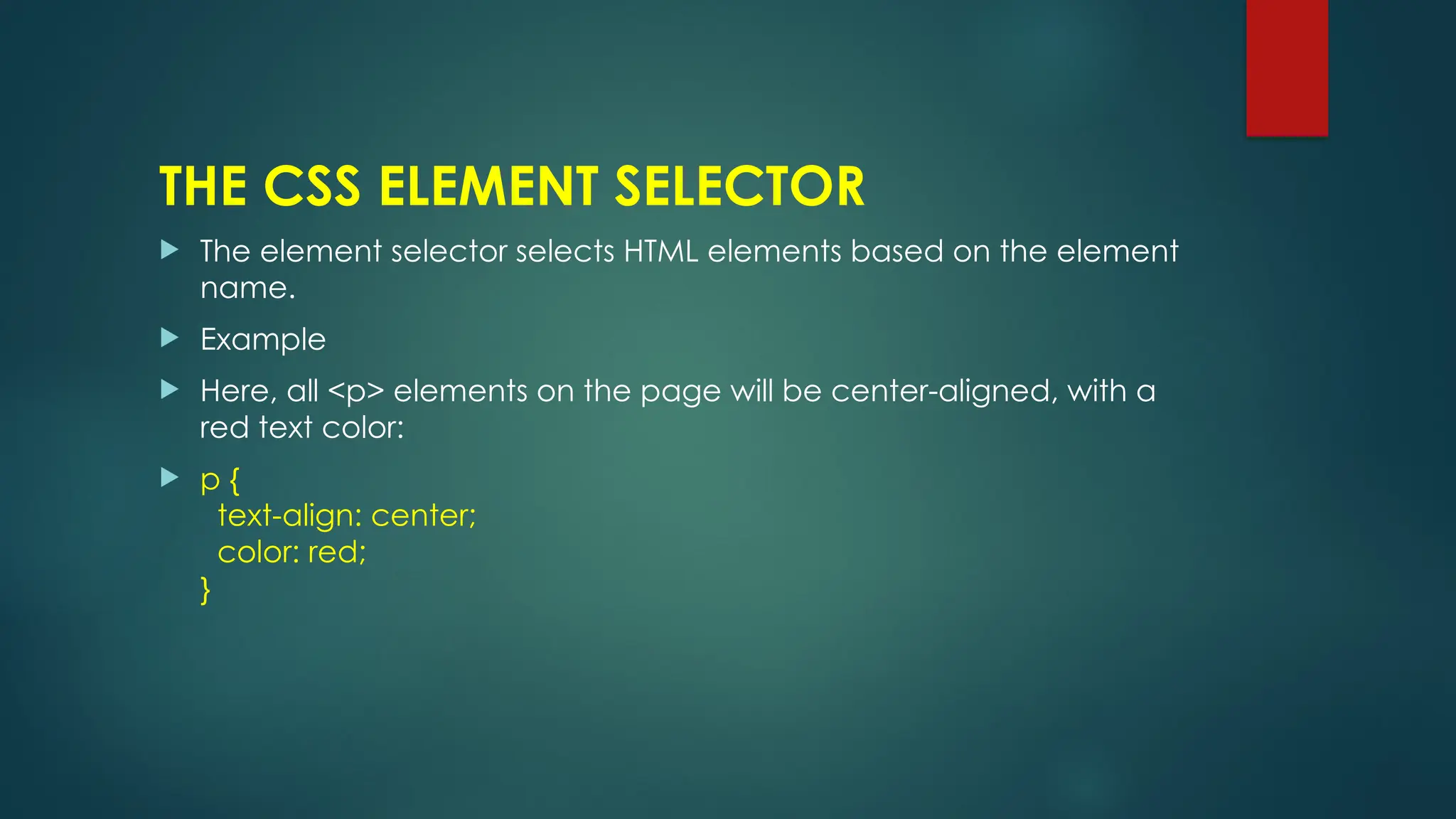
THE CSS ELEMENT SELECTOR
 The element selector selects HTML elements based on the element
name.
 Example
 Here, all <p> elements on the page will be center-aligned, with a
red text color:
 p {
text-align: center;
color: red;
}
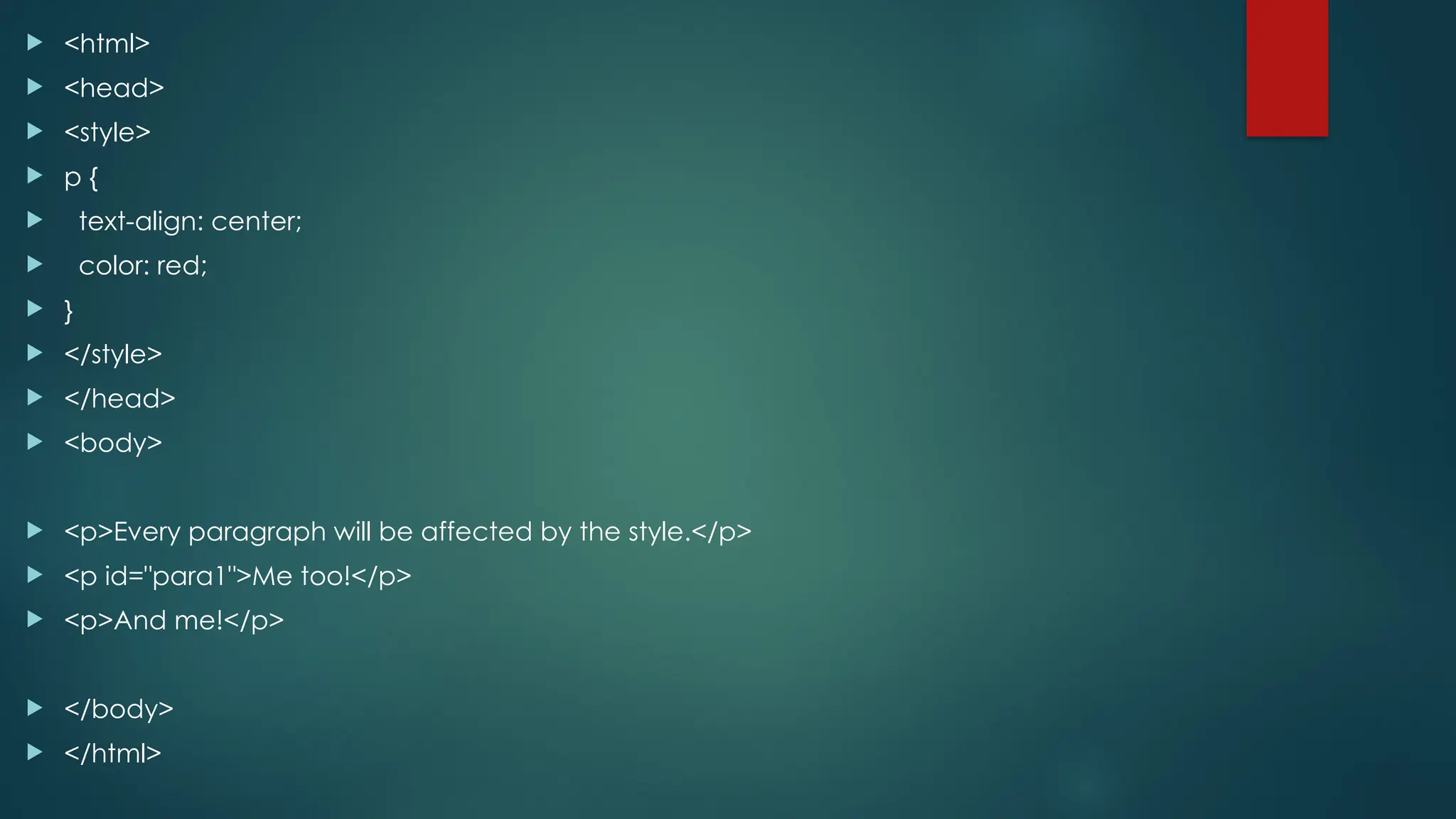
 <html>
 <head>
 <style>
 p {
 text-align: center;
 color: red;
 }
 </style>
 </head>
 <body>
 <p>Every paragraph will be affected by the style.</p>
 <p id="para1">Me too!</p>
 <p>And me!</p>
 </body>
 </html>
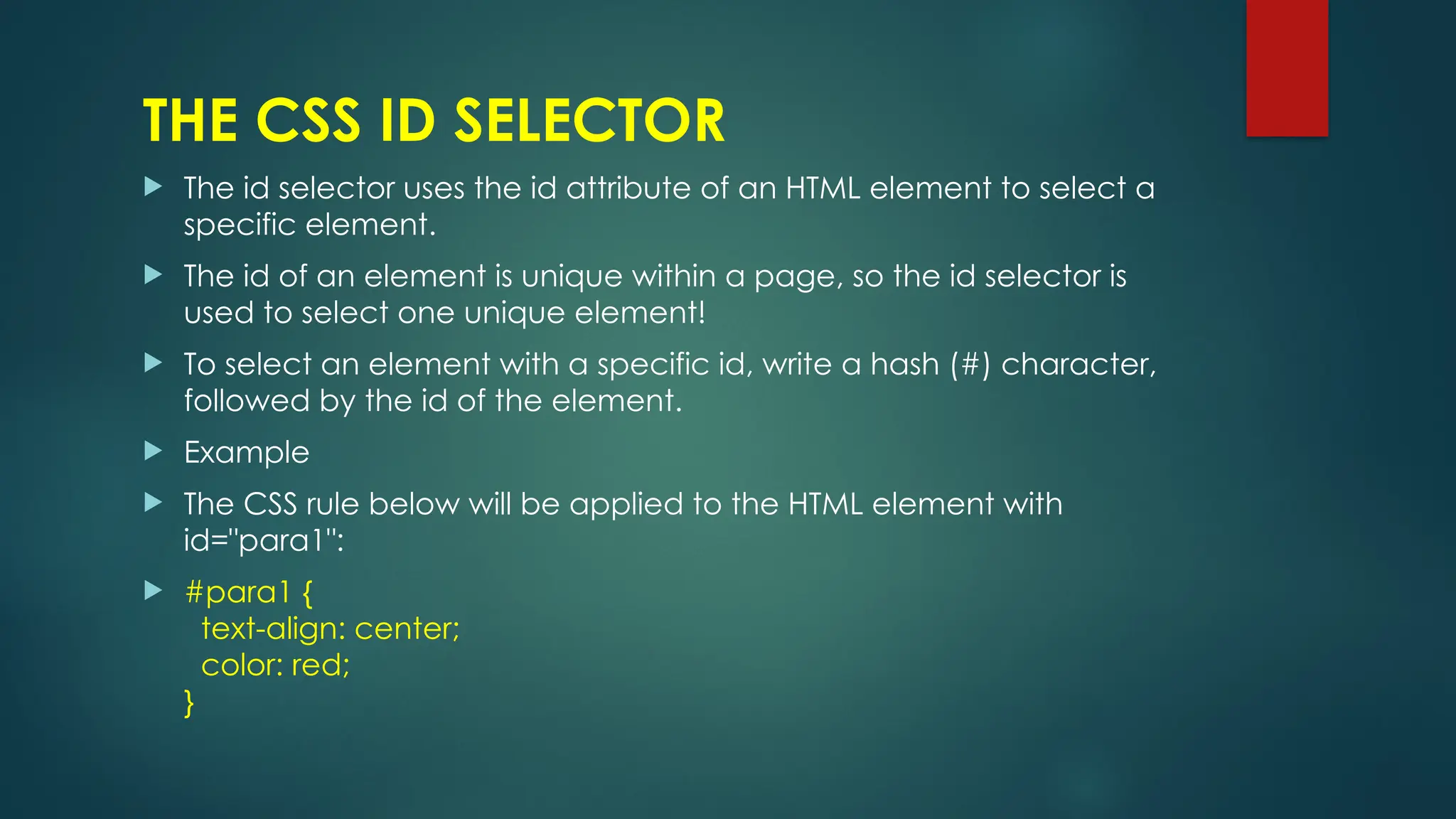
THE CSS ID SELECTOR
 The id selector uses the id attribute of an HTML element to select a
specific element.
 The id of an element is unique within a page, so the id selector is
used to select one unique element!
 To select an element with a specific id, write a hash (#) character,
followed by the id of the element.
 Example
 The CSS rule below will be applied to the HTML element with
id="para1":
 #para1 {
text-align: center;
color: red;
}
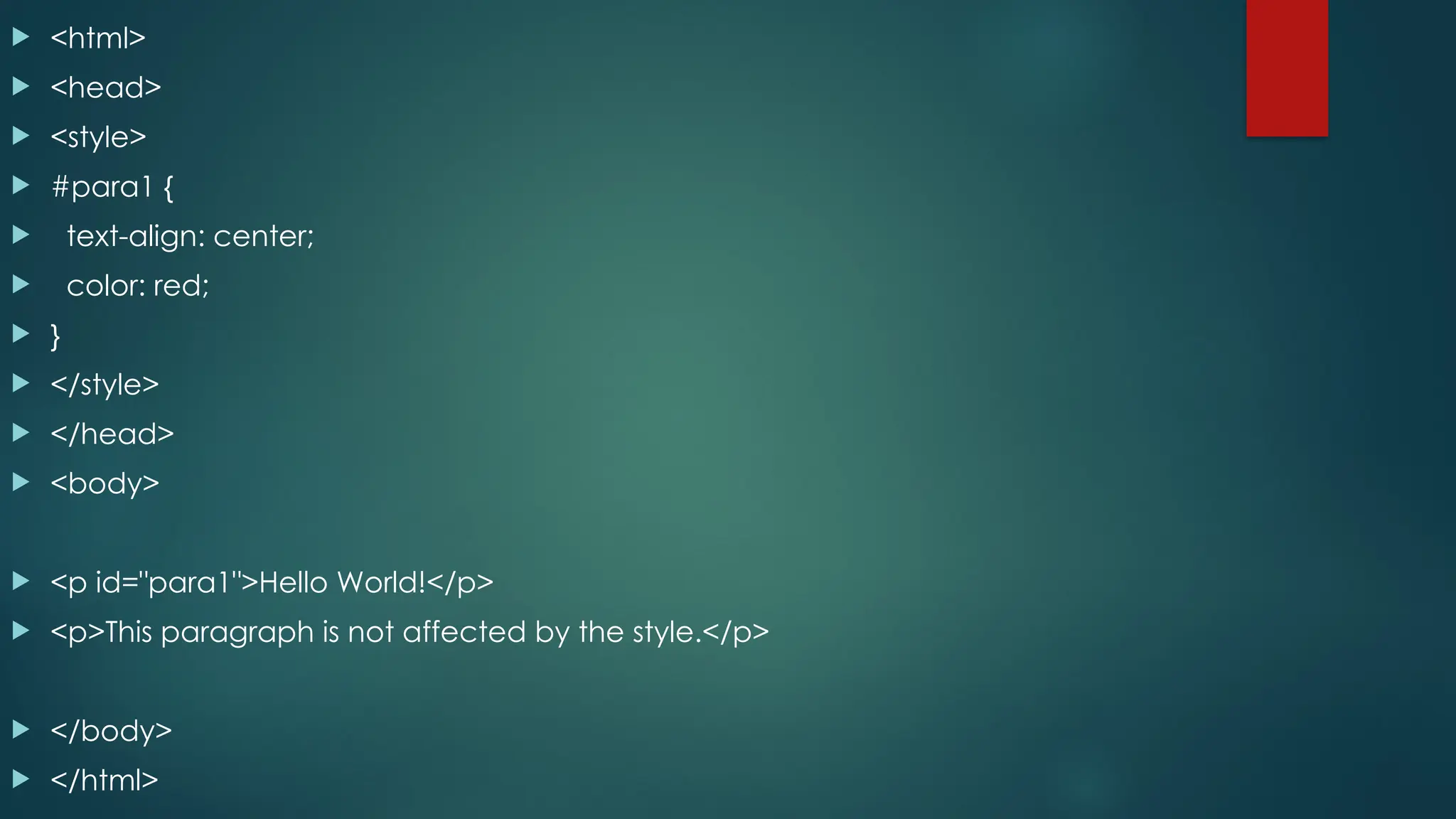
 <html>
 <head>
 <style>
 #para1 {
 text-align: center;
 color: red;
 }
 </style>
 </head>
 <body>
 <p id="para1">Hello World!</p>
 <p>This paragraph is not affected by the style.</p>
 </body>
 </html>
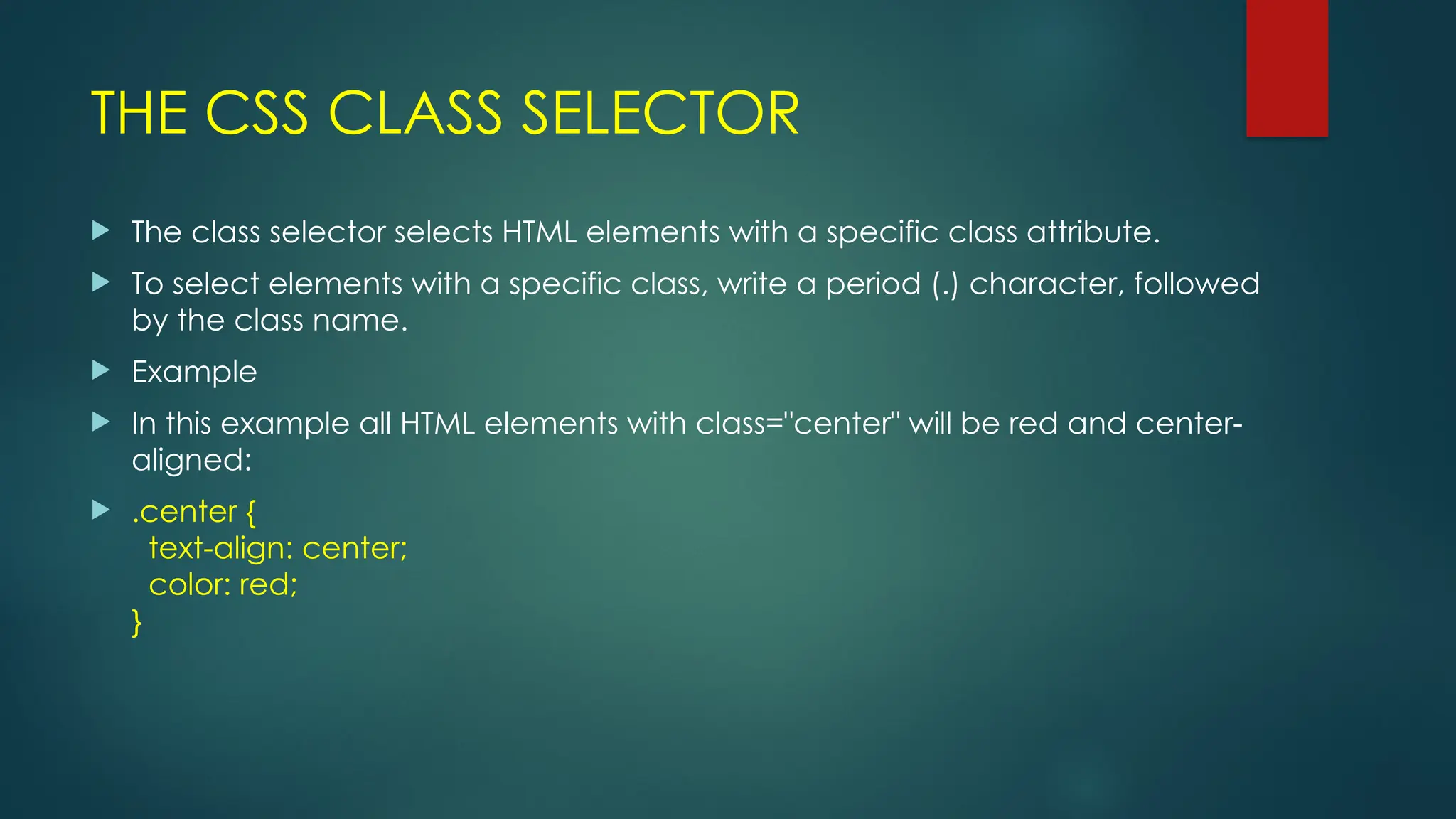
THE CSS CLASS SELECTOR
 The class selector selects HTML elements with a specific class attribute.
 To select elements with a specific class, write a period (.) character, followed
by the class name.
 Example
 In this example all HTML elements with class="center" will be red and center-
aligned:
 .center {
text-align: center;
color: red;
}
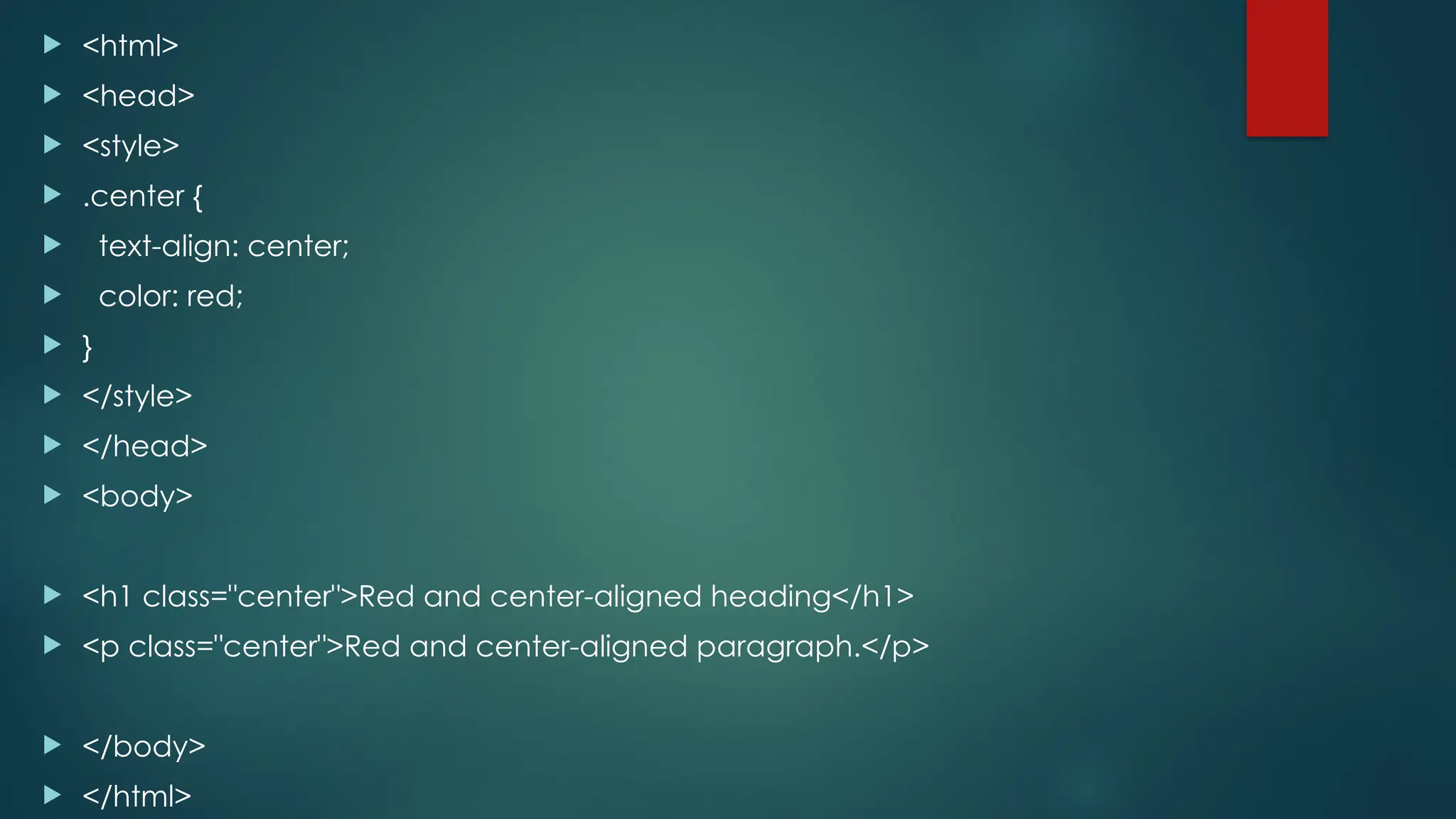
 <html>
 <head>
 <style>
 .center {
 text-align: center;
 color: red;
 }
 </style>
 </head>
 <body>
 <h1 class="center">Red and center-aligned heading</h1>
 <p class="center">Red and center-aligned paragraph.</p>
 </body>
 </html>
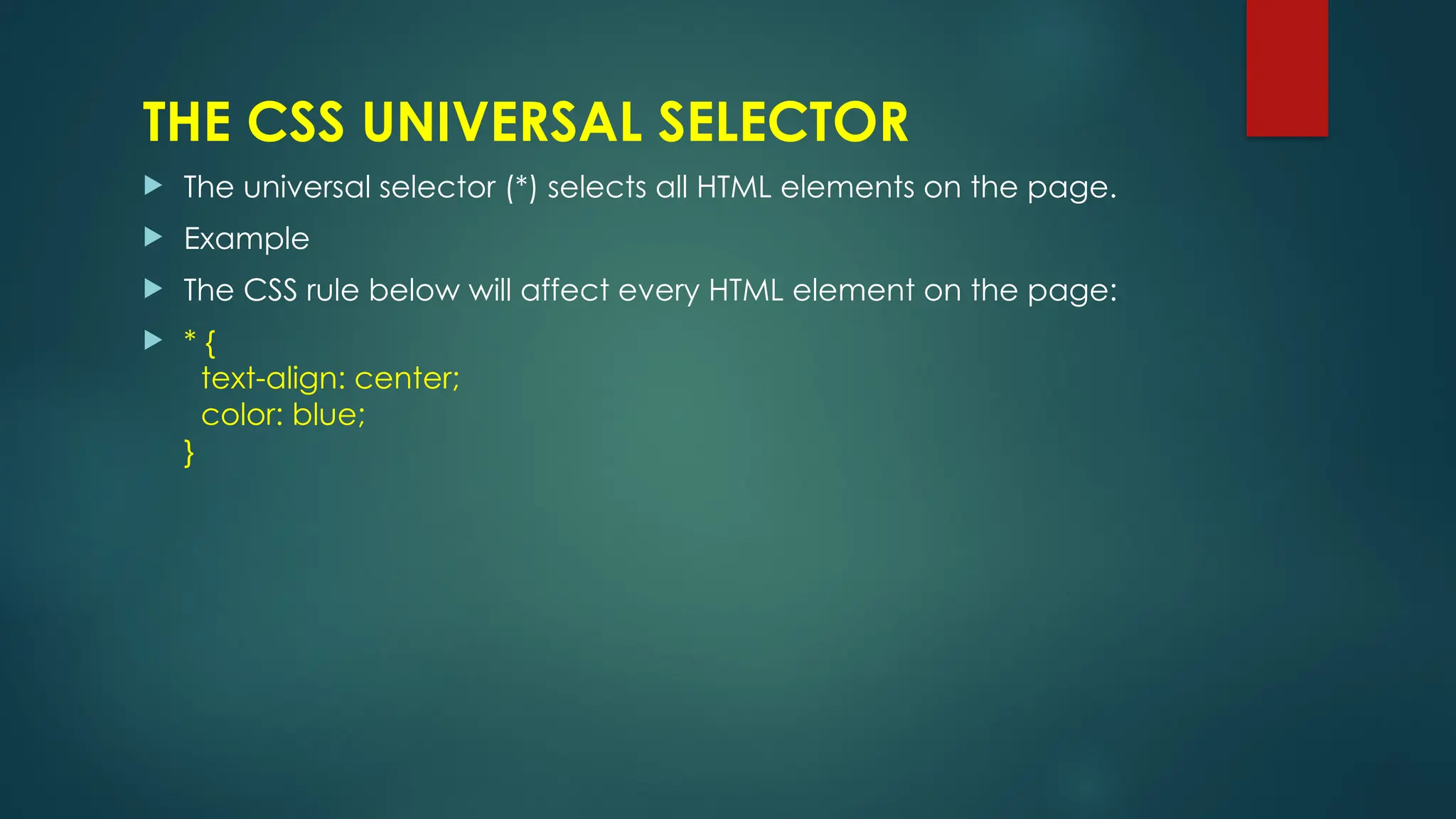
THE CSS UNIVERSAL SELECTOR
 The universal selector (*) selects all HTML elements on the page.
 Example
 The CSS rule below will affect every HTML element on the page:
 * {
text-align: center;
color: blue;
}
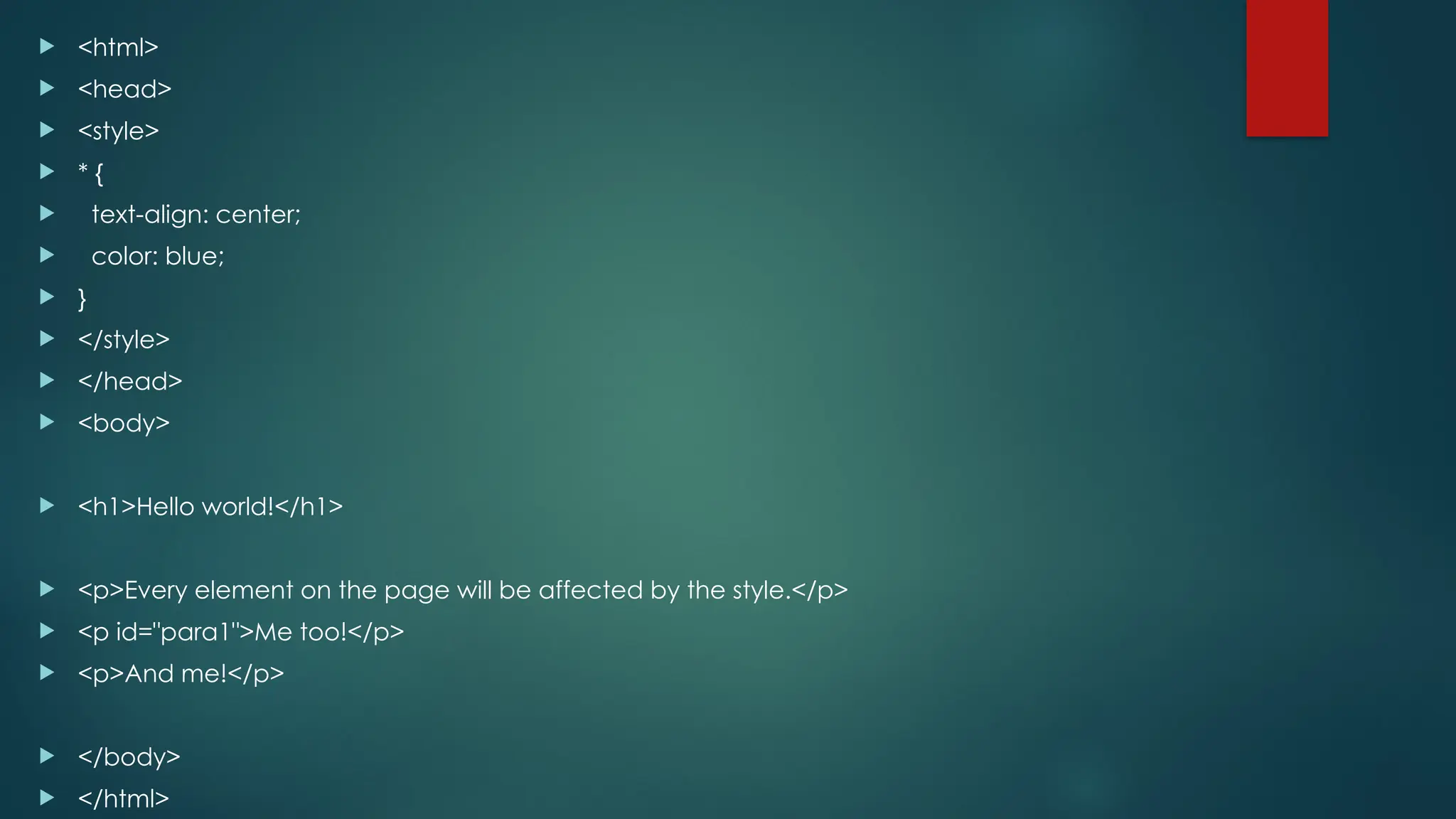
 <html>
 <head>
 <style>
 * {
 text-align: center;
 color: blue;
 }
 </style>
 </head>
 <body>
 <h1>Hello world!</h1>
 <p>Every element on the page will be affected by the style.</p>
 <p id="para1">Me too!</p>
 <p>And me!</p>
 </body>
 </html>
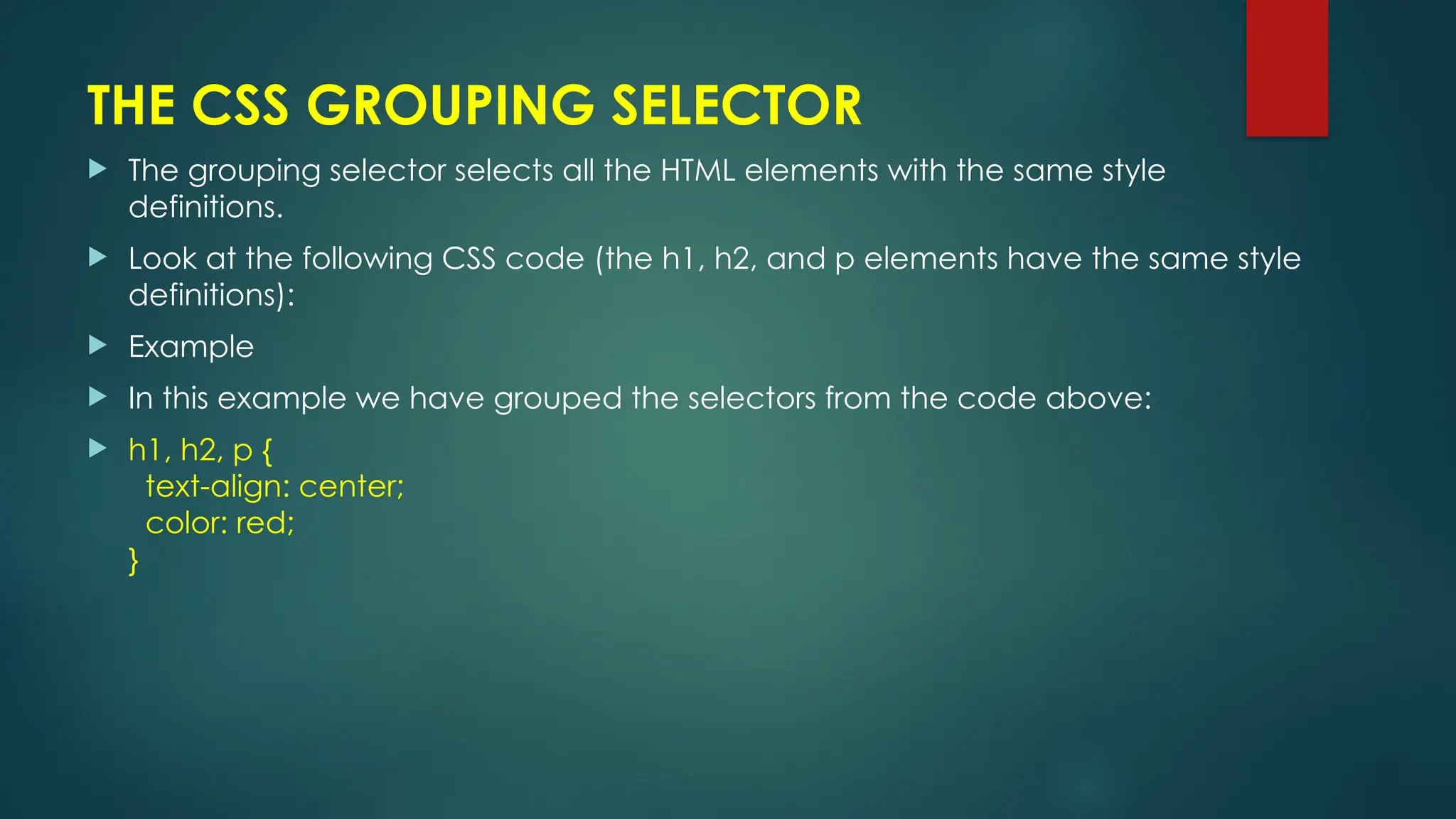
THE CSS GROUPING SELECTOR
 The grouping selector selects all the HTML elements with the same style
definitions.
 Look at the following CSS code (the h1, h2, and p elements have the same style
definitions):
 Example
 In this example we have grouped the selectors from the code above:
 h1, h2, p {
text-align: center;
color: red;
}

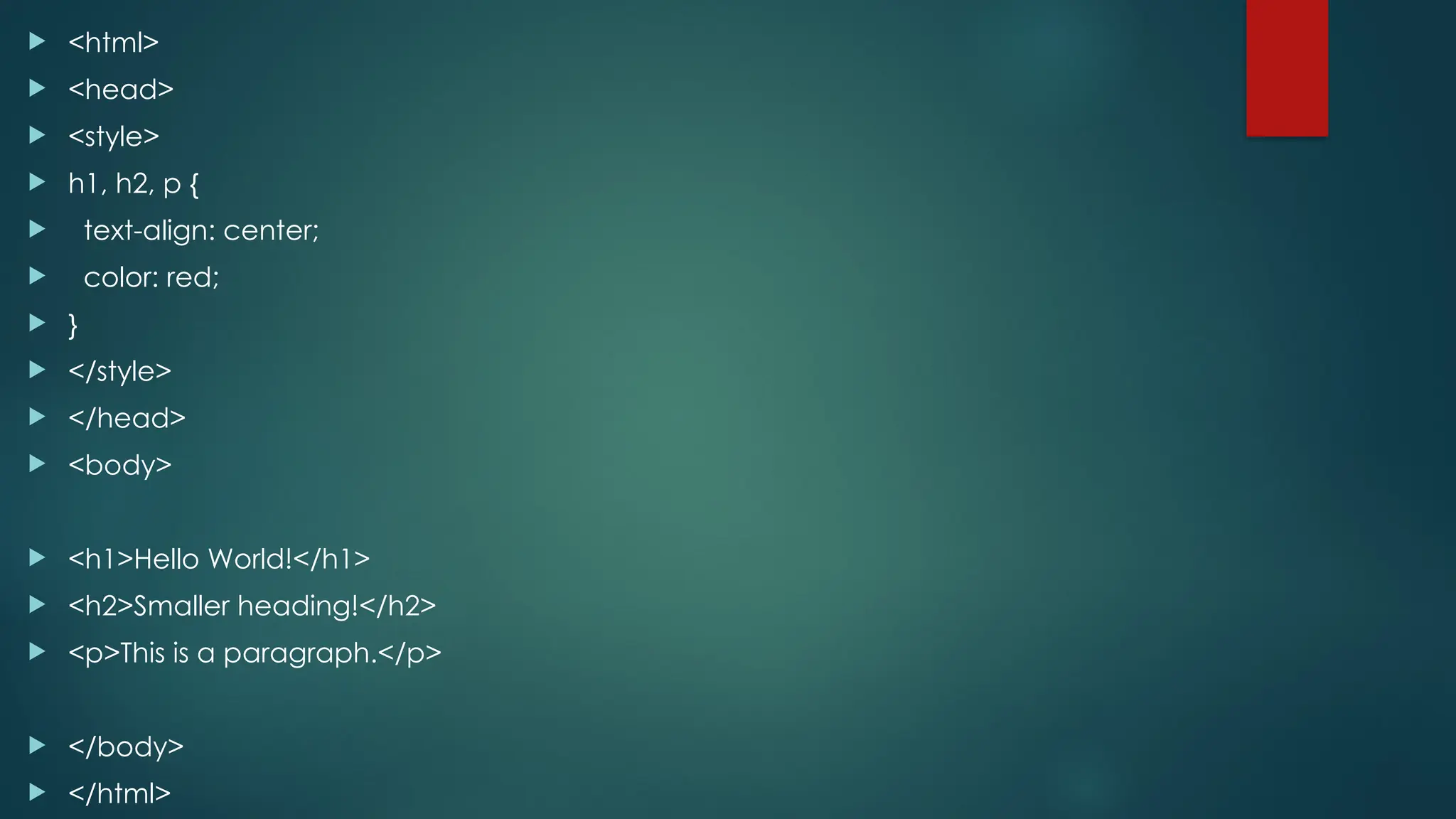
 <html>
 <head>
 <style>
 h1, h2, p {
 text-align: center;
 color: red;
 }
 </style>
 </head>
 <body>
 <h1>Hello World!</h1>
 <h2>Smaller heading!</h2>
 <p>This is a paragraph.</p>
 </body>
 </html>
Thank you

CSS selectors and their types and their examples in css.pptx

  • 1.
  • 2.
    CSS SELECTORS CSS SELECTORSARE USED TO "FIND" (OR SELECT) THE HTML ELEMENTS YOU WANT TO STYLE. WE CAN DIVIDE CSS SELECTORS INTO FIVE CATEGORIES: THE CSS ELEMENT SELECTOR THE CSS ID SELECTOR THE CSS CLASS SELECTOR THE CSS UNIVERSAL SELECTOR THE CSS GROUPING SELECTOR
  • 3.
    THE CSS ELEMENTSELECTOR  The element selector selects HTML elements based on the element name.  Example  Here, all <p> elements on the page will be center-aligned, with a red text color:  p { text-align: center; color: red; }
  • 4.
     <html>  <head> <style>  p {  text-align: center;  color: red;  }  </style>  </head>  <body>  <p>Every paragraph will be affected by the style.</p>  <p id="para1">Me too!</p>  <p>And me!</p>  </body>  </html>
  • 5.
    THE CSS IDSELECTOR  The id selector uses the id attribute of an HTML element to select a specific element.  The id of an element is unique within a page, so the id selector is used to select one unique element!  To select an element with a specific id, write a hash (#) character, followed by the id of the element.  Example  The CSS rule below will be applied to the HTML element with id="para1":  #para1 { text-align: center; color: red; }
  • 6.
     <html>  <head> <style>  #para1 {  text-align: center;  color: red;  }  </style>  </head>  <body>  <p id="para1">Hello World!</p>  <p>This paragraph is not affected by the style.</p>  </body>  </html>
  • 7.
    THE CSS CLASSSELECTOR  The class selector selects HTML elements with a specific class attribute.  To select elements with a specific class, write a period (.) character, followed by the class name.  Example  In this example all HTML elements with class="center" will be red and center- aligned:  .center { text-align: center; color: red; }
  • 8.
     <html>  <head> <style>  .center {  text-align: center;  color: red;  }  </style>  </head>  <body>  <h1 class="center">Red and center-aligned heading</h1>  <p class="center">Red and center-aligned paragraph.</p>  </body>  </html>
  • 9.
    THE CSS UNIVERSALSELECTOR  The universal selector (*) selects all HTML elements on the page.  Example  The CSS rule below will affect every HTML element on the page:  * { text-align: center; color: blue; }
  • 10.
     <html>  <head> <style>  * {  text-align: center;  color: blue;  }  </style>  </head>  <body>  <h1>Hello world!</h1>  <p>Every element on the page will be affected by the style.</p>  <p id="para1">Me too!</p>  <p>And me!</p>  </body>  </html>
  • 11.
    THE CSS GROUPINGSELECTOR  The grouping selector selects all the HTML elements with the same style definitions.  Look at the following CSS code (the h1, h2, and p elements have the same style definitions):  Example  In this example we have grouped the selectors from the code above:  h1, h2, p { text-align: center; color: red; }
  • 12.
     <html>  <head> <style>  h1, h2, p {  text-align: center;  color: red;  }  </style>  </head>  <body>  <h1>Hello World!</h1>  <h2>Smaller heading!</h2>  <p>This is a paragraph.</p>  </body>  </html>
  • 13.