Site Design                                                                  Last Updated: 06/2/2008

CSS Management Tutorial

Introduction
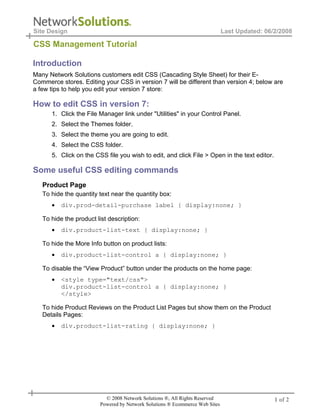
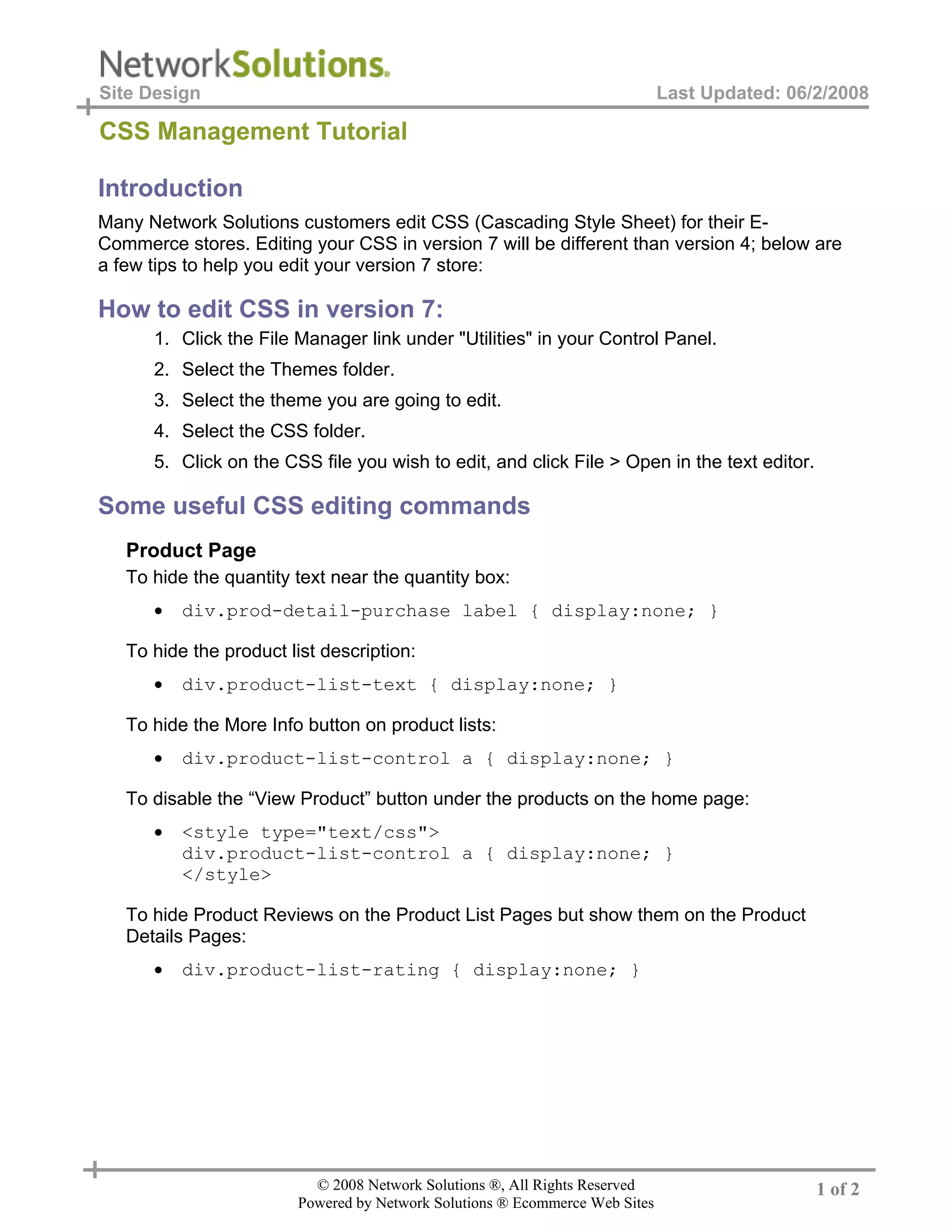
Many Network Solutions customers edit CSS (Cascading Style Sheet) for their E-
Commerce stores. Editing your CSS in version 7 will be different than version 4; below are
a few tips to help you edit your version 7 store:

How to edit CSS in version 7:
      1. Click the File Manager link under "Utilities" in your Control Panel.
      2. Select the Themes folder.
      3. Select the theme you are going to edit.
      4. Select the CSS folder.
      5. Click on the CSS file you wish to edit, and click File > Open in the text editor.

Some useful CSS editing commands
   Product Page
   To hide the quantity text near the quantity box:
      •   div.prod-detail-purchase label { display:none; }

   To hide the product list description:
      •   div.product-list-text { display:none; }

   To hide the More Info button on product lists:
      •   div.product-list-control a { display:none; }

   To disable the “View Product” button under the products on the home page:
      •   <style type="text/css">
          div.product-list-control a { display:none; }
          </style>

   To hide Product Reviews on the Product List Pages but show them on the Product
   Details Pages:
      •   div.product-list-rating { display:none; }


                          © 2008 Network Solutions ®, All Rights Reserved                     1 of 2
                        Powered by Network Solutions ® Ecommerce Web Sites
Site Design                                                                  Last Updated: 06/2/2008

CSSManagement2 Tutorial
   Category Page
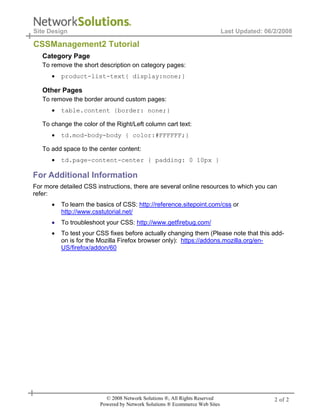
   To remove the short description on category pages:
      •   product-list-text{ display:none;}

   Other Pages
   To remove the border around custom pages:
      •   table.content {border: none;}

   To change the color of the Right/Left column cart text:
      •   td.mod-body-body { color:#FFFFFF;}

   To add space to the center content:
      •   td.page-content-center { padding: 0 10px }

For Additional Information
For more detailed CSS instructions, there are several online resources to which you can
refer:
      •   To learn the basics of CSS: http://reference.sitepoint.com/css or
          http://www.csstutorial.net/
      •   To troubleshoot your CSS: http://www.getfirebug.com/
      •   To test your CSS fixes before actually changing them (Please note that this add-
          on is for the Mozilla Firefox browser only): https://addons.mozilla.org/en-
          US/firefox/addon/60


                          © 2008 Network Solutions ®, All Rights Reserved                     2 of 2
                        Powered by Network Solutions ® Ecommerce Web Sites

CSS

  • 1.
    Site Design Last Updated: 06/2/2008 CSS Management Tutorial Introduction Many Network Solutions customers edit CSS (Cascading Style Sheet) for their E- Commerce stores. Editing your CSS in version 7 will be different than version 4; below are a few tips to help you edit your version 7 store: How to edit CSS in version 7: 1. Click the File Manager link under "Utilities" in your Control Panel. 2. Select the Themes folder. 3. Select the theme you are going to edit. 4. Select the CSS folder. 5. Click on the CSS file you wish to edit, and click File > Open in the text editor. Some useful CSS editing commands Product Page To hide the quantity text near the quantity box: • div.prod-detail-purchase label { display:none; } To hide the product list description: • div.product-list-text { display:none; } To hide the More Info button on product lists: • div.product-list-control a { display:none; } To disable the “View Product” button under the products on the home page: • <style type="text/css"> div.product-list-control a { display:none; } </style> To hide Product Reviews on the Product List Pages but show them on the Product Details Pages: • div.product-list-rating { display:none; } © 2008 Network Solutions ®, All Rights Reserved 1 of 2 Powered by Network Solutions ® Ecommerce Web Sites
  • 2.
    Site Design Last Updated: 06/2/2008 CSSManagement2 Tutorial Category Page To remove the short description on category pages: • product-list-text{ display:none;} Other Pages To remove the border around custom pages: • table.content {border: none;} To change the color of the Right/Left column cart text: • td.mod-body-body { color:#FFFFFF;} To add space to the center content: • td.page-content-center { padding: 0 10px } For Additional Information For more detailed CSS instructions, there are several online resources to which you can refer: • To learn the basics of CSS: http://reference.sitepoint.com/css or http://www.csstutorial.net/ • To troubleshoot your CSS: http://www.getfirebug.com/ • To test your CSS fixes before actually changing them (Please note that this add- on is for the Mozilla Firefox browser only): https://addons.mozilla.org/en- US/firefox/addon/60 © 2008 Network Solutions ®, All Rights Reserved 2 of 2 Powered by Network Solutions ® Ecommerce Web Sites