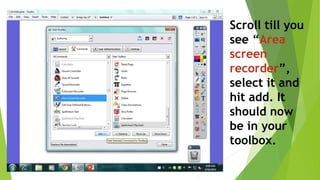
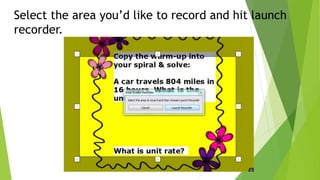
To create videos using ActivInspire software, you must first download and install the program if not already on your computer. Then, customize your toolbox menu by adding the area screen recorder tool. With the flipchart open, use the area recorder button to select the portion to record, launch the recorder, and start recording by naming the file. This will create a video of the selected area that can be used to showcase parts of the flipchart.