An extensible command line for
              the JVM


     Julien Viet           Alain Defrance
Senior software engineer   Software engineer
     eXo Platform            eXo Platform
    @julienviet            @alaindefrance
@julienviet                        @alaindefrance
 10 years of Open Source           2 years of Open Source
 ■ eXo Platform 2008               ■ eXo Platform 2010
 ■ Red Hat 2006                    Various
 ■ JBoss 2002                      ■ Develop social product
 Various
 ■ Portal stuff (JBoss / GateIn)
 ■ JCP a while ago


                                                              3
Project
  Open source LGPL: http://www.crashub.org
  CRaSH 1.0 – April 2012
  CRaSH 1.1 – August 2012
  CRaSH 1.2 – Soon (in release candidate)
What/Why?
CLI are still relevant
 Ubiquitous
 Expressive: find . -name “*.java” -exec grep julien {} ; -
   print
 Made for us 
Trends: NoSQL, MS Powershell, Drupal, Jenkins, Cloud,
 etc…
Fun!
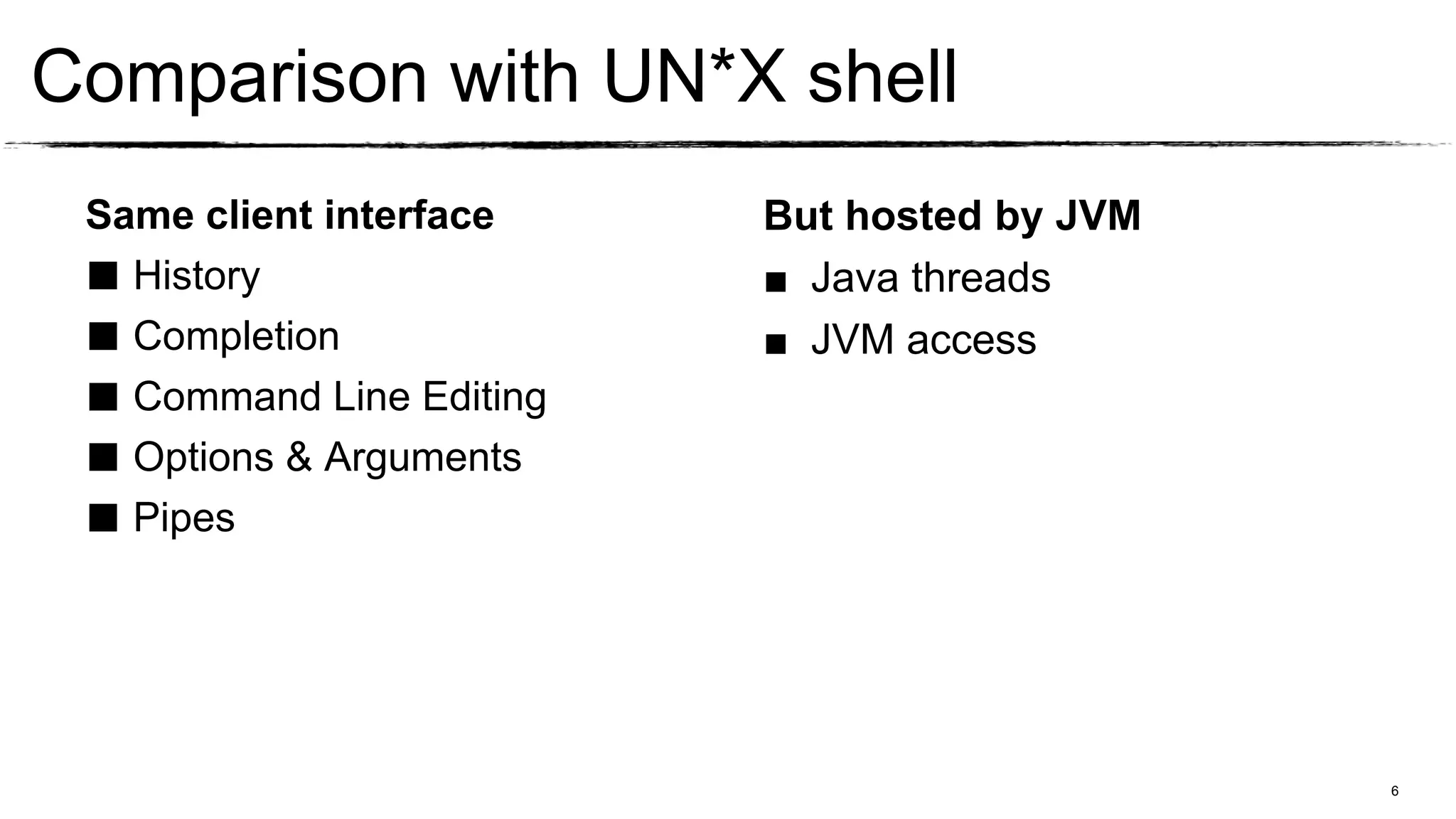
Comparison with UN*X shell
 Same client interface    But hosted by JVM
 ■ History                ■ Java threads
 ■ Completion             ■ JVM access
 ■ Command Line Editing
 ■ Options & Arguments
 ■ Pipes


                                              6
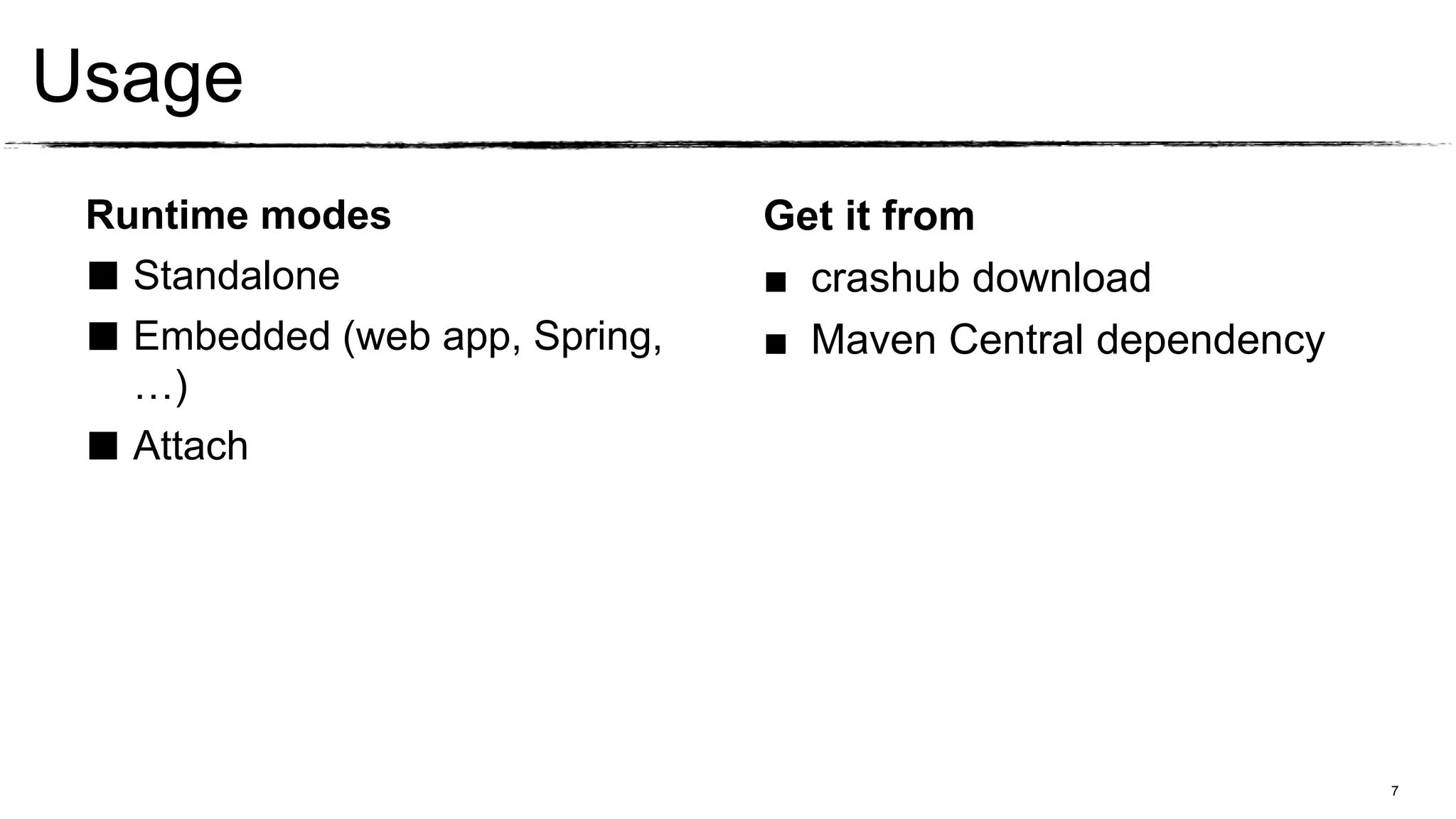
Usage
 Runtime modes                  Get it from
 ■ Standalone                   ■ crashub download
 ■ Embedded (web app, Spring,   ■ Maven Central dependency
   …)
 ■ Attach


                                                             7
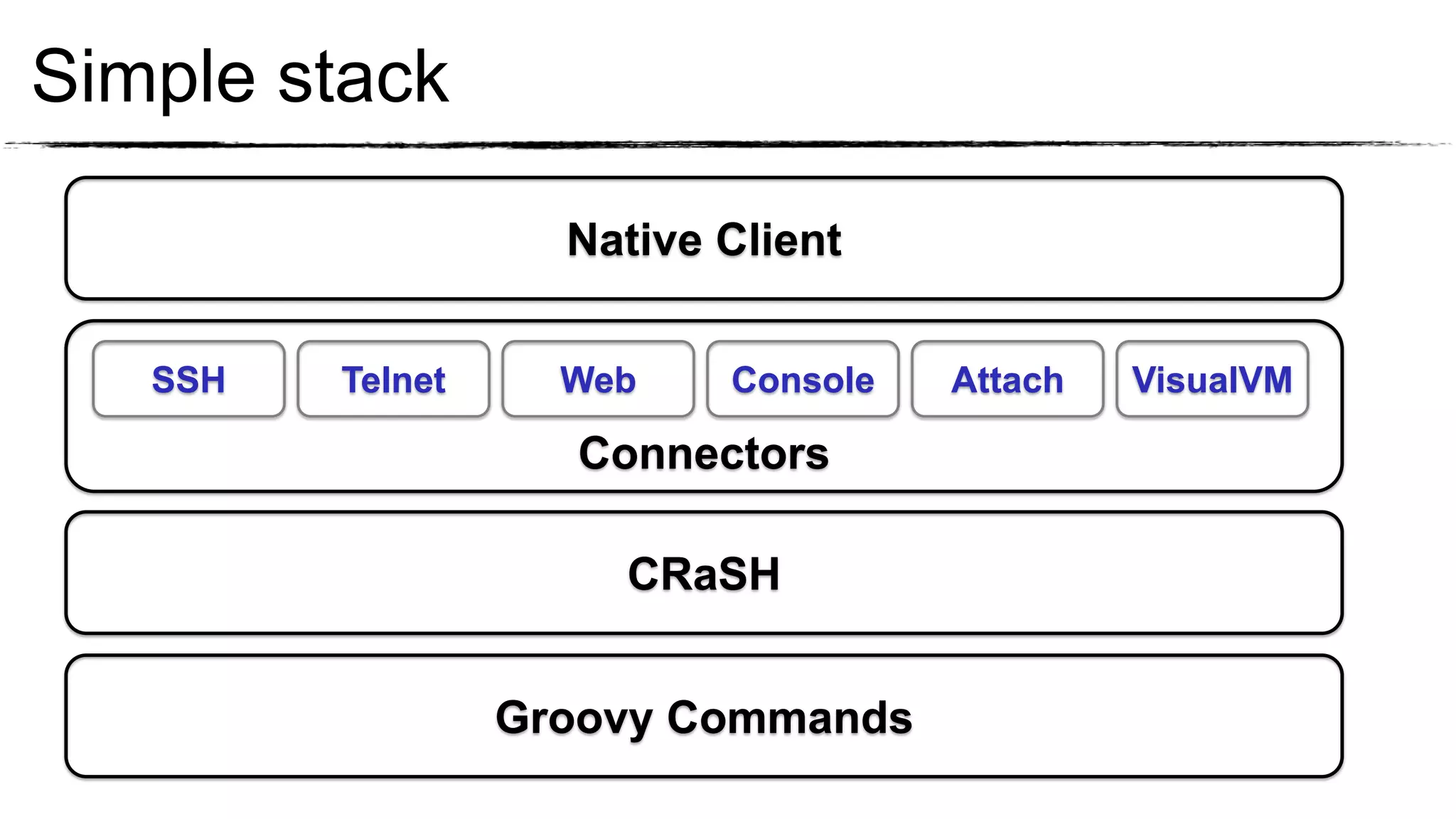
Simple stack

                    Native Client


   SSH   Telnet     Web    Console   Attach   VisualVM

                    Connectors

                      CRaSH


                  Groovy Commands
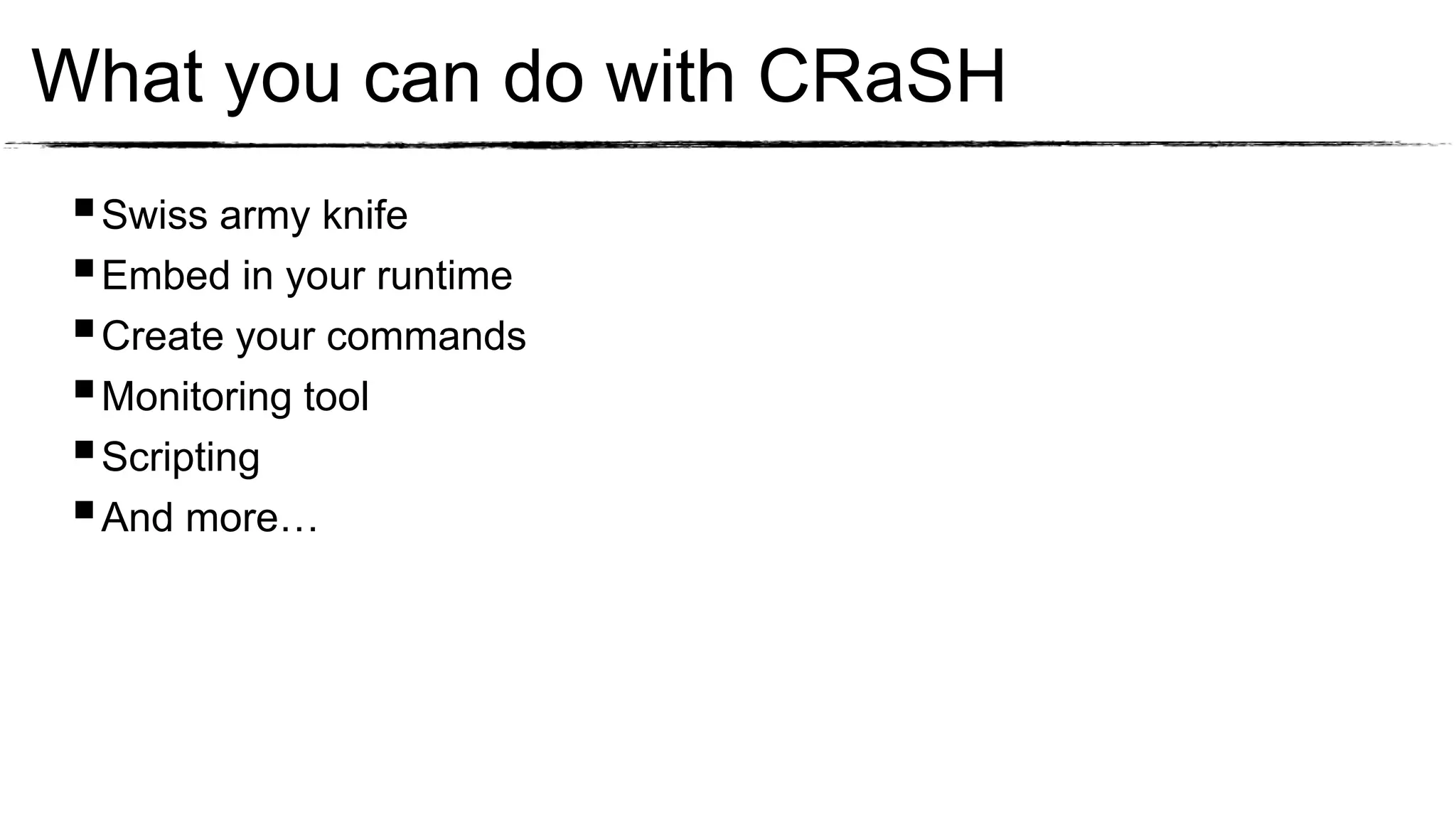
What you can do with CRaSH
  Swiss army knife
  Embed in your runtime
  Create your commands
  Monitoring tool
  Scripting
  And more…
Out of the box
Out of the box
  Install CRaSH
  Run CRaSH standalone
  CLI basics
  JVM base commands
  Test it online
The Swiss Knife
The Swiss Knife
  Attach CRaSH to JBoss Application Server
  Execute commands in the Application Server
Extend your runtime
Extend your runtime
  Embed CRaSH in a Spring web application
  Connect using remote protocol
  Develop a command to access Spring beans
  Add options and arguments to the command
Monitoring
Monitoring
  Attach to Tomcat with VisualVM
  Use JMX command pipes
  Create pipes
  Assemble in custom dashboard
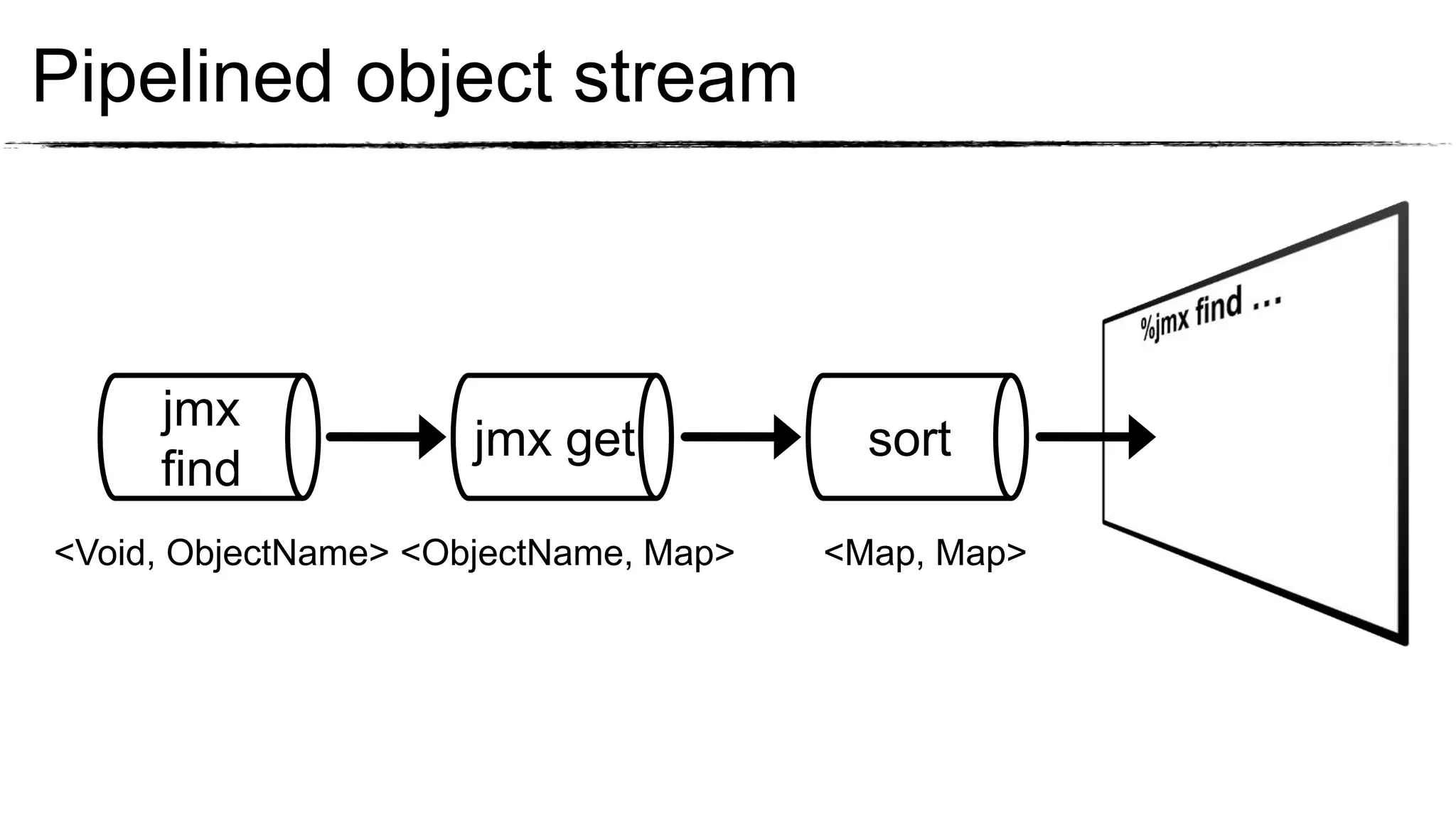
Pipelined object stream


     jmx
                      jmx get            sort
     find
<Void, ObjectName> <ObjectName, Map>   <Map, Map>
Wrap up
Multi facet, powerful and extensible
Reach us
 crash-users@googlegroups.com
 @crashub
 http://www.crashub.org
Hackergarten hands on coding Tuesday
Q&A

CRaSH the shell for the JVM

  • 2.
    An extensible commandline for the JVM Julien Viet Alain Defrance Senior software engineer Software engineer eXo Platform eXo Platform @julienviet @alaindefrance
  • 3.
    @julienviet @alaindefrance 10 years of Open Source 2 years of Open Source ■ eXo Platform 2008 ■ eXo Platform 2010 ■ Red Hat 2006 Various ■ JBoss 2002 ■ Develop social product Various ■ Portal stuff (JBoss / GateIn) ■ JCP a while ago 3
  • 4.
    Project  Opensource LGPL: http://www.crashub.org  CRaSH 1.0 – April 2012  CRaSH 1.1 – August 2012  CRaSH 1.2 – Soon (in release candidate)
  • 5.
    What/Why? CLI are stillrelevant Ubiquitous Expressive: find . -name “*.java” -exec grep julien {} ; - print Made for us  Trends: NoSQL, MS Powershell, Drupal, Jenkins, Cloud, etc… Fun!
  • 6.
    Comparison with UN*Xshell Same client interface But hosted by JVM ■ History ■ Java threads ■ Completion ■ JVM access ■ Command Line Editing ■ Options & Arguments ■ Pipes 6
  • 7.
    Usage Runtime modes Get it from ■ Standalone ■ crashub download ■ Embedded (web app, Spring, ■ Maven Central dependency …) ■ Attach 7
  • 8.
    Simple stack Native Client SSH Telnet Web Console Attach VisualVM Connectors CRaSH Groovy Commands
  • 9.
    What you cando with CRaSH  Swiss army knife  Embed in your runtime  Create your commands  Monitoring tool  Scripting  And more…
  • 10.
  • 11.
    Out of thebox  Install CRaSH  Run CRaSH standalone  CLI basics  JVM base commands  Test it online
  • 12.
  • 13.
    The Swiss Knife  Attach CRaSH to JBoss Application Server  Execute commands in the Application Server
  • 14.
  • 15.
    Extend your runtime  Embed CRaSH in a Spring web application  Connect using remote protocol  Develop a command to access Spring beans  Add options and arguments to the command
  • 16.
  • 17.
    Monitoring  Attachto Tomcat with VisualVM  Use JMX command pipes  Create pipes  Assemble in custom dashboard
  • 18.
    Pipelined object stream jmx jmx get sort find <Void, ObjectName> <ObjectName, Map> <Map, Map>
  • 19.
    Wrap up Multi facet,powerful and extensible Reach us crash-users@googlegroups.com @crashub http://www.crashub.org Hackergarten hands on coding Tuesday
  • 20.

Editor's Notes

  • #7 In this part we will show you what you can get withCRaSH out of the box:1/ install crash2/ run crash3/ basic commands : system properties + thread ls
  • #8 1/ where to download crash2/ how to install standalone3/ standalone layout4/ run standalone5/ single word command : help6/ composite commands7/ system propls8/ filtered system propls with completion9/ thread ls + group + nameA/ thread top
  • #9 1/ attach to JBoss AS2/ JDBC example3/ JPA example
  • #10 1/ attach to Jboss AS72/ use log command to show we are executing in AS7 context3/ browse JNDI + filters4/ jdbc open + info + tables + table + select + insert5/ jpa entities + entity + select + where
  • #11 1/ take an existing command and clone it2/ show some real time stuff3/ program the Twitter command
  • #12 1/ deploy spring based in tomcat2/ spring ls3/ create commands and display service4/ get twitter from service5/ format output with print6/ turn script into commands with option and parameters
  • #13 1/ introduce more advanced CRaSH concepts : dashboards Command pipes Aggregation &amp; Streaming
  • #14 1/ attach to tomcat with visualvm2/ jmx find to list everthing3/ jmx find with filters to get mbean subset4/ jmx get to retrieve statistics5/ jmx sort6/ put command in dashboard7/ add thread ls filtered to retain http threads and jvm ls8/ put load on server