Cross-platform Mobile
Development With Open Source
Frameworks
John M. Wargo
Microsoft
Agenda
• Introduction
• Native mobile development is hard
• Introducing cross-platform open source mobile development
frameworks
• A bunch of demos and code
• Wrap-Up
Me: Software Developer, Writer, Presenter,
Husband, Father, Geek
• Principal Program Manager @ Microsoft
• Part of the Azure team working on Visual Studio Mobile Center
MBaaS capabilities
• Responsible for Microsoft’s JavaScript Mobile tooling:
Visual Studio Code Extensions for Cordova and React Native
• Contributor to the Apache Cordova Project
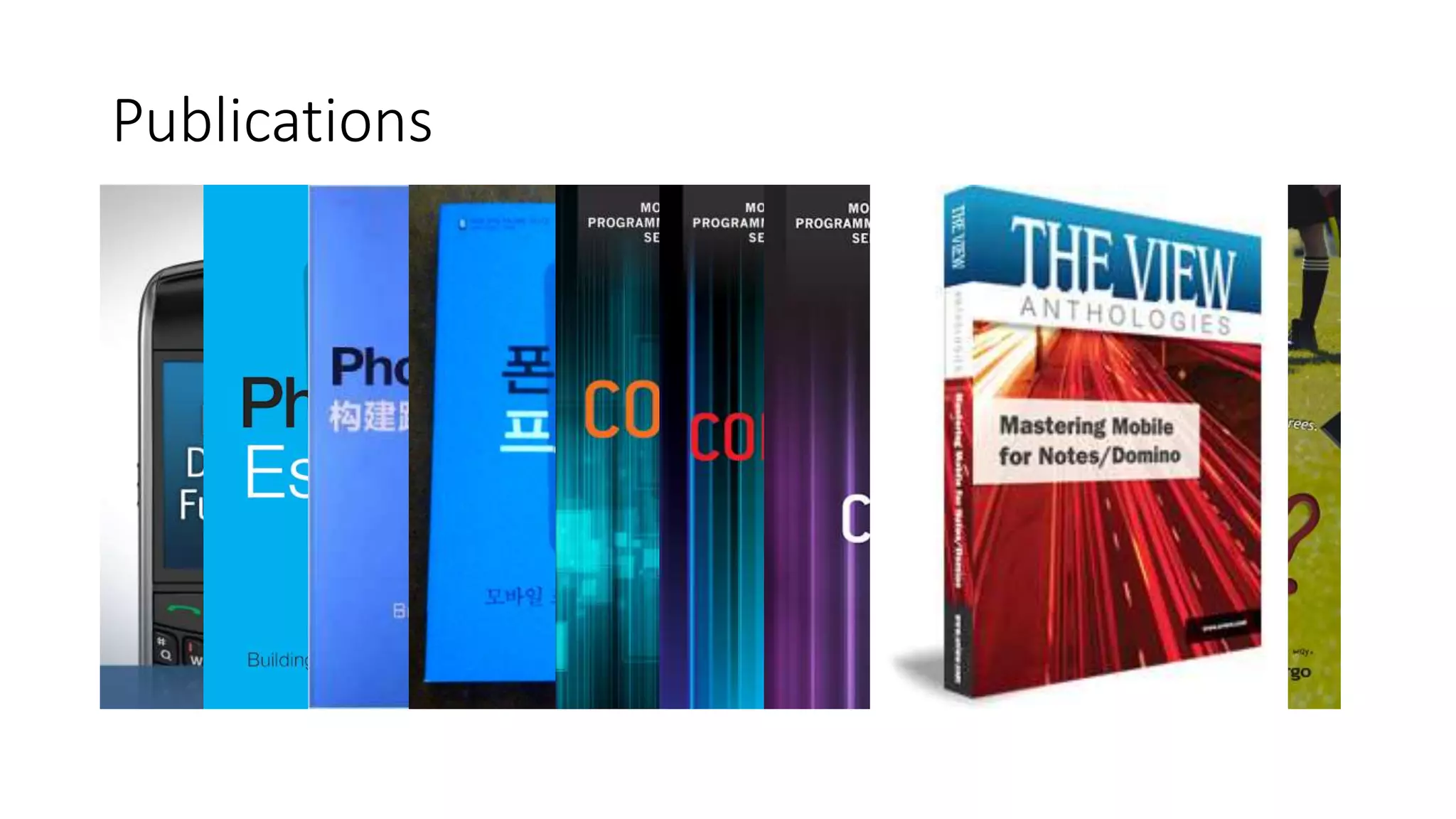
• Author of a few books
Publications
Native Mobile Development Is Hard
• No common language across popular platforms
• No single IDE that can be used for all popular platforms
• Requires different skills for each target platform
• Hard to be an expert on more than one platform
• Requires a Macintosh computer, which, surprisingly, most enterprises
don’t have or support
Mobile Development Is Expensive
• Fickle and finicky users drive dev organizations to deliver frequent
updates which forces a furious pace of development leading to the
requirements for:
• Continuous Integration
• Automated testing (manual testing can no longer keep up)
• Testing that never ends
• More to test than just whether the code ‘works’
• Device farms
• Web
• Native
• Hybrid
• JavaScript-driven native
• Adjacent native
• Mobile application development platforms
Available Approaches
Cross-Platform, Open Source Mobile
Frameworks
• Hybrid Apps
• Apache Cordova*
• Ionic*
• JavaScript-driven Native Apps
• NativeScript*
• React Native*
• Tabris.js
• Titanium
• Adjacent Native Apps
• Microsoft Xamarin
Hybrid Frameworks
Apache Cordova
An open source framework for building cross-platform mobile
applications using
History
• Started at the 2008 iPhoneDevCamp by Nitobi
• Started with iOS, quickly added Android and BlackBerry support later
• In 2011, project was donated to Apache Software Foundation
• First as Apache Callback
• Then as Apache DeviceReady
• Finally as Apache Cordova
• Very quickly thereafter (the next day), Nitobi acquired by Adobe
• Expectation that Cordova will become obsolete over time as mobile
browsers become more capable
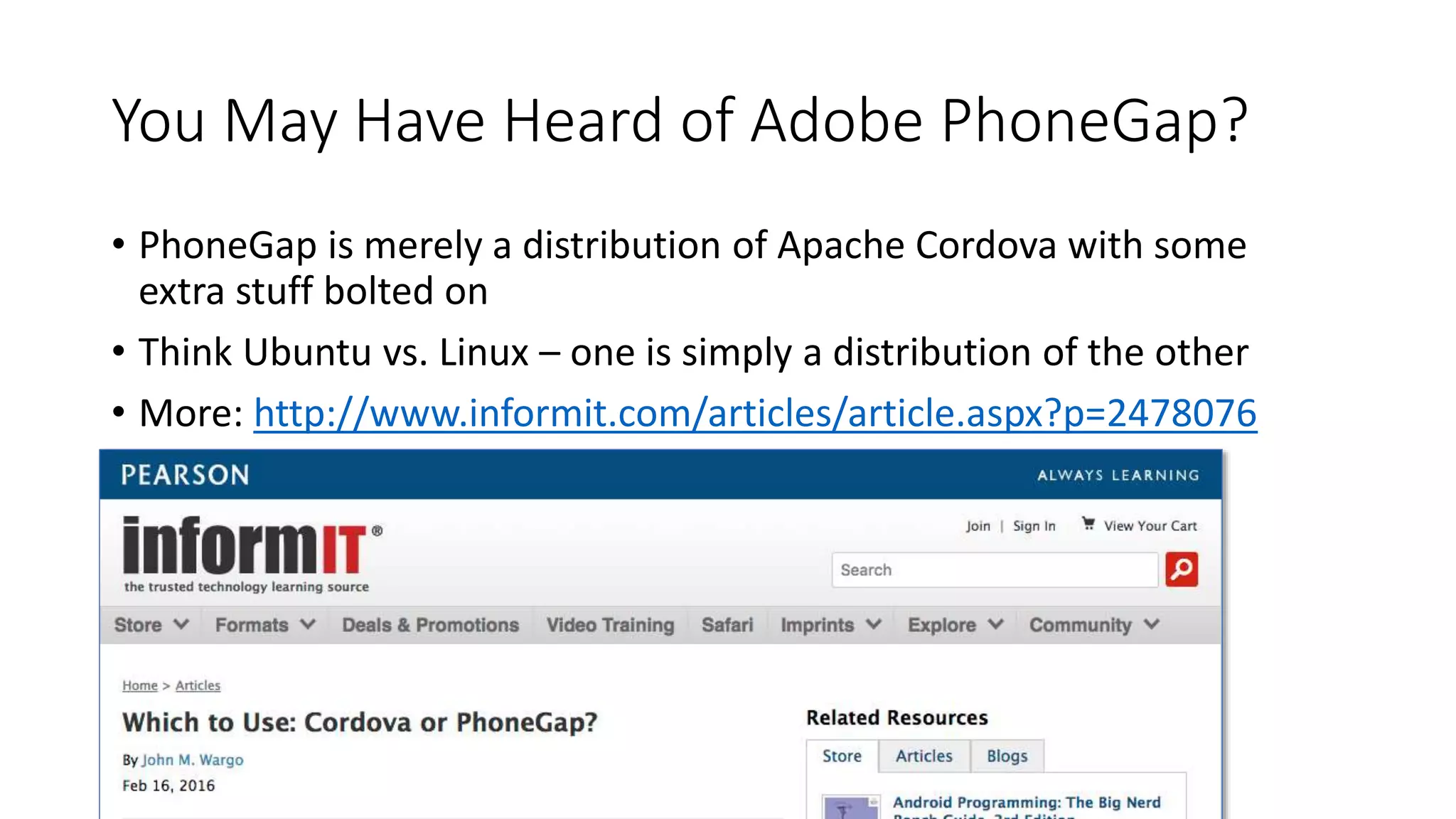
You May Have Heard of Adobe PhoneGap?
• PhoneGap is merely a distribution of Apache Cordova with some
extra stuff bolted on
• Think Ubuntu vs. Linux – one is simply a distribution of the other
• More: http://www.informit.com/articles/article.aspx?p=2478076
Consumers & Supporters
• IBM MobileFirst Platform
• SAP HANA Cloud Platform mobile services
• Oracle Mobile Platform
• Salesforce App Cloud
• Alpha Software Alpha Anywhere
• and many, many, many more!
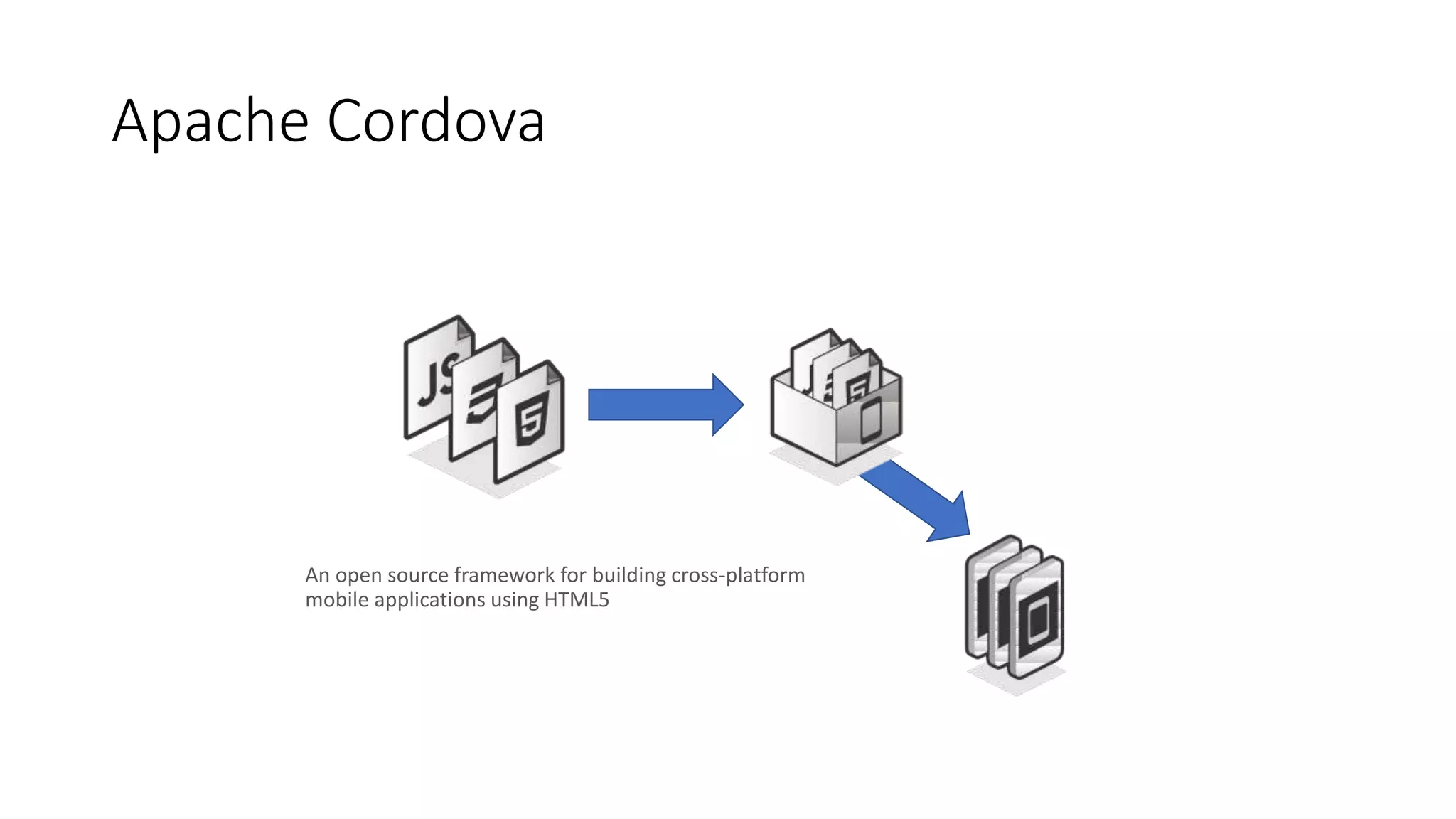
Apache Cordova
An open source framework for building cross-platform
mobile applications using HTML5
WebView
• Web application content is rendered within the native application
window using a native WebView component
• The content is NOT converted in any way
• Pretty much allows ANY web content to run
(just like a browser)
• On older devices, the WebView is not always exactly the same as the
browser (for older Android devices, look at the Intel Crosswalk
project)
Supported HTML & JavaScript Frameworks
• All of them (pretty much)
• There are even Hybrid-specific frameworks:
• Ionic
• Onsen UI
• Framework7
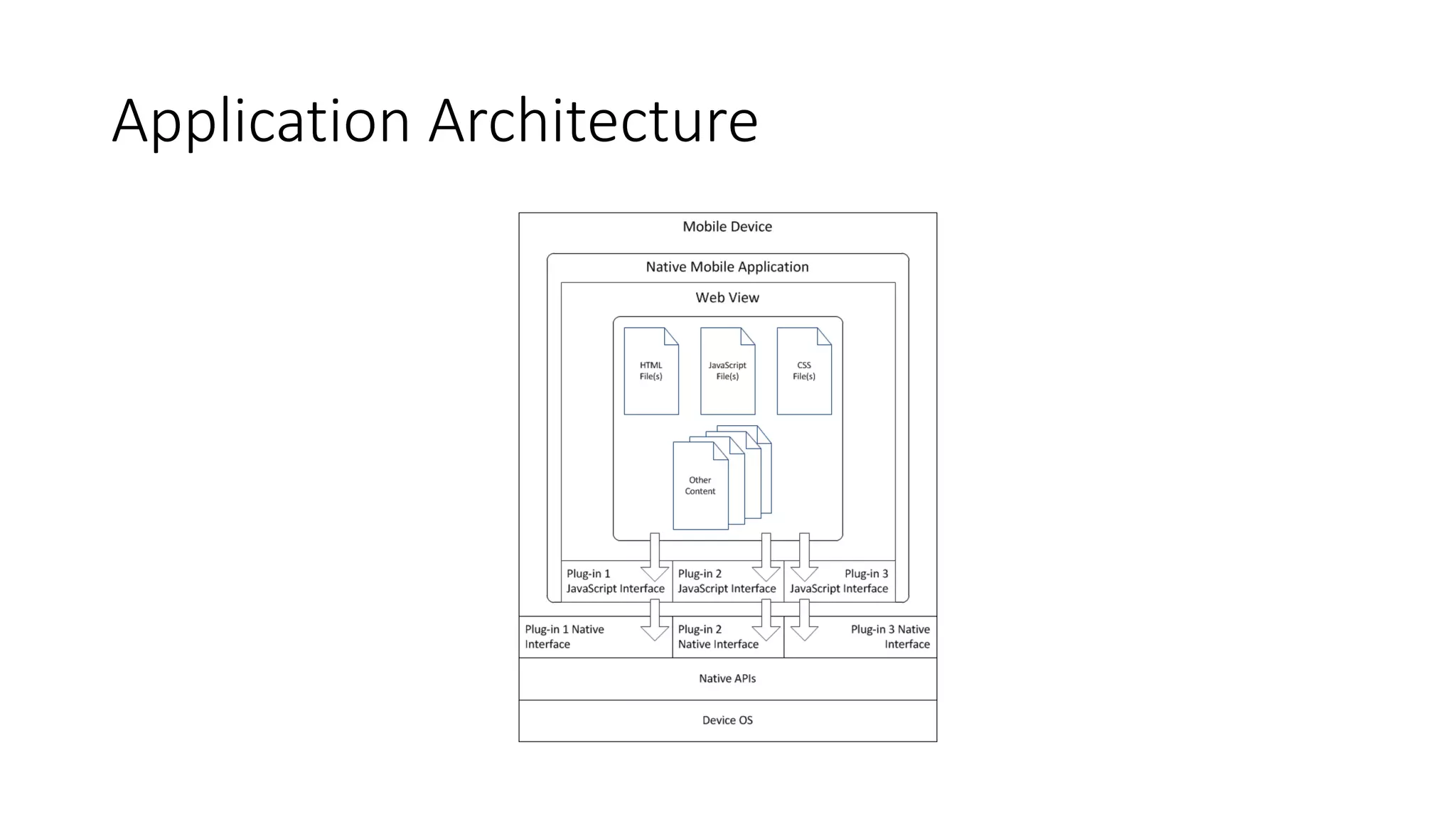
Application Architecture
Cordova Tooling
• Cordova Command Line Interface (CLI)
• Use whatever tools you want to design & code your applications
• Use the native SDKs or the PhoneGap Build service to ‘build’ your
applications
• Can use the CLI with either
• Microsoft Tools:
• Visual Studio Tools for Apache Cordova (TACO)
• Visual Studio Code with Cordova Extension
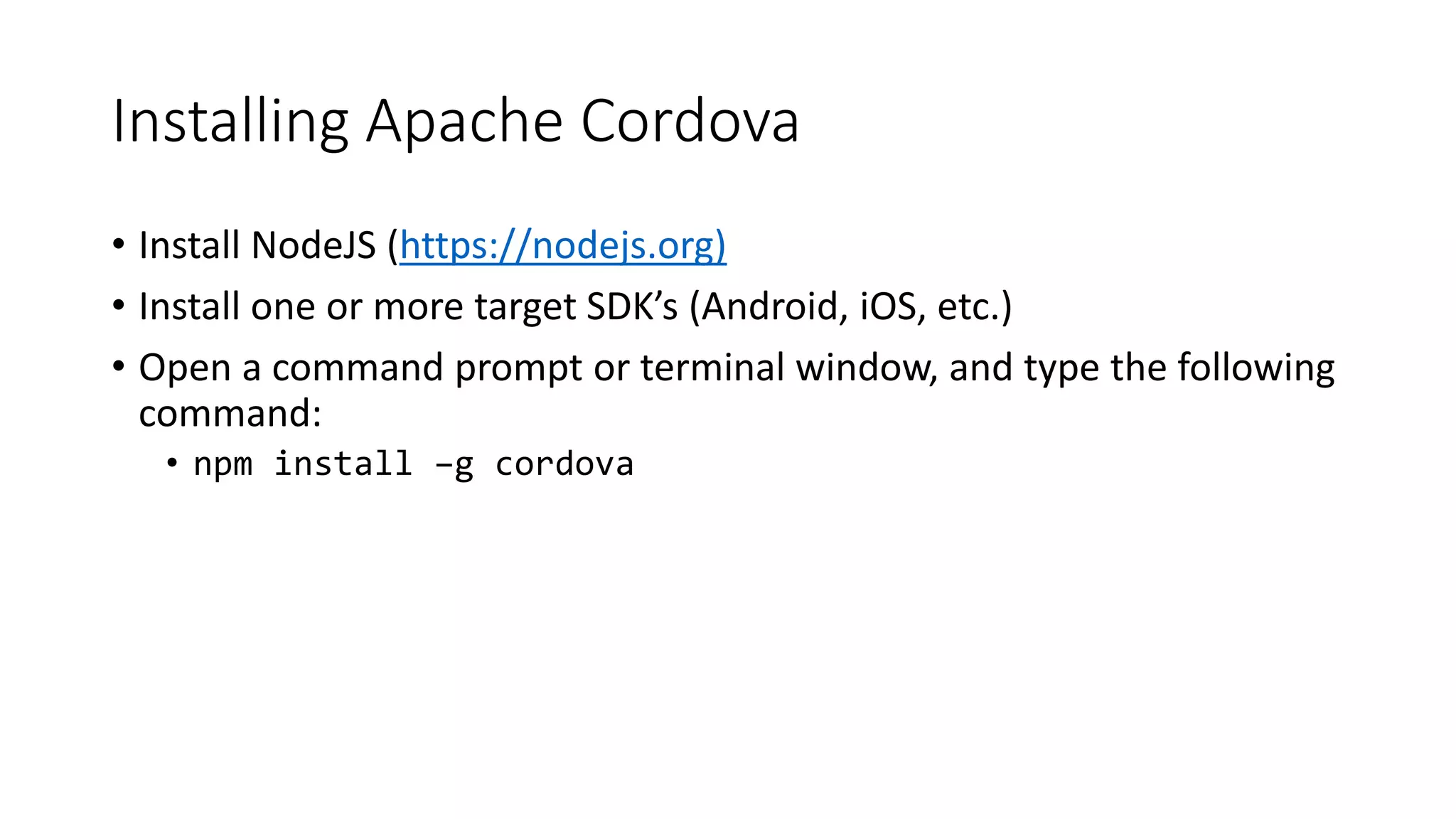
Installing Apache Cordova
• Install NodeJS (https://nodejs.org)
• Install one or more target SDK’s (Android, iOS, etc.)
• Open a command prompt or terminal window, and type the following
command:
• npm install –g cordova
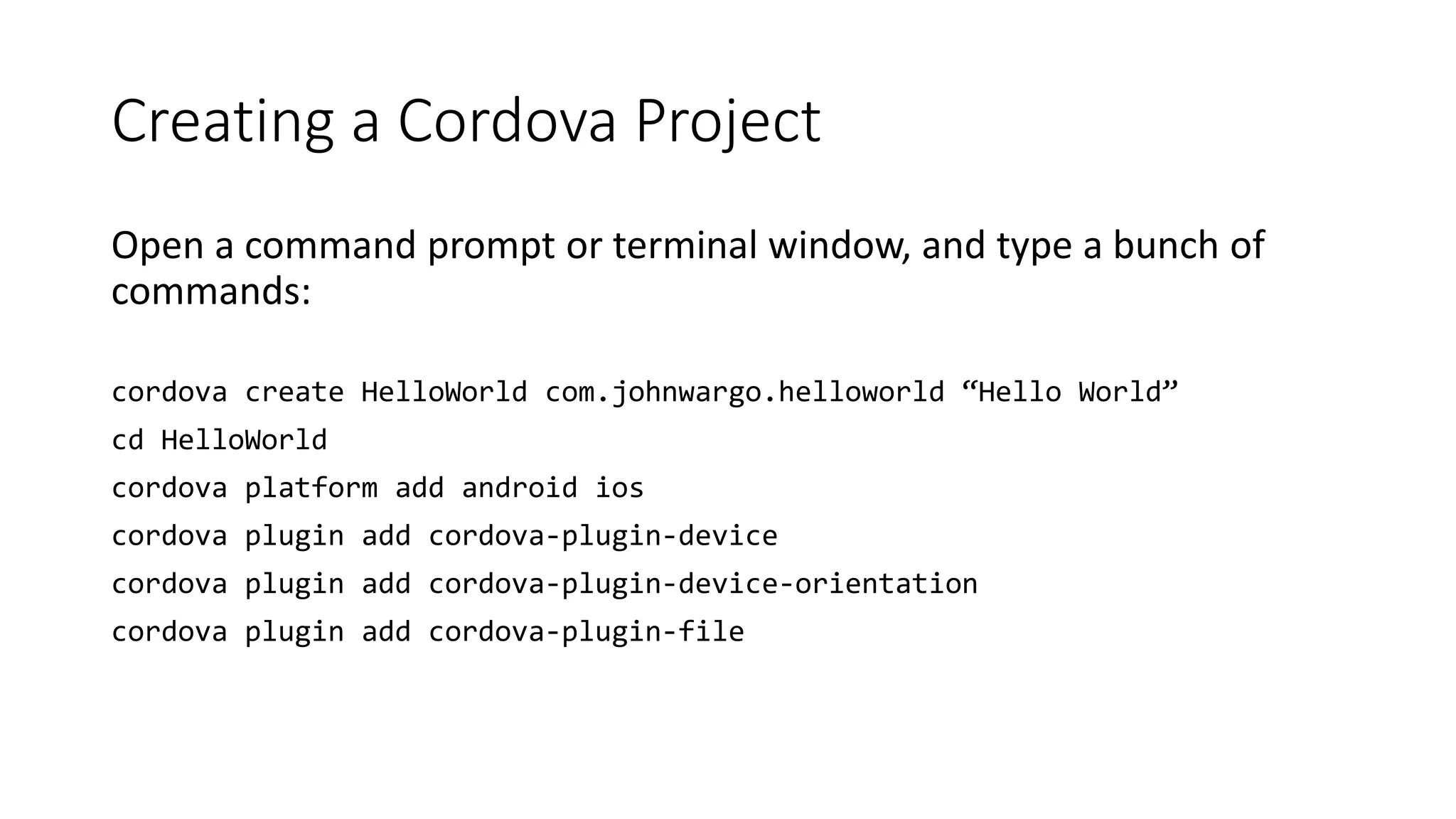
Creating a Cordova Project
Open a command prompt or terminal window, and type a bunch of
commands:
cordova create HelloWorld com.johnwargo.helloworld “Hello World”
cd HelloWorld
cordova platform add android ios
cordova plugin add cordova-plugin-device
cordova plugin add cordova-plugin-device-orientation
cordova plugin add cordova-plugin-file
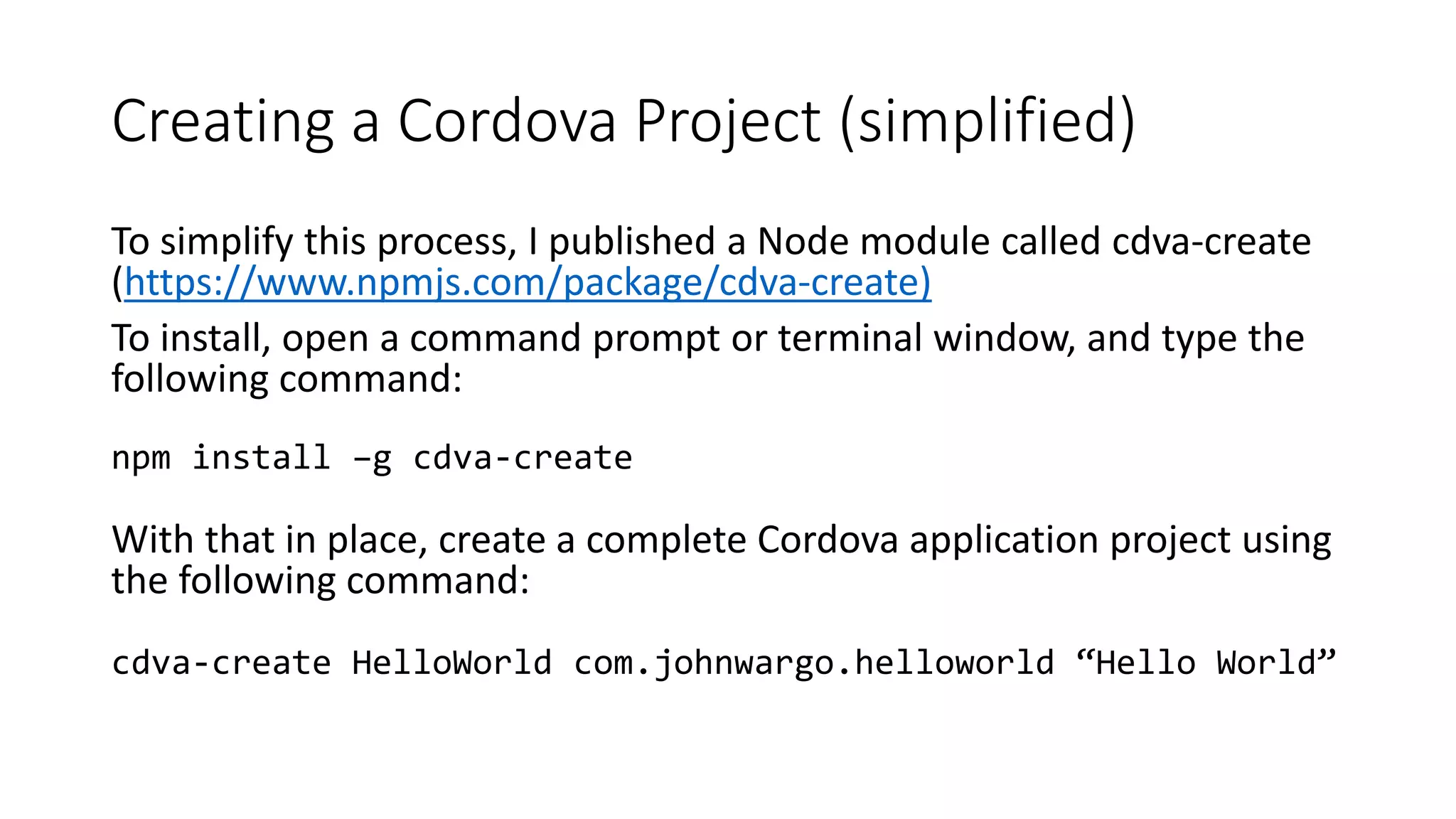
Creating a Cordova Project (simplified)
To simplify this process, I published a Node module called cdva-create
(https://www.npmjs.com/package/cdva-create)
To install, open a command prompt or terminal window, and type the
following command:
npm install –g cdva-create
With that in place, create a complete Cordova application project using
the following command:
cdva-create HelloWorld com.johnwargo.helloworld “Hello World”
Configuring cdva-create
{
"platformList":[
"android",
"ios"
],
"pluginList":[
"cordova-plugin-console",
"cordova-plugin-dialogs",
"cordova-plugin-device"
],
"enableDebug":false,
"copyFrom":"",
"linkTo":"",
"createParms":""
}
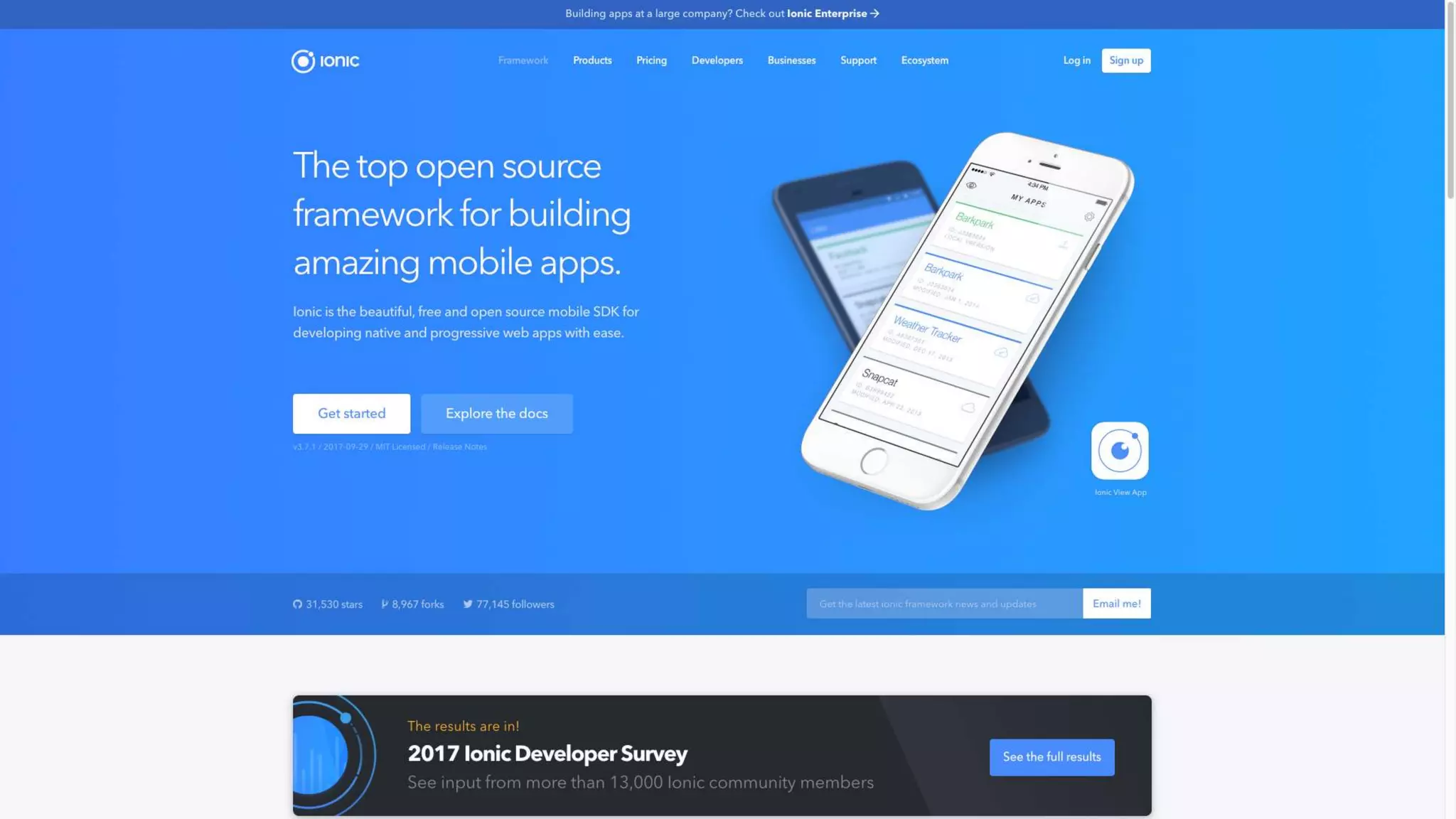
Ionic Framework
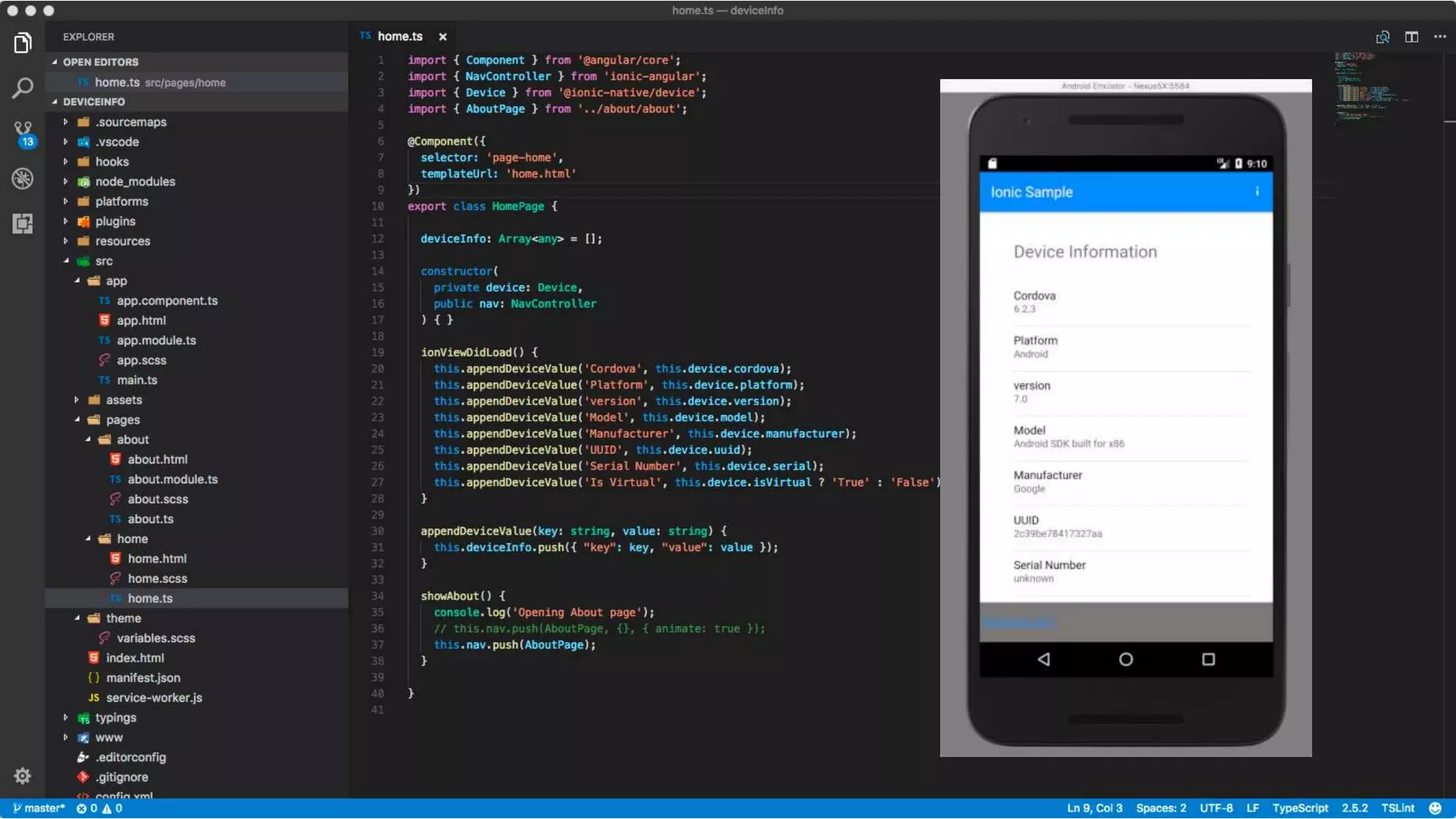
• Originally a UI framework on top of Apache Cordova
• TypeScript, relies heavily on Angular
• Adds Angular components that give a web/Cordova app a native look/feel
• Provides wrapper around common Cordova plugins
• Started with SPA (single page app), expanding into PWA (progressive web
apps)
• Migrating to Web Component standard
(http://blog.ionic.io/the-end-of-framework-churn/)
• Channeling React Native (JSX) in their component compiler StencilJS
(stenciljs.com)
Installing Ionic
• Install NodeJS (https://nodejs.org)
• Install one or more target SDK’s (Android, iOS, etc.)
• Open a command prompt or terminal window, and type the following
command:
• npm install –g cordova ionic
Creating an Ionic Project
Open a command prompt or terminal window, and type the following
command:
ionic start myApp blank
Start live browser preview with:
cd myApp
ionic serve
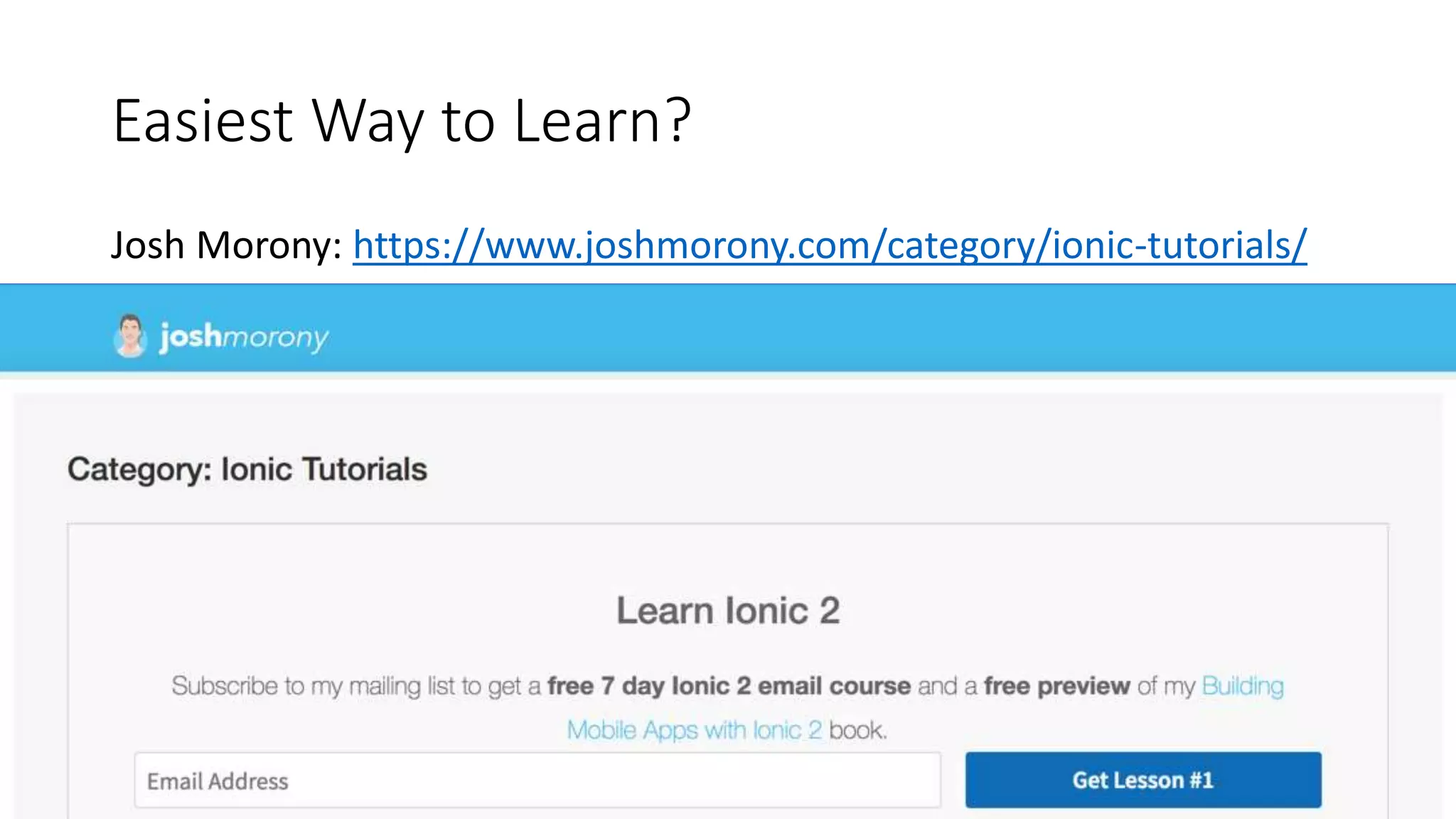
Easiest Way to Learn?
Josh Morony: https://www.joshmorony.com/category/ionic-tutorials/
JavaScript-driven Native
Frameworks
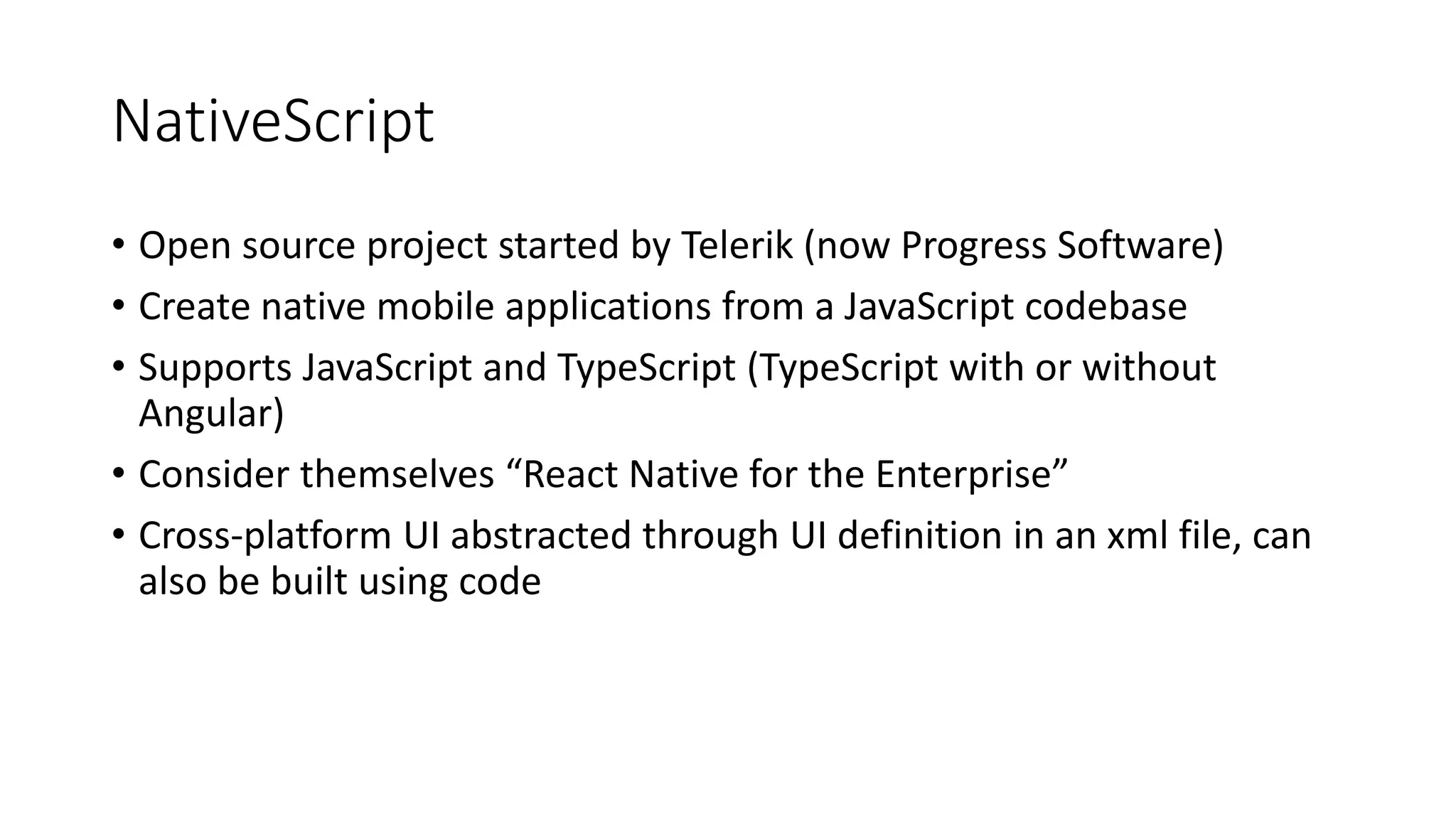
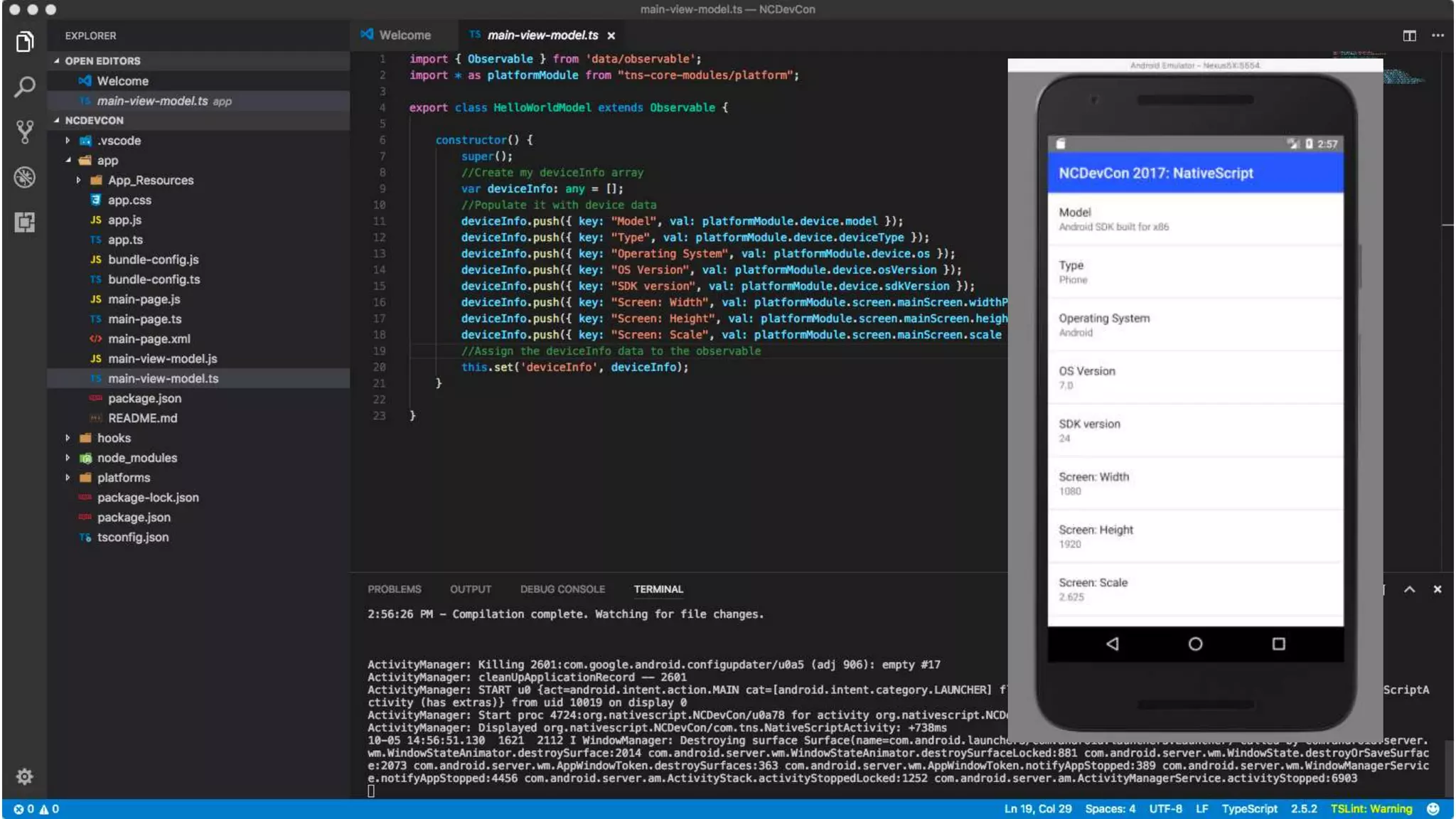
NativeScript
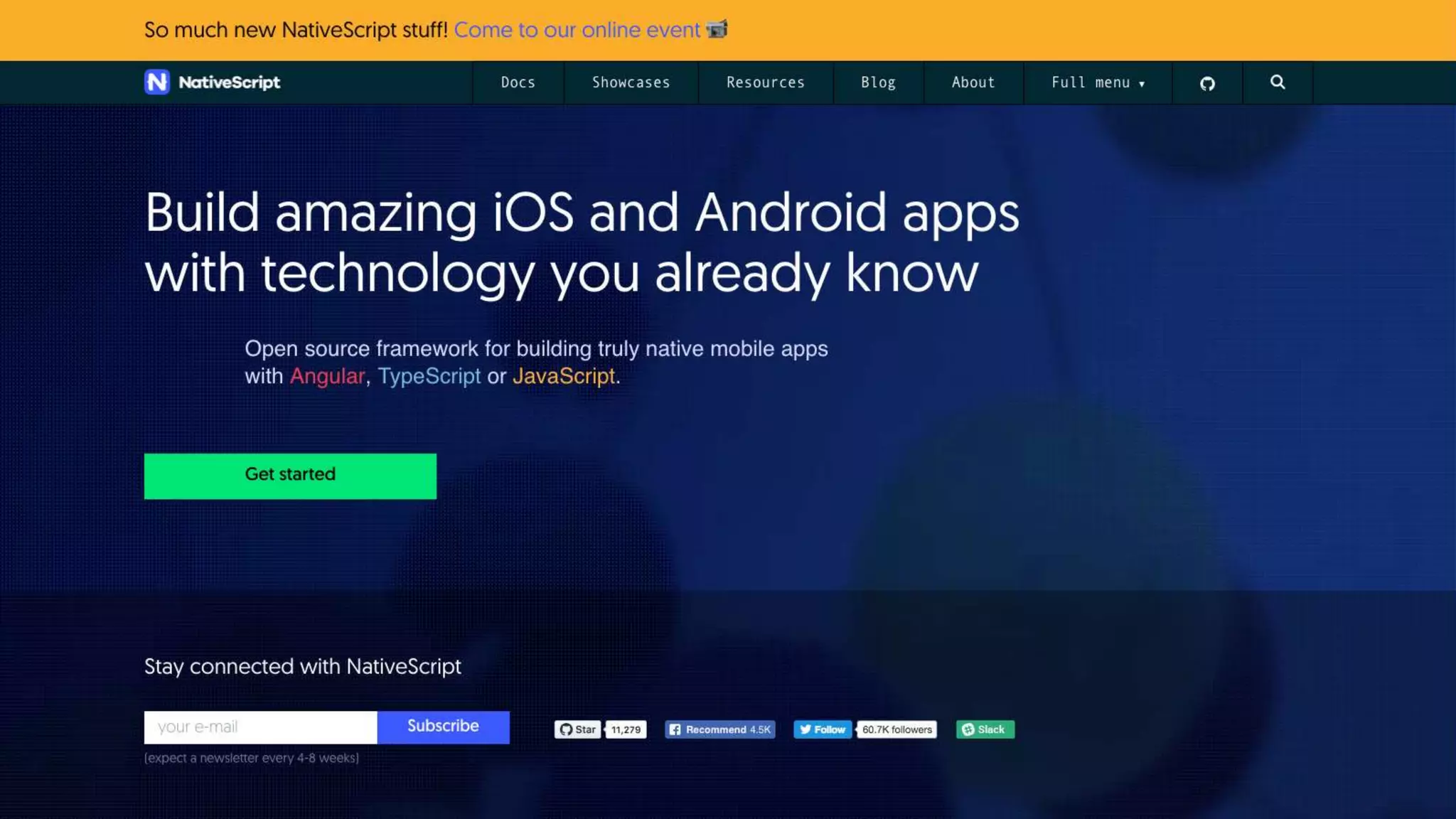
• Open source project started by Telerik (now Progress Software)
• Create native mobile applications from a JavaScript codebase
• Supports JavaScript and TypeScript (TypeScript with or without
Angular)
• Consider themselves “React Native for the Enterprise”
• Cross-platform UI abstracted through UI definition in an xml file, can
also be built using code
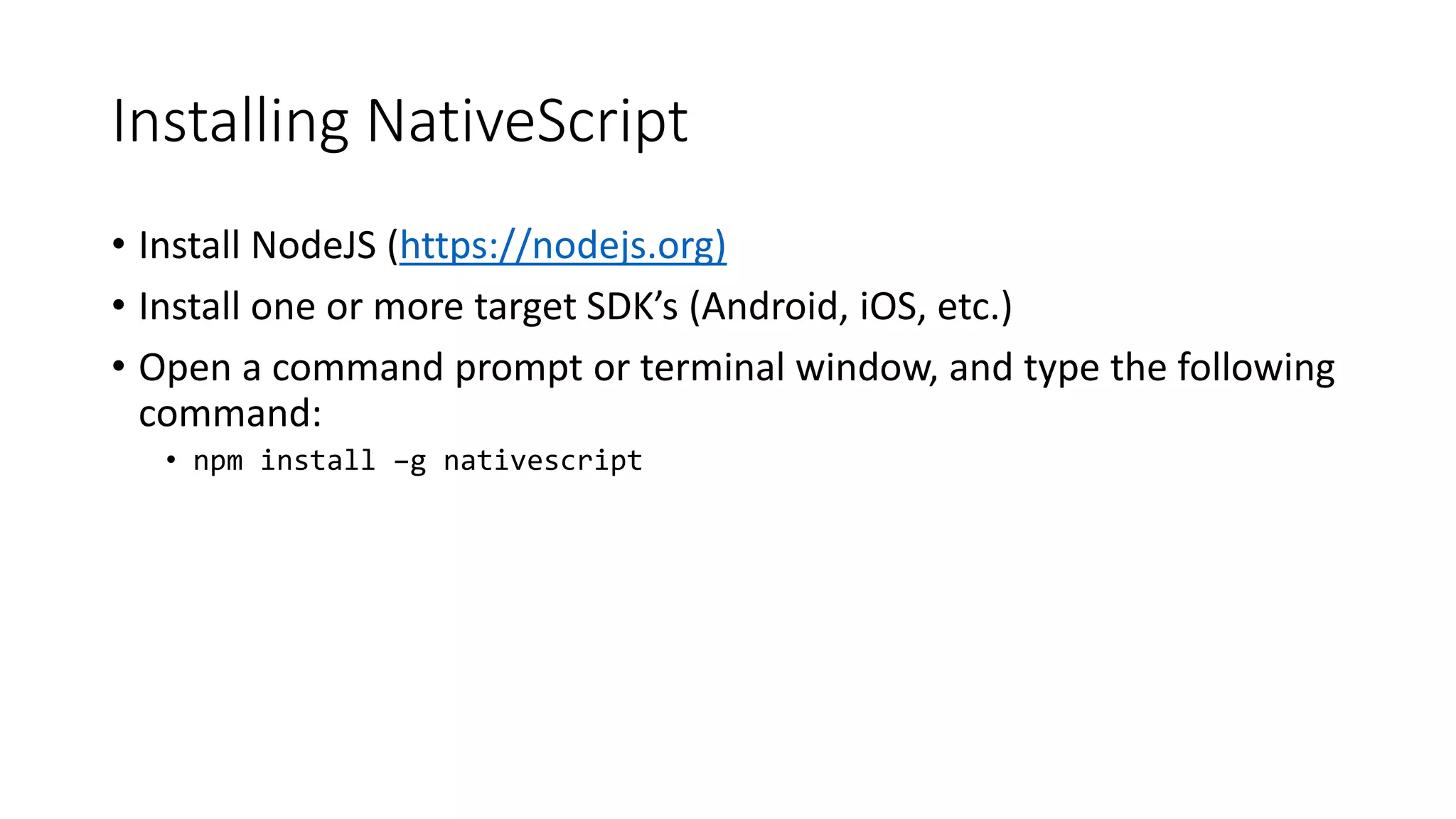
Installing NativeScript
• Install NodeJS (https://nodejs.org)
• Install one or more target SDK’s (Android, iOS, etc.)
• Open a command prompt or terminal window, and type the following
command:
• npm install –g nativescript
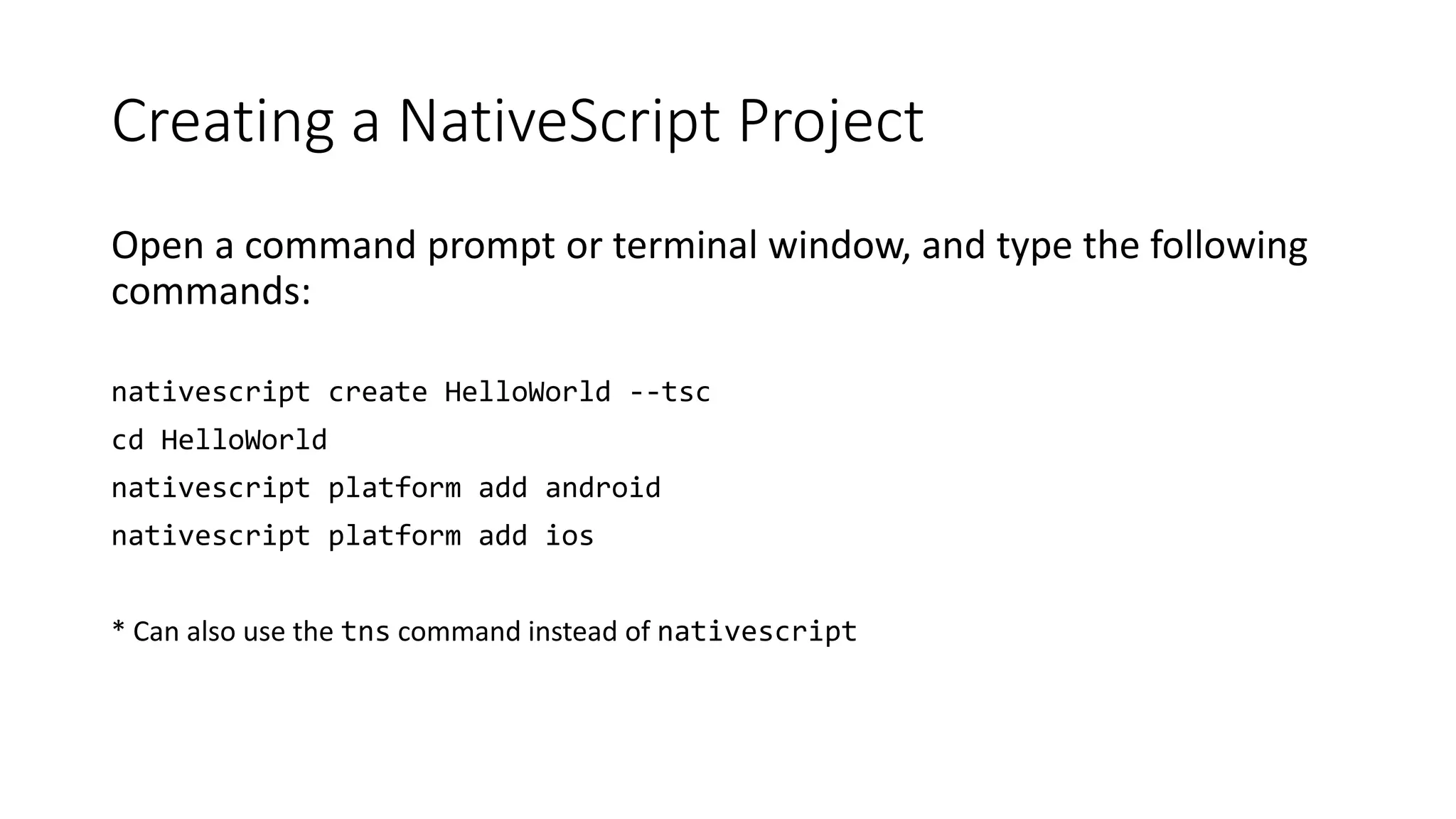
Creating a NativeScript Project
Open a command prompt or terminal window, and type the following
commands:
nativescript create HelloWorld --tsc
cd HelloWorld
nativescript platform add android
nativescript platform add ios
* Can also use the tns command instead of nativescript
Easiest Way to Learn?
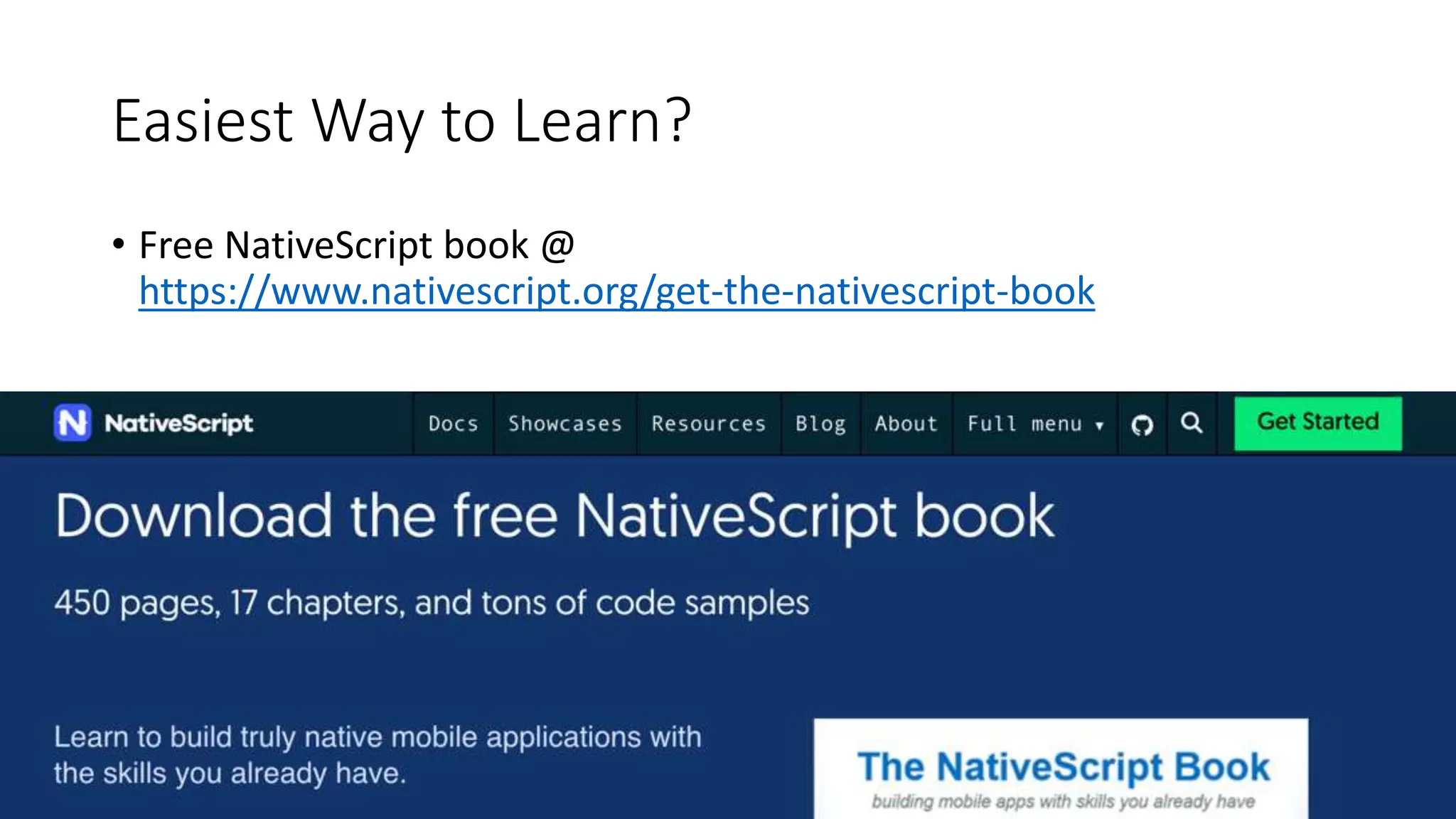
• Free NativeScript book @
https://www.nativescript.org/get-the-nativescript-book
React Native
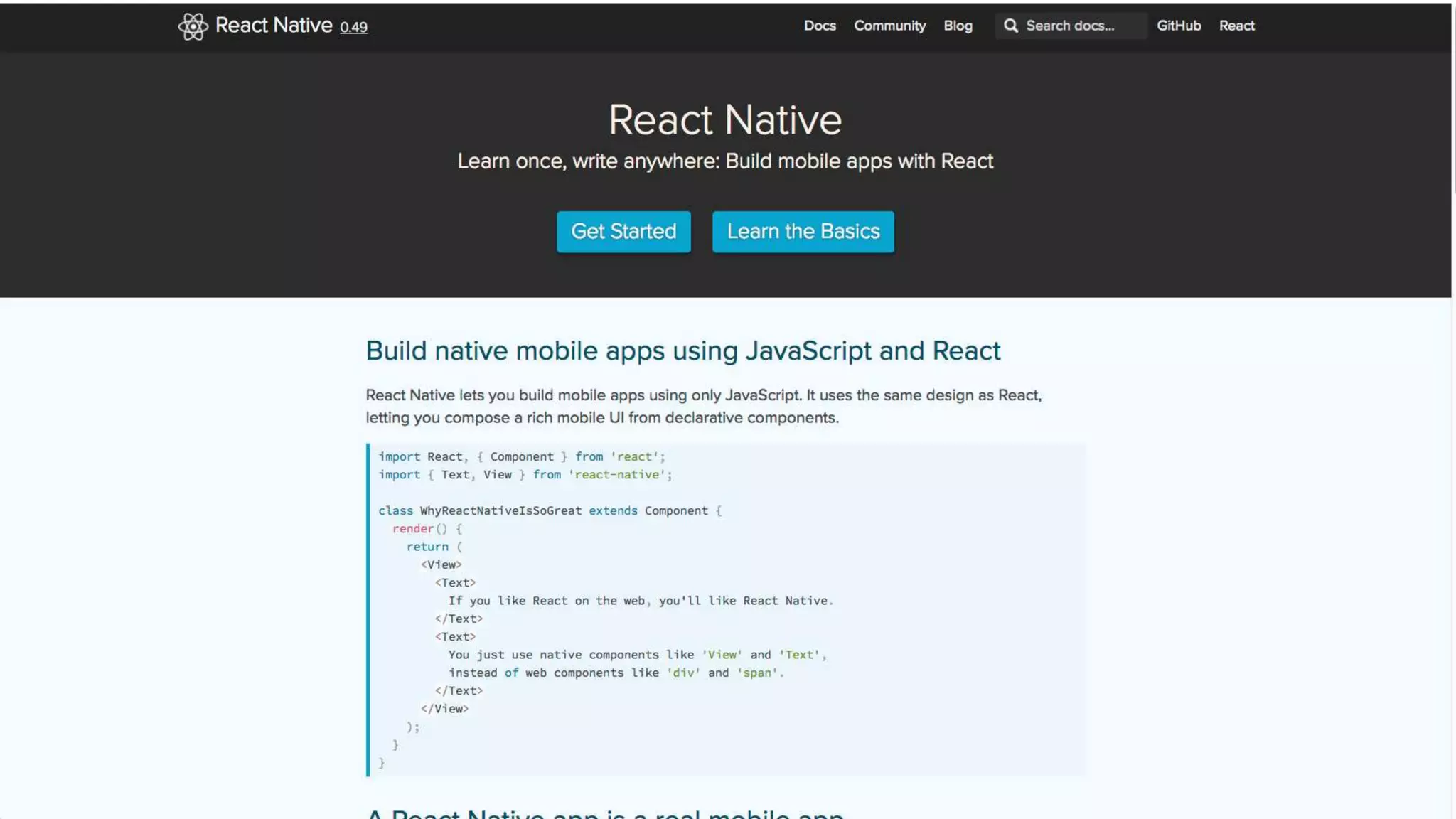
• JavaScript-driven Native implementation of Facebook’s React
framework (https://reactjs.org/)
• Supports Android and iOS
• JavaScript code ‘renders’ native UI components
• Separate APIs for Android vs. iOS platforms
• License/Patent concerns
Installing React Native (#1)
• Open a command prompt or terminal window, and type the following
command:
• npm install -g create-react-native-app
Creating a React Native Project (#1)
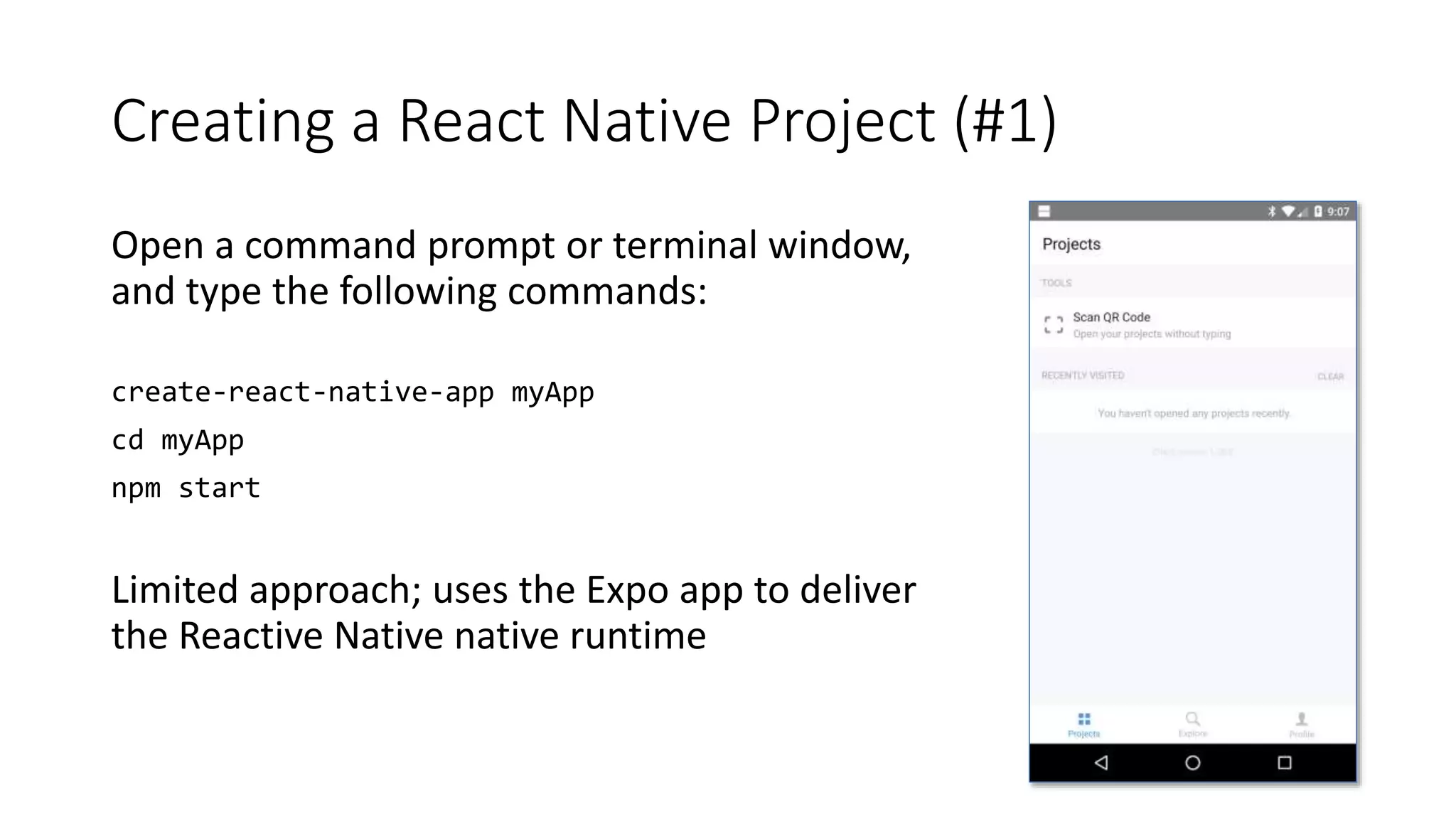
Open a command prompt or terminal window,
and type the following commands:
create-react-native-app myApp
cd myApp
npm start
Limited approach; uses the Expo app to deliver
the Reactive Native native runtime
Installing React Native (#2)
• Install NodeJS (https://nodejs.org)
• Install one or more target SDK’s (Android, iOS, etc.)
• Open a command prompt or terminal window, and type the following
command:
• npm install -g react-native-cli
Creating a React Native Project (#2)
Open a command prompt or terminal window, and type the following
commands:
react-native init myApp
cd myApp
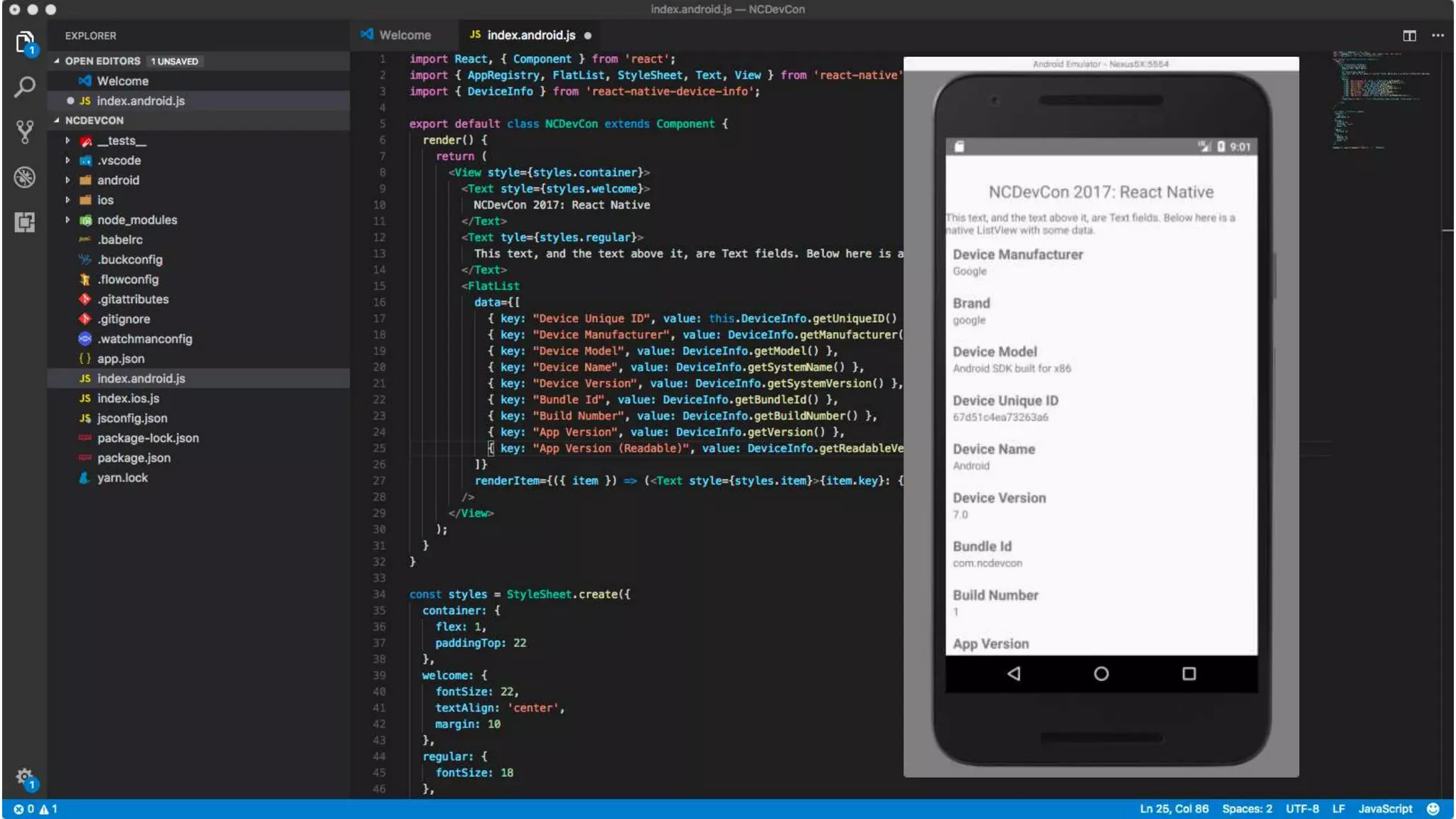
Device Information & React Native
• Access to device information is not built-in to React Native.
• Sample application uses react-native-device-info
(https://github.com/rebeccahughes/react-native-device-info)
• Need to execute some additional commands:
• npm install --save react-native-device-info
• react-native link react-native-device-info
What Does All This Mean?
• Arguments against using Hybrid apps due to performance issues (for most
apps) are moot, those issues were mitigated years ago
• The web is still not native, from a performance standpoint, but its usable for most
enterprise and many consumer use cases
• Expect enterprises to continue to use hybrid approaches for their internal apps
• As there are more web developers than native mobile developers in the
world, JavaScript-driven Native, especially due to Facebook’s involvement,
will become the de facto approach for cross-platform mobile development
• Enterprises will want licensing changes before you’ll see widespread
adoption of React and React Native there
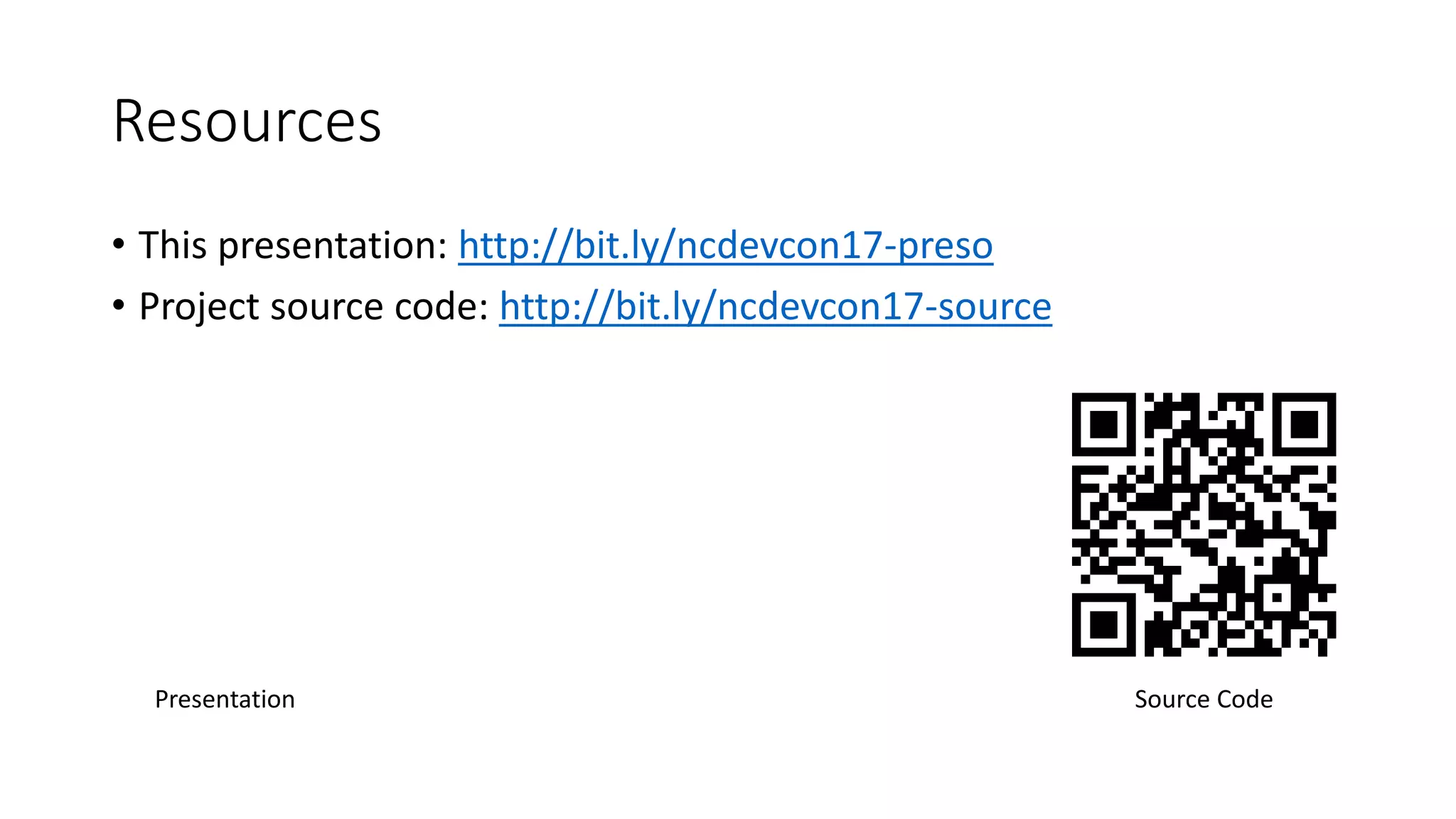
Resources
• This presentation: http://bit.ly/ncdevcon17-preso
• Project source code: http://bit.ly/ncdevcon17-source
Source CodePresentation
John M. Wargo
• Twitter: @johnwargo
• Blog: johnwargo.com
• Github: johnwargo.github.io
Download Visual Studio Code
https://code.visualstudio.com/
Cordova Extension:
https://marketplace.visualstudio.com/item
s?itemName=vsmobile.cordova-tools
React Native Extension:
https://marketplace.visualstudio.com/item
s?itemName=vsmobile.vscode-react-native

NCDevCon 2017 - Cross Platform Mobile Apps

  • 1.
    Cross-platform Mobile Development WithOpen Source Frameworks John M. Wargo Microsoft
  • 2.
    Agenda • Introduction • Nativemobile development is hard • Introducing cross-platform open source mobile development frameworks • A bunch of demos and code • Wrap-Up
  • 3.
    Me: Software Developer,Writer, Presenter, Husband, Father, Geek • Principal Program Manager @ Microsoft • Part of the Azure team working on Visual Studio Mobile Center MBaaS capabilities • Responsible for Microsoft’s JavaScript Mobile tooling: Visual Studio Code Extensions for Cordova and React Native • Contributor to the Apache Cordova Project • Author of a few books
  • 4.
  • 5.
    Native Mobile DevelopmentIs Hard • No common language across popular platforms • No single IDE that can be used for all popular platforms • Requires different skills for each target platform • Hard to be an expert on more than one platform • Requires a Macintosh computer, which, surprisingly, most enterprises don’t have or support
  • 6.
    Mobile Development IsExpensive • Fickle and finicky users drive dev organizations to deliver frequent updates which forces a furious pace of development leading to the requirements for: • Continuous Integration • Automated testing (manual testing can no longer keep up) • Testing that never ends • More to test than just whether the code ‘works’ • Device farms
  • 7.
    • Web • Native •Hybrid • JavaScript-driven native • Adjacent native • Mobile application development platforms Available Approaches
  • 8.
    Cross-Platform, Open SourceMobile Frameworks • Hybrid Apps • Apache Cordova* • Ionic* • JavaScript-driven Native Apps • NativeScript* • React Native* • Tabris.js • Titanium • Adjacent Native Apps • Microsoft Xamarin
  • 9.
  • 11.
    Apache Cordova An opensource framework for building cross-platform mobile applications using
  • 12.
    History • Started atthe 2008 iPhoneDevCamp by Nitobi • Started with iOS, quickly added Android and BlackBerry support later • In 2011, project was donated to Apache Software Foundation • First as Apache Callback • Then as Apache DeviceReady • Finally as Apache Cordova • Very quickly thereafter (the next day), Nitobi acquired by Adobe • Expectation that Cordova will become obsolete over time as mobile browsers become more capable
  • 13.
    You May HaveHeard of Adobe PhoneGap? • PhoneGap is merely a distribution of Apache Cordova with some extra stuff bolted on • Think Ubuntu vs. Linux – one is simply a distribution of the other • More: http://www.informit.com/articles/article.aspx?p=2478076
  • 14.
    Consumers & Supporters •IBM MobileFirst Platform • SAP HANA Cloud Platform mobile services • Oracle Mobile Platform • Salesforce App Cloud • Alpha Software Alpha Anywhere • and many, many, many more!
  • 15.
    Apache Cordova An opensource framework for building cross-platform mobile applications using HTML5
  • 16.
    WebView • Web applicationcontent is rendered within the native application window using a native WebView component • The content is NOT converted in any way • Pretty much allows ANY web content to run (just like a browser) • On older devices, the WebView is not always exactly the same as the browser (for older Android devices, look at the Intel Crosswalk project)
  • 17.
    Supported HTML &JavaScript Frameworks • All of them (pretty much) • There are even Hybrid-specific frameworks: • Ionic • Onsen UI • Framework7
  • 18.
  • 19.
    Cordova Tooling • CordovaCommand Line Interface (CLI) • Use whatever tools you want to design & code your applications • Use the native SDKs or the PhoneGap Build service to ‘build’ your applications • Can use the CLI with either • Microsoft Tools: • Visual Studio Tools for Apache Cordova (TACO) • Visual Studio Code with Cordova Extension
  • 20.
    Installing Apache Cordova •Install NodeJS (https://nodejs.org) • Install one or more target SDK’s (Android, iOS, etc.) • Open a command prompt or terminal window, and type the following command: • npm install –g cordova
  • 21.
    Creating a CordovaProject Open a command prompt or terminal window, and type a bunch of commands: cordova create HelloWorld com.johnwargo.helloworld “Hello World” cd HelloWorld cordova platform add android ios cordova plugin add cordova-plugin-device cordova plugin add cordova-plugin-device-orientation cordova plugin add cordova-plugin-file
  • 22.
    Creating a CordovaProject (simplified) To simplify this process, I published a Node module called cdva-create (https://www.npmjs.com/package/cdva-create) To install, open a command prompt or terminal window, and type the following command: npm install –g cdva-create With that in place, create a complete Cordova application project using the following command: cdva-create HelloWorld com.johnwargo.helloworld “Hello World”
  • 23.
  • 28.
    Ionic Framework • Originallya UI framework on top of Apache Cordova • TypeScript, relies heavily on Angular • Adds Angular components that give a web/Cordova app a native look/feel • Provides wrapper around common Cordova plugins • Started with SPA (single page app), expanding into PWA (progressive web apps) • Migrating to Web Component standard (http://blog.ionic.io/the-end-of-framework-churn/) • Channeling React Native (JSX) in their component compiler StencilJS (stenciljs.com)
  • 29.
    Installing Ionic • InstallNodeJS (https://nodejs.org) • Install one or more target SDK’s (Android, iOS, etc.) • Open a command prompt or terminal window, and type the following command: • npm install –g cordova ionic
  • 30.
    Creating an IonicProject Open a command prompt or terminal window, and type the following command: ionic start myApp blank Start live browser preview with: cd myApp ionic serve
  • 32.
    Easiest Way toLearn? Josh Morony: https://www.joshmorony.com/category/ionic-tutorials/
  • 33.
  • 35.
    NativeScript • Open sourceproject started by Telerik (now Progress Software) • Create native mobile applications from a JavaScript codebase • Supports JavaScript and TypeScript (TypeScript with or without Angular) • Consider themselves “React Native for the Enterprise” • Cross-platform UI abstracted through UI definition in an xml file, can also be built using code
  • 36.
    Installing NativeScript • InstallNodeJS (https://nodejs.org) • Install one or more target SDK’s (Android, iOS, etc.) • Open a command prompt or terminal window, and type the following command: • npm install –g nativescript
  • 37.
    Creating a NativeScriptProject Open a command prompt or terminal window, and type the following commands: nativescript create HelloWorld --tsc cd HelloWorld nativescript platform add android nativescript platform add ios * Can also use the tns command instead of nativescript
  • 39.
    Easiest Way toLearn? • Free NativeScript book @ https://www.nativescript.org/get-the-nativescript-book
  • 41.
    React Native • JavaScript-drivenNative implementation of Facebook’s React framework (https://reactjs.org/) • Supports Android and iOS • JavaScript code ‘renders’ native UI components • Separate APIs for Android vs. iOS platforms • License/Patent concerns
  • 42.
    Installing React Native(#1) • Open a command prompt or terminal window, and type the following command: • npm install -g create-react-native-app
  • 43.
    Creating a ReactNative Project (#1) Open a command prompt or terminal window, and type the following commands: create-react-native-app myApp cd myApp npm start Limited approach; uses the Expo app to deliver the Reactive Native native runtime
  • 44.
    Installing React Native(#2) • Install NodeJS (https://nodejs.org) • Install one or more target SDK’s (Android, iOS, etc.) • Open a command prompt or terminal window, and type the following command: • npm install -g react-native-cli
  • 45.
    Creating a ReactNative Project (#2) Open a command prompt or terminal window, and type the following commands: react-native init myApp cd myApp
  • 46.
    Device Information &React Native • Access to device information is not built-in to React Native. • Sample application uses react-native-device-info (https://github.com/rebeccahughes/react-native-device-info) • Need to execute some additional commands: • npm install --save react-native-device-info • react-native link react-native-device-info
  • 48.
    What Does AllThis Mean? • Arguments against using Hybrid apps due to performance issues (for most apps) are moot, those issues were mitigated years ago • The web is still not native, from a performance standpoint, but its usable for most enterprise and many consumer use cases • Expect enterprises to continue to use hybrid approaches for their internal apps • As there are more web developers than native mobile developers in the world, JavaScript-driven Native, especially due to Facebook’s involvement, will become the de facto approach for cross-platform mobile development • Enterprises will want licensing changes before you’ll see widespread adoption of React and React Native there
  • 49.
    Resources • This presentation:http://bit.ly/ncdevcon17-preso • Project source code: http://bit.ly/ncdevcon17-source Source CodePresentation
  • 50.
    John M. Wargo •Twitter: @johnwargo • Blog: johnwargo.com • Github: johnwargo.github.io Download Visual Studio Code https://code.visualstudio.com/ Cordova Extension: https://marketplace.visualstudio.com/item s?itemName=vsmobile.cordova-tools React Native Extension: https://marketplace.visualstudio.com/item s?itemName=vsmobile.vscode-react-native