30 Days of Google Cloud
For GDSC SKCT Campus!
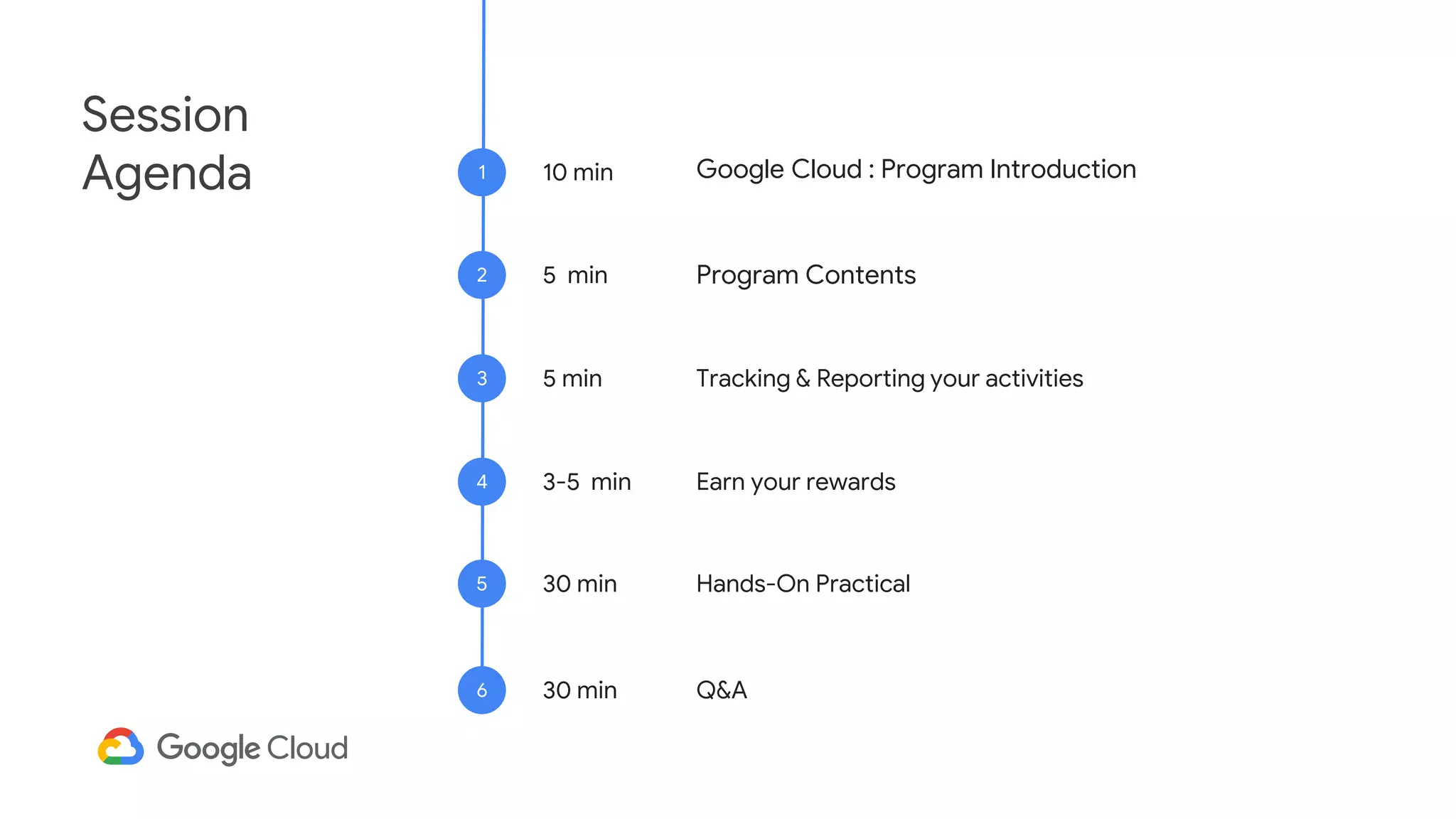
Session
Agenda 10 min
1
Program Contents
2
Tracking & Reporting your activities
3
Earn your rewards
4
Hands-On Practical
5
Google Cloud : Program Introduction
5 min
5 min
3-5 min
30 min
Q&A
6 30 min
Introduction to
30 Days Of Google Cloud
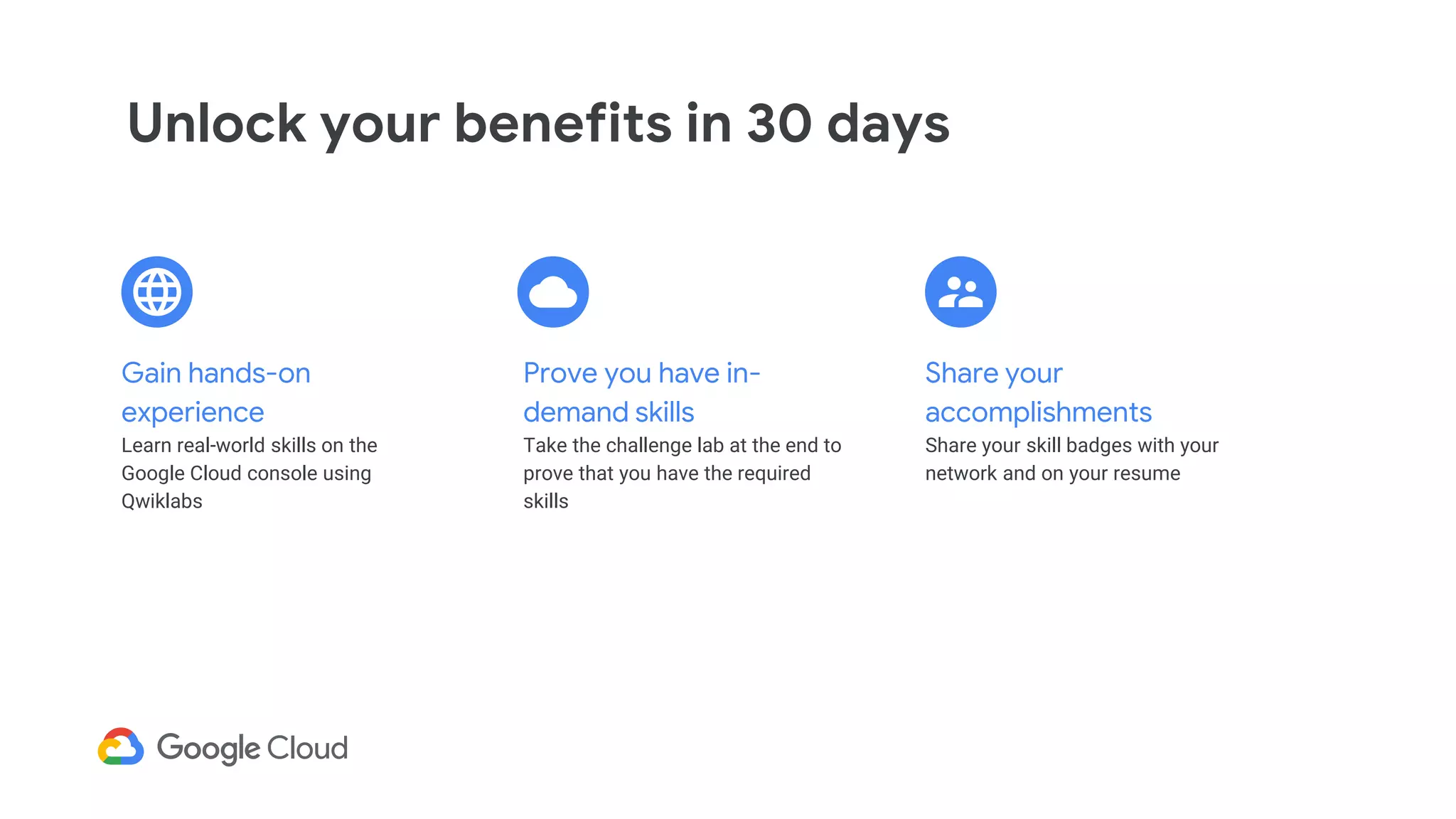
Unlock your benefits in 30 days
Share your
accomplishments
Share your skill badges with your
network and on your resume
Prove you have in-
demand skills
Take the challenge lab at the end to
prove that you have the required
skills
Gain hands-on
experience
Learn real-world skills on the
Google Cloud console using
Qwiklabs
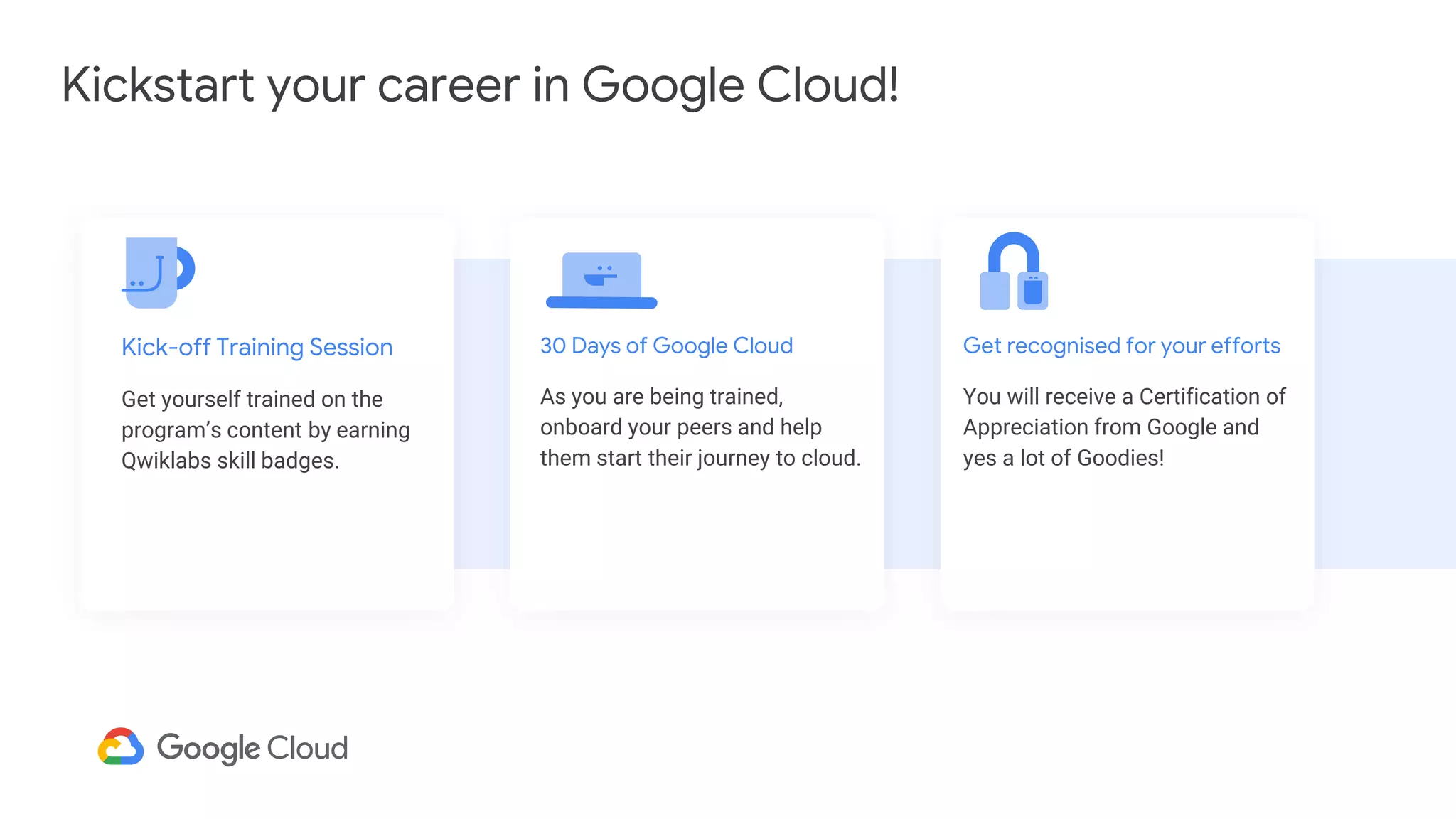
Kickstart your career in Google Cloud!
Get recognised for your efforts
You will receive a Certification of
Appreciation from Google and
yes a lot of Goodies!
30 Days of Google Cloud
As you are being trained,
onboard your peers and help
them start their journey to cloud.
Kick-off Training Session
Get yourself trained on the
program’s content by earning
Qwiklabs skill badges.
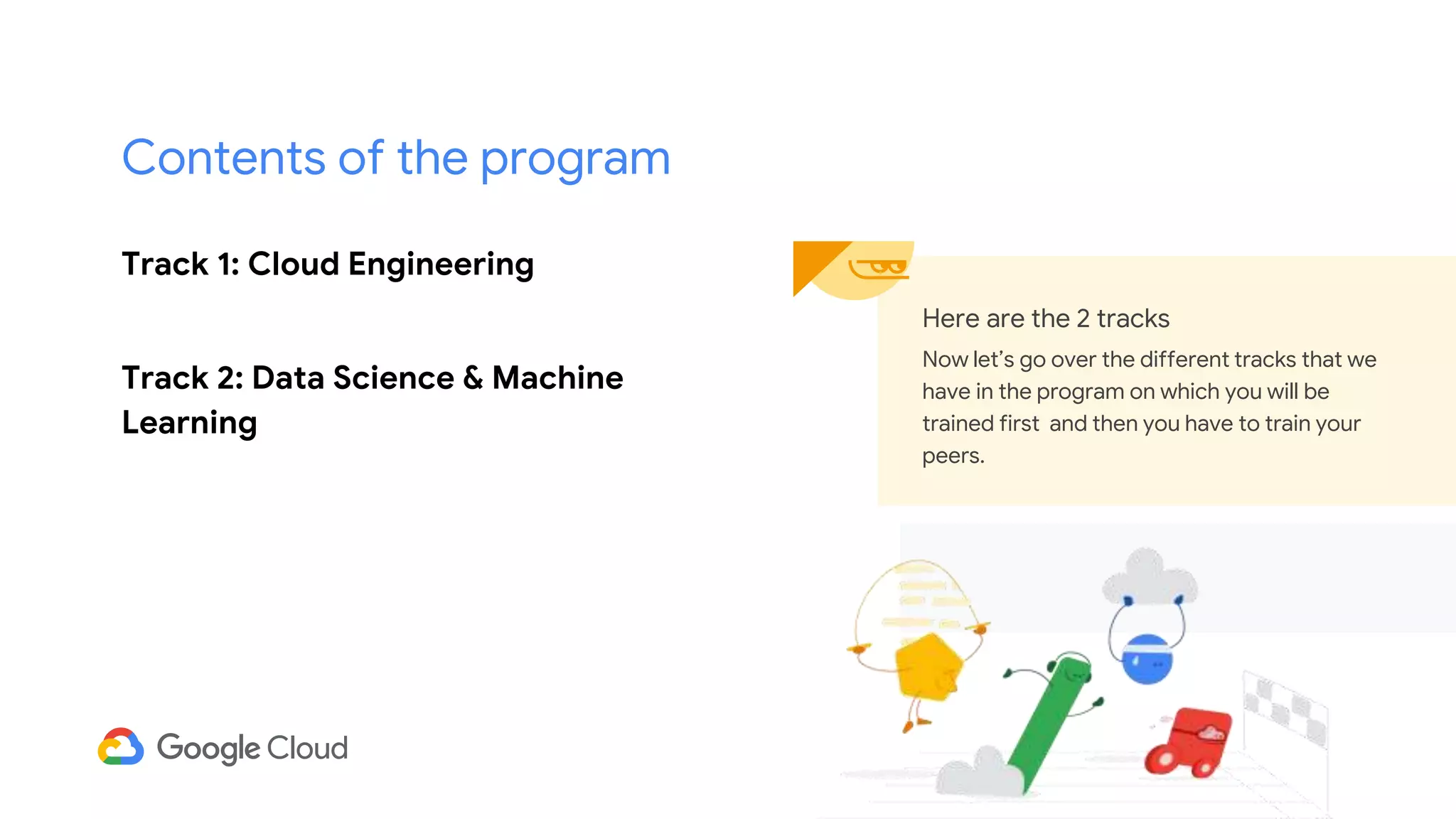
Track 1: Cloud Engineering
Track 2: Data Science & Machine
Learning
Here are the 2 tracks
Now let’s go over the different tracks that we
have in the program on which you will be
trained first and then you have to train your
peers.
Contents of the program
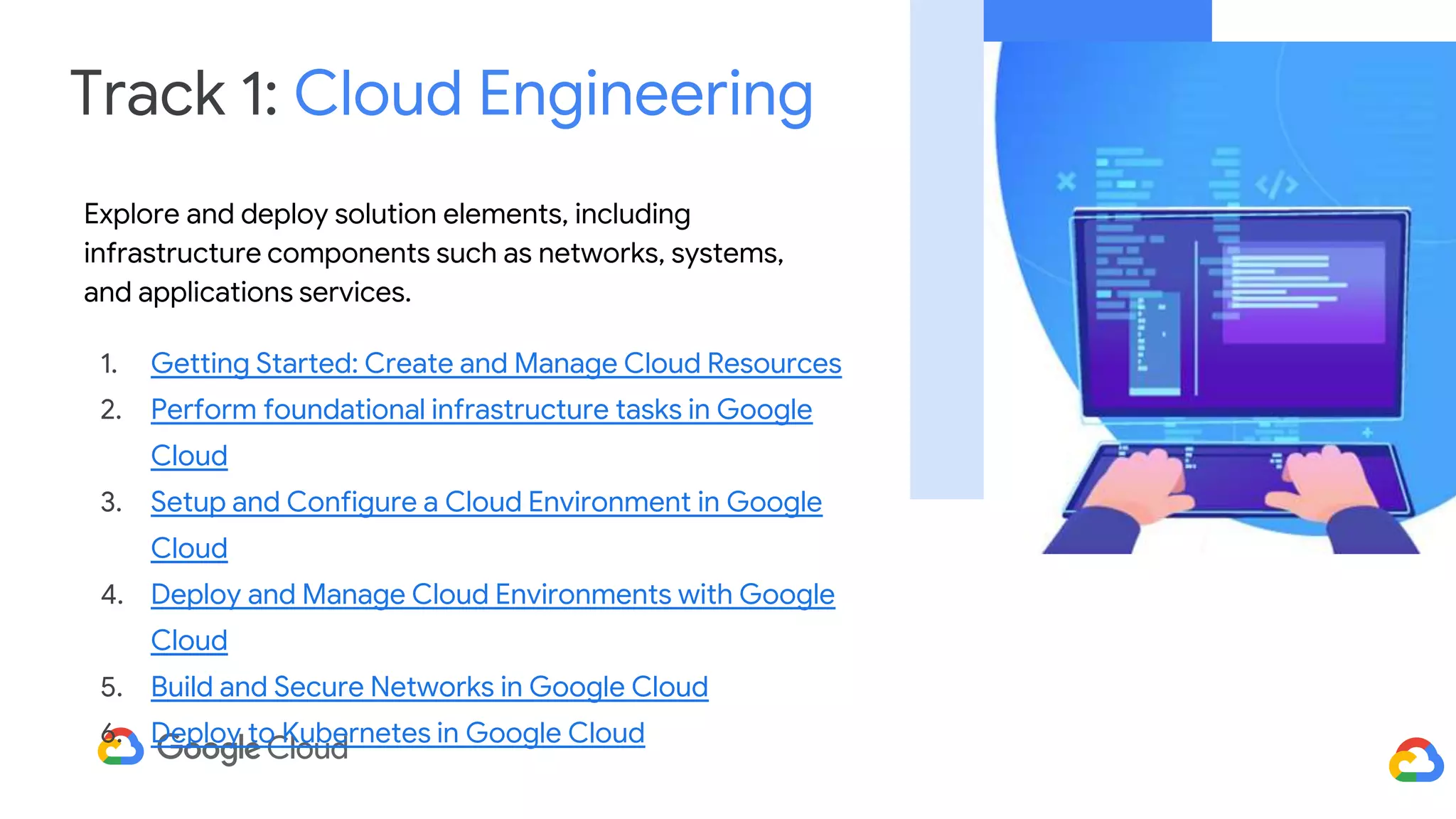
Track 1: Cloud Engineering
Explore and deploy solution elements, including
infrastructure components such as networks, systems,
and applications services.
1. Getting Started: Create and Manage Cloud Resources
2. Perform foundational infrastructure tasks in Google
Cloud
3. Setup and Configure a Cloud Environment in Google
Cloud
4. Deploy and Manage Cloud Environments with Google
Cloud
5. Build and Secure Networks in Google Cloud
6. Deploy to Kubernetes in Google Cloud
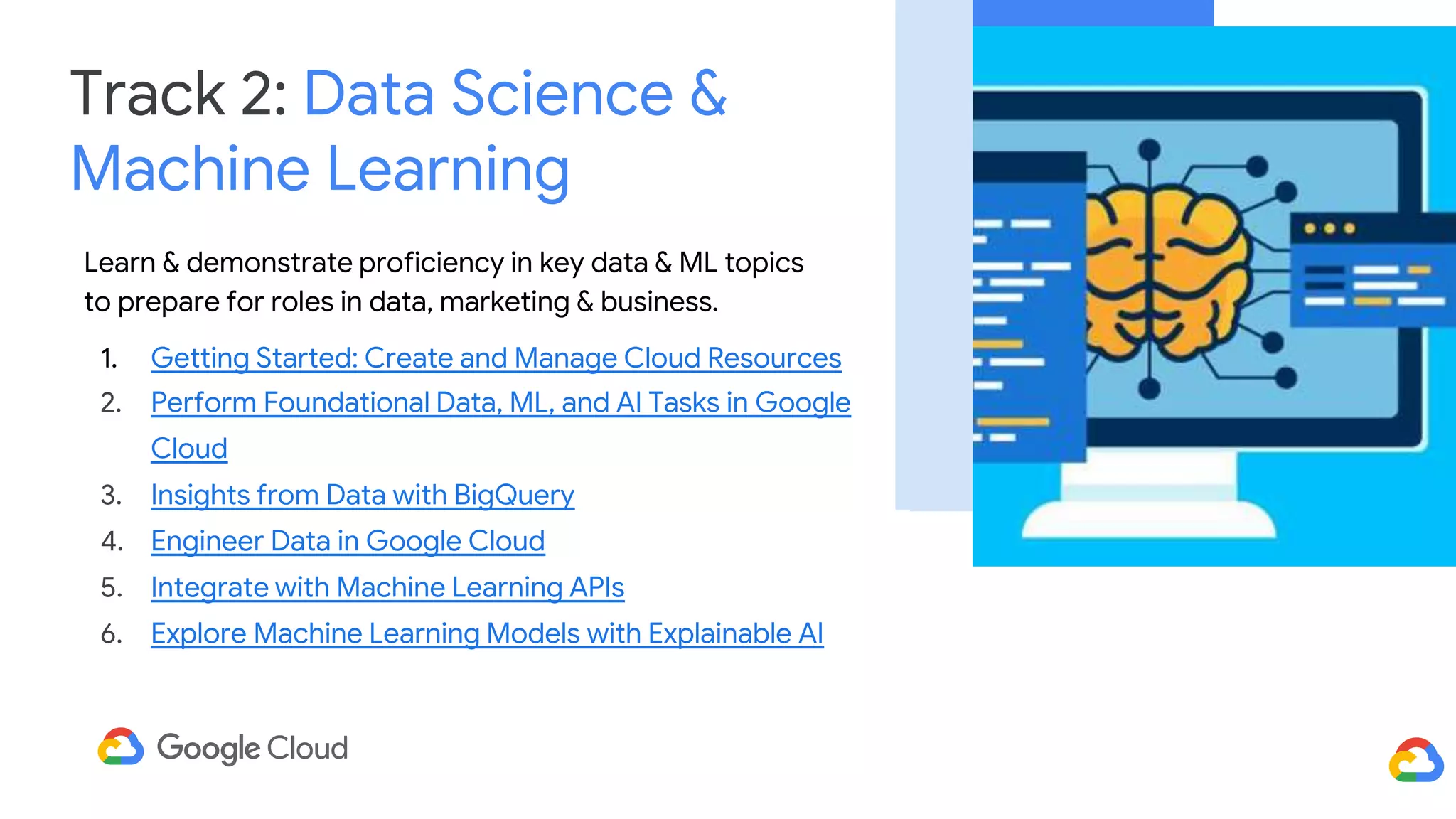
Track 2: Data Science &
Machine Learning
Learn & demonstrate proficiency in key data & ML topics
to prepare for roles in data, marketing & business.
1. Getting Started: Create and Manage Cloud Resources
2. Perform Foundational Data, ML, and AI Tasks in Google
Cloud
3. Insights from Data with BigQuery
4. Engineer Data in Google Cloud
5. Integrate with Machine Learning APIs
6. Explore Machine Learning Models with Explainable AI
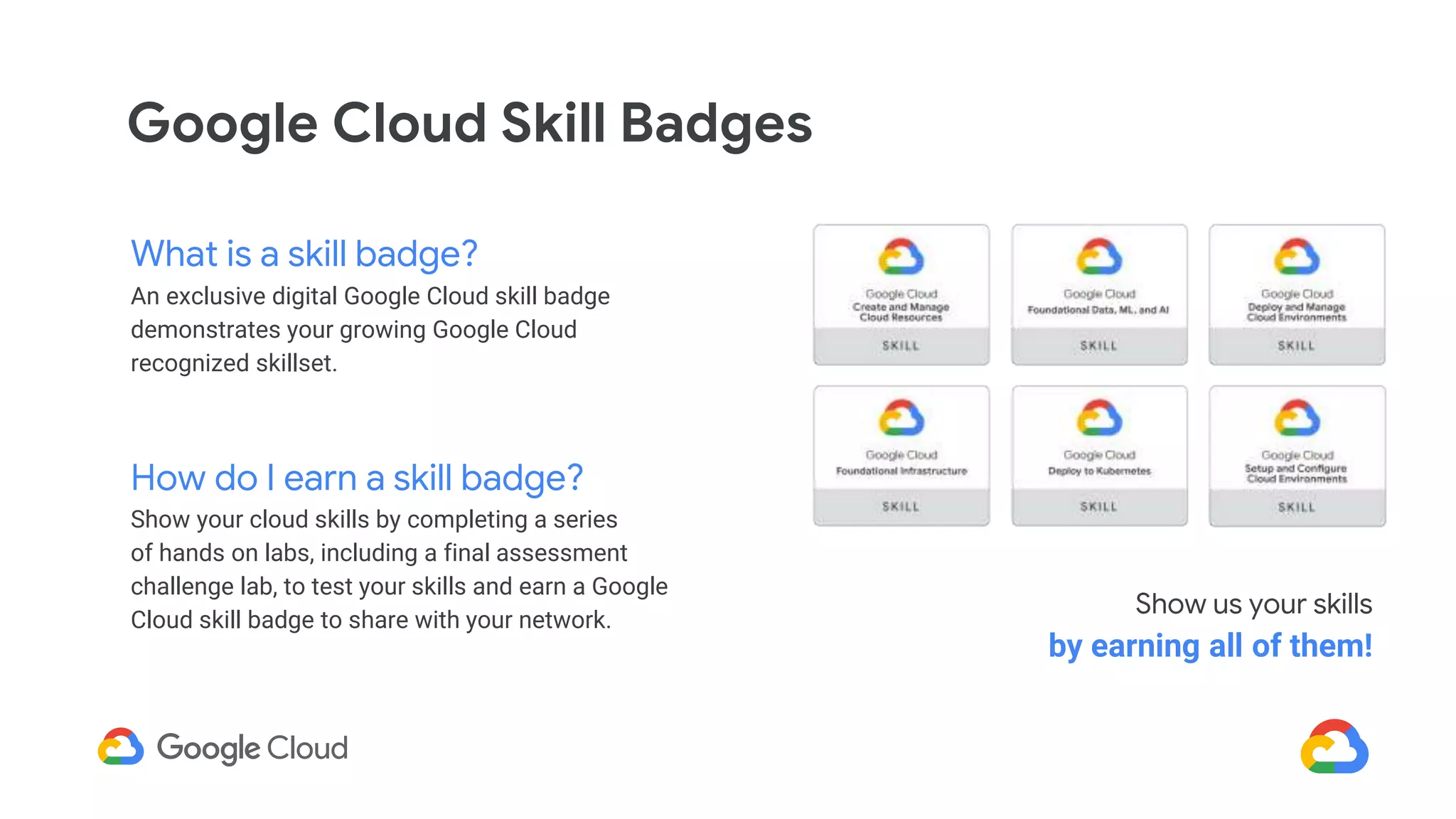
Google Cloud Skill Badges
What is a skill badge?
An exclusive digital Google Cloud skill badge
demonstrates your growing Google Cloud
recognized skillset.
How do I earn a skill badge?
Show your cloud skills by completing a series
of hands on labs, including a final assessment
challenge lab, to test your skills and earn a Google
Cloud skill badge to share with your network.
Show us your skills
by earning all of them!
Campaign
Schedule
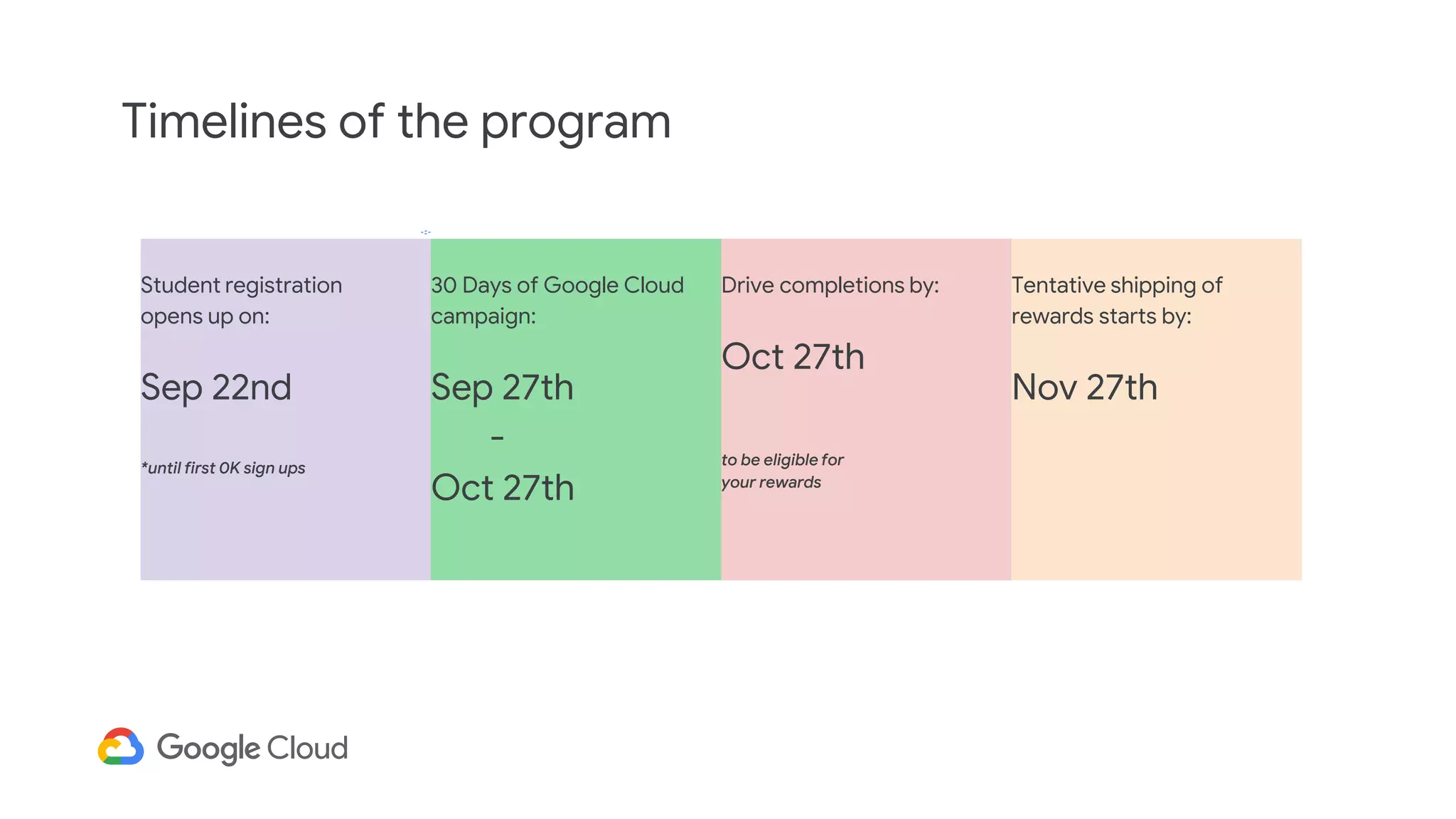
Student registration
opens up on:
Sep 22nd
*until first 0K sign ups
30 Days of Google Cloud
campaign:
Sep 27th
-
Oct 27th
Drive completions by:
Oct 27th
to be eligible for
your rewards
Tentative shipping of
rewards starts by:
Nov 27th
Timelines of the program
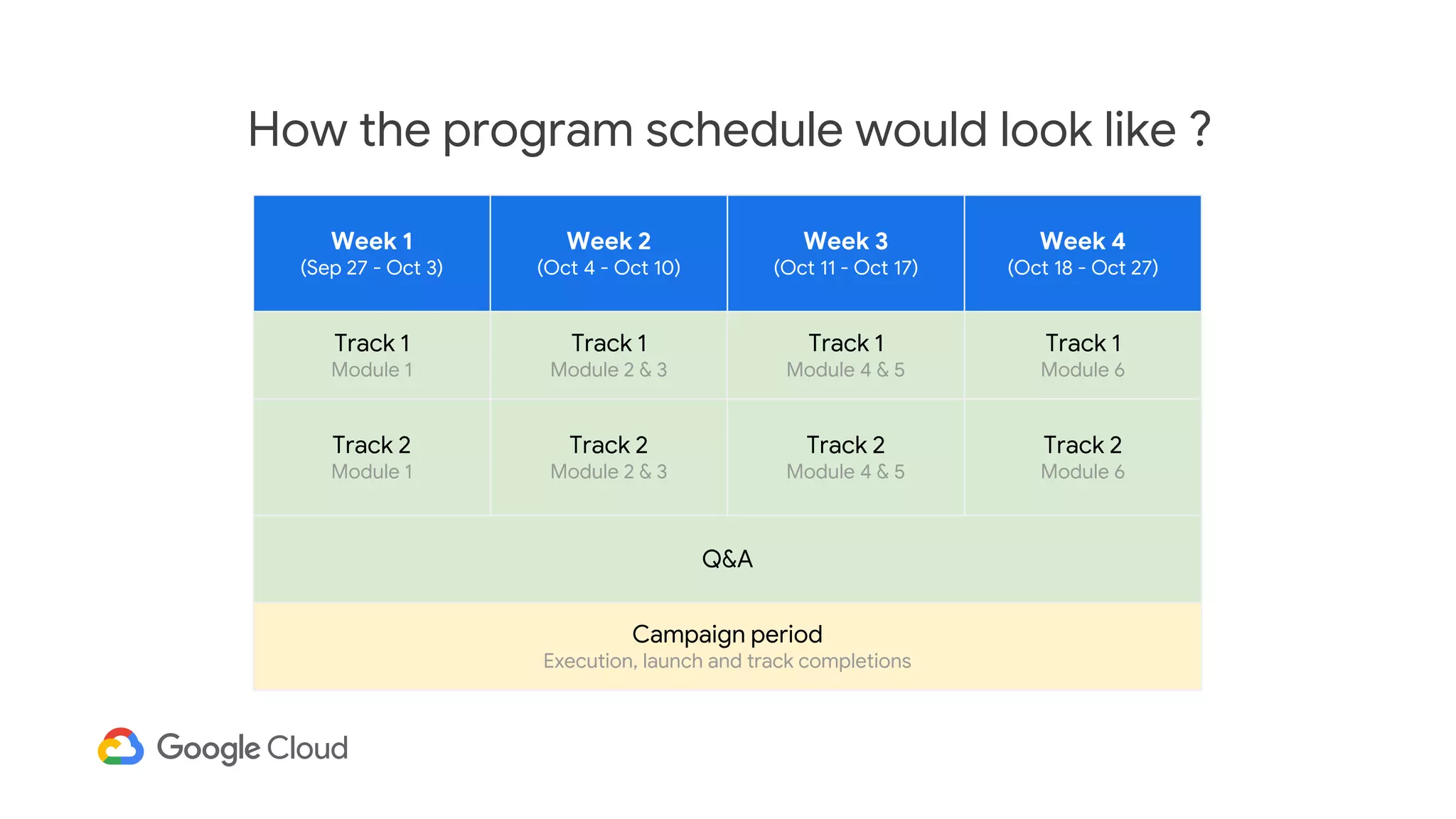
Week 1
(Sep 27 - Oct 3)
Week 2
(Oct 4 - Oct 10)
Week 3
(Oct 11 - Oct 17)
Week 4
(Oct 18 - Oct 27)
Track 1
Module 1
Track 1
Module 2 & 3
Track 1
Module 4 & 5
Track 1
Module 6
Track 2
Module 1
Track 2
Module 2 & 3
Track 2
Module 4 & 5
Track 2
Module 6
Q&A
Campaign period
Execution, launch and track completions
How the program schedule would look like ?
30 Days Of
Learning
Building
Sharing
Growing
Qwiklabs credits for
students
Students registered successfully will be able to get the Qwiklabs code.
The code will be sent as auto response along with the registration
confirmation email.
How students will get their credits pass?
Support alias
dscsupport@qwiklabs.com
Rewards for
students
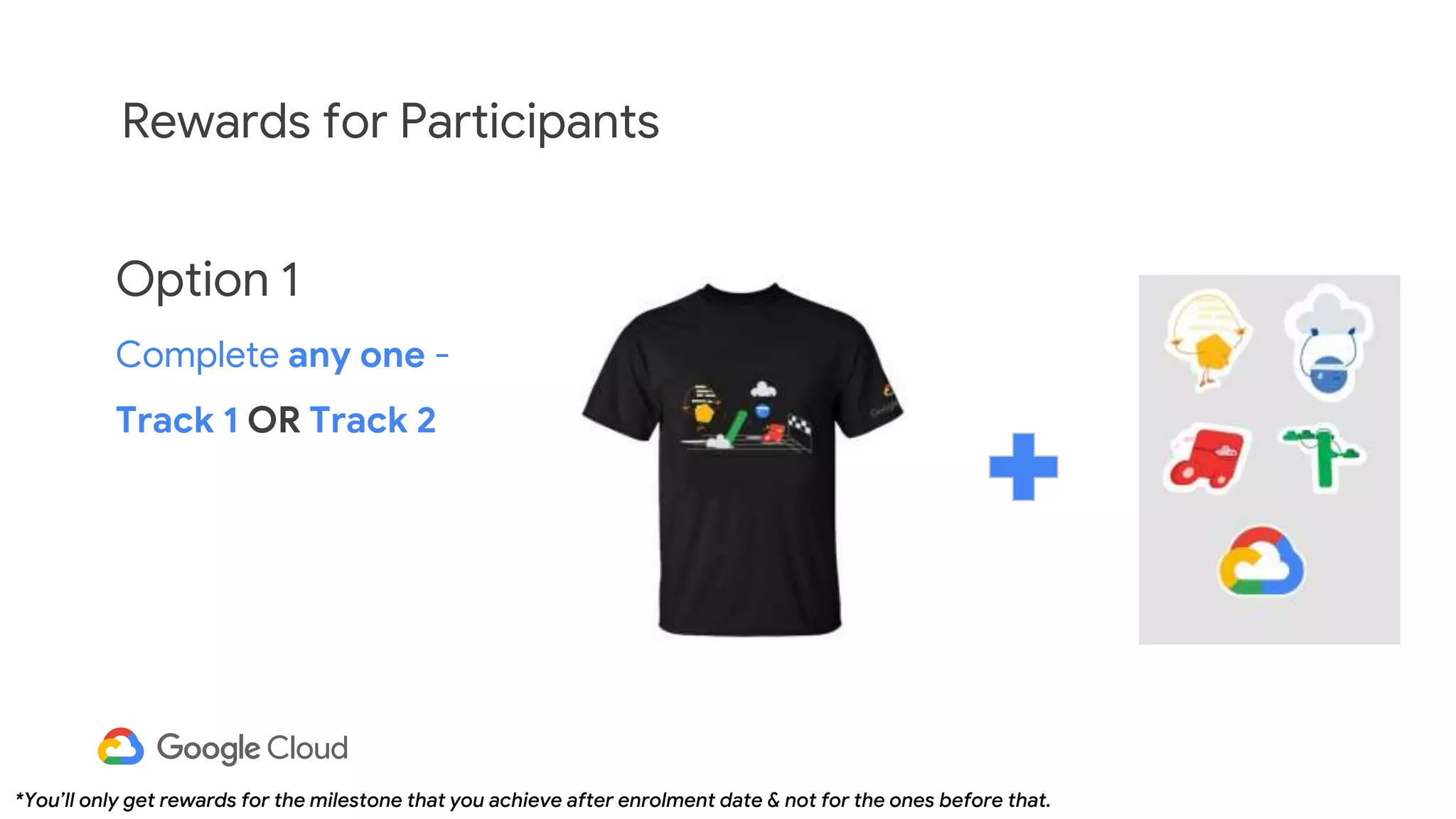
Rewards for Participants
Option 1
Complete any one -
Track 1 OR Track 2
*You’ll only get rewards for the milestone that you achieve after enrolment date & not for the ones before that.
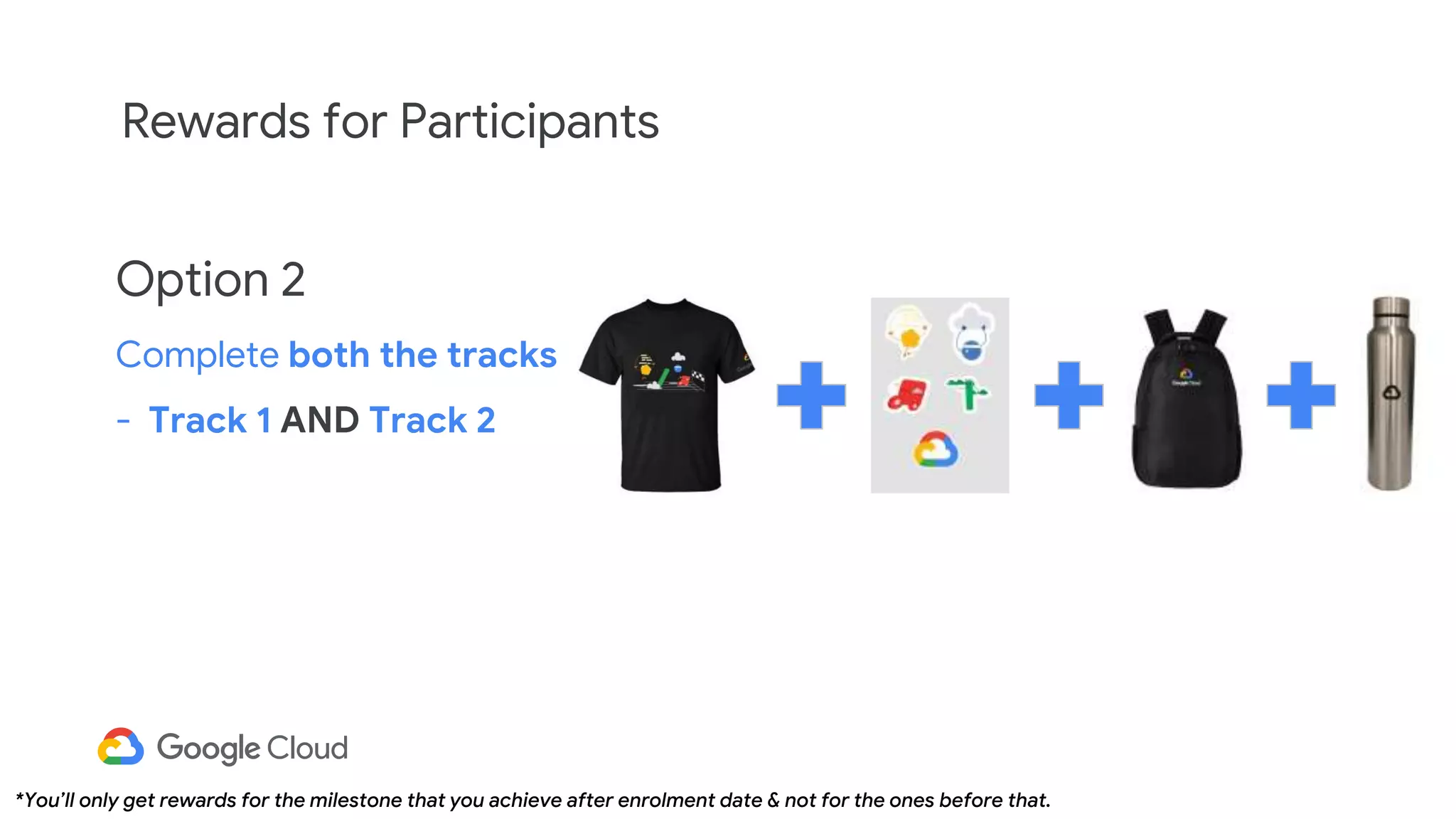
Option 2
Complete both the tracks
- Track 1 AND Track 2
Rewards for Participants
*You’ll only get rewards for the milestone that you achieve after enrolment date & not for the ones before that.
Thank You!

Copy of 30 days of gcp session 1 ppt

  • 1.
    30 Days ofGoogle Cloud For GDSC SKCT Campus!
  • 2.
    Session Agenda 10 min 1 ProgramContents 2 Tracking & Reporting your activities 3 Earn your rewards 4 Hands-On Practical 5 Google Cloud : Program Introduction 5 min 5 min 3-5 min 30 min Q&A 6 30 min
  • 3.
    Introduction to 30 DaysOf Google Cloud
  • 4.
    Unlock your benefitsin 30 days Share your accomplishments Share your skill badges with your network and on your resume Prove you have in- demand skills Take the challenge lab at the end to prove that you have the required skills Gain hands-on experience Learn real-world skills on the Google Cloud console using Qwiklabs
  • 5.
    Kickstart your careerin Google Cloud! Get recognised for your efforts You will receive a Certification of Appreciation from Google and yes a lot of Goodies! 30 Days of Google Cloud As you are being trained, onboard your peers and help them start their journey to cloud. Kick-off Training Session Get yourself trained on the program’s content by earning Qwiklabs skill badges.
  • 6.
    Track 1: CloudEngineering Track 2: Data Science & Machine Learning Here are the 2 tracks Now let’s go over the different tracks that we have in the program on which you will be trained first and then you have to train your peers. Contents of the program
  • 7.
    Track 1: CloudEngineering Explore and deploy solution elements, including infrastructure components such as networks, systems, and applications services. 1. Getting Started: Create and Manage Cloud Resources 2. Perform foundational infrastructure tasks in Google Cloud 3. Setup and Configure a Cloud Environment in Google Cloud 4. Deploy and Manage Cloud Environments with Google Cloud 5. Build and Secure Networks in Google Cloud 6. Deploy to Kubernetes in Google Cloud
  • 8.
    Track 2: DataScience & Machine Learning Learn & demonstrate proficiency in key data & ML topics to prepare for roles in data, marketing & business. 1. Getting Started: Create and Manage Cloud Resources 2. Perform Foundational Data, ML, and AI Tasks in Google Cloud 3. Insights from Data with BigQuery 4. Engineer Data in Google Cloud 5. Integrate with Machine Learning APIs 6. Explore Machine Learning Models with Explainable AI
  • 9.
    Google Cloud SkillBadges What is a skill badge? An exclusive digital Google Cloud skill badge demonstrates your growing Google Cloud recognized skillset. How do I earn a skill badge? Show your cloud skills by completing a series of hands on labs, including a final assessment challenge lab, to test your skills and earn a Google Cloud skill badge to share with your network. Show us your skills by earning all of them!
  • 10.
  • 11.
    Student registration opens upon: Sep 22nd *until first 0K sign ups 30 Days of Google Cloud campaign: Sep 27th - Oct 27th Drive completions by: Oct 27th to be eligible for your rewards Tentative shipping of rewards starts by: Nov 27th Timelines of the program
  • 12.
    Week 1 (Sep 27- Oct 3) Week 2 (Oct 4 - Oct 10) Week 3 (Oct 11 - Oct 17) Week 4 (Oct 18 - Oct 27) Track 1 Module 1 Track 1 Module 2 & 3 Track 1 Module 4 & 5 Track 1 Module 6 Track 2 Module 1 Track 2 Module 2 & 3 Track 2 Module 4 & 5 Track 2 Module 6 Q&A Campaign period Execution, launch and track completions How the program schedule would look like ?
  • 13.
  • 14.
  • 15.
    Students registered successfullywill be able to get the Qwiklabs code. The code will be sent as auto response along with the registration confirmation email. How students will get their credits pass?
  • 16.
  • 17.
  • 18.
    Rewards for Participants Option1 Complete any one - Track 1 OR Track 2 *You’ll only get rewards for the milestone that you achieve after enrolment date & not for the ones before that.
  • 19.
    Option 2 Complete boththe tracks - Track 1 AND Track 2 Rewards for Participants *You’ll only get rewards for the milestone that you achieve after enrolment date & not for the ones before that.
  • 20.