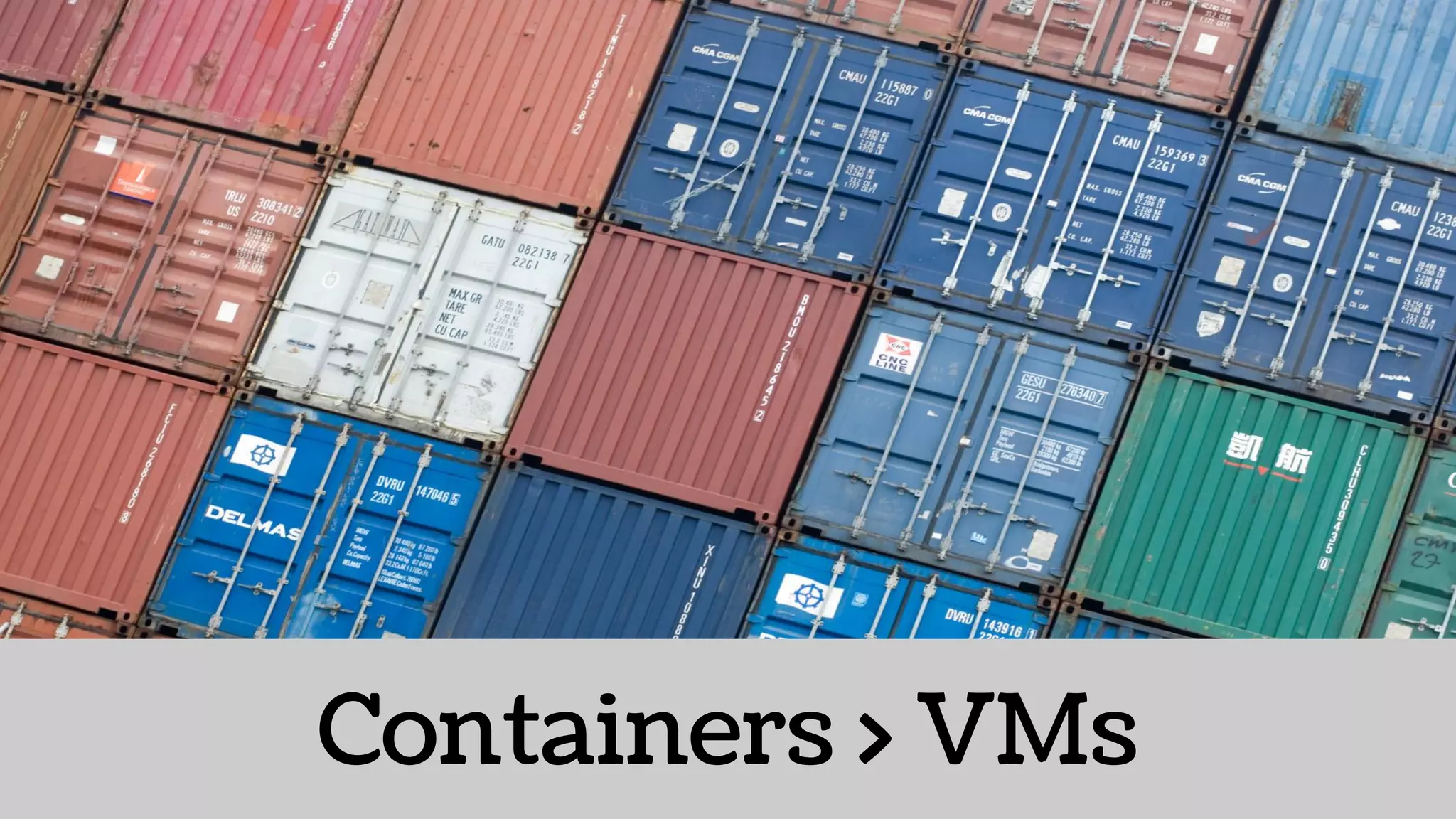



Containers > VMs
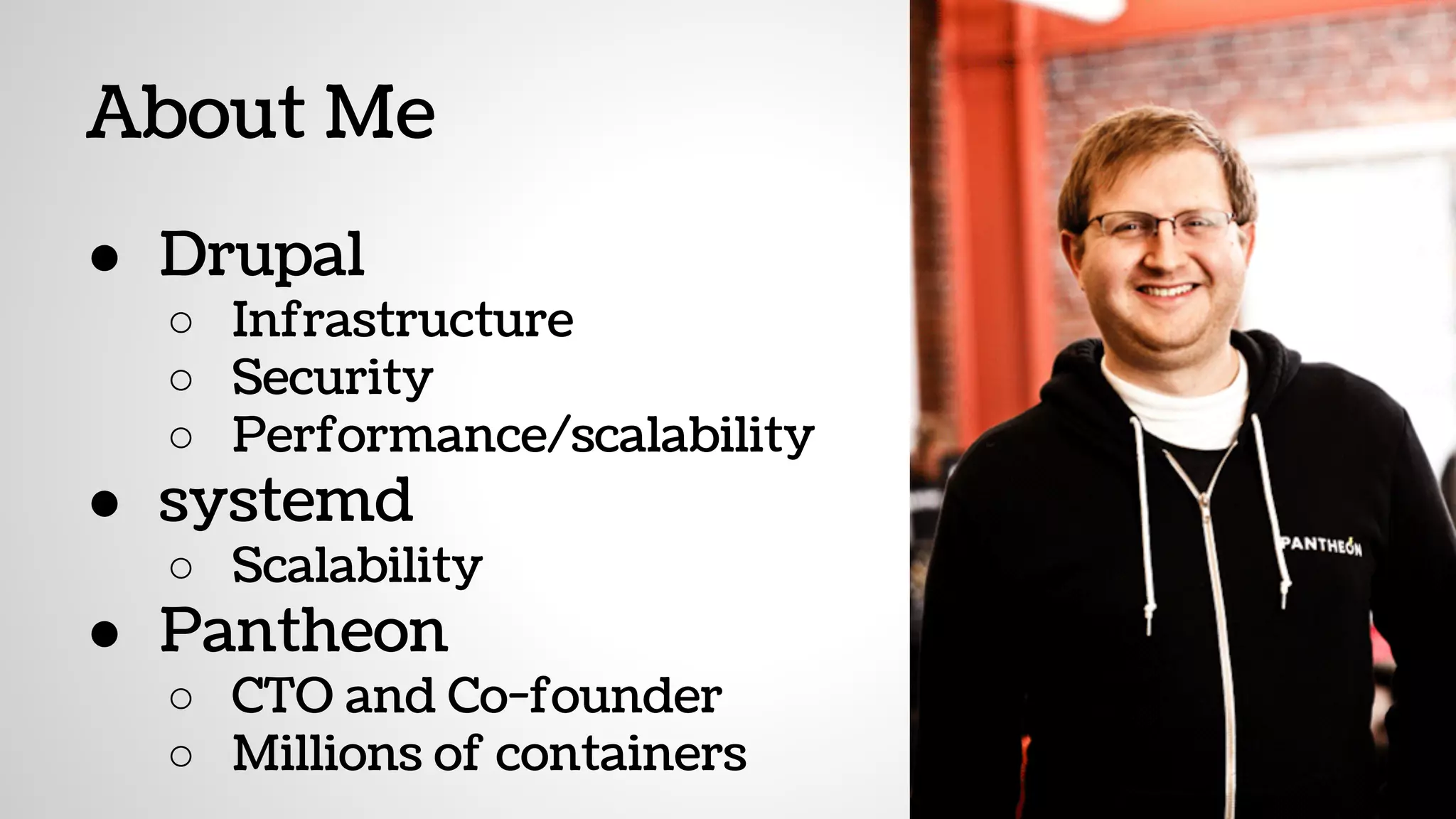
About Me
● Drupal
○ Infrastructure
○ Security
○ Performance/scalability
● systemd
○ Scalability
● Pantheon
○ CTO and Co-founder
○ Millions of containers
Mo Servers, Mo ProblemsMo Servers, Mo Problems
With Thanks to Nick Stielau’s…
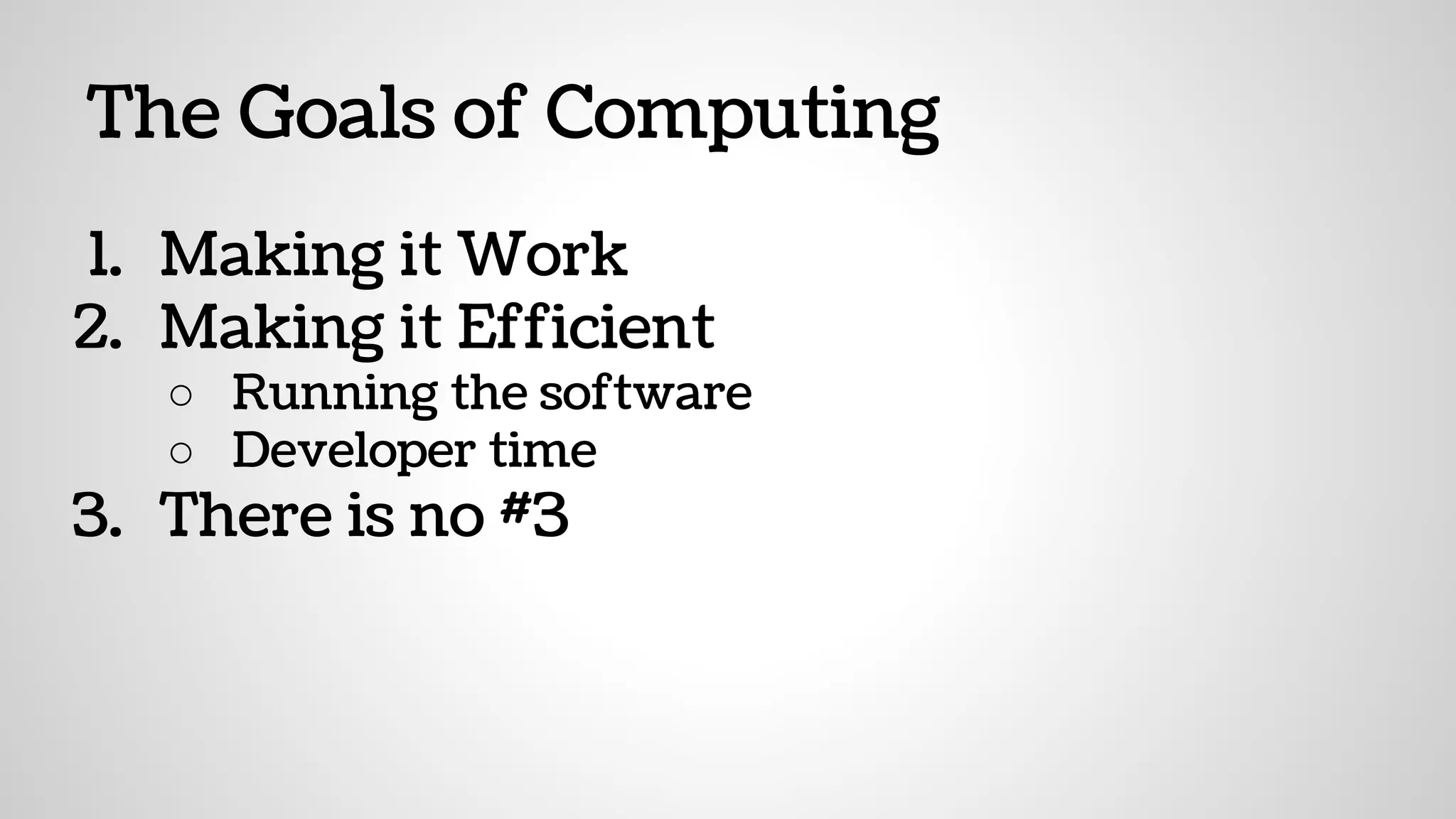
The Goals of Computing
1. Making it Work
2. Making it Efficient
○ Running the software
○ Developer time
3. There is no #3
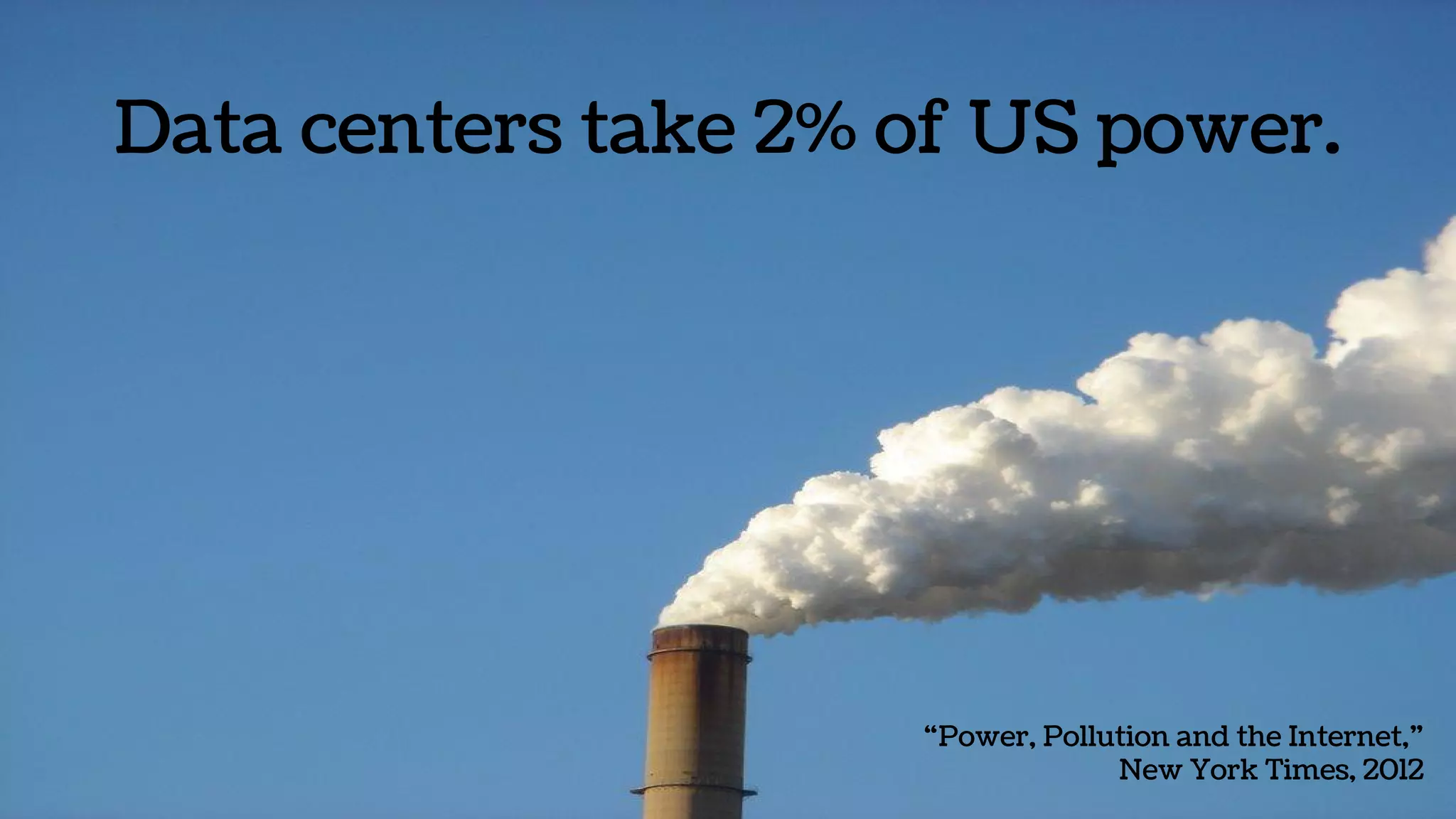
Data centers take 2% of US power.
“Power, Pollution and the Internet,”
New York Times, 2012
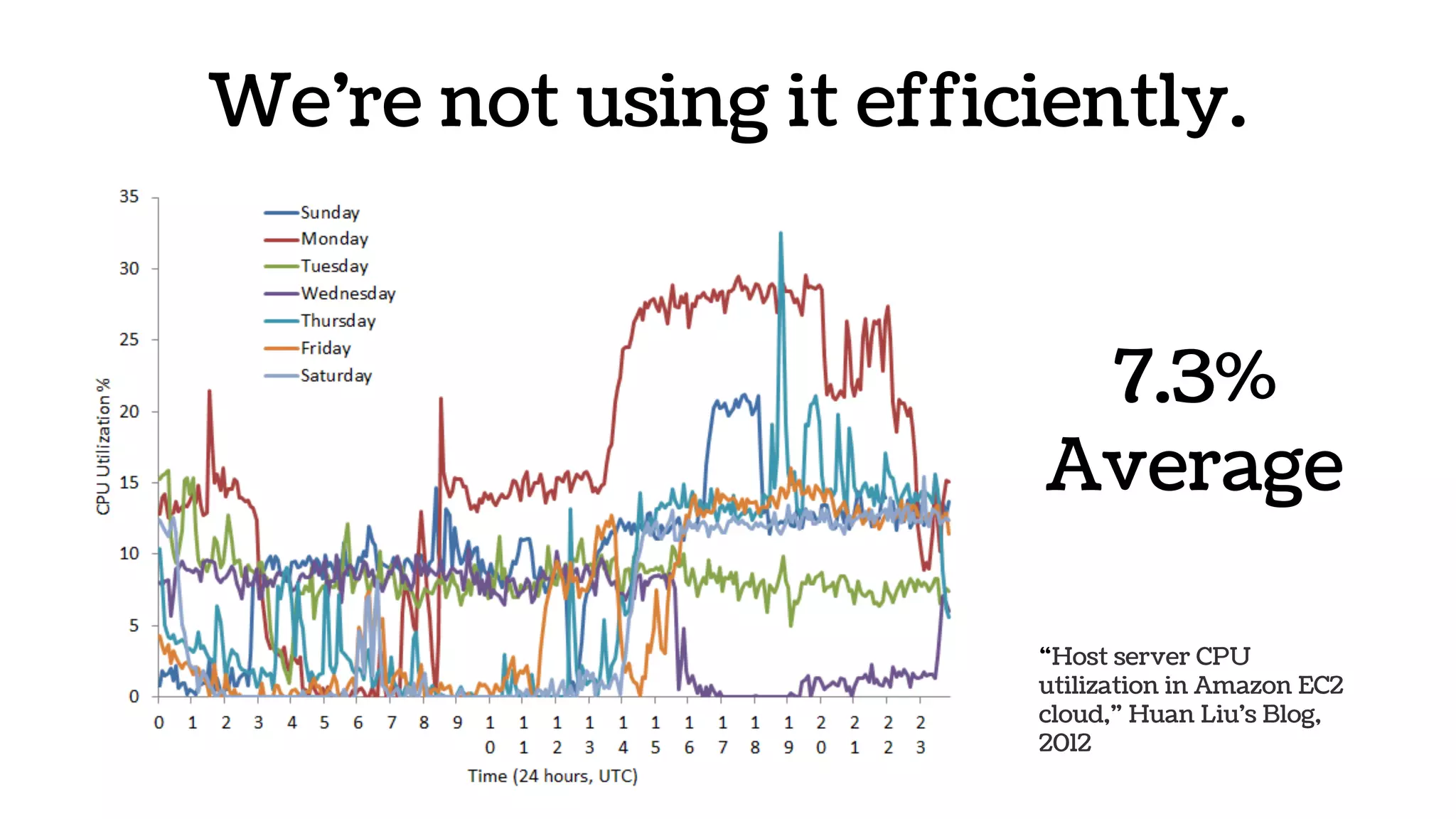
We’re not using it efficiently.
“Host server CPU
utilization in Amazon EC2
cloud,” Huan Liu's Blog,
2012
7.3%
Average
I’d like
to sell
you a
time-
share.
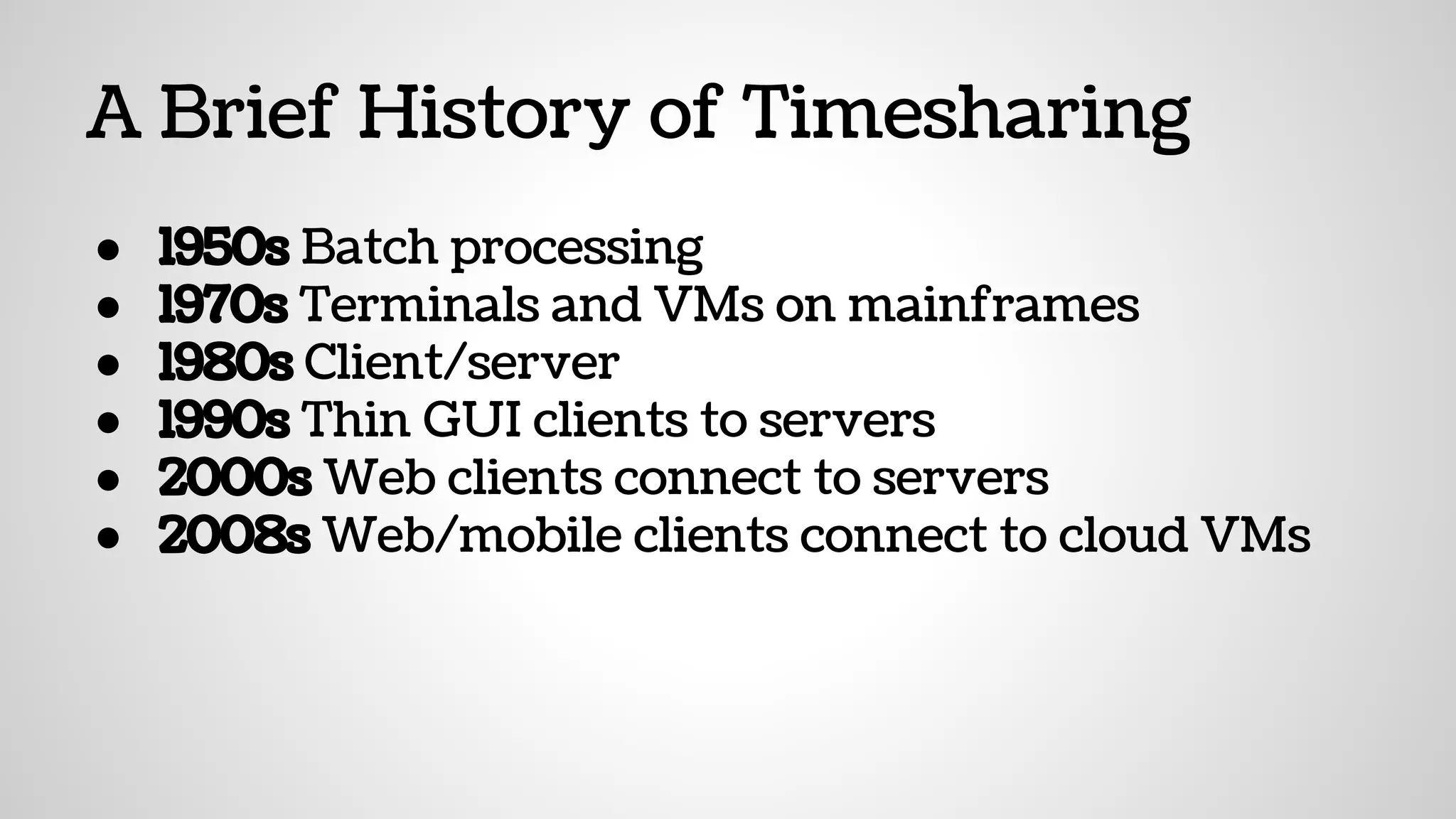
A Brief History of Timesharing
● 1950s Batch processing
● 1970s Terminals and VMs on mainframes
● 1980s Client/server
● 1990s Thin GUI clients to servers
● 2000s Web clients connect to servers
● 2008s Web/mobile clients connect to cloud VMs
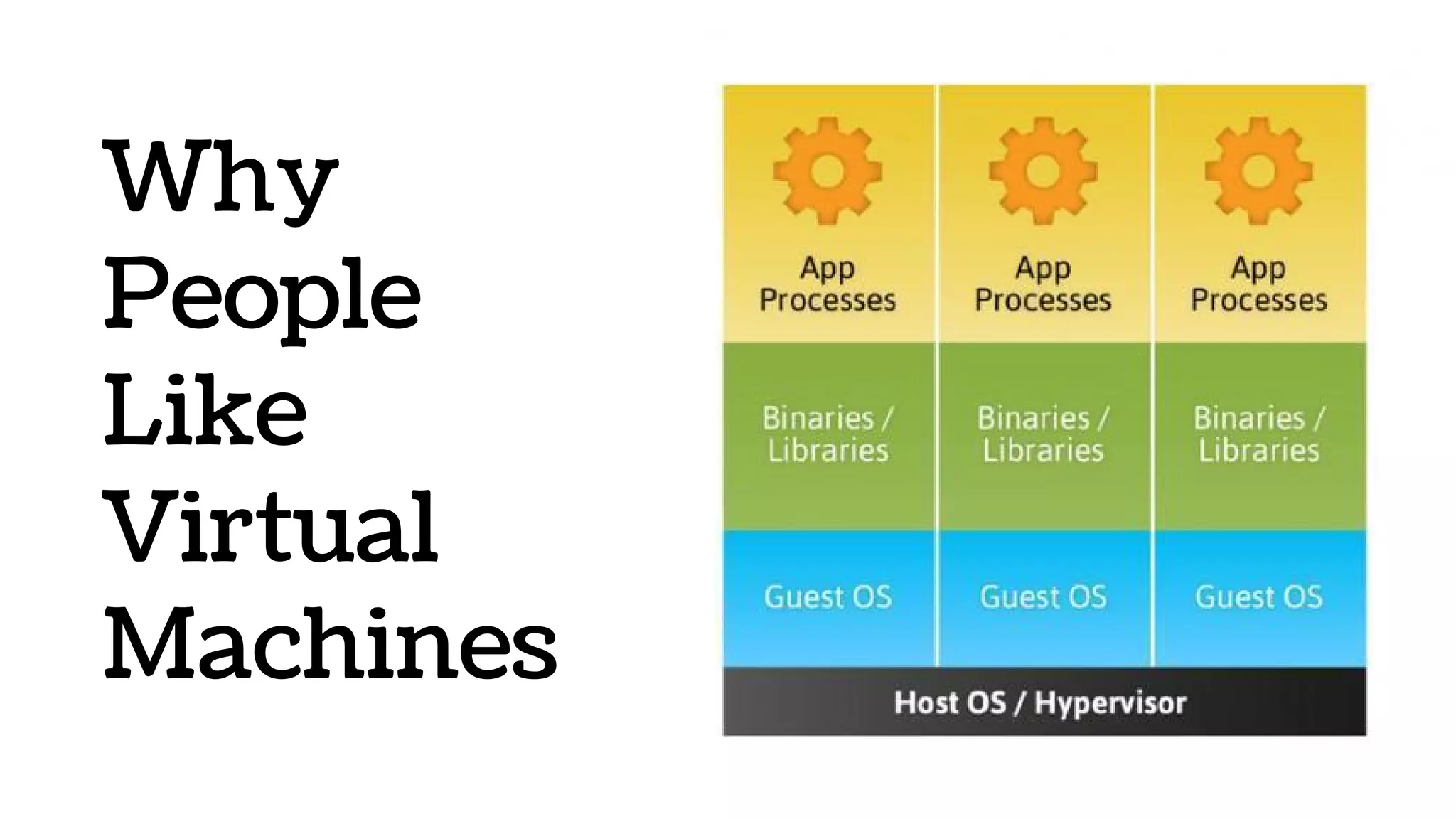
Why
People
Like
Virtual
Machines
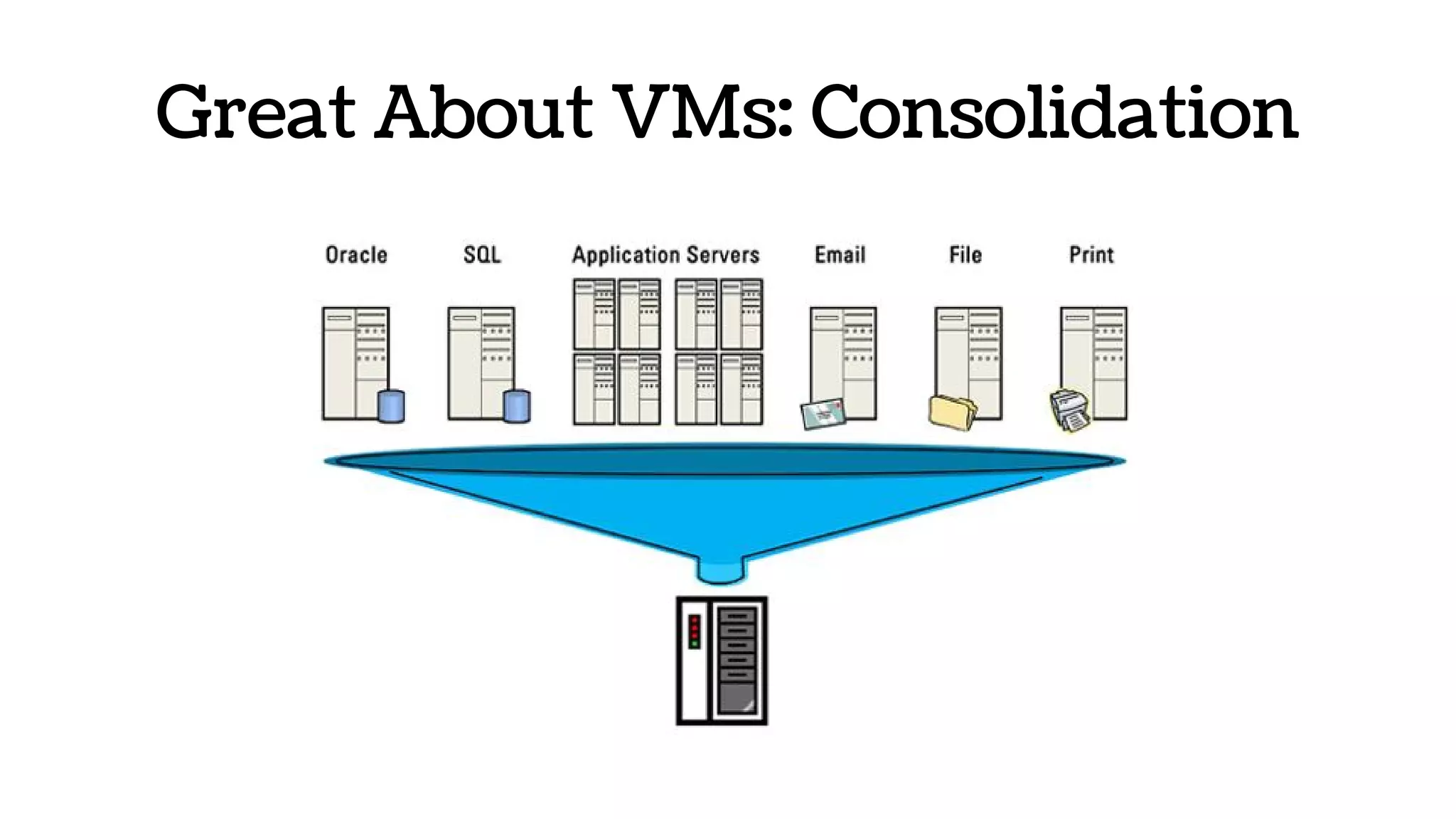
Great About VMs: Consolidation
“Skeuomorphs are stories of utility frozen in time. A new kind of
affordance—a cultural affordance—that provides the context we
need to understand the possibilities for action. They don’t work
because they coddle or educate the user—digital wood grain shelves
and page-flips didn’t teach people how to read ebooks—they work
because they leverage a user’s past experience and apply that
understanding to something new.”
John Payne, “Does Skeuomorphic Design Matter?”
Great About VMs: Familiarity
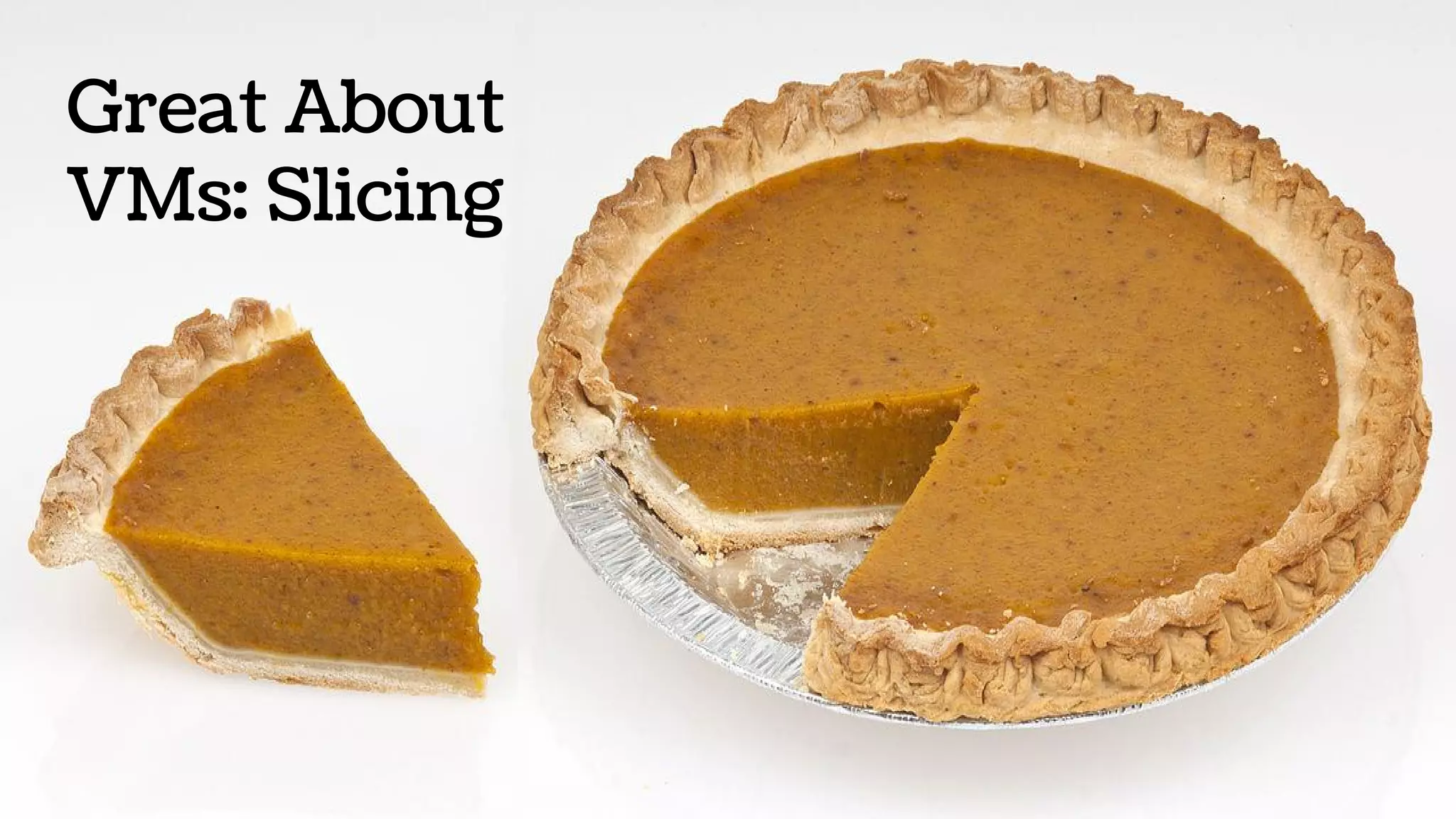
Great About
VMs: Slicing
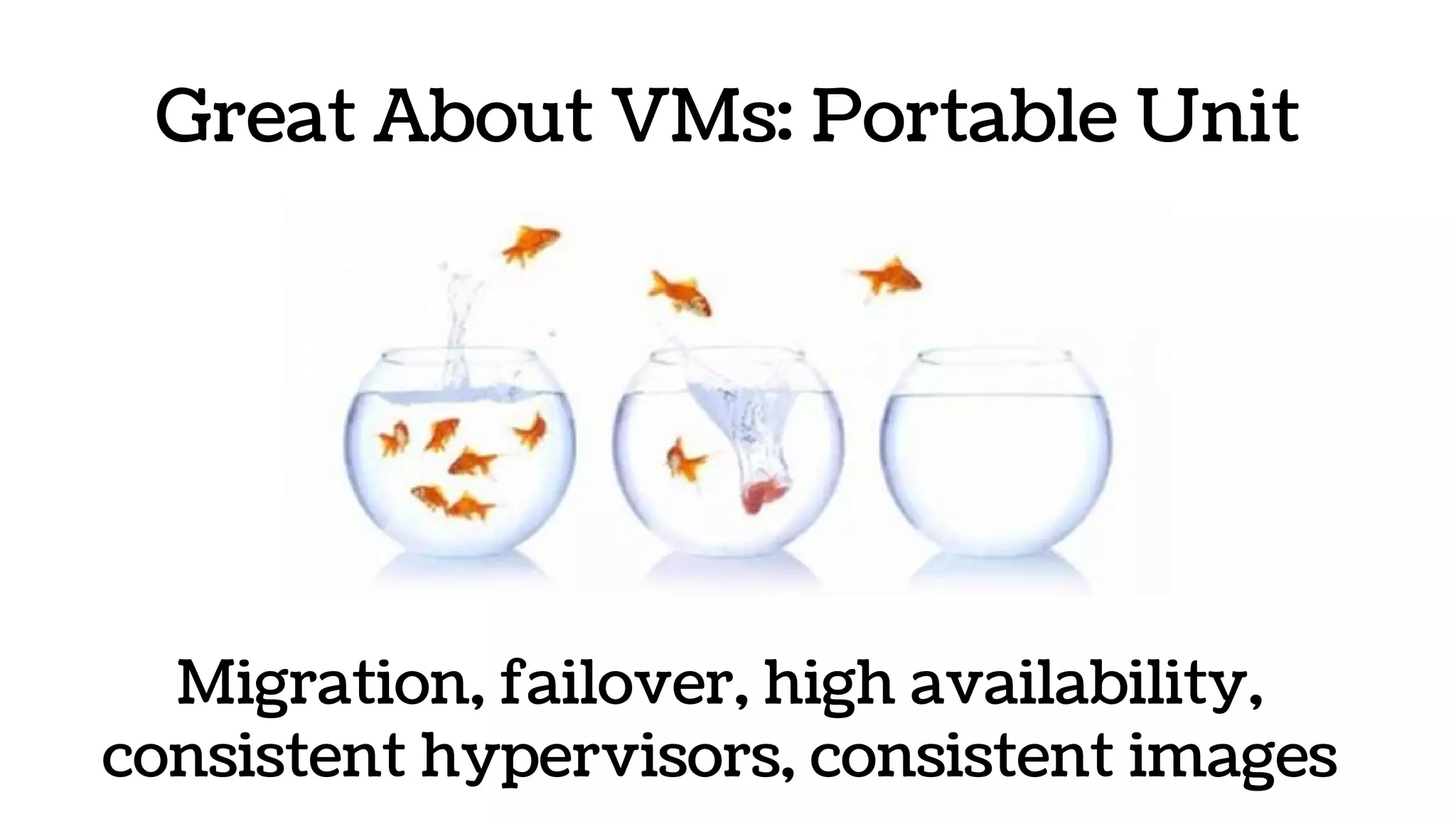
Great About VMs: Portable Unit
Migration, failover, high availability,
consistent hypervisors, consistent images
Great About VMs: Automation
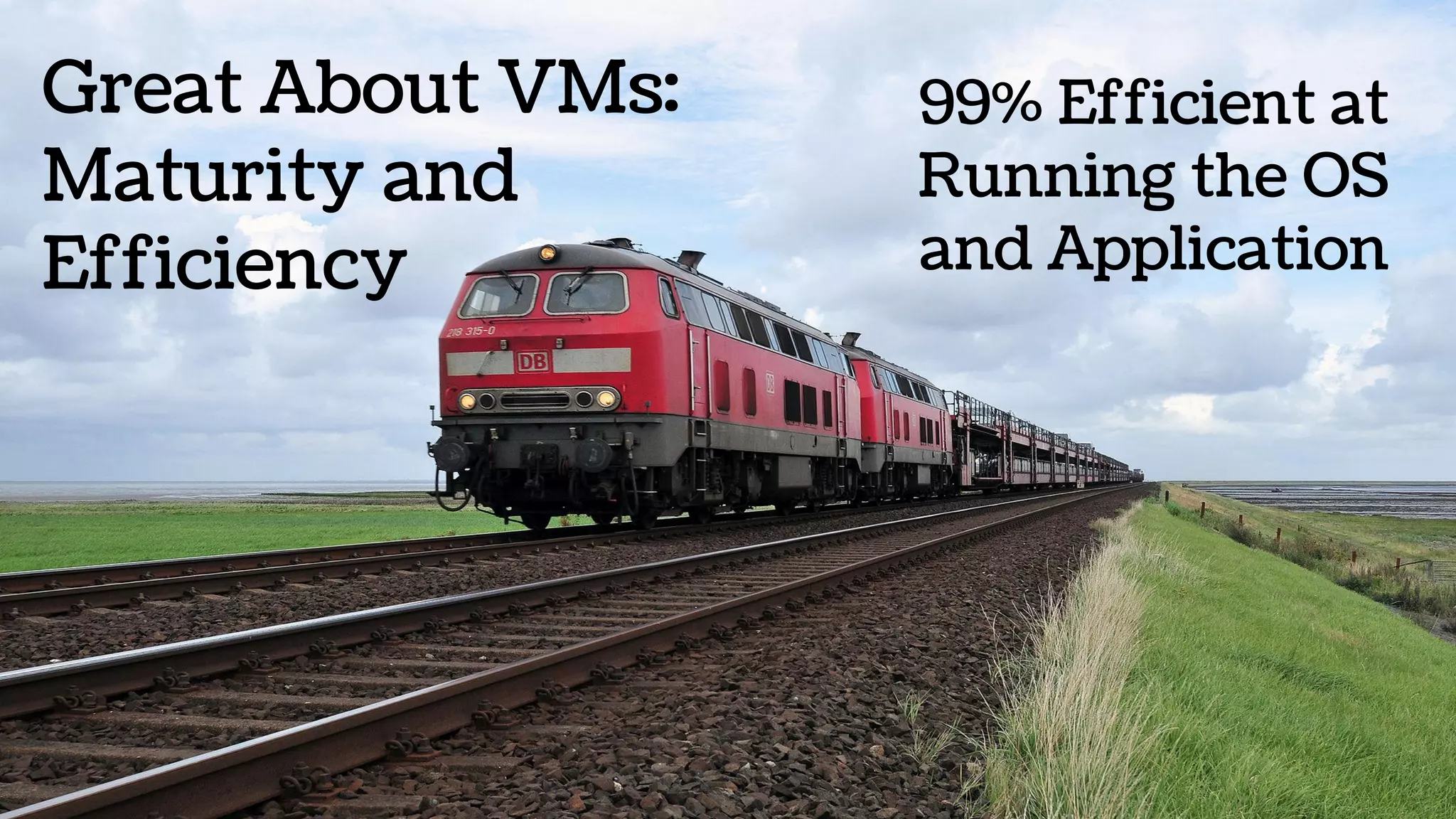
Great About VMs:
Maturity and
Efficiency
99% Efficient at
Running the OS
and Application
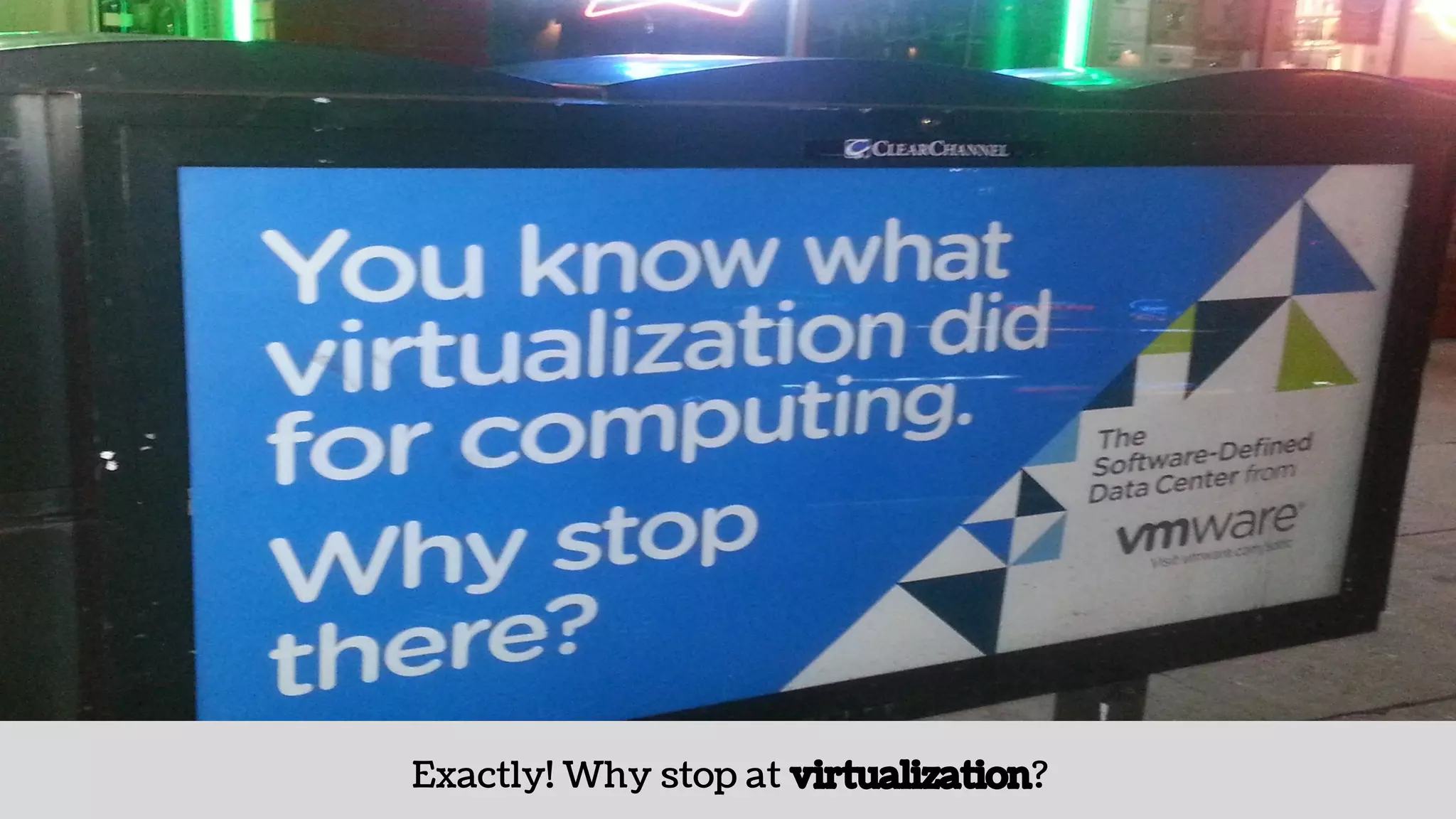
Containers are
the next step.
Exactly! Why stop at virtualization?
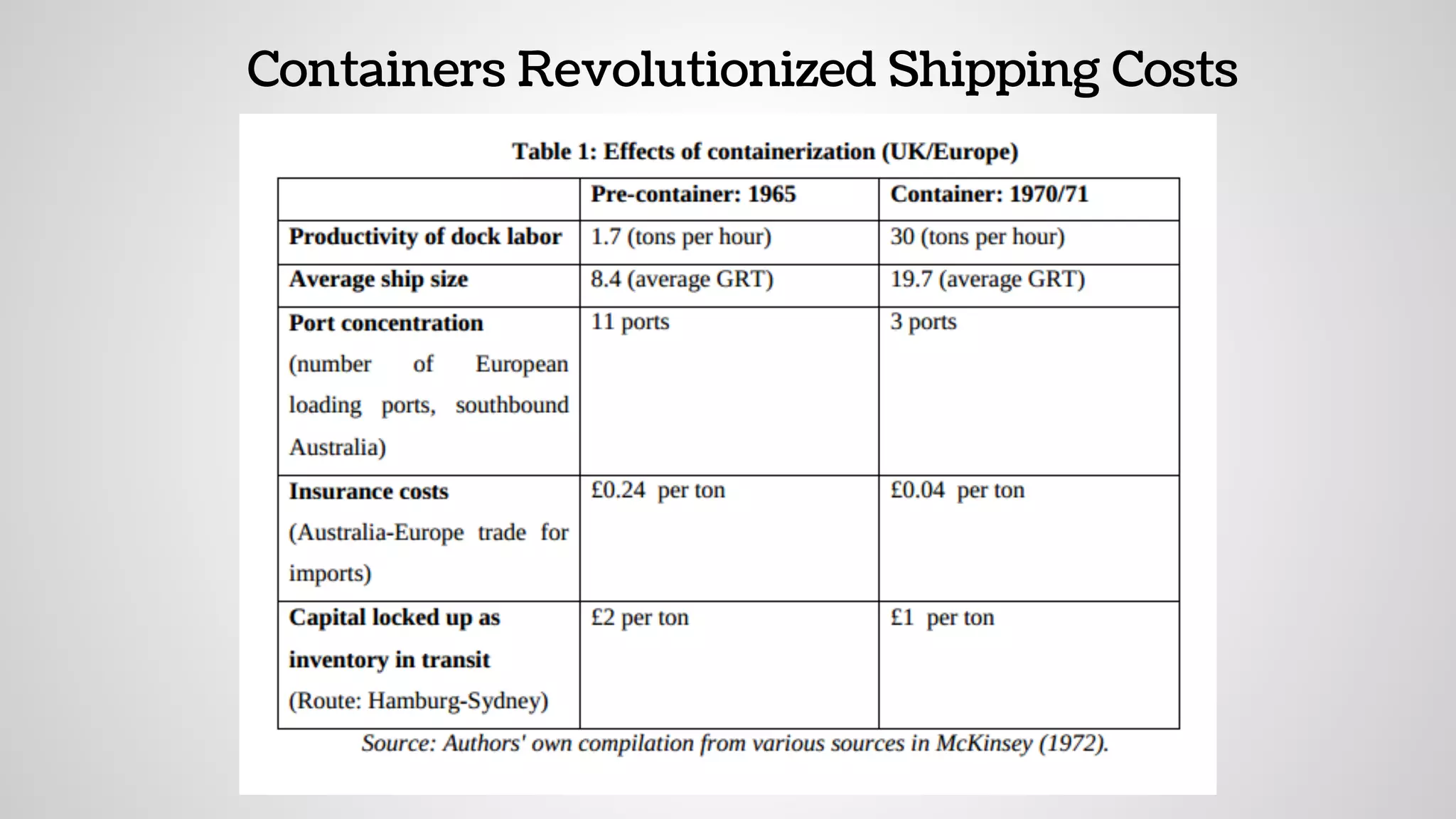
Containers Revolutionized Shipping Costs
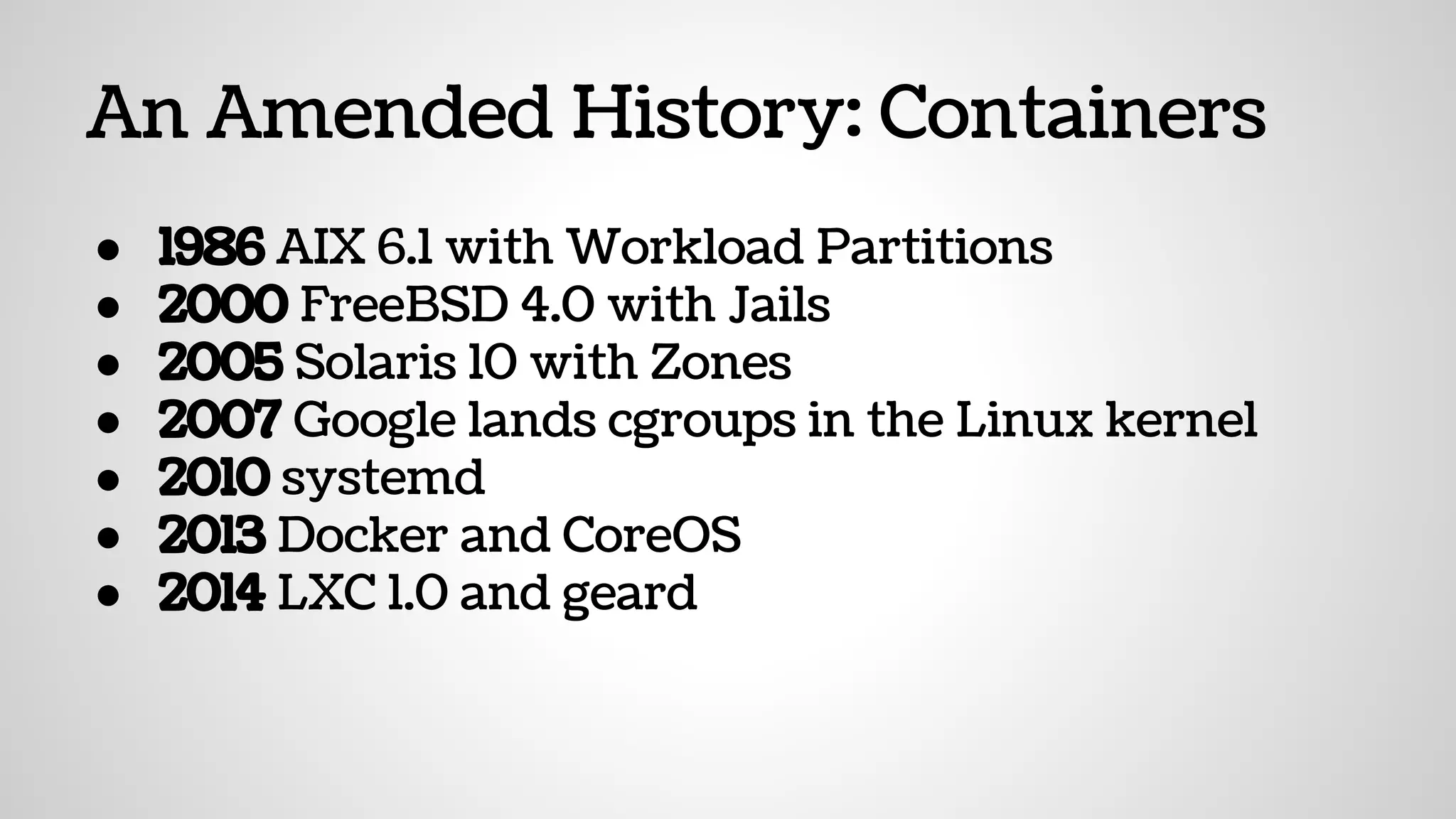
An Amended History: Containers
● 1986 AIX 6.1 with Workload Partitions
● 2000 FreeBSD 4.0 with Jails
● 2005 Solaris 10 with Zones
● 2007 Google lands cgroups in the Linux kernel
● 2010 systemd
● 2013 Docker and CoreOS
● 2014 LXC 1.0 and geard
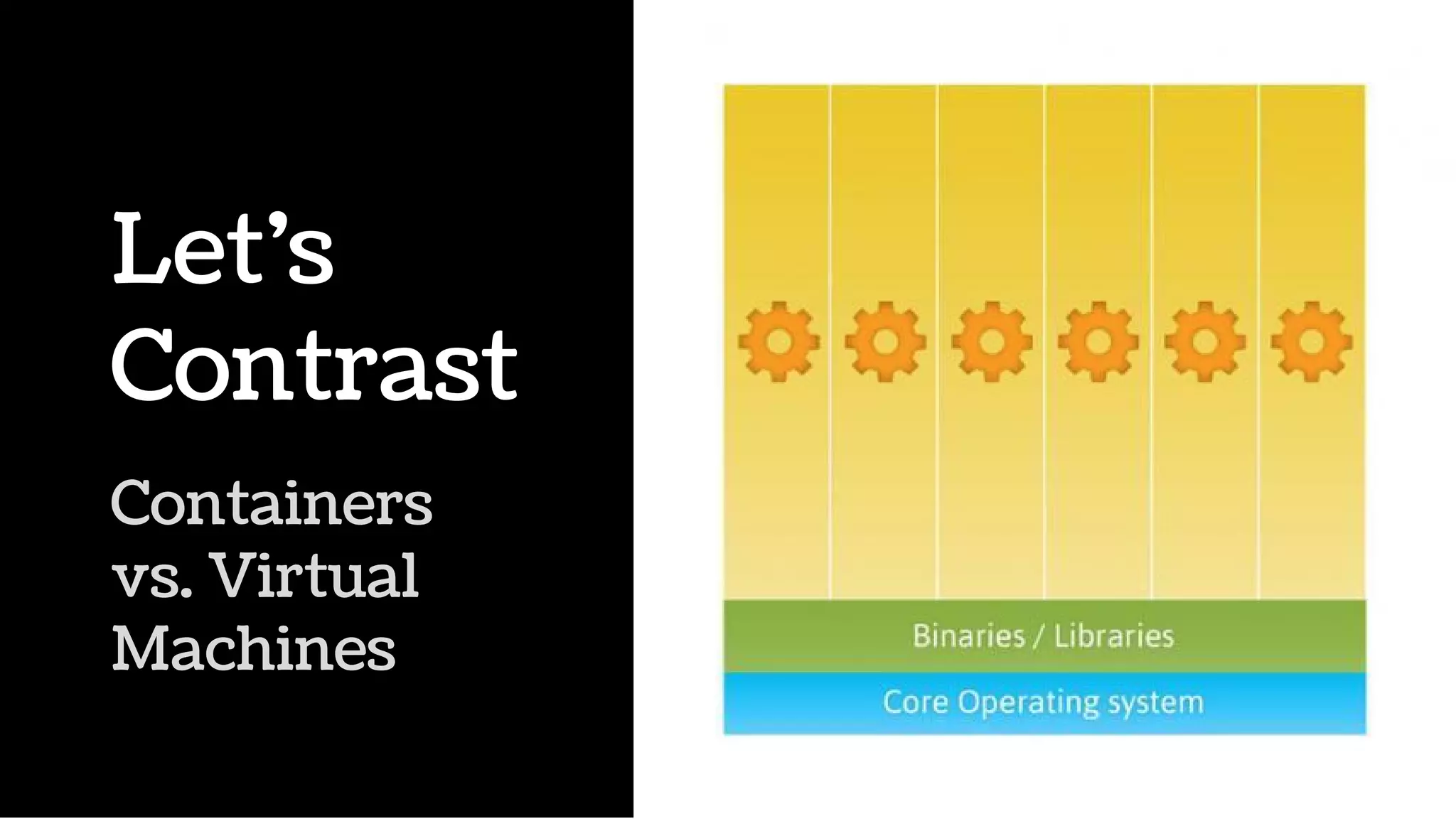
Containers
vs. Virtual
Machines
Let’s
Contrast
“Skeuomorphs are material metaphors
instantiated through our technologies in artifacts.
They provide us with familiar cues to an
unfamiliar domain, sometimes lighting our paths,
sometimes leading us astray.”
Nicholas Gessler, “Skeuomorphs and Cultural Algorithms”
Familiar Doesn’t Make It Good
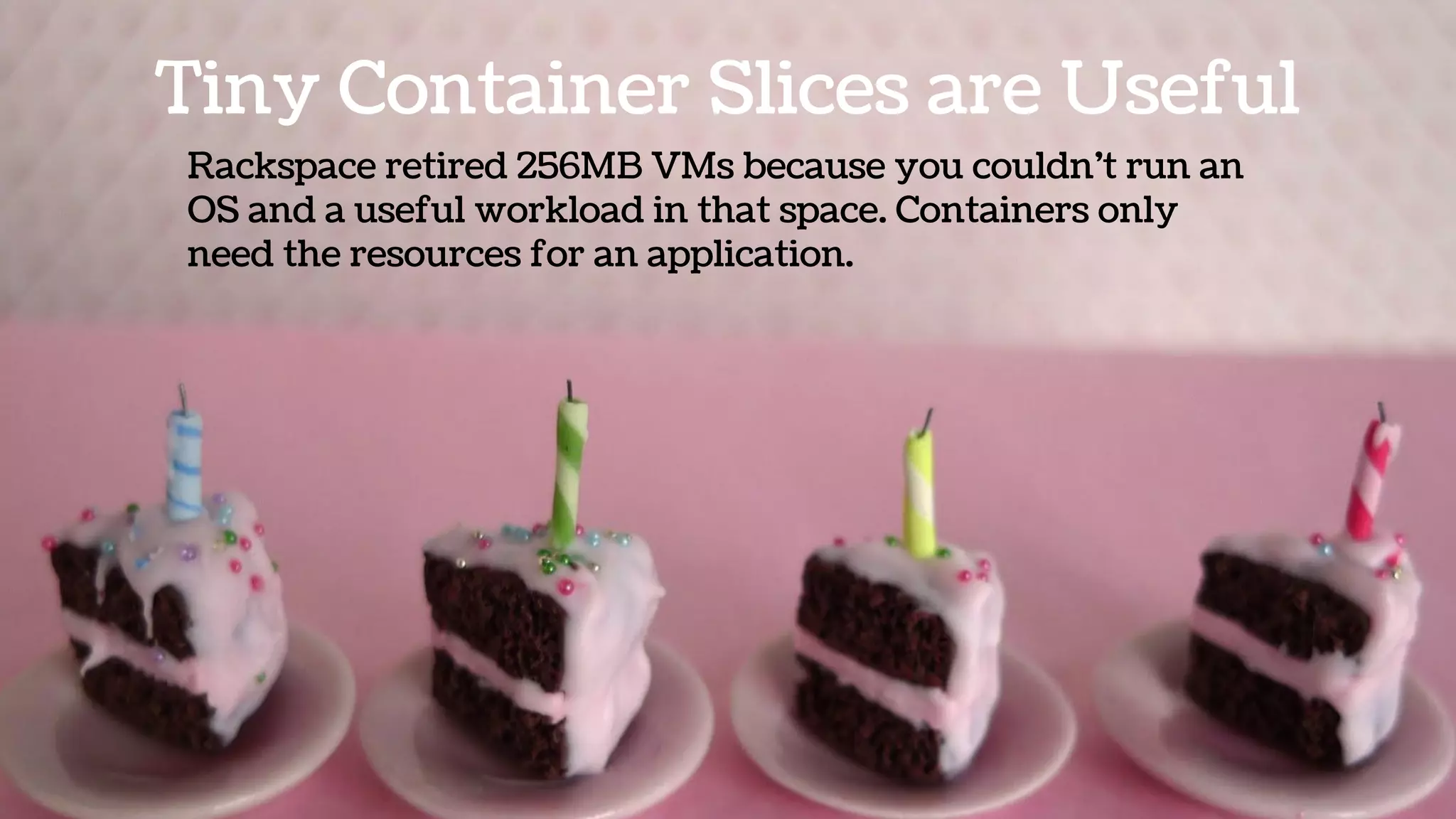
Tiny Container Slices are Useful
Rackspace retired 256MB VMs because you couldn’t run an
OS and a useful workload in that space. Containers only
need the resources for an application.
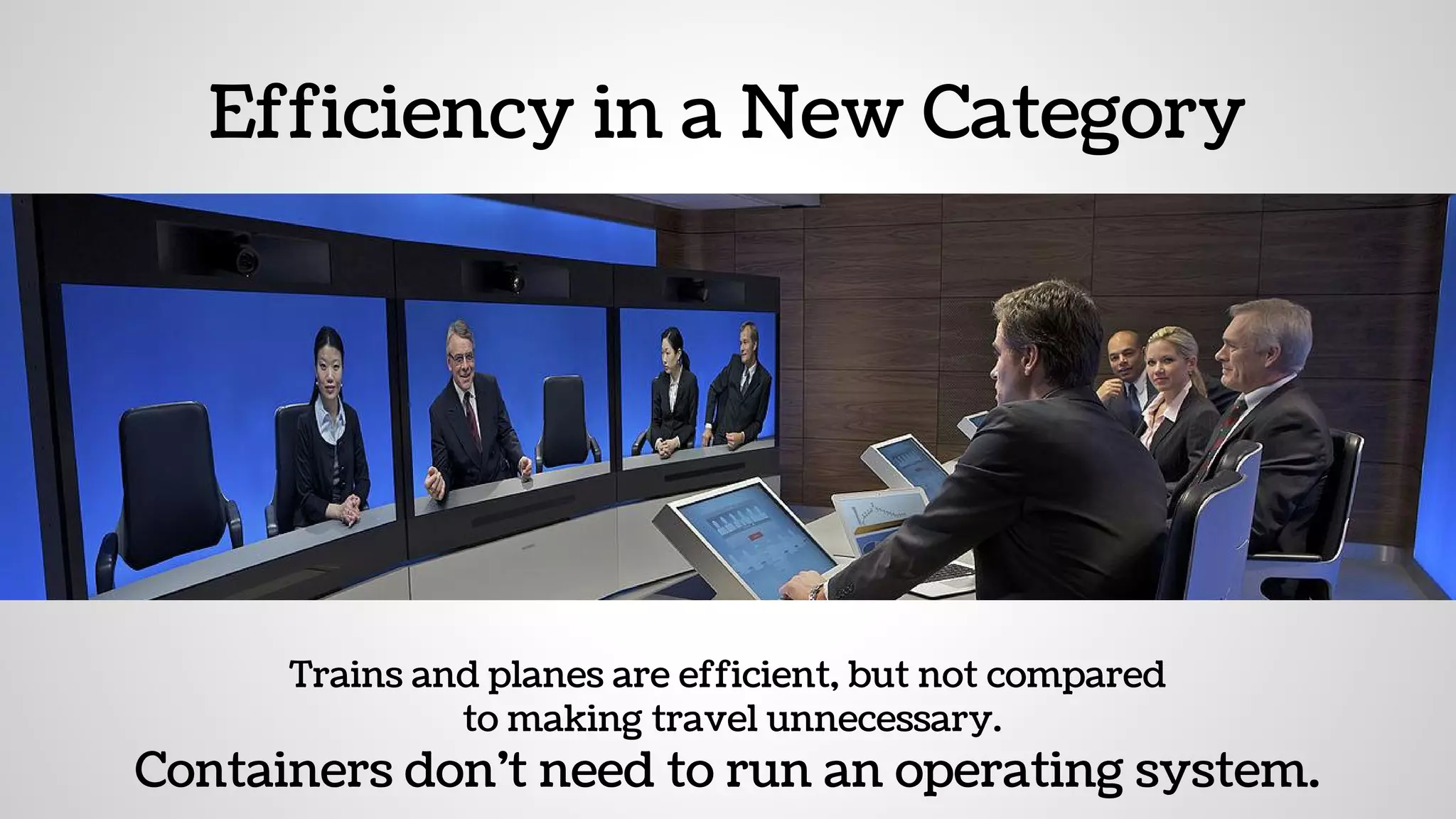
Efficiency in a New Category
Trains and planes are efficient, but not compared
to making travel unnecessary.
Containers don’t need to run an operating system.
Containers are Portable
— and Lighter
Migration of
Application
vs. Full OS
Containers
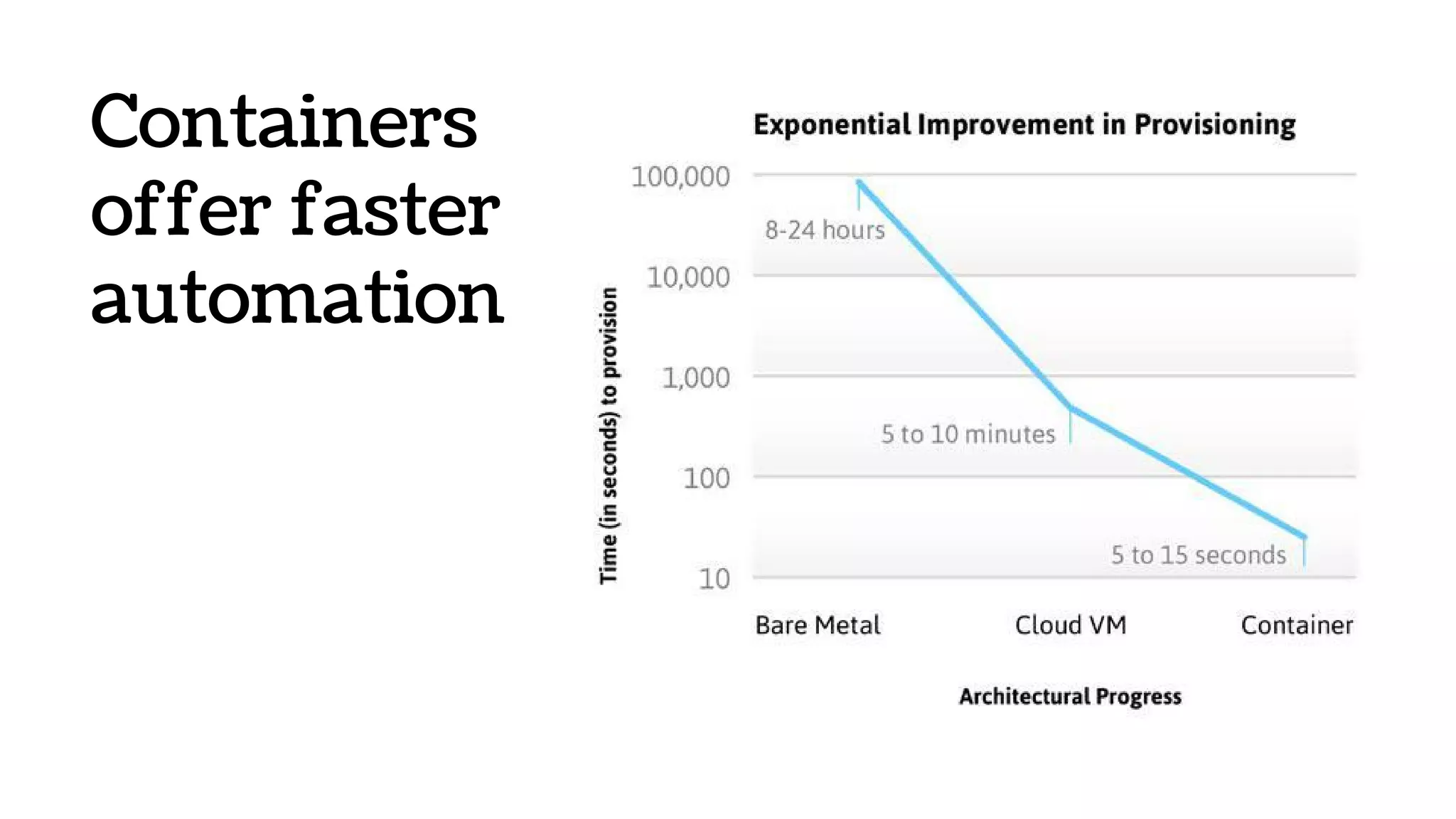
offer faster
automation
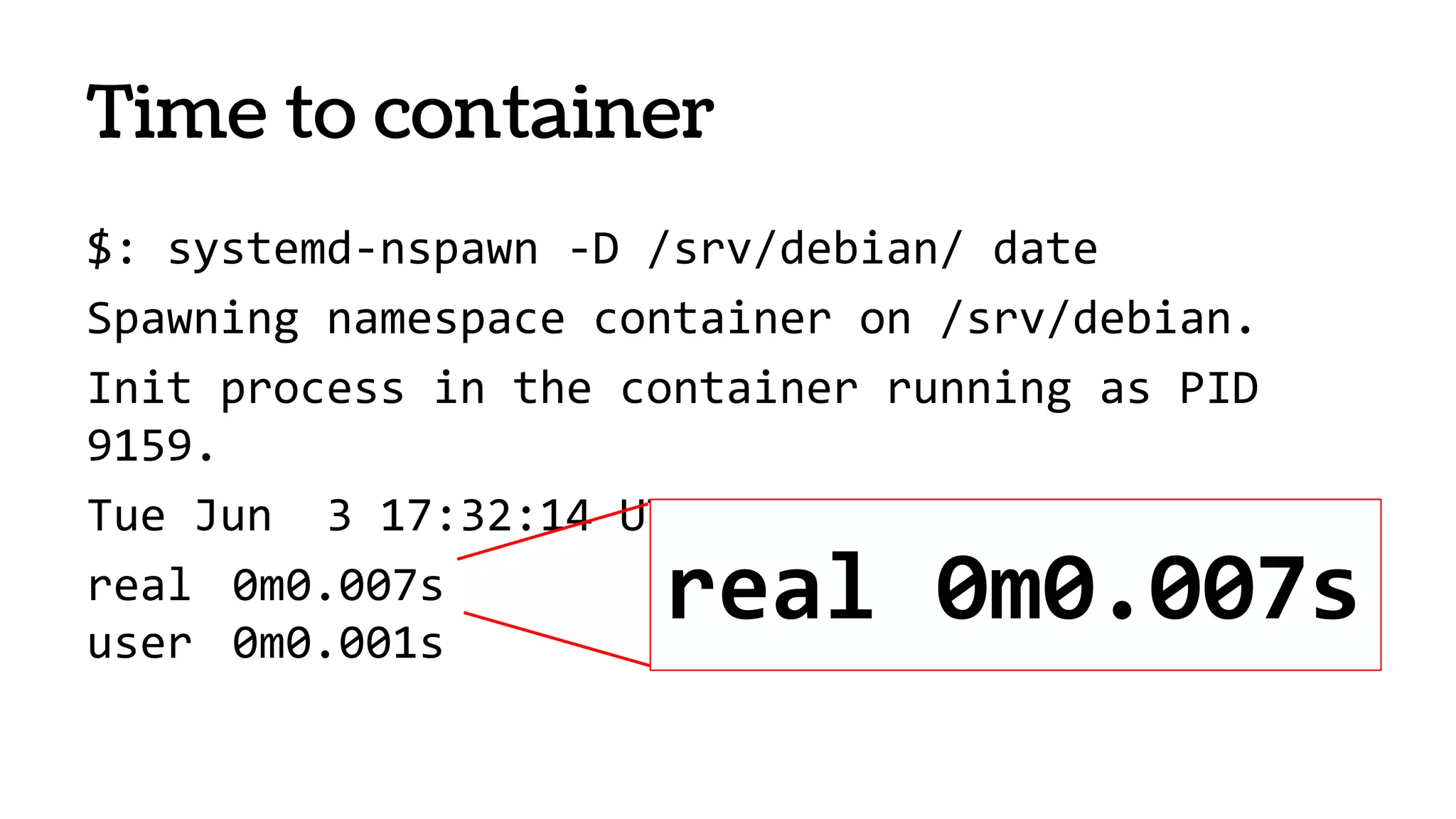
Time to container
$: systemd-nspawn -D /srv/debian/ date
Spawning namespace container on /srv/debian.
Init process in the container running as PID
9159.
Tue Jun 3 17:32:14 UTC 2014
real 0m0.007s
user 0m0.001s
real 0m0.007s
Containers at Pantheon
In the Real World
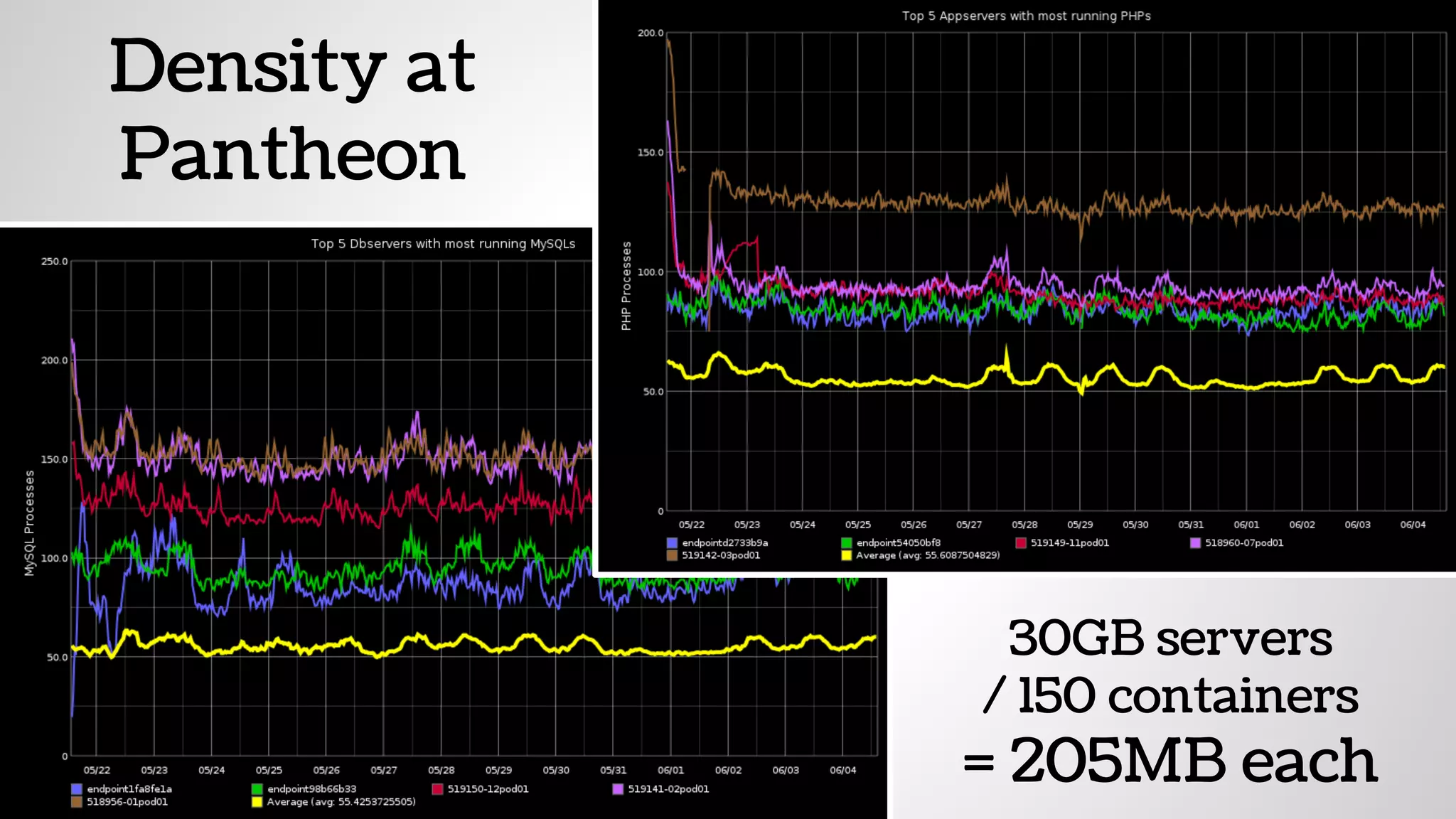
Density at
Pantheon
30GB servers
/ 150 containers
= 205MB each
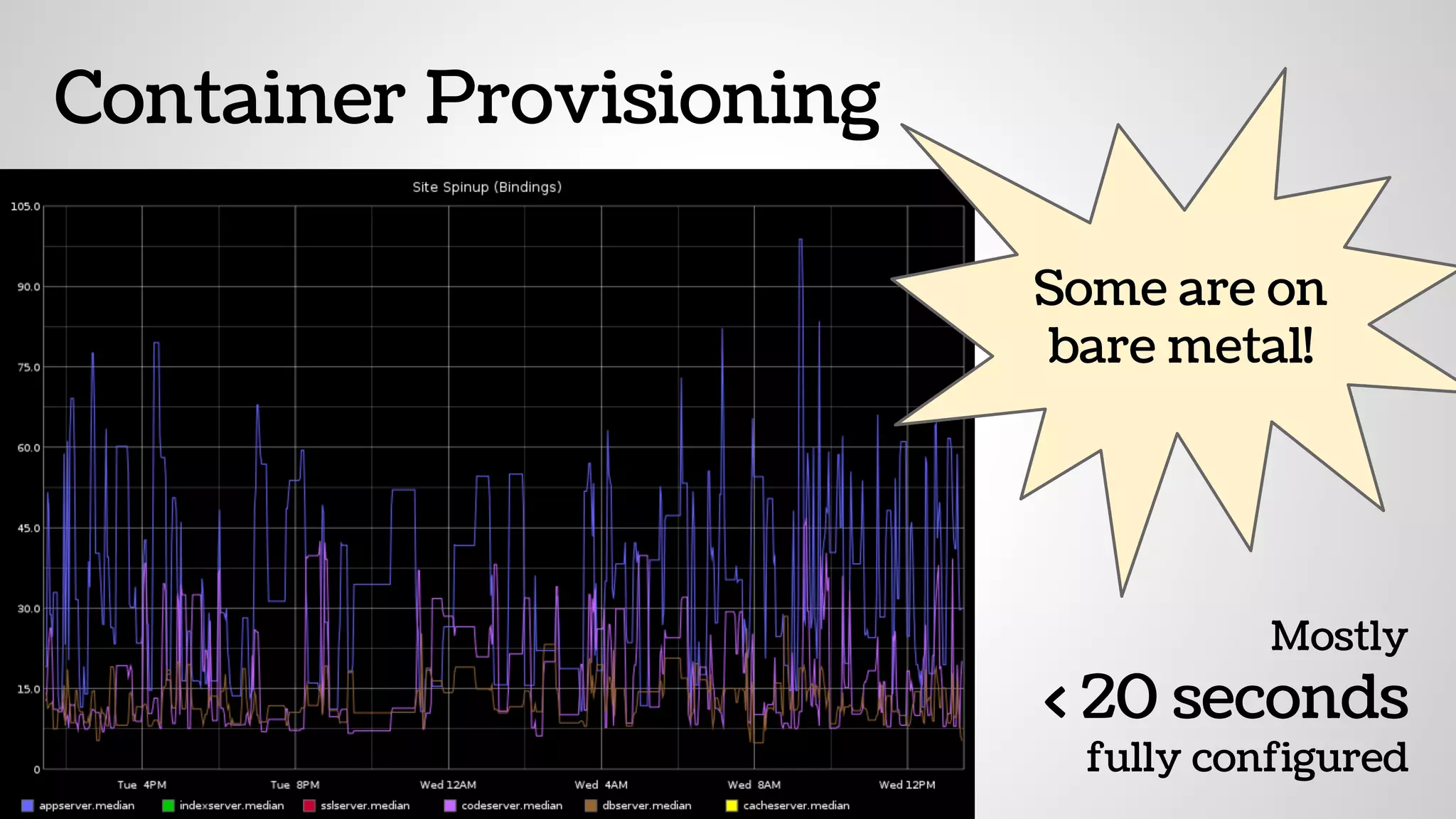
Container Provisioning
Mostly
< 20 seconds
fully configured
Some are on
bare metal!
The Bones of Containers
Containers
are based on the
CGroups and Namespaces
functionality on the Linux kernel
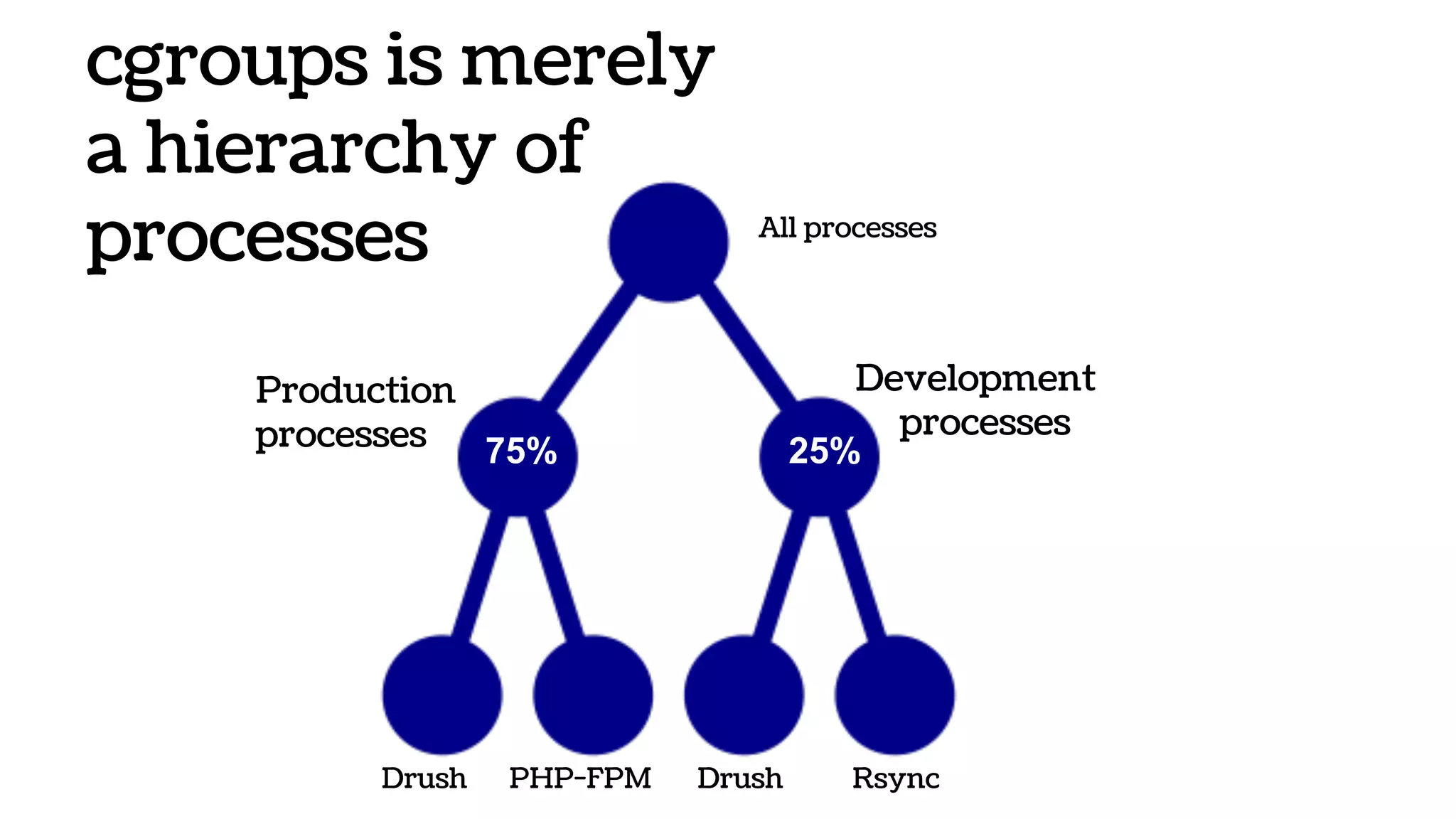
cgroups is merely
a hierarchy of
processes All processes
Development
processes
PHP-FPM Drush
Production
processes
Drush Rsync
75% 25%
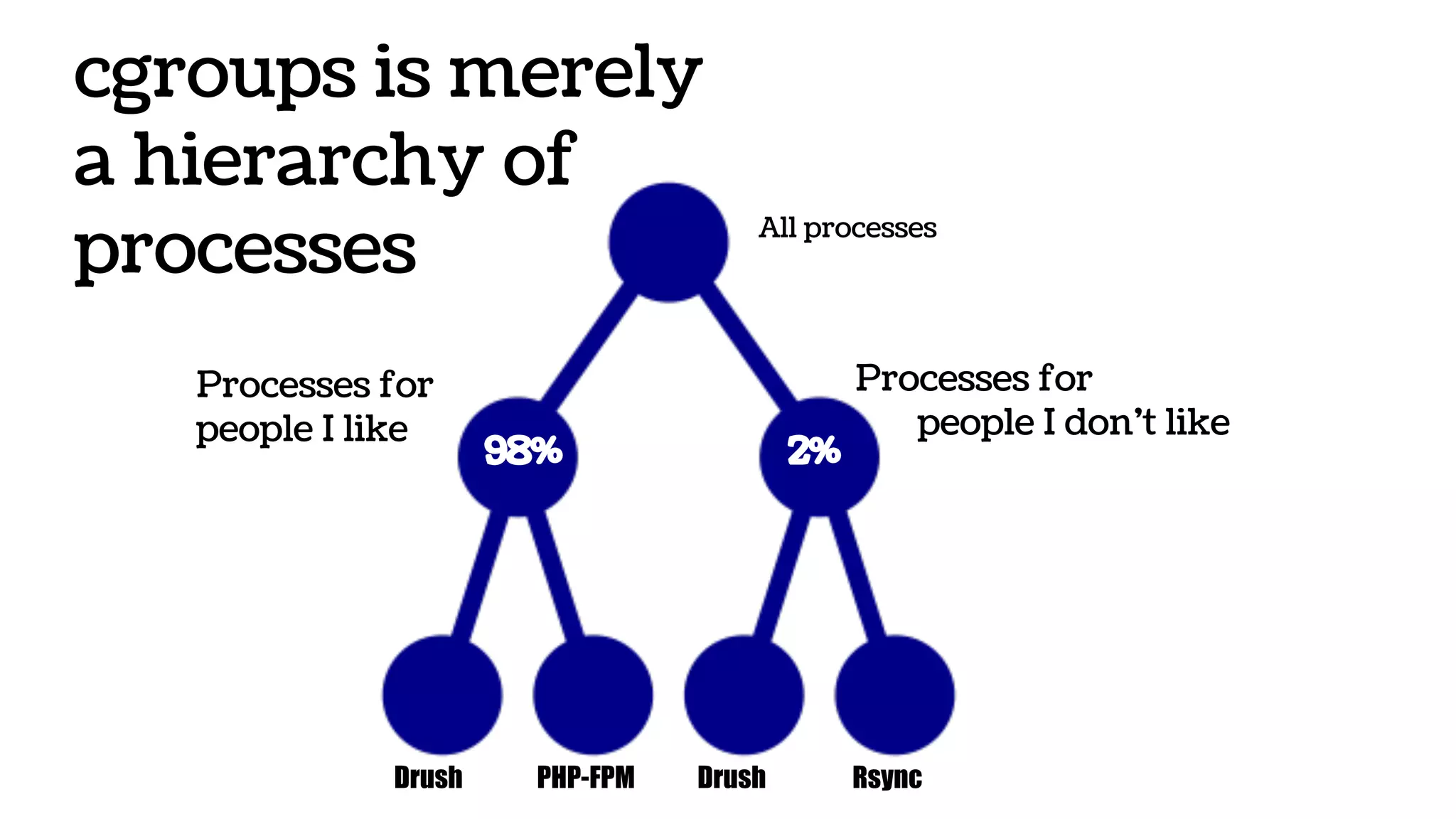
cgroups is merely
a hierarchy of
processes All processes
Processes for
people I don’t like
PHP-FPM Drush
Processes for
people I like
Drush Rsync
2%98%
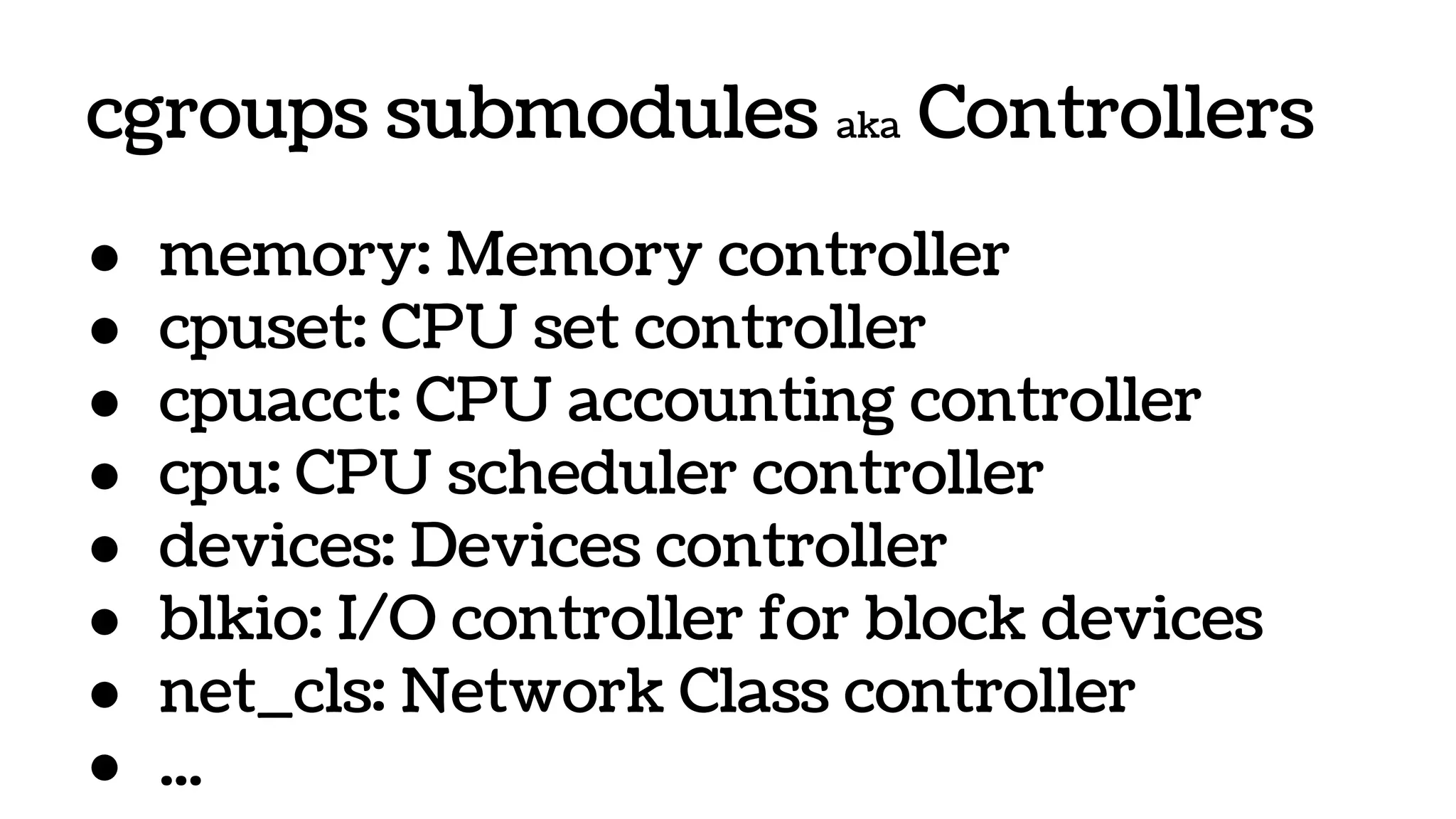
cgroups submodules aka Controllers
● memory: Memory controller
● cpuset: CPU set controller
● cpuacct: CPU accounting controller
● cpu: CPU scheduler controller
● devices: Devices controller
● blkio: I/O controller for block devices
● net_cls: Network Class controller
● ...
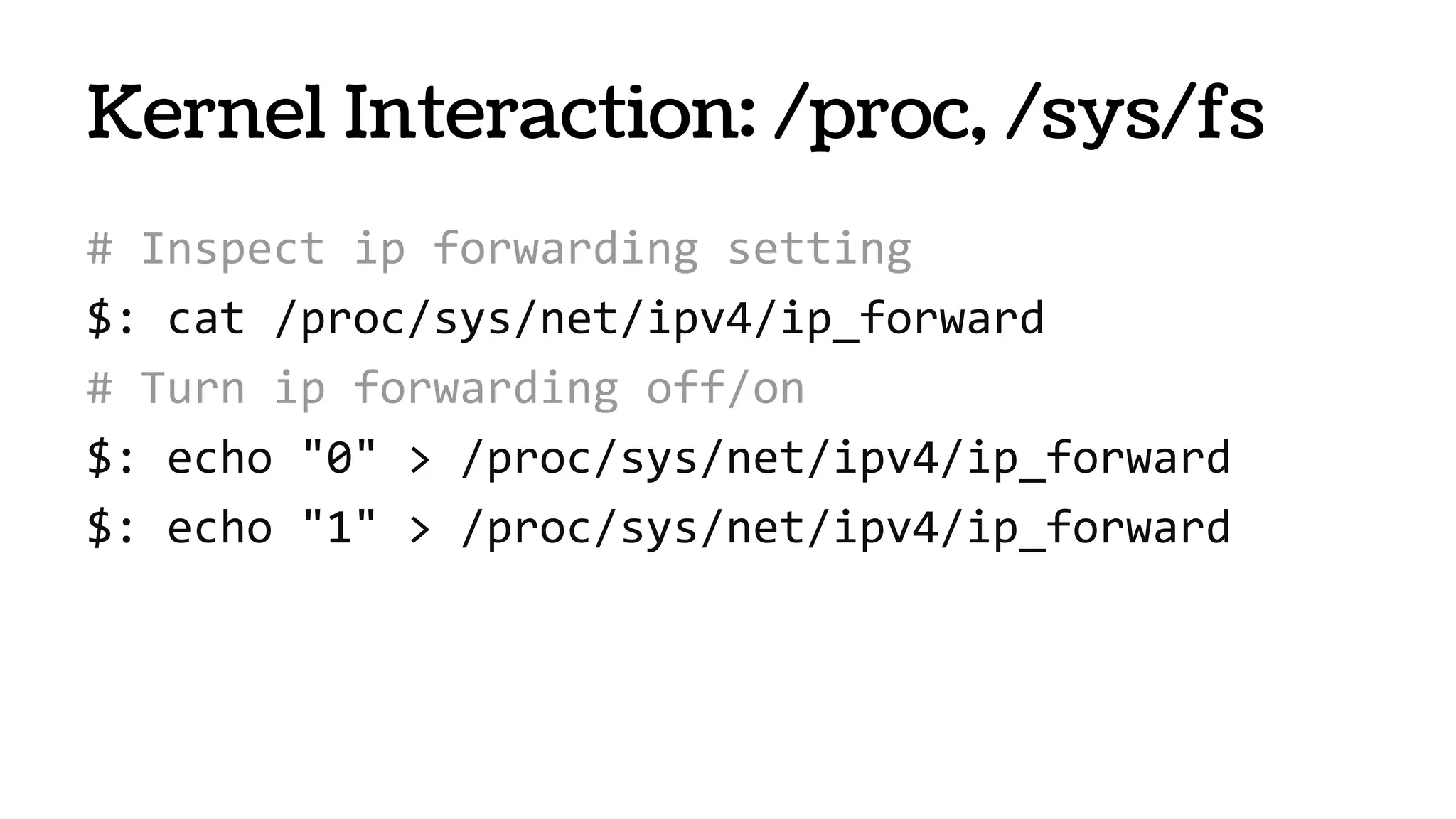
Kernel Interaction: /proc, /sys/fs
# Inspect ip forwarding setting
$: cat /proc/sys/net/ipv4/ip_forward
# Turn ip forwarding off/on
$: echo "0" > /proc/sys/net/ipv4/ip_forward
$: echo "1" > /proc/sys/net/ipv4/ip_forward
# Examine file descriptors used by nginx..
$: ls -l /proc/$NGINX_PID/fd/
lrwx------ 1 root Jun 3 13:48 0 -> /dev/null
lrwx------ 1 root Jun 3 13:48 10 -> socket:[64376]
l-wx------ 1 root Jun 3 13:48 2 -> /var/log/nginx-access.log
# Nuke logs
$: rm -rf /var/log/nginx-access.log
# Read log (even after you rm -rf’d it!)
$: tail /proc/$NGINX_PID/fd/2
62.211.78.166 - - [05/May/2014:10:00:54 +0000] "GET /vtiger.php
Kernel Interaction: /proc, /sys/fs
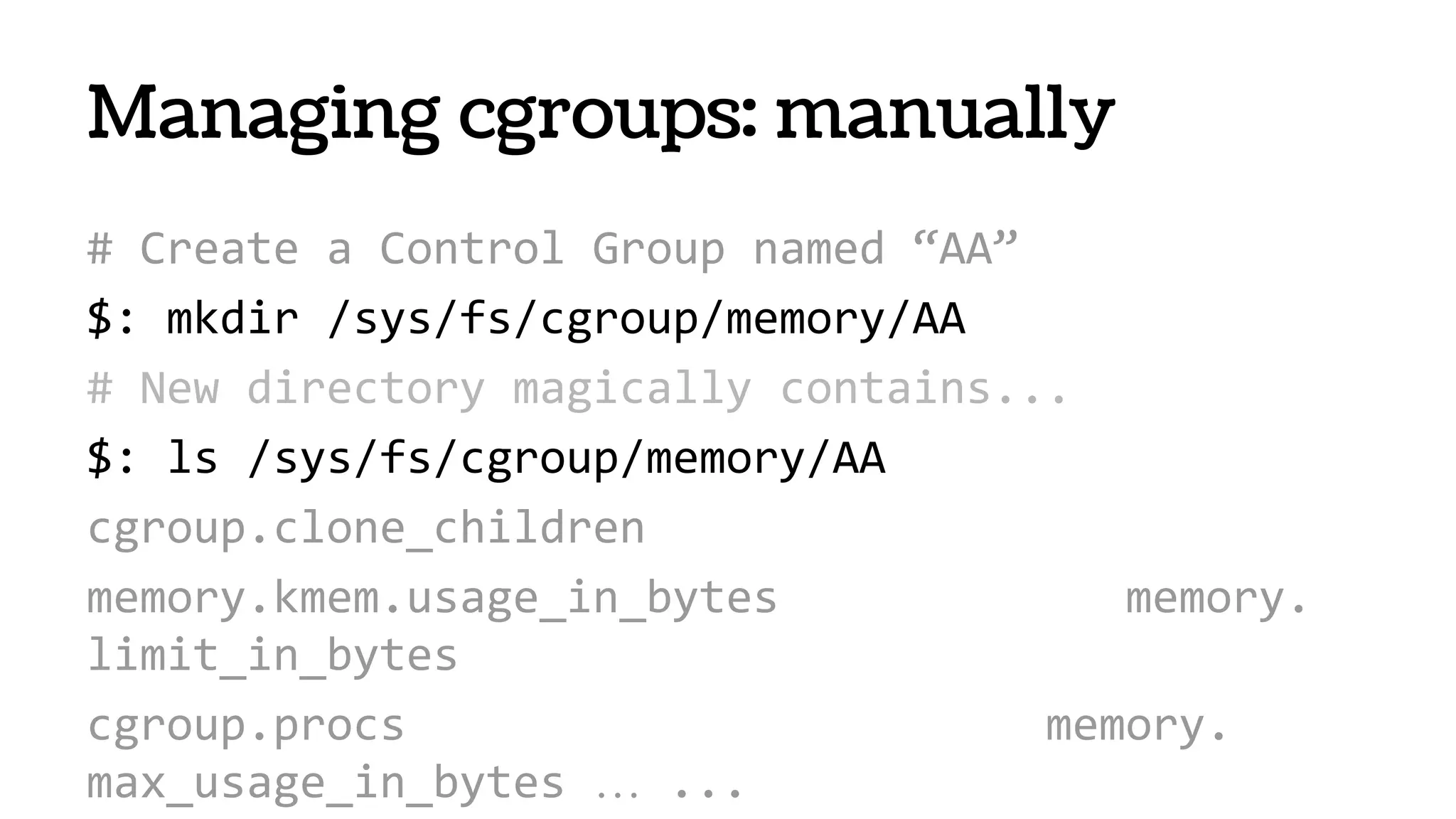
# Create a Control Group named “AA”
$: mkdir /sys/fs/cgroup/memory/AA
# New directory magically contains...
$: ls /sys/fs/cgroup/memory/AA
cgroup.clone_children
memory.kmem.usage_in_bytes memory.
limit_in_bytes
cgroup.procs memory.
max_usage_in_bytes … ...
Managing cgroups: manually
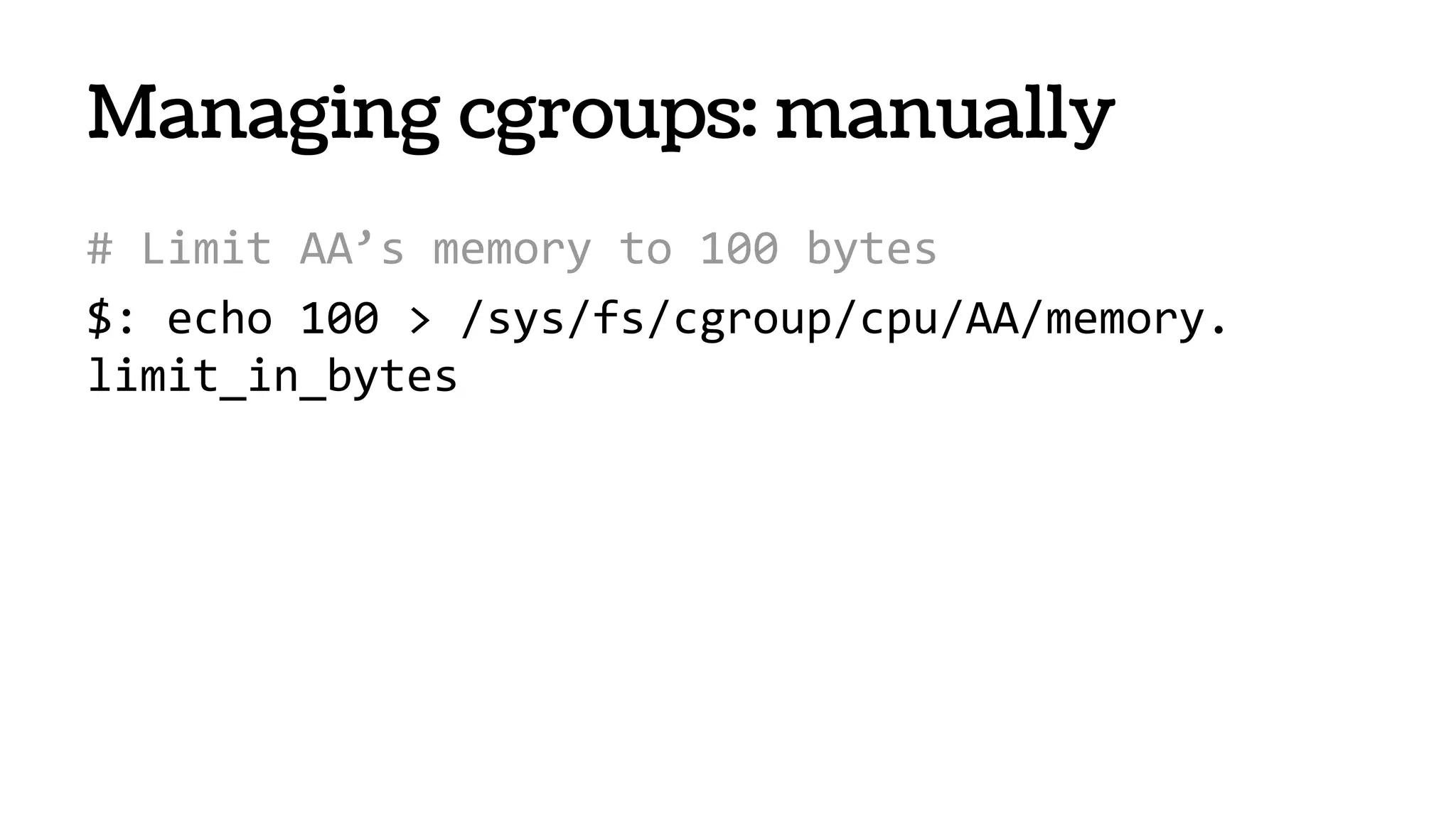
# Limit AA’s memory to 100 bytes
$: echo 100 > /sys/fs/cgroup/cpu/AA/memory.
limit_in_bytes
Managing cgroups: manually
Creating cgroups: libcgroups
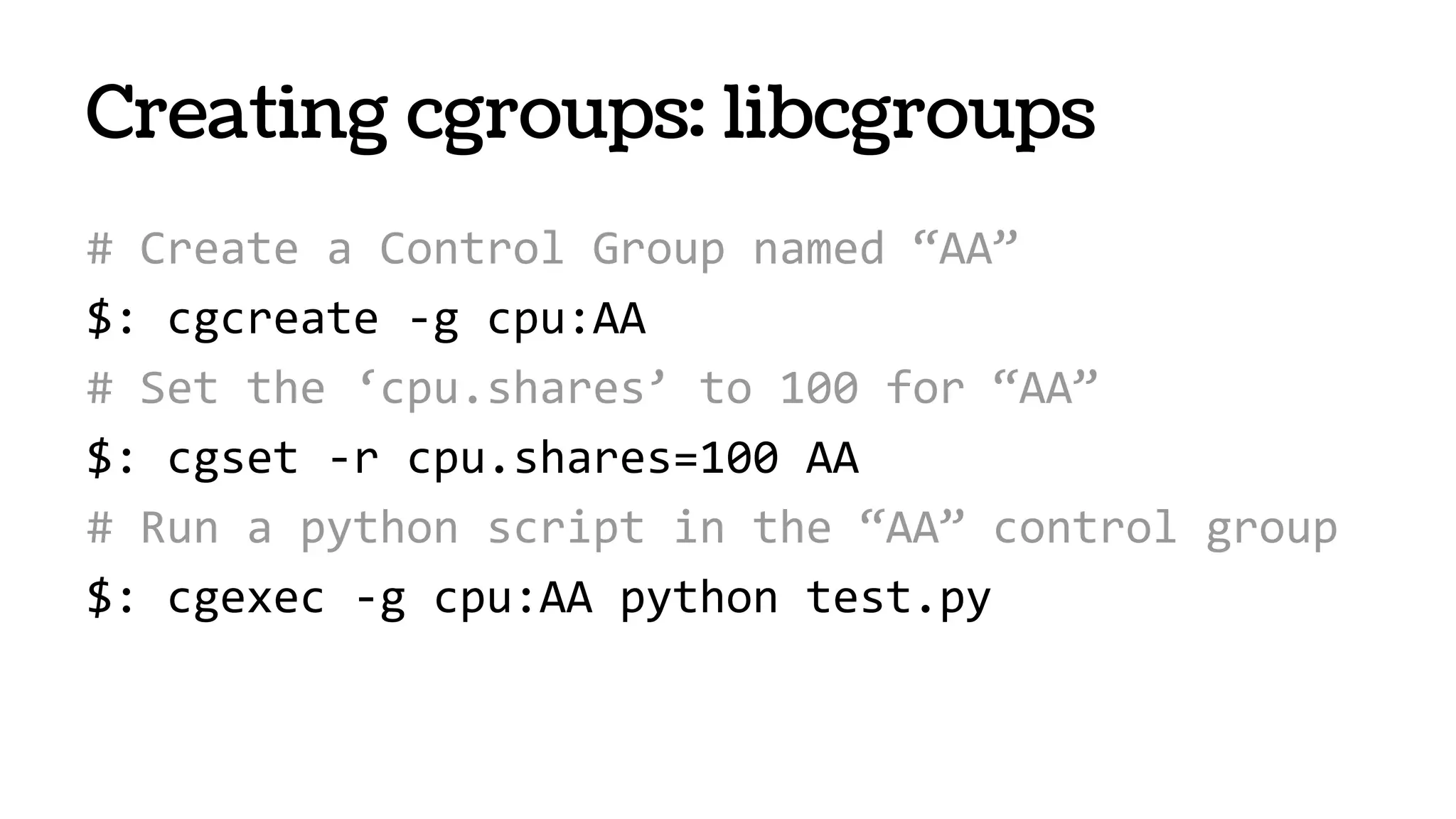
# Create a Control Group named “AA”
$: cgcreate -g cpu:AA
# Set the ‘cpu.shares’ to 100 for “AA”
$: cgset -r cpu.shares=100 AA
# Run a python script in the “AA” control group
$: cgexec -g cpu:AA python test.py
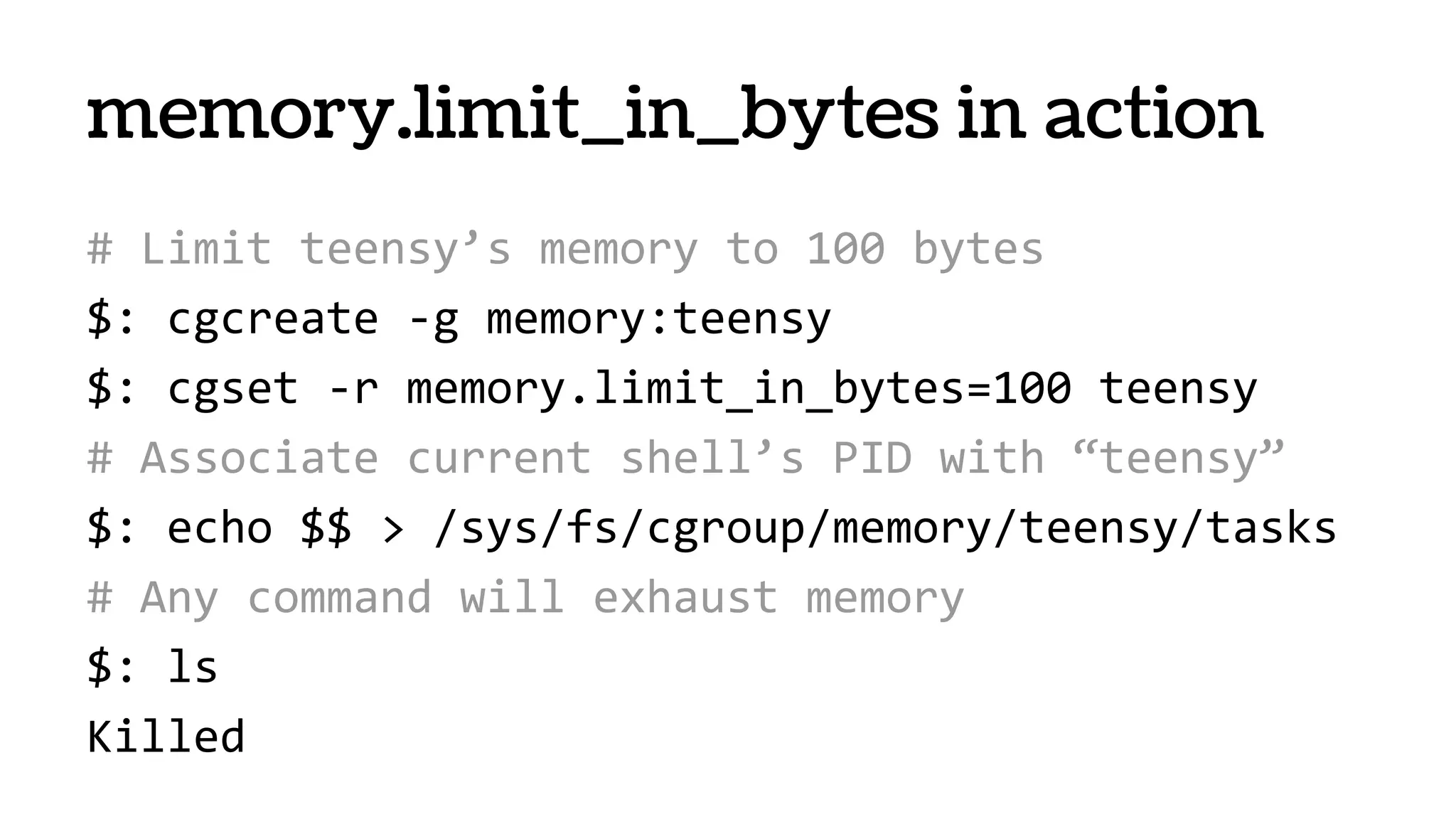
# Limit teensy’s memory to 100 bytes
$: cgcreate -g memory:teensy
$: cgset -r memory.limit_in_bytes=100 teensy
# Associate current shell’s PID with “teensy”
$: echo $$ > /sys/fs/cgroup/memory/teensy/tasks
# Any command will exhaust memory
$: ls
Killed
memory.limit_in_bytes in action
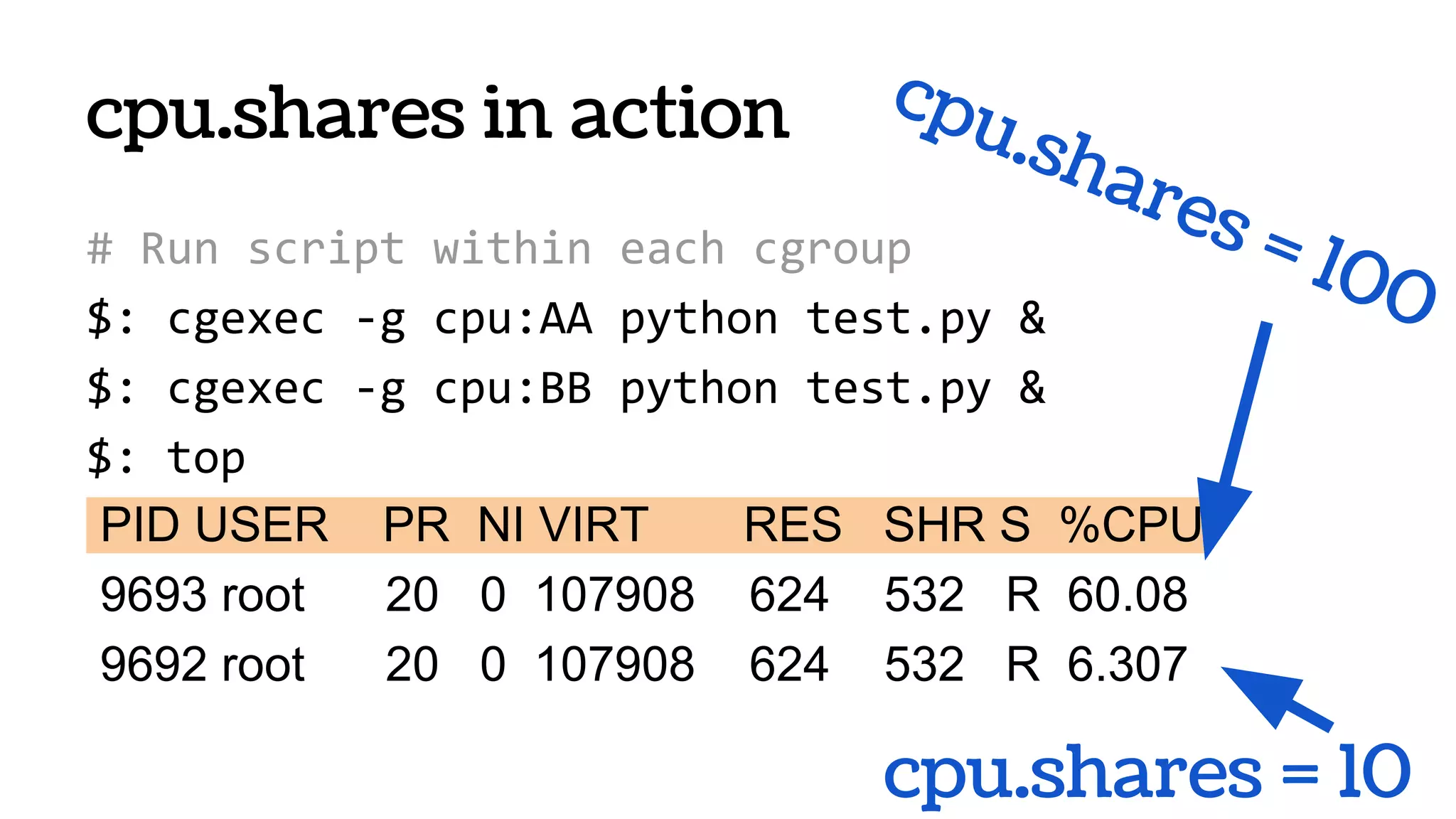
cpu.shares in action
PID USER PR NI VIRT RES SHR S %CPU
9693 root 20 0 107908 624 532 R 60.08
9692 root 20 0 107908 624 532 R 6.307
cpu.shares = 100
cpu.shares = 10
# Run script within each cgroup
$: cgexec -g cpu:AA python test.py &
$: cgexec -g cpu:BB python test.py &
$: top
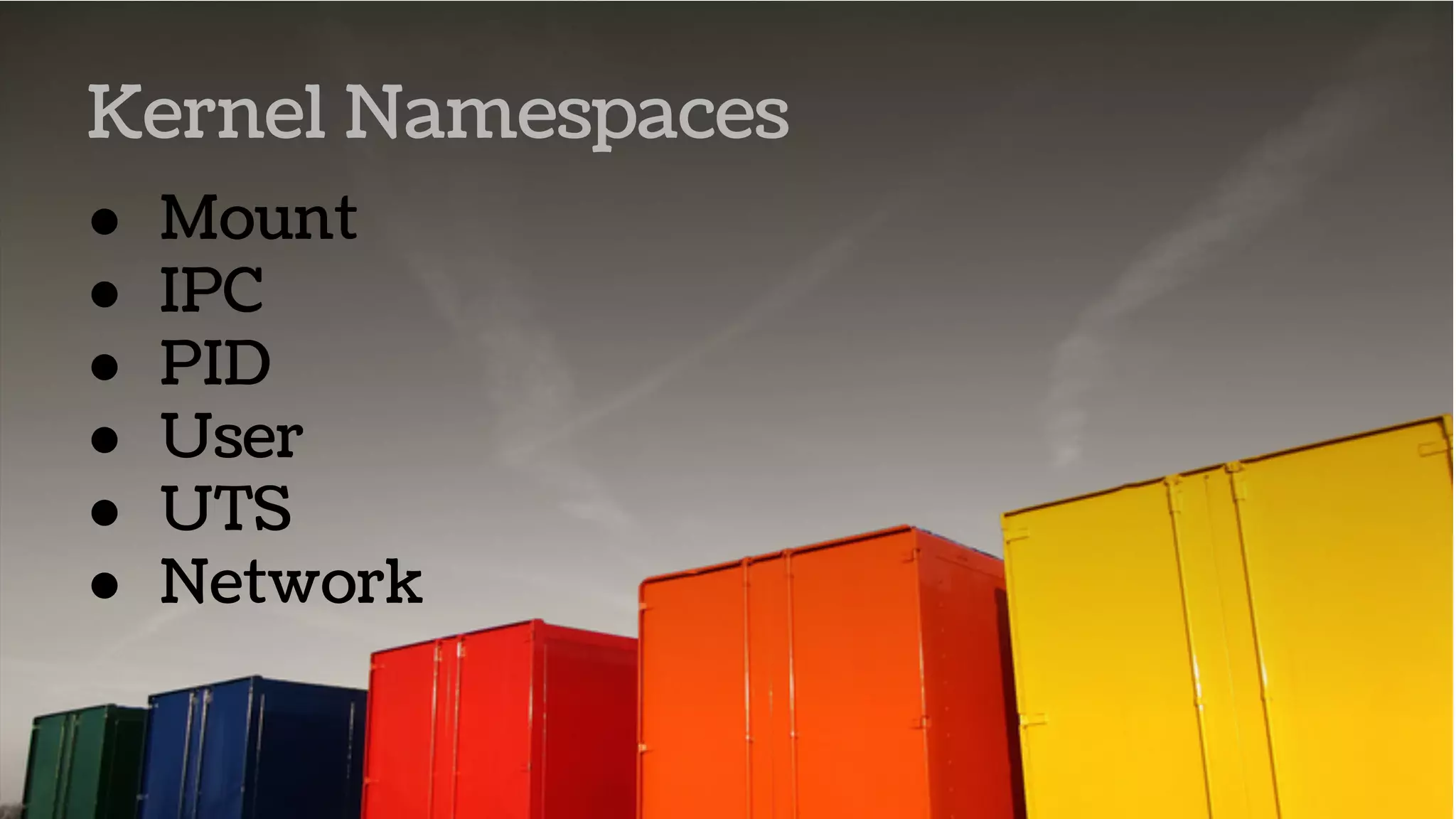
● Mount
● IPC
● PID
● User
● UTS
● Network
Kernel Namespaces
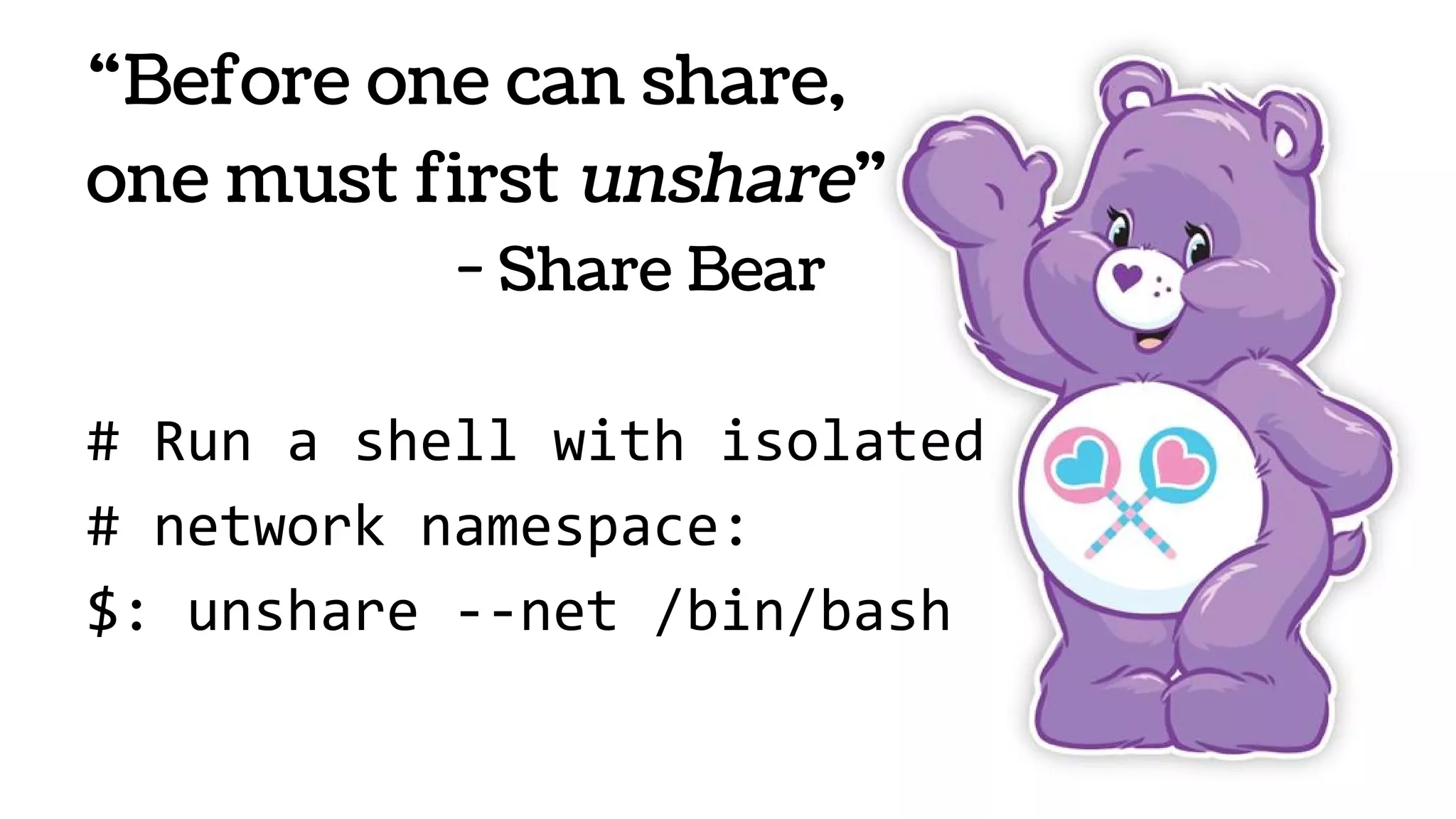
“Before one can share,
one must first unshare”
- Share Bear
# Run a shell with isolated
# network namespace:
$: unshare --net /bin/bash
Container Frameworks
LXC
● The liblxc library
● Several language bindings (python3, lua,
ruby and Go)
● A set of standard tools to control the
containers
● Container templates
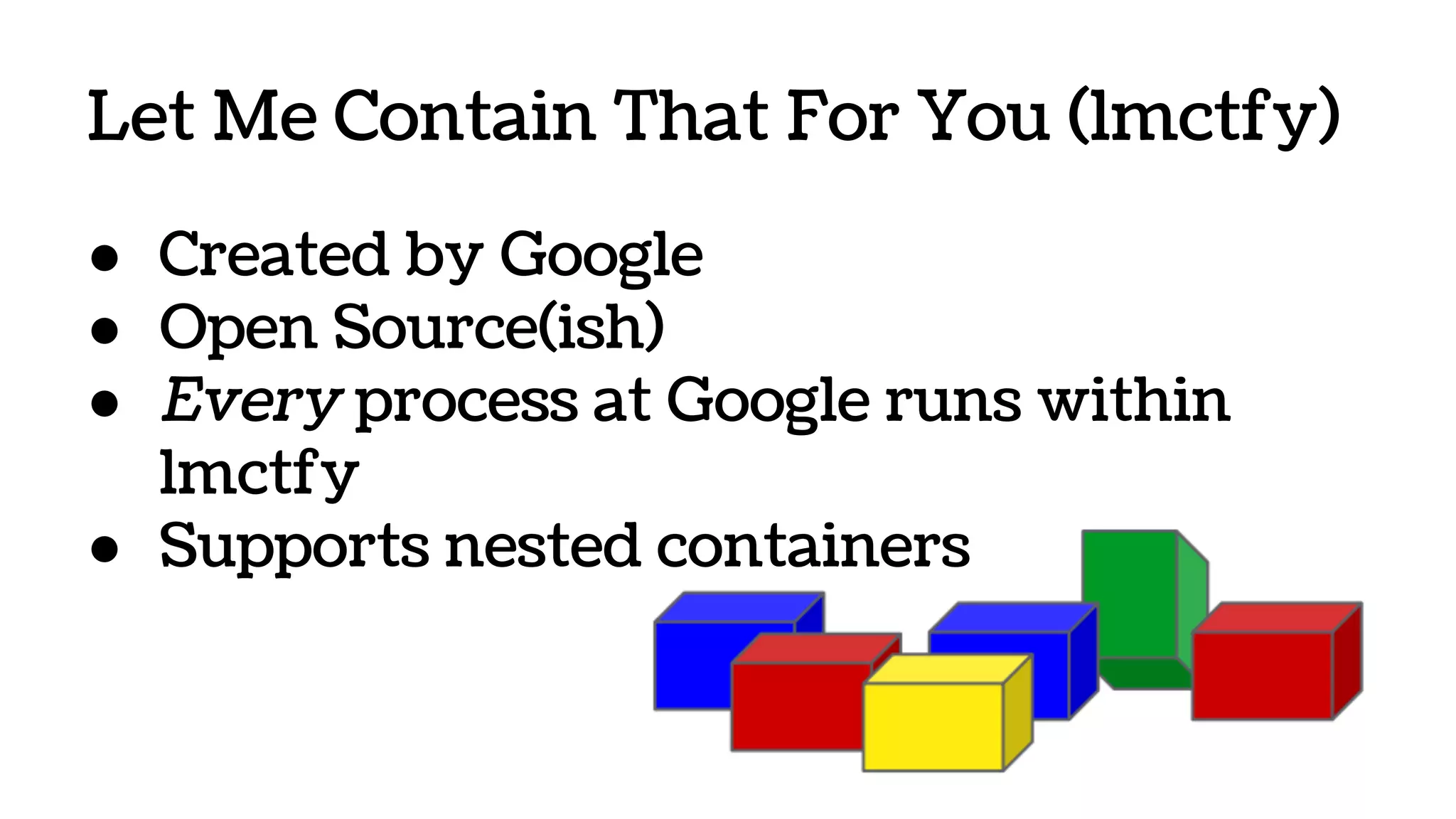
Let Me Contain That For You (lmctfy)
● Created by Google
● Open Source(ish)
● Every process at Google runs within
lmctfy
● Supports nested containers
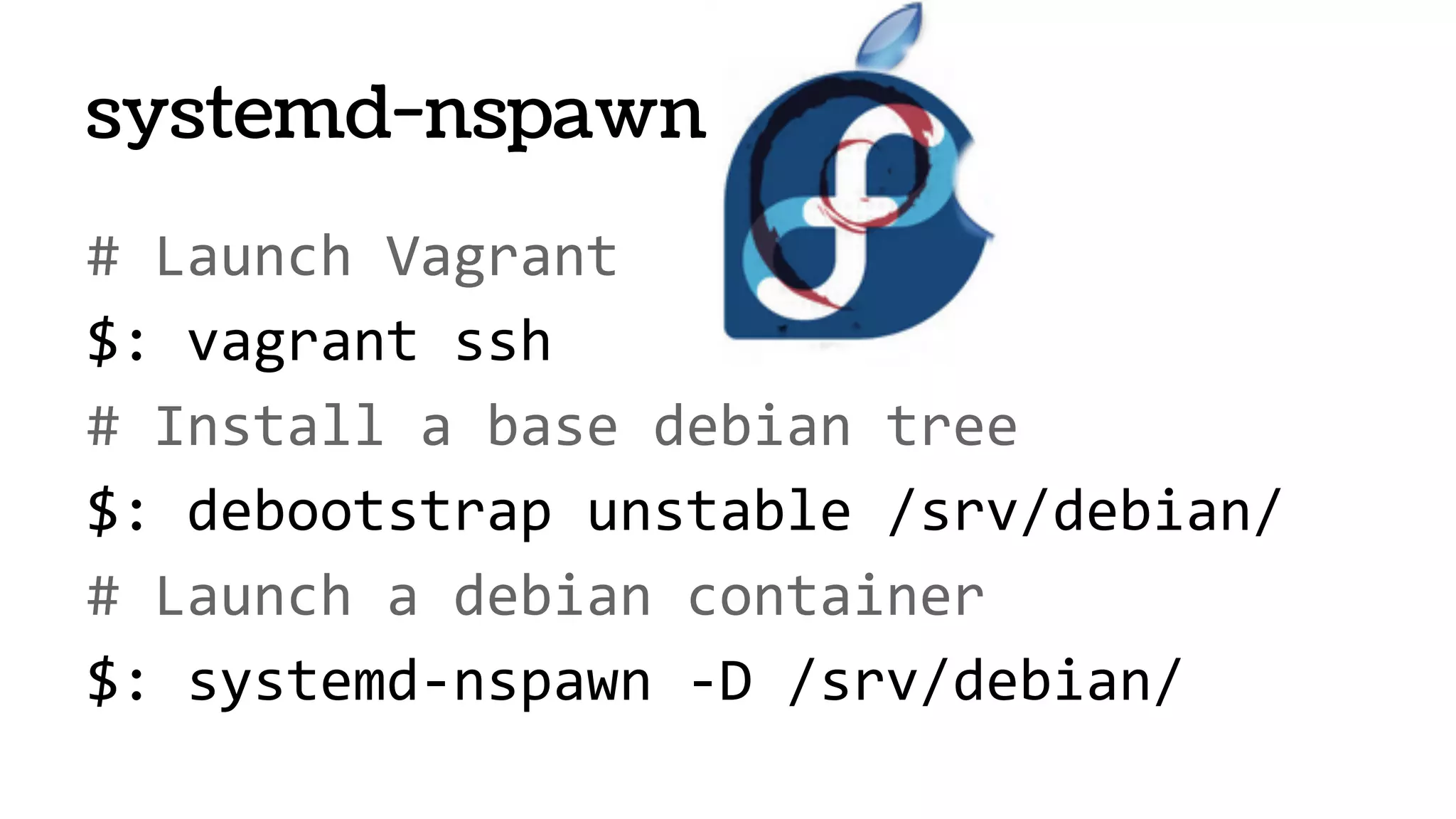
systemd-nspawn
● From systemd project “PID EINS!”
● Will ship with all Fedora, RHEL, Ubuntu1
[1] It will ship even with you on board
https://speakerdeck.com/joemiller/systemd-for-sysadmins-what-to-expect-from-your-new-service-
overlord
# Launch Vagrant
$: vagrant ssh
# Install a base debian tree
$: debootstrap unstable /srv/debian/
# Launch a debian container
$: systemd-nspawn -D /srv/debian/
systemd-nspawn
Docker
“In its early age, the dotCloud platform used
plain LXC (Linux Containers)....The platform evolved,
bearing less and less similarity with usual Linux
Containers.”1
[1] http://blog.dotcloud.com/under-the-hood-linux-kernels-on-dotcloud-part
[2] https://prague2013.drupal.org/session/automate-drupal-deployments-linux-containers-docker-and-
vagrant
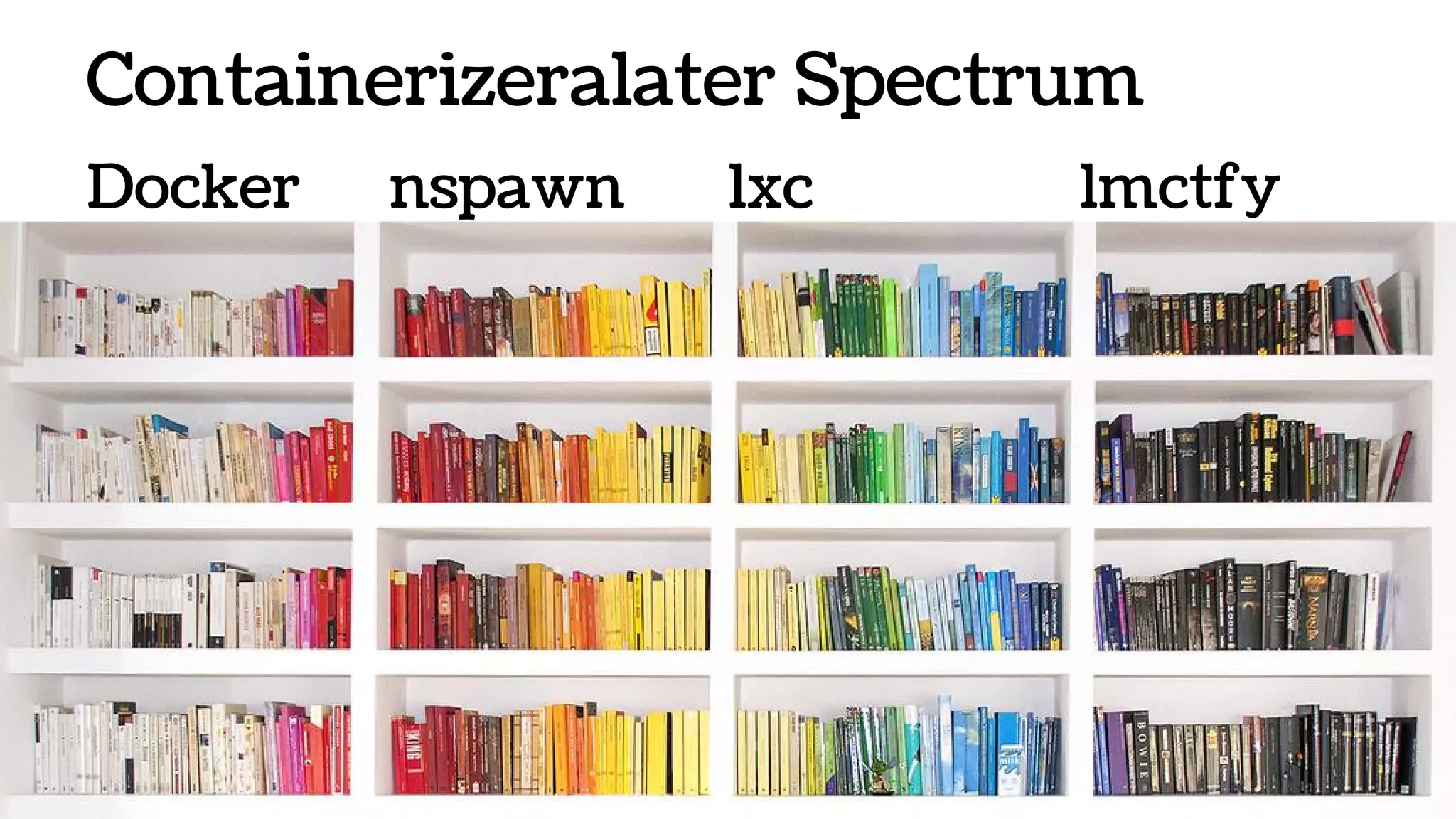
Containerizeralater Spectrum
Docker nspawn lxc lmctfy
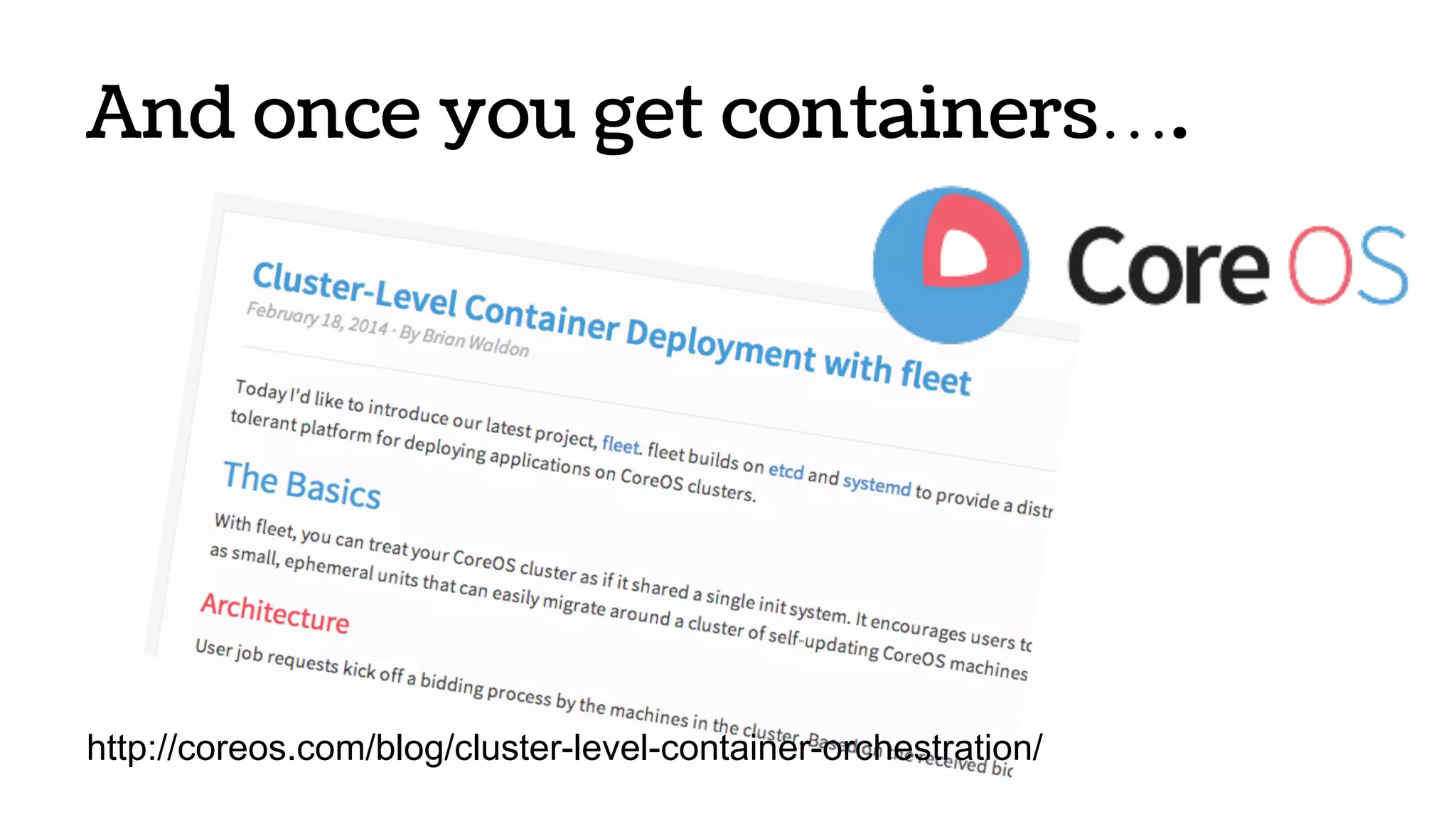
And once you get containers….
http://coreos.com/blog/cluster-level-container-orchestration/
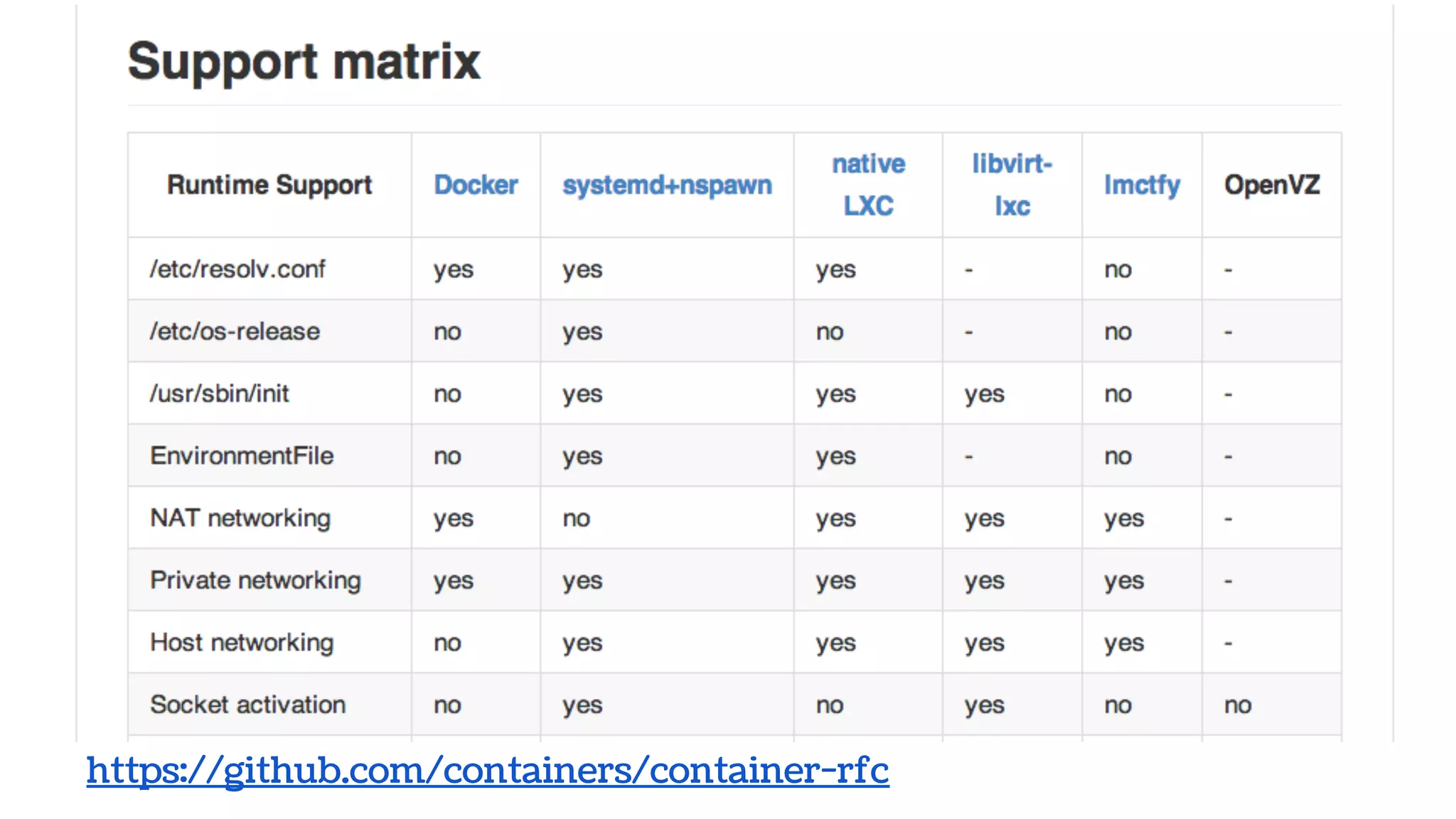
Container Managers
https://github.com/containers/container-rfc
Thanks!
Questions?
Here or @davidstrauss
?
Photo Attributions
● Containers
● Virtualization Diagram
● Sliced Pie
● Train
● Robots
● Videoconferencing
● Timesharing
● Containers graph
● Transportation efficiency graph

Containers > VMs

  • 1.
  • 2.
    About Me ● Drupal ○Infrastructure ○ Security ○ Performance/scalability ● systemd ○ Scalability ● Pantheon ○ CTO and Co-founder ○ Millions of containers
  • 3.
    Mo Servers, MoProblemsMo Servers, Mo Problems With Thanks to Nick Stielau’s…
  • 4.
    The Goals ofComputing 1. Making it Work 2. Making it Efficient ○ Running the software ○ Developer time 3. There is no #3
  • 5.
    Data centers take2% of US power. “Power, Pollution and the Internet,” New York Times, 2012
  • 6.
    We’re not usingit efficiently. “Host server CPU utilization in Amazon EC2 cloud,” Huan Liu's Blog, 2012 7.3% Average
  • 7.
    I’d like to sell youa time- share.
  • 8.
    A Brief Historyof Timesharing ● 1950s Batch processing ● 1970s Terminals and VMs on mainframes ● 1980s Client/server ● 1990s Thin GUI clients to servers ● 2000s Web clients connect to servers ● 2008s Web/mobile clients connect to cloud VMs
  • 9.
  • 10.
    Great About VMs:Consolidation
  • 11.
    “Skeuomorphs are storiesof utility frozen in time. A new kind of affordance—a cultural affordance—that provides the context we need to understand the possibilities for action. They don’t work because they coddle or educate the user—digital wood grain shelves and page-flips didn’t teach people how to read ebooks—they work because they leverage a user’s past experience and apply that understanding to something new.” John Payne, “Does Skeuomorphic Design Matter?” Great About VMs: Familiarity
  • 12.
  • 13.
    Great About VMs:Portable Unit Migration, failover, high availability, consistent hypervisors, consistent images
  • 14.
    Great About VMs:Automation
  • 15.
    Great About VMs: Maturityand Efficiency 99% Efficient at Running the OS and Application
  • 16.
  • 17.
    Exactly! Why stopat virtualization?
  • 18.
  • 19.
    An Amended History:Containers ● 1986 AIX 6.1 with Workload Partitions ● 2000 FreeBSD 4.0 with Jails ● 2005 Solaris 10 with Zones ● 2007 Google lands cgroups in the Linux kernel ● 2010 systemd ● 2013 Docker and CoreOS ● 2014 LXC 1.0 and geard
  • 20.
  • 21.
    “Skeuomorphs are materialmetaphors instantiated through our technologies in artifacts. They provide us with familiar cues to an unfamiliar domain, sometimes lighting our paths, sometimes leading us astray.” Nicholas Gessler, “Skeuomorphs and Cultural Algorithms” Familiar Doesn’t Make It Good
  • 22.
    Tiny Container Slicesare Useful Rackspace retired 256MB VMs because you couldn’t run an OS and a useful workload in that space. Containers only need the resources for an application.
  • 23.
    Efficiency in aNew Category Trains and planes are efficient, but not compared to making travel unnecessary. Containers don’t need to run an operating system.
  • 24.
    Containers are Portable —and Lighter Migration of Application vs. Full OS
  • 25.
  • 26.
    Time to container $:systemd-nspawn -D /srv/debian/ date Spawning namespace container on /srv/debian. Init process in the container running as PID 9159. Tue Jun 3 17:32:14 UTC 2014 real 0m0.007s user 0m0.001s real 0m0.007s
  • 27.
  • 28.
    Density at Pantheon 30GB servers /150 containers = 205MB each
  • 29.
    Container Provisioning Mostly < 20seconds fully configured Some are on bare metal!
  • 30.
    The Bones ofContainers
  • 31.
    Containers are based onthe CGroups and Namespaces functionality on the Linux kernel
  • 32.
    cgroups is merely ahierarchy of processes All processes Development processes PHP-FPM Drush Production processes Drush Rsync 75% 25%
  • 33.
    cgroups is merely ahierarchy of processes All processes Processes for people I don’t like PHP-FPM Drush Processes for people I like Drush Rsync 2%98%
  • 34.
    cgroups submodules akaControllers ● memory: Memory controller ● cpuset: CPU set controller ● cpuacct: CPU accounting controller ● cpu: CPU scheduler controller ● devices: Devices controller ● blkio: I/O controller for block devices ● net_cls: Network Class controller ● ...
  • 35.
    Kernel Interaction: /proc,/sys/fs # Inspect ip forwarding setting $: cat /proc/sys/net/ipv4/ip_forward # Turn ip forwarding off/on $: echo "0" > /proc/sys/net/ipv4/ip_forward $: echo "1" > /proc/sys/net/ipv4/ip_forward
  • 36.
    # Examine filedescriptors used by nginx.. $: ls -l /proc/$NGINX_PID/fd/ lrwx------ 1 root Jun 3 13:48 0 -> /dev/null lrwx------ 1 root Jun 3 13:48 10 -> socket:[64376] l-wx------ 1 root Jun 3 13:48 2 -> /var/log/nginx-access.log # Nuke logs $: rm -rf /var/log/nginx-access.log # Read log (even after you rm -rf’d it!) $: tail /proc/$NGINX_PID/fd/2 62.211.78.166 - - [05/May/2014:10:00:54 +0000] "GET /vtiger.php Kernel Interaction: /proc, /sys/fs
  • 37.
    # Create aControl Group named “AA” $: mkdir /sys/fs/cgroup/memory/AA # New directory magically contains... $: ls /sys/fs/cgroup/memory/AA cgroup.clone_children memory.kmem.usage_in_bytes memory. limit_in_bytes cgroup.procs memory. max_usage_in_bytes … ... Managing cgroups: manually
  • 38.
    # Limit AA’smemory to 100 bytes $: echo 100 > /sys/fs/cgroup/cpu/AA/memory. limit_in_bytes Managing cgroups: manually
  • 39.
    Creating cgroups: libcgroups #Create a Control Group named “AA” $: cgcreate -g cpu:AA # Set the ‘cpu.shares’ to 100 for “AA” $: cgset -r cpu.shares=100 AA # Run a python script in the “AA” control group $: cgexec -g cpu:AA python test.py
  • 40.
    # Limit teensy’smemory to 100 bytes $: cgcreate -g memory:teensy $: cgset -r memory.limit_in_bytes=100 teensy # Associate current shell’s PID with “teensy” $: echo $$ > /sys/fs/cgroup/memory/teensy/tasks # Any command will exhaust memory $: ls Killed memory.limit_in_bytes in action
  • 41.
    cpu.shares in action PIDUSER PR NI VIRT RES SHR S %CPU 9693 root 20 0 107908 624 532 R 60.08 9692 root 20 0 107908 624 532 R 6.307 cpu.shares = 100 cpu.shares = 10 # Run script within each cgroup $: cgexec -g cpu:AA python test.py & $: cgexec -g cpu:BB python test.py & $: top
  • 42.
    ● Mount ● IPC ●PID ● User ● UTS ● Network Kernel Namespaces
  • 43.
    “Before one canshare, one must first unshare” - Share Bear # Run a shell with isolated # network namespace: $: unshare --net /bin/bash
  • 44.
  • 45.
    LXC ● The liblxclibrary ● Several language bindings (python3, lua, ruby and Go) ● A set of standard tools to control the containers ● Container templates
  • 46.
    Let Me ContainThat For You (lmctfy) ● Created by Google ● Open Source(ish) ● Every process at Google runs within lmctfy ● Supports nested containers
  • 47.
    systemd-nspawn ● From systemdproject “PID EINS!” ● Will ship with all Fedora, RHEL, Ubuntu1 [1] It will ship even with you on board https://speakerdeck.com/joemiller/systemd-for-sysadmins-what-to-expect-from-your-new-service- overlord
  • 48.
    # Launch Vagrant $:vagrant ssh # Install a base debian tree $: debootstrap unstable /srv/debian/ # Launch a debian container $: systemd-nspawn -D /srv/debian/ systemd-nspawn
  • 49.
    Docker “In its earlyage, the dotCloud platform used plain LXC (Linux Containers)....The platform evolved, bearing less and less similarity with usual Linux Containers.”1 [1] http://blog.dotcloud.com/under-the-hood-linux-kernels-on-dotcloud-part [2] https://prague2013.drupal.org/session/automate-drupal-deployments-linux-containers-docker-and- vagrant
  • 50.
  • 51.
    And once youget containers…. http://coreos.com/blog/cluster-level-container-orchestration/
  • 52.
  • 53.
  • 54.
    Photo Attributions ● Containers ●Virtualization Diagram ● Sliced Pie ● Train ● Robots ● Videoconferencing ● Timesharing ● Containers graph ● Transportation efficiency graph