Conhecendo e utilizando Beacons e a
Nearby API para Android
Marcelo Quinta
@mrquinta
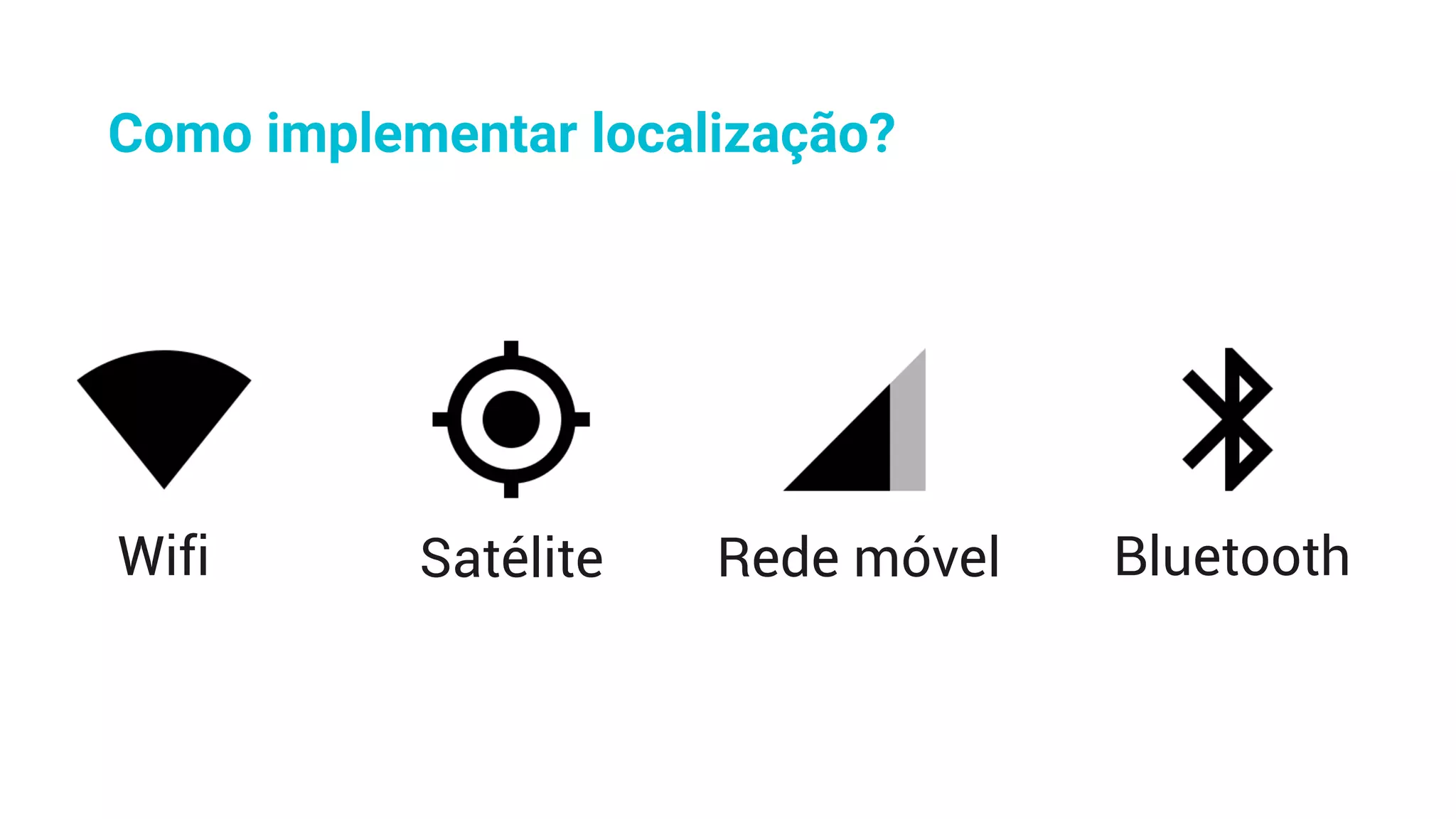
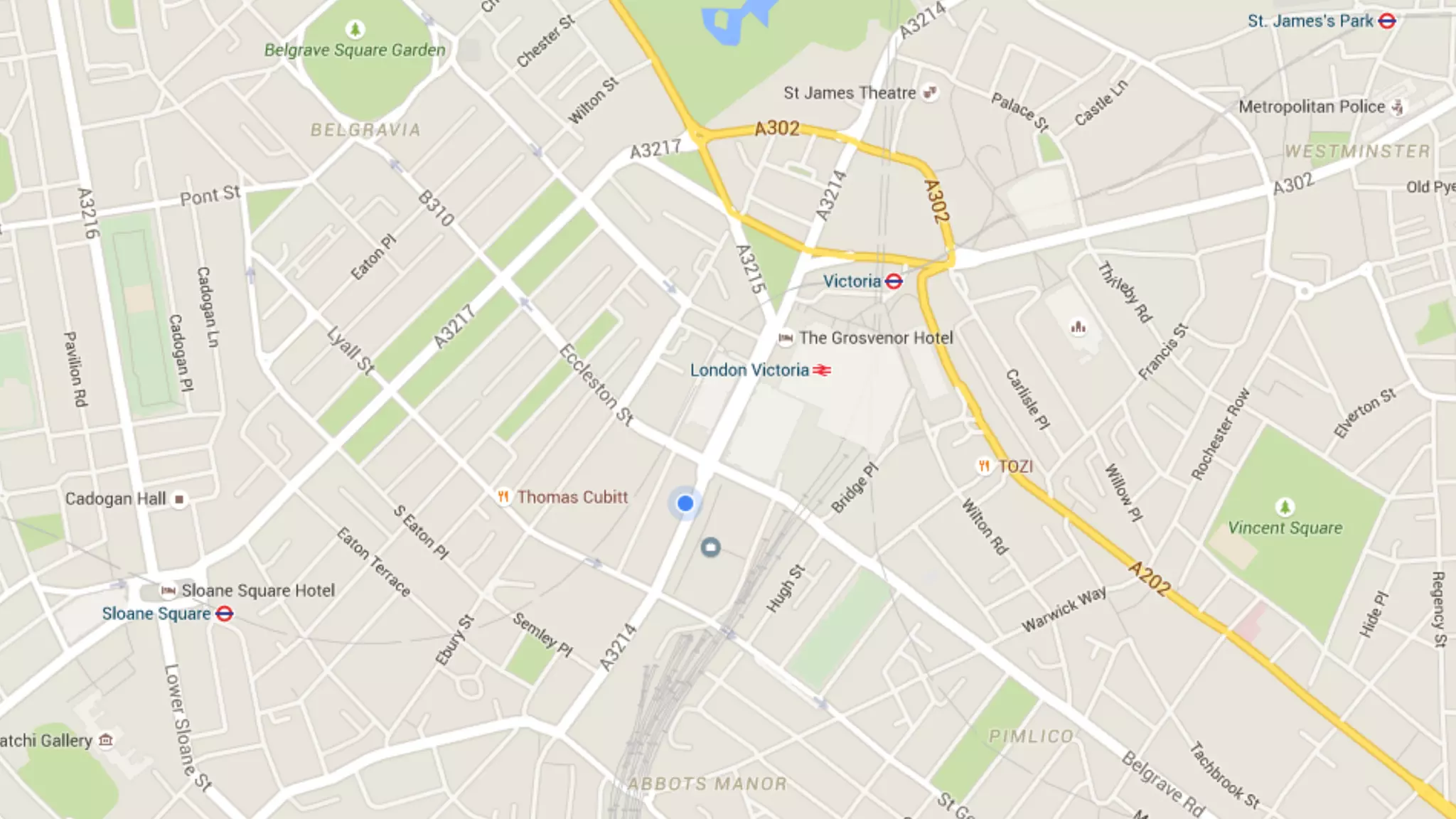
Como implementar localização?
Wifi Satélite Rede móvel Bluetooth
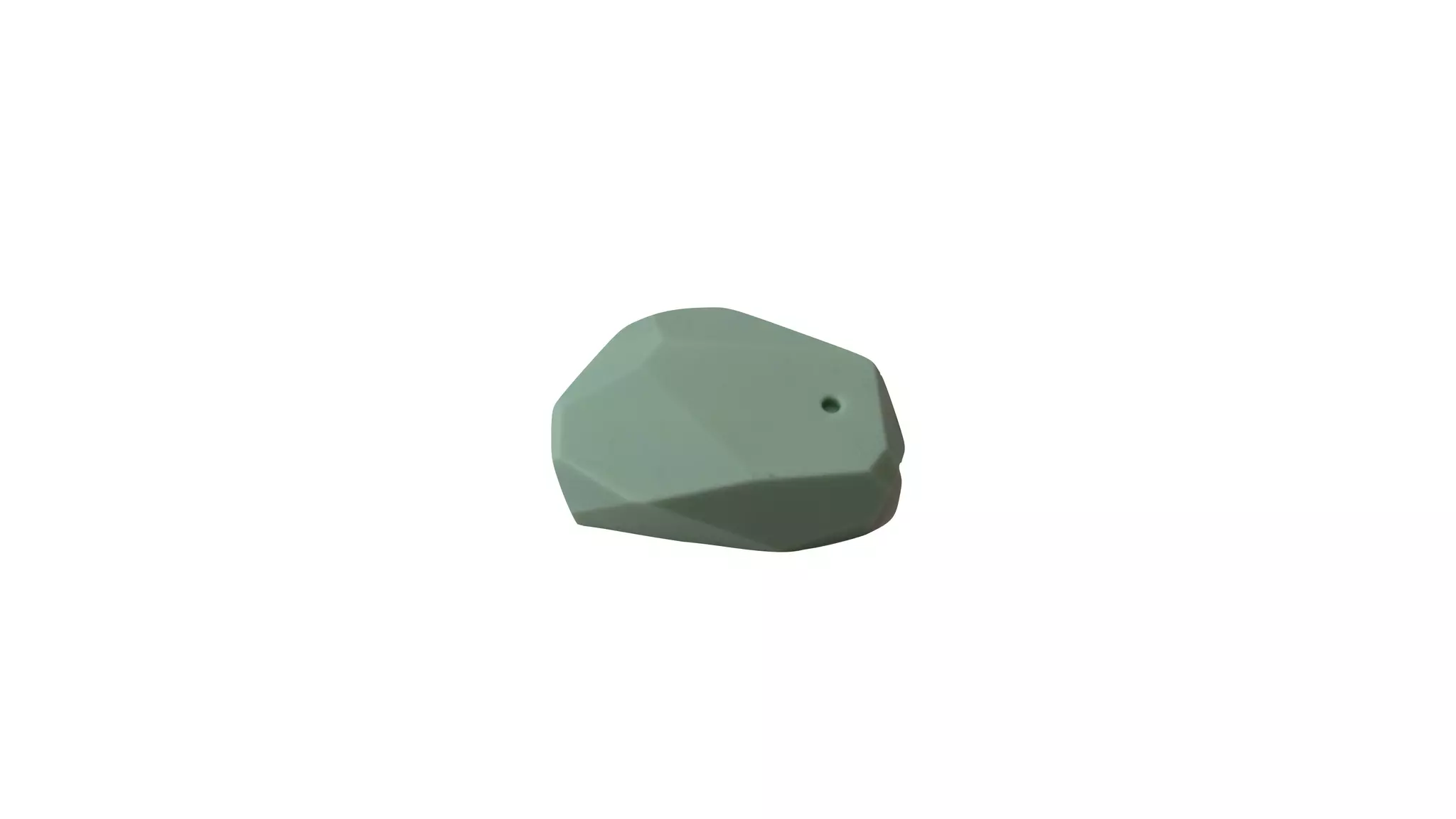
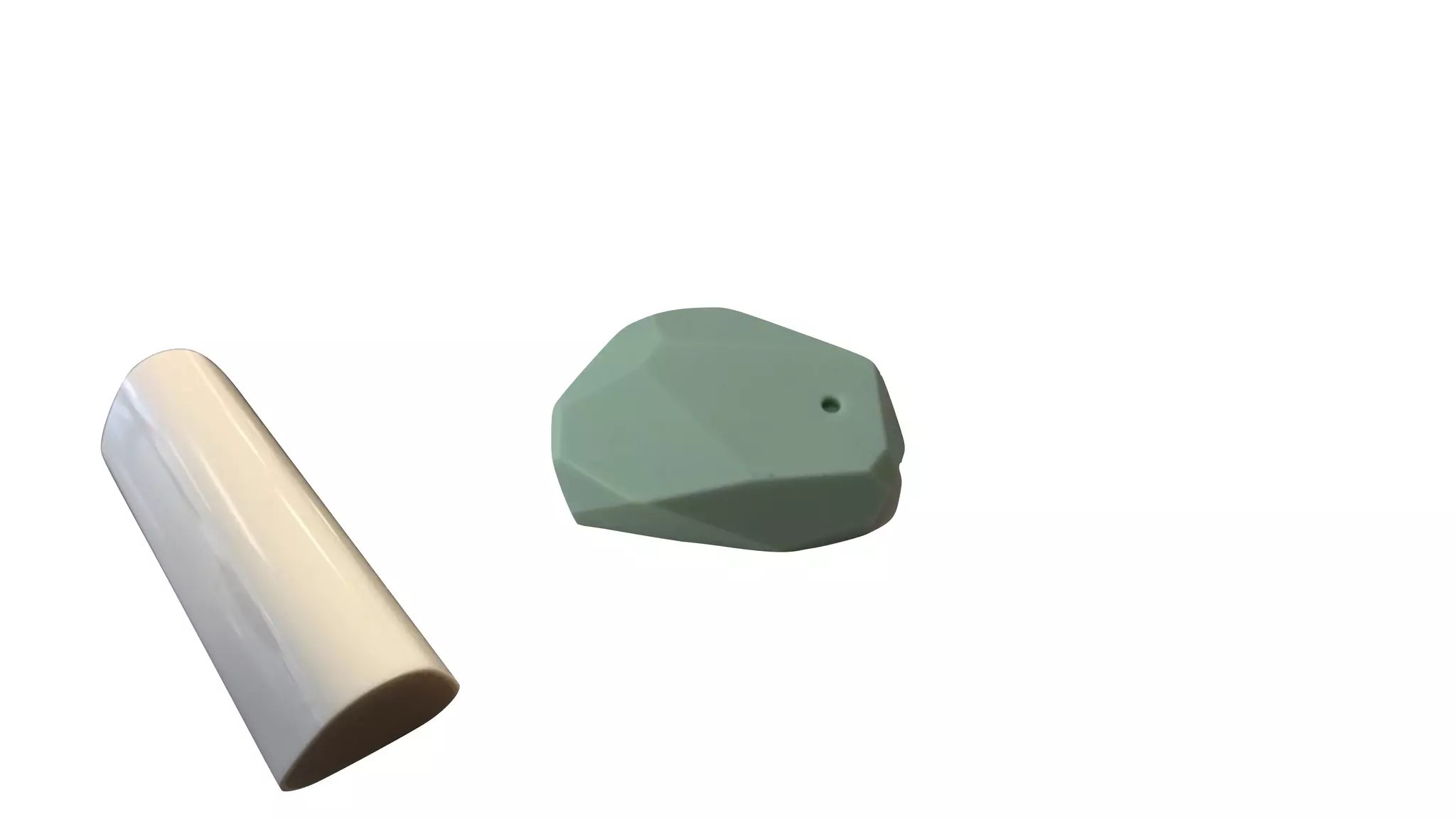
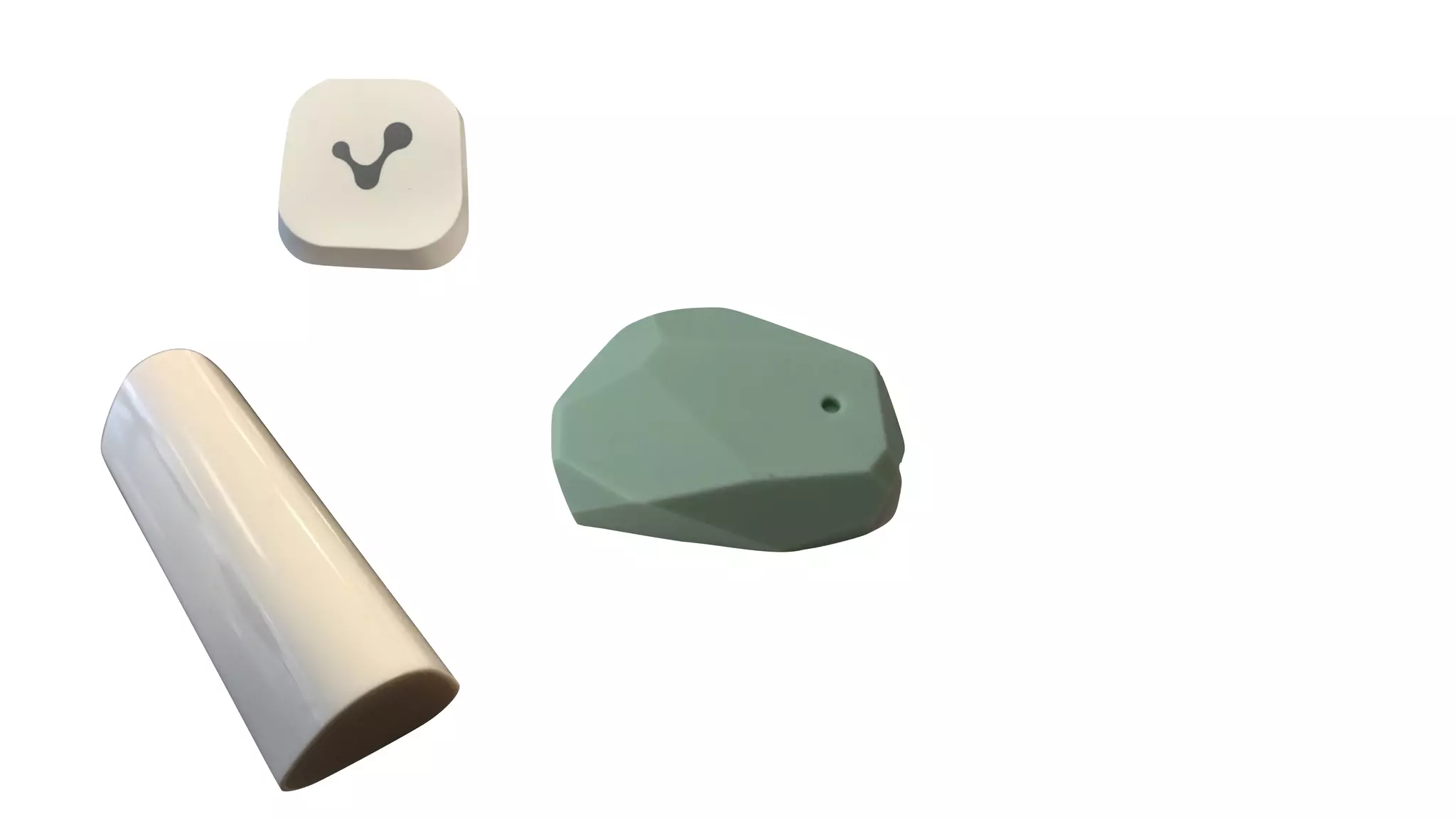
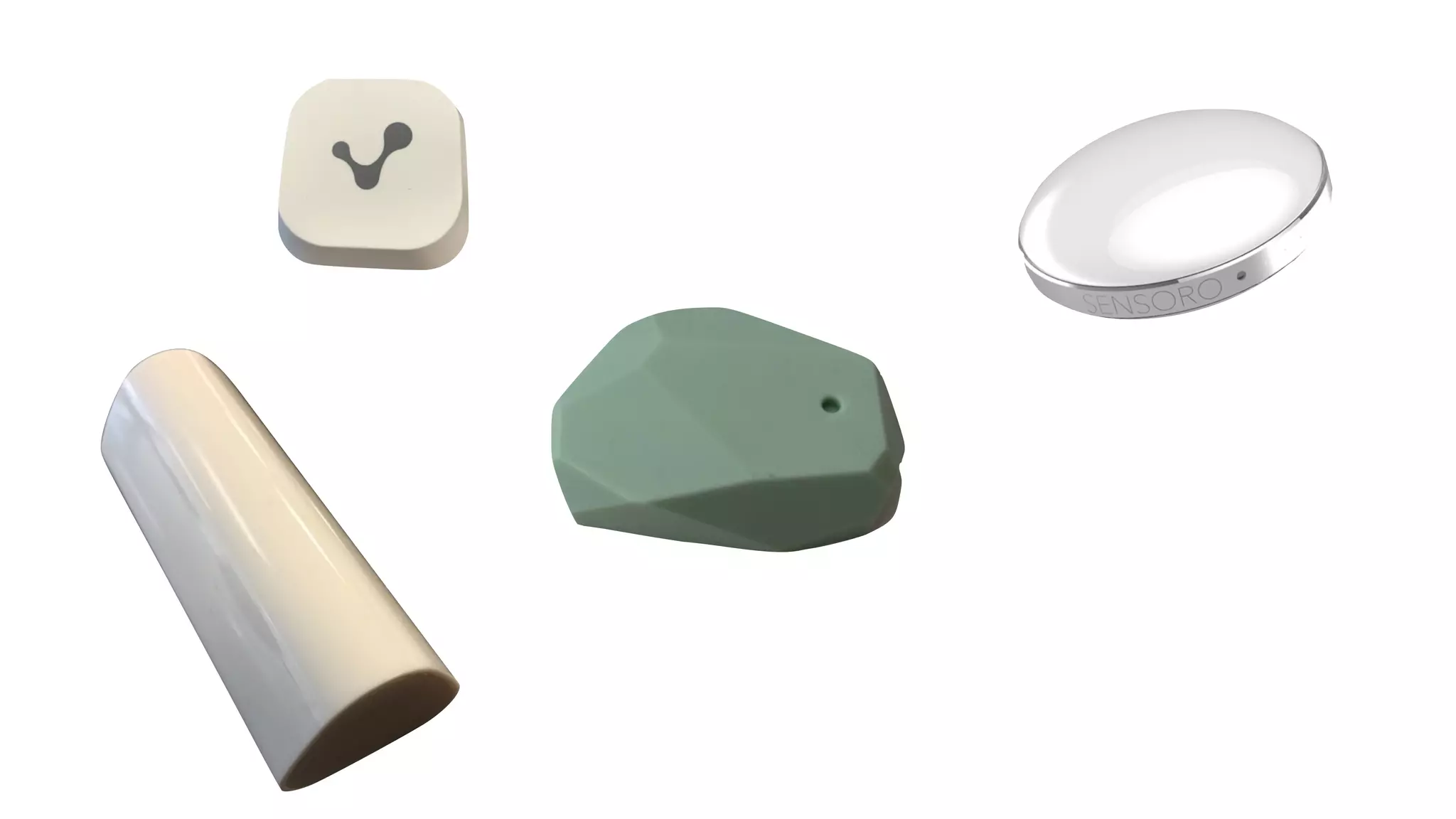
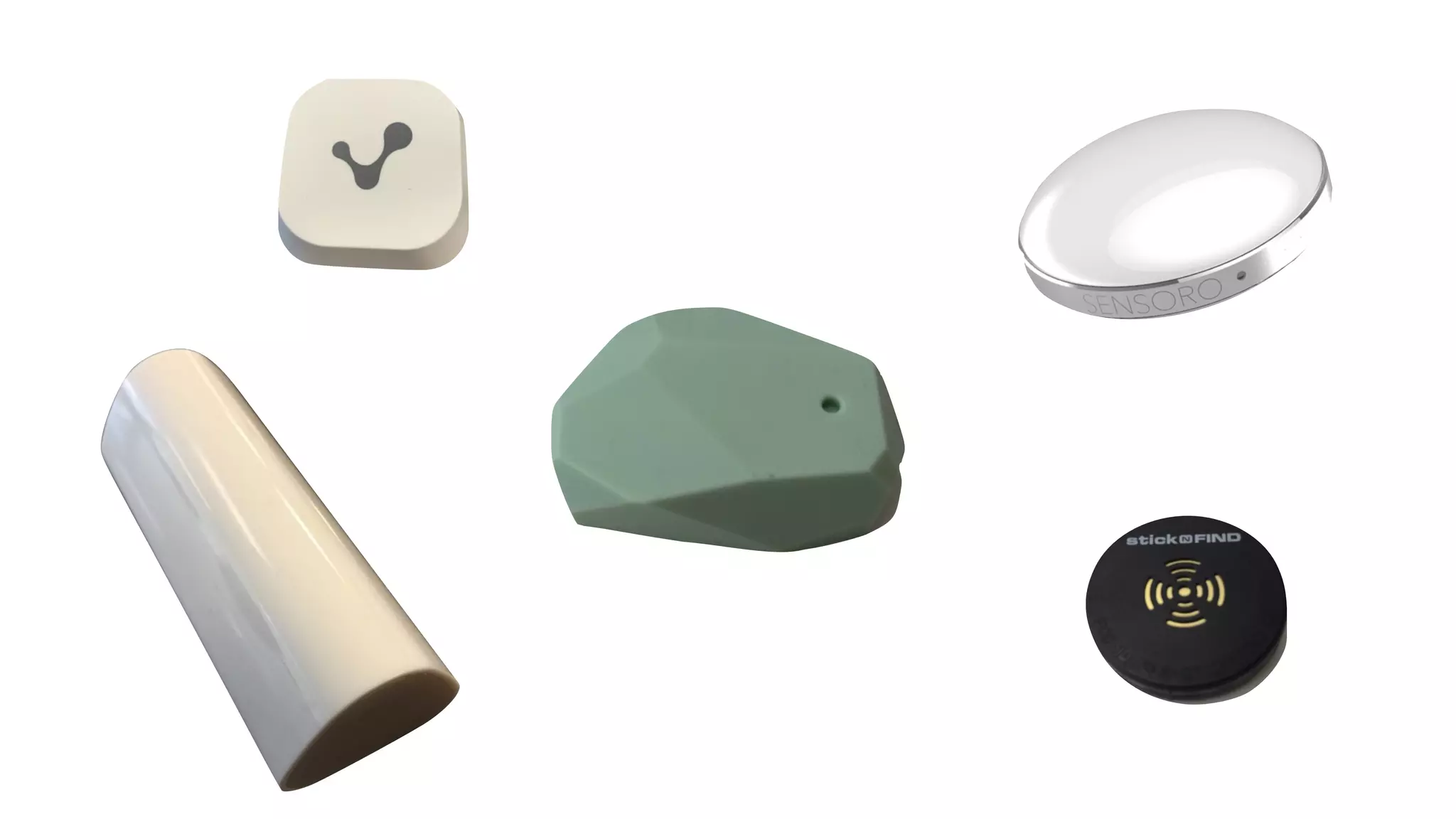
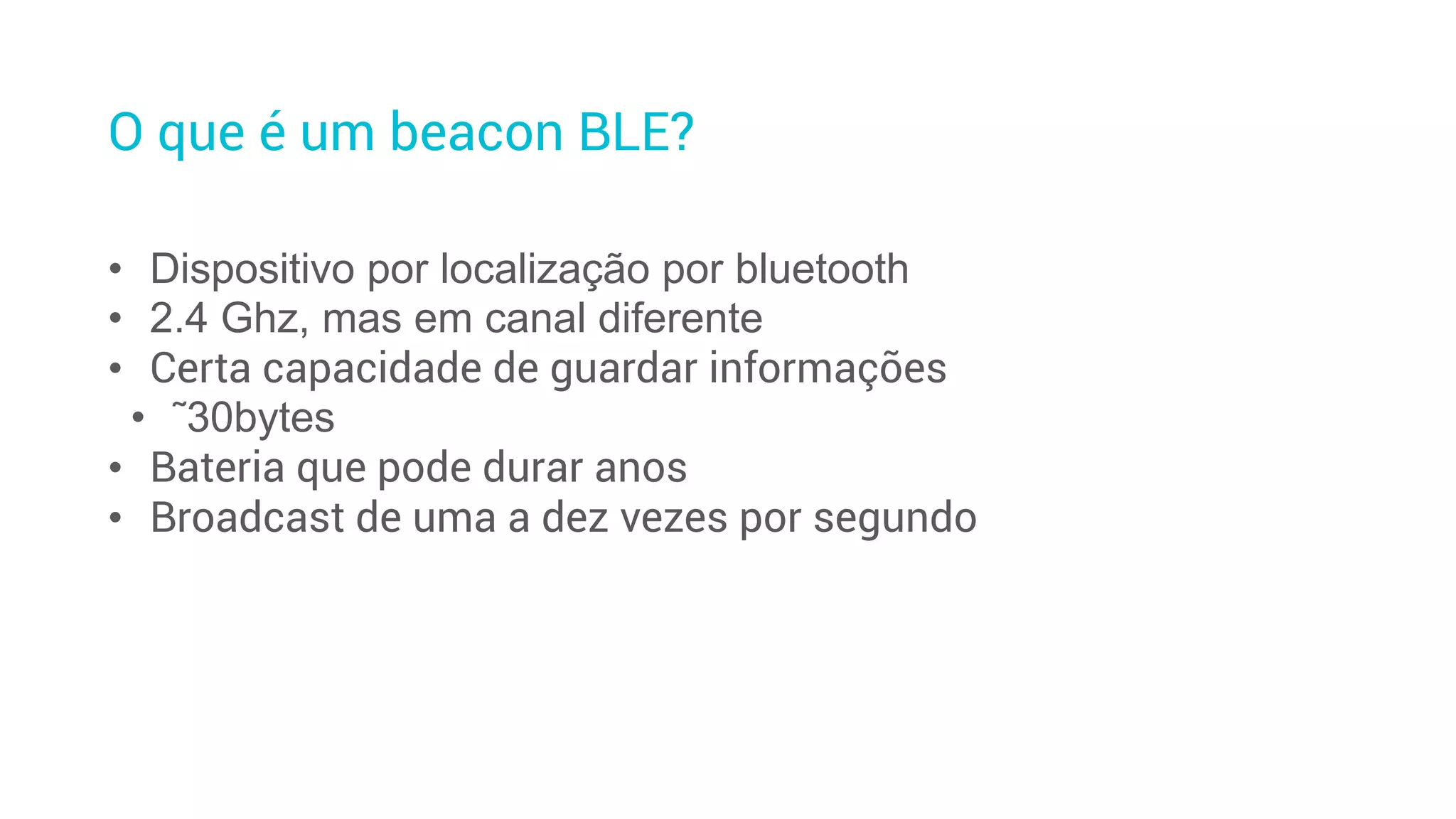
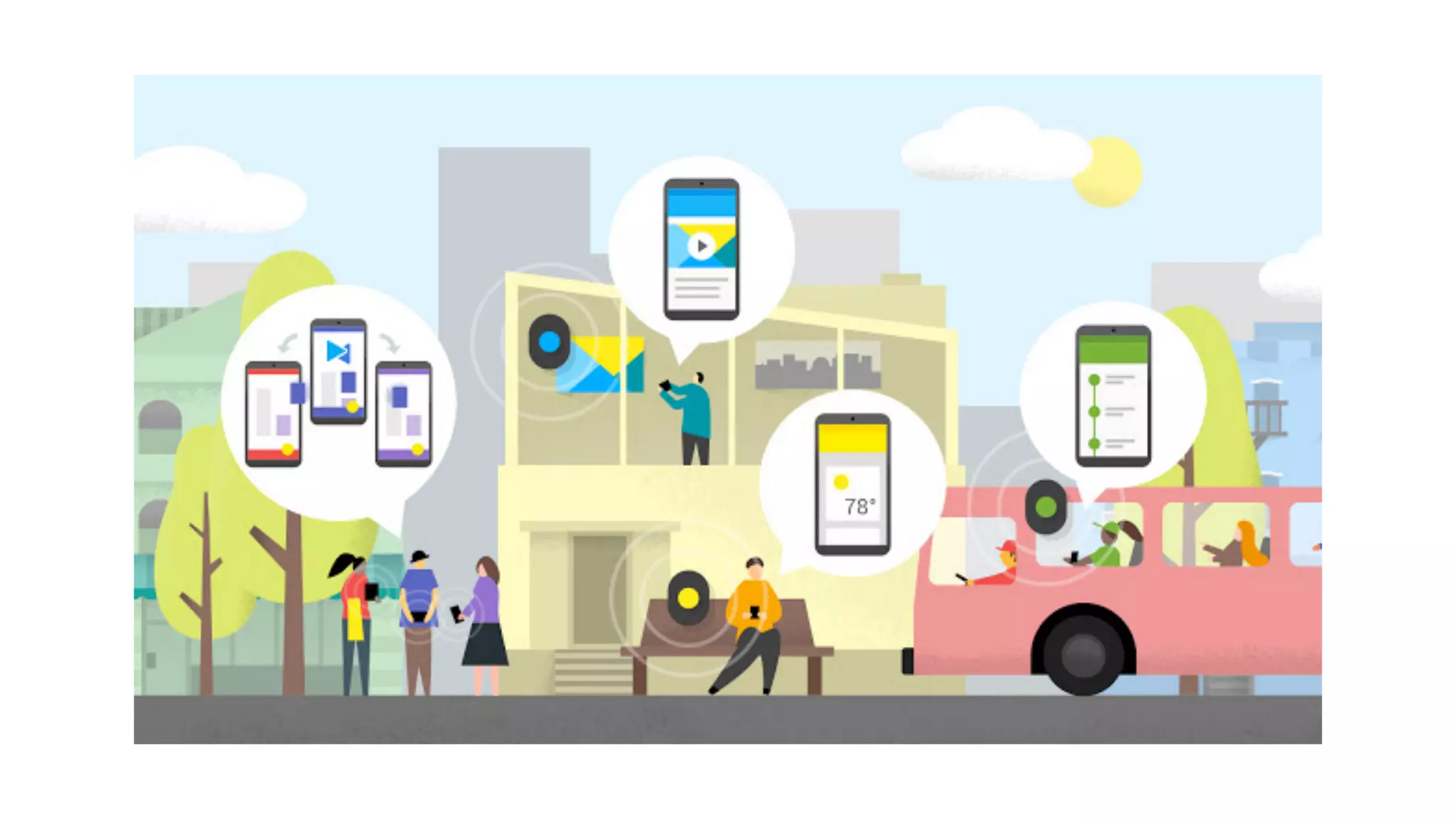
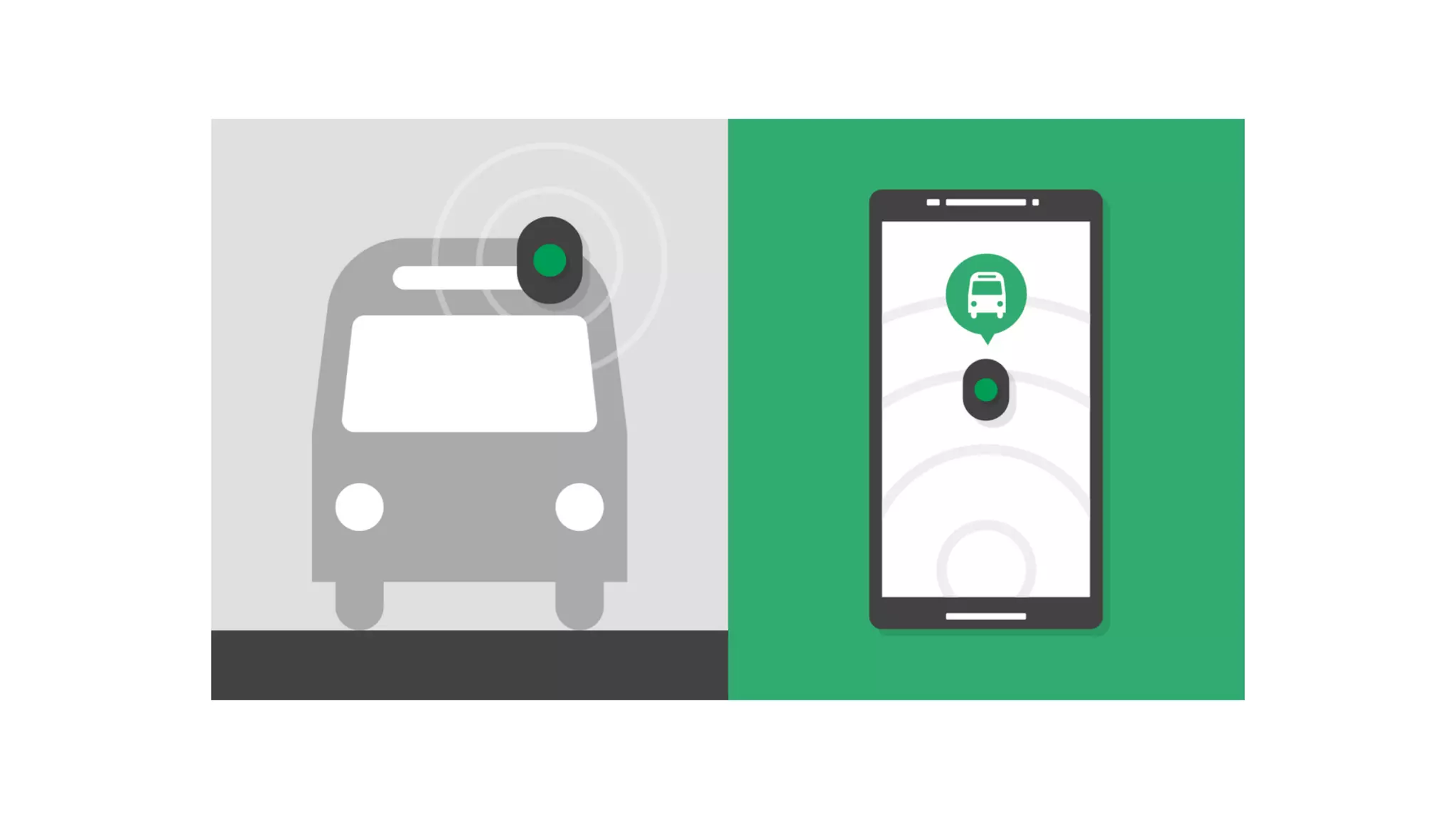
O que é um beacon BLE?
• Dispositivo por localização por bluetooth
• 2.4 Ghz, mas em canal diferente
• Certa capacidade de guardar informações
• ˜30bytes
• Bateria que pode durar anos
• Broadcast de uma a dez vezes por segundo
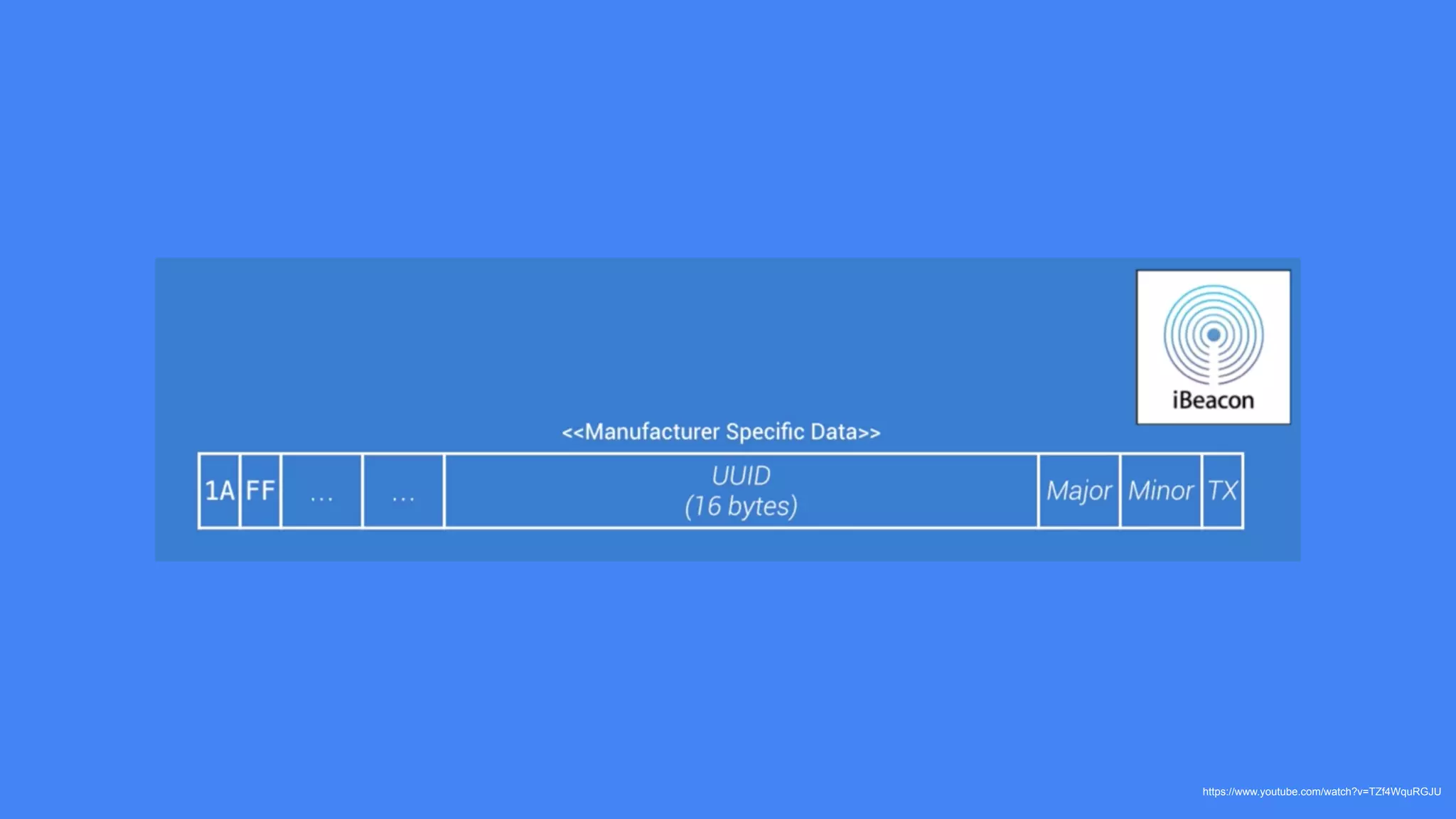
https://www.youtube.com/watch?v=TZf4WquRGJU
CONTEXTO
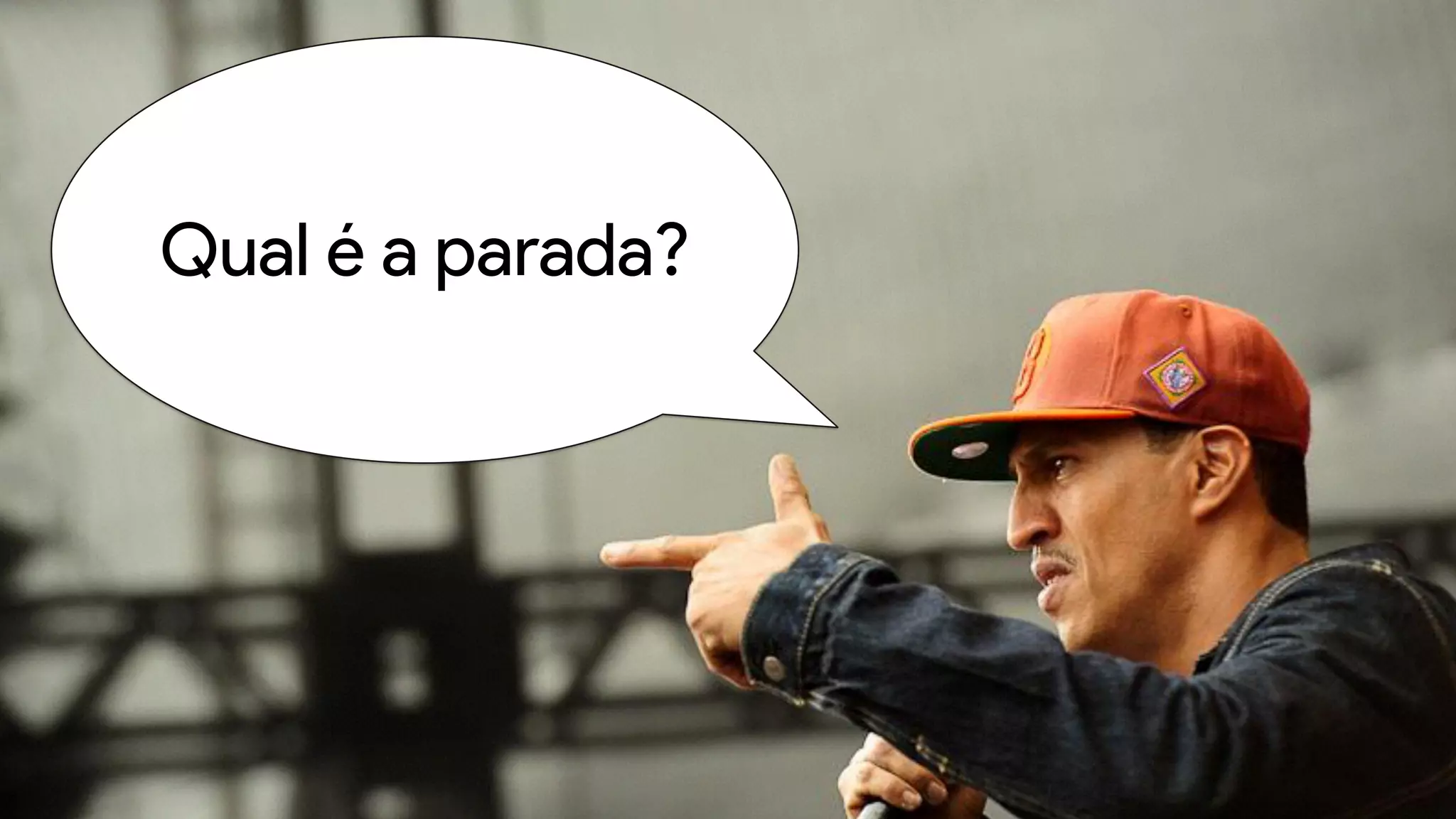
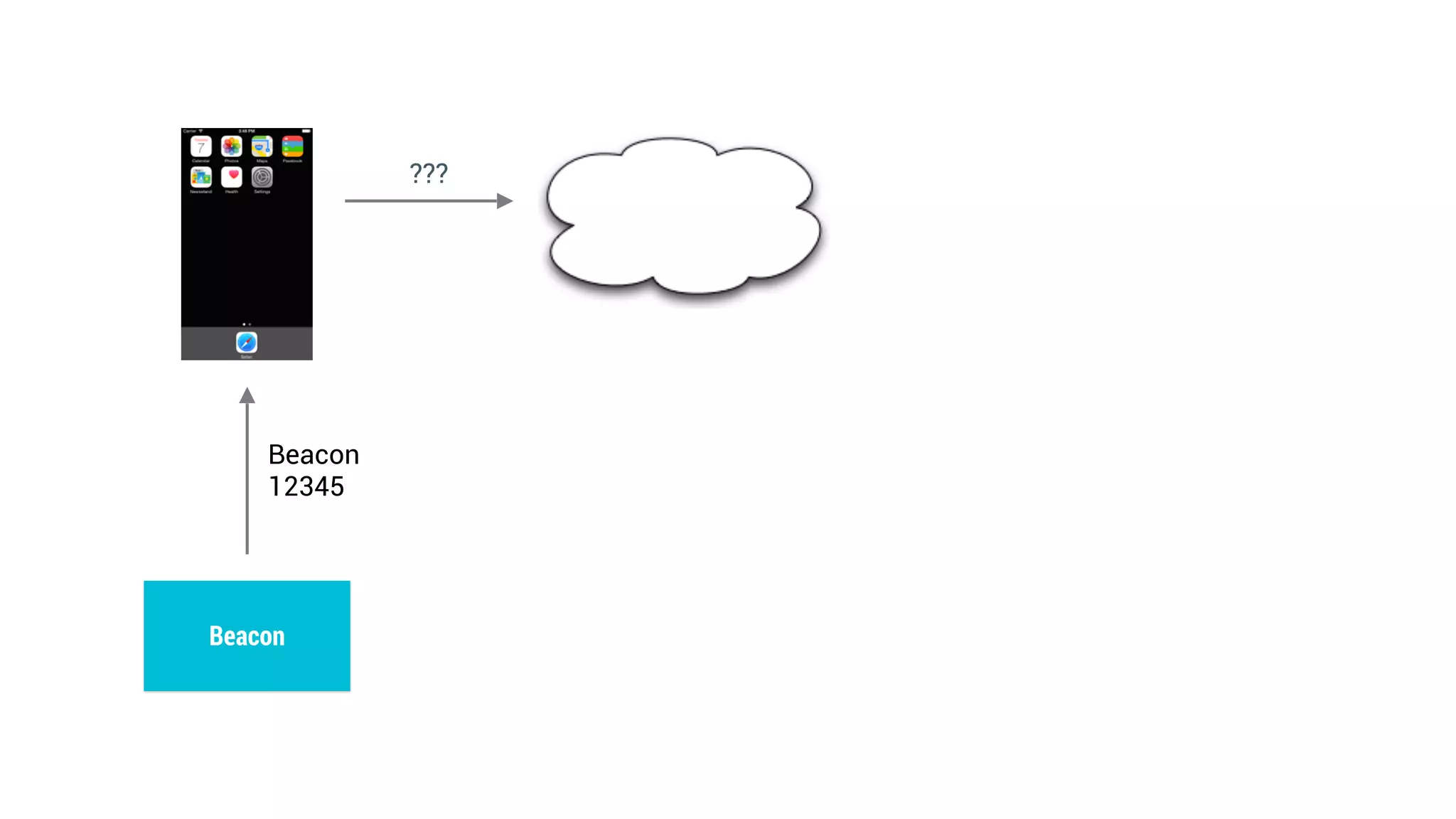
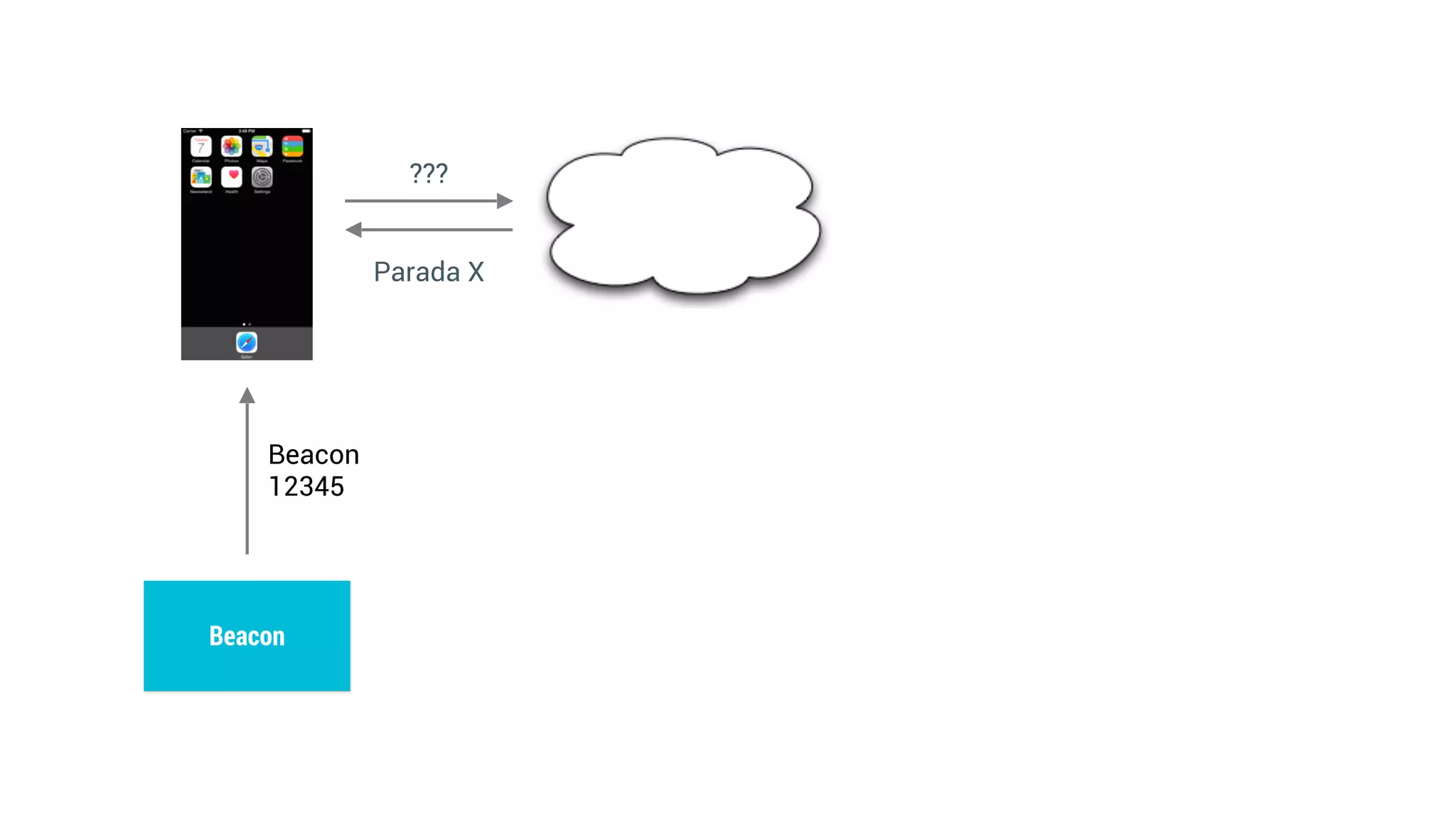
Qual é a parada?
Beacon
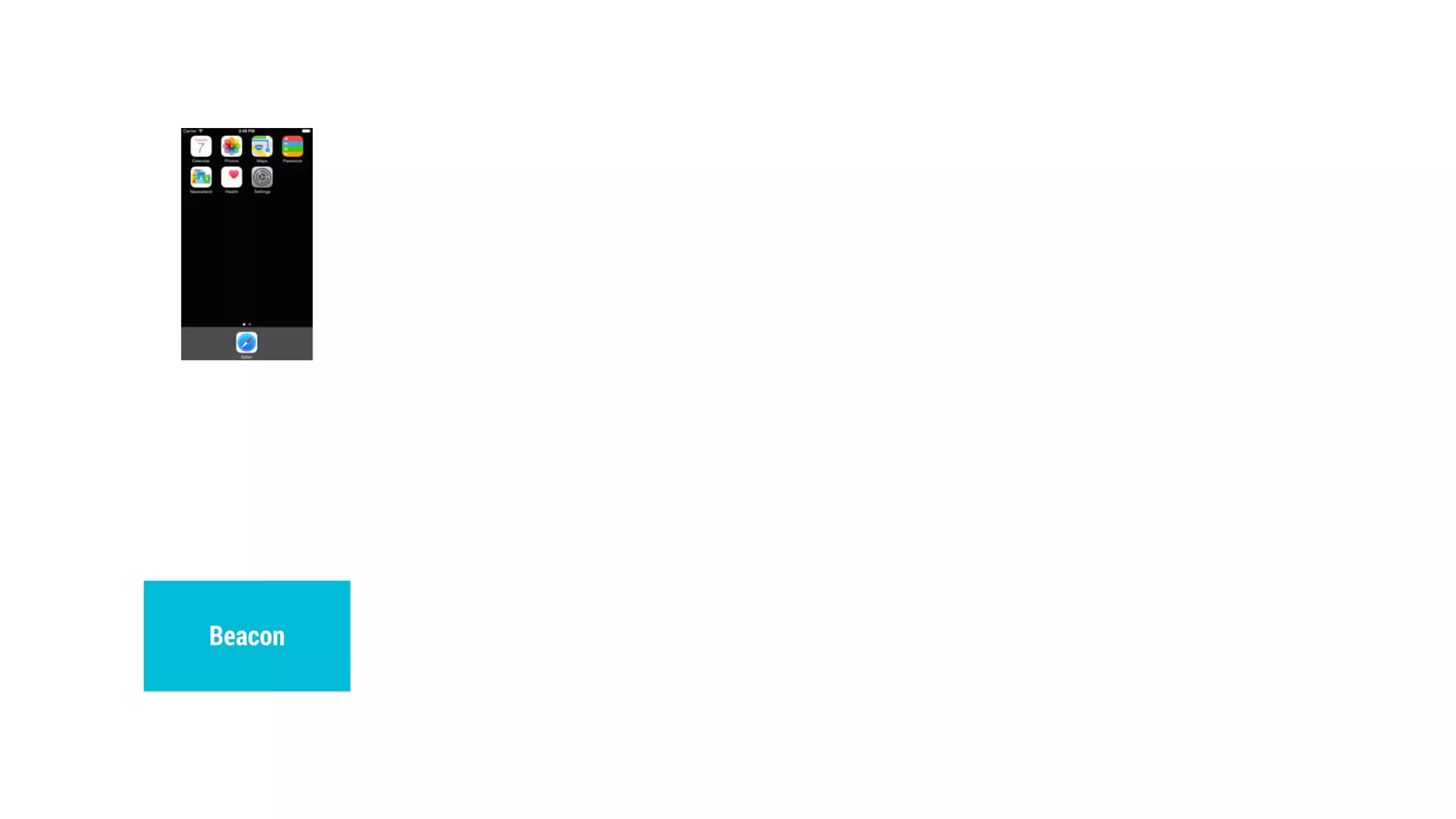
Beacon
Beacon
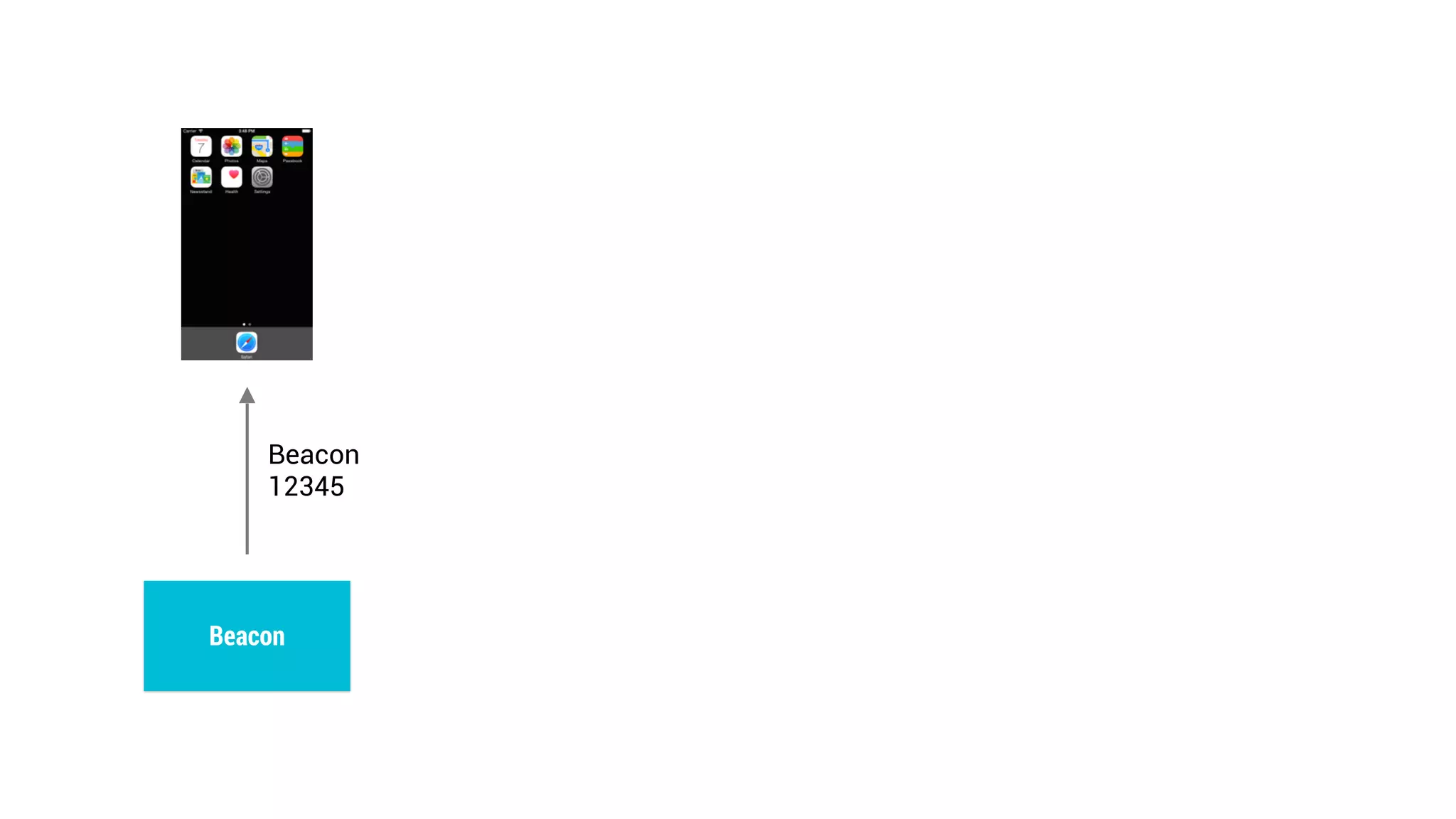
12345
Beacon
???
Beacon
12345
Beacon
???
Beacon
12345
Beacon
Parada X
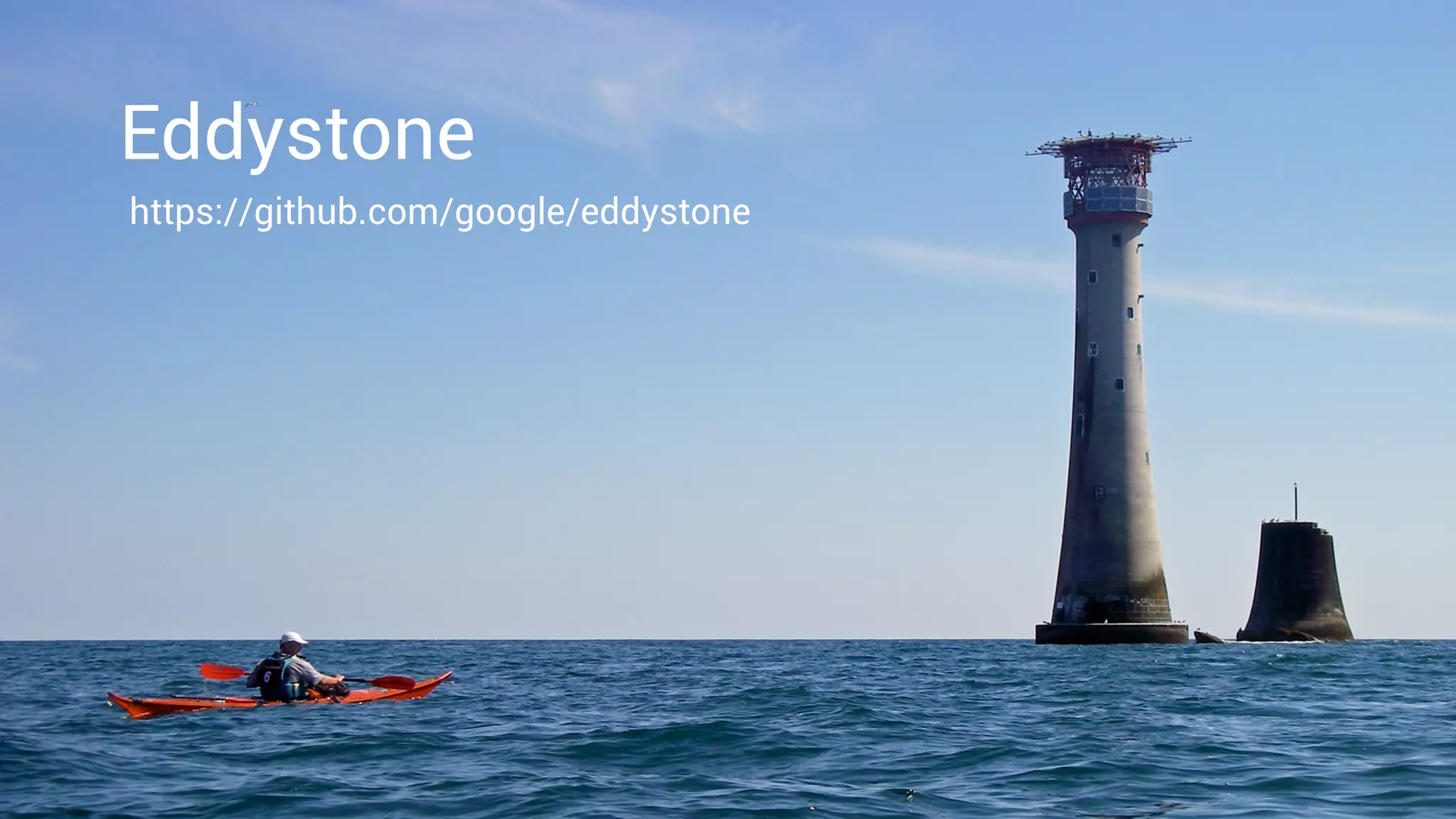
https://github.com/google/eddystone
Eddystone
Eddystone
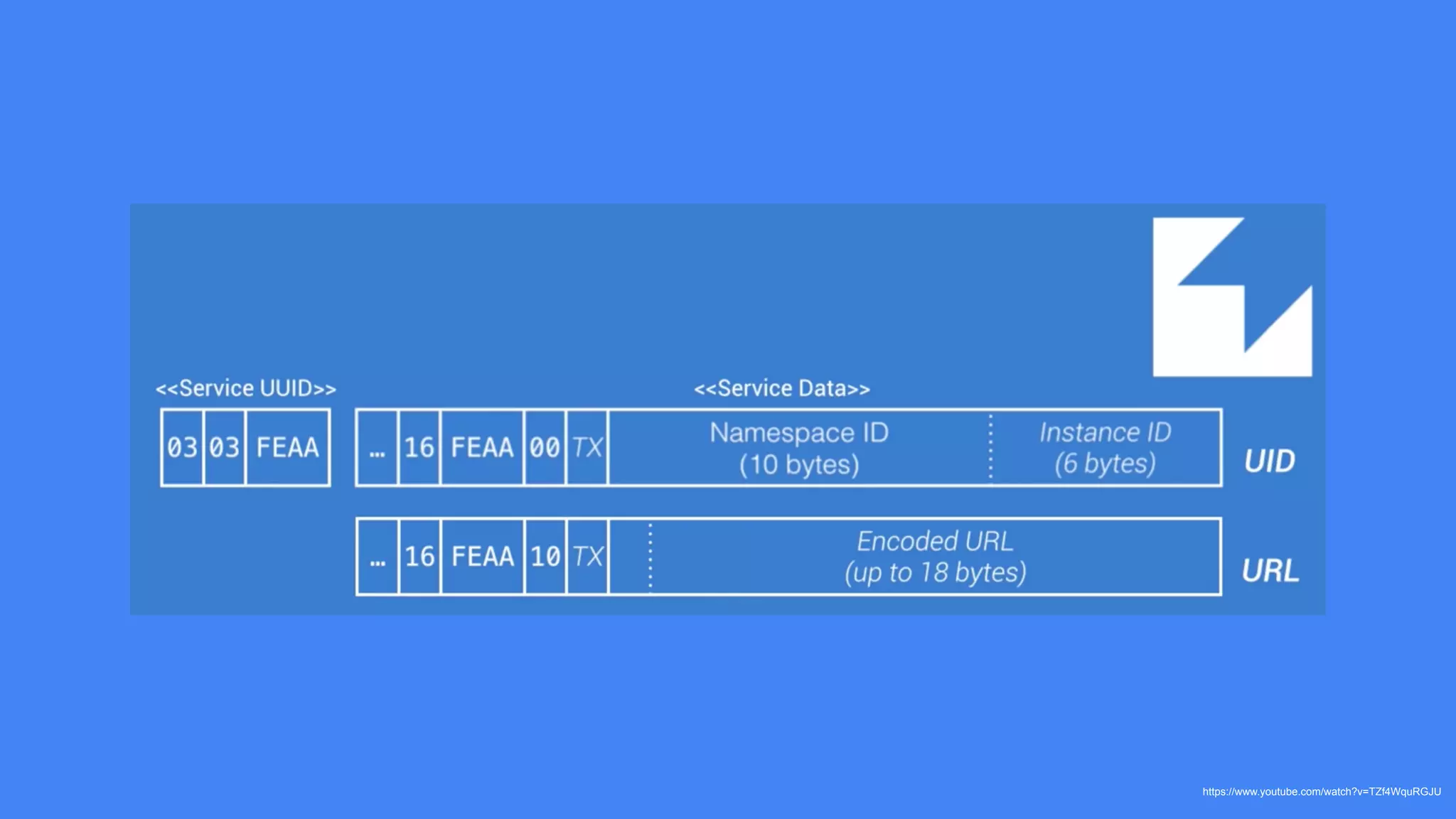
• Padrão open-source
• ID
• URL
• Ephemeral IDs
• Dados de telemetria
• Broadcast menos frequente que o iBeacon
https://www.youtube.com/watch?v=TZf4WquRGJU
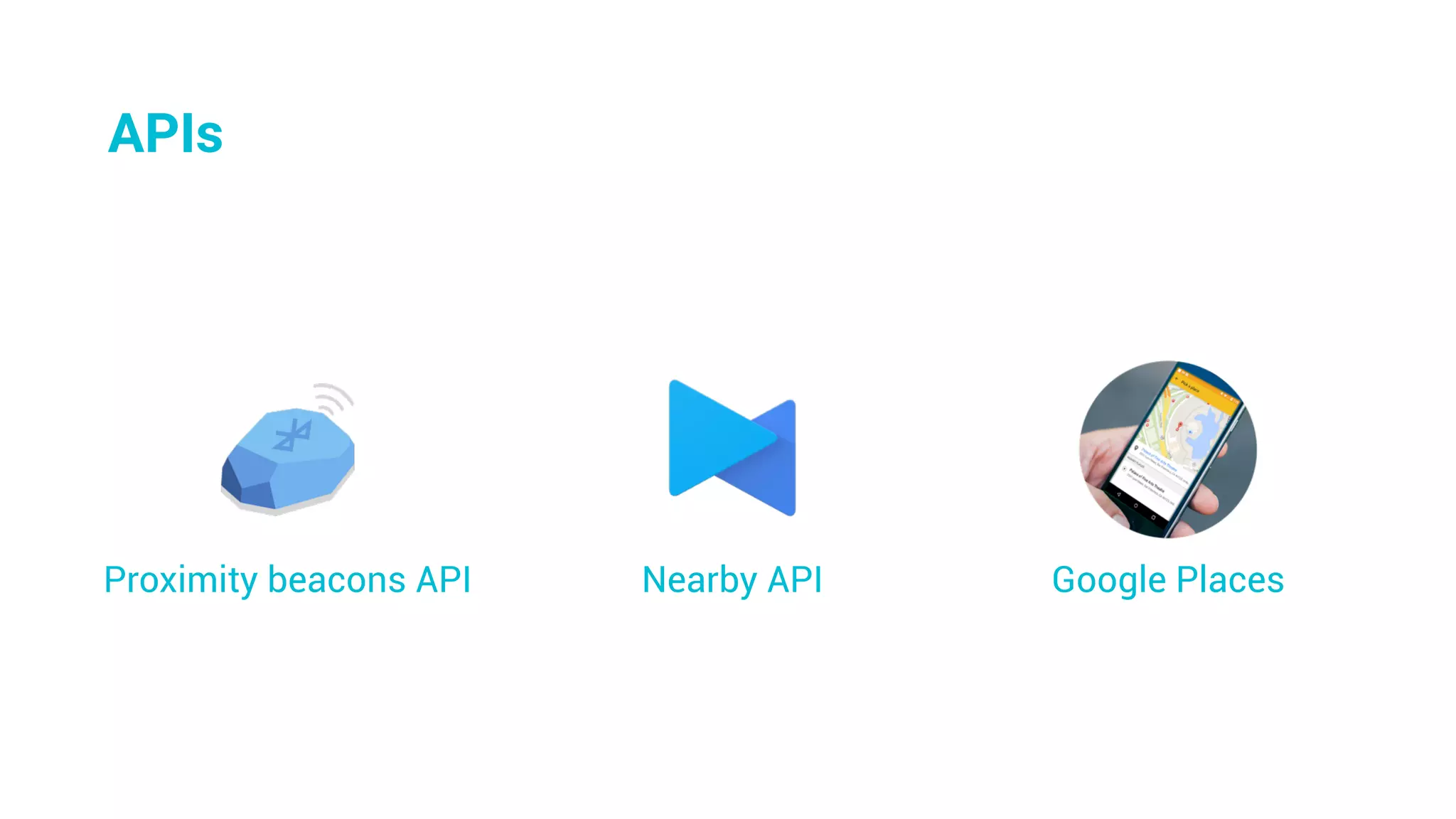
Google PlacesNearby APIProximity beacons API
APIs
Começando
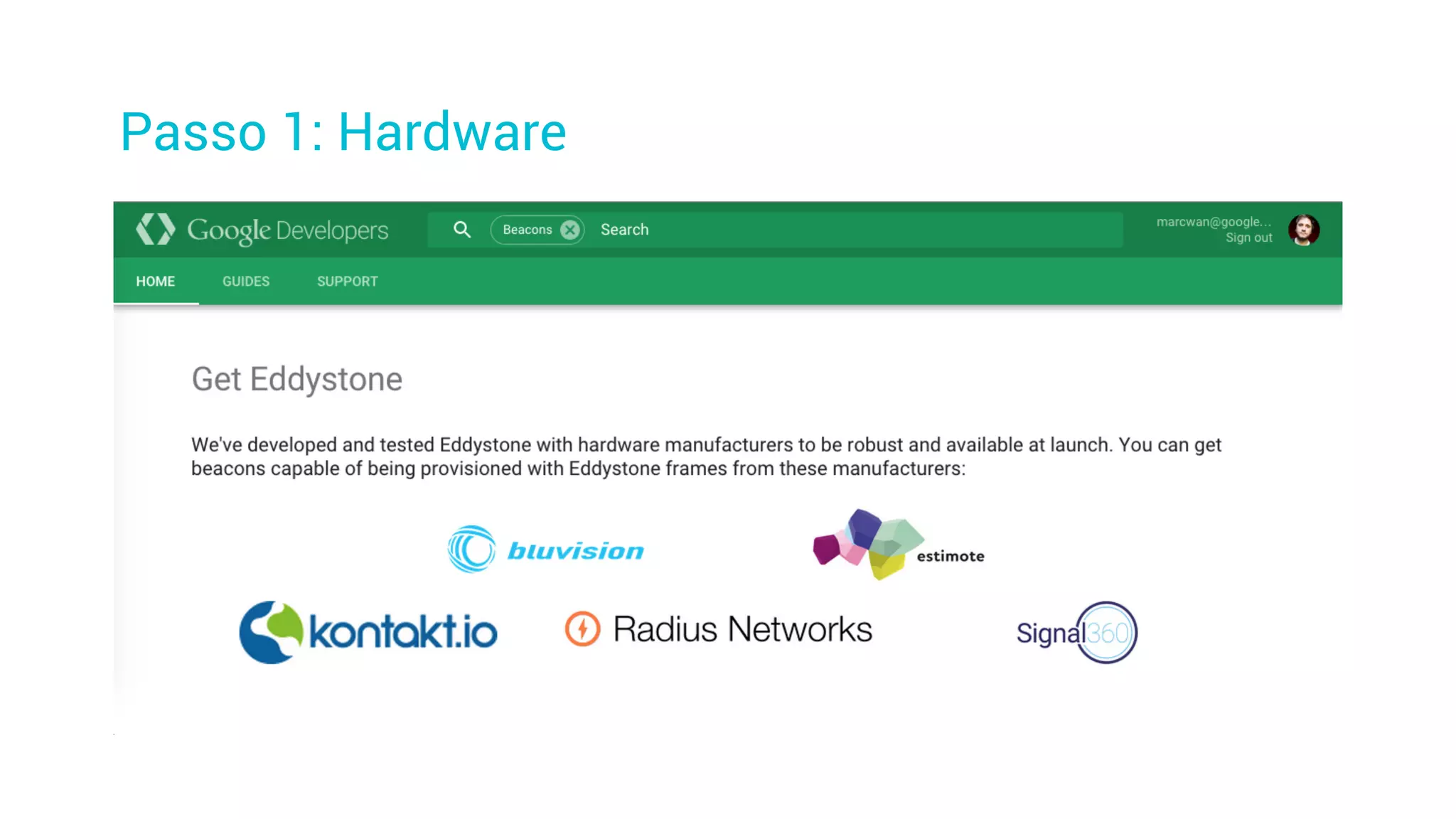
Passo 1: Hardware
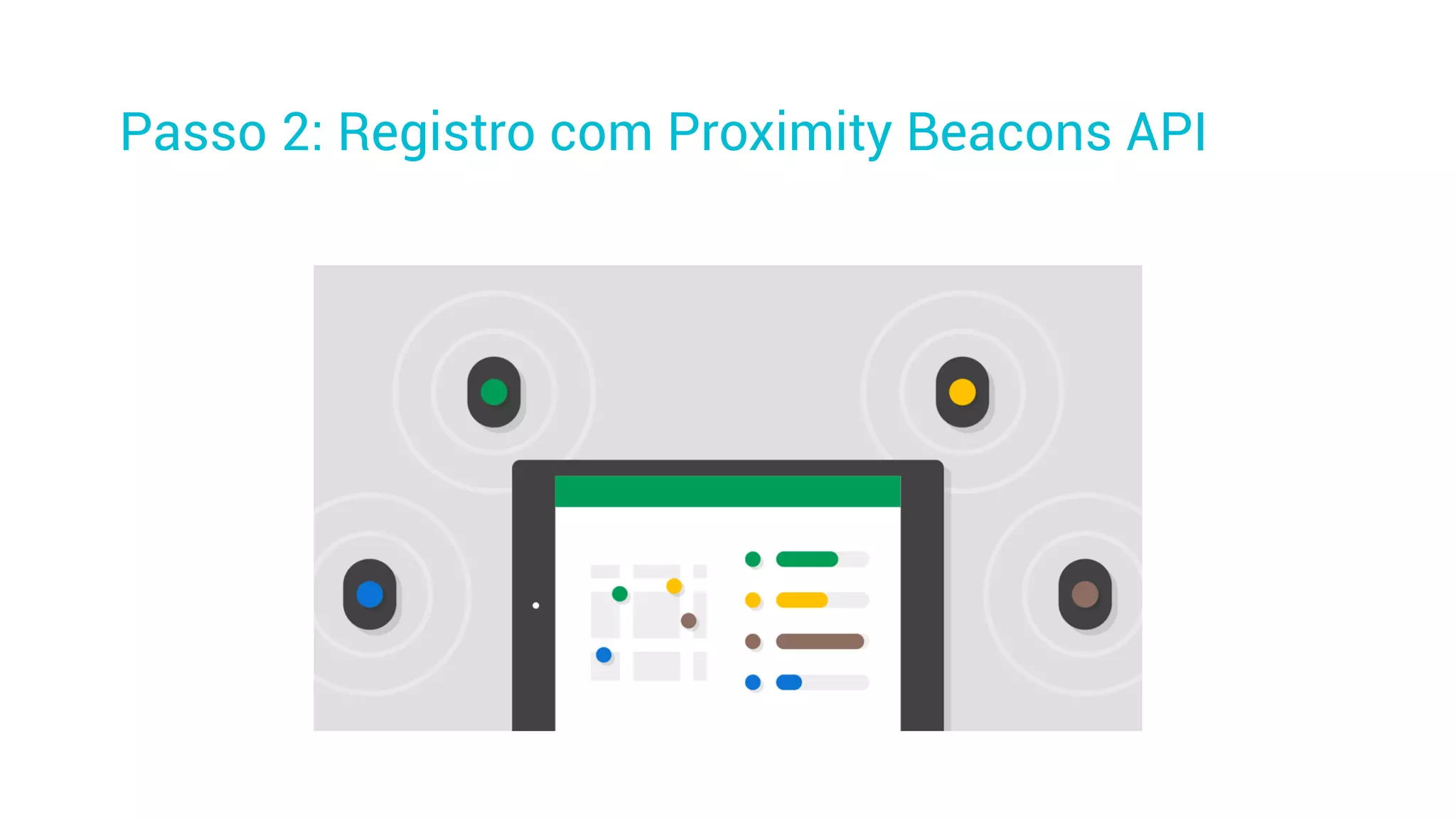
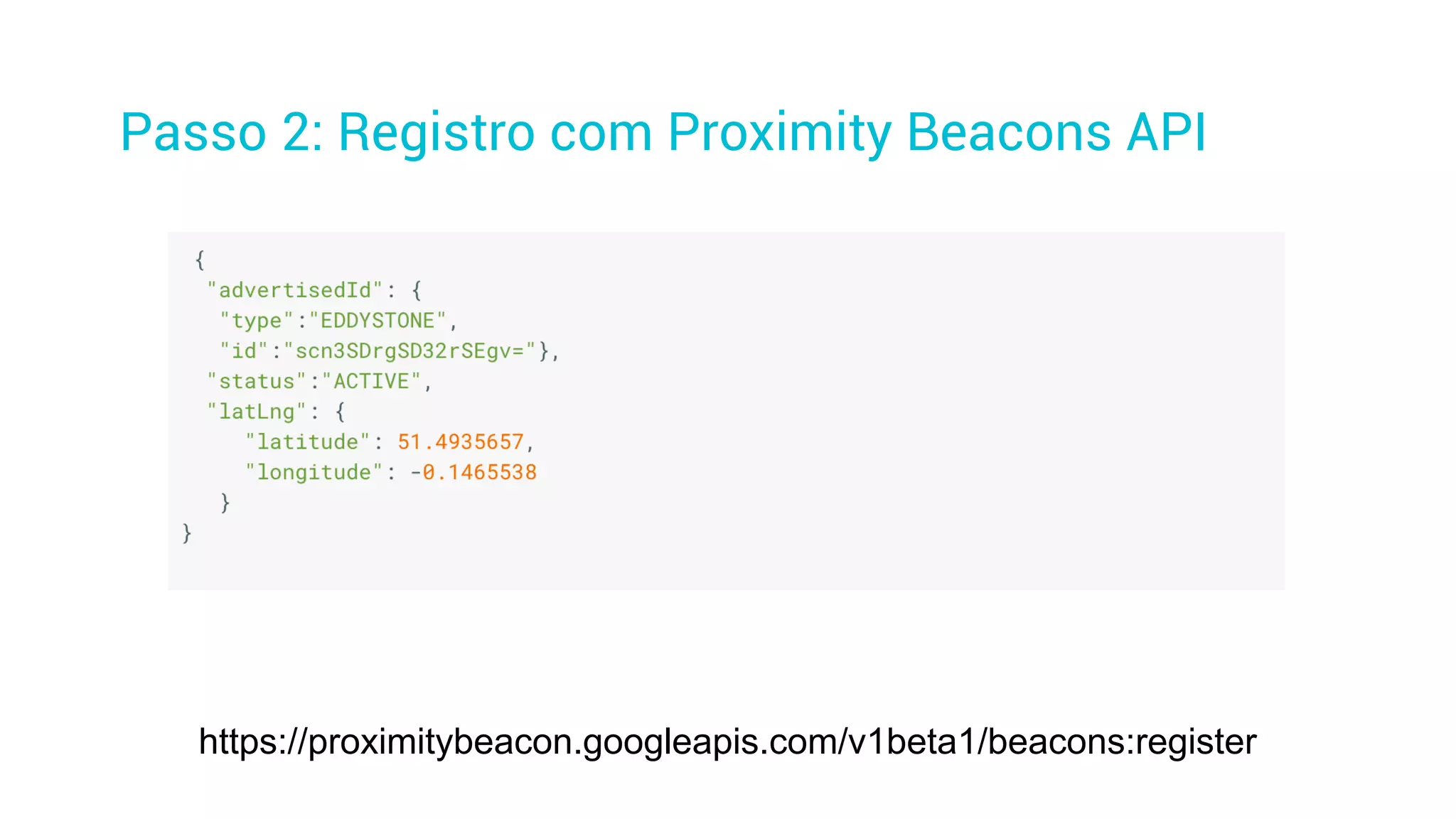
Passo 2: Registro com Proximity Beacons API
https://proximitybeacon.googleapis.com/v1beta1/beacons:register
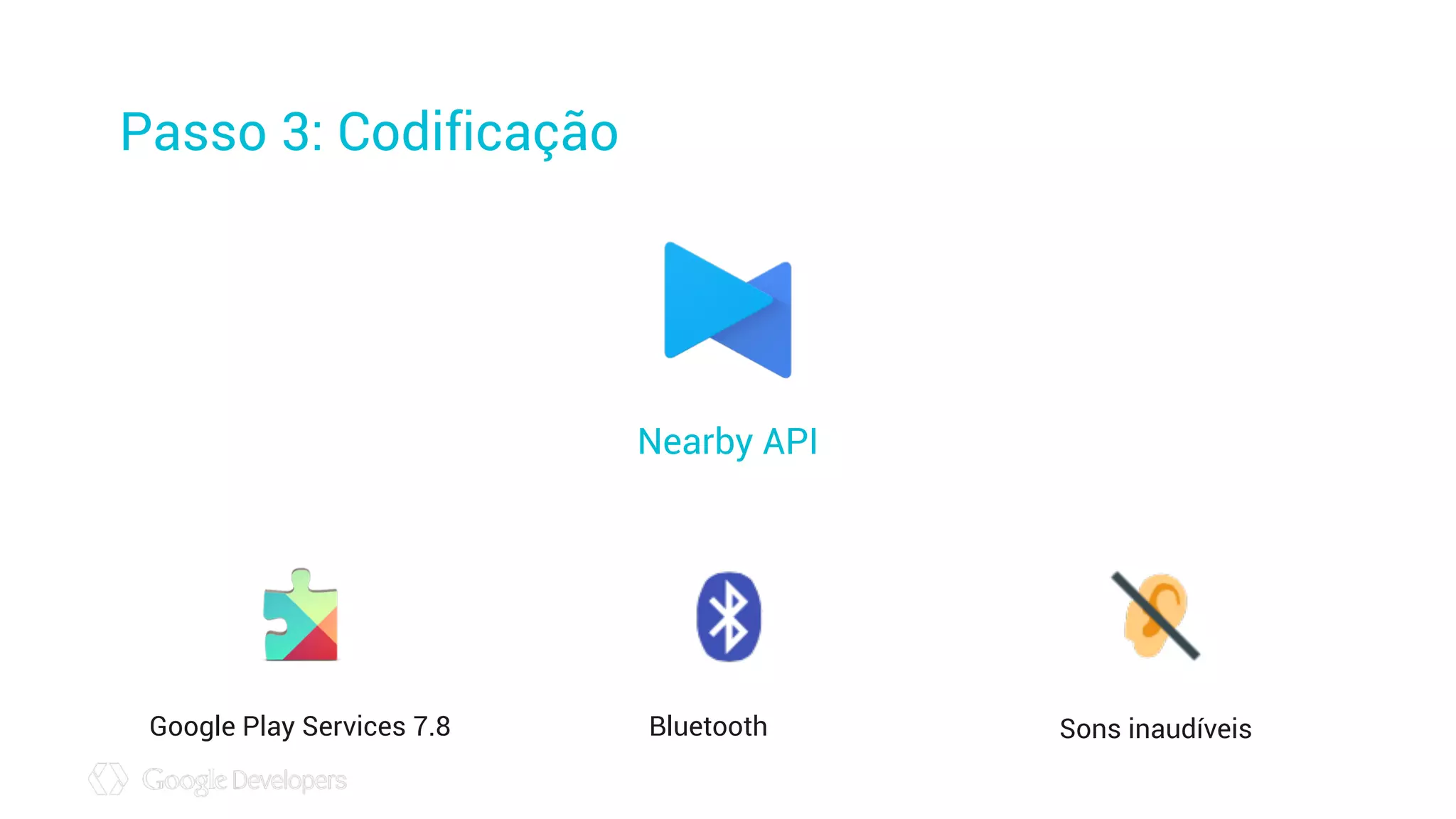
Passo 3: Codificação
Nearby API
Google Play Services 7.8 Bluetooth Sons inaudíveis
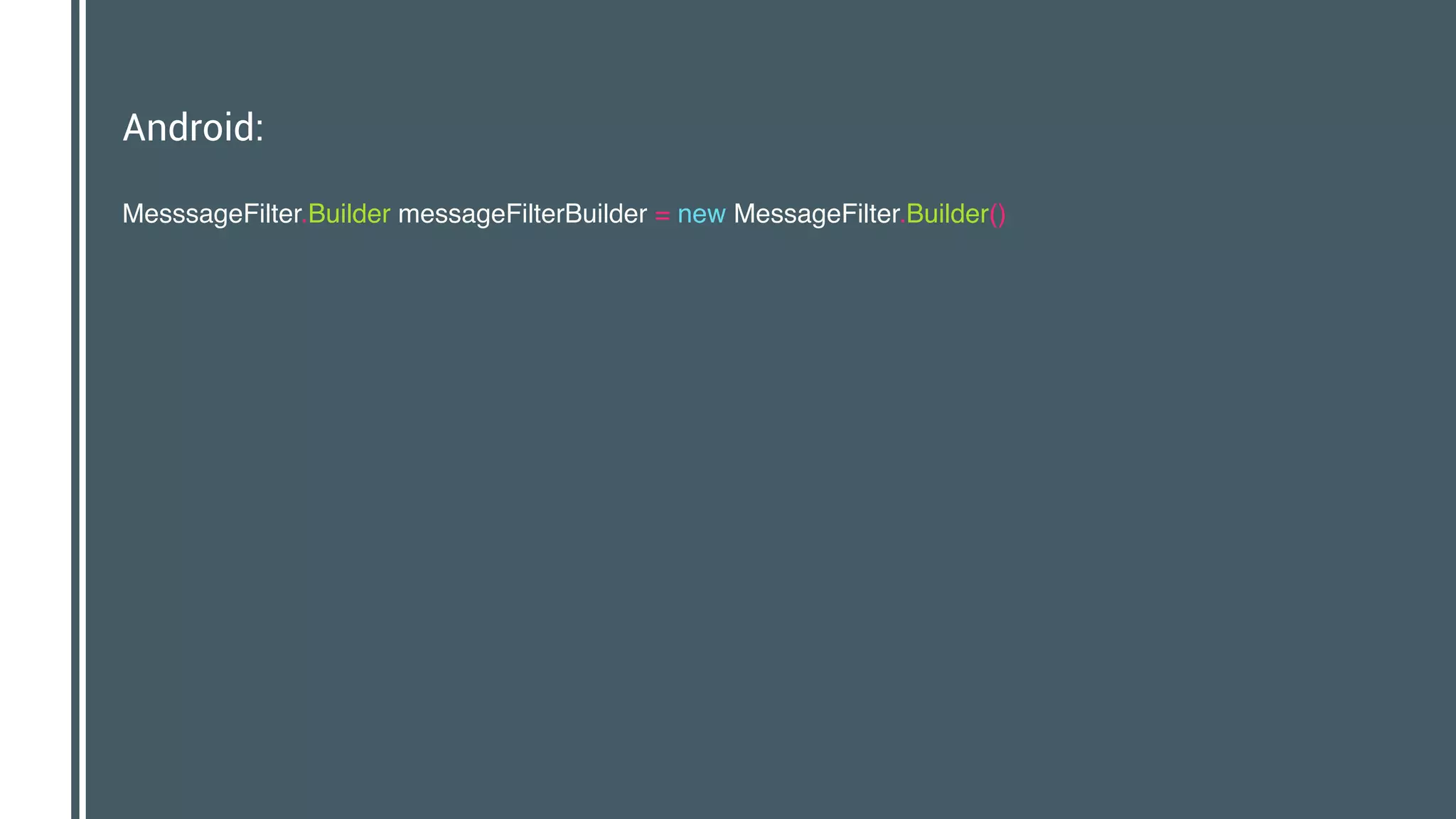
Android:
MesssageFilter.Builder messageFilterBuilder = new MessageFilter.Builder()

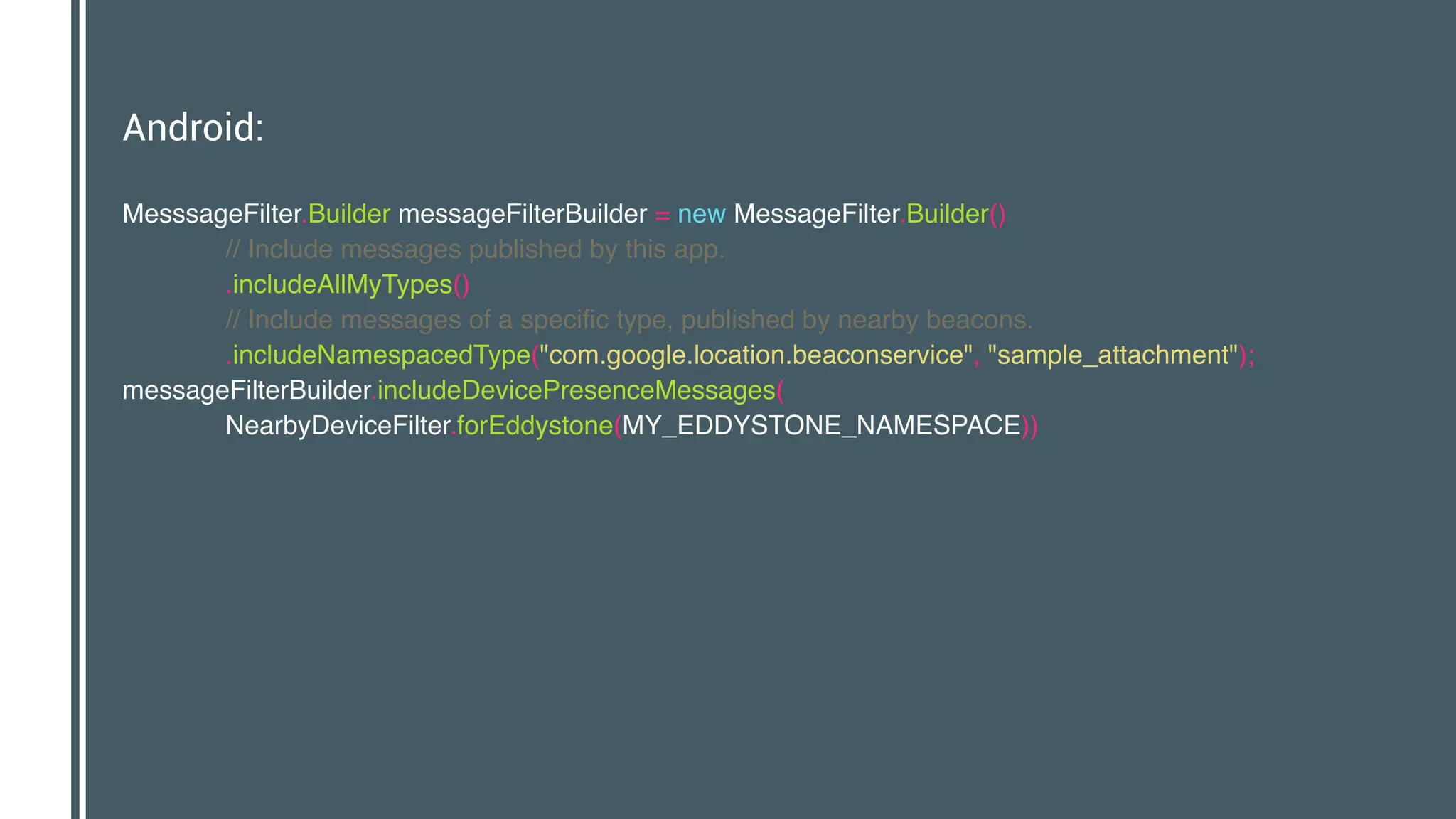
Android:
MesssageFilter.Builder messageFilterBuilder = new MessageFilter.Builder()

// Include messages published by this app.

.includeAllMyTypes()

// Include messages of a specific type, published by nearby beacons.

.includeNamespacedType("com.google.location.beaconservice", "sample_attachment");

messageFilterBuilder.includeDevicePresenceMessages(

NearbyDeviceFilter.forEddystone(MY_EDDYSTONE_NAMESPACE))

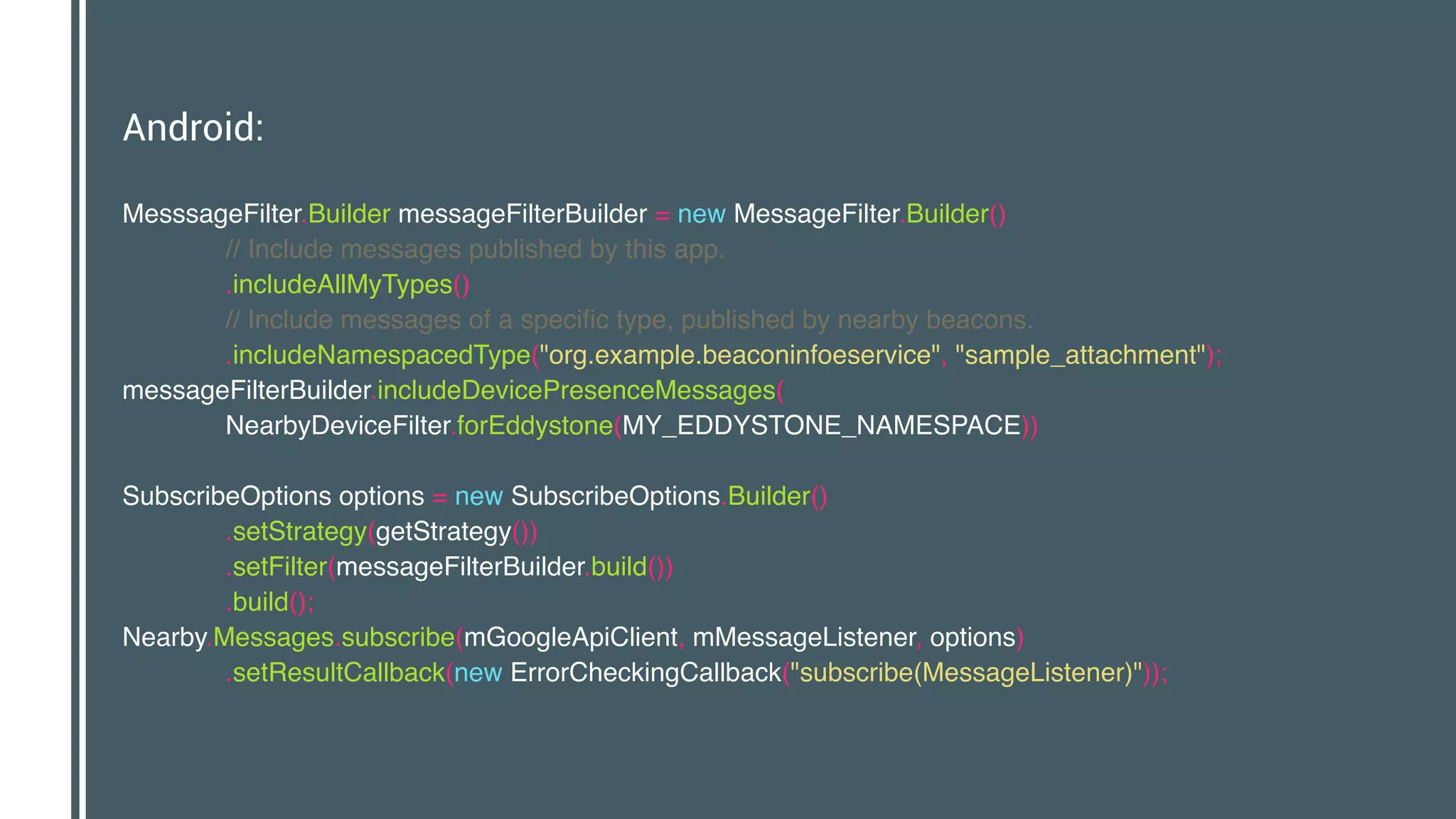
Android:
MesssageFilter.Builder messageFilterBuilder = new MessageFilter.Builder()

// Include messages published by this app.

.includeAllMyTypes()

// Include messages of a specific type, published by nearby beacons.

.includeNamespacedType("org.example.beaconinfoeservice", "sample_attachment");

messageFilterBuilder.includeDevicePresenceMessages(

NearbyDeviceFilter.forEddystone(MY_EDDYSTONE_NAMESPACE))


SubscribeOptions options = new SubscribeOptions.Builder()

.setStrategy(getStrategy())

.setFilter(messageFilterBuilder.build())

.build();

Nearby.Messages.subscribe(mGoogleApiClient, mMessageListener, options)

.setResultCallback(new ErrorCheckingCallback("subscribe(MessageListener)"));
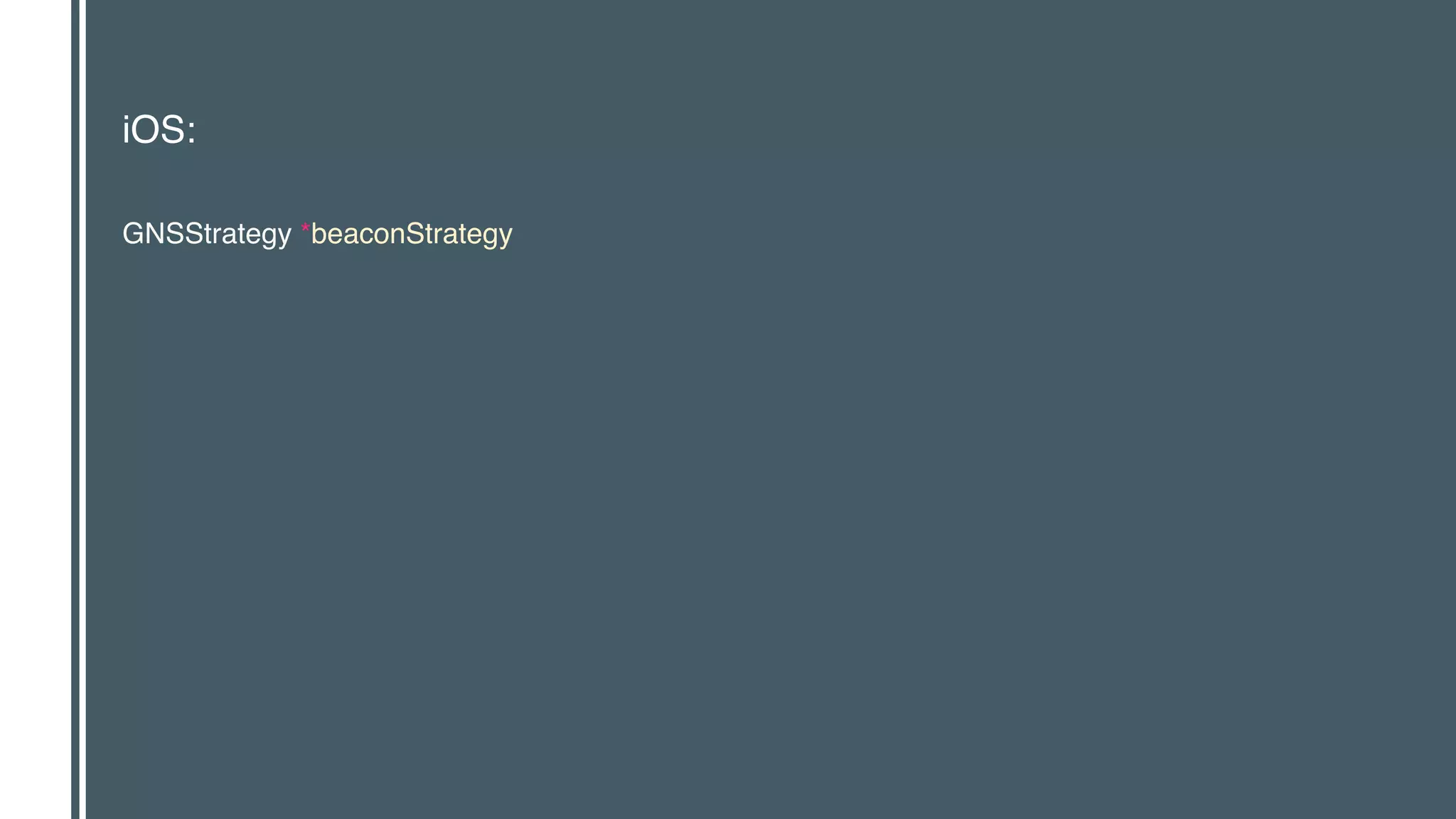
iOS:
GNSStrategy *beaconStrategy
iOS:
GNSStrategy *beaconStrategy = [GNSStrategy

strategyWithParamsBlock:^(GNSStrategyParams *params) {

params.includeBLEBeacons = YES;

}];
iOS:
GNSStrategy *beaconStrategy = [GNSStrategy

strategyWithParamsBlock:^(GNSStrategyParams *params) {

params.includeBLEBeacons = YES;

}];

GNSSubscriptionParams *beaconParams = [GNSSubscriptionParams

paramsWithMessageNamespace:@“com.mycompany.mybeaconservice”

type:@“mybeacontype”

strategy:beaconStrategy];

_beaconSubscription = [_messageManager subscriptionWithParams:beaconParams

messageFoundHandler:myMessageFoundHandler

messageLostHandler:myMessageLostHandler];
// it here in code.
if (!_signInButton) {
_signInButton = [[GIDSignInButton alloc] init];
[_unsignedInView addSubview:_signInButton];
CGRect r;
r.origin.x = (viewf.width / 2) - 75;
r.origin.y = viewf.height / 2 - 20;
r.size.width = 150;
r.size.height = 40;
_signInButton.frame = r;
}
if (!_signInStatusIndicator) {
_signInStatusIndicator = [[UIActivityIndicatorView alloc] init];
_signInStatusIndicator.activityIndicatorViewStyle = UIActivityIndicatorViewStyleGray;
[_unsignedInView addSubview:_signInStatusIndicator];
CGRect r;
r.origin.x = (viewf.width / 2) - 40;
r.origin.y = viewf.height / 2 - 40;
r.size.width = 80;
r.size.height = 80;
_signInStatusIndicator.frame = r;
}
[[NSNotificationCenter defaultCenter] addObserver:self
selector:@selector(loginStatusChangedNotification:)
name:kBSDLoginStatusChangedNotification
object:nil];
}
- (void)viewWillAppear:(BOOL)animated {
[super viewWillAppear:animated];
}
- (void)viewDidAppear:(BOOL)animated {
[super viewDidAppear:animated];
[GIDSignIn sharedInstance].uiDelegate = self;
}
- (void)loginStatusChangedNotification:(NSNotification *)notification {
[self updateUIForSignInStatus];
}
Seja explícito ao
realizar broadcast
Tenha a permissão Cuidado com
a bateria
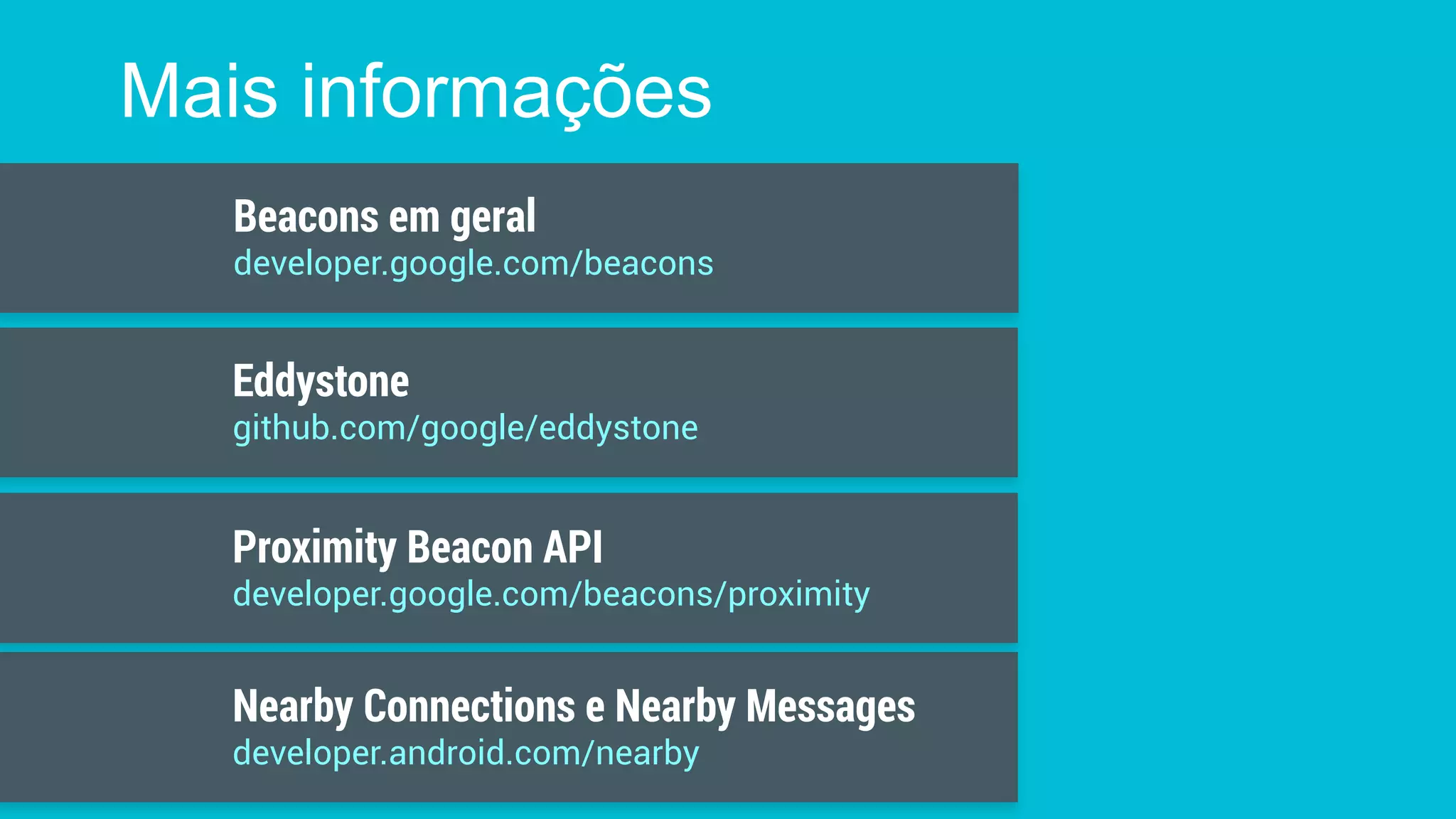
Mais informações
Nearby Connections e Nearby Messages
developer.android.com/nearby
Beacons em geral
developer.google.com/beacons
Proximity Beacon API
developer.google.com/beacons/proximity
Eddystone
github.com/google/eddystone
1/3 Developing with Beacons
Vídeos recomendados
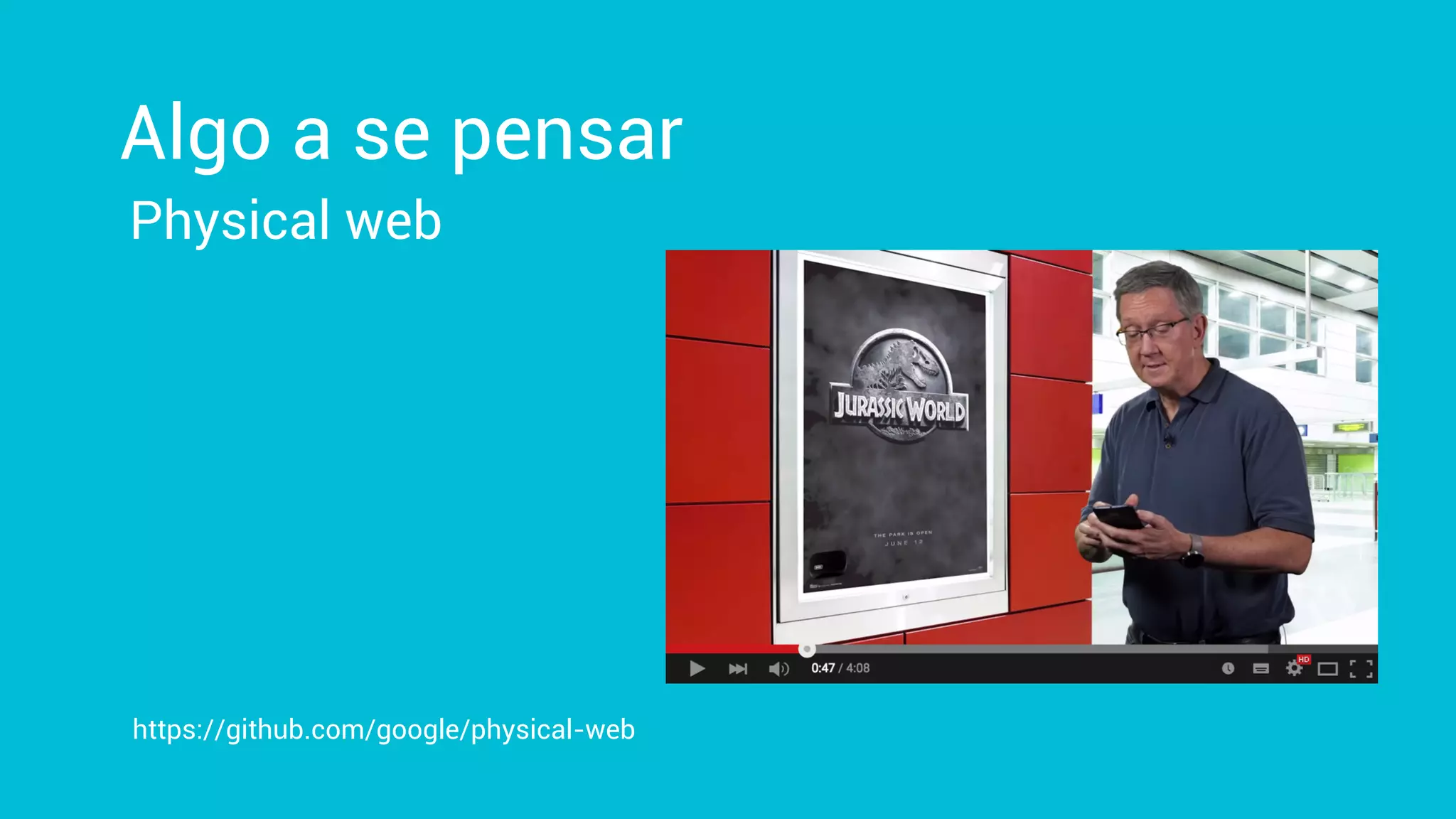
Physical web
Algo a se pensar
https://github.com/google/physical-web
Venha conversar com a galera no Buteco!
Google Developer Experts
Marcelo Quinta
@mrquinta
Obrigado
Essa palestra foi baseada em material disponibilizado pelo Google. Dê uma olhada no canal do Youtube deles: https://www.youtube.com/user/GoogleDevelopers

Conhecendo e utilizando Beacons e a Nearby API para Android

  • 1.
    Conhecendo e utilizandoBeacons e a Nearby API para Android Marcelo Quinta @mrquinta
  • 2.
  • 3.
    Como implementar localização? WifiSatélite Rede móvel Bluetooth
  • 4.
    O que éum beacon BLE?
  • 11.
    O que éum beacon BLE? • Dispositivo por localização por bluetooth • 2.4 Ghz, mas em canal diferente • Certa capacidade de guardar informações • ˜30bytes • Bateria que pode durar anos • Broadcast de uma a dez vezes por segundo
  • 12.
  • 14.
  • 17.
    Qual é aparada?
  • 19.
  • 20.
  • 21.
  • 22.
  • 23.
  • 25.
  • 26.
    Eddystone • Padrão open-source •ID • URL • Ephemeral IDs • Dados de telemetria • Broadcast menos frequente que o iBeacon
  • 27.
  • 28.
  • 29.
  • 30.
  • 31.
    Passo 2: Registrocom Proximity Beacons API
  • 32.
    Passo 2: Registrocom Proximity Beacons API https://proximitybeacon.googleapis.com/v1beta1/beacons:register
  • 33.
    Passo 3: Codificação NearbyAPI Google Play Services 7.8 Bluetooth Sons inaudíveis
  • 34.
  • 35.
    Android: MesssageFilter.Builder messageFilterBuilder =new MessageFilter.Builder()
 // Include messages published by this app.
 .includeAllMyTypes()
 // Include messages of a specific type, published by nearby beacons.
 .includeNamespacedType("com.google.location.beaconservice", "sample_attachment");
 messageFilterBuilder.includeDevicePresenceMessages(
 NearbyDeviceFilter.forEddystone(MY_EDDYSTONE_NAMESPACE))

  • 36.
    Android: MesssageFilter.Builder messageFilterBuilder =new MessageFilter.Builder()
 // Include messages published by this app.
 .includeAllMyTypes()
 // Include messages of a specific type, published by nearby beacons.
 .includeNamespacedType("org.example.beaconinfoeservice", "sample_attachment");
 messageFilterBuilder.includeDevicePresenceMessages(
 NearbyDeviceFilter.forEddystone(MY_EDDYSTONE_NAMESPACE))
 
 SubscribeOptions options = new SubscribeOptions.Builder()
 .setStrategy(getStrategy())
 .setFilter(messageFilterBuilder.build())
 .build();
 Nearby.Messages.subscribe(mGoogleApiClient, mMessageListener, options)
 .setResultCallback(new ErrorCheckingCallback("subscribe(MessageListener)"));
  • 37.
  • 38.
    iOS: GNSStrategy *beaconStrategy =[GNSStrategy
 strategyWithParamsBlock:^(GNSStrategyParams *params) {
 params.includeBLEBeacons = YES;
 }];
  • 39.
    iOS: GNSStrategy *beaconStrategy =[GNSStrategy
 strategyWithParamsBlock:^(GNSStrategyParams *params) {
 params.includeBLEBeacons = YES;
 }];
 GNSSubscriptionParams *beaconParams = [GNSSubscriptionParams
 paramsWithMessageNamespace:@“com.mycompany.mybeaconservice”
 type:@“mybeacontype”
 strategy:beaconStrategy];
 _beaconSubscription = [_messageManager subscriptionWithParams:beaconParams
 messageFoundHandler:myMessageFoundHandler
 messageLostHandler:myMessageLostHandler];
  • 40.
    // it herein code. if (!_signInButton) { _signInButton = [[GIDSignInButton alloc] init]; [_unsignedInView addSubview:_signInButton]; CGRect r; r.origin.x = (viewf.width / 2) - 75; r.origin.y = viewf.height / 2 - 20; r.size.width = 150; r.size.height = 40; _signInButton.frame = r; } if (!_signInStatusIndicator) { _signInStatusIndicator = [[UIActivityIndicatorView alloc] init]; _signInStatusIndicator.activityIndicatorViewStyle = UIActivityIndicatorViewStyleGray; [_unsignedInView addSubview:_signInStatusIndicator]; CGRect r; r.origin.x = (viewf.width / 2) - 40; r.origin.y = viewf.height / 2 - 40; r.size.width = 80; r.size.height = 80; _signInStatusIndicator.frame = r; } [[NSNotificationCenter defaultCenter] addObserver:self selector:@selector(loginStatusChangedNotification:) name:kBSDLoginStatusChangedNotification object:nil]; } - (void)viewWillAppear:(BOOL)animated { [super viewWillAppear:animated]; } - (void)viewDidAppear:(BOOL)animated { [super viewDidAppear:animated]; [GIDSignIn sharedInstance].uiDelegate = self; } - (void)loginStatusChangedNotification:(NSNotification *)notification { [self updateUIForSignInStatus]; }
  • 41.
    Seja explícito ao realizarbroadcast Tenha a permissão Cuidado com a bateria
  • 42.
    Mais informações Nearby Connectionse Nearby Messages developer.android.com/nearby Beacons em geral developer.google.com/beacons Proximity Beacon API developer.google.com/beacons/proximity Eddystone github.com/google/eddystone
  • 43.
    1/3 Developing withBeacons Vídeos recomendados
  • 44.
    Physical web Algo ase pensar https://github.com/google/physical-web
  • 45.
    Venha conversar coma galera no Buteco! Google Developer Experts
  • 46.
    Marcelo Quinta @mrquinta Obrigado Essa palestrafoi baseada em material disponibilizado pelo Google. Dê uma olhada no canal do Youtube deles: https://www.youtube.com/user/GoogleDevelopers