
<Insert Picture Here>
datagaps
The data testing company
Component Test Case Wizard in ETL Validator
Objective
• As a QA Engineer, I want to use
the Component Test Case
Wizard to identify differences
between 2 tables
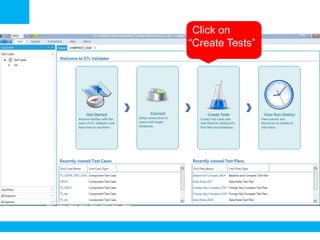
•Click on
“Create Tests”
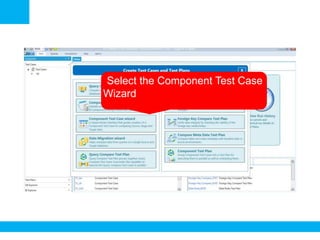
•Select the Component Test Case
Wizard
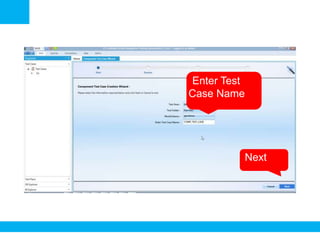
•Enter Test
Case Name
•Next
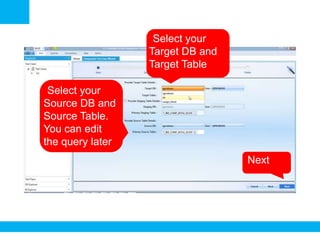
•Select your
Target DB and
Target Table
•Next
•Select your
Source DB and
Source Table.
You can edit
the query later
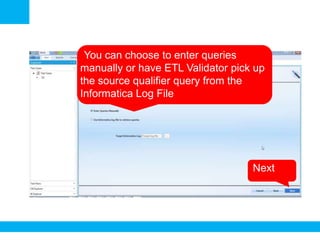
•You can choose to enter queries
manually or have ETL Validator pick up
the source qualifier query from the
Informatica Log File
•Next
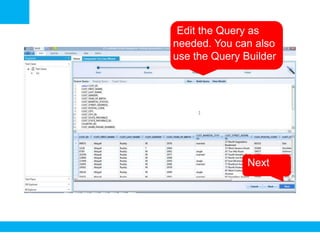
•Edit the Query as
needed. You can also
use the Query Builder
•Next
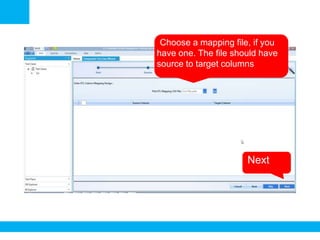
•Choose a mapping file, if you
have one. The file should have
source to target columns
•Next
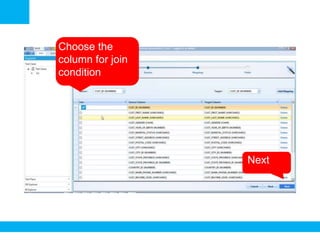
Choose the
column for join
condition
•Next
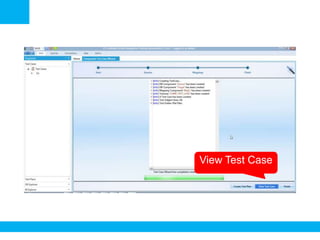
•View Test Case
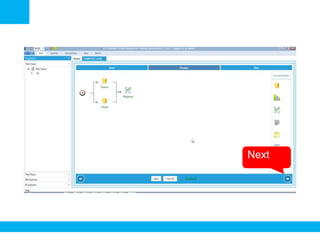
•Next
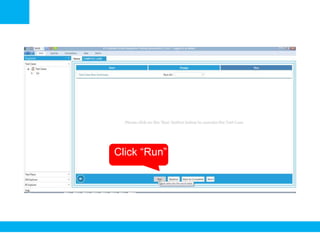
•Click “Run”
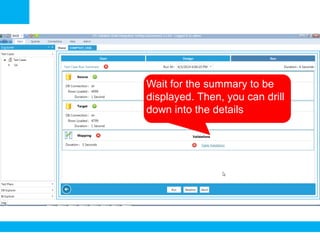
Wait for the summary to be
displayed. Then, you can drill
down into the details
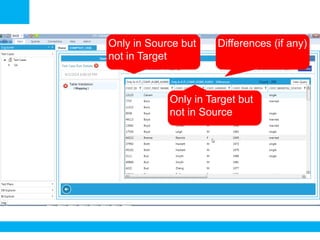
Only in Source but
not in Target
Only in Target but
not in Source
Differences (if any)
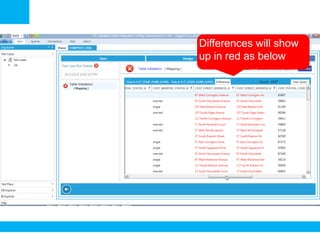
Differences will show
up in red as below
More Resources
•http://www.datagaps.com
•http://youtube.com/datagaps
•http://www.twitter.com/datagaps

ETL Validator: Component Test Case Wizard