www.SunilOS.com 1
www.sunilos.com
www.raystec.com
Collections Framework
www.SunilOS.com 2
Collections Framework
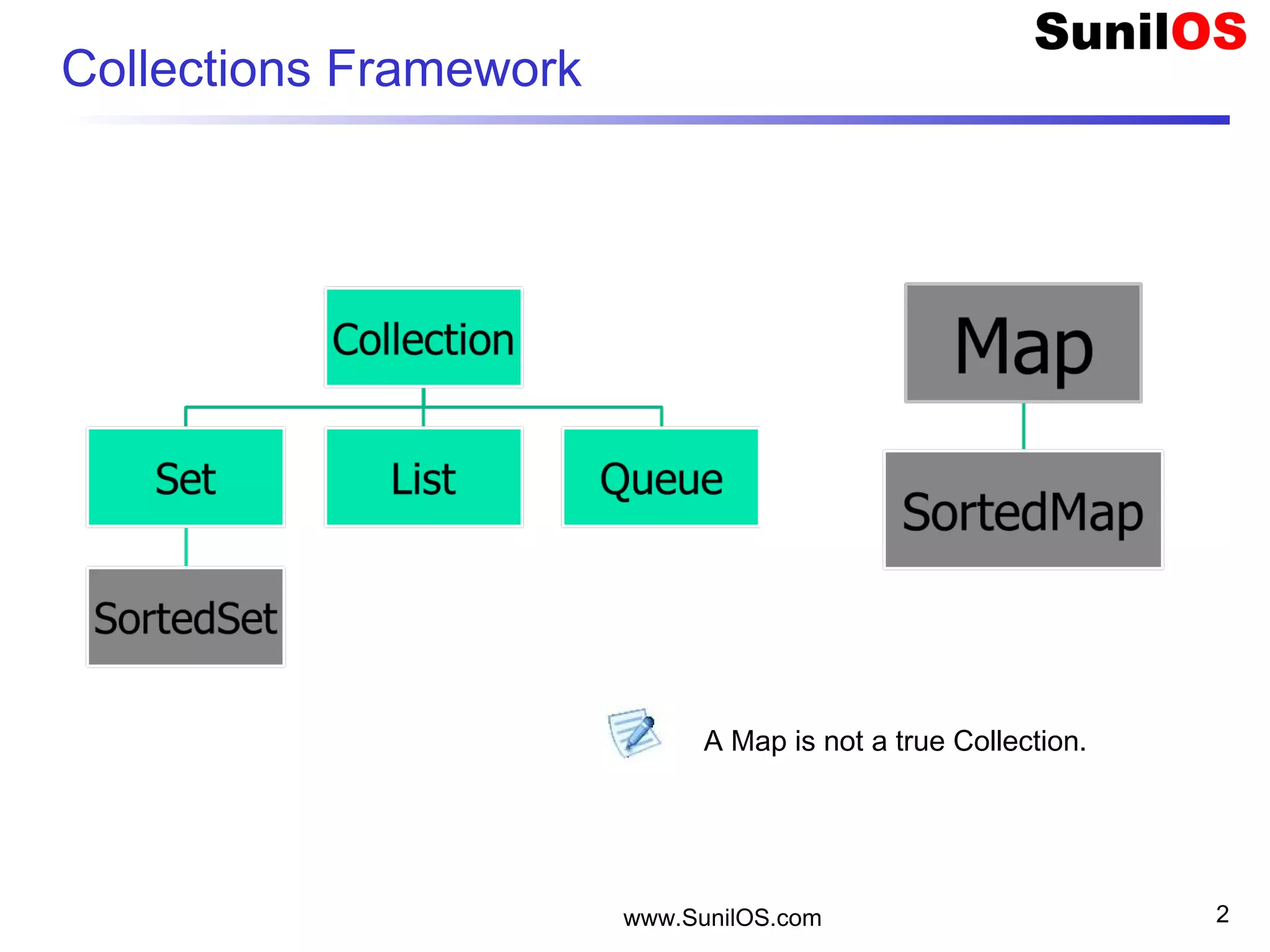
A Map is not a true Collection.
www.SunilOS.com 3
Collections Framework
A collections framework is a unified architecture
for representing and manipulating collections.
It consists of
o Interfaces – Collection, Set, List, Queue
o Concrete Classes – ArrayList, Hashmap, HashSet,
etc.
o Algorithm - searching and sorting
www.SunilOS.com 4
Example
SET [1,2,4,5,6,7,8]
LIST [1,2,4,5,7,3,3,4,5]
QUEUE [1,2,4,5,7,3,3,4,5]
MAP [ {1,”ONE”}, {2,”TWO”}, {3,”THREE”} ,
{4,”THREE”}]
www.SunilOS.com 5
Collection Interfaces
 Collection-A collection represents a group of objects known as
its elements.
 Set - cannot contain duplicate elements.
 List- ordered collection, can contain duplicate elements.
 Queue - holds multiple elements prior to processing. a Queue
provides additional insertion, extraction, and inspection
operations.
 Map - an object that maps keys to values. A Map cannot contain
duplicate keys.
 SortedSet - a Set that maintains its elements in ascending
order.
 SortedMap - a Map that maintains its mappings in ascending
key order.
www.SunilOS.com 6
List by regular array
public static void main(String[] args) {
o String[] names = new String[5];
o for(int i=0;i<names.length; i++){
• names[i]= " No # " + i;
o }
o System.out.println("Names =" + names.length);
}
Disadvantages:
o All elements should be of same type, here it is String.
o Primitive data type arrays can be defined.
o Array size is Fixed. Defined at the time of creation.
www.SunilOS.com 7
List by Collection framework
 public static void main(String[] args) {
o ArrayList names = new ArrayList();
o for(int i=0;i<10; i++){
• names.add(" No # " + i);
o }
o System.out.println("Names =" + names.size());
o Object o = names.get(0);
o String name = (String) o;
o //String name = (String) names.get(0);
o System.out.println(“ First Name is " + name);
 }
 Advantages:
o Unlimited size,no need to define array size at the time of creation.
o Add object of any class, in other words any object in Java.
o Add only objects but NOT primitive data types.
www.SunilOS.com 8
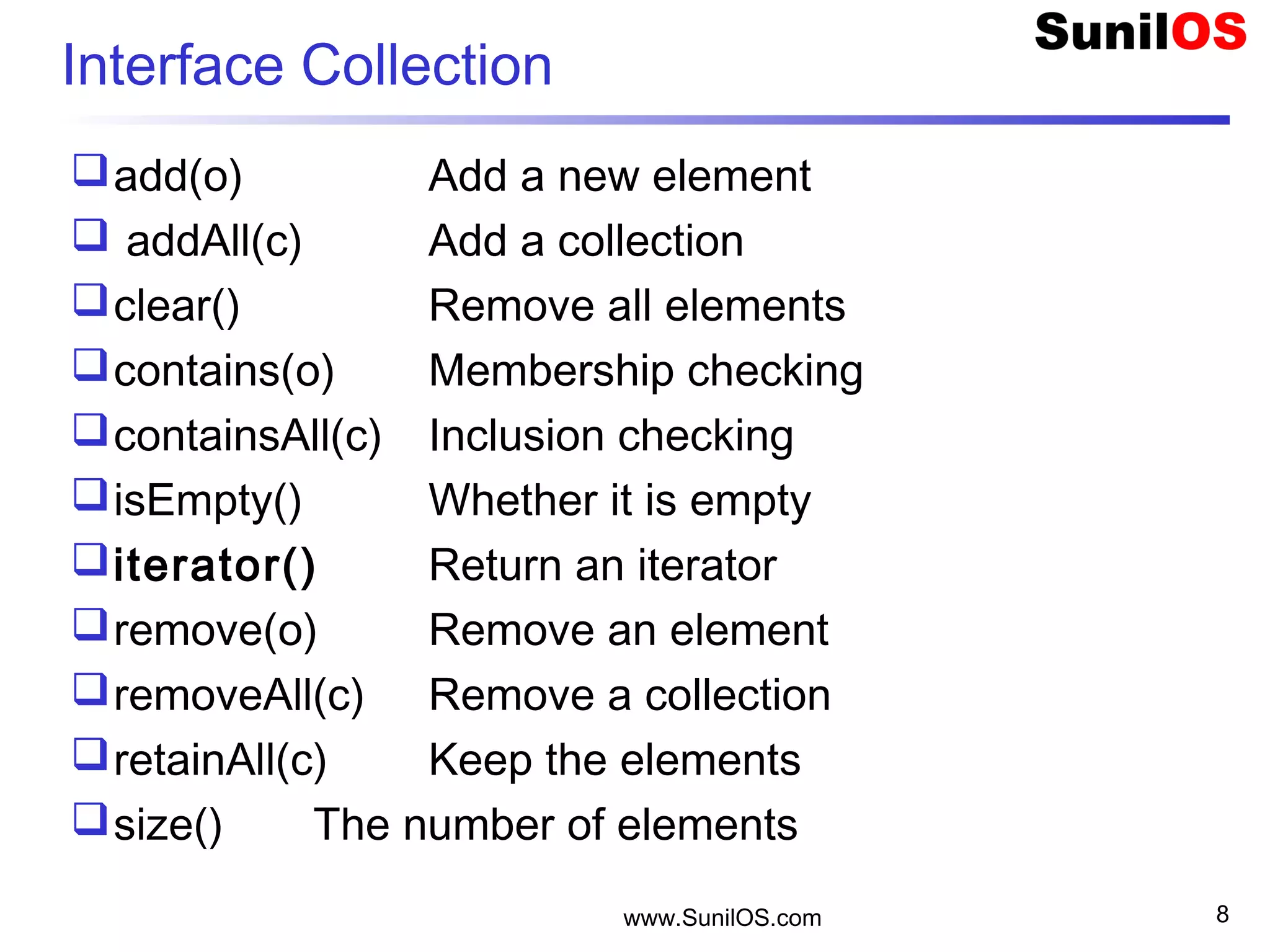
Interface Collection
add(o) Add a new element
 addAll(c) Add a collection
clear() Remove all elements
contains(o) Membership checking
containsAll(c) Inclusion checking
isEmpty() Whether it is empty
iterator() Return an iterator
remove(o) Remove an element
removeAll(c) Remove a collection
retainAll(c) Keep the elements
size() The number of elements
www.SunilOS.com 9
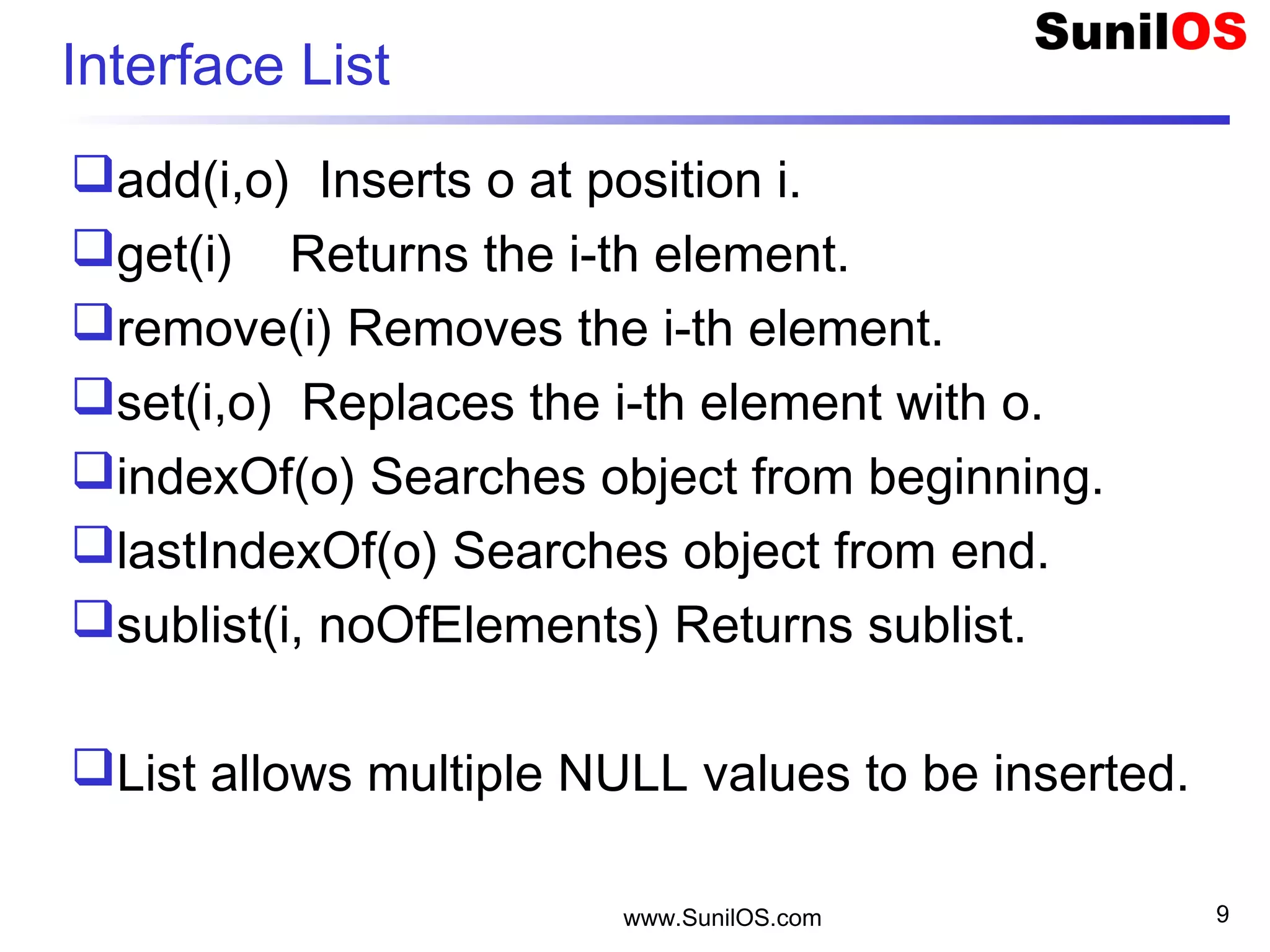
Interface List
add(i,o) Inserts o at position i.
get(i) Returns the i-th element.
remove(i) Removes the i-th element.
set(i,o) Replaces the i-th element with o.
indexOf(o) Searches object from beginning.
lastIndexOf(o) Searches object from end.
sublist(i, noOfElements) Returns sublist.
List allows multiple NULL values to be inserted.
www.SunilOS.com 10
Interface Set
Contains UNIQUE set of values.
Contains at most one NULL value.
Does not declare additional methods.
www.SunilOS.com 11
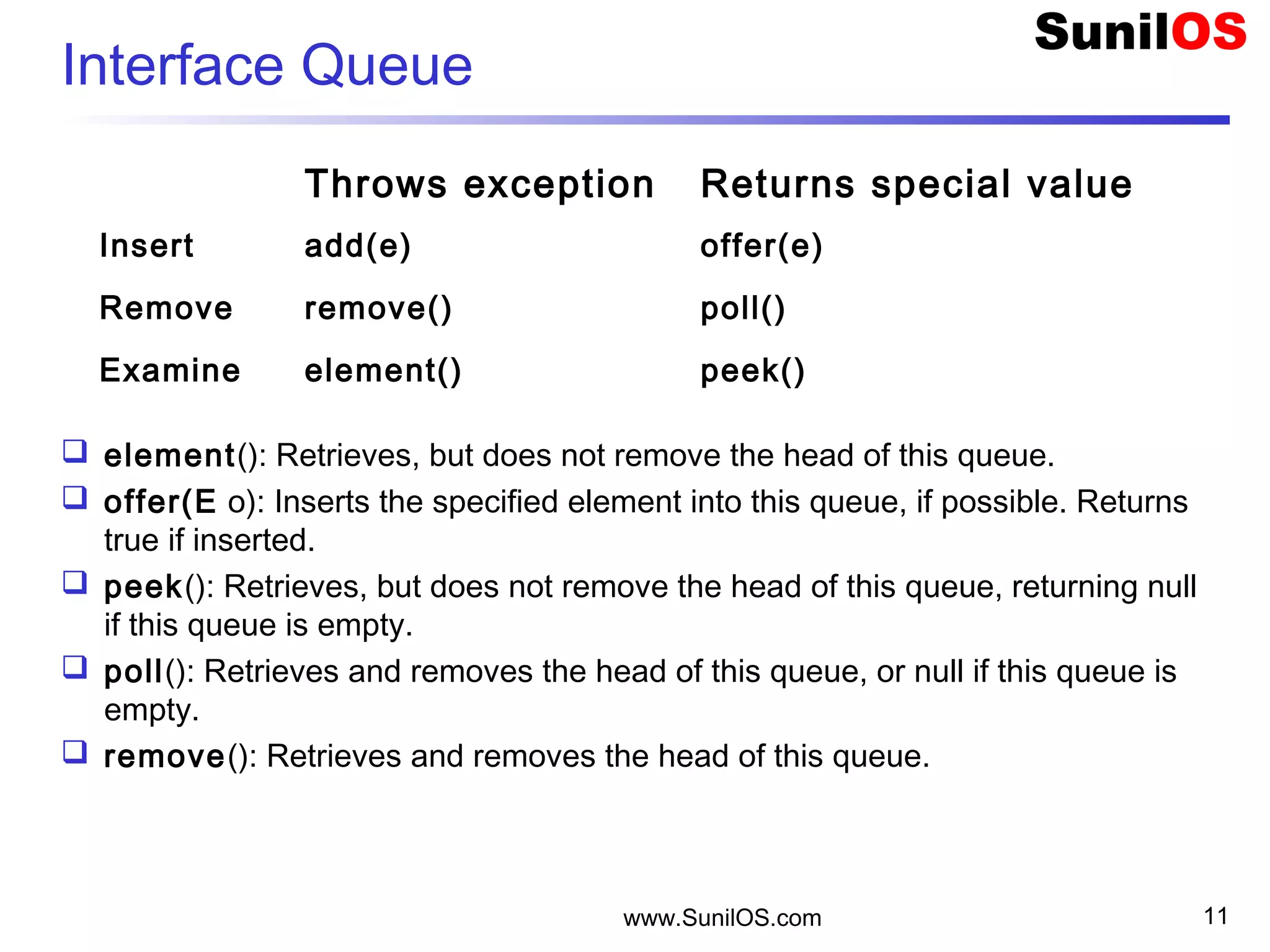
Interface Queue
 element(): Retrieves, but does not remove the head of this queue.
 offer(E o): Inserts the specified element into this queue, if possible. Returns
true if inserted.
 peek(): Retrieves, but does not remove the head of this queue, returning null
if this queue is empty.
 poll(): Retrieves and removes the head of this queue, or null if this queue is
empty.
 remove(): Retrieves and removes the head of this queue.
  Throws exception Returns special value
Insert add(e) offer(e)
Remove remove() poll()
Examine element() peek()
www.SunilOS.com 12
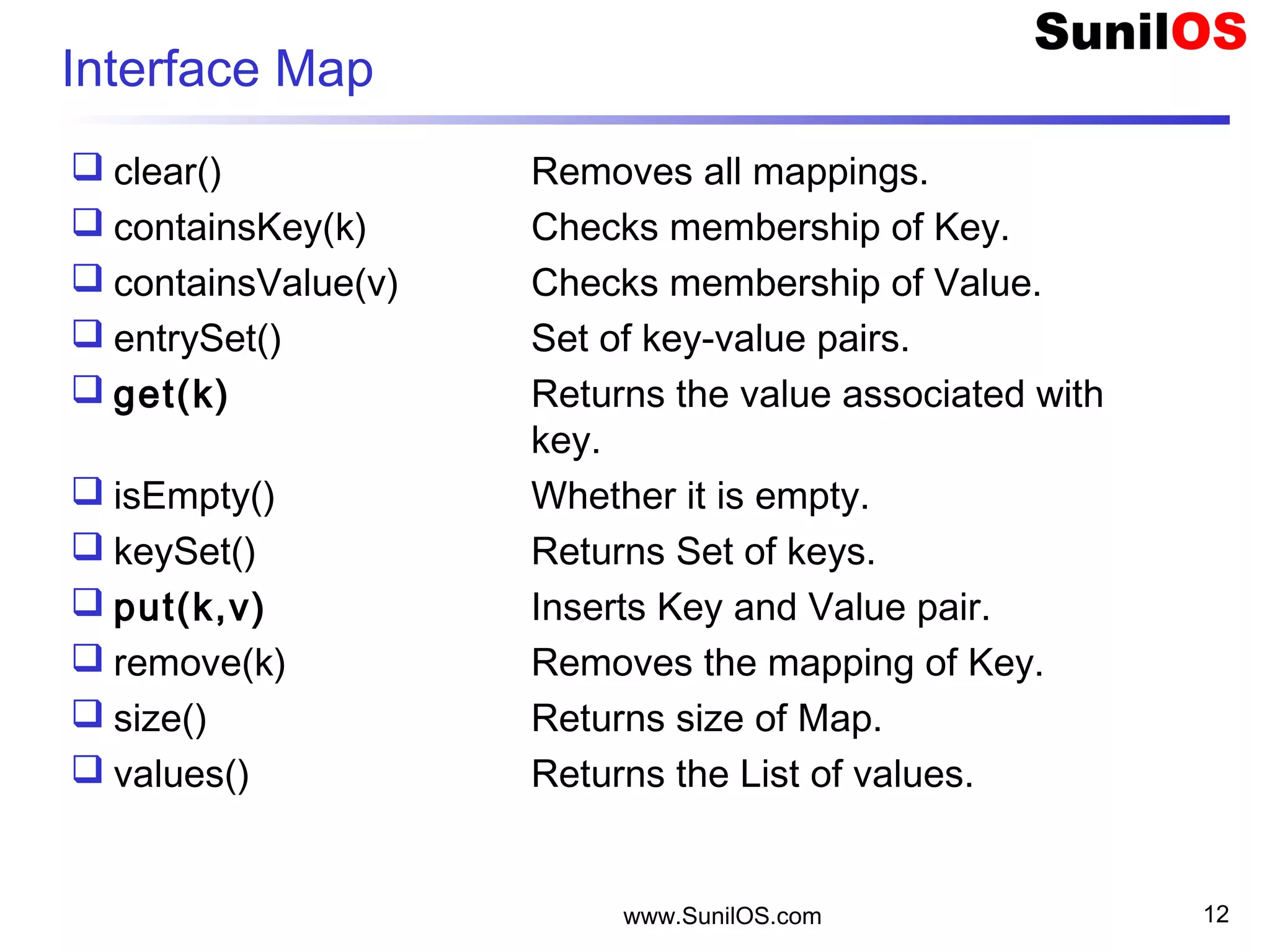
Interface Map
 clear() Removes all mappings.
 containsKey(k) Checks membership of Key.
 containsValue(v) Checks membership of Value.
 entrySet() Set of key-value pairs.
 get(k) Returns the value associated with
key.
 isEmpty() Whether it is empty.
 keySet() Returns Set of keys.
 put(k,v) Inserts Key and Value pair.
 remove(k) Removes the mapping of Key.
 size() Returns size of Map.
 values() Returns the List of values.
www.SunilOS.com 13
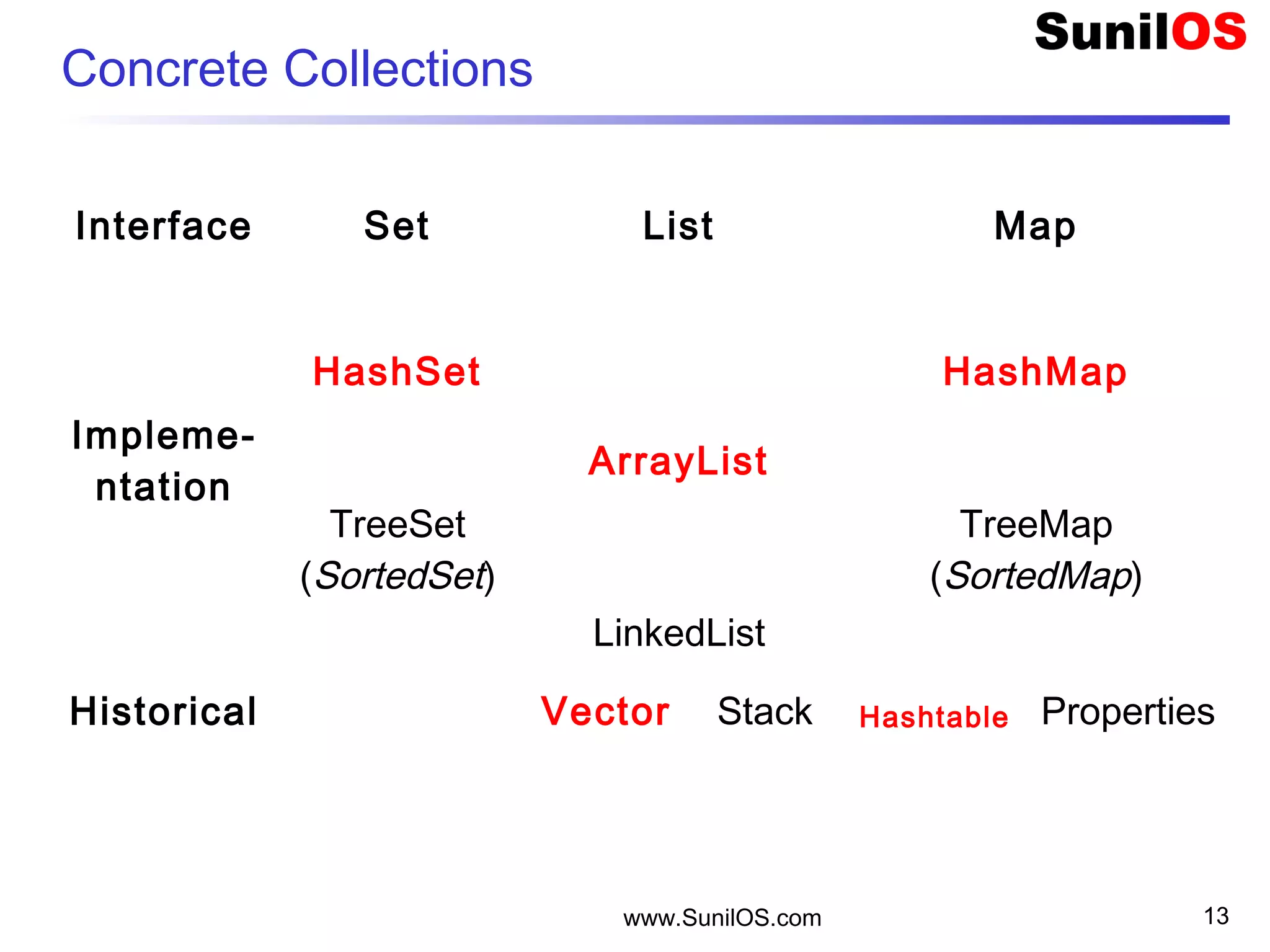
Concrete Collections
Interface Set List Map
Impleme-
ntation
HashSet   HashMap
  ArrayList  
TreeSet
(SortedSet)  
TreeMap
(SortedMap)
  LinkedList  
Historical   Vector Stack Hashtable Properties
www.SunilOS.com 14
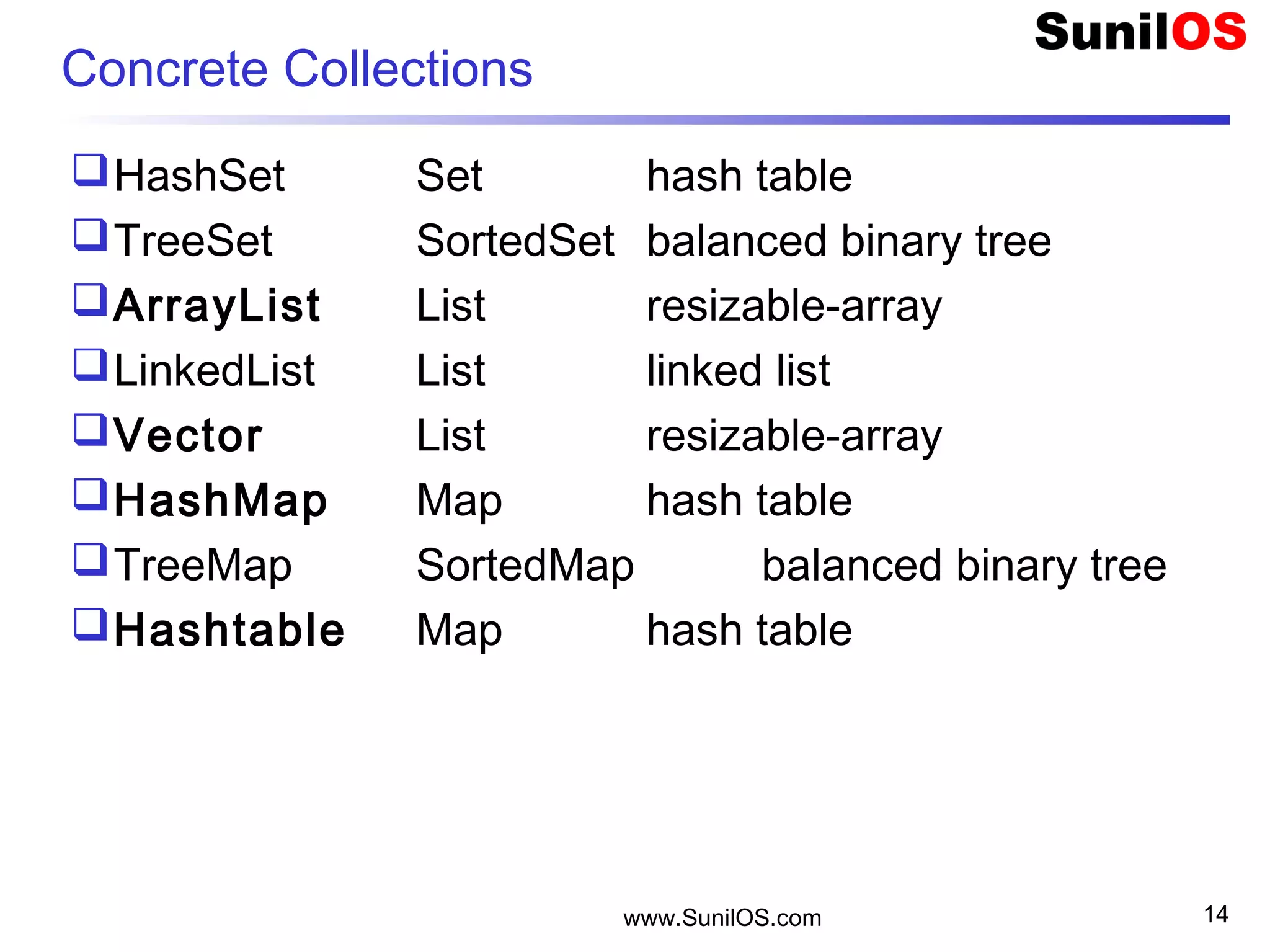
Concrete Collections
HashSet Set hash table
TreeSet SortedSet balanced binary tree
ArrayList List resizable-array
LinkedList List linked list
Vector List resizable-array
HashMap Map hash table
TreeMap SortedMap balanced binary tree
Hashtable Map hash table
www.SunilOS.com 15
ArrayList implements List
public static void main(String[] args) {
o ArrayList v = new ArrayList();
o v.add(“One");
o v.add(“Two"); 
o v.add(“Three");
o Integer i = new Integer(4);
o v.add(i);
o Integer value = (Integer) v.get(3);
o System.out.println(“Index#3 value = " + value);
www.SunilOS.com 16
Vector implements List
public static void main(String[] args) {
o Vector v = new Vector();
o v.add(“One");
o v.add(“Two"); 
o v.add(“Three");
o Integer i = new Integer(4);
o v.add(i);
o Integer value = (Integer) v.get(3);
o System.out.println(“Index#3 value = " + value);
www.SunilOS.com 17
ArrayList – read all elements
public static void main(String[] args) {
o ArrayList v = new ArrayList();
o v.add(“One");
o …..
o int size = v.size();
o for (int j = 0; j < size; j++) {
o System.out.println(j + " : " + v.get(j));
o }
An object is converted into string by o.toString() method.
toString() method is defined in Object class.
www.SunilOS.com 18
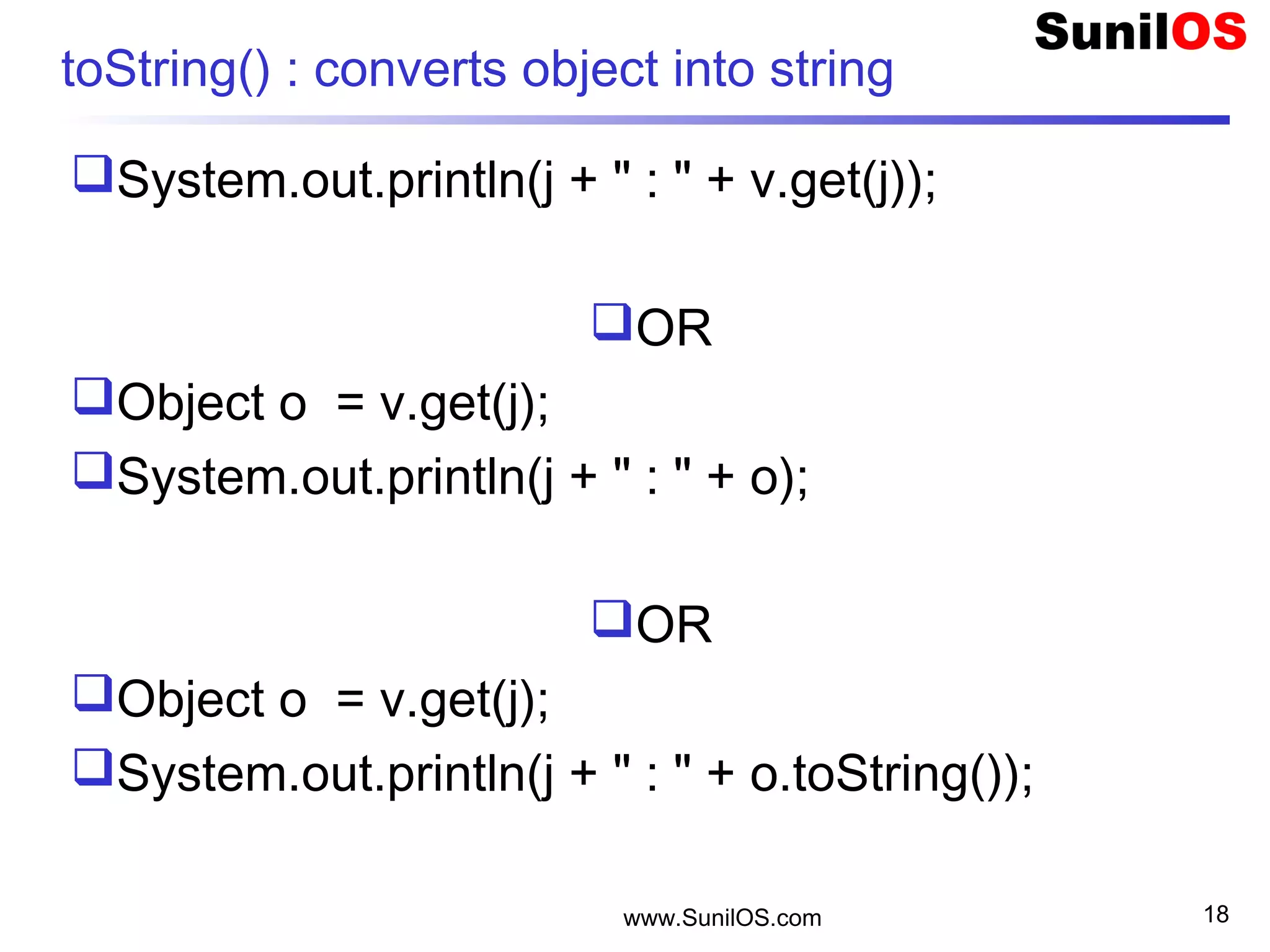
toString() : converts object into string
System.out.println(j + " : " + v.get(j));
OR
Object o = v.get(j);
System.out.println(j + " : " + o);
OR
Object o = v.get(j);
System.out.println(j + " : " + o.toString());
www.SunilOS.com 19
ArrayList – read all elements
 public static void main(String[] args) {
o ArrayList v = new ArrayList();
o v.add("Jay");
o …..
o Iterator it = v.iterator(); //Gets an iterator
o while(it.hasNext())
• Object o = it.next(); //Gets next element
• System.out.println(o);
• //System.out.println(it.next());
o }
 }
www.SunilOS.com 20
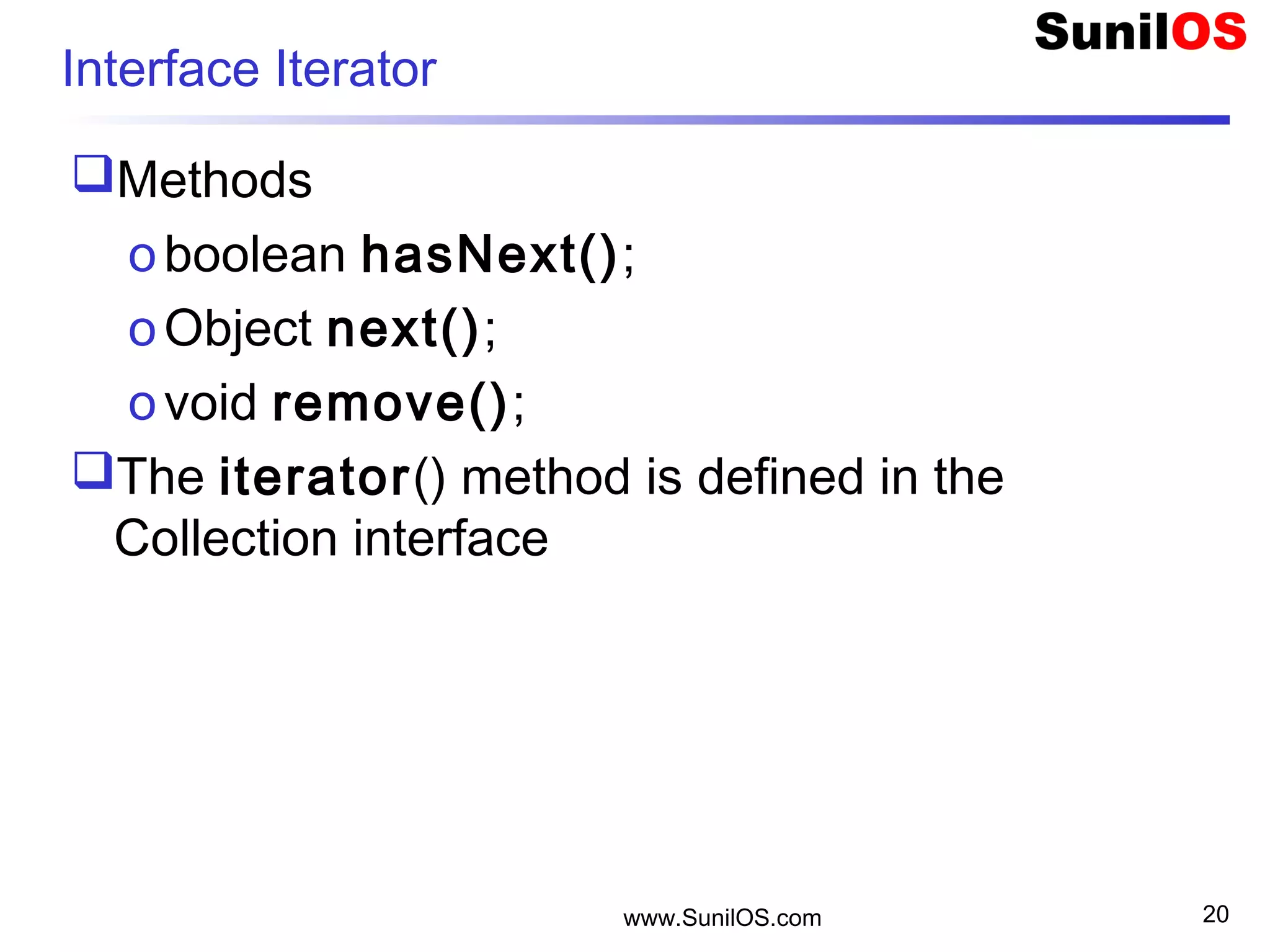
Interface Iterator
Methods
oboolean hasNext();
oObject next();
ovoid remove();
The iterator() method is defined in the
Collection interface
www.SunilOS.com 21
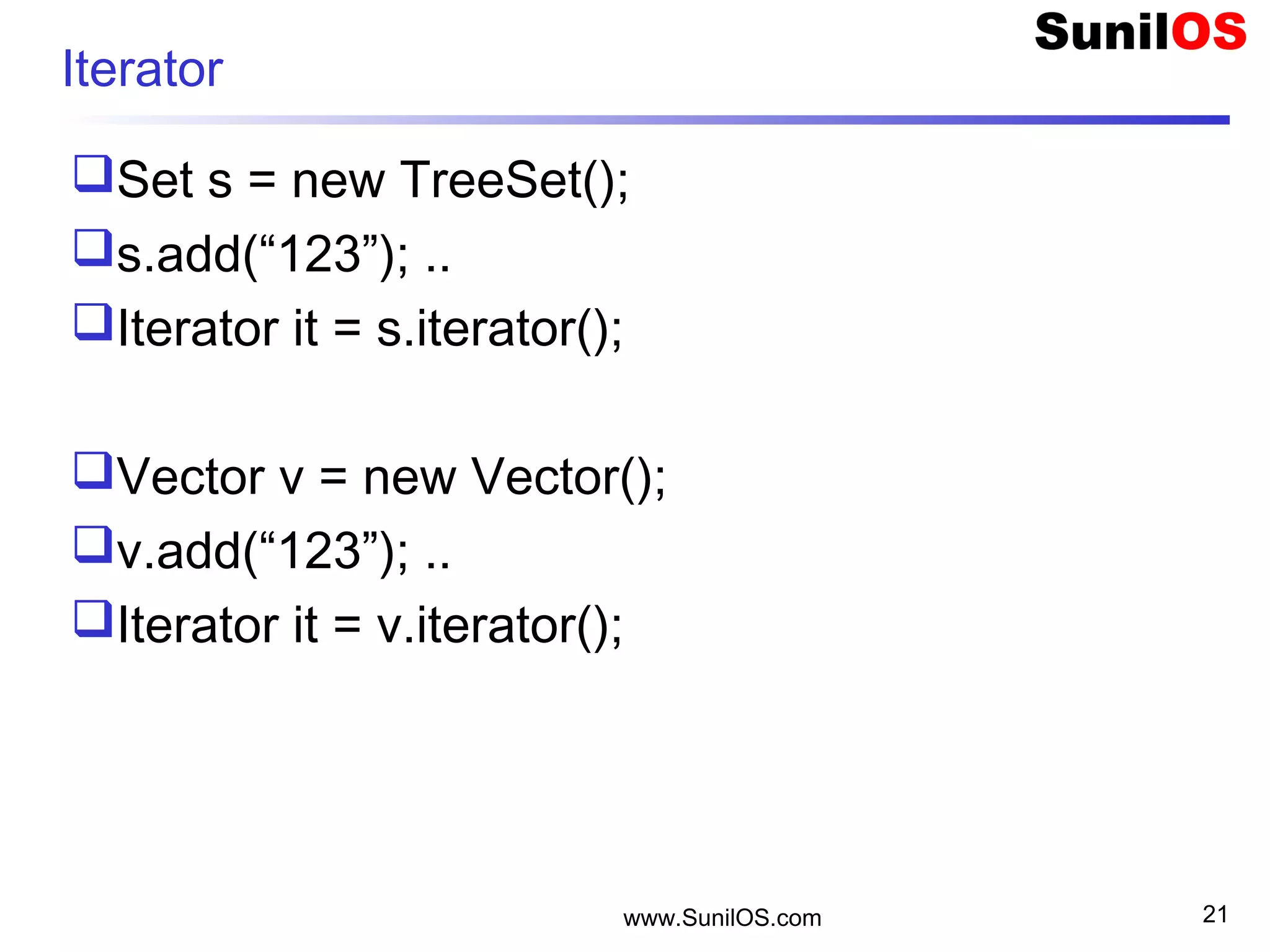
Iterator
Set s = new TreeSet();
s.add(“123”); ..
Iterator it = s.iterator();
Vector v = new Vector();
v.add(“123”); ..
Iterator it = v.iterator();
www.SunilOS.com 22
Map – Hashtable and HashMap
 public static void main(String[] args) {
o HashMap m = new HashMap();
o m.put("RN1001", 890);
o m.put("RN1002",900);
o m.put("RN1003",780);
o Integer i = (Integer)m.get("RN1002");
o Set keys = m.keySet();
o Collection vals = m.values()
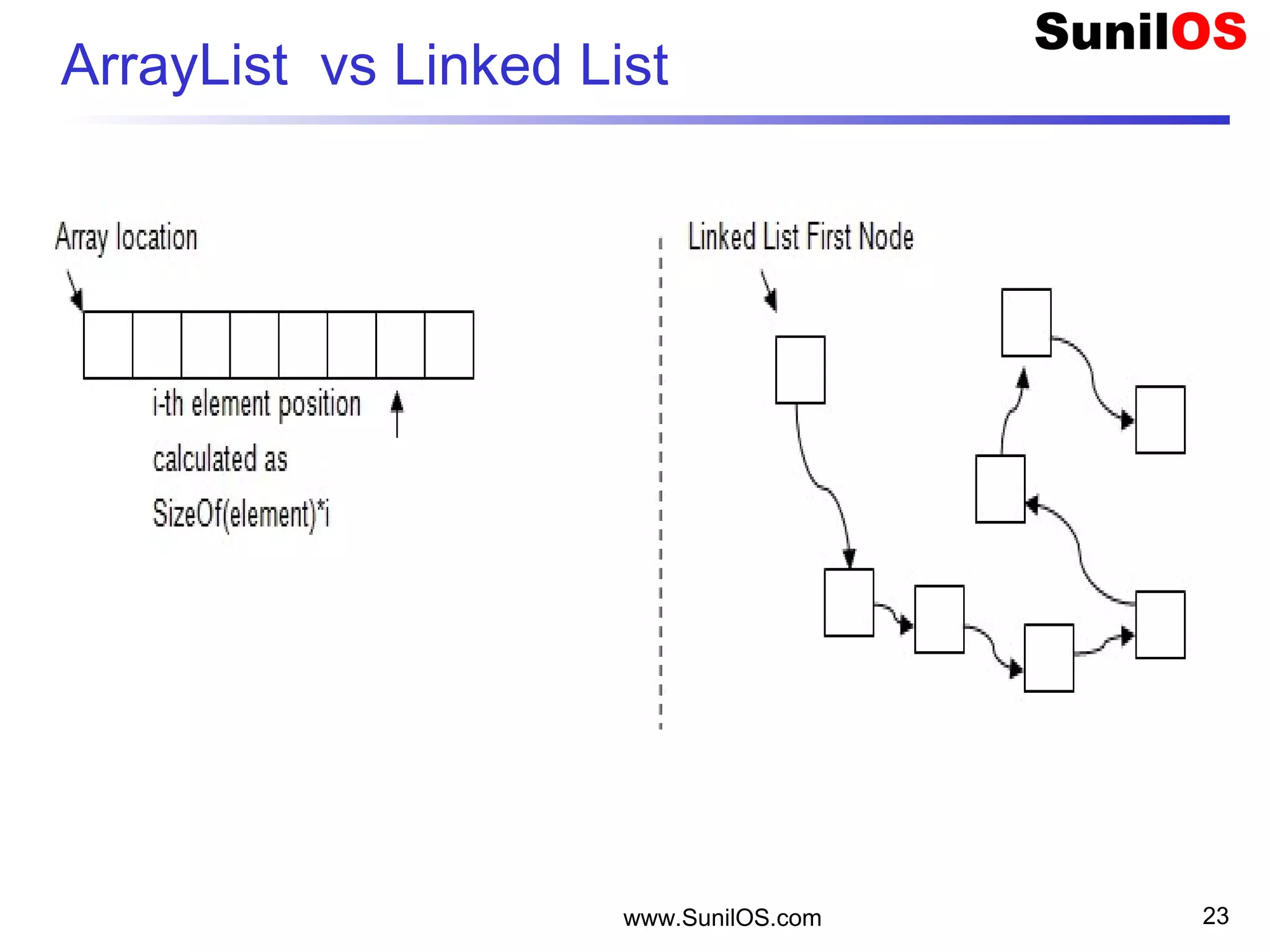
ArrayList vs Linked List
www.SunilOS.com 23
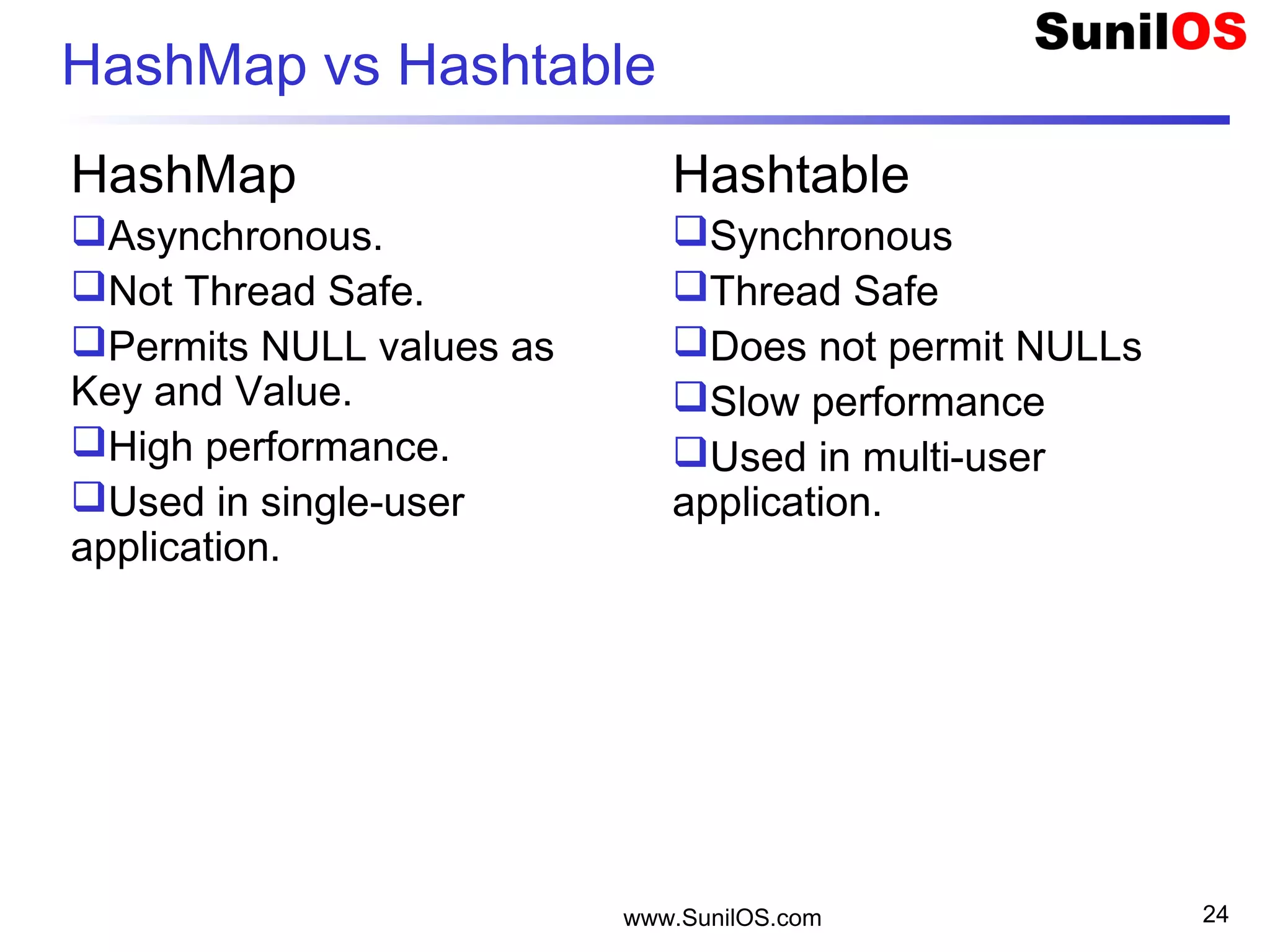
HashMap vs Hashtable
HashMap
Asynchronous.
Not Thread Safe.
Permits NULL values as
Key and Value.
High performance.
Used in single-user
application.
Hashtable
Synchronous
Thread Safe
Does not permit NULLs
Slow performance
Used in multi-user
application.
www.SunilOS.com 24
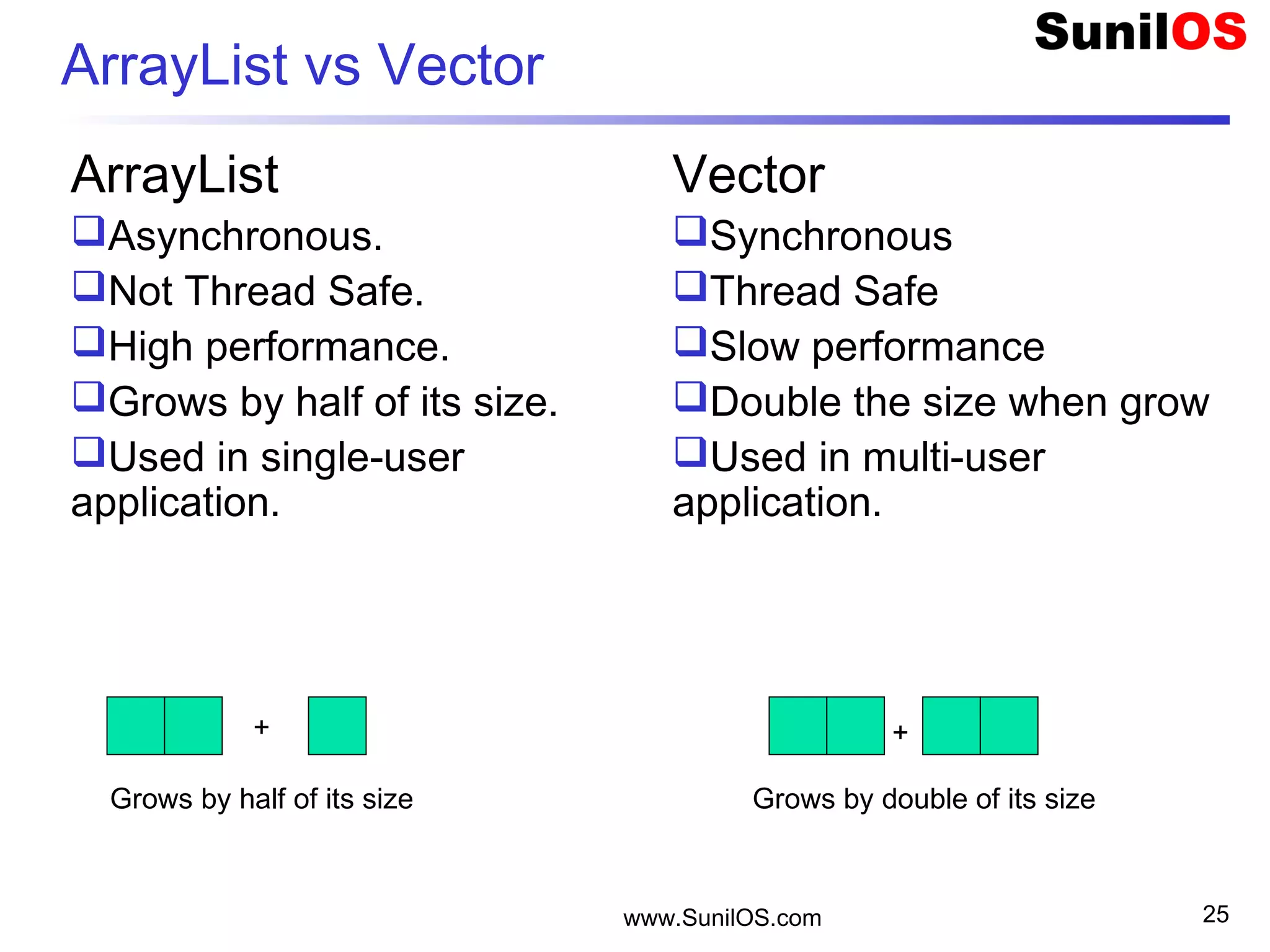
ArrayList vs Vector
ArrayList
Asynchronous.
Not Thread Safe.
High performance.
Grows by half of its size.
Used in single-user
application.
Vector
Synchronous
Thread Safe
Slow performance
Double the size when grow
Used in multi-user
application.
www.SunilOS.com 25
Grows by half of its size Grows by double of its size
+ +
www.SunilOS.com 26
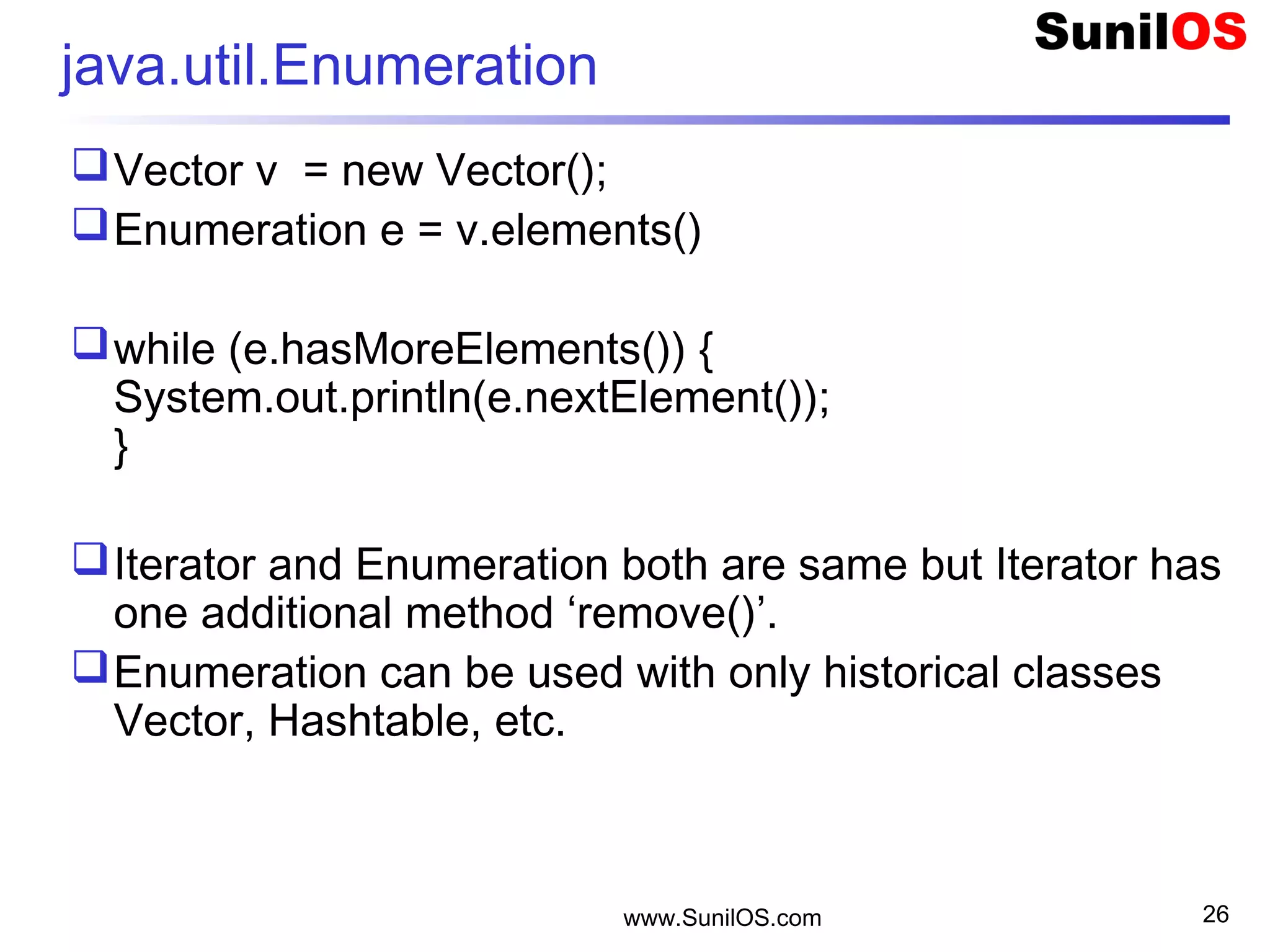
java.util.Enumeration
Vector v = new Vector();
Enumeration e = v.elements()
while (e.hasMoreElements()) {
System.out.println(e.nextElement());
}
Iterator and Enumeration both are same but Iterator has
one additional method ‘remove()’.
Enumeration can be used with only historical classes
Vector, Hashtable, etc.
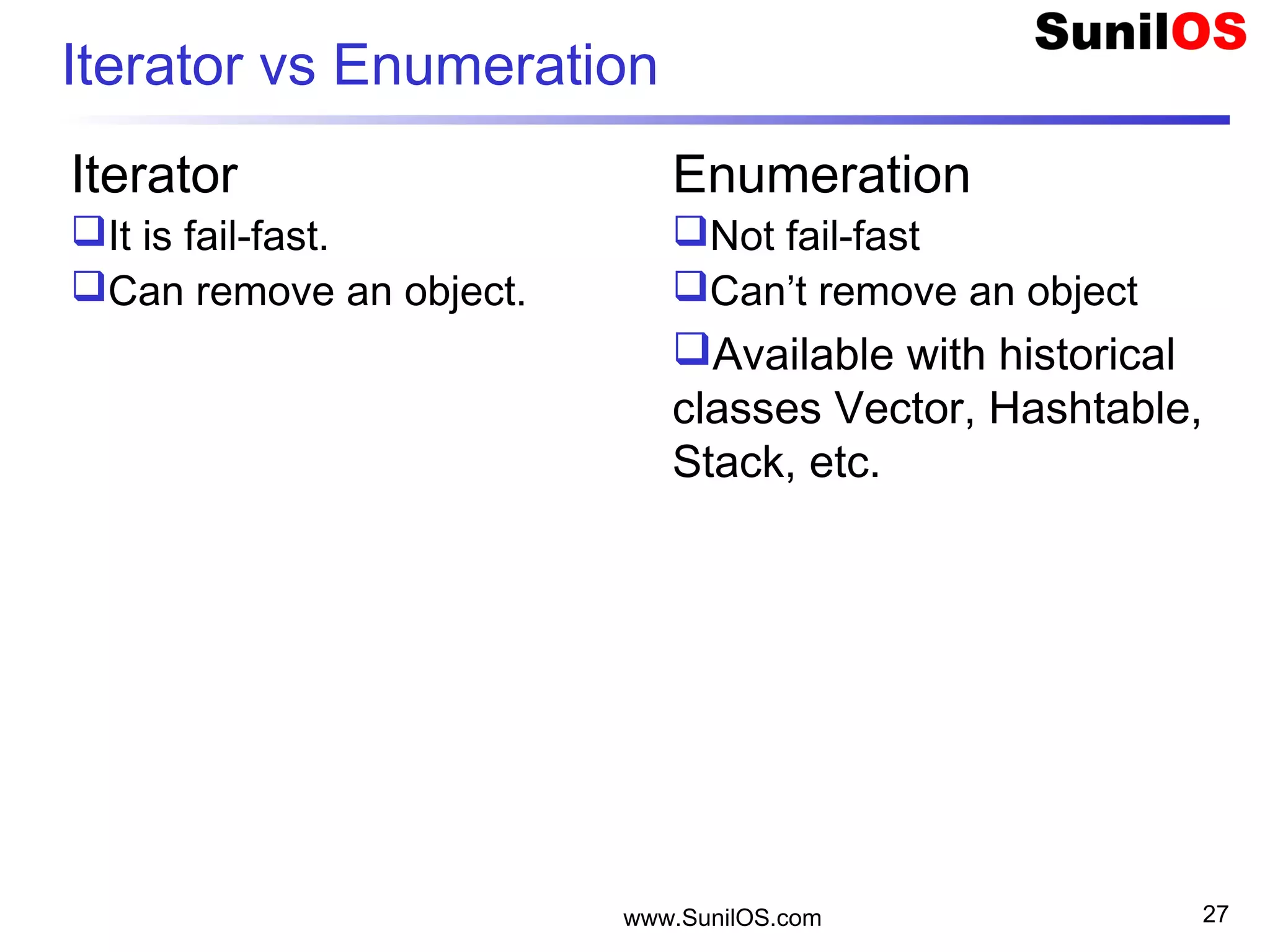
Iterator vs Enumeration
Iterator
It is fail-fast.
Can remove an object.
Enumeration
Not fail-fast
Can’t remove an object
Available with historical
classes Vector, Hashtable,
Stack, etc.
www.SunilOS.com 27
Fail-fast
If the collection is structurally modified at any
time after the Iterator is created, in any way
except through the Iterator's own remove()
method, then Iterator will throw the following
exception:
oConcurrentModificationException.
www.SunilOS.com 28
www.SunilOS.com 29
Instantiate V/AL/HT/HM
 Vector v = new Vector(); //Default Capacity 10
 Vector v = new Vector(20); //Initial capacity 20
 Vector v = new Vector(20,15); //Initial capacity 20 and then
increase by 15
 ArrayList al = new ArrayList(); //Default Capacity 10
 ArrayList al = new ArrayList(20); //Initial Capacity
 Hashtable ht = new Hashtable();
 Hashtable ht = new Hashtable(20);
 int i = al.capacity(); //Returns the current capacity of this vector
 int s = al.size(); //Returns the number of components in this
vector
www.SunilOS.com 30
Synchronize Collection
Non-synchronized collections can be synchronized by
Collections class using following methods:
o Collection c = Collections.synchronizedCollection(c);
o List syncList = Collections.synchronizedList(al);
o Set syncSet = Collections.synchronizedSet(s);
o SortedSet syncSet = Collections.synchronizedSortedSet(s);
o Map syncMap = Collections.synchronizedMap(m);
o TreeMap syncMap = Collections.synchronizedTreeMap(m);
Method equals() and hashCode()
Both methods are found in Object class.
They play imported role in identification and
searching of elements in Collections.
www.SunilOS.com 31
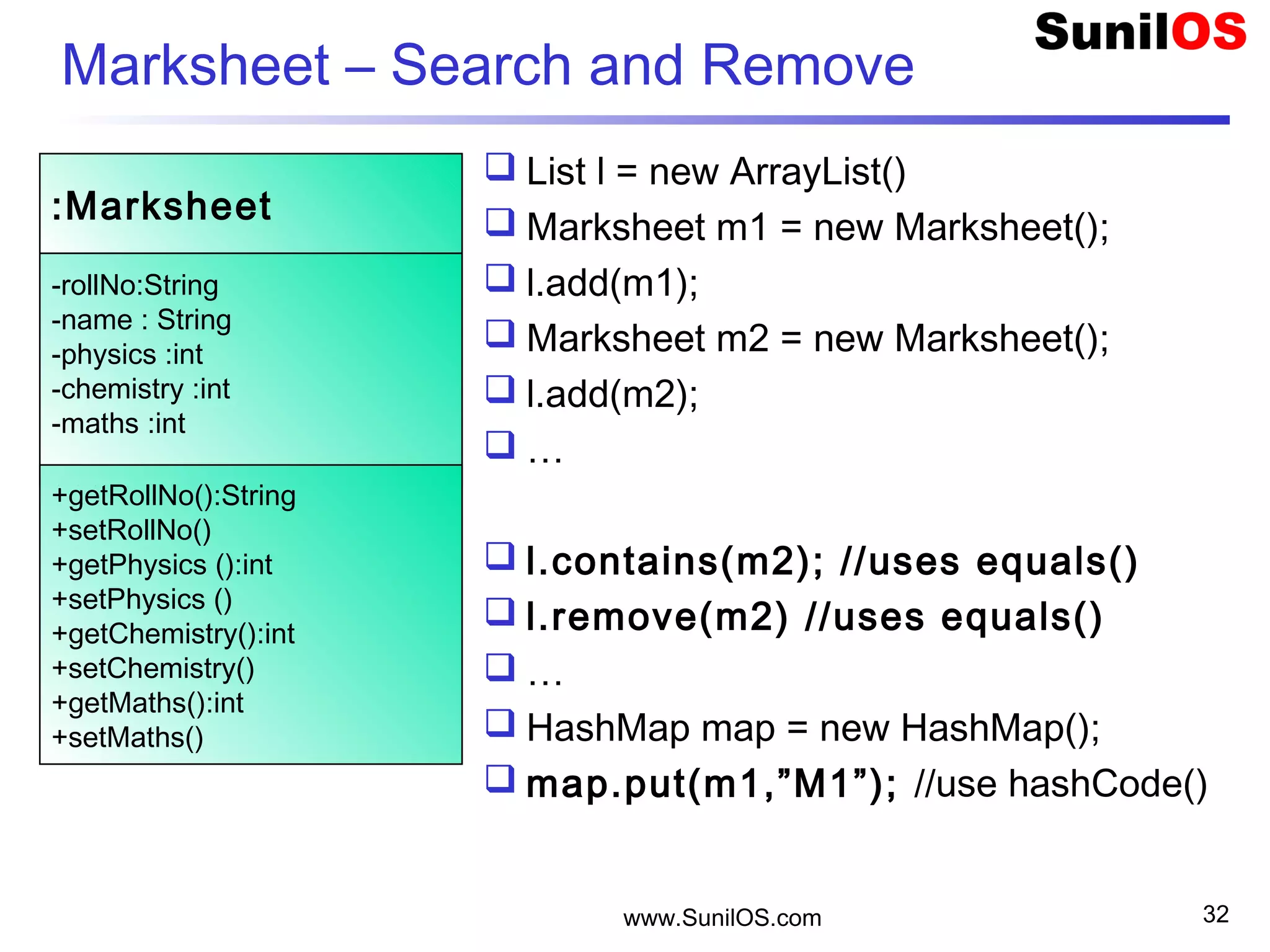
Marksheet – Search and Remove
 List l = new ArrayList()
 Marksheet m1 = new Marksheet();
 l.add(m1);
 Marksheet m2 = new Marksheet();
 l.add(m2);
 …
 l.contains(m2); //uses equals()
 l.remove(m2) //uses equals()
 …
 HashMap map = new HashMap();
 map.put(m1,”M1”); //use hashCode()
www.SunilOS.com 32
:Marksheet
-rollNo:String
-name : String
-physics :int
-chemistry :int
-maths :int
+getRollNo():String
+setRollNo()
+getPhysics ():int
+setPhysics ()
+getChemistry():int
+setChemistry()
+getMaths():int
+setMaths()
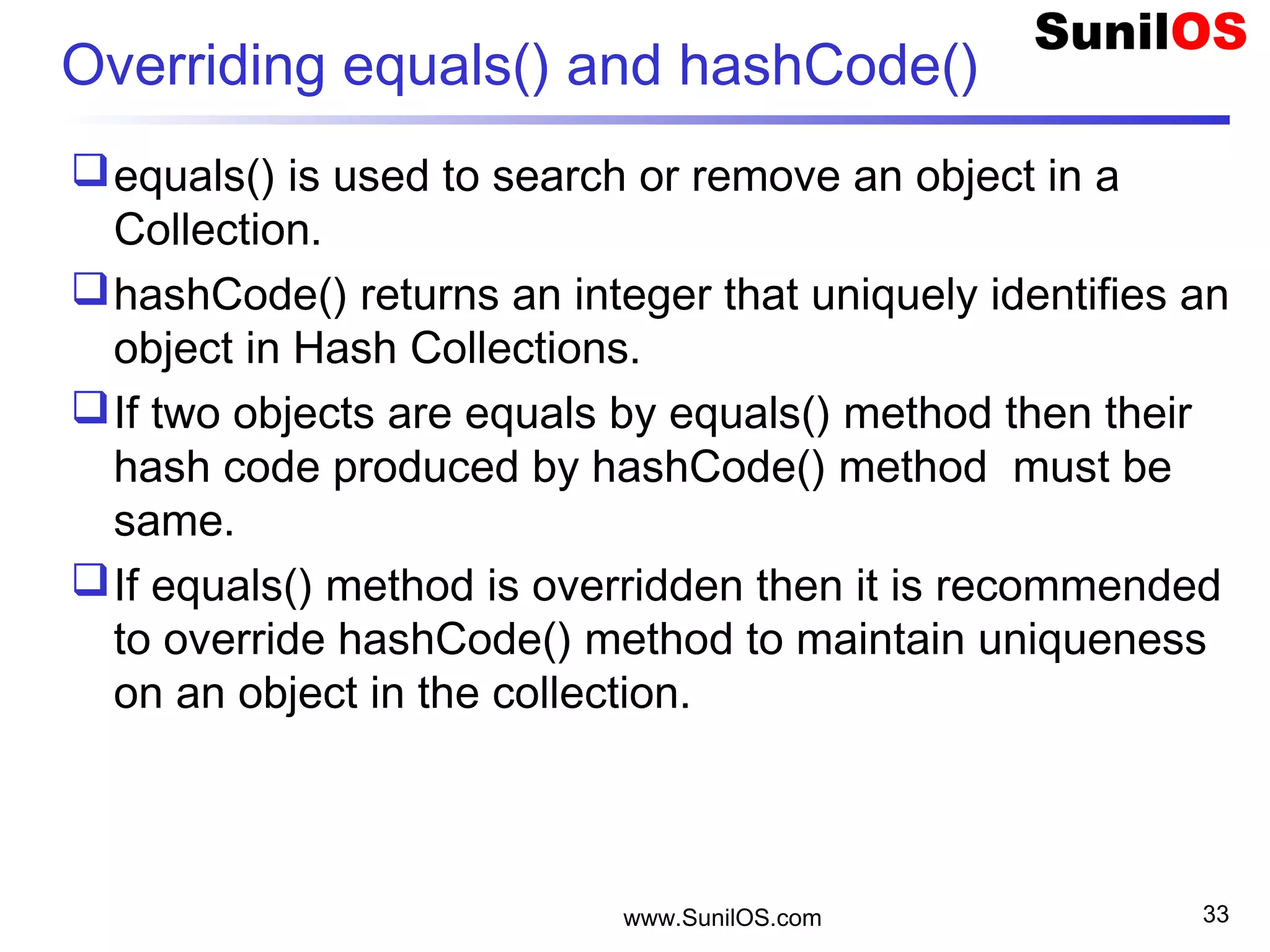
Overriding equals() and hashCode()
equals() is used to search or remove an object in a
Collection.
hashCode() returns an integer that uniquely identifies an
object in Hash Collections.
If two objects are equals by equals() method then their
hash code produced by hashCode() method must be
same.
If equals() method is overridden then it is recommended
to override hashCode() method to maintain uniqueness
on an object in the collection.
www.SunilOS.com 33
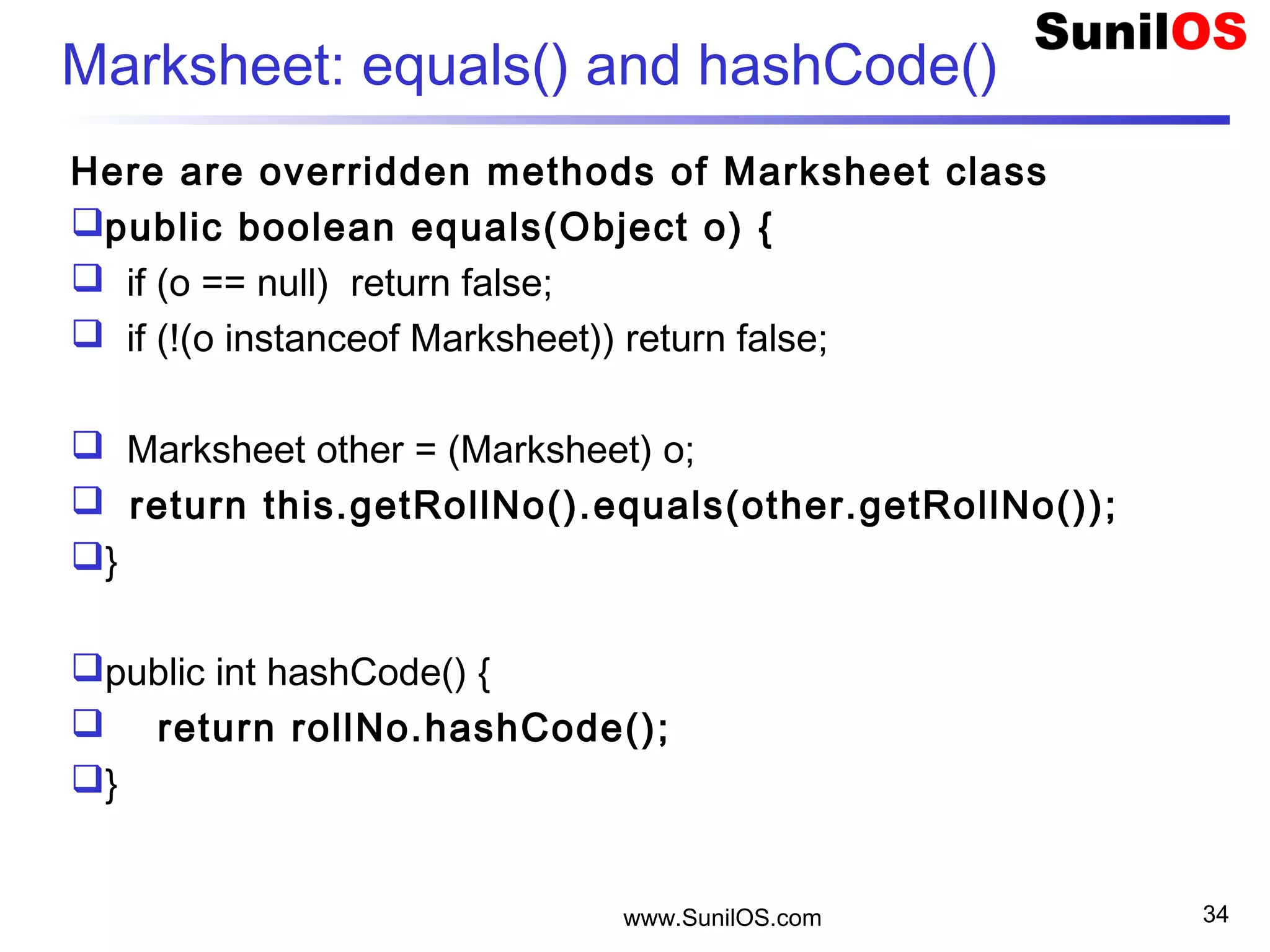
Marksheet: equals() and hashCode()
Here are overridden methods of Marksheet class
public boolean equals(Object o) {
 if (o == null) return false;
 if (!(o instanceof Marksheet)) return false;
  Marksheet other = (Marksheet) o;
 return this.getRollNo().equals(other.getRollNo());
}
public int hashCode() {
 return rollNo.hashCode();
}
www.SunilOS.com 34
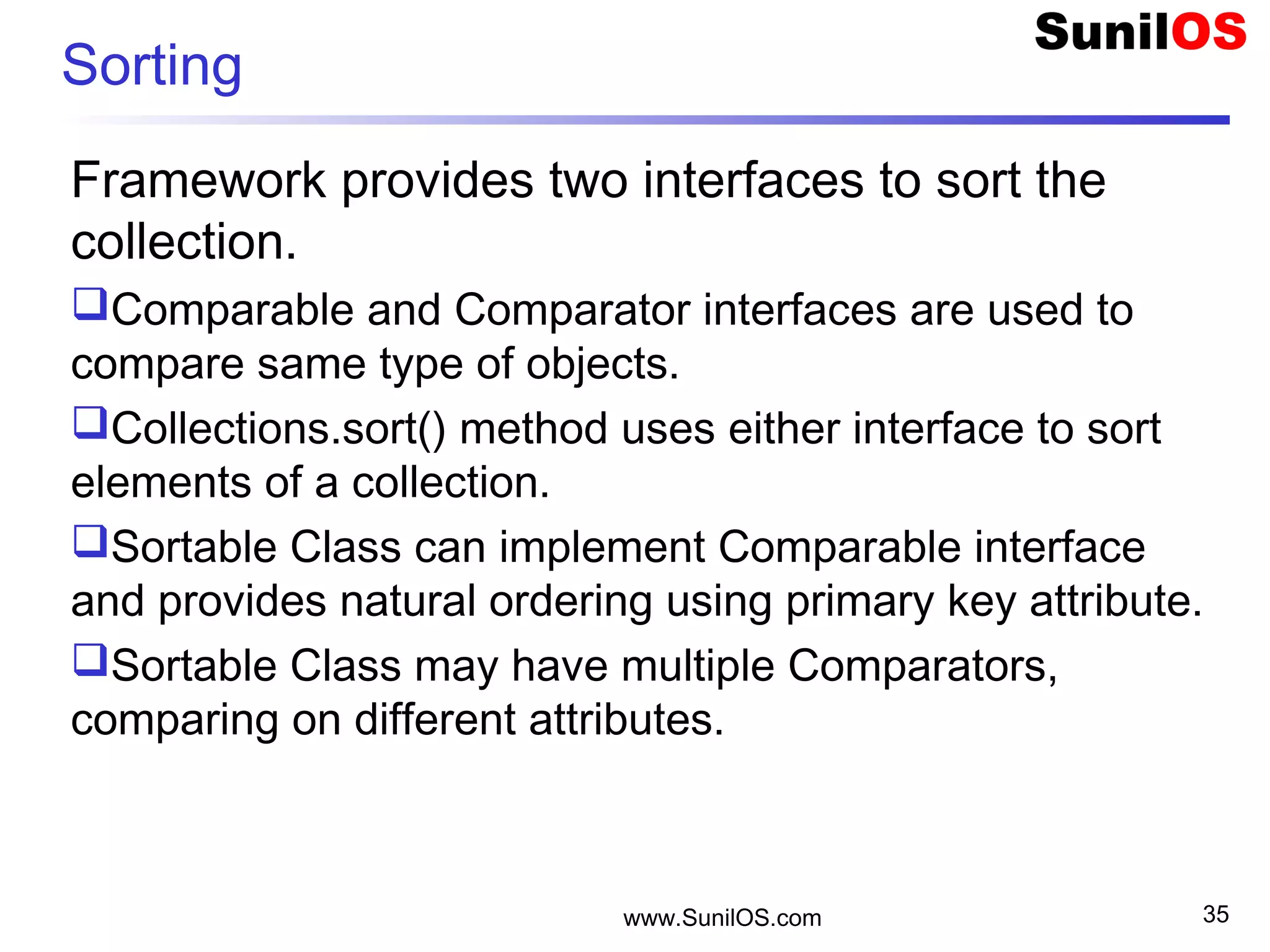
Sorting
Framework provides two interfaces to sort the
collection.
Comparable and Comparator interfaces are used to
compare same type of objects.
Collections.sort() method uses either interface to sort
elements of a collection.
Sortable Class can implement Comparable interface
and provides natural ordering using primary key attribute.
Sortable Class may have multiple Comparators,
comparing on different attributes.
www.SunilOS.com 35
Sorting ( Cont. )
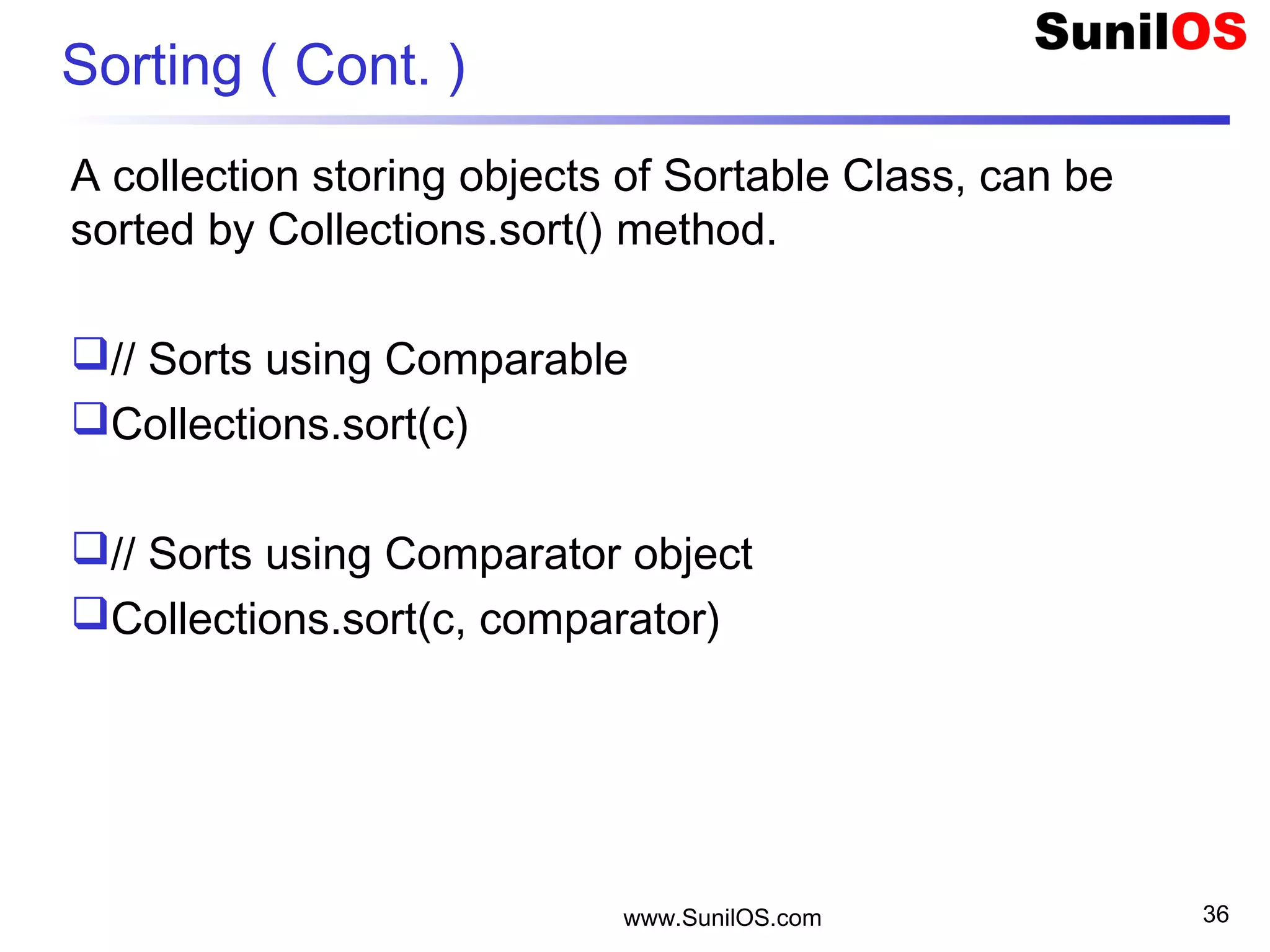
A collection storing objects of Sortable Class, can be
sorted by Collections.sort() method.
// Sorts using Comparable
Collections.sort(c)
// Sorts using Comparator object
Collections.sort(c, comparator)
www.SunilOS.com 36
Comparable Interface
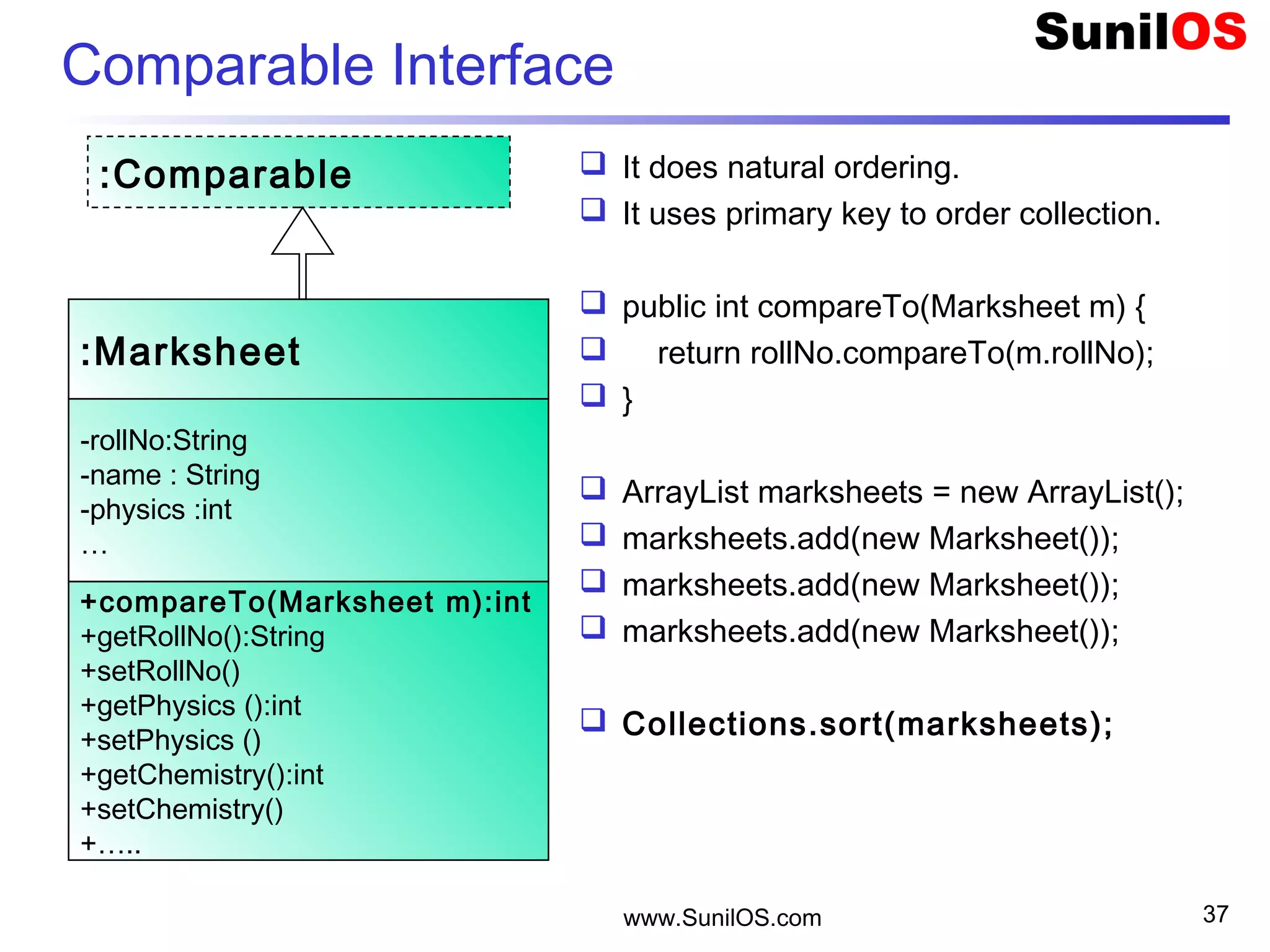
 It does natural ordering.
 It uses primary key to order collection.
 public int compareTo(Marksheet m) {
 return rollNo.compareTo(m.rollNo);
 }
 ArrayList marksheets = new ArrayList();
 marksheets.add(new Marksheet());
 Collections.sort(marksheets);
www.SunilOS.com 37
:Marksheet
-rollNo:String
-name : String
-physics :int
…
+compareTo(Marksheet m):int
+getRollNo():String
+setRollNo()
+getPhysics ():int
+setPhysics ()
+getChemistry():int
+setChemistry()
+…..
:Comparable
Comparator Interface
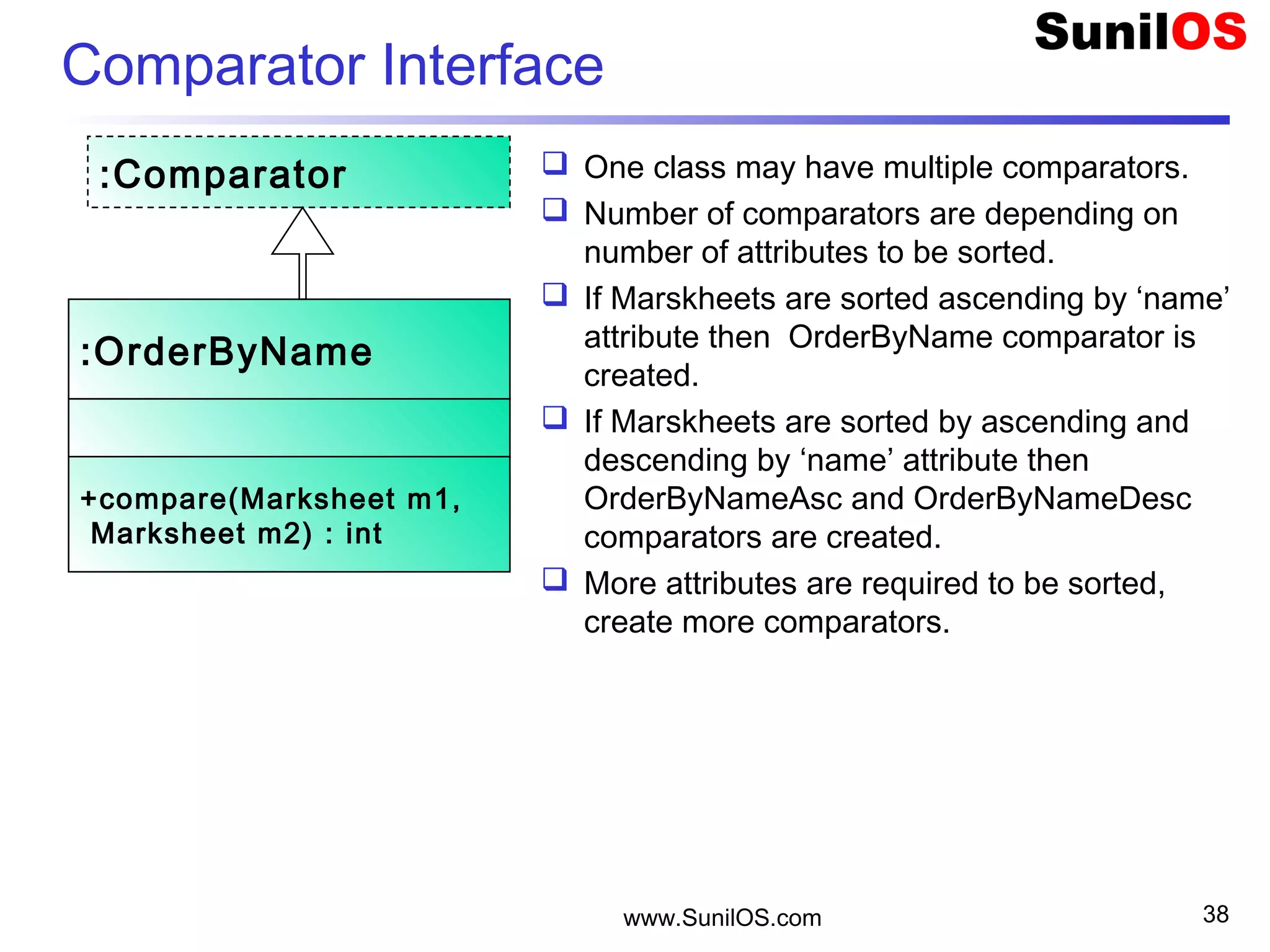
 One class may have multiple comparators.
 Number of comparators are depending on
number of attributes to be sorted.
 If Marskheets are sorted ascending by ‘name’
attribute then OrderByName comparator is
created.
 If Marskheets are sorted by ascending and
descending by ‘name’ attribute then
OrderByNameAsc and OrderByNameDesc
comparators are created.
 More attributes are required to be sorted,
create more comparators.
www.SunilOS.com 38
:OrderByName
+compare(Marksheet m1,
Marksheet m2) : int
:Comparator
Comparator Interface ( cont.)
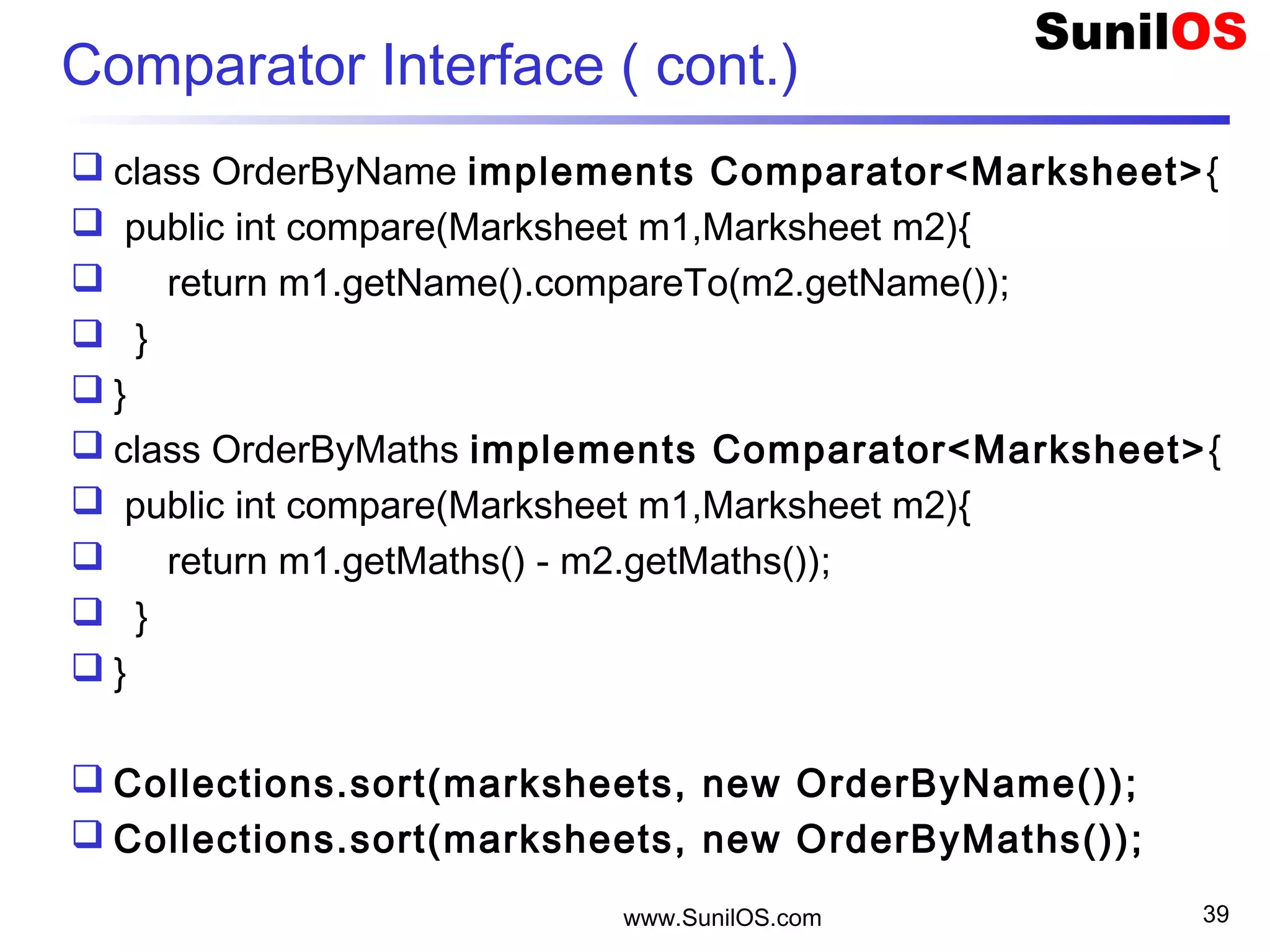
 class OrderByName implements Comparator<Marksheet>{
 public int compare(Marksheet m1,Marksheet m2){
 return m1.getName().compareTo(m2.getName());
 }
 }
 class OrderByMaths implements Comparator<Marksheet>{
 public int compare(Marksheet m1,Marksheet m2){
 return m1.getMaths() - m2.getMaths());
 }
 }
 Collections.sort(marksheets, new OrderByName());
 Collections.sort(marksheets, new OrderByMaths());
www.SunilOS.com 39
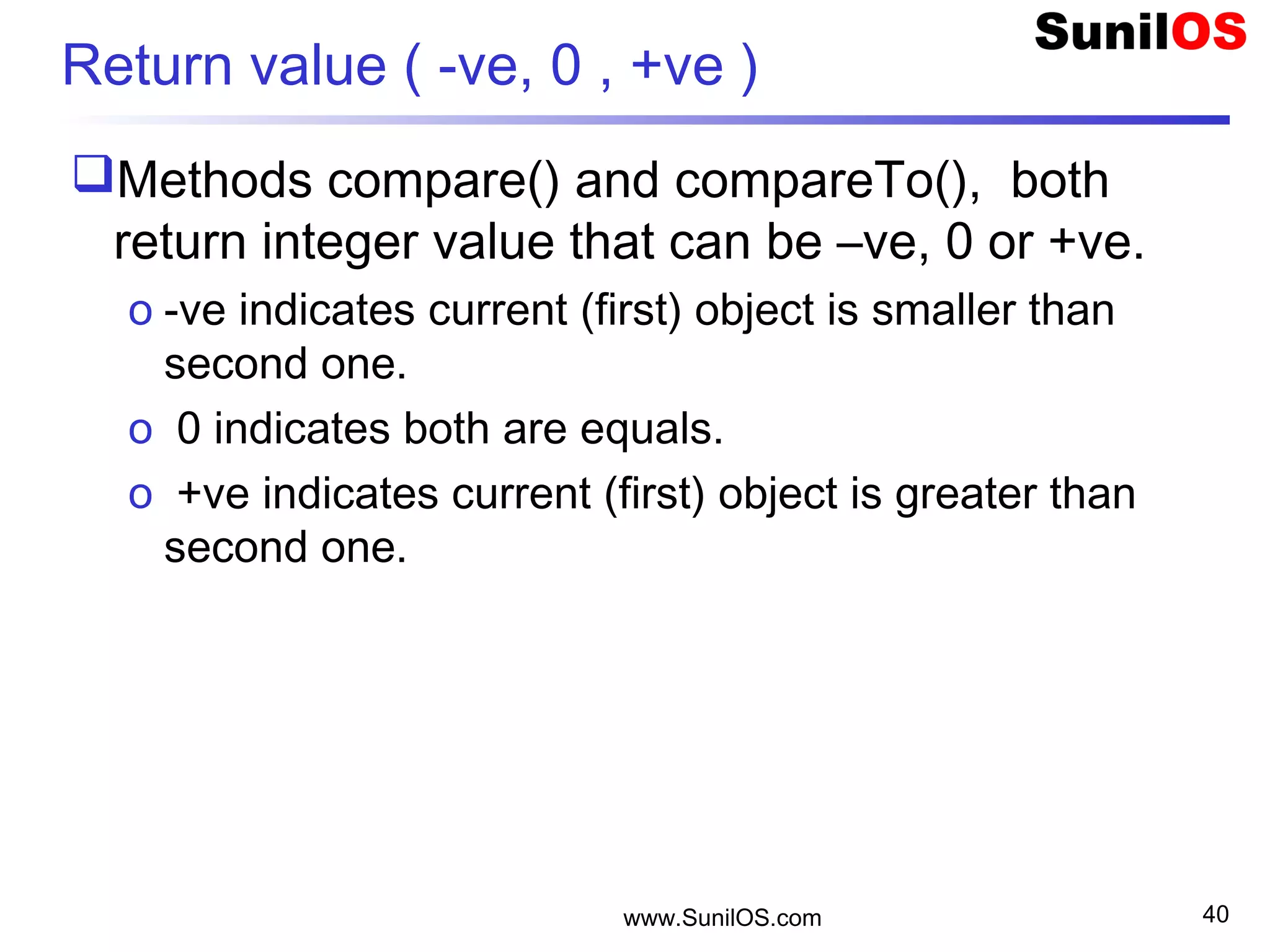
Return value ( -ve, 0 , +ve )
Methods compare() and compareTo(), both
return integer value that can be –ve, 0 or +ve.
o -ve indicates current (first) object is smaller than
second one.
o 0 indicates both are equals.
o +ve indicates current (first) object is greater than
second one.
www.SunilOS.com 40
www.SunilOS.com 41
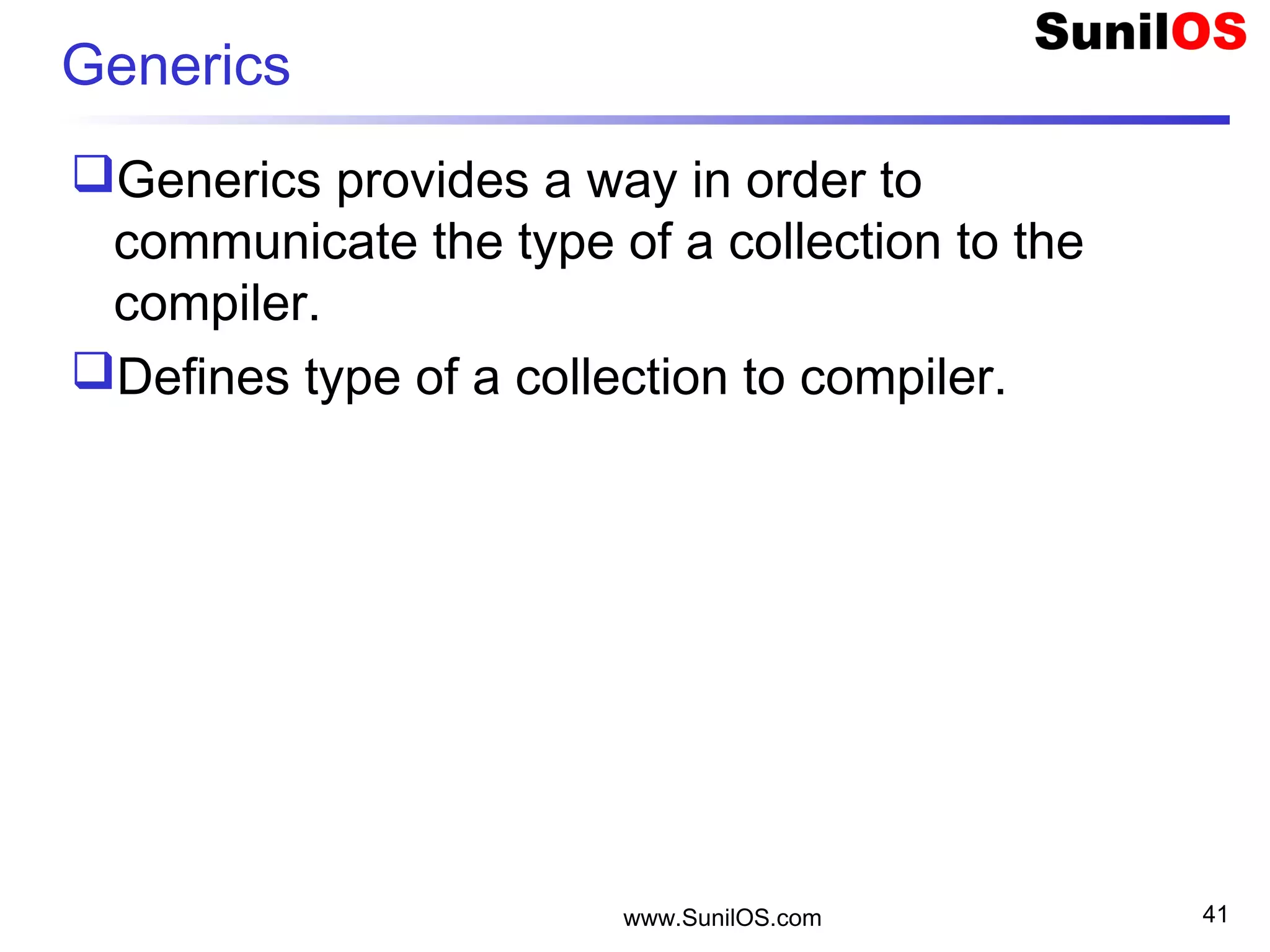
Generics
Generics provides a way in order to
communicate the type of a collection to the
compiler.
Defines type of a collection to compiler.
www.SunilOS.com 42
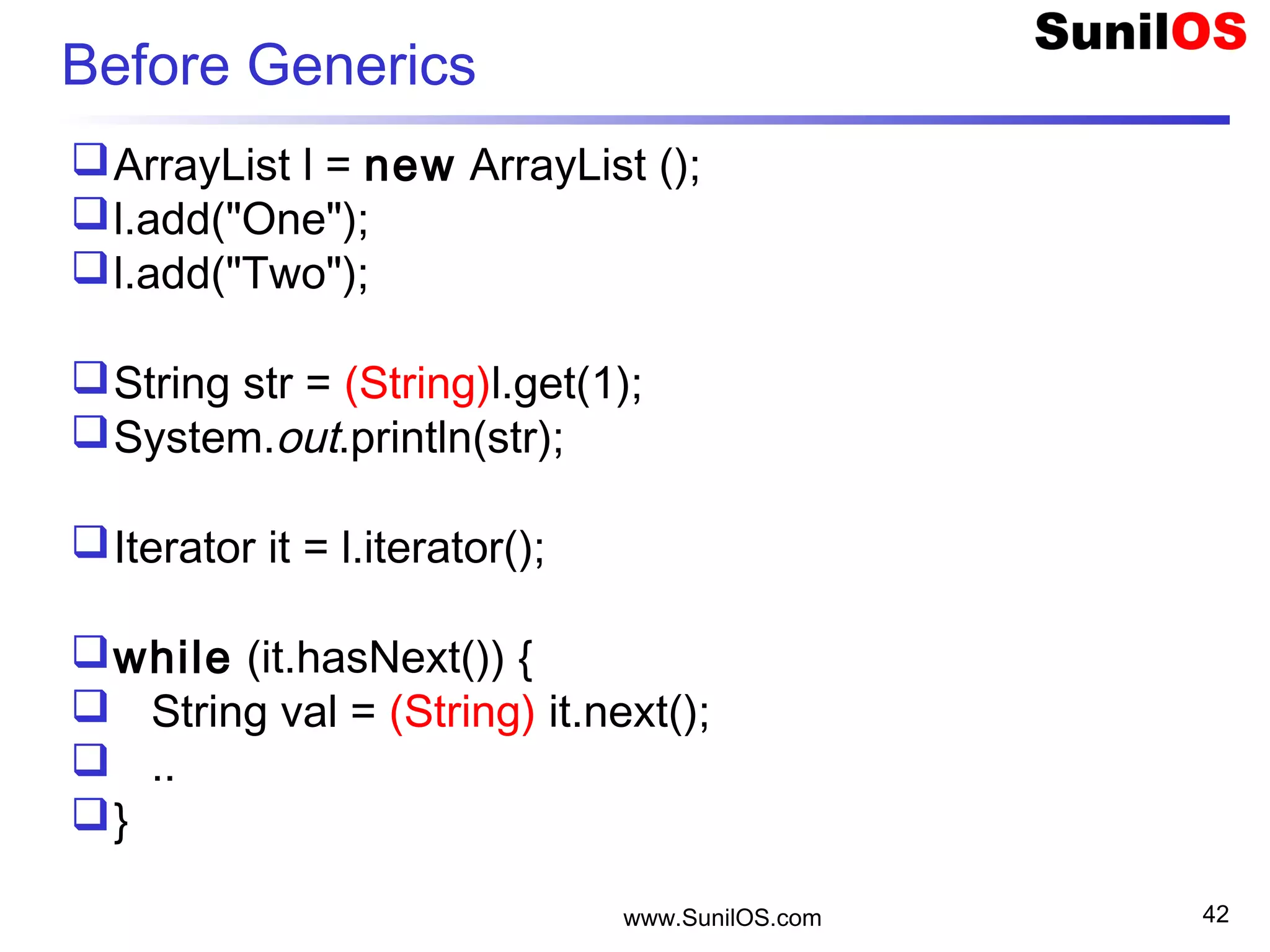
Before Generics
ArrayList l = new ArrayList ();
l.add("One");
l.add("Two");
String str = (String)l.get(1);
System.out.println(str);
Iterator it = l.iterator();
while (it.hasNext()) {
 String val = (String) it.next();
 ..
}
www.SunilOS.com 43
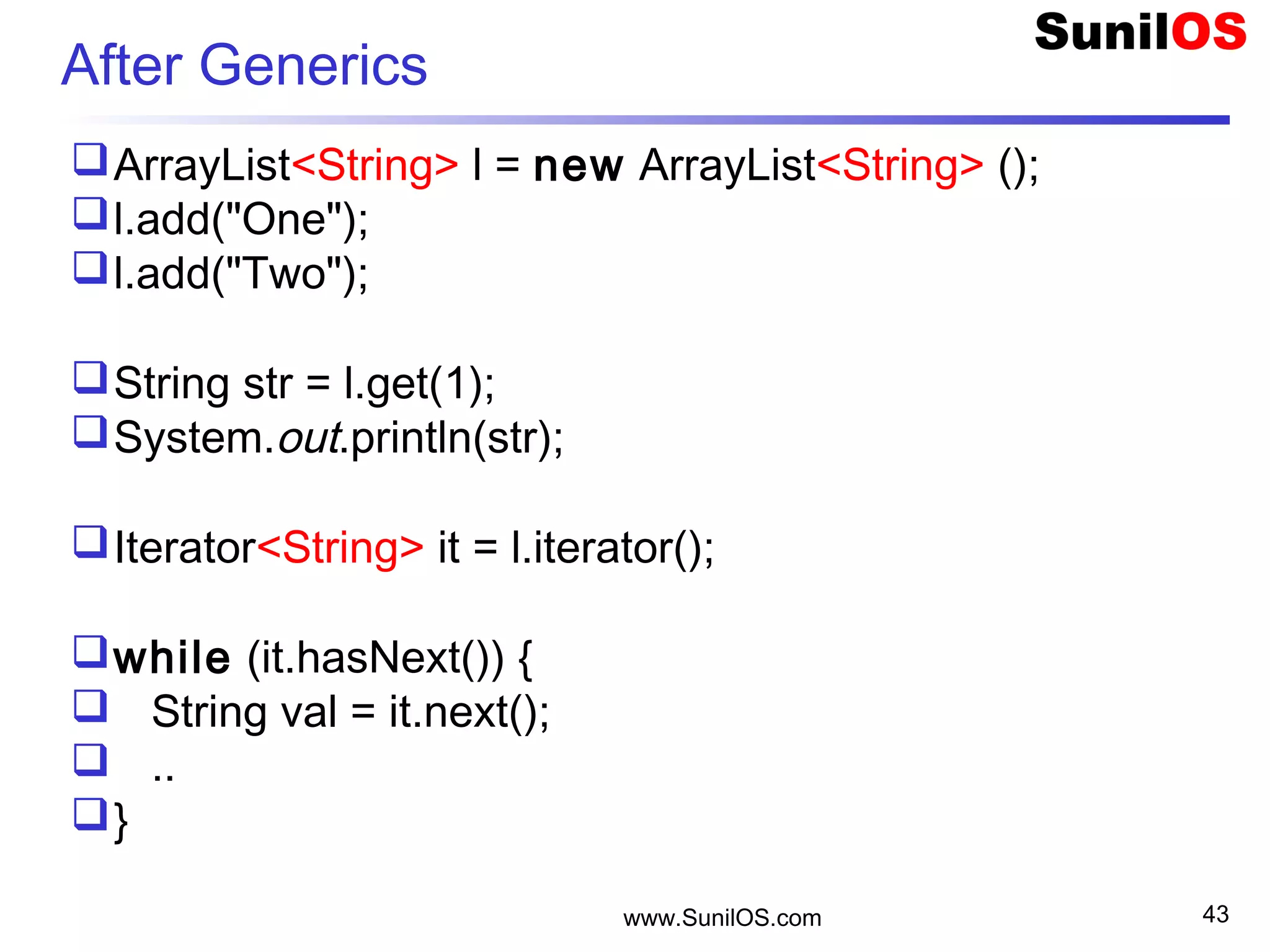
After Generics
ArrayList<String> l = new ArrayList<String> ();
l.add("One");
l.add("Two");
String str = l.get(1);
System.out.println(str);
Iterator<String> it = l.iterator();
while (it.hasNext()) {
 String val = it.next();
 ..
}
www.SunilOS.com 44
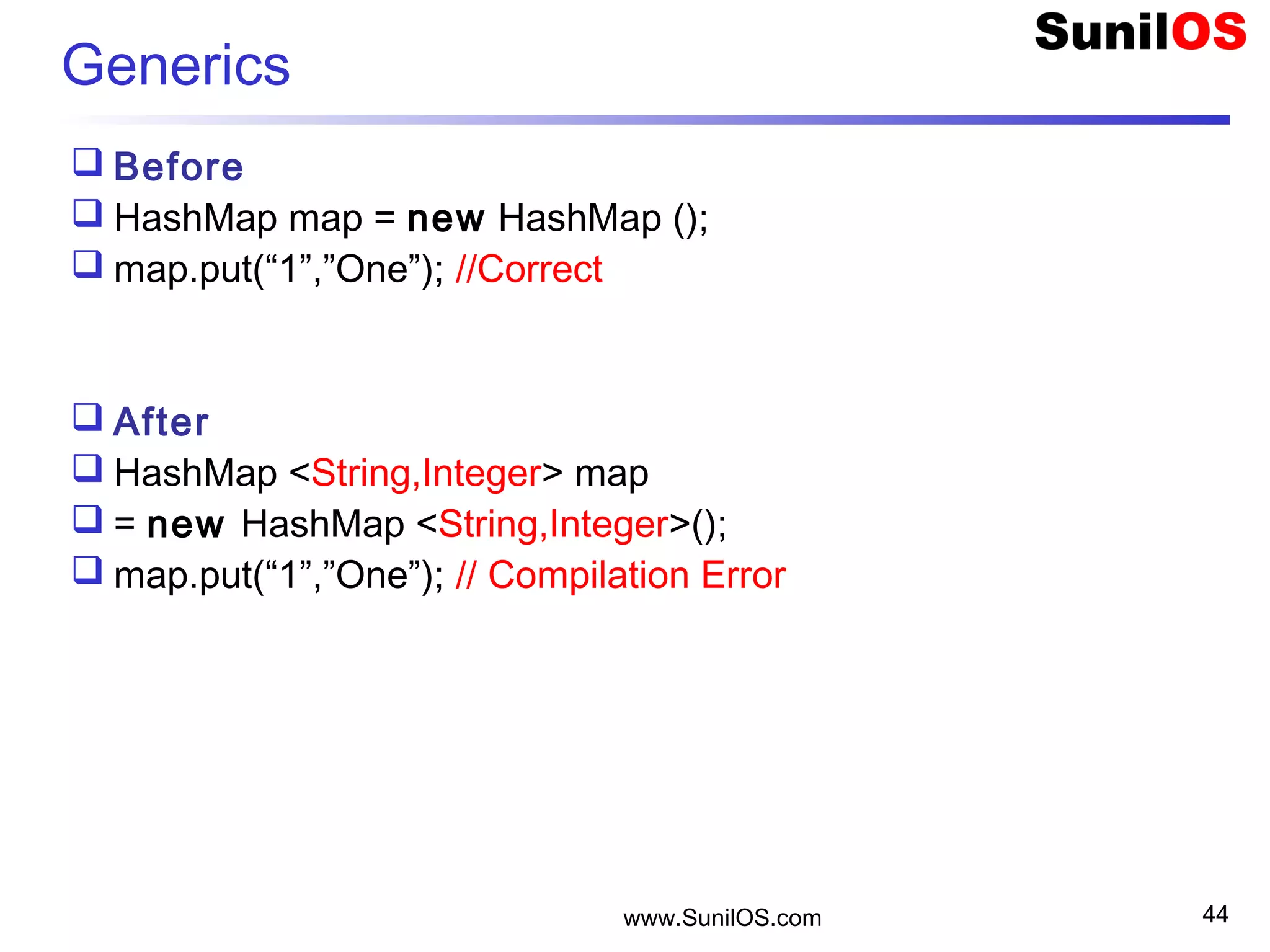
Generics
 Before
 HashMap map = new HashMap ();
 map.put(“1”,”One”); //Correct
 After
 HashMap <String,Integer> map
 = new HashMap <String,Integer>();
 map.put(“1”,”One”); // Compilation Error
www.SunilOS.com 45
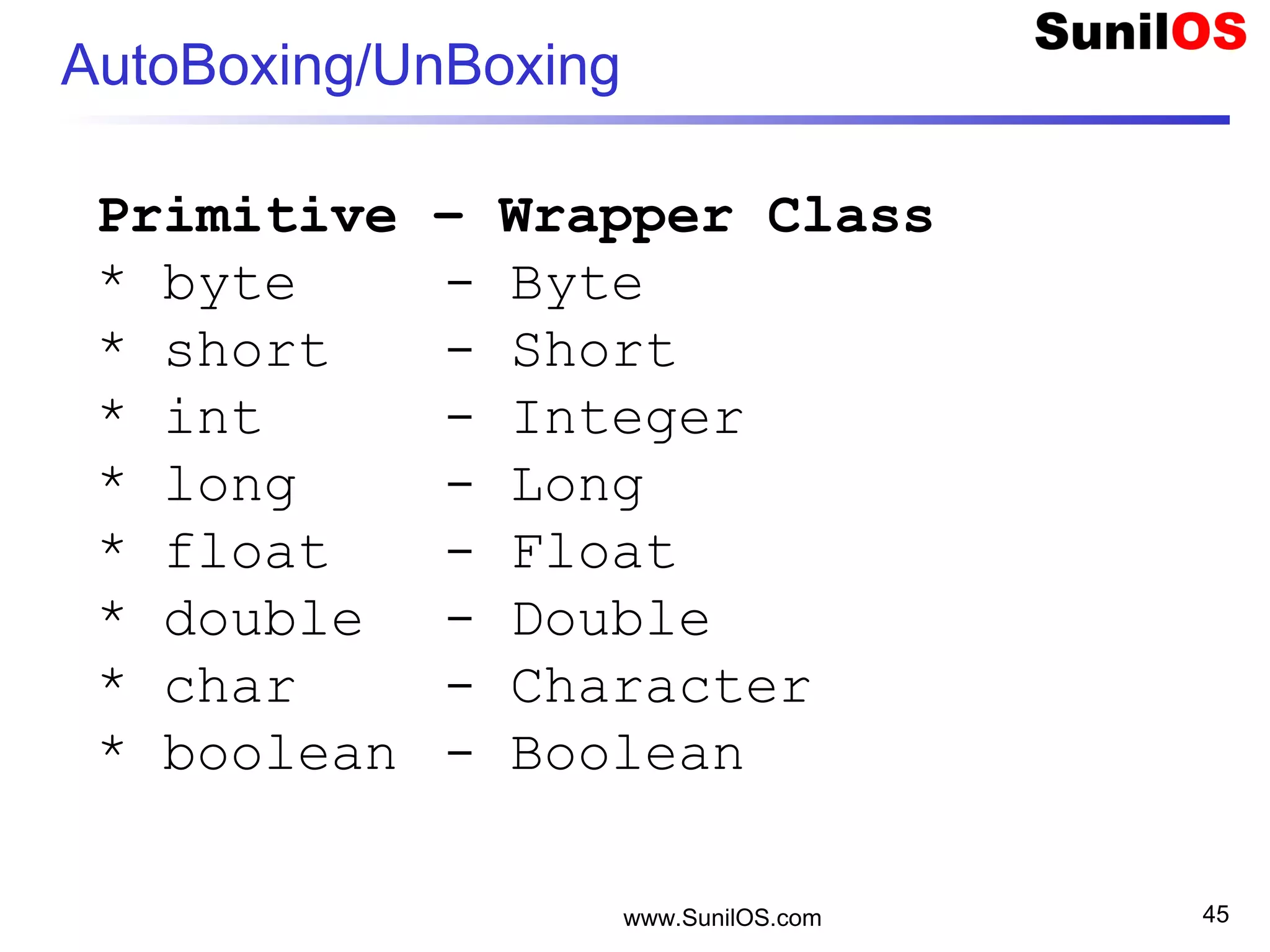
AutoBoxing/UnBoxing
Primitive – Wrapper Class
* byte - Byte
* short - Short
* int - Integer
* long - Long
* float - Float
* double - Double
* char - Character
* boolean - Boolean
www.SunilOS.com 46
Wrapper   Primitive
 double d = 5.5;
 Double dObj = new Double(d);
 double d1 = dObj.doubleValue();
 char c = 'A';
 Char cObj = new Char(c);
 char c1 = cObj.charValue();
 boolean b = true;
 Boolean bObj = new Boolean(b);
 boolean b1 = bObj.booleanValue();
www.SunilOS.com 47
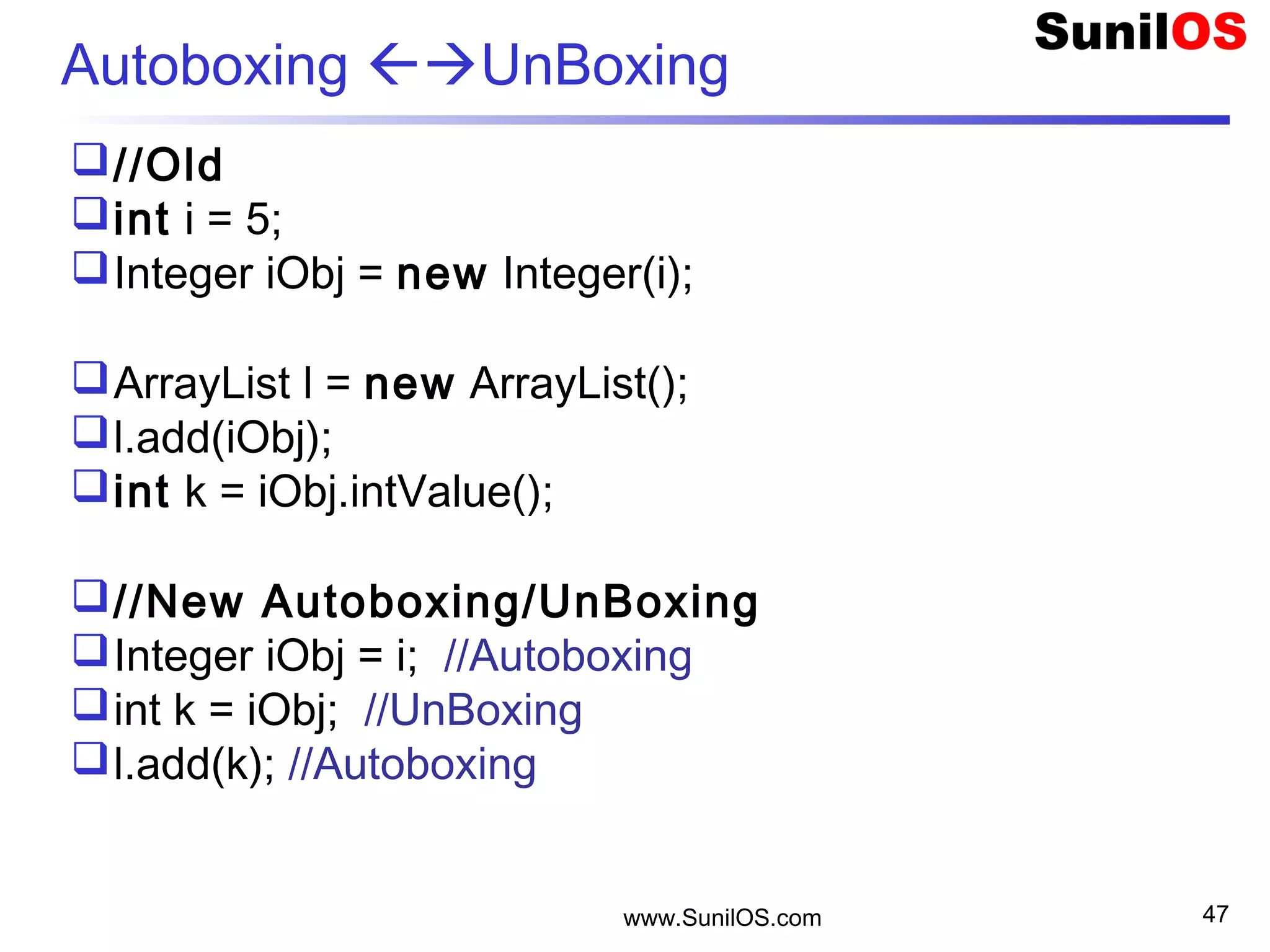
Autoboxing UnBoxing
//Old
int i = 5;
Integer iObj = new Integer(i);
ArrayList l = new ArrayList();
l.add(iObj);
int k = iObj.intValue();
//New Autoboxing/UnBoxing
Integer iObj = i; //Autoboxing
int k = iObj; //UnBoxing
l.add(k); //Autoboxing
Disclaimer
This is an educational presentation to enhance the
skill of computer science students.
This presentation is available for free to computer
science students.
Some internet images from different URLs are
used in this presentation to simplify technical
examples and correlate examples with the real
world.
We are grateful to owners of these URLs and
pictures.
www.SunilOS.com 48
Thank You!
www.SunilOS.com 49
www.SunilOS.com

Collections Framework

  • 1.
  • 2.
    www.SunilOS.com 2 Collections Framework AMap is not a true Collection.
  • 3.
    www.SunilOS.com 3 Collections Framework Acollections framework is a unified architecture for representing and manipulating collections. It consists of o Interfaces – Collection, Set, List, Queue o Concrete Classes – ArrayList, Hashmap, HashSet, etc. o Algorithm - searching and sorting
  • 4.
    www.SunilOS.com 4 Example SET [1,2,4,5,6,7,8] LIST[1,2,4,5,7,3,3,4,5] QUEUE [1,2,4,5,7,3,3,4,5] MAP [ {1,”ONE”}, {2,”TWO”}, {3,”THREE”} , {4,”THREE”}]
  • 5.
    www.SunilOS.com 5 Collection Interfaces Collection-A collection represents a group of objects known as its elements.  Set - cannot contain duplicate elements.  List- ordered collection, can contain duplicate elements.  Queue - holds multiple elements prior to processing. a Queue provides additional insertion, extraction, and inspection operations.  Map - an object that maps keys to values. A Map cannot contain duplicate keys.  SortedSet - a Set that maintains its elements in ascending order.  SortedMap - a Map that maintains its mappings in ascending key order.
  • 6.
    www.SunilOS.com 6 List byregular array public static void main(String[] args) { o String[] names = new String[5]; o for(int i=0;i<names.length; i++){ • names[i]= " No # " + i; o } o System.out.println("Names =" + names.length); } Disadvantages: o All elements should be of same type, here it is String. o Primitive data type arrays can be defined. o Array size is Fixed. Defined at the time of creation.
  • 7.
    www.SunilOS.com 7 List byCollection framework  public static void main(String[] args) { o ArrayList names = new ArrayList(); o for(int i=0;i<10; i++){ • names.add(" No # " + i); o } o System.out.println("Names =" + names.size()); o Object o = names.get(0); o String name = (String) o; o //String name = (String) names.get(0); o System.out.println(“ First Name is " + name);  }  Advantages: o Unlimited size,no need to define array size at the time of creation. o Add object of any class, in other words any object in Java. o Add only objects but NOT primitive data types.
  • 8.
    www.SunilOS.com 8 Interface Collection add(o)Add a new element  addAll(c) Add a collection clear() Remove all elements contains(o) Membership checking containsAll(c) Inclusion checking isEmpty() Whether it is empty iterator() Return an iterator remove(o) Remove an element removeAll(c) Remove a collection retainAll(c) Keep the elements size() The number of elements
  • 9.
    www.SunilOS.com 9 Interface List add(i,o)Inserts o at position i. get(i) Returns the i-th element. remove(i) Removes the i-th element. set(i,o) Replaces the i-th element with o. indexOf(o) Searches object from beginning. lastIndexOf(o) Searches object from end. sublist(i, noOfElements) Returns sublist. List allows multiple NULL values to be inserted.
  • 10.
    www.SunilOS.com 10 Interface Set ContainsUNIQUE set of values. Contains at most one NULL value. Does not declare additional methods.
  • 11.
    www.SunilOS.com 11 Interface Queue element(): Retrieves, but does not remove the head of this queue.  offer(E o): Inserts the specified element into this queue, if possible. Returns true if inserted.  peek(): Retrieves, but does not remove the head of this queue, returning null if this queue is empty.  poll(): Retrieves and removes the head of this queue, or null if this queue is empty.  remove(): Retrieves and removes the head of this queue.   Throws exception Returns special value Insert add(e) offer(e) Remove remove() poll() Examine element() peek()
  • 12.
    www.SunilOS.com 12 Interface Map clear() Removes all mappings.  containsKey(k) Checks membership of Key.  containsValue(v) Checks membership of Value.  entrySet() Set of key-value pairs.  get(k) Returns the value associated with key.  isEmpty() Whether it is empty.  keySet() Returns Set of keys.  put(k,v) Inserts Key and Value pair.  remove(k) Removes the mapping of Key.  size() Returns size of Map.  values() Returns the List of values.
  • 13.
    www.SunilOS.com 13 Concrete Collections InterfaceSet List Map Impleme- ntation HashSet   HashMap   ArrayList   TreeSet (SortedSet)   TreeMap (SortedMap)   LinkedList   Historical   Vector Stack Hashtable Properties
  • 14.
    www.SunilOS.com 14 Concrete Collections HashSetSet hash table TreeSet SortedSet balanced binary tree ArrayList List resizable-array LinkedList List linked list Vector List resizable-array HashMap Map hash table TreeMap SortedMap balanced binary tree Hashtable Map hash table
  • 15.
    www.SunilOS.com 15 ArrayList implementsList public static void main(String[] args) { o ArrayList v = new ArrayList(); o v.add(“One"); o v.add(“Two");  o v.add(“Three"); o Integer i = new Integer(4); o v.add(i); o Integer value = (Integer) v.get(3); o System.out.println(“Index#3 value = " + value);
  • 16.
    www.SunilOS.com 16 Vector implementsList public static void main(String[] args) { o Vector v = new Vector(); o v.add(“One"); o v.add(“Two");  o v.add(“Three"); o Integer i = new Integer(4); o v.add(i); o Integer value = (Integer) v.get(3); o System.out.println(“Index#3 value = " + value);
  • 17.
    www.SunilOS.com 17 ArrayList –read all elements public static void main(String[] args) { o ArrayList v = new ArrayList(); o v.add(“One"); o ….. o int size = v.size(); o for (int j = 0; j < size; j++) { o System.out.println(j + " : " + v.get(j)); o } An object is converted into string by o.toString() method. toString() method is defined in Object class.
  • 18.
    www.SunilOS.com 18 toString() :converts object into string System.out.println(j + " : " + v.get(j)); OR Object o = v.get(j); System.out.println(j + " : " + o); OR Object o = v.get(j); System.out.println(j + " : " + o.toString());
  • 19.
    www.SunilOS.com 19 ArrayList –read all elements  public static void main(String[] args) { o ArrayList v = new ArrayList(); o v.add("Jay"); o ….. o Iterator it = v.iterator(); //Gets an iterator o while(it.hasNext()) • Object o = it.next(); //Gets next element • System.out.println(o); • //System.out.println(it.next()); o }  }
  • 20.
    www.SunilOS.com 20 Interface Iterator Methods obooleanhasNext(); oObject next(); ovoid remove(); The iterator() method is defined in the Collection interface
  • 21.
    www.SunilOS.com 21 Iterator Set s= new TreeSet(); s.add(“123”); .. Iterator it = s.iterator(); Vector v = new Vector(); v.add(“123”); .. Iterator it = v.iterator();
  • 22.
    www.SunilOS.com 22 Map –Hashtable and HashMap  public static void main(String[] args) { o HashMap m = new HashMap(); o m.put("RN1001", 890); o m.put("RN1002",900); o m.put("RN1003",780); o Integer i = (Integer)m.get("RN1002"); o Set keys = m.keySet(); o Collection vals = m.values()
  • 23.
    ArrayList vs LinkedList www.SunilOS.com 23
  • 24.
    HashMap vs Hashtable HashMap Asynchronous. NotThread Safe. Permits NULL values as Key and Value. High performance. Used in single-user application. Hashtable Synchronous Thread Safe Does not permit NULLs Slow performance Used in multi-user application. www.SunilOS.com 24
  • 25.
    ArrayList vs Vector ArrayList Asynchronous. NotThread Safe. High performance. Grows by half of its size. Used in single-user application. Vector Synchronous Thread Safe Slow performance Double the size when grow Used in multi-user application. www.SunilOS.com 25 Grows by half of its size Grows by double of its size + +
  • 26.
    www.SunilOS.com 26 java.util.Enumeration Vector v= new Vector(); Enumeration e = v.elements() while (e.hasMoreElements()) { System.out.println(e.nextElement()); } Iterator and Enumeration both are same but Iterator has one additional method ‘remove()’. Enumeration can be used with only historical classes Vector, Hashtable, etc.
  • 27.
    Iterator vs Enumeration Iterator Itis fail-fast. Can remove an object. Enumeration Not fail-fast Can’t remove an object Available with historical classes Vector, Hashtable, Stack, etc. www.SunilOS.com 27
  • 28.
    Fail-fast If the collectionis structurally modified at any time after the Iterator is created, in any way except through the Iterator's own remove() method, then Iterator will throw the following exception: oConcurrentModificationException. www.SunilOS.com 28
  • 29.
    www.SunilOS.com 29 Instantiate V/AL/HT/HM Vector v = new Vector(); //Default Capacity 10  Vector v = new Vector(20); //Initial capacity 20  Vector v = new Vector(20,15); //Initial capacity 20 and then increase by 15  ArrayList al = new ArrayList(); //Default Capacity 10  ArrayList al = new ArrayList(20); //Initial Capacity  Hashtable ht = new Hashtable();  Hashtable ht = new Hashtable(20);  int i = al.capacity(); //Returns the current capacity of this vector  int s = al.size(); //Returns the number of components in this vector
  • 30.
    www.SunilOS.com 30 Synchronize Collection Non-synchronizedcollections can be synchronized by Collections class using following methods: o Collection c = Collections.synchronizedCollection(c); o List syncList = Collections.synchronizedList(al); o Set syncSet = Collections.synchronizedSet(s); o SortedSet syncSet = Collections.synchronizedSortedSet(s); o Map syncMap = Collections.synchronizedMap(m); o TreeMap syncMap = Collections.synchronizedTreeMap(m);
  • 31.
    Method equals() andhashCode() Both methods are found in Object class. They play imported role in identification and searching of elements in Collections. www.SunilOS.com 31
  • 32.
    Marksheet – Searchand Remove  List l = new ArrayList()  Marksheet m1 = new Marksheet();  l.add(m1);  Marksheet m2 = new Marksheet();  l.add(m2);  …  l.contains(m2); //uses equals()  l.remove(m2) //uses equals()  …  HashMap map = new HashMap();  map.put(m1,”M1”); //use hashCode() www.SunilOS.com 32 :Marksheet -rollNo:String -name : String -physics :int -chemistry :int -maths :int +getRollNo():String +setRollNo() +getPhysics ():int +setPhysics () +getChemistry():int +setChemistry() +getMaths():int +setMaths()
  • 33.
    Overriding equals() andhashCode() equals() is used to search or remove an object in a Collection. hashCode() returns an integer that uniquely identifies an object in Hash Collections. If two objects are equals by equals() method then their hash code produced by hashCode() method must be same. If equals() method is overridden then it is recommended to override hashCode() method to maintain uniqueness on an object in the collection. www.SunilOS.com 33
  • 34.
    Marksheet: equals() andhashCode() Here are overridden methods of Marksheet class public boolean equals(Object o) {  if (o == null) return false;  if (!(o instanceof Marksheet)) return false;   Marksheet other = (Marksheet) o;  return this.getRollNo().equals(other.getRollNo()); } public int hashCode() {  return rollNo.hashCode(); } www.SunilOS.com 34
  • 35.
    Sorting Framework provides twointerfaces to sort the collection. Comparable and Comparator interfaces are used to compare same type of objects. Collections.sort() method uses either interface to sort elements of a collection. Sortable Class can implement Comparable interface and provides natural ordering using primary key attribute. Sortable Class may have multiple Comparators, comparing on different attributes. www.SunilOS.com 35
  • 36.
    Sorting ( Cont.) A collection storing objects of Sortable Class, can be sorted by Collections.sort() method. // Sorts using Comparable Collections.sort(c) // Sorts using Comparator object Collections.sort(c, comparator) www.SunilOS.com 36
  • 37.
    Comparable Interface  Itdoes natural ordering.  It uses primary key to order collection.  public int compareTo(Marksheet m) {  return rollNo.compareTo(m.rollNo);  }  ArrayList marksheets = new ArrayList();  marksheets.add(new Marksheet());  marksheets.add(new Marksheet());  marksheets.add(new Marksheet());  Collections.sort(marksheets); www.SunilOS.com 37 :Marksheet -rollNo:String -name : String -physics :int … +compareTo(Marksheet m):int +getRollNo():String +setRollNo() +getPhysics ():int +setPhysics () +getChemistry():int +setChemistry() +….. :Comparable
  • 38.
    Comparator Interface  Oneclass may have multiple comparators.  Number of comparators are depending on number of attributes to be sorted.  If Marskheets are sorted ascending by ‘name’ attribute then OrderByName comparator is created.  If Marskheets are sorted by ascending and descending by ‘name’ attribute then OrderByNameAsc and OrderByNameDesc comparators are created.  More attributes are required to be sorted, create more comparators. www.SunilOS.com 38 :OrderByName +compare(Marksheet m1, Marksheet m2) : int :Comparator
  • 39.
    Comparator Interface (cont.)  class OrderByName implements Comparator<Marksheet>{  public int compare(Marksheet m1,Marksheet m2){  return m1.getName().compareTo(m2.getName());  }  }  class OrderByMaths implements Comparator<Marksheet>{  public int compare(Marksheet m1,Marksheet m2){  return m1.getMaths() - m2.getMaths());  }  }  Collections.sort(marksheets, new OrderByName());  Collections.sort(marksheets, new OrderByMaths()); www.SunilOS.com 39
  • 40.
    Return value (-ve, 0 , +ve ) Methods compare() and compareTo(), both return integer value that can be –ve, 0 or +ve. o -ve indicates current (first) object is smaller than second one. o 0 indicates both are equals. o +ve indicates current (first) object is greater than second one. www.SunilOS.com 40
  • 41.
    www.SunilOS.com 41 Generics Generics providesa way in order to communicate the type of a collection to the compiler. Defines type of a collection to compiler.
  • 42.
    www.SunilOS.com 42 Before Generics ArrayListl = new ArrayList (); l.add("One"); l.add("Two"); String str = (String)l.get(1); System.out.println(str); Iterator it = l.iterator(); while (it.hasNext()) {  String val = (String) it.next();  .. }
  • 43.
    www.SunilOS.com 43 After Generics ArrayList<String>l = new ArrayList<String> (); l.add("One"); l.add("Two"); String str = l.get(1); System.out.println(str); Iterator<String> it = l.iterator(); while (it.hasNext()) {  String val = it.next();  .. }
  • 44.
    www.SunilOS.com 44 Generics  Before HashMap map = new HashMap ();  map.put(“1”,”One”); //Correct  After  HashMap <String,Integer> map  = new HashMap <String,Integer>();  map.put(“1”,”One”); // Compilation Error
  • 45.
    www.SunilOS.com 45 AutoBoxing/UnBoxing Primitive –Wrapper Class * byte - Byte * short - Short * int - Integer * long - Long * float - Float * double - Double * char - Character * boolean - Boolean
  • 46.
    www.SunilOS.com 46 Wrapper  Primitive  double d = 5.5;  Double dObj = new Double(d);  double d1 = dObj.doubleValue();  char c = 'A';  Char cObj = new Char(c);  char c1 = cObj.charValue();  boolean b = true;  Boolean bObj = new Boolean(b);  boolean b1 = bObj.booleanValue();
  • 47.
    www.SunilOS.com 47 Autoboxing UnBoxing //Old inti = 5; Integer iObj = new Integer(i); ArrayList l = new ArrayList(); l.add(iObj); int k = iObj.intValue(); //New Autoboxing/UnBoxing Integer iObj = i; //Autoboxing int k = iObj; //UnBoxing l.add(k); //Autoboxing
  • 48.
    Disclaimer This is aneducational presentation to enhance the skill of computer science students. This presentation is available for free to computer science students. Some internet images from different URLs are used in this presentation to simplify technical examples and correlate examples with the real world. We are grateful to owners of these URLs and pictures. www.SunilOS.com 48
  • 49.