2000 West Park Drive 
Westborough MA 01581 USA 
Phone: 508 389 7300 Fax: 508 366 9901 
The entire contents of this document are subject to copyright with all rights reserved. All copyrightable text and graphics, the selection, arrangement and presentation of all 
information and the overall design of the document are the sole and exclusive property of Virtusa. 
Copyright © 2011 Virtusa Corporation. All rights reserved 
Collections
2 
Agenda 
• Outline the Collections infrastructure in Java 
• Describe the various collection classes 
• Introduction to Generics 
• Discuss which collection to use under what 
circumstances 
• Distinguish Comparable and Comparators 
• Best practices in using Collections
3 
Why collections? 
• In procedural languages, arrays are often the only way 
to represent groups of data 
• Array provides a mechanism for memory management 
• Programmer must provide algorithms for managing the 
array 
• Arrays are, generally speaking, not Object Oriented 
• They are not cohesive 
• The array and the code to manage the array are not an 
single unit.
4 
The importance of using the Collections framework 
• In procedural languages, we are taught to separate the data from the 
management of data 
• However, it is much easier to implement a data structure when the data is 
tightly coupled to the data structure. 
• The leads to reimplementation of many common structures 
• Just ask a C programmer how many times he/she has implemented the 
linked list data structure. 
• The algorithms are all the same, but because the implementation of the 
algorithm is tightly coupled to the data, the algorithms are not typically 
reusable. 
• Object oriented provides a much cleaner way of providing reusable 
data structures 
• The data structure you want has probably already been implemented by 
someone else. Why re-invent the wheel? 
• Once you've got the feel for collections, you'll never want to go back to 
arrays.
5 
‘Hello World!’ with JavaScript 
The Collection interface provides the basis for List-like 
collections in Java. The interface includes: 
boolean add(Object) 
boolean addAll(Collection) 
void clear() 
boolean contains(Object) 
boolean containsAll(Collection) 
boolean equals(Object) 
boolean isEmpty() 
Iterator iterator() 
boolean remove(Object) 
boolean removeAll(Collection) 
boolean retainAll(Collection) 
int size() 
Object[] toArray() 
Object[] toArray(Object[])
6 
List Interface 
• Lists allow duplicate entries within the collection 
• Lists are an ordered collection much like an array 
• Lists grow automatically when needed 
• The list interface provides accessor methods based on index 
• The List interface extends the Collections interface and add the 
following method definitions: 
void add(int index, Object) 
boolean addAll(int index, Collection) 
Object get(int index) 
int indexOf(Object) 
int lastIndexOf(Object) 
ListIterator listIterator() 
ListIterator listIterator(int index) 
Object remove(int index) 
Object set(int index, Object) 
List subList(int fromIndex, int toIndex)
7 
Set Interface 
• The Set interface also extends the Collection interface but does not 
add any methods to it. 
• Collection classes which implement the Set interface have the add 
stipulation that Sets CANNOT contain duplicate elements 
• Elements are compared using the equals method 
• NOTE: exercise caution when placing mutable objects within a set. 
Objects are tested for equality upon addition to the set. If the object 
is changed after being added to the set, the rules of duplication may 
be violated.
8 
SortedSet Interface 
• SortedSet provides the same mechanisms as the Set 
interface, except that SortedSets maintain the elements in 
ascending order. 
• Ordering is based on natural ordering (Comparable) or by 
using a Comparator. 
• We will discuss Comparable and Comparators later in this 
chapter
9 
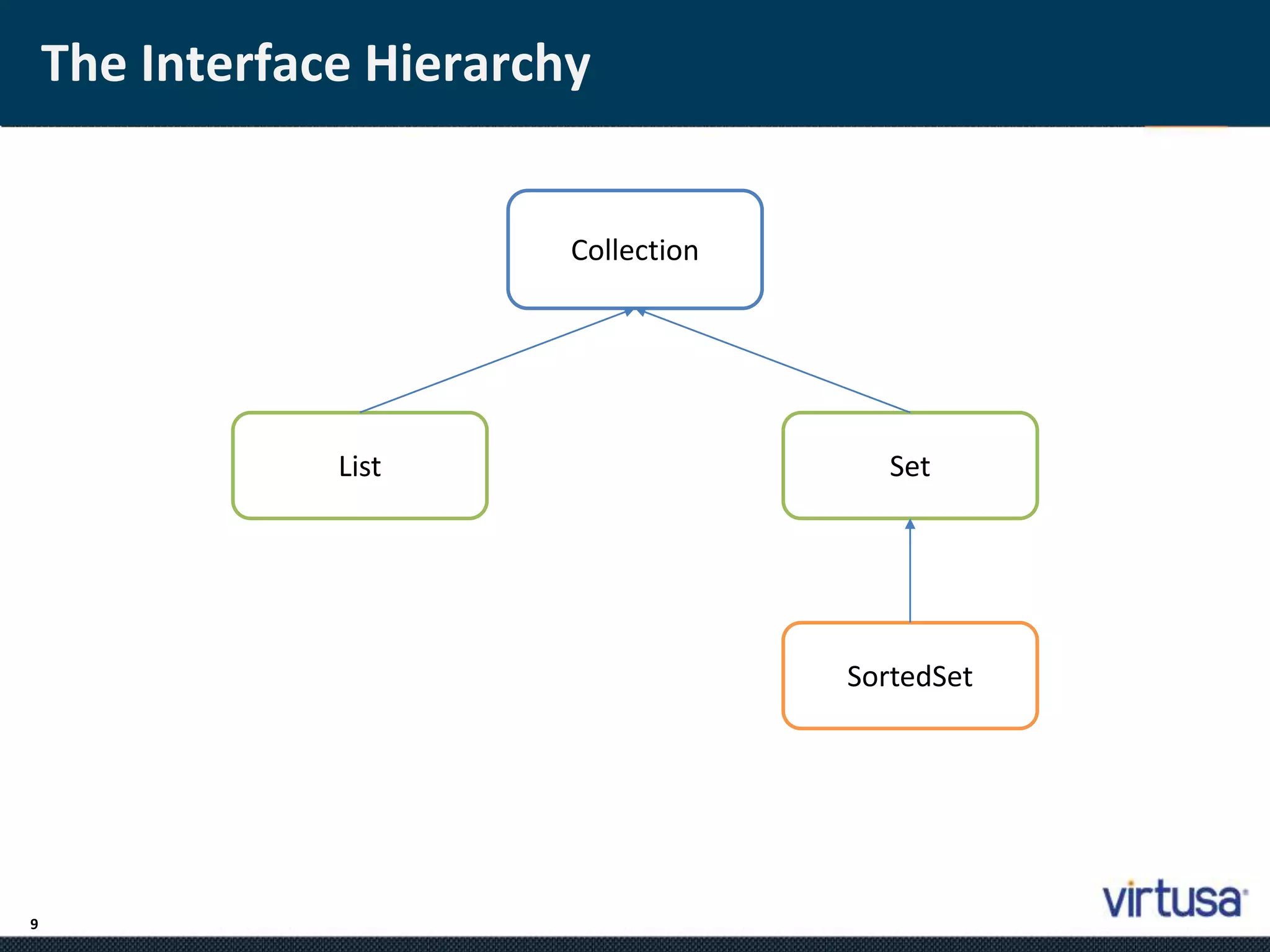
The Interface Hierarchy 
Collection 
List Set 
SortedSet
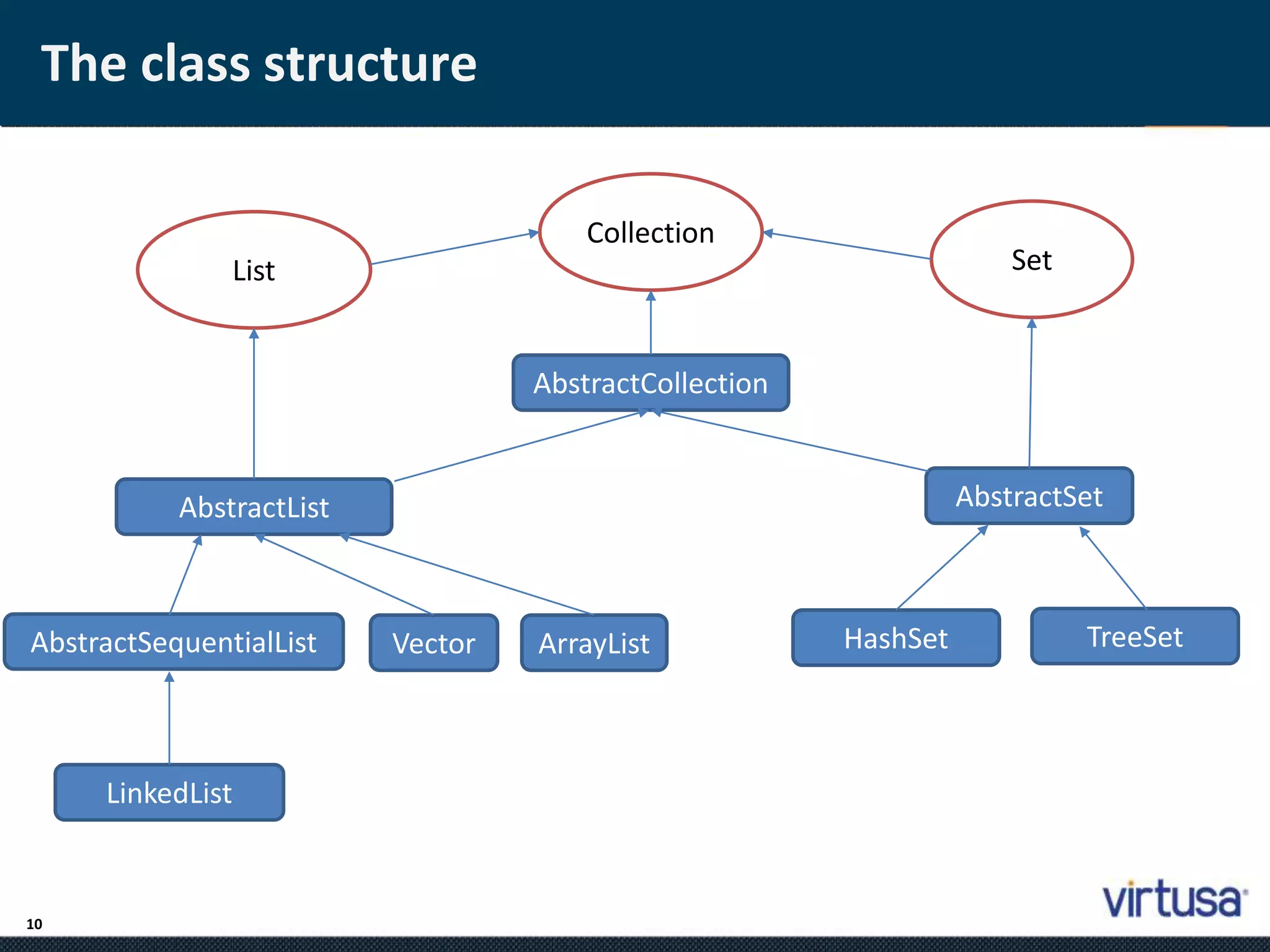
The class structure 
10 
List 
Collection 
Set 
AbstractCollection 
AbstractList AbstractSet 
AbstractSequentialList Vector ArrayList 
LinkedList 
HashSet TreeSet
Lists 
11 
•; Java provides 3 concrete classes which implement the list interface 
• Vector 
• ArrayList 
• LinkedList 
• Vectors try to optimize storage requirements by growing and shrinking as 
required 
• Methods are synchronized (used for Multi threading) 
• ArrayList is roughly equivalent to Vector except that its methods are not 
synchronized 
• LinkedList implements a doubly linked list of elements 
• Methods are not synchronized
Sets 
12 
•; Java provides 2 concrete classes which implement the Set interface 
• HashSet 
• TreeSet 
• HashSet behaves like a HashMap except that the elements cannot be 
duplicated. 
• TreeSet behaves like TreeMap except that the elements cannot be 
duplicated. 
• Note: Sets are not as commonly used as Lists
The Map Interface 
13 
• The Map interface provides the basis for dictionary or key-based 
collections in Java. The interface includes: 
void clear() 
boolean containsKey(Object) 
boolean containsValue(Object) 
Set entrySet() 
boolean equals(Object) 
Object get(Object) 
boolean isEmpty() 
Set keySet() 
Object put(Object key, Object value) 
void putAll(Map) 
boolean remove(Object key) 
int size() 
Collection values()
Maps 
14 
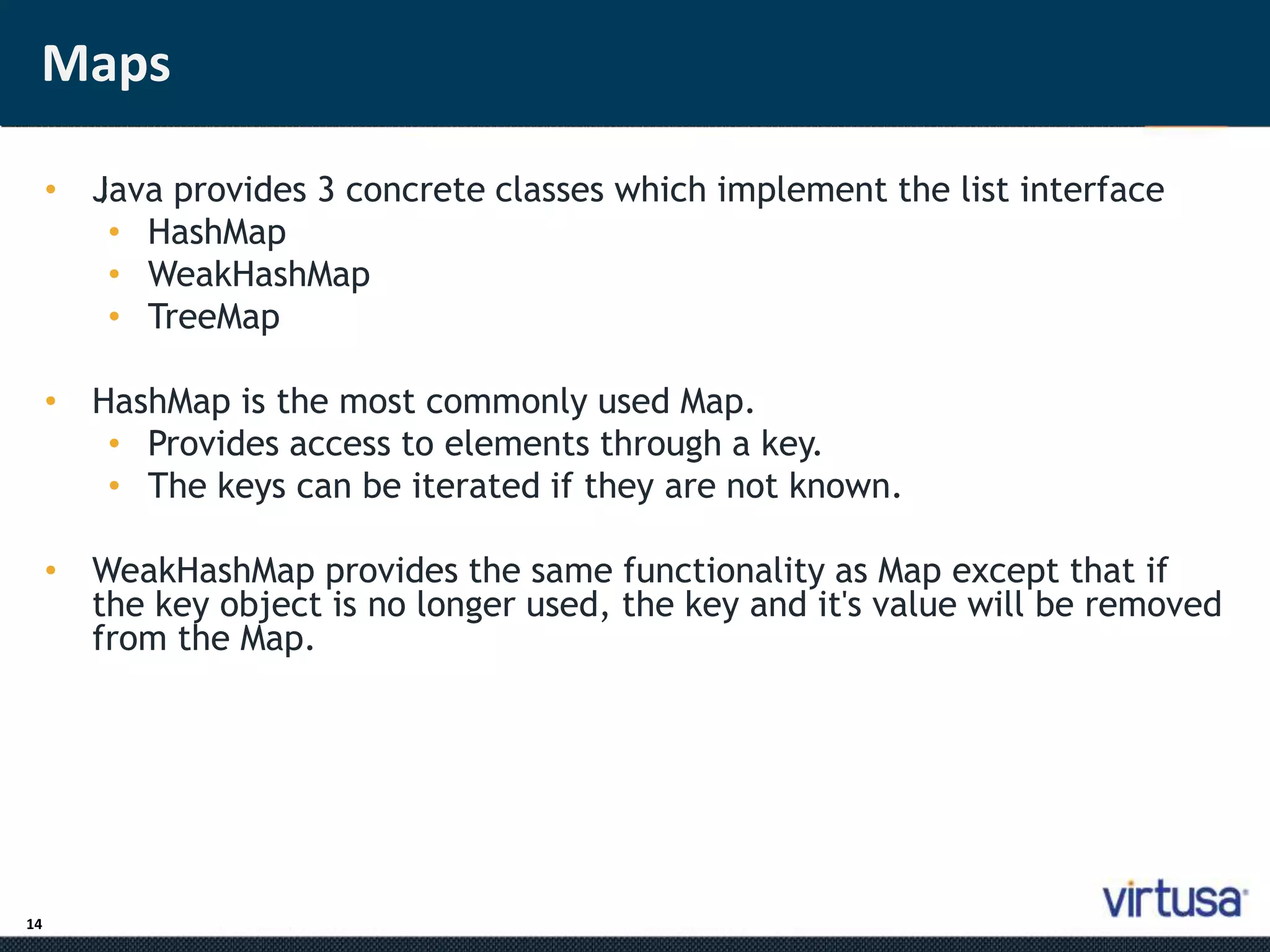
• J;ava provides 3 concrete classes which implement the list interface 
• HashMap 
• WeakHashMap 
• TreeMap 
• HashMap is the most commonly used Map. 
• Provides access to elements through a key. 
• The keys can be iterated if they are not known. 
• WeakHashMap provides the same functionality as Map except that if 
the key object is no longer used, the key and it's value will be removed 
from the Map.
Most commonly used methods 
15 
• While it is a good idea to learn and understand all of the methods 
defined within this infrastructure, here are some of the most 
commonly used methods. 
• For Lists: 
• add(Object), add(index, Object) 
• get(index) 
• set(index, Object) 
• remove(Object) 
• For Maps: 
• put(Object key, Object value) 
• get(Object key) 
• remove(Object key) 
• keySet()
Which class should I use? 
16 
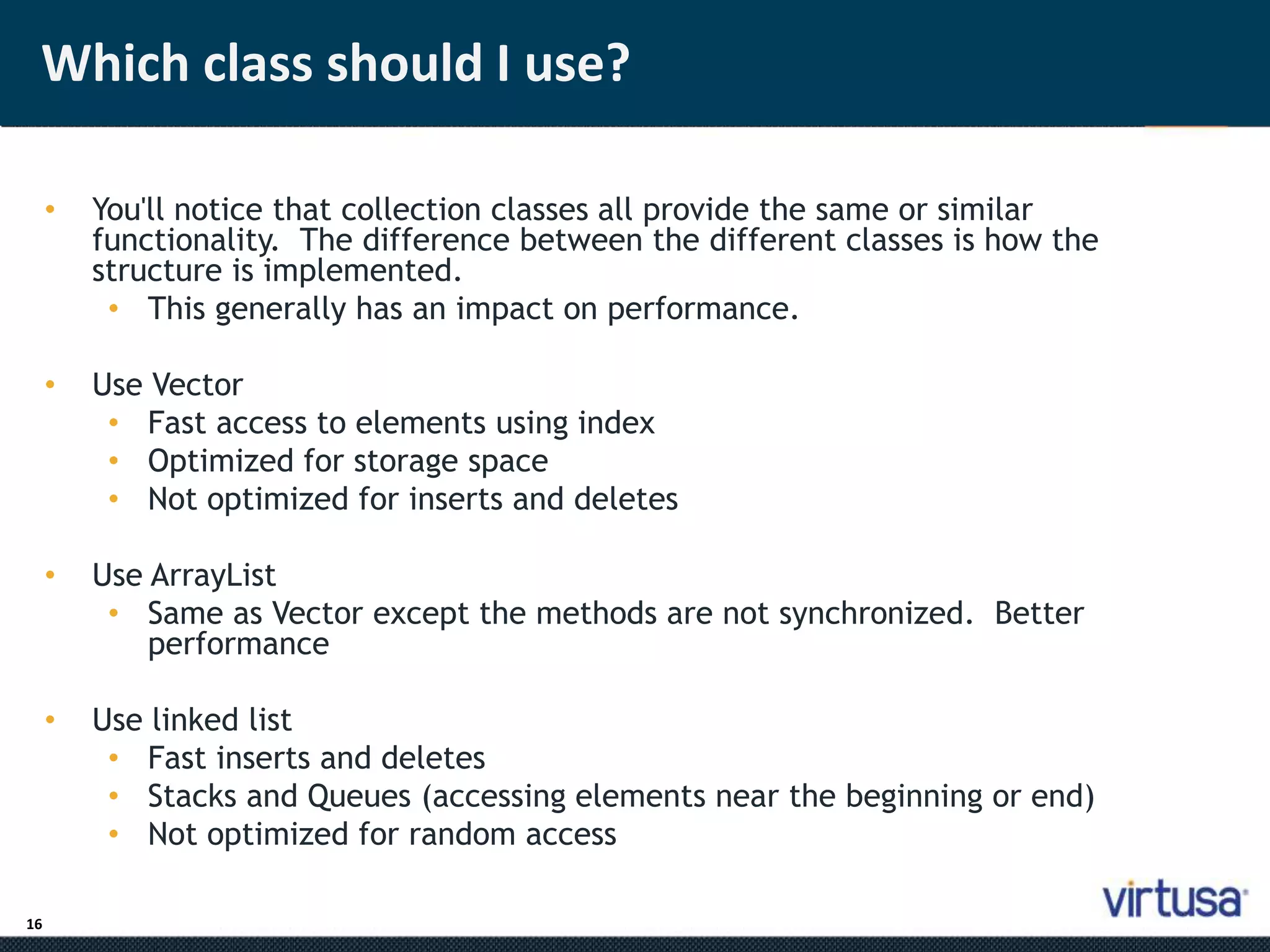
• You'll notice that collection classes all provide the same or similar 
functionality. The difference between the different classes is how the 
structure is implemented. 
• This generally has an impact on performance. 
• Use Vector 
• Fast access to elements using index 
• Optimized for storage space 
• Not optimized for inserts and deletes 
• Use ArrayList 
• Same as Vector except the methods are not synchronized. Better 
performance 
• Use linked list 
• Fast inserts and deletes 
• Stacks and Queues (accessing elements near the beginning or end) 
• Not optimized for random access
Which class should I use? 
• Use Sets 
17 
• When you need a collection which does not allow duplicate entries 
• Use Maps 
• Very Fast access to elements using keys 
• Fast addition and removal of elements 
• No duplicate keys allowed 
• When choosing a class, it is worthwhile to read the class's 
documentation in the Java API specification. There you will find notes 
about the implementation of the Collection class and within which 
contexts it is best to use.
Iterator Interface 
18 
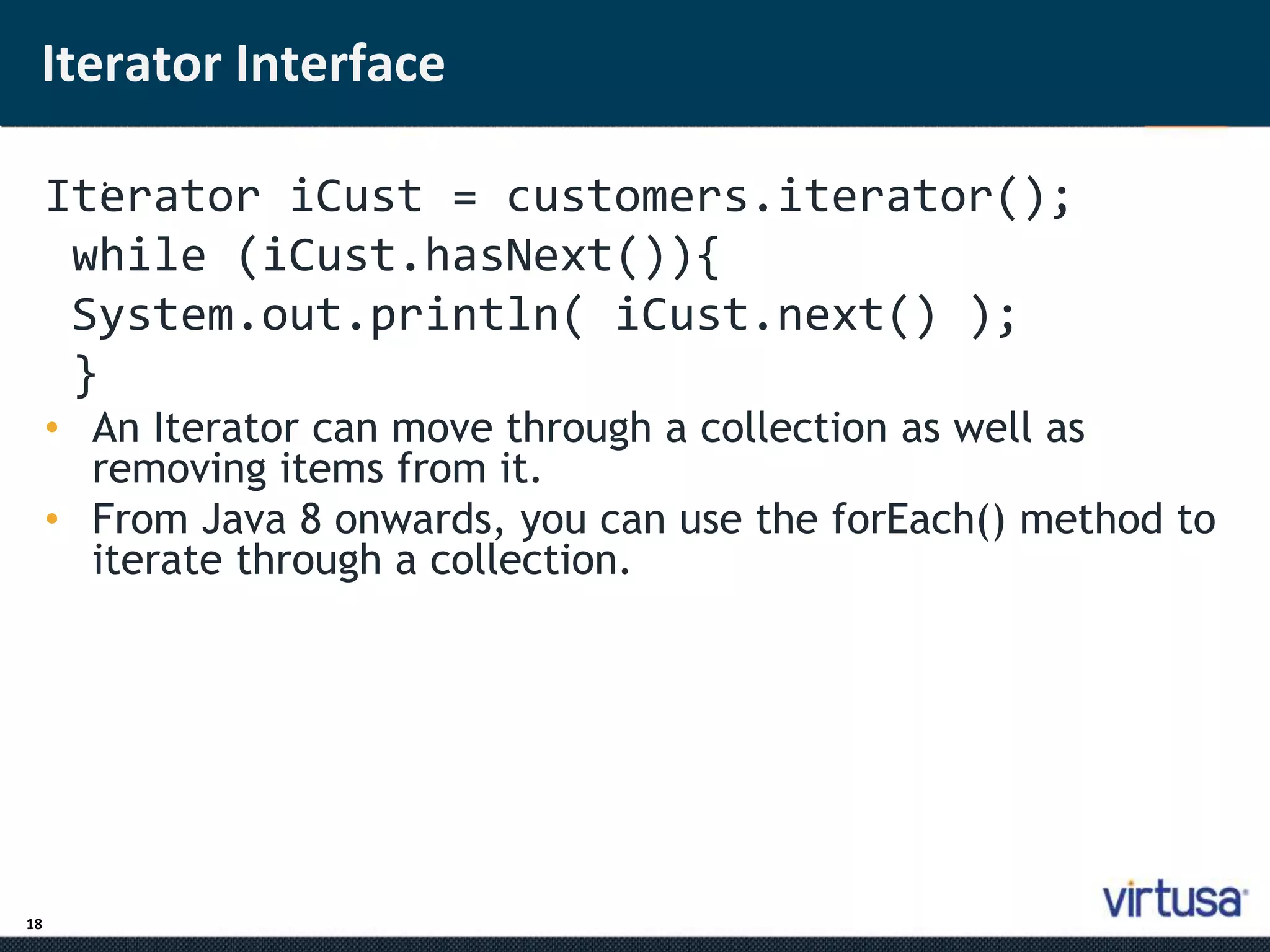
Ite; rator iCust = customers.iterator(); 
while (iCust.hasNext()){ 
System.out.println( iCust.next() ); 
} 
• An Iterator can move through a collection as well as 
removing items from it. 
• From Java 8 onwards, you can use the forEach() method to 
iterate through a collection.
Java Generics 
19 
• G; enerics describe how collections can have parameters. 
• A normal ArrayList would accept a generic type, and will 
allow you to specify which type of parameter is accepted 
once it is instantiated. 
ArrayList<Customer> customers = new ArrayList<>(); 
Customer cust1 = new Customer("David","Lee"); 
customers.add(cust1); 
Customer cust2 = new Customer("Ringo","Starr"); 
customers.add(cust2); 
Order ord1= new Order(); ! 
customers.add(ord1); // Compiler error because of <Customer>
Parameterizing classes 
20 
• We define a generic Box class to store objects of any type. 
• The concrete class will be provided by the user of this Box 
class.
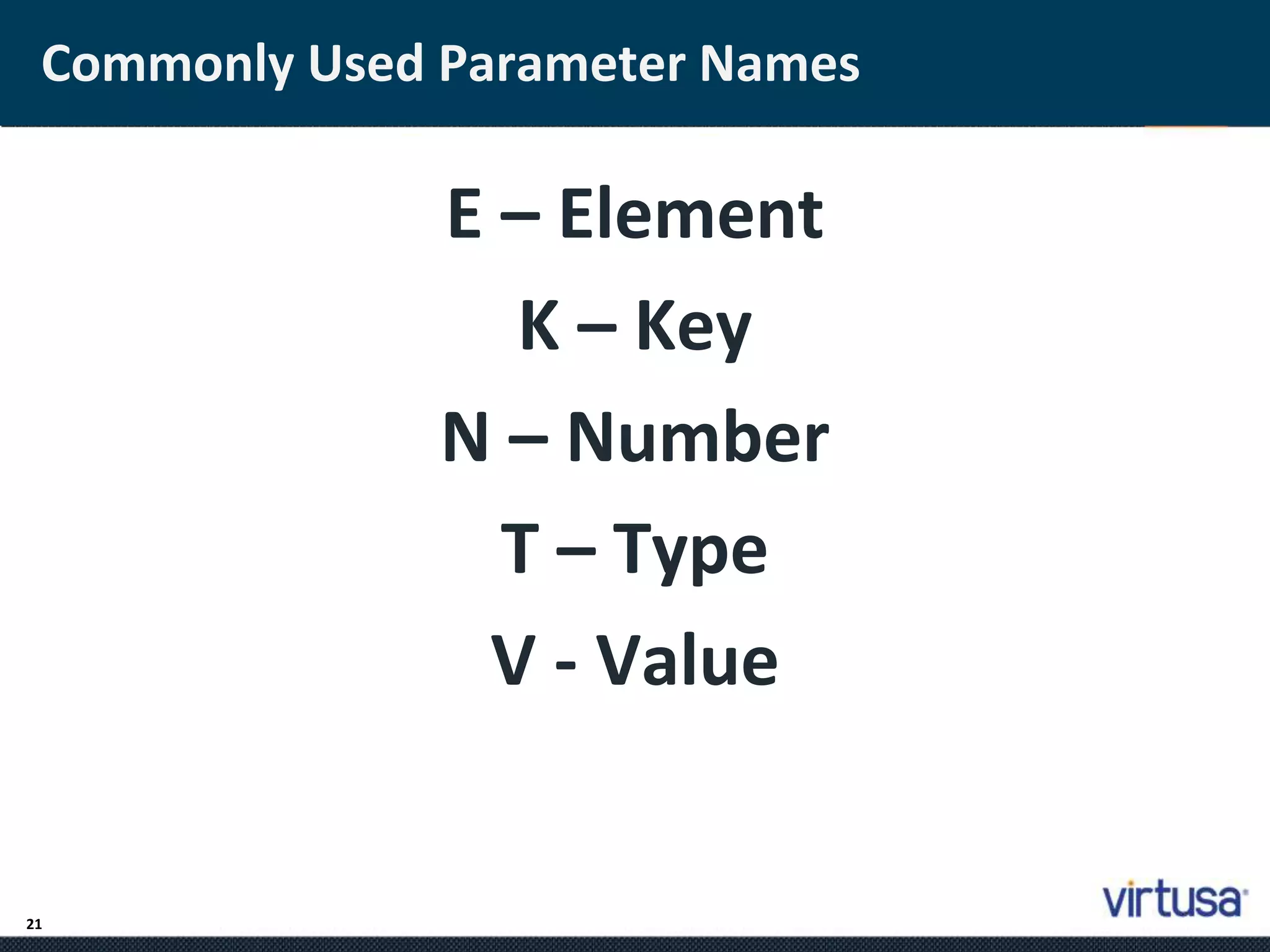
Commonly Used Parameter Names 
21 
E – Element 
K – Key 
N – Number 
T – Type 
V - Value
Wildcards 
22 
• <?> - Any Type 
• <? extends Customer> - any type that extends 
Customer 
• <? super Customer> - any type that is a super type 
of Customer 
private static void processData( 
ArrayList<? extends Customer> customers) 
{ 
for (Customer c: customers){ 
c.doSomething(); 
} 
}
Comparable and Comparators 
23 
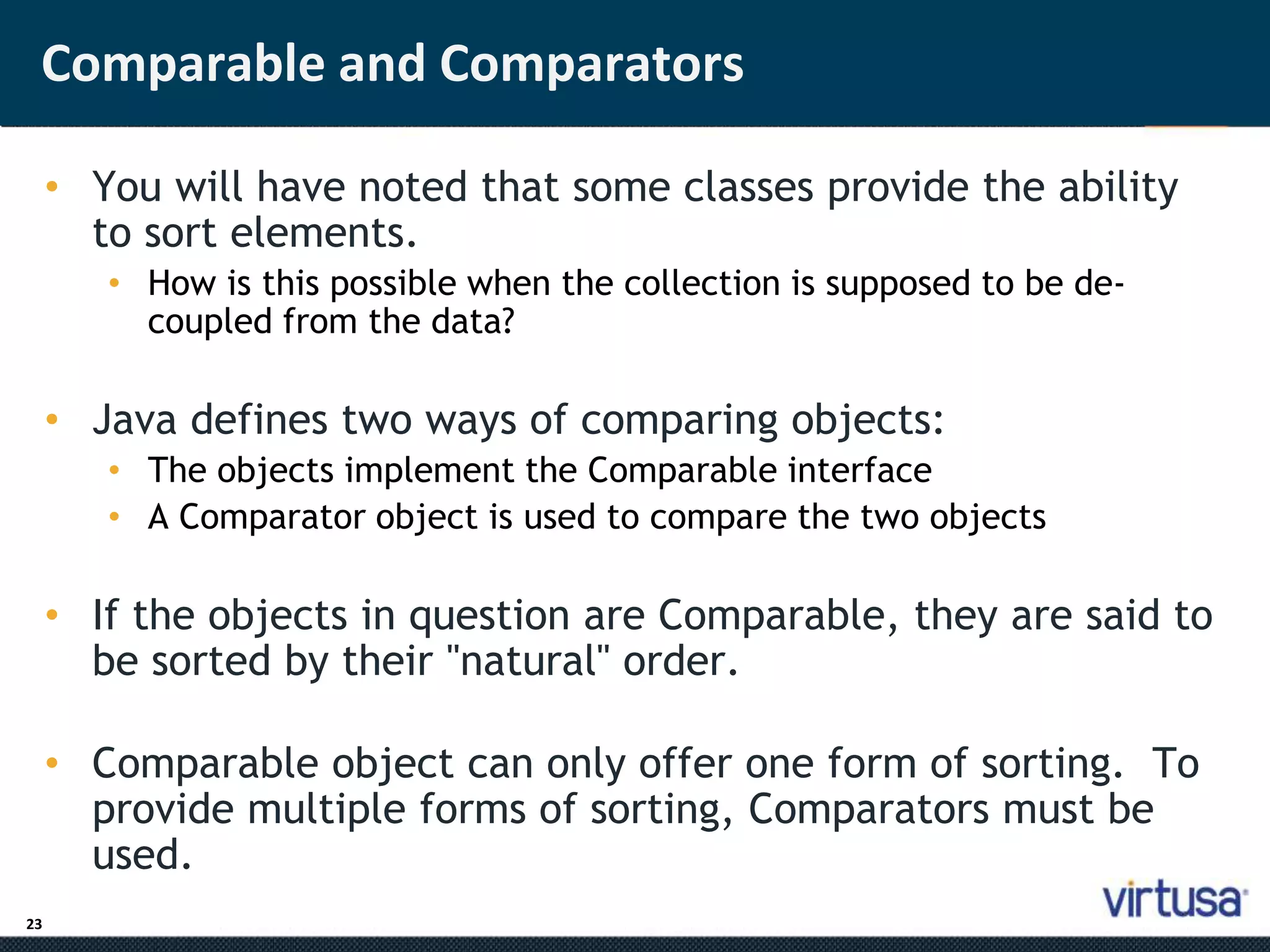
• You will have noted that some classes provide the ability 
to sort elements. 
• How is this possible when the collection is supposed to be de-coupled 
from the data? 
• Java defines two ways of comparing objects: 
• The objects implement the Comparable interface 
• A Comparator object is used to compare the two objects 
• If the objects in question are Comparable, they are said to 
be sorted by their "natural" order. 
• Comparable object can only offer one form of sorting. To 
provide multiple forms of sorting, Comparators must be 
used.
The Comparable Interface 
24 
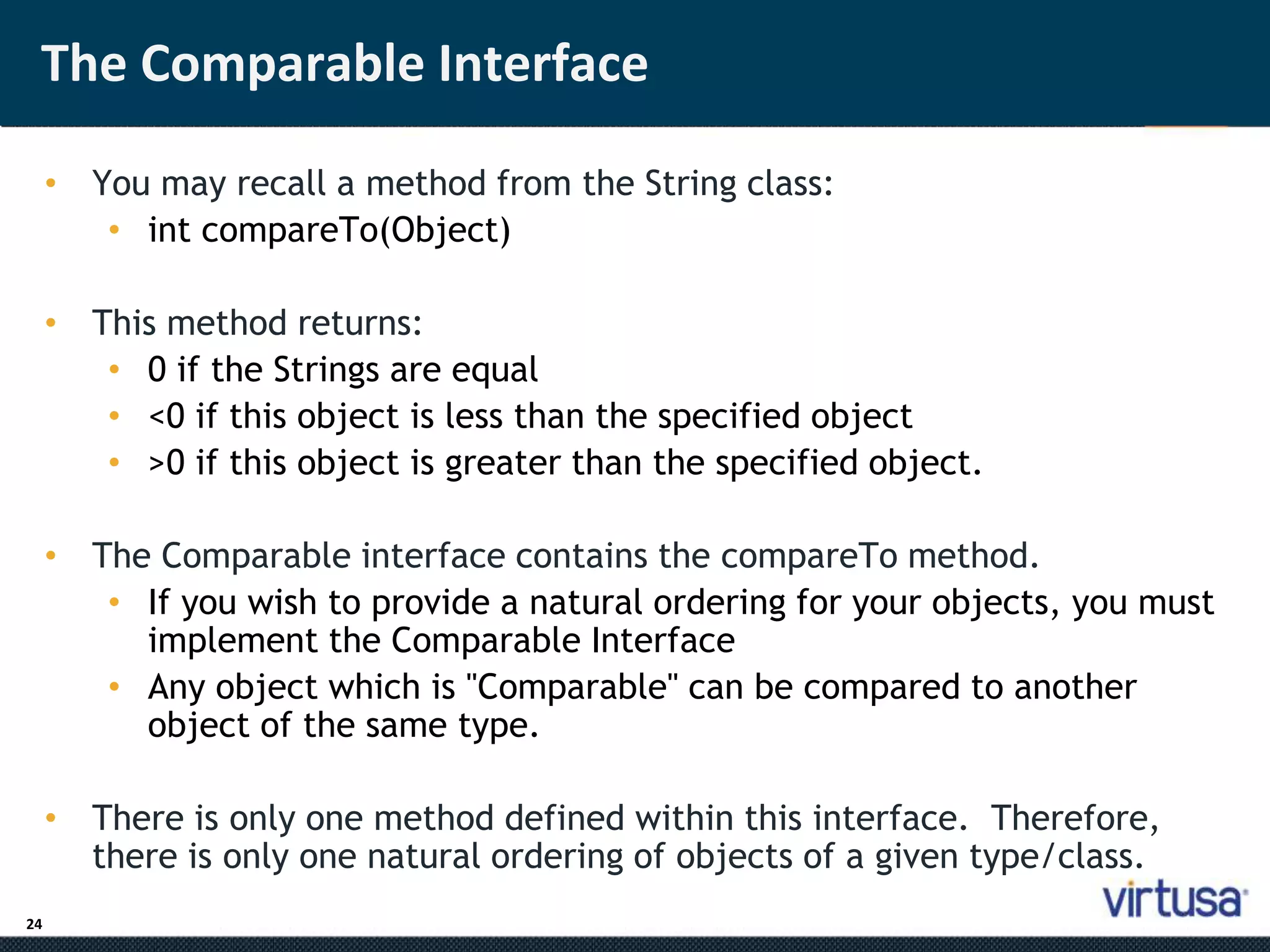
• You may recall a method from the String class: 
• int compareTo(Object) 
• This method returns: 
• 0 if the Strings are equal 
• <0 if this object is less than the specified object 
• >0 if this object is greater than the specified object. 
• The Comparable interface contains the compareTo method. 
• If you wish to provide a natural ordering for your objects, you must 
implement the Comparable Interface 
• Any object which is "Comparable" can be compared to another 
object of the same type. 
• There is only one method defined within this interface. Therefore, 
there is only one natural ordering of objects of a given type/class.
The Comparator Interface 
25 
• The Comparator interface defines two methods: 
• int compare(Object, Object) 
• 0 if the Objects are equal 
• <0 if the first object is less than the second object 
• >0 if the first object is greater than the second object. 
• boolean equals(Object) 
• returns true if the specified object is equal to this comparator. 
ie. the specified object provides the same type of comparison 
that this object does.
Using Comparators 
26 
• Comparators are useful when objects must be sorted in different ways. 
• For example 
• Employees need to be sorted by first name, last name, start date, 
termination date and salary. 
• A Comparator could be provided for each case 
• The comparator interrogates the objects for the required values 
and returns the appropriate integer based on those values. 
• The appropriate Comparator is provided a parameter to the sorting 
algorithm.
Best practices for using Collections 
27 
• Arrays vs. Collections: 
• Arrays are by far the fastest but least flexible 
implementation of a "collection." Use an array only if you 
must access the elements via a static array index, and only if 
you expect the array order and content to be immutable. 
• If you want a collection that contains a more generalized 
group of items with well-known characteristics (e.g., order 
unimportant and duplicates not allowed), use one of the 
Collection classes. The use of the add(Object obj) and 
remove(Object obj) methods for addition and removal of 
members, and the contains(Object obj) method to test for 
existence of members, in and of themselves, will be an 
enormous savings over traversing through arrays manually to 
search for members.
Best practices for using Collections 
28 
• Code to Interface 
• Always use the Interface as your reference variable 
when initializing collections 
• Makes code more maintainable 
• List<T> l = new ArrayList<T>(); 
• Map<T> m = new HashMap<T>(); 
• When to use Lists, Sets, Maps 
• Using Comparator and Comparable
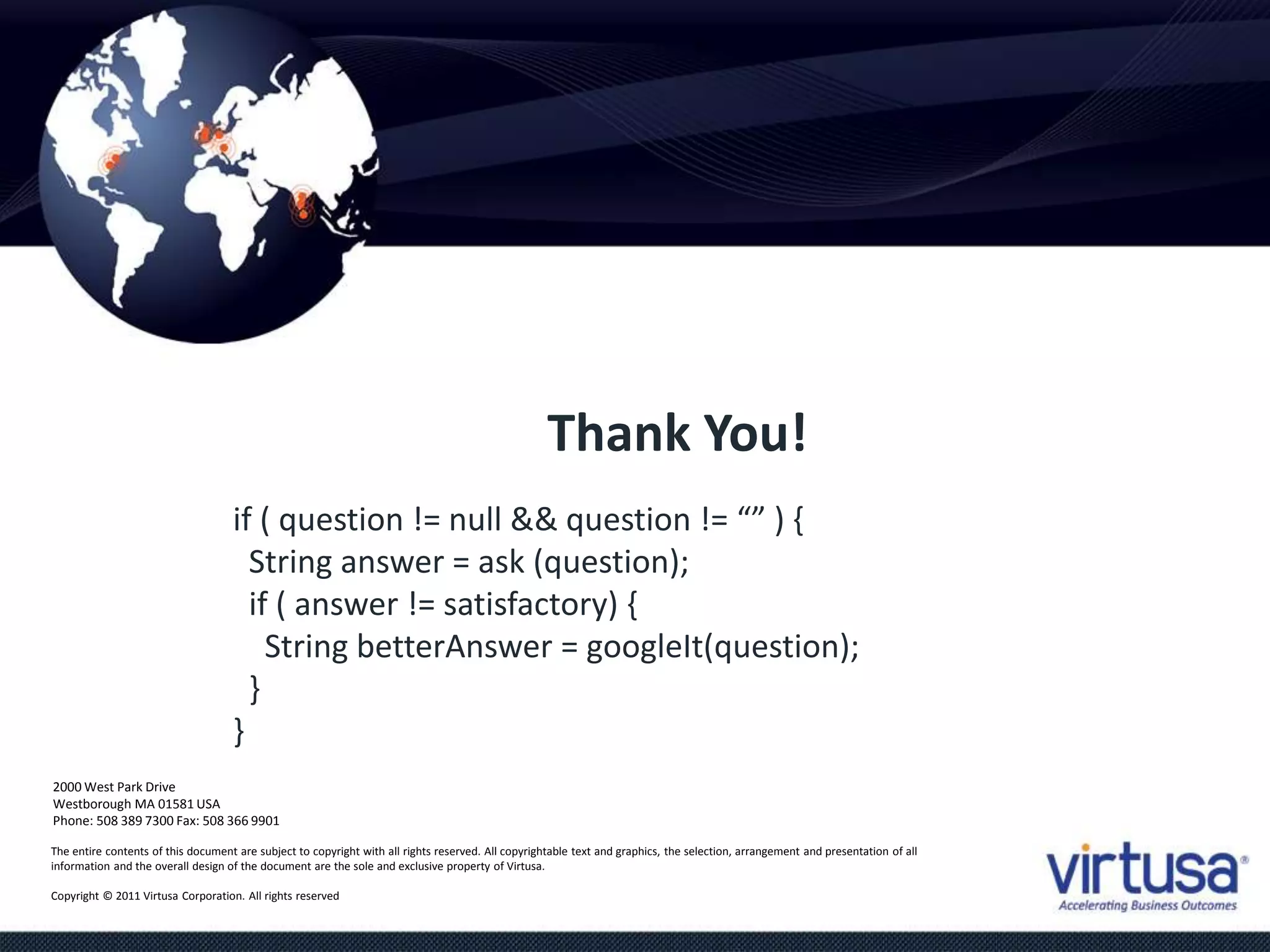
if ( question != null && question != “” ) { 
String answer = ask (question); 
if ( answer != satisfactory) { 
String betterAnswer = googleIt(question); 
} 
} 
2000 West Park Drive 
Westborough MA 01581 USA 
Phone: 508 389 7300 Fax: 508 366 9901 
The entire contents of this document are subject to copyright with all rights reserved. All copyrightable text and graphics, the selection, arrangement and presentation of all 
information and the overall design of the document are the sole and exclusive property of Virtusa. 
Copyright © 2011 Virtusa Corporation. All rights reserved 
Thank You!
www.virtusa.com 
© 2011 All rights reserved. Virtusa and all other related logos are either registered trademarks or trademarks of Virtusa Corporation in the United States, the European Union, and/or India. All 
other company and service names are the property of their respective holders and may be registered trademarks or trademarks in the United States and/or other countries.

Collections Training

  • 1.
    2000 West ParkDrive Westborough MA 01581 USA Phone: 508 389 7300 Fax: 508 366 9901 The entire contents of this document are subject to copyright with all rights reserved. All copyrightable text and graphics, the selection, arrangement and presentation of all information and the overall design of the document are the sole and exclusive property of Virtusa. Copyright © 2011 Virtusa Corporation. All rights reserved Collections
  • 2.
    2 Agenda •Outline the Collections infrastructure in Java • Describe the various collection classes • Introduction to Generics • Discuss which collection to use under what circumstances • Distinguish Comparable and Comparators • Best practices in using Collections
  • 3.
    3 Why collections? • In procedural languages, arrays are often the only way to represent groups of data • Array provides a mechanism for memory management • Programmer must provide algorithms for managing the array • Arrays are, generally speaking, not Object Oriented • They are not cohesive • The array and the code to manage the array are not an single unit.
  • 4.
    4 The importanceof using the Collections framework • In procedural languages, we are taught to separate the data from the management of data • However, it is much easier to implement a data structure when the data is tightly coupled to the data structure. • The leads to reimplementation of many common structures • Just ask a C programmer how many times he/she has implemented the linked list data structure. • The algorithms are all the same, but because the implementation of the algorithm is tightly coupled to the data, the algorithms are not typically reusable. • Object oriented provides a much cleaner way of providing reusable data structures • The data structure you want has probably already been implemented by someone else. Why re-invent the wheel? • Once you've got the feel for collections, you'll never want to go back to arrays.
  • 5.
    5 ‘Hello World!’with JavaScript The Collection interface provides the basis for List-like collections in Java. The interface includes: boolean add(Object) boolean addAll(Collection) void clear() boolean contains(Object) boolean containsAll(Collection) boolean equals(Object) boolean isEmpty() Iterator iterator() boolean remove(Object) boolean removeAll(Collection) boolean retainAll(Collection) int size() Object[] toArray() Object[] toArray(Object[])
  • 6.
    6 List Interface • Lists allow duplicate entries within the collection • Lists are an ordered collection much like an array • Lists grow automatically when needed • The list interface provides accessor methods based on index • The List interface extends the Collections interface and add the following method definitions: void add(int index, Object) boolean addAll(int index, Collection) Object get(int index) int indexOf(Object) int lastIndexOf(Object) ListIterator listIterator() ListIterator listIterator(int index) Object remove(int index) Object set(int index, Object) List subList(int fromIndex, int toIndex)
  • 7.
    7 Set Interface • The Set interface also extends the Collection interface but does not add any methods to it. • Collection classes which implement the Set interface have the add stipulation that Sets CANNOT contain duplicate elements • Elements are compared using the equals method • NOTE: exercise caution when placing mutable objects within a set. Objects are tested for equality upon addition to the set. If the object is changed after being added to the set, the rules of duplication may be violated.
  • 8.
    8 SortedSet Interface • SortedSet provides the same mechanisms as the Set interface, except that SortedSets maintain the elements in ascending order. • Ordering is based on natural ordering (Comparable) or by using a Comparator. • We will discuss Comparable and Comparators later in this chapter
  • 9.
    9 The InterfaceHierarchy Collection List Set SortedSet
  • 10.
    The class structure 10 List Collection Set AbstractCollection AbstractList AbstractSet AbstractSequentialList Vector ArrayList LinkedList HashSet TreeSet
  • 11.
    Lists 11 •;Java provides 3 concrete classes which implement the list interface • Vector • ArrayList • LinkedList • Vectors try to optimize storage requirements by growing and shrinking as required • Methods are synchronized (used for Multi threading) • ArrayList is roughly equivalent to Vector except that its methods are not synchronized • LinkedList implements a doubly linked list of elements • Methods are not synchronized
  • 12.
    Sets 12 •;Java provides 2 concrete classes which implement the Set interface • HashSet • TreeSet • HashSet behaves like a HashMap except that the elements cannot be duplicated. • TreeSet behaves like TreeMap except that the elements cannot be duplicated. • Note: Sets are not as commonly used as Lists
  • 13.
    The Map Interface 13 • The Map interface provides the basis for dictionary or key-based collections in Java. The interface includes: void clear() boolean containsKey(Object) boolean containsValue(Object) Set entrySet() boolean equals(Object) Object get(Object) boolean isEmpty() Set keySet() Object put(Object key, Object value) void putAll(Map) boolean remove(Object key) int size() Collection values()
  • 14.
    Maps 14 •J;ava provides 3 concrete classes which implement the list interface • HashMap • WeakHashMap • TreeMap • HashMap is the most commonly used Map. • Provides access to elements through a key. • The keys can be iterated if they are not known. • WeakHashMap provides the same functionality as Map except that if the key object is no longer used, the key and it's value will be removed from the Map.
  • 15.
    Most commonly usedmethods 15 • While it is a good idea to learn and understand all of the methods defined within this infrastructure, here are some of the most commonly used methods. • For Lists: • add(Object), add(index, Object) • get(index) • set(index, Object) • remove(Object) • For Maps: • put(Object key, Object value) • get(Object key) • remove(Object key) • keySet()
  • 16.
    Which class shouldI use? 16 • You'll notice that collection classes all provide the same or similar functionality. The difference between the different classes is how the structure is implemented. • This generally has an impact on performance. • Use Vector • Fast access to elements using index • Optimized for storage space • Not optimized for inserts and deletes • Use ArrayList • Same as Vector except the methods are not synchronized. Better performance • Use linked list • Fast inserts and deletes • Stacks and Queues (accessing elements near the beginning or end) • Not optimized for random access
  • 17.
    Which class shouldI use? • Use Sets 17 • When you need a collection which does not allow duplicate entries • Use Maps • Very Fast access to elements using keys • Fast addition and removal of elements • No duplicate keys allowed • When choosing a class, it is worthwhile to read the class's documentation in the Java API specification. There you will find notes about the implementation of the Collection class and within which contexts it is best to use.
  • 18.
    Iterator Interface 18 Ite; rator iCust = customers.iterator(); while (iCust.hasNext()){ System.out.println( iCust.next() ); } • An Iterator can move through a collection as well as removing items from it. • From Java 8 onwards, you can use the forEach() method to iterate through a collection.
  • 19.
    Java Generics 19 • G; enerics describe how collections can have parameters. • A normal ArrayList would accept a generic type, and will allow you to specify which type of parameter is accepted once it is instantiated. ArrayList<Customer> customers = new ArrayList<>(); Customer cust1 = new Customer("David","Lee"); customers.add(cust1); Customer cust2 = new Customer("Ringo","Starr"); customers.add(cust2); Order ord1= new Order(); ! customers.add(ord1); // Compiler error because of <Customer>
  • 20.
    Parameterizing classes 20 • We define a generic Box class to store objects of any type. • The concrete class will be provided by the user of this Box class.
  • 21.
    Commonly Used ParameterNames 21 E – Element K – Key N – Number T – Type V - Value
  • 22.
    Wildcards 22 •<?> - Any Type • <? extends Customer> - any type that extends Customer • <? super Customer> - any type that is a super type of Customer private static void processData( ArrayList<? extends Customer> customers) { for (Customer c: customers){ c.doSomething(); } }
  • 23.
    Comparable and Comparators 23 • You will have noted that some classes provide the ability to sort elements. • How is this possible when the collection is supposed to be de-coupled from the data? • Java defines two ways of comparing objects: • The objects implement the Comparable interface • A Comparator object is used to compare the two objects • If the objects in question are Comparable, they are said to be sorted by their "natural" order. • Comparable object can only offer one form of sorting. To provide multiple forms of sorting, Comparators must be used.
  • 24.
    The Comparable Interface 24 • You may recall a method from the String class: • int compareTo(Object) • This method returns: • 0 if the Strings are equal • <0 if this object is less than the specified object • >0 if this object is greater than the specified object. • The Comparable interface contains the compareTo method. • If you wish to provide a natural ordering for your objects, you must implement the Comparable Interface • Any object which is "Comparable" can be compared to another object of the same type. • There is only one method defined within this interface. Therefore, there is only one natural ordering of objects of a given type/class.
  • 25.
    The Comparator Interface 25 • The Comparator interface defines two methods: • int compare(Object, Object) • 0 if the Objects are equal • <0 if the first object is less than the second object • >0 if the first object is greater than the second object. • boolean equals(Object) • returns true if the specified object is equal to this comparator. ie. the specified object provides the same type of comparison that this object does.
  • 26.
    Using Comparators 26 • Comparators are useful when objects must be sorted in different ways. • For example • Employees need to be sorted by first name, last name, start date, termination date and salary. • A Comparator could be provided for each case • The comparator interrogates the objects for the required values and returns the appropriate integer based on those values. • The appropriate Comparator is provided a parameter to the sorting algorithm.
  • 27.
    Best practices forusing Collections 27 • Arrays vs. Collections: • Arrays are by far the fastest but least flexible implementation of a "collection." Use an array only if you must access the elements via a static array index, and only if you expect the array order and content to be immutable. • If you want a collection that contains a more generalized group of items with well-known characteristics (e.g., order unimportant and duplicates not allowed), use one of the Collection classes. The use of the add(Object obj) and remove(Object obj) methods for addition and removal of members, and the contains(Object obj) method to test for existence of members, in and of themselves, will be an enormous savings over traversing through arrays manually to search for members.
  • 28.
    Best practices forusing Collections 28 • Code to Interface • Always use the Interface as your reference variable when initializing collections • Makes code more maintainable • List<T> l = new ArrayList<T>(); • Map<T> m = new HashMap<T>(); • When to use Lists, Sets, Maps • Using Comparator and Comparable
  • 29.
    if ( question!= null && question != “” ) { String answer = ask (question); if ( answer != satisfactory) { String betterAnswer = googleIt(question); } } 2000 West Park Drive Westborough MA 01581 USA Phone: 508 389 7300 Fax: 508 366 9901 The entire contents of this document are subject to copyright with all rights reserved. All copyrightable text and graphics, the selection, arrangement and presentation of all information and the overall design of the document are the sole and exclusive property of Virtusa. Copyright © 2011 Virtusa Corporation. All rights reserved Thank You!
  • 30.
    www.virtusa.com © 2011All rights reserved. Virtusa and all other related logos are either registered trademarks or trademarks of Virtusa Corporation in the United States, the European Union, and/or India. All other company and service names are the property of their respective holders and may be registered trademarks or trademarks in the United States and/or other countries.