Hands-On Ethical Hacking
and Network Defense
Chapter 3
Network and Computer Attacks
Last modified 2-3-18
Objectives
Describe the different types of malicious
software
Describe methods of protecting against
malware attacks
Describe the types of network attacks
Identify physical security attacks and
vulnerabilities
Malicious Software (Malware)
Network attacks prevent a business from
operating
Malicious software (Malware) includes
■ Virus
■ Worms
■ Trojan horses
Goals
■ Destroy data
■ Corrupt data
■ Shutdown a network or system
Viruses
Virus attaches itself to an executable file
Can replicate itself through an executable
program
■ Needs a host program to replicate
No foolproof method of preventing them
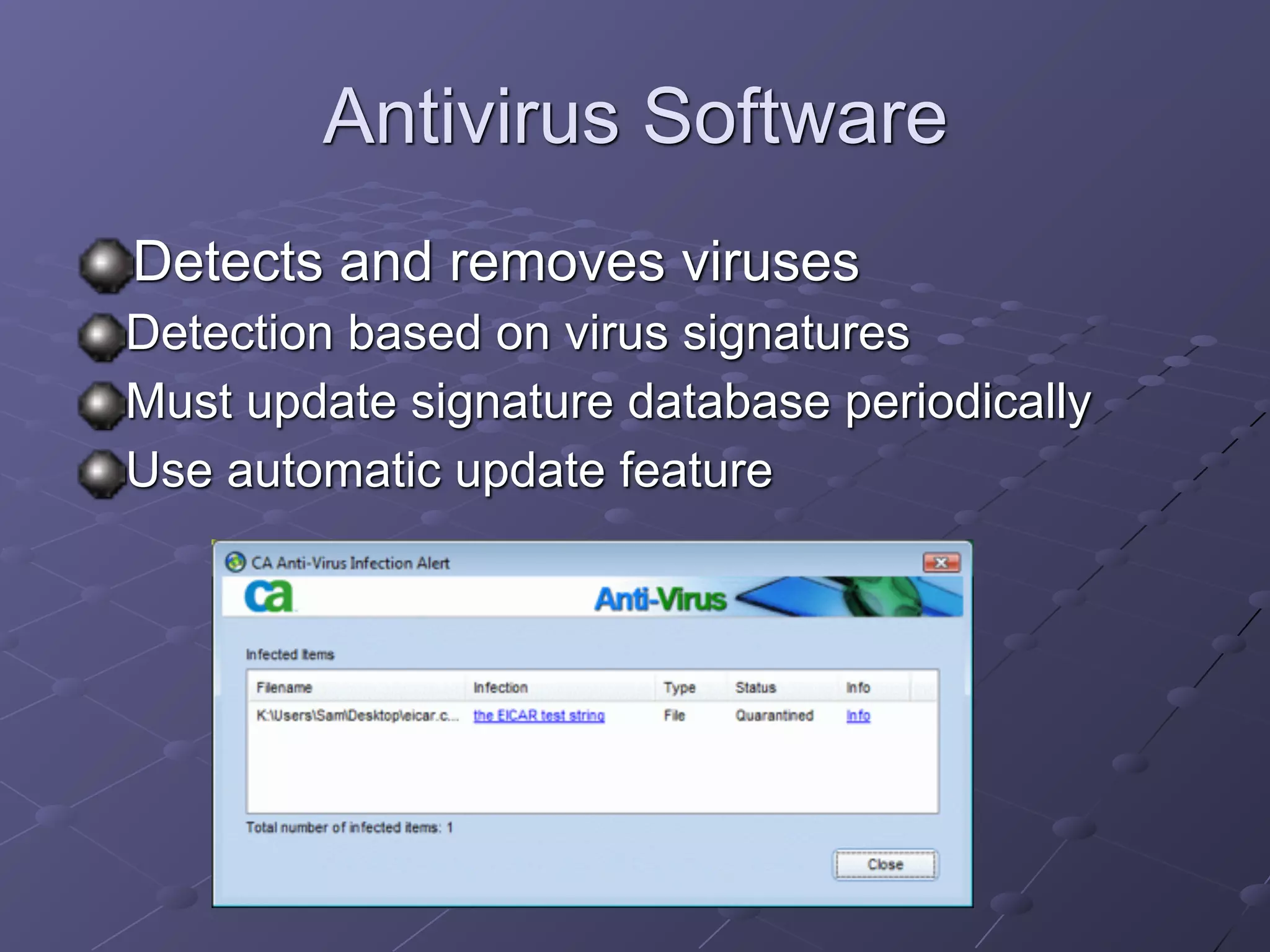
Antivirus Software
Detects and removes viruses
Detection based on virus signatures
Must update signature database periodically
Use automatic update feature
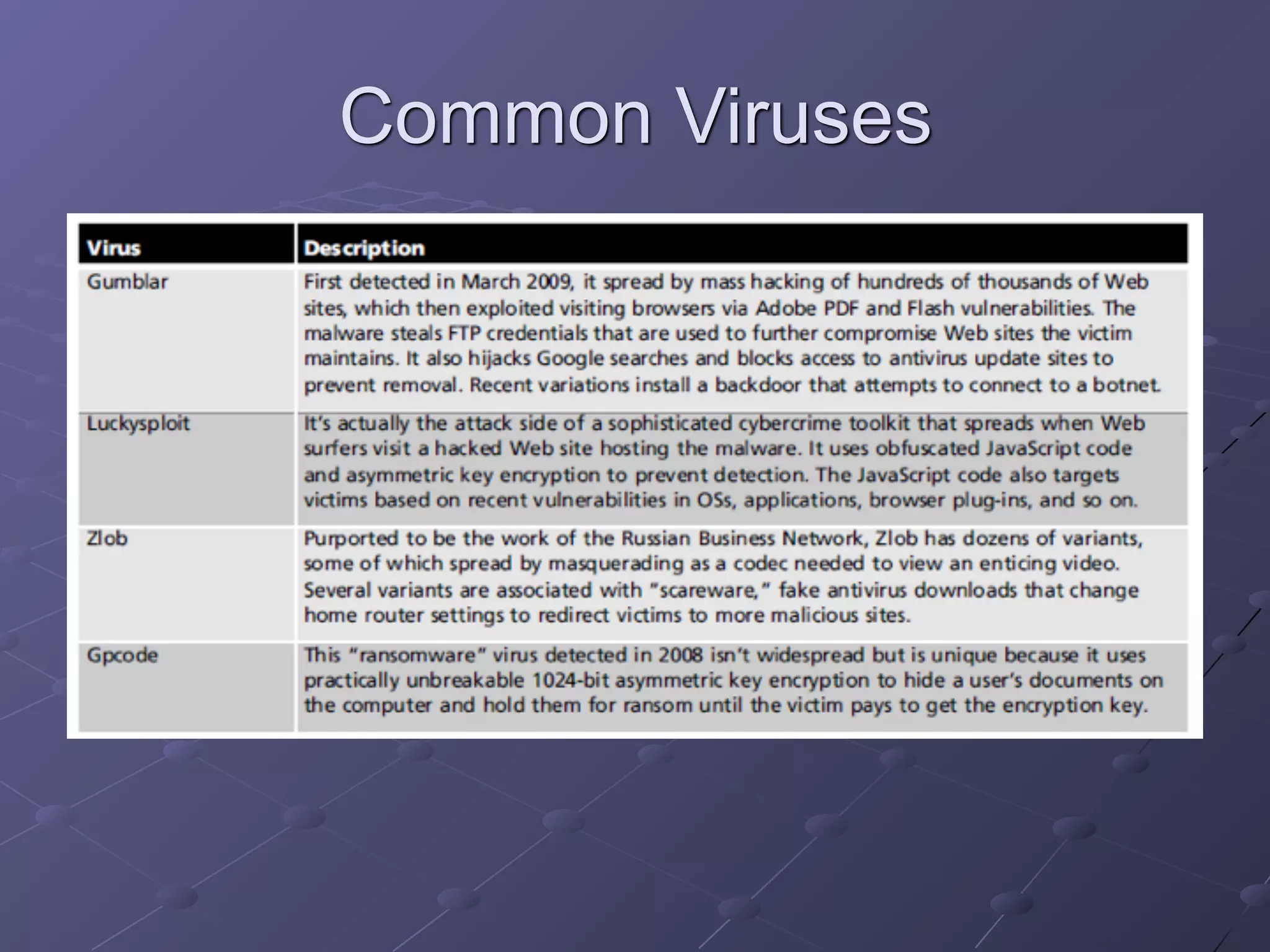
Common Viruses
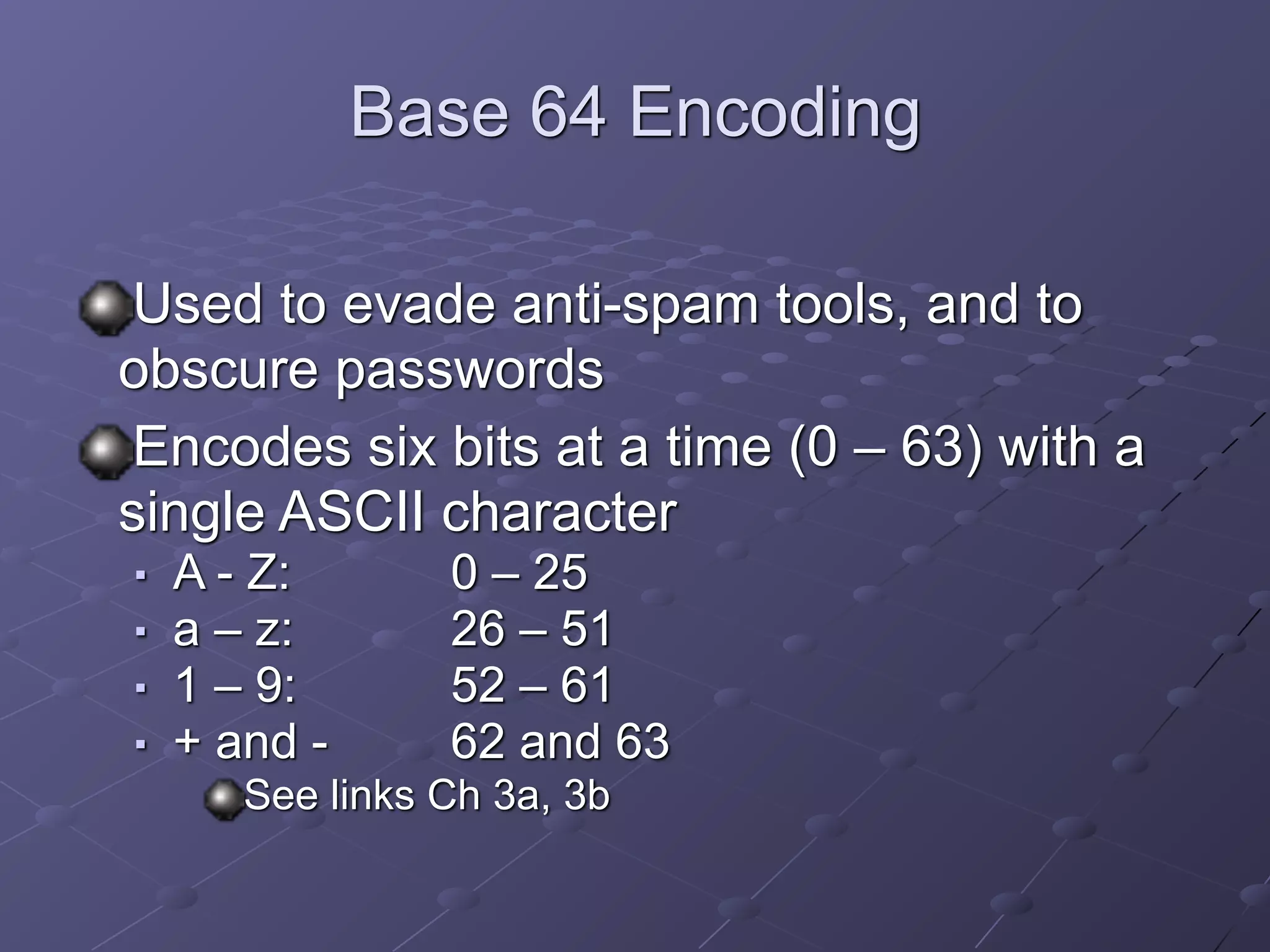
Base 64 Encoding
Used to evade anti-spam tools, and to
obscure passwords
Encodes six bits at a time (0 – 63) with a
single ASCII character
■ A - Z: 0 – 25
■ a – z: 26 – 51
■ 1 – 9: 52 – 61
■ + and - 62 and 63
See links Ch 3a, 3b
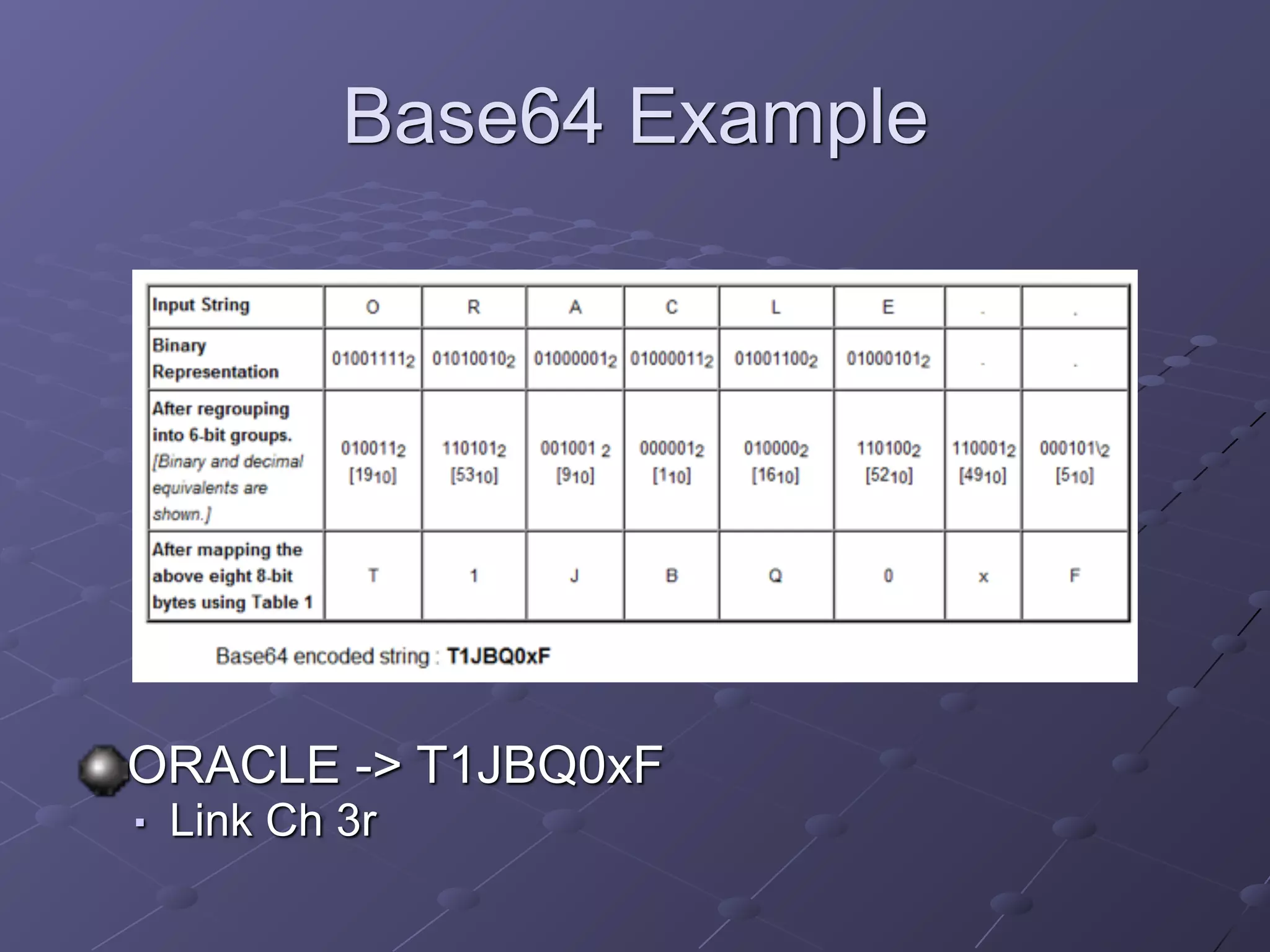
Base64 Example
ORACLE -> T1JBQ0xF
■ Link Ch 3r
Viruses (continued)
Commercial base 64 decoders
Shell
■ Executable piece of programming code
■ Should not appear in an e-mail attachment
Macro Viruses
Virus encoded as a macro
Macro
■ Lists of commands
■ Can be used in destructive ways
Example: Melissa
■ Appeared in 1999
■ It is very simple – see link Ch 3c for source
code
Writing Viruses
Even nonprogrammers

can create macro viruses
■ Instructions posted on 

Web sites
■ Virus creation kits available for download (see
link Ch 3d)
Security professionals can learn from
thinking like attackers
■ But don’t create and release a virus! People
get long prison terms for that.
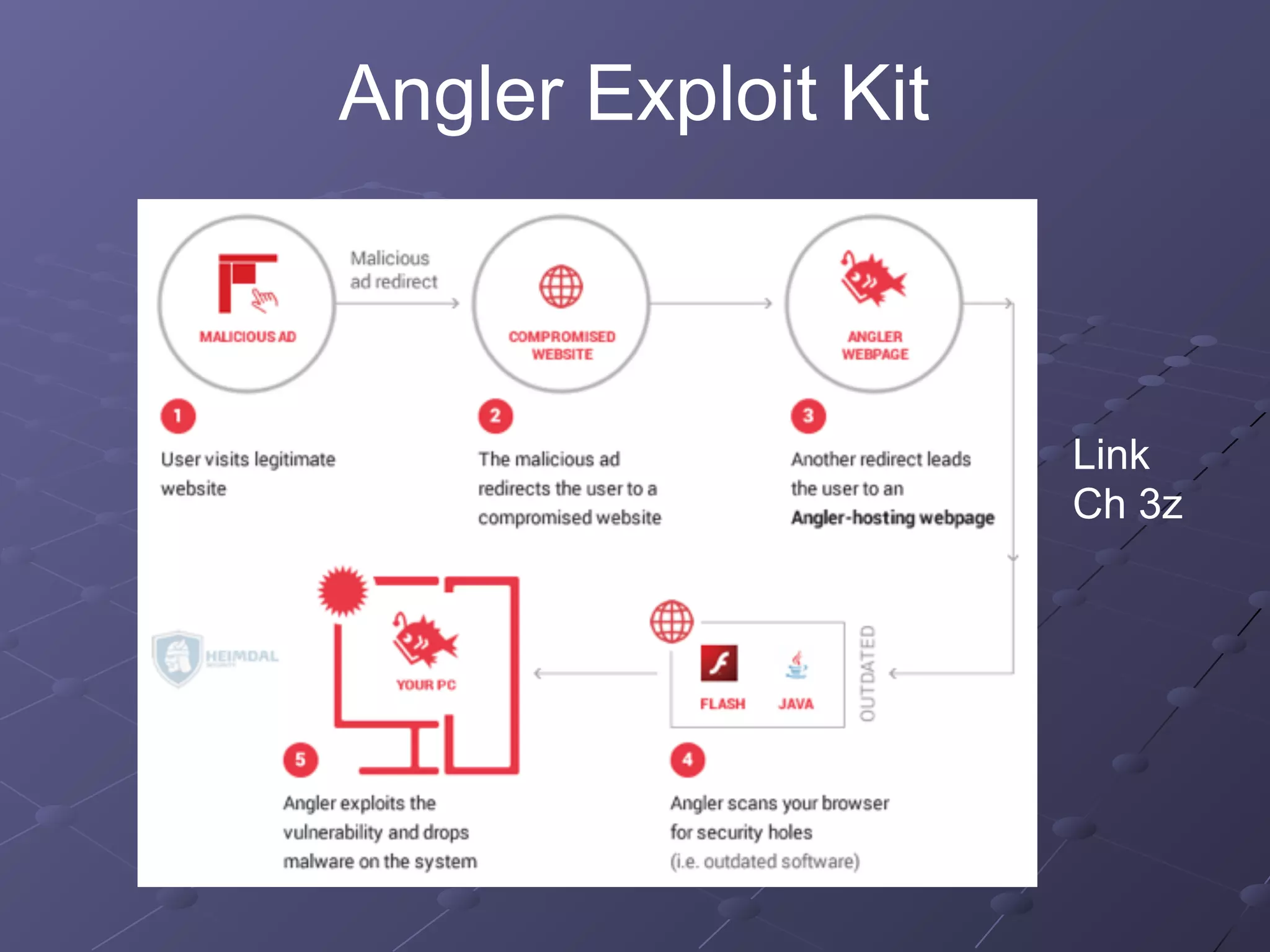
Angler Exploit Kit
Link
Ch 3z
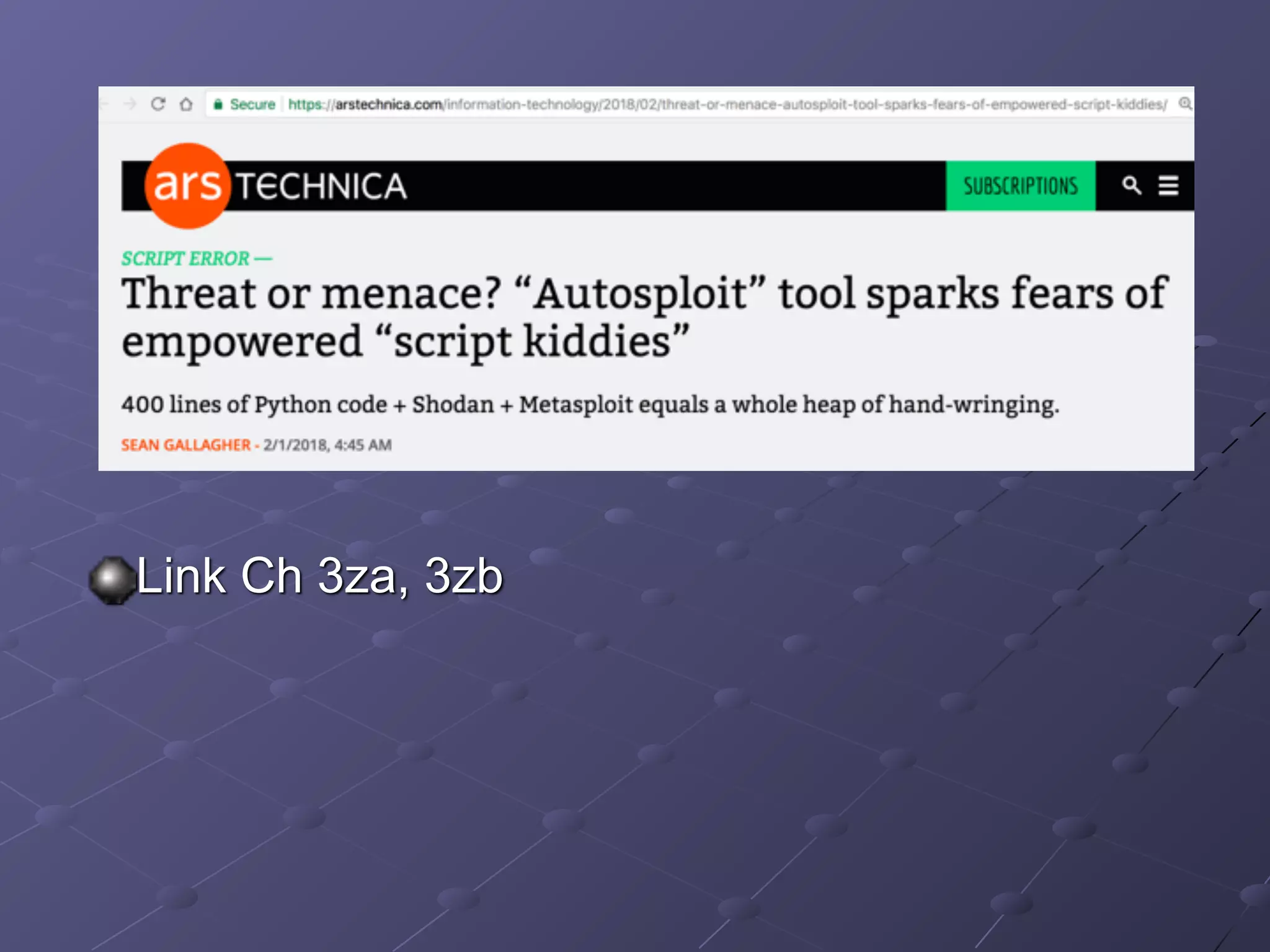
Link Ch 3za, 3zb
Worms
Worm
■ Replicates and propagates without a host,
often through email
Infamous examples
■ Code Red
■ Nimda
Can infect every computer in the world in
a short time
■ At least in theory
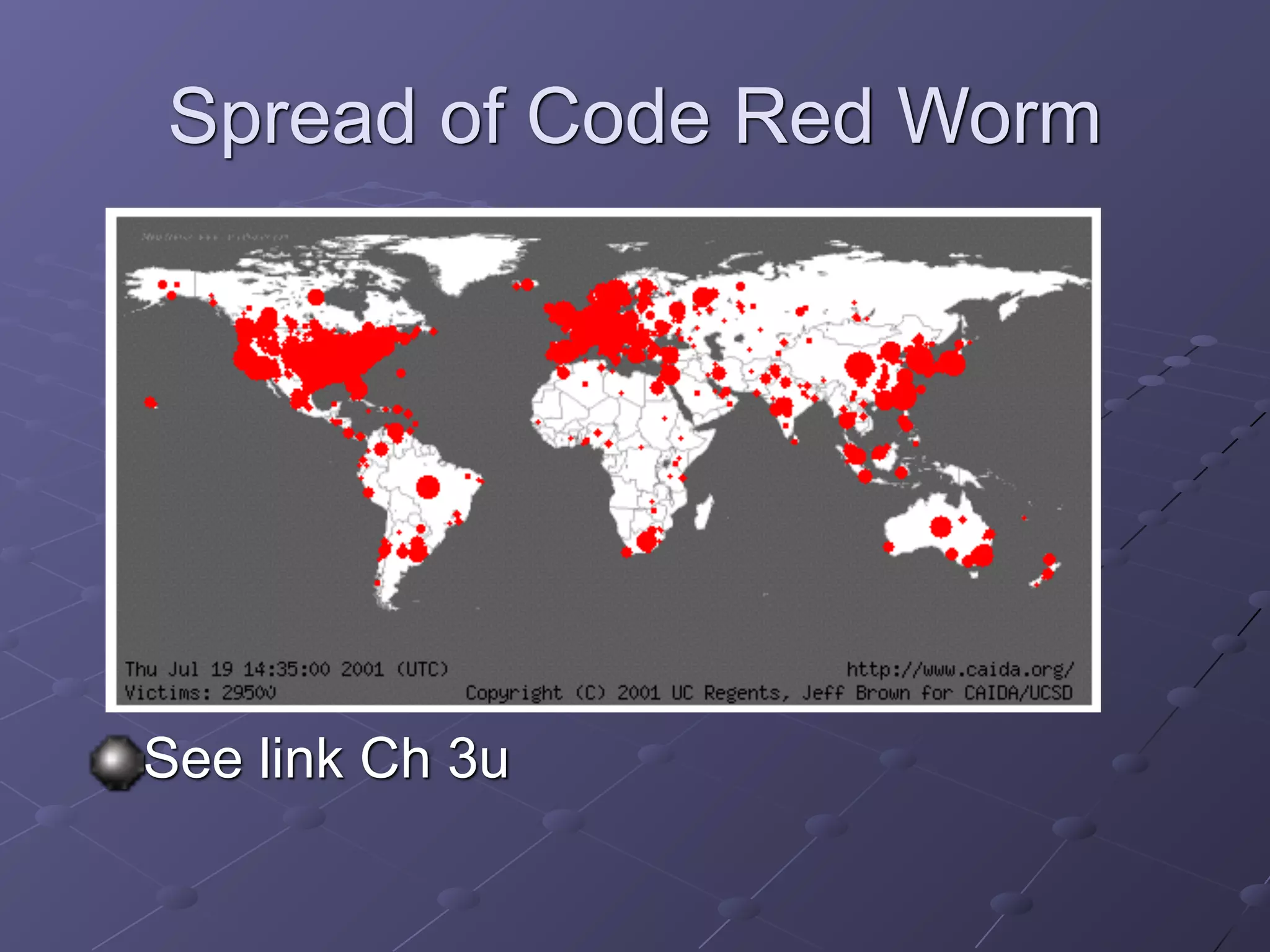
Spread of Code Red Worm
See link Ch 3u
ATM Machine Worms
■ Cyberattacks against ATM machines
■ Slammer and Nachi worms
■ Trend produces antivirus for ATM machines
See links Ch 3g, 3h, 3i
■ Nachi was written to clean up damage caused
by the Blaster worm, but it got out of control
See link Ch 3j
■ Diebold was criticized for using Windows for
ATM machines, which they also use on voting
machines
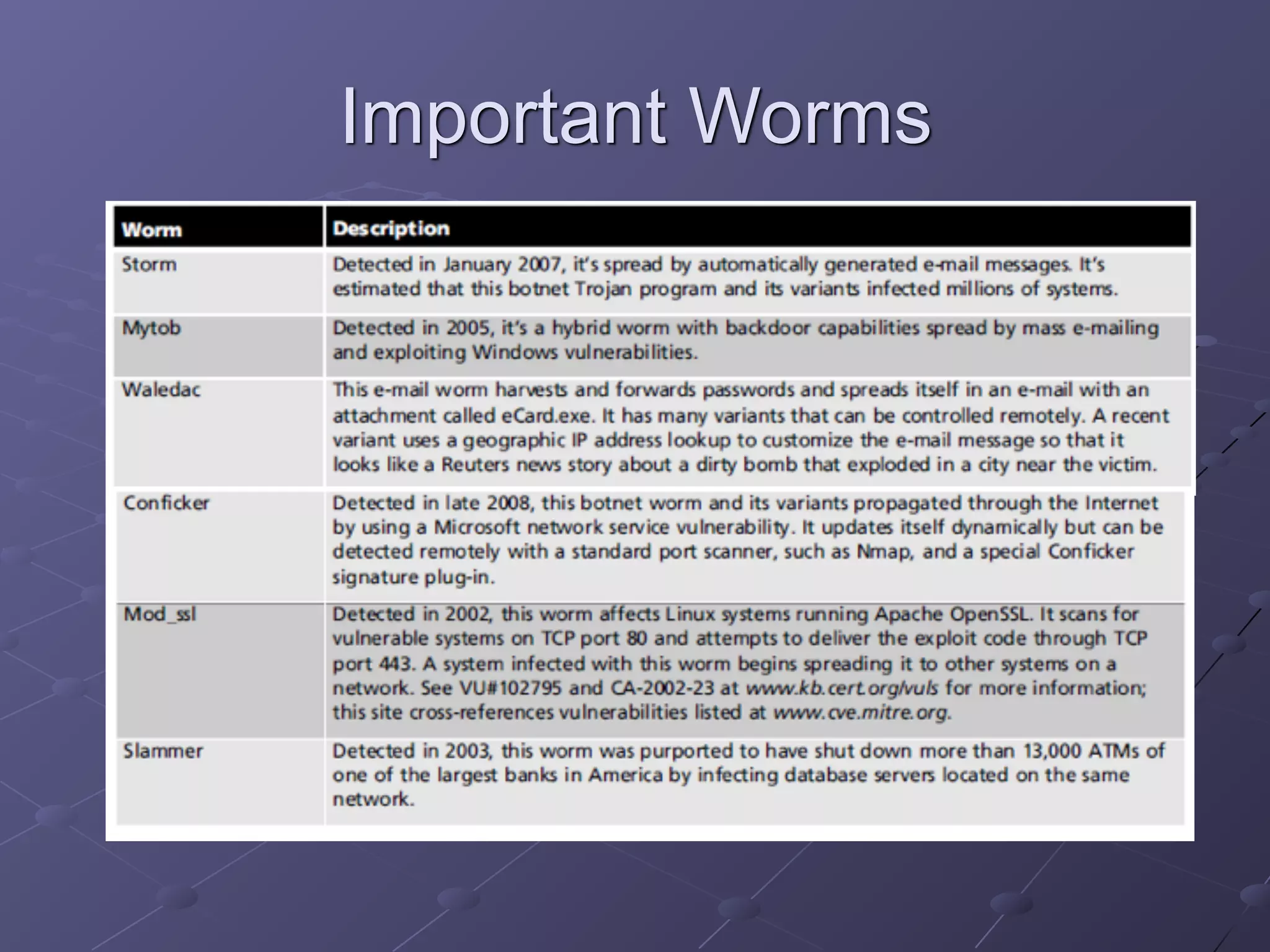
Important Worms
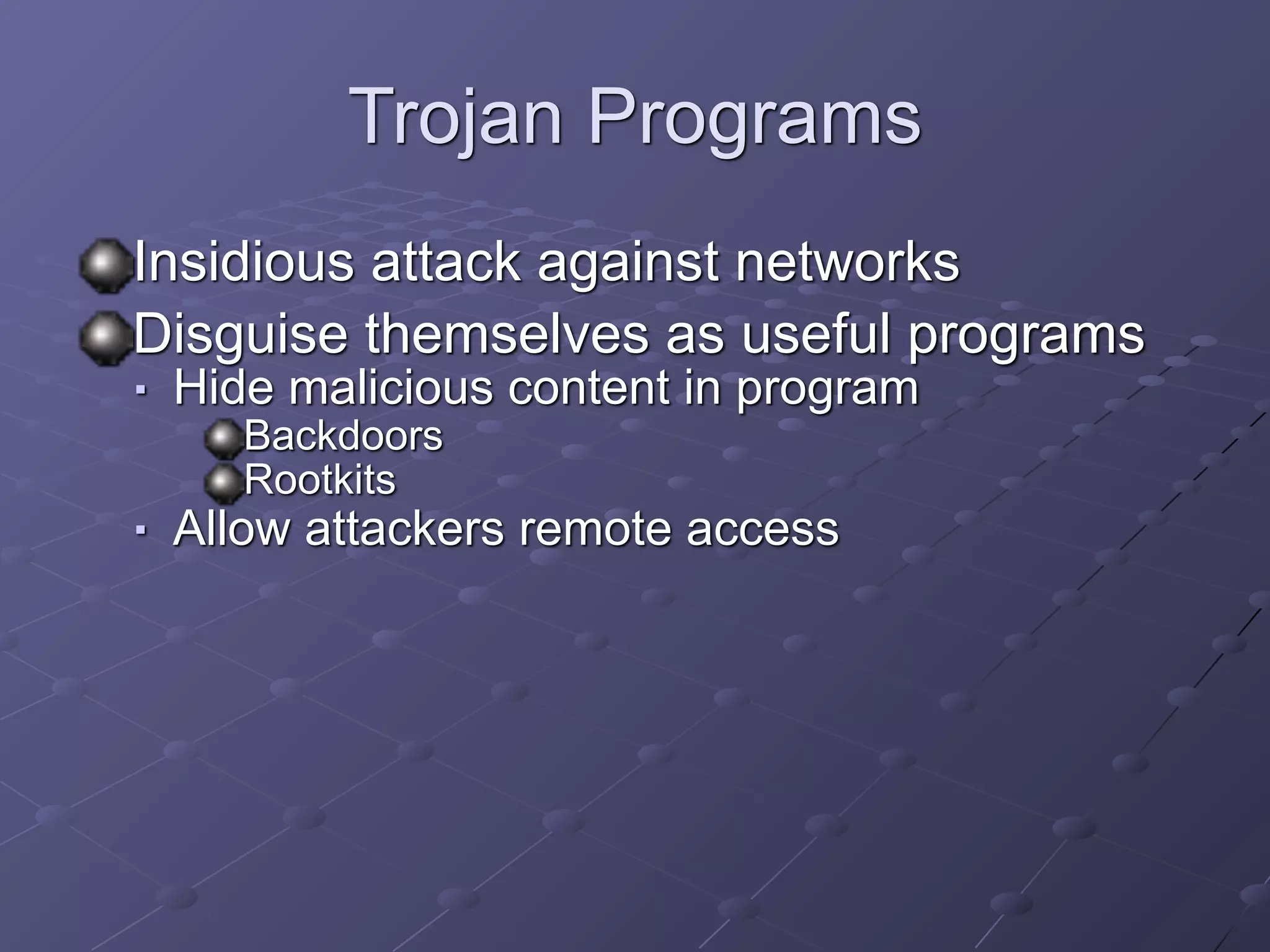
Trojan Programs
Insidious attack against networks
Disguise themselves as useful programs
■ Hide malicious content in program
Backdoors
Rootkits
■ Allow attackers remote access
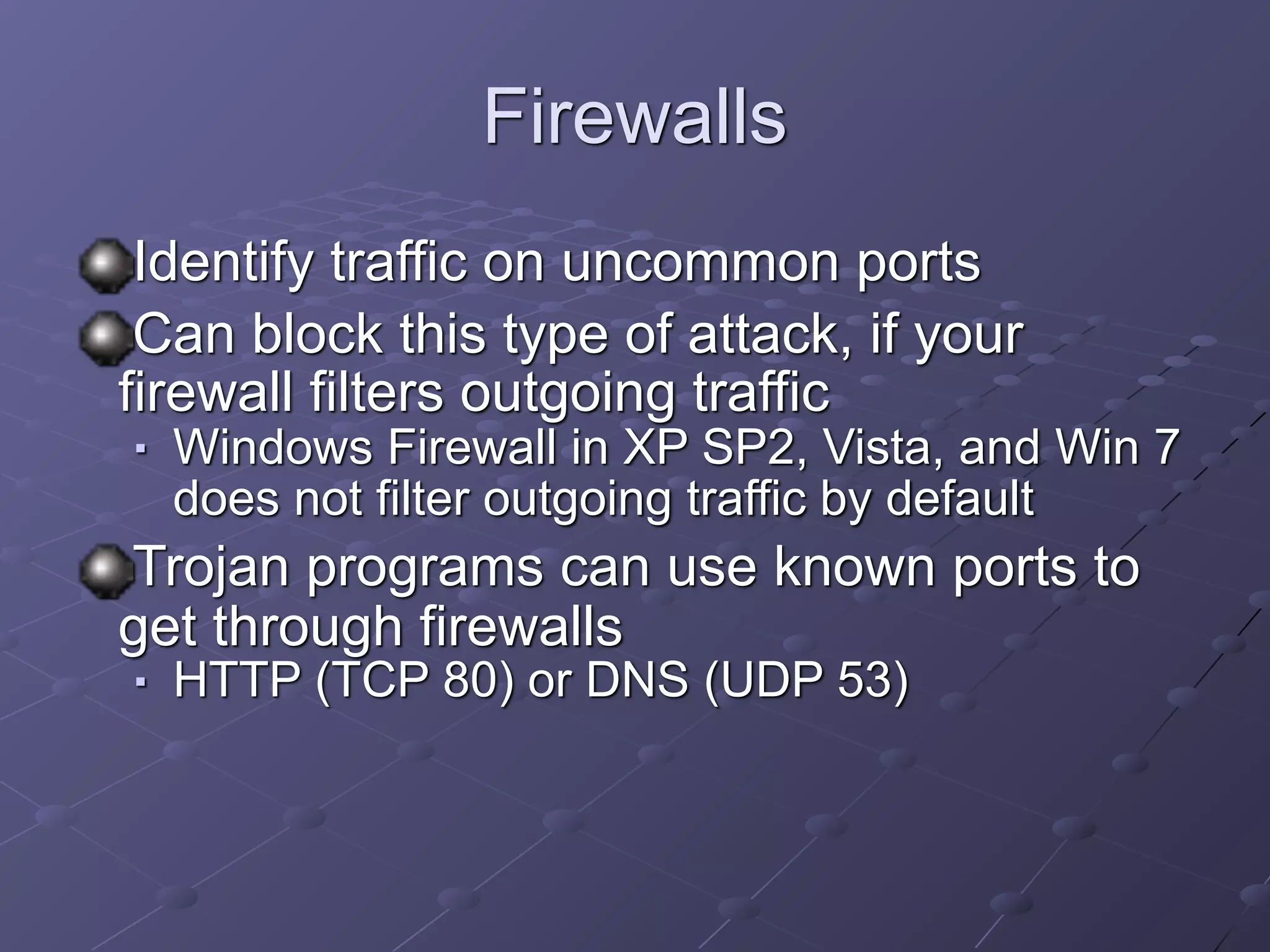
Firewalls
Identify traffic on uncommon ports
Can block this type of attack, if your
firewall filters outgoing traffic
■ Windows Firewall in XP SP2, Vista, and Win 7
does not filter outgoing traffic by default
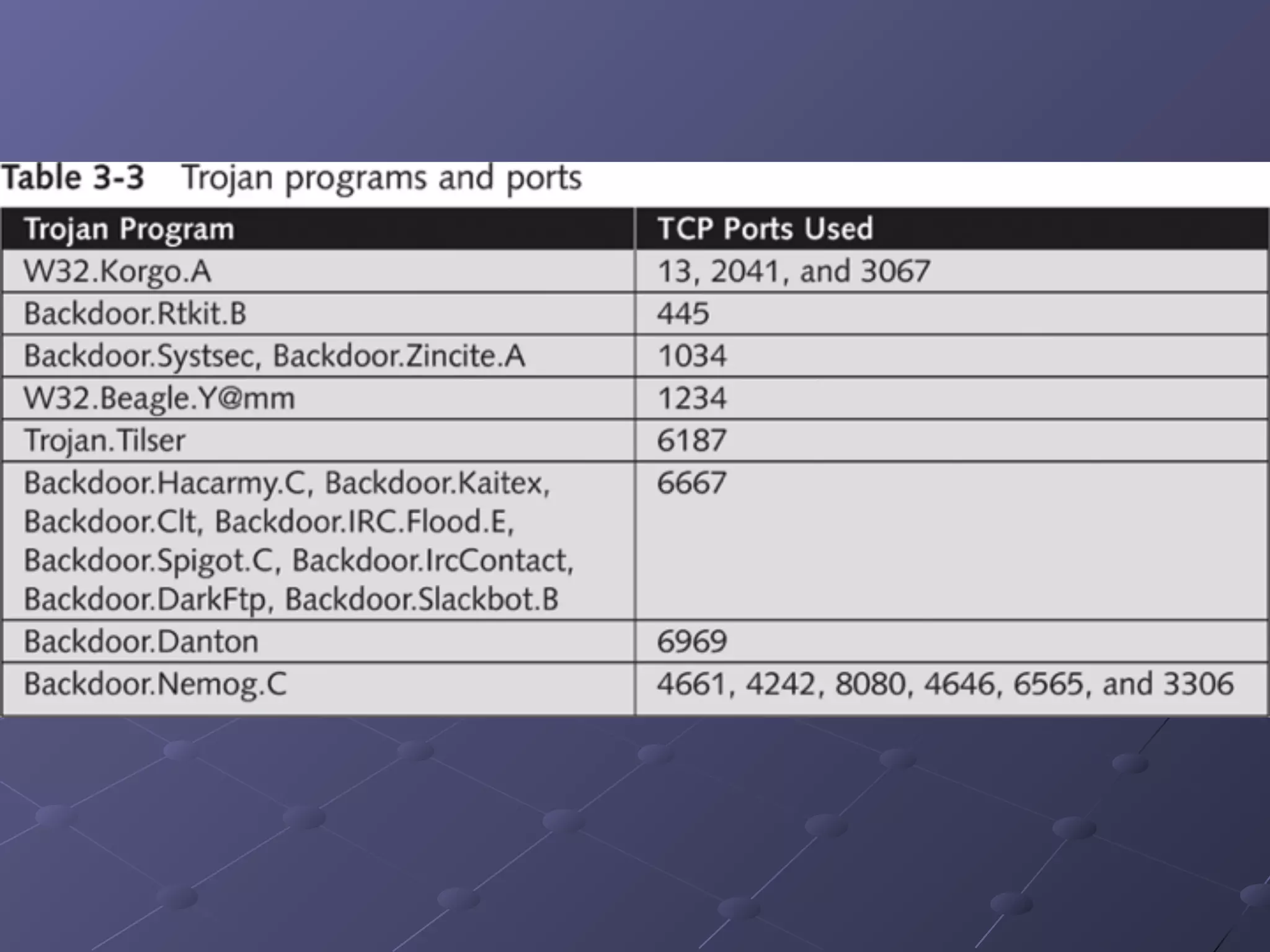
Trojan programs can use known ports to
get through firewalls
■ HTTP (TCP 80) or DNS (UDP 53)
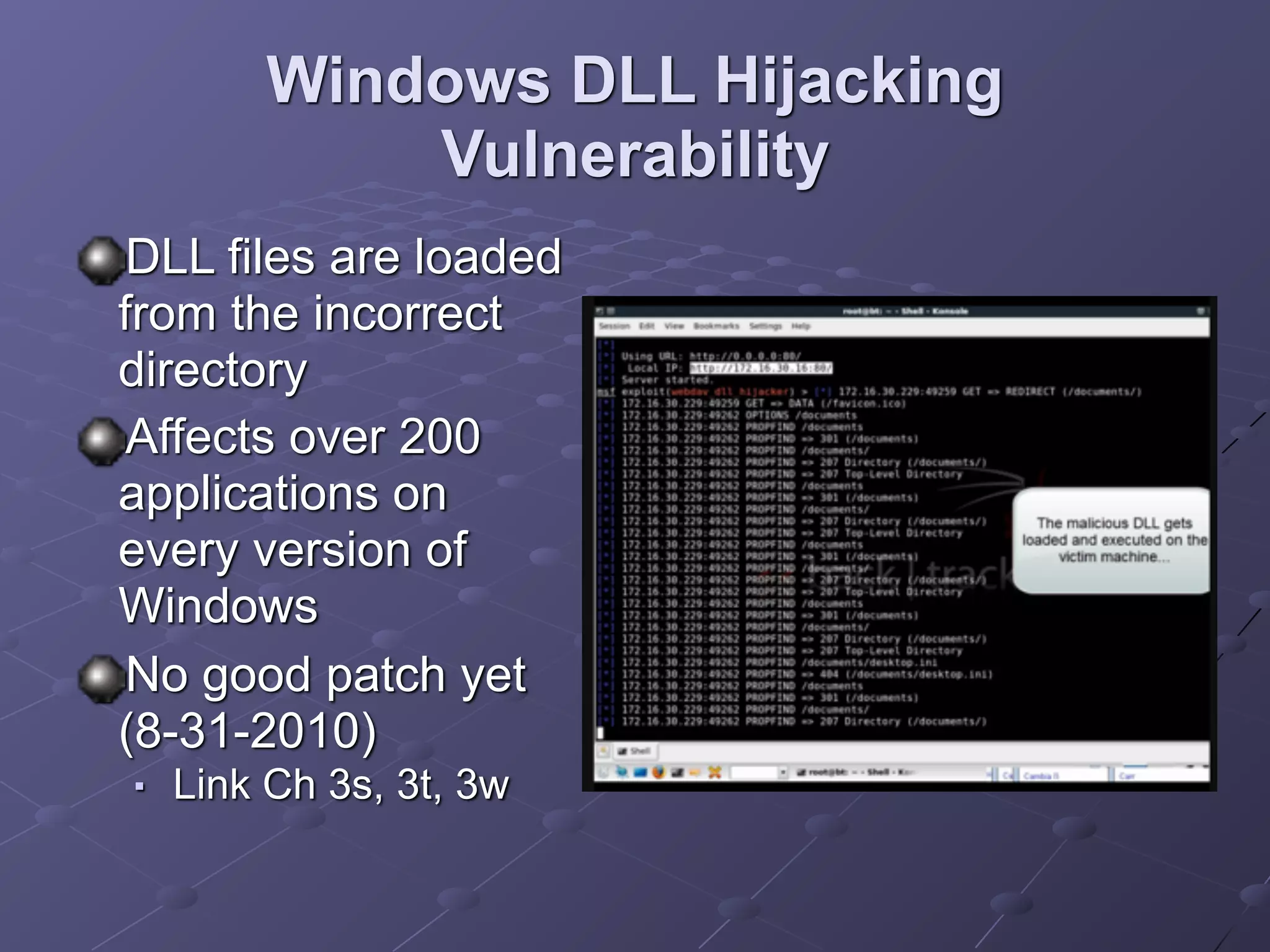
Windows DLL Hijacking
Vulnerability
DLL files are loaded
from the incorrect
directory
Affects over 200
applications on
every version of
Windows
No good patch yet
(8-31-2010)
■ Link Ch 3s, 3t, 3w
Spyware
Sends information from the infected computer to
the attacker
■ Confidential financial data
■ Passwords
■ PINs
■ Any other stored data
Can register each keystroke entered (keylogger)
Prevalent technology
Educate users about spyware
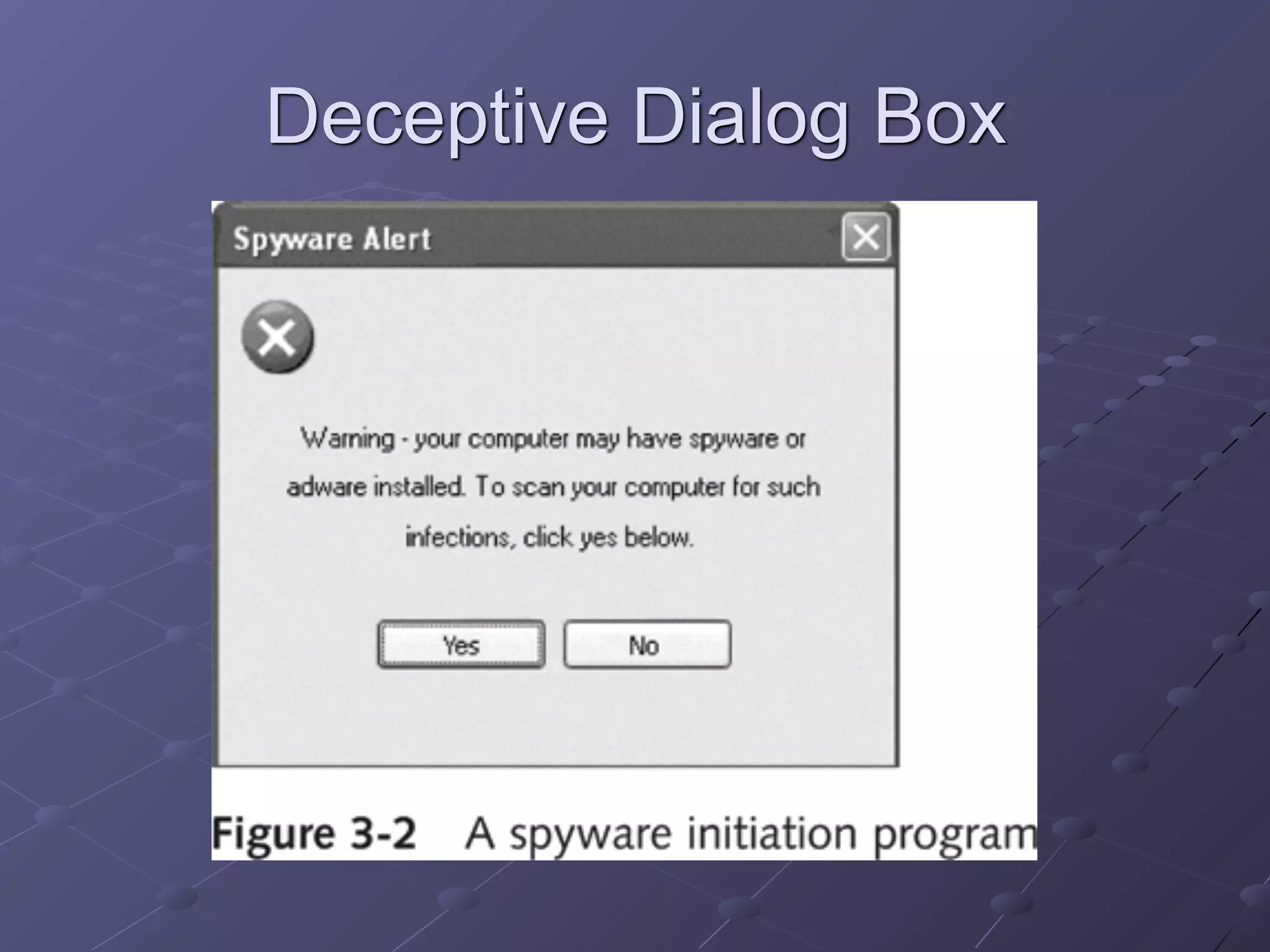
Deceptive Dialog Box
Adware
Similar to spyware
■ Can be installed without the user being aware
Sometimes displays a banner
Main goal
■ Determine user’s online purchasing habits
■ Tailored advertisement
Main problem
■ Slows down computers
Protecting Against Malware Attacks
Difficult task
New viruses, worms, Trojan programs
appear daily
Antivirus programs offer a lot of protection
Educate your users about these types of
attacks
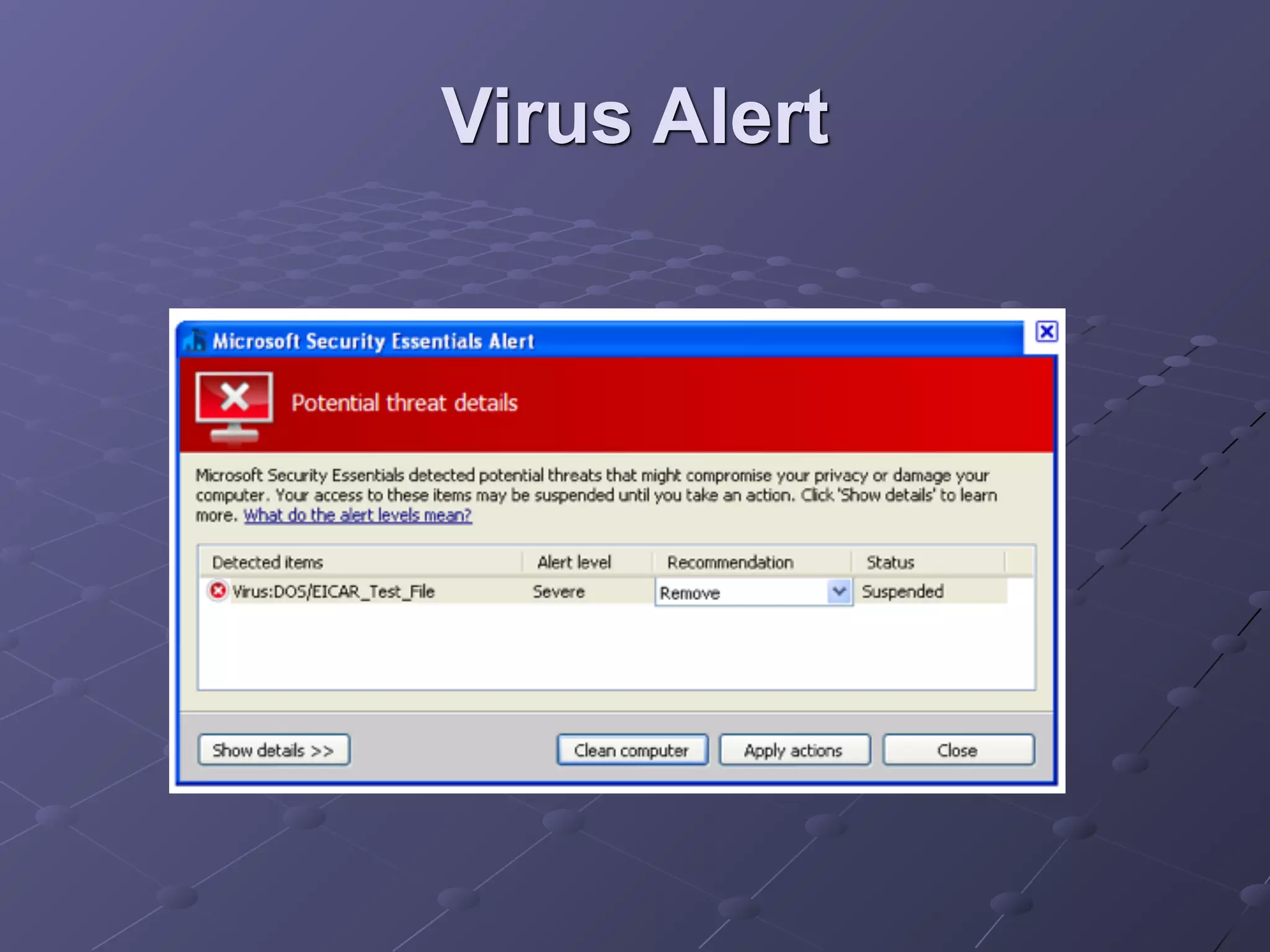
Virus Alert
Binary
Educating Your Users
Structural training
■ Includes all employees and management
■ E-mail monthly security updates
Update virus signature database
automatically
Educating Your Users
SpyBot and Ad-Aware
■ Help protect against spyware and adware
■ Windows Defender is excellent too
Firewalls
■ Hardware (enterprise solution)
■ Software (personal solution)
■ Can be combined
Intrusion Detection System (IDS)
■ Monitors your network 24/7
FUD
Fear, Uncertainty and Doubt
■ Avoid scaring users into complying with security
measures
■ Sometimes used by unethical security testers
■ Against the OSSTMM’s Rules of Engagement
Promote awareness rather than instilling
fear
■ Users should be aware of potential threats
■ Build on users’ knowledge
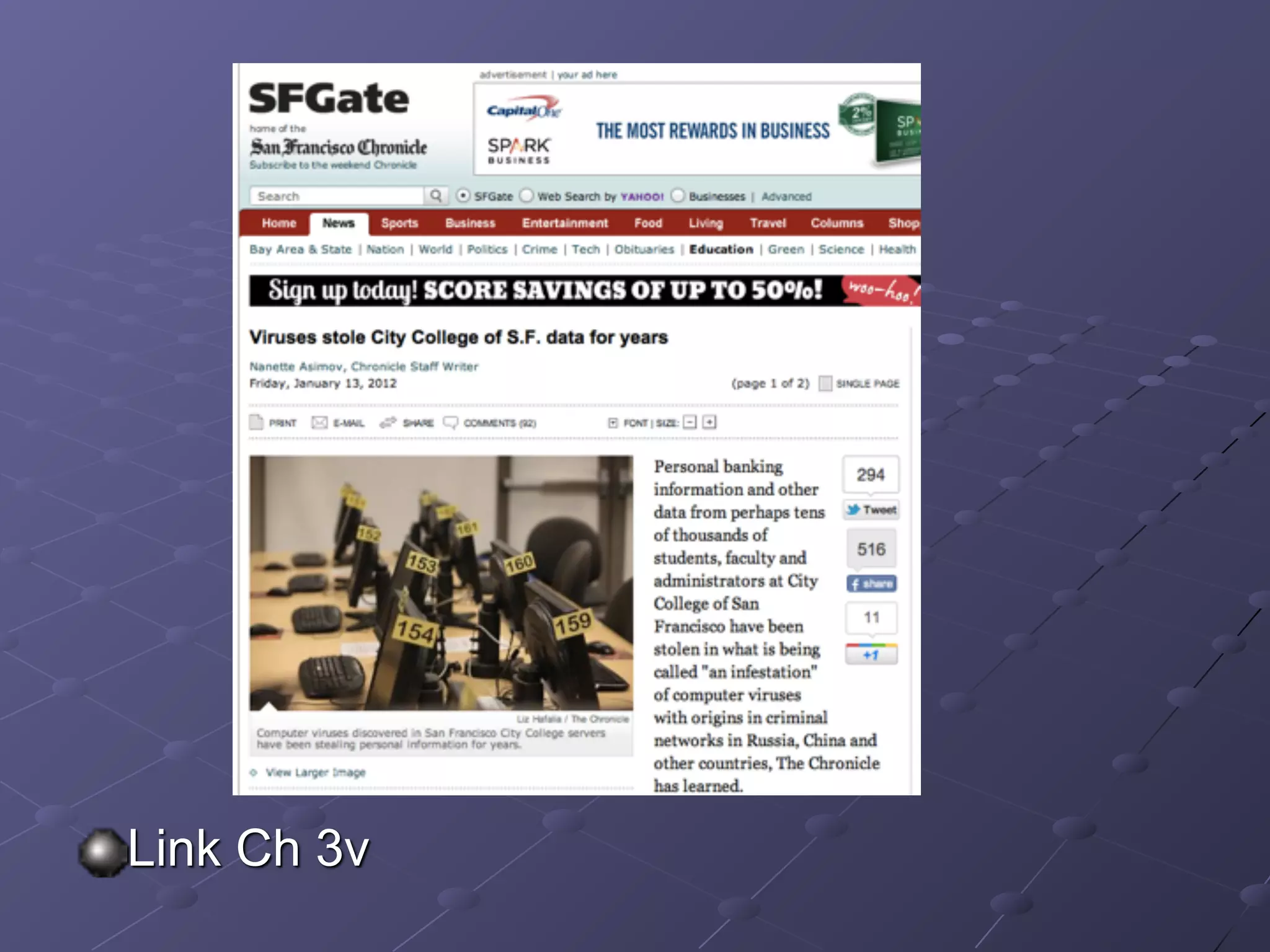
Link Ch 3v
Intruder Attacks on Networks and
Computers
Attack
■ Any attempt by an unauthorized person to access or use
network resources
Network security
■ Security of computers and other devices in a network
Computer security
■ Securing a standalone computer--not part of a network
infrastructure
Computer crime
■ Fastest growing type of crime worldwide
Denial-of-Service Attacks
Denial-of-Service (DoS) attack
■ Prevents legitimate users from accessing
network resources
■ Some forms do not involve computers, like
feeding a paper loop through a fax machine
DoS attacks do not attempt to access
information
■ Cripple the network
■ Make it vulnerable to other type of attacks
Testing for DoS Vulnerabilities
Performing an attack yourself is not wise
■ You only need to prove that an attack could be
carried out
Distributed Denial-of-Service Attacks
Attack on a host from multiple servers or
workstations
Network could be flooded with billions of
requests
■ Loss of bandwidth
■ Degradation or loss of speed
Often participants are not aware they are
part of the attack
■ They are remote-controlled "zombies"
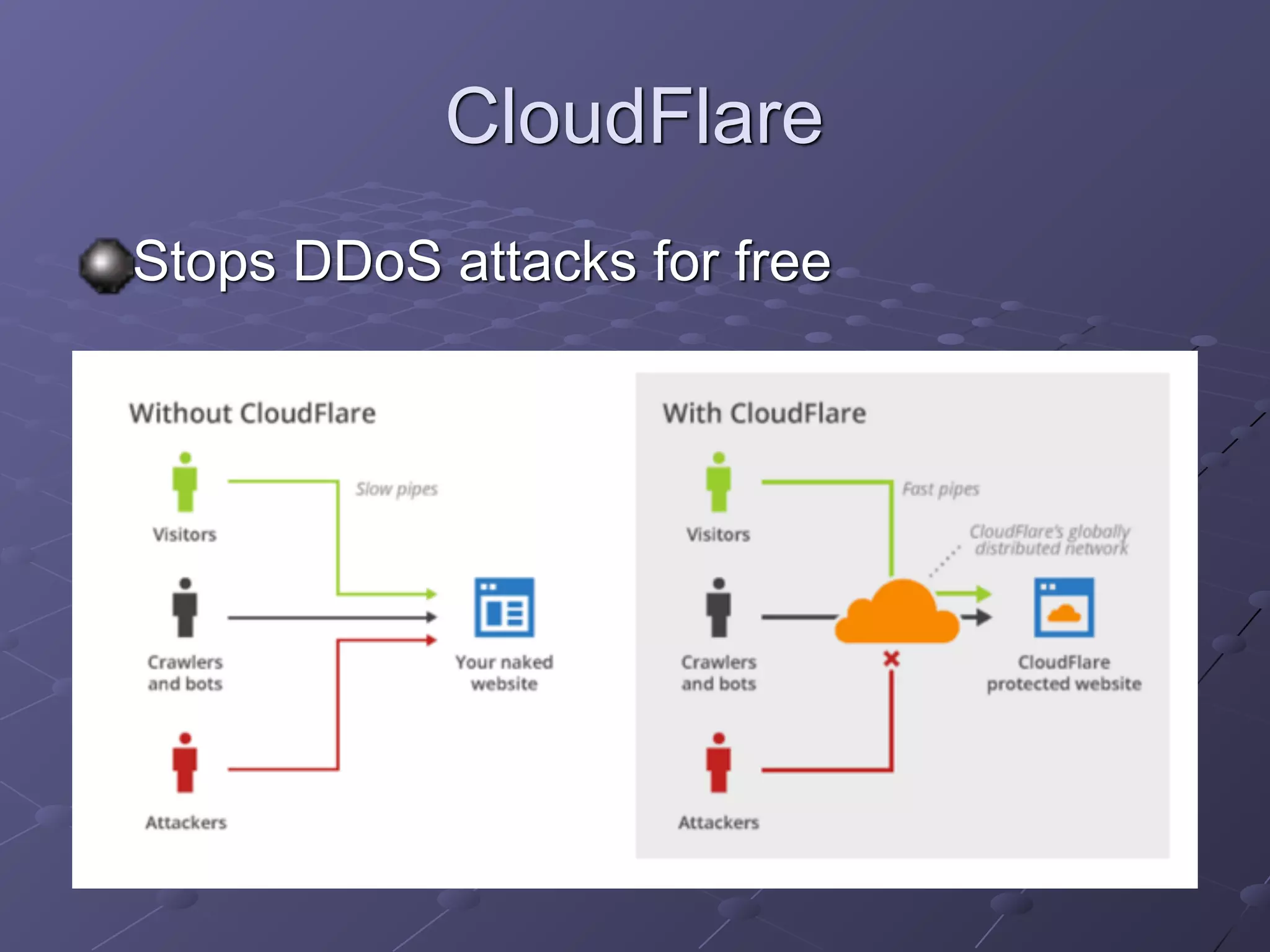
CloudFlare
Stops DDoS attacks for free
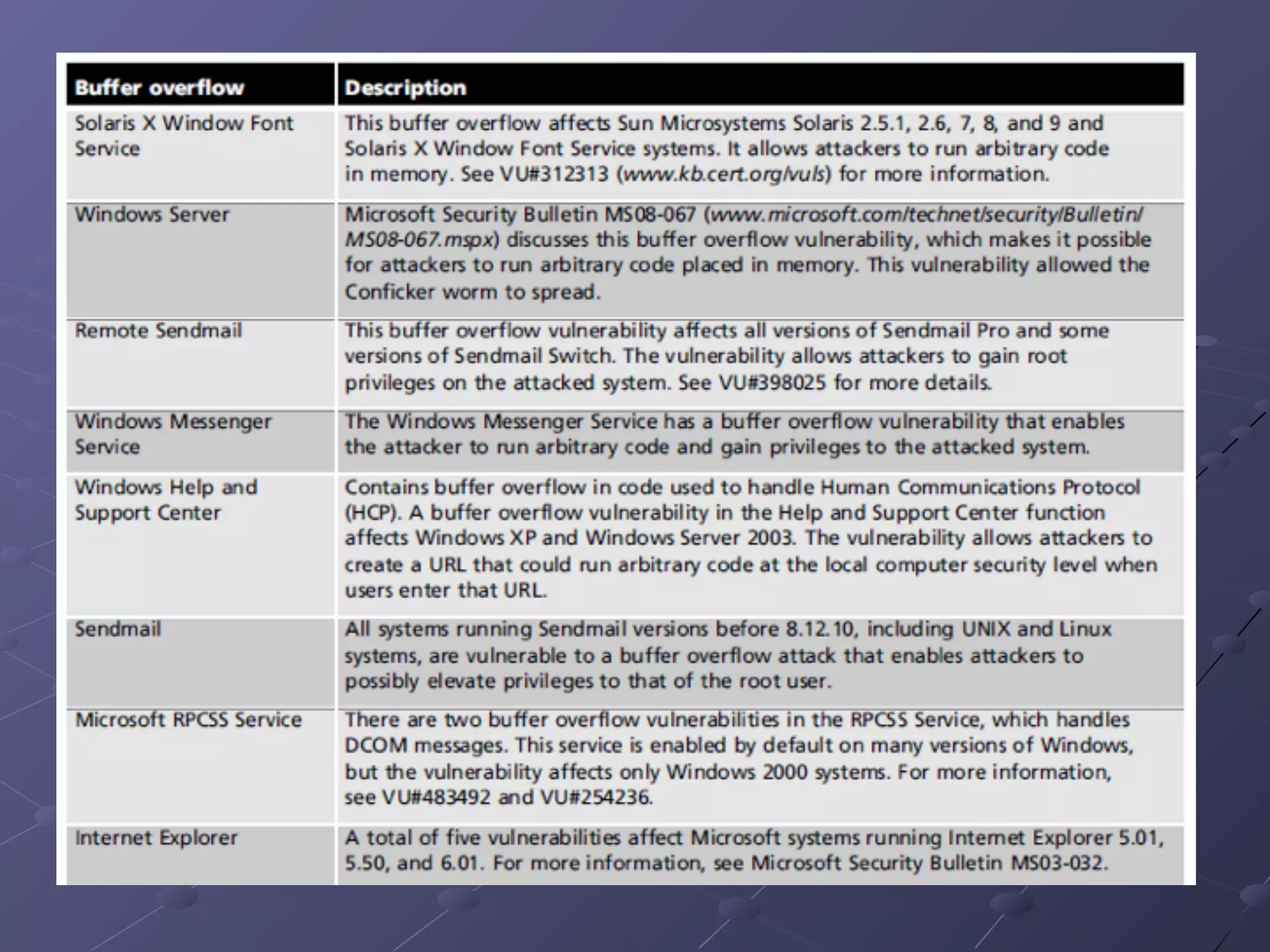
Buffer Overflow Attacks
Vulnerability in poorly written code
■ Code does not check predefined size of input
field
Goal
■ Fill overflow buffer with executable code
■ OS executes this code
■ Can elevate attacker’s permission to
Administrator or even Kernel
Programmers need special training to write
secure code
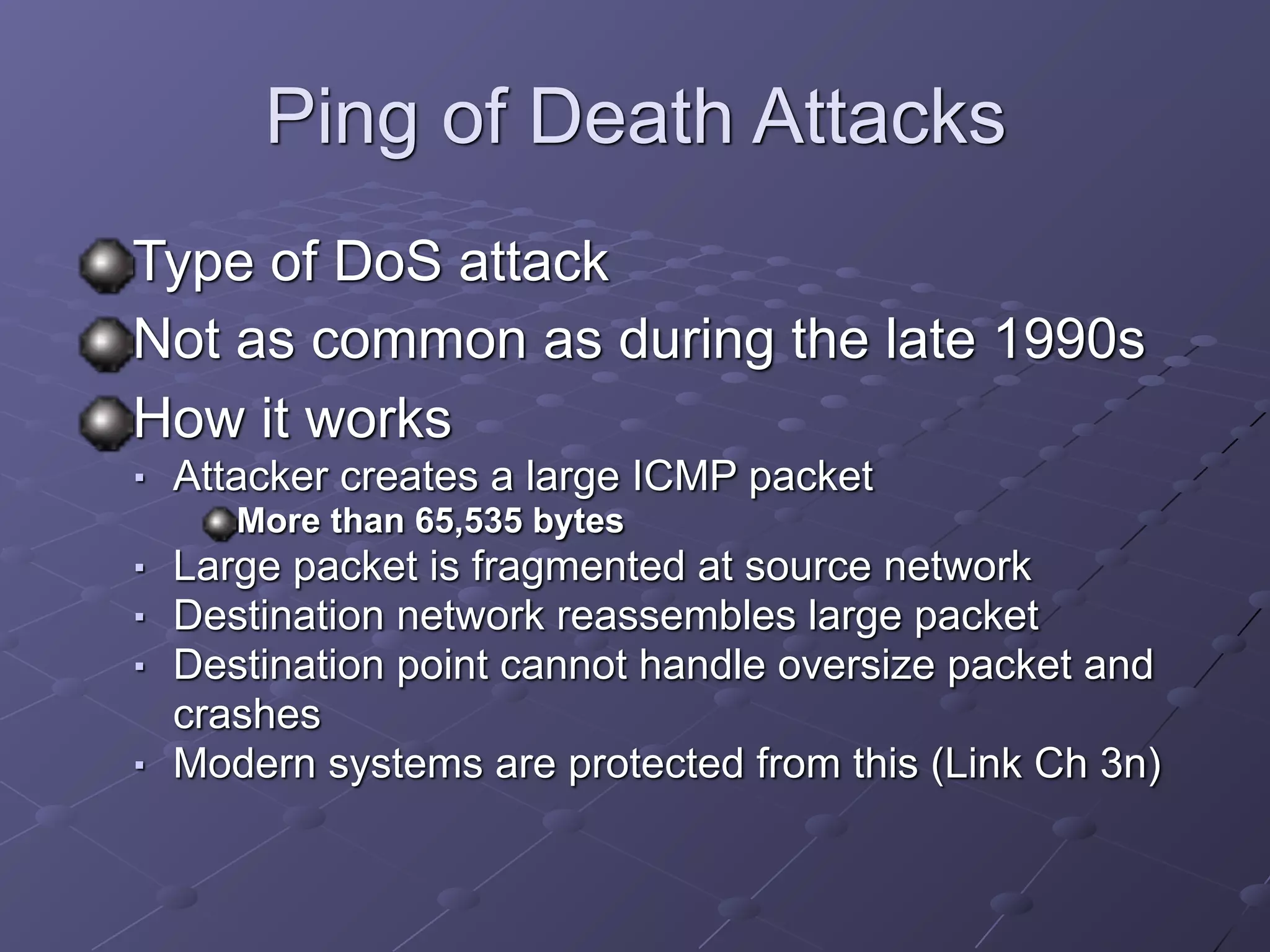
Ping of Death Attacks
Type of DoS attack
Not as common as during the late 1990s
How it works
■ Attacker creates a large ICMP packet
More than 65,535 bytes
■ Large packet is fragmented at source network
■ Destination network reassembles large packet
■ Destination point cannot handle oversize packet and
crashes
■ Modern systems are protected from this (Link Ch 3n)
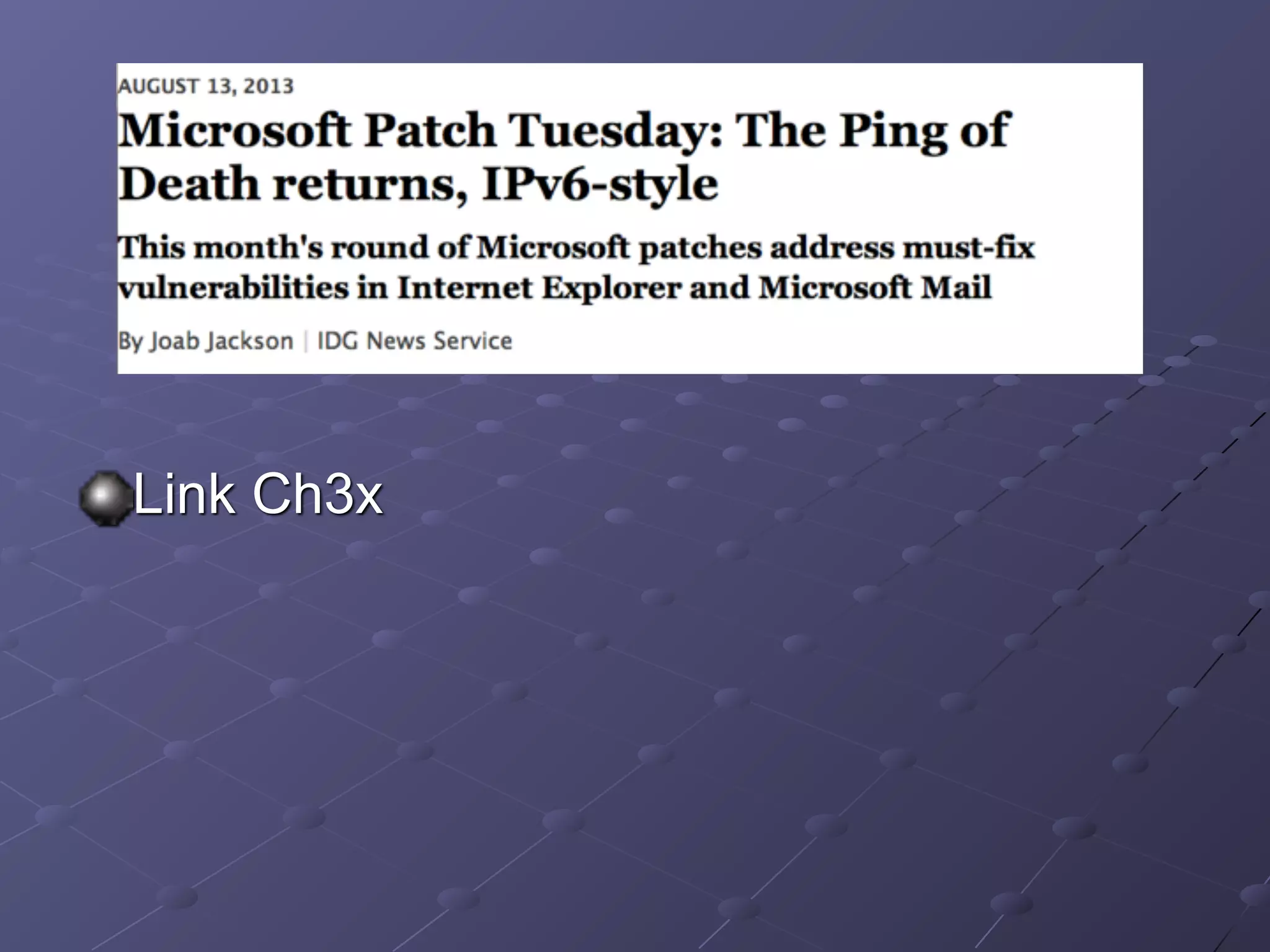
Link Ch3x
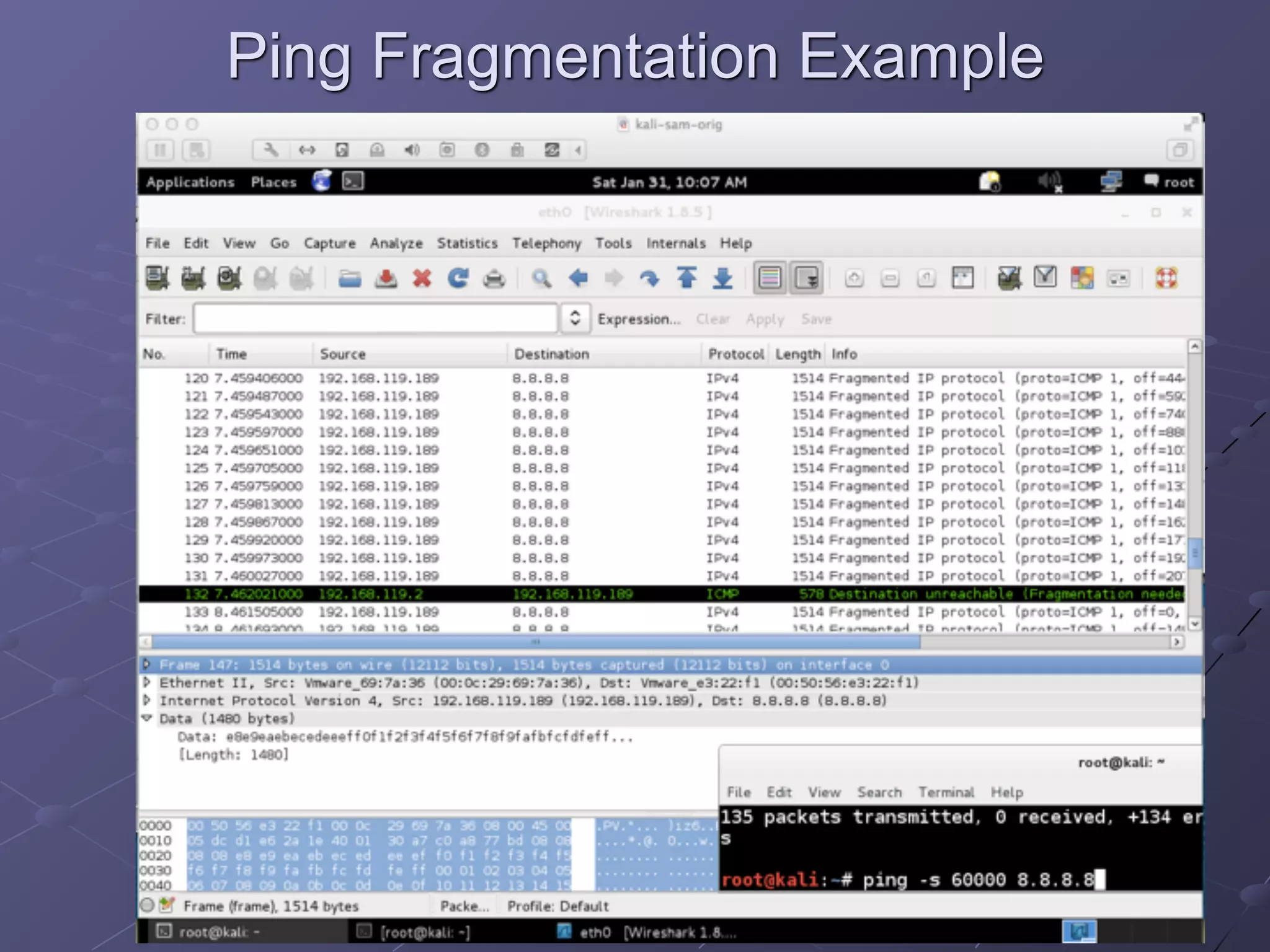
Ping Fragmentation Example
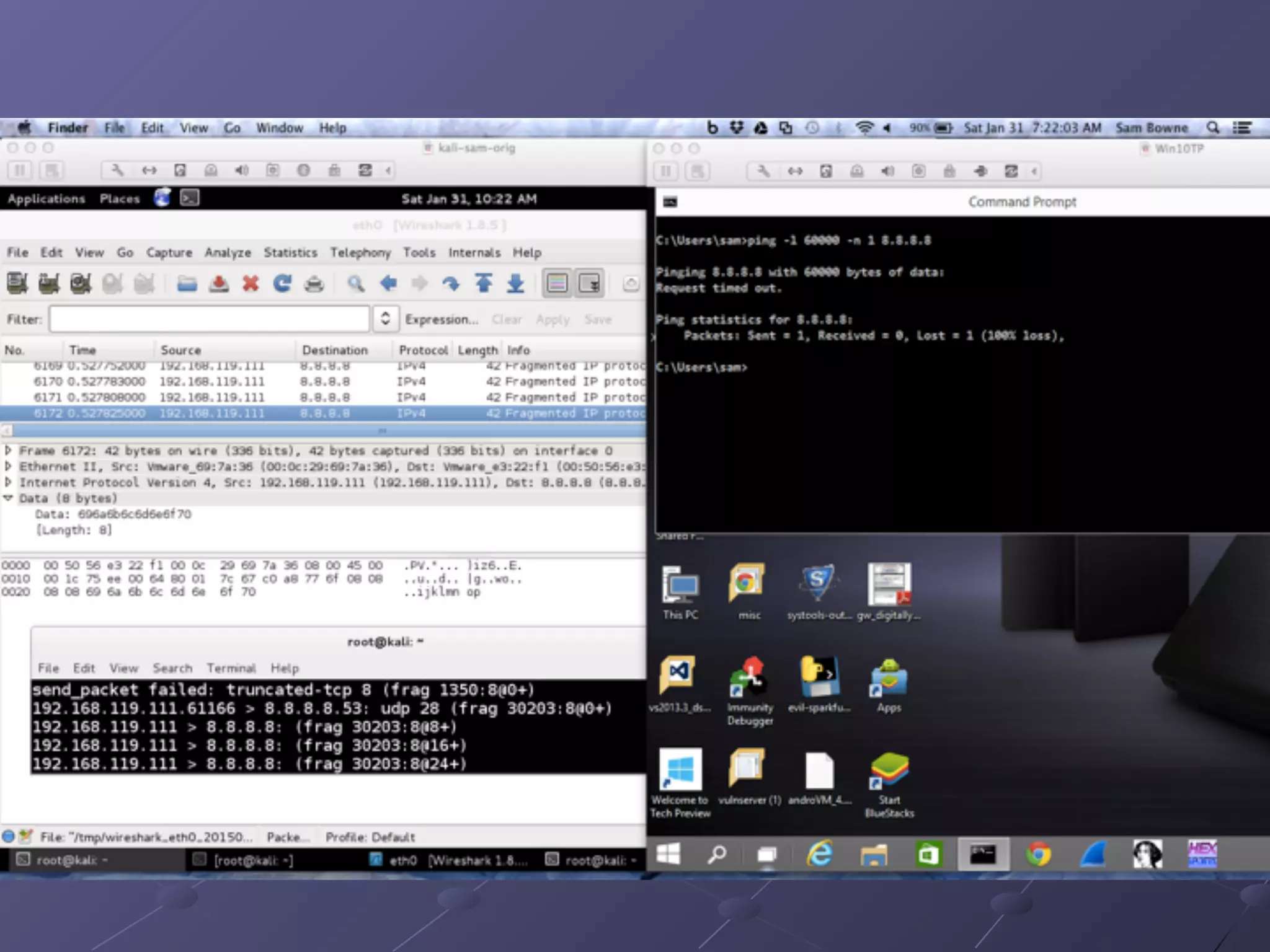
Fragrouter Demo
Kali Linux
■ fragrouter –F 1
Another VM on same network, set default
route to Kali's IP address
All network traffic will be fragmented at
layer 3 into 8-byte packets
Often bypasses IDS
Session Hijacking
Enables attacker to interrupt a TCP
session
Taking over another user's session
Addressing Physical Security
Protecting a network also requires
physical security
Inside attacks are more likely than attacks
from outside the company
Insider Threats
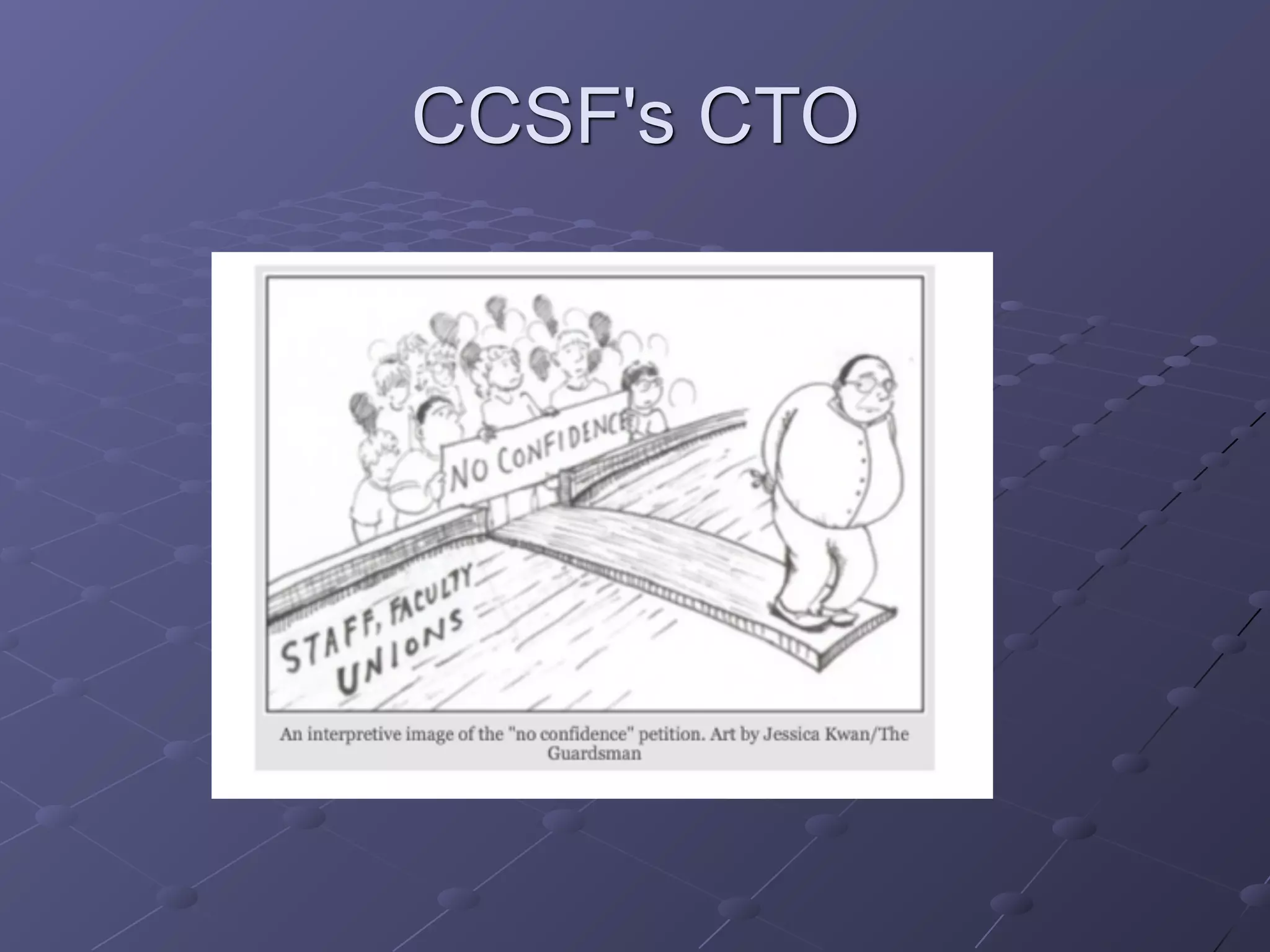
CCSF's CTO
San Francisco's NetAdmin
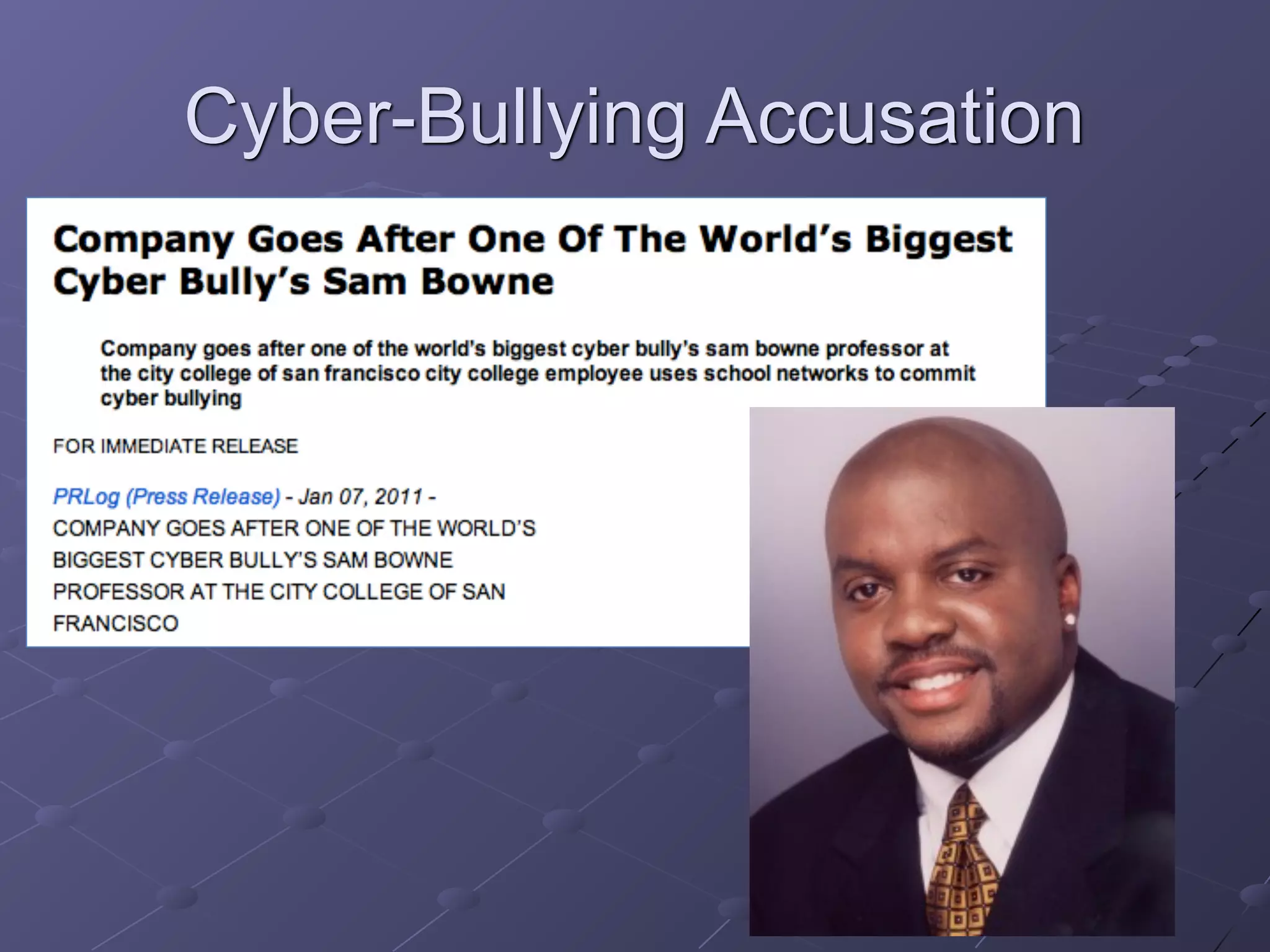
Cyber-Bullying Accusation
Insider Threats
¾ of the serious attacks on me were from
industry insiders
Anonymous attacked one of my servers,
but failed
■ Because an Anonymous insider warned me
Keyloggers
Used to capture keystrokes on a computer
■ Hardware
■ Software
Software
■ Behaves like Trojan programs
Hardware
■ Easy to install
■ Goes between the keyboard and the CPU
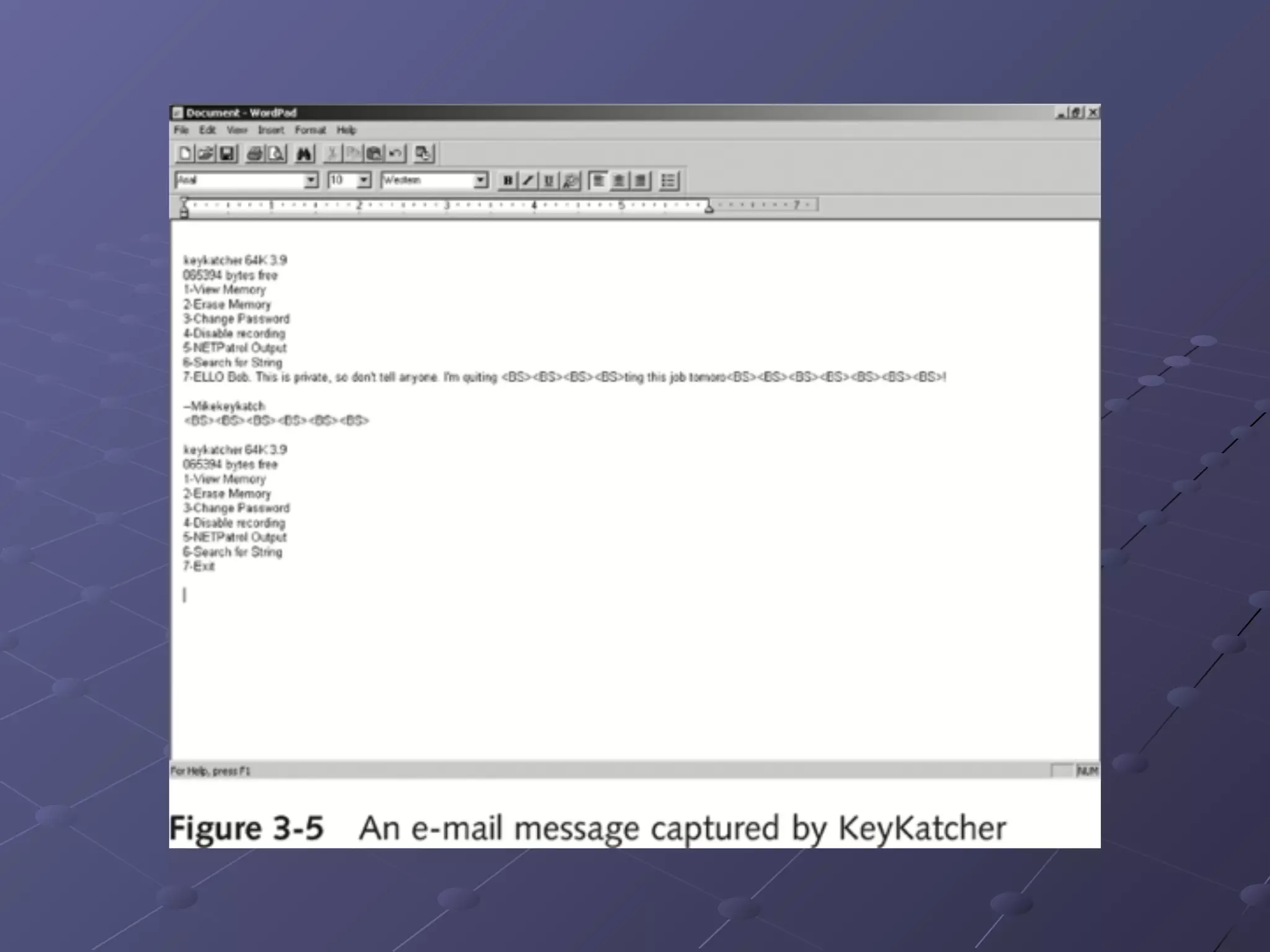
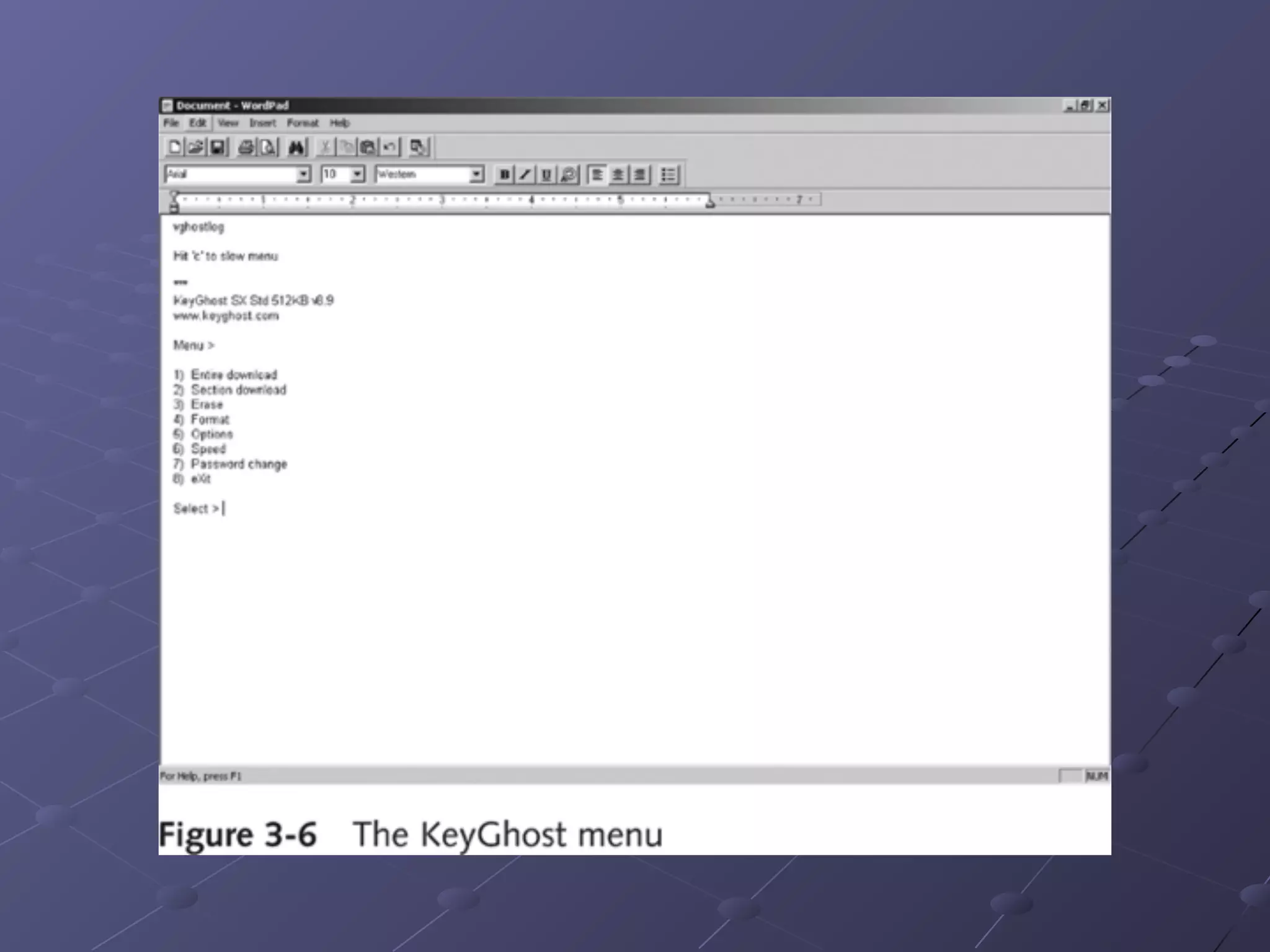
■ KeyKatcher and KeyGhost
Keyloggers (continued)
Protection
■ Software-based
Antivirus
■ Hardware-based
Random visual tests
Look for added hardware
Superglue keyboard connectors in
Behind Locked Doors
Lock up your servers
■ Physical access means they can hack in
■ Consider Ophcrack – booting to a CD-based
OS will bypass almost any security
Lockpicking
Average person can pick deadbolt locks in
less than five minutes
■ After 30 min. of practice
Experienced hackers can pick deadbolt
locks in under 30 seconds
Bump keys are even easier (Link Ch 3o)
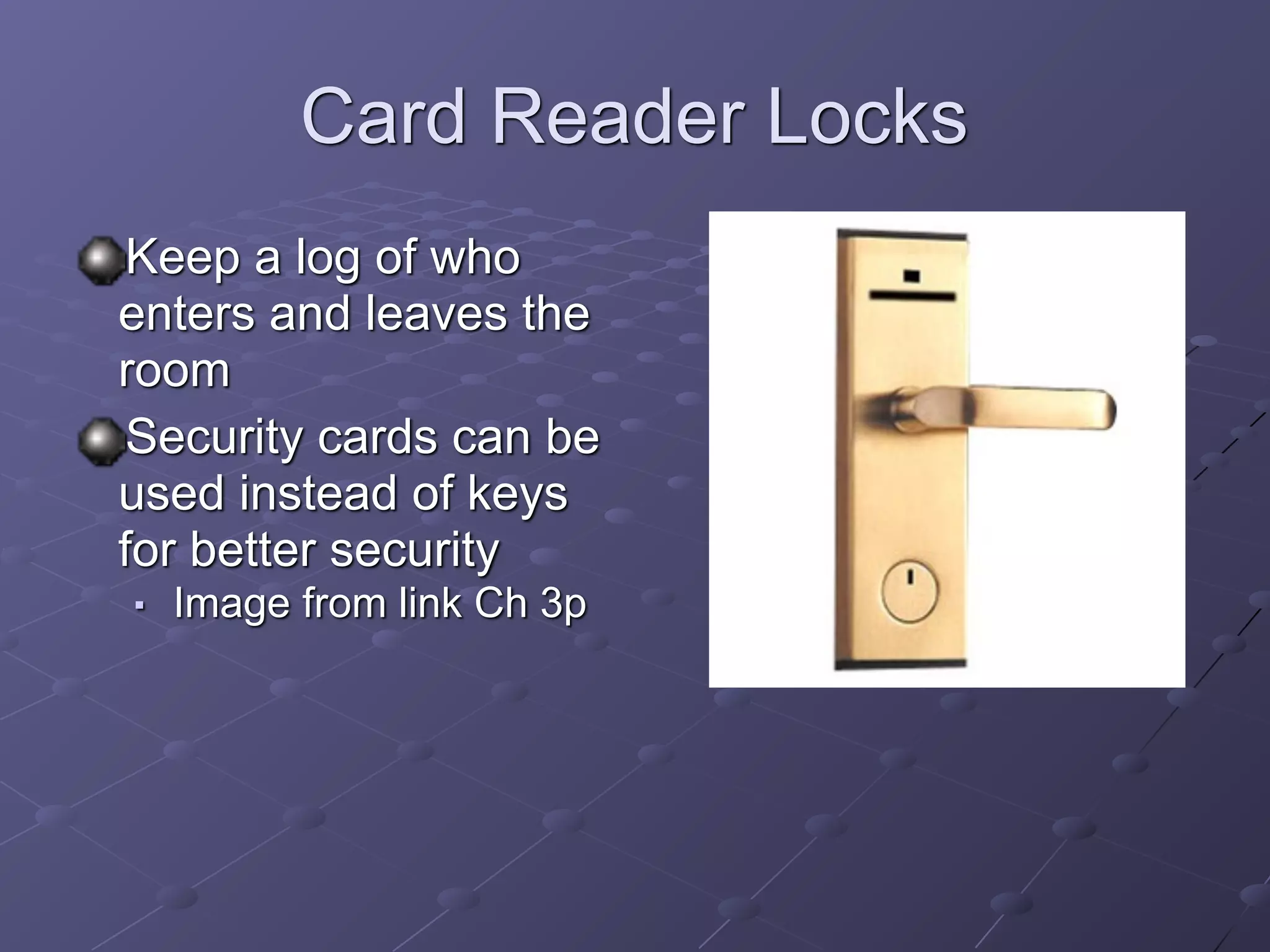
Card Reader Locks
Keep a log of who
enters and leaves the
room
Security cards can be
used instead of keys
for better security
■ Image from link Ch 3p
Binary

CNIT 123: Ch 3: Network and Computer Attacks

  • 1.
    Hands-On Ethical Hacking andNetwork Defense Chapter 3 Network and Computer Attacks Last modified 2-3-18
  • 2.
    Objectives Describe the differenttypes of malicious software Describe methods of protecting against malware attacks Describe the types of network attacks Identify physical security attacks and vulnerabilities
  • 3.
    Malicious Software (Malware) Networkattacks prevent a business from operating Malicious software (Malware) includes ■ Virus ■ Worms ■ Trojan horses Goals ■ Destroy data ■ Corrupt data ■ Shutdown a network or system
  • 4.
    Viruses Virus attaches itselfto an executable file Can replicate itself through an executable program ■ Needs a host program to replicate No foolproof method of preventing them
  • 5.
    Antivirus Software Detects andremoves viruses Detection based on virus signatures Must update signature database periodically Use automatic update feature
  • 6.
  • 7.
    Base 64 Encoding Usedto evade anti-spam tools, and to obscure passwords Encodes six bits at a time (0 – 63) with a single ASCII character ■ A - Z: 0 – 25 ■ a – z: 26 – 51 ■ 1 – 9: 52 – 61 ■ + and - 62 and 63 See links Ch 3a, 3b
  • 8.
    Base64 Example ORACLE ->T1JBQ0xF ■ Link Ch 3r
  • 9.
    Viruses (continued) Commercial base64 decoders Shell ■ Executable piece of programming code ■ Should not appear in an e-mail attachment
  • 10.
    Macro Viruses Virus encodedas a macro Macro ■ Lists of commands ■ Can be used in destructive ways Example: Melissa ■ Appeared in 1999 ■ It is very simple – see link Ch 3c for source code
  • 11.
    Writing Viruses Even nonprogrammers
 cancreate macro viruses ■ Instructions posted on 
 Web sites ■ Virus creation kits available for download (see link Ch 3d) Security professionals can learn from thinking like attackers ■ But don’t create and release a virus! People get long prison terms for that.
  • 12.
  • 13.
  • 14.
    Worms Worm ■ Replicates andpropagates without a host, often through email Infamous examples ■ Code Red ■ Nimda Can infect every computer in the world in a short time ■ At least in theory
  • 15.
    Spread of CodeRed Worm See link Ch 3u
  • 16.
    ATM Machine Worms ■Cyberattacks against ATM machines ■ Slammer and Nachi worms ■ Trend produces antivirus for ATM machines See links Ch 3g, 3h, 3i ■ Nachi was written to clean up damage caused by the Blaster worm, but it got out of control See link Ch 3j ■ Diebold was criticized for using Windows for ATM machines, which they also use on voting machines
  • 17.
  • 18.
    Trojan Programs Insidious attackagainst networks Disguise themselves as useful programs ■ Hide malicious content in program Backdoors Rootkits ■ Allow attackers remote access
  • 19.
    Firewalls Identify traffic onuncommon ports Can block this type of attack, if your firewall filters outgoing traffic ■ Windows Firewall in XP SP2, Vista, and Win 7 does not filter outgoing traffic by default Trojan programs can use known ports to get through firewalls ■ HTTP (TCP 80) or DNS (UDP 53)
  • 21.
    Windows DLL Hijacking Vulnerability DLLfiles are loaded from the incorrect directory Affects over 200 applications on every version of Windows No good patch yet (8-31-2010) ■ Link Ch 3s, 3t, 3w
  • 22.
    Spyware Sends information fromthe infected computer to the attacker ■ Confidential financial data ■ Passwords ■ PINs ■ Any other stored data Can register each keystroke entered (keylogger) Prevalent technology Educate users about spyware
  • 23.
  • 24.
    Adware Similar to spyware ■Can be installed without the user being aware Sometimes displays a banner Main goal ■ Determine user’s online purchasing habits ■ Tailored advertisement Main problem ■ Slows down computers
  • 25.
    Protecting Against MalwareAttacks Difficult task New viruses, worms, Trojan programs appear daily Antivirus programs offer a lot of protection Educate your users about these types of attacks
  • 26.
  • 28.
  • 29.
    Educating Your Users Structuraltraining ■ Includes all employees and management ■ E-mail monthly security updates Update virus signature database automatically
  • 30.
    Educating Your Users SpyBotand Ad-Aware ■ Help protect against spyware and adware ■ Windows Defender is excellent too Firewalls ■ Hardware (enterprise solution) ■ Software (personal solution) ■ Can be combined Intrusion Detection System (IDS) ■ Monitors your network 24/7
  • 31.
    FUD Fear, Uncertainty andDoubt ■ Avoid scaring users into complying with security measures ■ Sometimes used by unethical security testers ■ Against the OSSTMM’s Rules of Engagement Promote awareness rather than instilling fear ■ Users should be aware of potential threats ■ Build on users’ knowledge
  • 32.
  • 33.
    Intruder Attacks onNetworks and Computers Attack ■ Any attempt by an unauthorized person to access or use network resources Network security ■ Security of computers and other devices in a network Computer security ■ Securing a standalone computer--not part of a network infrastructure Computer crime ■ Fastest growing type of crime worldwide
  • 34.
    Denial-of-Service Attacks Denial-of-Service (DoS)attack ■ Prevents legitimate users from accessing network resources ■ Some forms do not involve computers, like feeding a paper loop through a fax machine DoS attacks do not attempt to access information ■ Cripple the network ■ Make it vulnerable to other type of attacks
  • 35.
    Testing for DoSVulnerabilities Performing an attack yourself is not wise ■ You only need to prove that an attack could be carried out
  • 36.
    Distributed Denial-of-Service Attacks Attackon a host from multiple servers or workstations Network could be flooded with billions of requests ■ Loss of bandwidth ■ Degradation or loss of speed Often participants are not aware they are part of the attack ■ They are remote-controlled "zombies"
  • 37.
  • 38.
    Buffer Overflow Attacks Vulnerabilityin poorly written code ■ Code does not check predefined size of input field Goal ■ Fill overflow buffer with executable code ■ OS executes this code ■ Can elevate attacker’s permission to Administrator or even Kernel Programmers need special training to write secure code
  • 40.
    Ping of DeathAttacks Type of DoS attack Not as common as during the late 1990s How it works ■ Attacker creates a large ICMP packet More than 65,535 bytes ■ Large packet is fragmented at source network ■ Destination network reassembles large packet ■ Destination point cannot handle oversize packet and crashes ■ Modern systems are protected from this (Link Ch 3n)
  • 41.
  • 42.
  • 43.
    Fragrouter Demo Kali Linux ■fragrouter –F 1 Another VM on same network, set default route to Kali's IP address All network traffic will be fragmented at layer 3 into 8-byte packets Often bypasses IDS
  • 45.
    Session Hijacking Enables attackerto interrupt a TCP session Taking over another user's session
  • 46.
    Addressing Physical Security Protectinga network also requires physical security Inside attacks are more likely than attacks from outside the company
  • 47.
  • 48.
  • 49.
  • 50.
  • 51.
    Insider Threats ¾ ofthe serious attacks on me were from industry insiders Anonymous attacked one of my servers, but failed ■ Because an Anonymous insider warned me
  • 52.
    Keyloggers Used to capturekeystrokes on a computer ■ Hardware ■ Software Software ■ Behaves like Trojan programs Hardware ■ Easy to install ■ Goes between the keyboard and the CPU ■ KeyKatcher and KeyGhost
  • 55.
    Keyloggers (continued) Protection ■ Software-based Antivirus ■Hardware-based Random visual tests Look for added hardware Superglue keyboard connectors in
  • 56.
    Behind Locked Doors Lockup your servers ■ Physical access means they can hack in ■ Consider Ophcrack – booting to a CD-based OS will bypass almost any security
  • 57.
    Lockpicking Average person canpick deadbolt locks in less than five minutes ■ After 30 min. of practice Experienced hackers can pick deadbolt locks in under 30 seconds Bump keys are even easier (Link Ch 3o)
  • 58.
    Card Reader Locks Keepa log of who enters and leaves the room Security cards can be used instead of keys for better security ■ Image from link Ch 3p
  • 60.