Chapter 1
Mastering Security
Basics
CompTIA Security+
Get Certified Get Ahead
1
Introduction
• Understanding core security
goals
• Introducing basic risk concepts
• Understanding control types
• Implementing virtualization
• Using command-line tools
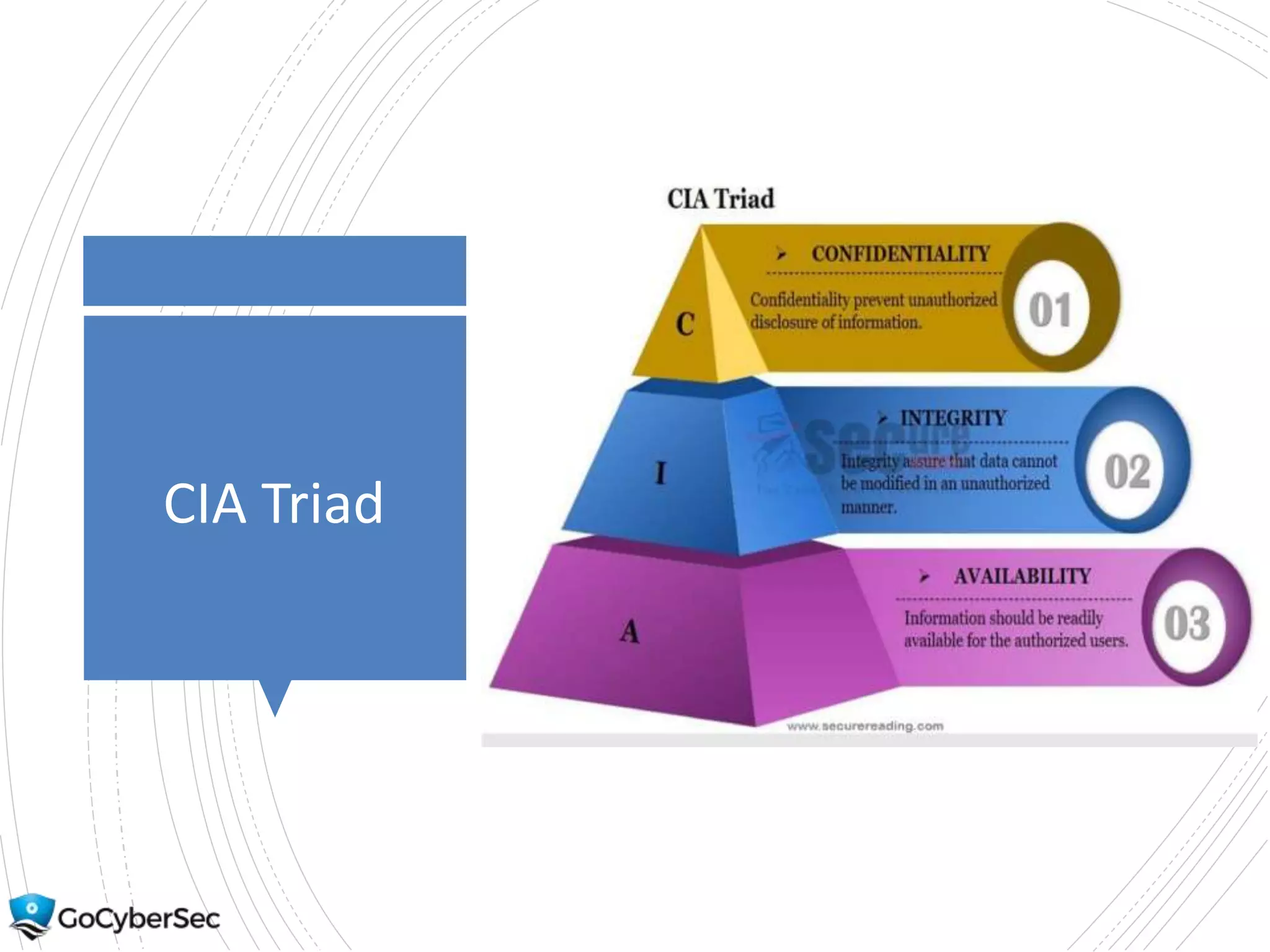
CIA Triad
Understanding
Core Security
Goals
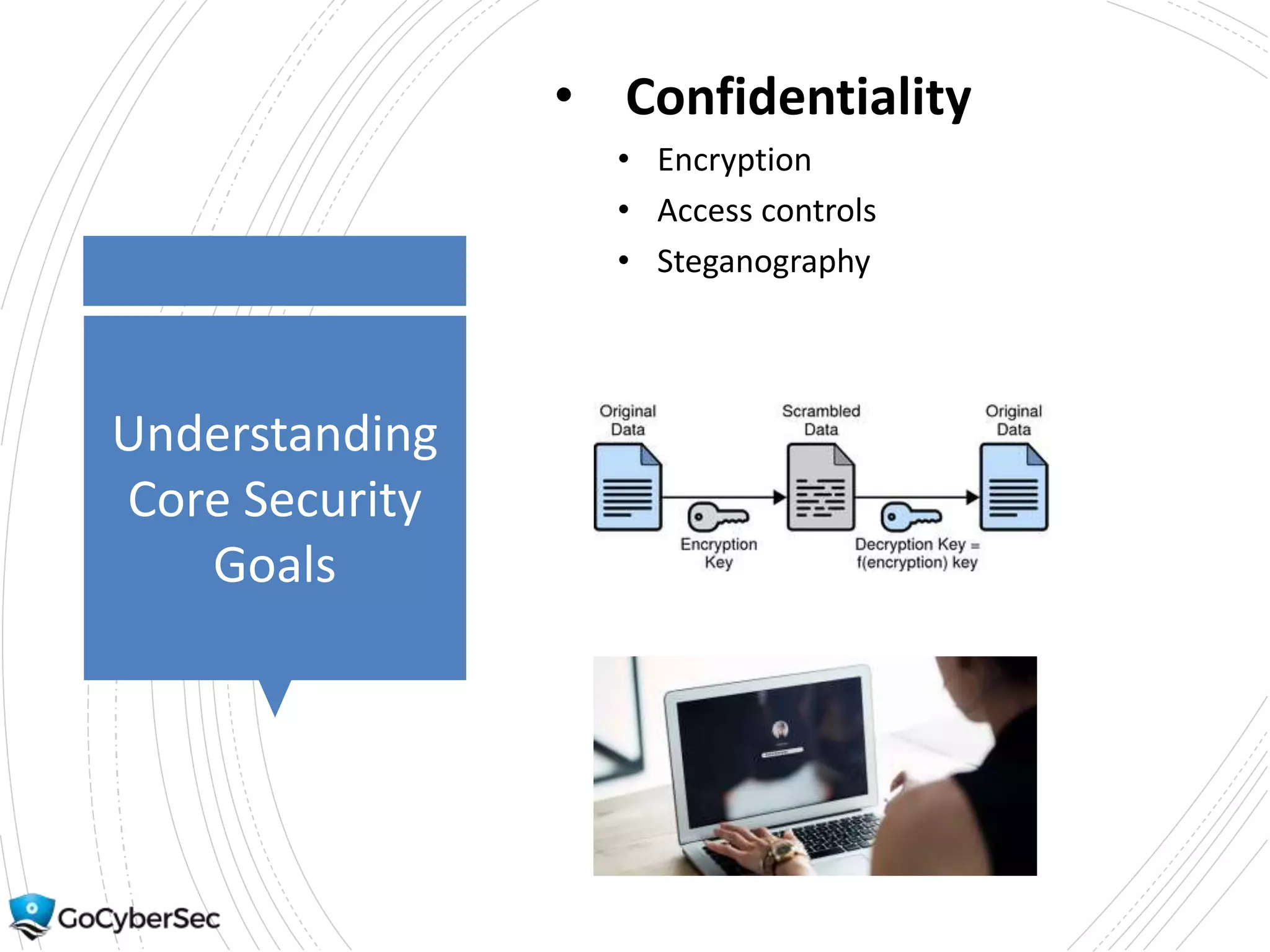
• Confidentiality
• Encryption
• Access controls
• Steganography
Understanding
Core Security
Goals
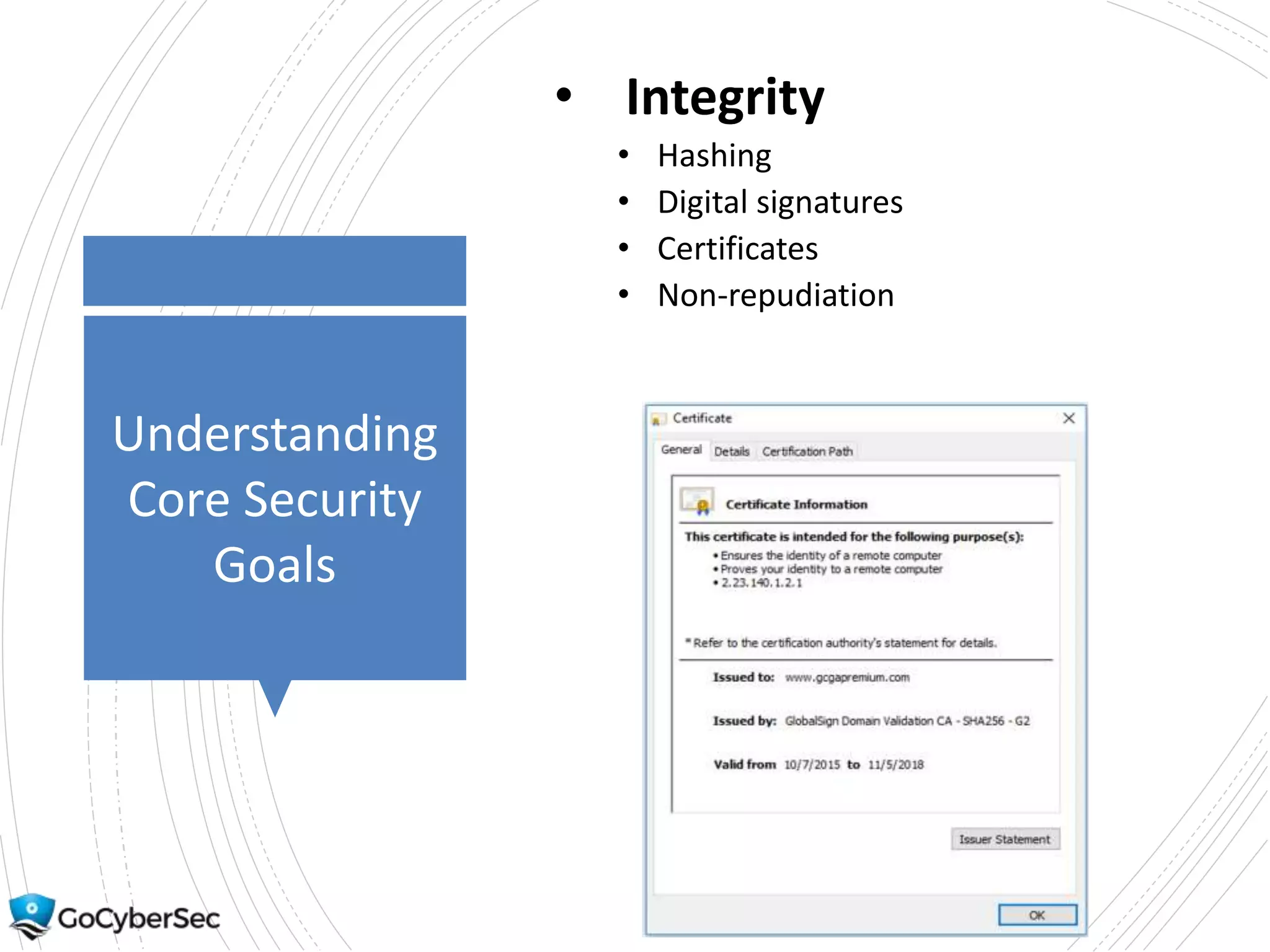
• Integrity
• Hashing
• Digital signatures
• Certificates
• Non-repudiation
Understanding
Core Security
Goals
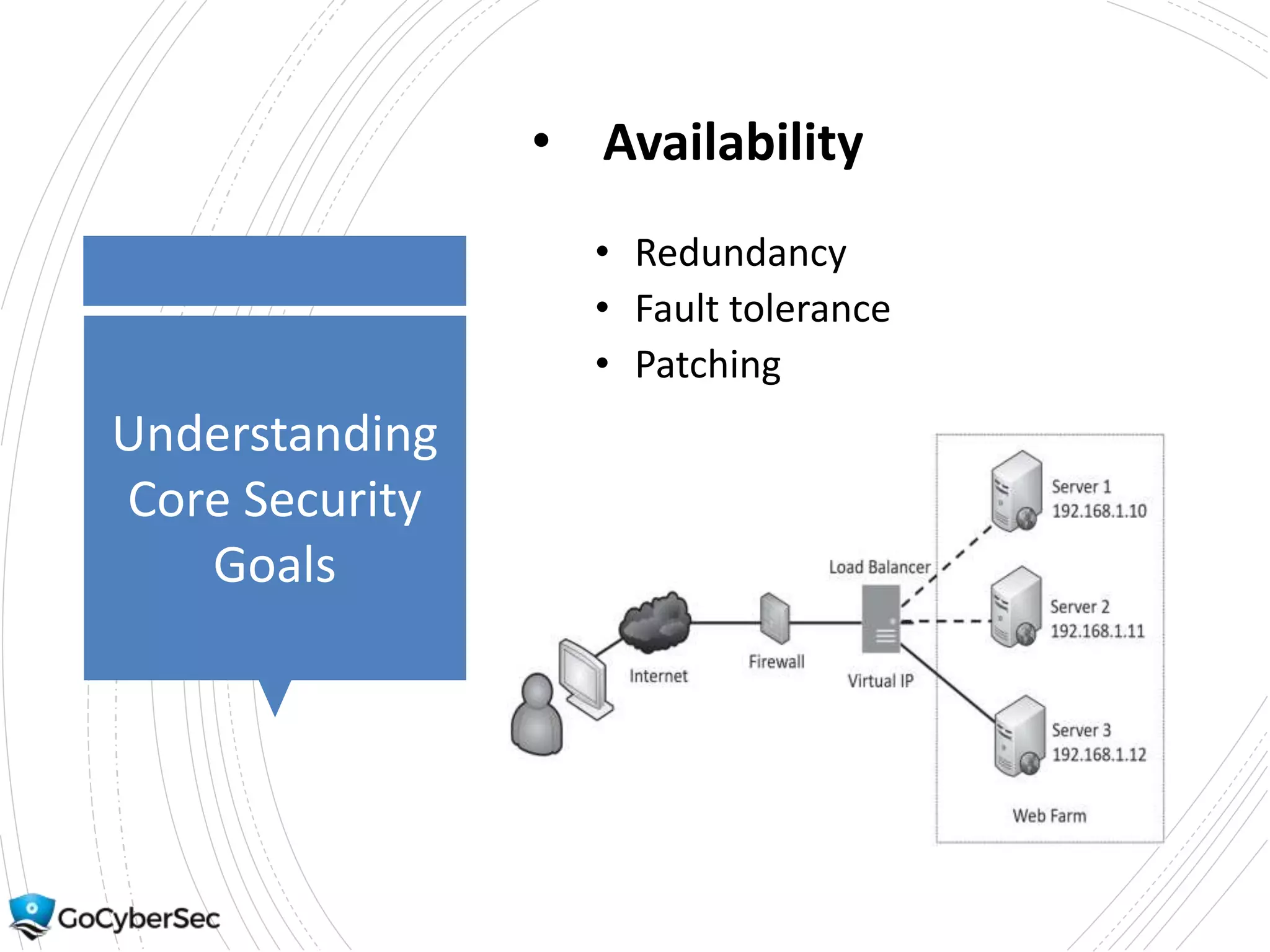
• Availability
• Redundancy
• Fault tolerance
• Patching
Introducing
Basic Risk
Concepts
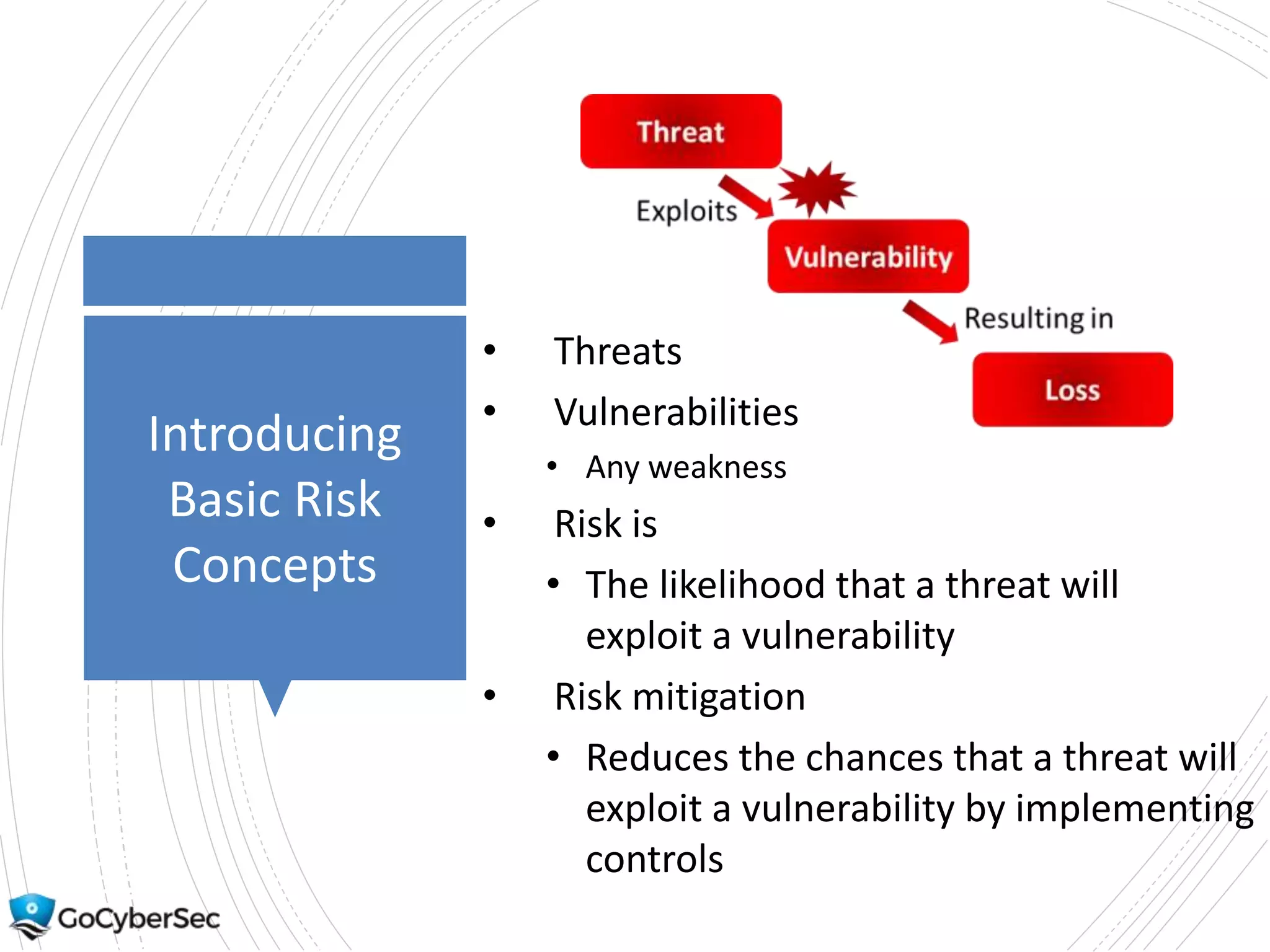
• Threats
• Vulnerabilities
• Any weakness
• Risk is
• The likelihood that a threat will
exploit a vulnerability
• Risk mitigation
• Reduces the chances that a threat will
exploit a vulnerability by implementing
controls
Understanding
Control Types
Overview
• Technical controls use
technology.
• Administrative controls use
administrative or
management methods.
• Physical controls refer to
controls you can physically
touch.
Understanding
Control Types
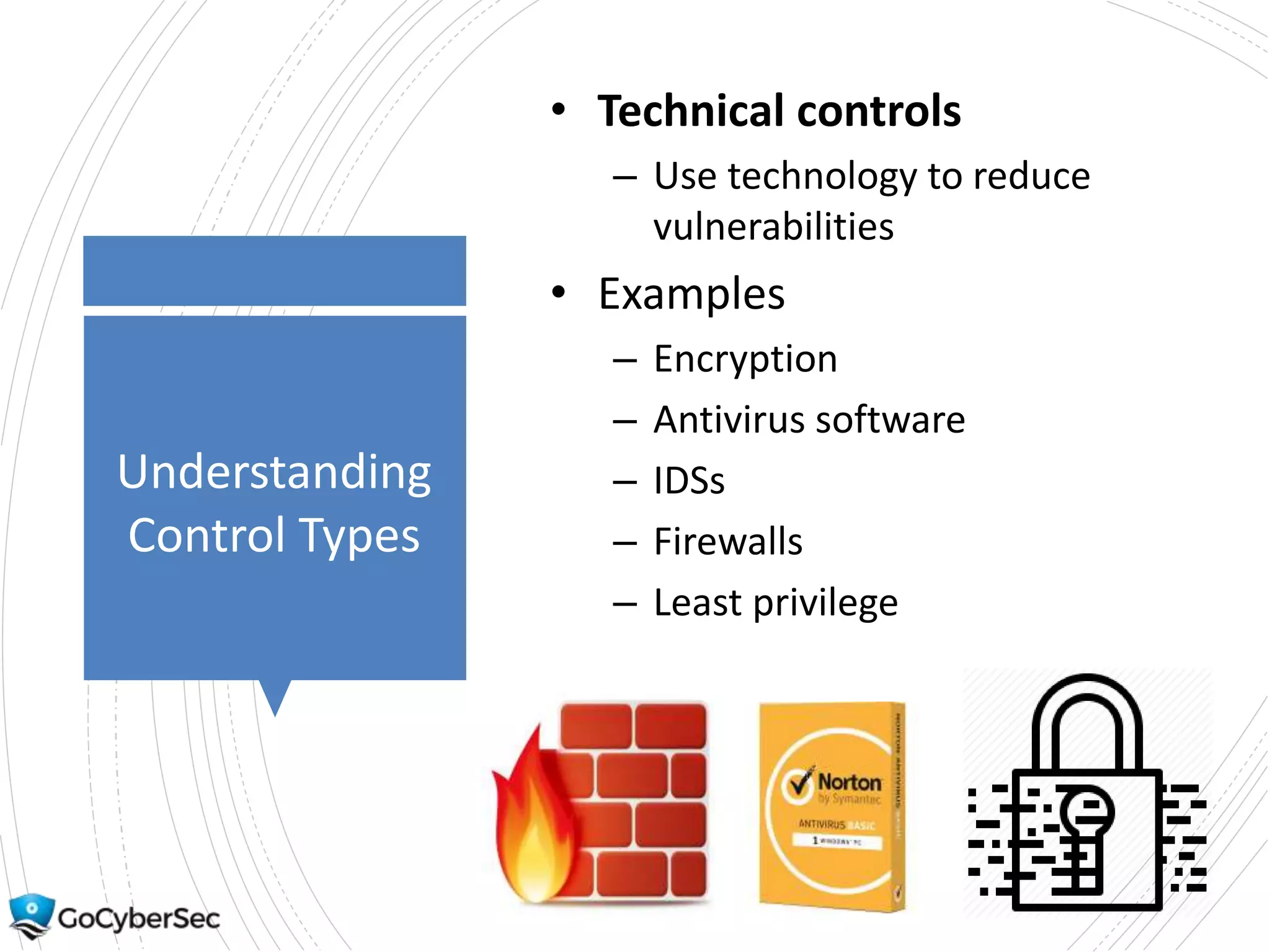
• Technical controls
– Use technology to reduce
vulnerabilities
• Examples
– Encryption
– Antivirus software
– IDSs
– Firewalls
– Least privilege
Understanding
Control Types
• Administrative controls
– Use administrative or management
methods
• Examples
– Risk assessments
– Vulnerability assessments
– Penetration tests
– Awareness and training
– Configuration and change
management
– Contingency planning
– Media protection
– Physical and environmental
protection
Understanding
Control Types
• Physical Controls: Any
controls that you can
physically touch
• Examples
–Lighting
–Signs
–Fences
–Security guards
Control
Goals
Overview
• Preventive attempt to prevent an
incident from occurring.
• Detective controls attempt to detect
incidents after they have occurred.
• Corrective controls attempt to reverse
the impact of an incident.
• Deterrent controls attempt to
discourage individuals from causing an
incident.
• Compensating controls are alternative
controls used when a primary control
is not feasible.
Control Goals
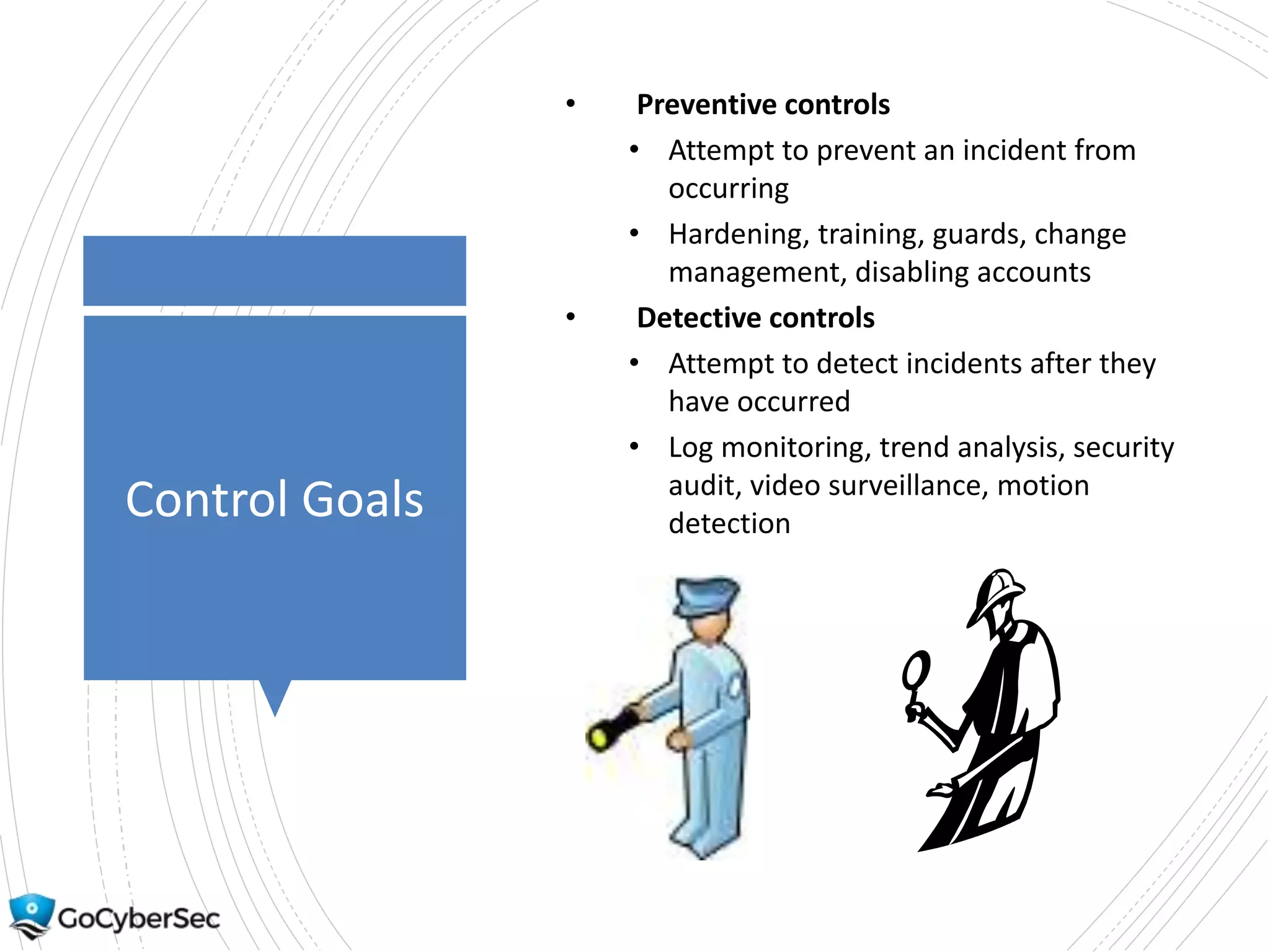
• Preventive controls
• Attempt to prevent an incident from
occurring
• Hardening, training, guards, change
management, disabling accounts
• Detective controls
• Attempt to detect incidents after they
have occurred
• Log monitoring, trend analysis, security
audit, video surveillance, motion
detection
Comparing
Detection &
Prevention
• Detection controls
• Cannot predict when an incident will
occur
• Cannot prevent an incident
• Used after an incident
• Prevention controls
• Stop the incident before it occurs
Control Goals
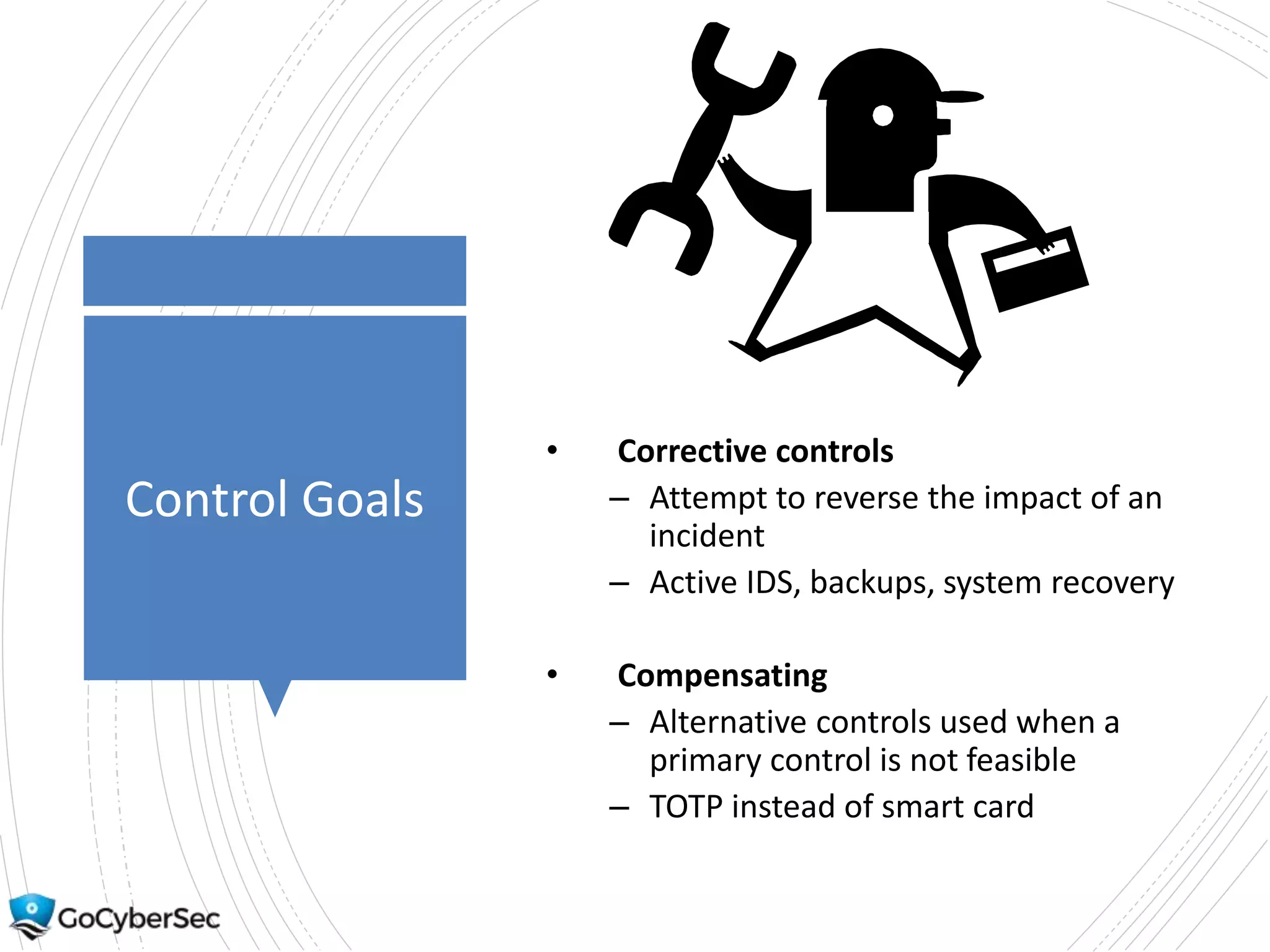
• Corrective controls
– Attempt to reverse the impact of an
incident
– Active IDS, backups, system recovery
• Compensating
– Alternative controls used when a
primary control is not feasible
– TOTP instead of smart card
Control Goals
• Deterrent
• Attempt to discourage individuals
from causing an incident
• Cable locks, hardware locks
• Compare to prevention
• Deterrent encourages people to
decide not to take an undesirable
action
• Prevention stops them from
taking an undesirable action
• Security guard can be both
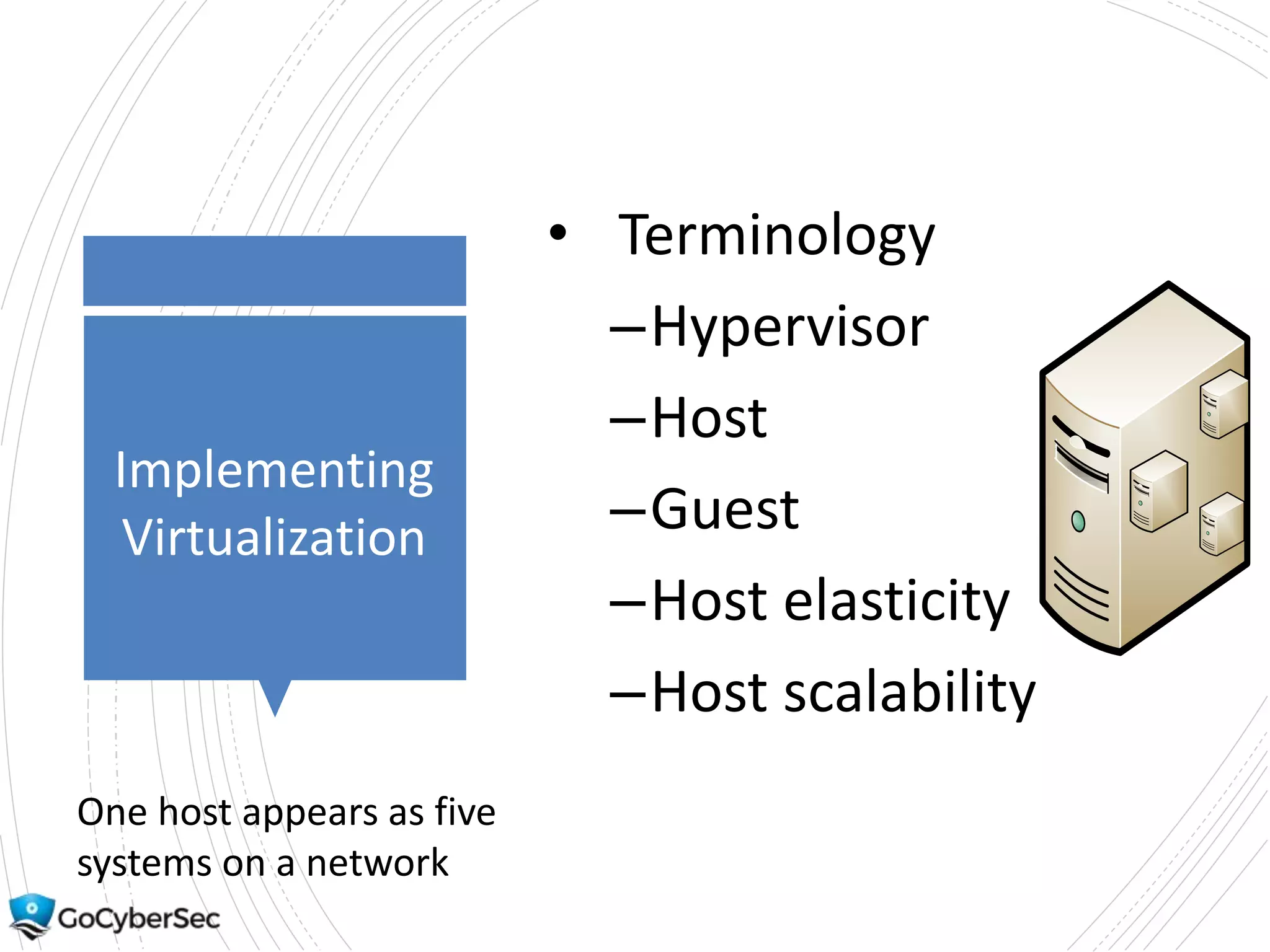
Implementing
Virtualization
• Terminology
–Hypervisor
–Host
–Guest
–Host elasticity
–Host scalability
One host appears as five
systems on a network
Comparing
Hypervisors
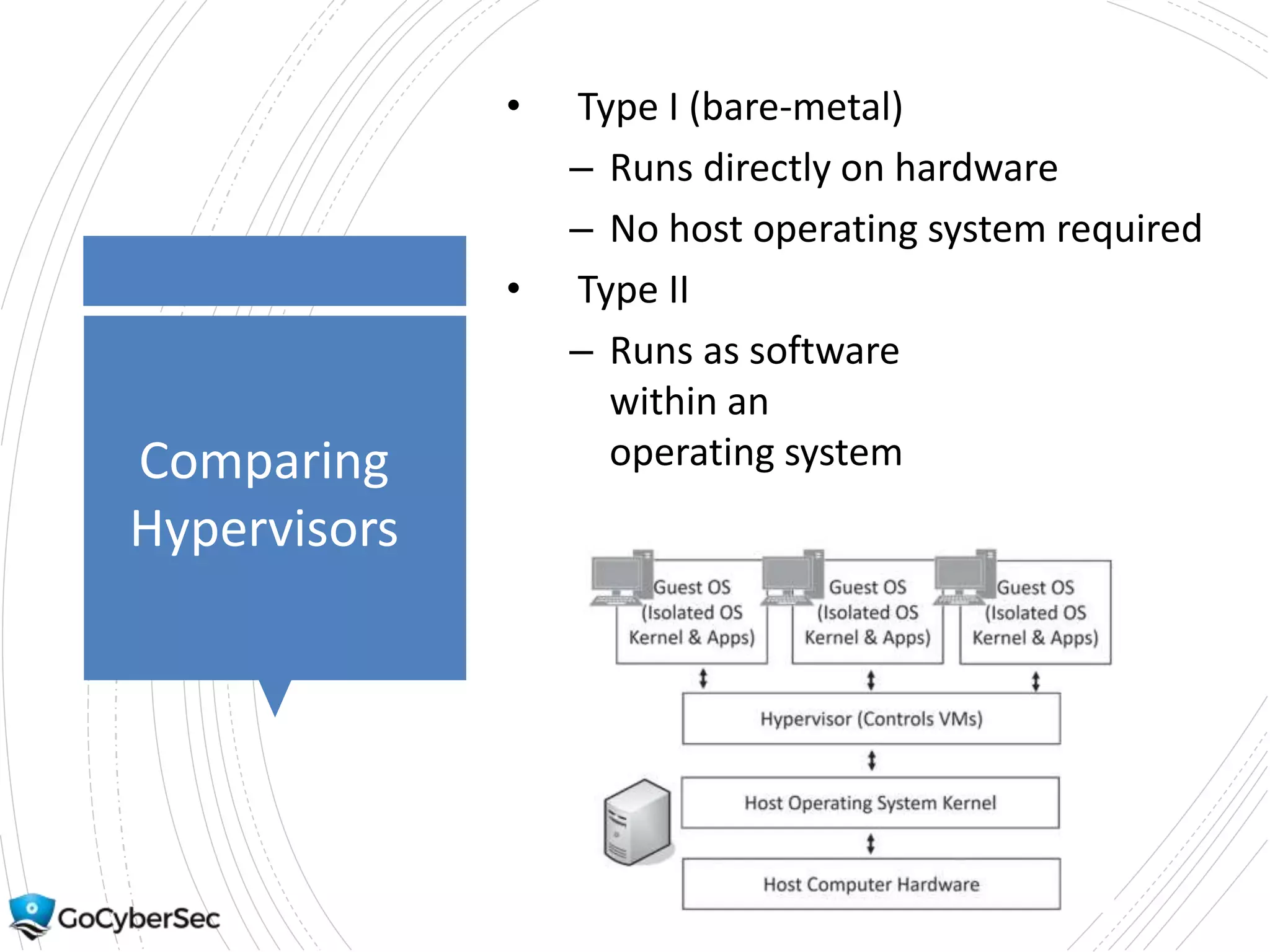
• Type I (bare-metal)
– Runs directly on hardware
– No host operating system required
• Type II
– Runs as software
within an
operating system
Application
Cell
Virtualization
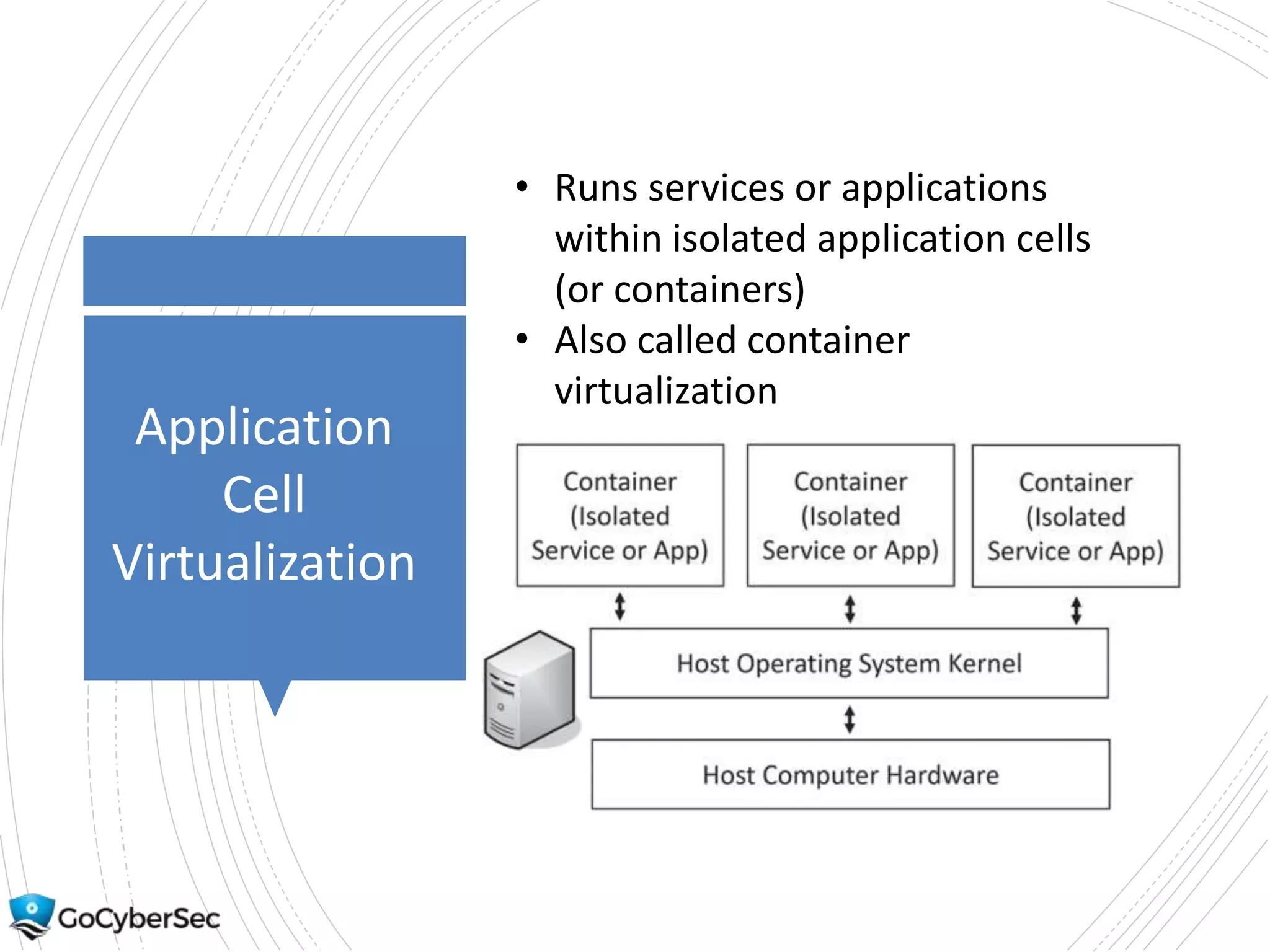
• Runs services or applications
within isolated application cells
(or containers)
• Also called container
virtualization
Using
Virtualization
• Snapshots
– Copy of a VM at a moment in
time
– Can revert to a snapshot if
necessary
• VDI/VDE
– A user’s desktop
– Persistent VDE – keeps user
changes
– Non-persistent VDE – doesn’t
keep user changes
Risks
Associated
with
Virtualization
• VMs are files
– Can be copied
• VM escape
– Allows attacker to access
host from guest
• VM sprawl
– Uncontrolled VM creation
(not managed)
• Loss of confidentiality
Kali Linux
• Free Linux distribution
– Often used for penetration
testing and security auditing
– Can be installed on Windows
system (that supports Hyper-
V)
– Can be used to run Linux
commands on a Windows
system
– Free online labs
• Gcgapremium.com/501lab
s/
• May need to register on
site to access labs
Command-
Line Tools
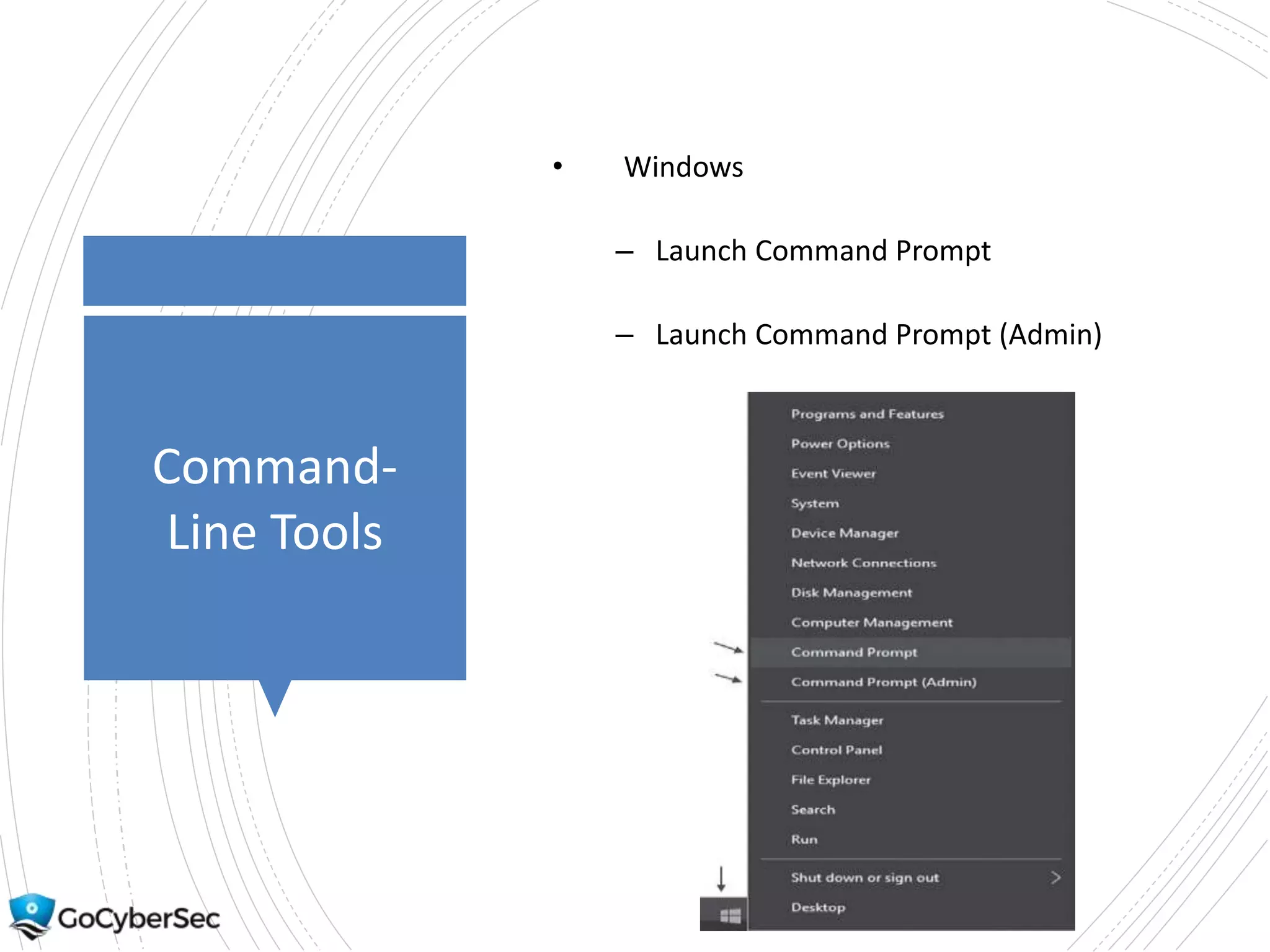
• Windows
– Launch Command Prompt
– Launch Command Prompt (Admin)
Command-
Line Tools
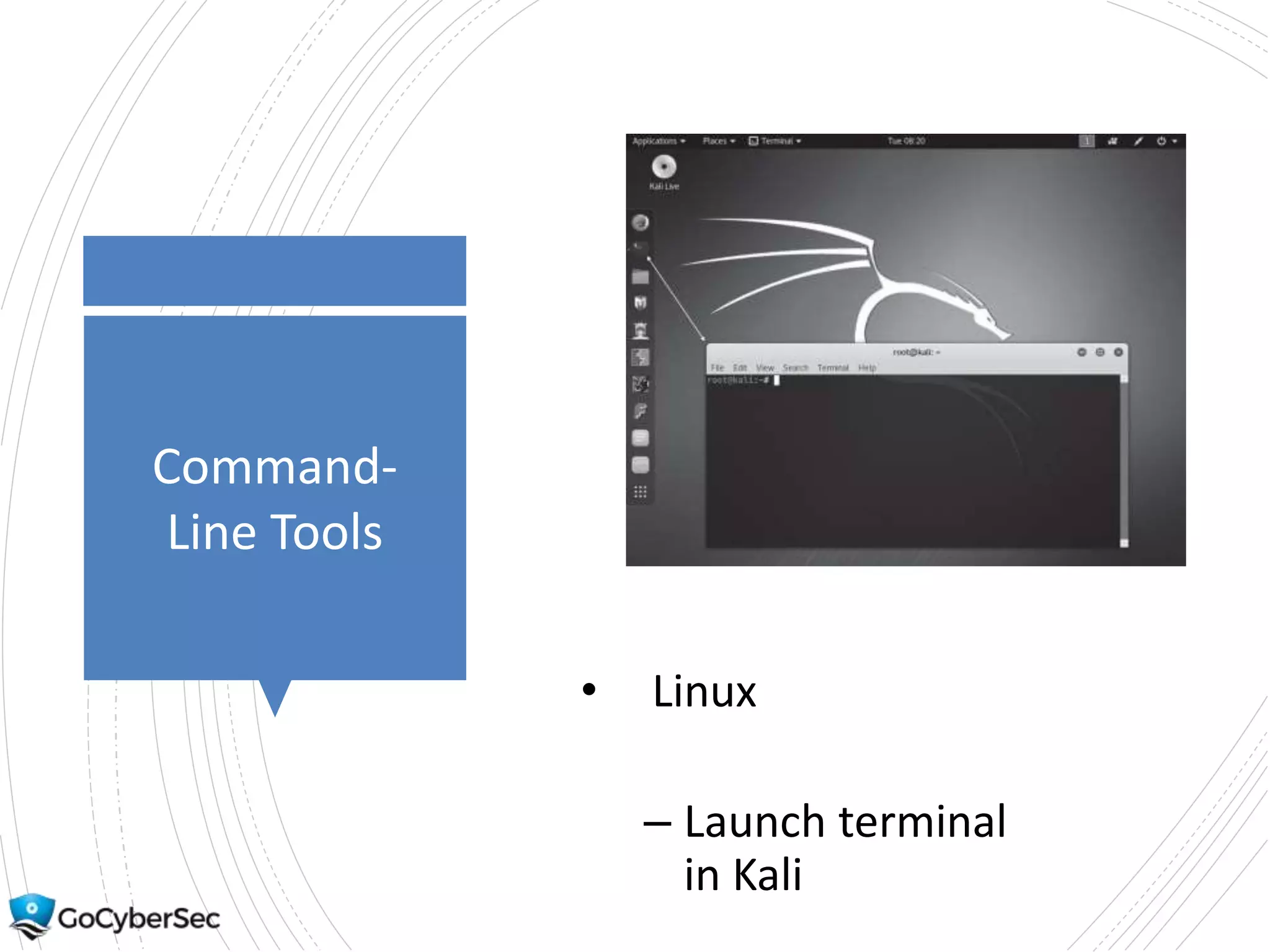
• Linux
– Launch terminal
in Kali
Understanding
Switches &
Case
• Windows switches typically
use slash /
– ipconfig /?
• Linux systems typically use
dash –
– ifconfig -?
• Windows commands rarely
case sensitive
• Linux commands are case
sensitive
Commands
Demo
Ping
• Basic command to test
connectivity
– ping 192.168.1.1
• Firewalls and ICMP
• Checking DNS name resolution
Commands
Demo
• Ipconfig (Windows)
• ifconfig (Linux)
• IP (Linux)
Commands
• Netstat
• Tracert
• ARP
Chapter 1
Summary
• Understanding core
security goals
• Introducing basic risk
concepts
• Understanding control
types
• Implementing virtualization
• Using command-line tools
• Labs
http://gcgapremium.com/5
01labs/

501 ch-1-mastering-security-basics