Presented By: Mohamed Belhassen
1
www.yallaweb.cloud
1. Learn how to interact with V0 AI
2. Find out how to integrate Back4app into
your app
3. Deploy your first AI-generated app on
Back4app
www.yallaweb.cloud 2
 AI has become essential in:
◦ Learning.
◦ The work
◦ Our daily life
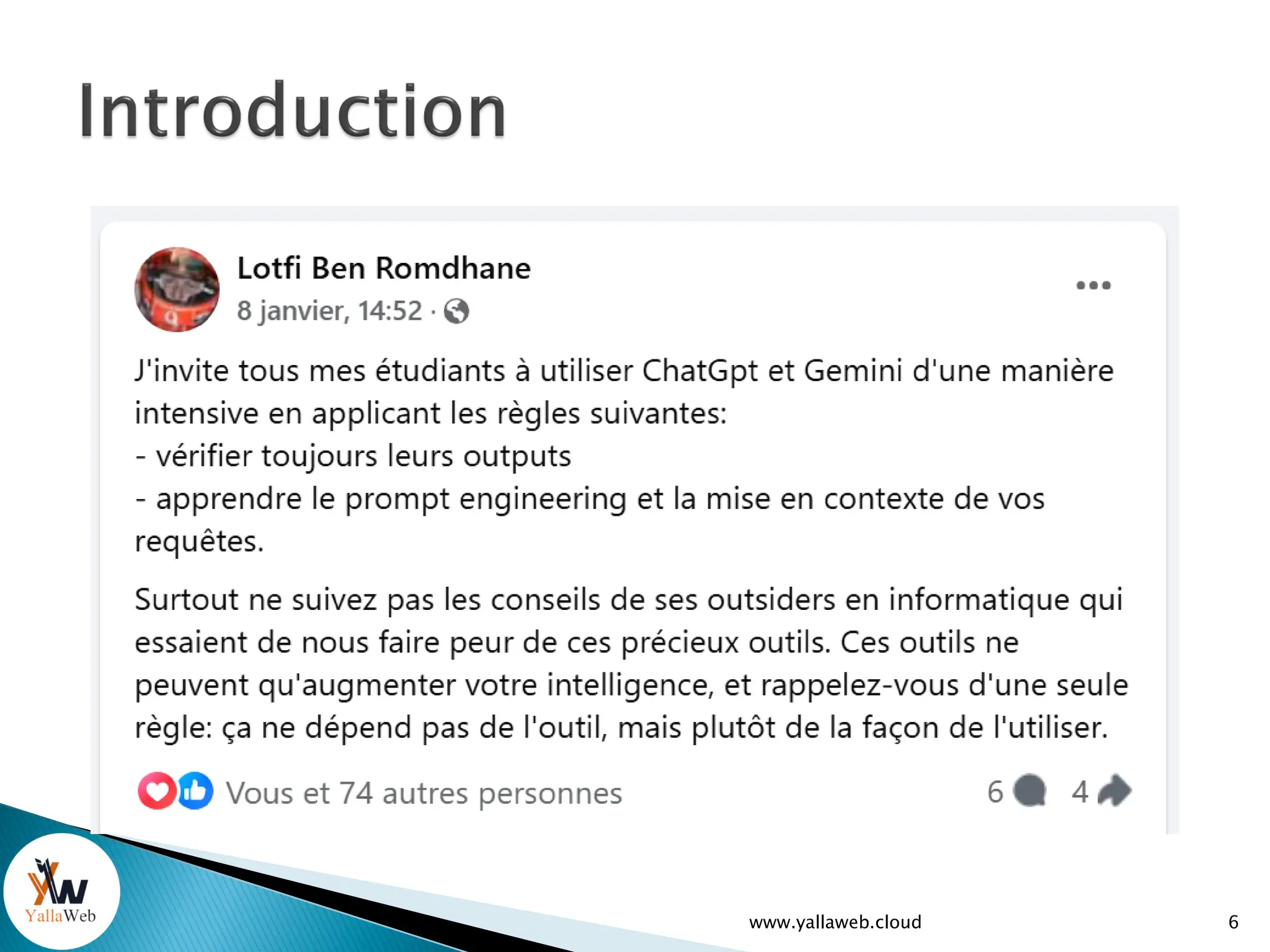
 Use AI to learn, not to escape from completing a task:
◦ You need to be an expert to take full advantage of AI
◦ The AI can easily get it wrong if you don't guide it properly
Save time and performance (Do more with less effort)
Accelerates the learning process and task completion
www.yallaweb.cloud 3
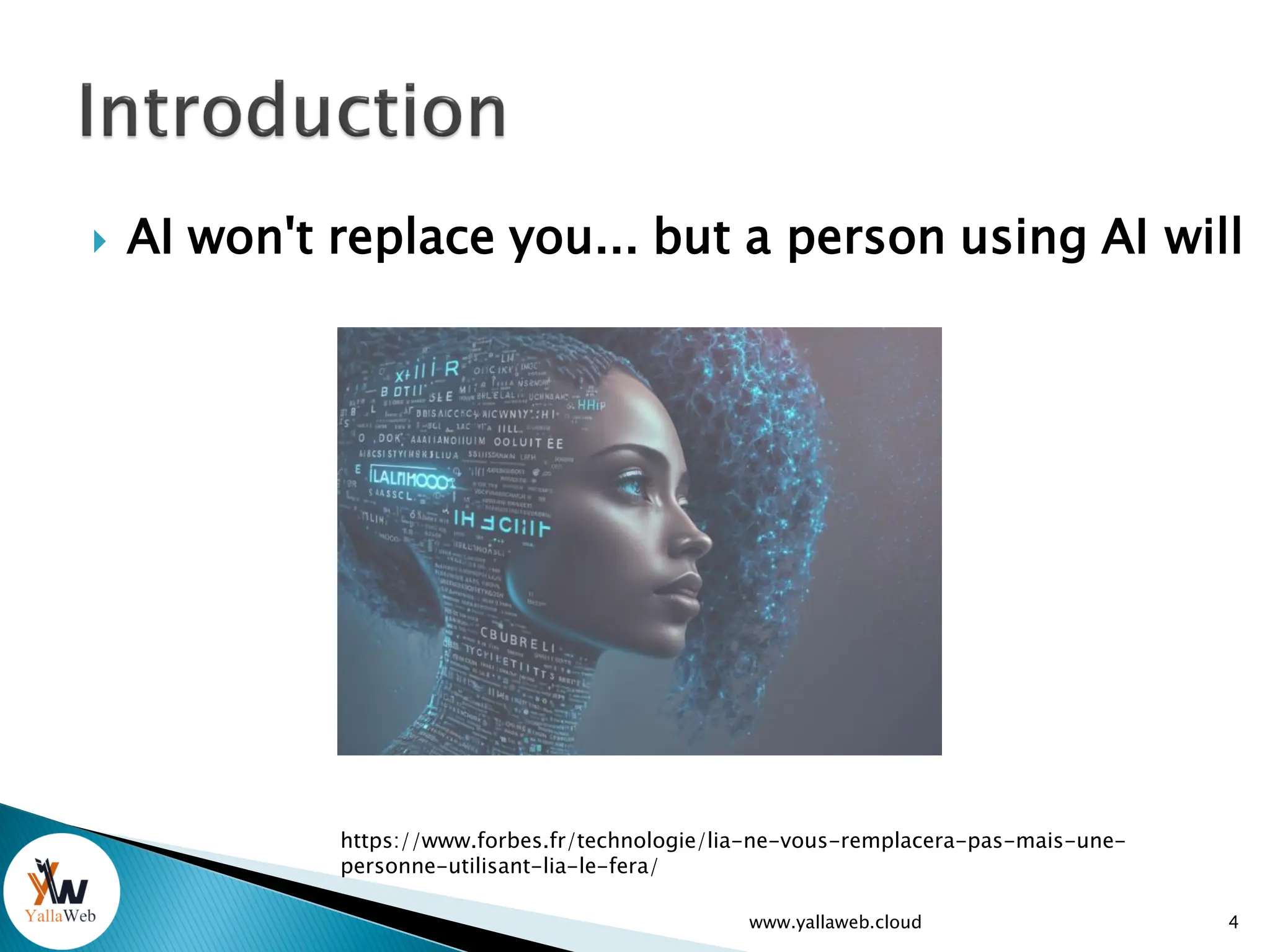
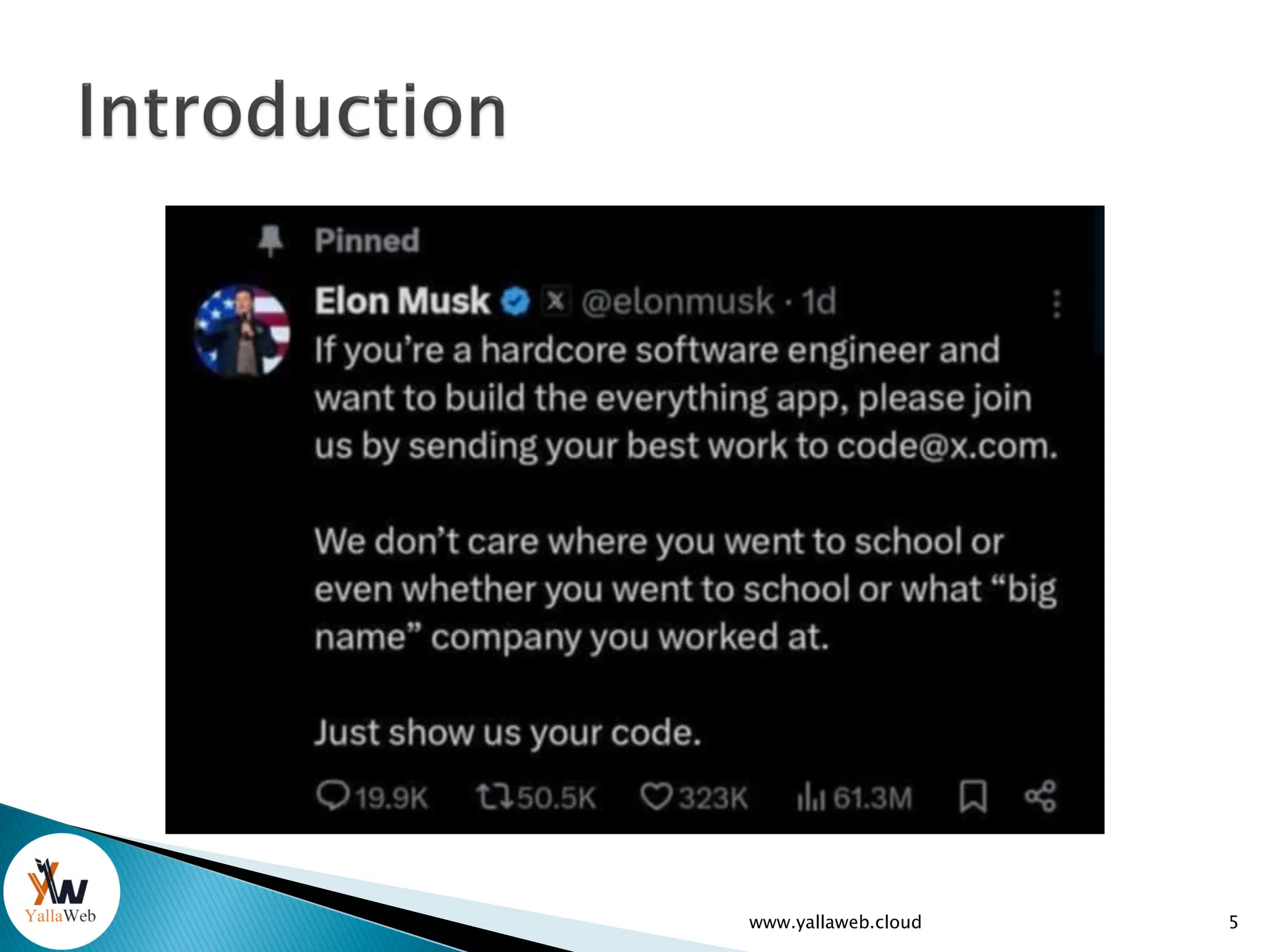
 AI won't replace you... but a person using AI will
www.yallaweb.cloud 4
https://www.forbes.fr/technologie/lia-ne-vous-remplacera-pas-mais-une-
personne-utilisant-lia-le-fera/
www.yallaweb.cloud 5
www.yallaweb.cloud 6
7
www.yallaweb.cloud
1. Introduction to the V0 AI Tool
 Presentation of V0.dev
 How can V0 help us with programming?
 Let's learn V0 by doing
www.yallaweb.cloud 8
 V0.dev is a powerful development tool created by
Vercel that allows you to:
1. Quickly create user interfaces
◦ Generate complete React and Next.js components
◦ Use pre-built templates with shadcn/ui
◦ Create responsive layouts
2. Develop comprehensive features
◦ Implement forms with validation
◦ Create charts and data visualizations
◦ Integrate APIs like OpenAI for chatbots
◦ Set up payment systems like Stripe
9
www.yallaweb.cloud
 V0.dev is a powerful development tool
created by Vercel that allows you to:
3. Speed up your workflow
◦ Get clean and maintainable code
◦ Use development best practices
◦ Benefit from a conversational interface to describe
your needs
◦ Edit and customize the generated code
10
www.yallaweb.cloud
 V0.dev is a powerful development tool
created by Vercel that allows you to:
4. Create complete apps
◦ Documentation
◦ Dashboards
◦ E-commerce sites
◦ Chat apps
11
www.yallaweb.cloud
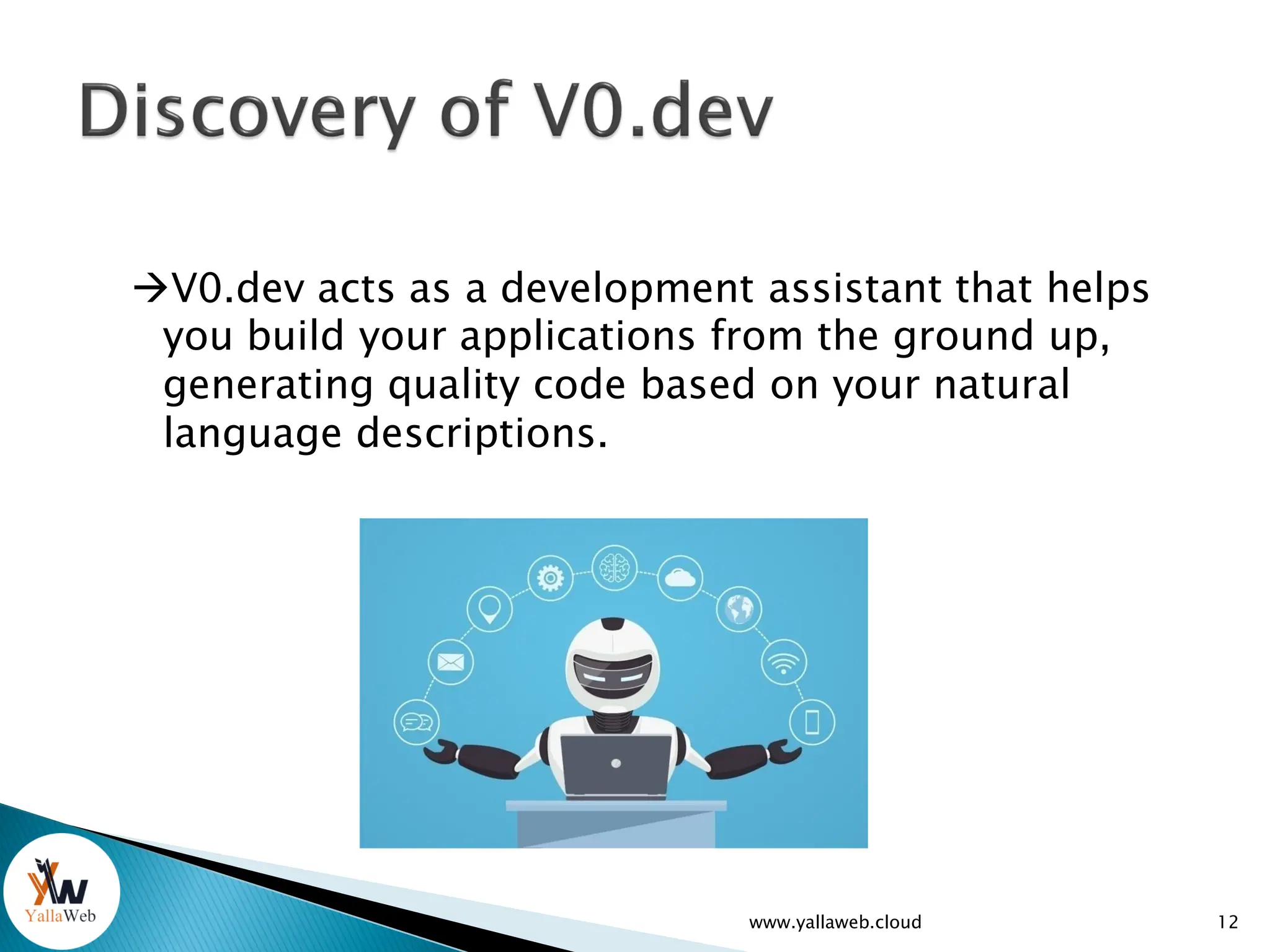
V0.dev acts as a development assistant that helps
you build your applications from the ground up,
generating quality code based on your natural
language descriptions.
12
www.yallaweb.cloud
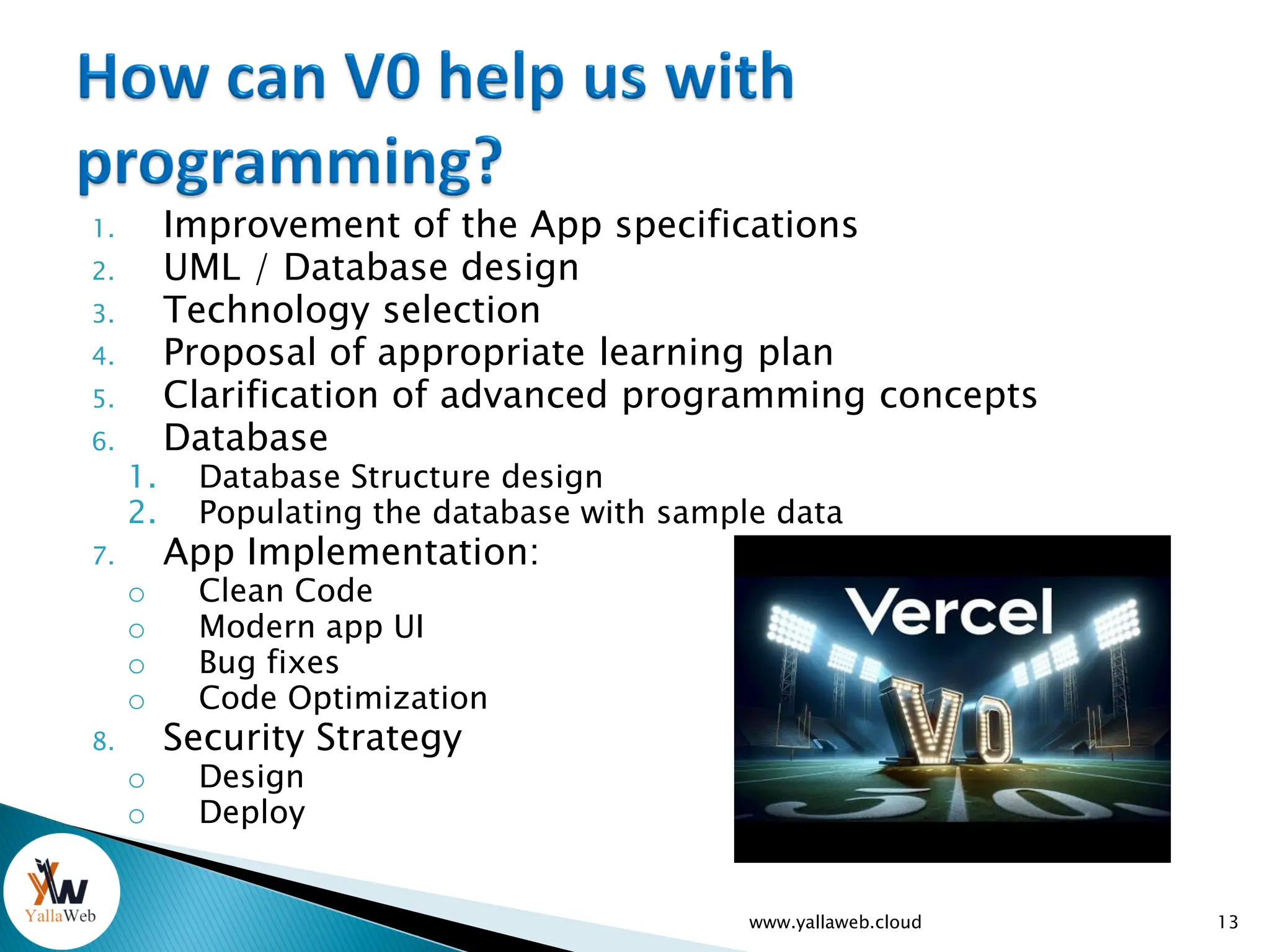
1. Improvement of the App specifications
2. UML / Database design
3. Technology selection
4. Proposal of appropriate learning plan
5. Clarification of advanced programming concepts
6. Database
1. Database Structure design
2. Populating the database with sample data
7. App Implementation:
o Clean Code
o Modern app UI
o Bug fixes
o Code Optimization
8. Security Strategy
o Design
o Deploy
www.yallaweb.cloud 13
14
www.yallaweb.cloud
 The user interface of V0.dev.
 How to design and implement a simple
project with the V0.dev tool (example:
Weather App app, etc.).
 Using AI suggestions to add and edit
features: reading locality via
form/input/update box, etc)
 Error resolution with the built-in AI assistant.
www.yallaweb.cloud 15
16
www.yallaweb.cloud
17
www.yallaweb.cloud
 Giving context to V0:
◦ Technology to be used
◦ Code called/imported by the program
◦ Structure of the working file
 Give V0 a role
 Be clear / Concise / But complete
 Analyze of V0 output
 Iterate, adjusting your request
 Understand the generated code before
integration
www.yallaweb.cloud 18
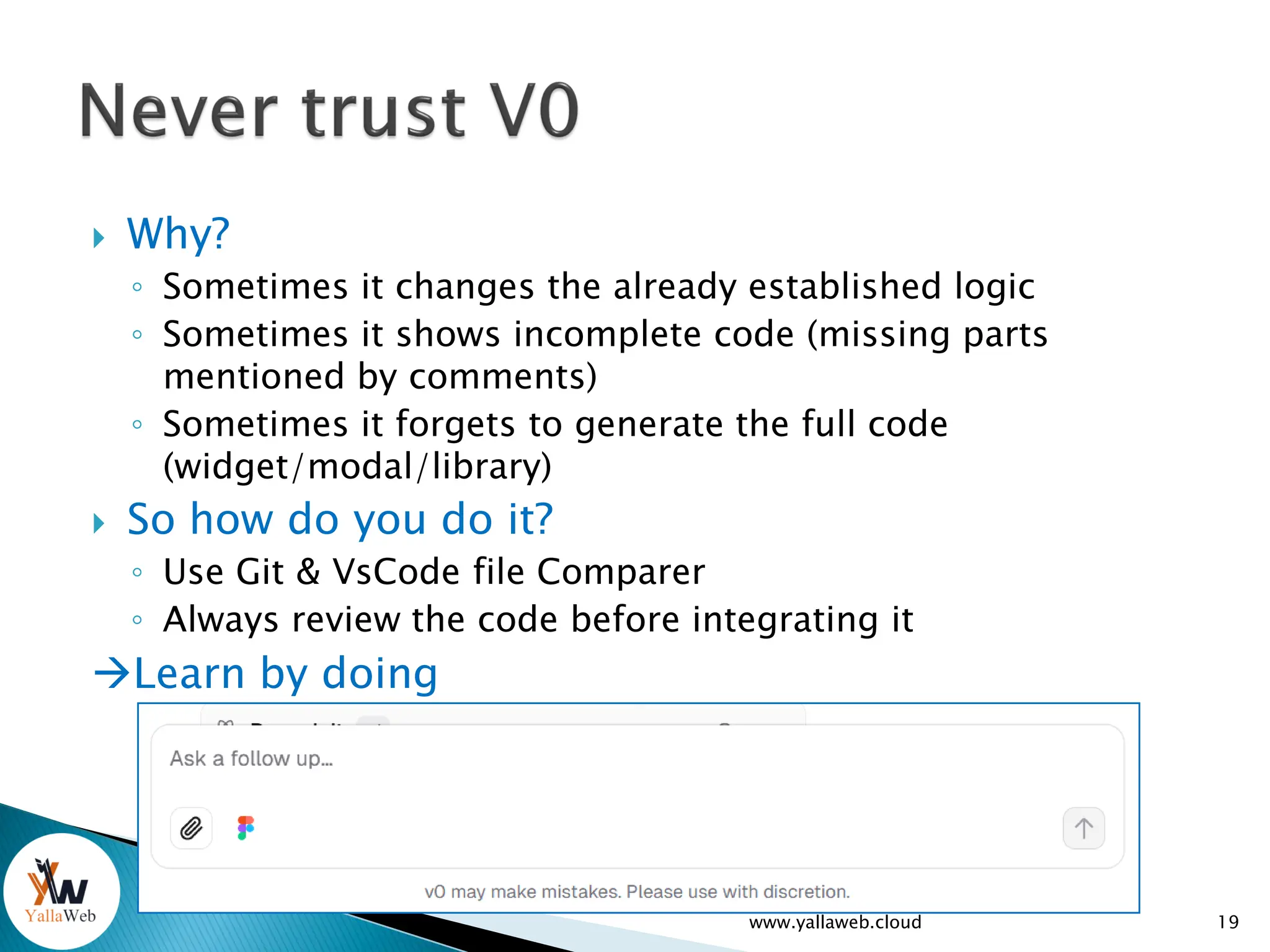
 Why?
◦ Sometimes it changes the already established logic
◦ Sometimes it shows incomplete code (missing parts
mentioned by comments)
◦ Sometimes it forgets to generate the full code
(widget/modal/library)
 So how do you do it?
◦ Use Git & VsCode file Comparer
◦ Always review the code before integrating it
Learn by doing
www.yallaweb.cloud 19
20
www.yallaweb.cloud
 Modern applications often require a powerful
backend to manage data, security, and
interactions.
 Back4app makes it easy to develop apps that we
use every day:
◦ Social networks,
◦ Educational applications,
◦ etc...
www.yallaweb.cloud 21
 Modern applications often require a powerful
backend to manage data, security, and
interactions.
 Back4app makes it easy to develop apps that we
use every day:
◦ educational applications,
◦ social networks,
◦ etc...
 ...
www.yallaweb.cloud 22
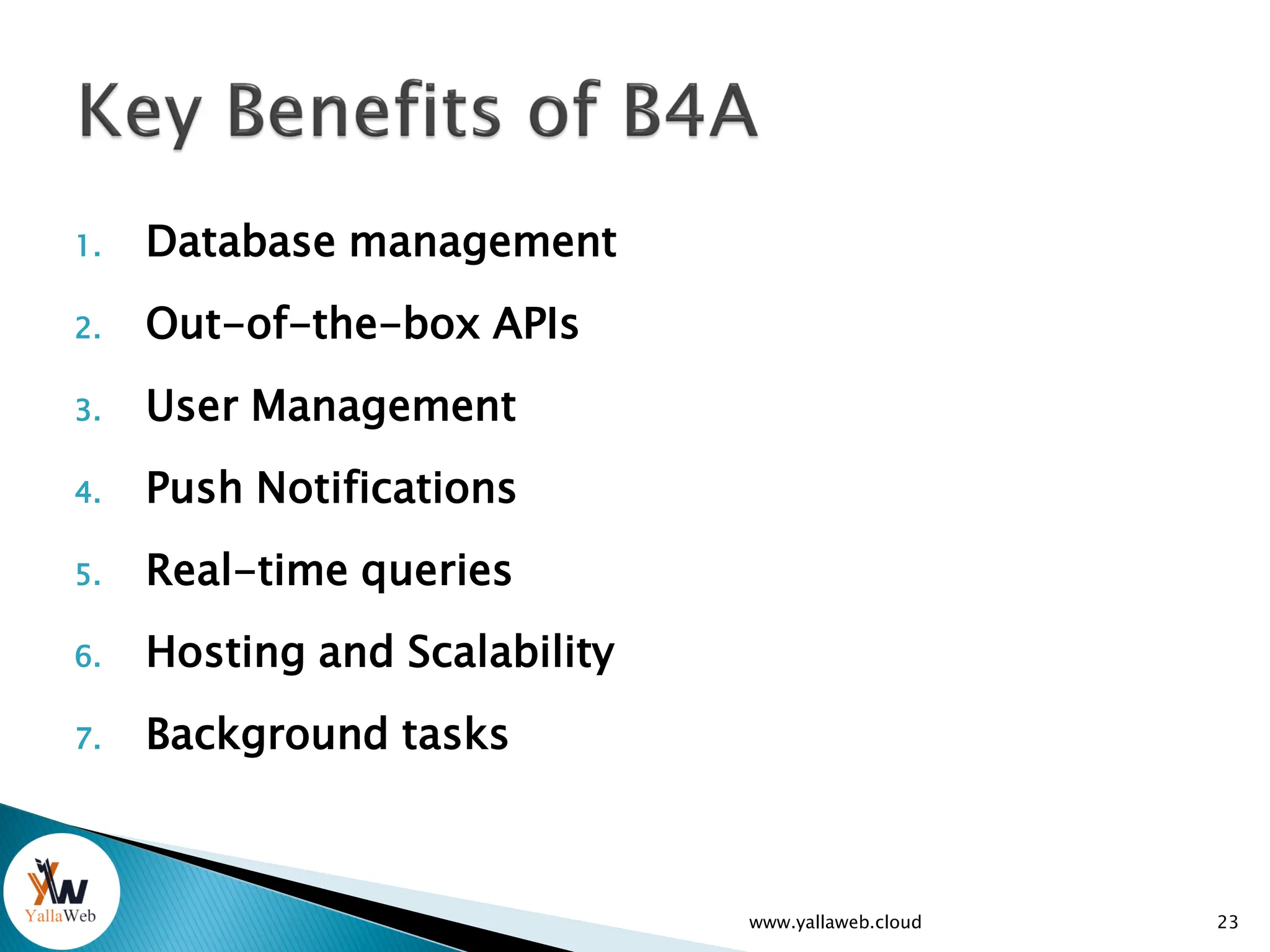
1. Database management
2. Out-of-the-box APIs
3. User Management
4. Push Notifications
5. Real-time queries
6. Hosting and Scalability
7. Background tasks
www.yallaweb.cloud 23
www.yallaweb.cloud 24
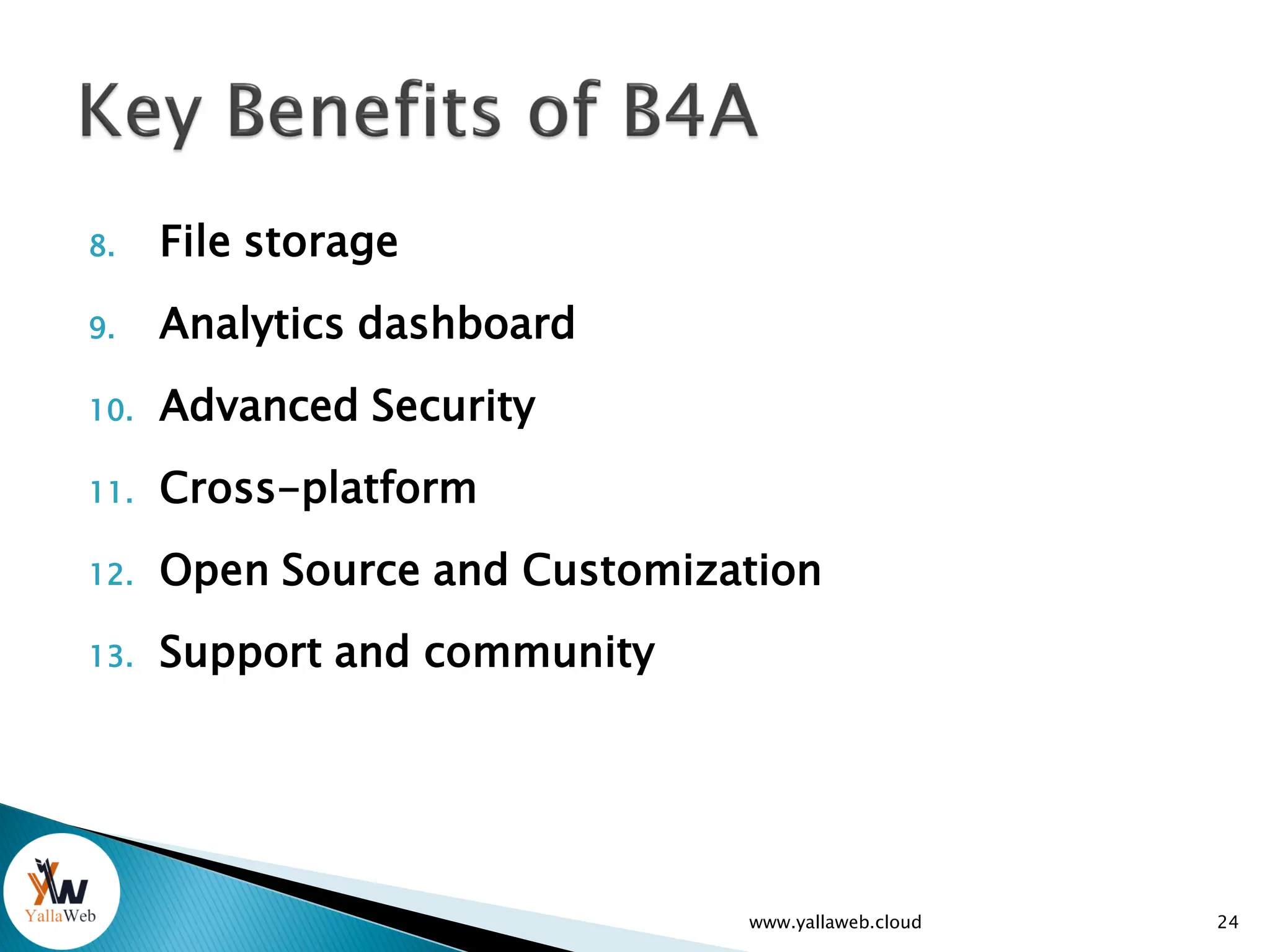
8. File storage
9. Analytics dashboard
10. Advanced Security
11. Cross-platform
12. Open Source and Customization
13. Support and community
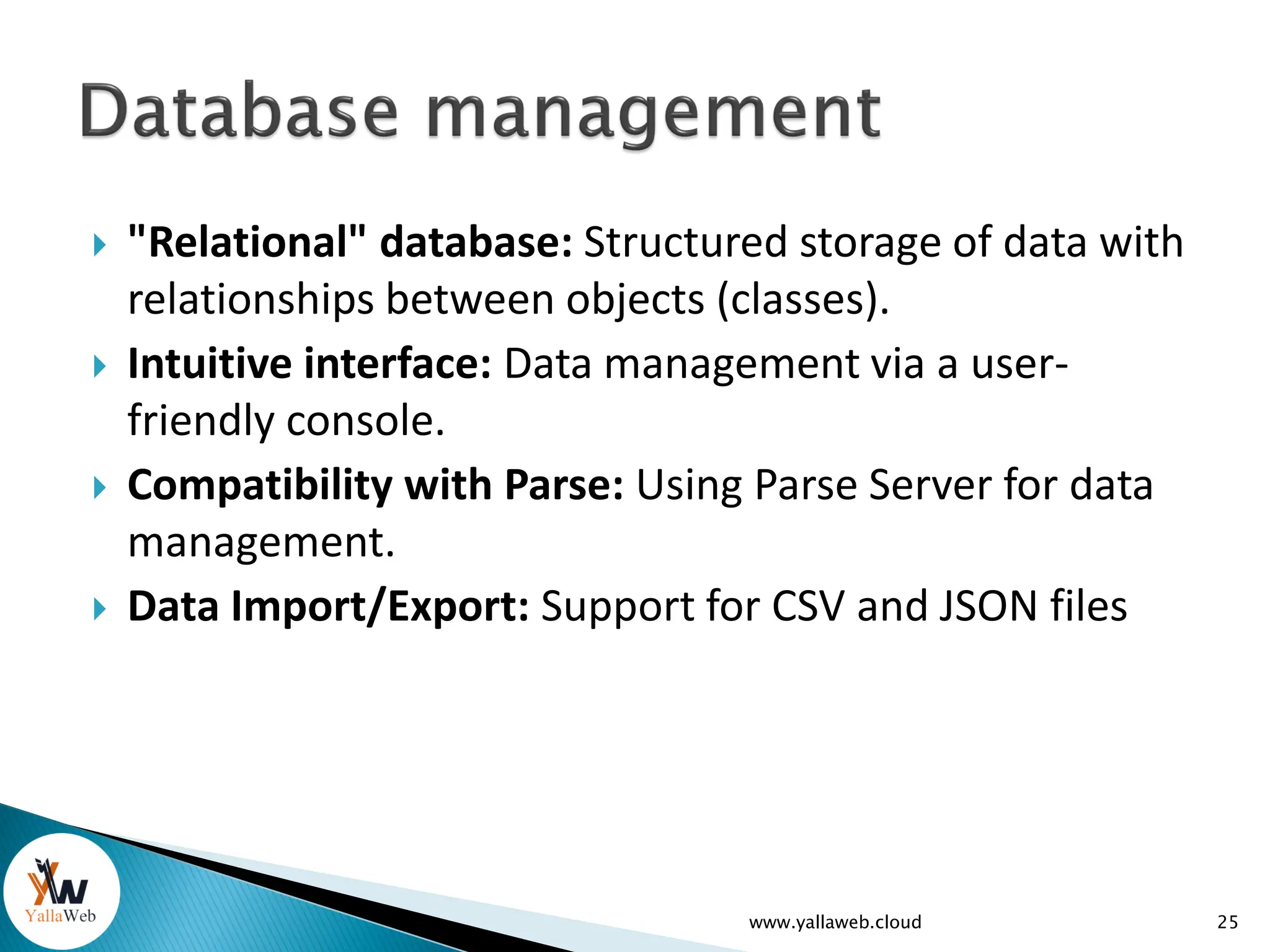
 "Relational" database: Structured storage of data with
relationships between objects (classes).
 Intuitive interface: Data management via a user-
friendly console.
 Compatibility with Parse: Using Parse Server for data
management.
 Data Import/Export: Support for CSV and JSON files
www.yallaweb.cloud 25
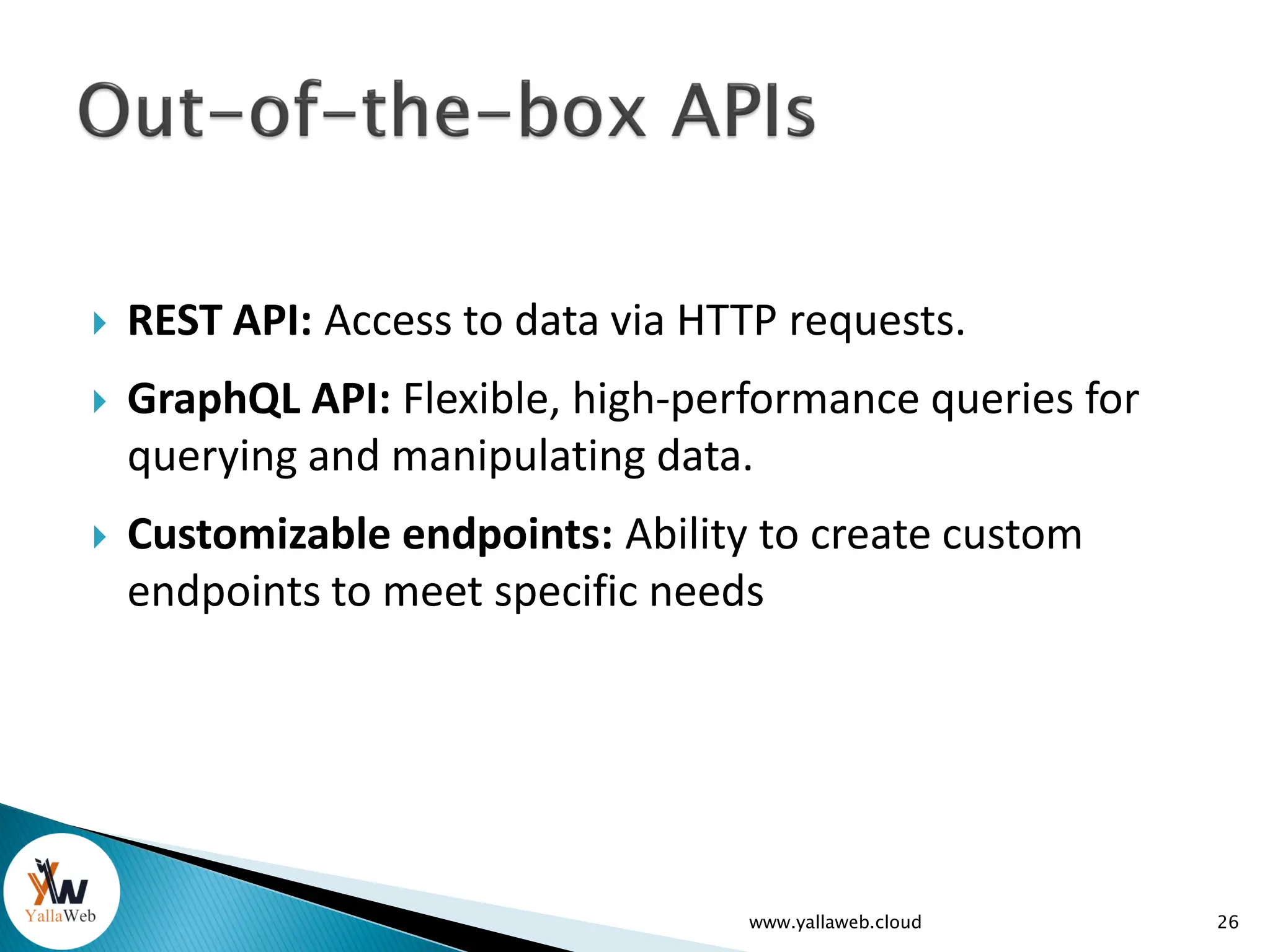
 REST API: Access to data via HTTP requests.
 GraphQL API: Flexible, high-performance queries for
querying and manipulating data.
 Customizable endpoints: Ability to create custom
endpoints to meet specific needs
www.yallaweb.cloud 26
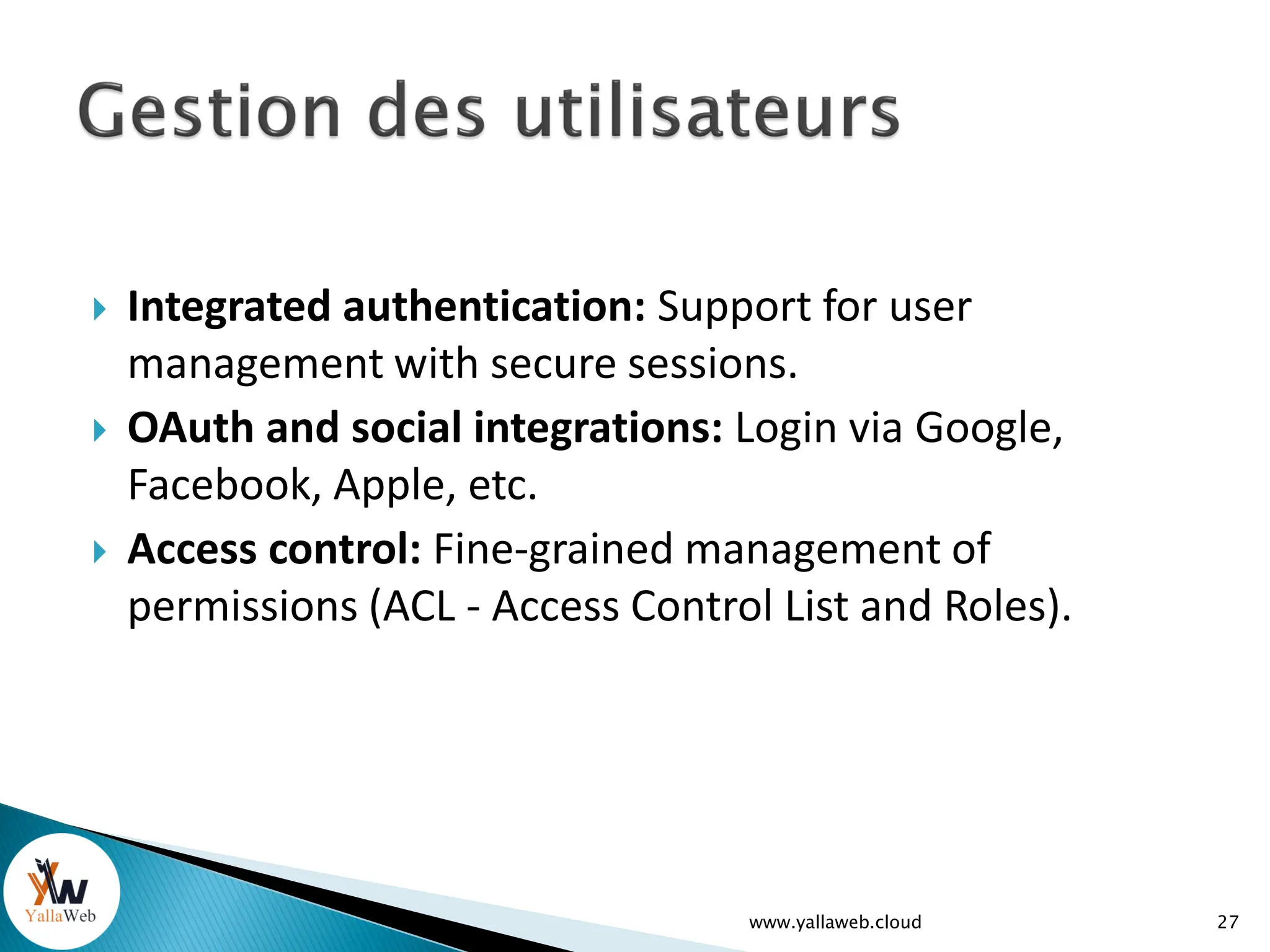
 Integrated authentication: Support for user
management with secure sessions.
 OAuth and social integrations: Login via Google,
Facebook, Apple, etc.
 Access control: Fine-grained management of
permissions (ACL - Access Control List and Roles).
www.yallaweb.cloud 27
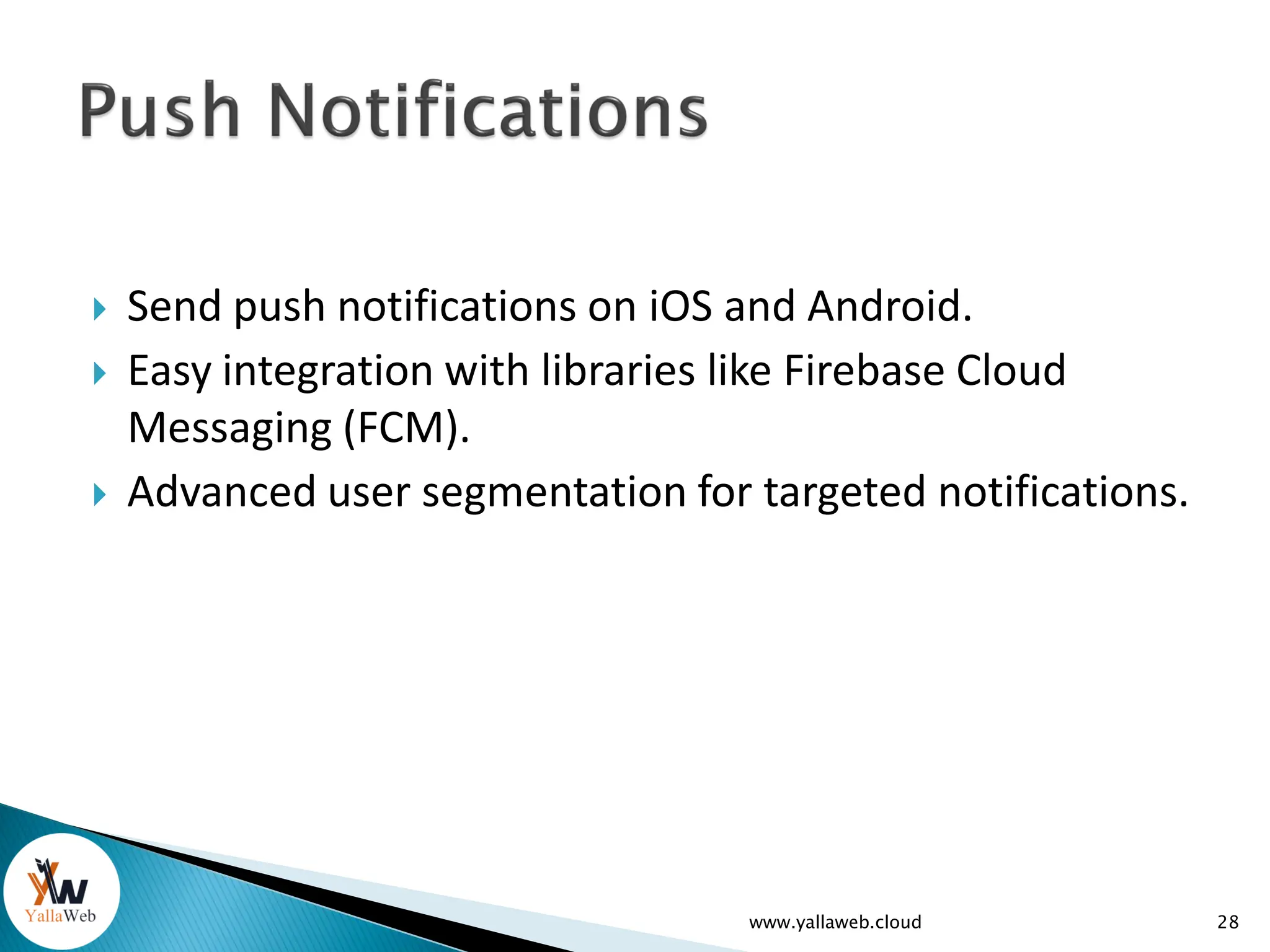
 Send push notifications on iOS and Android.
 Easy integration with libraries like Firebase Cloud
Messaging (FCM).
 Advanced user segmentation for targeted notifications.
www.yallaweb.cloud 28
 Live Queries: Refreshes real-time customer
data (e.g., automatic updates in an app
without reloading the page).
www.yallaweb.cloud 29
 Managed Cloud Hosting: Fully deployed, out-of-the-
box platform.
 High scalability: Automatically manages scalability
when applications become popular.
 Backup and recovery: Protect data with regular
backups.
www.yallaweb.cloud 30
 Cloud Code: Execution of server-side business logic
with JavaScript.
 Scheduled tasks: Automation of repetitive or deferred
tasks (e.g., data cleansing).
www.yallaweb.cloud 31
 Hosting files such as images, videos, documents, etc.
 Integration with services like Amazon S3.
 Automatic generation of URLs to share files.
www.yallaweb.cloud 32
 Performance and query monitoring.
 Usage statistics to track user activity and interactions
with the app.
www.yallaweb.cloud 33
 Fine-grained access control (ACL and Roles).
 Protection against common attacks
 SSL certificates to secure communications between
the server and the client.
www.yallaweb.cloud 34
 SDK support for different platforms:
◦ Mobile Platforms (iOS, Android)
◦ Web Platforms (JavaScript /React / PHP / Python)
◦ Cross Platforms ( React Native / Flutter)
◦ Unity
◦ Desktop Platforms (Windows, macOS, Linux)
◦ Supported via .NET or JavaScript SDKs.
◦ Server Platforms (Node.js / .NET)
◦ IoT Platforms (RaspberryPi / arduino, etc)
www.yallaweb.cloud 35
 SDK support for different platforms
(continued):
◦ REST API:
 Parse Server provides a fully functional REST API for
any platform that can send HTTP requests.
◦ GraphQL API:
 Built-in GraphQL API for advanced queries and more
flexibility.
◦ Community-Supported SDKs:
 Python
 PHP
 Ruby
www.yallaweb.cloud 36
 Easy configuration of the Parse server (without coding)
◦ Migrate from one version of Parse to another
◦ View the data (Dashboard)
◦ Changing cloud code on the fly
◦ "Static" website hosting (Express Js)
◦ Easy interaction with the cloud code via the terminal
◦ Custom Parse Server Customization (Custom Parse Options)
◦ Log Consulting
◦ API testing
◦ Real-time monitoring of server performance
www.yallaweb.cloud 37
 Easy configuration of the Parse server
(continued)
◦ social login (Facebook/twitter/Apple, etc.)
◦ Email verification
◦ Background Jobs
◦ Environment variables
◦ Custom domain
◦ Live queries
www.yallaweb.cloud 38
Live demonstration of essential features
39
www.yallaweb.cloud
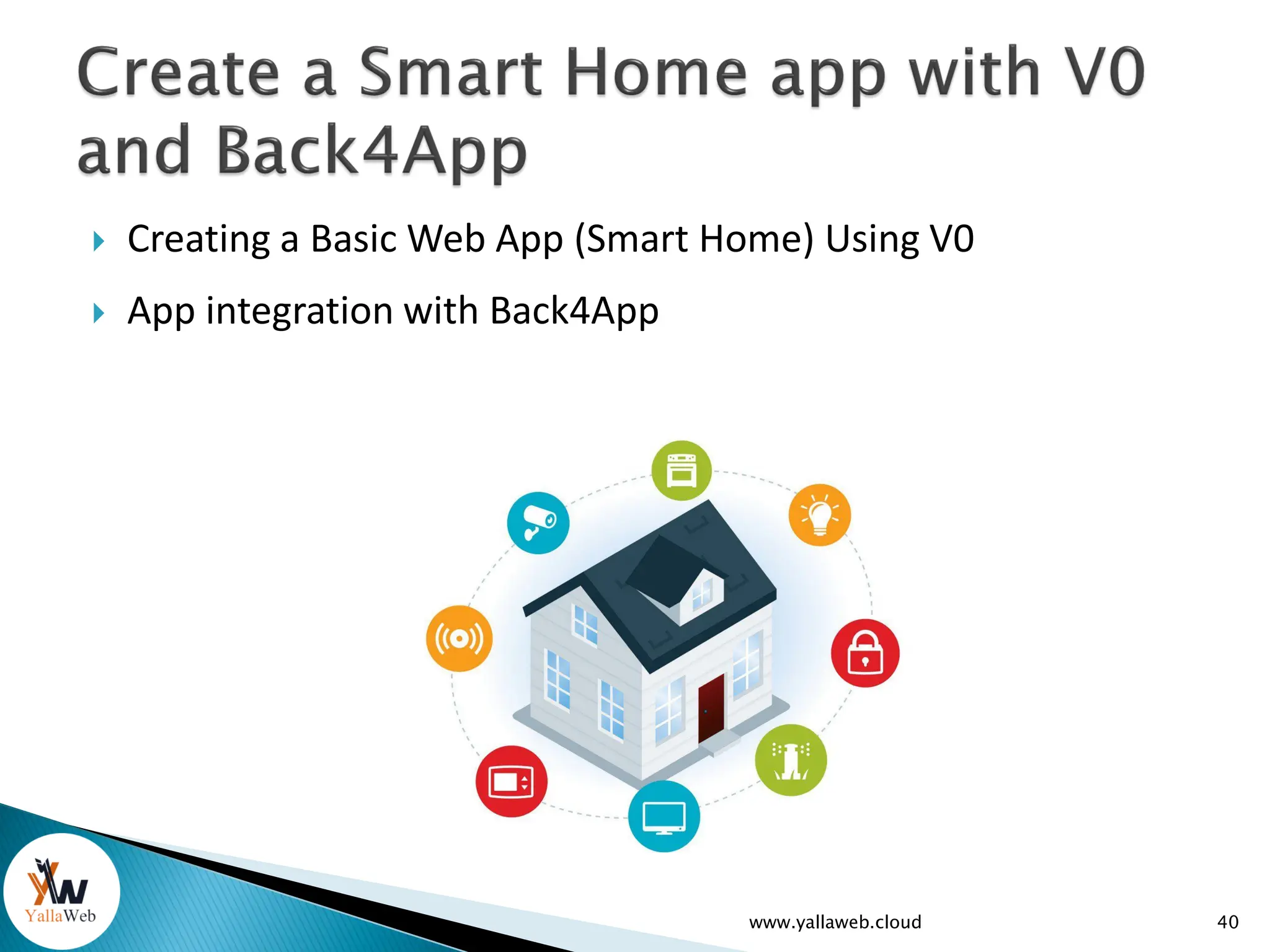
 Creating a Basic Web App (Smart Home) Using V0
 App integration with Back4App
www.yallaweb.cloud 40
(Smart Home Project)
41
www.yallaweb.cloud
42
www.yallaweb.cloud
 Steps of implementation:
1. Let's learn how to control an Led lamp using
arduino
2. Preparing the backend: LEDState class > 'state'
attribute
3. Store lamp status online (Back4app).
4. Display the status of the lamp in a web page.
5. Change the status of the lamp (stored online) via
the web page.
6. Make arduino able to turn on/off the esp32's
internal lamp according to its status in Back4app
43
www.yallaweb.cloud
www.yallaweb.cloud 44
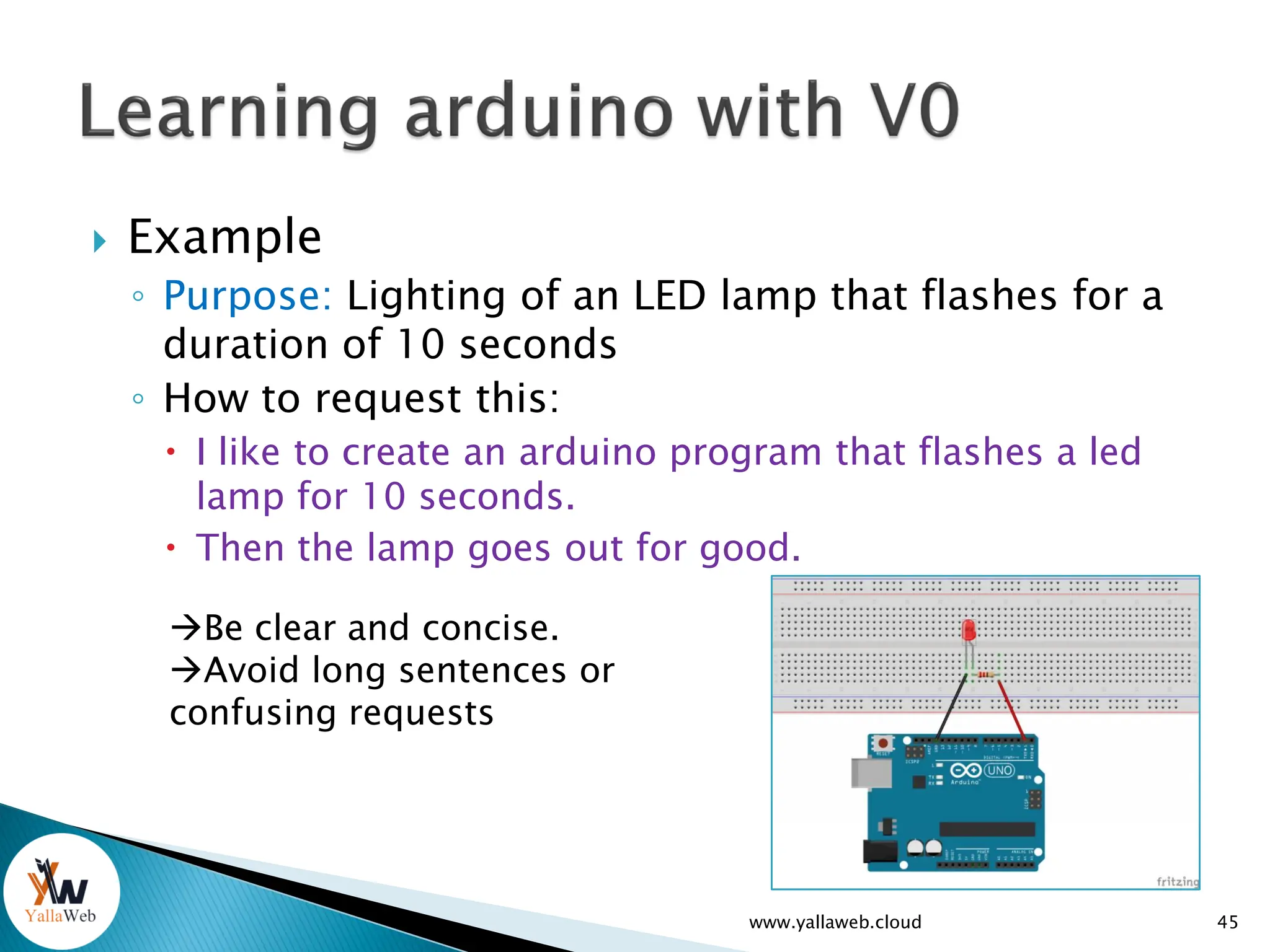
 Example
◦ Purpose: Lighting of an LED lamp that flashes for a
duration of 10 seconds
◦ How to request this:
 I like to create an arduino program that flashes a led
lamp for 10 seconds.
 Then the lamp goes out for good.
45
www.yallaweb.cloud
Be clear and concise.
Avoid long sentences or
confusing requests
 Example
◦ Purpose: Lighting of an LED lamp that flashes for a
duration of 10 seconds
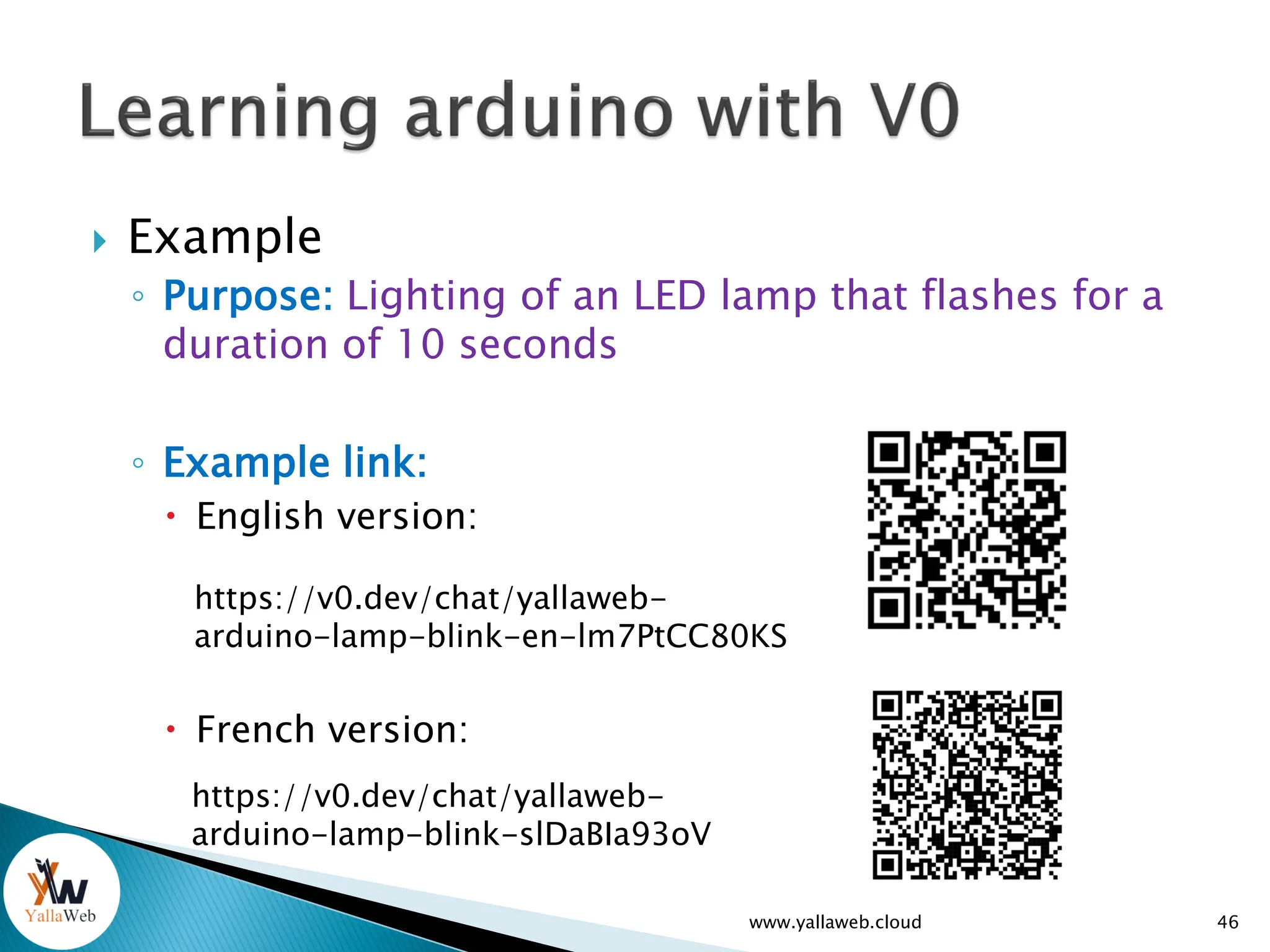
◦ Example link:
 English version:
 French version:
46
www.yallaweb.cloud
https://v0.dev/chat/yallaweb-
arduino-lamp-blink-en-lm7PtCC80KS
https://v0.dev/chat/yallaweb-
arduino-lamp-blink-slDaBIa93oV
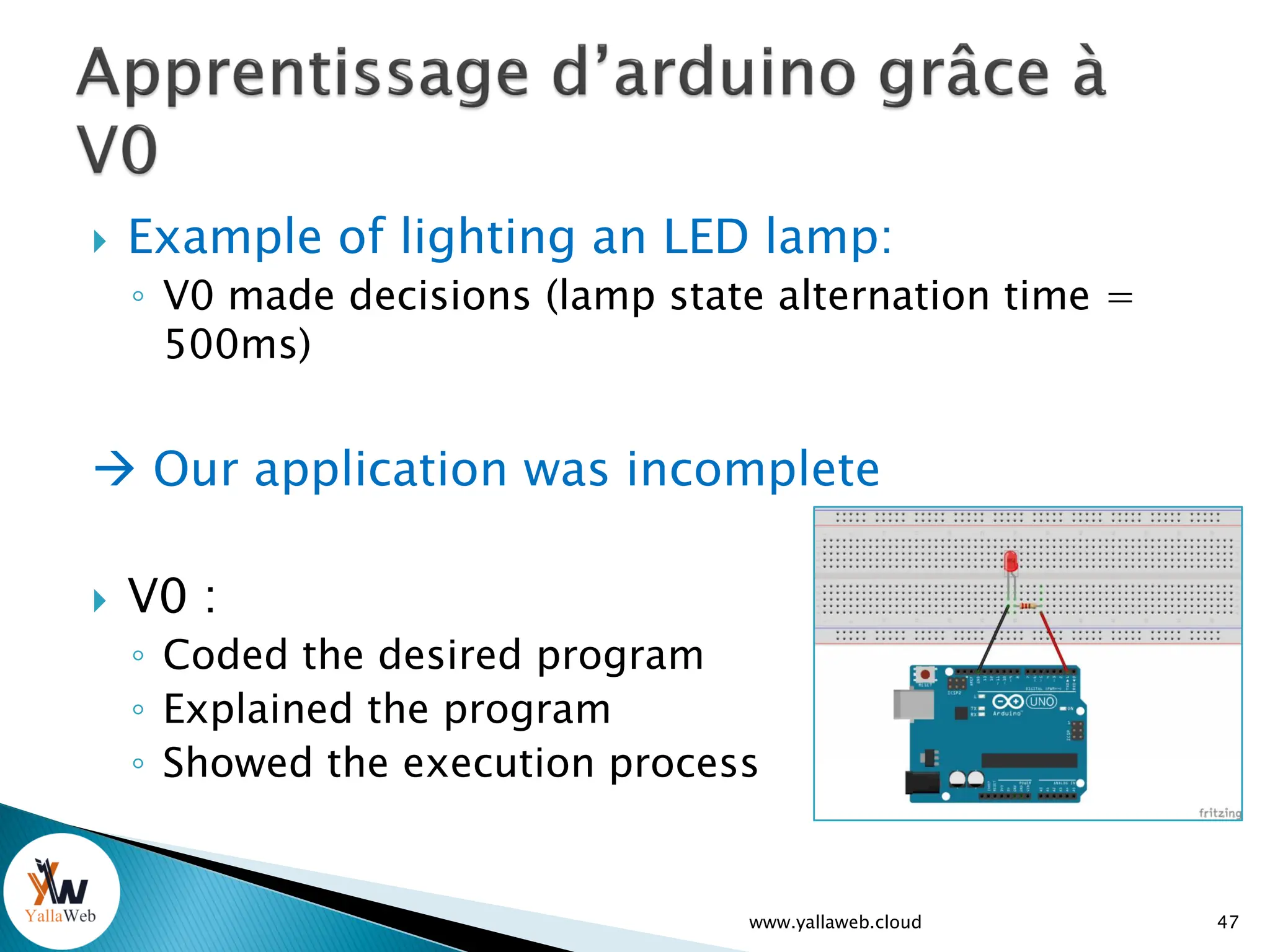
 Example of lighting an LED lamp:
◦ V0 made decisions (lamp state alternation time =
500ms)
 Our application was incomplete
 V0 :
◦ Coded the desired program
◦ Explained the program
◦ Showed the execution process
47
www.yallaweb.cloud
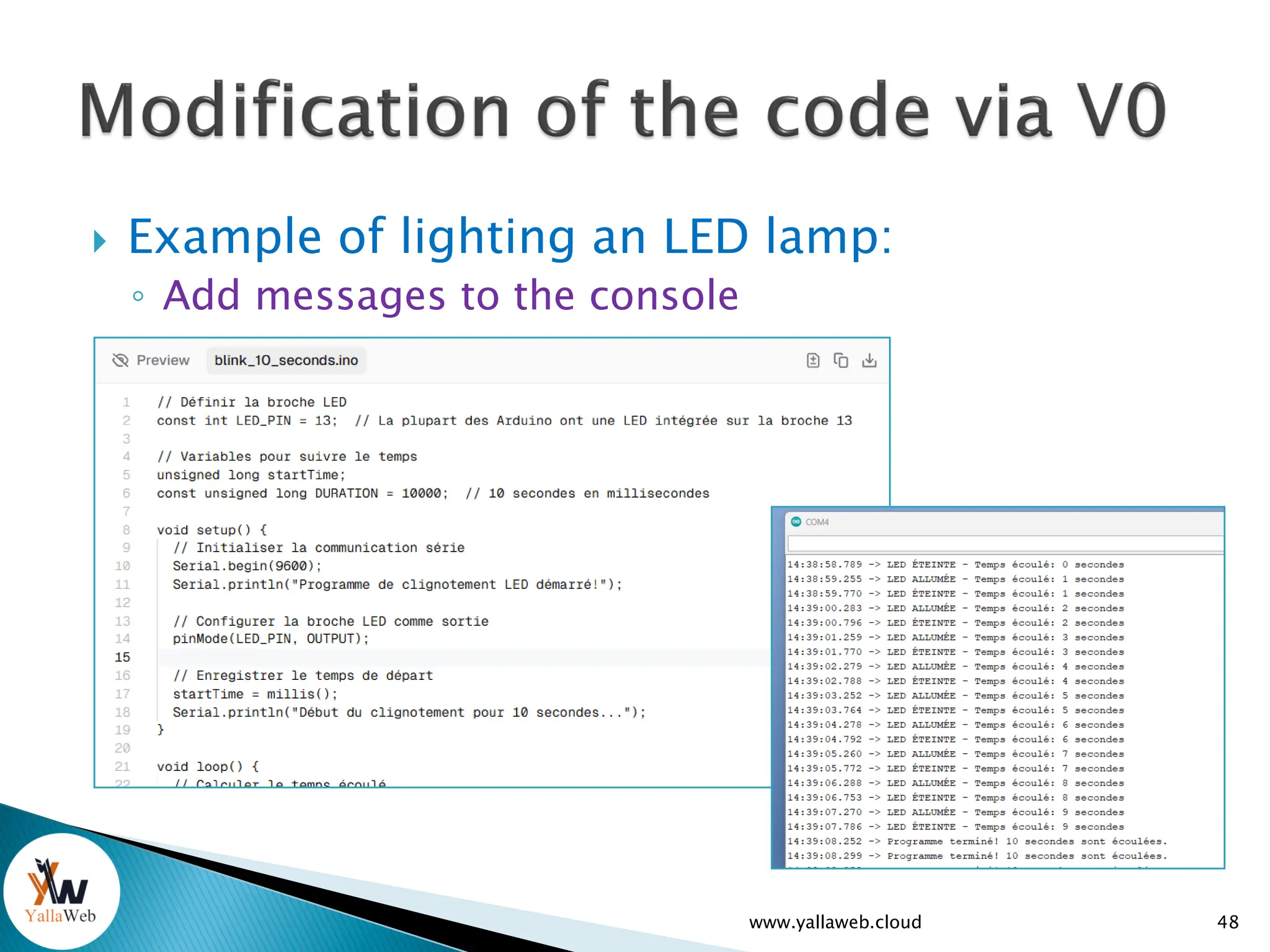
 Example of lighting an LED lamp:
◦ Add messages to the console
48
www.yallaweb.cloud
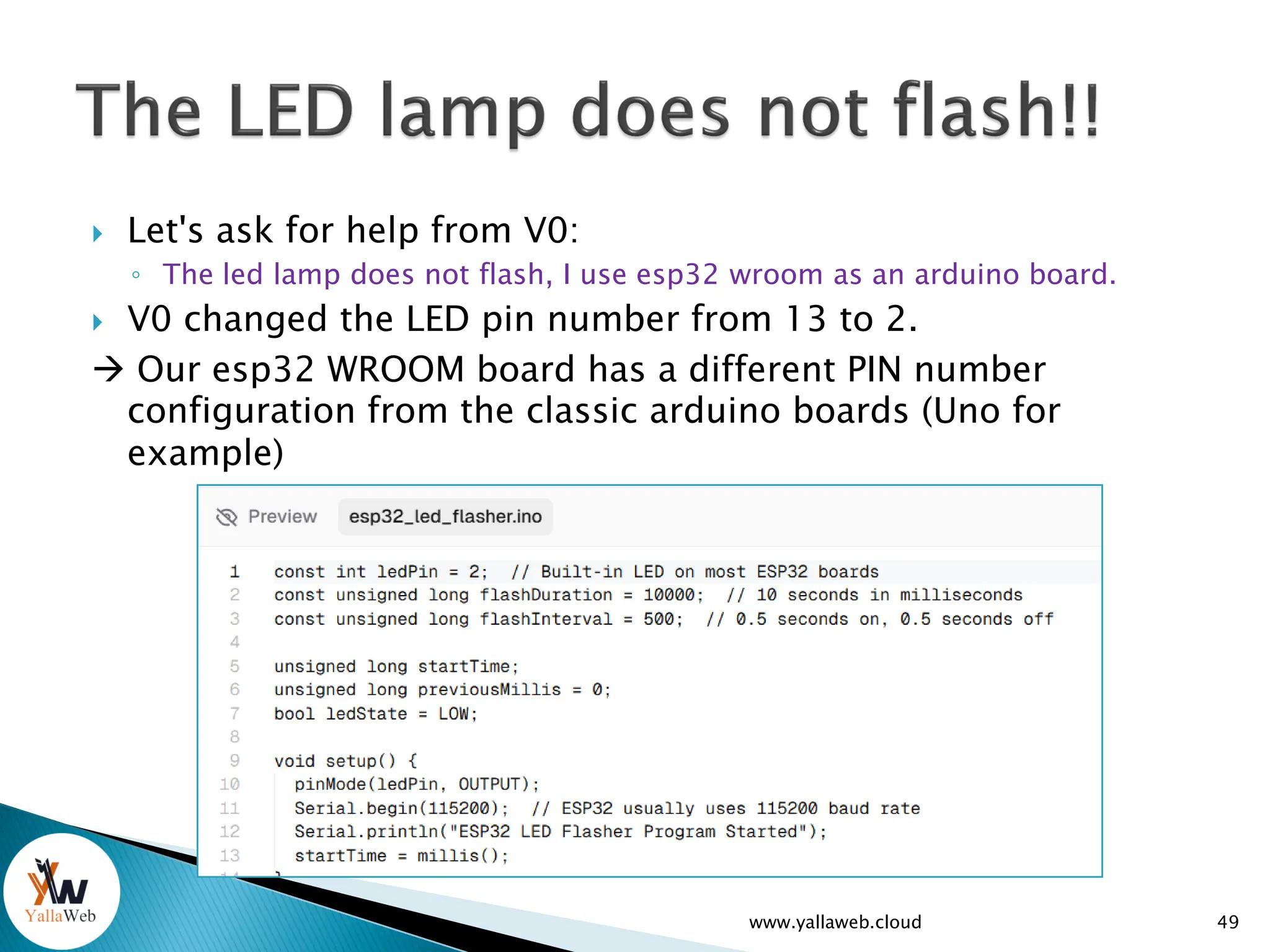
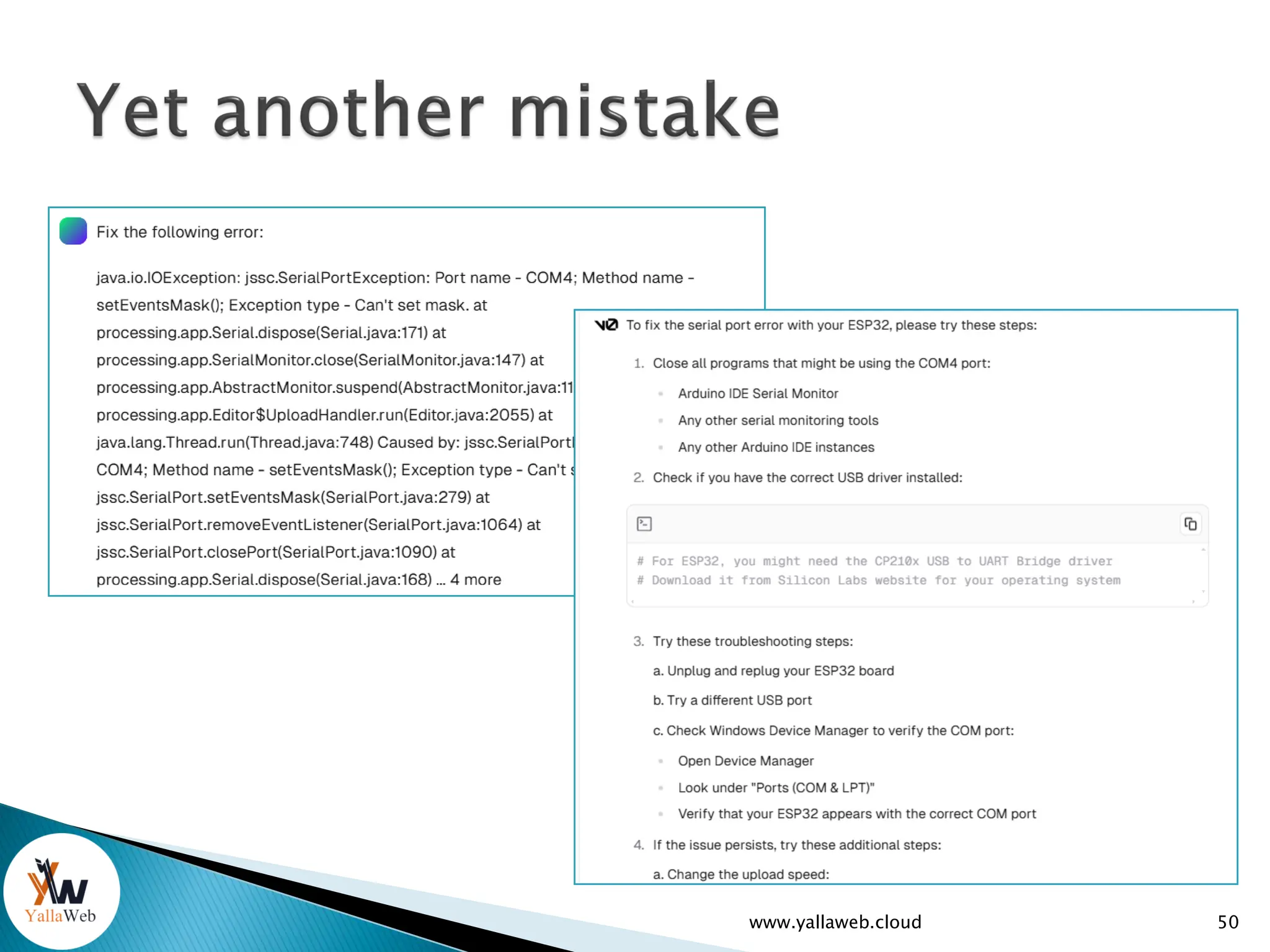
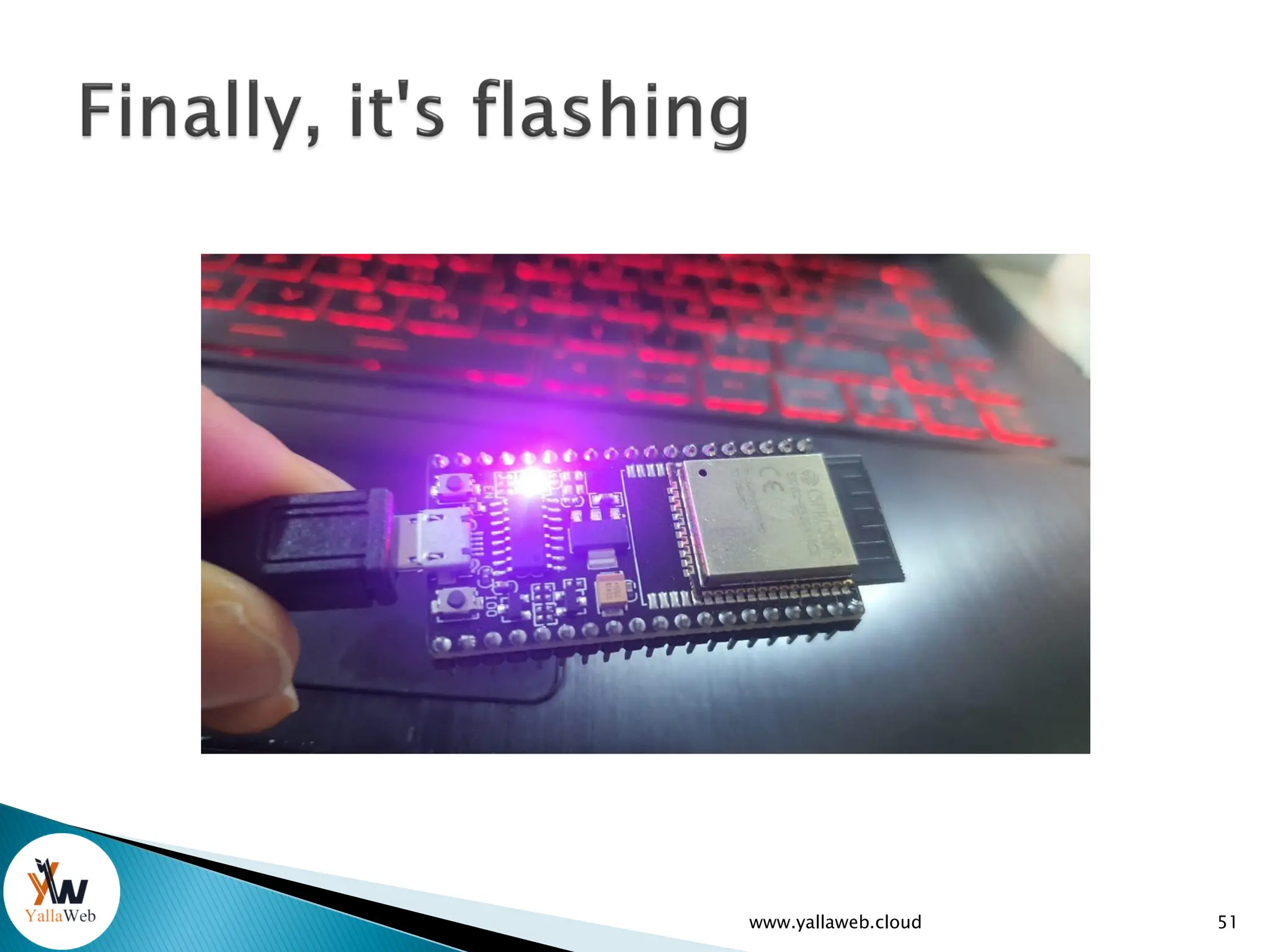
 Let's ask for help from V0:
◦ The led lamp does not flash, I use esp32 wroom as an arduino board.
 V0 changed the LED pin number from 13 to 2.
 Our esp32 WROOM board has a different PIN number
configuration from the classic arduino boards (Uno for
example)
www.yallaweb.cloud 49
www.yallaweb.cloud 50
www.yallaweb.cloud 51
www.yallaweb.cloud 52
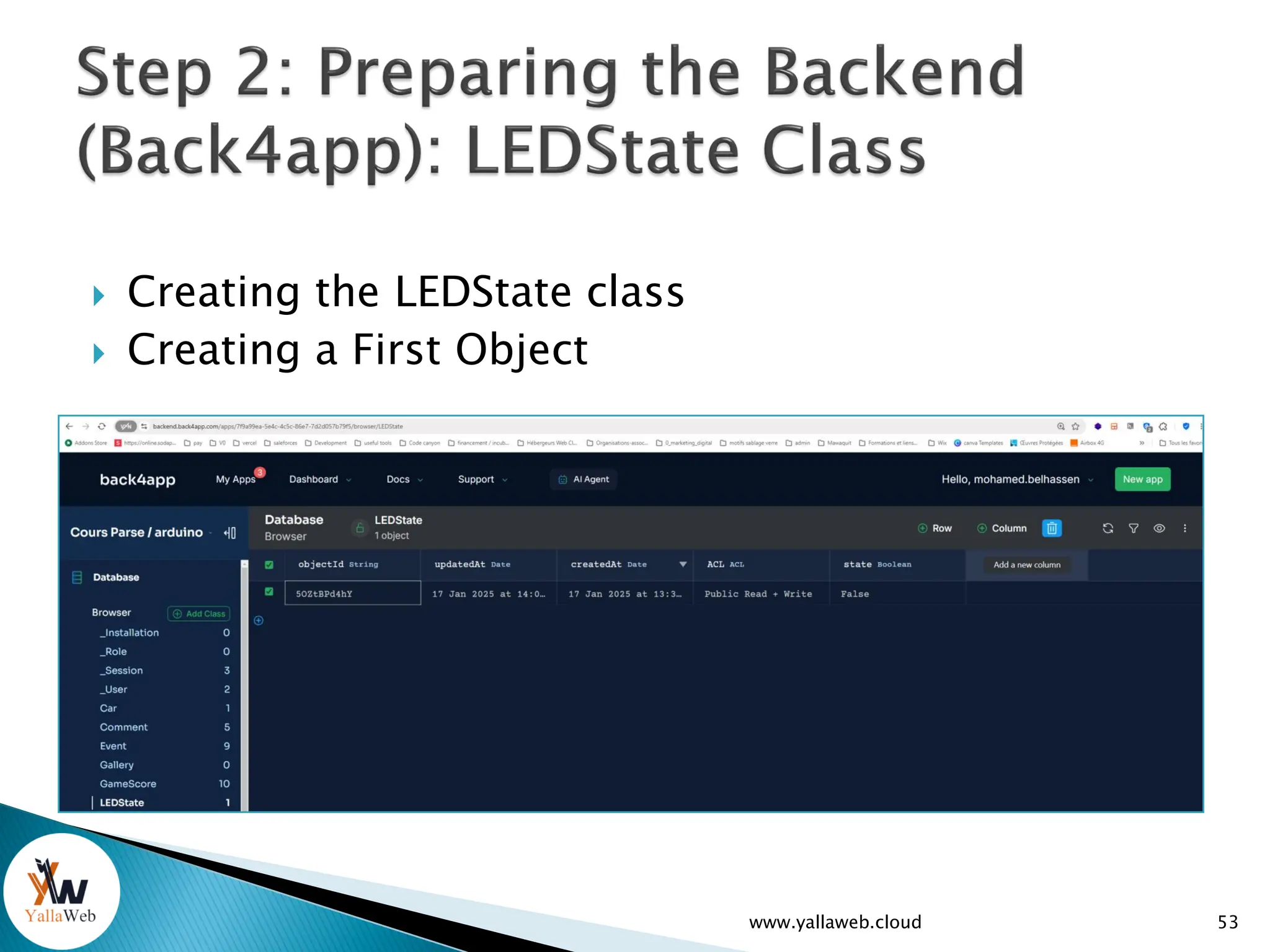
 Creating the LEDState class
 Creating a First Object
53
www.yallaweb.cloud
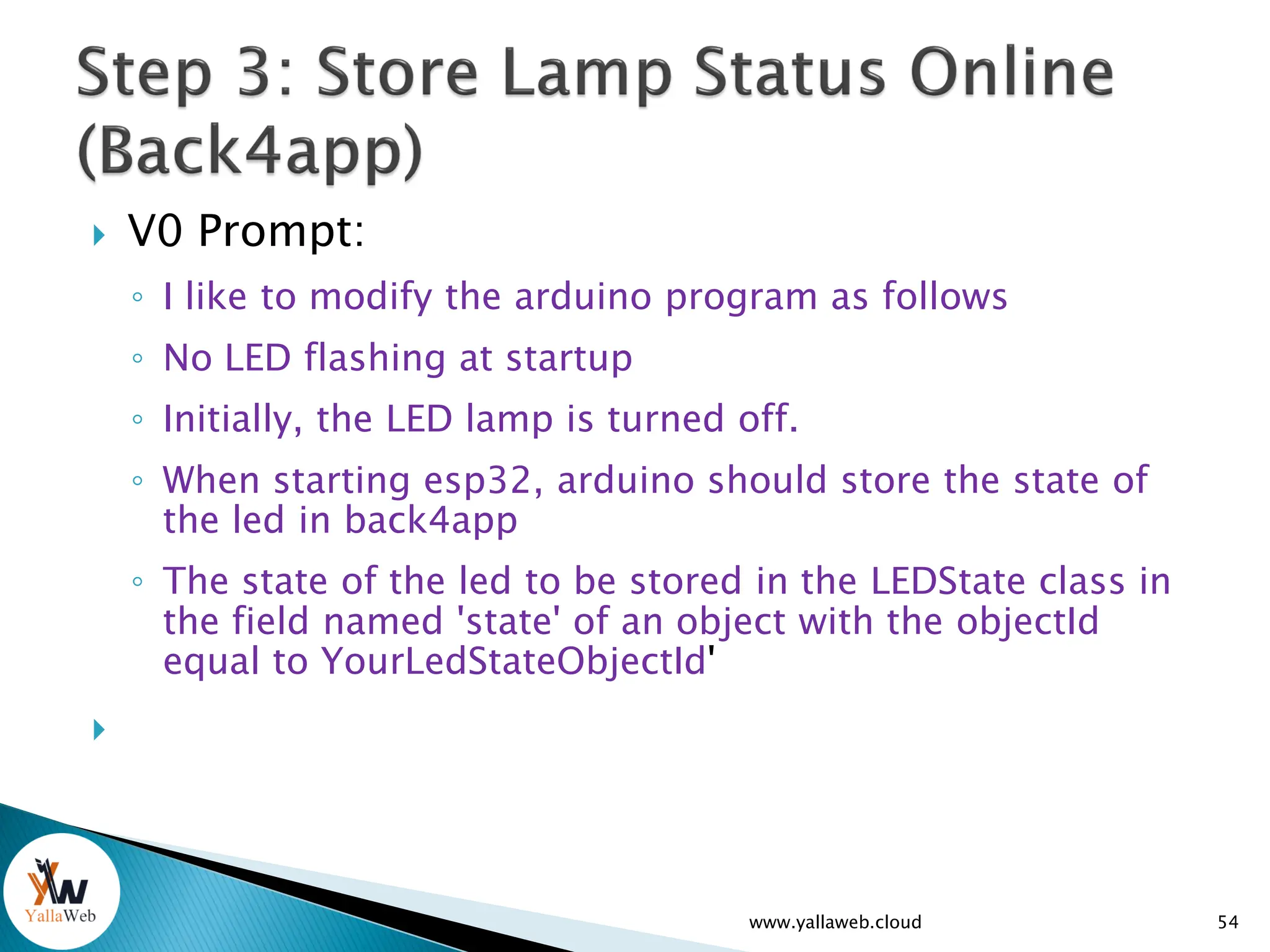
 V0 Prompt:
◦ I like to modify the arduino program as follows
◦ No LED flashing at startup
◦ Initially, the LED lamp is turned off.
◦ When starting esp32, arduino should store the state of
the led in back4app
◦ The state of the led to be stored in the LEDState class in
the field named 'state' of an object with the objectId
equal to YourLedStateObjectId'

54
www.yallaweb.cloud
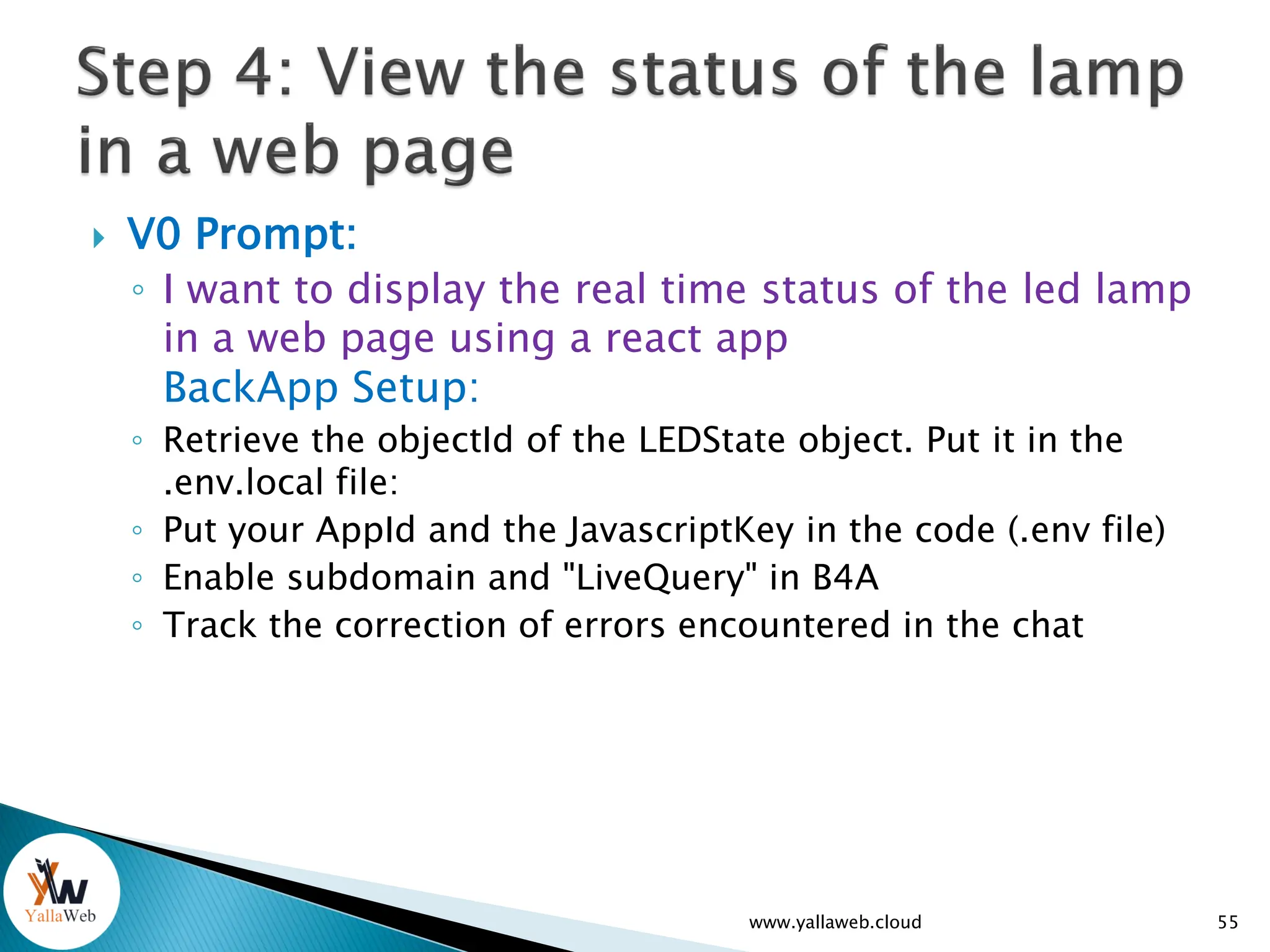
 V0 Prompt:
◦ I want to display the real time status of the led lamp
in a web page using a react app
BackApp Setup:
◦ Retrieve the objectId of the LEDState object. Put it in the
.env.local file:
◦ Put your AppId and the JavascriptKey in the code (.env file)
◦ Enable subdomain and "LiveQuery" in B4A
◦ Track the correction of errors encountered in the chat
www.yallaweb.cloud 55
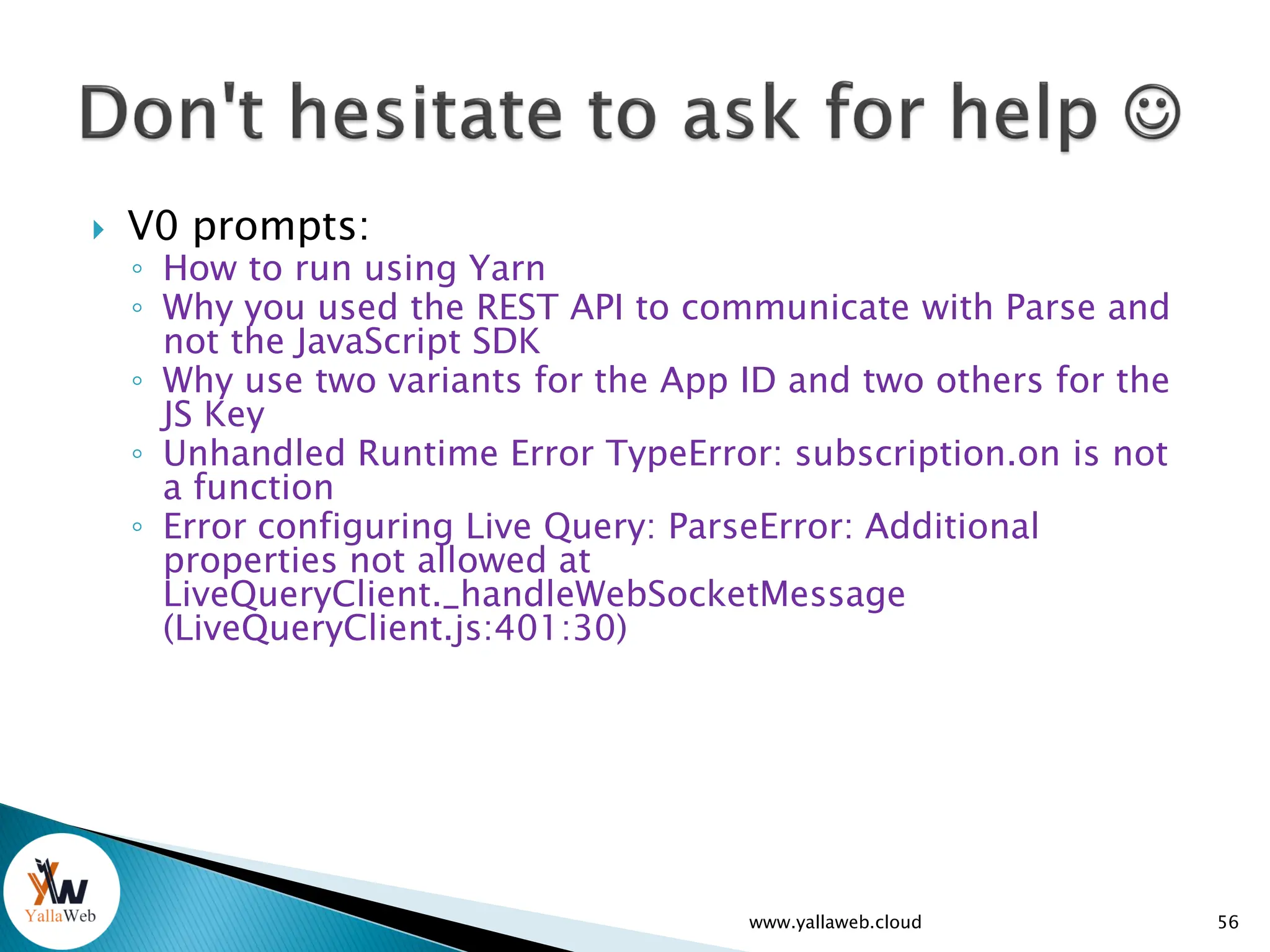
 V0 prompts:
◦ How to run using Yarn
◦ Why you used the REST API to communicate with Parse and
not the JavaScript SDK
◦ Why use two variants for the App ID and two others for the
JS Key
◦ Unhandled Runtime Error TypeError: subscription.on is not
a function
◦ Error configuring Live Query: ParseError: Additional
properties not allowed at
LiveQueryClient._handleWebSocketMessage
(LiveQueryClient.js:401:30)
www.yallaweb.cloud 56
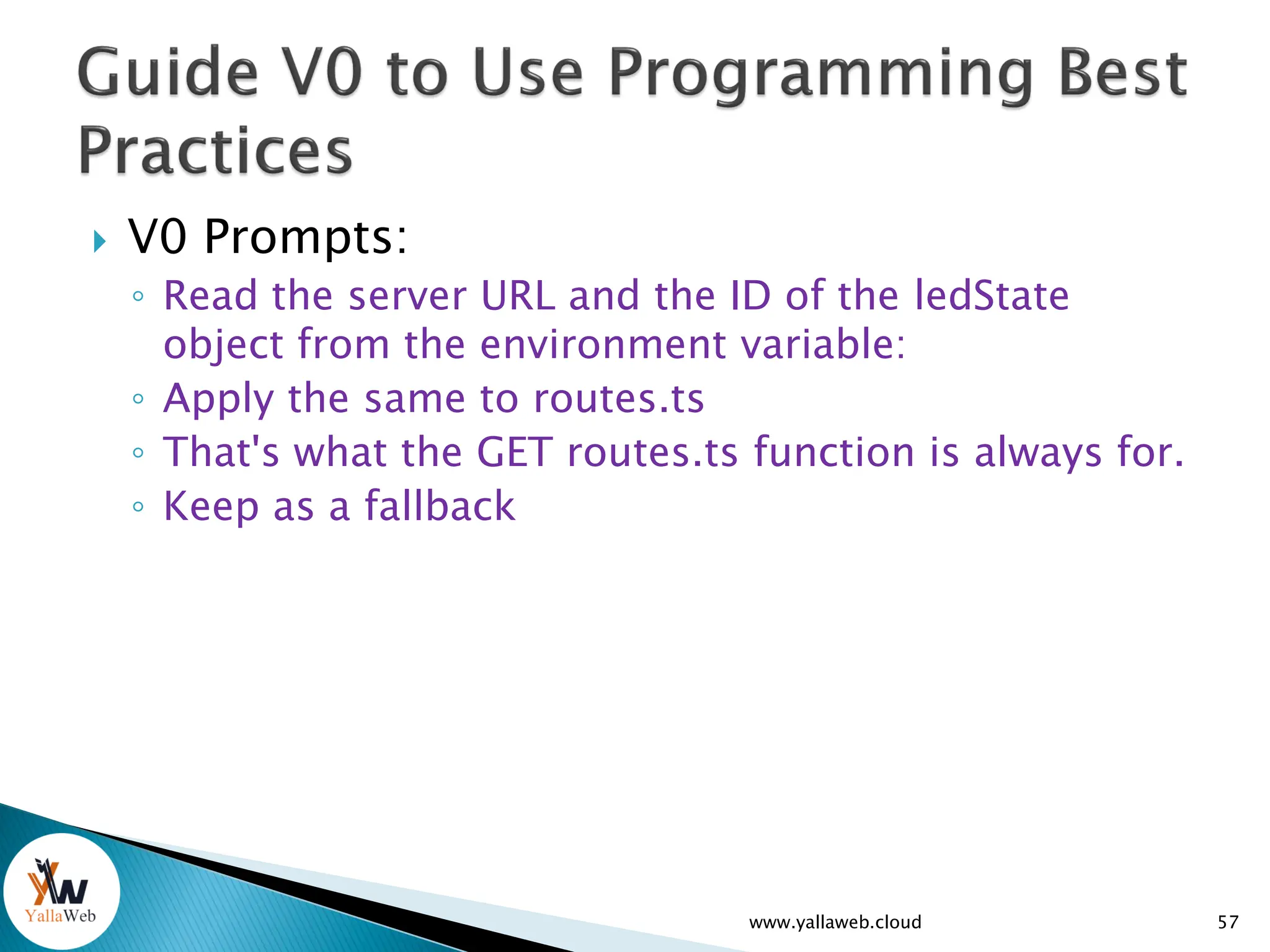
 V0 Prompts:
◦ Read the server URL and the ID of the ledState
object from the environment variable:
◦ Apply the same to routes.ts
◦ That's what the GET routes.ts function is always for.
◦ Keep as a fallback
www.yallaweb.cloud 57
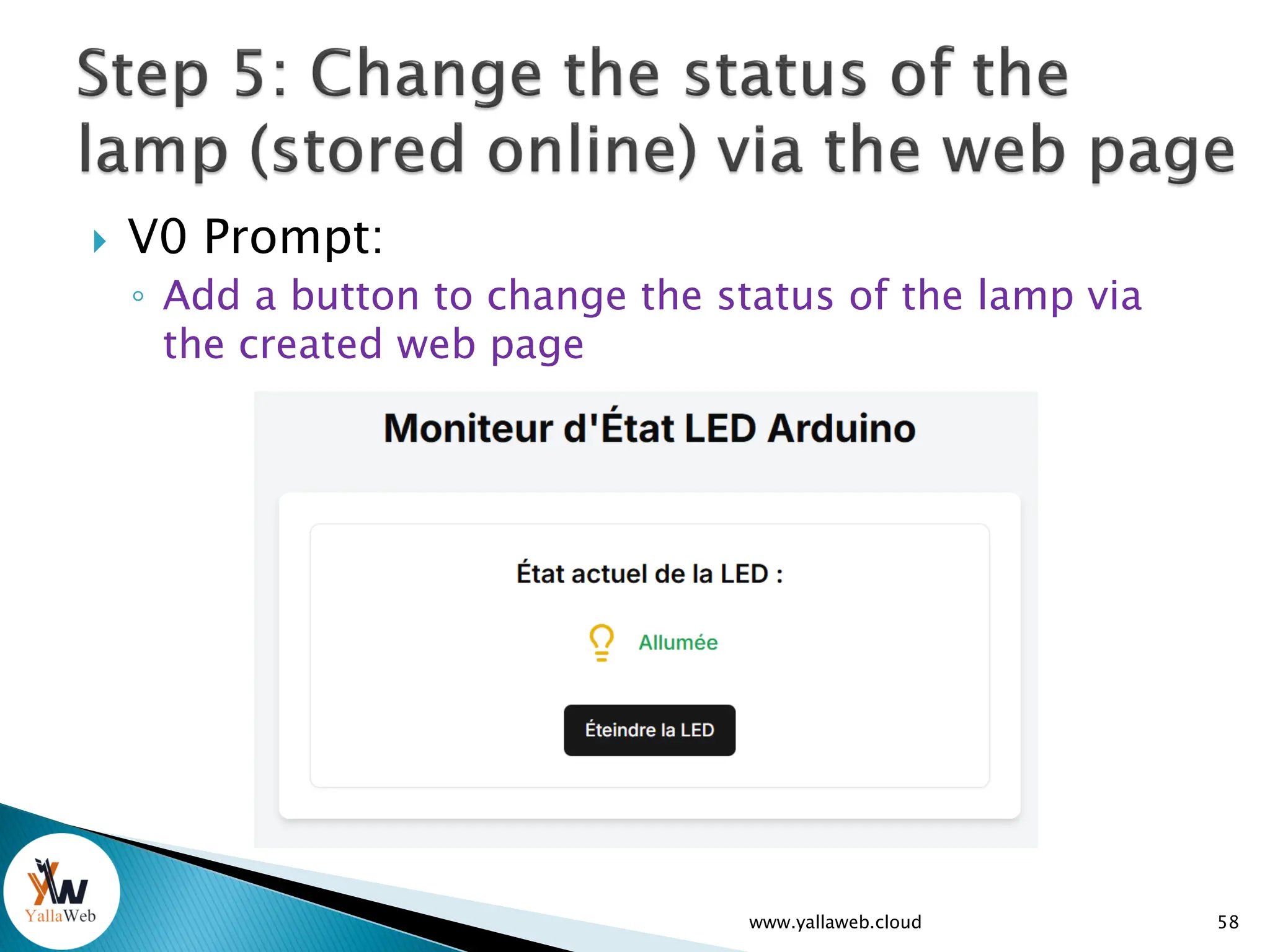
 V0 Prompt:
◦ Add a button to change the status of the lamp via
the created web page
www.yallaweb.cloud 58
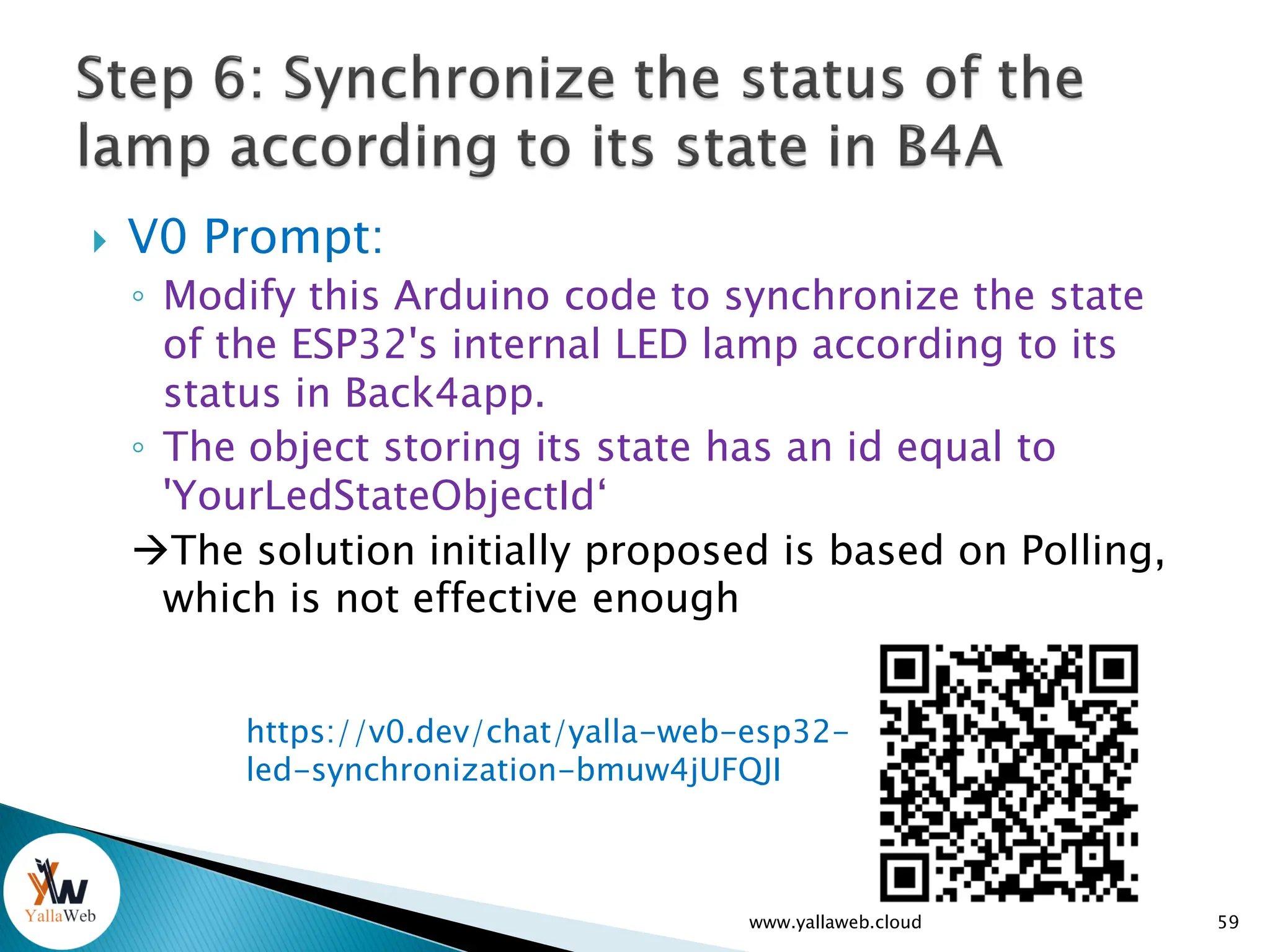
 V0 Prompt:
◦ Modify this Arduino code to synchronize the state
of the ESP32's internal LED lamp according to its
status in Back4app.
◦ The object storing its state has an id equal to
'YourLedStateObjectId‘
The solution initially proposed is based on Polling,
which is not effective enough
www.yallaweb.cloud 59
https://v0.dev/chat/yalla-web-esp32-
led-synchronization-bmuw4jUFQJI
60
61
www.yallaweb.cloud

Cloud Powered Artificial Intelligence Evolution

  • 1.
    Presented By: MohamedBelhassen 1 www.yallaweb.cloud
  • 2.
    1. Learn howto interact with V0 AI 2. Find out how to integrate Back4app into your app 3. Deploy your first AI-generated app on Back4app www.yallaweb.cloud 2
  • 3.
     AI hasbecome essential in: ◦ Learning. ◦ The work ◦ Our daily life  Use AI to learn, not to escape from completing a task: ◦ You need to be an expert to take full advantage of AI ◦ The AI can easily get it wrong if you don't guide it properly Save time and performance (Do more with less effort) Accelerates the learning process and task completion www.yallaweb.cloud 3
  • 4.
     AI won'treplace you... but a person using AI will www.yallaweb.cloud 4 https://www.forbes.fr/technologie/lia-ne-vous-remplacera-pas-mais-une- personne-utilisant-lia-le-fera/
  • 5.
  • 6.
  • 7.
  • 8.
    1. Introduction tothe V0 AI Tool  Presentation of V0.dev  How can V0 help us with programming?  Let's learn V0 by doing www.yallaweb.cloud 8
  • 9.
     V0.dev isa powerful development tool created by Vercel that allows you to: 1. Quickly create user interfaces ◦ Generate complete React and Next.js components ◦ Use pre-built templates with shadcn/ui ◦ Create responsive layouts 2. Develop comprehensive features ◦ Implement forms with validation ◦ Create charts and data visualizations ◦ Integrate APIs like OpenAI for chatbots ◦ Set up payment systems like Stripe 9 www.yallaweb.cloud
  • 10.
     V0.dev isa powerful development tool created by Vercel that allows you to: 3. Speed up your workflow ◦ Get clean and maintainable code ◦ Use development best practices ◦ Benefit from a conversational interface to describe your needs ◦ Edit and customize the generated code 10 www.yallaweb.cloud
  • 11.
     V0.dev isa powerful development tool created by Vercel that allows you to: 4. Create complete apps ◦ Documentation ◦ Dashboards ◦ E-commerce sites ◦ Chat apps 11 www.yallaweb.cloud
  • 12.
    V0.dev acts asa development assistant that helps you build your applications from the ground up, generating quality code based on your natural language descriptions. 12 www.yallaweb.cloud
  • 13.
    1. Improvement ofthe App specifications 2. UML / Database design 3. Technology selection 4. Proposal of appropriate learning plan 5. Clarification of advanced programming concepts 6. Database 1. Database Structure design 2. Populating the database with sample data 7. App Implementation: o Clean Code o Modern app UI o Bug fixes o Code Optimization 8. Security Strategy o Design o Deploy www.yallaweb.cloud 13
  • 14.
  • 15.
     The userinterface of V0.dev.  How to design and implement a simple project with the V0.dev tool (example: Weather App app, etc.).  Using AI suggestions to add and edit features: reading locality via form/input/update box, etc)  Error resolution with the built-in AI assistant. www.yallaweb.cloud 15
  • 16.
  • 17.
  • 18.
     Giving contextto V0: ◦ Technology to be used ◦ Code called/imported by the program ◦ Structure of the working file  Give V0 a role  Be clear / Concise / But complete  Analyze of V0 output  Iterate, adjusting your request  Understand the generated code before integration www.yallaweb.cloud 18
  • 19.
     Why? ◦ Sometimesit changes the already established logic ◦ Sometimes it shows incomplete code (missing parts mentioned by comments) ◦ Sometimes it forgets to generate the full code (widget/modal/library)  So how do you do it? ◦ Use Git & VsCode file Comparer ◦ Always review the code before integrating it Learn by doing www.yallaweb.cloud 19
  • 20.
  • 21.
     Modern applicationsoften require a powerful backend to manage data, security, and interactions.  Back4app makes it easy to develop apps that we use every day: ◦ Social networks, ◦ Educational applications, ◦ etc... www.yallaweb.cloud 21
  • 22.
     Modern applicationsoften require a powerful backend to manage data, security, and interactions.  Back4app makes it easy to develop apps that we use every day: ◦ educational applications, ◦ social networks, ◦ etc...  ... www.yallaweb.cloud 22
  • 23.
    1. Database management 2.Out-of-the-box APIs 3. User Management 4. Push Notifications 5. Real-time queries 6. Hosting and Scalability 7. Background tasks www.yallaweb.cloud 23
  • 24.
    www.yallaweb.cloud 24 8. Filestorage 9. Analytics dashboard 10. Advanced Security 11. Cross-platform 12. Open Source and Customization 13. Support and community
  • 25.
     "Relational" database:Structured storage of data with relationships between objects (classes).  Intuitive interface: Data management via a user- friendly console.  Compatibility with Parse: Using Parse Server for data management.  Data Import/Export: Support for CSV and JSON files www.yallaweb.cloud 25
  • 26.
     REST API:Access to data via HTTP requests.  GraphQL API: Flexible, high-performance queries for querying and manipulating data.  Customizable endpoints: Ability to create custom endpoints to meet specific needs www.yallaweb.cloud 26
  • 27.
     Integrated authentication:Support for user management with secure sessions.  OAuth and social integrations: Login via Google, Facebook, Apple, etc.  Access control: Fine-grained management of permissions (ACL - Access Control List and Roles). www.yallaweb.cloud 27
  • 28.
     Send pushnotifications on iOS and Android.  Easy integration with libraries like Firebase Cloud Messaging (FCM).  Advanced user segmentation for targeted notifications. www.yallaweb.cloud 28
  • 29.
     Live Queries:Refreshes real-time customer data (e.g., automatic updates in an app without reloading the page). www.yallaweb.cloud 29
  • 30.
     Managed CloudHosting: Fully deployed, out-of-the- box platform.  High scalability: Automatically manages scalability when applications become popular.  Backup and recovery: Protect data with regular backups. www.yallaweb.cloud 30
  • 31.
     Cloud Code:Execution of server-side business logic with JavaScript.  Scheduled tasks: Automation of repetitive or deferred tasks (e.g., data cleansing). www.yallaweb.cloud 31
  • 32.
     Hosting filessuch as images, videos, documents, etc.  Integration with services like Amazon S3.  Automatic generation of URLs to share files. www.yallaweb.cloud 32
  • 33.
     Performance andquery monitoring.  Usage statistics to track user activity and interactions with the app. www.yallaweb.cloud 33
  • 34.
     Fine-grained accesscontrol (ACL and Roles).  Protection against common attacks  SSL certificates to secure communications between the server and the client. www.yallaweb.cloud 34
  • 35.
     SDK supportfor different platforms: ◦ Mobile Platforms (iOS, Android) ◦ Web Platforms (JavaScript /React / PHP / Python) ◦ Cross Platforms ( React Native / Flutter) ◦ Unity ◦ Desktop Platforms (Windows, macOS, Linux) ◦ Supported via .NET or JavaScript SDKs. ◦ Server Platforms (Node.js / .NET) ◦ IoT Platforms (RaspberryPi / arduino, etc) www.yallaweb.cloud 35
  • 36.
     SDK supportfor different platforms (continued): ◦ REST API:  Parse Server provides a fully functional REST API for any platform that can send HTTP requests. ◦ GraphQL API:  Built-in GraphQL API for advanced queries and more flexibility. ◦ Community-Supported SDKs:  Python  PHP  Ruby www.yallaweb.cloud 36
  • 37.
     Easy configurationof the Parse server (without coding) ◦ Migrate from one version of Parse to another ◦ View the data (Dashboard) ◦ Changing cloud code on the fly ◦ "Static" website hosting (Express Js) ◦ Easy interaction with the cloud code via the terminal ◦ Custom Parse Server Customization (Custom Parse Options) ◦ Log Consulting ◦ API testing ◦ Real-time monitoring of server performance www.yallaweb.cloud 37
  • 38.
     Easy configurationof the Parse server (continued) ◦ social login (Facebook/twitter/Apple, etc.) ◦ Email verification ◦ Background Jobs ◦ Environment variables ◦ Custom domain ◦ Live queries www.yallaweb.cloud 38
  • 39.
    Live demonstration ofessential features 39 www.yallaweb.cloud
  • 40.
     Creating aBasic Web App (Smart Home) Using V0  App integration with Back4App www.yallaweb.cloud 40
  • 41.
  • 42.
  • 43.
     Steps ofimplementation: 1. Let's learn how to control an Led lamp using arduino 2. Preparing the backend: LEDState class > 'state' attribute 3. Store lamp status online (Back4app). 4. Display the status of the lamp in a web page. 5. Change the status of the lamp (stored online) via the web page. 6. Make arduino able to turn on/off the esp32's internal lamp according to its status in Back4app 43 www.yallaweb.cloud
  • 44.
  • 45.
     Example ◦ Purpose:Lighting of an LED lamp that flashes for a duration of 10 seconds ◦ How to request this:  I like to create an arduino program that flashes a led lamp for 10 seconds.  Then the lamp goes out for good. 45 www.yallaweb.cloud Be clear and concise. Avoid long sentences or confusing requests
  • 46.
     Example ◦ Purpose:Lighting of an LED lamp that flashes for a duration of 10 seconds ◦ Example link:  English version:  French version: 46 www.yallaweb.cloud https://v0.dev/chat/yallaweb- arduino-lamp-blink-en-lm7PtCC80KS https://v0.dev/chat/yallaweb- arduino-lamp-blink-slDaBIa93oV
  • 47.
     Example oflighting an LED lamp: ◦ V0 made decisions (lamp state alternation time = 500ms)  Our application was incomplete  V0 : ◦ Coded the desired program ◦ Explained the program ◦ Showed the execution process 47 www.yallaweb.cloud
  • 48.
     Example oflighting an LED lamp: ◦ Add messages to the console 48 www.yallaweb.cloud
  • 49.
     Let's askfor help from V0: ◦ The led lamp does not flash, I use esp32 wroom as an arduino board.  V0 changed the LED pin number from 13 to 2.  Our esp32 WROOM board has a different PIN number configuration from the classic arduino boards (Uno for example) www.yallaweb.cloud 49
  • 50.
  • 51.
  • 52.
  • 53.
     Creating theLEDState class  Creating a First Object 53 www.yallaweb.cloud
  • 54.
     V0 Prompt: ◦I like to modify the arduino program as follows ◦ No LED flashing at startup ◦ Initially, the LED lamp is turned off. ◦ When starting esp32, arduino should store the state of the led in back4app ◦ The state of the led to be stored in the LEDState class in the field named 'state' of an object with the objectId equal to YourLedStateObjectId'  54 www.yallaweb.cloud
  • 55.
     V0 Prompt: ◦I want to display the real time status of the led lamp in a web page using a react app BackApp Setup: ◦ Retrieve the objectId of the LEDState object. Put it in the .env.local file: ◦ Put your AppId and the JavascriptKey in the code (.env file) ◦ Enable subdomain and "LiveQuery" in B4A ◦ Track the correction of errors encountered in the chat www.yallaweb.cloud 55
  • 56.
     V0 prompts: ◦How to run using Yarn ◦ Why you used the REST API to communicate with Parse and not the JavaScript SDK ◦ Why use two variants for the App ID and two others for the JS Key ◦ Unhandled Runtime Error TypeError: subscription.on is not a function ◦ Error configuring Live Query: ParseError: Additional properties not allowed at LiveQueryClient._handleWebSocketMessage (LiveQueryClient.js:401:30) www.yallaweb.cloud 56
  • 57.
     V0 Prompts: ◦Read the server URL and the ID of the ledState object from the environment variable: ◦ Apply the same to routes.ts ◦ That's what the GET routes.ts function is always for. ◦ Keep as a fallback www.yallaweb.cloud 57
  • 58.
     V0 Prompt: ◦Add a button to change the status of the lamp via the created web page www.yallaweb.cloud 58
  • 59.
     V0 Prompt: ◦Modify this Arduino code to synchronize the state of the ESP32's internal LED lamp according to its status in Back4app. ◦ The object storing its state has an id equal to 'YourLedStateObjectId‘ The solution initially proposed is based on Polling, which is not effective enough www.yallaweb.cloud 59 https://v0.dev/chat/yalla-web-esp32- led-synchronization-bmuw4jUFQJI
  • 60.
  • 61.