Download to read offline


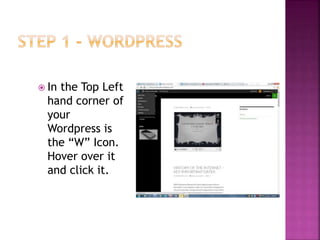
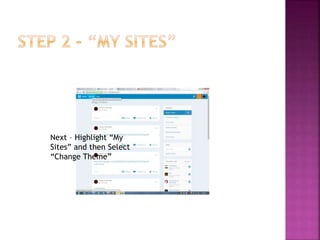
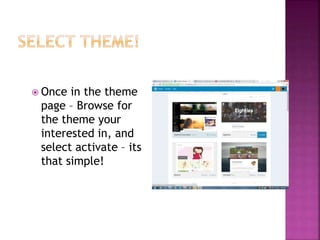
This document provides instructions for changing the theme of a Wordpress website. It outlines that the user should click on the "W" icon in the top left corner, select "My Sites" and then "Change Theme" to access the theme page. From there the user can browse available themes, select the one they are interested in, and click "activate" to apply the new theme to their site.


