WEB ICONS – Style 6


               @
                   At    Blank     Cancel


                 $
                  Cash   Chat    Check Mark


www.slideteam.net Copy   Cut        Doc       Your Logo
WEB ICONS – Style 6


                  Down       Download   Edit


                   !
               Exclamation    Folder    Hand


                                        i
www.slideteam.net Heart       Home      Info   Your Logo
WEB ICONS – Style 6


                   Left   Magnifier   Mail


                 Minus      Music     Paint


www.slideteam.net Paste      Plus     Key     Your Logo
WEB ICONS – Style 6


                           ?
                  Print   Question    Redo 1


                 Redo 2    Recycle    Restart


www.slideteam.net Right     Save     Shut Down   Your Logo
WEB ICONS – Style 6


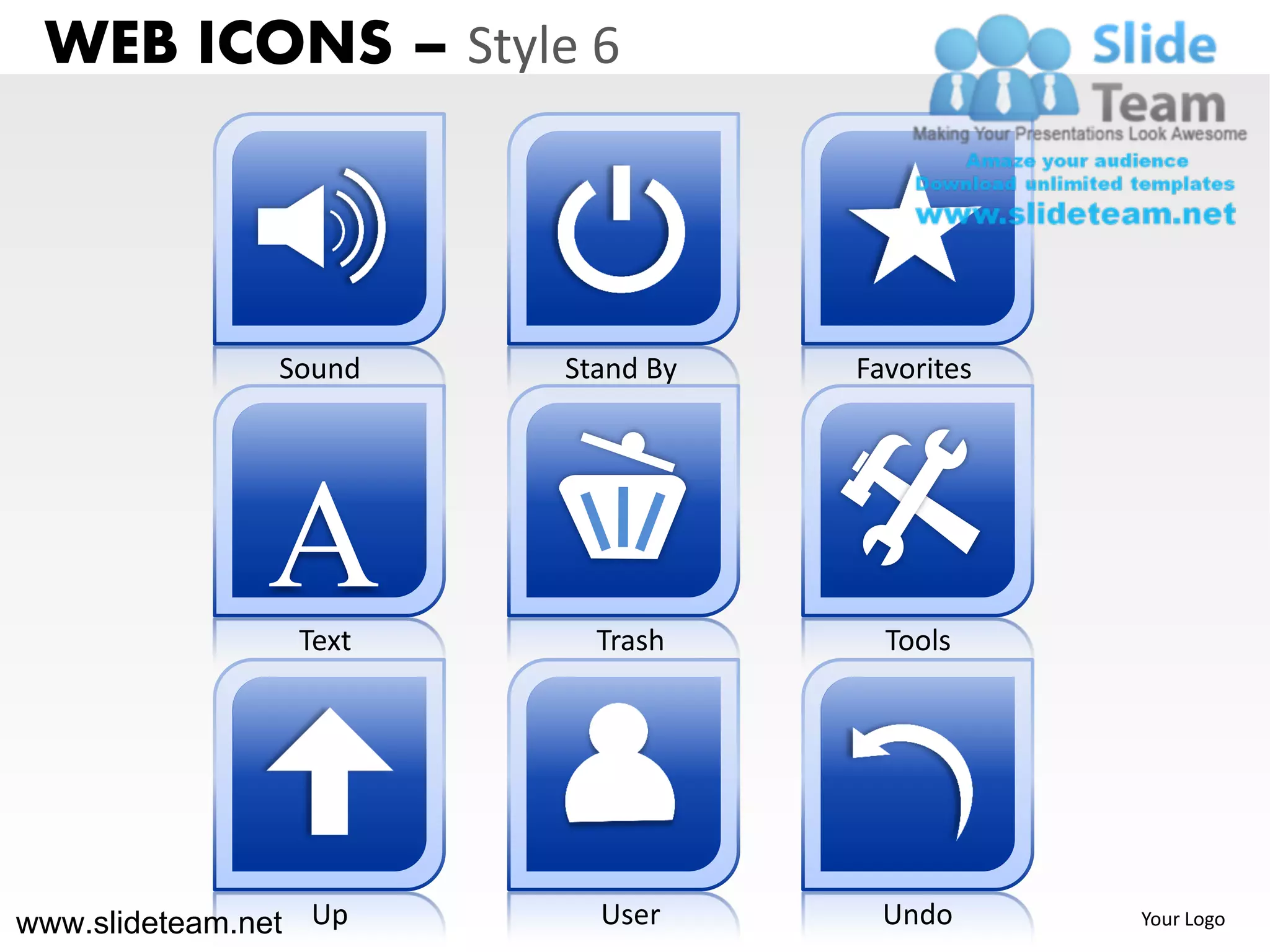
               Sound    Stand By   Favorites


               A Text     Trash      Tools


www.slideteam.net Up      User       Undo      Your Logo
WEB ICONS – Style 6


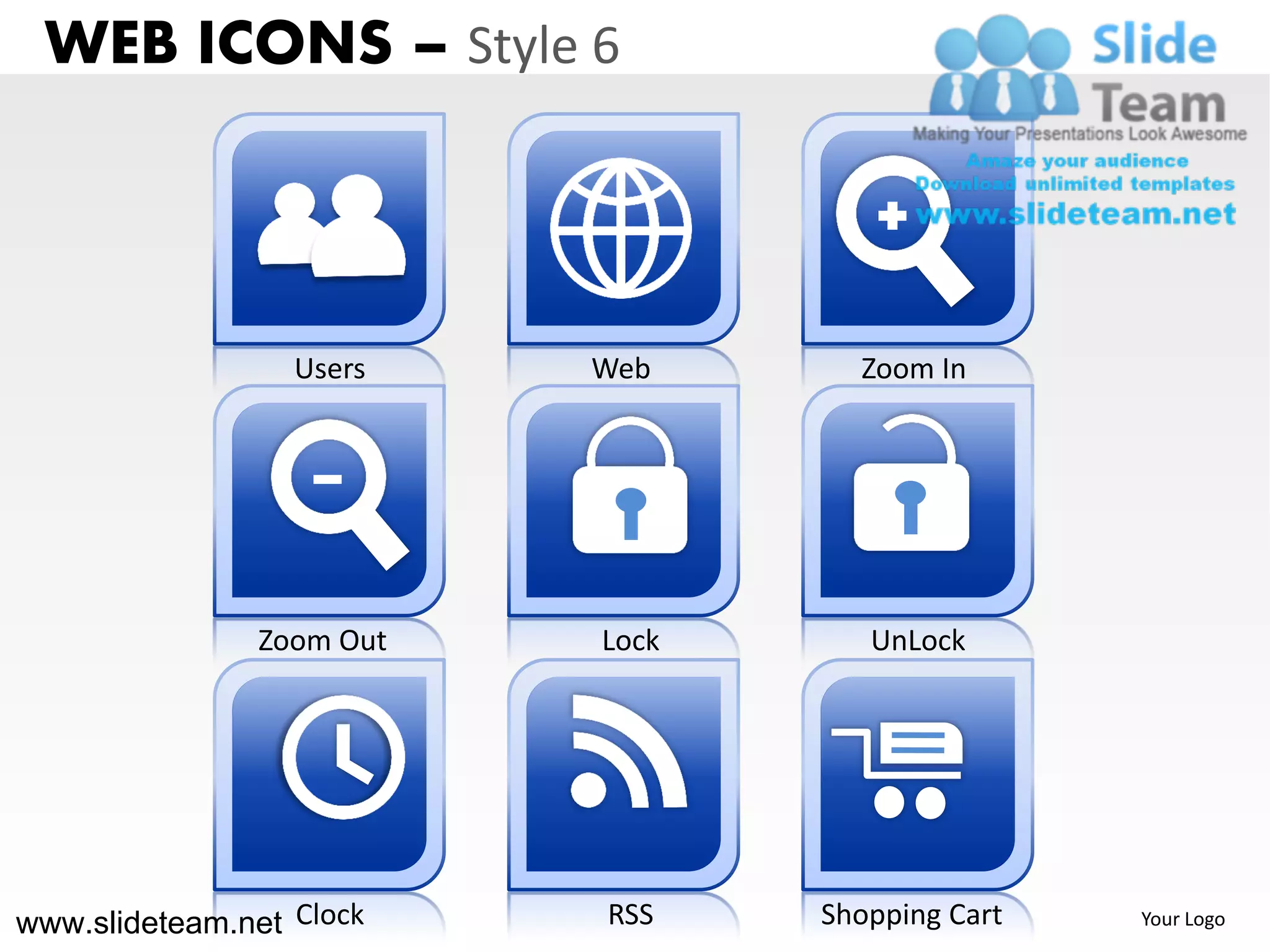
                  Users    Web      Zoom In


                Zoom Out   Lock      UnLock


www.slideteam.net Clock    RSS    Shopping Cart   Your Logo
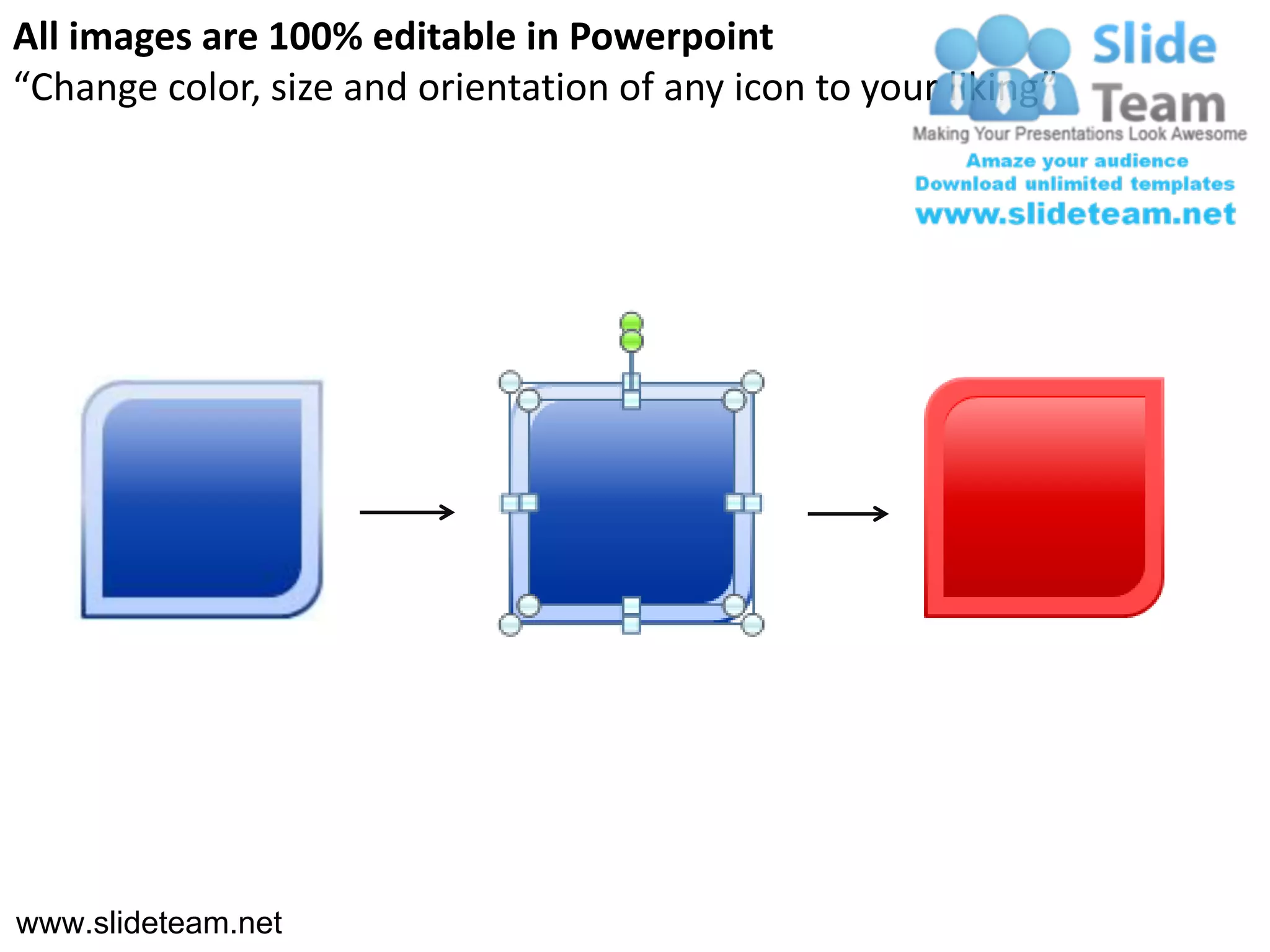
All images are 100% editable in Powerpoint
“Change color, size and orientation of any icon to your liking”


www.slideteam.net
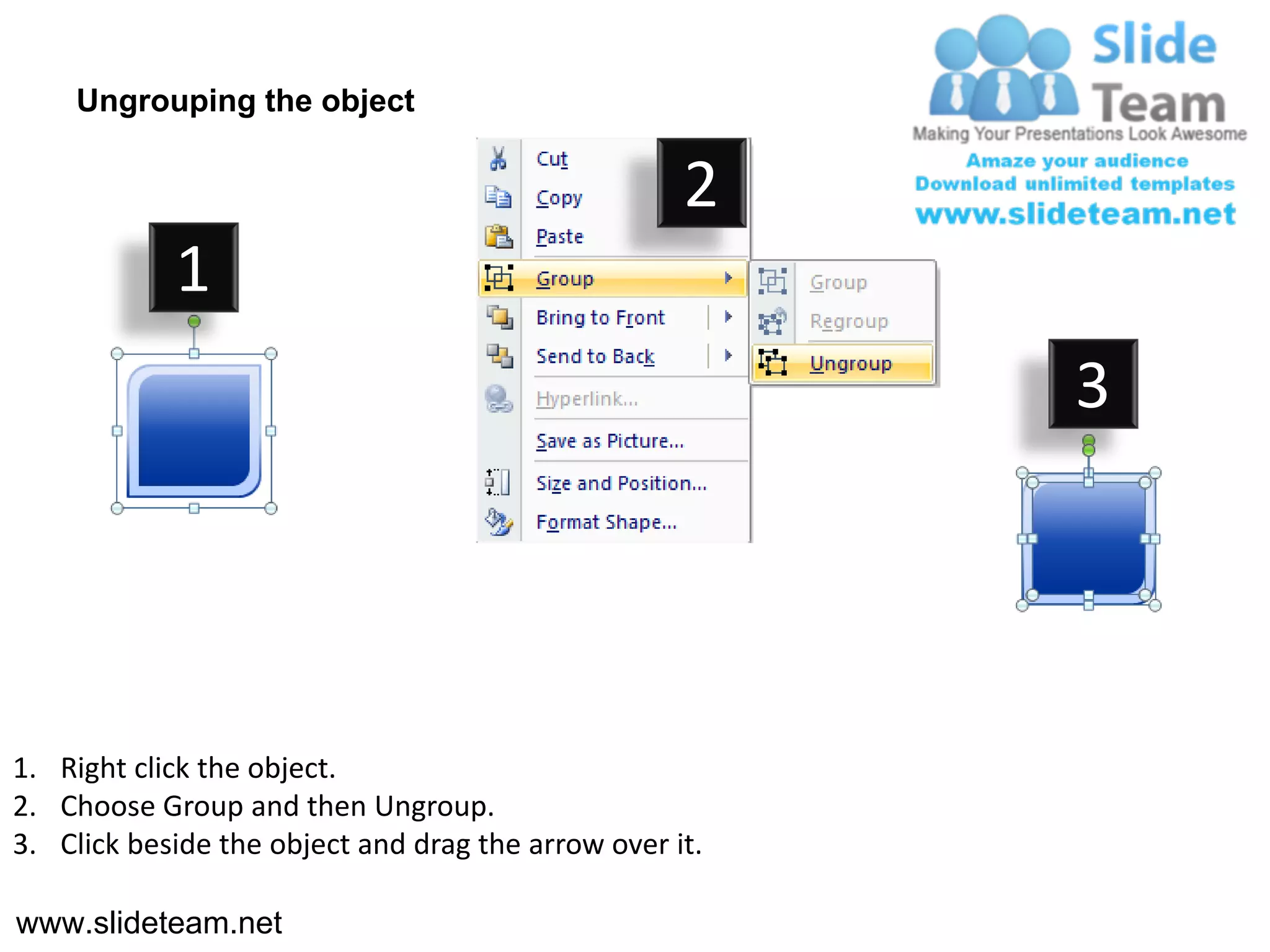
Ungrouping the object

                                                    2
            1
                                                         3


1. Right click the object.
2. Choose Group and then Ungroup.
3. Click beside the object and drag the arrow over it.

www.slideteam.net
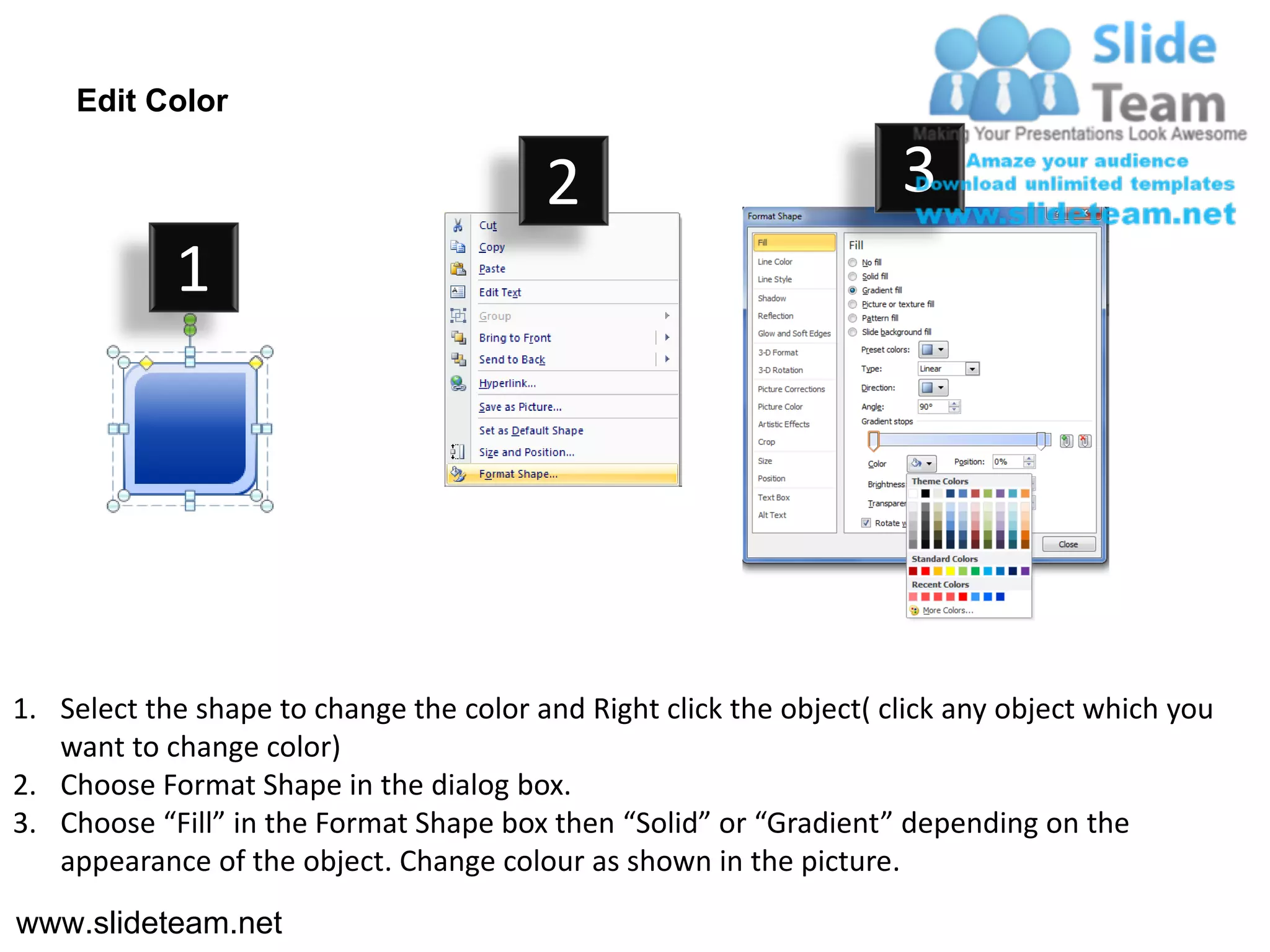
Edit Color

                                         2                           3
            1


1. Select the shape to change the color and Right click the object( click any object which you
   want to change color)
2. Choose Format Shape in the dialog box.
3. Choose “Fill” in the Format Shape box then “Solid” or “Gradient” depending on the
   appearance of the object. Change colour as shown in the picture.
www.slideteam.net

Web icons print question save redo recycle design 6 powerpoint ppt templates.

  • 1.
    WEB ICONS –Style 6 @ At Blank Cancel $ Cash Chat Check Mark www.slideteam.net Copy Cut Doc Your Logo
  • 2.
    WEB ICONS –Style 6 Down Download Edit ! Exclamation Folder Hand i www.slideteam.net Heart Home Info Your Logo
  • 3.
    WEB ICONS –Style 6 Left Magnifier Mail Minus Music Paint www.slideteam.net Paste Plus Key Your Logo
  • 4.
    WEB ICONS –Style 6 ? Print Question Redo 1 Redo 2 Recycle Restart www.slideteam.net Right Save Shut Down Your Logo
  • 5.
    WEB ICONS –Style 6 Sound Stand By Favorites A Text Trash Tools www.slideteam.net Up User Undo Your Logo
  • 6.
    WEB ICONS –Style 6 Users Web Zoom In Zoom Out Lock UnLock www.slideteam.net Clock RSS Shopping Cart Your Logo
  • 7.
    All images are100% editable in Powerpoint “Change color, size and orientation of any icon to your liking” www.slideteam.net
  • 8.
    Ungrouping the object 2 1 3 1. Right click the object. 2. Choose Group and then Ungroup. 3. Click beside the object and drag the arrow over it. www.slideteam.net
  • 9.
    Edit Color 2 3 1 1. Select the shape to change the color and Right click the object( click any object which you want to change color) 2. Choose Format Shape in the dialog box. 3. Choose “Fill” in the Format Shape box then “Solid” or “Gradient” depending on the appearance of the object. Change colour as shown in the picture. www.slideteam.net