Buckeye Dreamin 2024: Assessing and Resolving Technical Debt
Slide Deck from Buckeye Dreamin' 2024 presentation Assessing and Resolving Technical Debt. Focused on identifying technical debt in Salesforce and working towards resolving it.
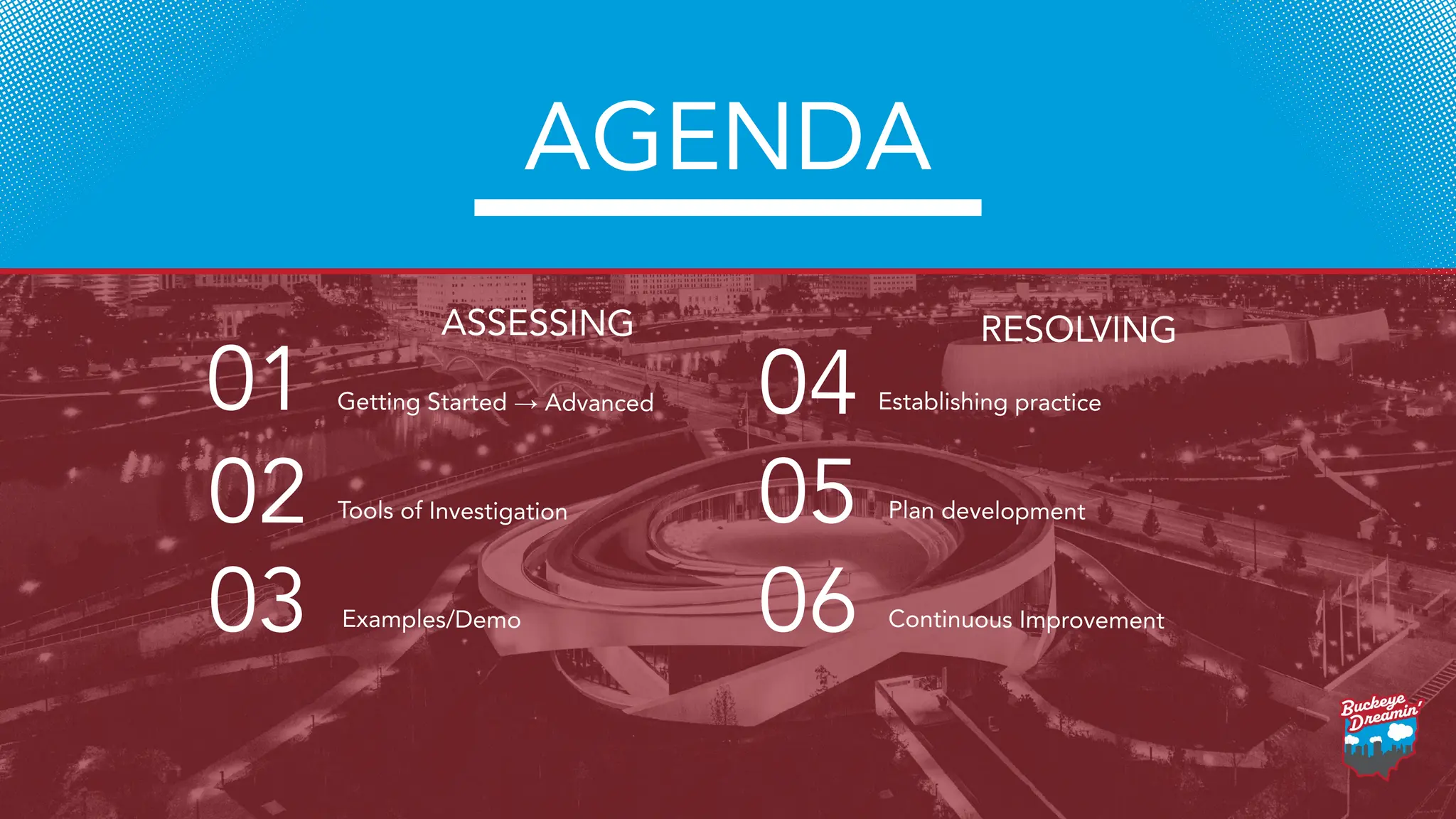
Getting Started →Advanced
01
Tools of Investigation
02
Examples/Demo
03
Establishing practice
04
Plan development
05
06 Continuous Improvement
AGENDA
ASSESSING RESOLVING
5.
“Left unchecked, technical
debtwill ensure that the only
work that gets done is
unplanned work!”
― Gene Kim, The Phoenix Project: A Novel About
IT, DevOps, and Helping Your Business Win
6.
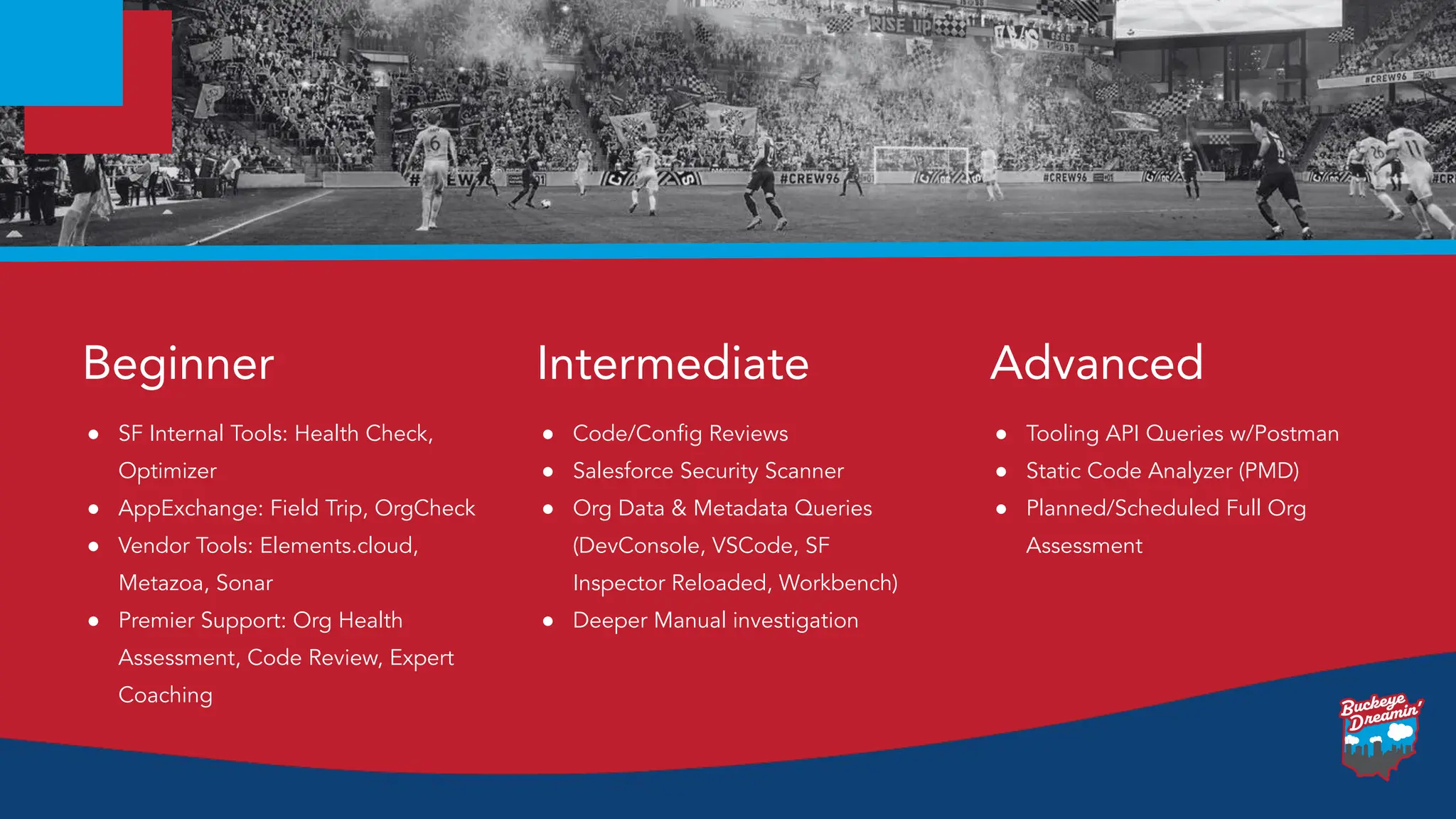
● SF InternalTools: Health Check,
Optimizer
● AppExchange: Field Trip, OrgCheck
● Vendor Tools: Elements.cloud,
Metazoa, Sonar
● Premier Support: Org Health
Assessment, Code Review, Expert
Coaching
Beginner
● Code/Config Reviews
● Salesforce Security Scanner
● Org Data & Metadata Queries
(DevConsole, VSCode, SF
Inspector Reloaded, Workbench)
● Deeper Manual investigation
Intermediate
● Tooling API Queries w/Postman
● Static Code Analyzer (PMD)
● Planned/Scheduled Full Org
Assessment
Advanced
7.
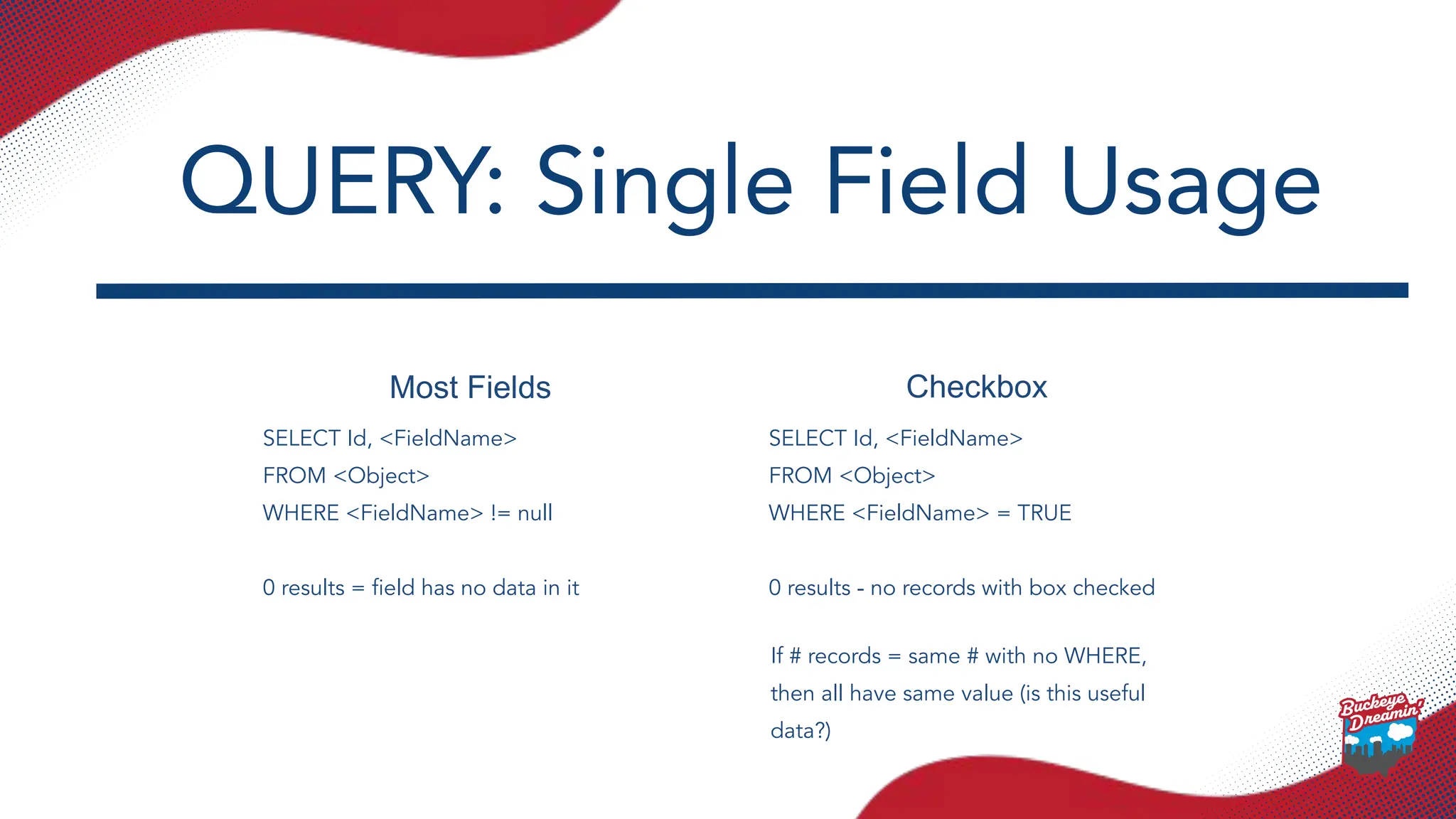
Most Fields Checkbox
SELECTId, <FieldName>
FROM <Object>
WHERE <FieldName> != null
0 results = field has no data in it
SELECT Id, <FieldName>
FROM <Object>
WHERE <FieldName> = TRUE
0 results - no records with box checked
QUERY: Single Field Usage
If # records = same # with no WHERE,
then all have same value (is this useful
data?)
8.
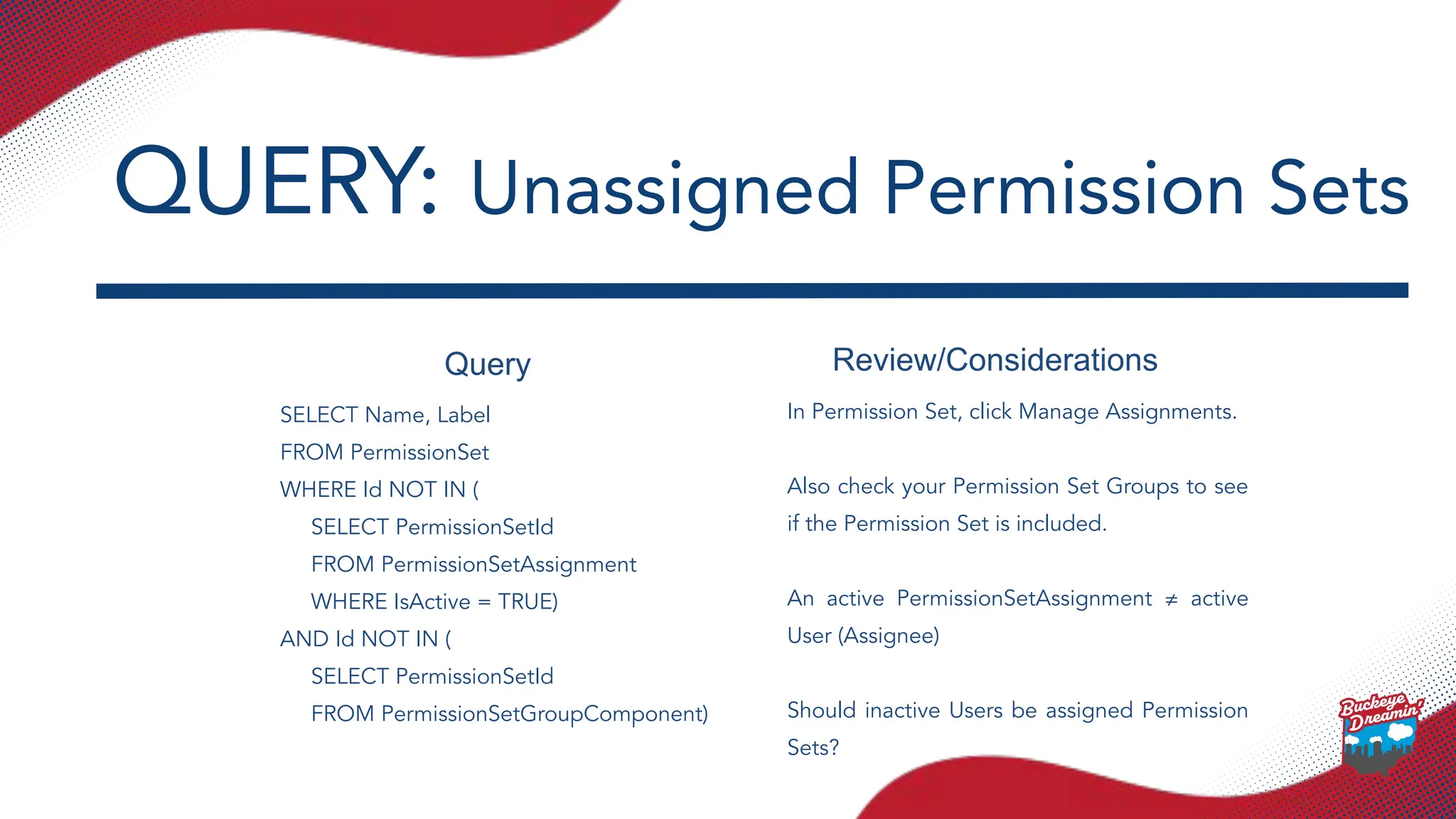
Query Review/Considerations
SELECT Name,Label
FROM PermissionSet
WHERE Id NOT IN (
SELECT PermissionSetId
FROM PermissionSetAssignment
WHERE IsActive = TRUE)
AND Id NOT IN (
SELECT PermissionSetId
FROM PermissionSetGroupComponent)
In Permission Set, click Manage Assignments.
Also check your Permission Set Groups to see
if the Permission Set is included.
An active PermissionSetAssignment ≠ active
User (Assignee)
Should inactive Users be assigned Permission
Sets?
QUERY: Unassigned Permission Sets
9.
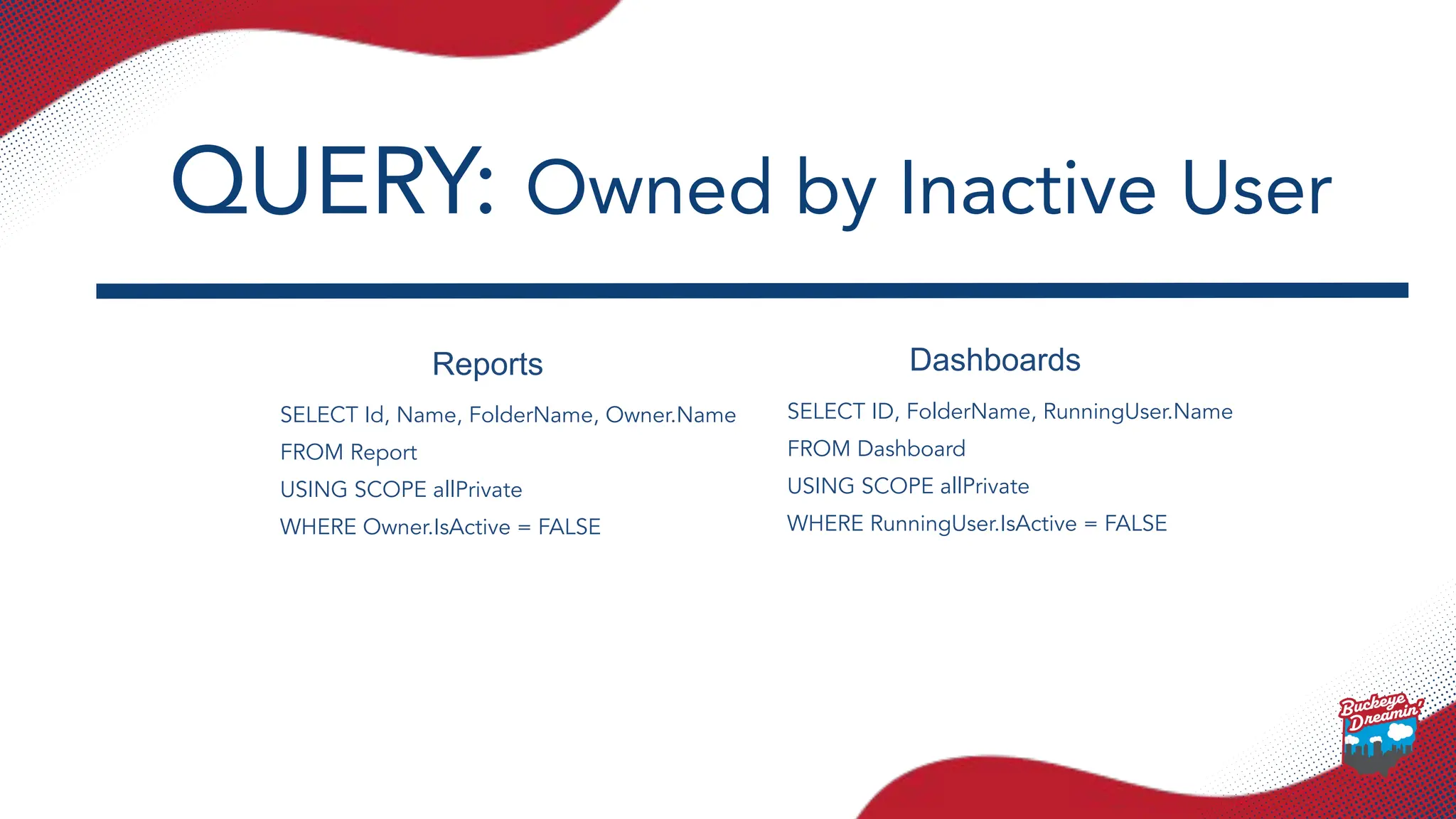
Reports Dashboards
SELECT Id,Name, FolderName, Owner.Name
FROM Report
USING SCOPE allPrivate
WHERE Owner.IsActive = FALSE
SELECT ID, FolderName, RunningUser.Name
FROM Dashboard
USING SCOPE allPrivate
WHERE RunningUser.IsActive = FALSE
QUERY: Owned by Inactive User
10.
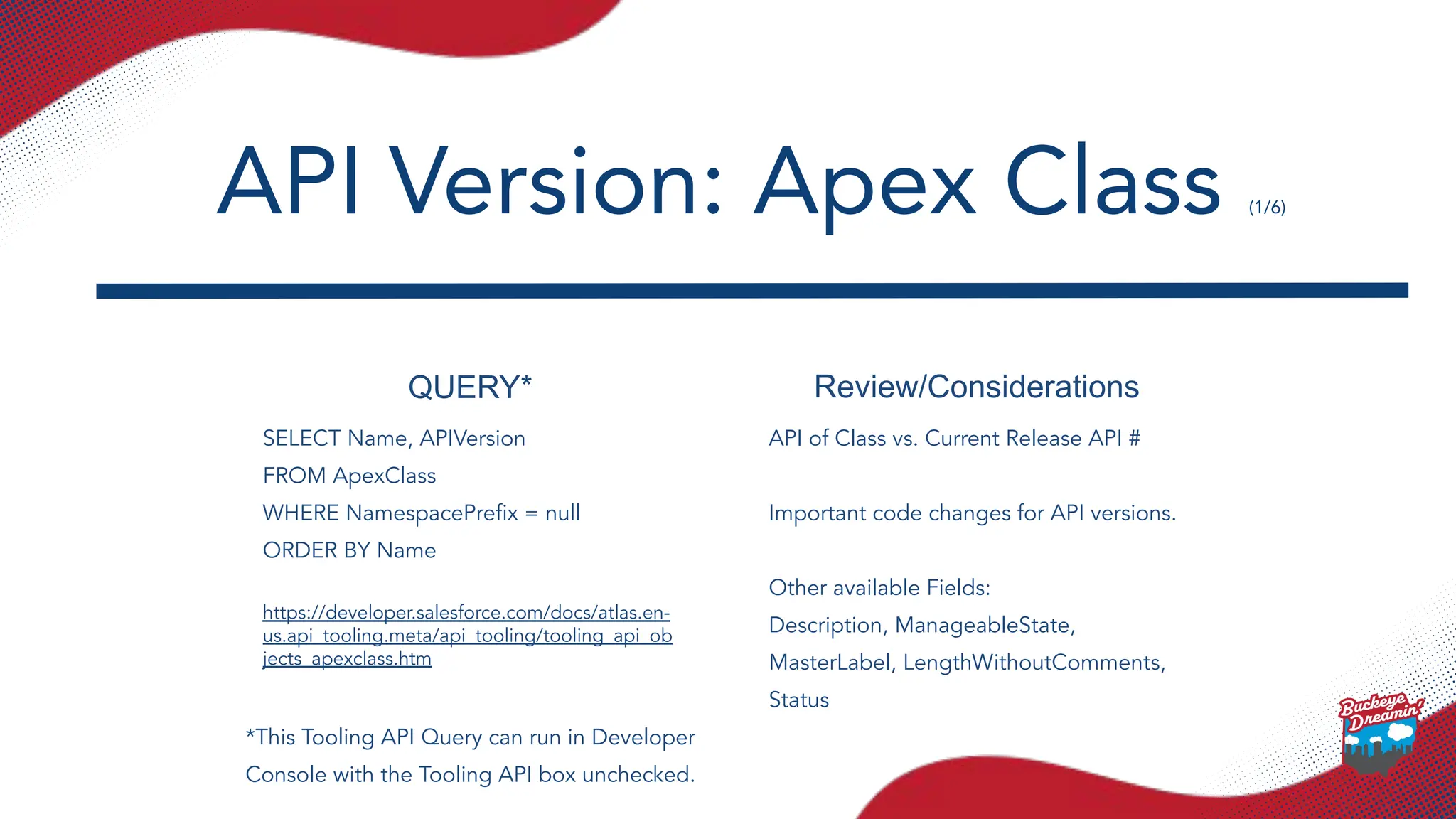
QUERY* Review/Considerations
SELECT Name,APIVersion
FROM ApexClass
WHERE NamespacePrefix = null
ORDER BY Name
https://developer.salesforce.com/docs/atlas.en-
us.api_tooling.meta/api_tooling/tooling_api_ob
jects_apexclass.htm
API of Class vs. Current Release API #
Important code changes for API versions.
Other available Fields:
Description, ManageableState,
MasterLabel, LengthWithoutComments,
Status
API Version: Apex Class (1/6)
*This Tooling API Query can run in Developer
Console with the Tooling API box unchecked.
11.
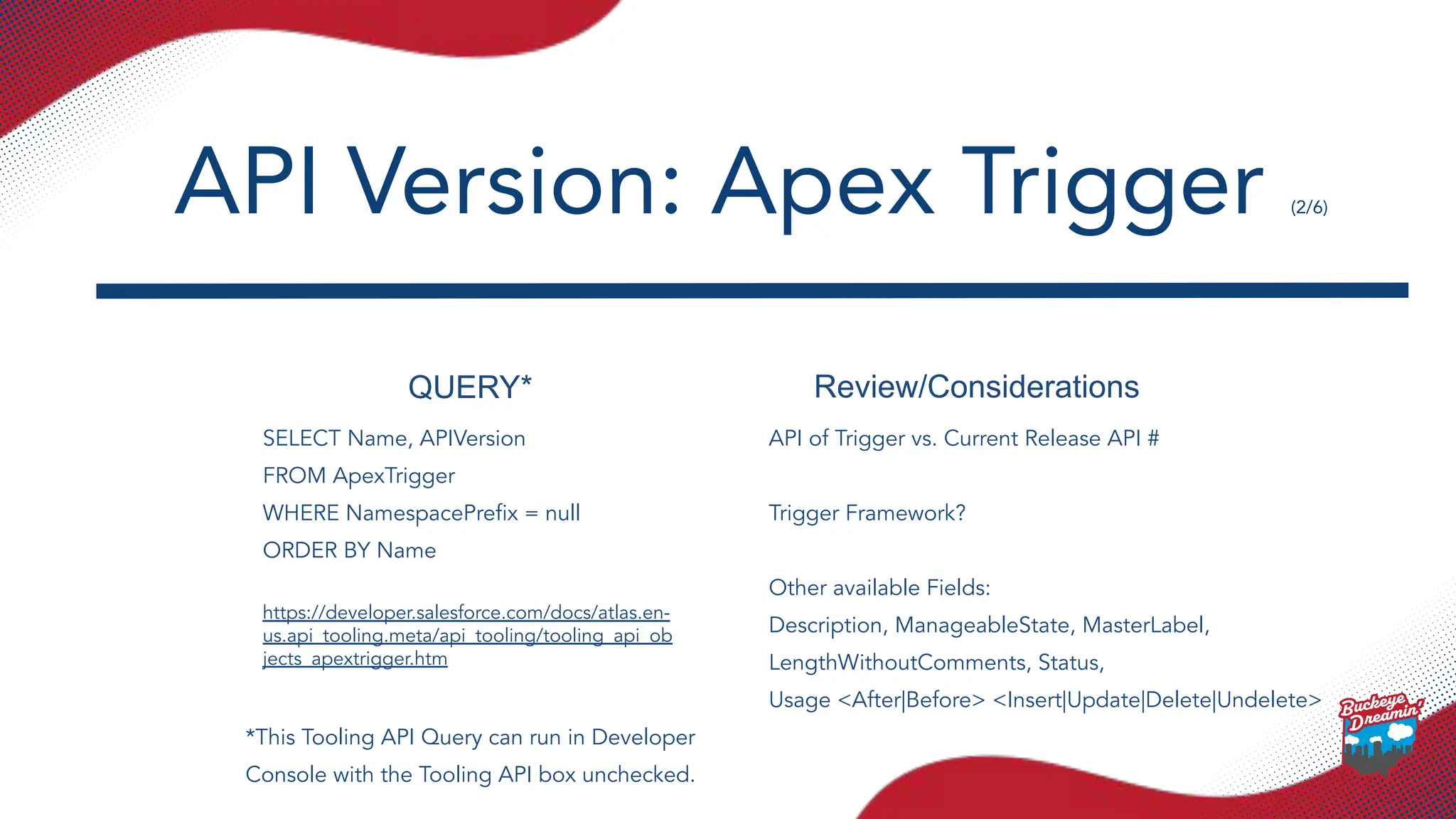
QUERY* Review/Considerations
SELECT Name,APIVersion
FROM ApexTrigger
WHERE NamespacePrefix = null
ORDER BY Name
https://developer.salesforce.com/docs/atlas.en-
us.api_tooling.meta/api_tooling/tooling_api_ob
jects_apextrigger.htm
API of Trigger vs. Current Release API #
Trigger Framework?
Other available Fields:
Description, ManageableState, MasterLabel,
LengthWithoutComments, Status,
Usage <After|Before> <Insert|Update|Delete|Undelete>
API Version: Apex Trigger (2/6)
*This Tooling API Query can run in Developer
Console with the Tooling API box unchecked.
12.
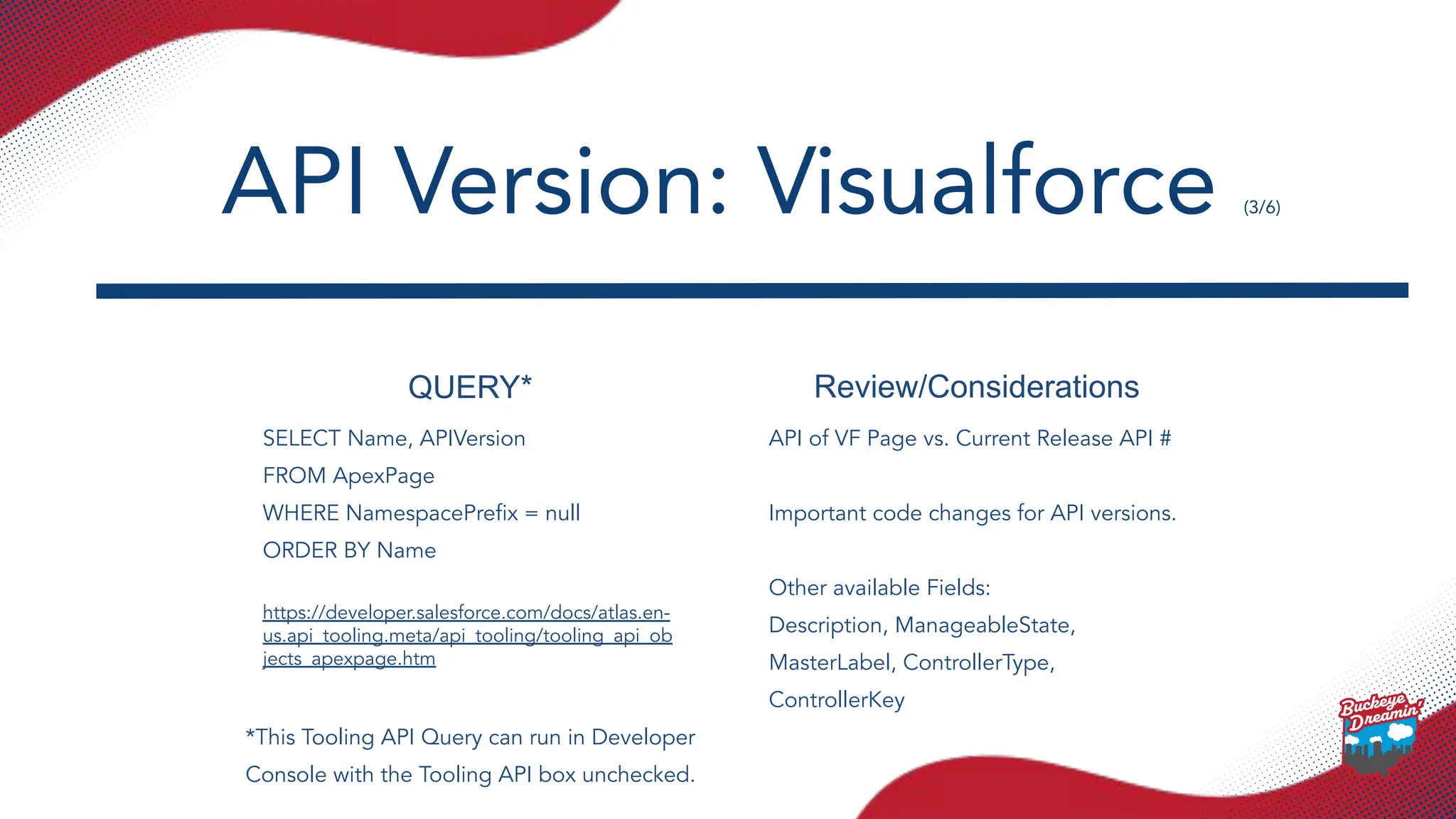
QUERY* Review/Considerations
SELECT Name,APIVersion
FROM ApexPage
WHERE NamespacePrefix = null
ORDER BY Name
https://developer.salesforce.com/docs/atlas.en-
us.api_tooling.meta/api_tooling/tooling_api_ob
jects_apexpage.htm
API of VF Page vs. Current Release API #
Important code changes for API versions.
Other available Fields:
Description, ManageableState,
MasterLabel, ControllerType,
ControllerKey
API Version: Visualforce (3/6)
*This Tooling API Query can run in Developer
Console with the Tooling API box unchecked.
13.
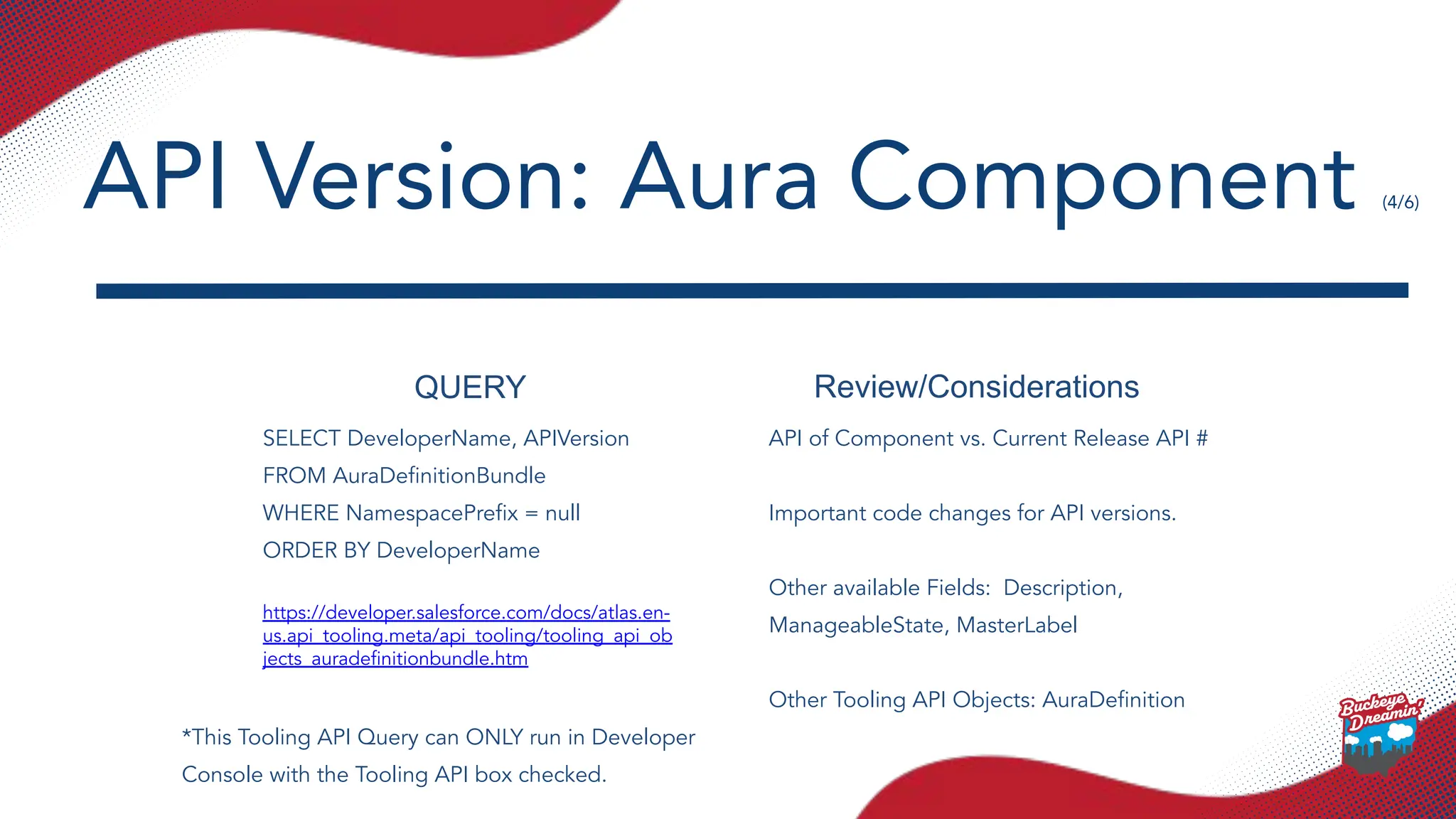
QUERY Review/Considerations
SELECT DeveloperName,APIVersion
FROM AuraDefinitionBundle
WHERE NamespacePrefix = null
ORDER BY DeveloperName
https://developer.salesforce.com/docs/atlas.en-
us.api_tooling.meta/api_tooling/tooling_api_ob
jects_auradefinitionbundle.htm
API of Component vs. Current Release API #
Important code changes for API versions.
Other available Fields: Description,
ManageableState, MasterLabel
Other Tooling API Objects: AuraDefinition
API Version: Aura Component (4/6)
*This Tooling API Query can ONLY run in Developer
Console with the Tooling API box checked.
14.
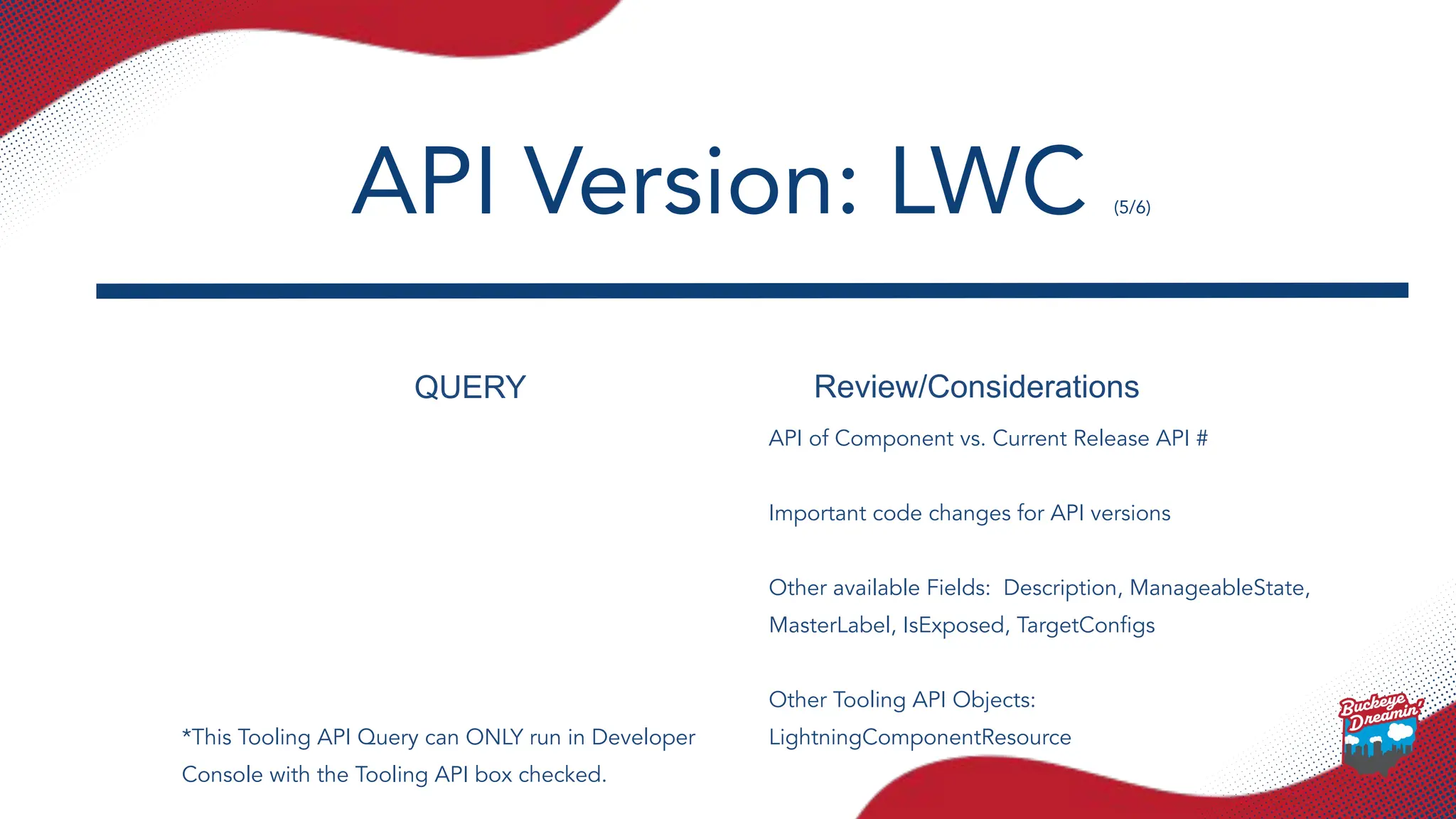
QUERY Review/Considerations
API ofComponent vs. Current Release API #
Important code changes for API versions
Other available Fields: Description, ManageableState,
MasterLabel, IsExposed, TargetConfigs
Other Tooling API Objects:
LightningComponentResource
API Version: LWC (5/6)
*This Tooling API Query can ONLY run in Developer
Console with the Tooling API box checked.
15.
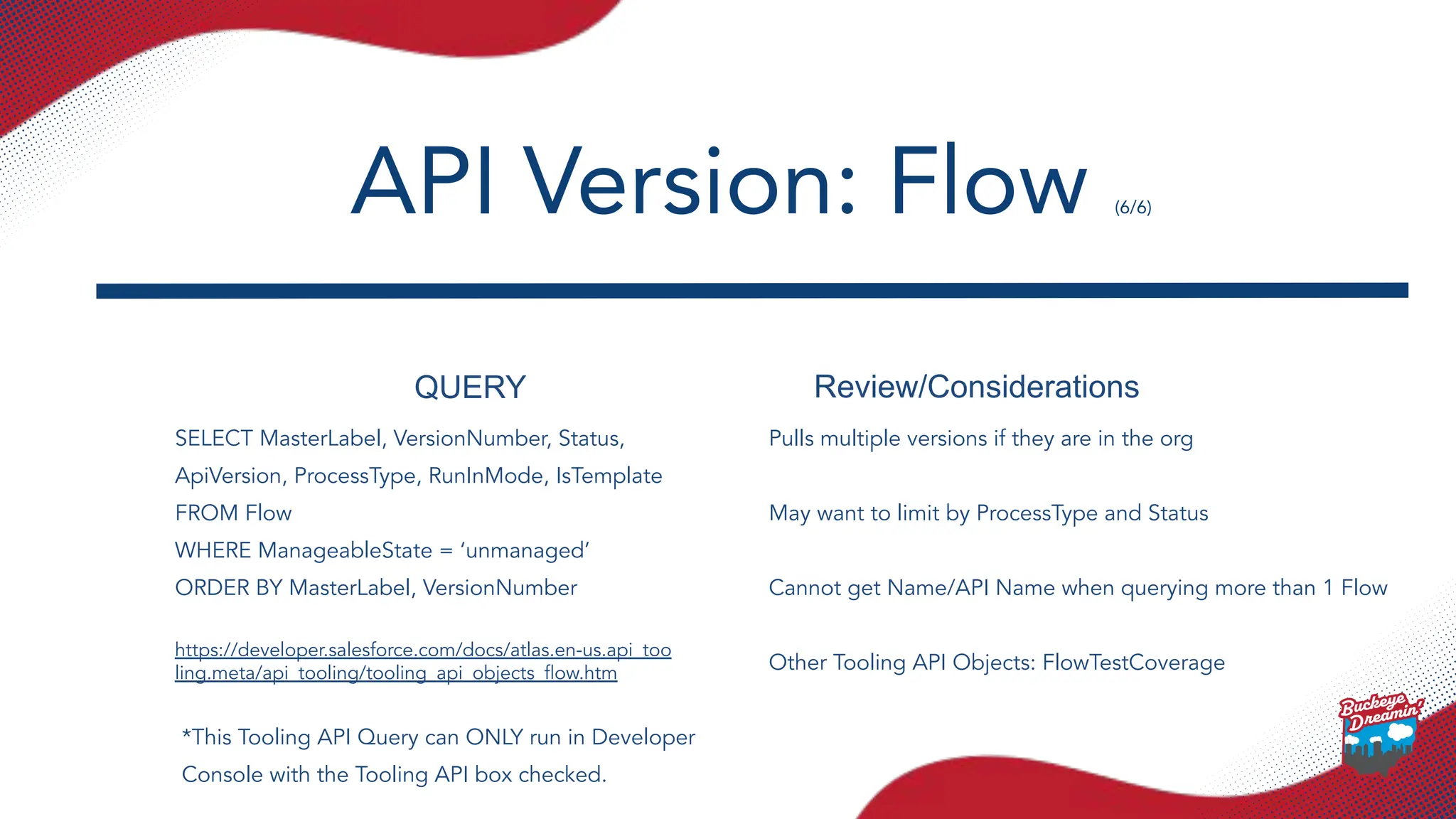
QUERY Review/Considerations
SELECT MasterLabel,VersionNumber, Status,
ApiVersion, ProcessType, RunInMode, IsTemplate
FROM Flow
WHERE ManageableState = ‘unmanaged’
ORDER BY MasterLabel, VersionNumber
https://developer.salesforce.com/docs/atlas.en-us.api_too
ling.meta/api_tooling/tooling_api_objects_flow.htm
Pulls multiple versions if they are in the org
May want to limit by ProcessType and Status
Cannot get Name/API Name when querying more than 1 Flow
Other Tooling API Objects: FlowTestCoverage
API Version: Flow (6/6)
*This Tooling API Query can ONLY run in Developer
Console with the Tooling API box checked.
16.
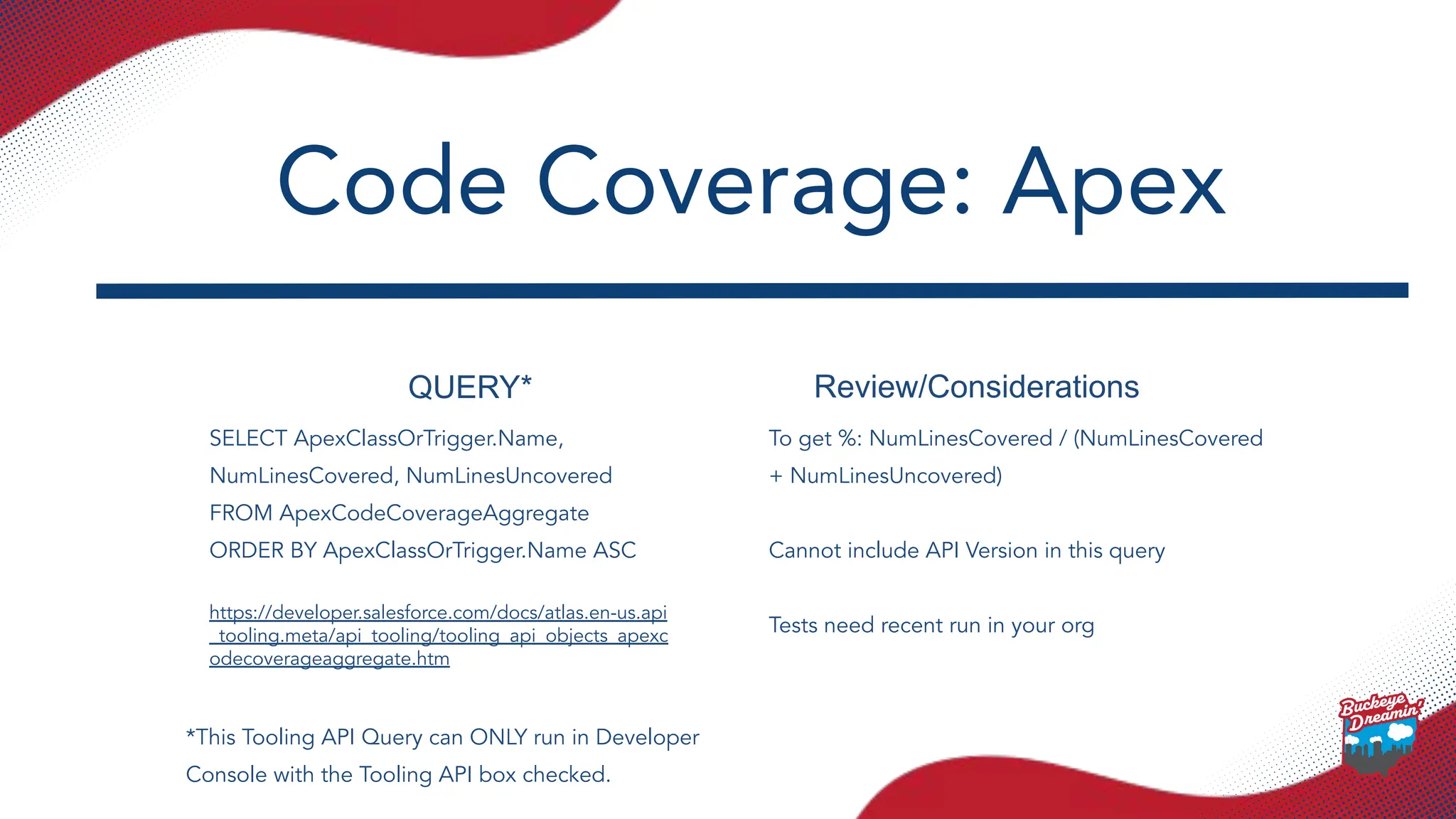
QUERY* Review/Considerations
SELECT ApexClassOrTrigger.Name,
NumLinesCovered,NumLinesUncovered
FROM ApexCodeCoverageAggregate
ORDER BY ApexClassOrTrigger.Name ASC
https://developer.salesforce.com/docs/atlas.en-us.api
_tooling.meta/api_tooling/tooling_api_objects_apexc
odecoverageaggregate.htm
To get %: NumLinesCovered / (NumLinesCovered
+ NumLinesUncovered)
Cannot include API Version in this query
Tests need recent run in your org
Code Coverage: Apex
*This Tooling API Query can ONLY run in Developer
Console with the Tooling API box checked.
17.
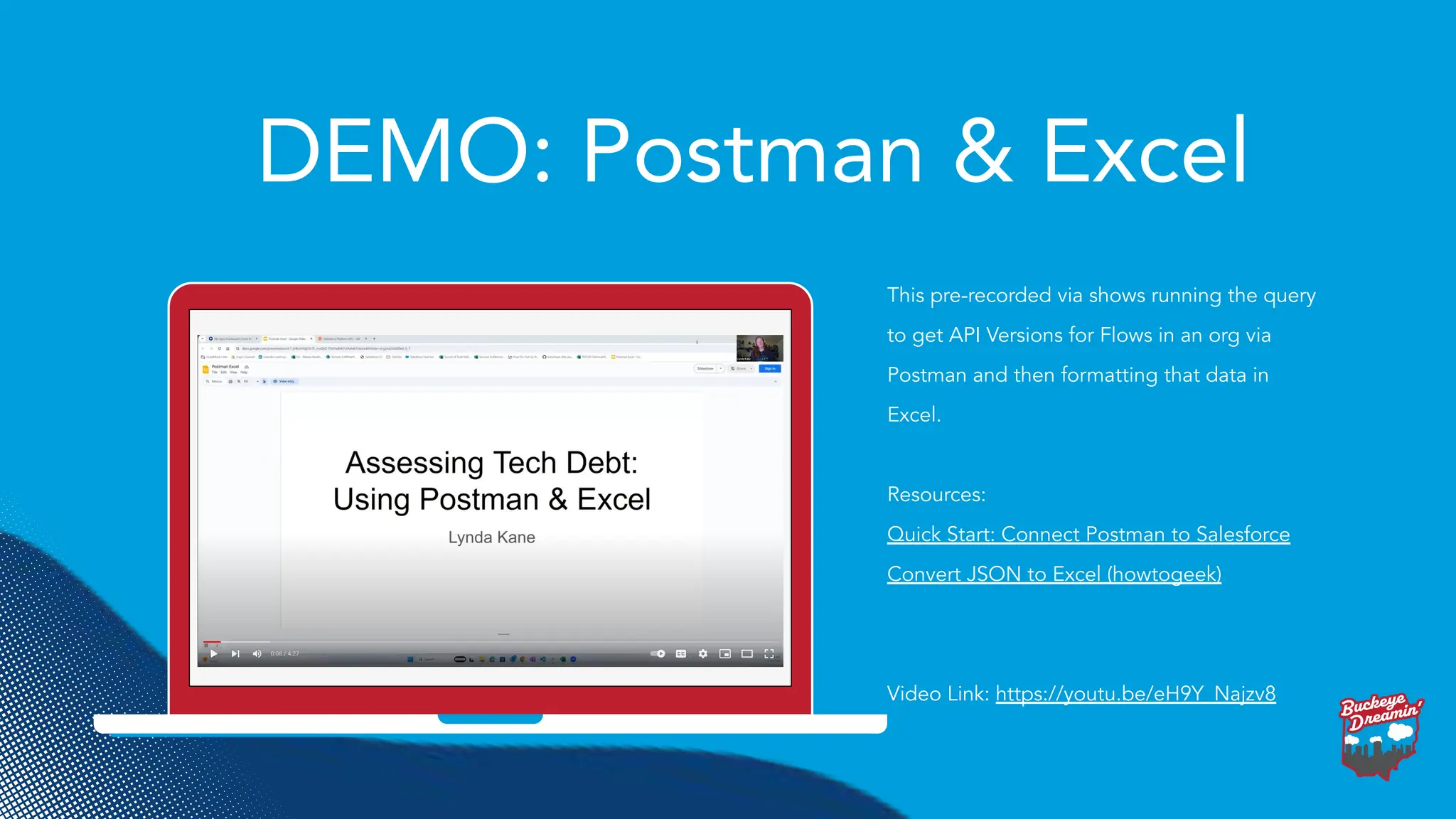
DEMO: Postman &Excel
This pre-recorded via shows running the query
to get API Versions for Flows in an org via
Postman and then formatting that data in
Excel.
Resources:
Quick Start: Connect Postman to Salesforce
Convert JSON to Excel (howtogeek)
Video Link: https://youtu.be/eH9Y_Najzv8
18.
DEMO: Postman &Google Sheets
This demo shows running one of the Tooling
API queries via Postman and then opening the
resulting JSON data in Google Sheets.
Resources:
Quick Start: Connect Postman to Salesforce
ImportJSON (GitHub repo)
Instructions (Option 1) (paste the .gs file into
Extensions -> App Scripts)
19.
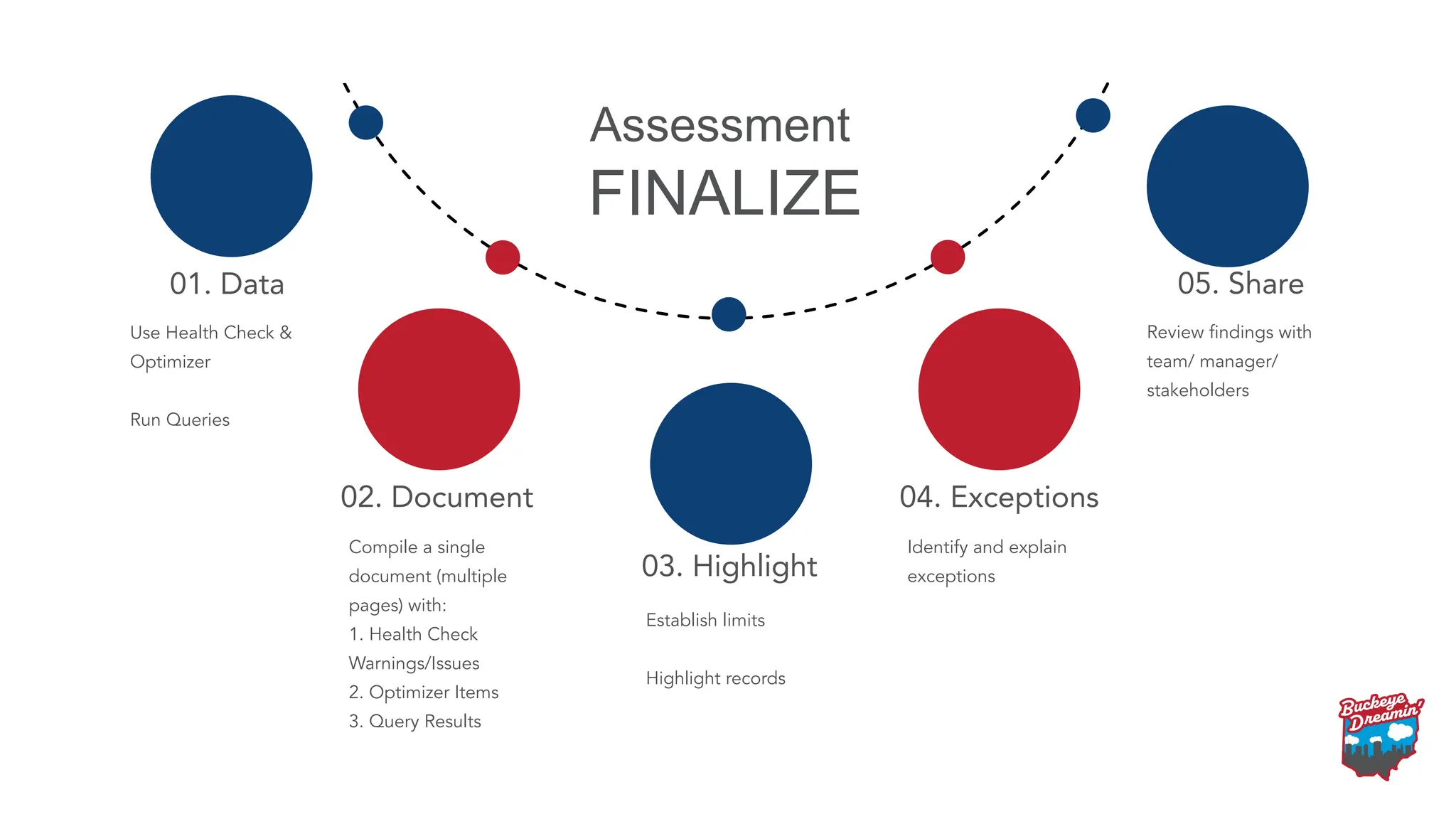
01. Data
03. Highlight
04.Exceptions
05. Share
02. Document
Use Health Check &
Optimizer
Run Queries
Compile a single
document (multiple
pages) with:
1. Health Check
Warnings/Issues
2. Optimizer Items
3. Query Results
Establish limits
Highlight records
Identify and explain
exceptions
Review findings with
team/ manager/
stakeholders
FINALIZE
Assessment
20.
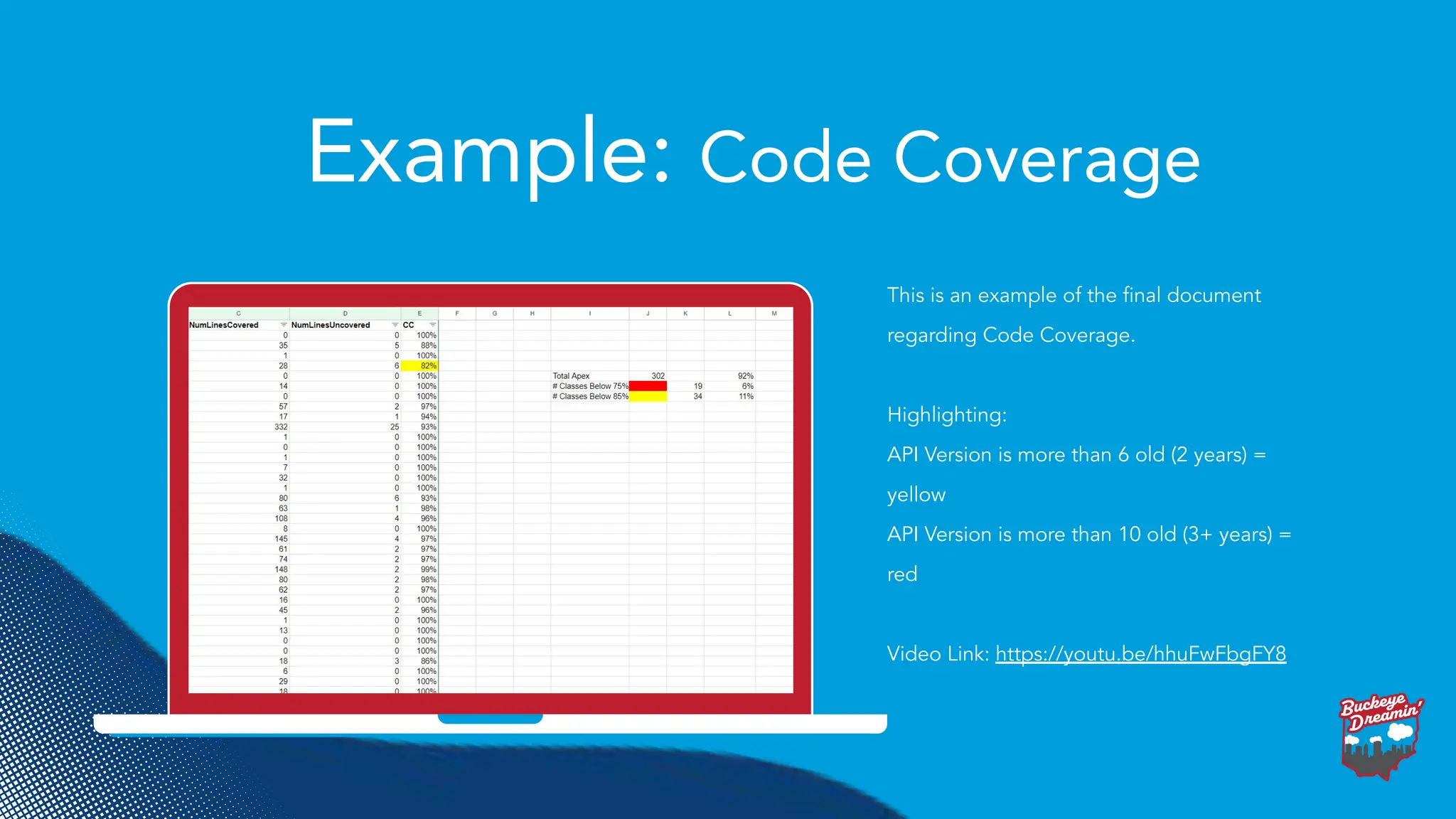
Example: Code Coverage
Thisis an example of the final document
regarding Code Coverage.
Highlighting:
API Version is more than 6 old (2 years) =
yellow
API Version is more than 10 old (3+ years) =
red
Video Link: https://youtu.be/hhuFwFbgFY8
23.
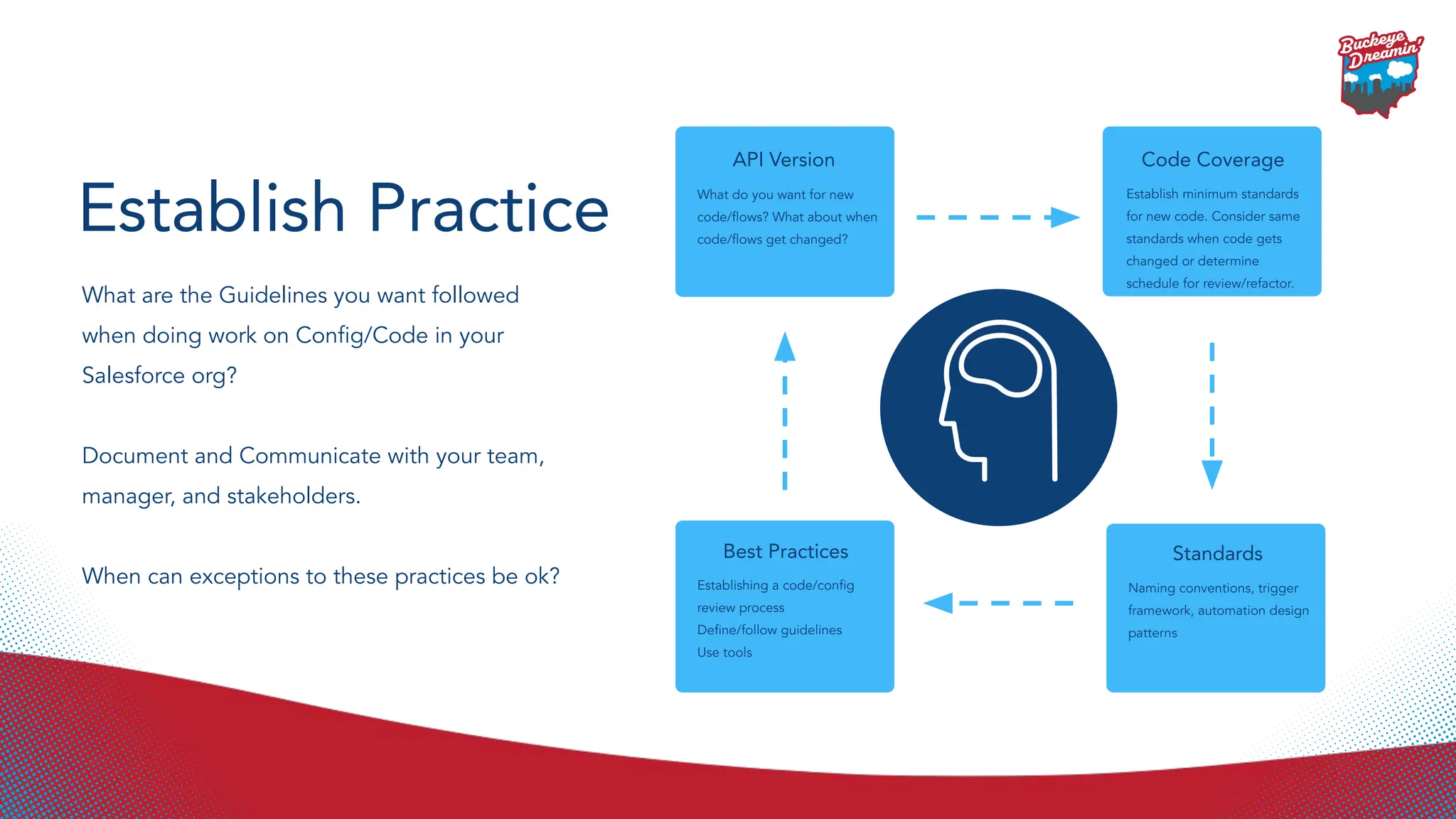
API Version
What doyou want for new
code/flows? What about when
code/flows get changed?
Code Coverage
Establish minimum standards
for new code. Consider same
standards when code gets
changed or determine
schedule for review/refactor.
Standards
Naming conventions, trigger
framework, automation design
patterns
Best Practices
Establishing a code/config
review process
Define/follow guidelines
Use tools
Establish Practice
What are the Guidelines you want followed
when doing work on Config/Code in your
Salesforce org?
Document and Communicate with your team,
manager, and stakeholders.
When can exceptions to these practices be ok?
24.
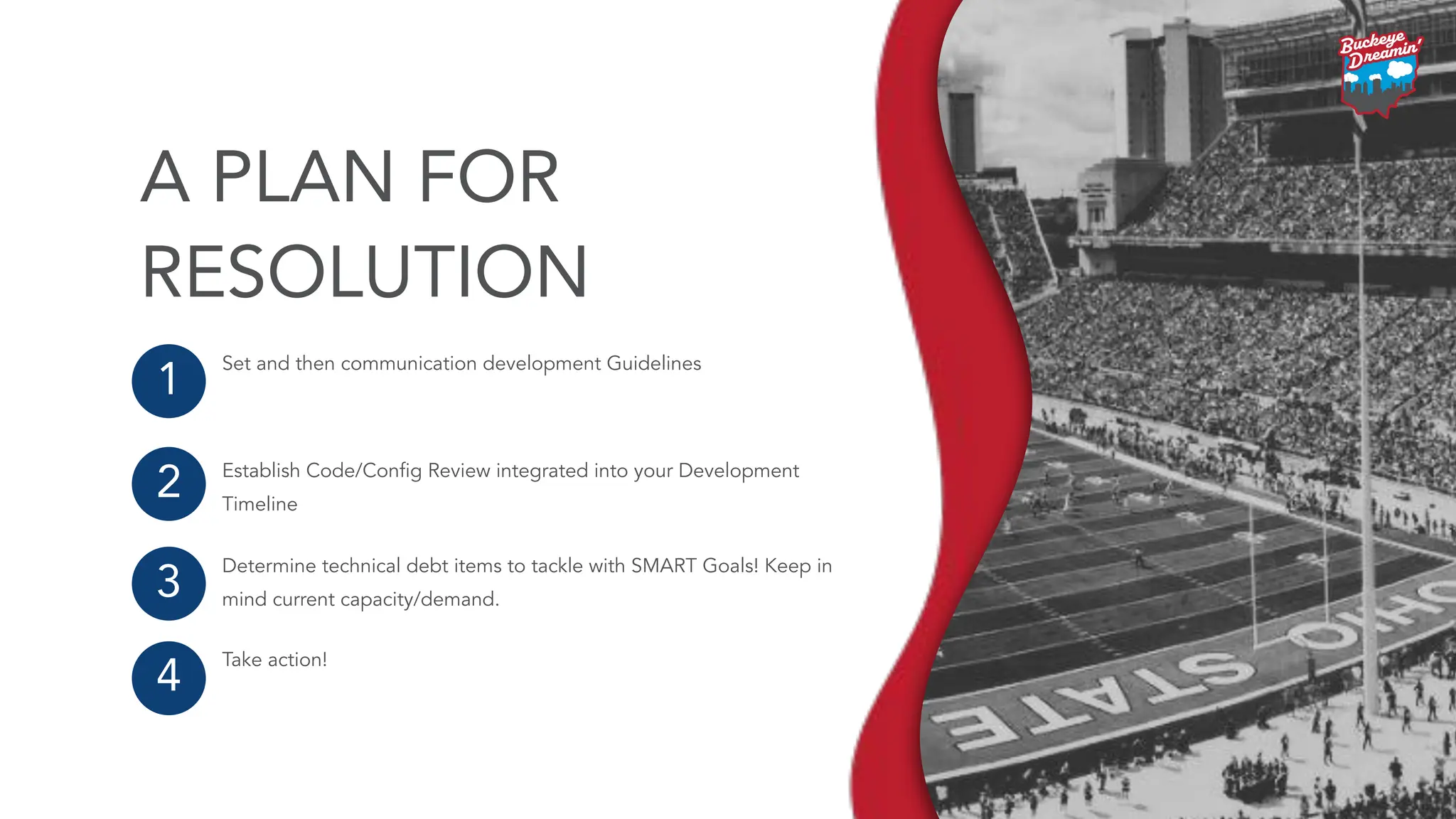
Set and thencommunication development Guidelines
Establish Code/Config Review integrated into your Development
Timeline
Determine technical debt items to tackle with SMART Goals! Keep in
mind current capacity/demand.
Take action!
1
2
3
4
A PLAN FOR
RESOLUTION
25.
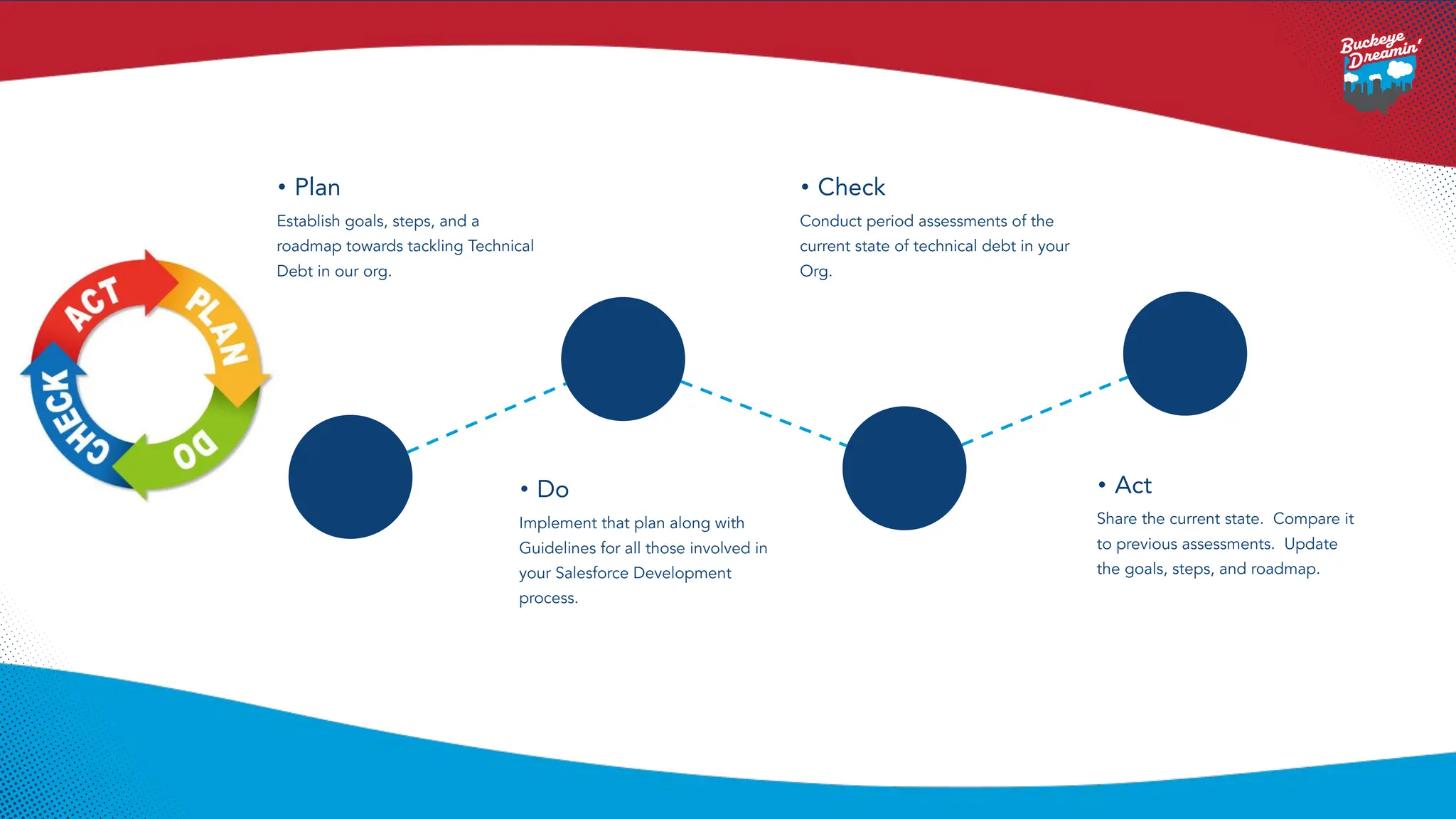
• Plan
Establish goals,steps, and a
roadmap towards tackling Technical
Debt in our org.
• Check
Conduct period assessments of the
current state of technical debt in your
Org.
• Do
Implement that plan along with
Guidelines for all those involved in
your Salesforce Development
process.
• Act
Share the current state. Compare it
to previous assessments. Update
the goals, steps, and roadmap.





![Vibe Coding vs. Spec-Driven Development [Free Meetup]](https://cdn.slidesharecdn.com/ss_thumbnails/vibecodingvsspecdrivendevelopment-251209105622-43f455e7-thumbnail.jpg?width=640&height=640&fit=bounds)


