The pickle Module
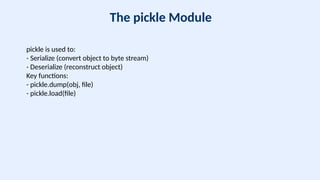
pickleis used to:
- Serialize (convert object to byte stream)
- Deserialize (reconstruct object)
Key functions:
- pickle.dump(obj, file)
- pickle.load(file)
6.
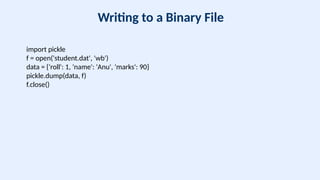
Writing to aBinary File
import pickle
f = open('student.dat', 'wb')
data = {'roll': 1, 'name': 'Anu', 'marks': 90}
pickle.dump(data, f)
f.close()
7.
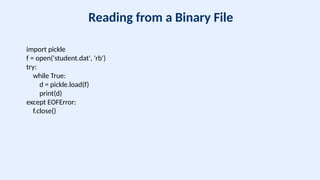
Reading from aBinary File
import pickle
f = open('student.dat', 'rb')
try:
while True:
d = pickle.load(f)
print(d)
except EOFError:
f.close()
8.
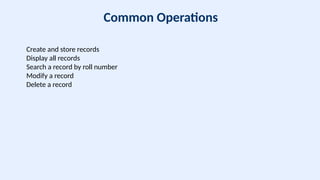
Common Operations
Create andstore records
Display all records
Search a record by roll number
Modify a record
Delete a record
9.
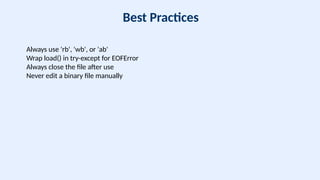
Best Practices
Always use'rb', 'wb', or 'ab'
Wrap load() in try-except for EOFError
Always close the file after use
Never edit a binary file manually
10.
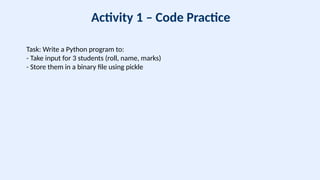
Activity 1 –Code Practice
Task: Write a Python program to:
- Take input for 3 students (roll, name, marks)
- Store them in a binary file using pickle
11.
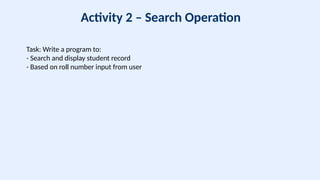
Activity 2 –Search Operation
Task: Write a program to:
- Search and display student record
- Based on roll number input from user
12.
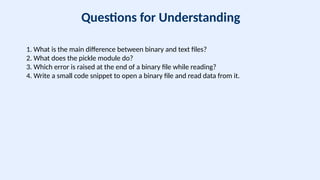
Questions for Understanding
1.What is the main difference between binary and text files?
2. What does the pickle module do?
3. Which error is raised at the end of a binary file while reading?
4. Write a small code snippet to open a binary file and read data from it.
13.
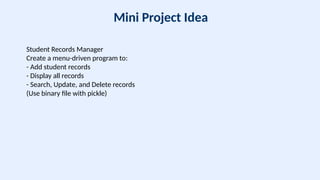
Mini Project Idea
StudentRecords Manager
Create a menu-driven program to:
- Add student records
- Display all records
- Search, Update, and Delete records
(Use binary file with pickle)
14.
Summary
Binary files areefficient for storing complex data.
Use the pickle module to work with Python objects.
Proper exception handling ensures smooth file operations.
![Binary File Handling
CBSE Class 12 – Computer Science
Presented by: [Your Name]](https://image.slidesharecdn.com/binaryfilehandlingthemedclass12cs-250728134806-95f1612e/85/Binary_File_Handling_Themed_Class12_CS-pptx-1-320.jpg)
![Binary File Handling
CBSE Class 12 – Computer Science
Presented by: [Your Name]](https://image.slidesharecdn.com/binaryfilehandlingthemedclass12cs-250728134806-95f1612e/75/Binary_File_Handling_Themed_Class12_CS-pptx-1-2048.jpg)