Recommended
PPT
PDF
PPT
PDF
Database & Technology 1 _ Tom Kyte _ Efficient PL SQL - Why and How to Use.pdf
PPTX
PPT
PPTX
PPT
PPT
PPT
PL/SQL Introduction and Concepts
PDF
Automation Testing using Selenium
PPTX
PPTX
Introduction to Selenium Web Driver
PDF
PDF
How to เสร็จเร็ว (Use Agile for your project with team)
PPTX
ORACLE PL SQL FOR BEGINNERS
PDF
Advanced PL/SQL Optimizing for Better Performance 2016
PPTX
Oracle Database 11g: Learn and Master PL/SQL | Course Outline
PDF
อไจล์คืออัลไล Agile Introduction @Mahidol ICT
PPTX
Chapter 6 system development
PDF
61 sql server 2008 complete
PPT
PDF
Database Tuning for e-Learning
PDF
CTF คืออะไร เรียนแฮก? ลองแฮก? แข่งแฮก?
PPTX
PDF
PDF
อไจล์ไม่ใช่เพียงไอทีแต่เป็นเรื่องความอยู่รอดทางธุรกิจ
PPTX
PPT
D1 Overview of C# programming
PPT
More Related Content
PPT
PDF
PPT
PDF
Database & Technology 1 _ Tom Kyte _ Efficient PL SQL - Why and How to Use.pdf
PPTX
PPT
PPTX
PPT
Viewers also liked
PPT
PPT
PL/SQL Introduction and Concepts
PDF
Automation Testing using Selenium
PPTX
PPTX
Introduction to Selenium Web Driver
PDF
PDF
How to เสร็จเร็ว (Use Agile for your project with team)
PPTX
ORACLE PL SQL FOR BEGINNERS
PDF
Advanced PL/SQL Optimizing for Better Performance 2016
PPTX
Oracle Database 11g: Learn and Master PL/SQL | Course Outline
PDF
อไจล์คืออัลไล Agile Introduction @Mahidol ICT
PPTX
Chapter 6 system development
PDF
61 sql server 2008 complete
PPT
PDF
Database Tuning for e-Learning
PDF
CTF คืออะไร เรียนแฮก? ลองแฮก? แข่งแฮก?
PPTX
PDF
PDF
อไจล์ไม่ใช่เพียงไอทีแต่เป็นเรื่องความอยู่รอดทางธุรกิจ
PPTX
More from Pakorn Weecharungsan
PPT
D1 Overview of C# programming
PPT
PPT
PPTX
Selenium – Web Browser Automation
PPTX
10 skills developers should invest in for 2014
PPT
D2 Object Oriented Programming
PPTX
How to create mvc application
Automated Testing vs. Manual Testing 1. 2. 3. Automated Testing
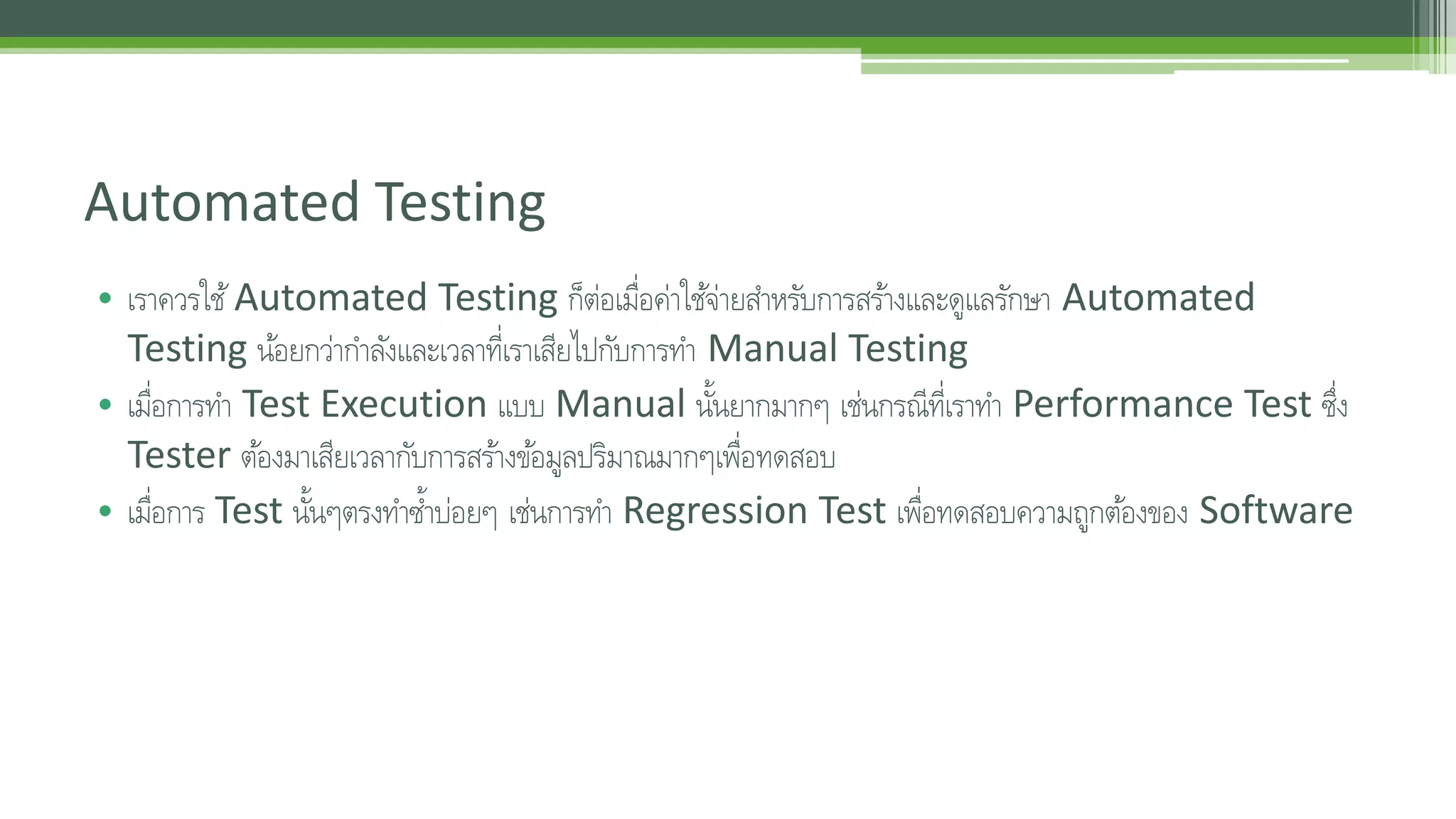
• เราควรใช้Automated Testing ก็ต่อเมื่อค่าใชจ้่ายสา หรับการสรา้งและดูแลรักษา Automated
Testing นอ้ยกว่ากา ลงัและเวลาที่เราเสียไปกับการทา Manual Testing
• เมื่อการทา Test Execution แบบ Manual นนั้ยากมากๆ เช่นกรณีที่เราทา Performance Test ซึ่ง
Tester ตอ้งมาเสียเวลากับการสรา้งขอ้มูลปริมาณมากๆเพื่อทดสอบ
• เมื่อการ Test นนั้ๆตรงทา ซ้า บ่อยๆ เช่นการทา Regression Test เพื่อทดสอบความถูกตอ้งของ Software
4. Automated Testing – Pros and Cons
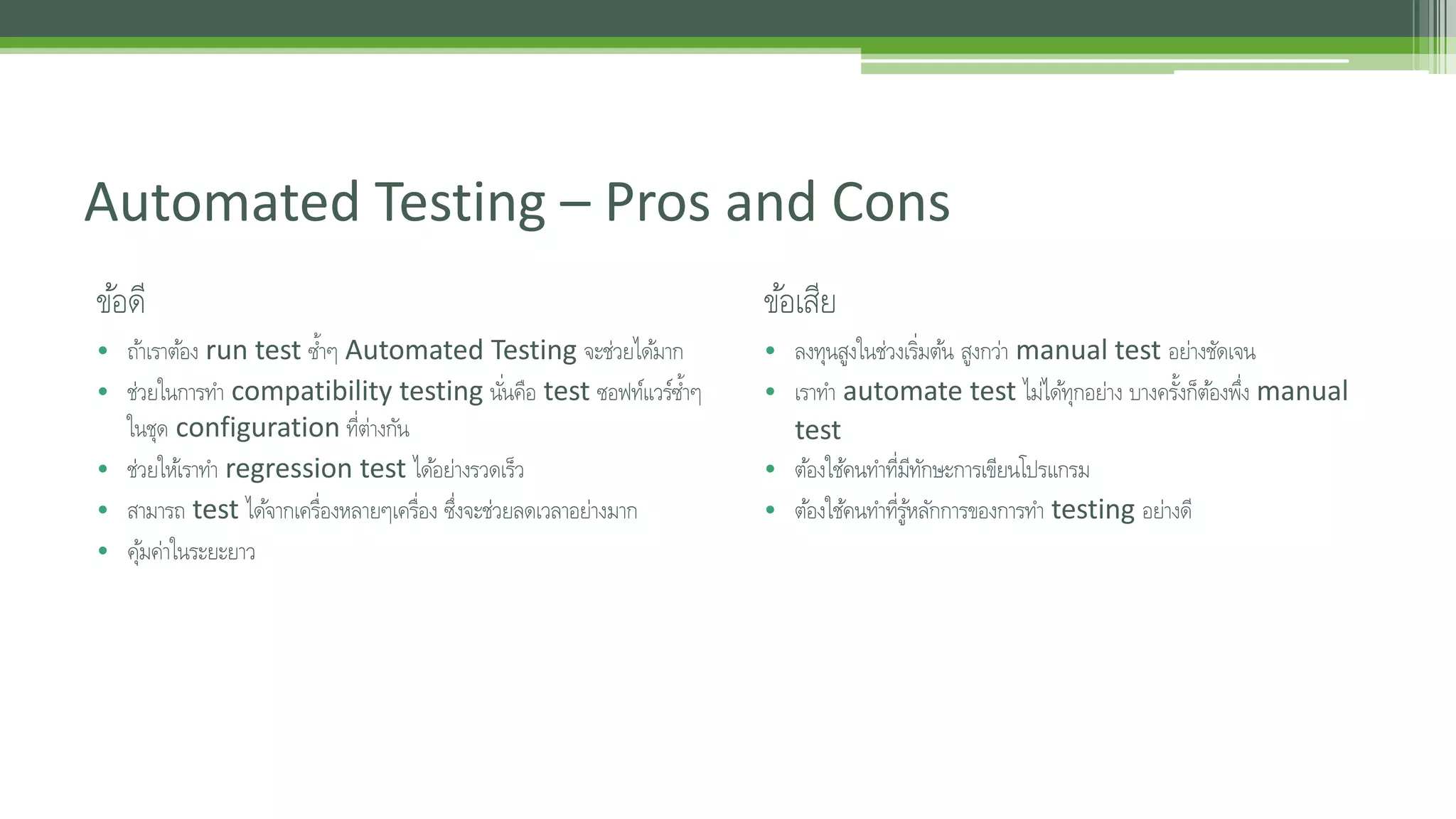
ขอ้ดี
• ถา้เราตอ้ง run test ซ้า ๆ Automated Testing จะช่วยไดม้าก
• ช่วยในการทา compatibility testing นัน่คอื test ซอฟท์แวร์ซ้า ๆ
ในชุด configuration ที่ต่างกัน
• ช่วยใหเ้ราทา regression test ไดอ้ย่างรวดเร็ว
• สามารถ test ไดจ้ากเคร่อืงหลายๆเคร่อืง ซึ่งจะช่วยลดเวลาอย่างมาก
• คมุ้ค่าในระยะยาว
ขอ้เสีย
• ลงทุนสูงในช่วงเร่มิตน้ สูงกว่า manual test อย่างชัดเจน
• เราทา automate test ไมไ่ดทุ้กอย่าง บางครงั้ก็ตอ้งพึ่ง manual
test
• ตอ้งใชค้นทา ที่มีทักษะการเขียนโปรแกรม
• ตอ้งใชค้นทา ที่รูห้ลกัการของการทา testing อย่างดี
5. Automated Testing - Technique
• Unit Test
• Regression Test
• Capacity Test
• Performance and Reliability Test
6. Manual Testing
• ขอใหแ้น่ใจก่อนว่าทีมเรามีความสามารถในการจัดการกับความเสี่ยงที่จะเกิดขึ้น เขา้ใจงานดีพอที่จะมอง Test Coverage ไดอ้ย่างครบถว้นและเขา้ใจในหลกัการเพื่อ
เลือก testing technique ที่เหมาะสม จากนนั้ค่อยมาพดูกันเร่อืงจะใช้Automated Testing
• ถา้พิจารณาขอ้ดีขอ้เสียและความพรอ้มของเราอย่างถี่ถว้นแลว้สรุปไดว้่าเรายังไม่พรอ้ม งนั้ก็ตอ้งลุย Manual กันต่อไป
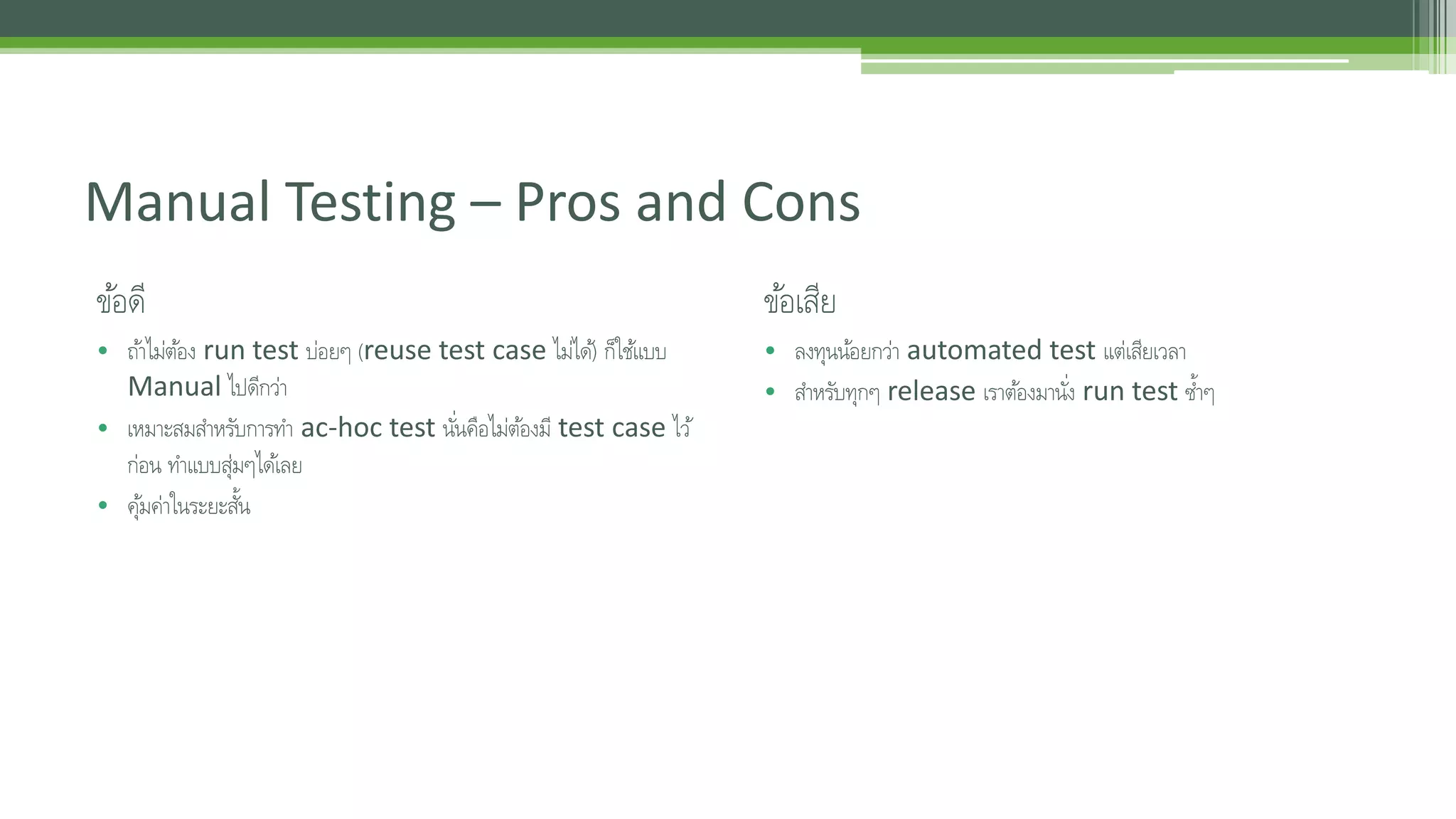
7. Manual Testing – Pros and Cons
ขอ้ดี
• ถา้ไม่ตอ้ง run test บ่อยๆ (reuse test case ไมไ่ด)้ ก็ใชแ้บบ
Manual ไปดีกว่า
• เหมาะสมสา หรับการทา ac-hoc test นัน่คอืไม่ตอ้งมี test case ไว้
ก่อน ทา แบบสุ่มๆไดเ้ลย
• คมุ้ค่าในระยะสนั้
ขอ้เสีย
• ลงทุนนอ้ยกว่า automated test แต่เสียเวลา
• สา หรับทุกๆ release เราตอ้งมานัง่ run test ซ้า ๆ
8. Editor's Notes #3 How presentation will benefit audience: Adult learners are more interested in a subject if they know how or why it is important to them.
Presenter’s level of expertise in the subject: Briefly state your credentials in this area, or explain why participants should listen to you. #4 Example objectives
At the end of this lesson, you will be able to:
Save files to the team Web server.
Move files to different locations on the team Web server.
Share files on the team Web server.