Download to read offline

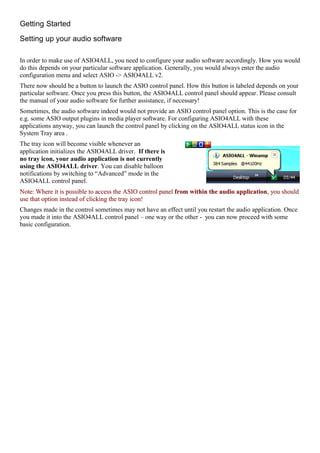
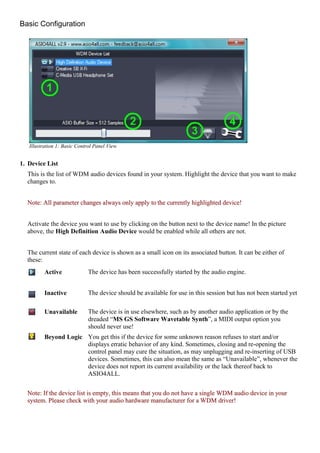
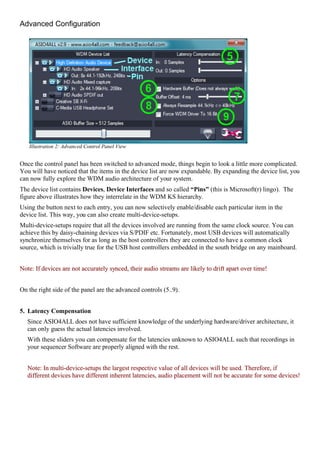
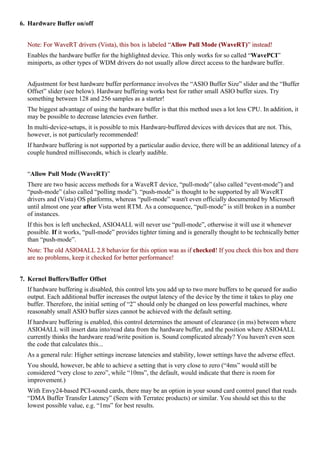


This document provides instructions for using ASIO4ALL v2, a universal ASIO driver for Windows audio. It describes how to install and configure the driver for use with audio software. The basic configuration section explains how to select a device, set the ASIO buffer size, and reset settings. The advanced configuration section describes expanding the device list to control individual components and enable hardware buffering for lower latency. Multi-device setups and latency compensation are also addressed.


